
EzImgMaker logoEzImgMaker

Flux 3 Klein Detailed Images, Precise Reference Edits

Create with Flux 3 Klein using detailed prompts or up to ten reference images. Explore typography, product photography and edits in 1K, 2K or 4K.

Need ideas?
More settings1:1 · 1K · 1 output number
Output Number
ExampleGreenhouse botanist

Photorealistic editorial portrait of a fictional adult female botanist aged 35 with short dark curls, olive work shirt, inspecting a fern in a sunlit Victorian greenhouse. Natural skin texture, detailed foliage, no brands.

Reference example. It is not a result generated from your upload.

Your settings are ready

AI generation is opening soon. Your prompt has not been sent, no image has been generated, and no credits have been used.

Describe your result
—
Aspect ratio
1:1
Resolution
1K
Enhance prompt
on
Output count
1

What Is Flux 3 Klein?

Flux 3 Klein combines text to image with reference-guided image editing. Start from a written scene, or bring up to ten images to define a subject, palette and setting. The workspace offers 1K, 2K and 4K output with optional prompt enhancement.

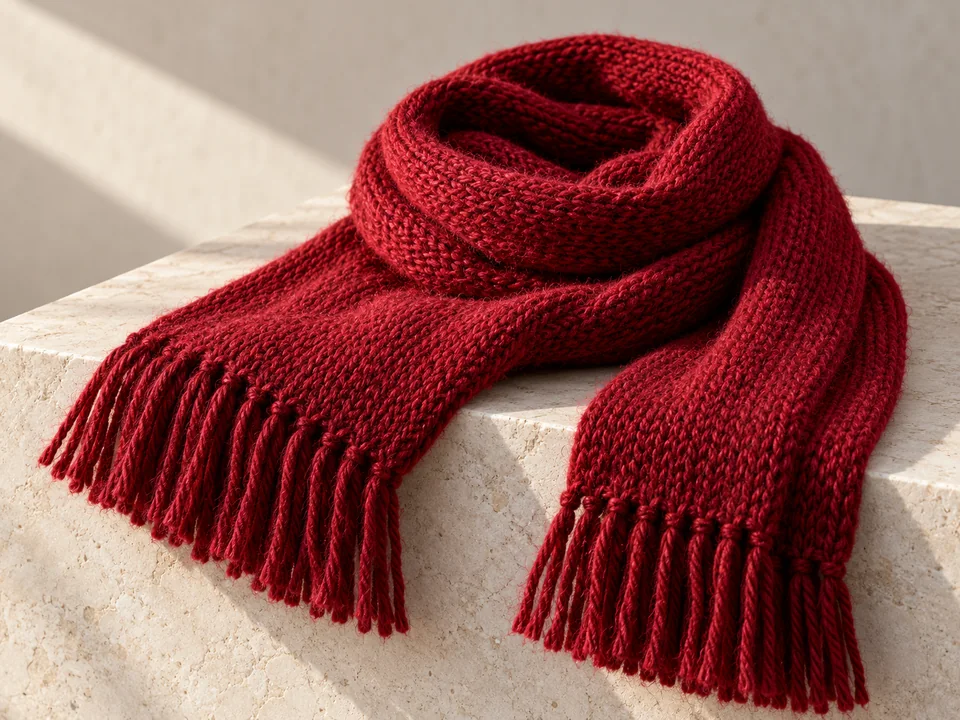
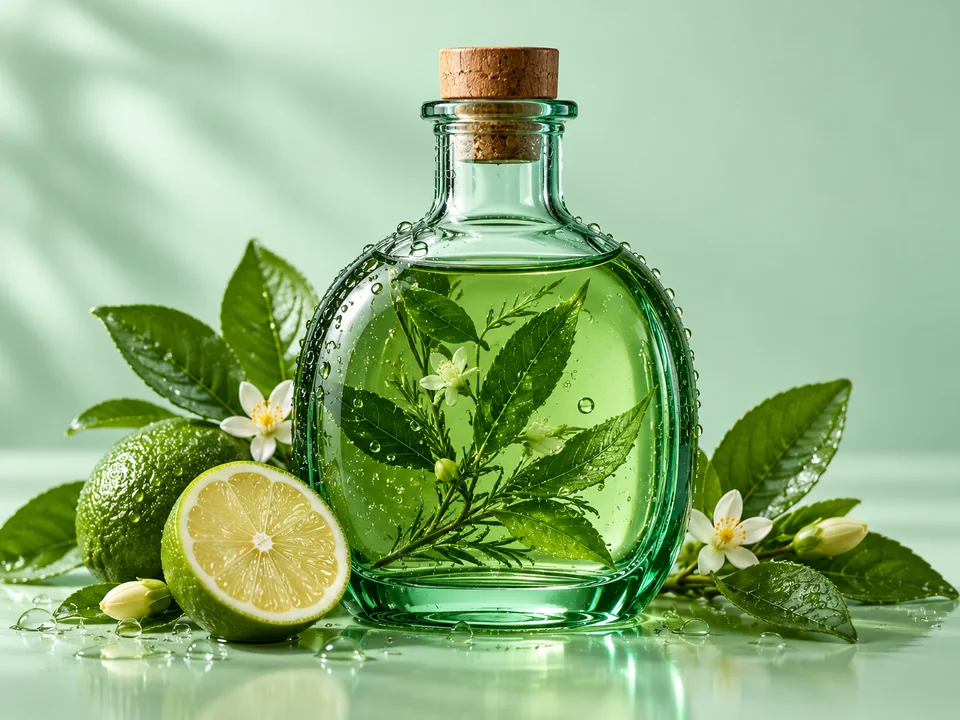
This Flux 3 Klein prompt guide focuses on details you can describe and inspect: wool fibers, glass thickness, short poster headlines and edits that preserve the original viewpoint. Choose a composition first, then raise the resolution when you need a larger delivery file.

Six Directions for a Flux 3 Klein Prompt

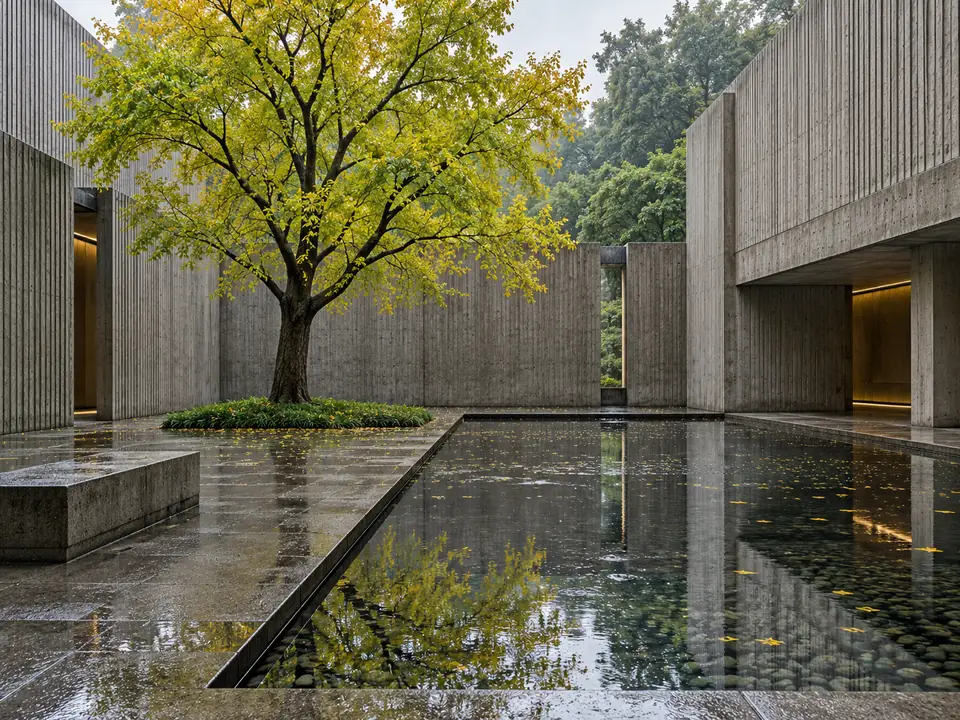
Short lettering, tactile surfaces and carefully specified lighting give each image a clear visual brief. Load a prompt to adapt its subject or composition.

Build a Flux 3 Klein Image from Text or References

01

Select Text to image or Edit / reference

For a new scene, choose Text to image and describe the subject, camera angle and lighting. For an existing product or portrait, choose Edit / reference and add the main picture to Reference image 1.

02

Give each reference a job

Add a material, palette or background to the remaining Reference image slots only when it helps. In Describe your result, identify which image supplies the object and which supplies the appearance; state what must stay unchanged.

03

Set Resolution and Enhance prompt

Use 1K while refining the brief, then select 2K or 4K for a larger result. Turn Enhance prompt off when exact wording or a small edit matters. Pick an Aspect ratio; auto is available in Edit / reference.

04

Inspect the details at full size

Choose one to four outputs, generate, and compare the lettering, product edges and reference identity. Download the strongest version after checking the whole image rather than only its thumbnail.

Direct the Details that Matter

Put the headline in quotation marks

Put the headline in quotation marks

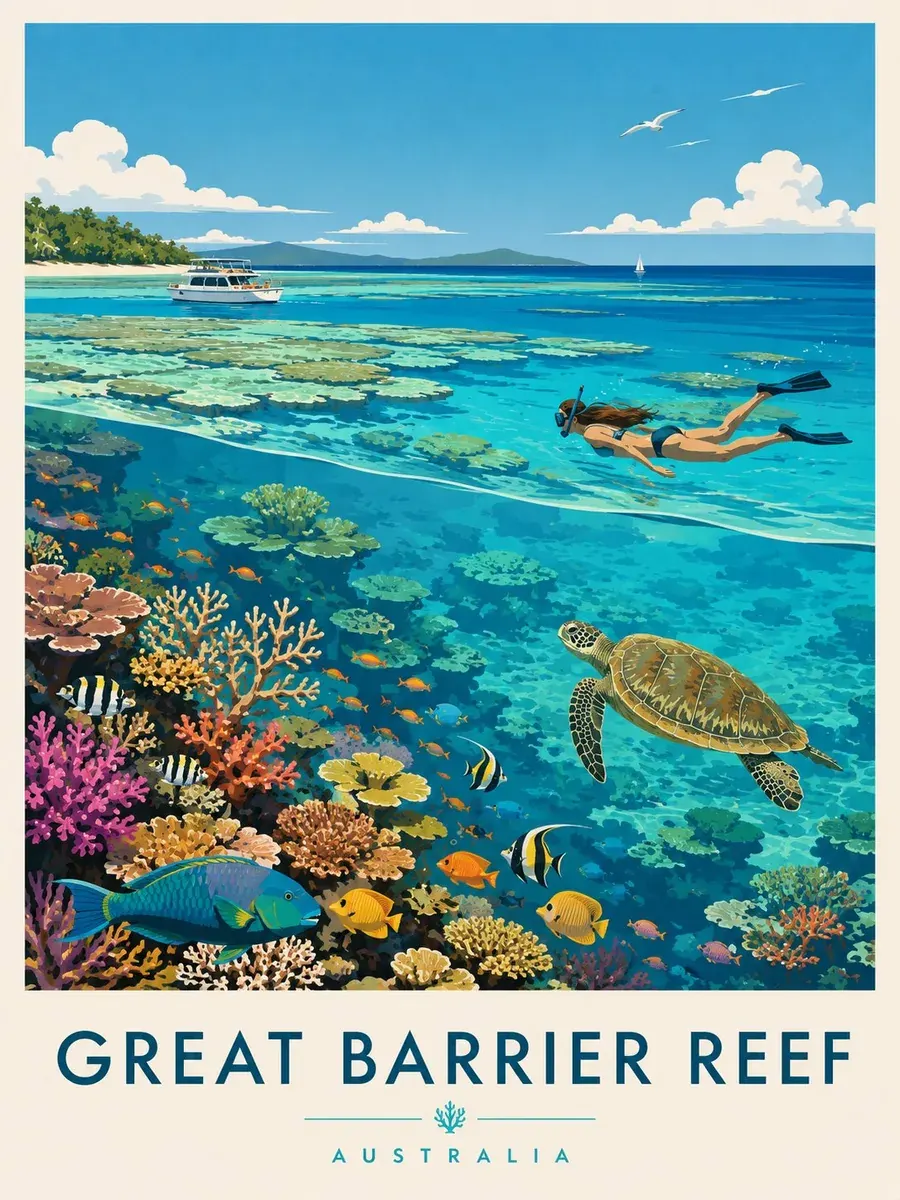
The NORTH poster separates a short headline, a small secondary line and a geometric mountain illustration. Spell out the exact words, their hierarchy and the space around them. Keep essential legal text in a separate design layer after download.

Assign materials to a single finished object

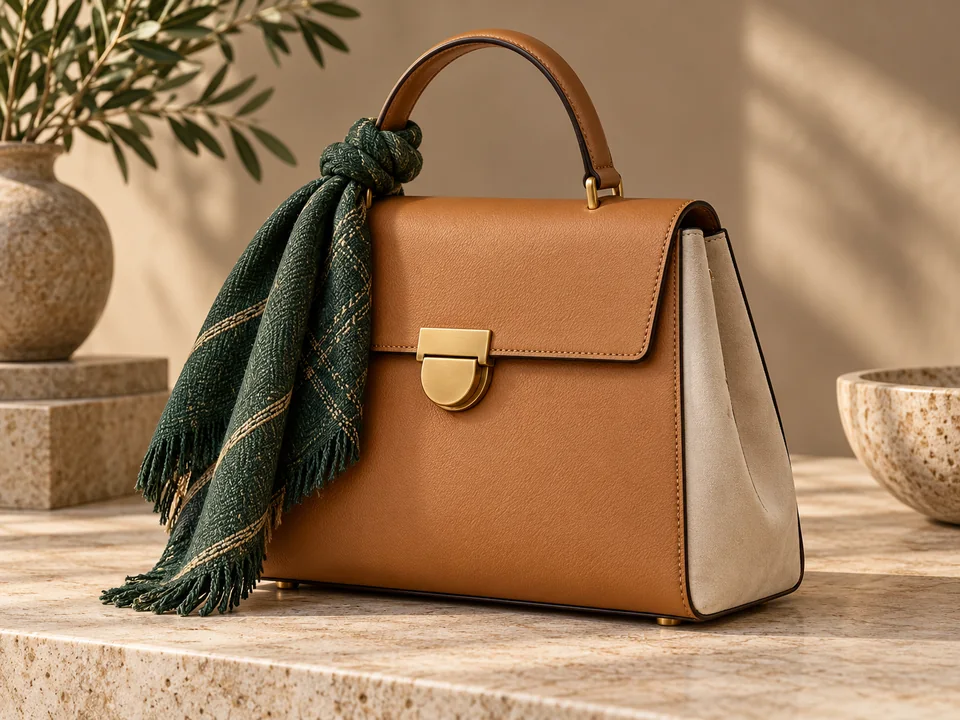
Assign materials to a single finished object

The tan bag combines a woven green scarf, brass hardware and an ivory suede panel without losing its product silhouette. For a multi-reference edit, name the main object first and describe how each additional reference should contribute.

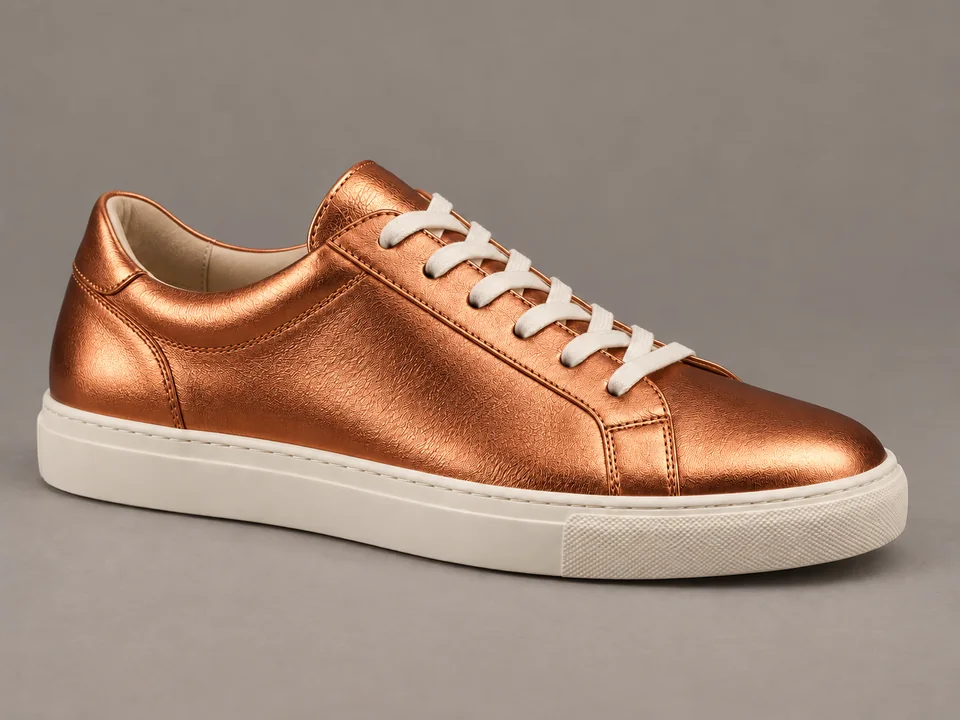
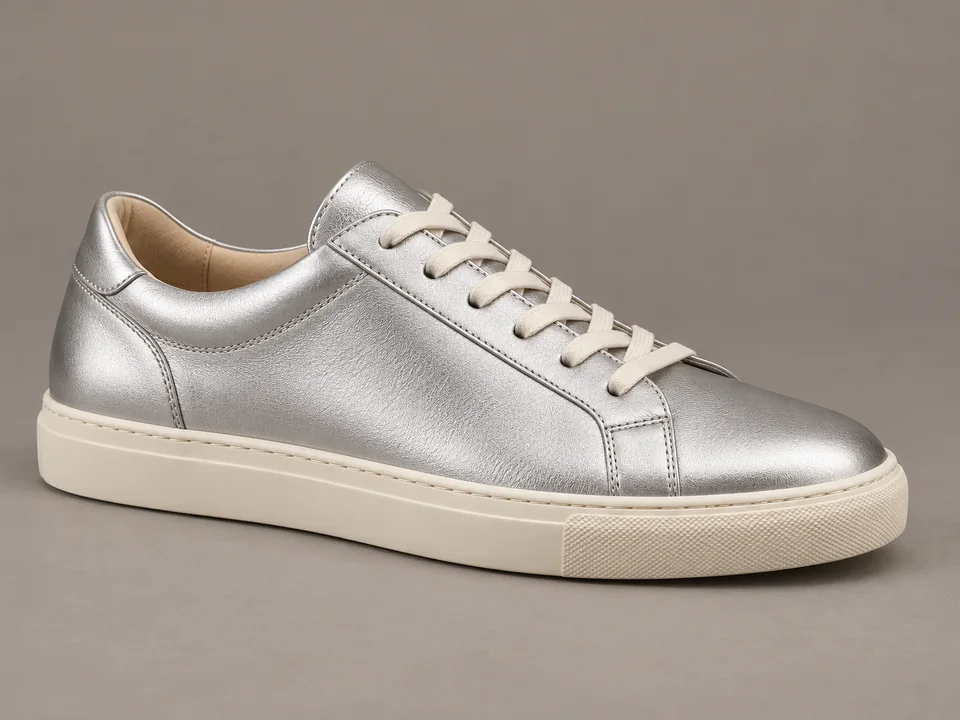
Recolor leather without moving the shoe (after)Recolor leather without moving the shoe (before)

Recolor leather without moving the shoe

Compare the silver leather with the copper finish while the sole, stitching, shadows and three-quarter viewpoint stay aligned. In Edit / reference, ask for a material change and explicitly preserve the silhouette and scene.

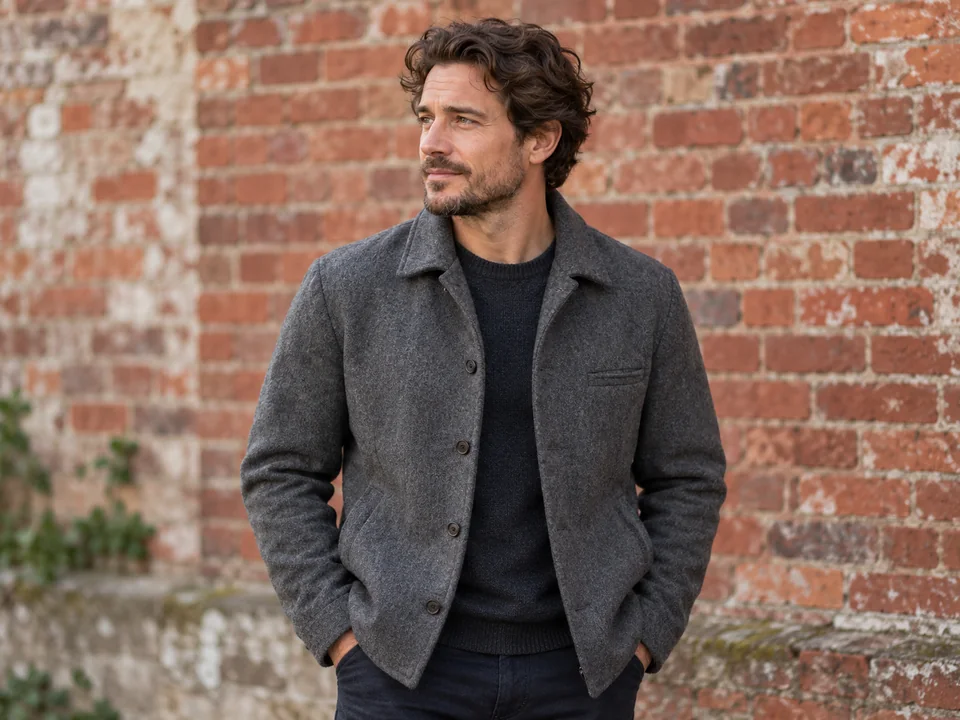
Replace a background while preserving the portrait (after)Replace a background while preserving the portrait (before)

Replace a background while preserving the portrait

The brick wall changes to a softly blurred garden behind the same face, jacket and pose. Describe the background separately from the person and retain the original light direction so the portrait remains coherent.

Flux 3 Klein Specifications

SettingSupported behavior
ModesText to image; Edit / reference
Resolution1K, 2K or 4K
Aspect ratios1:1, 4:3, 3:4, 3:2, 2:3, 16:9, 9:16, 21:9, 9:21; auto for editing
Reference limitUp to 10 images in Edit / reference
Output count1 image per provider task; workspace submits 1–4 separate outputs
Prompt controlsUp to 5,000 characters; Enhance prompt on or off
Output formatPNG in this workspace

Auto follows an editing reference; choose an explicit ratio when creating from text. Resolution and reference count describe controls, not a quality guarantee.

Flux 3 Klein vs Other Reference Image Models

ModelResolution controlsReferencesUseful next step
Flux 3 Klein1K / 2K / 4KUp to 10Combine several visual references with prompt enhancement control
Nano Banana 2 LiteProvider-managed sizeUp to 10Work through economical drafts and simple variations
Grok Imagine Image 2.0Provider-managed sizeUp to 5Explore imaginative scenes with text-guided edits

Choose by the reference slots and delivery controls your project needs; compare actual results using your own brief.

A More Specific Flux 3 Klein Prompt

Describe the surface at the right scale

Use terms such as brushed titanium, individual wool loops or thick green glass instead of asking for more detail everywhere. Pair the material with side light or rim light that reveals it.

Number the references in the instruction

Say “use image 1 for the bag shape and image 2 for the woven texture.” Avoid uploading several conflicting product views without explaining their roles.

Compare enhancement deliberately

If an exact poster phrase or a restrained color edit drifts, switch Enhance prompt off and remove decorative language. Keep the same ratio while comparing the two approaches.

Separate color changes from lighting changes

For a copper shoe, specify copper leather and preserved white balance. Asking for a warmer image can also alter the background, skin tones and shadows.

From Product Detail to Campaign Artwork

From Product Detail to Campaign Artwork

Product color approvals

Present one bag, shoe or bottle in a controlled setting and change the finish while keeping the camera angle consistent.

Short headline posters

Explore the balance between a large title and a single visual motif before adding fine-print copy in your layout editor.

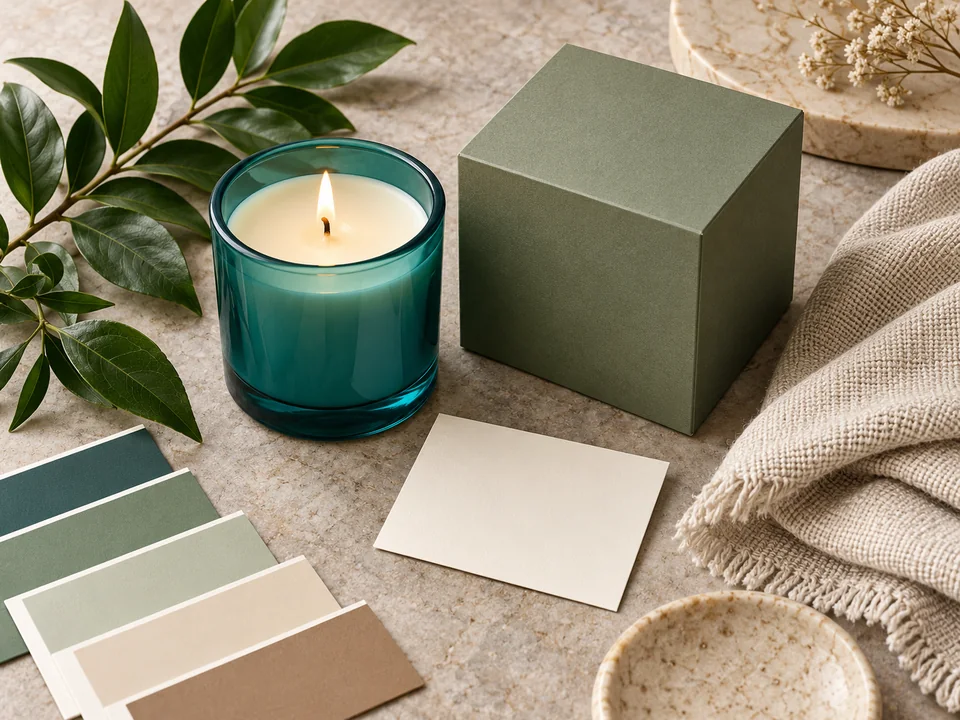
Interior material boards

Describe the wood, upholstery and lighting independently, then use approved reference images to keep the palette tied to the room.

Portrait background changes

Move a licensed portrait into a garden or studio setting while giving explicit instructions to retain the face, pose and clothing.

Flux 3 Klein: Questions and Answers

Give Your Next Image a Clear Visual Brief

Choose a photograph, a short headline or a material study, then refine it with Flux 3 Klein.

EzImgMaker is an independent site and is not affiliated with Black Forest Labs.