Tennis Court, One Line of Speech
Image to video with speech: she walks off court and says "That was a good one." with her lips in sync.
Animate one photo, or blend up to three reference images and an optional voice clip, into a Vidu Q4 video with dialogue and sound effects made in the same pass. Pick any length from 3 to 16 seconds and a resolution from 540p up to 4K.
Use the character reference image to create a high-energy cinematic fashion video. The same man stands in a dark industrial space, then slowly turns toward camera as a strong gust of wind moves his jacket and hair. He takes one confident step forward while sharp white lights flicker behind him, creating metallic reflections across the distressed leather jacket and sunglasses. Add subtle handheld camera movement, a quick low-angle push-in, dramatic shadows, smoky atmosphere, fast light streaks, and a powerful streetwear campaign mood. Keep his face, hairstyle, sunglasses, outfit and body proportions consistent.
Reference example. It is not a result generated from your upload.
Vidu Q4 is ShengShu’s video model in the Vidu AI line (often searched as Vidu AI Q4) and the next version after Vidu Q3. It always starts from images: animate a single start frame, or give it reference images of a character, a product, or a place and let it build a new shot around them. Picture and sound are generated together, so a line you write in quotes is spoken with matching lip movement, and footsteps, wind, and room tone land on the action.
On EzImgMaker you can use Vidu Q4 online in two modes, Image to video and Reference to video, at any length from 3 to 16 seconds and in 540p, 720p, 1080p, 2K, or 4K. Reference to video also takes a 3 to 12 second MP3, so a character can speak with a voice you supply. Every example on this page was rendered at 720p; the 2K and 4K settings are there for when you need a sharper master.
Six Vidu Q4 clips, each rendered at 720p with its own sound. Unmute a clip to hear it, then load its prompt into the workspace.
Image to video with speech: she walks off court and says "That was a good one." with her lips in sync.
Image to video: the start frame turns into a playful street moment as a pigeon swoops at the bread, filmed handheld.
Reference to video: one character sheet keeps the same face, jacket, and sunglasses in a new industrial set.
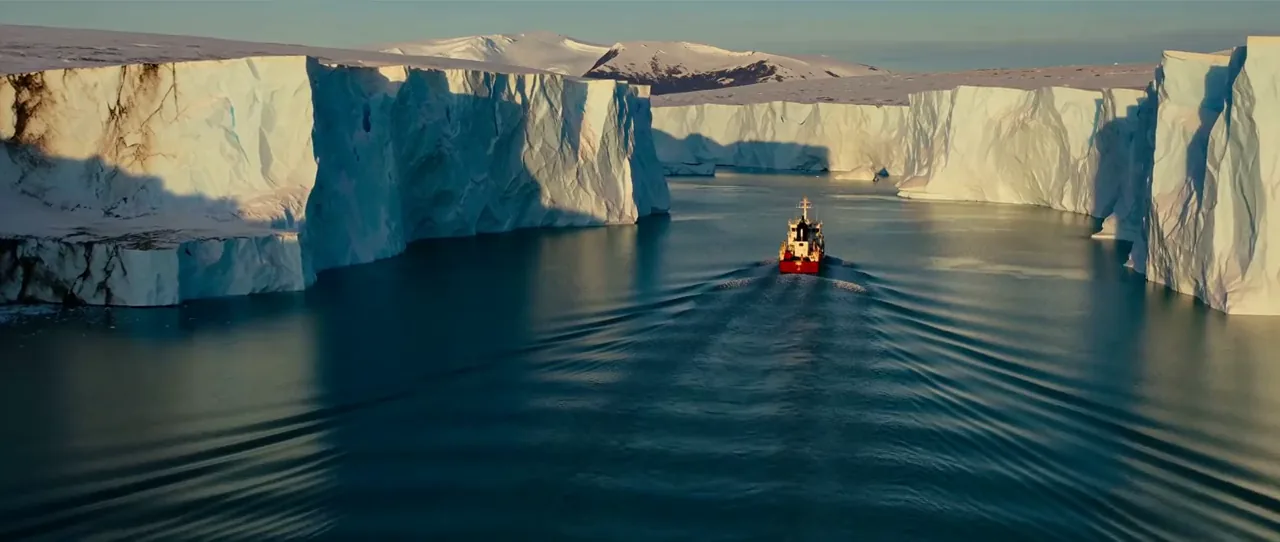
Golden-hour light, wind, and dust around a figure turning to camera, with boots on dry earth in the mix.
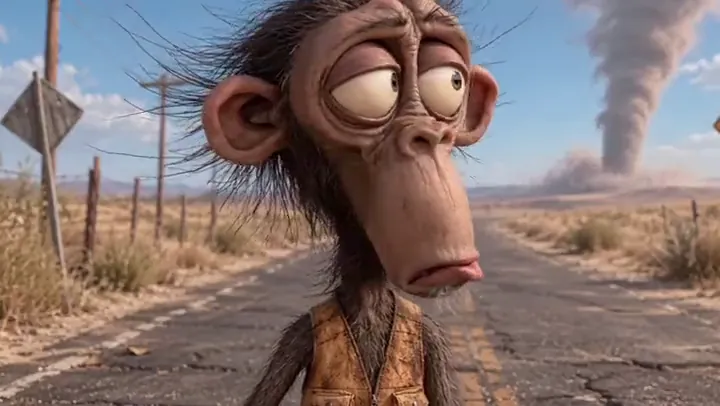
A 15-second stylized character performance: a sag, a sigh, and a slow blink, with dry wind on the track.
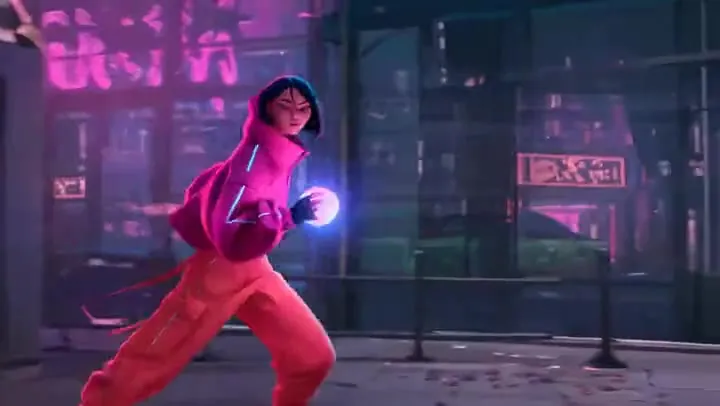
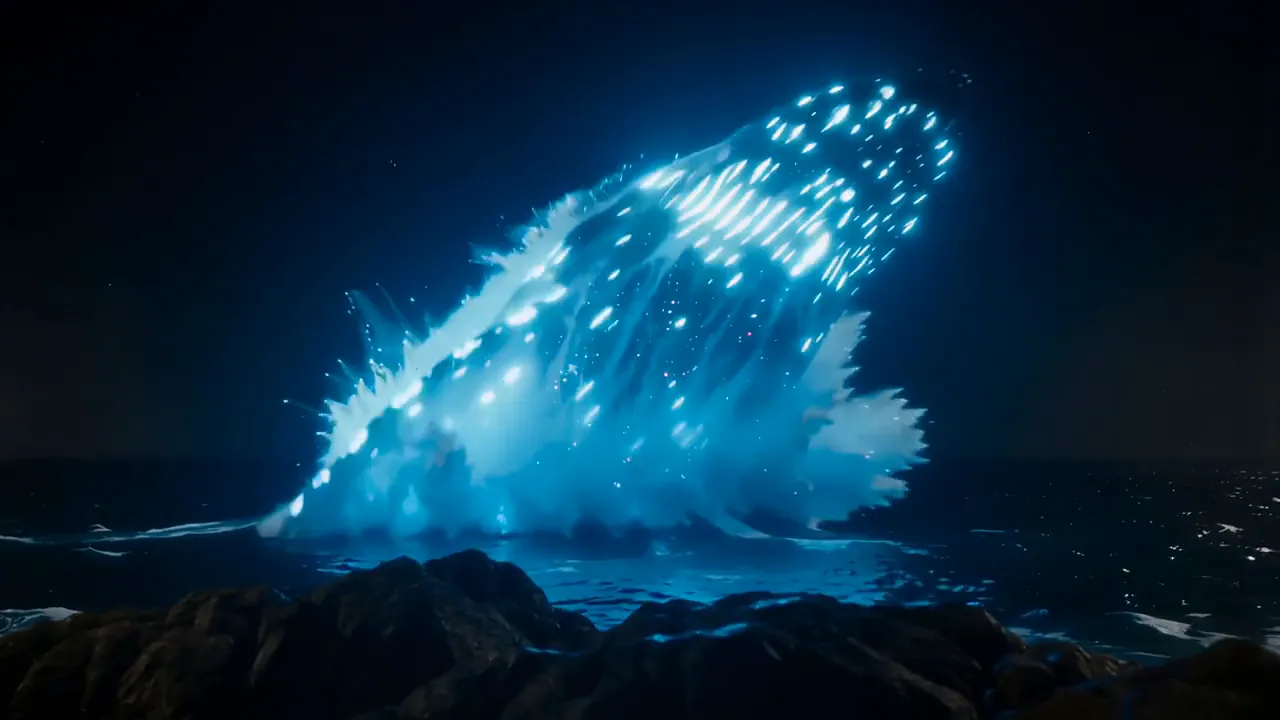
An anime-style rooftop watch at sunset with a slow camera move, rising wind, and a distant city hum.
Four steps from a photo or a few reference images to a Vidu Q4 clip with sound.
Image to video opens on your First frame and keeps its shape. Reference to video builds a new scene from one to three reference images, such as a character sheet, a product, and a location.
In Reference to video, upload one MP3 of 3 to 12 seconds as Reference audio, then say who uses it, for example: the man in reference image 1 says "We’re late" using reference audio 1.
Describe what happens and how the camera moves, and put any dialogue in quotes. Keep Native audio on for speech and sound effects, or switch it off for a silent clip.
Under More settings, choose 3 to 16 seconds, 540p to 4K, and, for reference clips, 16:9, 9:16, or 1:1. The cost shows on the Generate button and is the same with sound on or off.
Vidu Q4 outputs 540p, 720p, 1080p, 2K, or 4K at any length from 3 to 16 seconds. This 15-second ape scene was rendered at 720p, the default. 4K costs several times more per second, so settle the prompt at a lower setting and re-run the take you want to keep in 2K or 4K.
Upload up to three reference images, such as a character turnaround, an outfit, or a set, and describe the shot. This fashion film came from a single character sheet: the same face, sunglasses, and leather jacket carry into a dark industrial location with flickering light.
With Native audio on, Vidu Q4 generates speech and sound effects along with the picture. The line "That was a good one." was written into the prompt, and the player says it as she walks off the court, her lips matching the words.
Upload one photo as the First frame and describe what happens next. The clip opens on your image and keeps its aspect ratio, so the red-haired woman, her baguettes, and the Paris street carry through while a pigeon swoops in.
What each Vidu Q4 mode accepts and outputs in the workspace above.
| Image to video | Reference to video | |
|---|---|---|
| Starts from | One First frame: JPG, PNG, or WebP up to 20 MB | 1–3 reference images: JPG, PNG, or WebP up to 20 MB each |
| Reference audio | Not used | Optional: one MP3, 3–12 s, up to 10 MB |
| Clip length | 3–16 s | 3–16 s |
| Resolution | 540p, 720p, 1080p, 2K, 4K | 540p, 720p, 1080p, 2K, 4K |
| Aspect ratio | Follows your image | 16:9, 9:16, or 1:1 |
| Native audio | Dialogue and sound effects, on or off | Dialogue and sound effects, on or off |
| What the prompt does | Describes the motion, the line, and the sound | Says who is in which reference image and what they do |
The examples on this page were rendered at 720p. Higher resolutions and longer clips use more credits, while sound does not change the price; the cost appears on the Generate button before you start.
Vidu Q4 on this page next to the model before it and ByteDance’s long-take model, using the facts on each model page on EzImgMaker.
| Vidu Q4 (this page) | Vidu Q3 | Seedance 2.5 | |
|---|---|---|---|
| Made by | ShengShu | ShengShu | ByteDance |
| Text to video | No, starts from an image | Yes | Yes |
| Image to video | Start frame | Start frame, or start + end frame | Start frame, or start + end frame |
| References | Up to 3 images + 1 MP3 here | Reference to video | Up to 30 images, 10 videos, and 10 audio clips |
| Clip length | 3–16 s | 1–16 s | 4–30 s |
| Resolution | 540p up to 4K | 540p, 720p, 1080p | 480p, 720p, 1080p |
| Native audio | Dialogue and sound effects | Dialogue, sound effects, music | Speech, sound effects, music |
Vidu Q3 has no generator of its own on EzImgMaker; its page compares it with Q4. For text-only prompts or takes longer than 16 seconds, use Seedance 2.5.
Put the same model, jacket, and sunglasses from one character sheet into new campaign locations.
Give a recurring character a spoken line with matching lips in each new scene, up to 16 seconds a take.
Turn a still from a shoot into a short moment with natural motion and ambient sound, in the photo’s own shape.
Stylized 3D and anime scenes from character designs, from a quick 540p test to a 4K render.
Six habits for Vidu Q4 prompts, from reference images to spoken lines.
Write dialogue in quotes and add the delivery, as in: softly says, "That was a good one." Vidu Q4 voices it with matching lips.
Name the sounds that belong in the scene, such as dry wind and a low sigh or a distant city hum, so the audio fits the picture.
Characters and products on a plain background, or a character turnaround sheet, carry over more reliably than busy snapshots.
Vidu Q4 reads uploads in order, so write "the woman in reference image 2 hands the box to the man in reference image 1", and add "using reference audio 1" to give one of them the voice.
4K costs several times more per second than 720p. Settle the motion and the line at a low setting, then re-run the same prompt in 2K or 4K.
End image-to-video prompts with what to keep, as the tennis prompt does: her appearance, outfit, court, and lighting consistent with the reference image.
The model before it and close alternatives on EzImgMaker, with the reason to pick each one.
See what changed from Vidu Q3, including Q3 Pro and Q3 Turbo, and how both line up against Q4.
Read the guideVidu Q4 vs Seedance 2.5: choose Seedance for text-only prompts and single takes of up to 30 seconds.
Read the guideAlibaba’s film-style model: reference images and lip-synced speech, plus text to video when you have no image yet.
Read the guideUp to seven reference images or a reference video, and edits to a clip you already have.
Read the guideAnswers about Vidu Q4 reference video, sound, 4K output, clip length, and pricing.
Vidu Q4 is an image-based AI video model from ShengShu, the company behind Vidu AI, and the successor to Vidu Q3. It animates a start frame or combines reference images into a 3 to 16 second clip with synchronized dialogue and sound effects, at resolutions from 540p up to 4K.
Vidu Q4 is free to try on EzImgMaker: new accounts get free credits when they sign up. After that, each clip uses credits based on its length and resolution, and sound on or off costs the same. The exact cost shows on the Generate button before you start.
Yes. Vidu Q4 4K output is available in both modes, alongside 540p, 720p, 1080p, and 2K. The example clips on this page were rendered at 720p, so they show the motion and sound rather than 4K detail. 4K uses far more credits per second, so test the prompt at a lower setting first.
Choose Reference to video and upload one to three images, such as a character, an outfit, a product, or a place. Refer to them in the prompt as reference image 1, 2, and 3, describe the action and the camera, and choose 16:9, 9:16, or 1:1. Subjects on a plain background are the easiest for the model to carry into a new scene.
Yes. With Native audio on, Vidu Q4 generates dialogue and sound effects together with the picture. Put spoken lines in quotes, describe the voice, and list the sounds you expect. Switch audio off if you plan to add your own music.
Yes, in Reference to video. Upload one MP3 of 3 to 12 seconds (up to 10 MB) as Reference audio and tell the prompt who speaks with it, for example "using reference audio 1". Only upload voices, faces, and images you own or have permission to use.
Any whole number of seconds from 3 to 16 per generation, set with the Duration slider. That is enough for a short exchange of lines or a complete reveal; for anything longer, generate scene by scene and join the clips in an editor.
No. Every Vidu Q4 video starts from at least one image, either a First frame or a reference image. For a prompt on its own, use Text to Video or a model that accepts text-only input, such as Seedance 2.5 or Wan 3.0.
Pick Vidu Q4 when you start from a photo or a few reference images and want output up to 4K with dialogue. Pick Seedance 2.5 when you need text-only input, takes of up to 30 seconds, or many references, including video and audio files; it tops out at 1080p.
No. EzImgMaker is an independent site and is not affiliated with, endorsed by, or sponsored by ShengShu or Vidu. We run Vidu Q4 through a third-party API provider, so you don’t need a Vidu account. You may see the model listed as Vidu Q4 Preview elsewhere; here you get Vidu Q4 image to video and reference to video with the settings shown in the workspace.
Upload a start frame or a few reference images, write the line you want spoken, and Vidu Q4 adds the motion and the sound.
Vidu is a trademark of ShengShu Technology or its affiliates. EzImgMaker is an independent site and is not affiliated with, endorsed by, or sponsored by ShengShu Technology or Vidu. Model names are used only to describe compatibility.