Long Hair to Wolf Cut
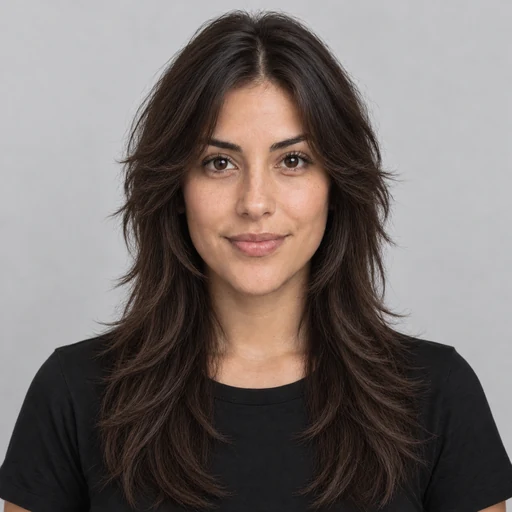
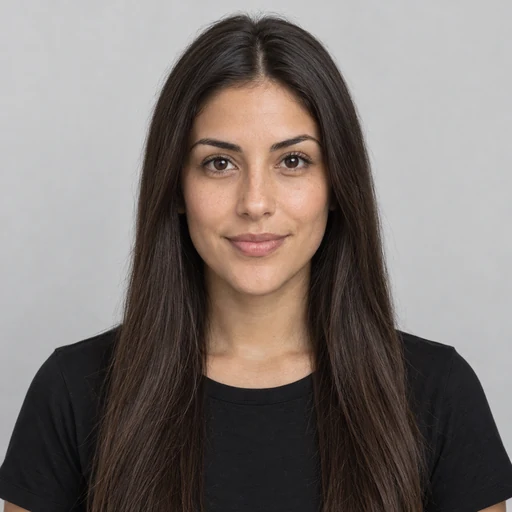
Long, straight hair becomes a shaggy wolf cut with wispy bangs and a full crown.
What will I look like with a different haircut? Upload a selfie, pick a women’s or men’s hairstyle and a hair color, or copy a cut from any photo. The AI changes only your hair, so your face, outfit, and background stay exactly as they are.
Style For: Women’s Styles · Women’s Hairstyles: Long Layers · Hair Color: Keep Natural Color

Reference example. It is not a result generated from your upload.
An AI hairstyle changer is an online tool that swaps the hair in your photo for a different cut, length, or color while keeping your face the same. Instead of painting hair on by hand, the hairstyle AI, a hair AI trained on real cuts and textures, rebuilds each strand, blends the new hairline into your forehead and temples, and matches the light in your shot, so the preview reads as your own hair rather than a wig.
Use it as a haircut simulator before a salon visit, a haircut filter or hair style filter for a fun post, a virtual hair style try on for a wedding look, or a haircut maker and AI hairstyle generator when you simply want ideas. It covers 18 women’s and men’s haircuts, braids, and updos, 11 hair colors, a random hairstyle generator, a best-for-my-face option, and a hair swap that copies a cut from any picture. Every result is an AI preview of a look, not a promise of what your hair will do after a real cut.
Each pair is the same person, pose, and light, with only the hair changed. Drag the slider to see the difference.
Long, straight hair becomes a shaggy wolf cut with wispy bangs and a full crown.


A short fade grown out into long hair tied back in a man bun, on the same face.

From an even buzz cut to a skin fade with a textured top and a crisp edge-up.

Long layers cut into a sleek chin-length bob, with the face and outfit unchanged.
Virtual hairstyles across lengths and textures, all AI generated hairstyles. Tap any card to load that look in the tool above.
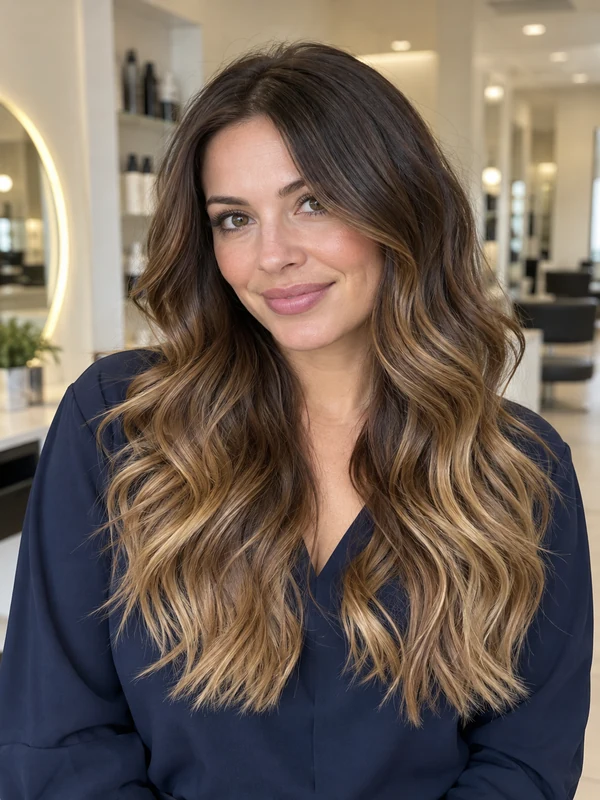
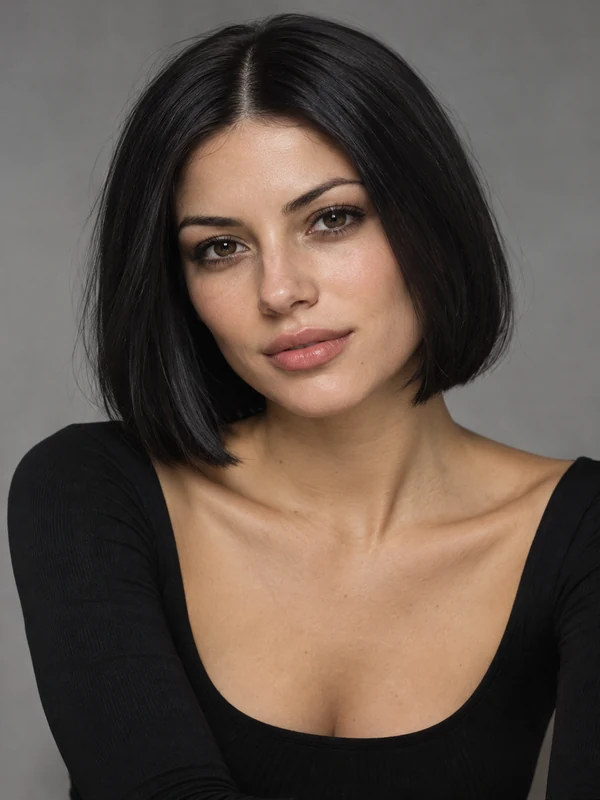
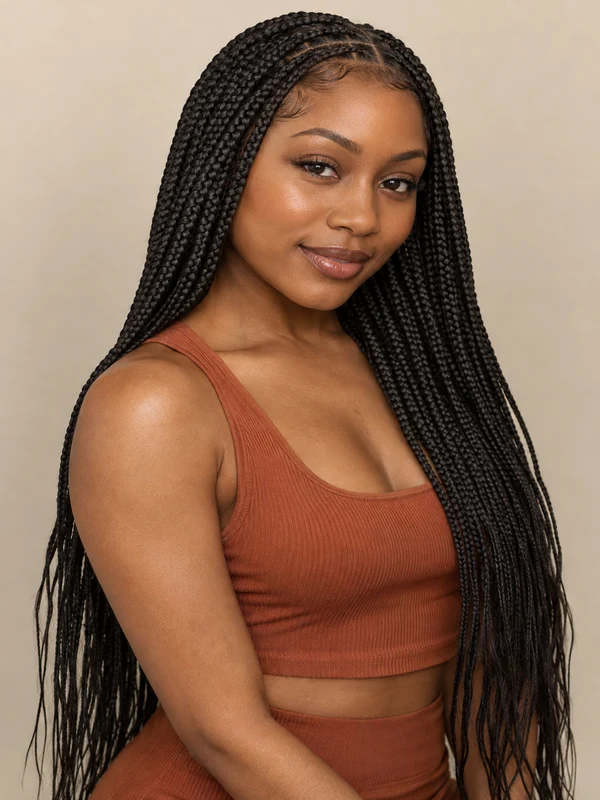
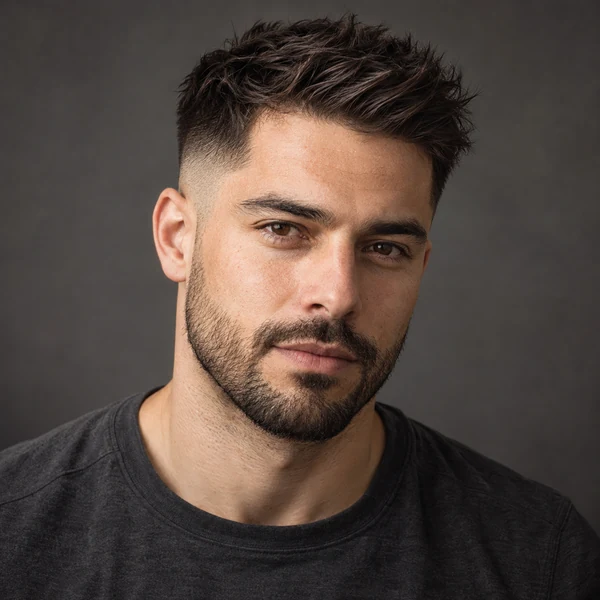
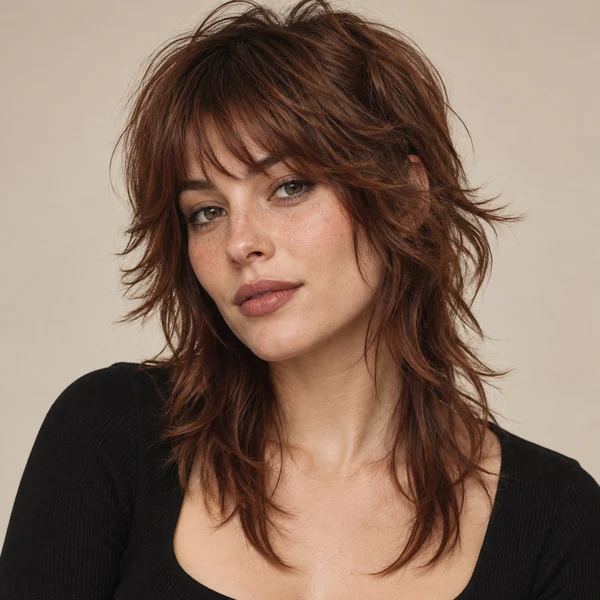

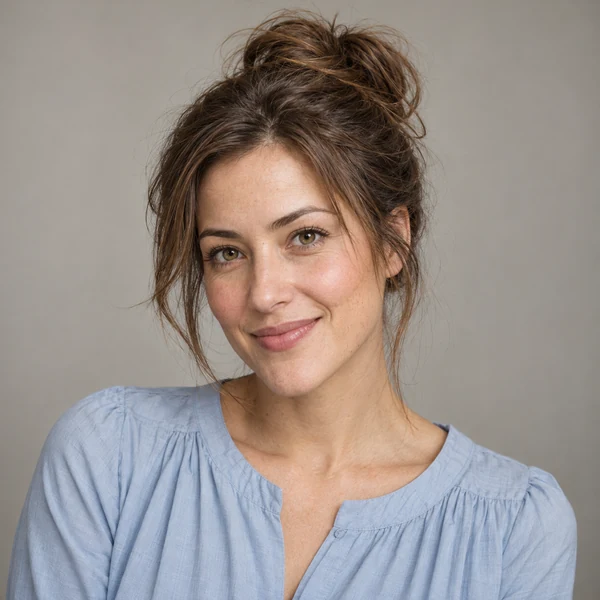
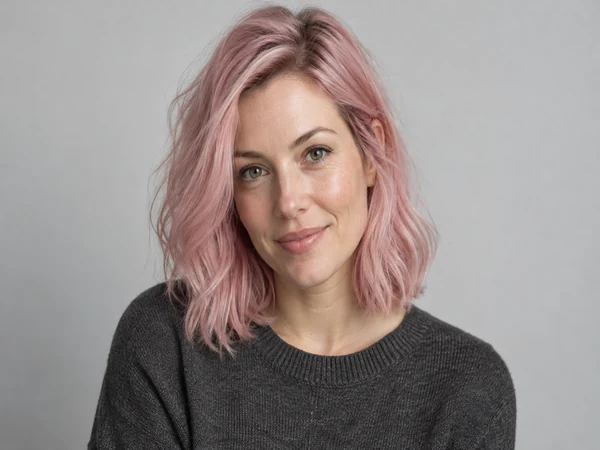
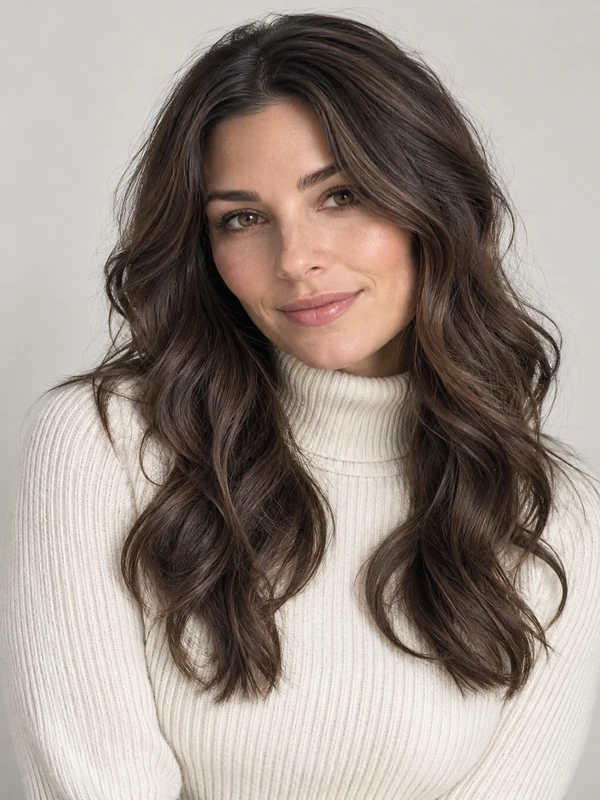
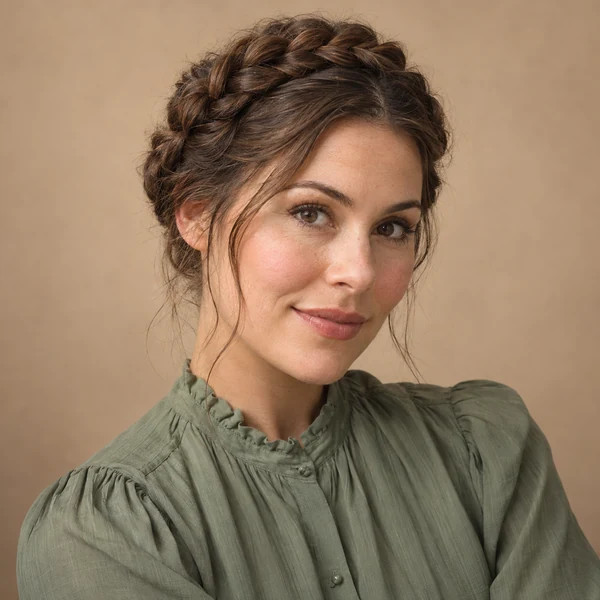
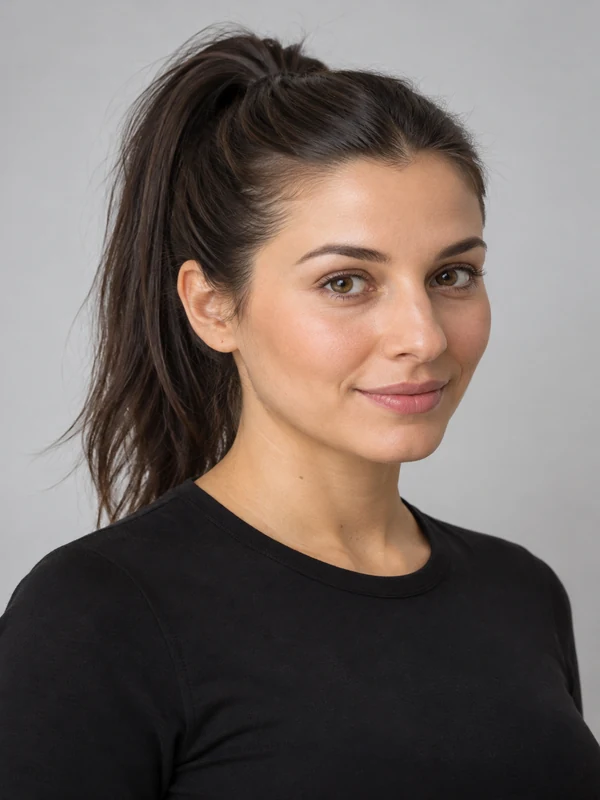
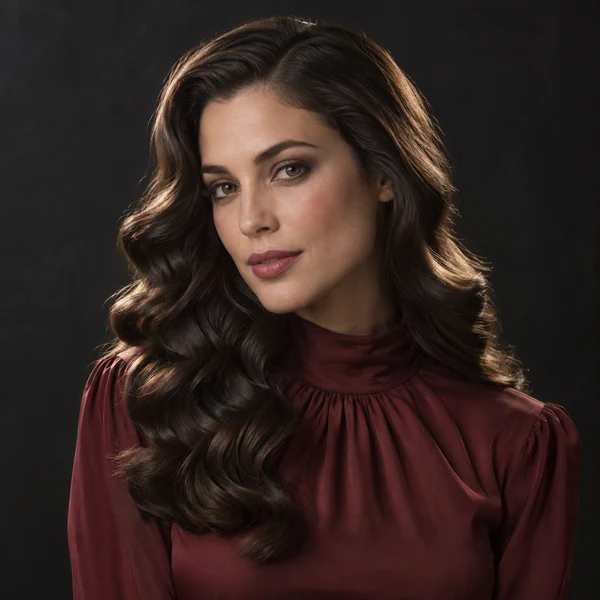
A virtual hair makeover in three steps: try hairstyles on your own face, right in your browser.
Use a clear selfie with your face and hairline visible and even light. Want an exact cut? Add a photo of that hairstyle in the second slot and the AI hair swap copies it.
Choose Women’s or Men’s Styles, then a haircut such as a bob, pixie, fade, or quiff, and a hair color from jet black to pastel pink. Not sure? Try Best for My Face or Random Style, or describe your dream hair in Custom and let the dream hair AI build it.
Create up to 4 previews, compare them with your original photo, and save the one you like to show your stylist or barber.
An AI hair changer for AI hairstyles that edit hair only, so you can judge each cut on your own face.
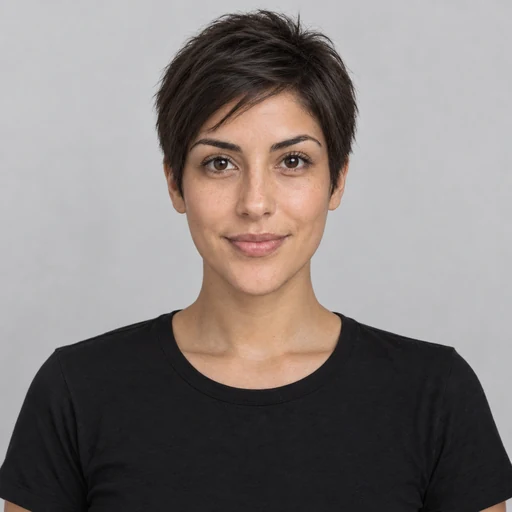
Thinking about going from long hair to a pixie? The AI haircut generator gives you an AI haircut online before the real one: it shows the cut on your own face first, with the new hairline and length rendered the way a stylist would cut it, so you can decide without a single snip.
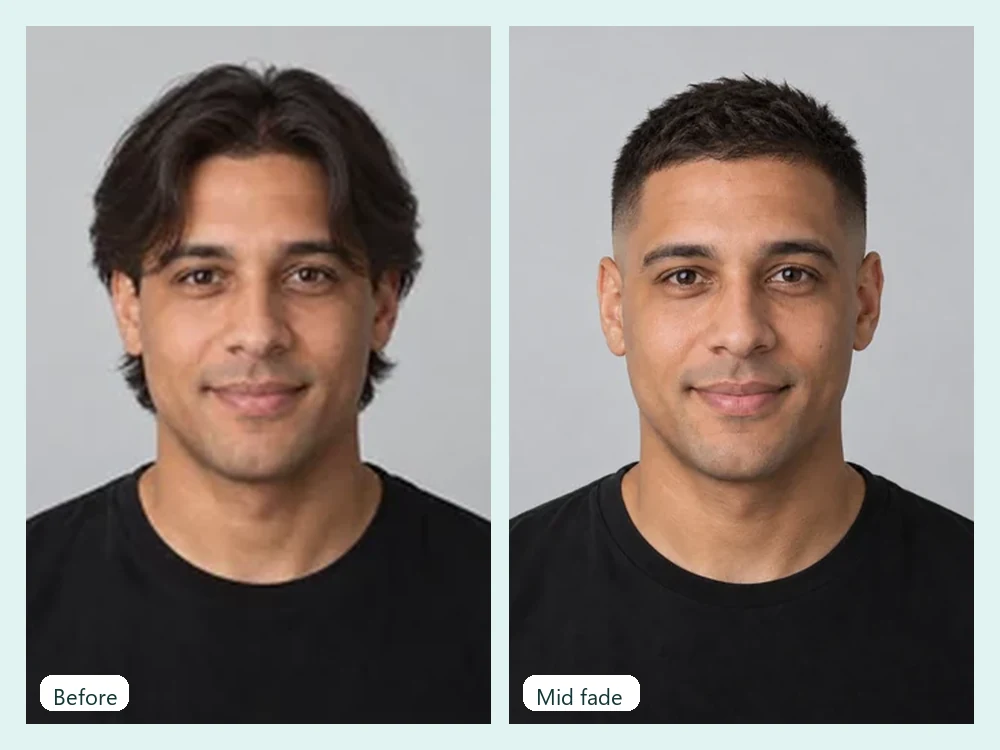
Fades, buzz cuts, undercuts, quiffs, curly crops, curtain bangs, and a shaved head, each built with the taper, edge-up, or part in place. Think of it as an AI hair clipper you can undo: every haircut try on keeps your beard and face as they are, so you can show the screenshot to your barber.
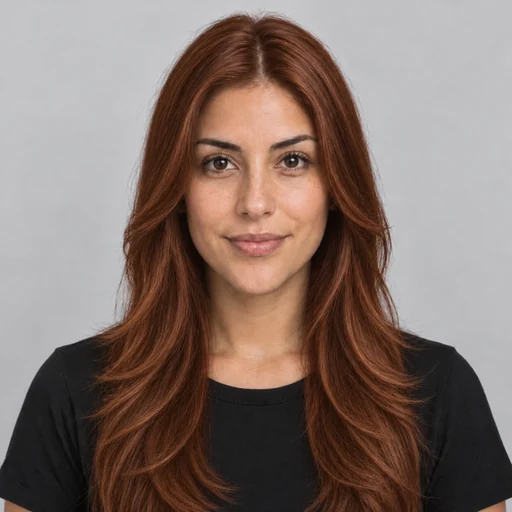
Pick a hairstyle and a hair color together, or keep your cut and change only the shade. Eleven colors run from jet black and chestnut to copper, platinum, silver, pastel pink, electric blue, and balayage, so this virtual hair try on covers both decisions at once.
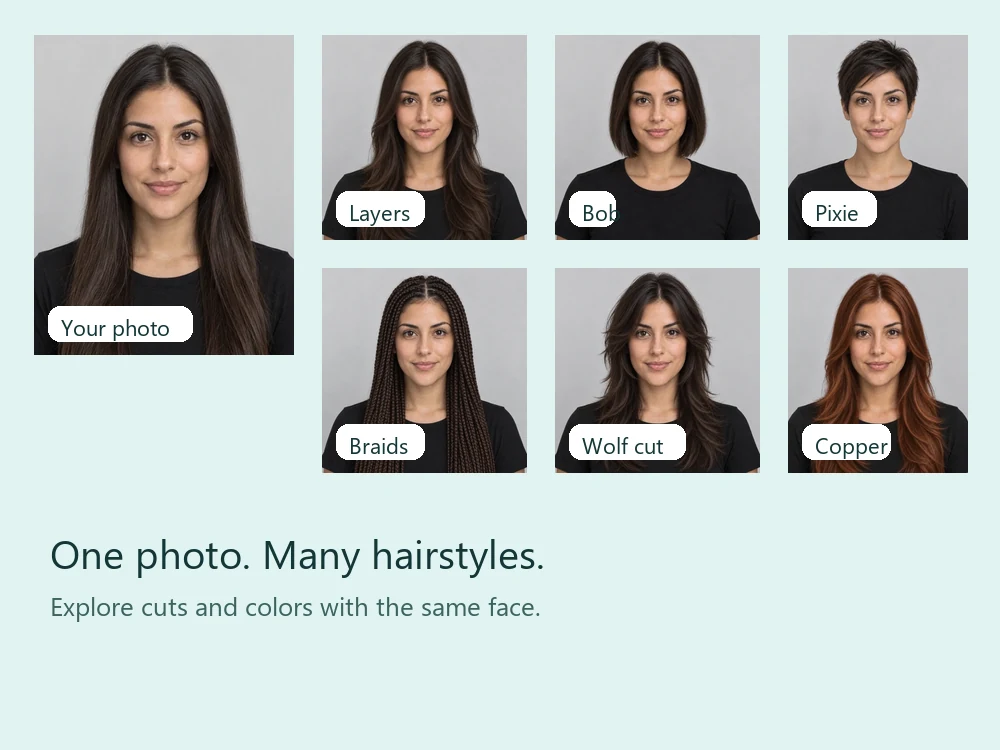
Can’t decide? Random Style turns the tool into a random hair generator that picks a new cut for you, and Best for My Face asks the AI for the cut that suits your face shape. Run either a few times, like a random haircut generator, until a look clicks.
Hair is hard to undo. A virtual hairstyle try on lets you preview it first, whatever you are deciding.
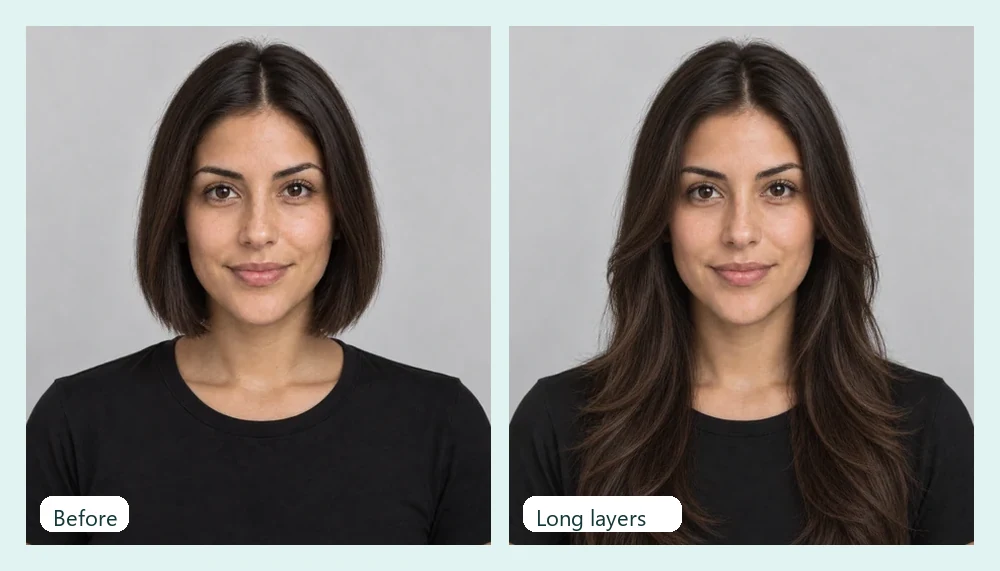
Show your stylist the exact result on your face instead of a photo of someone else.
Upload a picture of a cut you love and the hair swapper copies it onto you, without copying the other person’s face.
Box braids and long extensions take hours. Check the length and parting on your photo first.
Try platinum, copper, or pastel pink on your own photo before bleach and dye.
Compare an updo and loose waves with your outfit already in the shot.
Recreate trend looks such as a fluffy hair filter or a 2.25 hair length filter by describing them in Custom, or restyle a character or a before-and-after post.
Skip the haircut calculator quizzes: use these rules of thumb, then pick Best for My Face and compare the AI haircut style it suggests with a cut you chose yourself.
Most cuts work. Try a blunt bob, curtain bangs, or a textured quiff to show off balance.
Add height and length: long layers, a side part, a high quiff, or a lob below the chin.
Soften the jaw with waves, wispy layers, or a curly crop instead of hard, blunt lines.
Balance a narrower chin with chin-length bobs, side-swept bangs, or fullness at the ends.
Width beats height: blunt bangs, a shag, or a fade with a shorter top.
Hair pulled back, face to the camera, and even light help the AI read your face shape.
Go deeper on one change at a time with a dedicated filter for each look.
 What Hairstyle Suits Me?Wondering what hairstyle suits me or the best haircut for my face? Upload a selfie: AI reads your face shape and hair, then ranks 6 cuts for you. Free to try.
 Face Shape DetectorWhat is my face shape? Upload a photo to the AI face shape detector and get your shape with match scores, measurements, and the haircuts and glasses that suit you.
 Bangs FilterWhat would I look like with bangs? Upload a selfie to the AI bangs filter and try on curtain, wispy, blunt, or micro bangs before you cut. Men’s fringes too.
 Buzzcut FilterWhat would I look like with a buzz cut? Upload a selfie to the AI buzzcut filter and try a classic buzz, fade, bleached buzz, or guard length on your photo.
 Bald FilterWhat would I look like bald? Upload a photo to the AI bald filter online and preview a smooth bald head, a shaved head, a bald look with beard, or balding hair.
 AI Hair Color ChangerChange the color of hair in a photo with the AI hair color changer. Pick a shade, highlights, or a custom color and try on hair color virtually before you dye.
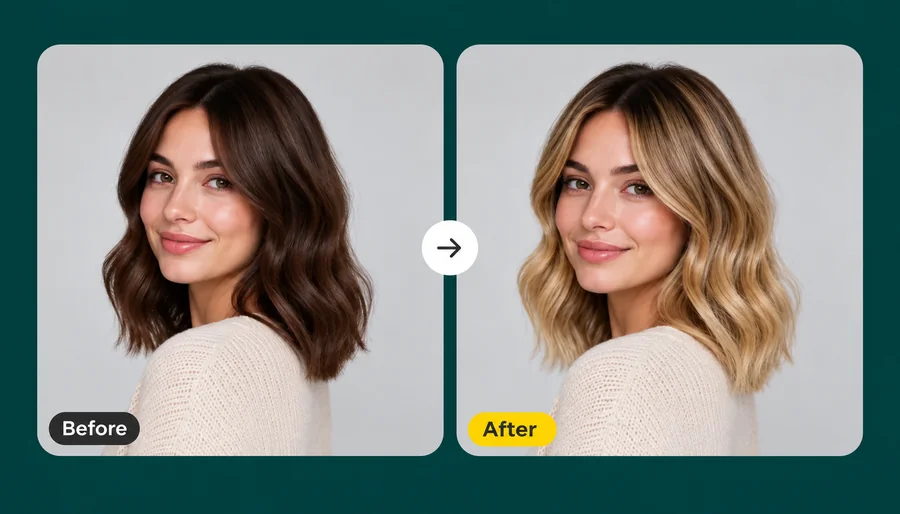 Blonde Hair FilterWhat would I look like with blonde hair? Upload a selfie and the AI blonde hair filter turns your hair honey, golden, ash, or platinum while your face stays.
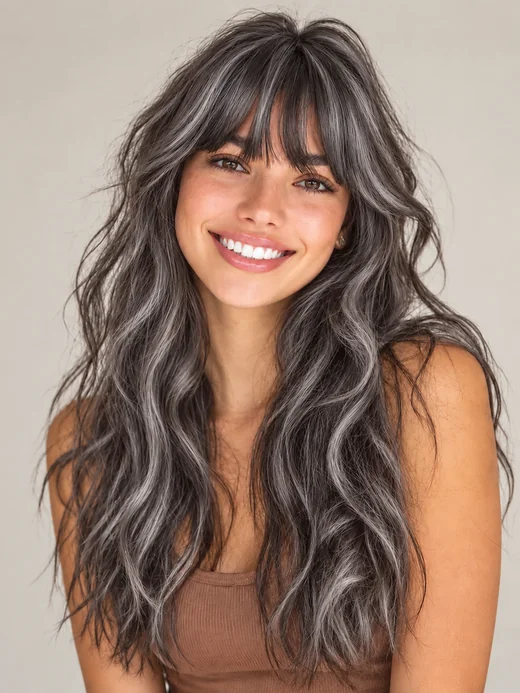 Grey Hair FilterWhat would I look like with grey hair? The grey hair filter turns your hair silver, ash, charcoal, or white and keeps your face the same age. Try on grey hair.
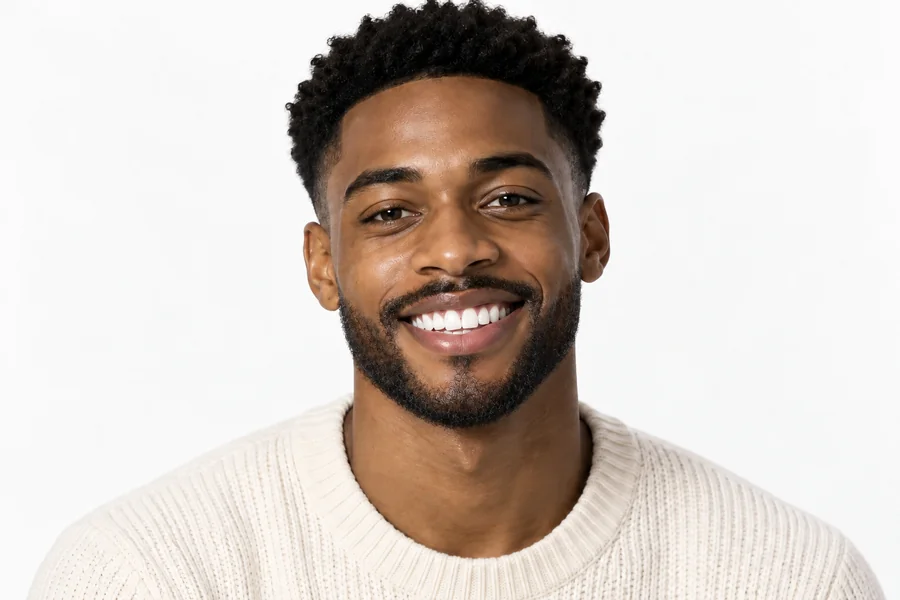 Beard FilterWhat would I look like with a beard? Add a beard to your photo with the AI beard filter and try stubble, a full beard, a long beard, or a clean-shaven look.
 AI Age FilterWhat will I look like when I'm older? Upload a selfie to the AI age filter, pick a life stage from baby to senior, and get a realistic age progression photo.
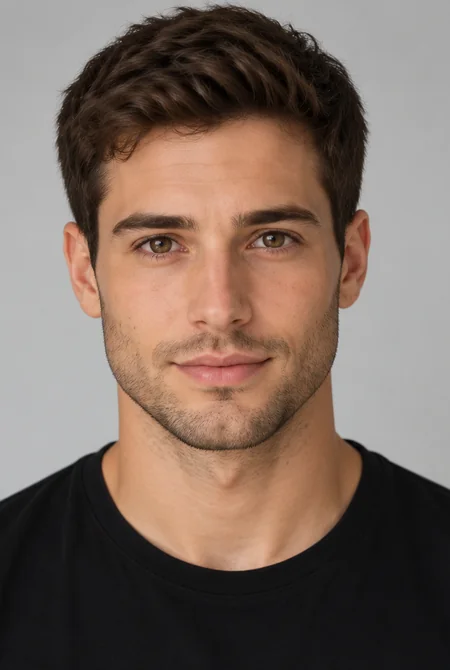 AI Gender SwapWhat would I look like as a woman, or as a man? Upload a selfie to the AI gender swap filter and see a realistic male to female or female to male version.
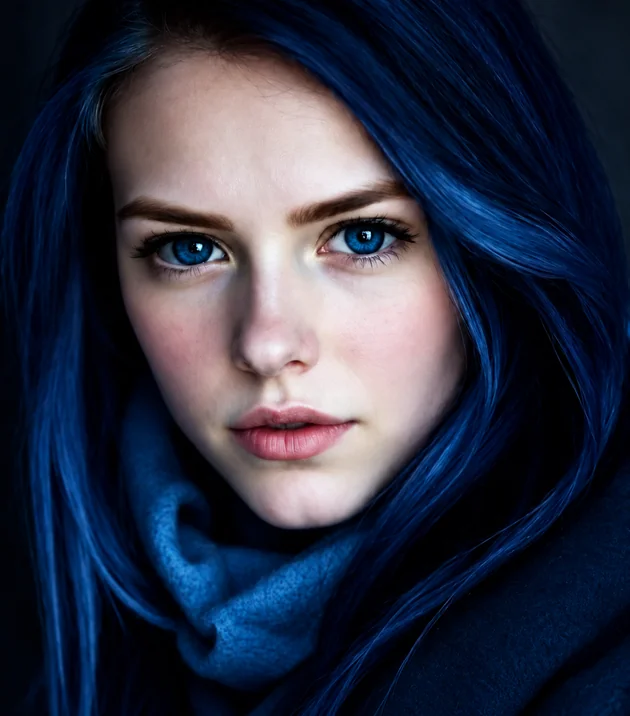 Eye Color ChangerEdit color of eyes in any photo with the AI eye color changer. Pick hazel, green, brown, grey, or any custom shade and keep a realistic iris and catchlight.
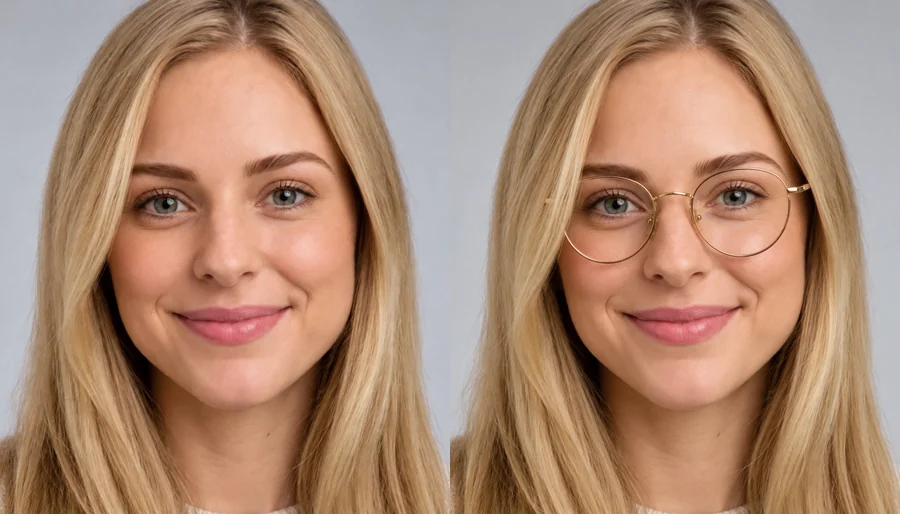 Virtual Glasses Try OnVirtual glasses try on from home: upload a photo, pick a frame shape, color, and lenses, or add a photo of any pair, and see the glasses on your own face.
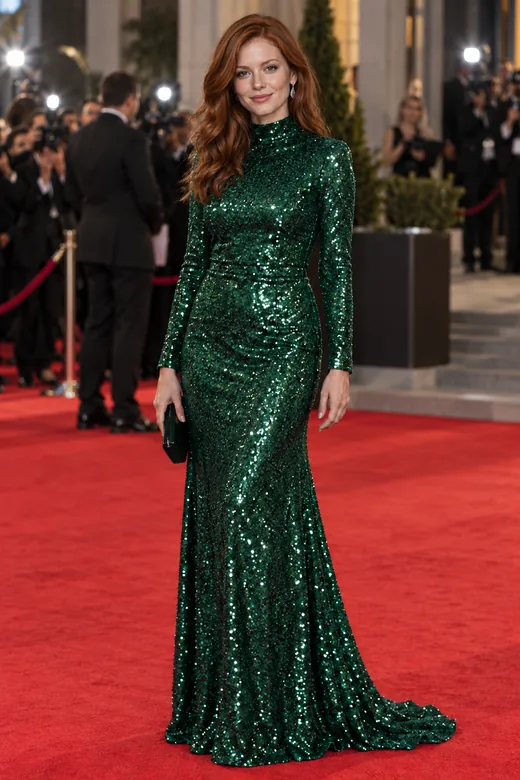 AI Face SwapFace swap photos online with AI. Upload your face and a target picture; the face swapper matches skin tone, light, and angle. Free to try with sign-up credits.
 Free AI Headshot GeneratorFree AI headshot generator to try with sign-up credits. Upload a selfie, pick a style, outfit, and backdrop, and get professional headshots for LinkedIn.AI Filters70+ AI filters for any photo: face filters for age, bald, beard, gender swap and zombie, plus cartoon and color looks. Upload a pic, add a filter. Free to try.
Everything worth knowing before you try on hairstyles with AI.
Upload a clear selfie, pick an AI hair style and a color, and the AI hairstyle changer renders the new hair on your own face. Compare a few cuts on the same photo to see which suits you. Treat it as a realistic preview: real hair texture and growth can still make the final cut look a little different.
Yes, new accounts get free credits when they sign up, so you can try on hairstyles free and test several looks before buying more. You can also fix hair in photo online free with those same credits.
Yes. Switch to Men’s Styles for a buzz cut, fade, undercut, quiff, curly crop, man bun, curtain bangs, side-swept part, or shaved head. For facial hair, the beard filter adds or removes a beard, and the bald filter includes a receding hairline filter.
If you keep asking how would I look with shaved hair, or how will I look with shaved hair after a big chop, pick Shaved Head or Buzz Cut in Men’s Styles, or type “shaved head” in Custom for any photo. You see the head shape and hairline before you pick up the clippers.
Yes. Choose a hairstyle and a color together, or keep your cut and change only the color. Want to make her hair black for a profile photo? Pick Keep My Cut and Jet Black. Copper, platinum, silver, pastel pink, and balayage are one tap away too.
Yes. Add a picture of the cut you want in the Hairstyle to Copy slot and choose Copy uploaded hairstyle. The hair swap AI moves the cut, length, texture, and parting onto your photo while keeping your own face. AI hair changing works best when the reference shows the whole hairstyle clearly. Use photos you are allowed to use.
You do not need to install one. EzImgMaker runs in any phone or desktop browser, so it works like an app to see yourself in different hairstyles: upload one selfie and compare results side by side, the way an app that shows you with different hairstyles would, without the download. Free credits at sign-up cover the first previews, which is what most people want from the best hairstyle try on app.
The best AI hairstyle app is the one that changes only your hair and keeps your face; good AI for hair never redraws your features. Whether you want a hair editing app, a hairstyle edit app, a hair style AI app, or simply the best AI hair app for one quick preview, check three things: does it keep your features, does it blend the hairline, and does it offer both cuts and colors. Then try your own photo.
Photo editing hair by hand takes hours, and most photo editor hair tools only recolor. Here the AI works like a photo hair styler: upload the picture, pick a longer style or fuller curls, or type what you want in Custom, such as “add hair at the temples” or “make my hair short, about chin length”. It is the quickest answer to how to add hair to a photo or fix flyaways, and you can add hair to picture after picture without masks or brushes.
Your own photos, or photos of adults who agreed to it. Do not upload pictures of minors or other people without permission. Uploads are used only to create your preview.
Upload a selfie and try on hairstyles and hair colors with the AI hairstyle changer. Free to try with sign-up credits.