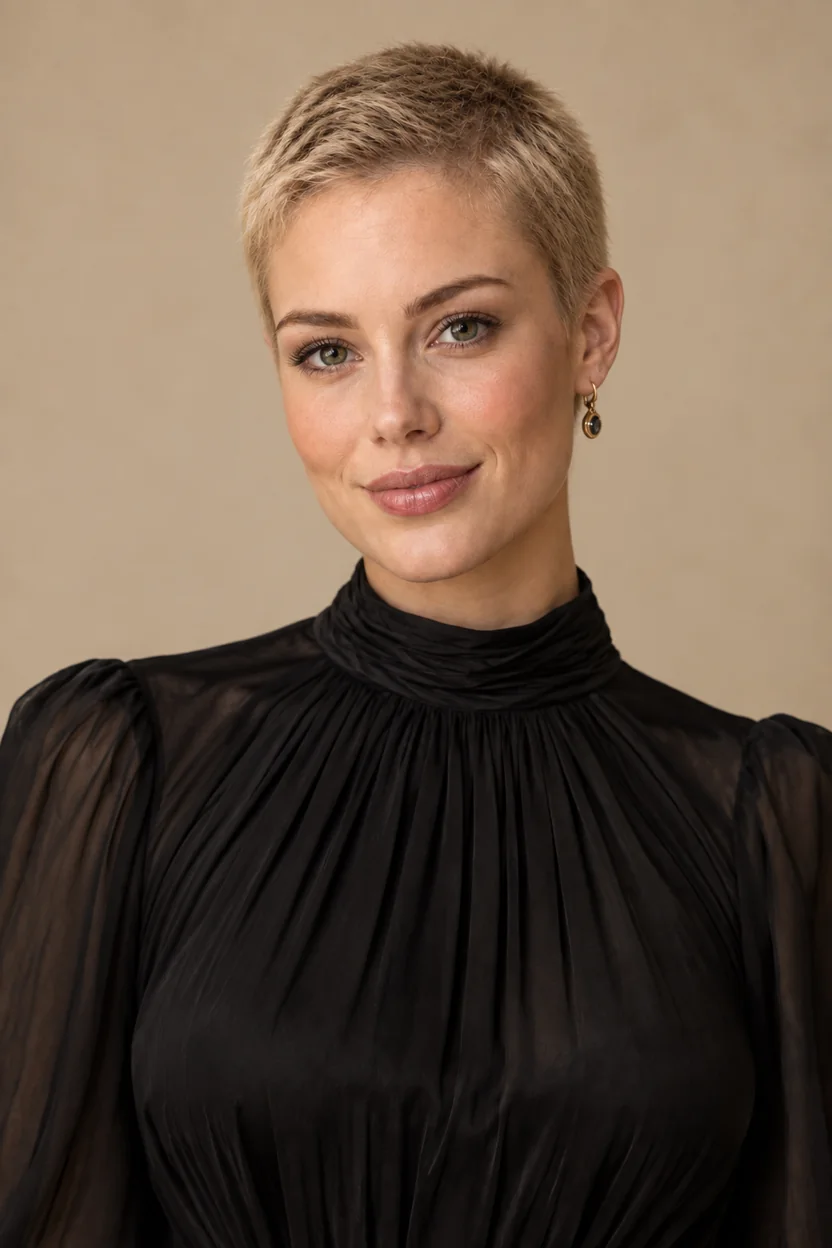
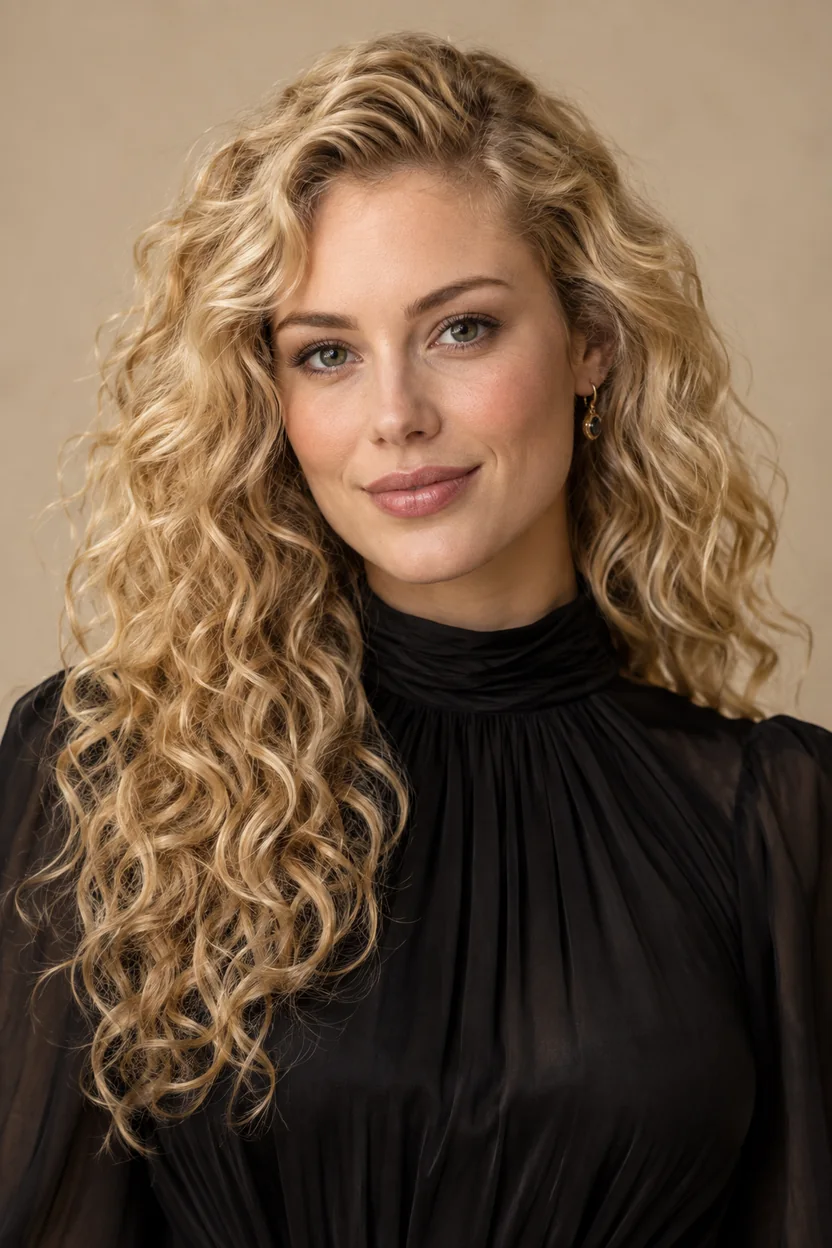
Buzz Cut Model Look
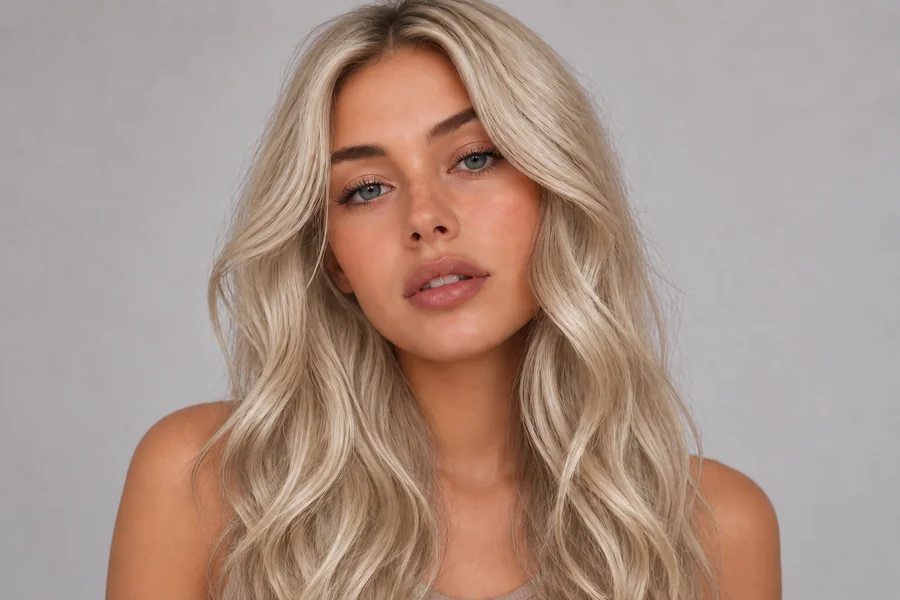
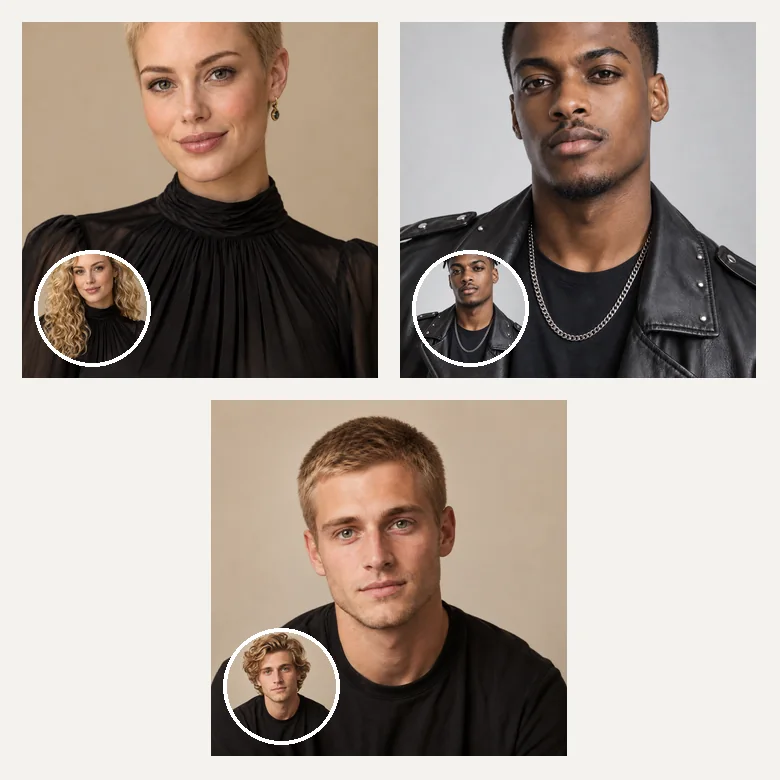
Long blonde waves become a sleek, fashion-forward buzz. The filter works on long hair too, so you can test an editorial buzz cut model look before cutting a single strand.
Thinking about going short? Upload a selfie and the buzzcut filter swaps your current hair for a realistic buzz cut, from a near-skin induction cut to a soft #8.
Your photo stays in this browser during this UI preview.
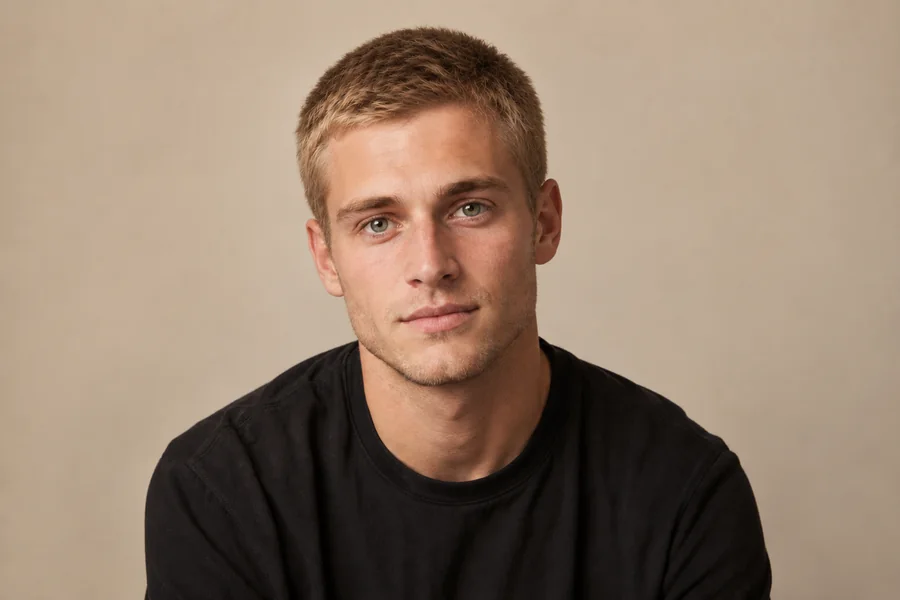
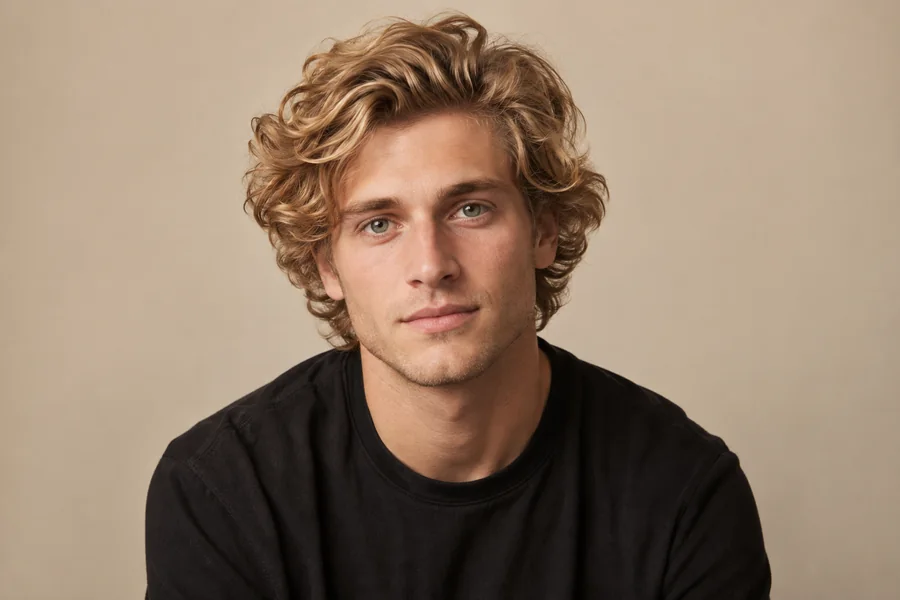
Reference example. It is not a result generated from your upload.
A buzz cut filter is an AI photo effect that replaces your current hairstyle with a short, clipper-cut look while keeping your face, skin tone, and lighting unchanged. Upload one photo and the AI buzz cut filter reads your hairline and head shape, then renders a buzz cut that follows your real proportions.
It answers the questions everyone asks before a big chop: "how would I look with a buzz cut?", "what do I look like with a buzz cut?" and "what will I look like with a buzz cut if I go even shorter?". Switch between buzz styles and guard lengths to compare looks, then show your barber a picture of a buzz cut on your own face.
Drag each image to compare the original photo with the buzz cut version. Face, outfit, and background stay the same; only the hair changes.
Long blonde waves become a sleek, fashion-forward buzz. The filter works on long hair too, so you can test an editorial buzz cut model look before cutting a single strand.
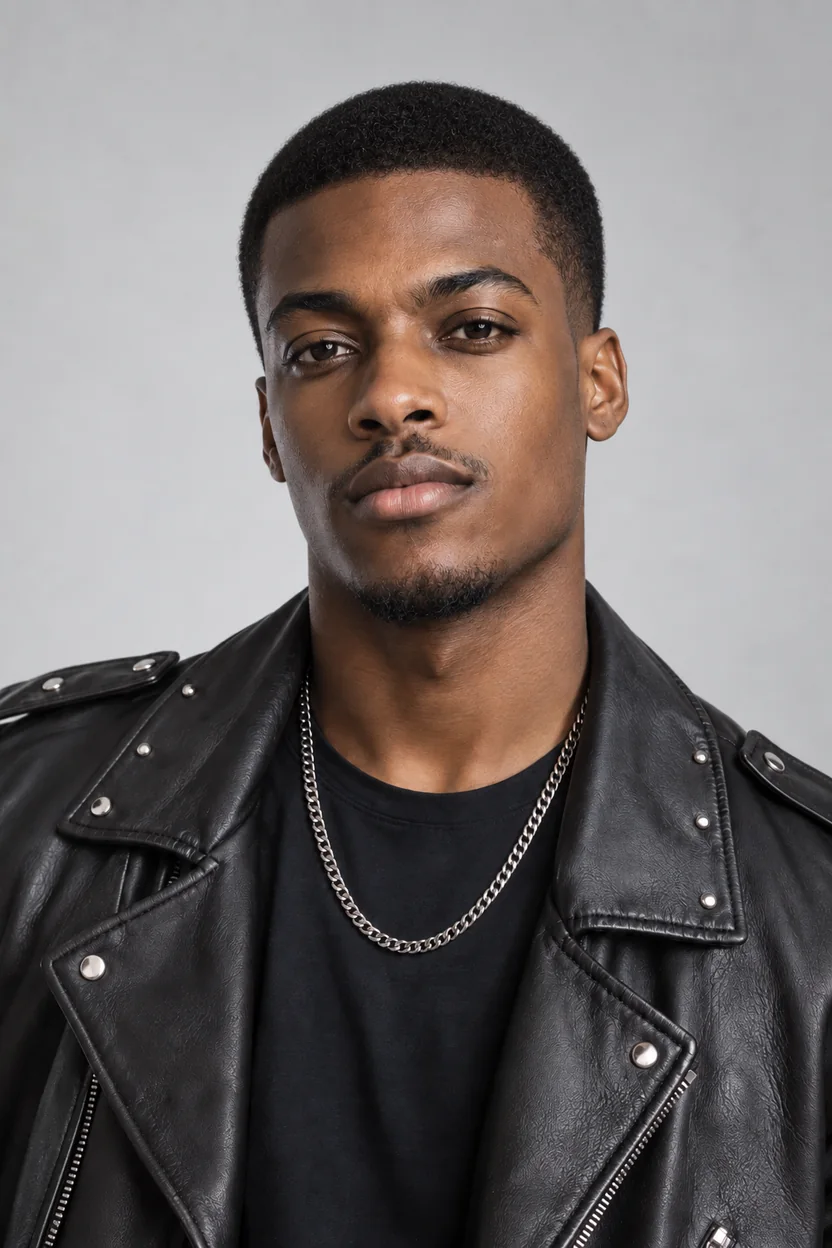
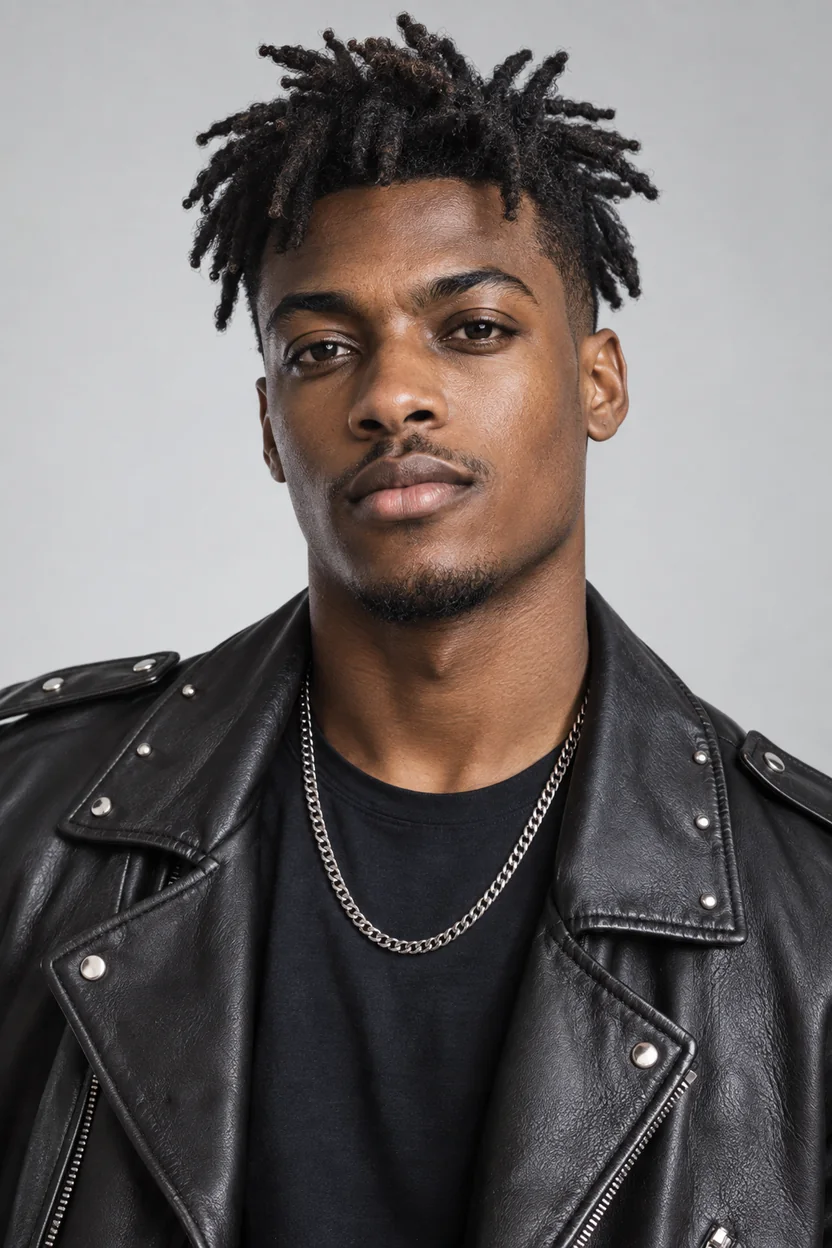
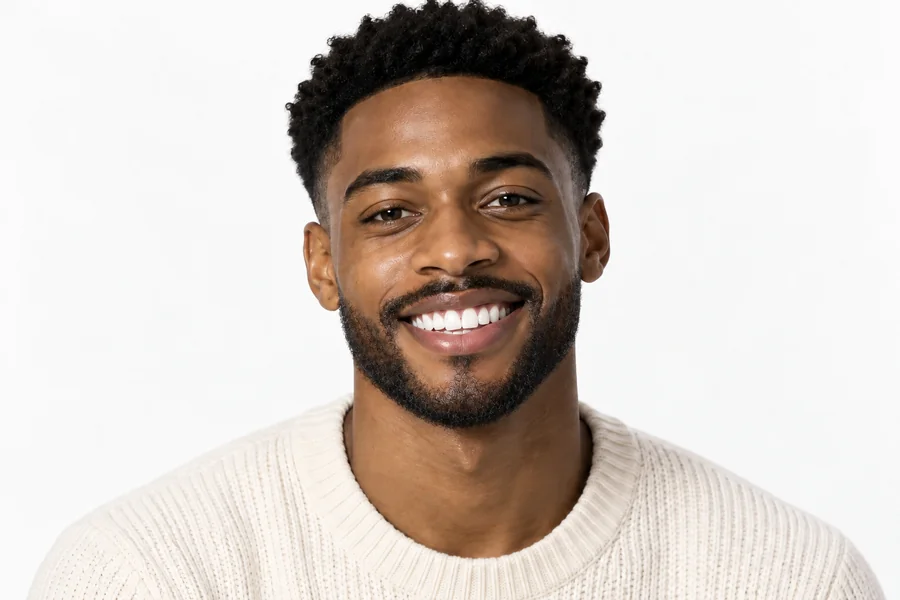
Even thick locs and curls can become a crisp buzz cut. The AI follows your hairline and natural texture, so the short cut sits like it came straight from the barbershop.
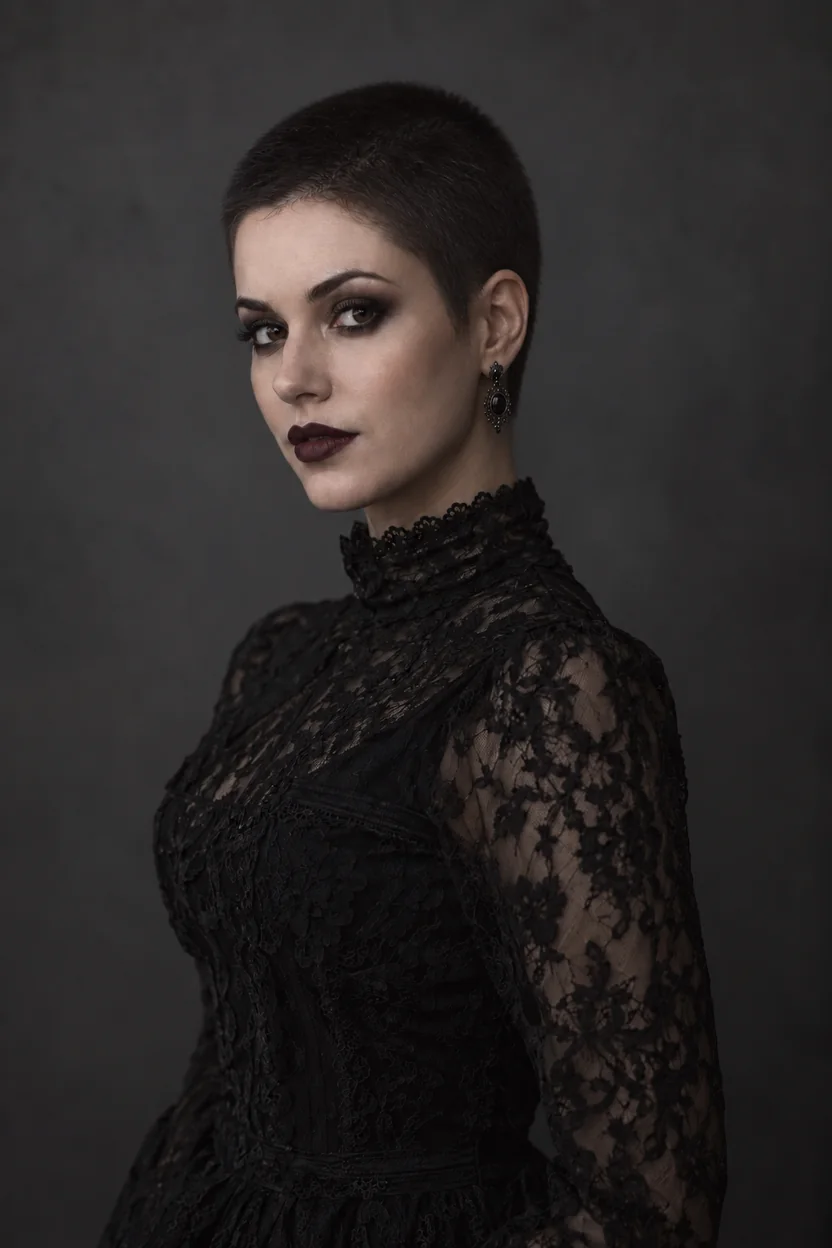
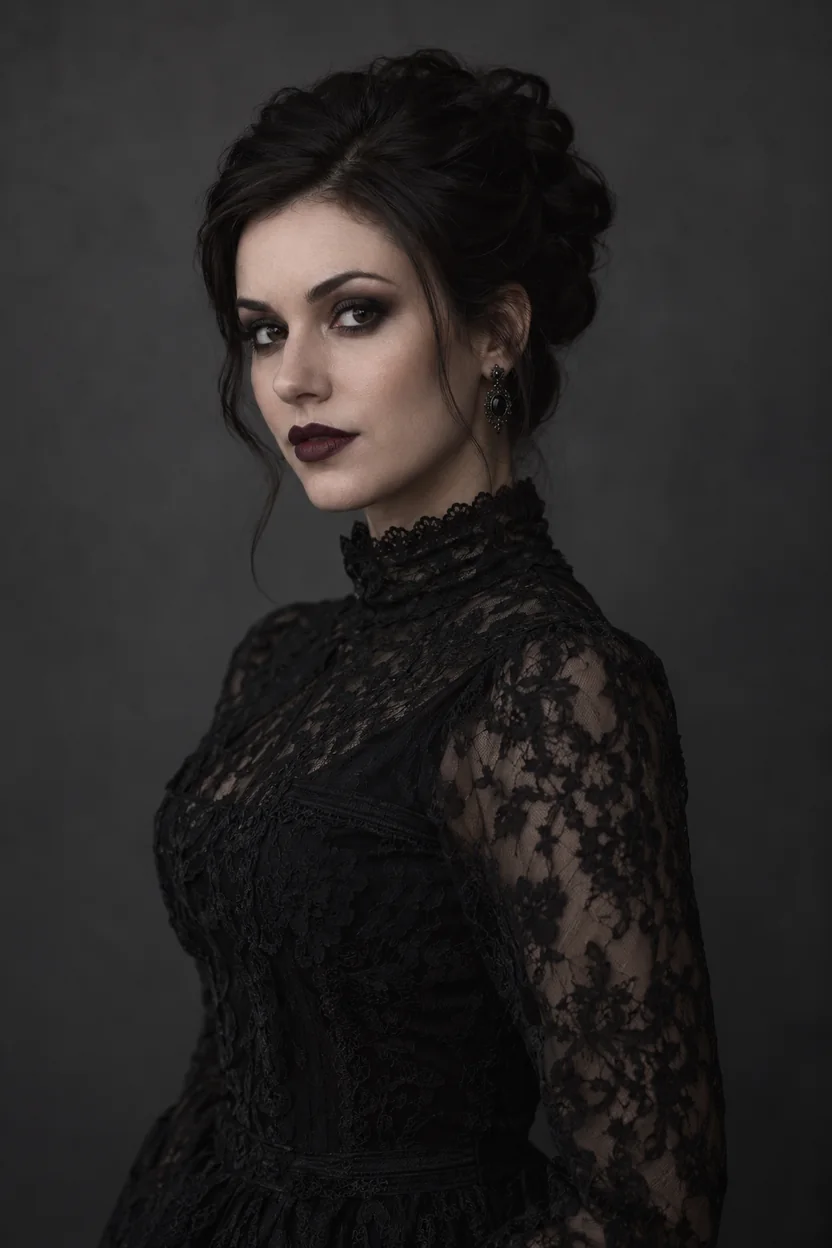
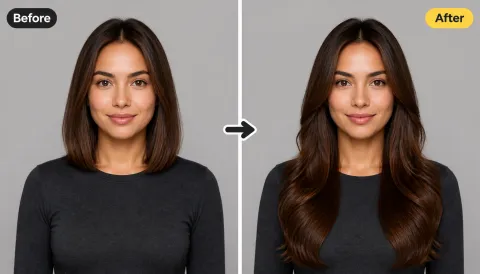
Pair a near-skin buzz with dark makeup and bold accessories. A #1 guard length gives a sharp, edgy result while every other detail of the photo stays intact.


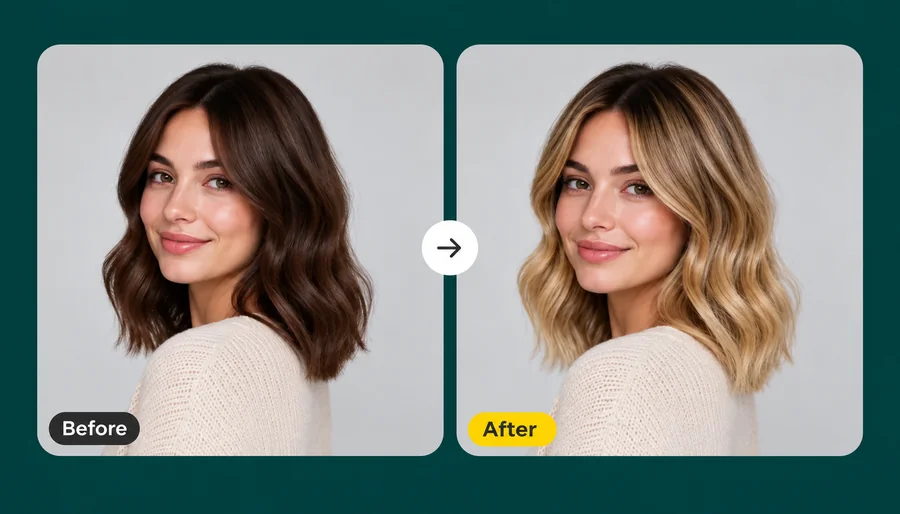
Swap messy layers for a tidy #4 buzz without losing the mood of the photo. Background, clothing, and expression stay exactly the same.
How will I look with a buzzcut? Find out in three steps with this online buzz cut filter. No buzz cut app to install.
Choose a sharp, front-facing photo where your current hair, hairline, and face are easy to see. JPG, PNG, and WebP files up to 10 MB are supported.
Choose Classic Buzz, Induction Cut, Fade Buzz, Bleached Buzz, or Colored Buzz, or switch to Guard Length for a #1 to #8 cut. Prefer something specific? Describe it in Custom.
Choose 1 to 4 outputs, generate your buzz cut, and compare it with your original photo before you sit in the barber’s chair.
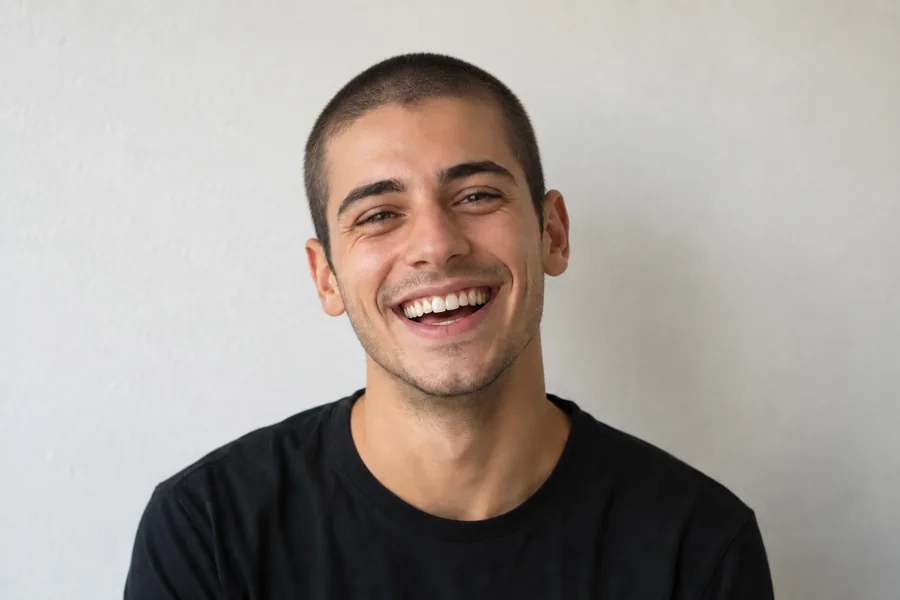
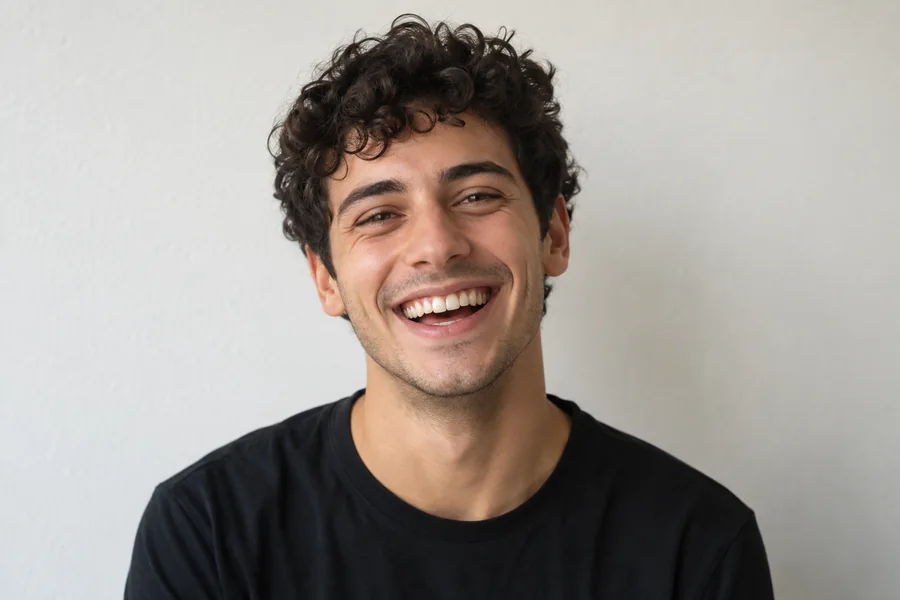
Unlike basic buzz filters that just darken the top of your head, this buzzcut AI reads your hairline, head shape, and lighting first. The result follows your real proportions, so it looks like a haircut you walked out of the barbershop with.
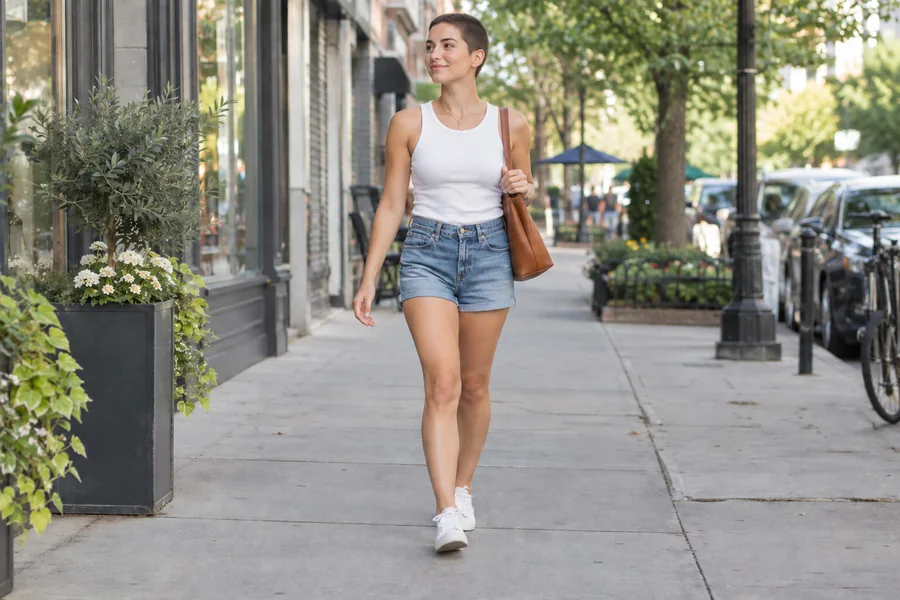
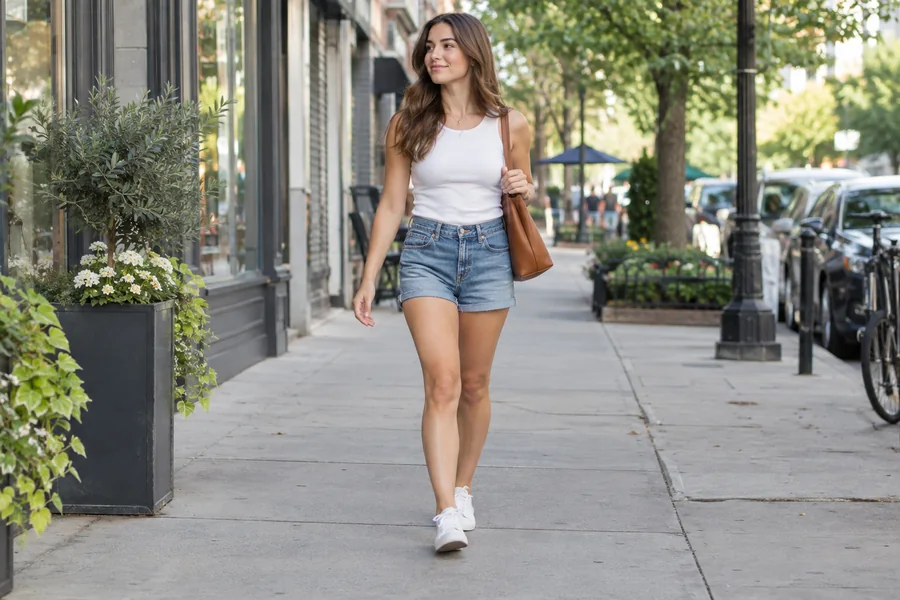
Treat it like a fitting room for your hair. The buzz cut simulator shows how the cut lands on your own face, so you can decide with confidence instead of waiting months for your hair to grow back.
Clipper guard size changes everything. Go from a near-skin #1 to a soft #4, or choose #8 for an 8 guard buzz cut filter look with more length on top. Need more length? Describe a #10 in Custom for a 10 guard buzz cut filter look, or ask for a high fade or crew cut.
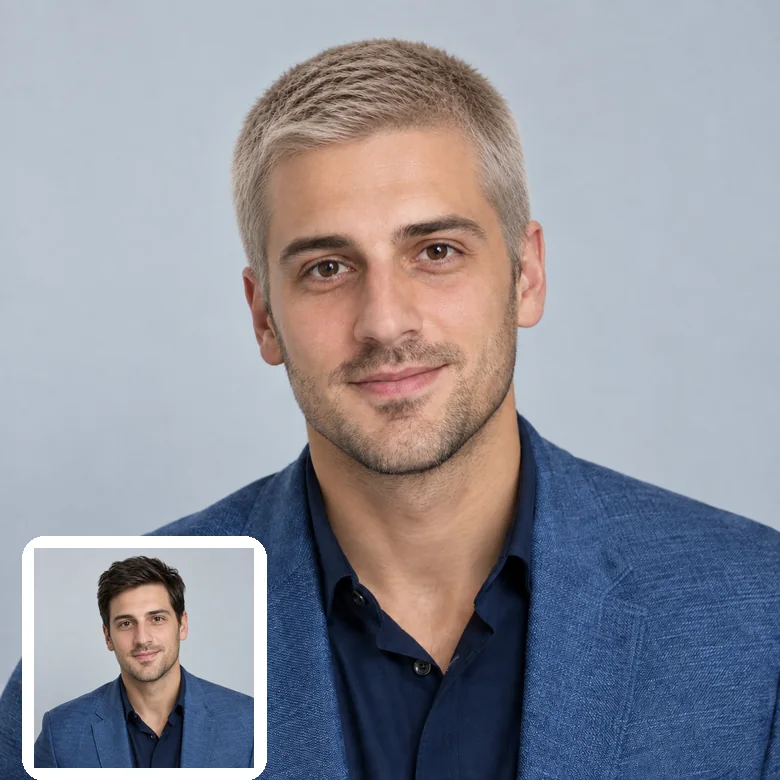
Go platinum without touching bleach. The bleached buzz filter lightens a short cut to icy blonde, and Colored Buzz tries bold shades like purple or pink, so you can test the look before booking a colorist.
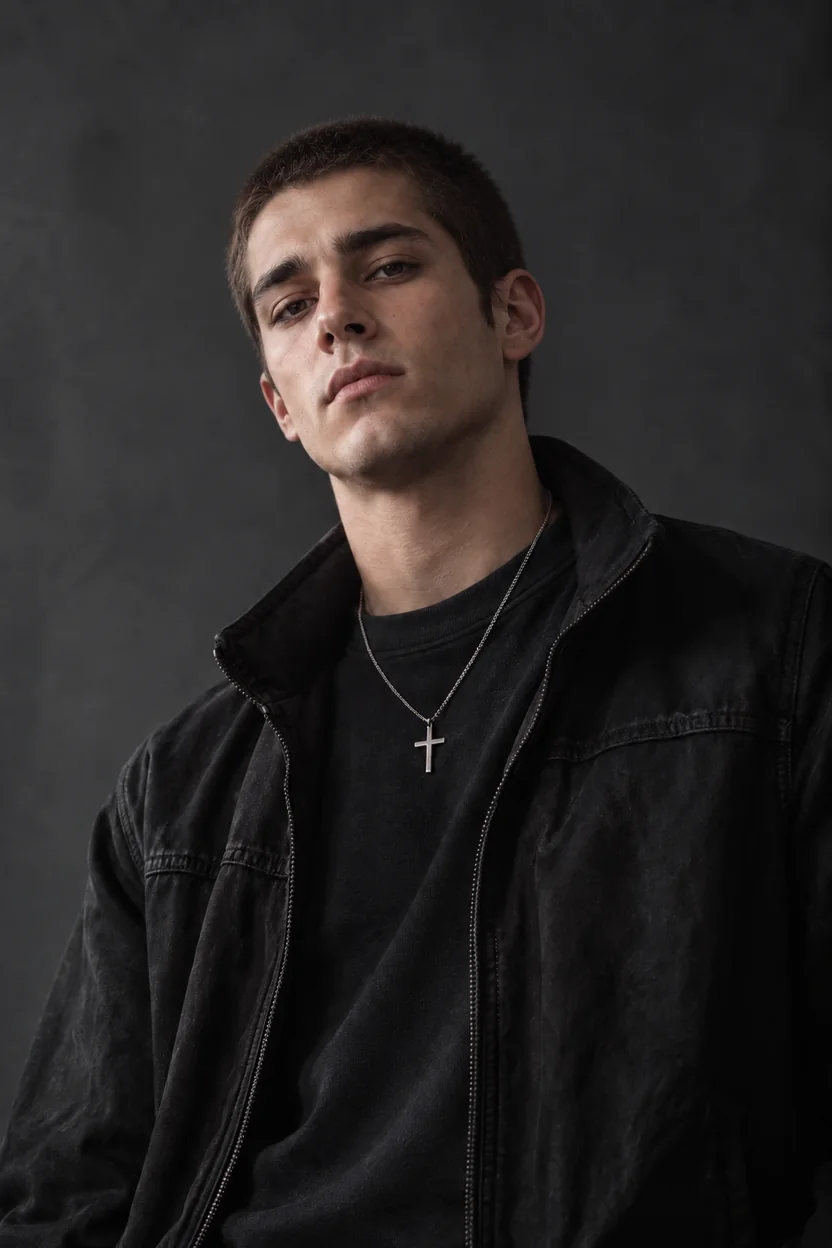
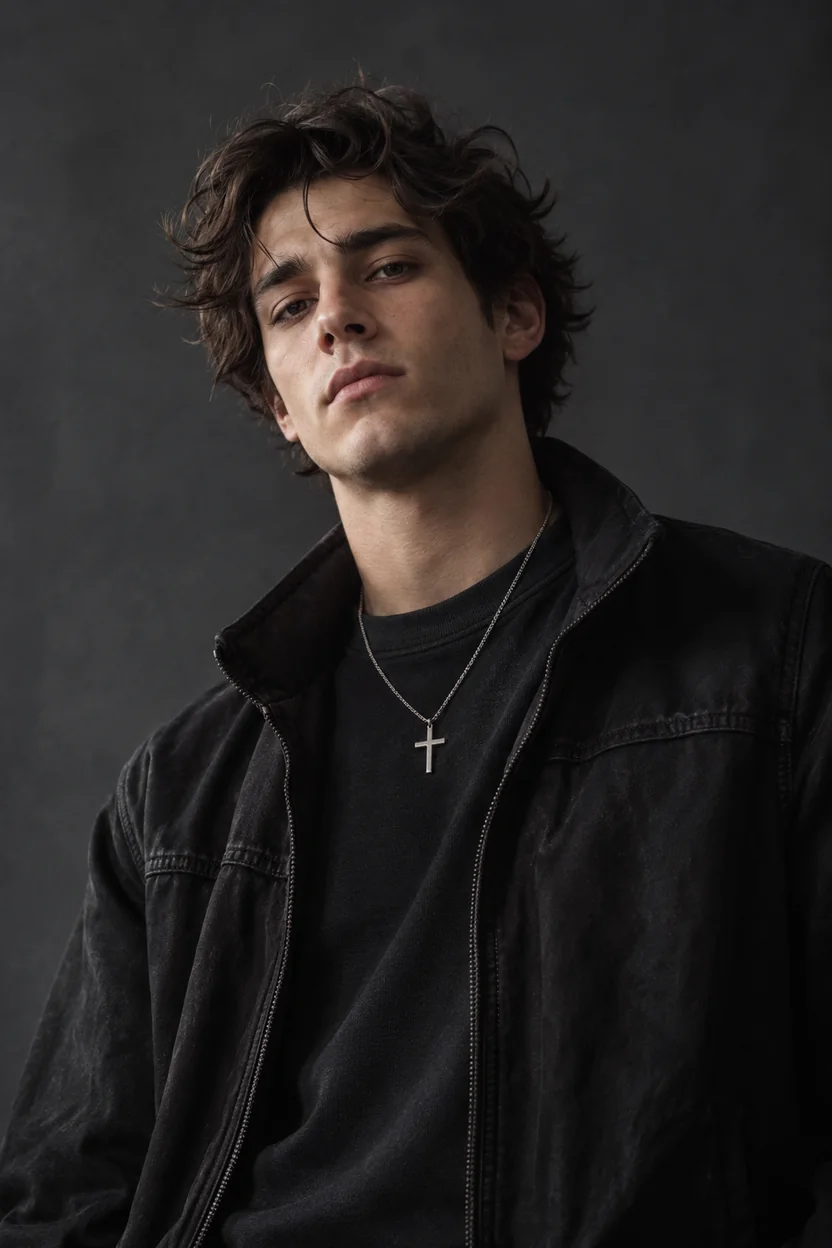
See yourself with a buzz cut before the clippers come out, and bring the preview to your appointment.
Drop your buzz cut preview in the group chat and let friends vote on the actual look instead of your description.
Preview bleached, platinum, or colored buzz cuts before committing to bleach and dye.
Stylists, cosplayers, and creators can preview a buzz cut for shoots, characters, and mood boards without cutting anyone’s hair.
Start with a photo that shows your whole head and hairline.
Pull hair off your forehead if you can; a visible hairline helps the AI place the cut correctly.
Soft front light keeps skin tone and scalp shading natural under a short cut.
Hats, hoods, and beauty filters hide the head shape a buzz cut depends on.
Single-person selfies give the most consistent buzz cut; group photos vary more.
Common ways people use buzz cut previews.
Illustrative examples adapted from reference material, not verified reviews of EzImgMaker.
I wanted to see what I would look like with a buzz cut before going through with it. The #4 preview convinced me, and I cut it the next day.
Long hair to a buzz cut is a huge jump. Seeing me with a buzz cut on my own photo first made it feel a lot less scary.
The group chat voted on three versions. The bleached buzz won by a landslide.
I use it to plan character looks for shoots before asking anyone to cut their hair.
Answers to common questions about the AI buzzcut filter and buzz cut previews.
Upload a clear selfie, choose Classic Buzz or a guard length, and generate. The buzzcut filter replaces your current hair with a realistic buzz cut that follows your head shape and hairline, so you can see the look on your own face before committing.
Long hair works too. The AI removes the length, renders a short cut close to the scalp, and fills in the neck and shoulders with matching background and clothing. Men and women with long, curly, or textured hair can all try it.
Switch to Guard Length and compare #1, #2, #4, and #8. A #1 shows more scalp and a sharper head shape, while #8 keeps a softer, fuller look on top.
Yes. This realistic buzz cut filter rebuilds hair texture, scalp shading, and the hairline from your photo instead of placing a flat overlay on top, so the cut sits naturally on your head.
The buzz cut AI filter detects your current hair, hairline, head shape, and lighting, removes the existing style, and generates a short clipper cut in the style you pick. Your face, skin tone, and expression stay unchanged.
Choose Bleached Buzz for an icy platinum look, or Colored Buzz for shades like purple or pink. You can also describe a specific color, such as "honey blonde #2 buzz", in Custom.
No. The buzz cut filter online runs in your browser on phone or desktop, so this AI buzz cut generator gives you the same kind of result as a buzz cut app without installing anything.
No. Only the hair changes. Facial features, beard, makeup, earrings, and other accessories stay in place.
Only upload photos you have the right to edit, and ask before you share someone’s buzz cut preview. Never use an edited photo to mislead or embarrass anyone.
A sharp, front-facing selfie with even lighting and a visible hairline works best. Avoid hats, strong shadows, heavy filters, and tiny faces in group shots.
Upload a selfie and preview your new look with the AI buzzcut filter before you sit in the chair.