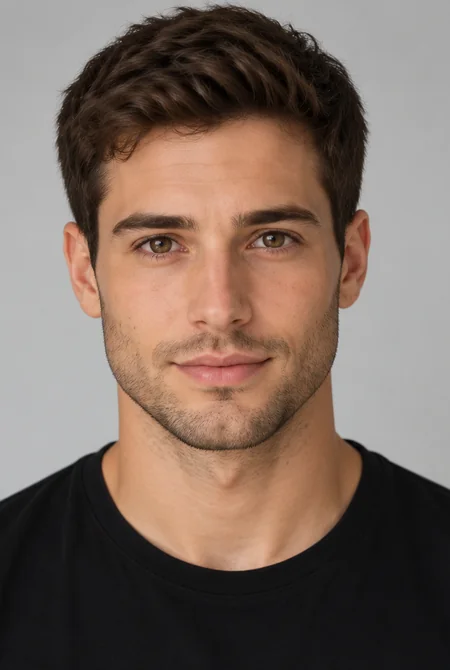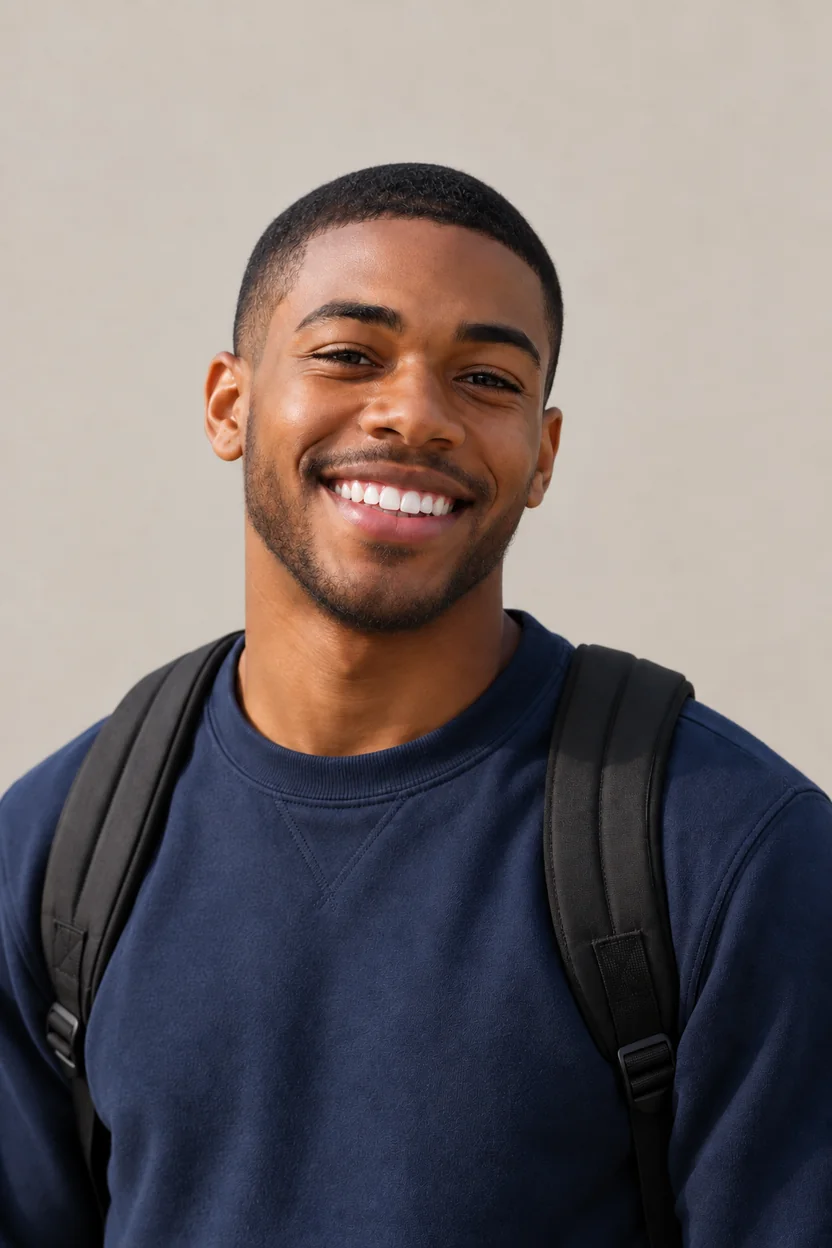
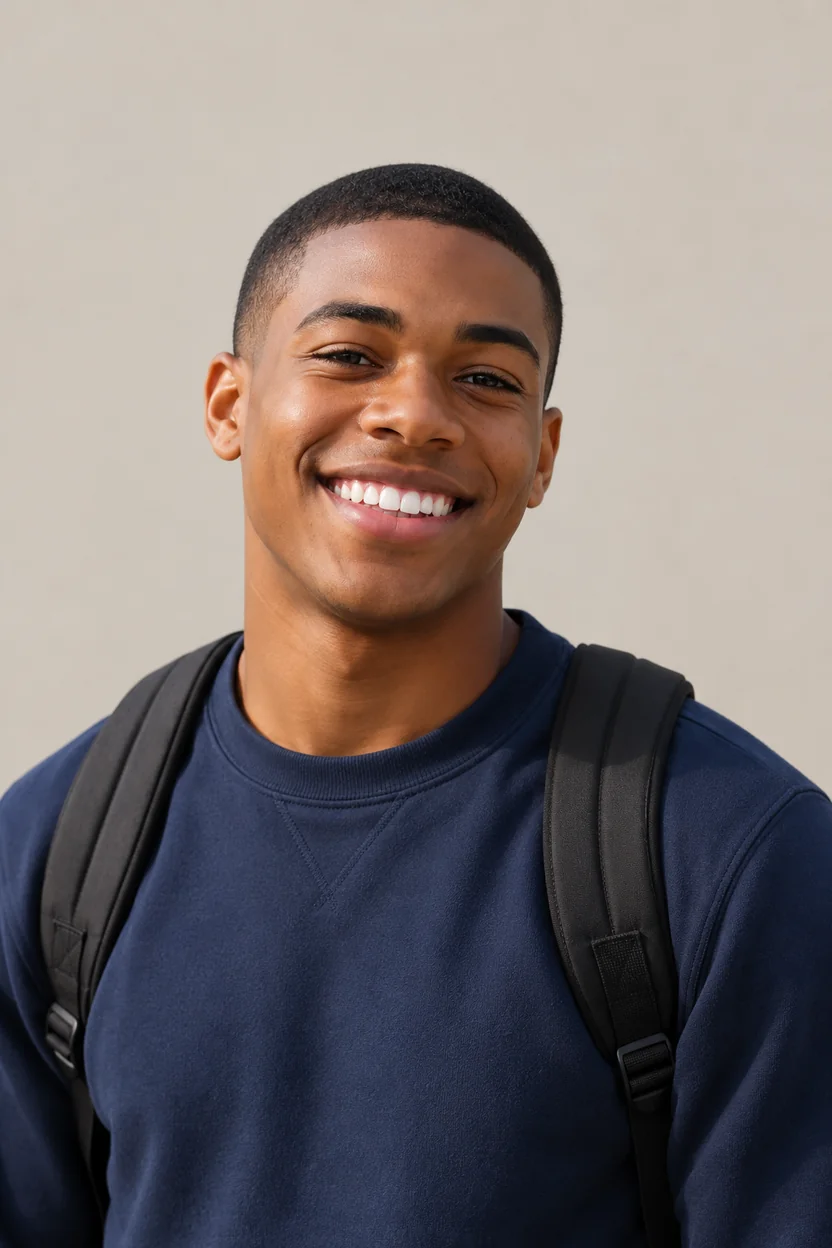
Short Beard for a Student Look
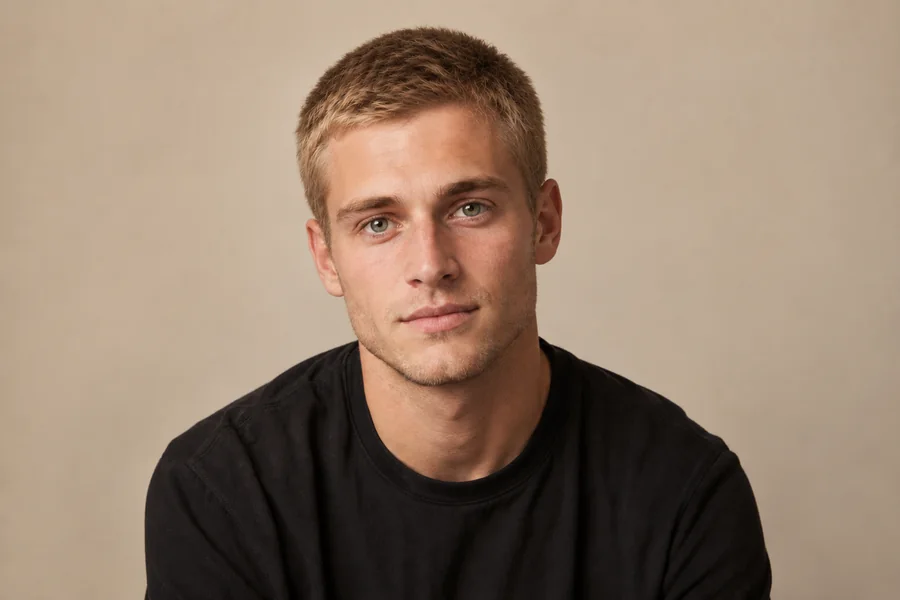
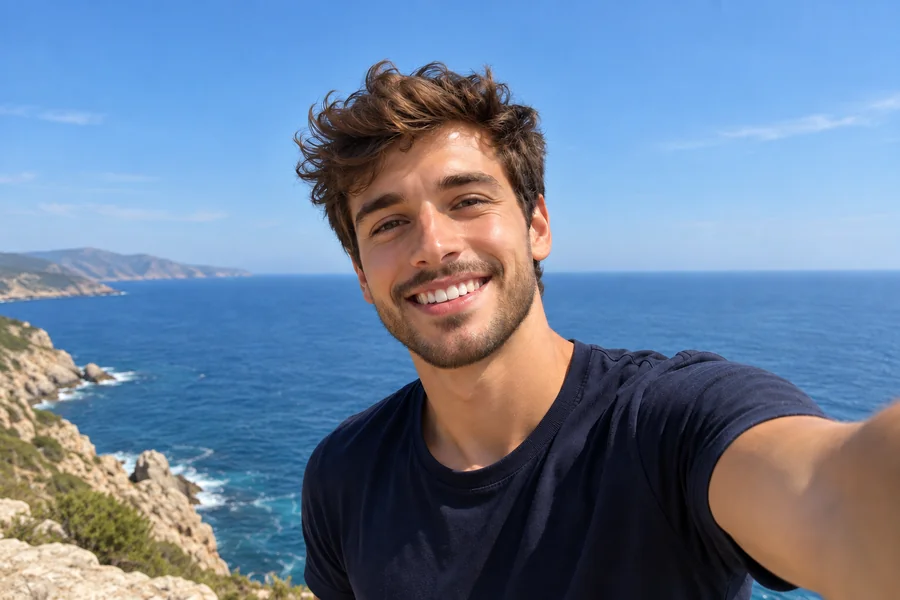
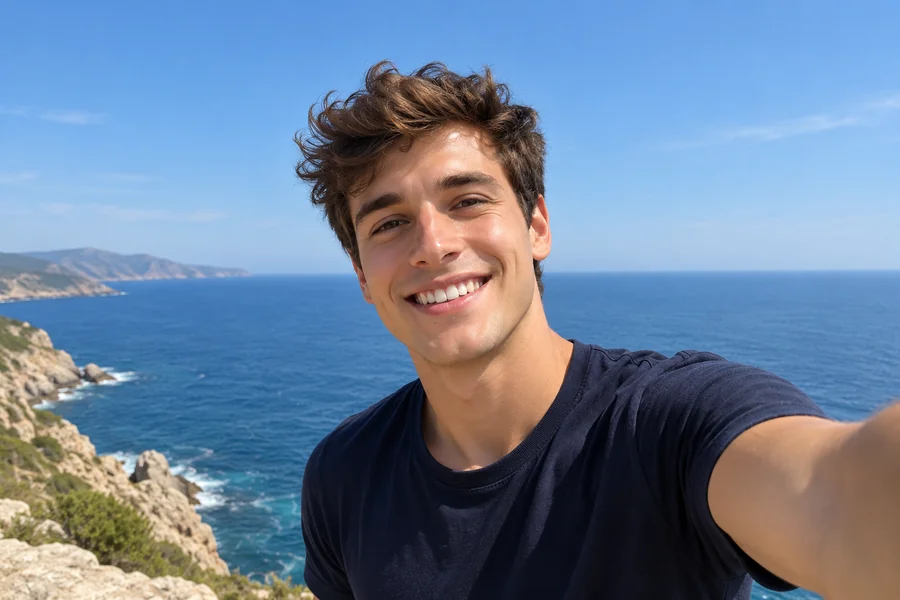
A neat, short beard adds definition to a young, clean-shaven face while keeping the same smile and skin texture.
Upload a selfie and the AI beard generator adds realistic facial hair to your photo, from light stubble to a full or long beard, so you can see the look before you grow it.
Your photo stays in this browser during this UI preview.
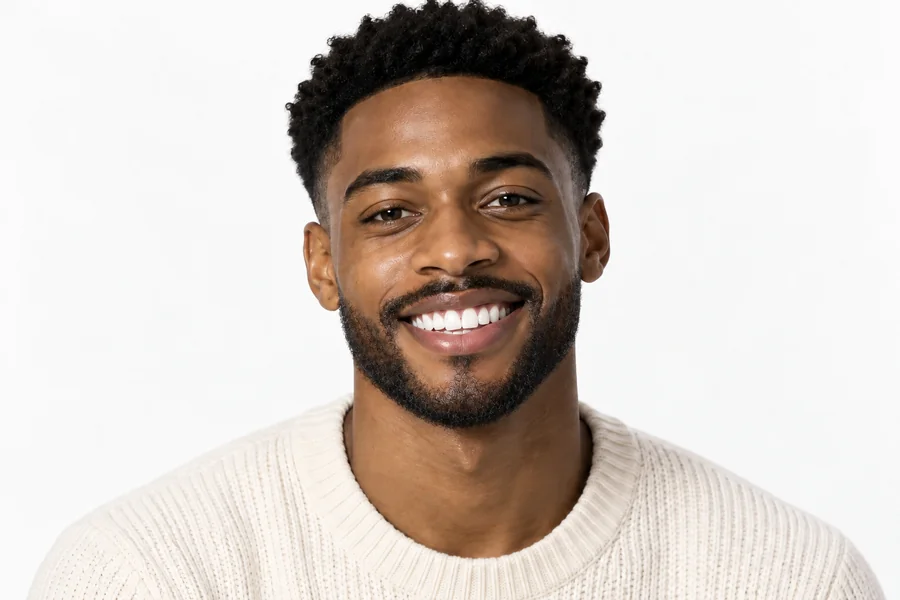
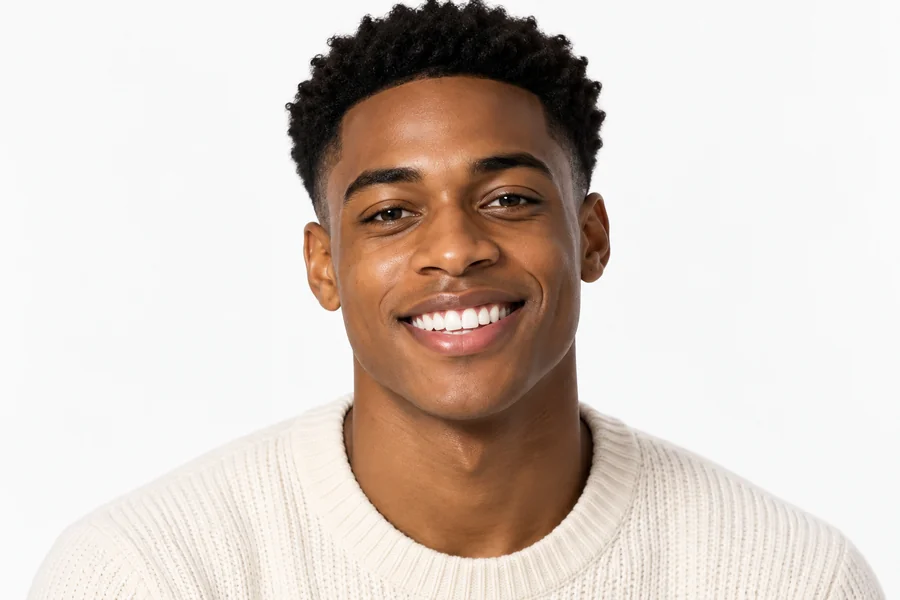
Reference example. It is not a result generated from your upload.
A beard filter is an AI photo effect that adds realistic facial hair to a clean-shaven or lightly stubbled face. Upload one photo and the AI beard filter matches the beard to your jawline, skin tone, hair color, and lighting, so it sits like a beard that actually grew in rather than a sticker on top.
It is the quickest way to answer "how would I look with a beard?", "what would I look like with a beard?", "what do I look like with a beard?" or "how will I look with a beard if I stop shaving?". Add a beard to your picture in several styles, compare them side by side, or go the other way with a clean-shaven preview.
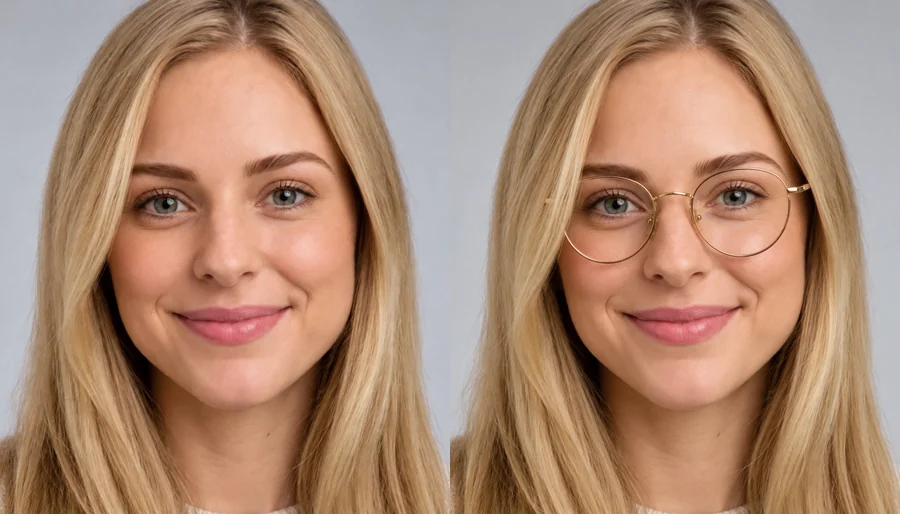
Drag each image to compare the original photo with the bearded version. Face, expression, and outfit stay the same; only the facial hair changes.
A neat, short beard adds definition to a young, clean-shaven face while keeping the same smile and skin texture.
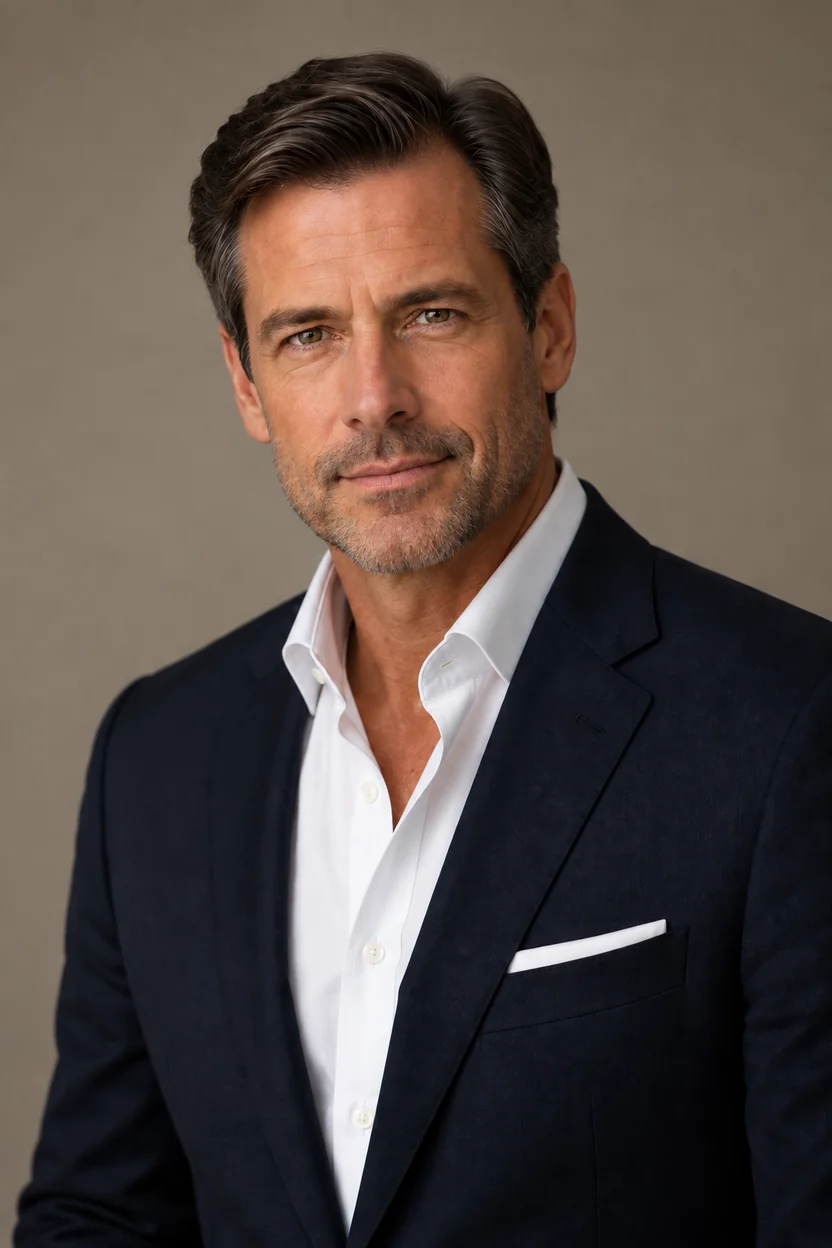
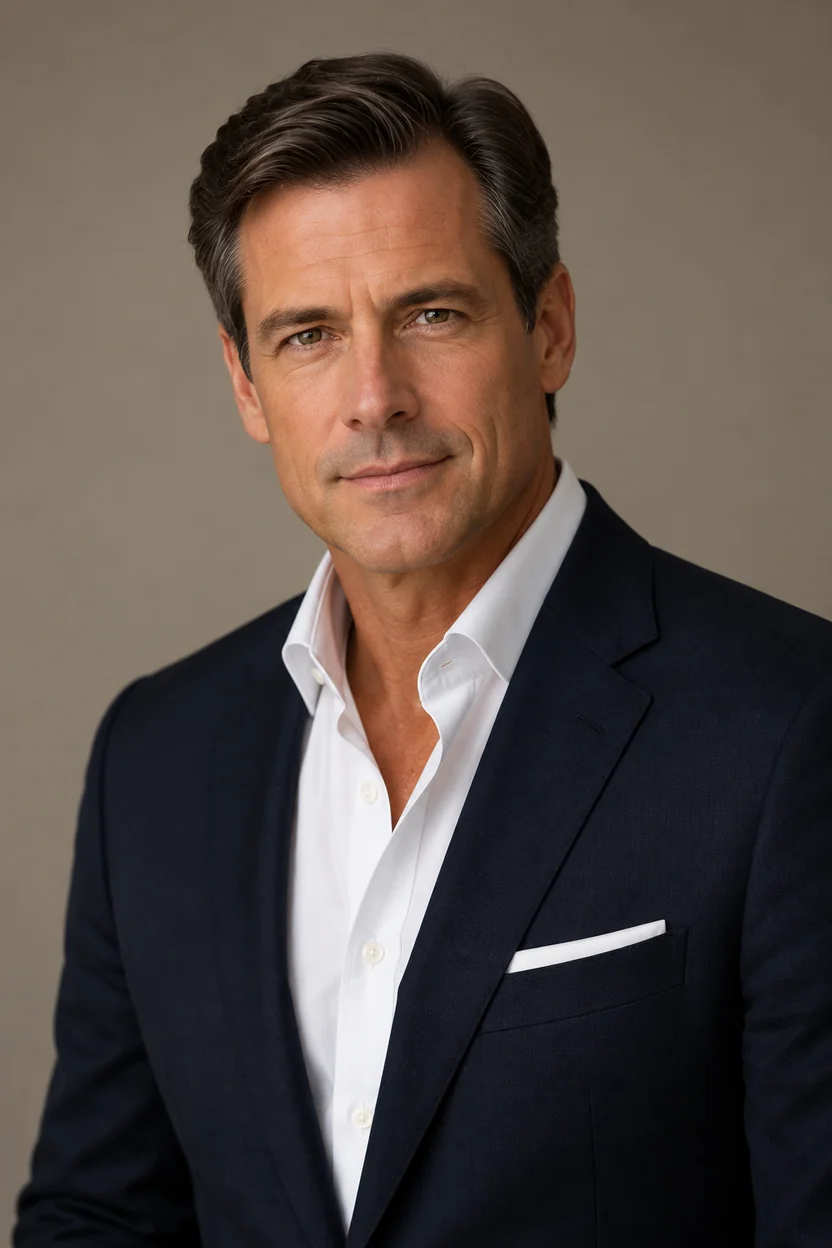
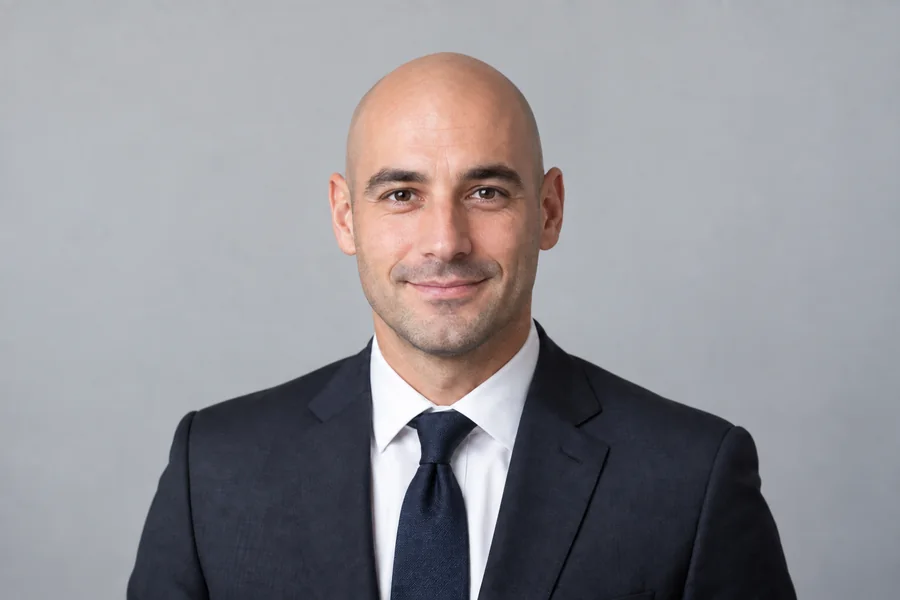
Add gray-flecked stubble to a professional headshot. The beard follows the jawline and matches the natural hair color for a polished, mature look.
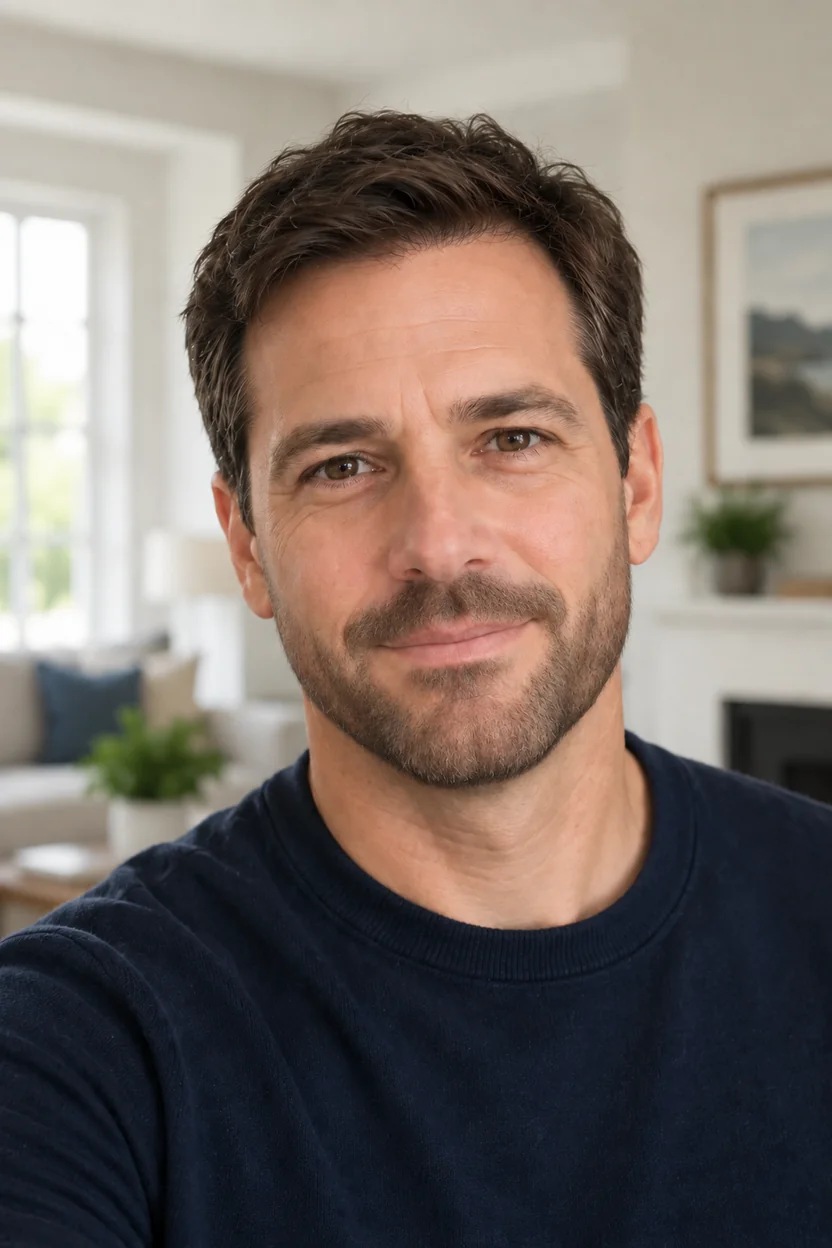
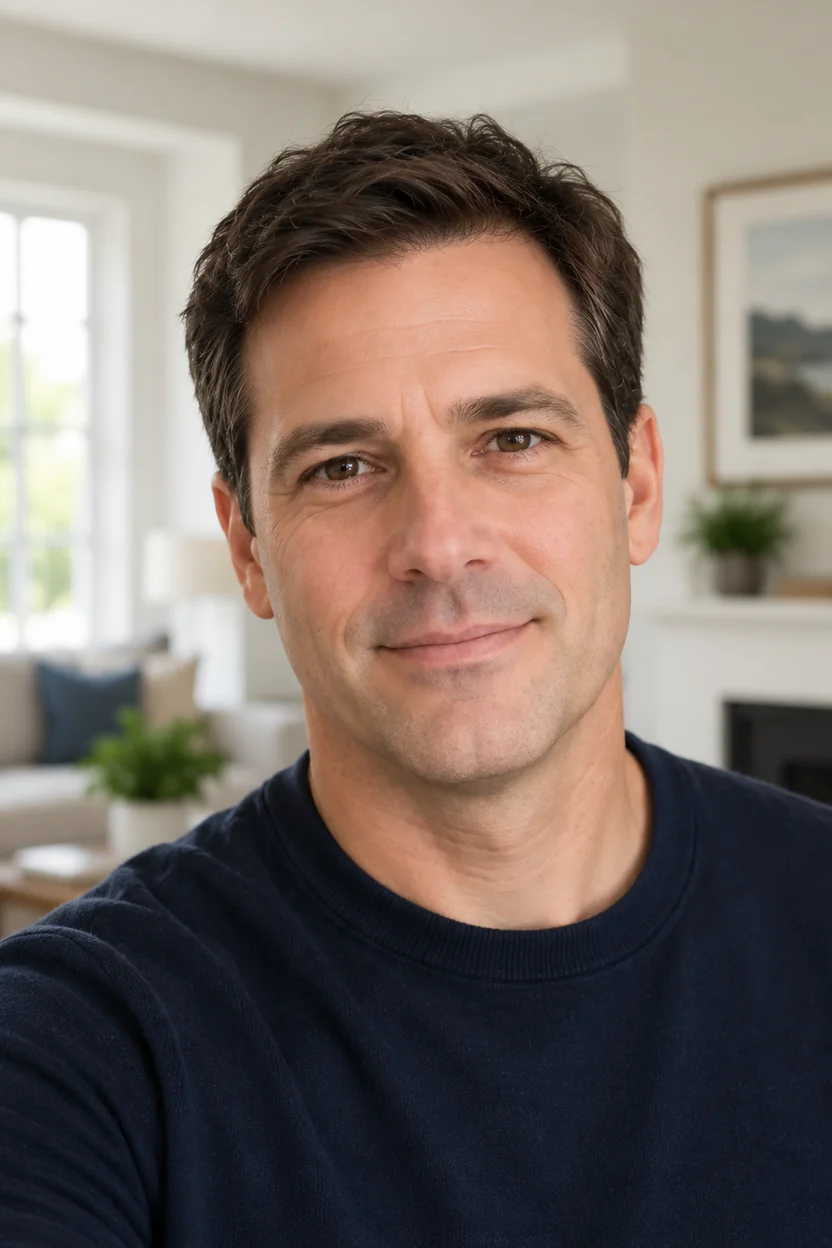
Curious how a fuller beard would change a family photo or portrait? The beard simulator keeps your expression and skin detail while filling in a natural, even beard.


Laptop, coffee, and a short, well-kept beard. A quick way to test a relaxed everyday style before you commit to growing it.
Add beard to photo online in three steps. No beard filter app to install and no editing skills needed.
Choose a front-facing photo where your jawline, chin, and upper lip are visible. JPG, PNG, and WebP files up to 10 MB are supported.
Pick Light Stubble, Short Boxed, Full Beard, Long Beard, French Beard, or Salt & Pepper, or choose No Beard to remove facial hair. Want a goatee or mustache? Describe it in Custom.
Generate your bearded photo, compare it with the original, and try another style if you want more or less facial hair.
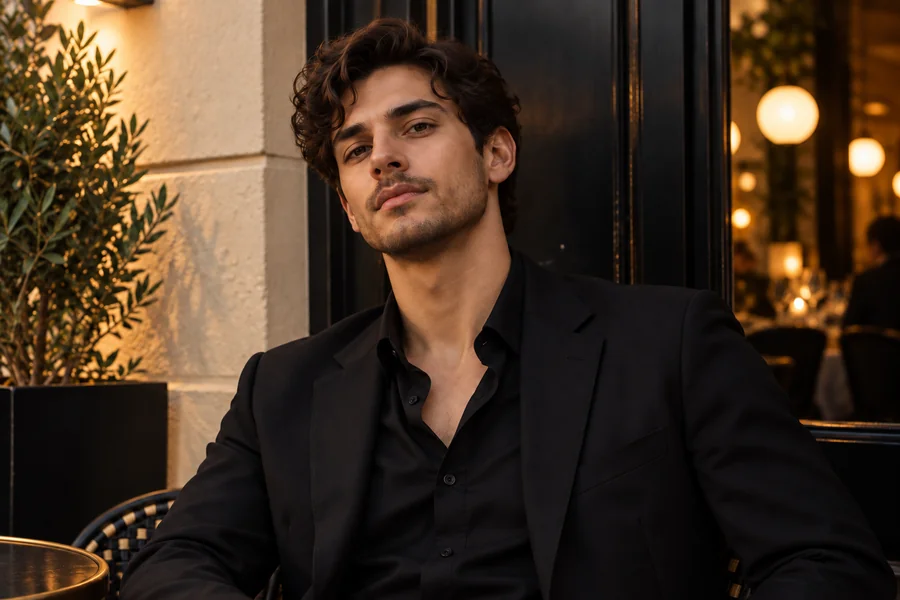
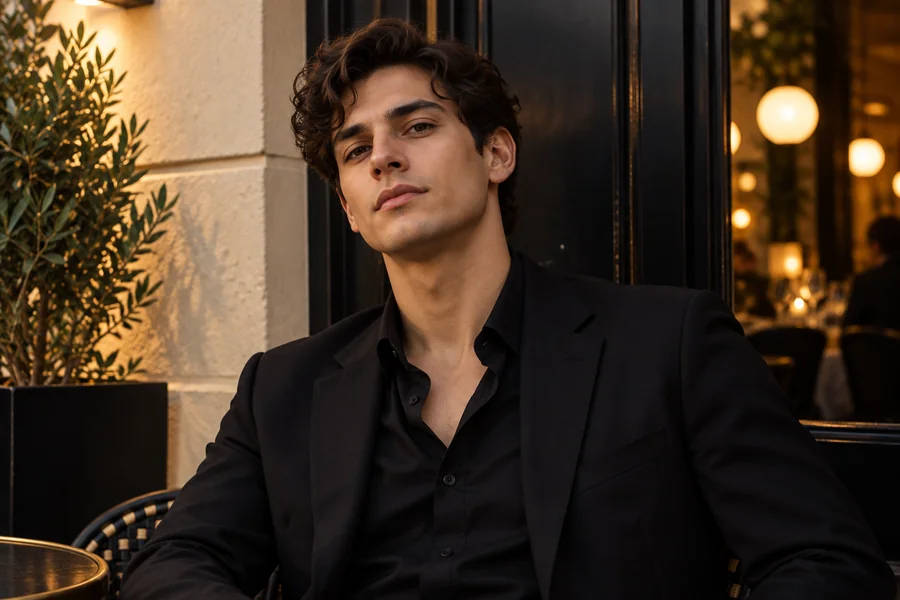
Not every beard suits every jawline. This beard AI adjusts shape, density, and hair direction to your face, skin tone, and lighting, so the beard looks like it belongs to you instead of a flat overlay.
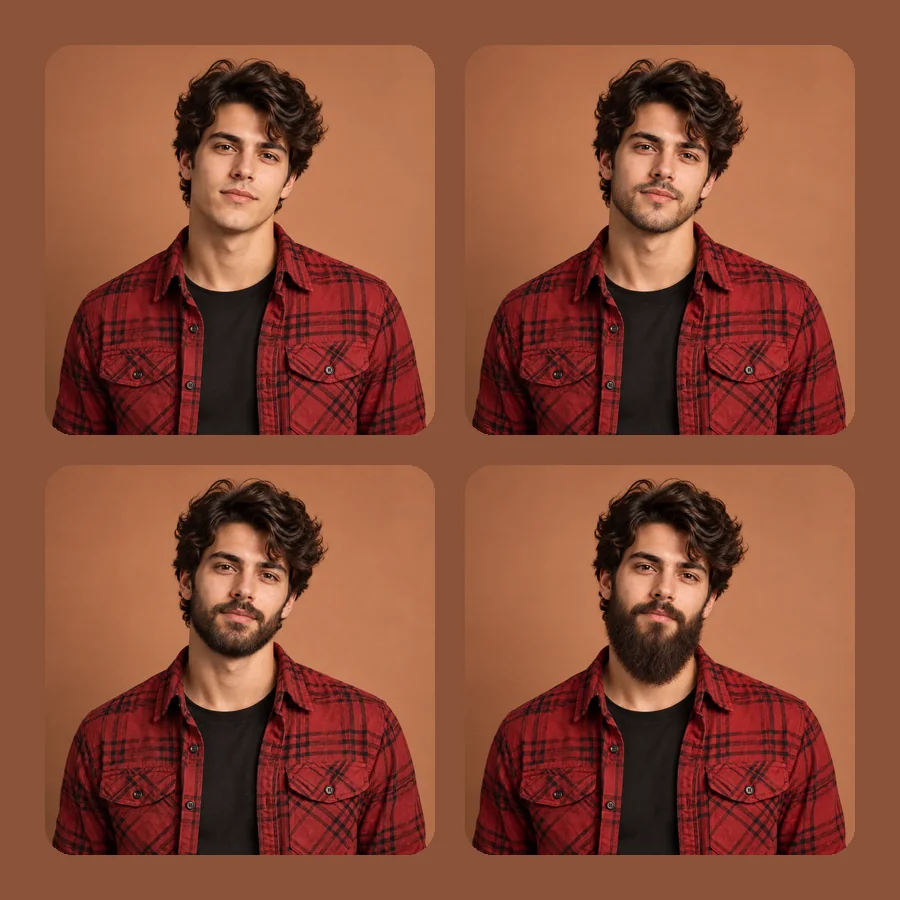
Compare beard styles AI can create on one photo: light stubble, a short boxed beard, a full beard, a French beard, or a long beard. For an AI goatee, a Van Dyke, or a classic mustache, describe it in Custom.
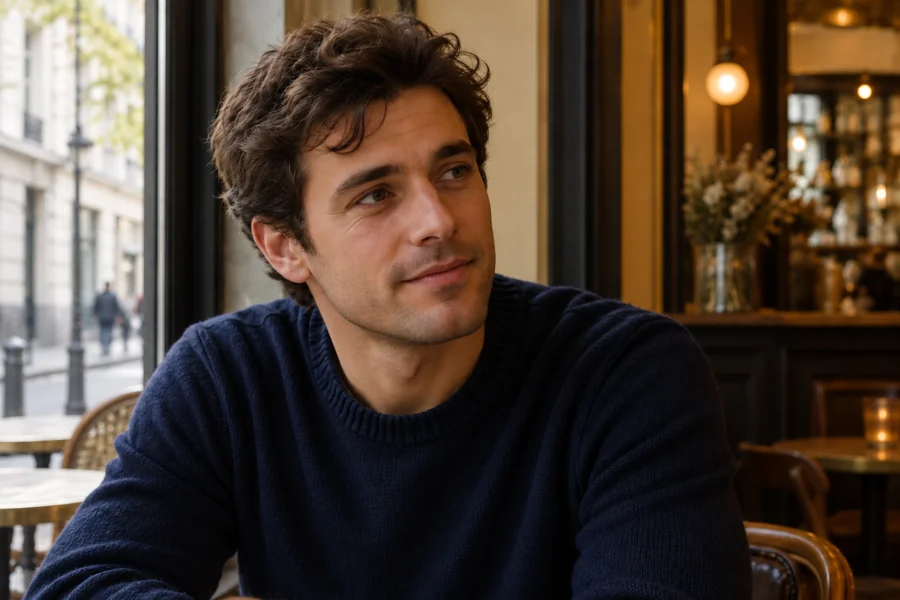
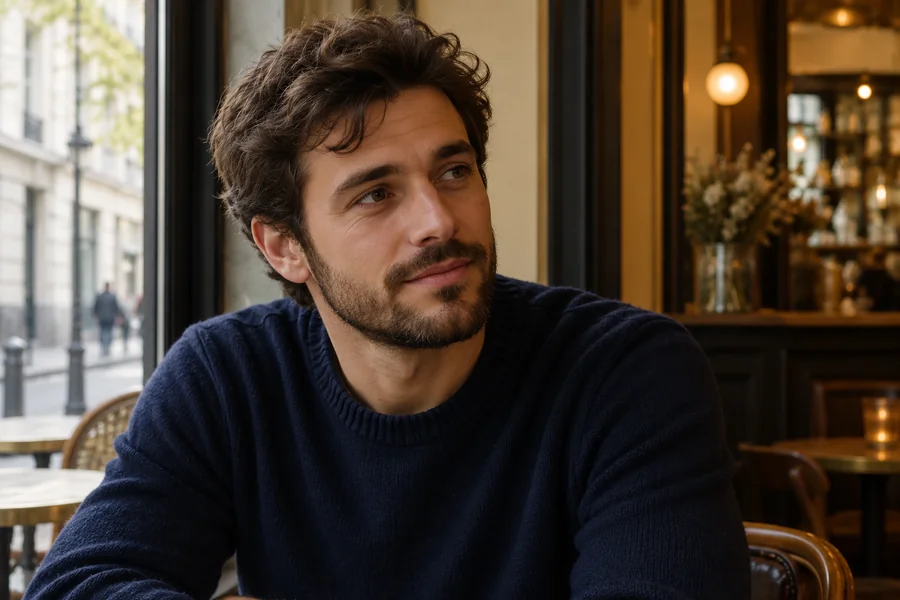
Already bearded? Choose No Beard to see a clean-shaven version. It works as a remove facial hair filter for anyone wondering how to get rid of a beard before a big event, without touching the razor.
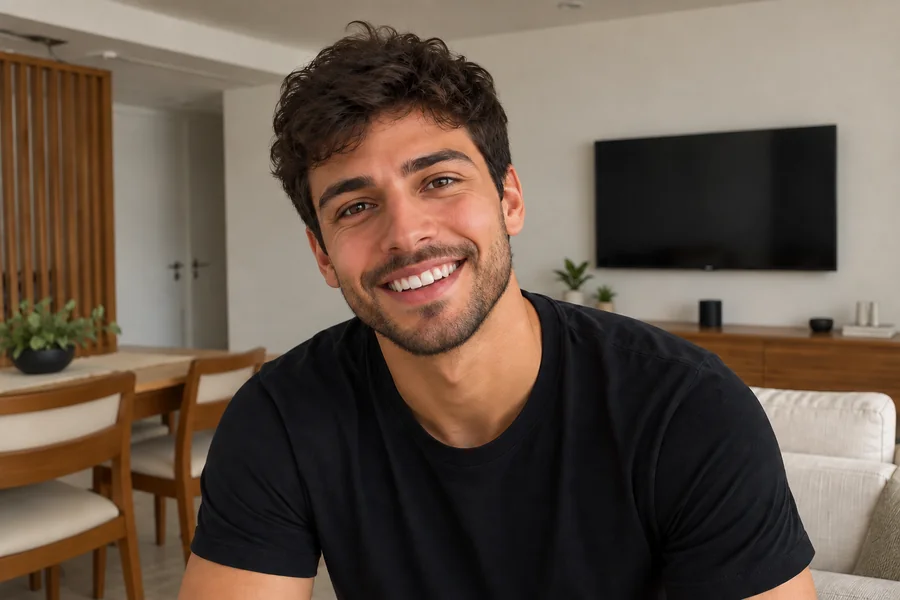
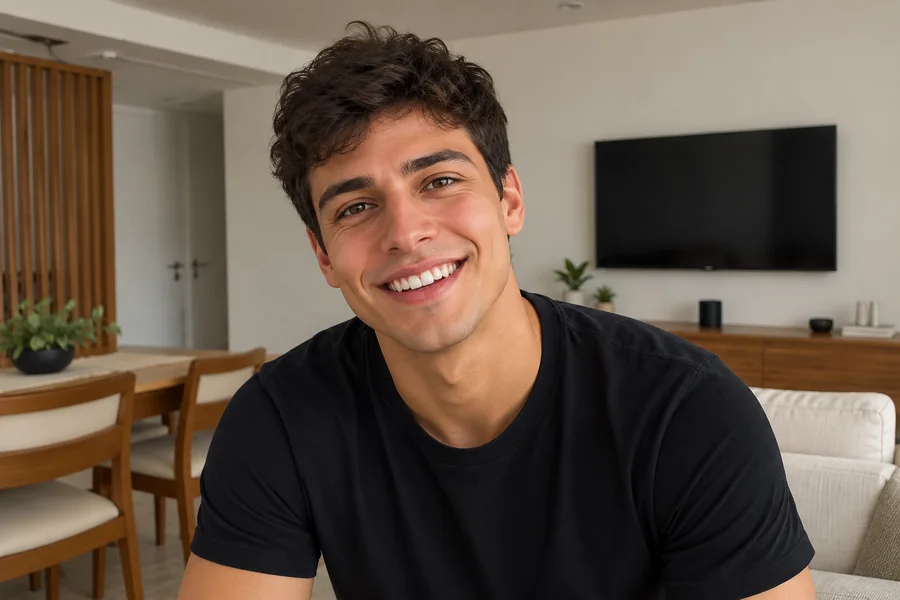
See the beard you could grow by the end of No-Shave November and decide whether it is worth the itch. Share the before and after for a laugh, or keep it as motivation.
Put a beard on your photo to see how stubble or a full beard changes your face shape before spending weeks growing one.
Test whether a beard makes your dating profile or professional headshot look more confident.
Ask your partner "how would you look with a beard?", then put a beard on your picture of them and explore styles together.
Plan cosplay looks, give a character a long wizard beard, or surprise friends with a bearded selfie.
When you add a beard to a photo, the source image decides how natural it looks.
Face the camera so your chin, jaw, and upper lip are clearly visible.
Soft, even light helps the AI match beard color and shading to your skin.
Beauty filters and strong blur hide the skin detail a realistic beard needs.
Single-person photos give the most consistent beard; group shots vary more.
Common ways people use beard filter results.
Illustrative examples adapted from reference material, not verified reviews of EzImgMaker.
I could never picture myself with a beard. Seeing a full beard on my own photo finally convinced me to stop shaving.
I made versions of my boyfriend with stubble and with a full beard. We both liked the short boxed one best.
I tested a light stubble preview on my dating photo first, then grew the real thing.
Handy for planning a long-beard character costume before buying a fake beard.
Answers to common questions about the AI beard filter and adding facial hair to photos.
Upload a clear, front-facing photo, pick a style such as Light Stubble or Full Beard, and generate. The beard filter adds facial hair that follows your jawline and matches your hair color and lighting, so you can see how a beard would look on you.
That is exactly what a beard simulator is for. Preview stubble, a short boxed beard, or a full beard on your own face, then use the result as inspiration while you grow it, or just for fun.
Upload your photo, choose a beard style in the panel above, and generate. Any clear photo where the lower face is visible works, including selfies, headshots, and casual portraits.
Generate a bearded version, then choose No Beard on the same photo to see a clean-shaven one. Comparing both side by side is the easiest way to decide which look suits your face.
The AI beard generator maps your face, jawline, skin tone, and lighting, then draws beard hair with natural direction, density, and color. Your eyes, expression, and hairstyle stay unchanged.
Yes. Choose No Beard to use it as an AI facial hair remover and facial hair removal filter. It removes the beard and mustache and rebuilds the skin underneath, so you do not need a separate app that removes facial hair just to preview a clean shave.
Yes. Describe it in Custom, for example "short goatee with a thin mustache" or "Van Dyke with faded cheeks". The result follows your lip line and chin shape.
No. This beard filter online works in your browser on phone or desktop, so you get the same kind of result as a beard filter app without installing anything.
In most clear photos, yes. This facial hair AI generator gives each hair direction and texture instead of pasting on a flat shape. Blurry, dark, or heavily filtered photos make results less natural.
Only upload photos you have the right to edit, and ask before you share a bearded version of someone else. Never use the result to mislead, harass, or impersonate anyone.
Upload a photo and try stubble, a full beard, or a clean shave with the AI beard filter.