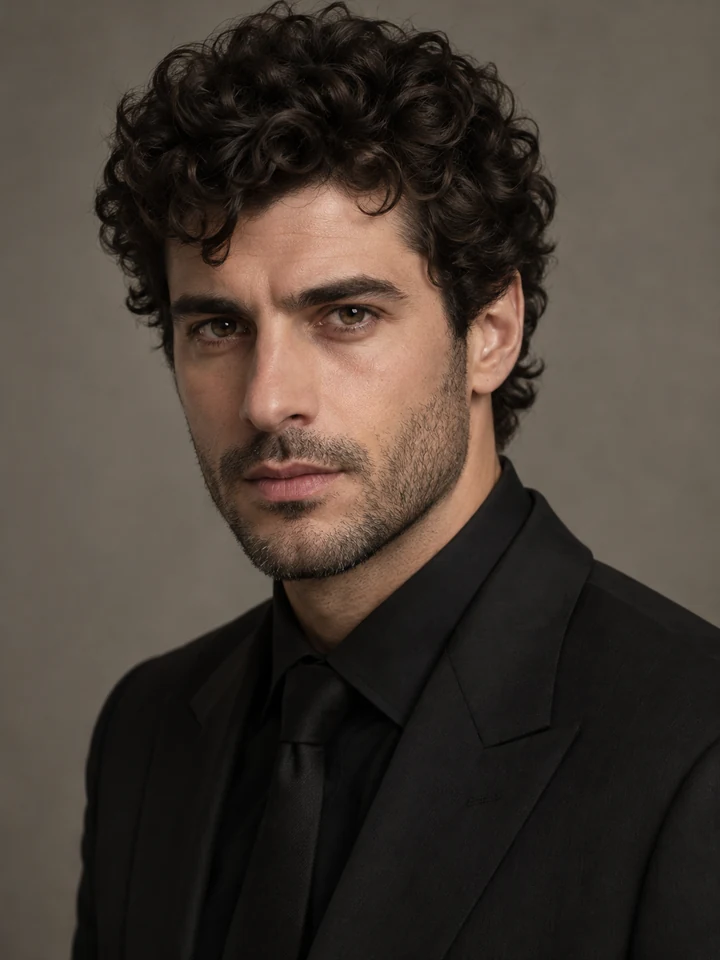
Short Beard to Smooth Skin
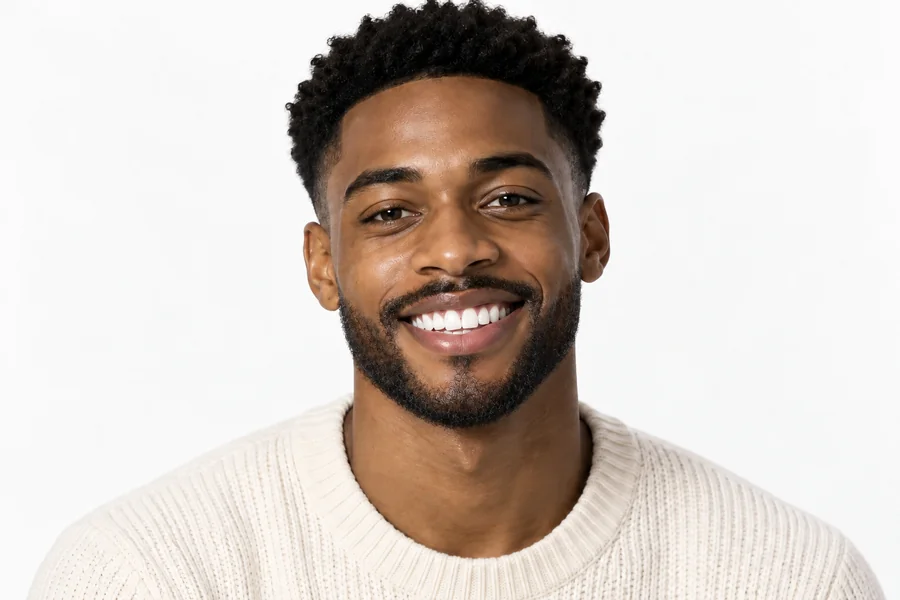
A dense short beard comes off and the cheeks and chin are rebuilt with natural skin texture, not a blurred patch.
Wondering what you look like without a beard? Upload one photo and the AI beard remover shaves it off digitally, or leaves light stubble, a mustache, or a tidy trim. Your face, hair, glasses and background stay exactly as they were.
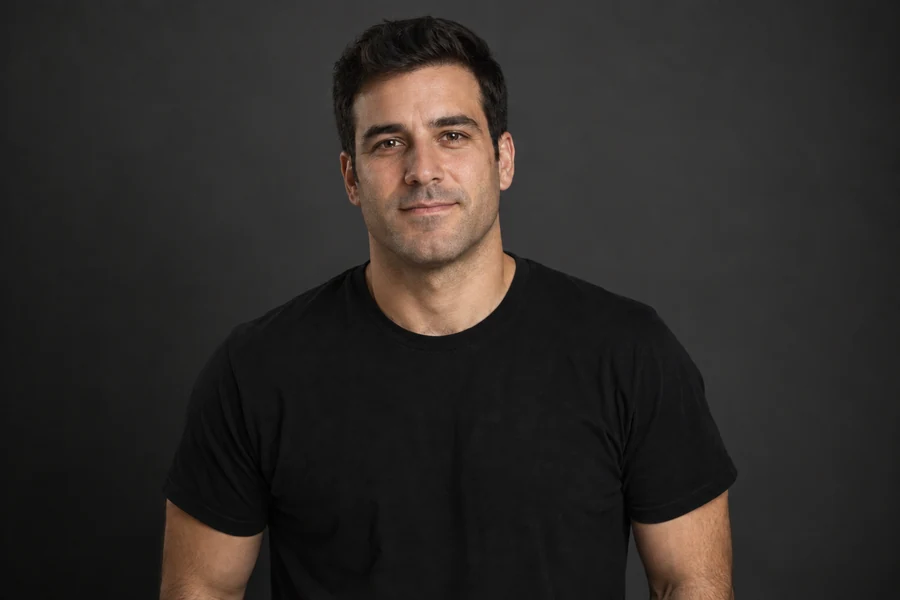
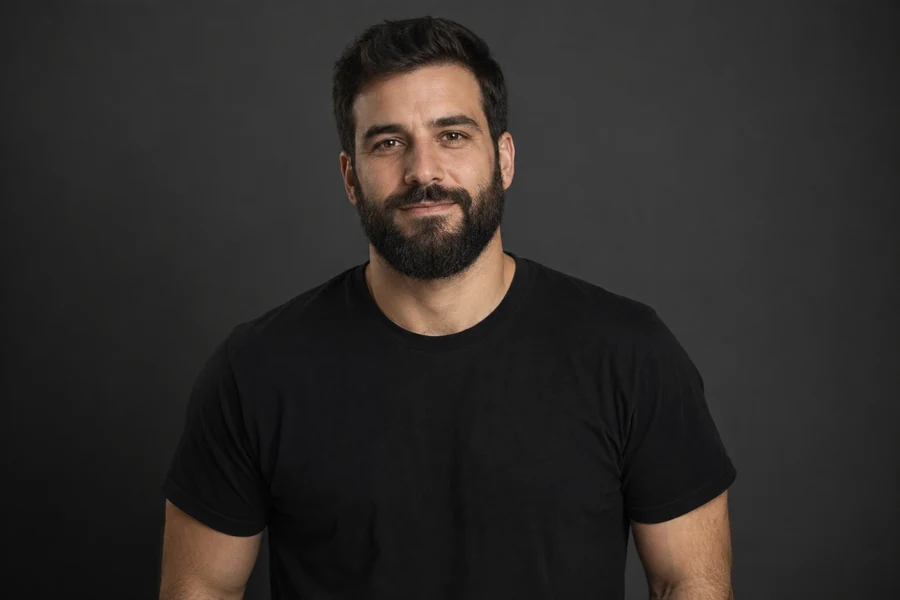
Reference example. It is not a result generated from your upload.
A beardless filter is an AI beard remover: it finds the beard, mustache and stubble in a photo, takes them away, and rebuilds the skin, lips and jawline that were hiding underneath. The result is a clean-shaven version of the same picture, so you can see your face without a beard while your eyes, hair, glasses, outfit and background stay put.
Search for a beauty men facial hair beard remover and you mostly find razors, creams and wax strips. This beard removal filter works on pixels instead. Besides a full clean shave filter, it can leave a 5 o’clock shadow or light stubble, keep only a mustache or goatee, or tidy up the neckline, which makes it a beard remover and a digital beard trimmer in one.
Drag each slider to compare the original photo with the clean-shaven result. Only the facial hair changes; skin tone, expression, clothing and lighting stay the same.
A dense short beard comes off and the cheeks and chin are rebuilt with natural skin texture, not a blurred patch.


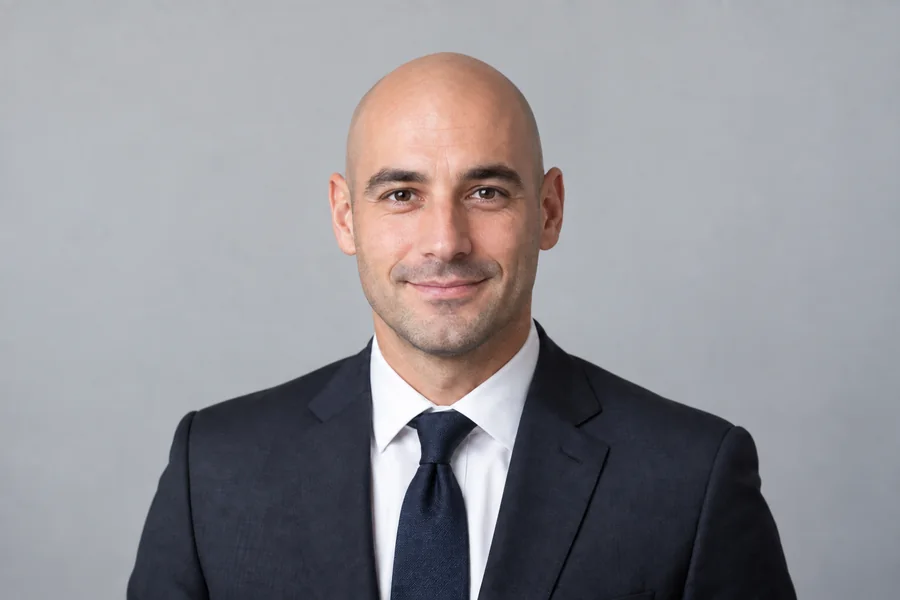
Remove the beard from a business photo while the suit, desk and bookshelf stay pixel for pixel the same.
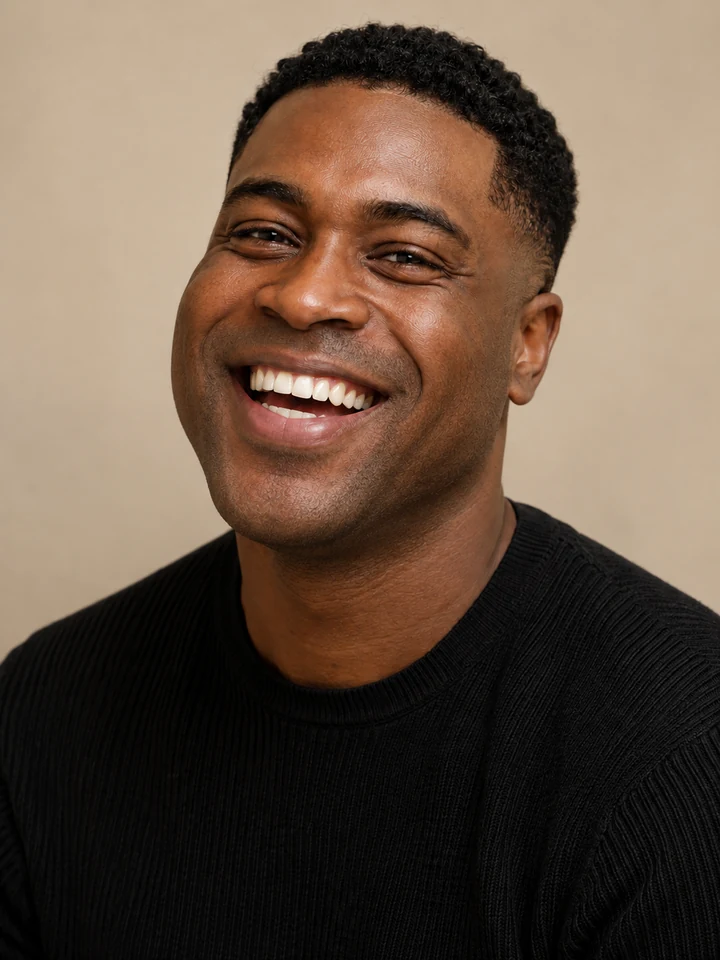
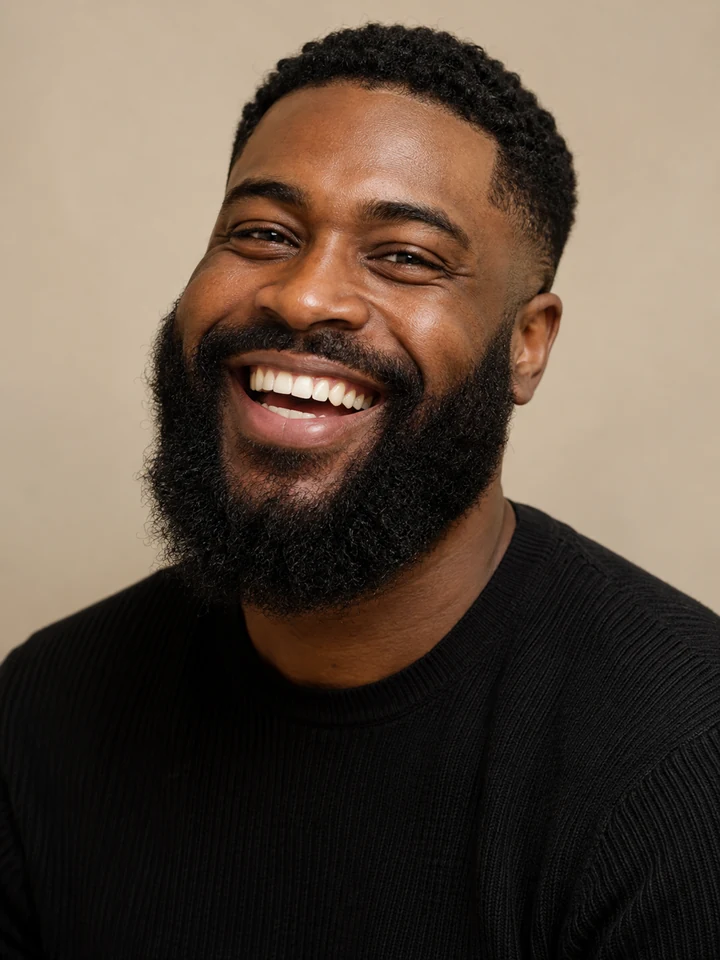
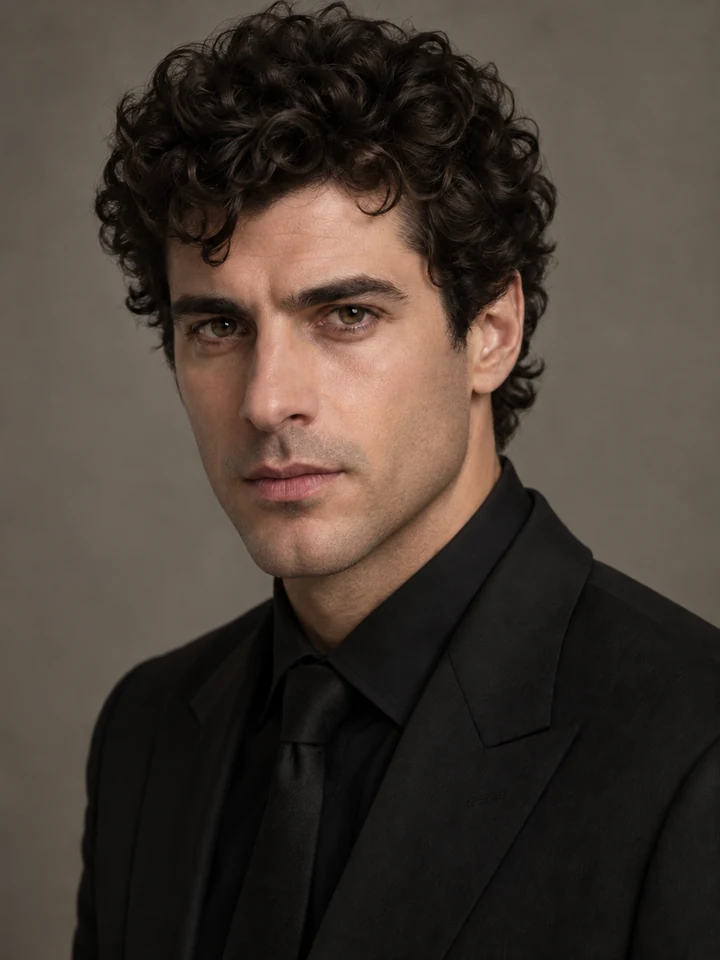
Even a thick full beard is cleared, and the smile, teeth and dimples keep their original shape.
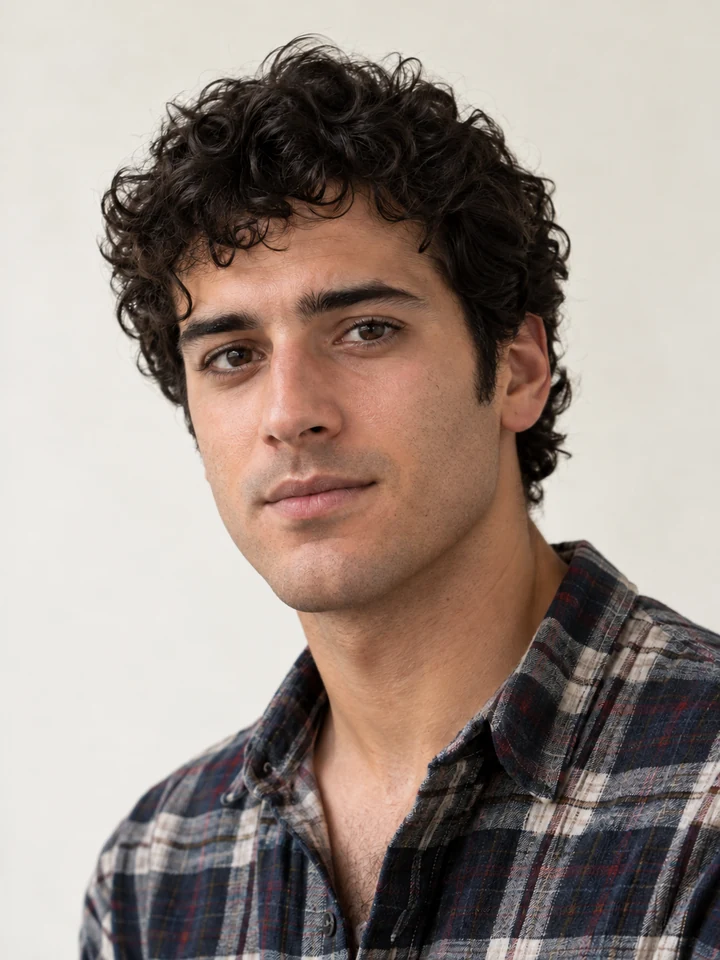
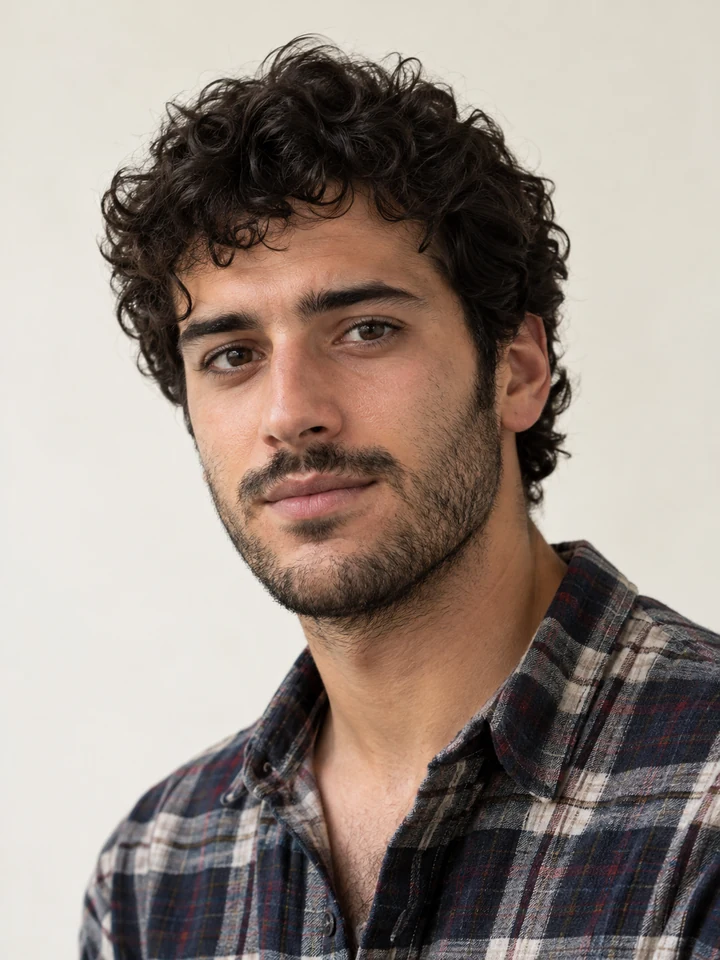
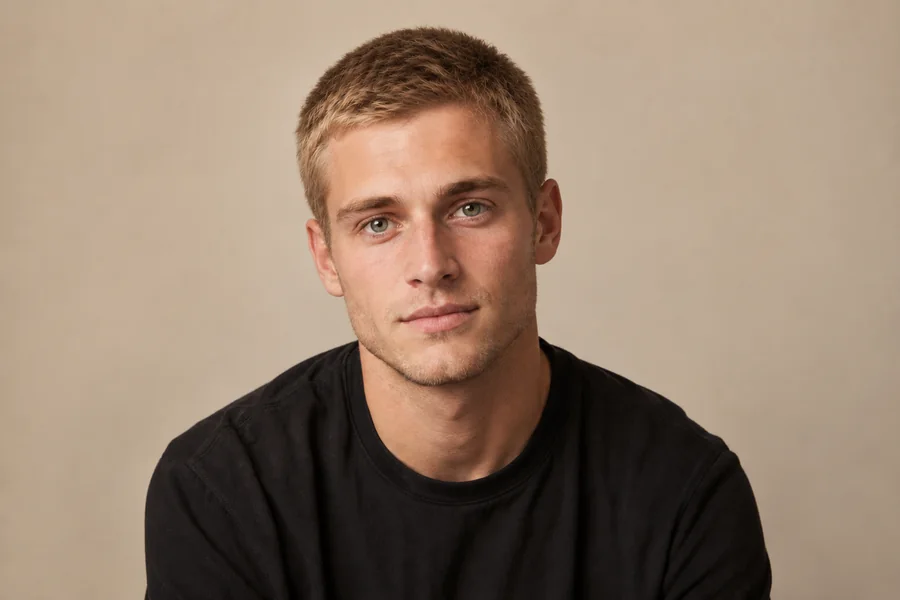
Take a scruffy everyday beard down to smooth skin and see how a younger, fresher look suits you.
Three steps, in any browser on your phone or computer. No razor, no editing skills and no beard remover app to install.
Add a JPG, PNG or WebP photo up to 10 MB where the face and the whole beard are visible and well lit.
Choose Clean Shave to remove the beard completely, a stubble level to keep a little shadow, or Mustache Only, Goatee Only and Short Trim for a partial change. Add a note if there are several people.
Create 1 to 4 versions, drag the slider to compare beard and no beard, and download the one you like best.


Cheap beard removal tools blur the lower face. This beard to clean shave AI rebuilds what a razor would reveal: pores, the line of the jaw, the shape of the chin and lips, and a skin tone that matches your forehead and nose, so the beardless photo reads as real.
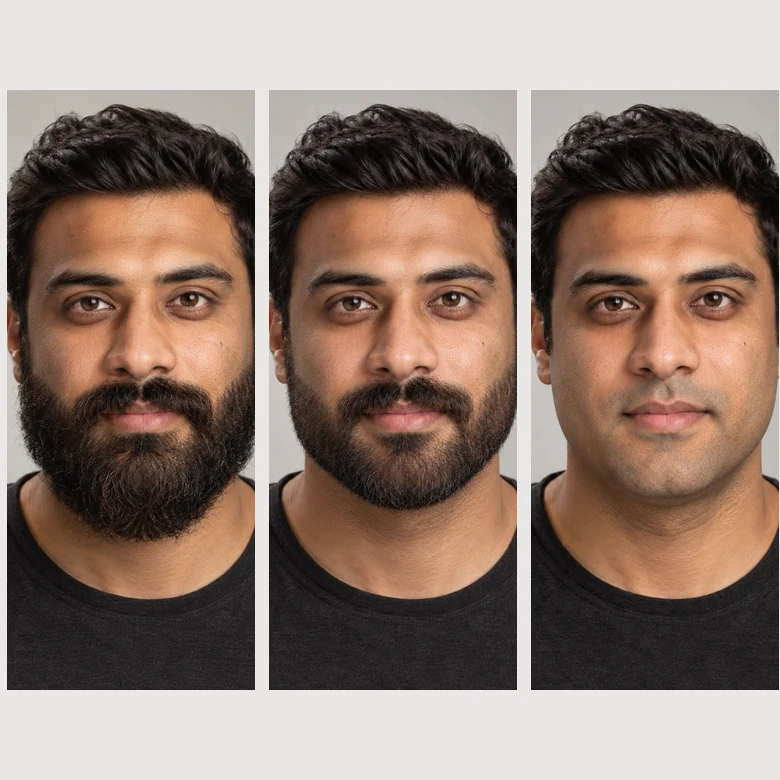
Not every “remove the beard” request means smooth skin. Take a long beard down to a short trim, keep a 5 o’clock shadow, or go fully clean-shaven, and compare the stages side by side before you pick up the clippers.
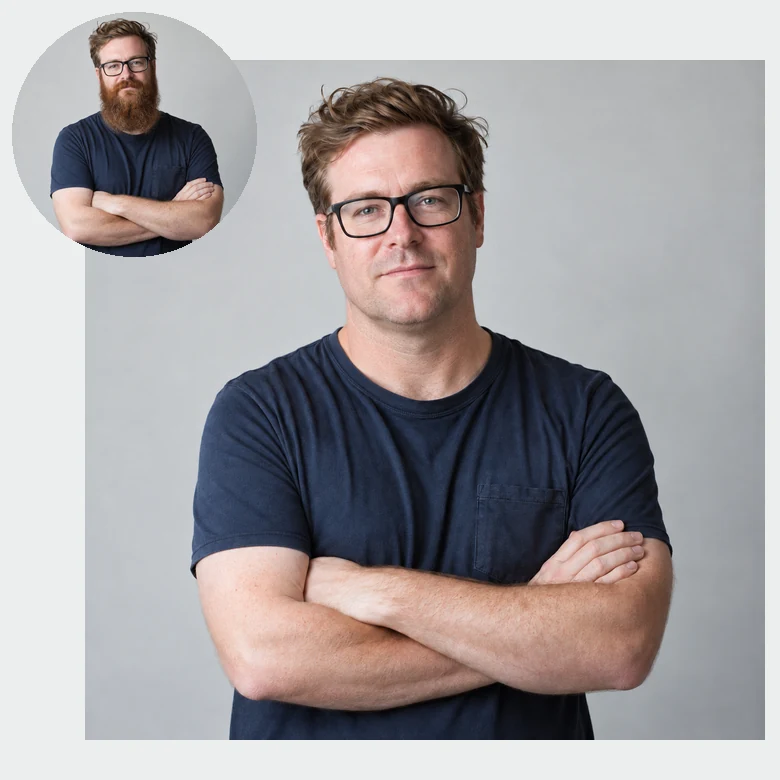
The AI beard removal edits only the facial hair. Glasses, earrings, head hair, sideburns, clothing and the light in the room are left alone, which is what makes a remove beard filter believable.
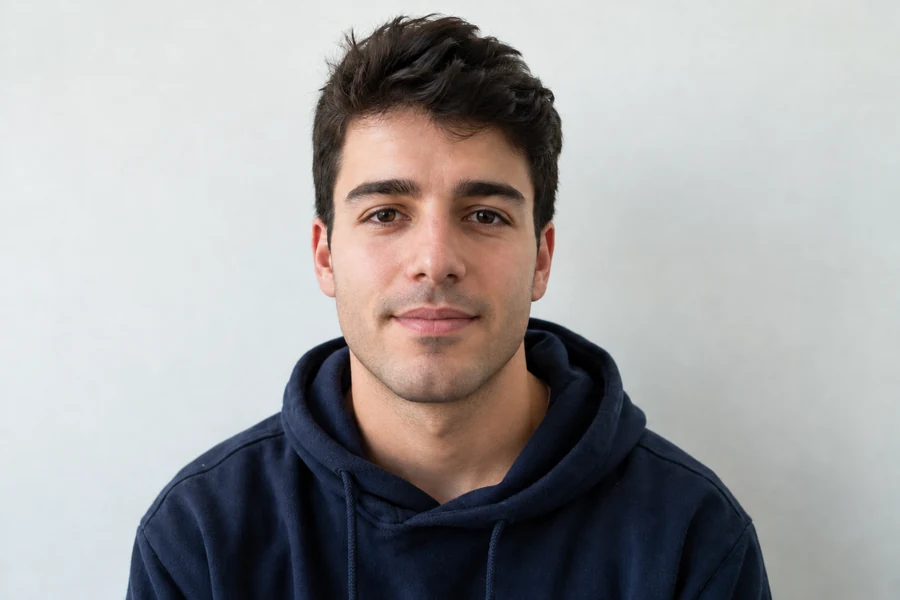

Need a sharp profile picture for a resume, LinkedIn or a new job, and no time to shave? Use the clean shaven filter on a photo you already like and keep the same framing, outfit and background.
Not sure which option to pick? Here is what each style does to the beard in your photo.
| Style | What changes | Best for |
|---|---|---|
| Clean Shave | Removes the beard, mustache and stubble completely | Seeing your face without a beard, ID-style photos |
| Fresh Razor Shave | Smooth skin with a faint shadow under it | The realistic just-shaved look |
| 5 O’Clock Shadow | About one day of very short stubble | A softer change from a full beard |
| Light Stubble | About three days of even growth | Testing a rugged but tidy look |
| Short Trim | Cuts the beard to roughly 5 mm with clean lines | Deciding how short to go at the barber |
| Mustache Only | Removes the beard, keeps the mustache | Retro looks and costume ideas |
| Goatee Only | Clears the cheeks and neck, keeps the chin | Trying a goatee before you shave |
| No Mustache | Removes only the mustache | Chin-strap and Amish-style looks |
| Tidy Neckline | Cleans up neck hair and stray cheek hairs | A groomed beard without losing length |
A quick look at life without a beard is useful in more situations than you might think.


Months of growth deserve a preview. Remove beard from photo first, and only shave if you like what you see.
Turn a photo you already have into a clean-shaven headshot when a fresher, more formal look fits better.
Compare a bearded and a beardless picture to see which first impression feels more like you.
Show friends the clean-shaven you and watch them guess who it is. A harmless beard removal prank for the group chat.
Bring a stubble, trim or goatee preview to the barber so you both know exactly what to aim for.
See how you looked before the beard, or line up a bearded and a clean-shaven portrait for a fun comparison post.
The source photo matters most when the AI has to rebuild skin it cannot see.
Use a front-facing or slightly angled photo where the chin, jawline and neck are fully in the frame.
Even light on both cheeks helps the beard remover AI match skin tone between the forehead and the shaved area.
A sharp photo with a reasonably large face gives cleaner skin texture than a tiny face in a crowd.
In a group photo, describe who to shave in the note, for example “the man on the left in the blue shirt”.
Pair the beard remover with these tools to rethink your whole style.
The opposite direction: add stubble, a full beard or a goatee to a clean-shaven face.
Try itGet haircut ideas that match your face shape, then pair them with your new beard length.
Try itFind out whether your face is oval, square, round or heart-shaped before you choose a beard style.
Try itTry a crop, buzz cut or fade together with your clean-shaven look.
Try itTurn a serious headshot into a relaxed smile without retaking the photo.
Try itAnswers to common questions about the beardless filter and AI beard removal.
The AI beard remover detects the beard, mustache and stubble, removes them, and paints in the skin, jawline, chin and lips that would be underneath, matching the skin tone, texture and lighting of the rest of your face. Everything else in the photo is kept as it was.
That is the question behind every “remove my beard AI” search. Upload a clear photo, choose Clean Shave and generate: the beardless filter shows your own face clean-shaven, built around your real jaw and chin. Create 2 to 4 versions to compare, since the hidden jawline is an informed guess rather than a measurement.
Yes. Pick Fresh Razor Shave for a faint shadow, 5 O’Clock Shadow for about one day of growth, or Light Stubble for about three days. Short Trim keeps a short beard with clean lines.
Choose Mustache Only to shave the cheeks, jaw and chin but keep the mustache, Goatee Only to keep the chin hair, or No Mustache to take away just the mustache and leave the beard.
You can try this one free with the credits you get when you sign up. Is this no beard filter online free forever? No: after that, each edit uses credits, and the cost is always shown on the Start Now button before you generate.
No. If you were about to search the app store for an “app remove beard” tool, there is no need: this beard remover runs in the browser on iPhone, Android and desktop and gives the same kind of result without installing anything.
Yes. The remove beard filter handles everything from stubble to long, thick and salt-and-pepper beards. Very long beards that cover the collar may take a second try, because the AI also has to rebuild the neck and clothing behind them.
Yes. Describe who to change in the Extra details box, for example “only the man on the right”. Without a note, the AI may remove facial hair from everyone in the photo.
Only upload photos you have the right to edit, and ask before you share an edited picture of someone else. Do not use a beardless photo to mislead, impersonate or embarrass anyone.
Beard removal AI renders a new image at a similar size to your upload. Areas away from the beard are kept, but very small or blurry photos give softer skin detail, so start from the sharpest version you have.
Upload a photo and try the AI beard remover free with your sign-up credits: a clean shave, light stubble or a neat trim in one beardless filter.