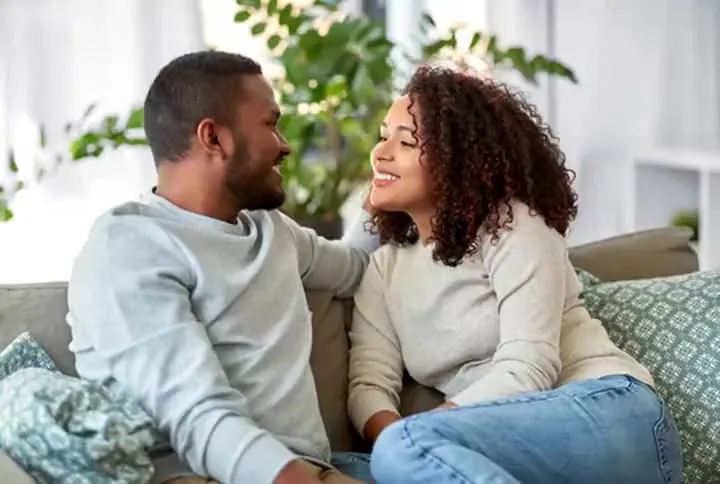
Warm Hug
A natural turn-and-hug for friends, siblings, and couples.
Upload one photo of two people, or one photo of each, choose a hug style, and AI turns the still pictures into a short video of them reaching out and hugging. Made for long-distance friends, families, and couples.
Your photo stays in this browser during this UI preview.
Reference example. It is not a result generated from your upload.
An AI hug generator turns still photos into a short video of two people hugging. Upload one photo with both people, or two separate portraits, and the AI animates the moment: they turn toward each other, step in, and wrap their arms around each other, with faces and outfits kept from your photos.
Hug AI is a simple way to send a virtual hug when you cannot be there in person: a reunion with a friend who moved abroad, a hug with a grandparent from an old photo, or a birthday surprise for a partner. It works like an AI hugging filter for video, with no app to install and no editing skills needed.
Each template is a ready-made hug motion. Your photos decide who is in it.
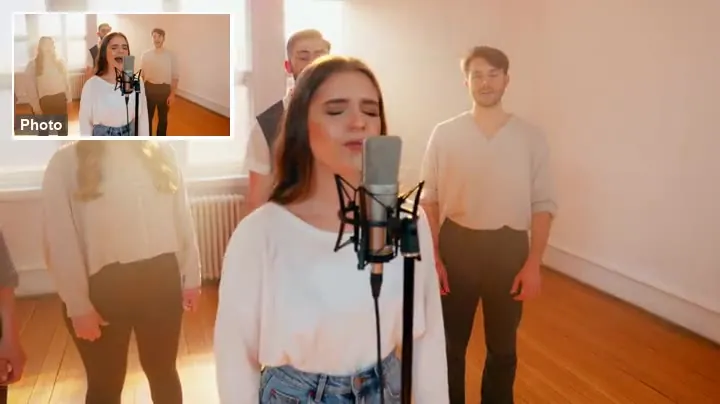
A natural turn-and-hug for friends, siblings, and couples.
One partner steps behind and hugs the other: a sweet couple moment.
Laughing, spontaneous, a little chaotic. Made for bestie posts.
Two separate photos meet in one scene for an emotional family hug.
Make them hug in three steps, on phone or desktop.
Add one photo with both people, or a photo of each person. Clear, front-facing pictures with visible faces and upper bodies work best. JPG, PNG, and WebP up to 10 MB.
Pick a template like Warm Hug or Reunion Hug, a hug type like Bear Hug or Lift and Spin, or describe the moment in Custom.
Generate the clip, watch it, and download the AI hug video to send as a message, post as a story, or keep in a family album.
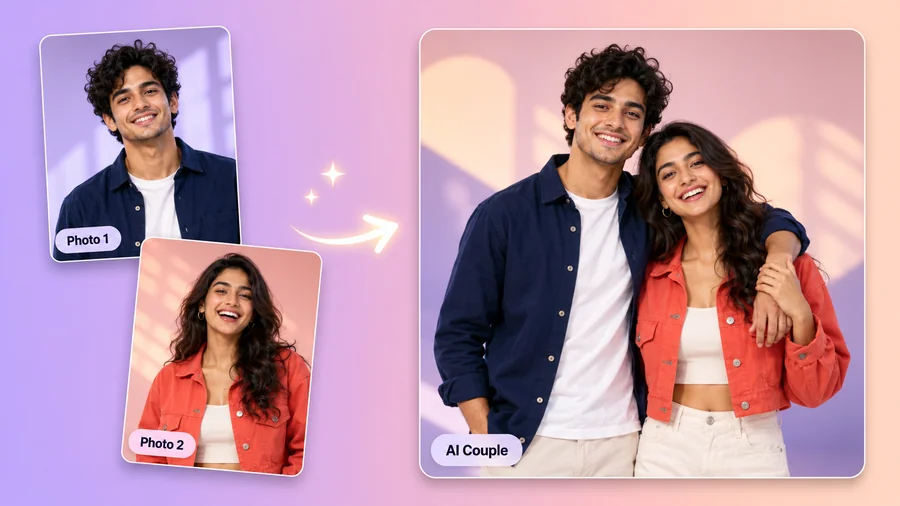
Most photo hugging tools need both people in the same picture. Here the second photo is optional: upload two separate portraits and the AI places both people in one scene, matches the light, and animates the hug, so you can make two people hug with AI even when they live in different cities.
A hug me filter usually pastes arms onto a still image. This AI hugging video shows the whole moment: the glance, the step forward, the embrace, and the little sway at the end, while each face stays recognizable.
Choose a back hug for couples, a best friends hug for your group chat, a comfort hug for a hard day, or a lift and spin for big news. Each style changes the pose, pace, and mood of the hug video.
Virtual hugging is more personal when it is really the two of you. Turn your photos into a short video hug and send it on a birthday, an anniversary, or any day someone you love needs it.
Popular ways people use the AI hug trend.
Bring two people who live far apart into one warm, moving hug.
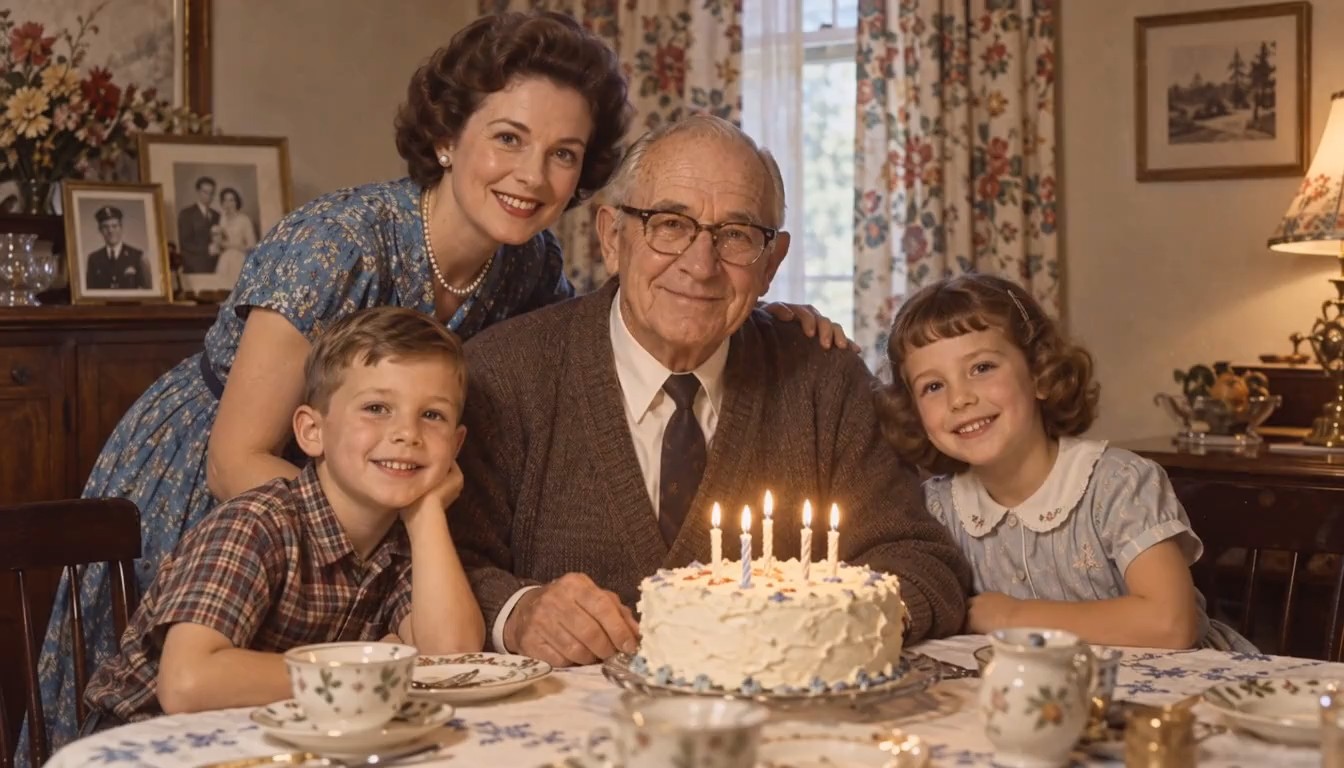
Create a hug with a grandparent or relative from older photos, as a tribute or a family keepsake.
A video hug makes a birthday, graduation, or anniversary message feel personal.
Hug your pet or bring two original characters together in an image hugging scene.
Good source photos help the AI hugging generator make the hug look natural.
Front-facing or three-quarter photos without sunglasses or hands over the face keep both people recognizable.
Shoulders and arms help the AI place the hug. Tight face crops give stiffer results.
Two photos with similar light and quality blend into one scene more naturally.
Make sure everyone in the photos is happy to appear in a hug video before you share it.
A few of the ways people use AI hug videos.
Illustrative examples adapted from reference material, not verified reviews of EzImgMaker.
My best friend moved overseas two years ago. I used a selfie of each of us and sent her the hug on her birthday. She called me crying, in the good way.
I combined a recent photo of my son with an old one of his grandfather. The reunion hug is now part of our family slideshow.
Two portraits taken in different places, and the light still matched. The back hug style was exactly the mood I wanted for our anniversary.
I draw original characters and wanted to see two of them hug. Clear full-color art worked better than rough sketches.
Answers to common questions about AI hug videos.
It is a tool that turns photos into a short video of people hugging. An AI hug generator reads the faces and bodies in your pictures, then animates them moving into a natural hug in the style you choose.
Upload the first person as Photo 1 and the second as Photo 2, pick a hug style, and generate. The AI puts both people in one scene and animates the embrace, so the photos do not need to be taken together.
Yes. Upload it as Photo 1 and leave Photo 2 empty. Make sure both people are clearly visible, ideally from the waist up.
It is a common way of searching for short clips of two people hugging, often as a looping reaction or a sweet message. That is exactly what this tool makes: pick a template, upload photos, and get your own hug video.
It is a generated video, not real footage. Use it as a virtual hug, a tribute, or a fun post, and do not present it as proof that a meeting or event really happened.
No. This hug simulator runs online in your browser on phone or desktop, so there is no AI hug app to install.
Yes. Choose Hug My Pet and upload a photo of yourself and a clear photo of your pet. Pets that are fully visible and facing the camera work best.
New users get free credits to try it. Each hug video uses credits, so you can test a few styles before choosing your favorite.
Only upload photos you own or have permission to use, and make sure everyone shown agrees to appear in the video. Do not use photos of strangers or celebrities, do not make romantic hug videos of minors, and never use a hug video to deceive or harass anyone.
Upload one or two photos, choose a hug style, and turn them into a warm AI hug video.
AI hug videos are generated content, not real footage. Upload only photos you have the right to use, with the consent of everyone shown. Do not use the tool to impersonate, deceive, or harass anyone, and label generated videos as AI when you share them.