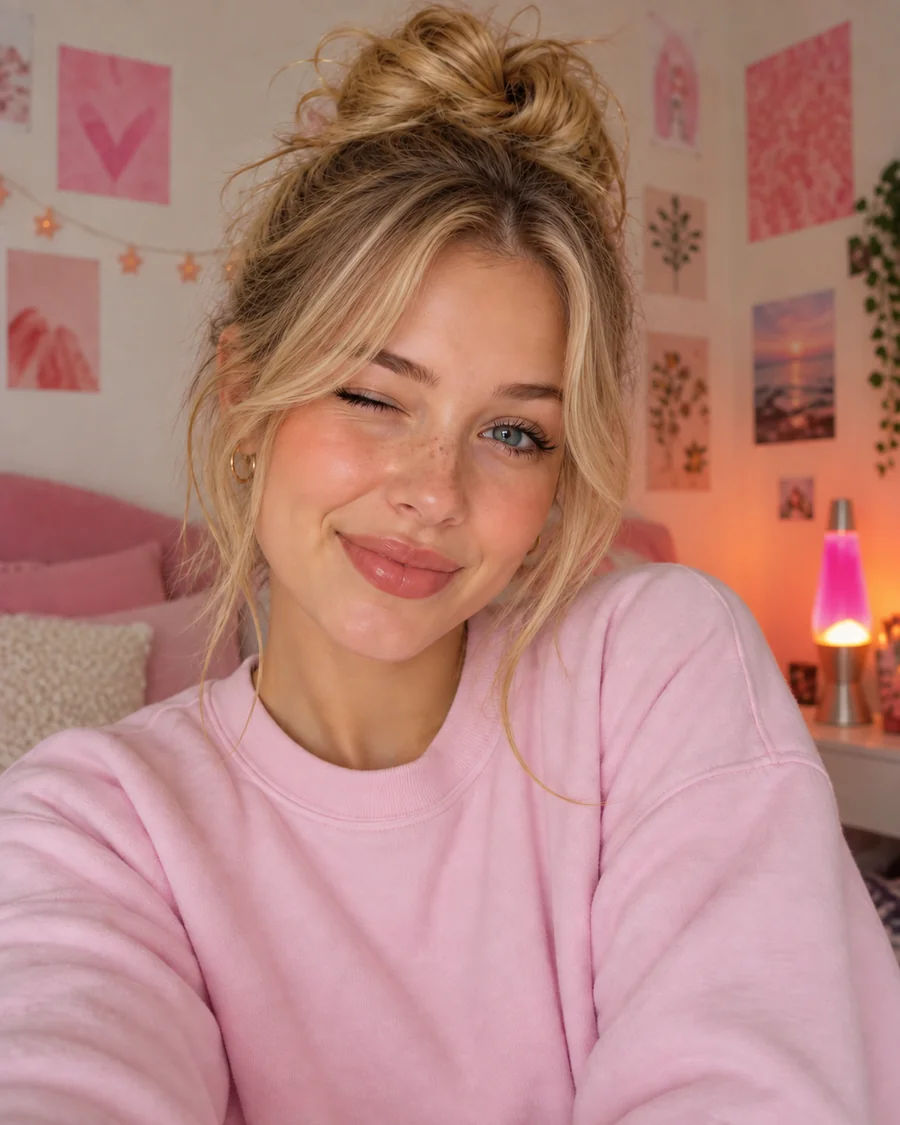
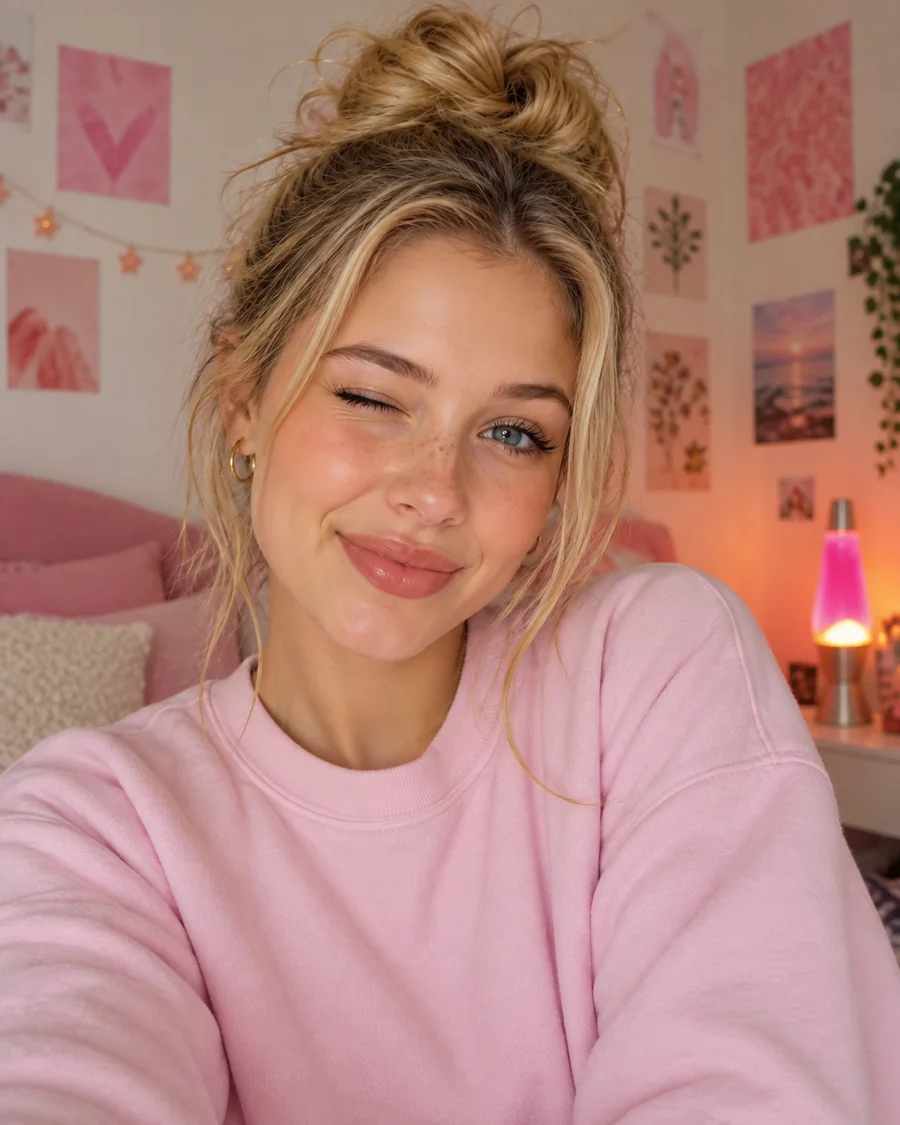
Curtain Bangs Filter
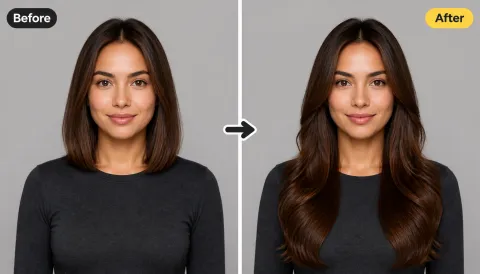
Parted curtain bangs open at the center of the forehead and frame both cheeks. Unlike curtain bang filters that only lay hair over a live camera feed, this one rebuilds the strands so they blend into your existing layers.
How would I look with bangs? Upload a clear selfie and the AI bangs filter adds a realistic fringe, from curtain and wispy to blunt and micro, so you can try on bangs before the salon.
Your photo stays in this browser during this UI preview.
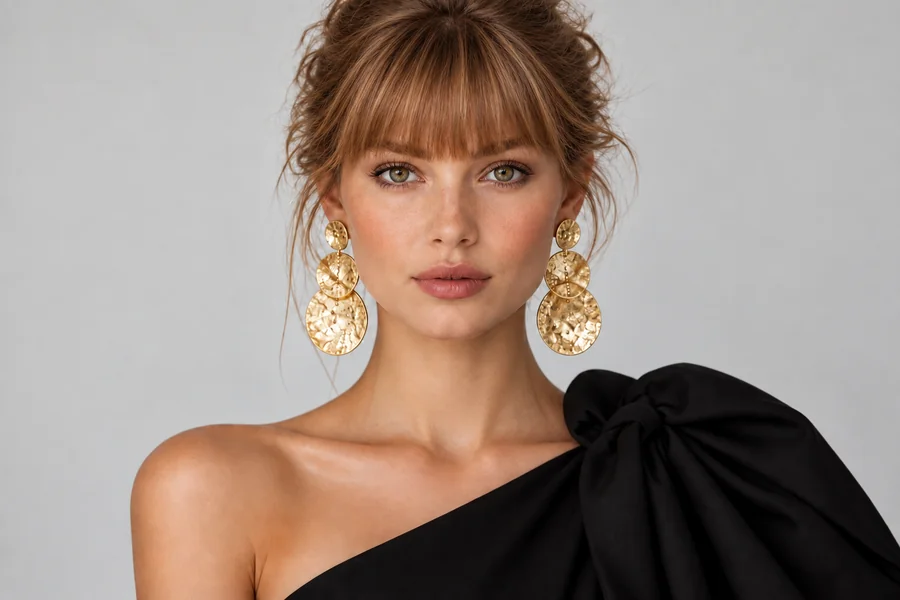
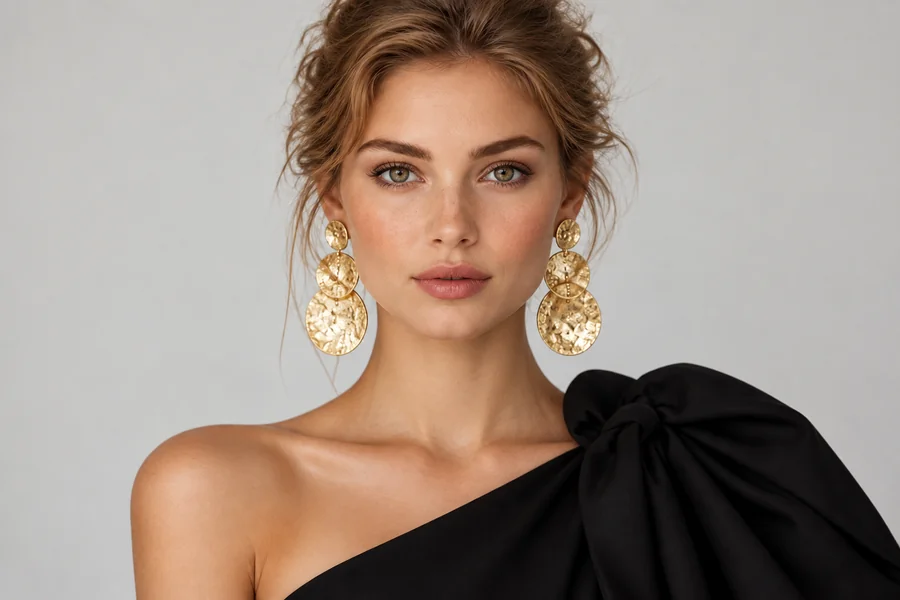
Reference example. It is not a result generated from your upload.
An AI bangs filter is a hairstyle preview that adds a realistic fringe to your own portrait. Upload one clear selfie, pick a style such as curtain, wispy, blunt, or micro bangs, and the bangs generator redraws the hair across your forehead while keeping your face, hair color, and length the same.
It is the easiest way to answer "what will I look like with bangs?" or "how will I look in bangs?" before you sit in the salon chair. Bangs take months to grow out, so testing a few fringe shapes first can save you from a cut you regret. Treat every result as a style reference, not a promise of how your real hair will fall.
Preview soft, bold, short, and side-swept looks from one portrait. Drag each image to compare the original with the bangs version.
Parted curtain bangs open at the center of the forehead and frame both cheeks. Unlike curtain bang filters that only lay hair over a live camera feed, this one rebuilds the strands so they blend into your existing layers.
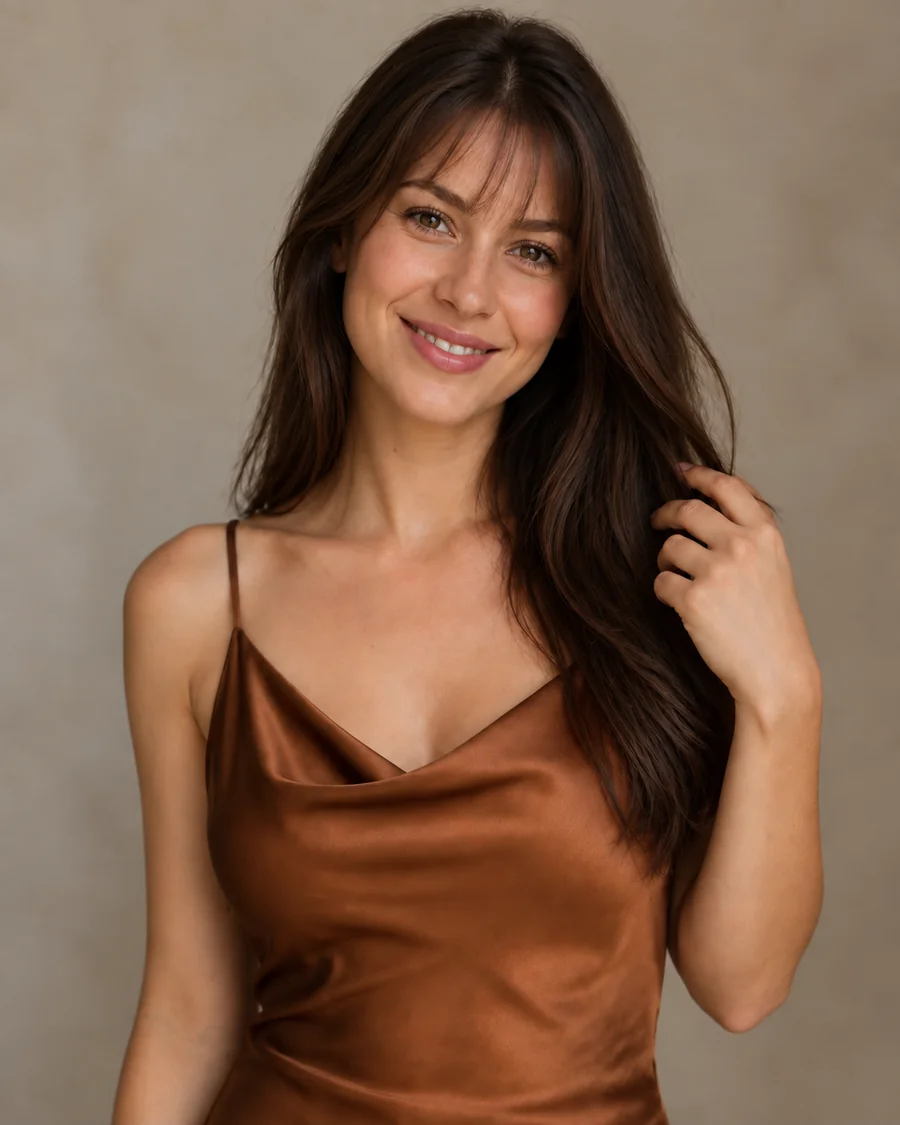
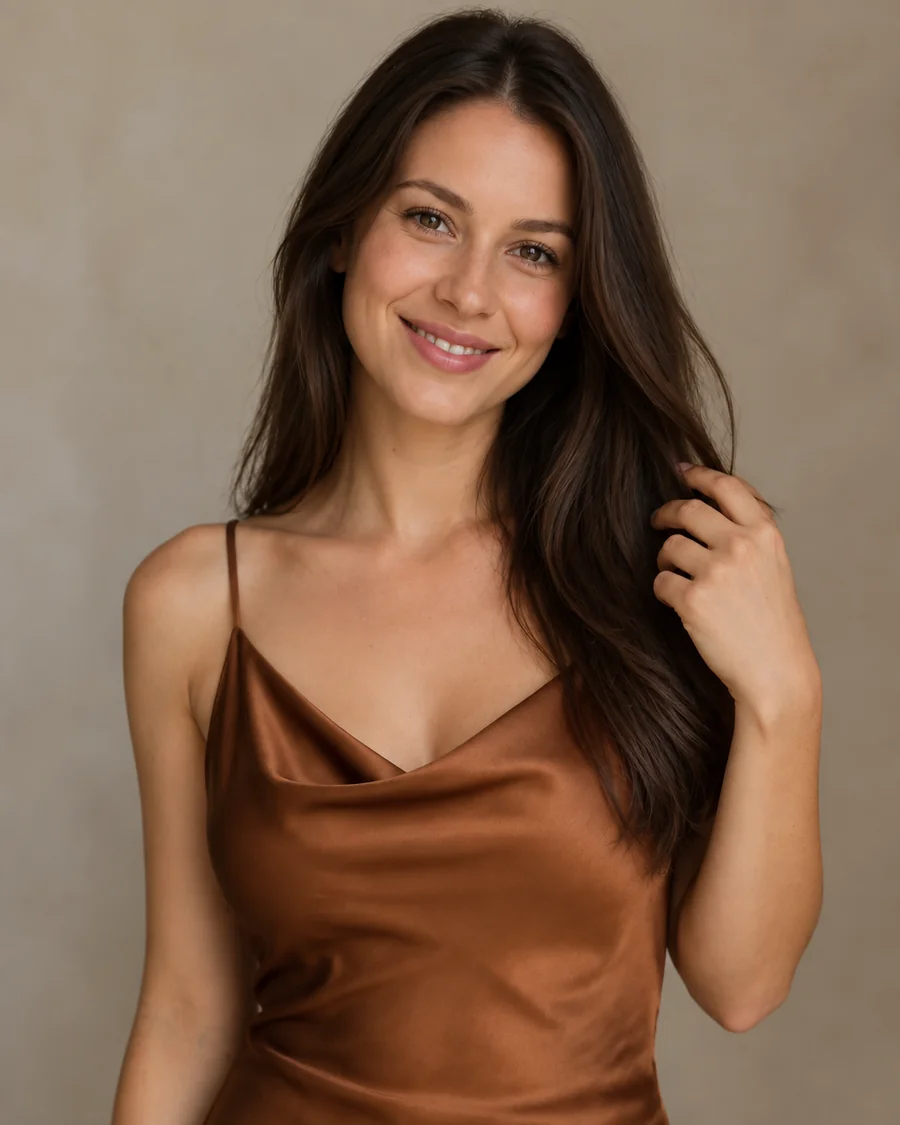
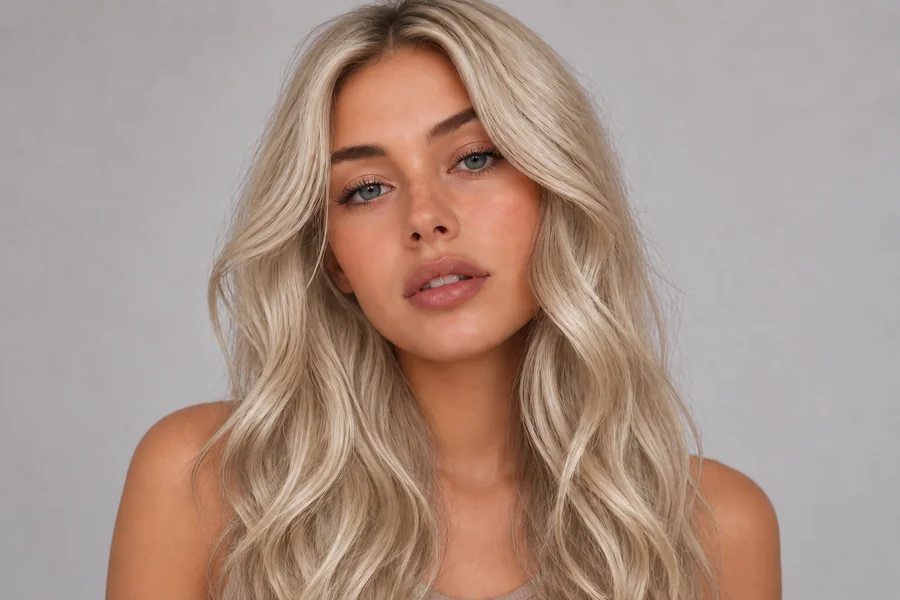
A thin, airy fringe with a feathered finish. Wispy bangs are a gentle first step if you want softer forehead coverage without a heavy, straight-across line.
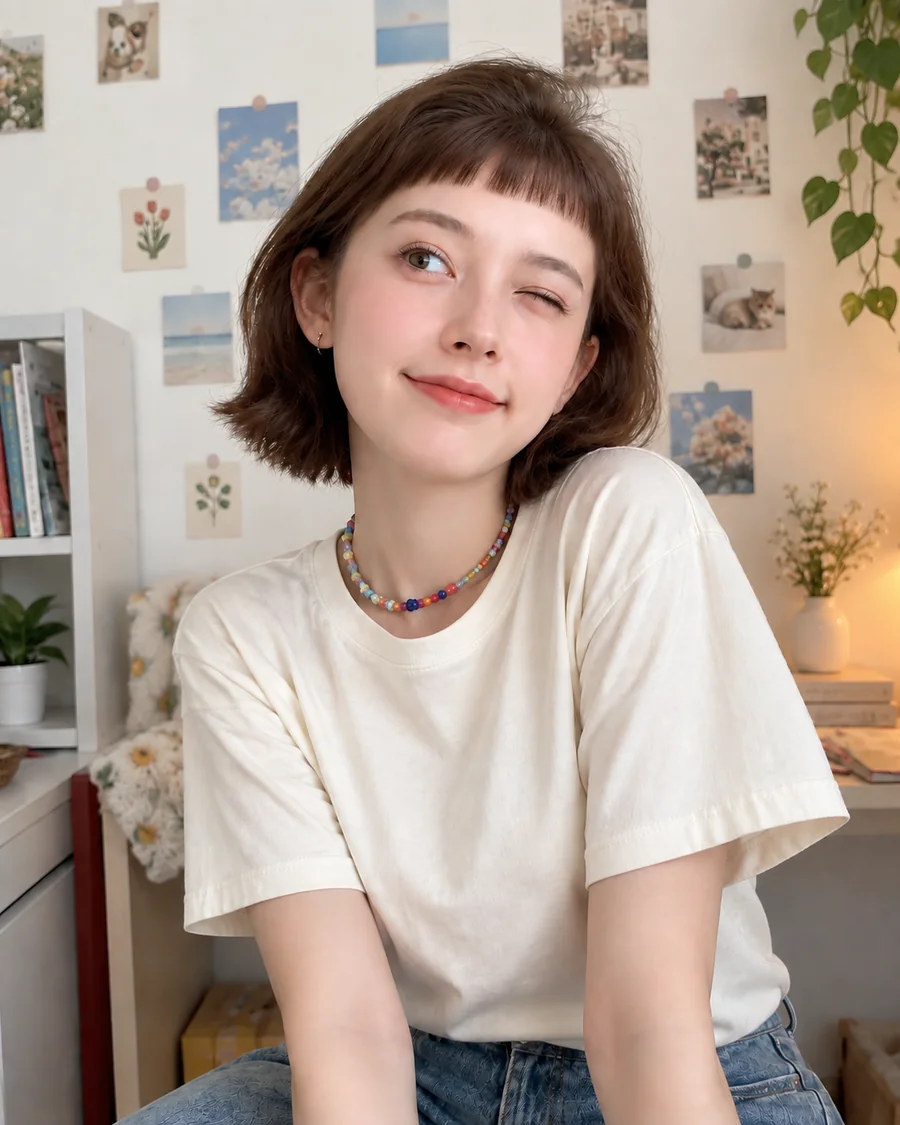
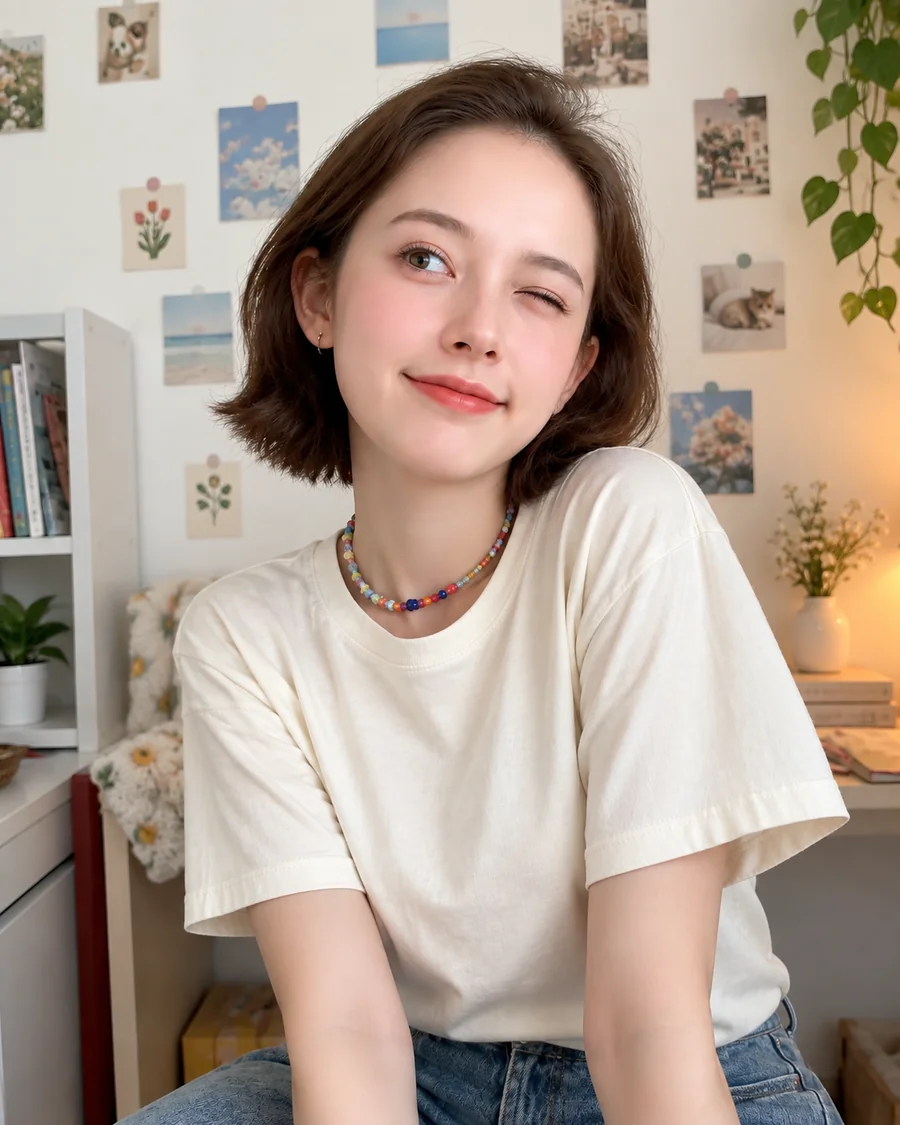
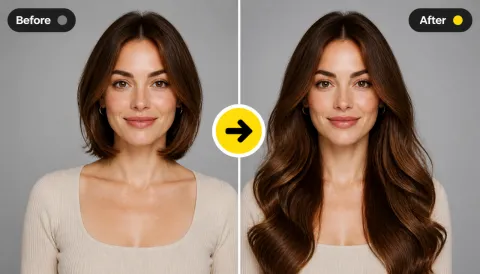
Short, bold micro bangs sit well above the brows for an editorial look. It is a dramatic cut, which is exactly why it is worth previewing before the scissors come out.
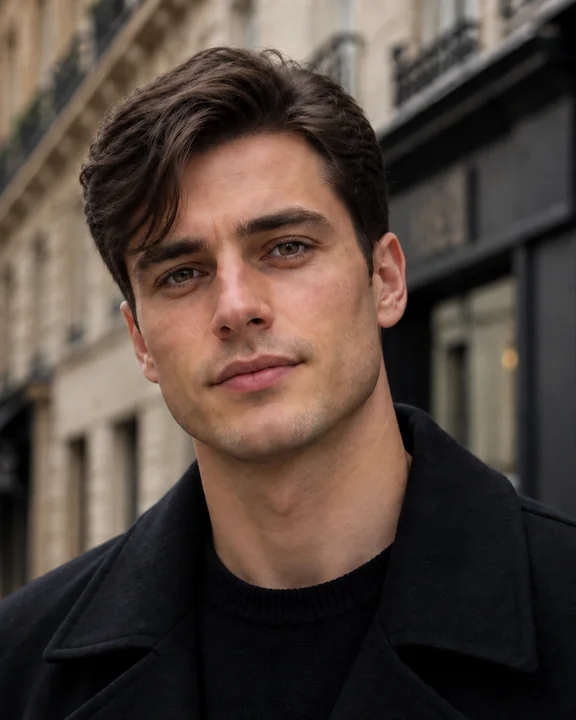
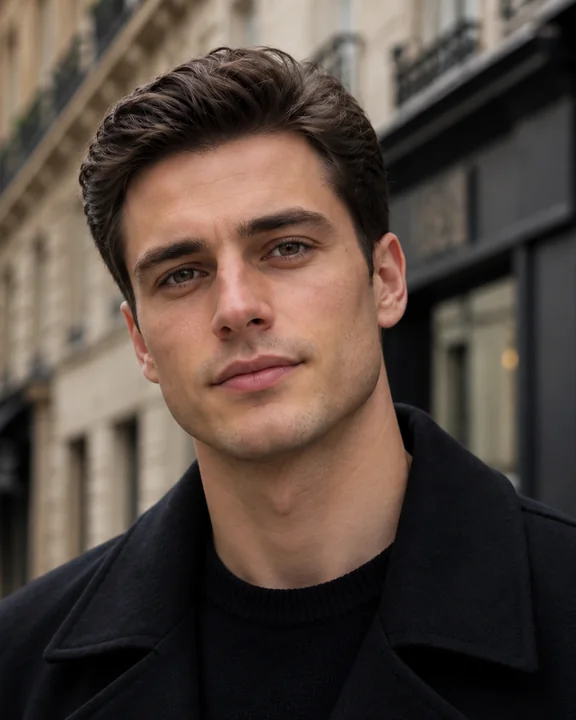
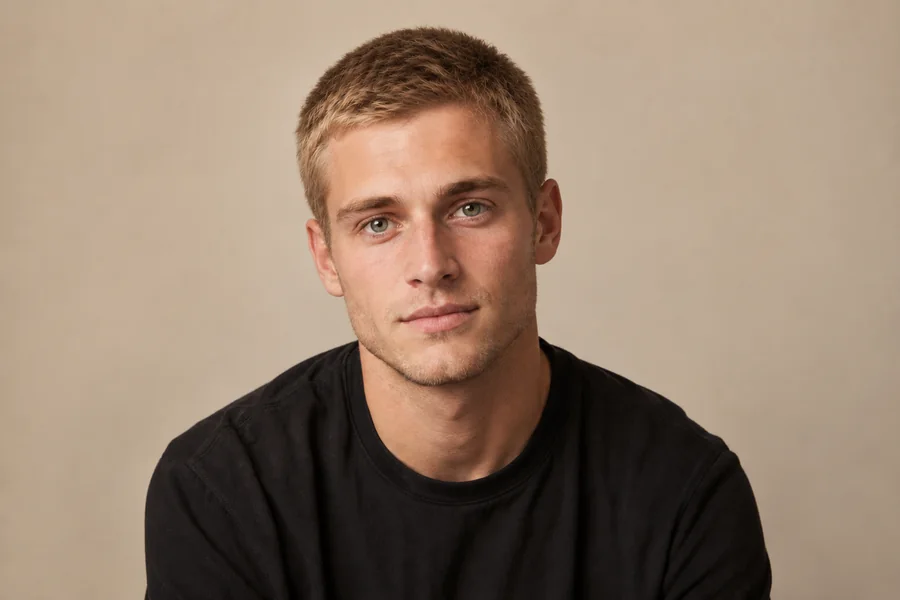
Men can try on fringe styles too. A side-swept fringe adds movement and softens the forehead while the rest of the haircut stays exactly as it is.
How would you look with bangs? Add bangs to photos in three steps, with nothing to install and no editing skills required.
Choose a front-facing photo where your forehead and hairline are visible. JPG, PNG, and WebP files up to 10 MB are supported.
Open Women’s Bangs or Men’s Fringe, then choose Curtain, Wispy, Blunt, Side-Swept, Micro, or another fringe. Want something specific? Describe it in Custom.
Generate up to four versions, compare them with your original photo, and save the one you want to show your stylist.
The bangs AI matches strand direction, hair color, and the lighting in your portrait, so the new fringe grows out of your hairline instead of looking like a pasted-on hairpiece. Your eyes, face shape, and expression stay untouched.
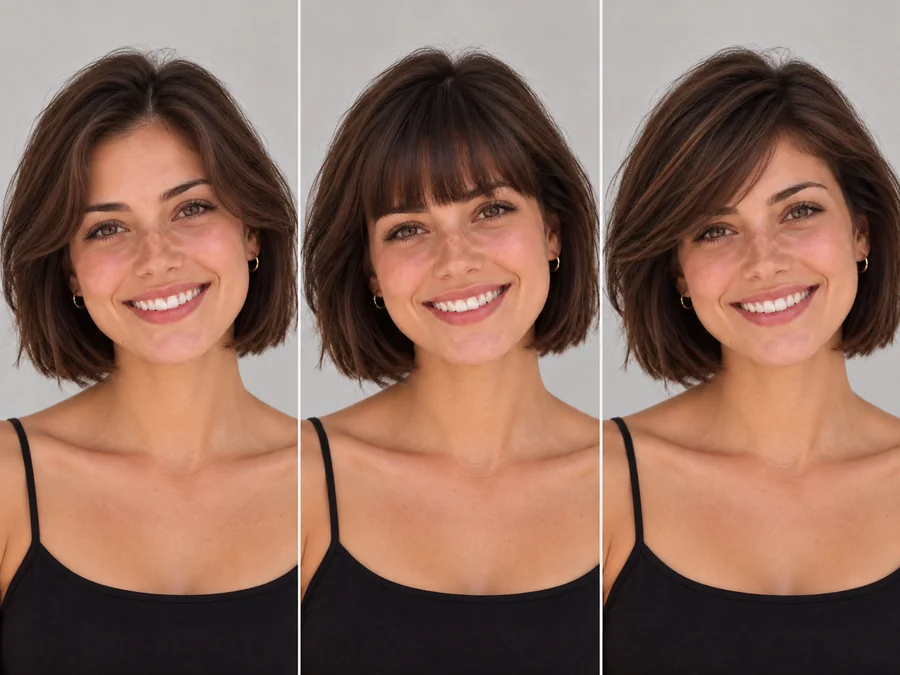
Switch between curtain, wispy, blunt, side-swept, micro, and curly bangs from the same upload. Seeing several fringe shapes side by side makes it much easier to decide which one frames your face best.
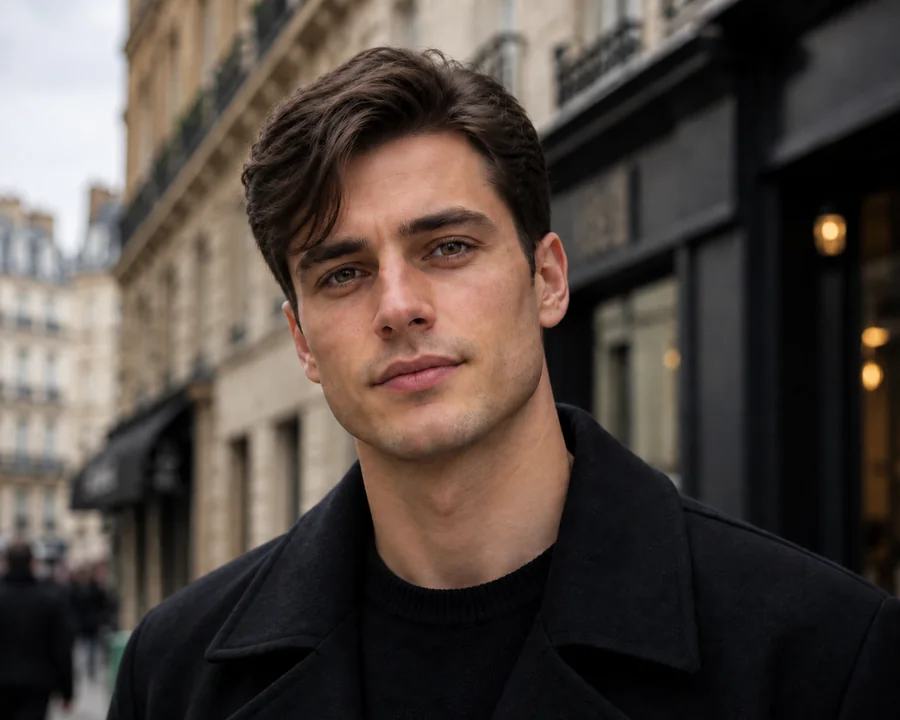
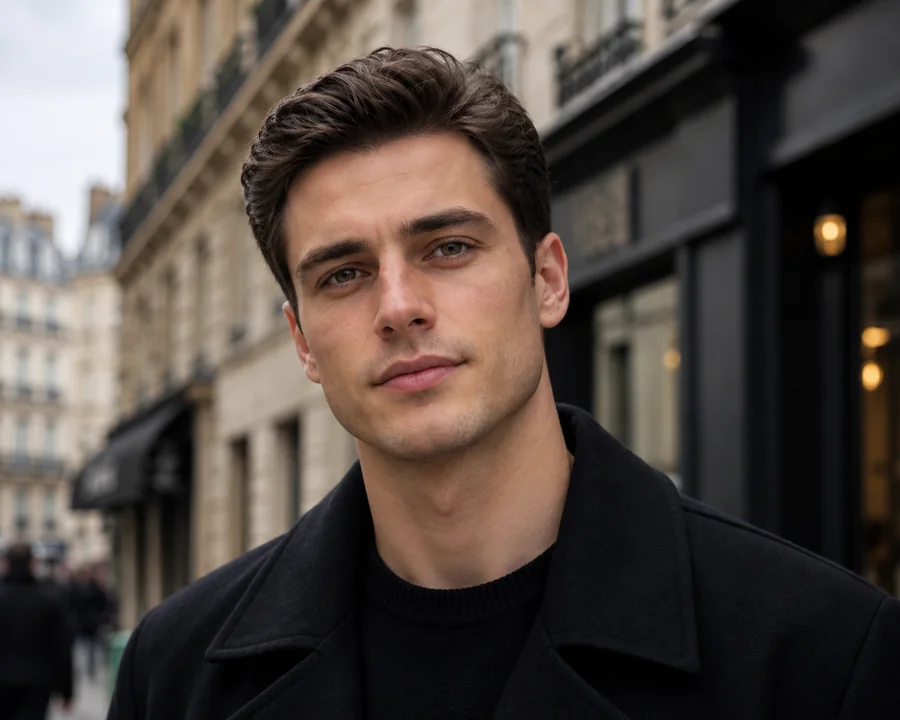
Bangs are not only for long hair. The fringe simulator includes curtain, messy, side-swept, and curly fringe styles for shorter haircuts, so anyone can preview a forehead-covering look before asking the barber.
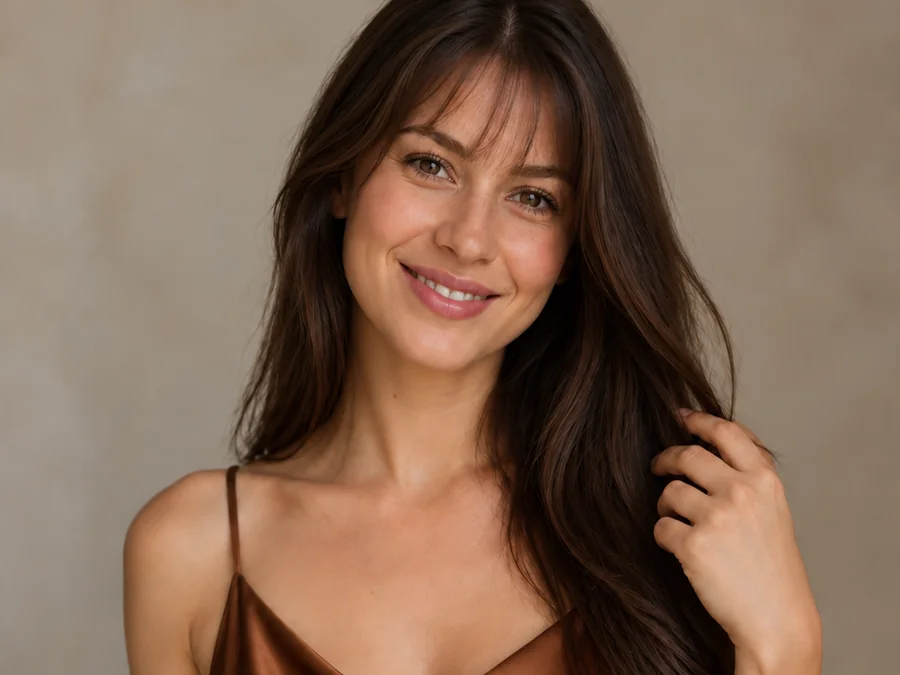
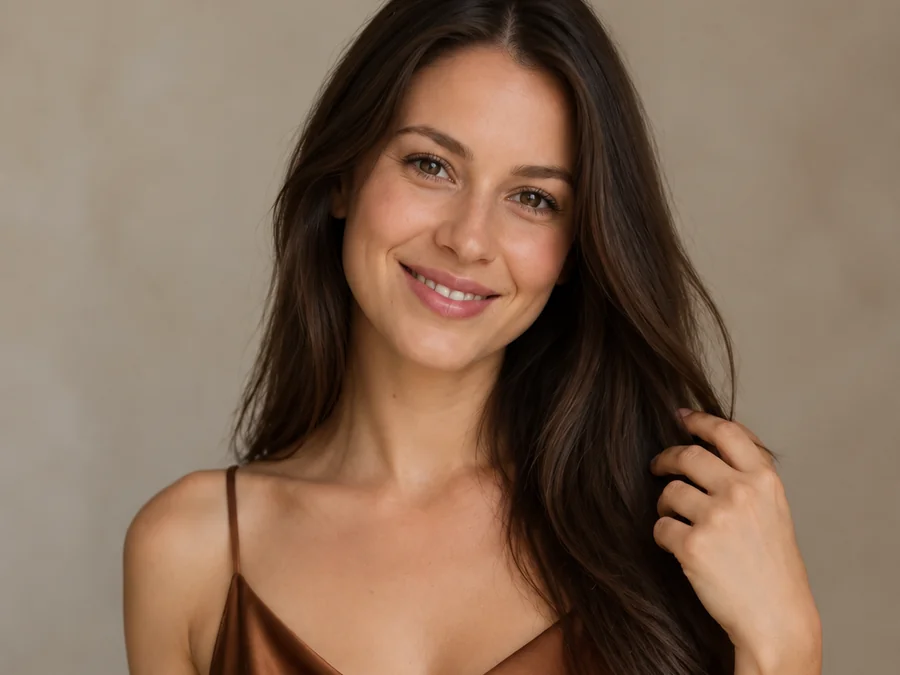
Use Custom to describe exactly what you want, such as "light wispy bangs that stop at the brows" or "a thick blunt fringe with a slight curve". Specific wording helps the bangs generator get closer to the look you have in mind.
Try bangs on your own photo first, then make the haircut decision with a clear picture in mind.
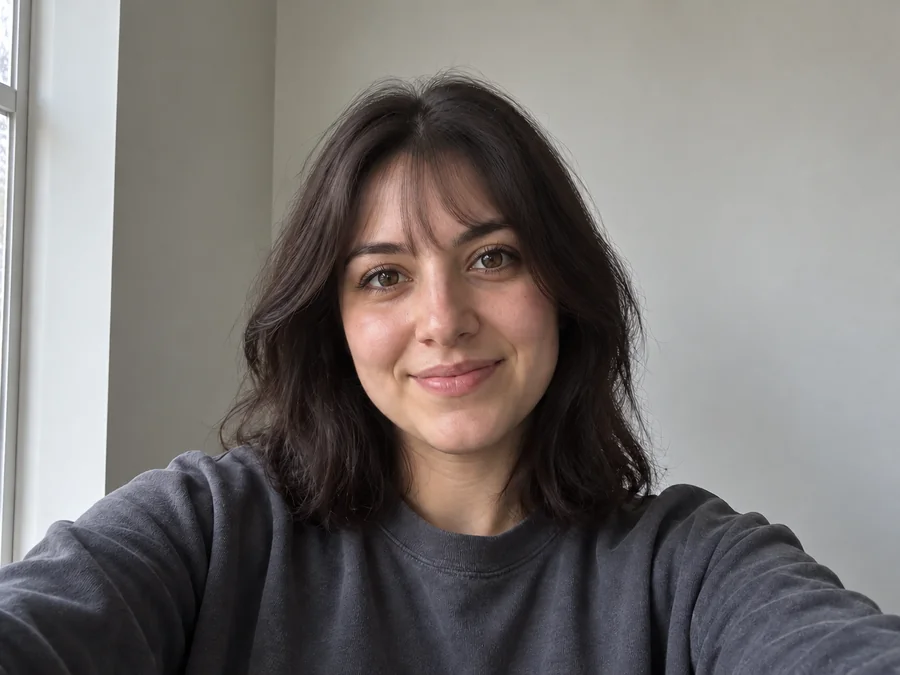
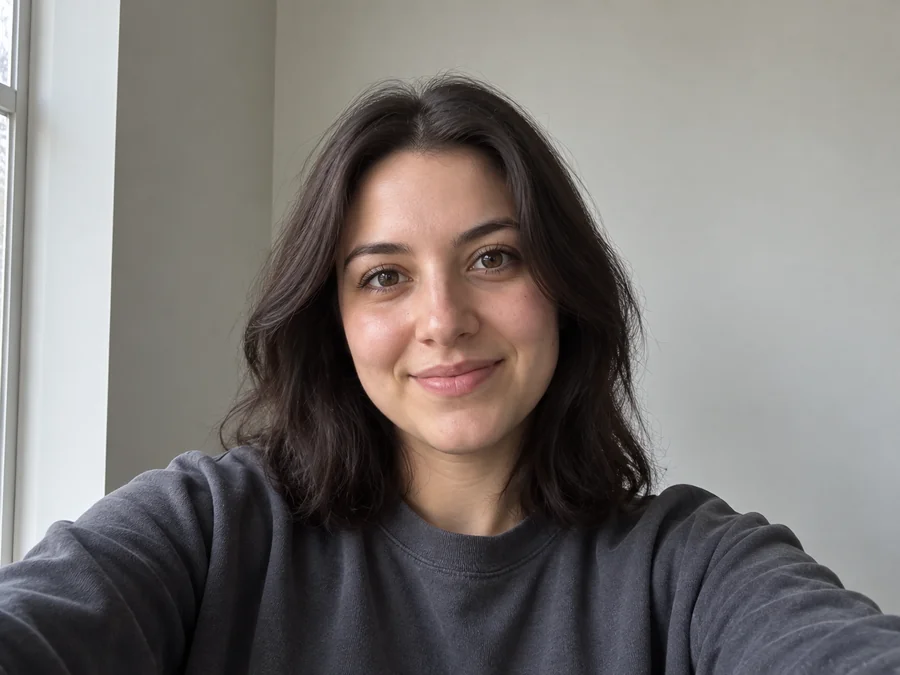
Bring a saved preview to your stylist so the conversation starts with a picture of the curtain, wispy, or micro fringe you actually want, not a vague description.
Bangs can take months to grow out. Test different lengths and densities on your own face before you commit to a real cut.
Create a few versions and let friends vote in your stories or group chat. The before-and-after format makes the difference easy to judge.
After you pick a fringe, test new shades with a hair color try-on and plan the complete look from one portrait.
How will I look with bangs? The answer depends a lot on the photo you upload.
Pull hair away from your face so the AI can see your hairline and forehead shape.
Soft daylight without harsh shadows helps the fringe match your real hair color and shine.
Hats, headbands, and strong beauty filters hide the details the bangs filter needs to blend the hair.
A single, front-facing portrait gives a cleaner result than a group photo or an extreme angle.
Common ways people use bangs previews before a haircut.
Illustrative examples adapted from reference material, not verified reviews of EzImgMaker.
I always wondered what I would look like with bangs but never dared to cut them. Seeing curtain bangs on my own face made the salon visit easy.
The wispy version looked softer than I expected, so I skipped the heavy blunt cut I had saved and went lighter instead.
I made four looks from one selfie and asked my friends which one suited me. The side-swept fringe won easily.
With short hair I did not expect much, but the messy fringe preview was exactly what I ended up showing my barber.
Answers to common questions about trying on bangs and fringe styles.
A bangs filter, sometimes called a bang filter, bangs simulator, or AI bangs generator, adds a realistic fringe to a photo of you. It reads your hairline, hair color, and lighting, then redraws the hair over your forehead so you can preview a new cut without changing anything else in the portrait.
Upload a clear front-facing selfie, pick a style such as Curtain or Wispy, and generate a preview. Try two or three shapes, because the same face can look very different with a soft curtain fringe than with a short blunt one.
Front bangs are the classic straight-across fringe. Choose Blunt for a full, heavy line or Micro for a shorter version above the brows. If you want front bangs with a slight curve or a thinner texture, describe them in Custom.
Fringe is simply the British word for bangs, so every style here works as a fringe preview. Choose Men’s Fringe for shorter haircuts, or pick any style in Women’s Bangs for a longer fringe.
An oval face and bangs are an easy match, because balanced proportions suit most fringe shapes. Popular bangs hairstyles for oval faces include curtain bangs, wispy bangs, and side-swept layers. To find the right bangs hairstyle for oval face shapes like yours, test a few options on your own photo and compare them side by side.
Pick the Curly preset to keep your natural texture in the fringe instead of straightening it. Upload a photo that shows your real curl or wave pattern so the bangs filter can match it.
Yes. The Men’s Fringe group includes curtain, messy, side-swept, and curly fringe styles for shorter haircuts. You can also describe a textured crop or any other fringe in Custom.
Not exactly. The result is a style reference, not a guarantee. Hair texture, cowlicks, growth patterns, and your daily styling all change how real bangs fall, so show the preview to your stylist and ask how it would work with your hair.
No. This bangs filter online runs in your browser on phone or desktop, so you can try on bangs without installing a bangs app or using a live camera effect.
Only upload photos you own or have permission to edit. Do not use the bangs filter to mislead anyone about a real person’s appearance, and do not share edited photos of other people without their consent.
Upload a selfie and try curtain, wispy, blunt, or micro bangs on your own photo.