3D Animated Cartoon
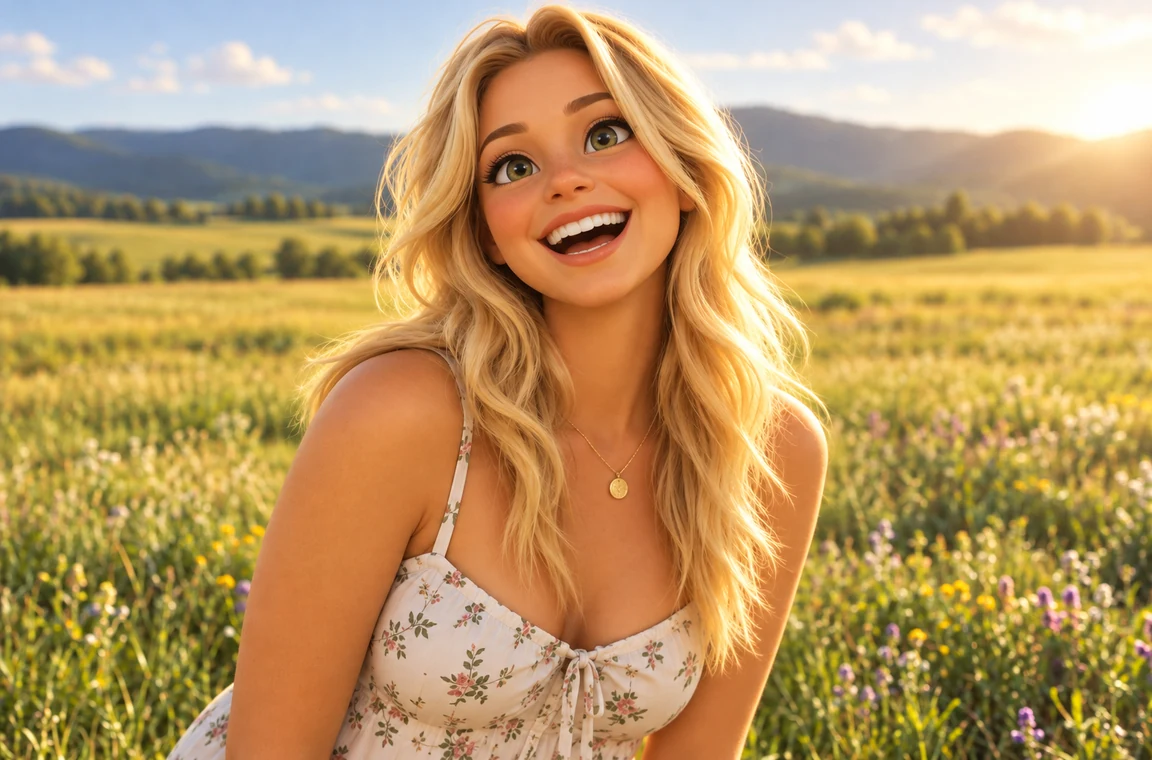
Big expressive eyes, soft rounded features and warm movie lighting. The most popular way to cartoon yourself for an avatar.
Turn a photo into a cartoon in one step: upload a selfie, a couple or a pet, pick 3D animated, anime, comic book, caricature or line art, and the AI cartoonizer redraws it while keeping you recognizable.
Cartoon Style: 3D Animated · Photo Type: Selfie / Portrait · Background: Keep My Background
Reference example. It is not a result generated from your upload.
Photo to cartoon is an AI cartoonizer that turns a picture into a hand-drawn-looking cartoon of the same person, pet or thing. A basic cartoon filter only traces edges and flattens colors. Image to cartoon AI redraws the whole photo in a real cartoon style, so you get clean outlines, simplified shapes and bright color while your face, hair and smile stay recognizable. It can cartoonize image details such as hair strands, glasses and fabric instead of smudging them.
Use it to turn photo into cartoon art for a profile picture, a gift, a sticker or just for fun. Man to cartoon, woman to cartoon, kids, couples, pets and even cars all work. Pick one of 12 original cartoon styles, from 3D animated and anime to comic book, caricature and line art, and the AI does the drawing for you: no drawing skills, no app and no copyrighted characters.
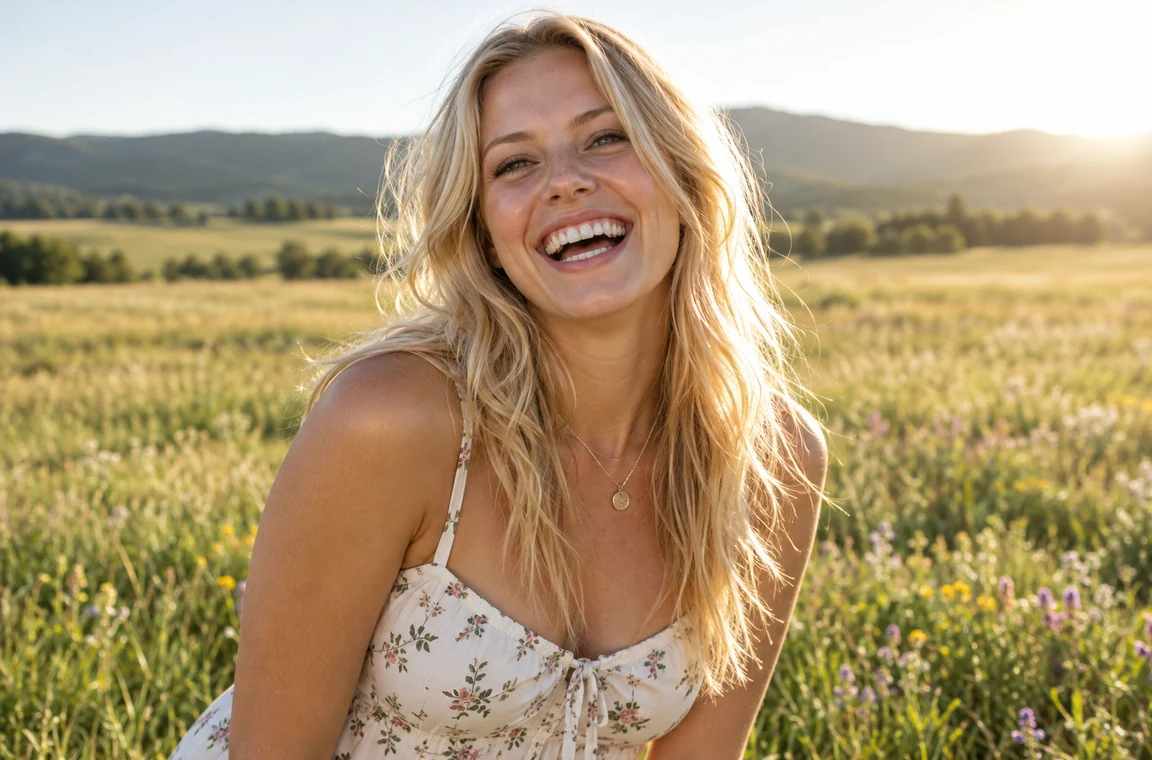
Real photos turned into cartoons. Drag each slider to compare the original picture with the cartoon, then try the same style on your own photo.
Big expressive eyes, soft rounded features and warm movie lighting. The most popular way to cartoon yourself for an avatar.
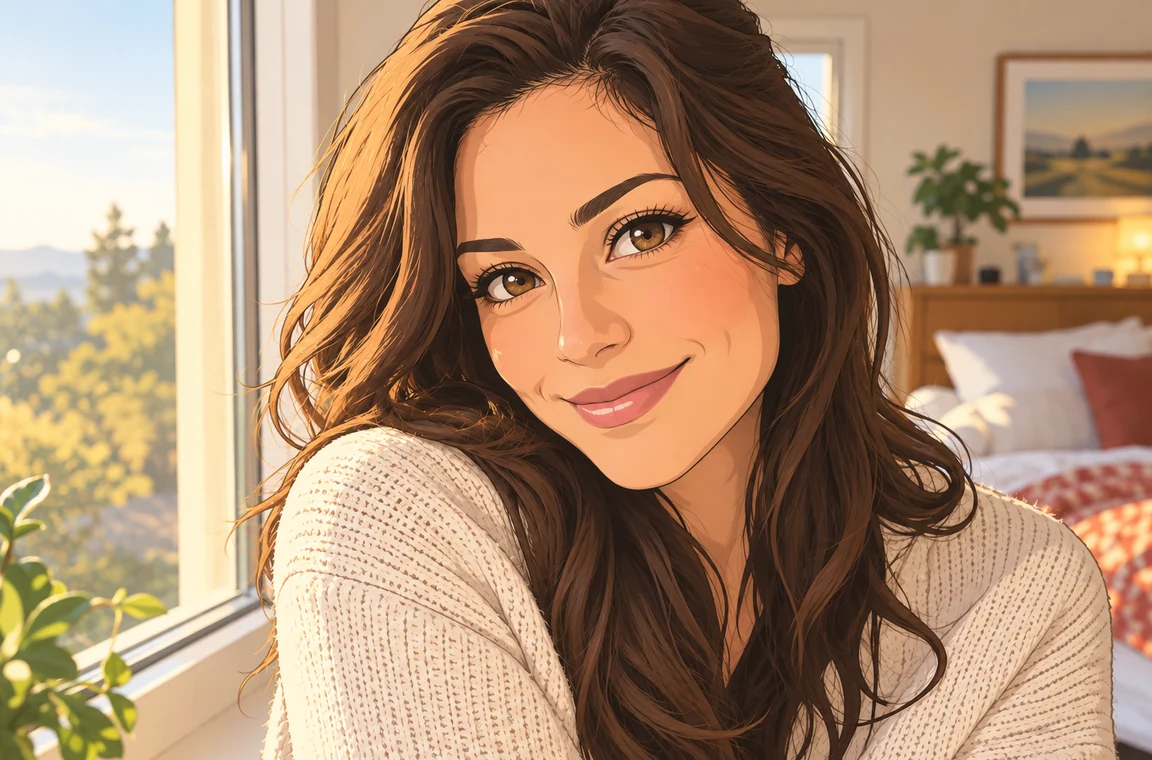
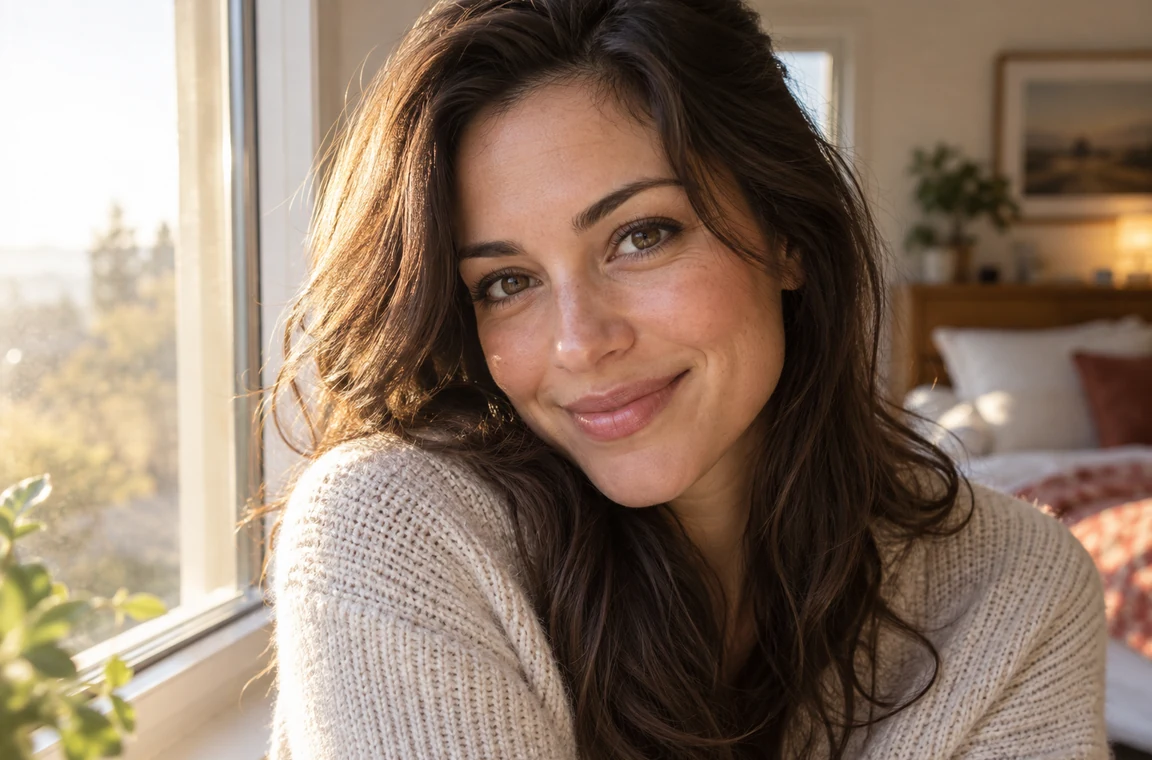
Clean line art, cel shading and luminous eyes. Ideal when you want to turn a selfie into anime-style cartoon art.
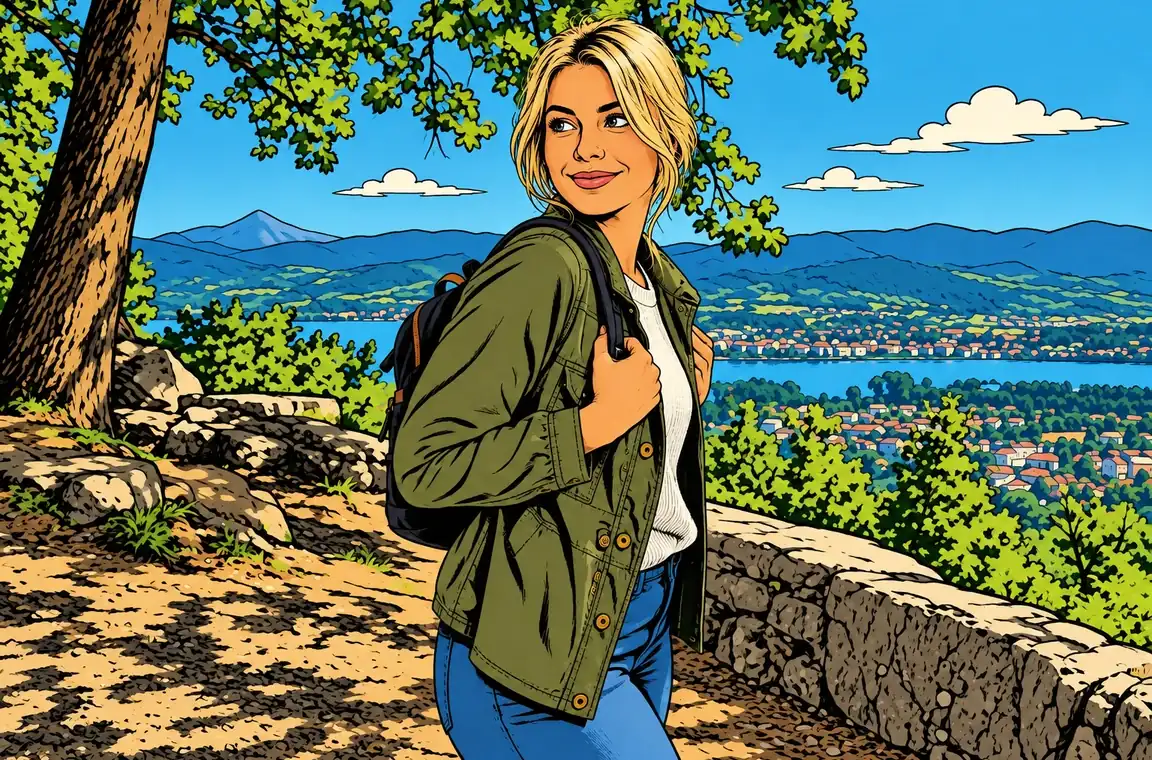
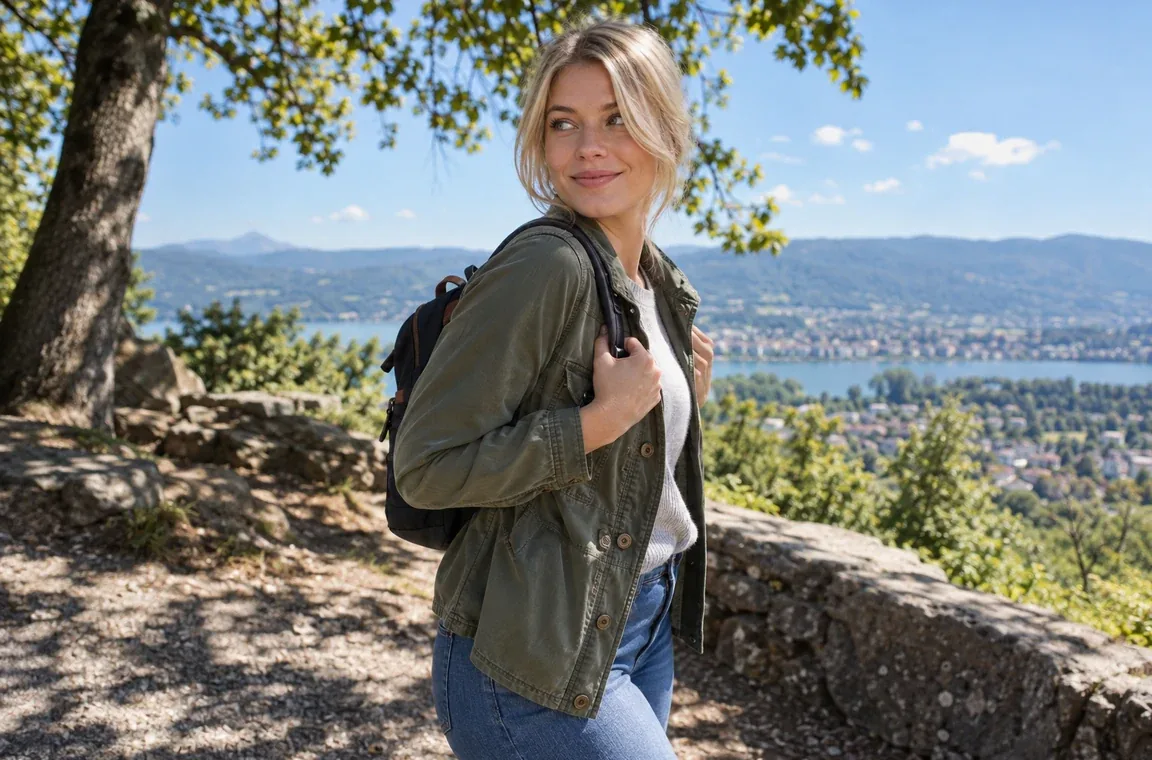
Bold inks and flat comic colors for a full-body cartoon drawing from a picture, outfit and accessories included.
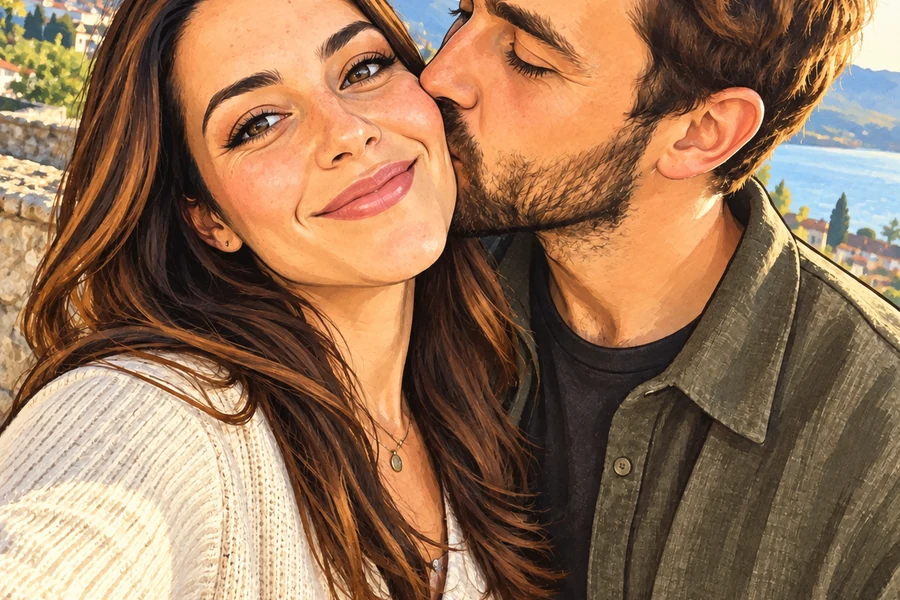
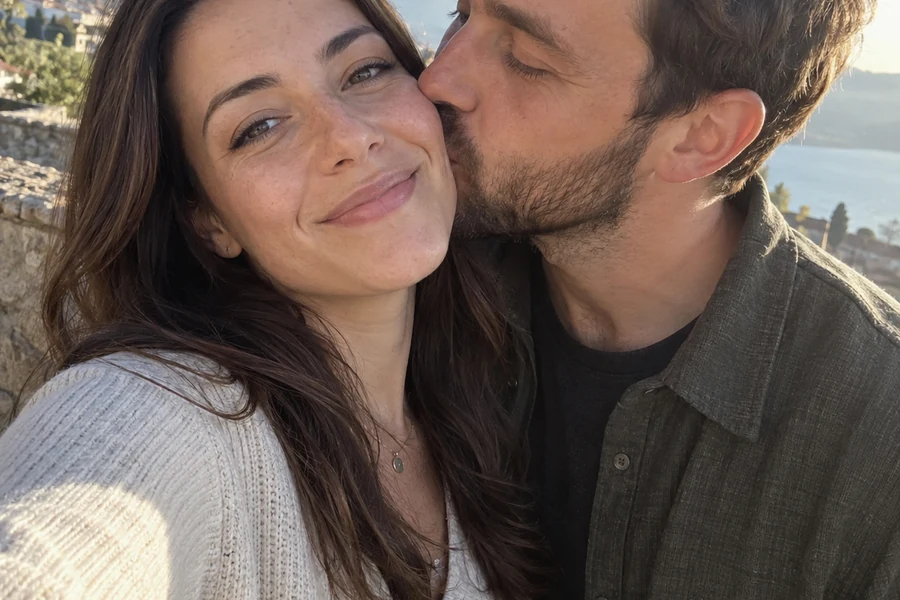
A friendly caricature that plays up smiles and signature features. Two people stay matching cartoon characters.
From camera to cartoon in three steps. This is how to turn your pic into a cartoon without drawing a single line.
Snap a selfie with your camera or pick any picture: a portrait, a couple, a family photo, a pet or a car. JPG, PNG and WebP up to 10 MB are supported.
Choose one of 12 cartoon styles, tell the AI what is in the photo, and keep your background or switch to a cartoon scene, a solid color or a white sticker backdrop.
Generate up to four versions, compare them with your original photo, and download your favorite cartoon picture or try another style.
Cartoonize photo portraits, pets and group shots with a cartoonizer tool that draws a real cartoon, not a filter on top of your photo.
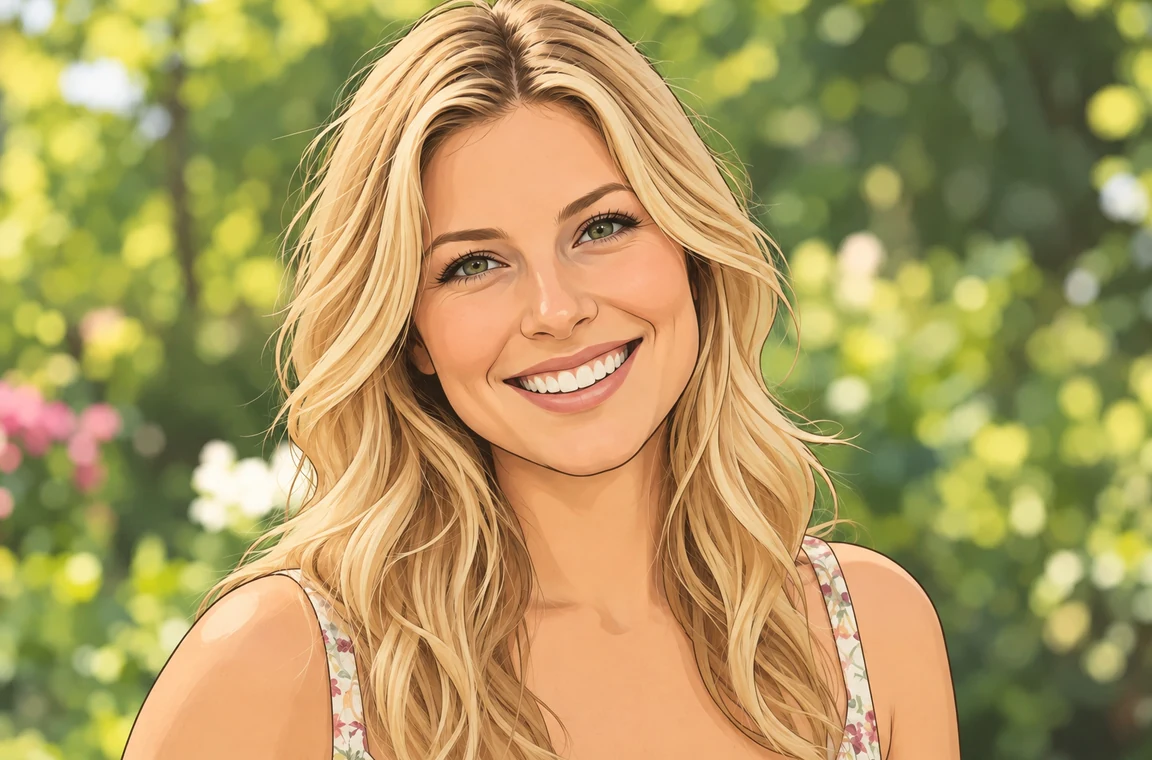
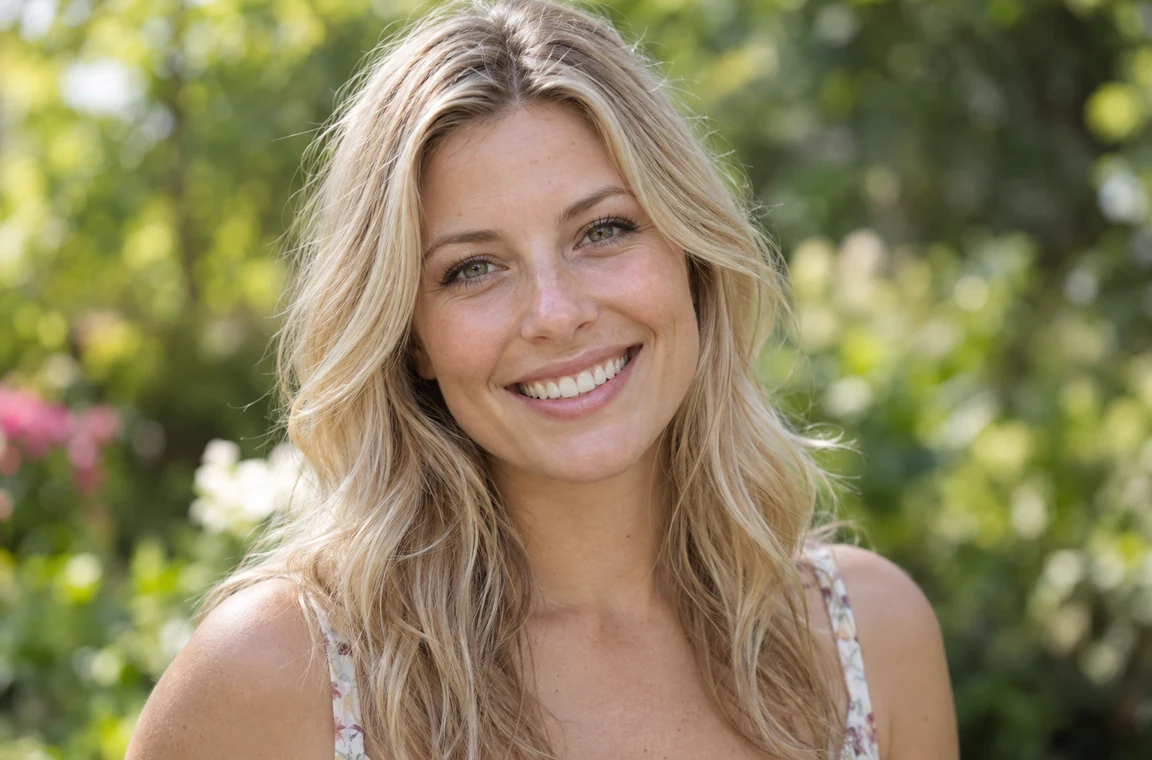
The AI keeps your face shape, hairstyle, skin tone, eye color, glasses and smile, then redraws them with cartoon proportions. The result is a cartoon you that friends recognize at a glance, not a generic character, so you can make your picture a cartoon and still look like yourself.
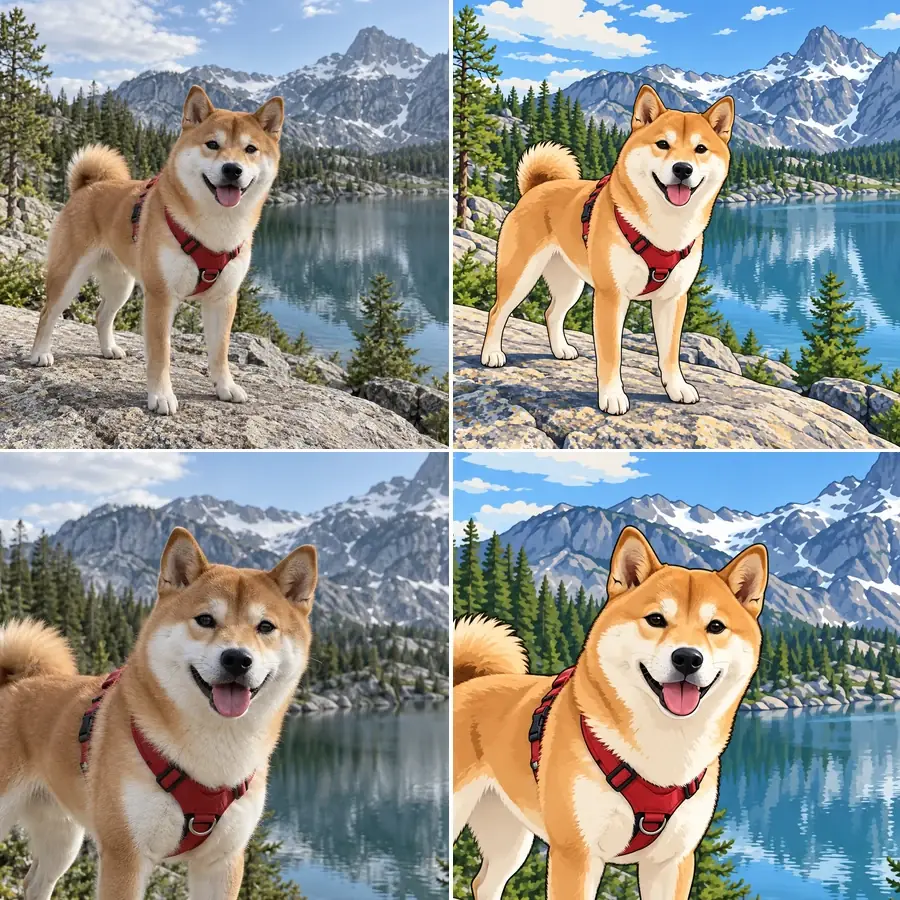
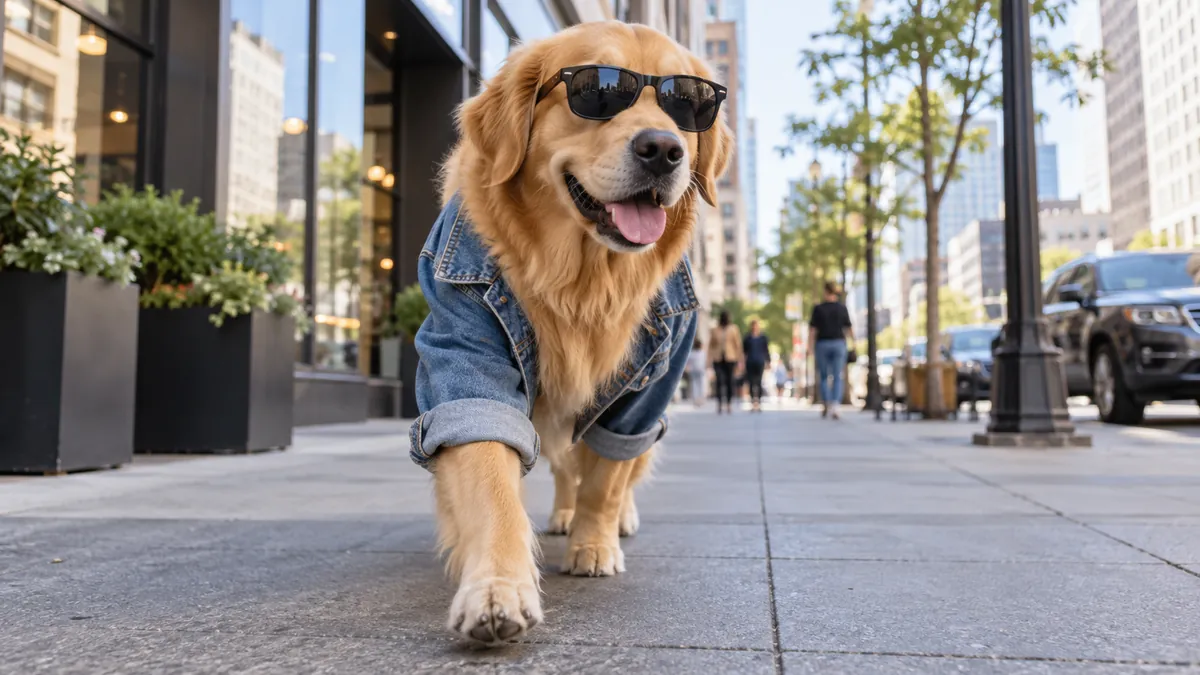
Pick Pet as the photo type to cartoonize a picture of your dog or cat: the AI keeps the real breed, fur pattern, markings and collar, adding big cartoon eyes and a bright scene. Cats, dogs, rabbits and birds all work, and so do cars: cartoonize car photos to turn your car into a cartoon with glossy, rounded shapes.
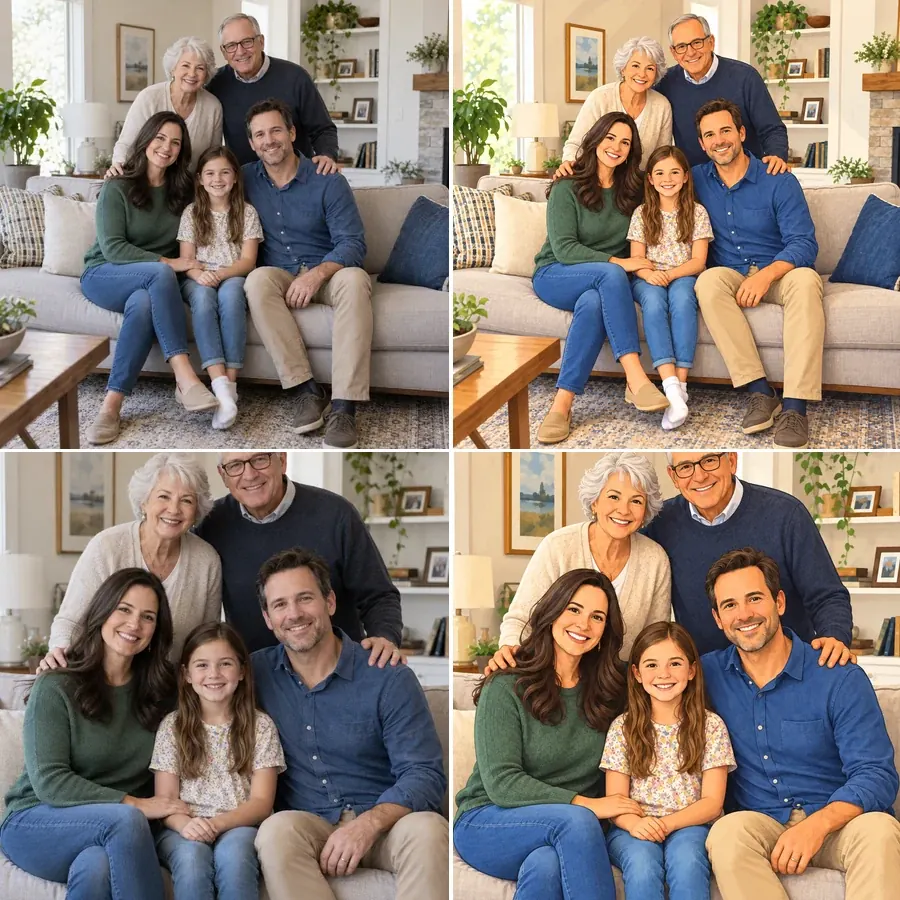
Want to cartoon a picture of your whole family? Upload a group photo and everyone becomes a matching cartoon character in the same style, each in their own spot with their own hair and outfit. It is an easy way to make a cartoon out of a picture for family cards, wedding gifts or a group chat icon.
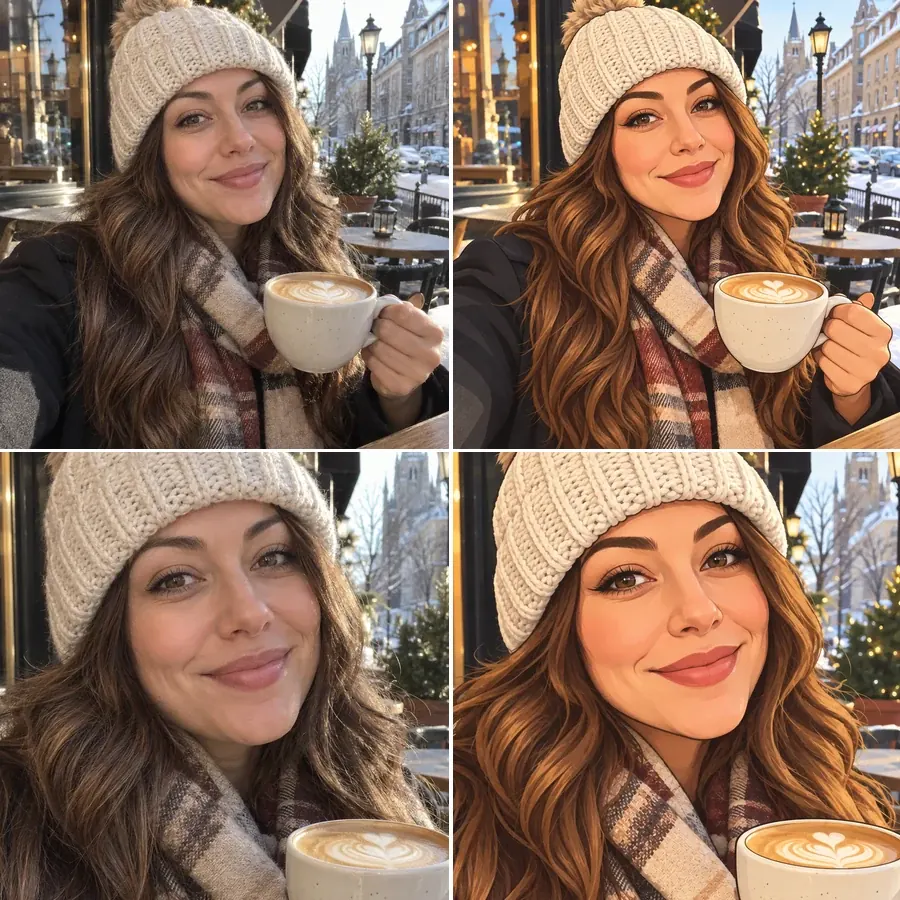
Choose Selfie / Portrait with a solid color background for a clean cartoon character profile picture that reads well in a small circle. Use the same style for every account, or make a set of AI cartoons in different styles and let friends vote.
Not sure which look to pick for your picture to cartoon conversion? Here is what each style of this cartoon image generator does best.
| Style | What it looks like | Best for |
|---|---|---|
| 3D Animated | Rounded features, big eyes, soft movie lighting | Avatars, gifts, family portraits |
| Anime | Clean line art, cel shading, luminous eyes | Profile pictures, fan-style art of yourself |
| Comic Book | Bold inks, halftone dots, flat saturated color | Posters, full-body shots, birthday cards |
| Caricature | Playfully exaggerated head and signature features | Party gifts, team pages, roasts that stay kind |
| Line Art | Black outlines on white, no color | Coloring pages, tattoos, embroidery patterns |
| Watercolor Cartoon | Soft ink lines with loose watercolor washes | Wedding and baby keepsakes |
| 2D Cartoon | Flat colors and clean, even outlines | Stickers, emojis, simple avatars |
| Kawaii | Big sparkly eyes, pastel colors, cute details | Couple icons and cute profile pictures |
| Storybook | Gouache and pencil textures, warm light | Kids’ books, invitations, nursery prints |
| Pop Art | Thick outlines, halftones, primary colors | Bold social posts and wall art |
| Retro 90s | Big round head, glossy eyes, candy colors | Throwback avatars and group chat icons |
| Paper Cutout | Flat construction-paper shapes | Funny group shots and meme-style characters |
One photo, many uses: turn picture into cartoon art for screens and gifts, or turn pic into cartoon stickers for your chats.
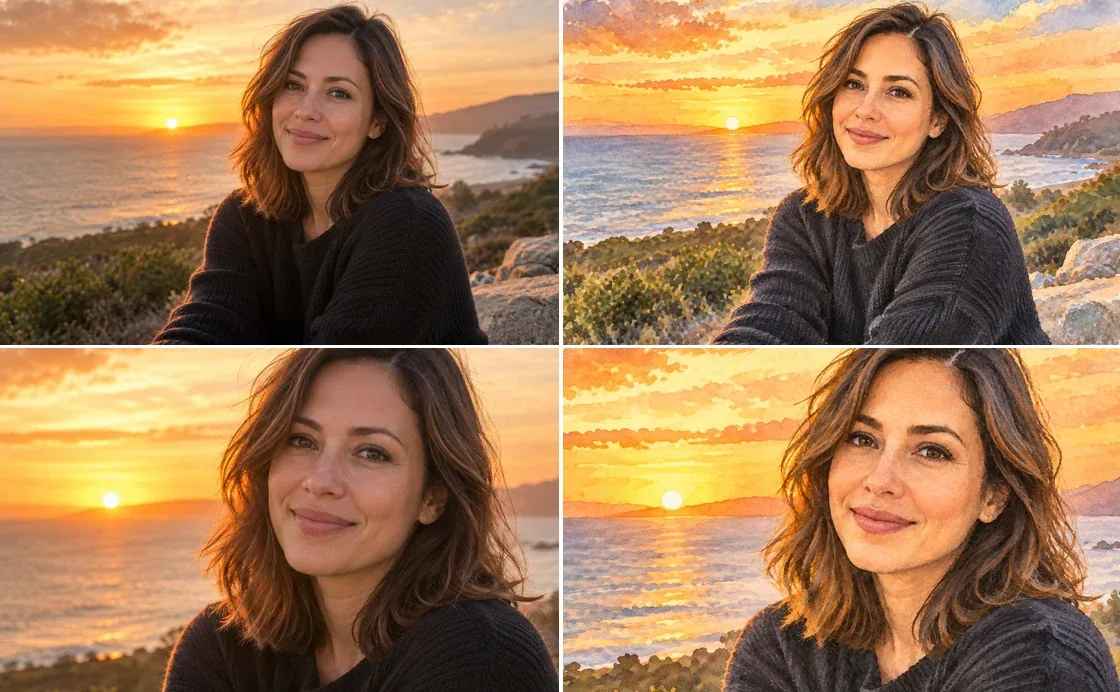
“Make my picture a cartoon” is the classic avatar request: a cartoon creator selfie for Discord, gaming profiles, Slack or your dating profile, with the same face in every style you try.
Turn photograph into cartoon gifts: a couple or family photo becomes a canvas cartoon print, a mug, a T-shirt or an anniversary card.
Choose the White (Sticker) background to make cartoon stickers of yourself, your pet or your friends for chats.
Cartoonify image references of real people for comics, storyboards, YouTube thumbnails and class projects.
The clearer the photo, the better the cartoon drawing from the picture.
Wondering how to make a cartoon face turned more forward? Start from a front-facing photo; side profiles can come out turned or simplified.
Soft daylight keeps skin tone, eye color and hair color accurate in the cartoon.
Choose Couple, Family or Pet when the photo has more than one person or an animal, so nobody gets left out.
Generate a few versions in different styles; 3D animated, anime and caricature each flatter different faces.
Every EzImgMaker tool that turns a photo into a cartoon, painting, anime-style avatar or toy, grouped by style.
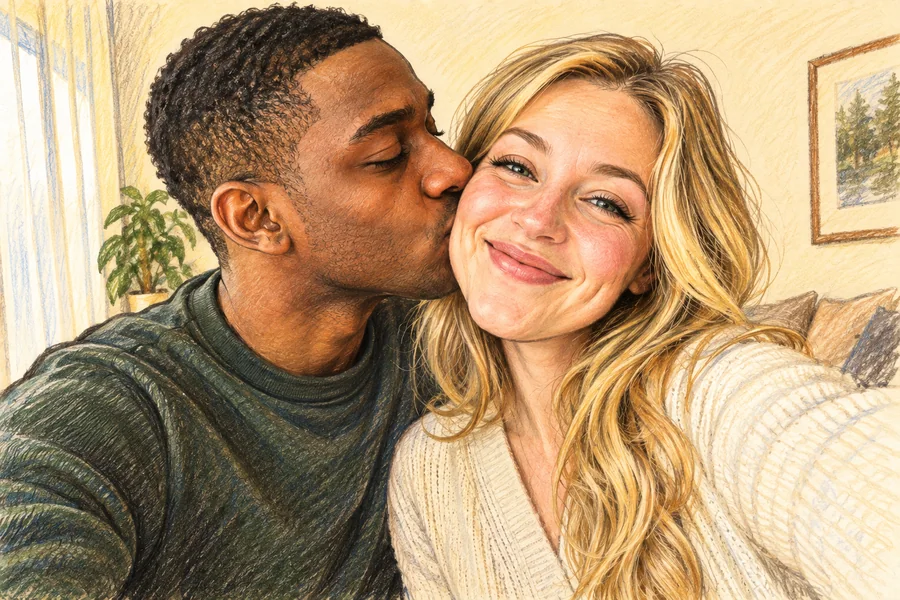 AI Caricature MakerHow do I create a caricature of me? Upload a photo to the AI caricature maker, pick a style, and turn your picture into a funny, recognizable caricature.
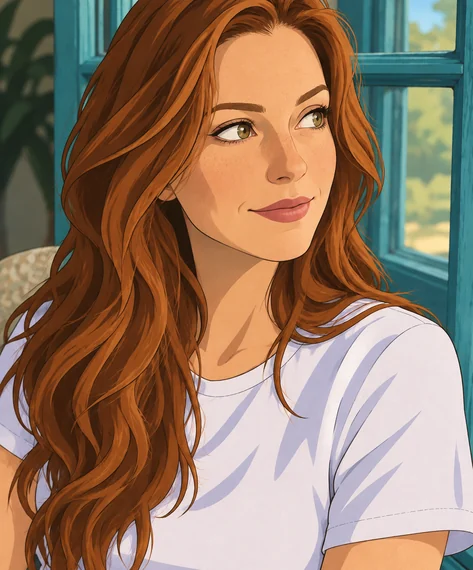 Disney Character GeneratorWhat would I look like as a Disney character? This Disney character generator turns a selfie, pet, or family photo into a Disney-style cartoon of you.
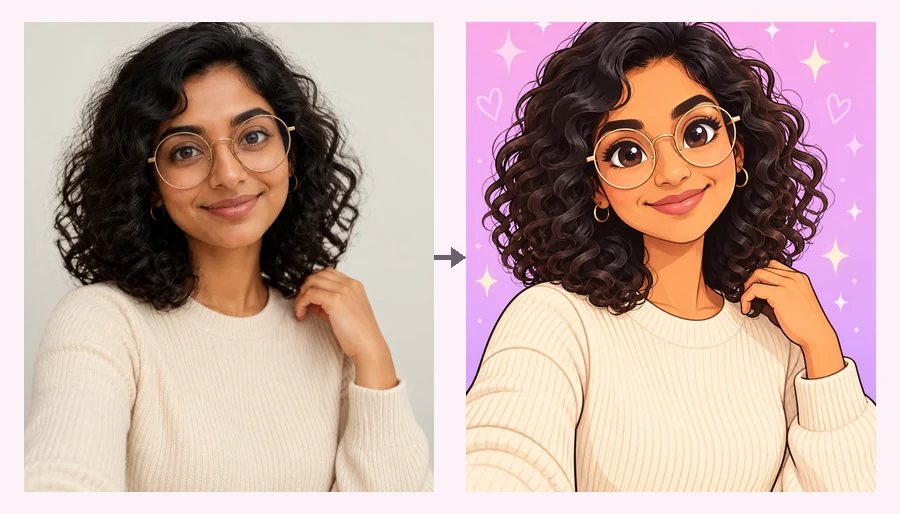 Powerpuff YourselfPowerpuff yourself online: upload a selfie and get a big-eyed, candy-colored Powerpuff-style cartoon. Pick a hero color or photo type and meet your Powerpuff self.
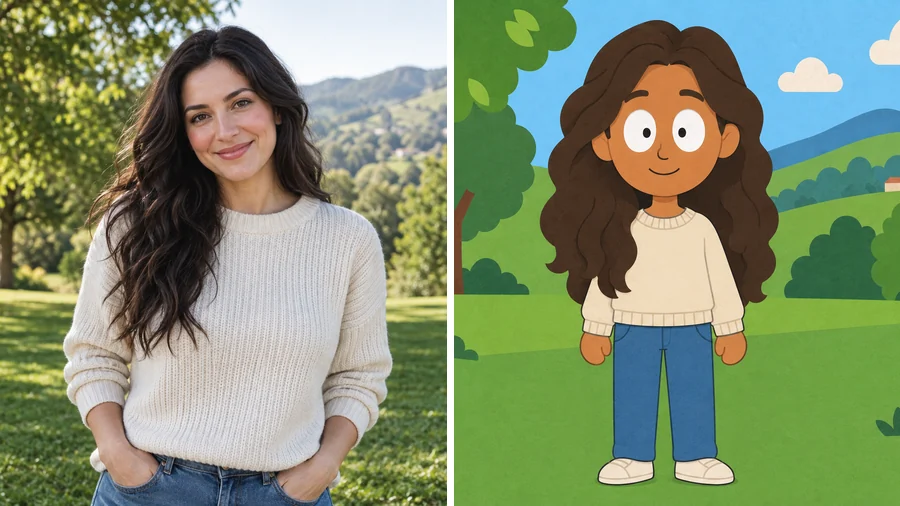 South Park Character CreatorUse this South Park character creator to turn a selfie into a flat paper-cutout cartoon. Pick a look and a scene, add details, and make South Park characters.
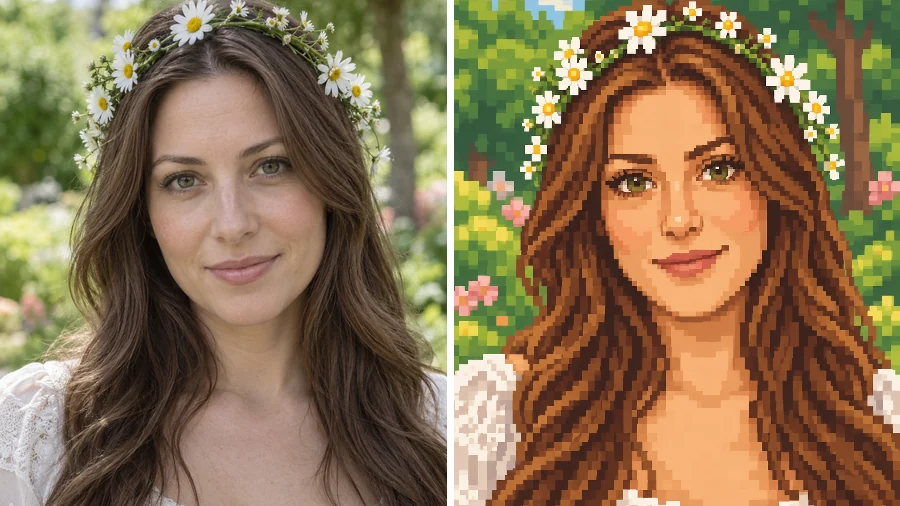 Stardew Valley Character CreatorUse this Stardew Valley character creator to turn a selfie into a cozy 16-bit pixel portrait. Pick a scene and outfit, then make your own Stardew Valley OC.
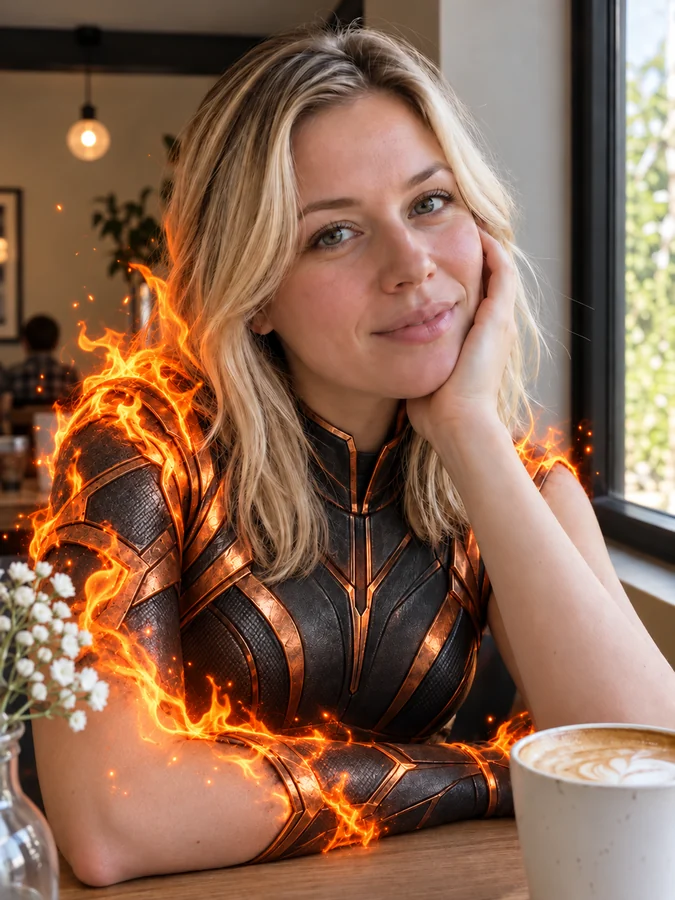 AI Superhero GeneratorUse this AI superhero generator to turn yourself into a superhero. Upload a selfie, pick a superpower and art style, and get an original hero portrait of you.
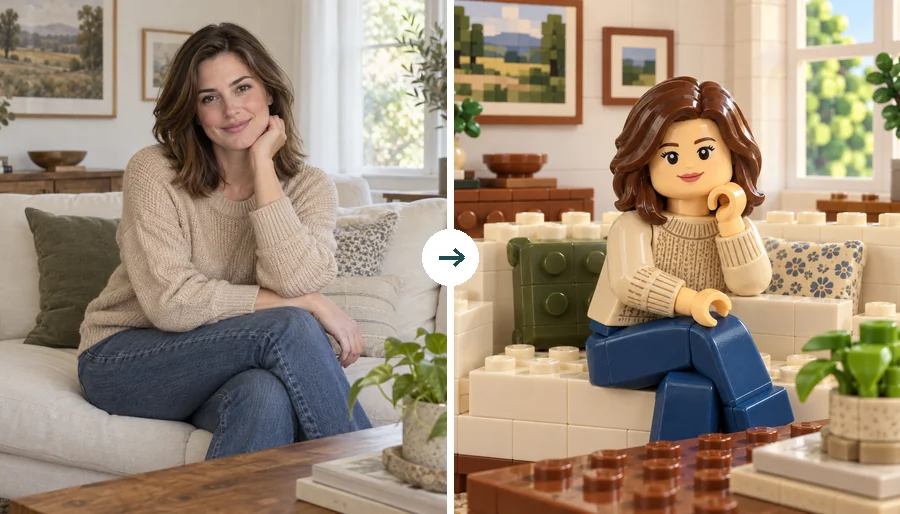 LEGO Minifigure GeneratorUse this LEGO minifigure generator to turn a selfie into a LEGO-style figure or rebuild the whole photo in bricks. Make custom LEGO minifigures from photos.
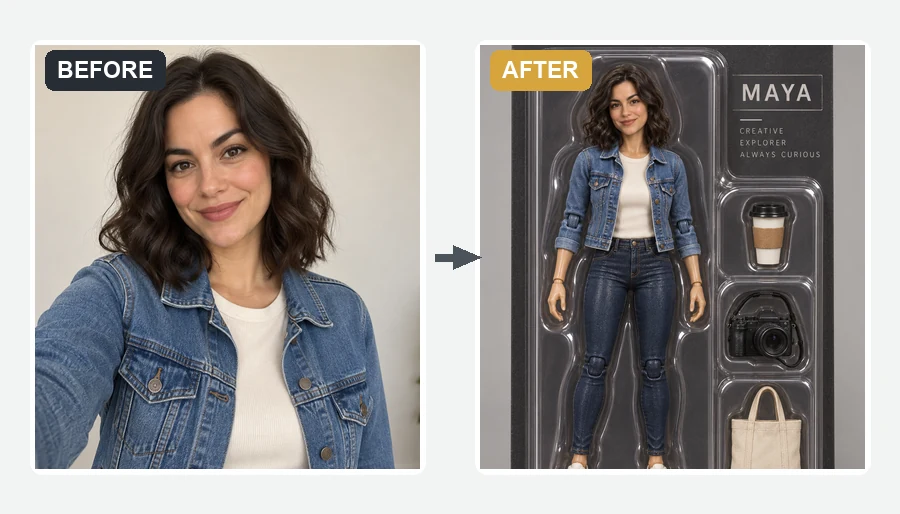 AI Action Figure GeneratorMake yourself an action figure with the AI action figure generator. Upload a photo, pick a theme, blister pack or window box, and get a boxed 3D toy of you.
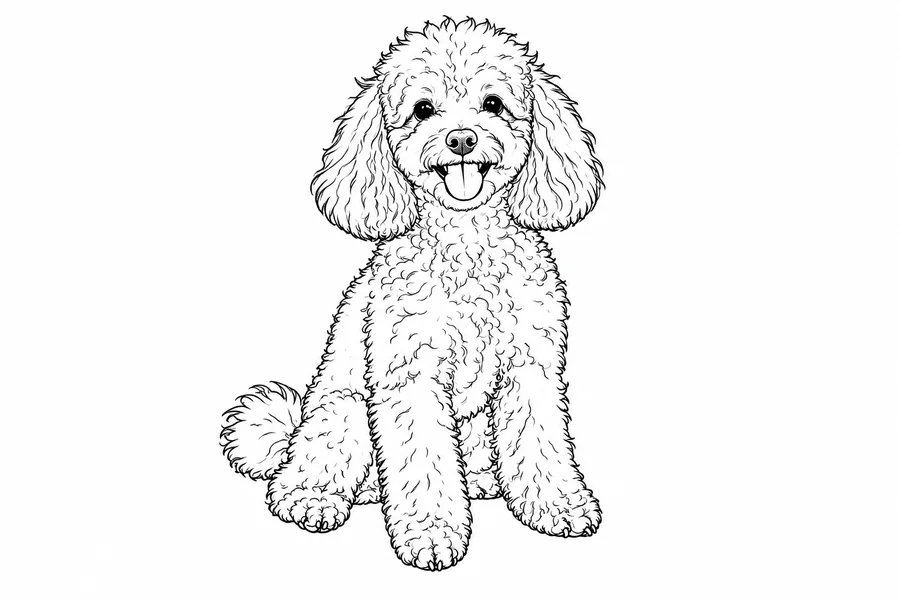 Photo to Line Art GeneratorConvert photo to line drawing online. Upload any picture to the line art generator, pick a style, and turn it into clean line art, outlines, or coloring pages.
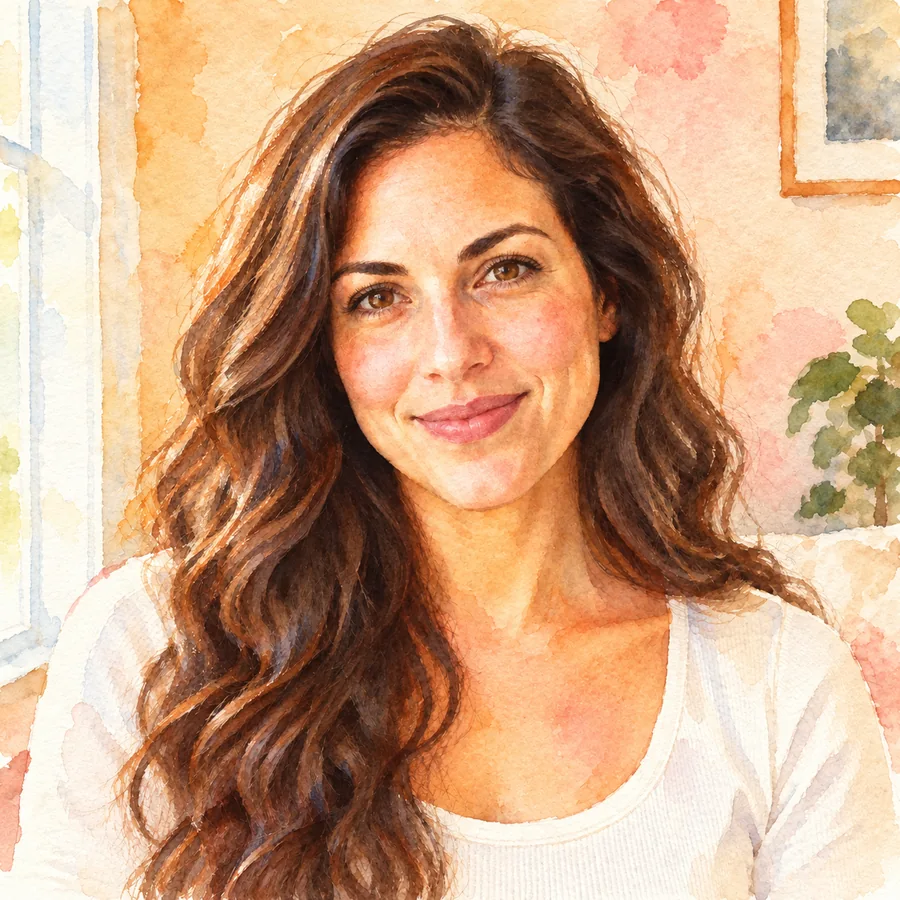 Photo to WatercolorTurn photo into watercolor art online. Upload a portrait, pet, or travel shot, pick a style, and turn it into a watercolor painting with soft, natural washes.
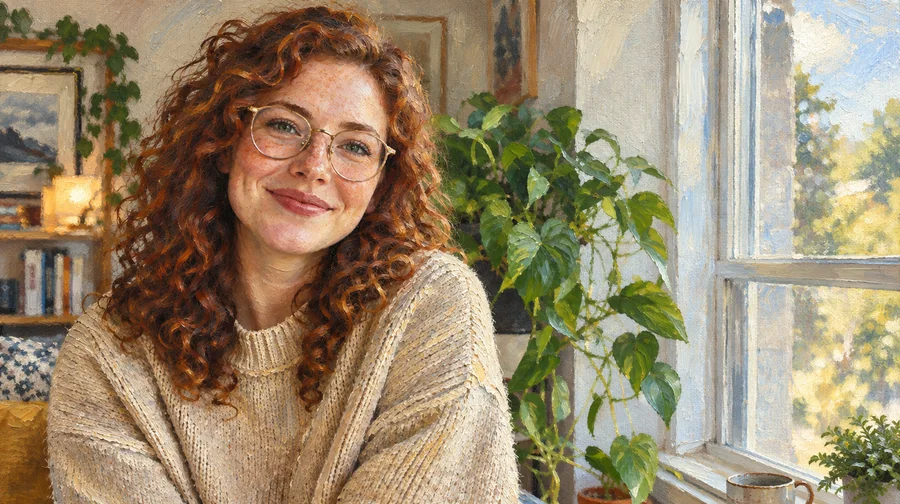 Photo to Oil Painting ConverterTurn photo into oil painting online. Upload a picture, pick a Classic, Renaissance, or Impressionist style, and get an oil painting photo with canvas texture.
 Photo to Pixel ArtTurn any image to pixel art with AI. Upload a photo, pick 8-bit, 16-bit, handheld green, or game sprite style, and get grid-aligned retro pixel art, not a blur.
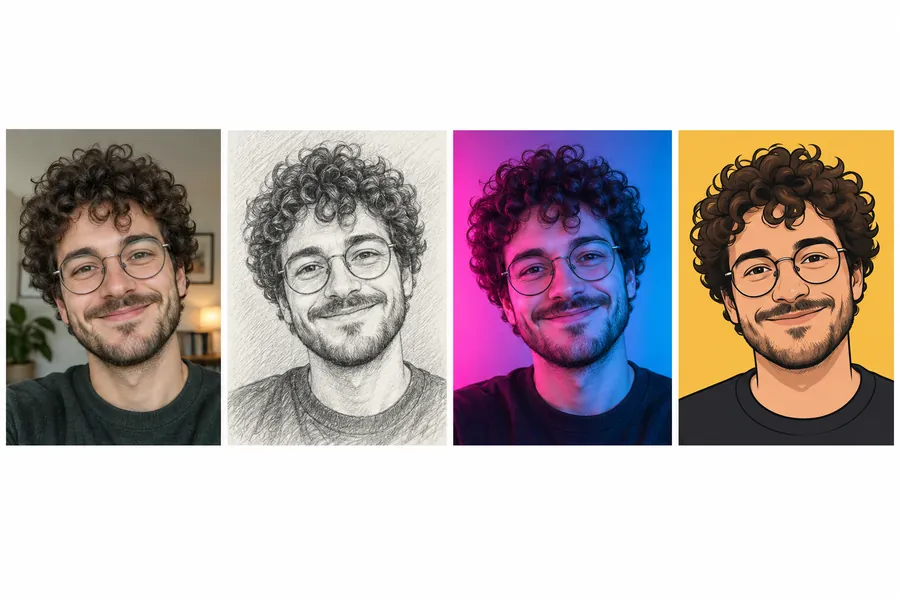 AI PFP MakerPFP maker for any app: upload a selfie, pick anime, 3D, pixel art, aesthetic, or letter styles, and the AI profile picture maker creates a square pfp to download.
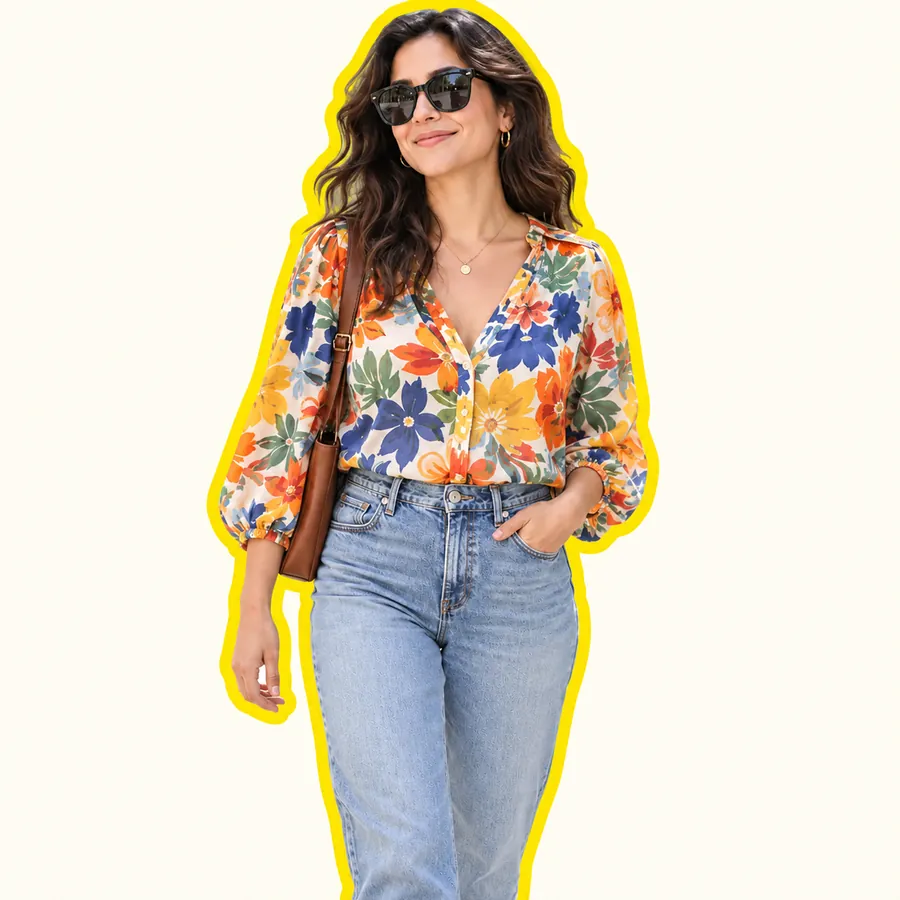 AI Sticker MakerHow to make a picture a sticker: upload a photo or screenshot, pick a style like die-cut, cartoon, chibi, or kawaii, and the AI sticker maker turns it into a PNG.
 Anime UpscalerAI anime upscaler for fan art, screenshots, manga, and waifu wallpapers. Upscale anime images 2×, 4×, or to 4K with crisp line art and clean color blocks.
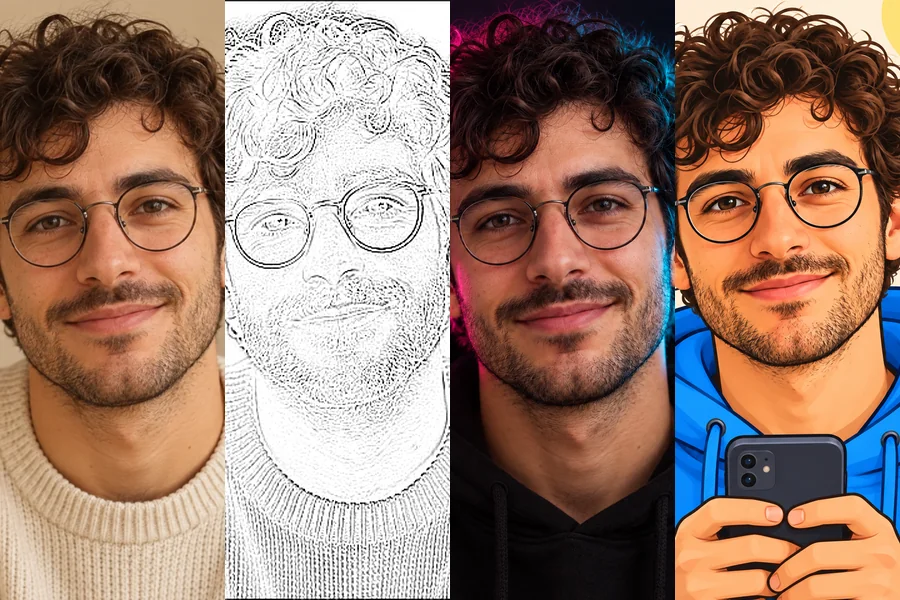 TikTok PFP MakerNeed TikTok PFP ideas? Upload a selfie and turn it into an aesthetic, anime, Y2K, neon, or cartoon profile pic Tik Tok followers will remember in the feed.
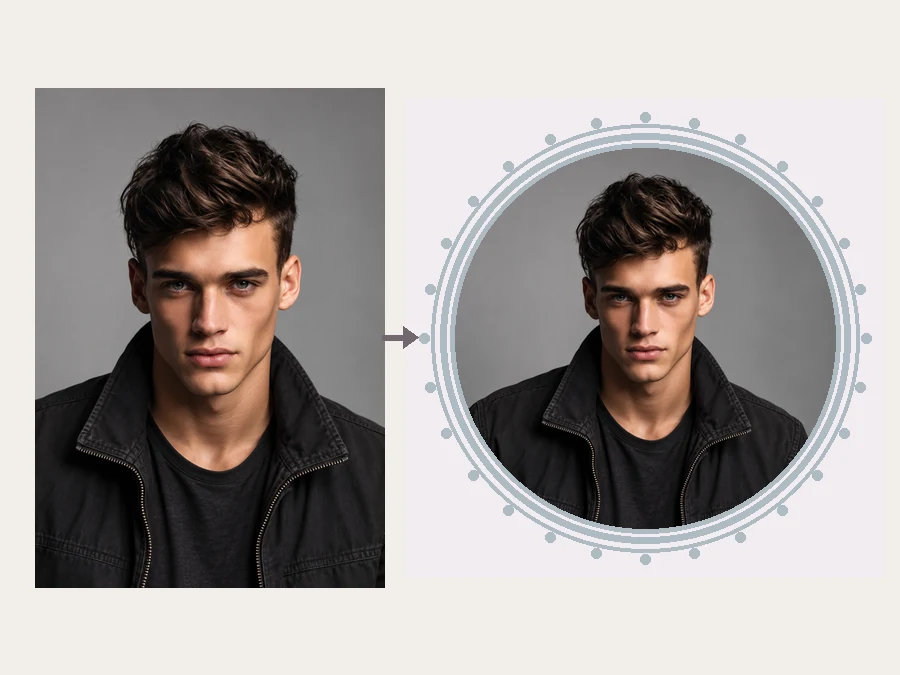 YouTube Profile Picture MakerMake a YouTube PFP from a selfie. Pick an anime, pop art, gaming, logo, or framed style and the AI YouTube profile picture generator designs a channel icon.
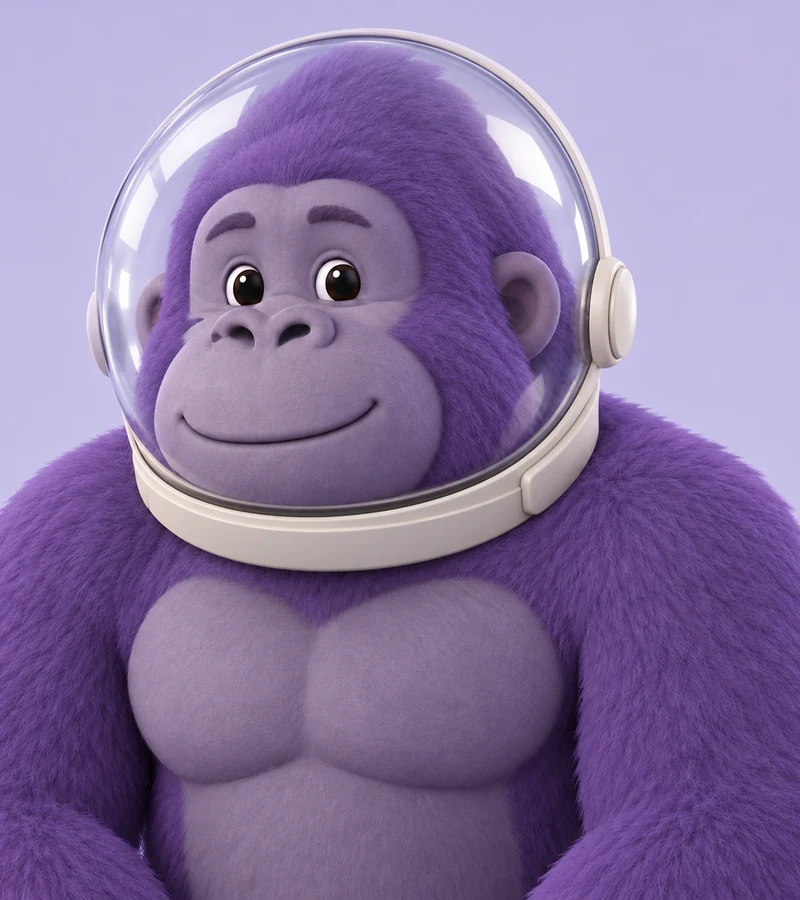 Gorilla Tag PFP MakerMake a Gorilla Tag PFP from your photo. Pick a fur color, hats, glasses, and other cosmetics, then a 3D, pixel, or cartoon style for your custom GTAG PFP.
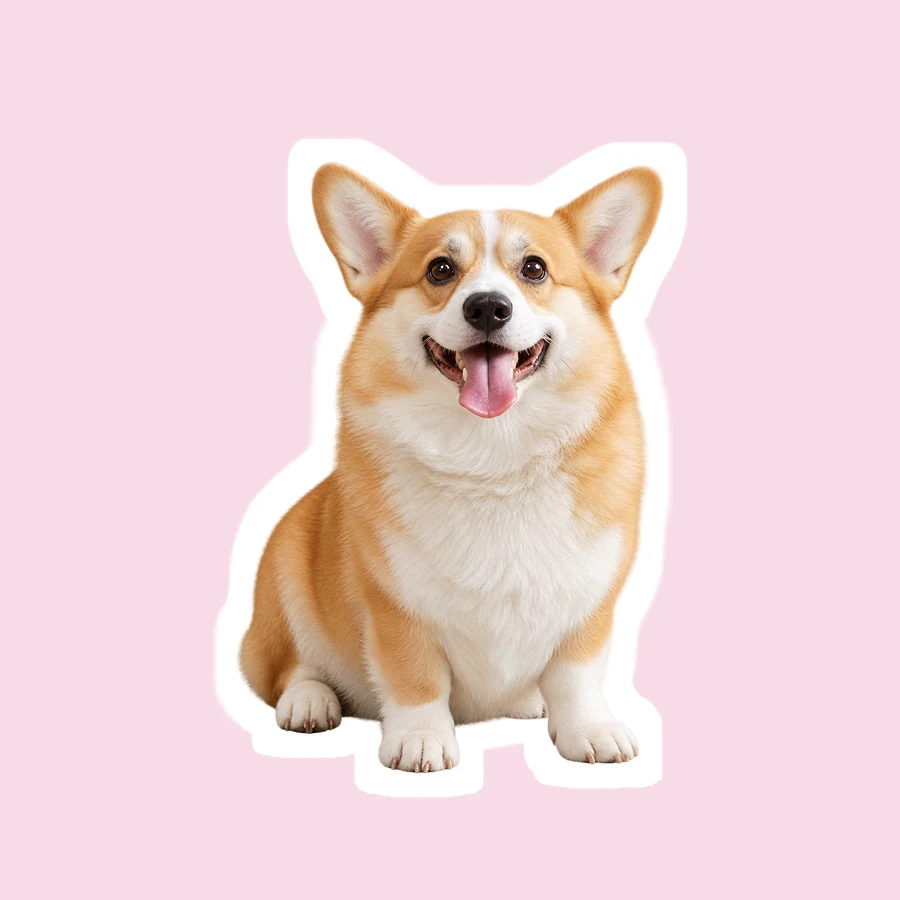 Snapchat Sticker MakerHow to make a sticker for Snapchat from any photo: upload it, let AI cut out the subject, add a white outline or caption, and save a transparent PNG sticker.
 AI Filters70+ AI filters for any photo: face filters for age, bald, beard, gender swap and zombie, plus cartoon and color looks. Upload a pic, add a filter. Free to try.
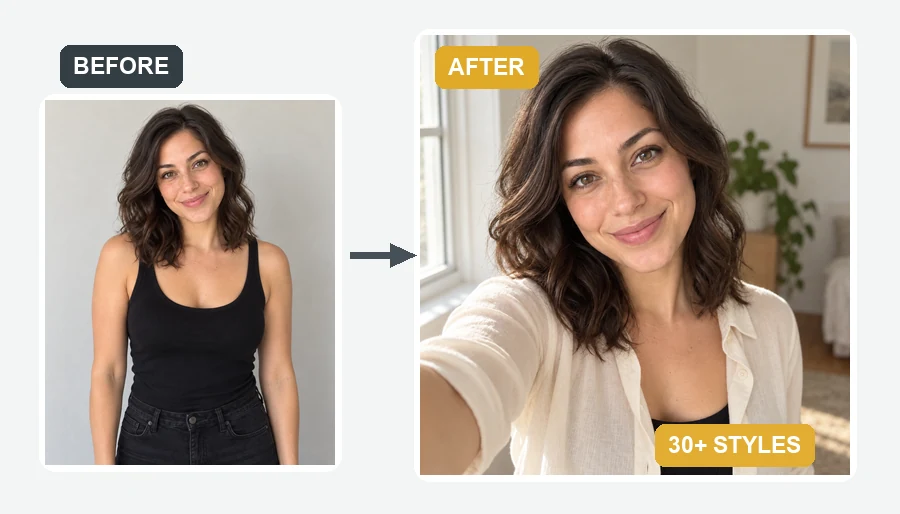 AI Selfie GeneratorUse the AI selfie generator to create AI selfies that still look like you. Upload one photo, pick a scene, cartoon style, headshot, fantasy, or occasion.
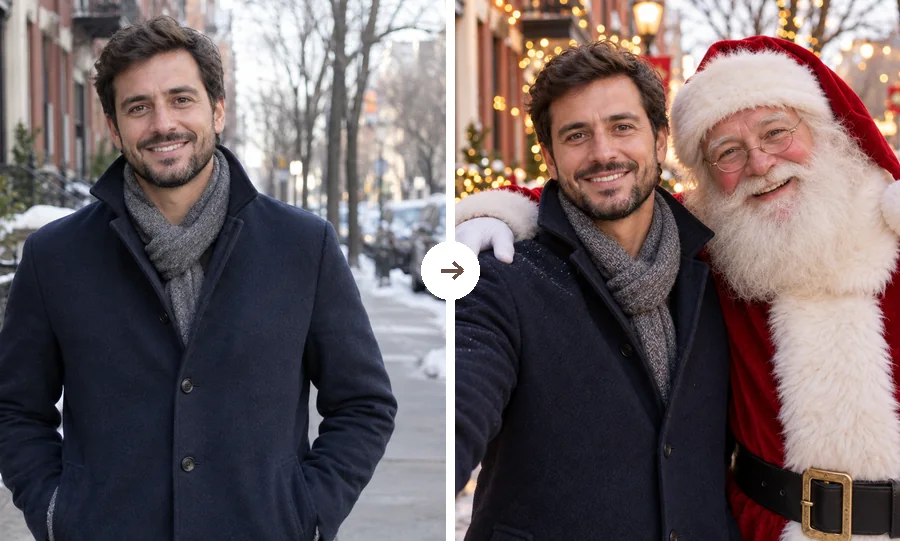 AI Christmas FilterPut a Christmas filter on any photo: reindeer antlers, a Santa makeover, elf ears, falling snow, or a festive frame. Christmasify an image you already took.
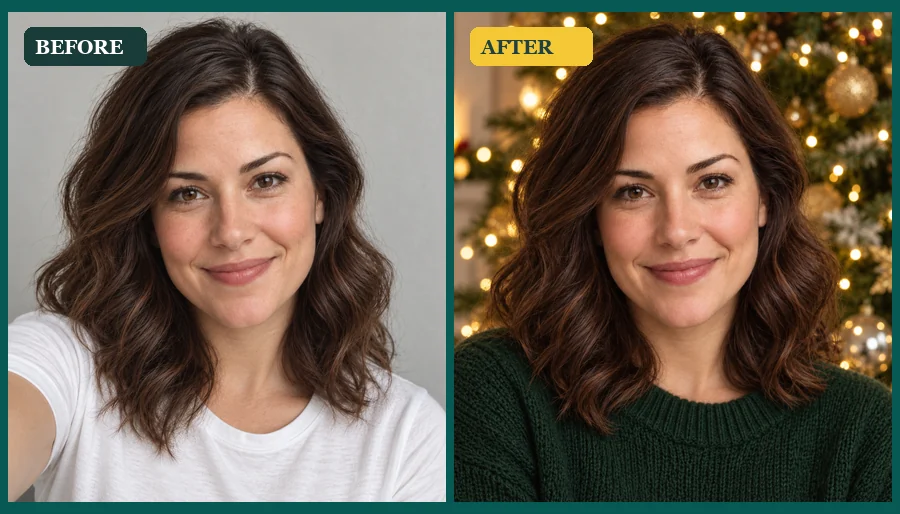 AI Christmas Photo GeneratorMake an AI Christmas photo from any selfie, couple, family, or pet picture. Pick a festive scene, outfit, style, or card and download your Christmas AI photos.
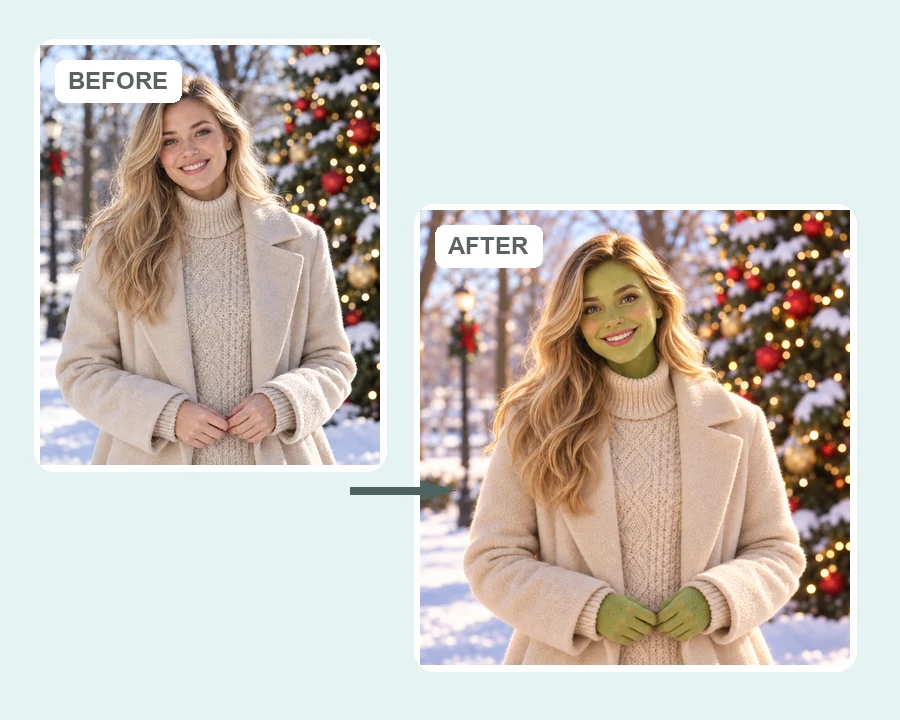 AI Grinch FilterGrinch yourself with the AI Grinch filter: upload a selfie, family, or pet photo and get a Grinch-style green holiday look with fuzzy fur and a sly grin.
Answers to common questions about turning photos into cartoons with AI.
How do you turn a photo into a cartoon? Upload a picture to the photo to cartoon tool above, pick a cartoon style and photo type, and press Start. The AI cartoonizer redraws the whole image as a cartoon in that style, so you can turn image into cartoon art in one step and download it. That is all there is to how to turn a picture into a cartoon.
Upload a clear selfie, choose Selfie / Portrait and a style such as 3D Animated, Anime or 2D Cartoon. Add details in Extra Details, for example a superhero cape or a favorite outfit, to make yourself a cartoon character with your own story.
If you are searching for how to draw yourself as a cartoon character, or how to draw a cartoon character of yourself, let the AI do the sketching: it turns your photo into a finished cartoon drawing. You can also pick Line Art, print it, and trace or color it by hand if you want to learn how to draw myself as a cartoon step by step.
Yes. Choose Pet to turn my dog into a cartoon (cats and other pets work too) with its real markings, or Car / Object to cartoonize car photos with rounded, glossy shapes while keeping the model and color.
No. Instead of downloading apps that turn pics into cartoons or a cartoon scanner app, use this cartoon pic creator in your browser to make photo into cartoon art on phone or desktop. Upload, pick a style and save the result.
3D Animated, Anime, Kawaii and 2D Cartoon read best at small sizes. Pick Selfie / Portrait with a Solid Color background, and start from a close-up photo so your face stays large in a round crop.
The AI keeps your face shape, hairstyle and color, skin tone, eye color, glasses, facial hair and expression. Caricature exaggerates features on purpose, and Paper Cutout and Retro 90s simplify them, so choose 3D Animated or Anime for the closest likeness.
It is free to try: new accounts get free credits when you sign up, and each cartoon uses credits. You can generate one to four cartoons per photo and choose the one you like.
The styles here are original looks, not copies of any show, studio or existing character, and the AI is told not to recreate them. Describe a costume or setting in Extra Details instead, such as a space suit or a castle backdrop.
Only upload photos you own or have permission to use, and ask friends before you cartoon them. Do not use cartoons of real people to mock, harass or impersonate anyone.
Upload a picture, pick a cartoon style and get a cartoon of you, your pet or your friends.