
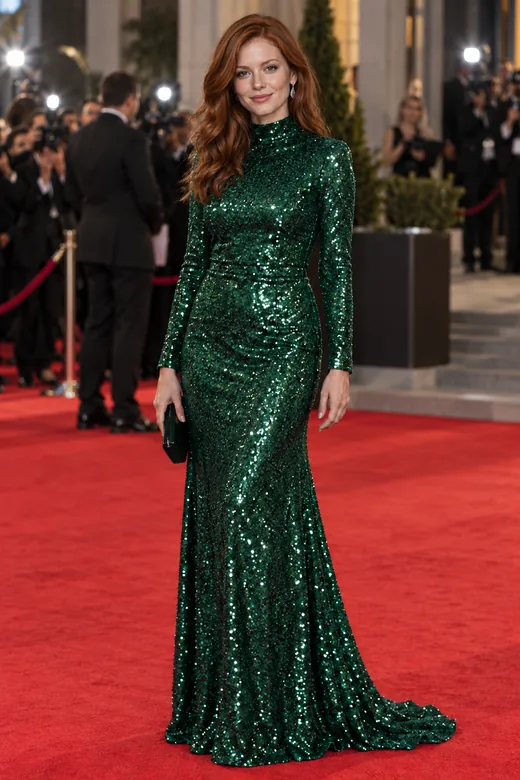
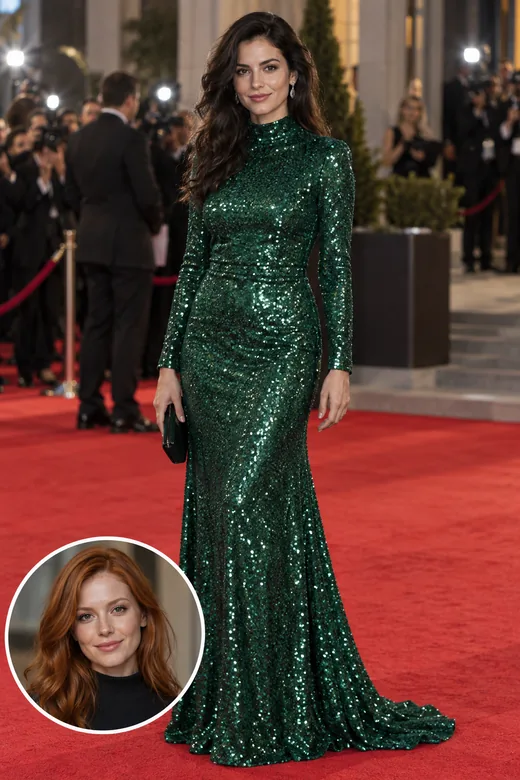
Red-Carpet Look
Put your face on a red-carpet or premiere-style shot, sequins and stage lights included. A fun celebrity-style moment, with your own face.
Upload a photo of your face and the picture you want to put it in. The AI face swapper places your face on the person in the target photo and matches skin tone, lighting, and angle, so the face swap looks like it was shot that way. Use only your own face or one you have permission to use.
Swap modes
Fine-tune
Reference example. It is not a result generated from your upload.
Face swap is a photo edit that takes the face from one picture and places it on a person in another. Whether you call it face swap, faceswap, or swap face AI, the idea is the same: the body, outfit, pose, and background of the target photo stay, and only the face changes. Done by hand in a desktop editor, a photo face swap means masking, warping, and color matching for an hour or more.
This AI face swapper does that work for you. It finds both faces, lines up the angle and size, relights the new face to match the scene, and blends the edges so skin tone and shadows look continuous. You decide whether to keep the target’s hairstyle or bring your own, and whose face changes in a group photo. It is built for consent-based fun and creative work, not for impersonating anyone.
Drag each slider. The small circle on the target photo shows the face that was swapped in.
Put your face on a red-carpet or premiere-style shot, sequins and stage lights included. A fun celebrity-style moment, with your own face.
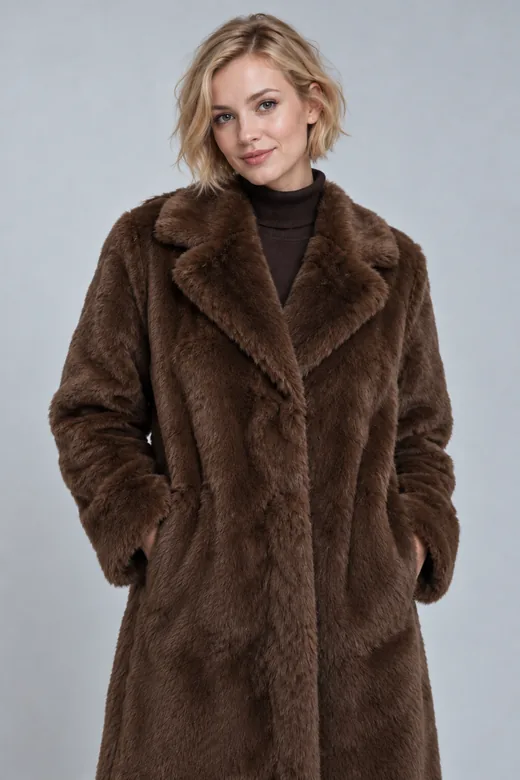
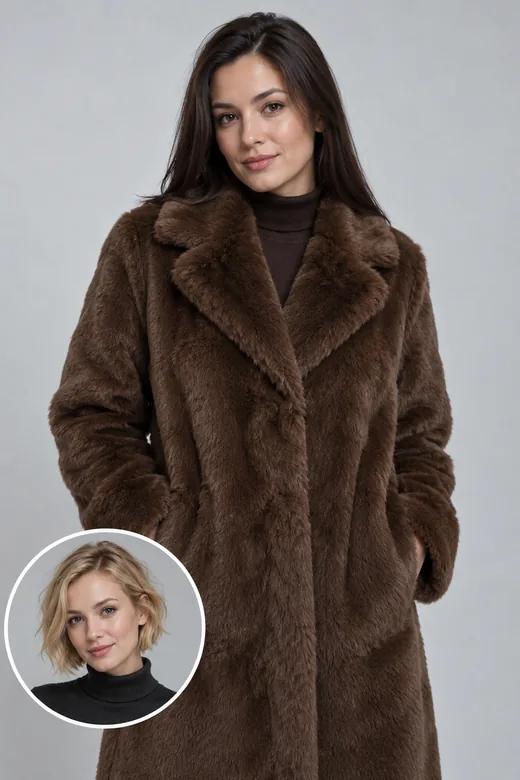
A studio shot in a fur coat with a new face, new hair, and the same light and backdrop.
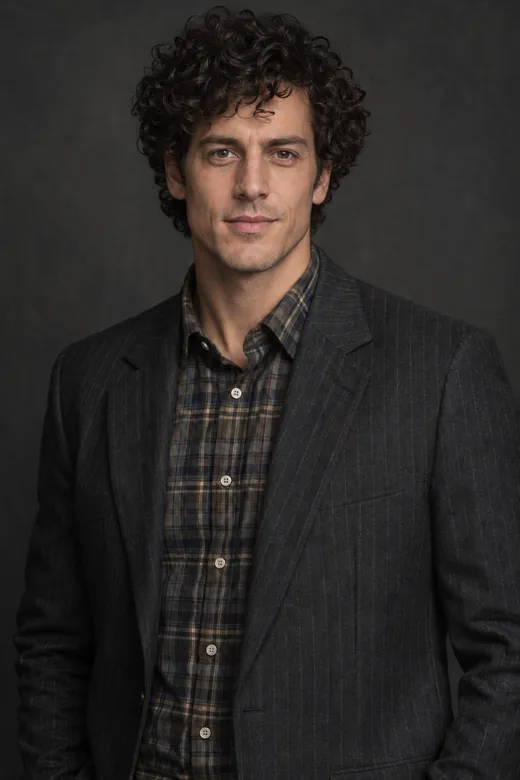
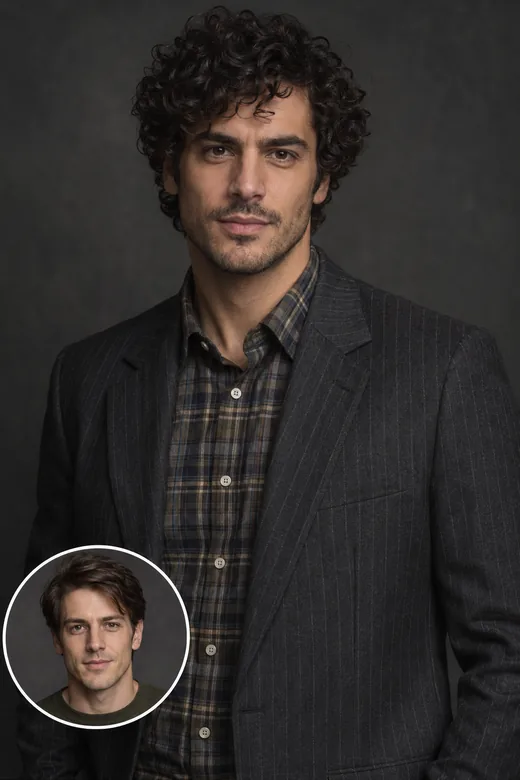
The outfit, pose, and backdrop stay; the face and hair come from the face photo.
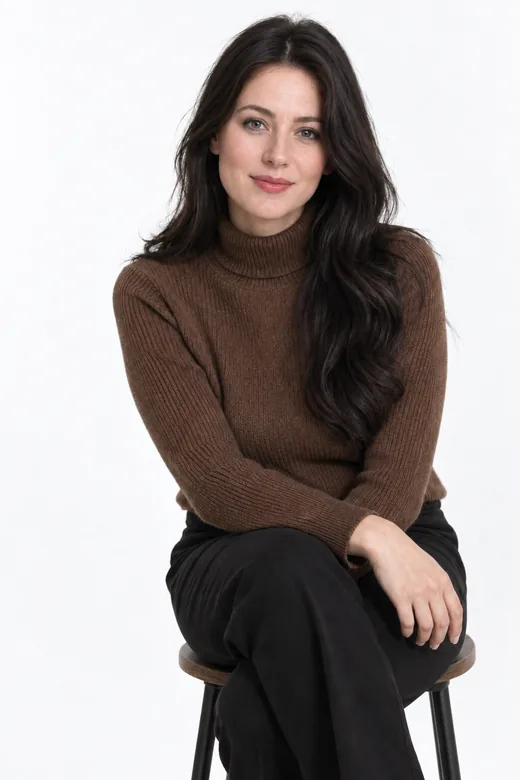
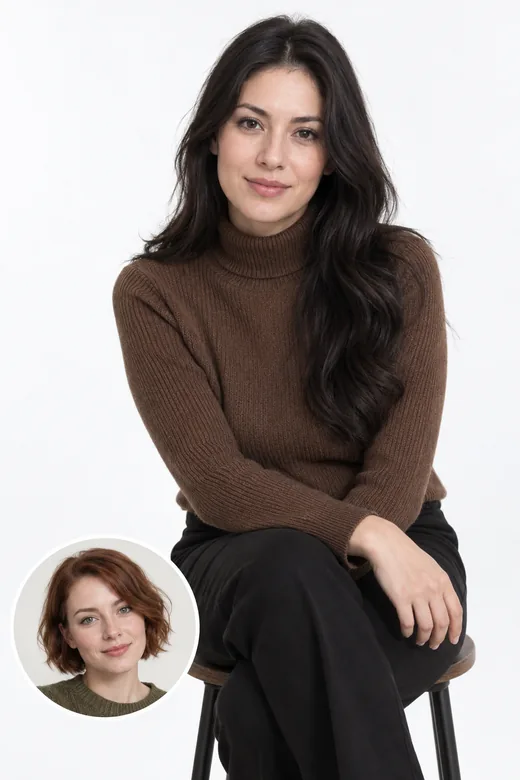
Full-body photos work too: the face is scaled and lit to match the pose.
Face swap online in three steps. No app, masks, or editing skills.
Choose a sharp, well-lit photo where the face looks toward the camera with nothing covering it. It should be your own face, or that of an adult who agreed. JPG, PNG, or WebP up to 10 MB.
Upload the picture you want the face in. For group shots, pick whose face to replace: the largest face, the leftmost, or the rightmost person.
Keep the target’s hair or use yours, match the target’s light or keep your skin tone, tick the consent box, and swap faces. Compare the face swaps and download the one you like.
A face swapper AI that cares about the details a viewer notices first.
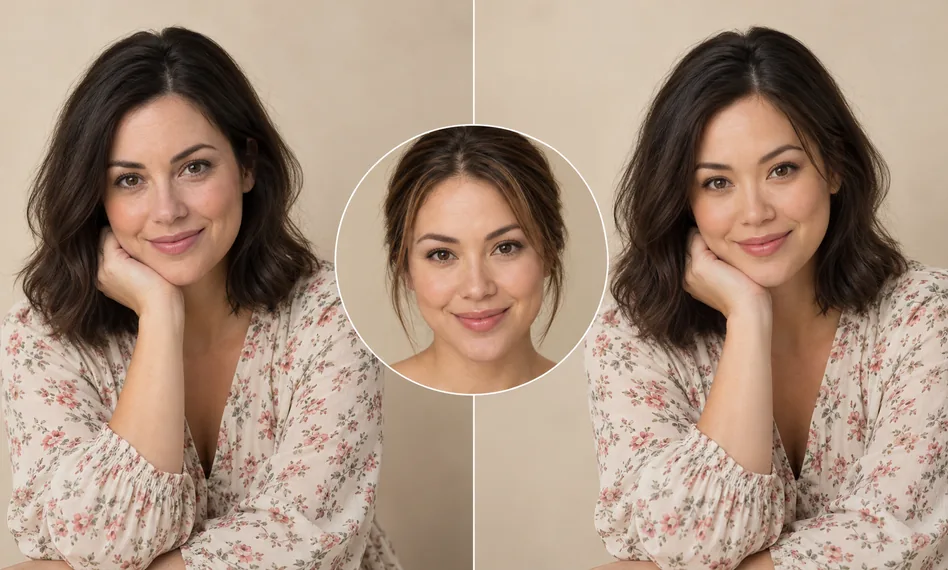
Most fake-looking swaps fail on light. AI swapping here relights the new face to the target’s light direction and color, matches skin tone at the neck and ears, and follows the head angle, so the photo face swap blends instead of looking pasted on.
A pure face changer keeps the target’s hairstyle and hat. Switch Hair to “Use my hairstyle” and the AI brings your hair length and color too, which is closer to a full head swap.
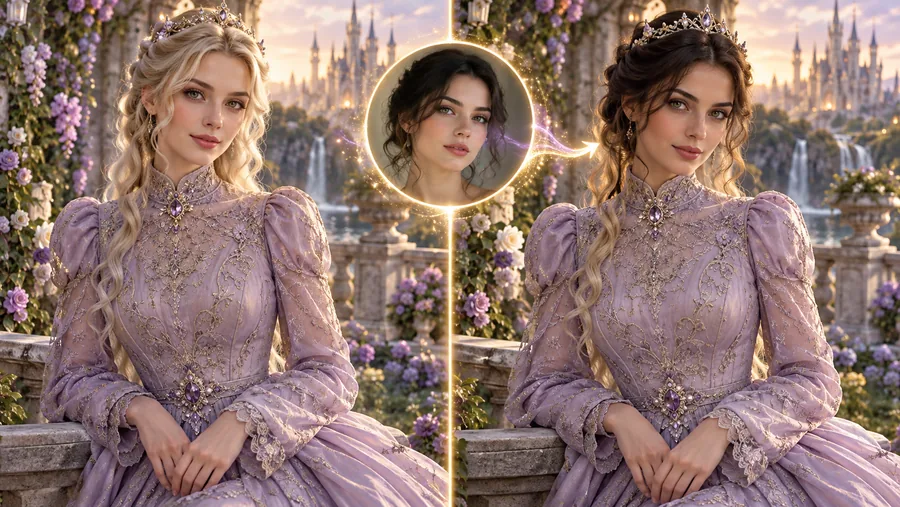
Put your face on a fantasy princess, a knight, or a sci-fi hero you generated or drew yourself. Character swap AI keeps the costume, setting, and painting style and changes only the face. New accounts can start with a free character swap AI preview using sign-up credits.
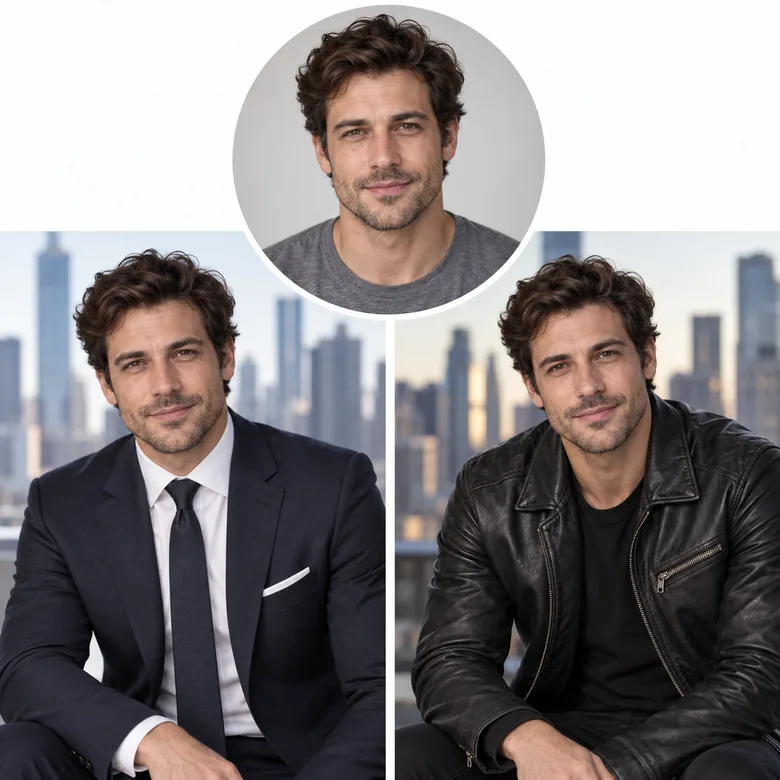
Try yourself in a sharp suit, a leather jacket, or a travel shot you never took. The face swap AI keeps the target’s clothes and background, so one face photo can star in many pictures.
Ideas to try with your own face. Examples use fictional, AI-generated people.
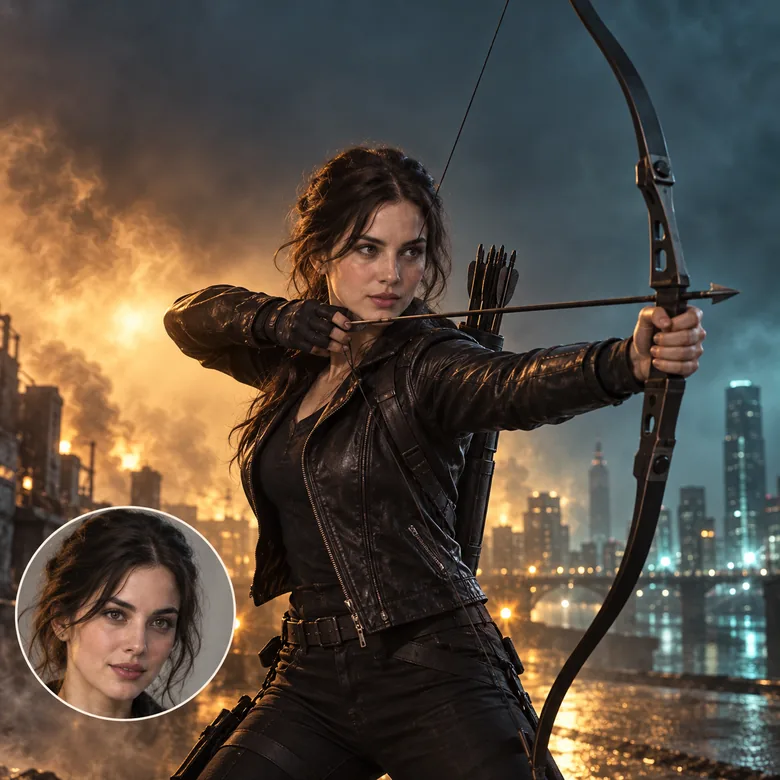
Star in an action-movie-style poster or a party invitation.
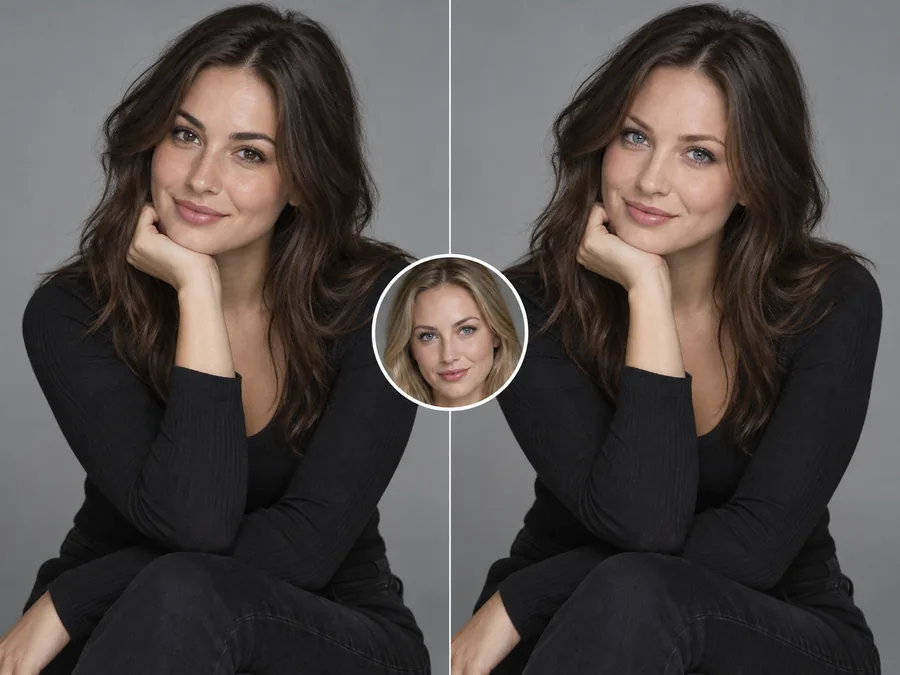
Move your face into a polished studio portrait with new light and styling.
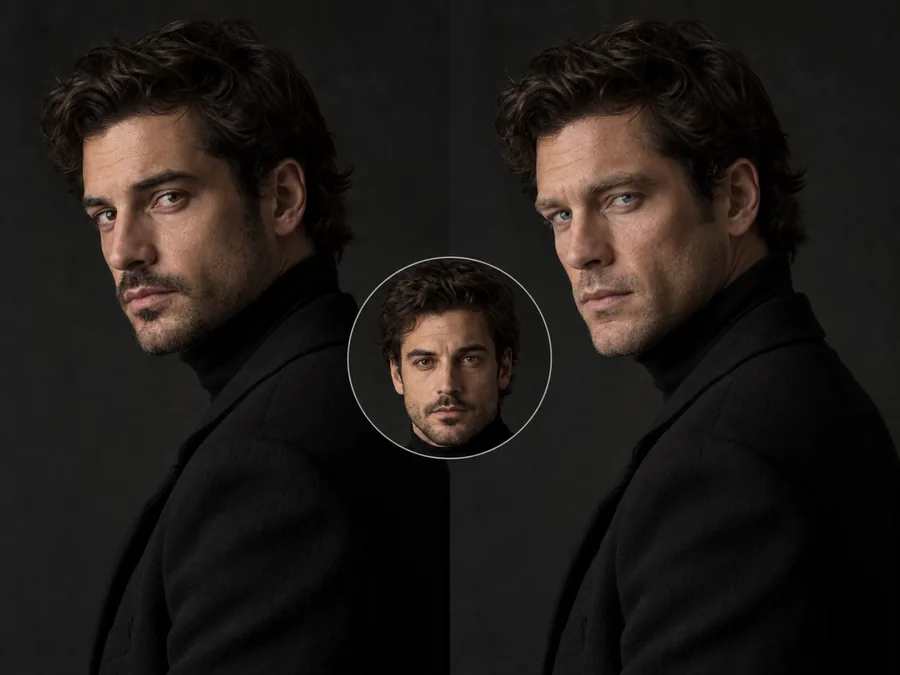
Moody lighting and a high collar, with your face matched to the shadows.
Creative uses where everyone shown is in on it.
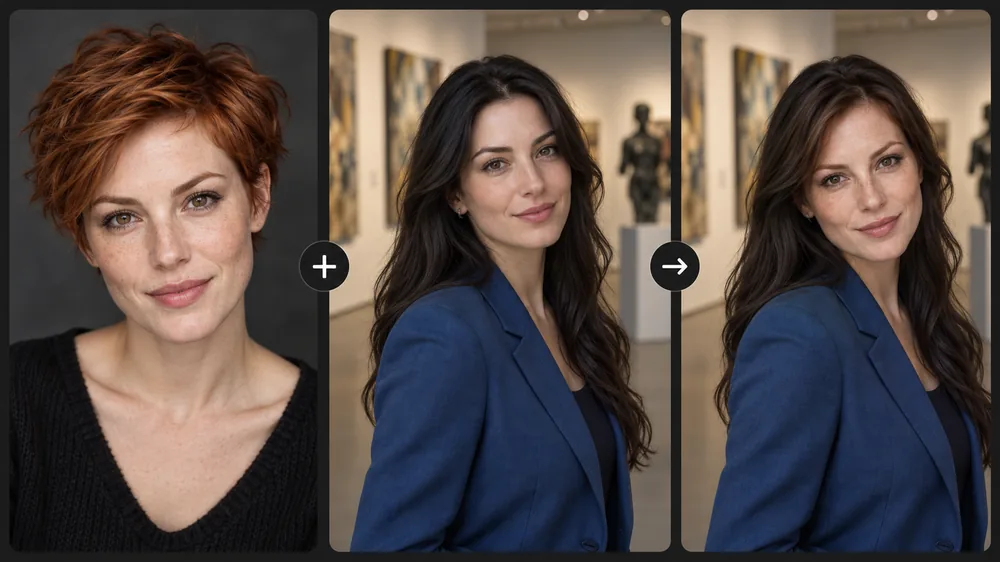
Put your own face on a red-carpet, premiere, or poster-style shot. Keep it neutral and obviously playful, and never imply a real star endorses anything.
Birthday posters, party invites, and meme templates starring you or a friend who said yes.
Step into public-domain paintings such as American Gothic or a Renaissance portrait.
Swap faces with your dog for a laugh, or give your pet a royal portrait.
Someone blinked? Swap in their face from another take of the same moment, with their okay.
Preview yourself as an original character, or keep one face across a comic or story.
Better inputs give a more convincing AI face swap.
Eyes open, whole face visible, no sunglasses, masks, or hands in front.
A face photo and target turned the same way blend more naturally.
Soft, even light on the face photo lets the AI relight it for the scene.
Faces that fill a good part of the frame keep more detail after the swap.
In group shots, set Largest, Leftmost, or Rightmost before you start.
Only swap faces of people who agreed, and label results as AI-edited when you share them.
Comparing the best free AI face swap tools 2026 has to offer? Test them on the same two photos and look for these points. Here is how EzImgMaker handles each one.
| What to check | Why it matters | On EzImgMaker |
|---|---|---|
| Likeness | The result should clearly look like the face photo, not a blend of both people. | Identity comes from your face photo; pose and scene from the target |
| Skin tone and light | Mismatched light is the most common giveaway in a photo face swap. | Match the target, or keep your own skin tone |
| Hair control | Sometimes you want only the face, sometimes the whole look. | Keep target hairstyle or use yours |
| Expression | A swapped face with the wrong expression looks off. | Target’s expression or your own |
| Group photos | You need to choose whose face changes. | Largest face, leftmost, or rightmost person |
| Consent rules | Face swaps of real people need permission. | Consent box; sexual, deceptive, and impersonating uses are not allowed |
| Price | Free trials vary a lot. | Free to try with sign-up credits, then credit packs |
| Video | Photos and clips need different models. | Clips go to Face Swap Video |
Whether you test the best AI face swap apps or online tools, use photos you have permission to use, and compare results at full size, where seams and light mismatches show.
Every tool for swapping, blending, and restyling faces in photos and clips.
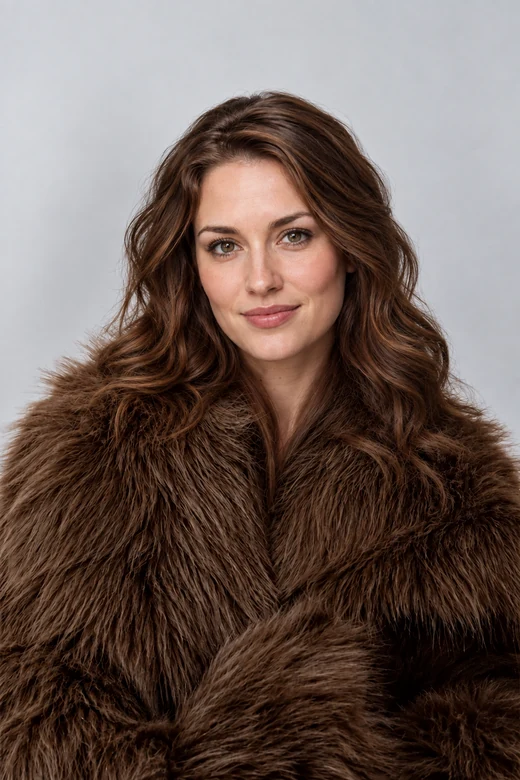 Head Swap AIHead swap AI that moves a whole head, hair and face shape included, onto another photo. Upload a head and a body, match skin tone and light, and compare.
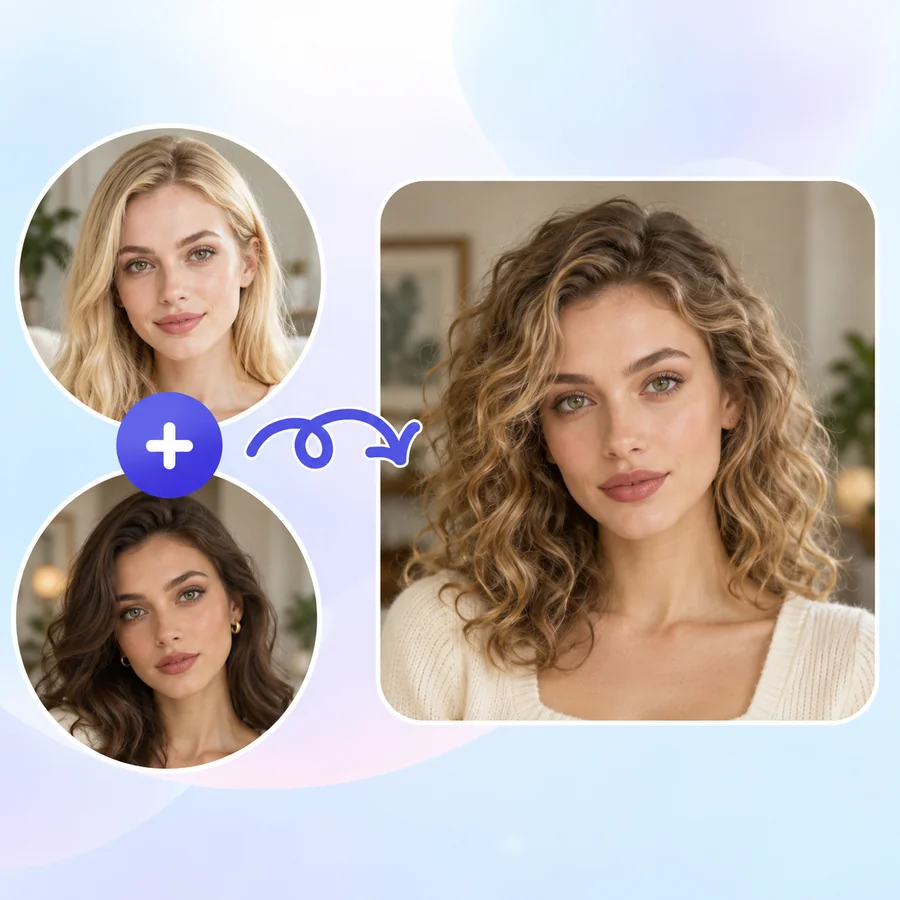 AI Face MorphFace morph two photos into one realistic portrait. Upload Face A and Face B, set the blend, and the AI face combiner merges eyes, nose, and jawline naturally.
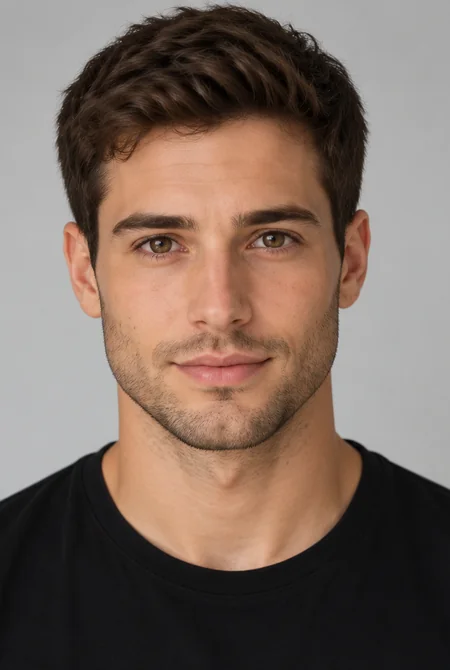 AI Gender SwapWhat would I look like as a woman, or as a man? Upload a selfie to the AI gender swap filter and see a realistic male to female or female to male version.
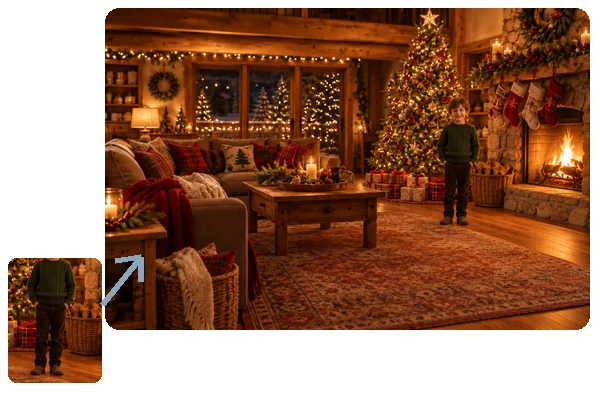 Add Person to Photo with AIHow to add someone to a photo: upload the picture and a photo of the person, and AI will add person into picture scenes with matching light, scale, and pose.
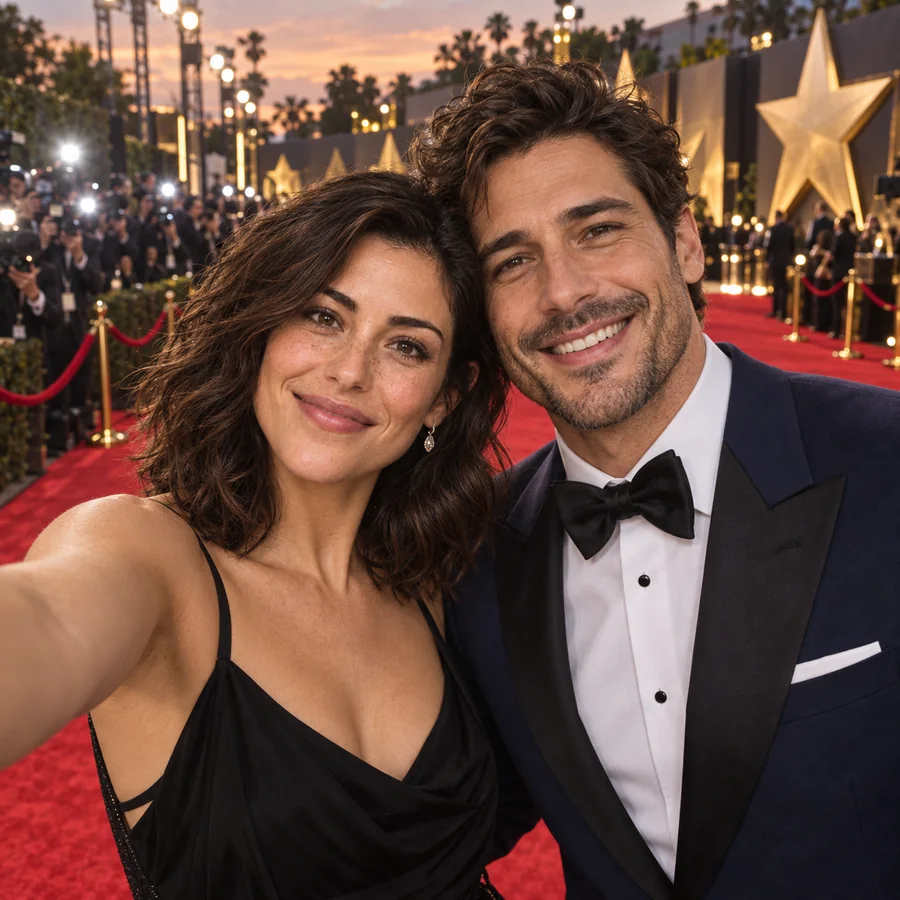 Celebrity AI Selfie GeneratorCelebrity AI selfie generator for star-style photos: join a red carpet, front-row concert, or premiere next to a fictional star. Your face, no real celebrities.
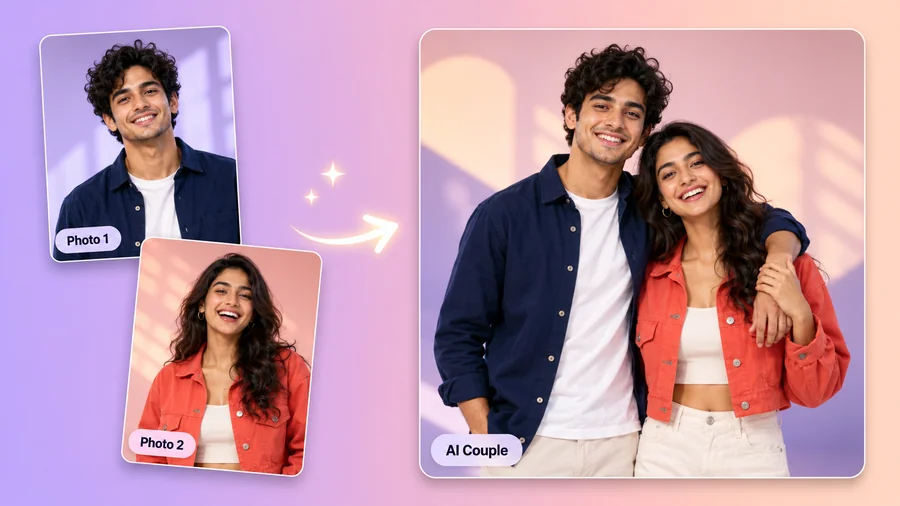 AI Couple Photo MakerTry AI photo editing for couples: upload one photo of each of you, pick a style, pose, and scene, and the AI couple photo maker creates a romantic duo picture.
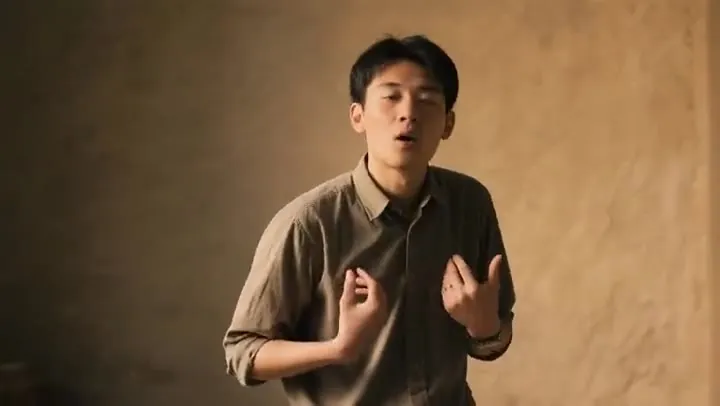 AI Face Swap VideoFace swap video online with AI. Add a face photo and a target clip; the video face swap keeps motion, expressions, and light. Use only faces with consent.
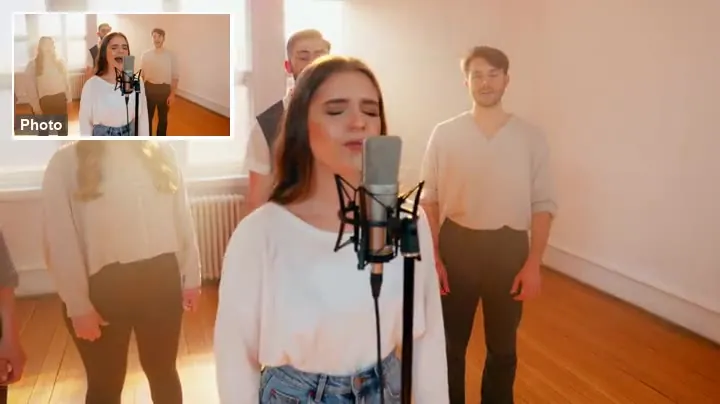 Animate a PhotoAnimate a photo with AI: upload a picture, describe the motion, and the AI image animator turns it into a moving video. Animate portraits, art, and old photos.
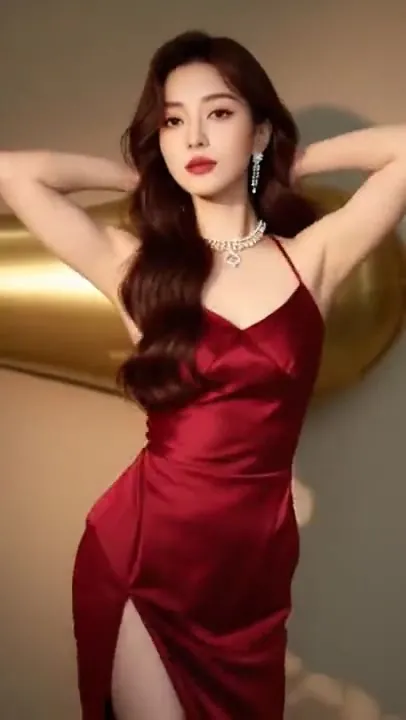 AI Dance Video GeneratorTurn any picture to dance with this AI dance video generator. Upload a full-body photo, pick a trending dance template, and get an AI dancing video to share.
 Kling Motion Control AIUse Kling motion control online: upload a character image and a motion video, and Kling 3.0 or Kling 2.6 motion control AI copies every move onto your character.
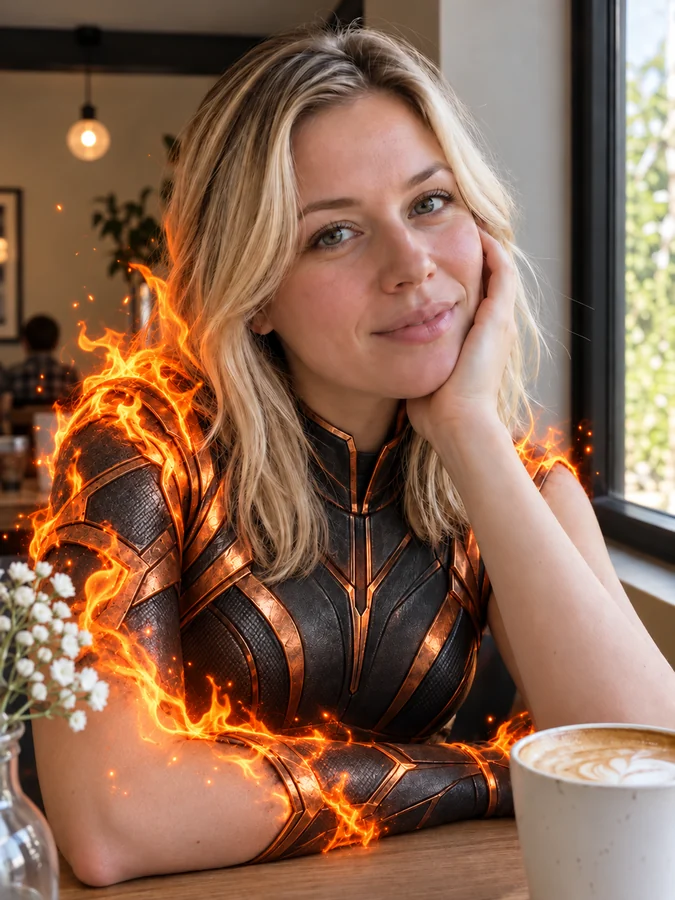 AI Superhero GeneratorUse this AI superhero generator to turn yourself into a superhero. Upload a selfie, pick a superpower and art style, and get an original hero portrait of you.
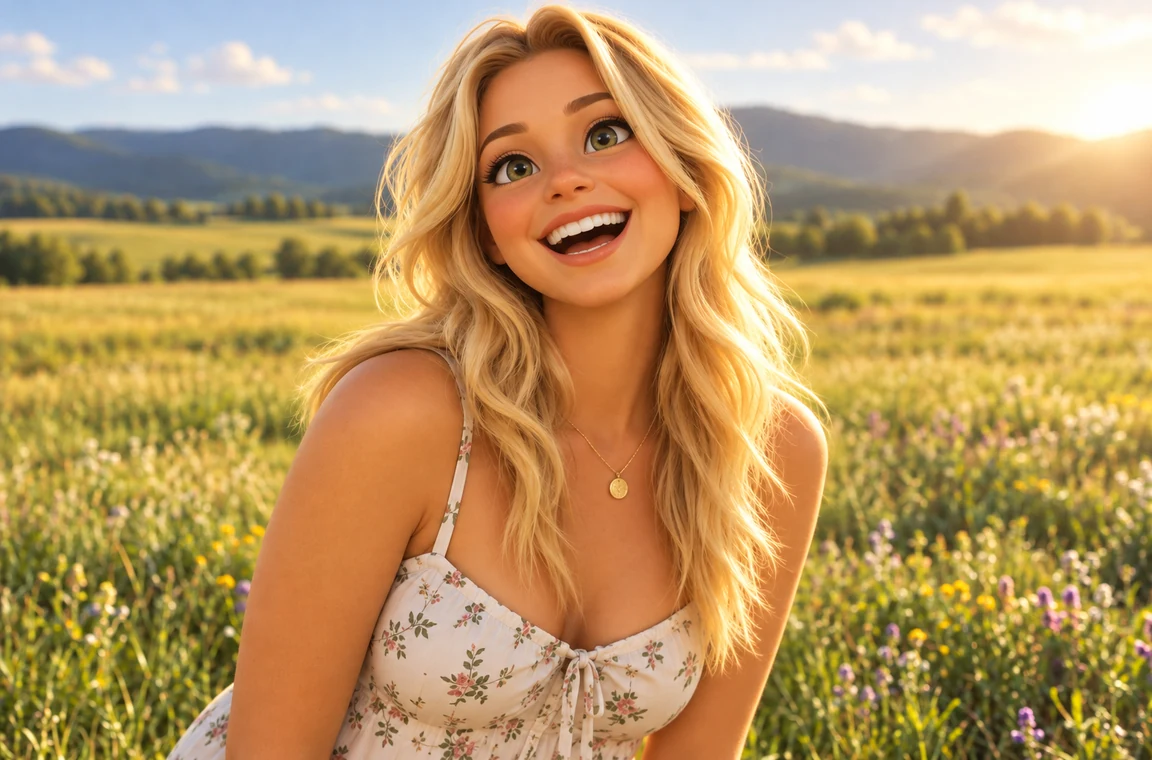 Photo to CartoonPhoto to cartoon AI cartoonizer: pick 3D animated, anime, comic, caricature or line art and turn a photo into a cartoon of you, your pet or car. Free to try.
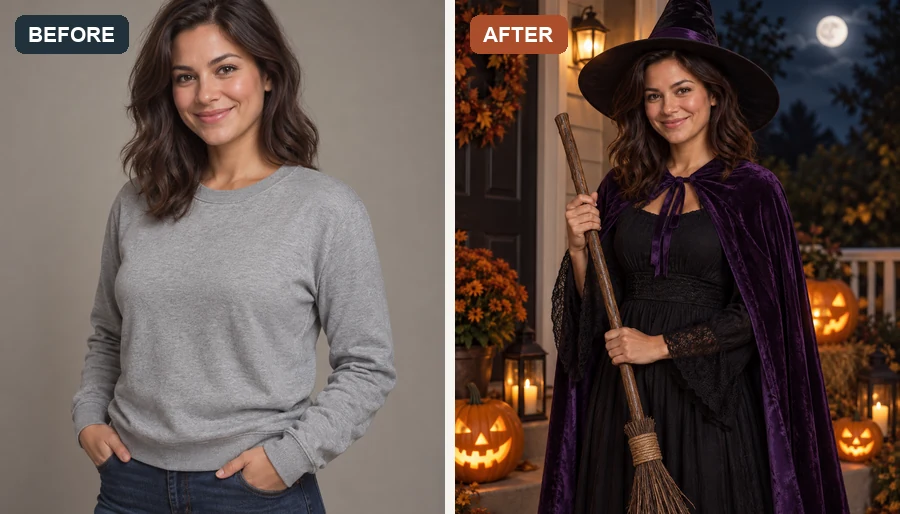 AI Halloween Costume GeneratorUse the Halloween costume generator to try an AI costume on your own photo. Pick a witch, vampire, or pirate, or hit Random for a surprise Halloween look.
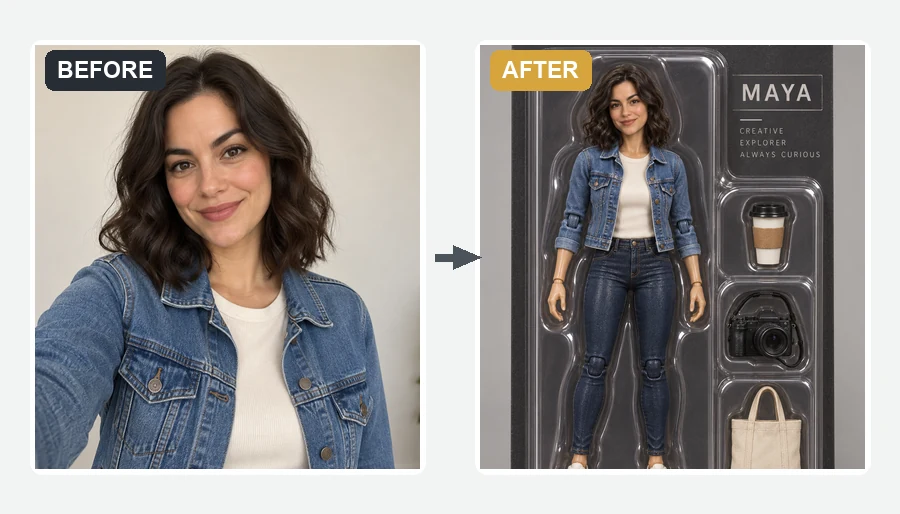 AI Action Figure GeneratorMake yourself an action figure with the AI action figure generator. Upload a photo, pick a theme, blister pack or window box, and get a boxed 3D toy of you.
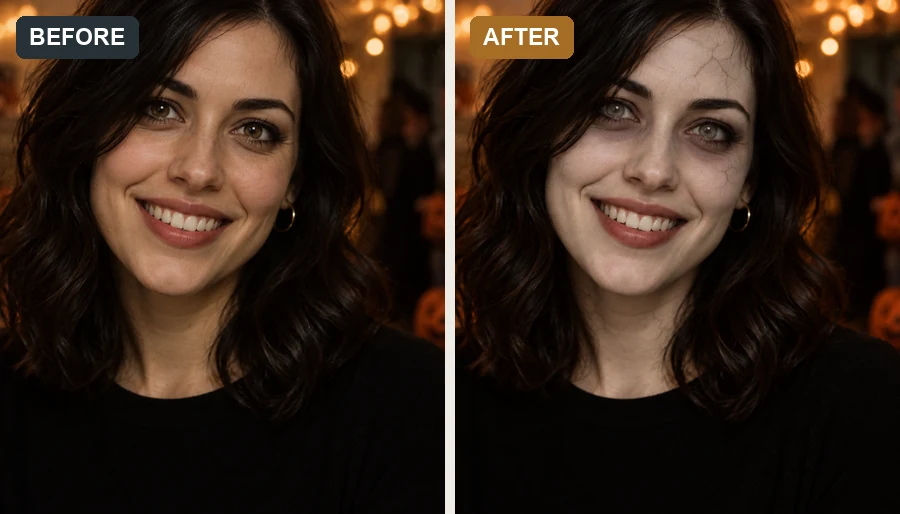 AI Zombie FilterMake a zombie out of any selfie with the AI zombie filter. Pick an undead look, intensity, and spooky background; your face stays recognizable, with no gore.
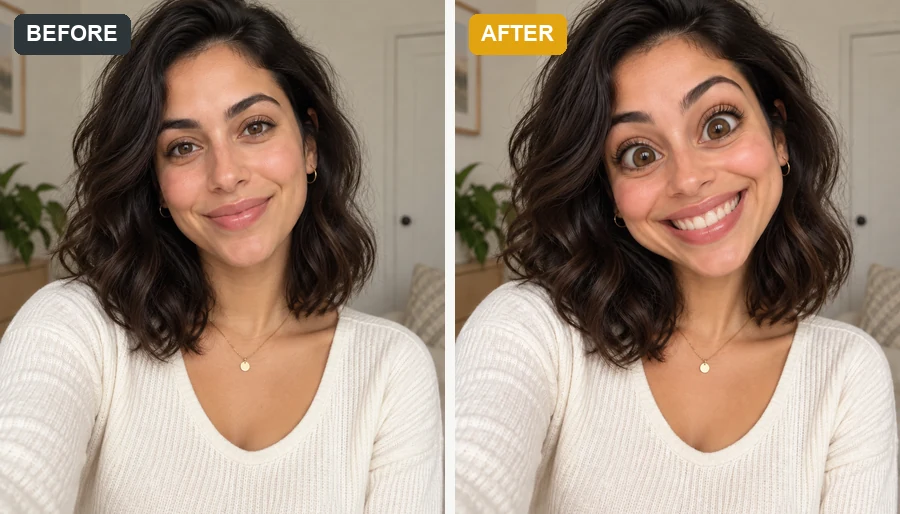 Funny Face FilterTurn a selfie into images for funny faces: big heads, dog and pig faces, clown and caveman personas, or melted and glitch effects that still look like you.
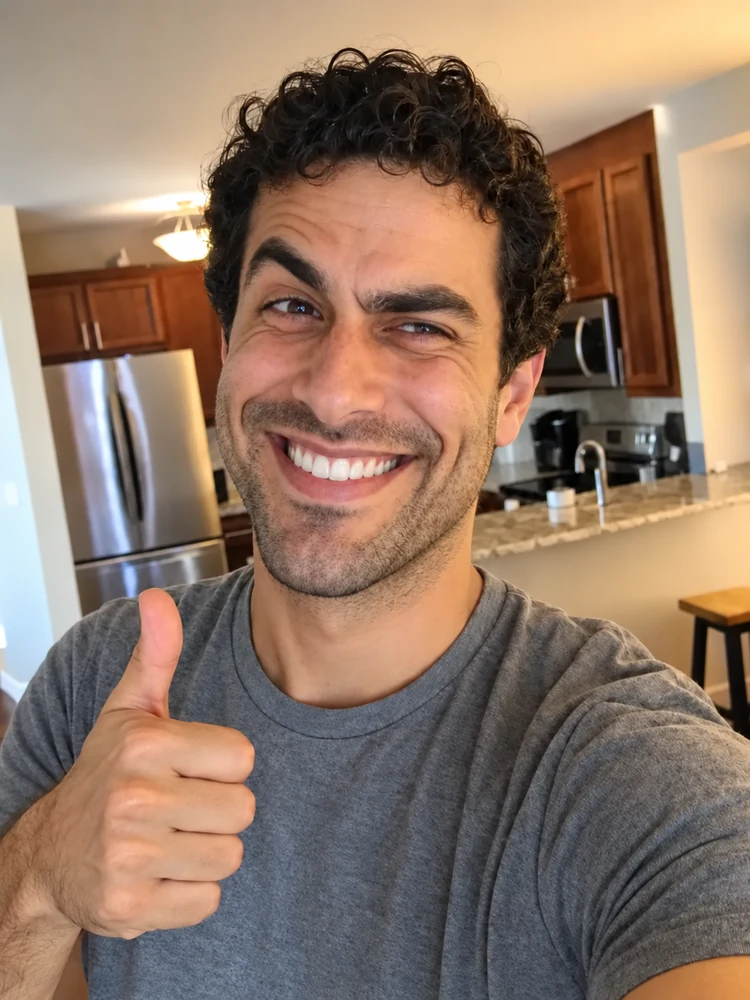 Realistic Troll Face GeneratorMake a realistic troll face from a selfie or the classic meme. Pick a troll level and a hyper realistic, creepy, or black-and-white look for your meme edits.
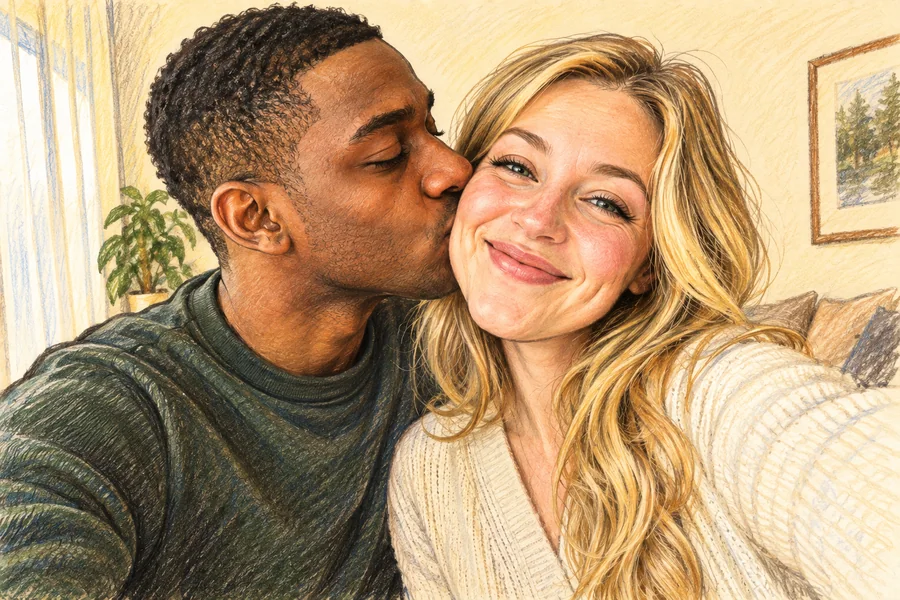 AI Caricature MakerHow do I create a caricature of me? Upload a photo to the AI caricature maker, pick a style, and turn your picture into a funny, recognizable caricature.
 AI Age FilterWhat will I look like when I'm older? Upload a selfie to the AI age filter, pick a life stage from baby to senior, and get a realistic age progression photo.
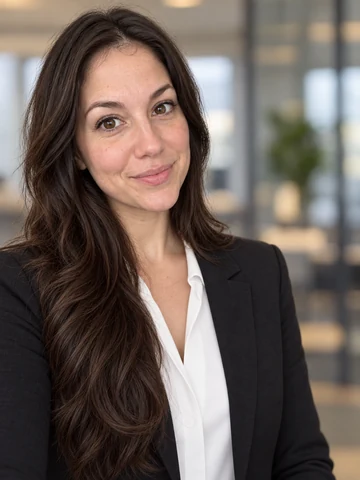 Free AI Headshot GeneratorFree AI headshot generator to try with sign-up credits. Upload a selfie, pick a style, outfit, and backdrop, and get professional headshots for LinkedIn.
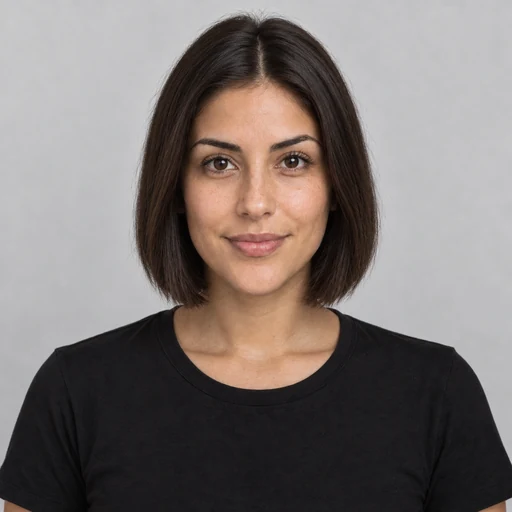 AI Hairstyle ChangerTry on hairstyles with your picture. The AI hairstyle changer previews 18 haircuts, braids, and updos plus 11 hair colors on your own face. Free to try.AI Filters70+ AI filters for any photo: face filters for age, bald, beard, gender swap and zombie, plus cartoon and color looks. Upload a pic, add a filter. Free to try.
How the AI face swap works, and the rules for using it.
You upload a face photo and a target photo. The face AI detects both faces, copies the identity from your face photo, aligns it to the target’s head angle and size, and relights it to match the scene. The body, outfit, and background of the target stay as they were. That is all there is to an AI face swap.
Upload a clear photo of your face in the first slot and the picture you want to appear in as the target, choose a swap mode, tick the consent box, and start. Use a face photo taken from a similar angle to the target for the most natural face swap.
Upload the group photo as the target and set “Face to replace” to the largest face, the leftmost, or the rightmost person. That is also how to switch faces in a picture both ways: run two swaps, one for each person, using each person’s own face photo and permission.
You can put your own face into a celebrity-style photo, such as a red-carpet shot or a poster, for fun. Keep it neutral: no sexual, political, or negative content, nothing that suggests a real person endorses a product, and do not put a celebrity’s face onto other people to make it look like they did or said something.
New accounts get free credits at sign-up, so you can try face swap online before paying. Each swap uses credits; credit packs cover more swaps after that.
No. The two photos and the mode buttons are enough. The optional Extra details box works like a short face swap AI prompt for small requests, such as keeping your glasses or a slightly bigger smile.
You do not need one. This faceswapper runs in any phone or desktop browser, so a faceswap online does the same job as an app to swap faces on photos, with nothing to install.
Not yet. Each run swaps one face into one target photo. For an AI face swap batch, such as one face in several pictures, repeat the swap for each target; your settings stay in place between runs.
Often, yes. A face swap detector looks for signs of AI editing, and you should not try to hide them. Label results as AI-edited when you share them, and never use a face swap to deceive anyone, pass identity checks, or impersonate someone.
Your own face, or the face of an adult who has clearly agreed. Never upload photos of minors. Sexual or explicit content, impersonation, fraud, harassment, political deception, and fake endorsements are not allowed, and accounts used for them can be closed. If you find an image that uses your face without permission, contact us.
Upload your face and a target picture, confirm consent, and see the AI face swap. Free to try with sign-up credits.
Use only your own face or the face of an adult who has given clear permission. Minors, sexual or explicit content, impersonation, fake endorsements, and any deceptive or harassing use are not allowed. Example people on this page are fictional or AI-generated unless stated otherwise.