Upload a Photo
Choose a selfie, portrait, group picture, or pet photo with faces clearly visible. JPG, PNG, and WebP files up to 10 MB are supported.
Upload a selfie, portrait, group shot, or pet photo and the AI zombie filter adds pale undead skin, cloudy eyes, and cracked makeup while keeping the face, pose, and outfit recognizable.
Zombie Look: Classic Undead · Intensity: Subtle · Background: Keep Original
Your photo stays in this browser during this UI preview.
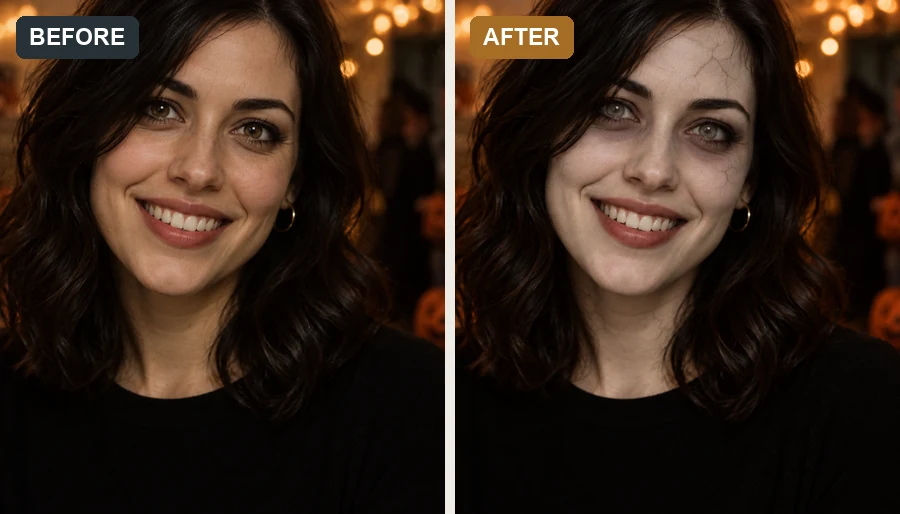
Reference example. It is not a result generated from your upload.
An AI zombie filter is a photo effect that turns a real face into a Halloween-style undead version: gray or pale skin, cloudy or glowing eyes, fine cracked texture, and a little spooky color grading. Unlike a sticker mask, the zombie AI repaints the skin and eyes on your actual face, so the result keeps your face shape, hairstyle, expression, and outfit.
It is the quickest way to make a zombie for a Halloween profile picture, a party recap, or a costume test before you try the makeup for real. Choose how strong the effect is and where your zombie wanders, from a foggy graveyard to an abandoned city. This zombie maker keeps things fun and festive, without wounds or gore.
No face paint, no editing skills. Just upload, choose, and zombify.
Choose a selfie, portrait, group picture, or pet photo with faces clearly visible. JPG, PNG, and WebP files up to 10 MB are supported.
Pick a Zombie Look, set the Intensity from Subtle to Full Undead, and choose a Background or keep the original. Add details in the note if you like.
Preview your undead photo, then save it for a profile picture, party post, or Halloween invite.
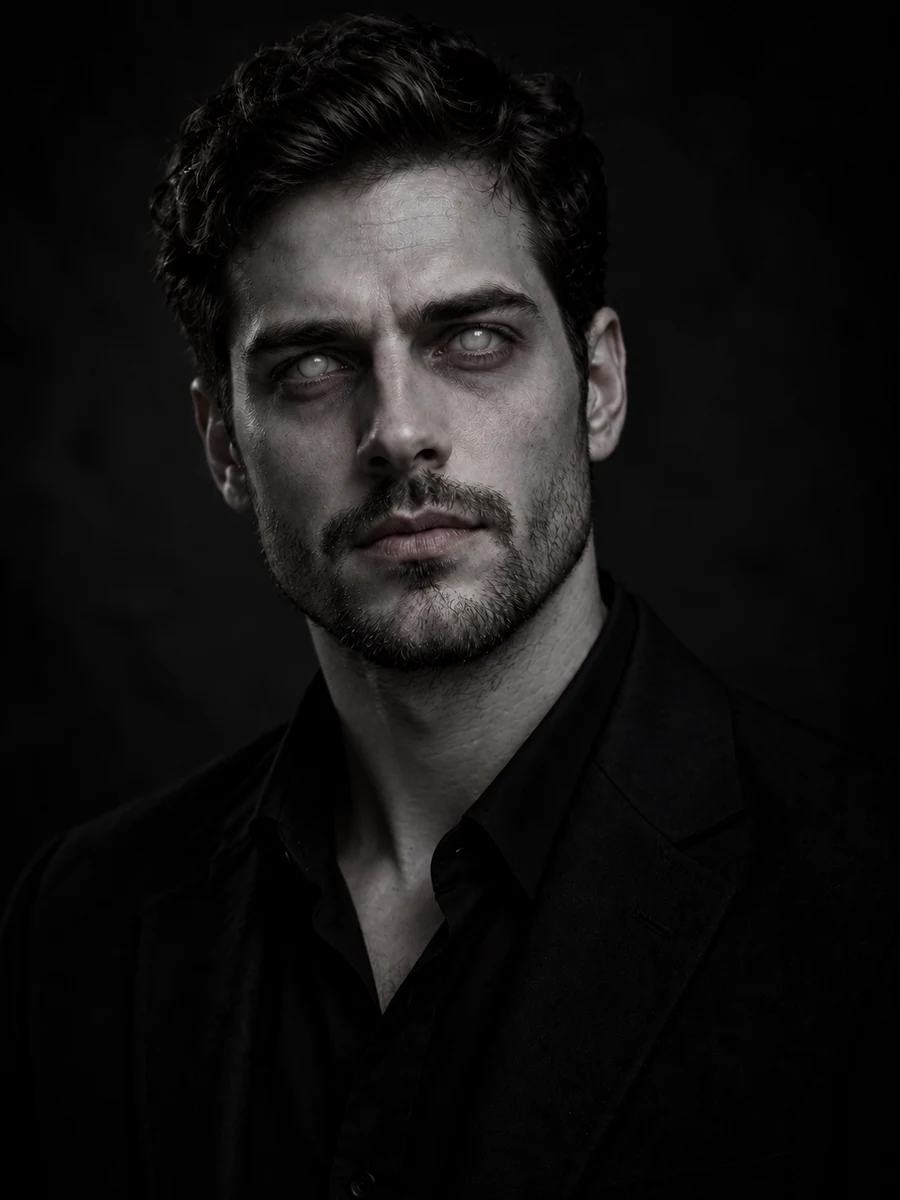
The zombie AI keeps your facial structure, hairstyle, clothing, and pose, and changes only skin tone, eyes, and texture. Friends will know it is you, just a little more undead.
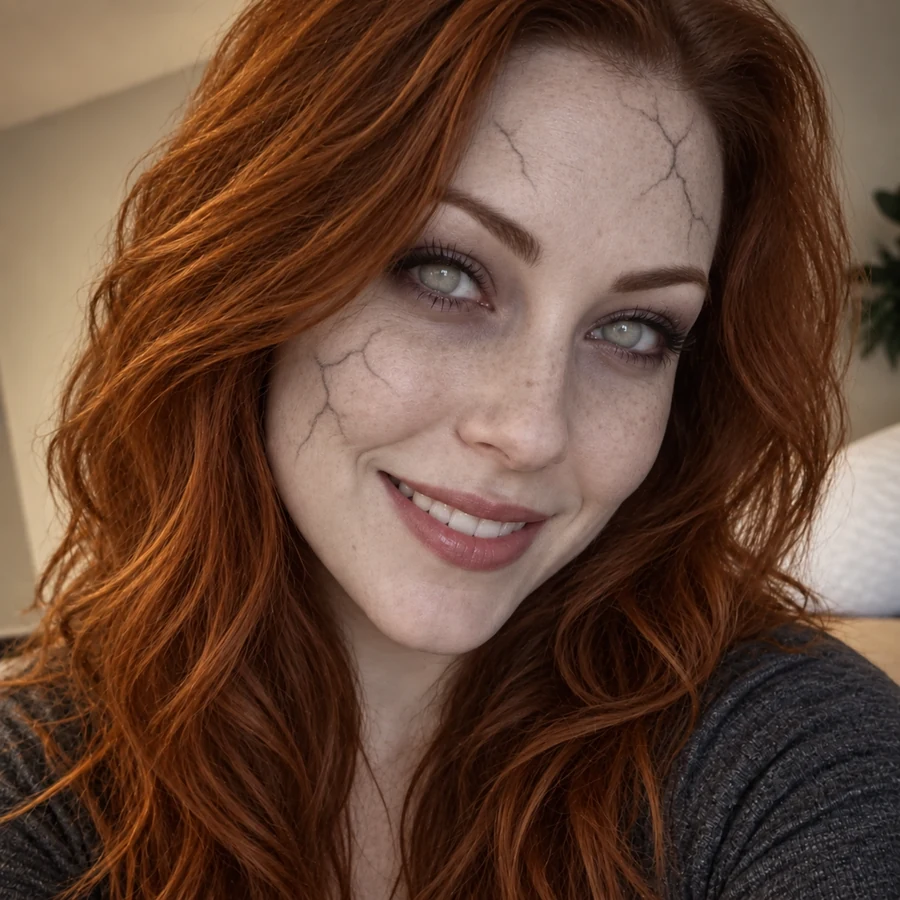
Cracked gray skin, shadowed eyes, and pale lips read clearly as zombie makeup, but there are no open wounds or blood. Keep the Intensity on Subtle for a soft costume look, or turn it up to Full Undead.
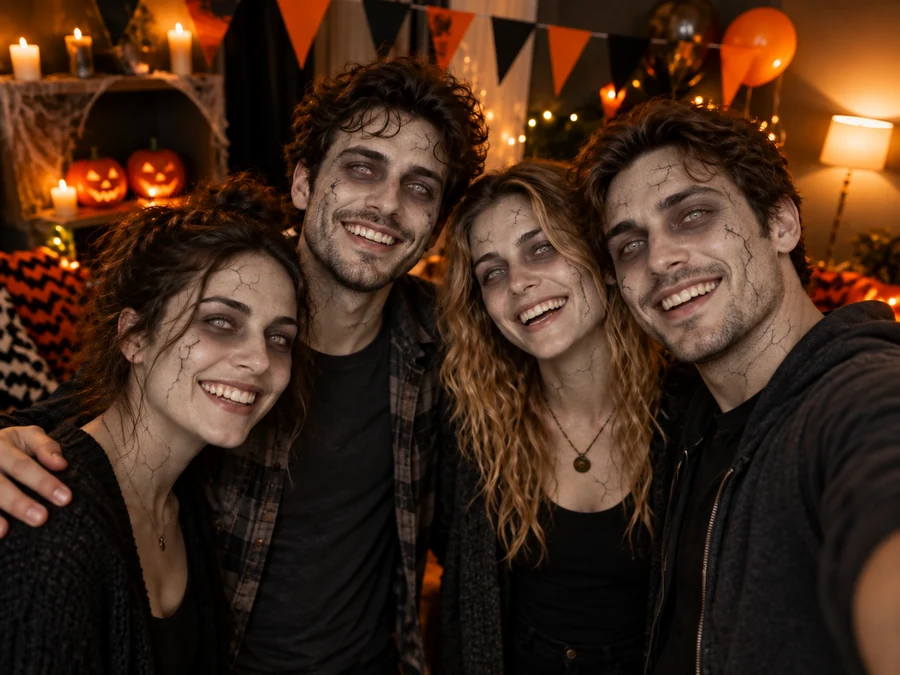
Upload a party selfie and every visible face gets the same undead treatment, while the number of people, outfits, and framing stay the same. It is an easy way to turn a party recap into a Halloween post.
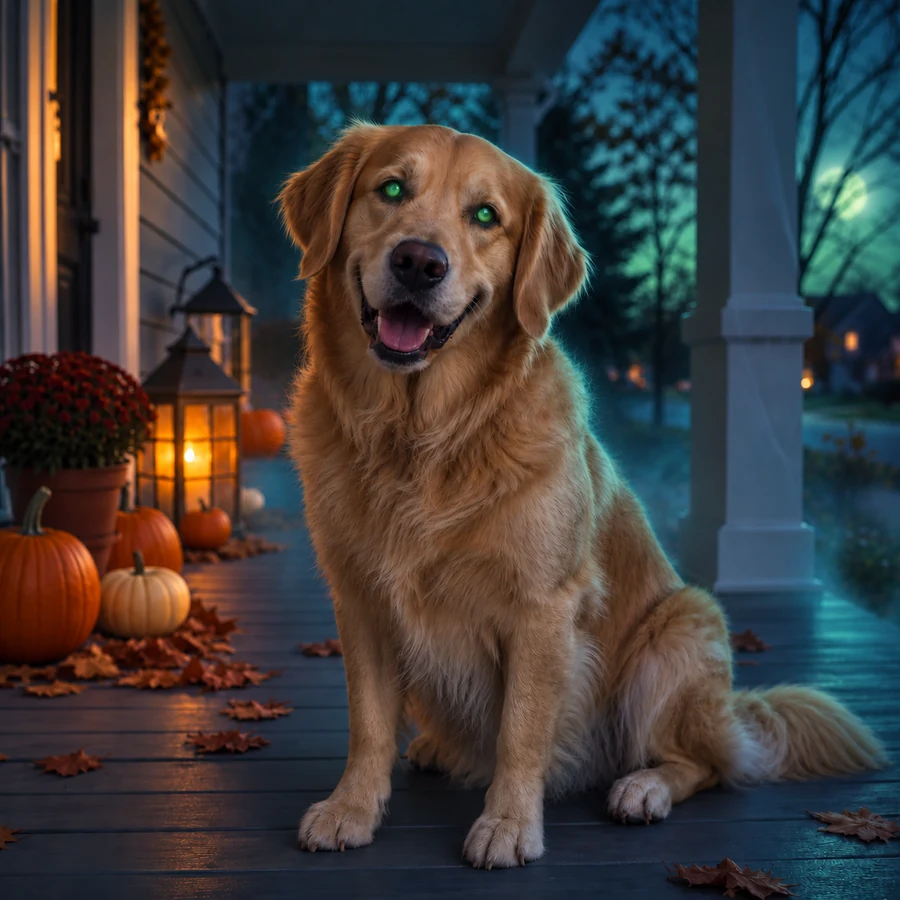
Dogs and cats get a gentle version of the effect: glowing eyes, a ghostly color shift, and a spooky porch, while fur and face stay cute and recognizable.
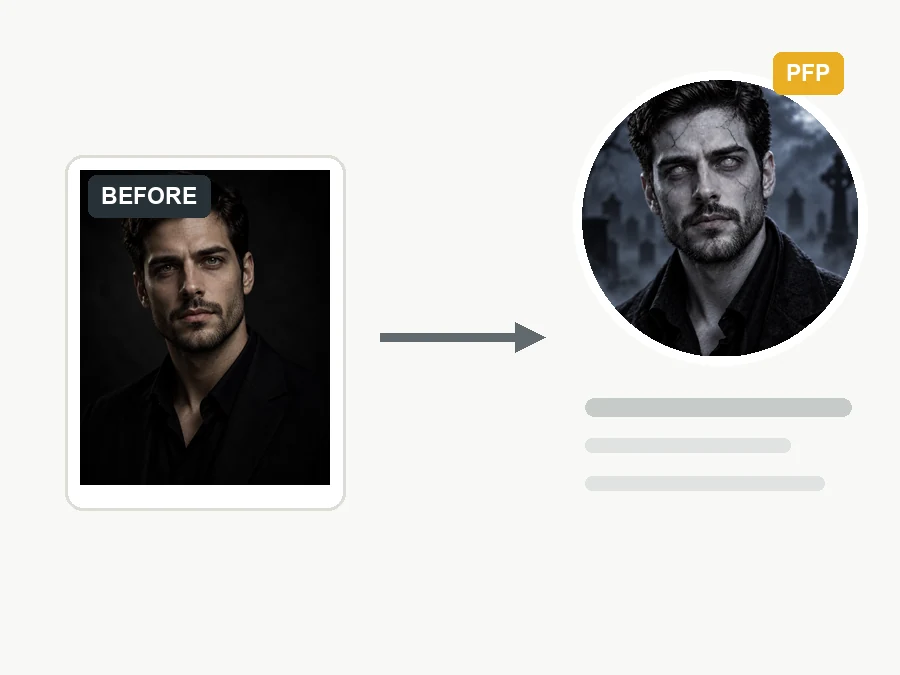
A seasonal profile photo that still looks like you, with costume-style undead makeup instead of graphic horror.
Turn group selfies into matching zombie edits for social feeds, event pages, and short videos.
Preview a zombie look on your own face before you buy face paint, then recreate the look for the party.
Put your undead portrait on a party invite, a zombie run poster, or a horror game night announcement.
A clean starting photo lets the zombie filter control the spooky details.
A visible face with open eyes gives the AI the most to work with for cloudy or glowing eyes.
Even light lets the filter add its own undead shading instead of fighting the original shadows.
Try Subtle first for a profile-friendly look, then switch to Spooky or Full Undead for a stronger effect.
Keep the original for party photos, or pick Foggy Graveyard or Abandoned City for a cinematic zombie scene.
Quick Halloween edits for selfies, parties, pets, and campaigns.
Illustrative examples adapted from reference material, not verified reviews of EzImgMaker.
I wanted a Halloween profile photo that looked spooky without being too intense. My selfie stayed recognizable, with just enough undead makeup for the season.
The group photo edit worked well for our party recap. Everyone got the same playful zombie look, and the faces and outfits still matched the original shot.
I used the pet version for my dog’s account and liked that it stayed cute instead of scary. The glowing eyes made it feel Halloween-ready.
For a themed social post, it saved me from building a costume effect by hand. The result looked clean enough to publish.
Answers for making AI zombie photos online.
A zombie filter is a photo effect that turns a face, portrait, group shot, or pet photo into a Halloween undead version. This AI zombie filter adds pale or gray skin, fine cracked makeup, cloudy eyes, and spooky color grading while keeping the subject recognizable.
Upload a clear photo, pick a Zombie Look, choose an Intensity and a Background, and generate. If you want something specific, such as a zombie prom queen or a zombie office worker, describe it in the note box.
Yes. The effect is designed to keep your facial structure, pose, hairstyle, clothing, and background, and to change only skin, eyes, and texture. It should feel like a costume edit, not a different person.
No. The zombie maker sticks to festive costume makeup: pale skin, shadows, cracks, and cloudy or glowing eyes, with no open wounds or blood. Full Undead is stronger, but still made for Halloween fun.
Subtle adds a light gray tint and soft shadows, Spooky adds cracks and cloudy eyes, and Full Undead adds deeper skin texture and darker eyes. Pick Subtle for profile photos and Full Undead for posters or game nights.
Yes. Choose Zombie Squad and upload a group picture. The same undead look is applied to every visible face, while the number of people, outfits, and framing stay the same.
Yes. Choose Pet Zombie and upload a dog or cat photo. The filter adds glowing eyes and a ghostly color shift while keeping your pet cute and recognizable.
No. The AI zombie filter runs online in your browser on phone or desktop, so you get an app-style undead effect without installing anything.
Only upload photos you own or have permission to edit. For photos of children, get a parent's or guardian's permission first, and never use a zombie edit to embarrass or mislead anyone.
Upload a selfie, group shot, or pet photo and create a playful undead edit with the AI zombie filter.