Behind You
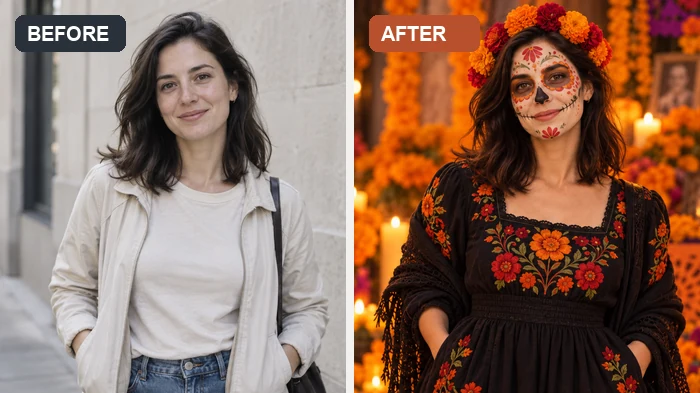
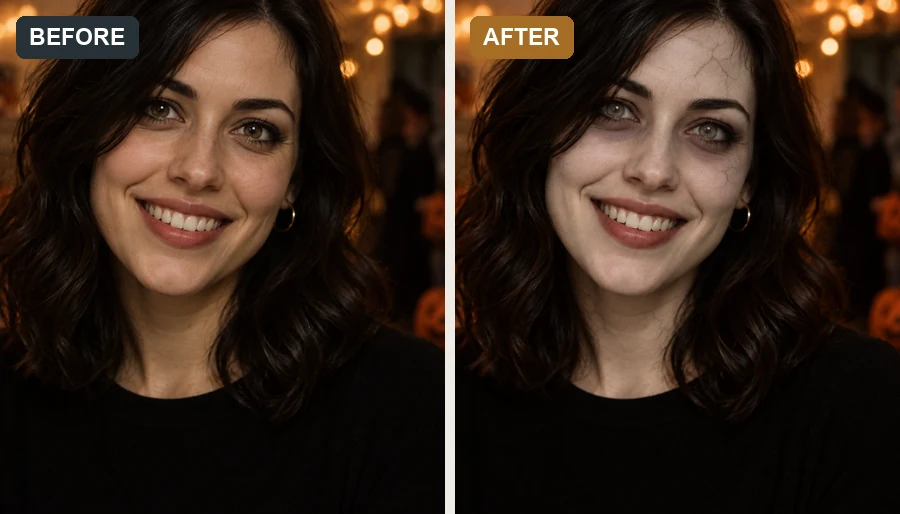
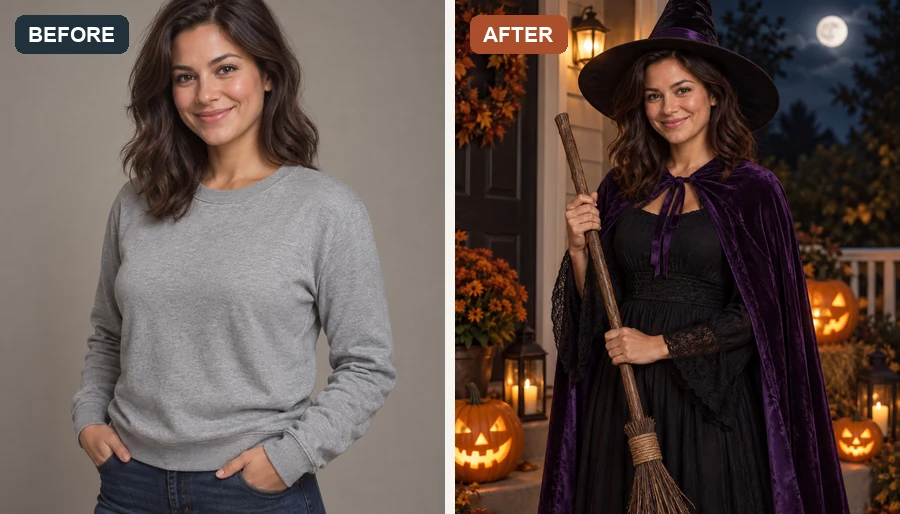
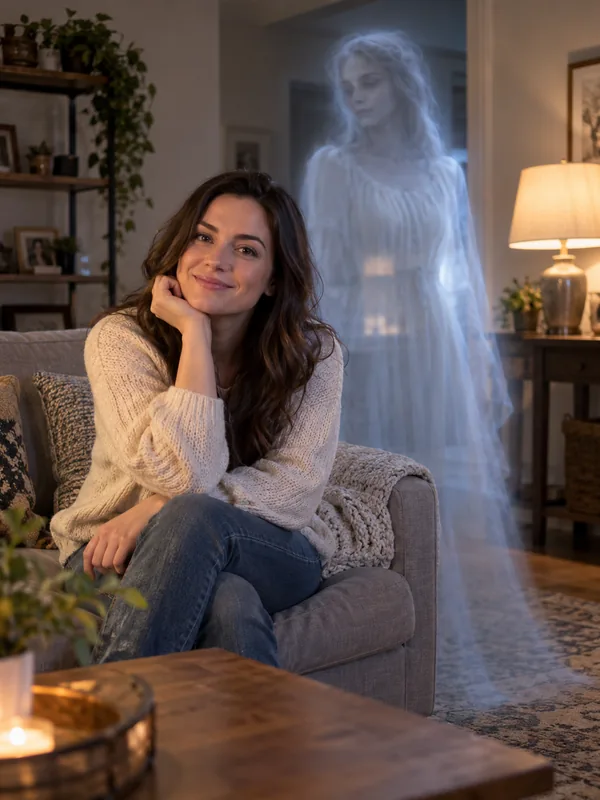
A pale, see-through figure standing right over your shoulder.
Upload a photo and add a translucent ghost behind you, in the mirror, or at the window, or turn everyone into a sheet ghost for the viral ghost photoshoot. Your face, pose and scene stay as they are.
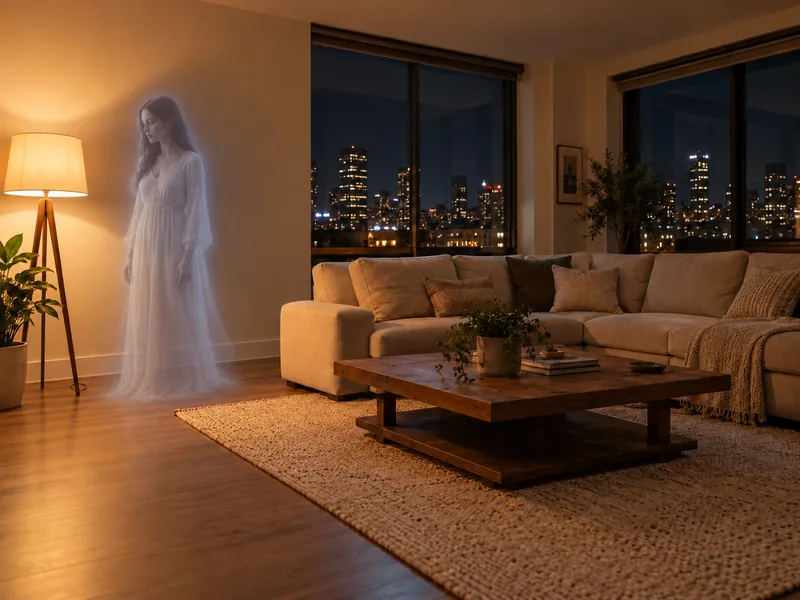
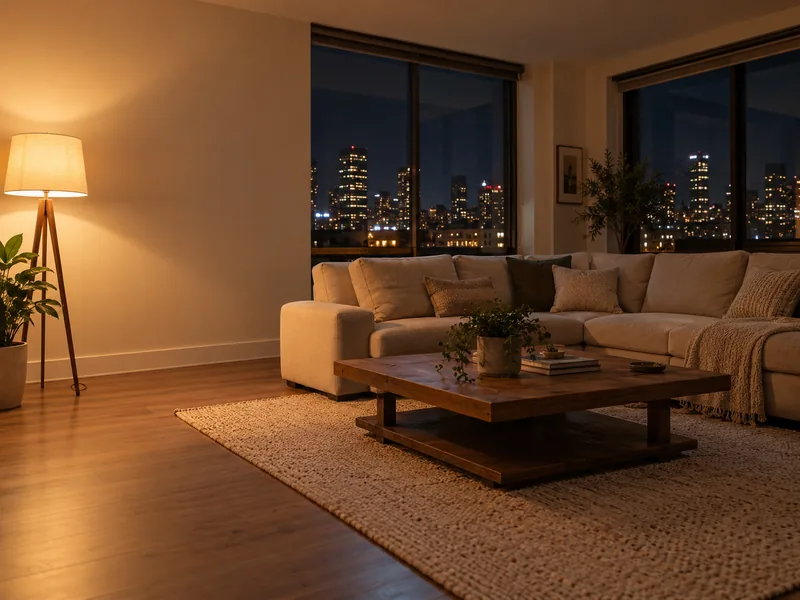
Reference example. It is not a result generated from your upload.
To add ghost to photo scenes used to mean cutting out a stock ghost in Photoshop and fiddling with layers and opacity. This AI ghost filter does it from one upload: pick a ghost effect and the AI adds only the ghost, a translucent figure behind you, a face in the mirror, a shadow at the window, or a little sheet ghost on the couch, while every person and the room stay exactly as you shot them. It runs online in your browser as an AI ghost photo editor, so there is no add ghost to photo app to install, and it is the easiest way to add fake ghost to photo pranks or add ghost to picture after picture from the same spooky night.
The ghost photoshoot trend is the October photo craze from TikTok and Instagram: people drape a plain white bedsheet with two eye holes over their heads, set round black sunglasses on top, and pose for deadpan, film-style photos in a living room, a pumpkin patch, or a path of fall leaves, alone, with friends, or with their dog. Ghost Photoshoot recreates the ghost sheet photoshoot from your photo, keeping your own jeans, shoes, and build below the sheet, so you get the ghost photoshoot look without buying a sheet or booking a photographer.
Four ways to add a ghost to a picture and four ghost photoshoot ideas. Pick a card to load it in the workspace.
A pale, see-through figure standing right over your shoulder.
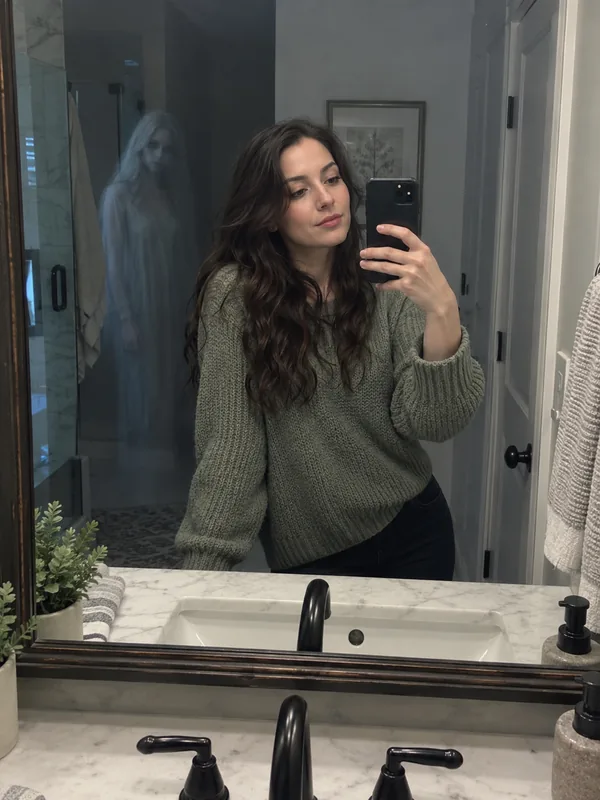
A ghost that shows up only in the reflection, never in the room.
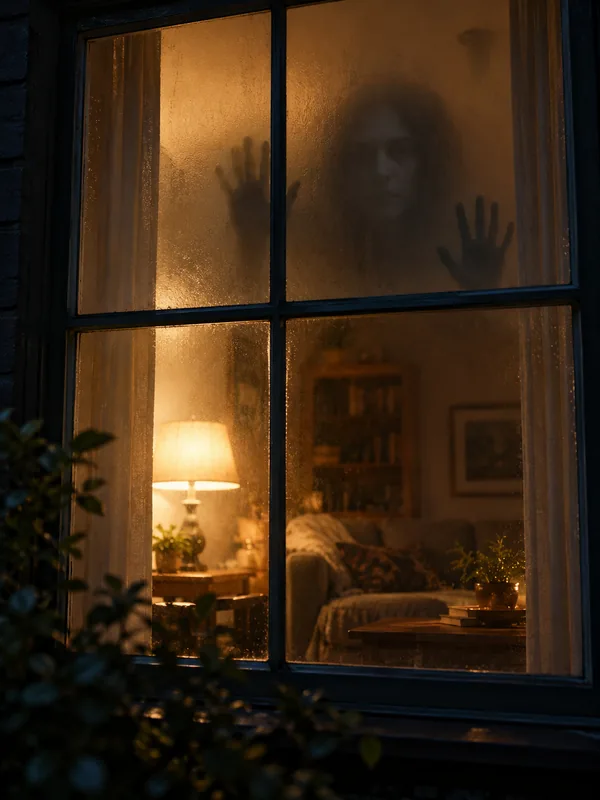
A shadowy figure looking in through fogged glass at night.
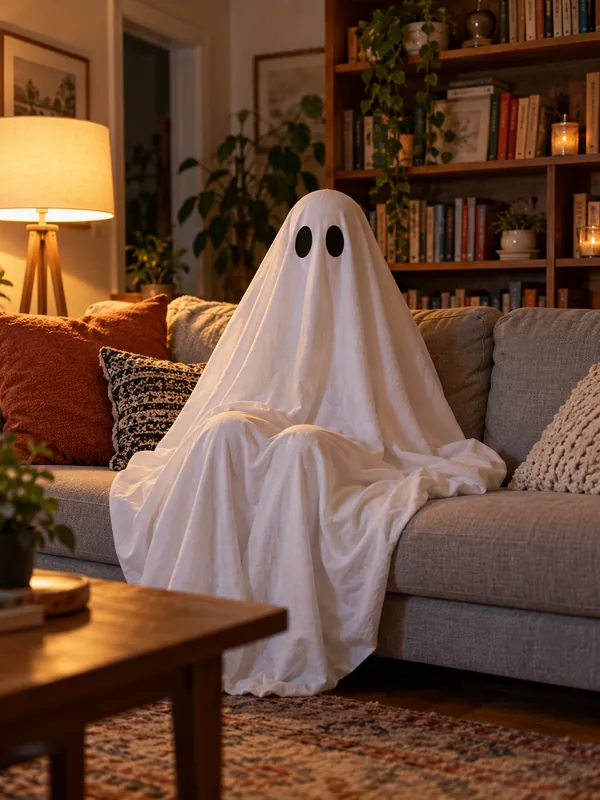
A small sheet ghost hanging out in your living room.
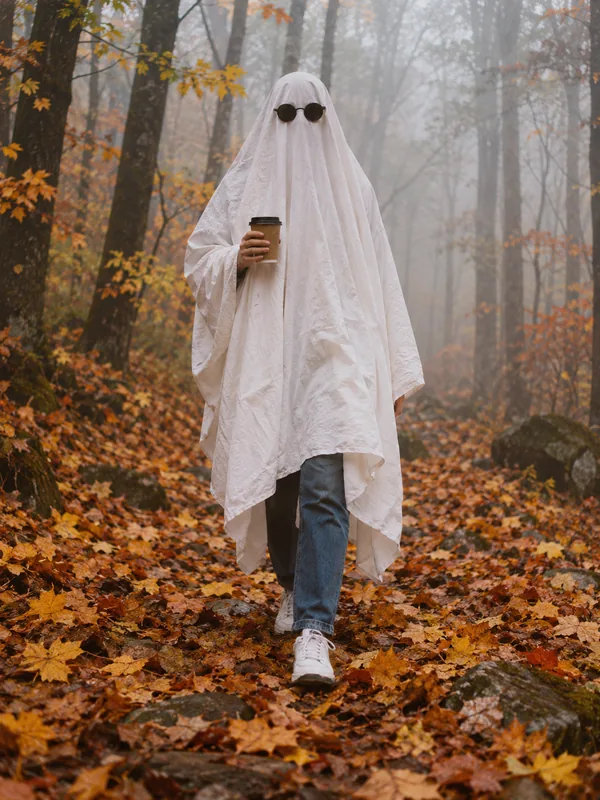
Coffee in hand on a path of orange leaves, the classic ghost sheet photoshoot.
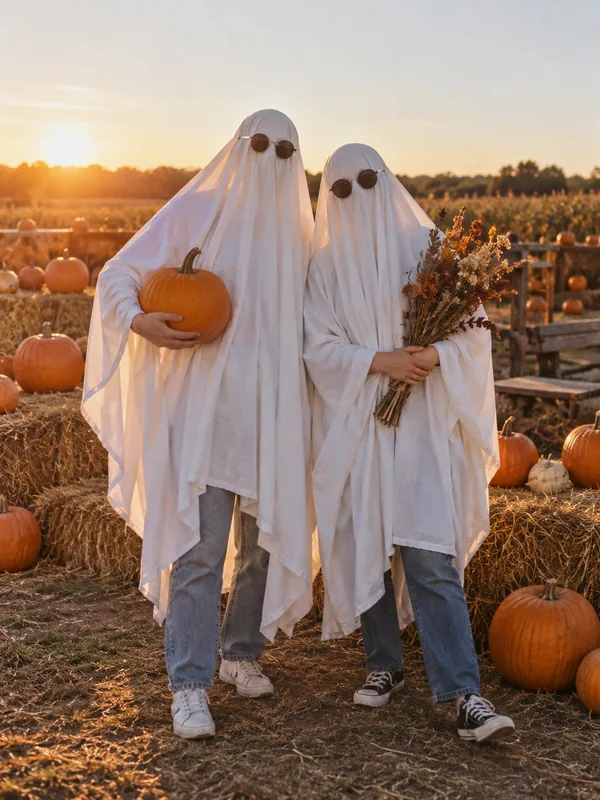
Golden hour, hay bales, and pumpkins, solo or with your best friend.
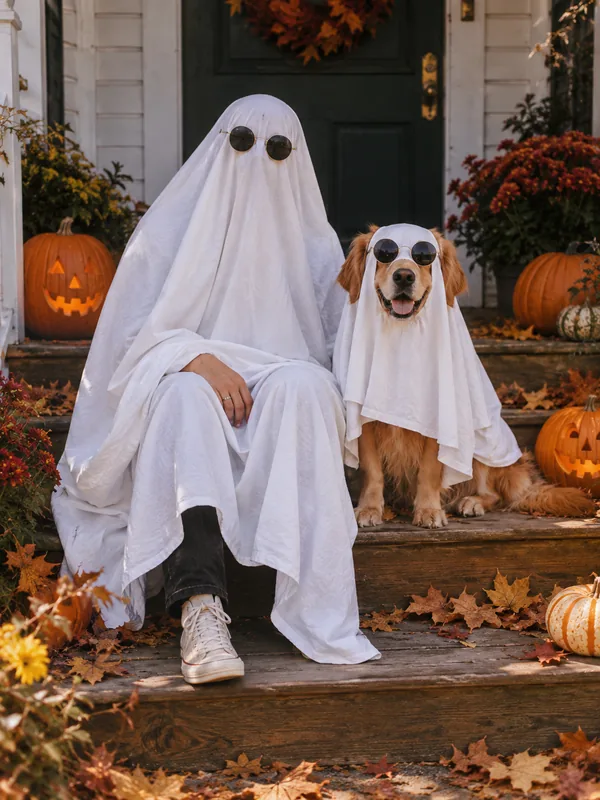
Your dog in a matching mini sheet, ears poking through.
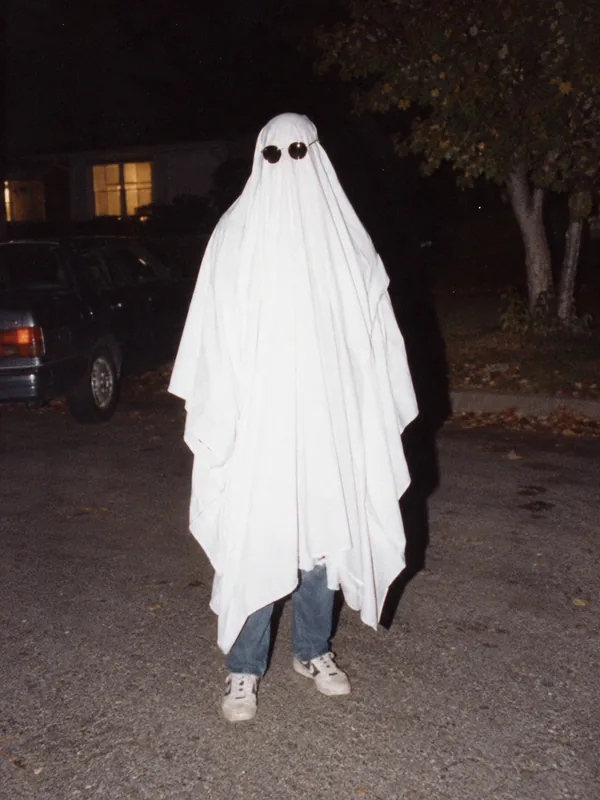
A grainy direct-flash night shot, like a 90s film camera.
No layers, no masking, no ghost sheet costume. Just one photo.
Use a selfie, a room, a group photo, or your pet. For the ghost photoshoot, a full-body photo lets your jeans and shoes show below the sheet, and you can add your partner, friend, or dog from a second photo. JPG, PNG, and WebP files up to 10 MB are supported.
Open Add a Ghost to place a ghost behind you, in the mirror, or at the window, or open Ghost Photoshoot to become a sheet ghost. Want something specific? Describe it in the note, like "a ghost peeking from behind the curtain".
Preview your ghost picture, download it, or tap Animate to make the ghost move. Tell friends it is an edit when you post, so the prank stays fun.
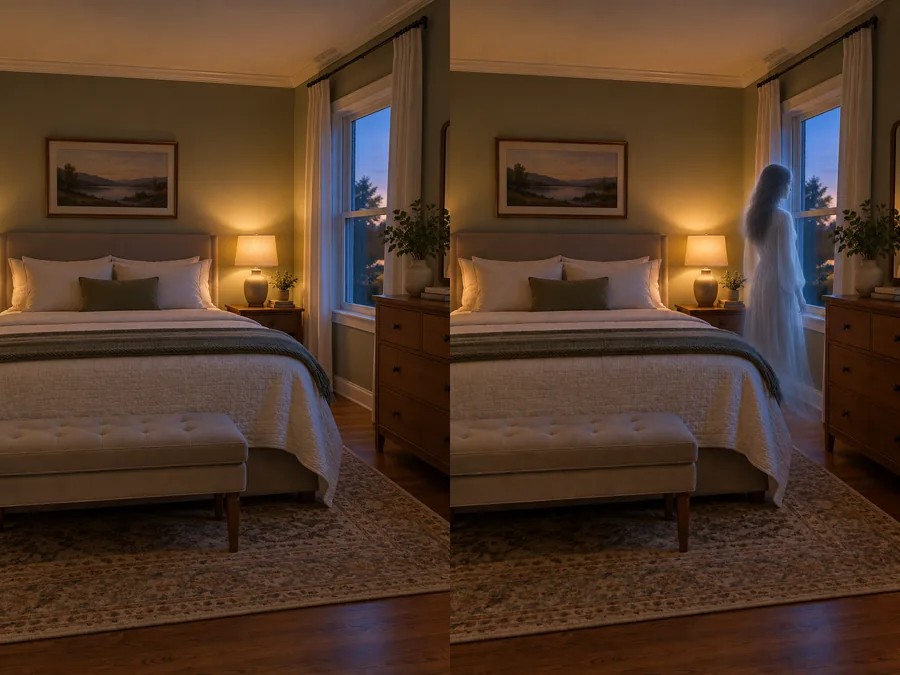
Add ghost to photo online with a ghost that fits the shot instead of a pasted-on sticker. This add ghost to photo AI reads the light, perspective, focus, and grain of your picture and places a semi-transparent figure that is dimmer where the room is dark and softer where the background blurs. Every real person keeps their face, pose, and clothes, which makes it the perfect fake ghost for a Halloween prank.
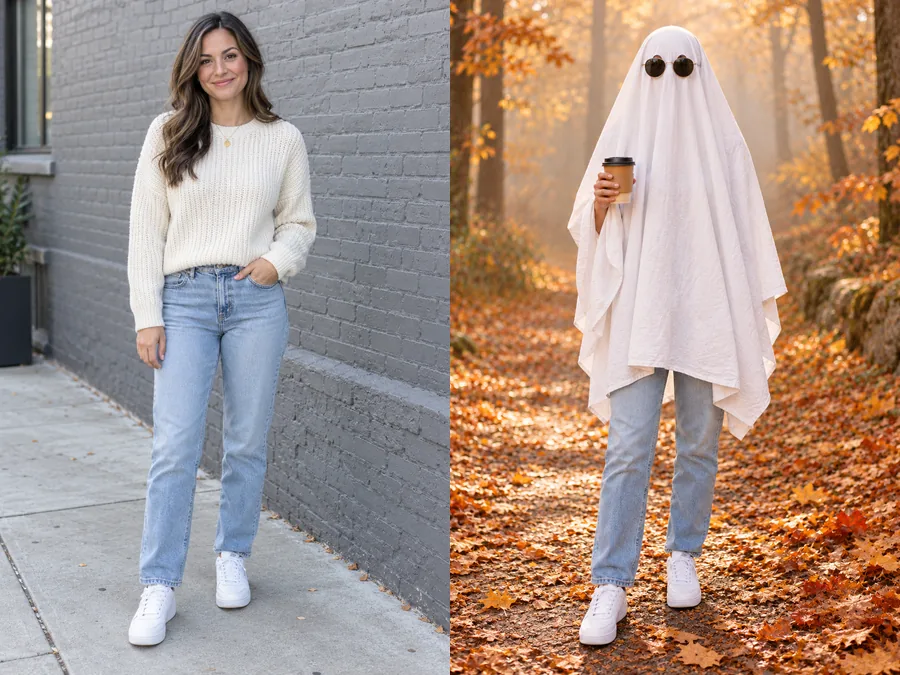
No ghost sheet costume, scissors, or photographer needed. Upload a full-body photo and the AI drapes you in a round-topped white sheet with eye holes and round black sunglasses, then sets the scene: a retro living room, a pumpkin patch, a fairy-light bedroom, or a vintage flash shot at night. Your trousers, shoes, height, and hands carry over, so the ghost photoshoot is clearly you.
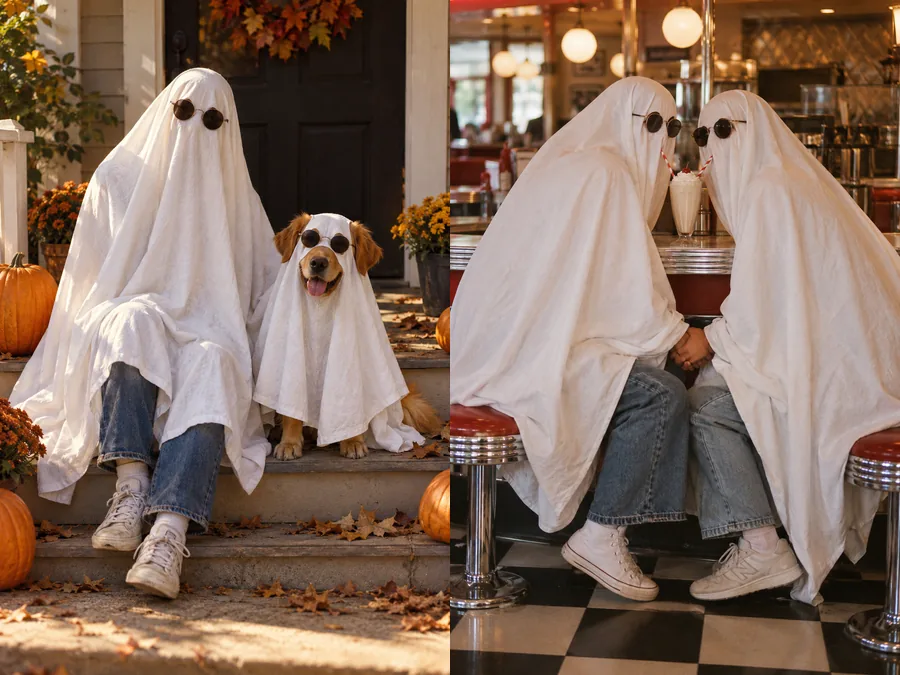
The ghost photoshoot dog version puts your pup in a matching mini sheet with its ears poking through. For a ghost photoshoot couple shot, Couple Ghosts gives you two sheet ghosts holding hands over one milkshake, and Friends Squad makes a ghost photoshoot with friends that looks like an album cover. Upload one photo with everyone in it, or add the second person or your dog from another photo: every person in the shot becomes a sheet ghost.
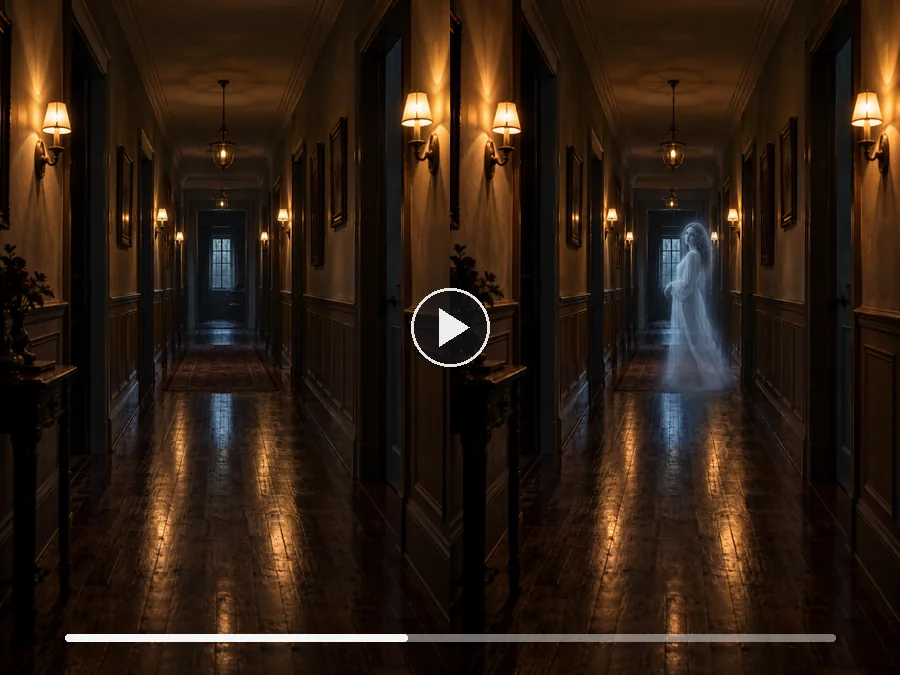
Want to add ghost to video? Tap Animate on your result to open Animate Photo with the ghost photo already loaded, so the ghost can drift, wave, or fade while you stay in frame. For rolling mist, flickering lights, or a slow push down the hallway, take the still to Image to Video. A few seconds of motion turns a ghost filter effect into a reveal clip for stories and reels.
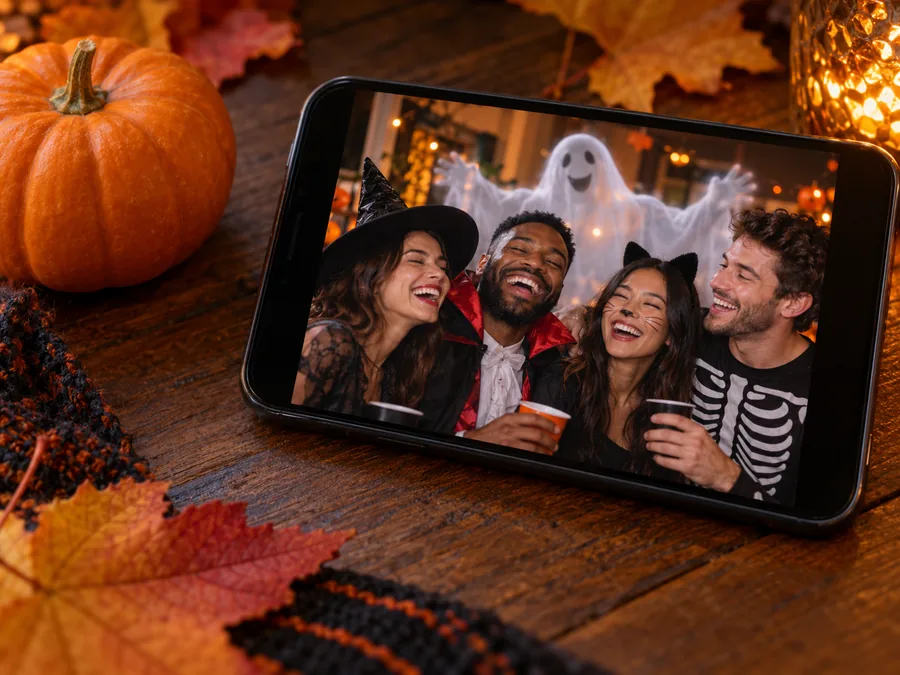
Drop a ghost behind a friend in last weekend’s photo and send it to the group chat, then reveal the edit before anyone gets genuinely spooked.
Post a run of sheet ghost photos as a carousel, one setting per slide, with your normal photo as the last slide.
Matching sheets and sunglasses make an easy couple or best-friend post for October, no matter how far apart you live.
Get the dog-in-a-sheet photo without asking a nervous pet to wear a real bedsheet.
Add a ghost at the window of your porch or living room photo for a haunted house night or a Halloween party invite.
Build a short spooky photo story across a few edits: orbs in the hallway, a face at the window, then the ghost in the mirror.
The photo you upload decides how convincing the ghost looks.
Lamp-lit rooms, dusk, and night shots make a translucent ghost glow. Bright daylight suits the cartoon ghost or a sheet ghost.
A doorway, mirror, hallway, or empty corner gives the ghost a natural place to stand without covering anyone.
A faint figure at the window fools the eye for a second; a cartoon ghost reads as a fun sticker. To add ghost face to photo windows or mirrors, ask for "a faint face" in the note.
Head-to-shoes photos let your own jeans and sneakers show below the sheet, which is what makes the ghost yours.
Keep the Halloween edits going with more filters, costumes, prompts, and ways to make your ghost move.
Witch, vampire, and pumpkin patch looks, plus a Haunted Mirror scene with a ghost behind you.
Try the FilterTurn a selfie or group photo into a gentle, gore-free zombie look.
Try the Zombie FilterTry a witch, vampire, pet, or couple costume on your photo, or let Random pick one.
Try a CostumeCatrina makeup, marigold portraits, and ofrenda frames for Día de Muertos.
Open toolTurn your photo into a werewolf or create an original werewolf character from text.
Open toolAdd a real friend or family member to a group photo, lit and scaled to match.
Add a PersonCopy-ready Halloween prompts for selfies, couples, friends, pets, and video.
Read the PromptsMake your ghost photo move: a drifting ghost, a wave, or a slow fade.
Animate My GhostGhost effects, the ghost photoshoot trend, pets and couples, video, and sharing a prank.
Upload your photo, open Add a Ghost, and pick an effect such as Behind You, In the Mirror, or End of the Hallway. Add an optional note about where the ghost should stand, then generate. The AI adds the ghost and matches it to your photo’s light and perspective, while the people and the room stay as they were.
It is free to try: new accounts get free credits when you sign up, and each ghost photo uses credits shown on the Generate button before you start. If you were looking for a way to add ghost to photo online free, those sign-up credits let you test both the ghost effects and the ghost photoshoot.
No. It works online in your browser on phone or desktop, so there is no app to install. It edits photos you have already taken rather than working as a live ghost filter camera: take the picture with your normal camera, upload it, and add the ghost afterward.
The ghost photoshoot trend started on TikTok in September 2020 and comes back every October. People drape a plain white bedsheet with two eye holes over their heads, add round black sunglasses on top, and pose for moody, deadpan photos in everyday places, alone, with friends, as a couple, or with their dog.
Open Ghost Photoshoot, upload a full-body photo, and pick a setting such as Retro Living Room, Pumpkin Patch, or Autumn Forest. The AI adds the round-topped sheet with eye holes and the sunglasses, and keeps your build, hands, trousers, and shoes from the photo. Write "no sunglasses" or "black-and-white film" in the note to change the look.
Yes. Pick With My Dog, Couple Ghosts, or Friends Squad and upload one photo with everyone in it; every person in the photo becomes a sheet ghost, and a pet gets a mini sheet with its ears poking out. If your partner, friend, or dog is in a different photo, add it as the Second Person. A photo of just your dog or cat works too.
In Add a Ghost, yes: faces, poses, clothes, pets, and the scene are kept, and only the ghost is added. In Ghost Photoshoot the sheet covers each face on purpose, as in the real trend, while your build, legs, and shoes carry over and the setting changes to the scene you picked. Want your face to show? Write "sheet pulled back like a hood" in the note.
Yes. Tap Animate on your result to open Animate Photo with the ghost photo loaded, so the ghost can drift, wave, or fade. For fog, flickering lights, or camera motion, use Image to Video. Each video is a separate generation in that tool.
Yes, as long as it stays a joke. Every ghost here is AI-generated, so the result is a fun edit, not a real paranormal photo. Tell people it is a prank when you share it, don’t pass it off as a genuine ghost sighting, and skip anyone who would be truly frightened. Only use photos of people who are fine with being edited.
For Add a Ghost, a sharp photo with some empty space, such as a doorway, mirror, hallway, or corner, ideally in dim or evening light. For Ghost Photoshoot, a full-body photo from head to shoes in good light. For a pet, a clear photo of the whole animal. Only upload photos you own or have permission to edit.
Slip a ghost into any picture, or turn yourself, your friends, or your dog into sheet ghosts for the ghost photoshoot trend.
Ghost photos made here are AI-generated edits for fun. They are not real paranormal photos.