Full Werewolf
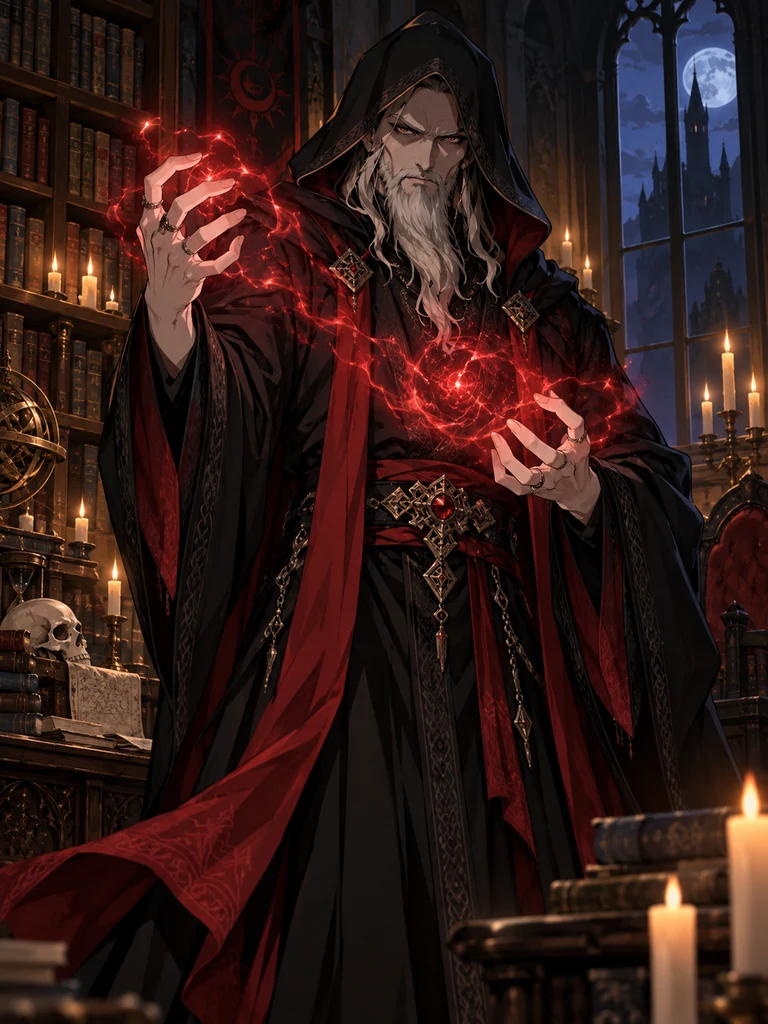
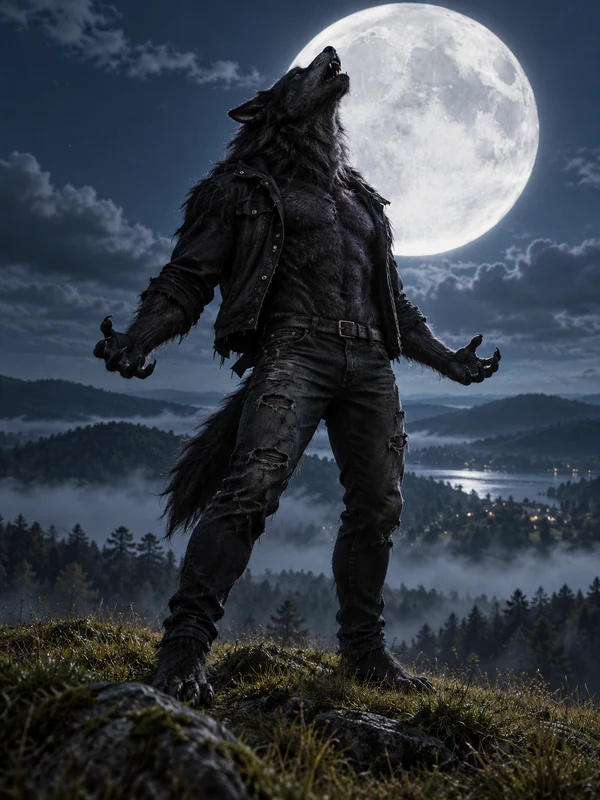
The classic beast: wolf head, thick fur, and a howl at the full moon.
Upload a selfie to turn yourself into a werewolf, from glowing wolf eyes and fangs to a full moonlit transformation, or skip the photo and use the werewolf maker to design an original werewolf from text. Choose realistic, anime, chibi, or dark fantasy styles, set the fur and eye color, then animate the result into a transformation video. Free to try with the credits you get when you sign up.
Werewolf style
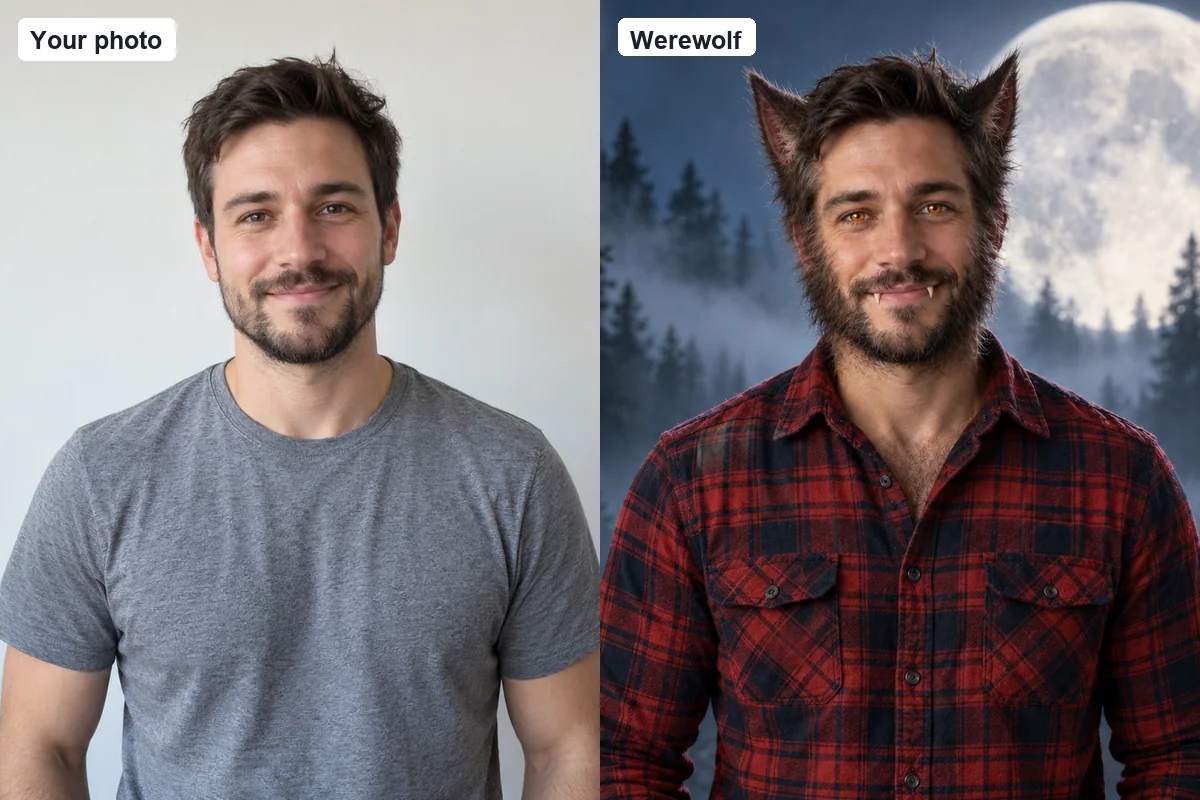
Turn me into a werewolf: keep my face, smile, and hair color recognizable, add matching fur along my cheeks and jaw, pointed wolf ears, glowing amber eyes, and small fangs, with a plaid flannel shirt in a misty pine forest under a huge full moon.
Reference example. It is not a result generated from your upload.
An AI werewolf generator turns a description or a photo into a werewolf image. Werewolves are the shapeshifters of folklore, people who turn into wolf-like beasts under the full moon, and they are a Halloween favorite for costumes, horror art, fantasy stories, and werewolf romance. Werewolf AI tools create that look in one step: no makeup kit, no 3D software, and no drawing skills needed.
This AI werewolf tool works two ways. Add your photo and it acts as a werewolf filter that turns you into a werewolf while keeping your face, hair color, and pose recognizable, at the transformation level you choose. Leave the photo out and it becomes a werewolf maker and werewolf creator: describe the build, fur, eyes, outfit, and scene, and it designs an original character. Pick from 12 looks across transformation levels, art styles, and characters, plus fur color, eye glow, framing, five AI models, and five sizes. Every werewolf is spooky rather than gory, and original rather than a copy of a movie or TV werewolf. It is free to try with the credits you get when you sign up.
From a subtle half transformation to a full moonlit beast, anime wolf ears, or a chibi pup. Tap Try to load that look in the werewolf generator, then add your photo or your own details.
The classic beast: wolf head, thick fur, and a howl at the full moon.
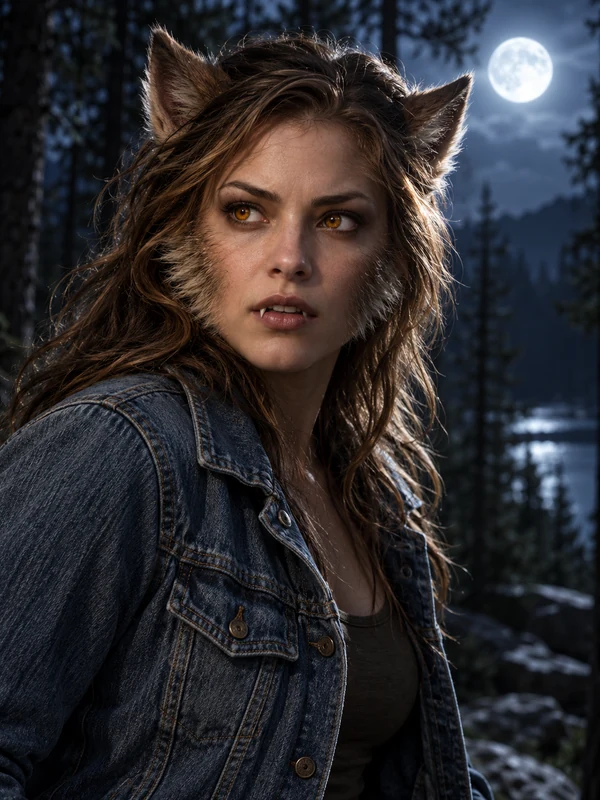
Your face stays visible, with fur on the cheeks, wolf ears, and amber eyes.
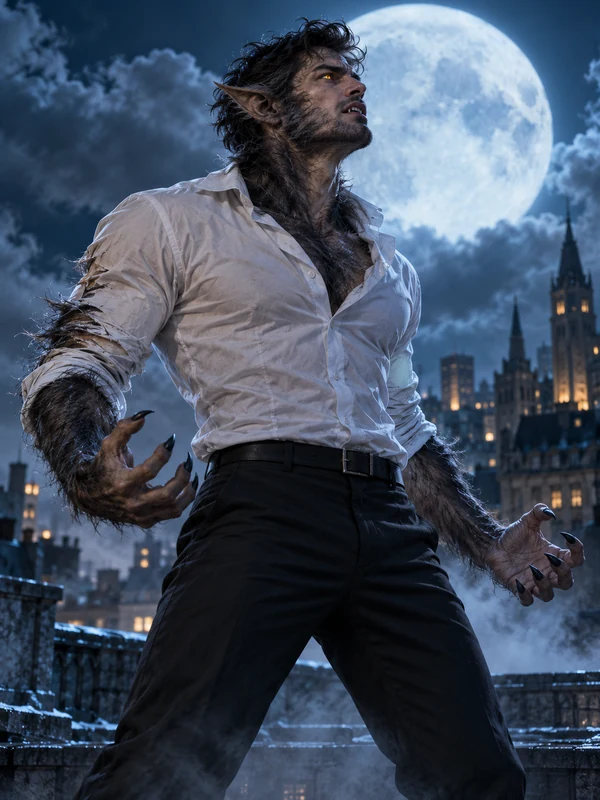
Caught mid-change on a rooftop as the fur spreads and the eyes begin to glow.
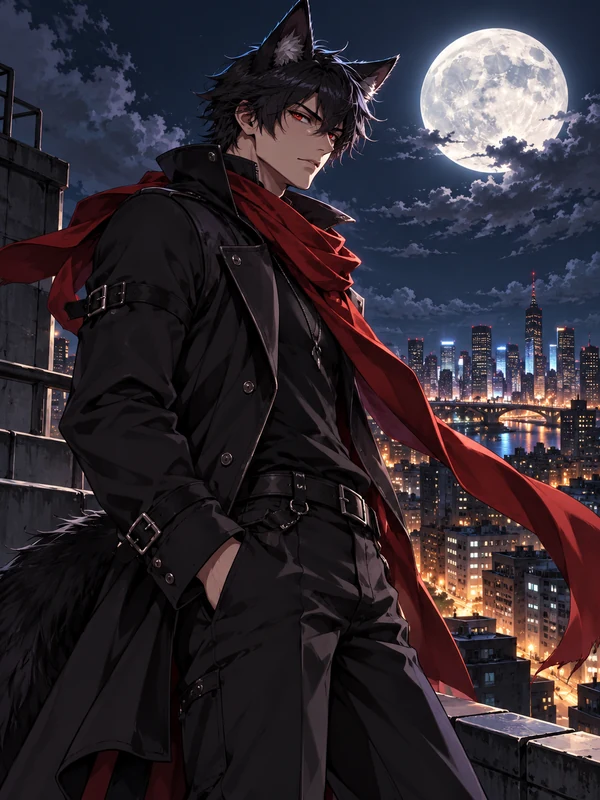
Wolf ears, a long scarf, and crisp anime linework under city lights.
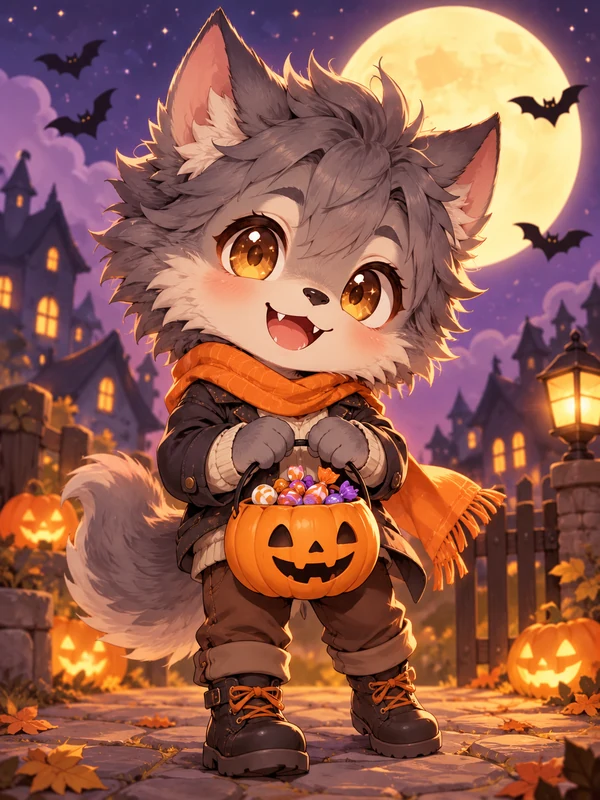
A tiny, fluffy pup with a candy basket that works as a sticker or emote.
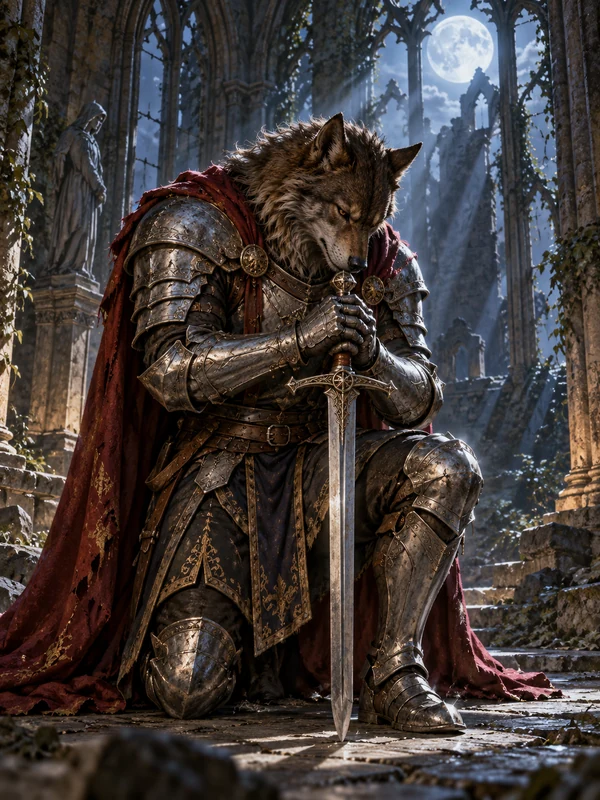
Armor, a cloak, and a longsword for a sworn guardian of the pack.
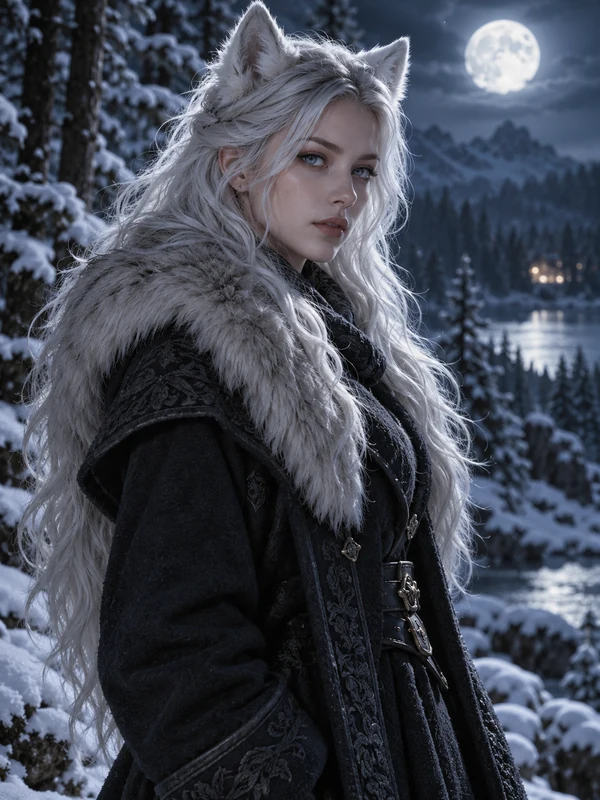
An adult wolf-eared heroine with silver hair and ice-blue eyes in the snow.
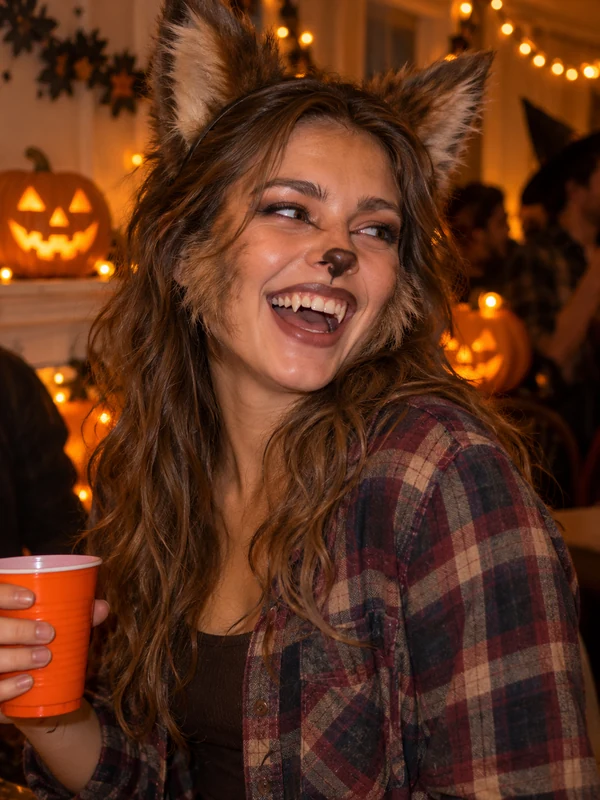
Fake fur, ears, and fangs at a party: a werewolf costume idea from your photo.
Three steps from a selfie or an idea to a werewolf you can save, share, or animate.
For a werewolf version of you, add a clear, front-facing selfie under Your photo. To create a character instead, type what you picture: build, fur, eyes, clothes, and setting. Stuck? Tap an idea or press Surprise me.
Pick how far the change goes, from Wolf Eyes & Fangs to Full Werewolf, or switch to an art style or a character. Set the fur color, eye glow, and framing; under More settings choose an AI model and a size, then press Generate Werewolf.
Save the version you like, or change one setting at a time to try variations. Press Animate on the result to turn your werewolf into a short video.
Photo or text, realistic or anime, still or moving: one werewolf generator for every idea.
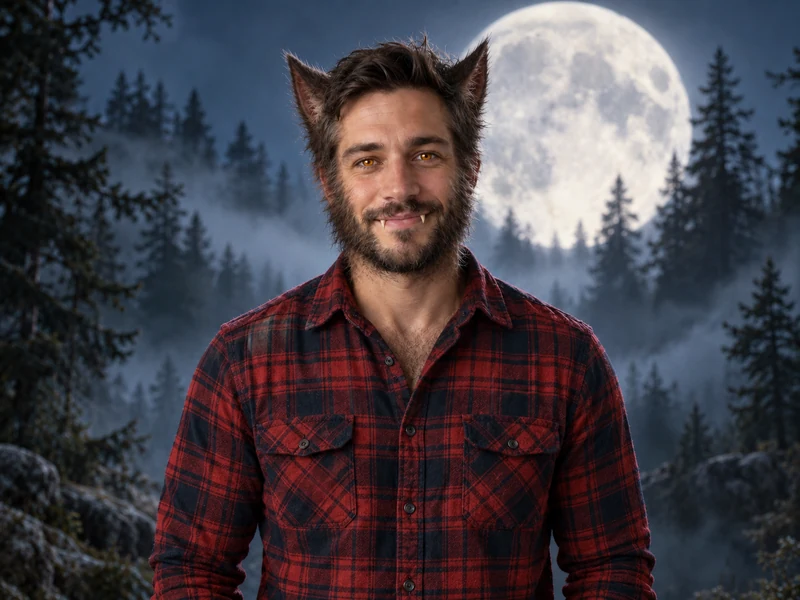

Looking for a "turn me into a werewolf" AI? Upload a selfie and this werewolf filter rebuilds the photo with fur, pointed ears, wolf eyes, and fangs while your face shape, smile, and hair color stay recognizable, so friends can still tell it is you. Unlike a live werewolf filter on Instagram, TikTok, or Snapchat, it is not an AR mask over your camera: it is a werewolf filter online that makes a finished picture in your browser, with no werewolf filter app to install. Only use photos of yourself or people who agreed.
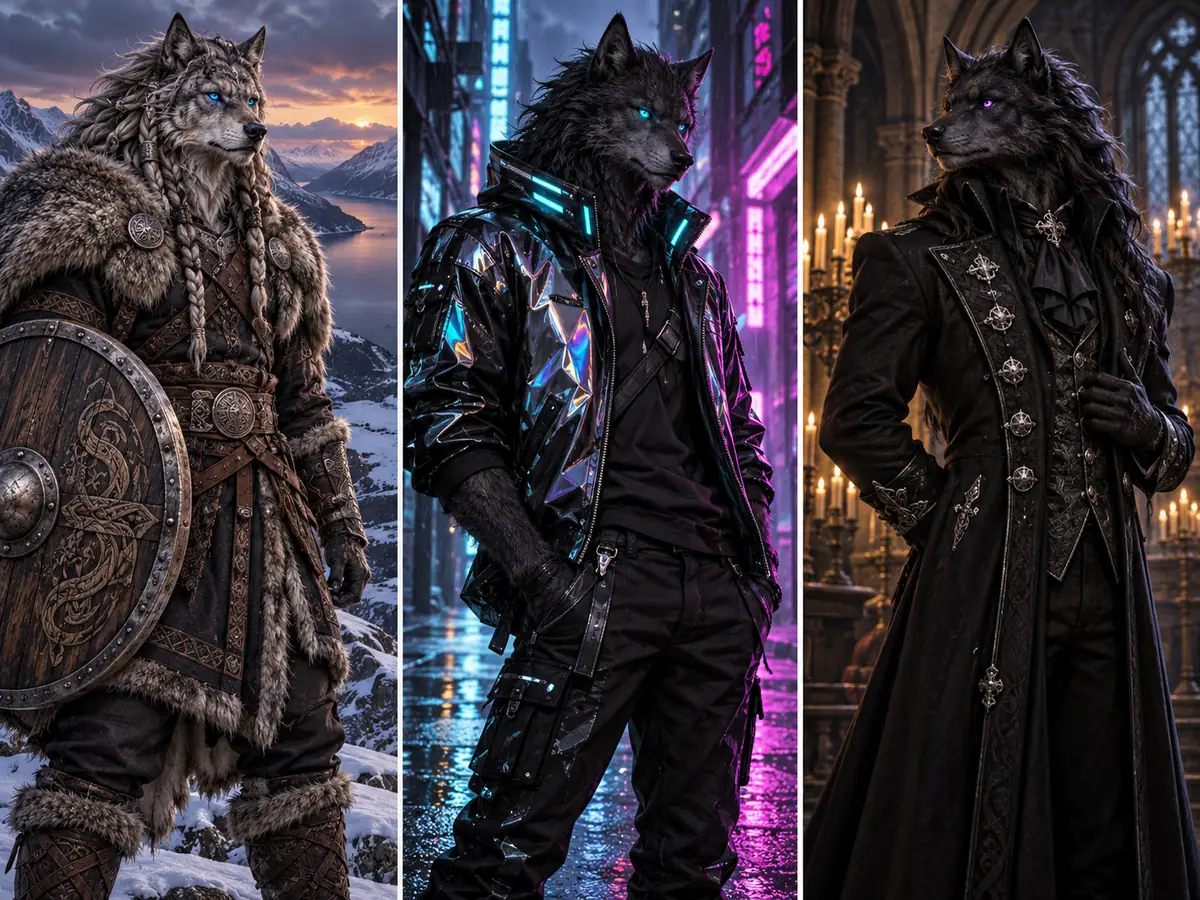
No photo needed. Describe the werewolf you have in mind and the werewolf maker draws it: a towering silver alpha, a Viking werewolf with braided fur, a cyberpunk wolfman, or a gentle healer of the pack. Name the build, fur color and length, eye color, clothing or armor, setting, and light. As a werewolf creator for stories and games, it gives every character a design nobody else has, and reusing the same description keeps one werewolf consistent across images.
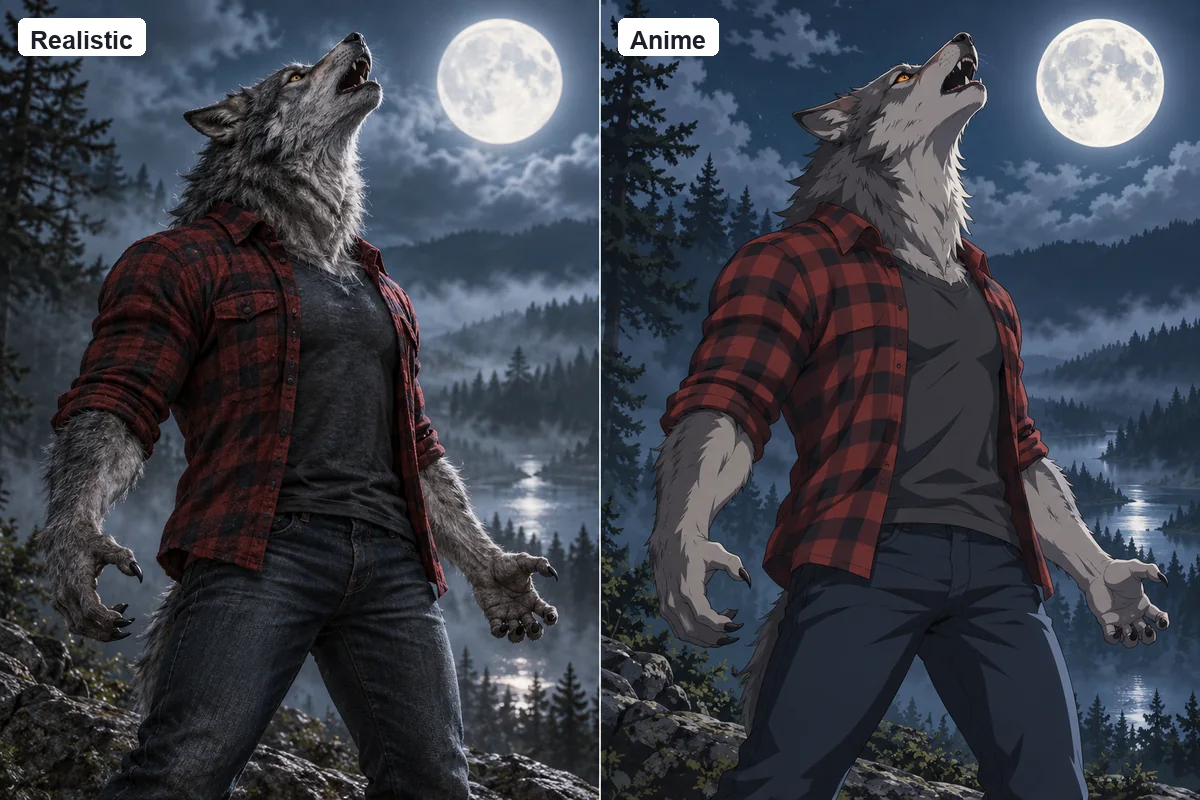
Pick Realistic for werewolf AI art with detailed fur and cinematic light, Anime Werewolf for wolf-eared characters with crisp linework, Cute Chibi for big-eyed sticker werewolves, or Dark Fantasy Painting for book-cover drama. The same idea looks completely different in each style, so generate a few and keep your favorite.
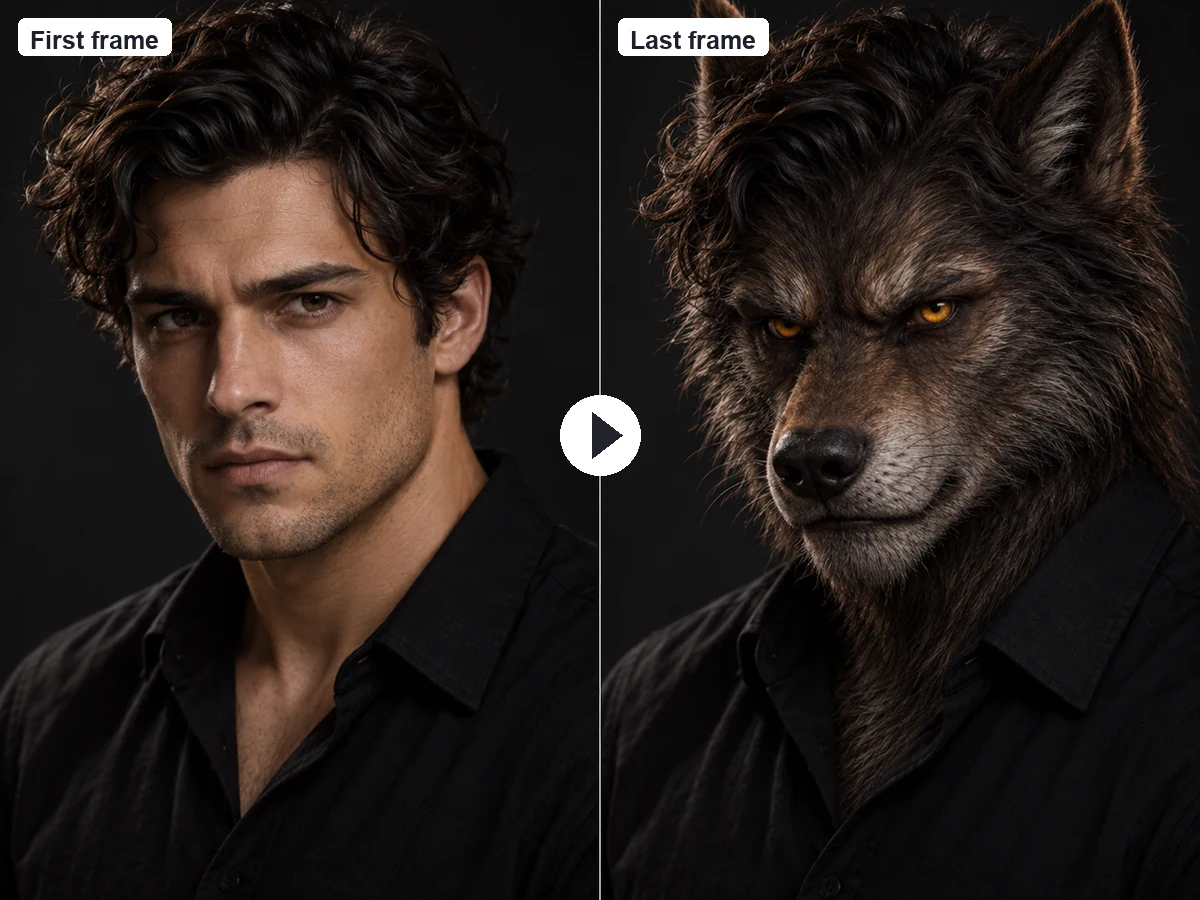
Werewolf transformation clips are some of the most shared videos every Halloween. Generate your werewolf here from a selfie, then open First Last Frame to Video: set your original photo as the first frame and the werewolf as the last frame, and describe the change, such as fur spreading, ears rising, and eyes starting to glow under the moon. For simple motion on one image, press Animate on your result or use Image to Video.
Need a name before you make your werewolf? Instead of a random werewolf name generator, pick one of these original names, each with a personality and a style to try it in.
| Name | Personality | Try it in |
|---|---|---|
| Ronan Greymane | Calm, protective pack alpha | Alpha in the Forest |
| Garrick Stormhowl | Wild and fearsome on full moon nights | Full Werewolf |
| Kael Duskfang | Brooding loner who fights the change | Moonlit Transformation |
| Wren Hollowmoon | Gentle healer of the pack | Half Transformation |
| Silas Thornwood | Quiet bookseller with a secret | Wolf Eyes & Fangs |
| Sable Nightroot | Sharp-witted huntress with red fur | Werewolf Girl |
| Brannoch Ironpelt | Sworn knight of the old keep | Werewolf Knight |
| Lupa Embervale | Fierce legend from the mountains | Dark Fantasy Painting |
| Mira Frostpaw | Snow-white tracker of the north | Realistic |
| Juniper Moonfur | Cheerful and a little chaotic | Anime Werewolf |
| Biscuit | Clumsy pup who loves candy | Cute Chibi |
| Howlin’ Hank | Life of the Halloween party | Halloween Costume |
Names only appear on an image if you put them in quotes in your prompt, for example on a book cover or a wanted poster.
Decide where the image will live first, then pick the size and framing that suit it.
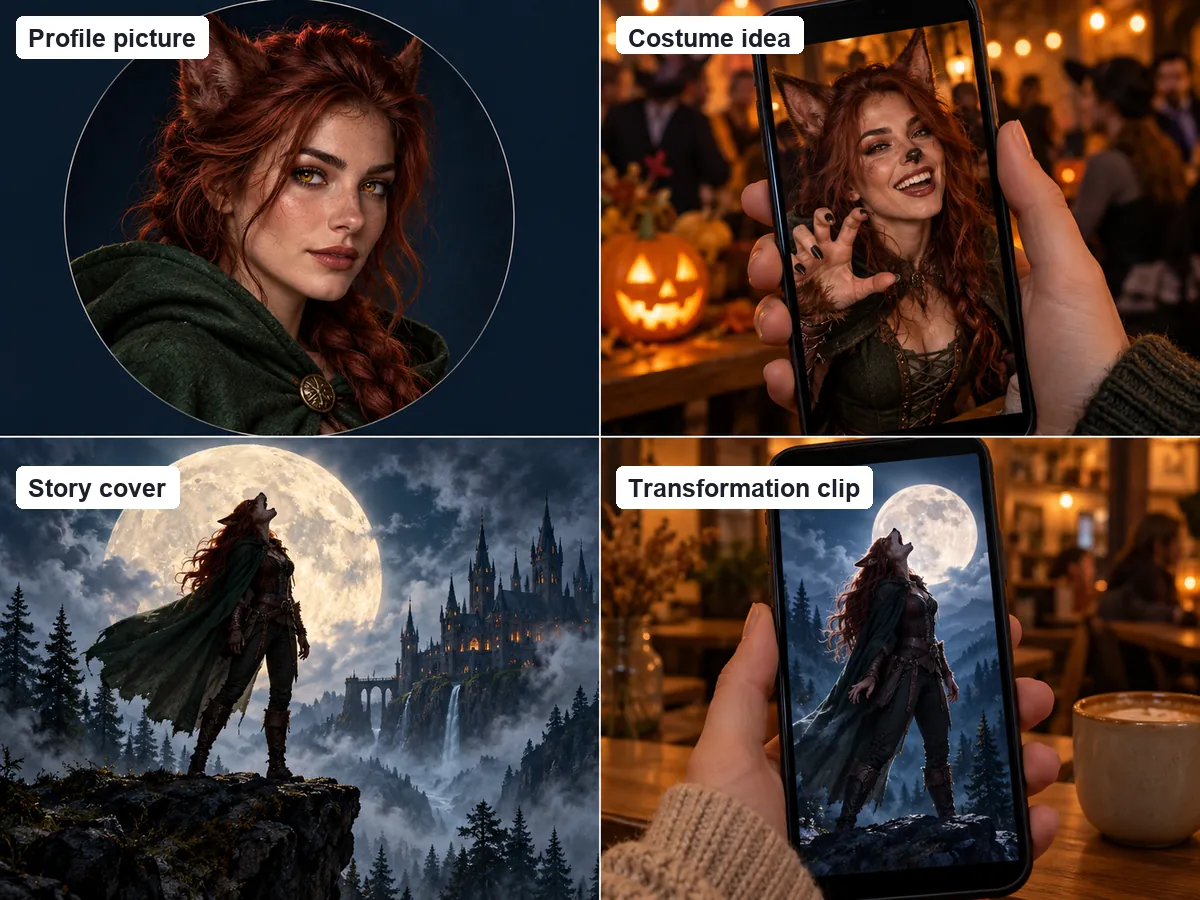
Preview a werewolf costume or makeup look on your own face before you buy fur, ears, or fangs for the party.
Use Portrait framing and the 1:1 size so the glowing eyes still read in a small profile circle.
Design the alpha, the rival, or the hero of your werewolf novel, then reuse the description to keep them consistent.
Make a werewolf ranger, knight, or cursed villager for a tabletop campaign, a one-shot, or a game prototype.
Turn yourself, or a friend who agreed, into a werewolf for a full moon werewolf meme or a group chat reaction.
Create a 9:16 werewolf, then animate it into a short transformation clip for Reels, TikTok, or Shorts.
What makes AI werewolf images look striking instead of generic.
Wolf Eyes & Fangs keeps your face front and center, Half Transformation adds fur and ears, and Full Werewolf goes all the way.
Good light, eyes visible, no sunglasses or heavy filters. Let your hair show: in Auto mode it sets the fur color.
Fur color and length, eye glow, and a lean or massive build change the whole character. Add one personal detail, like a braid or a cloak.
If a werewolf looks too much like a dog, ask for an upright, two-legged figure with a humanlike torso and hands, plus a full moon for mood.
Use your original photo as the first frame and your werewolf as the last frame for a human-to-werewolf transformation video.
Make the transformationBring your werewolf to life with a slow howl, fur moving in the wind, or mist drifting past the moon.
Make a videoAdd subtle motion to a still, like a blink, glowing eyes, or a slow grin, for a looping PFP or story.
Animate itWitch, vampire, skeleton, and haunted-mirror looks on your real photo, all spooky and never gory.
Try a filterTry costumes on your photo before you buy, including pet costumes and matching couple costumes.
Try a costumePrefer the undead? Turn your selfie into a festive zombie with special-effects style makeup.
Go zombieCopy-ready Halloween prompts for selfies, couples, pets, and AI videos.
Read the guideDesign any original character, from heroes to monsters, from a description or your photo.
Create a characterIt is a tool that uses AI to create werewolf images, either from a text description or by transforming your photo. Werewolf AI rebuilds the picture with fur, wolf ears, glowing eyes, and fangs, in styles from photorealistic to anime. This one does both, with 12 looks, fur and eye color options, and five AI models.
Upload a clear selfie under Your photo, pick a transformation such as Half Transformation or Full Werewolf, choose a fur color and eye glow if you like, and press Generate Werewolf. The AI keeps your face, hair color, and pose recognizable while adding the werewolf features.
Those are live AR filters that place a mask over your face in the camera. This is an AI werewolf filter online: it works on a photo and redraws the whole picture, so the fur, light, and background blend naturally. It runs in your browser, so there is no werewolf filter app to install, and you can post the result anywhere.
Yes. Leave the photo empty and use it as a werewolf maker: describe the build, fur, eyes, outfit, and setting, or tap an idea and press Surprise me for more. Each result is an original werewolf character.
That is the goal. With a photo, the AI keeps your face shape, eyes, skin tone, hairstyle, and glasses or beard, and uses your hair color for the fur in Auto mode. Wolf Eyes & Fangs and Half Transformation stay closest to your face, while Full Werewolf goes furthest. A well-lit, front-facing photo without sunglasses works best.
Yes. Pick Realistic or Dark Fantasy Painting for dramatic werewolf art, Anime Werewolf for wolf-eared characters with clean linework, or Cute Chibi for a big-eyed sticker werewolf. You can also add your own style words to the prompt.
Generate your werewolf from your selfie, then open First Last Frame to Video. Use your original photo as the first frame and the werewolf image as the last frame, and describe the change, such as fur spreading, ears rising, and eyes glowing under a full moon. For simple motion on one image, press Animate on your result or use Image to Video.
The generator makes images, not names, but the werewolf name table on this page has 12 original names with a matching style for each. To show a name on the image, put it in quotes in your prompt, for example on a book cover.
It is free to try: new accounts get free credits when they sign up, and the credits for each image are shown on the Generate button before you start. Every finished image can be downloaded.
No. The generator creates original werewolves and will not copy characters from films, series, games, or books, or the faces of real actors. Describe the look you like instead, such as fur color, eye glow, build, outfit, and setting. Results are spooky but never gory, and you should only upload photos of yourself or of people who agreed.
Upload your photo or describe a werewolf, pick a transformation, and see it come to life under the full moon.
Every werewolf made here is an original character, not a character from any film, series, game, or book. Instagram, TikTok, and Snapchat are trademarks of their respective owners, mentioned only for comparison; EzImgMaker is not affiliated with them. Nano Banana is a trademark of Google LLC, GPT Image of OpenAI, Seedream of ByteDance, and FLUX of Black Forest Labs.