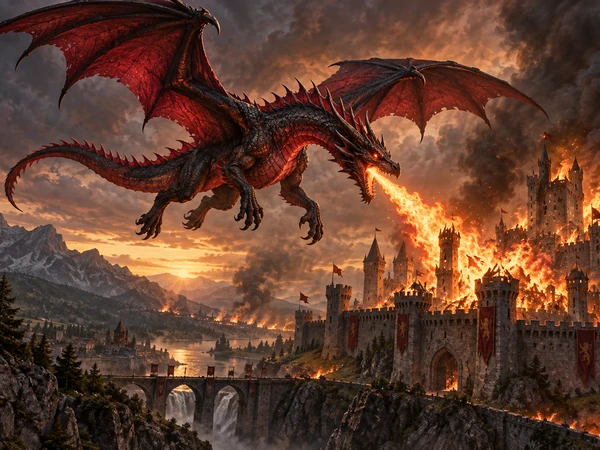
Fire Dragon
Ember wings, smoke, and a burning sky behind a castle.
Describe your dragon, then choose its element, pose, and art style: a Western fire drake, a celestial Eastern dragon, a chibi hatchling, or a pixel-art boss. The dragon maker draws it in full color, ready for your story, game, wallpaper, or tattoo idea. Free credits when you sign up.
Art style
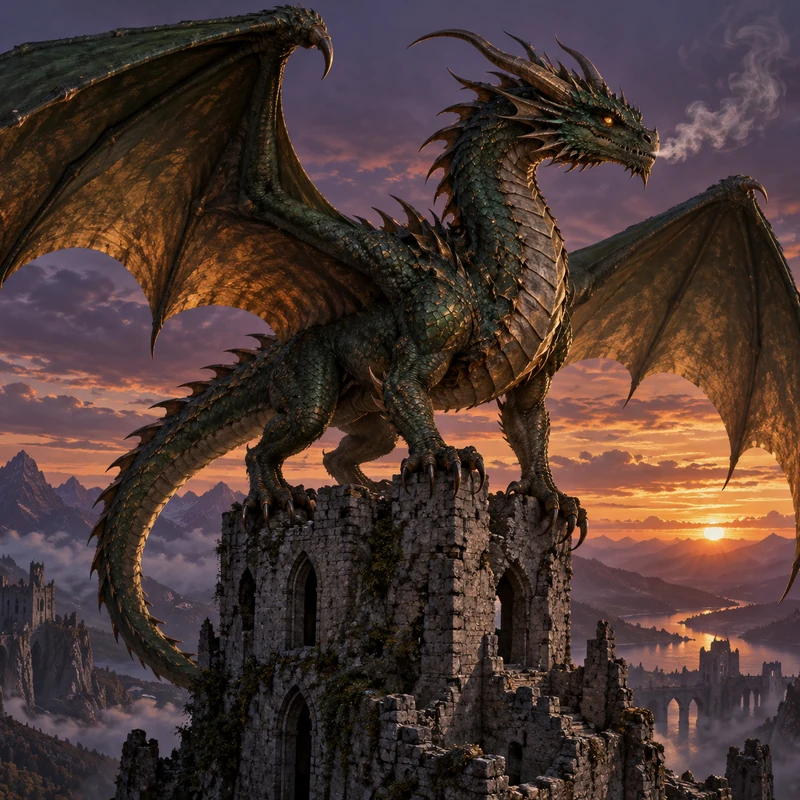
A massive dragon perched on a crumbling castle tower at twilight, dark green and bronze scales, wide leathery wings, talons gripping the stone, glowing eyes, and smoke curling from its nostrils.
Reference example. It is not a result generated from your upload.
An AI dragon generator is a dragon maker you control with words. Describe the creature you have in mind, its size, scales, horns, wings, and where it lives, and the AI draws a brand-new dragon that matches. Nothing is traced from stock art: each AI dragon is created from your description, so you can create a dragon nobody has seen before, from a fire-breathing tyrant on a castle to a chubby hatchling holding a flower.
This dragon creator gives you more than a text box. Pick an element (fire, ice, ocean, forest, storm, shadow, celestial, or crystal), a pose (flying, perched, breath attack, coiled, or head portrait), and one of 12 art styles, from Eastern ink painting to pixel art. Upload a sketch to turn your own drawing into finished art. It is free to try: new accounts get free credits when they sign up.
Each dragon below came from a short description plus an element and a style. Tap a card to load the same idea or look.
Ember wings, smoke, and a burning sky behind a castle.
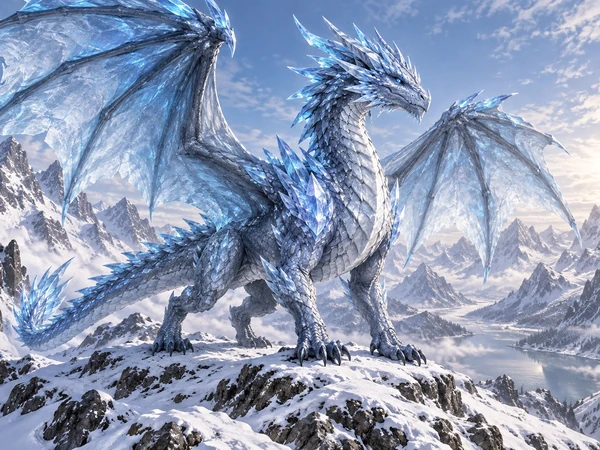
Crystal horns and frosted wings on a snowy ridge.
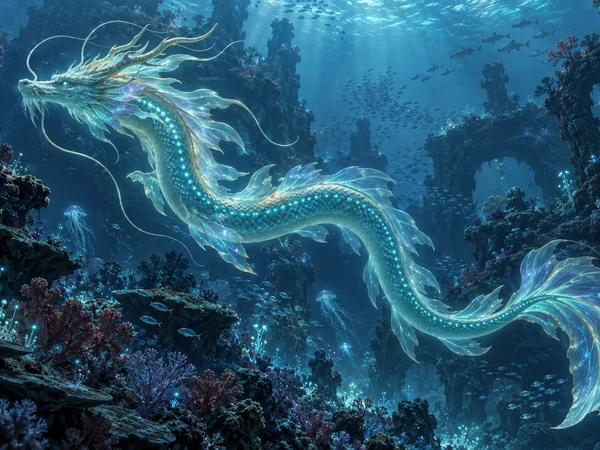
A glowing sea serpent gliding through a deep trench.
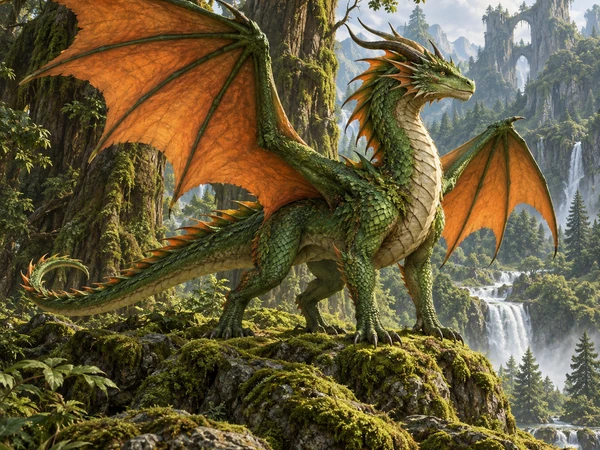
Mossy scales and leafy wings in a mountain valley.
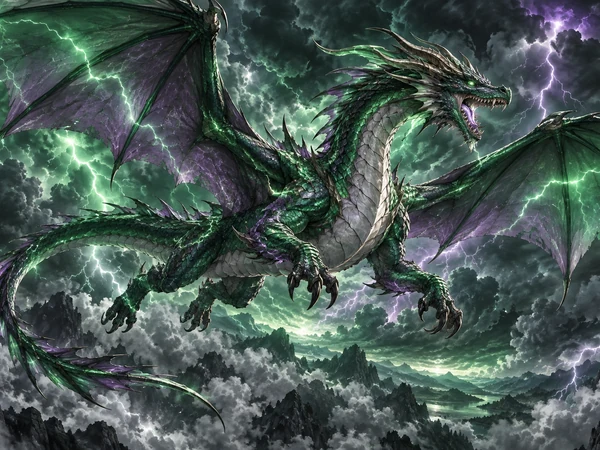
Lightning crackling across its scales mid-flight.
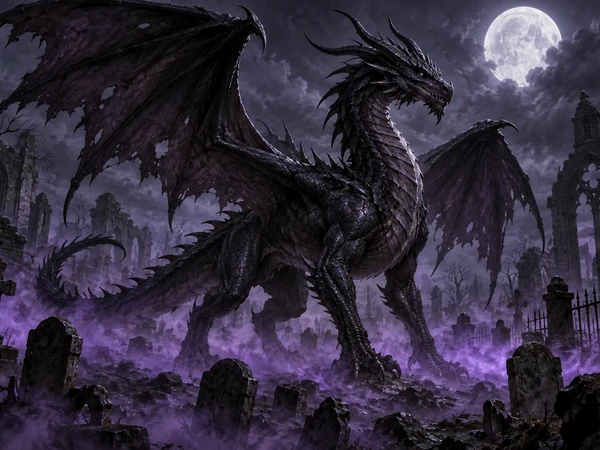
Torn black wings rising from purple mist under the moon.
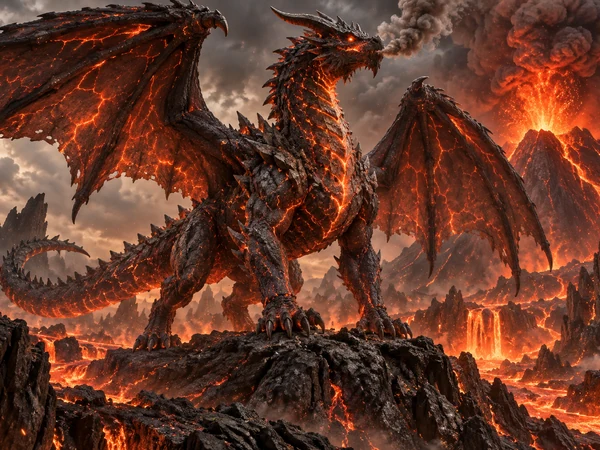
Cracked magma scales above an erupting crater.
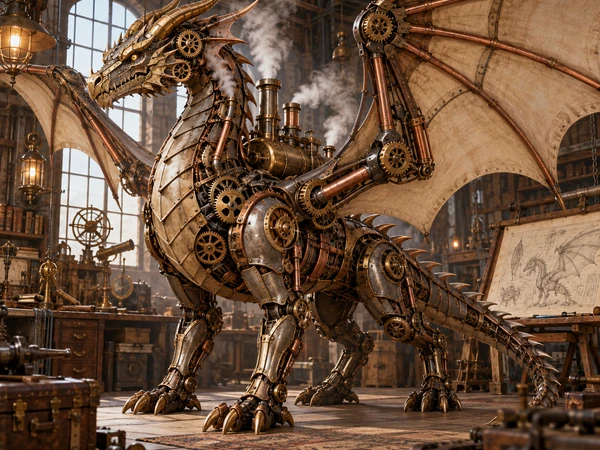
Brass plates, gears, and steam instead of scales.
Three steps from an idea in your head to a dragon you can download.
Write what your dragon looks like: body shape, scale colors, horns, wings, eyes, and the scene around it. Or tap an idea like Celestial Eastern dragon or Baby dragon, and upload a sketch if you already drew one.
Choose an element such as Fire or Storm, a pose such as Flying or Breath attack, and an art style from Western Fantasy to Pixel Art. Set the size: square for avatars, 16:9 or 9:16 for wallpapers.
Press Create My Dragon and compare the results. Change one detail, such as the wing color or the setting, and generate again until it looks the way you imagined, then download it.
Dragons look very different across myths and games. Naming the type gives the dragon generator the right body plan to start from.
| Dragon type | What makes it different | Words to use |
|---|---|---|
| Western dragon | Four legs, two big bat-like wings, heavy armored body | “a four-legged Western dragon with huge leathery wings” |
| Eastern dragon | Long serpent body, no wings, whiskers, mane, and a pearl | “a wingless Eastern dragon coiling through clouds” |
| Wyvern | Two legs, with the wings acting as front limbs | “a two-legged wyvern with wing-arms” |
| Drake | Wingless, lizard-like, built for the ground | “a wingless fire drake prowling a lava field” |
| Sea serpent | Finned, ocean-dwelling, often without legs | “a finned sea serpent rising from the waves” |
| Amphiptere | A winged serpent with no legs | “a feathered winged serpent with no legs” |
| Hydra | Several heads on one body | “a three-headed hydra in a swamp” |
| Hatchling | Baby dragon with oversized eyes and tiny wings | “a newborn dragon hatchling cracking out of its egg” |
Mix and match: a “frost wyvern”, a “celestial Eastern dragon”, or a “crystal drake” all work.
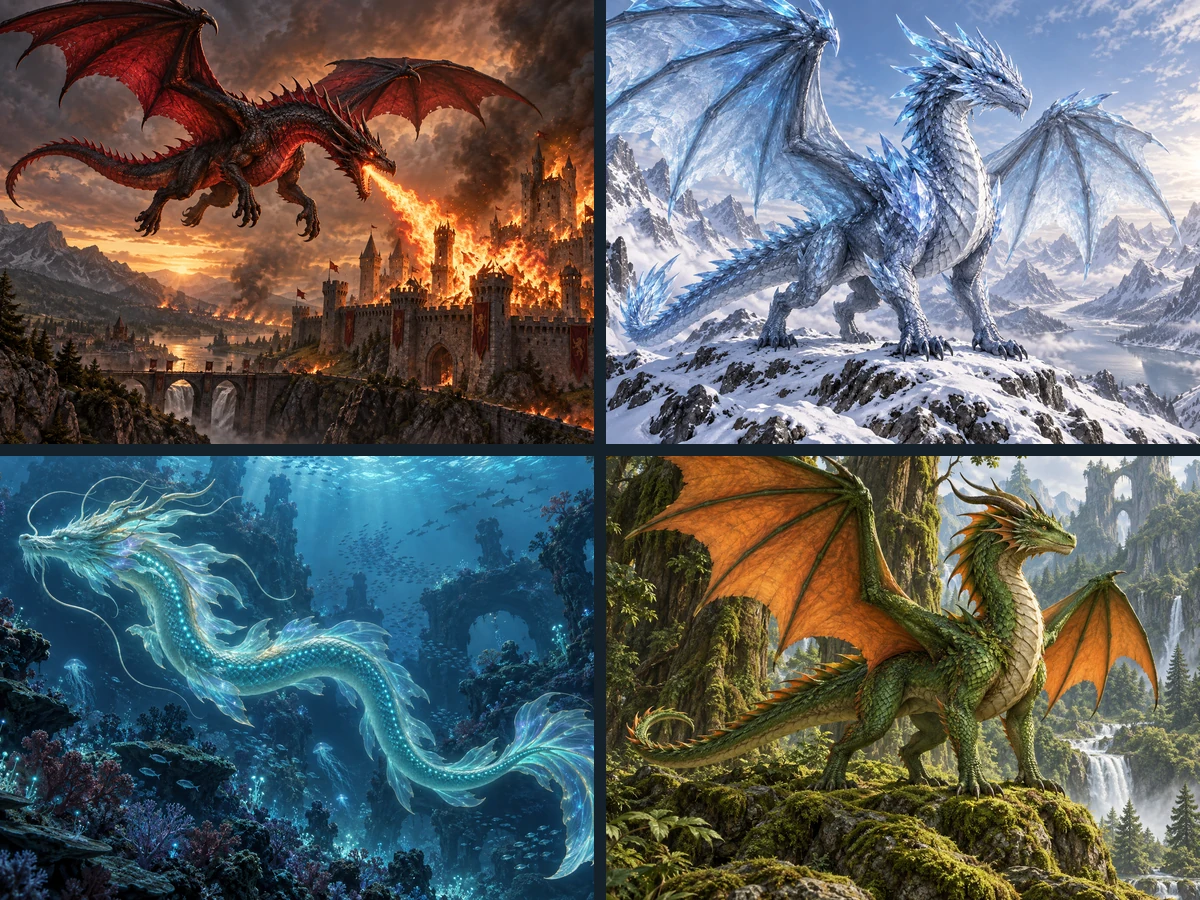
Most generators give you one text box. This dragon creator adds the choices that matter: eight elements that set the colors and effects, six poses, and 12 art styles. Want a crystal dragon coiled on its hoard, or a storm dragon mid-breath? Pick it, add a line of description, and create your own dragon in a couple of taps.
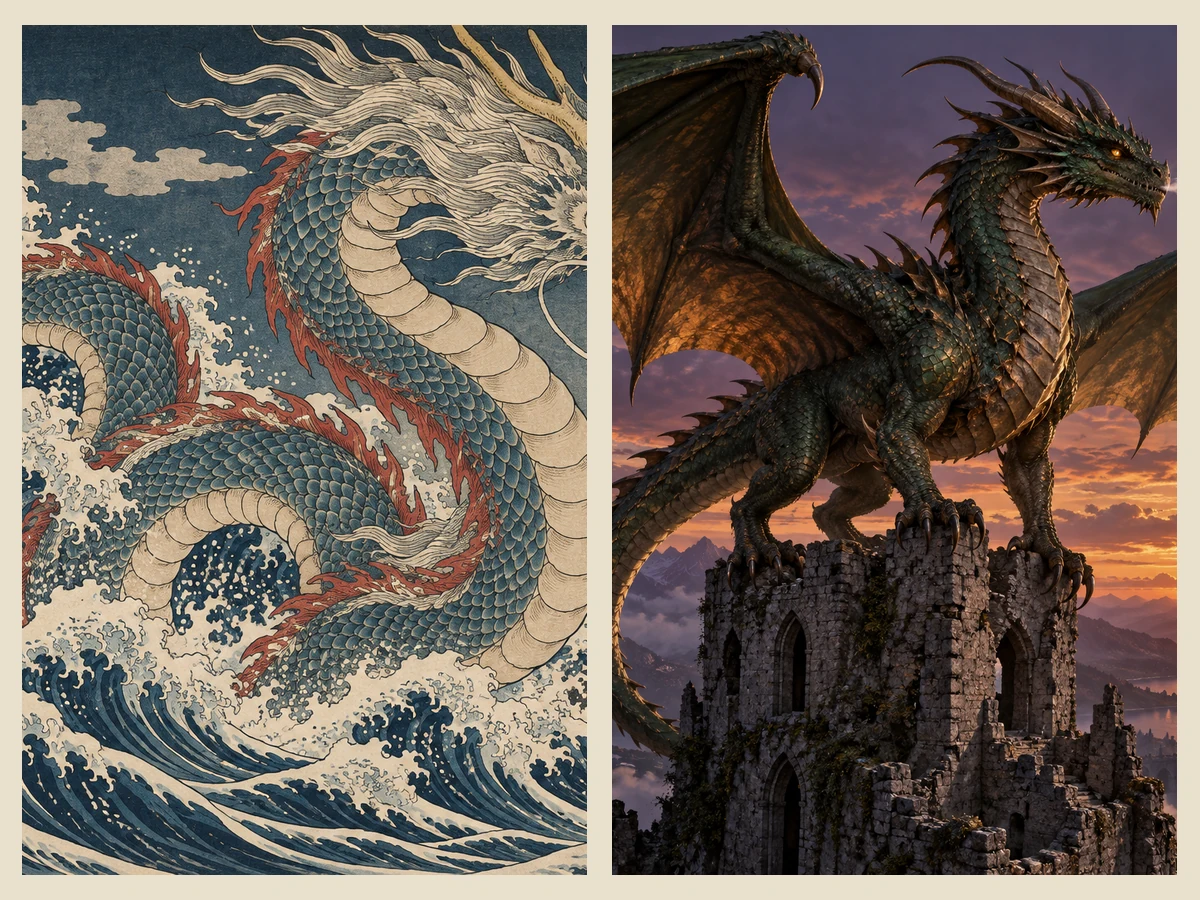
Ask for an Eastern dragon and you get a long, wingless serpent with whiskers, mane, and a pearl; ask for a Western dragon and you get four legs, horns, and huge wings. The Wyvern, Drake, and Hydra body plans in the table above work too, so your AI generated dragons match the myth or world you are building.
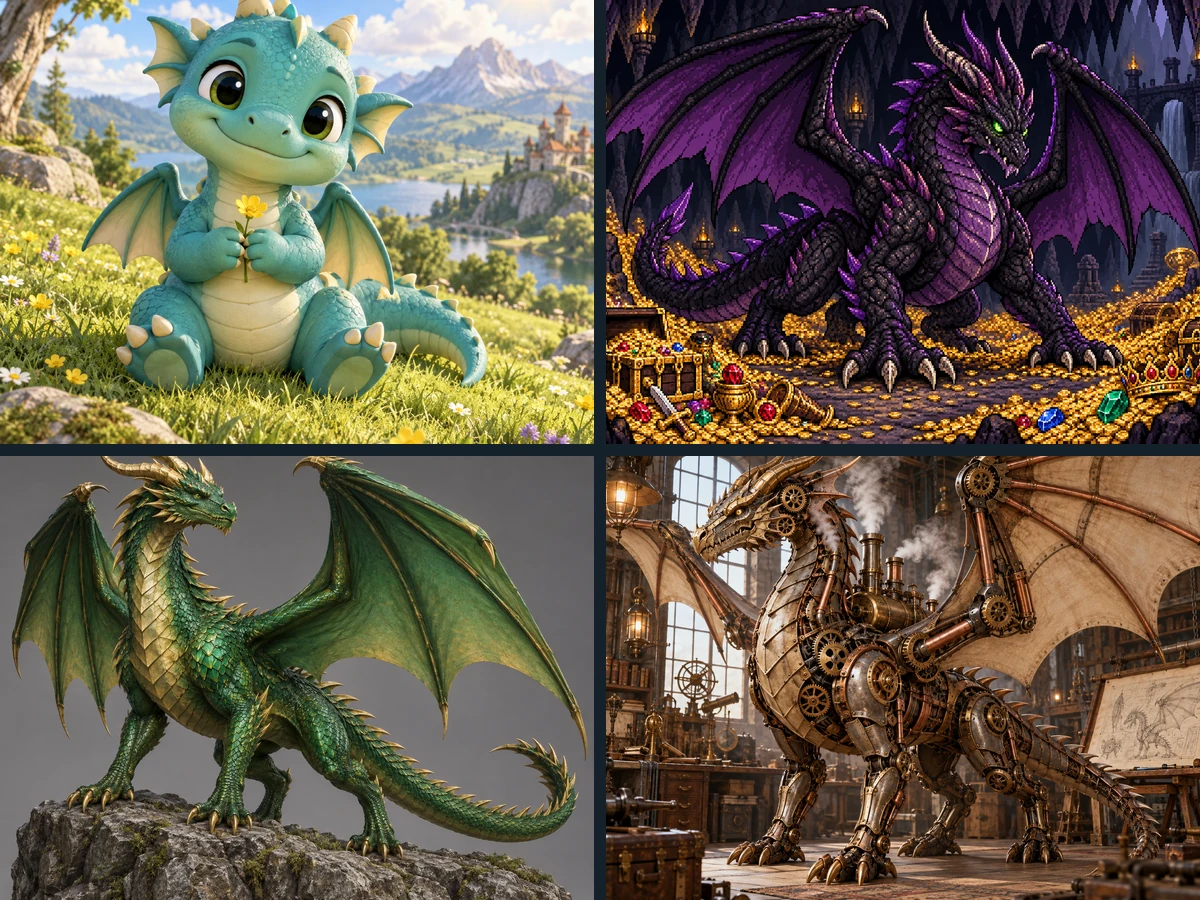
One description can become a chibi hatchling, a 3D cartoon mascot, a pixel-art boss for your game, a steampunk machine, or a photoreal movie creature. Keep the prompt and switch the style card to see your dragon in a new look.
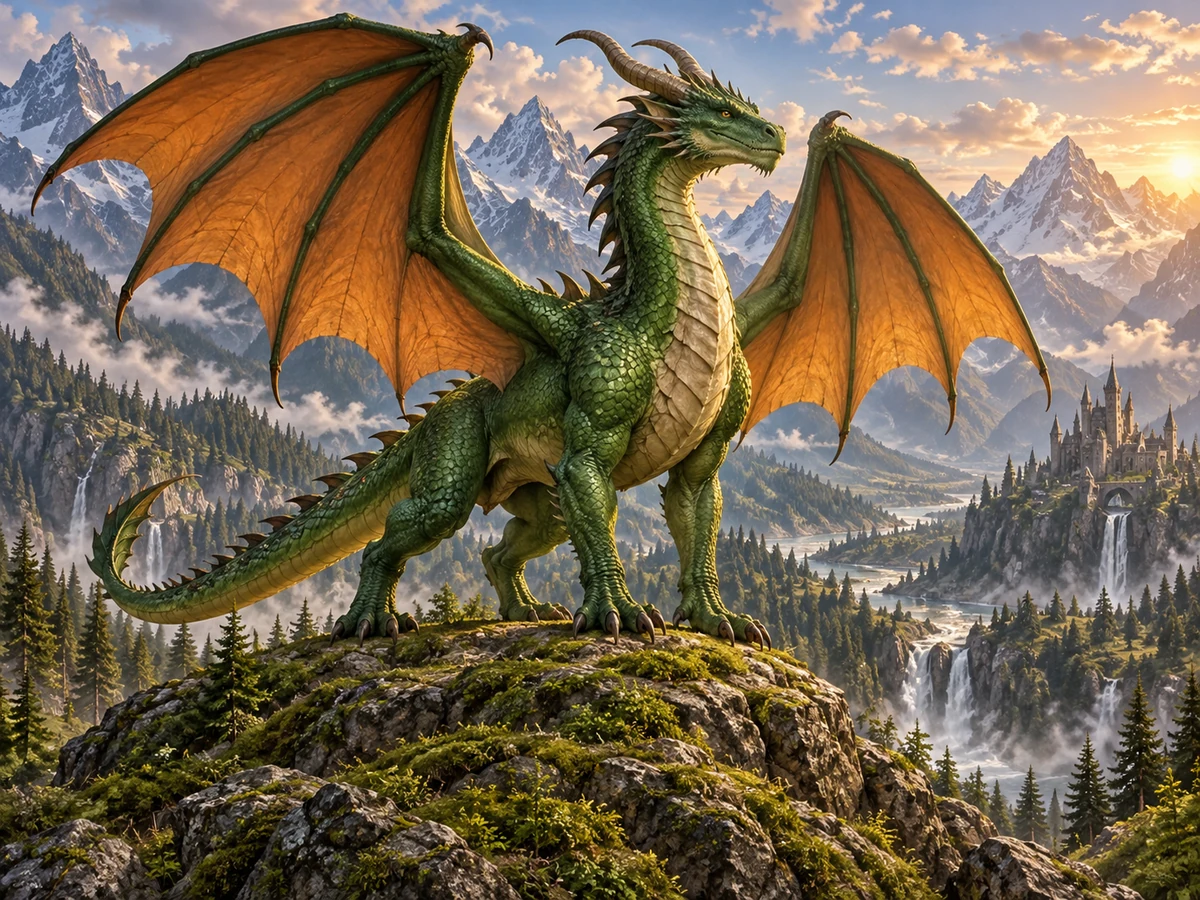
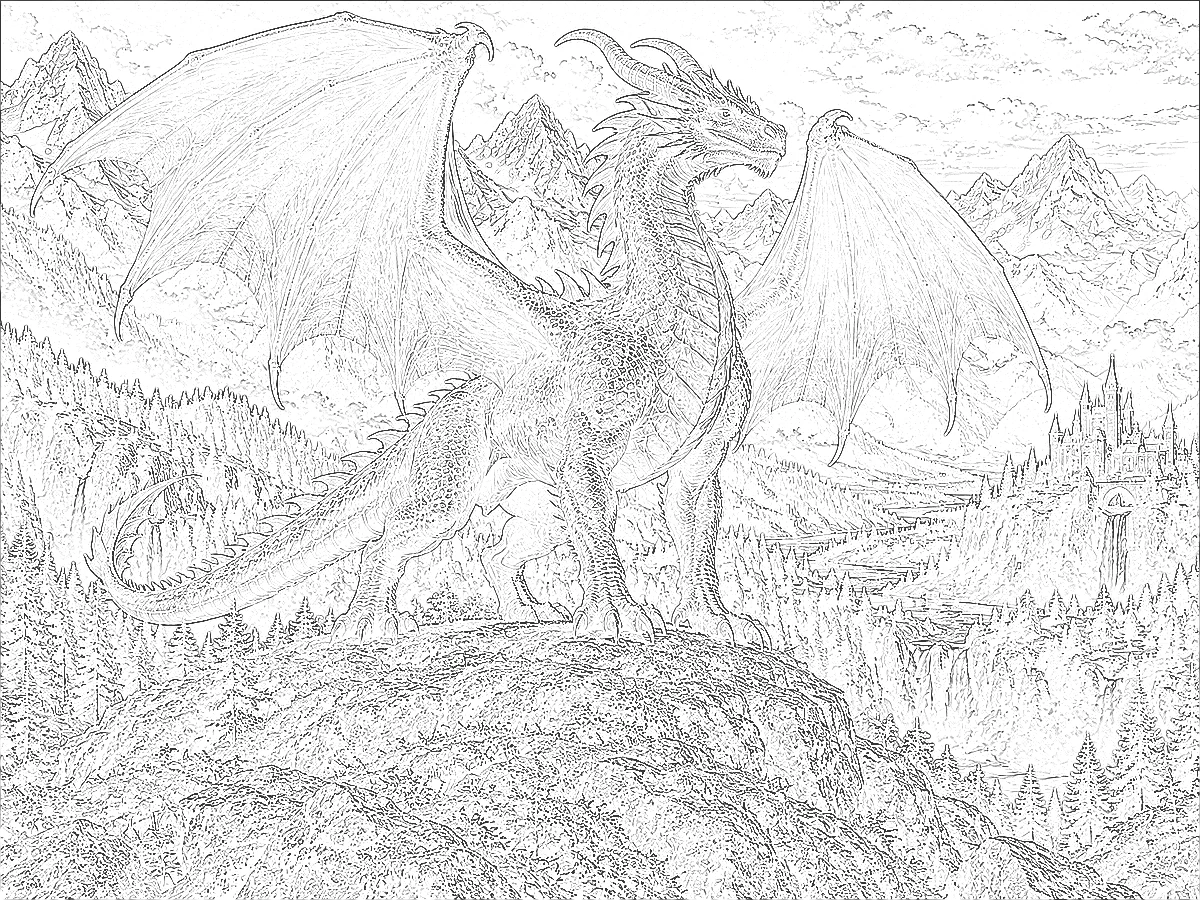
Want to create my own dragon from a doodle? Upload a sketch or a drawing as the reference image and the AI keeps your pose and silhouette while painting scales, wings, and light in the style you pick. Drag the slider to compare a rough sketch with the finished dragon.
From a novel’s cover to a phone wallpaper, these are the most popular uses for a dragon generator.
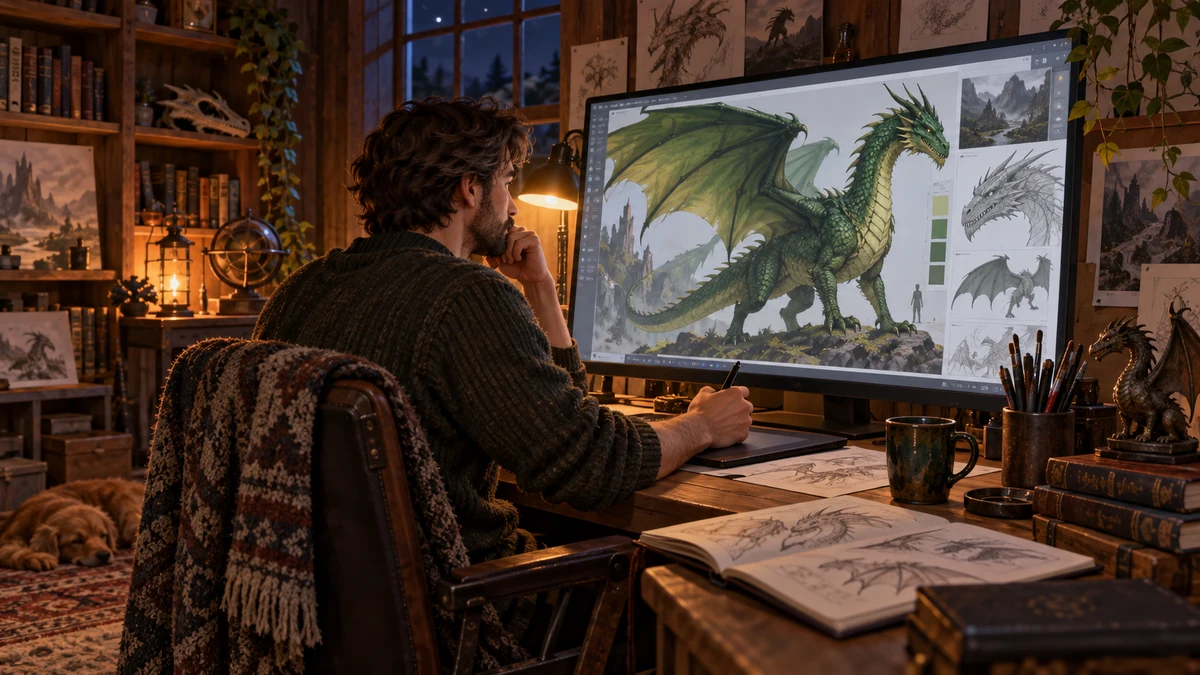
Visualize the dragons in your story for covers, character sheets, and inspiration boards.
Bosses, mounts, and monsters for video games and tabletop campaigns.
Try dragon tattoo concepts in Tattoo Design or Ink Painting style before you visit an artist.
Desktop and phone wallpapers, profile pictures, and stream overlays with your own dragon.
Cute dragons for stories, coloring ideas, and creative writing prompts.
Posters, cards, and Lunar New Year designs with a dragon made just for you.
Small prompt changes that make a big difference.
Say Western dragon, wyvern, or Eastern dragon so the legs and wings come out right.
“Black scales with ember-red wing membranes” beats a rainbow of details.
Twilight, moonlight, or volcano glow sets the mood more than any adjective.
Crystal horns, a scar over one eye, or flowers on its back make it memorable.
Choose 16:9 or 9:16 before generating if you want a wallpaper, so the dragon fits the frame.
Keep the prompt, then switch only the style, pose, or element to compare.
Keep building your world with these generators.
Mix two animals into one creature, such as a wolf with owl wings or a lion with an eagle’s head.
Mix AnimalsTurn your dragon into a pixel game sprite or a sprite sheet for a 2D game.
Make a SpritePut a dragon on a family crest or the banner of your fantasy house.
Make a CrestGenerate more characters, turn photos into art, or upscale your dragon for a print.
 AI Image GeneratorFree to try AI image generator: type a prompt or add a photo, pick Nano Banana 2, GPT Image 2, Seedream, or FLUX, choose a style, and create AI images online.
 Text to Image AIText to image AI that turns words into pictures: type a prompt, pick a model and a style, and the AI image generator from text creates images you can download.
 AI Flag GeneratorFree to try AI flag generator: describe colors, symbols, and text, pick a style, and create a custom, pride, team, or fictional country flag to download.
 AI Wallpaper MakerFree to try AI wallpaper maker: describe a scene or a quote, pick a phone, desktop, ultrawide, or tablet size, and generate a custom wallpaper or lock screen.
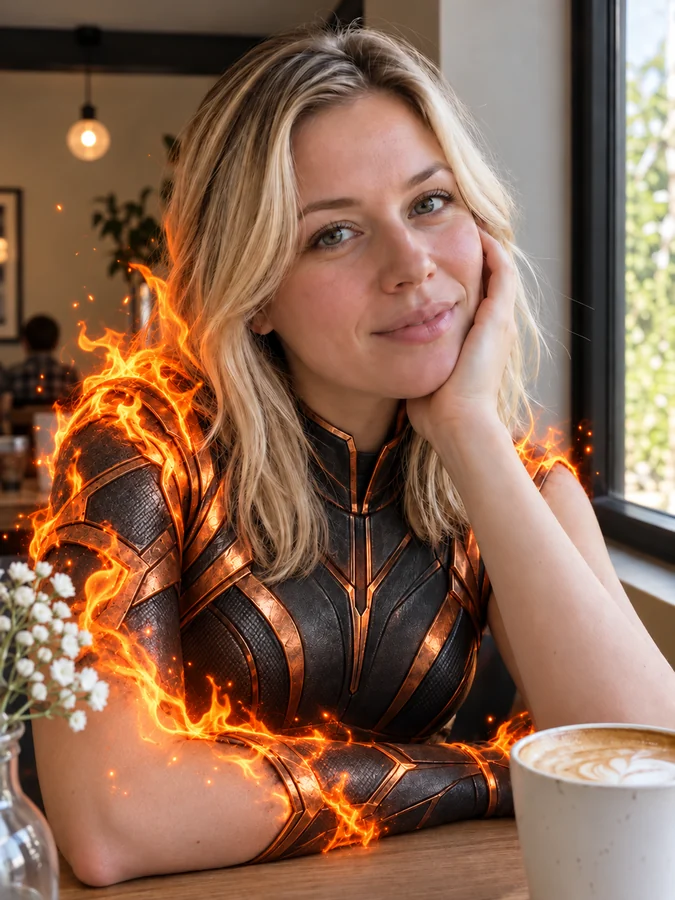 AI Superhero GeneratorUse this AI superhero generator to turn yourself into a superhero. Upload a selfie, pick a superpower and art style, and get an original hero portrait of you.
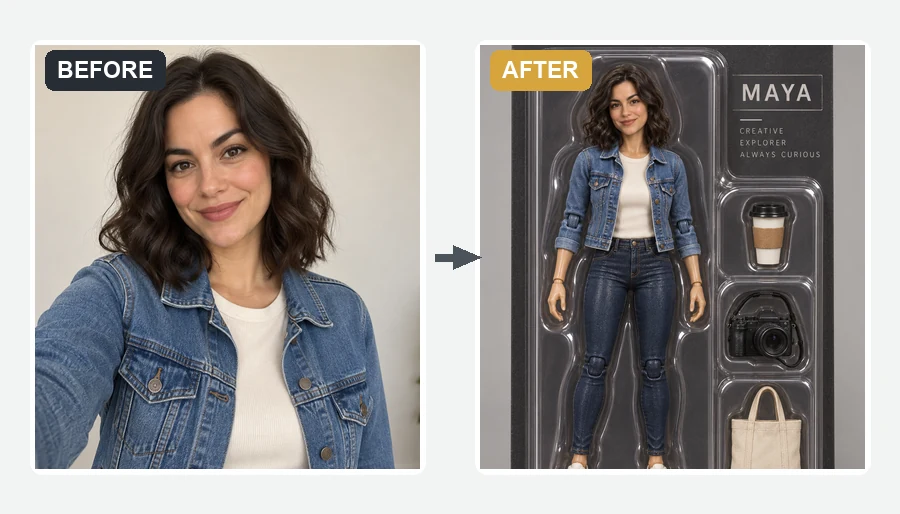 AI Action Figure GeneratorMake yourself an action figure with the AI action figure generator. Upload a photo, pick a theme, blister pack or window box, and get a boxed 3D toy of you.
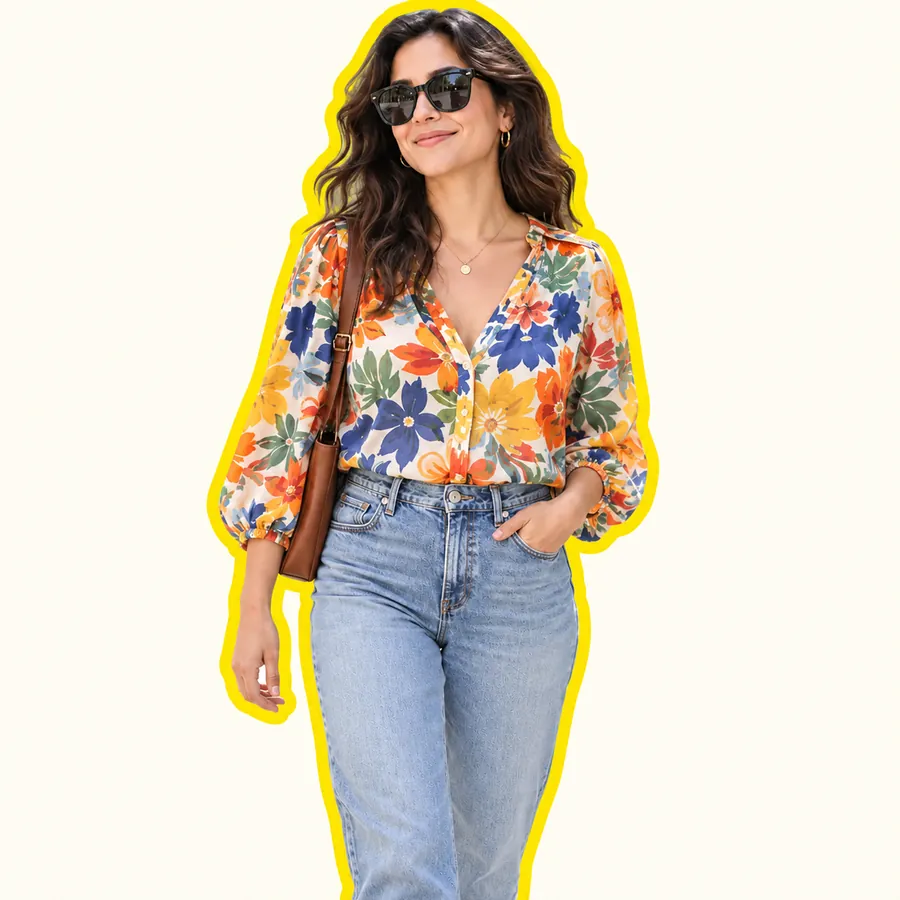 AI Sticker MakerHow to make a picture a sticker: upload a photo or screenshot, pick a style like die-cut, cartoon, chibi, or kawaii, and the AI sticker maker turns it into a PNG.
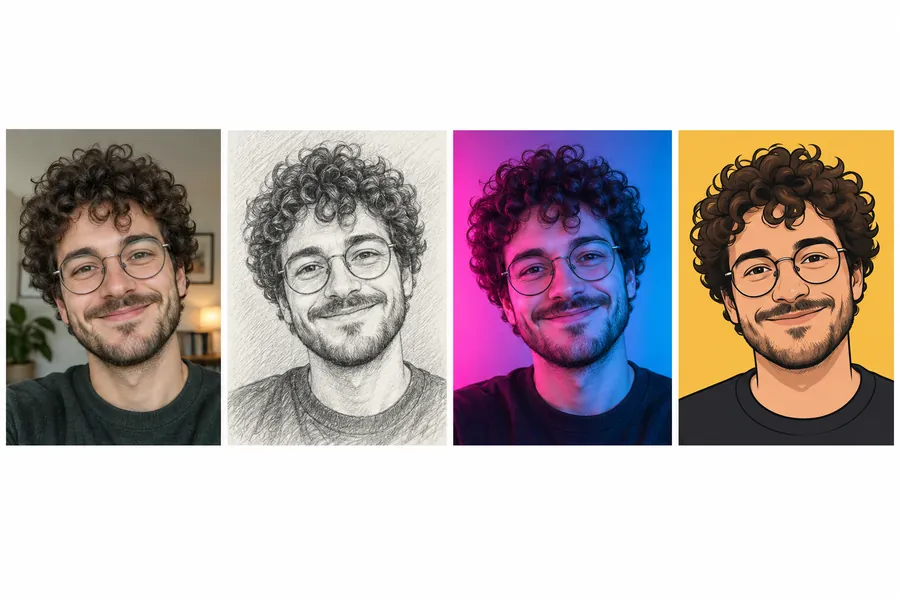 AI PFP MakerPFP maker for any app: upload a selfie, pick anime, 3D, pixel art, aesthetic, or letter styles, and the AI profile picture maker creates a square pfp to download.
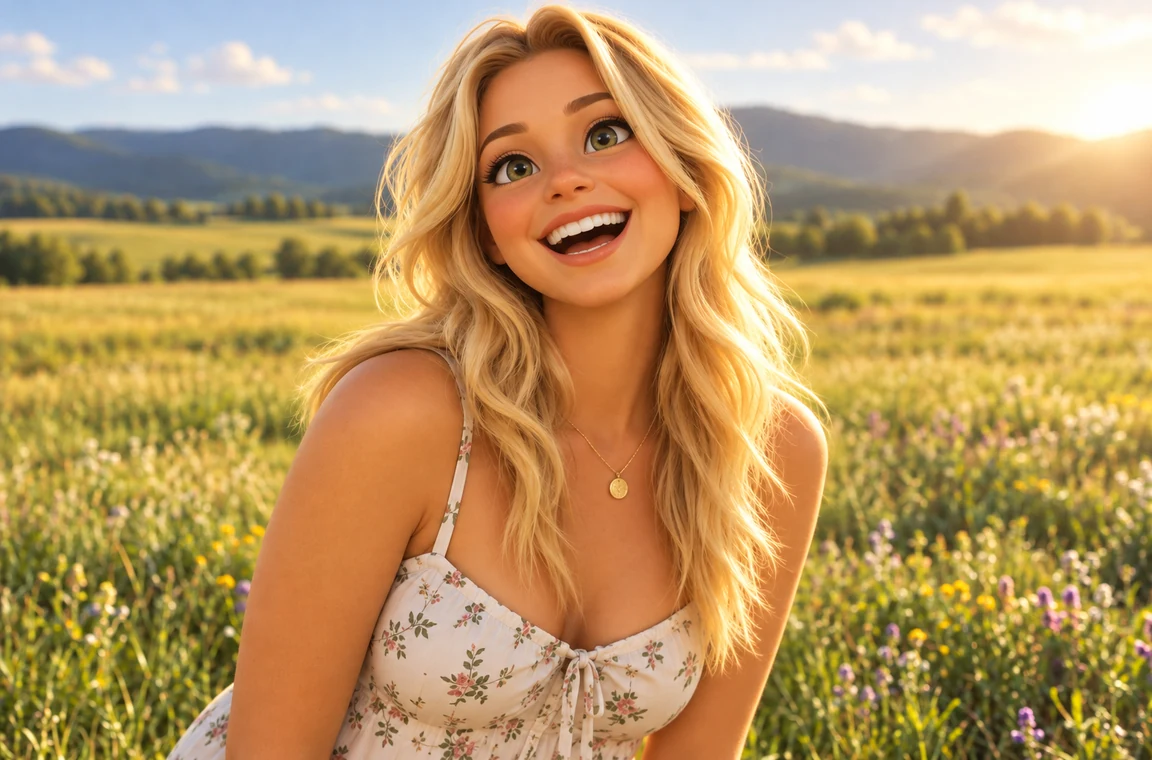 Photo to CartoonPhoto to cartoon AI cartoonizer: pick 3D animated, anime, comic, caricature or line art and turn a photo into a cartoon of you, your pet or car. Free to try.
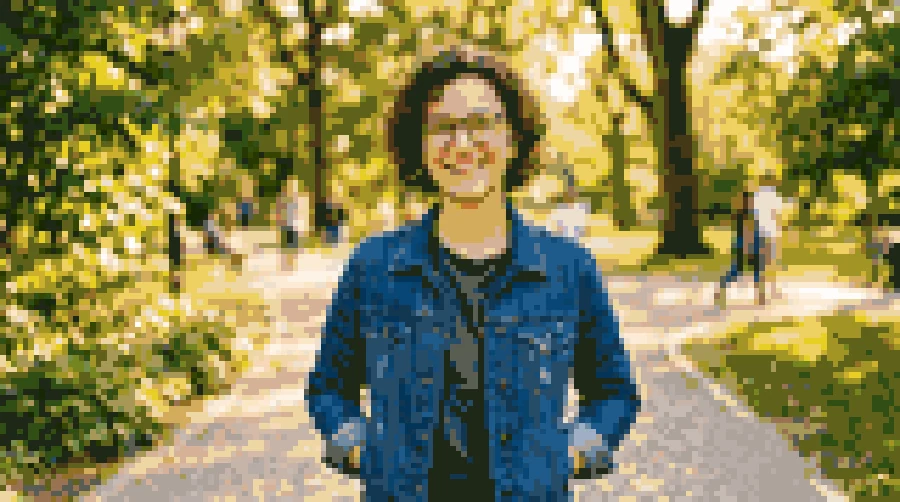 Photo to Pixel ArtTurn any image to pixel art with AI. Upload a photo, pick 8-bit, 16-bit, handheld green, or game sprite style, and get grid-aligned retro pixel art, not a blur.
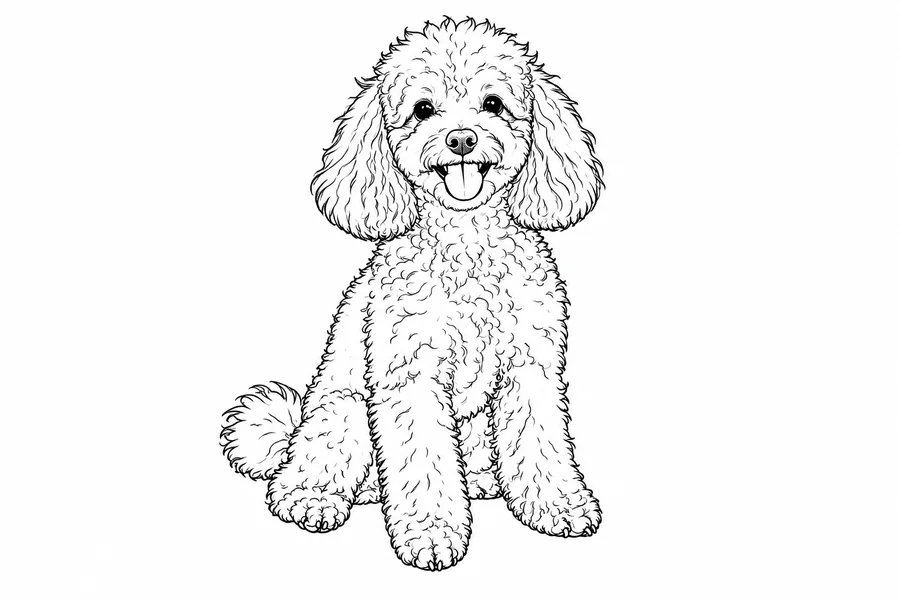 Photo to Line Art GeneratorConvert photo to line drawing online. Upload any picture to the line art generator, pick a style, and turn it into clean line art, outlines, or coloring pages.
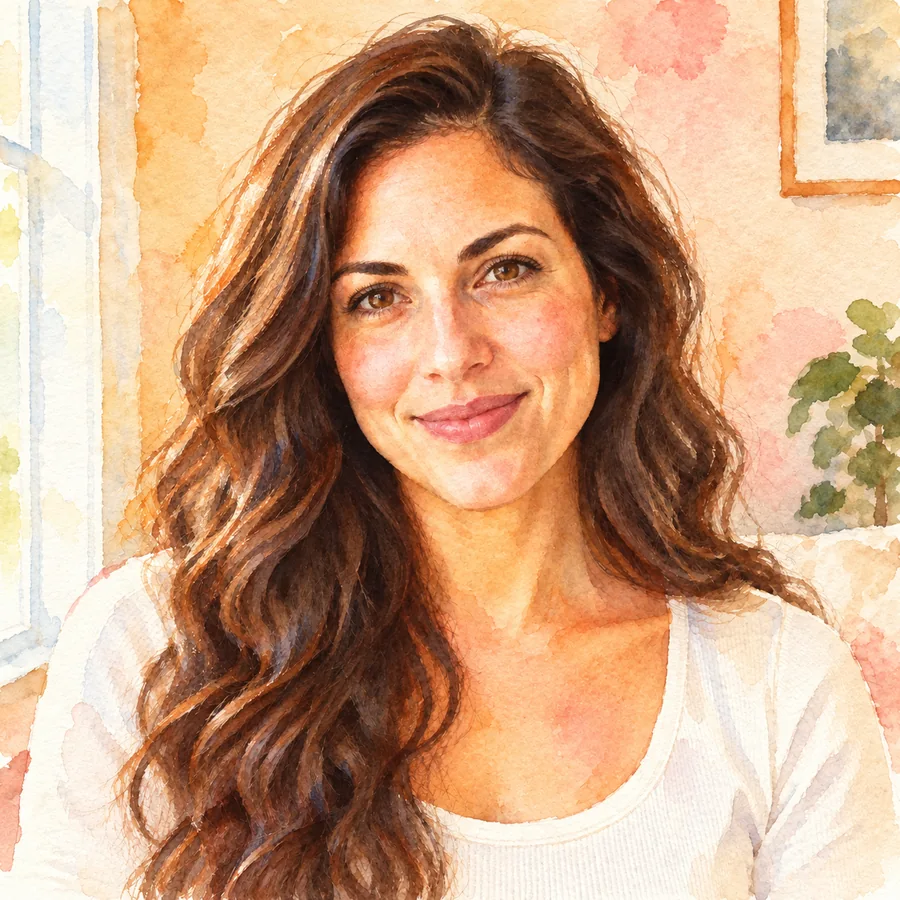 Photo to WatercolorTurn photo into watercolor art online. Upload a portrait, pet, or travel shot, pick a style, and turn it into a watercolor painting with soft, natural washes.
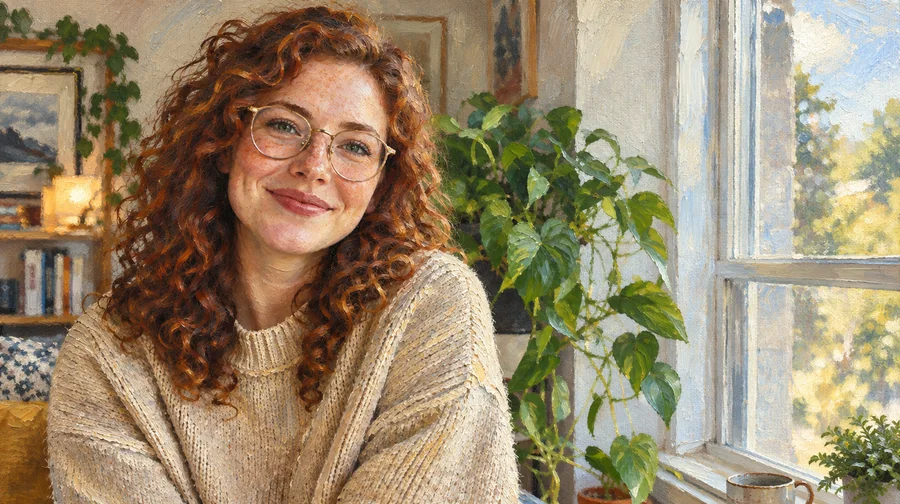 Photo to Oil Painting ConverterTurn photo into oil painting online. Upload a picture, pick a Classic, Renaissance, or Impressionist style, and get an oil painting photo with canvas texture.
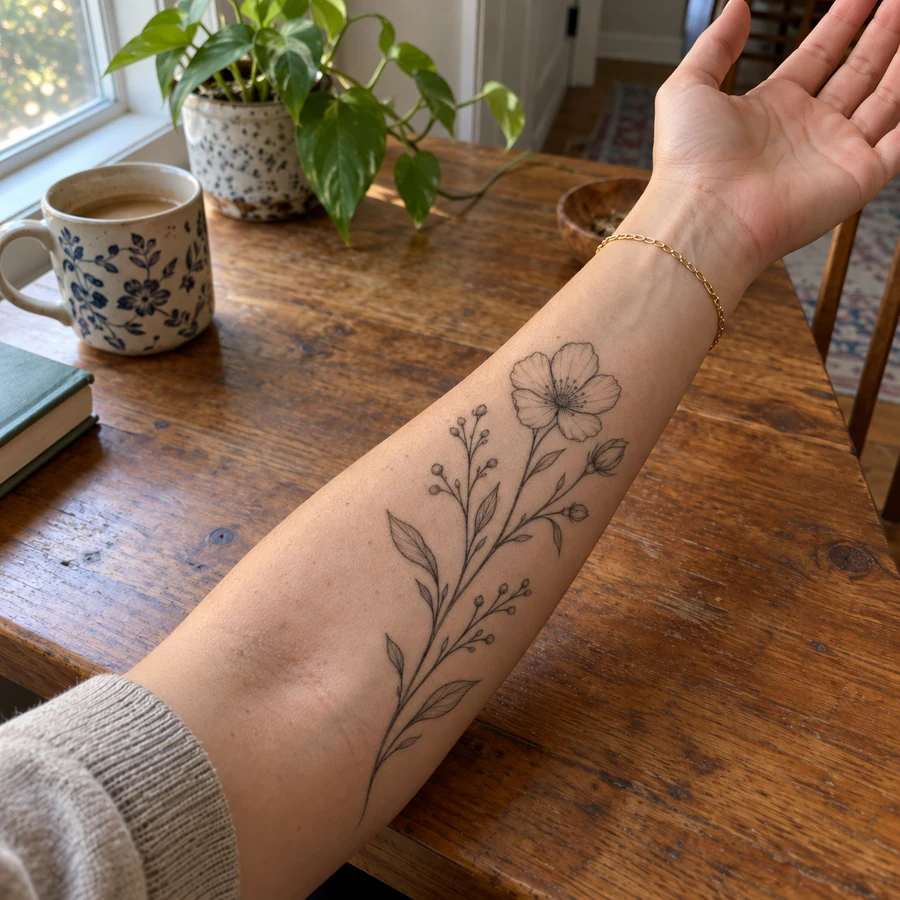 Tattoo Try-OnAdd tattoo to photo uploads and preview ink before it is permanent. Pick one of 20 tattoo styles or describe your own design, then see the tattoo on your body.
 AI Image UpscalerAI image upscaler for photos, logos, PNGs and art. Upscale images and pictures 2×, 4× or to 4K with faithful AI upscaling that keeps faces and text intact.
 4K Image Upscaler4K image upscaler and converter: make an image 4K quality for wallpapers, TVs and prints. Upscale photos to 3840 px or more with faithful AI. Free to try.
 Background RemoverRemove background free to try: the AI background remover online cuts out people, products and pets, then gives you a transparent PNG, white, color or new scene.
 AI Image ExpanderAI image expander and image extender: expand image borders to 16:9, 9:16, 1:1 or 21:9, uncrop photos and zoom out pictures with matching scenery. Free to try.
 AI Photo EditorAI image editor free to try: upload a photo, type the change and pick Nano Banana, Seedream, GPT Image or FLUX to swap backgrounds, outfits, light and more.
Describe the dragon in the prompt box (body, colors, horns, wings, setting), pick an element, a pose, and a style, and press Create My Dragon. Not sure what to write? Tap an idea chip or Surprise me, then edit the details.
It is free to try. New accounts get free credits when they sign up, enough to make several dragons with different styles. After that, each image uses credits, and the cost is shown on the button before you generate.
Both: dragon maker, dragon creator, and dragon generator all describe the same thing, and some people even search for a dragon creater. Whatever you call it, you describe a dragon and the AI draws it.
Yes. Upload your sketch or drawing as the reference image, add a short description, and the AI turns it into finished art while keeping your pose and shape. Clear, dark lines on a light background work best.
Yes. Choose the Eastern Dragon or Ink Painting style, or write “a wingless Eastern dragon with whiskers and a pearl”. It is a good fit for Lunar New Year cards and posters too.
Yes. Pick the Flying pose and the generator works as a flying dragon creator: wings spread, seen against the sky. Add a rider, clouds, or a sunset in your description for a more cinematic scene.
Yes. Choose 16:9 for a desktop or 9:16 for a phone before you generate, so the dragon is composed for that screen. For a large monitor, run the result through an image upscaler afterward.
The generator creates original dragons and does not copy characters from films, games, or books. Describe the look you like, such as “a black dragon with a sleek, cat-like face”, and you get your own version.
Nano Banana 2 is a fast, balanced default. Seedream 4.5 and FLUX.2 are strong at photoreal scales and lighting, and Nano Banana Pro follows long, detailed descriptions closely. Try two models on the same prompt and keep the one you like.
Download them for stories, games, wallpapers, avatars, and personal projects. Only upload sketches you made or have permission to use, and check our terms before any commercial use.
Describe it, pick an element and a style, and let the AI dragon generator do the drawing.
Nano Banana and Gemini are trademarks of Google LLC; GPT Image is a trademark of OpenAI; Seedream is a trademark of ByteDance; FLUX is a trademark of Black Forest Labs. EzImgMaker is an independent service and is not affiliated with or endorsed by these companies. Model names are used only to describe compatibility.