Forearm Tattoo Preview
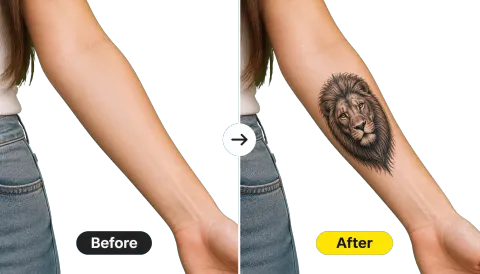
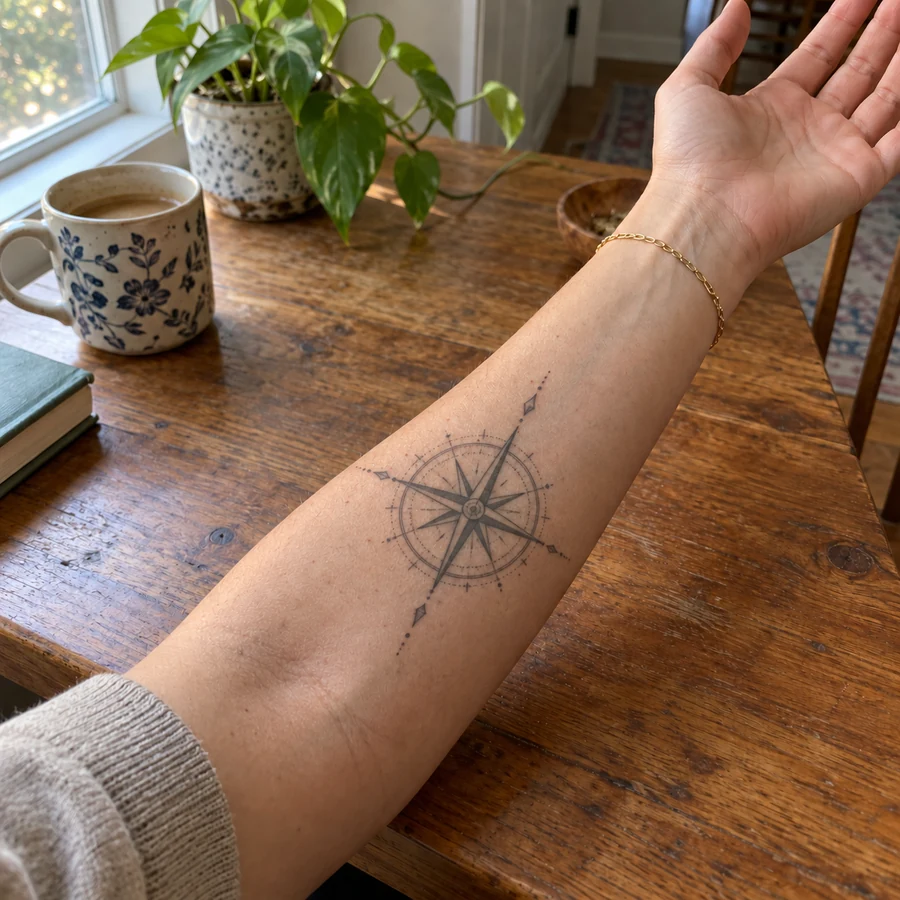
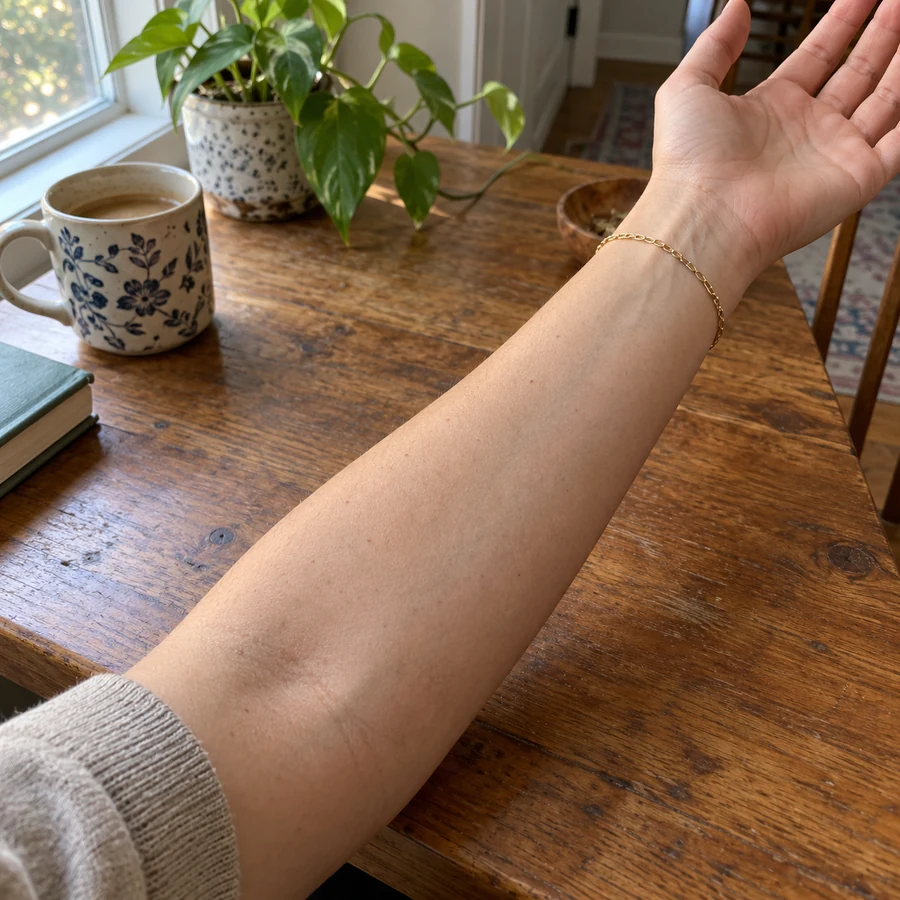
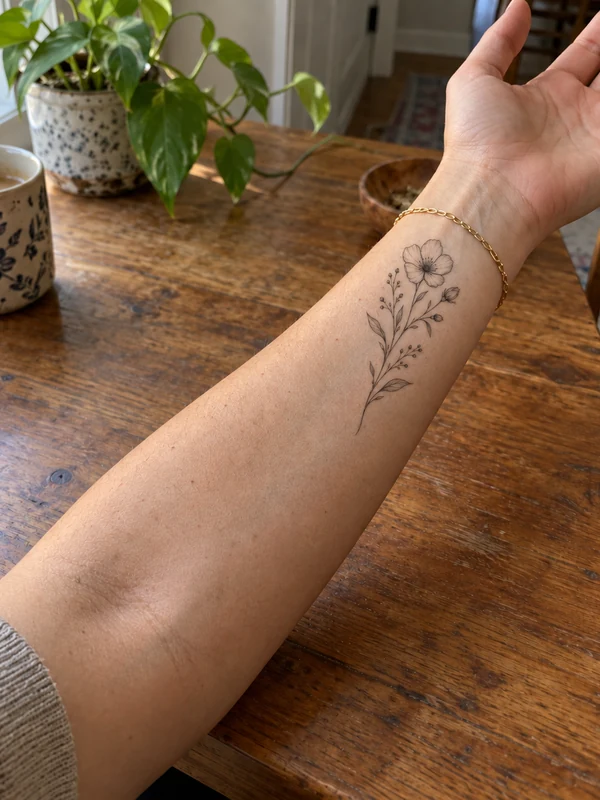
A compass rose placed on the inner forearm, scaled to the arm and shaded like healed black-and-grey ink, with the bracelet and sleeve untouched.
Upload a photo of your arm, wrist, ankle, or back, choose a tattoo style, describe your idea or add your own design, and preview realistic ink on your skin before you book the appointment.
Your photo stays in this browser during this UI preview.
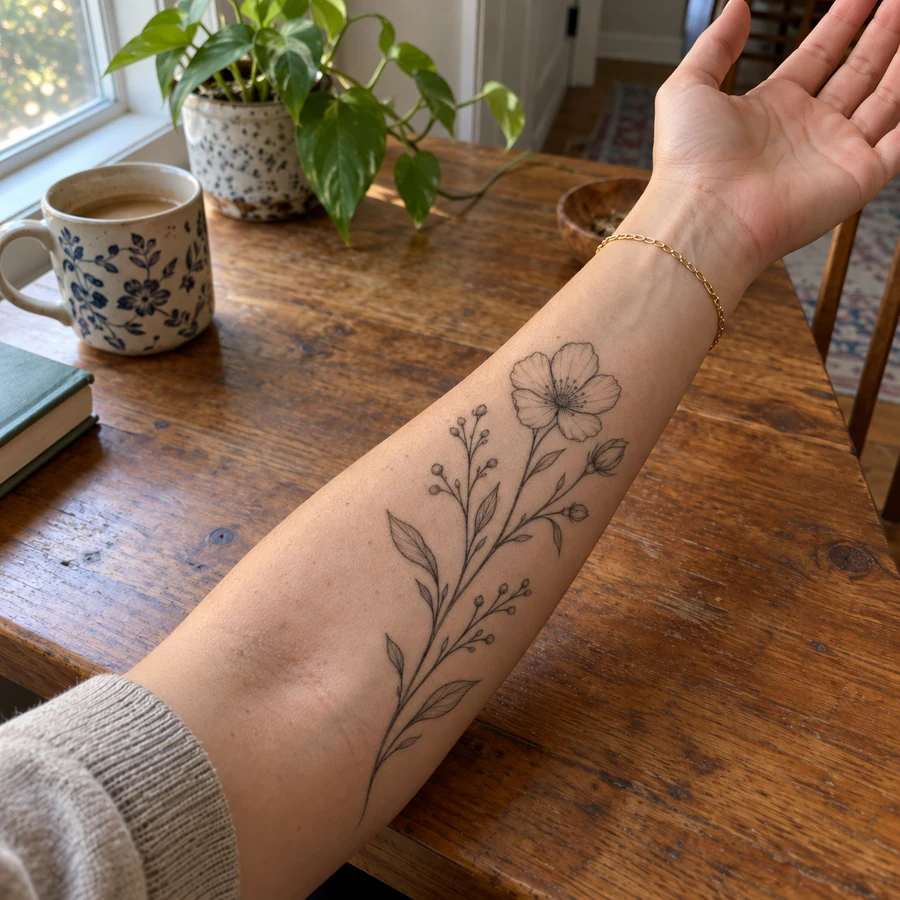
Reference example. It is not a result generated from your upload.
A tattoo try-on is an AI tattoo editor that lets you add tattoo to photo uploads of your own body and see the design before it becomes permanent. Instead of pasting a flat sticker on top, the AI tattoo generator on body wraps the ink around the curve of your arm, follows muscles and skin texture, and matches the lighting of the photo.
Use it as a tattoo customizer to compare styles, a tattoo placement generator to test where a piece should sit, or simply to put on a fake tattoo for a fun picture. It is a preview, not a stencil: your tattoo artist will still adapt the final design to your skin.
Drag each slider to compare the bare skin with the tattoo preview.
A compass rose placed on the inner forearm, scaled to the arm and shaded like healed black-and-grey ink, with the bracelet and sleeve untouched.
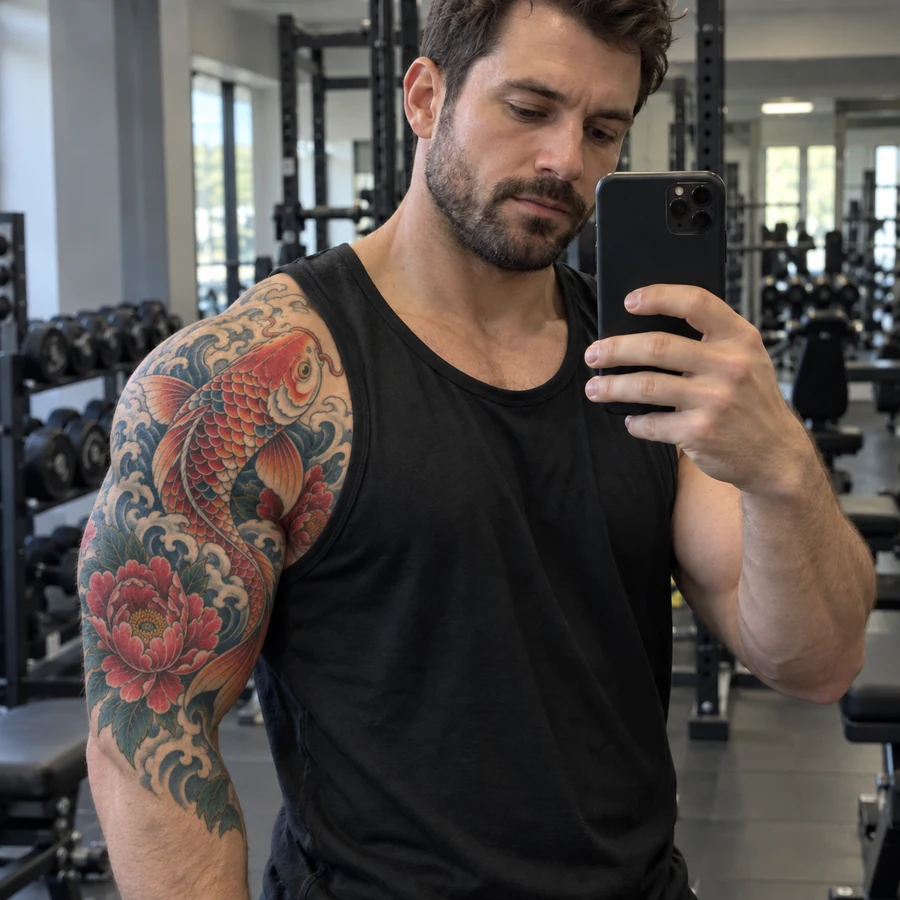
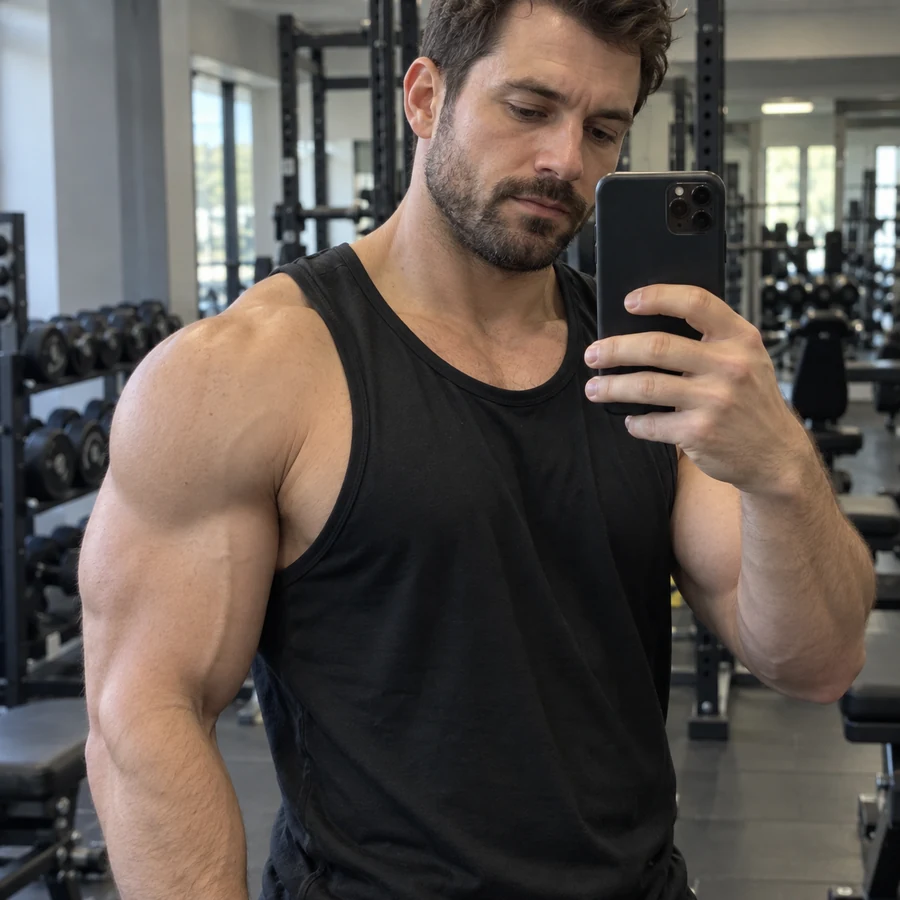
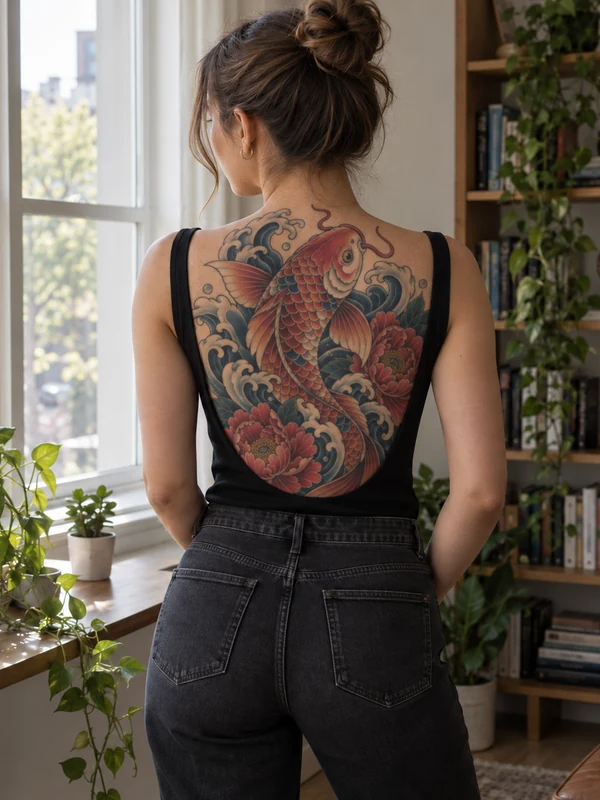
Bold Japanese koi and peony work wraps around the shoulder and bicep, following the muscle so the half sleeve looks like it has always been there.
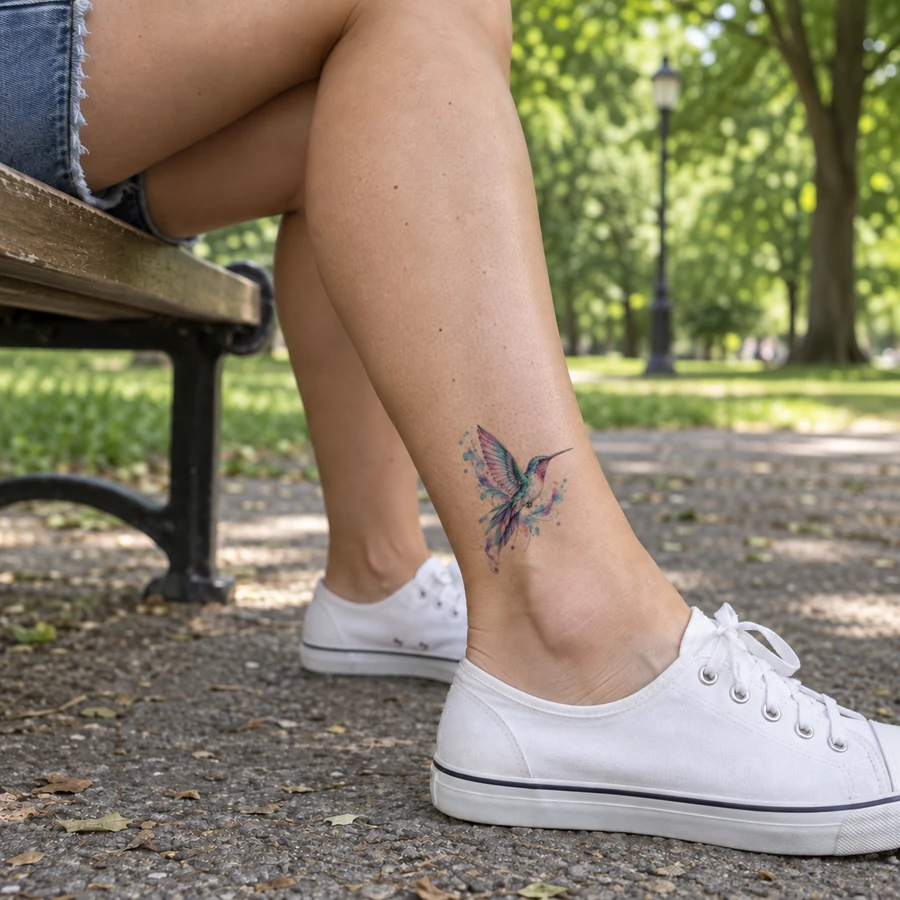
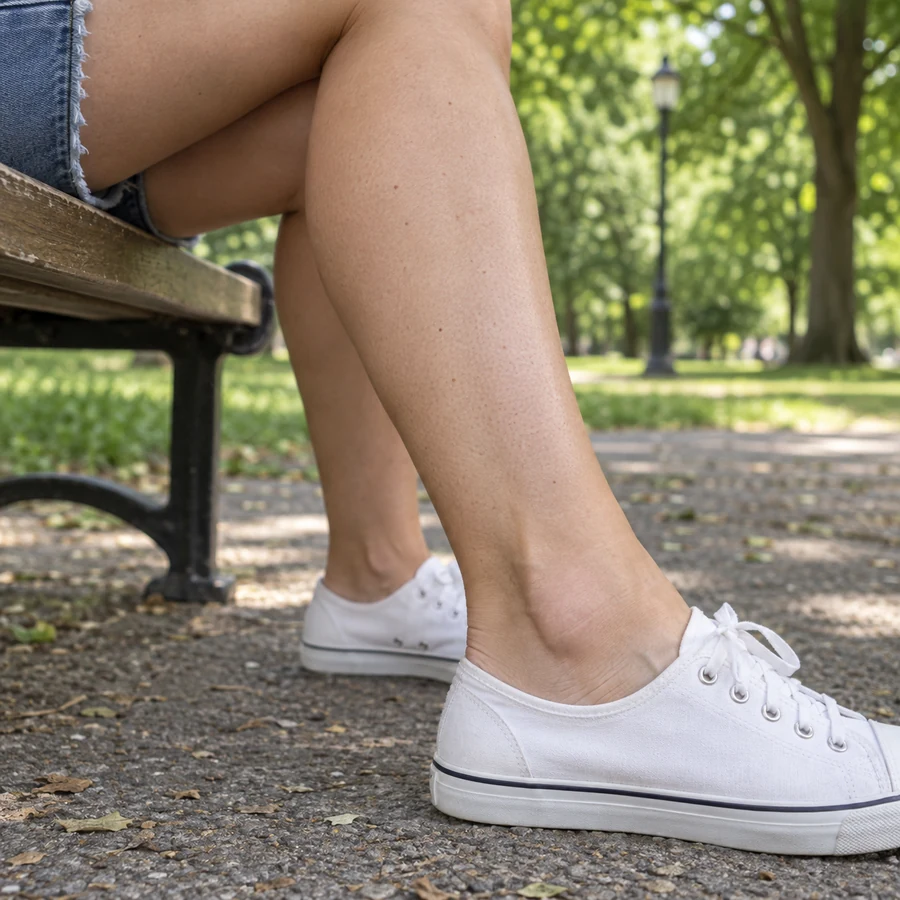
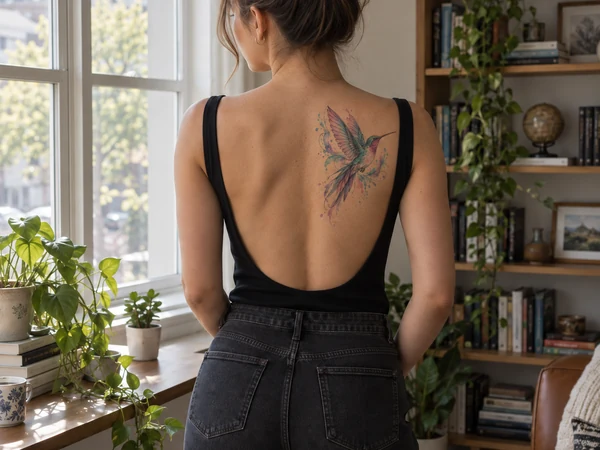
A watercolor hummingbird sized for the outer ankle. Small pieces are where a tattoo simulator on body helps most, because size is hard to judge on paper.
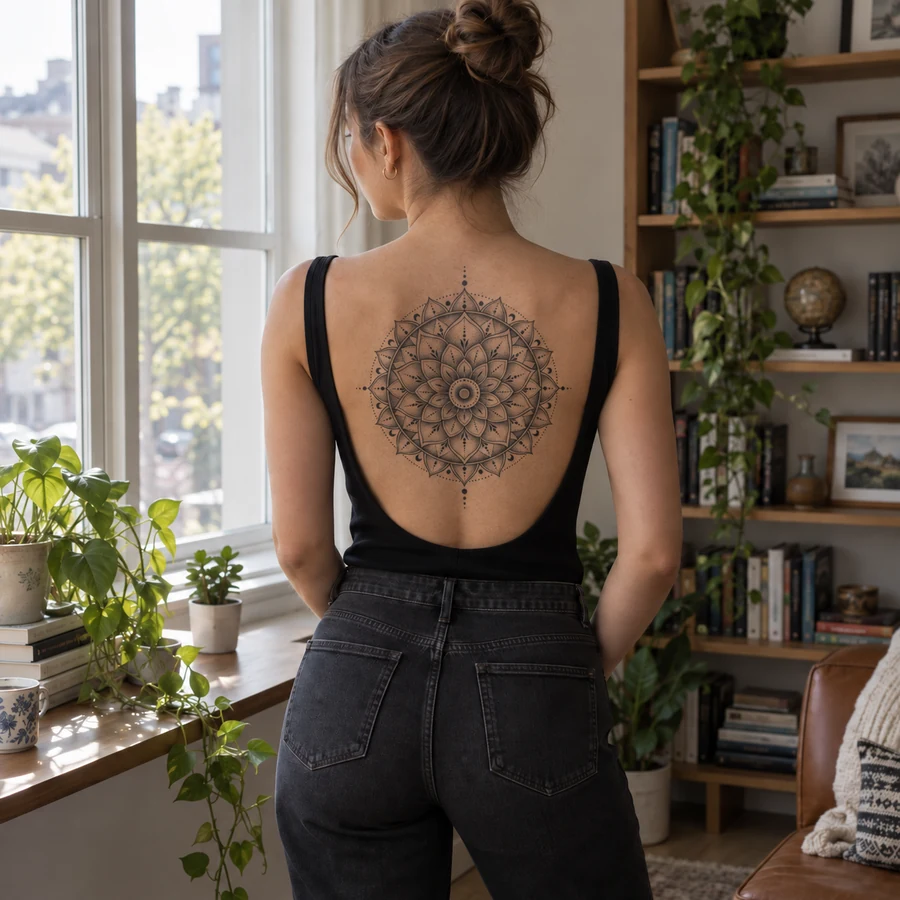
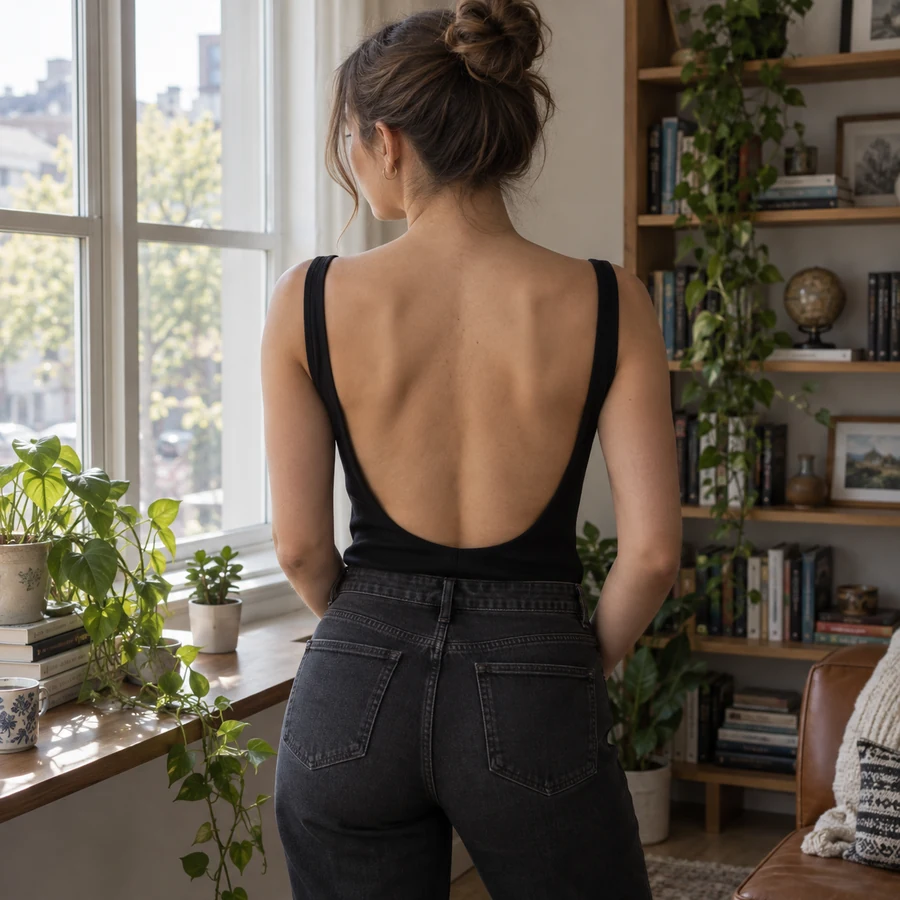
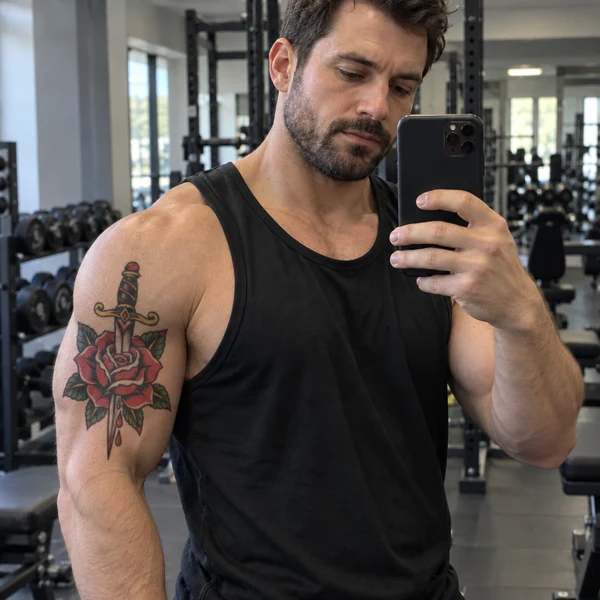
Large back tattoos are a big commitment. Preview a dotwork mandala along the spine and check how it sits with your posture before the first session.
Each placement suits different sizes and styles. Use these as a starting point, then add tattoos to pictures of your own skin.
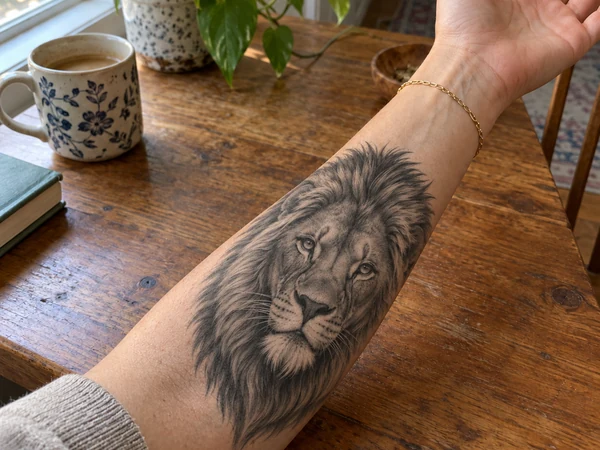
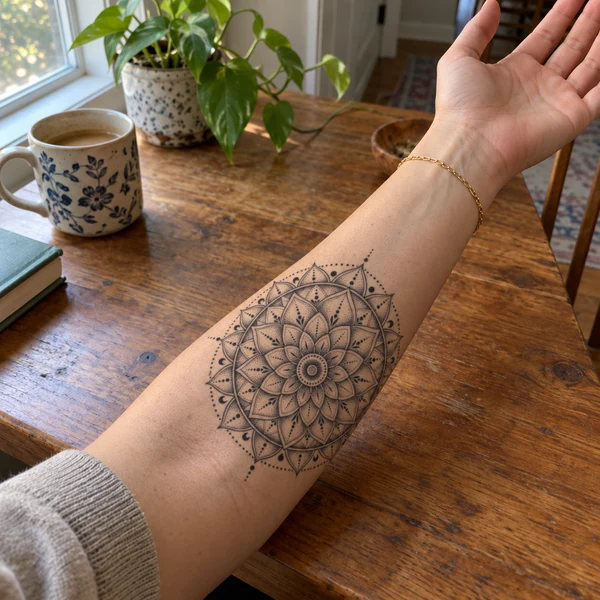
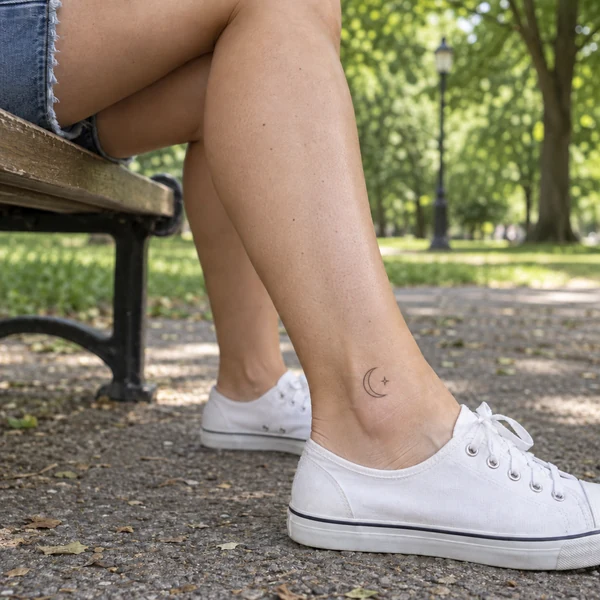
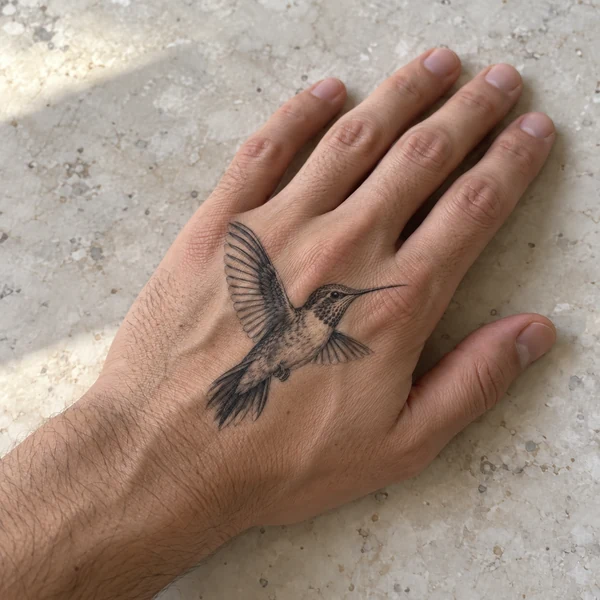
From bare skin to a realistic tattoo preview, with no drawing or layering skills.
Take a clear, well-lit photo of the area you are considering, such as your forearm, wrist, shoulder, ankle, or back. JPG, PNG, and WebP up to 10 MB.
Choose from 20 styles across Fine Line, Bold, Realism, and Color. Then describe the design, size, and placement in the design idea box, or upload your own sketch or flash in the optional design slot.
Generate up to four versions, compare them with your bare skin, and keep the one you want to show your tattoo artist.
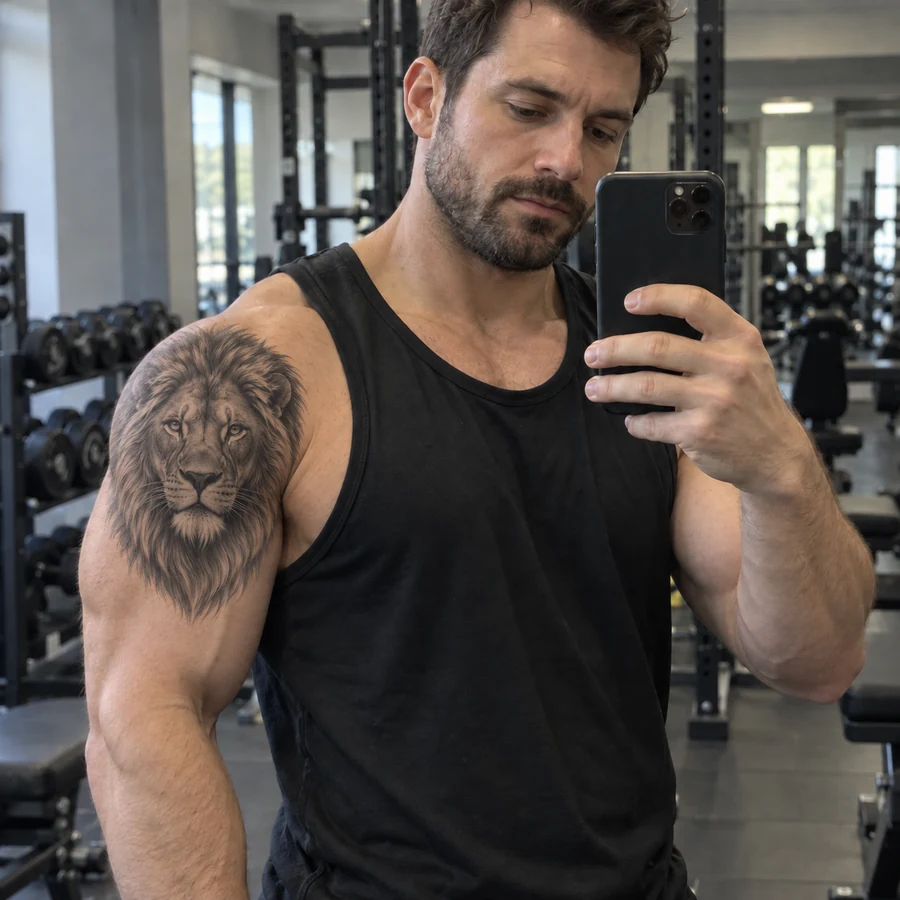
A basic tattoo on picture creator drops a flat image on top of the photo. This tattoo editor bends the design around muscles and curves, keeps pores and hair visible through the ink, and matches shadows, so the preview looks like a healed tattoo.
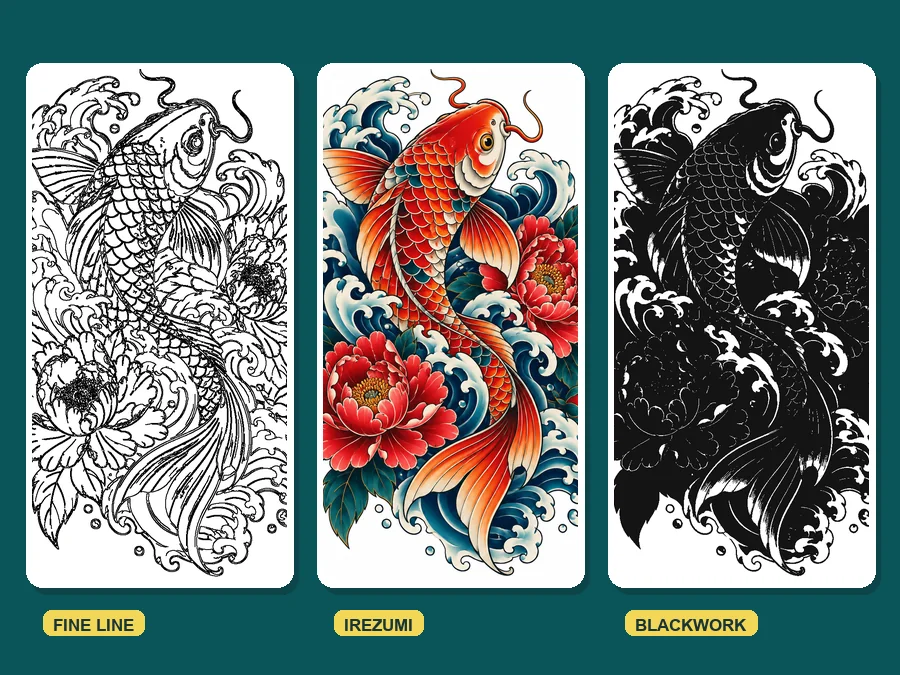
Torn between fine line and Japanese? Render the same idea in several styles, from minimalist and script lettering to blackwork, black and grey, watercolor, and trash polka, and compare them side by side before you commit.
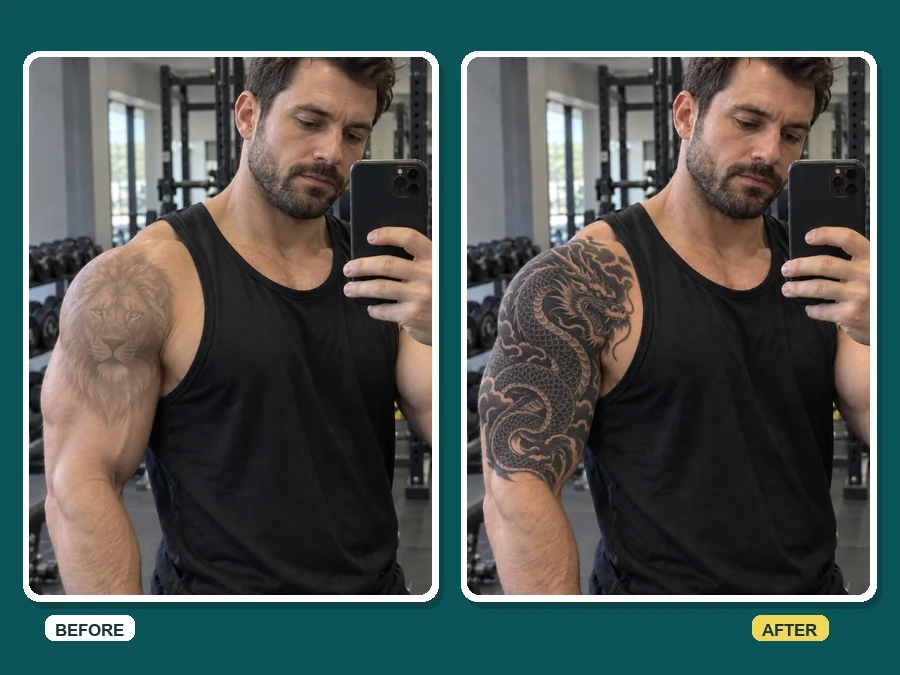
Have ink you want to hide? Upload a photo of the old tattoo and try bold blackwork or dense color concepts over it. You can add on tattoos one idea at a time until the cover-up feels right.
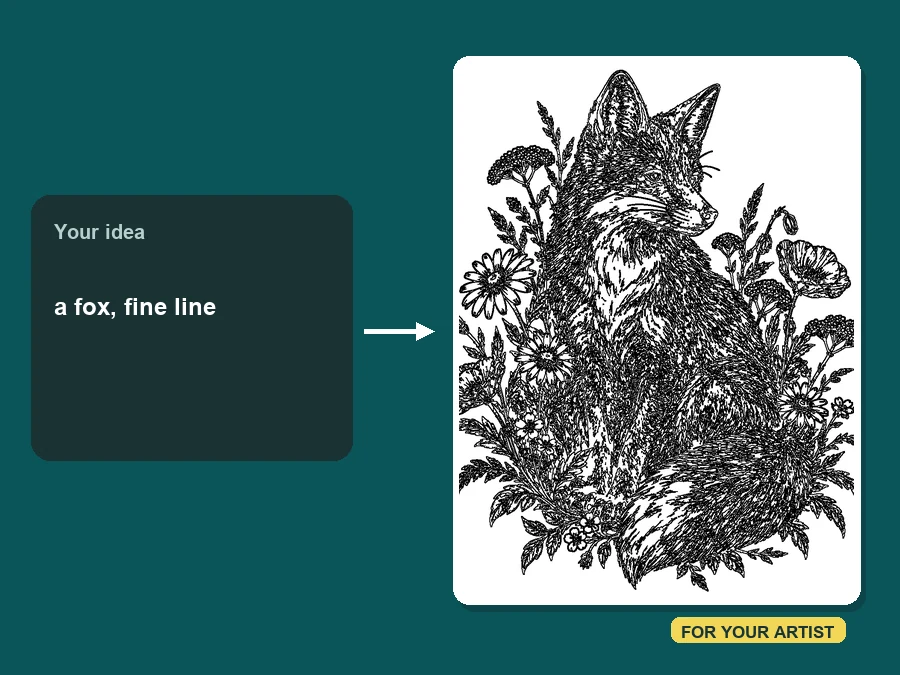
Turn a few words, or a sketch of your own, into a styled concept and a placement preview. Bringing a tattoo picture maker result to your consultation shortens the back-and-forth, while your artist still draws the final, skin-ready stencil.
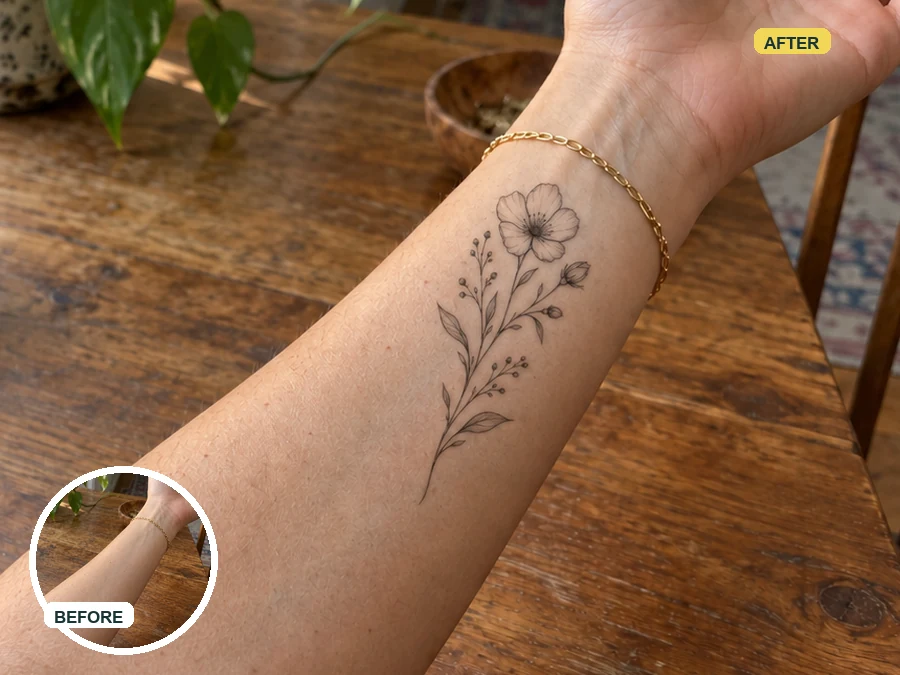
Nervous about your first tattoo? Test a small design on your wrist or forearm and walk into the studio knowing exactly what you want.
Not sure between the forearm and the shoulder? Try the same design on both and see which proportions work.
See how a new tattoo sits next to the ones you already have, so the whole arm or back still flows.
Add tattoos to a photo for a costume, a character concept, or a "what if" post without any commitment.
Better photos make the tattoo on body simulator look like real ink.
Daylight without harsh shadows keeps skin tone true and the ink edges believable.
Include some space around the spot, so the AI can judge scale on the arm, leg, or back.
In the design idea box, add a size such as "about 3 inches" or "covering the whole forearm".
Real ink spreads slightly and heals differently. Let your artist adapt the final design.
Common ways people preview tattoos before getting inked.
Illustrative examples adapted from reference material, not verified reviews of EzImgMaker.
I went back and forth on a wrist piece for a year. Seeing the fine-line version on my own arm made the decision in five minutes.
I tried the same koi as Japanese and blackwork on my shoulder photo. My artist used the color preview as the starting point.
Clients bring previews from their phone now, and the consultation goes faster because we are already talking about placement and size.
I needed a fake tattoo for a character photo shoot. A quick custom design on my forearm looked real enough for the whole set.
Answers to common questions about previewing tattoos with AI.
Upload a photo of your skin, pick a style, add your idea or your own design if you have one, and generate. The AI places the tattoo on the visible body area, wraps it around the curves, and blends it with your skin tone and the lighting.
Upload the picture, choose a style such as Fine Line or Old School, describe the exact design in the idea box, then generate. You can add a tattoo to a picture of yourself or a friend, as long as you have permission to edit it.
Yes. Upload a photo that shows the spot, then describe the placement in the design idea box, for example "inner forearm", "behind the ear", or "along the spine". For a tighter result, crop the photo around that area.
Results follow your skin texture, muscles, and lighting, so they read like healed ink. Real tattoos still vary with your skin, the artist, and healing, so treat the preview as a reference, not a guarantee.
Yes. Add a sketch, flash sheet, or saved design in the optional "Your Tattoo Design" slot next to your body photo, then pick the style closest to it and note the placement in the idea box. A design on a plain white or transparent background is easiest to place. Only upload designs you drew, bought, or have permission to use; your artist will still redraw it as a proper stencil.
No. The tattoo try-on runs in your phone or desktop browser, so there is no tattoo filter app to download before you start.
Yes. Upload a photo of the existing tattoo and try bold styles such as Blackwork or Japanese. Discuss the result with your artist, who will check whether the cover-up is possible on your skin.
Only upload photos you own or have permission to edit, and get consent from the person in them. Do not upload photos of minors, and do not use tattoo edits to mislead others about a real person.
Yes, previews are great conversation starters. Your artist will redraw the design as a proper stencil and may adjust size or line weight so it ages well on your skin.
Upload a photo, pick a style, and add tattoo to photo previews of your own skin.