Product Shot
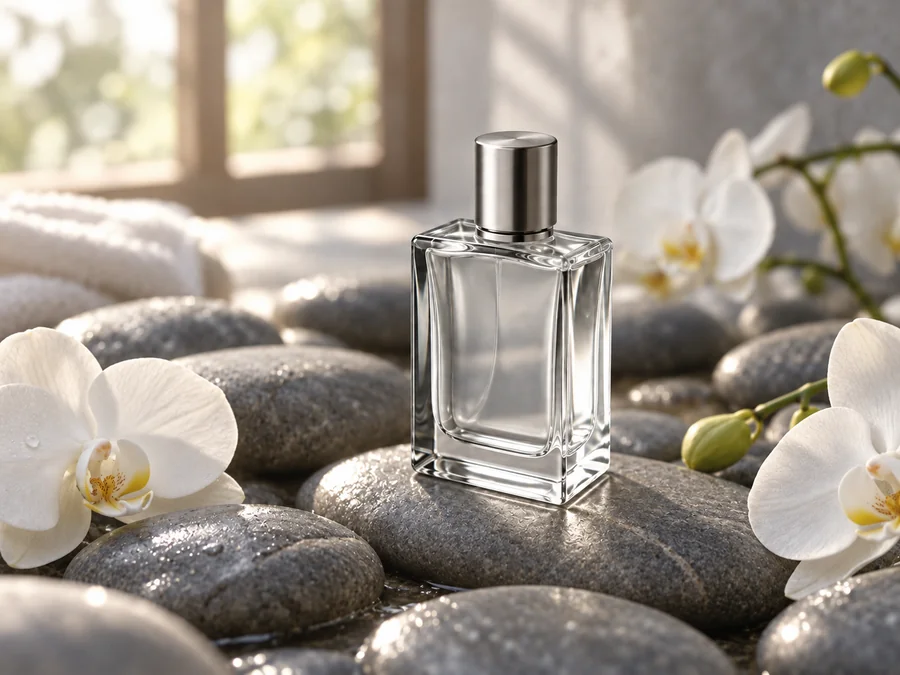
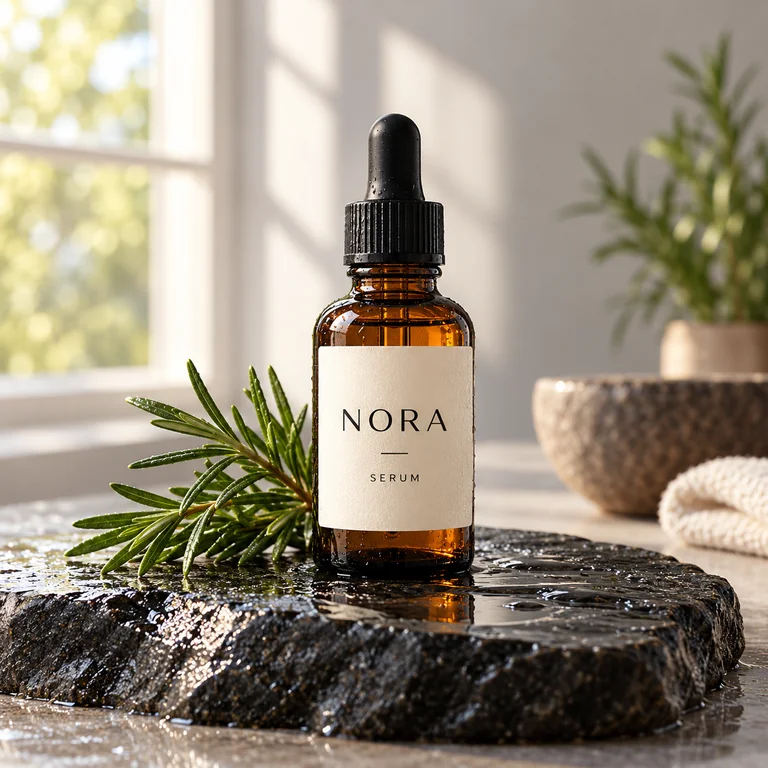
Amber glass, wet stone and window light for a shop listing; the label text is part of the prompt.
Write what you want to see, or upload up to six photos to edit and combine, then generate with GPT Image 2, GPT Image 2.5 Flare or GPT Image 2.5 Sunburst at 1K, 2K or 4K. Words you put in quotes are drawn as lettering in the picture. Free to try.
Studio product photo of an amber glass dropper bottle with a minimalist cream label that reads "NORA SERUM", standing on a wet black stone beside a sprig of rosemary, soft morning window light from the left, shallow depth of field, crisp reflections, square composition.
Reference example. It is not a result generated from your upload.
Looking for a ChatGPT like AI image generator you can open in a browser tab and use right away? This chat GPT image generator runs GPT Image 2, the OpenAI model many people call ChatGPT Image 2, plus the newer GPT Image 2.5 in its Flare and Sunburst versions. Type what you want to see, or switch to Edit or combine photos and add up to six pictures to change or merge.
Each request goes straight to the model you pick, with the aspect ratio and the 1K, 2K or 4K resolution you set, so it behaves like an image generator like ChatGPT minus the chat thread. Many sites like ChatGPT for images hide the model behind a chatbot; here you see which one runs. Call it a GPT AI image generator, an AI GPT image generator or just ChatGPT images: EzImgMaker is an independent site, so you sign in here rather than with an OpenAI account.
The names can be confusing. OpenAI GPT 4o image generation arrived in ChatGPT in early 2025, GPT Image 1 and GPT Image 1.5 followed, and GPT Image 2 (April 2026) is the generation this page starts from, with denser lettering and more faithful edits. Some people type ImageGPT when they mean ChatGPT’s picture feature; on this page it simply means the GPT Image models.
Every picture below came from the prompt on its button. Load one, then change the subject, the words or the colors.
Amber glass, wet stone and window light for a shop listing; the label text is part of the prompt.
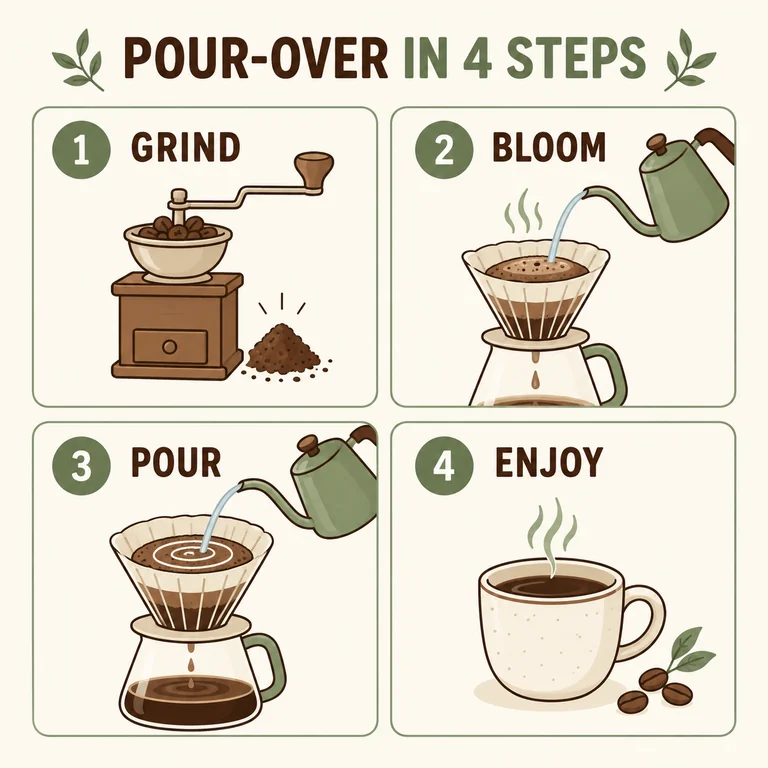
Four numbered panels with short labels, the kind of layout earlier image models garbled.
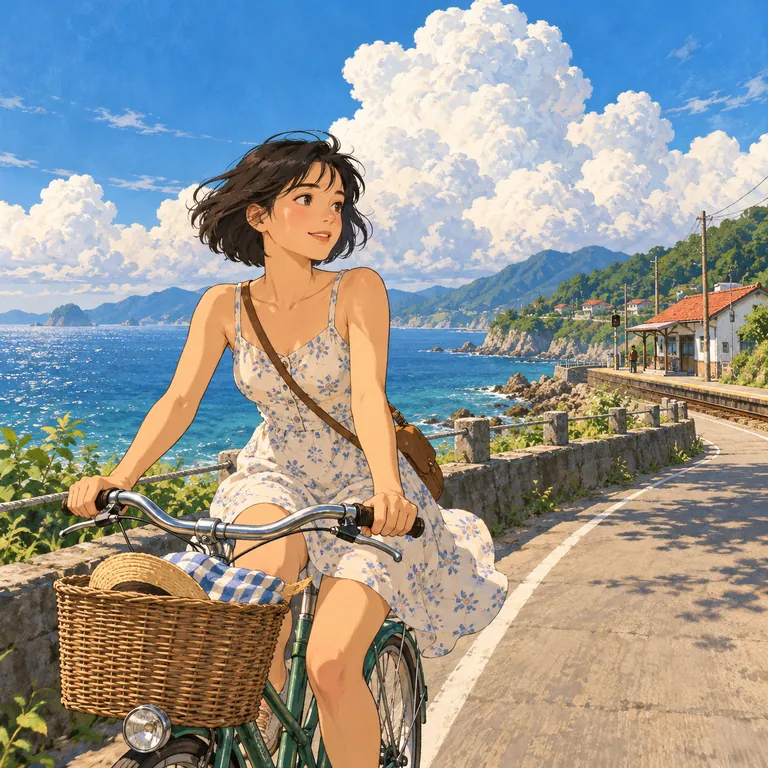
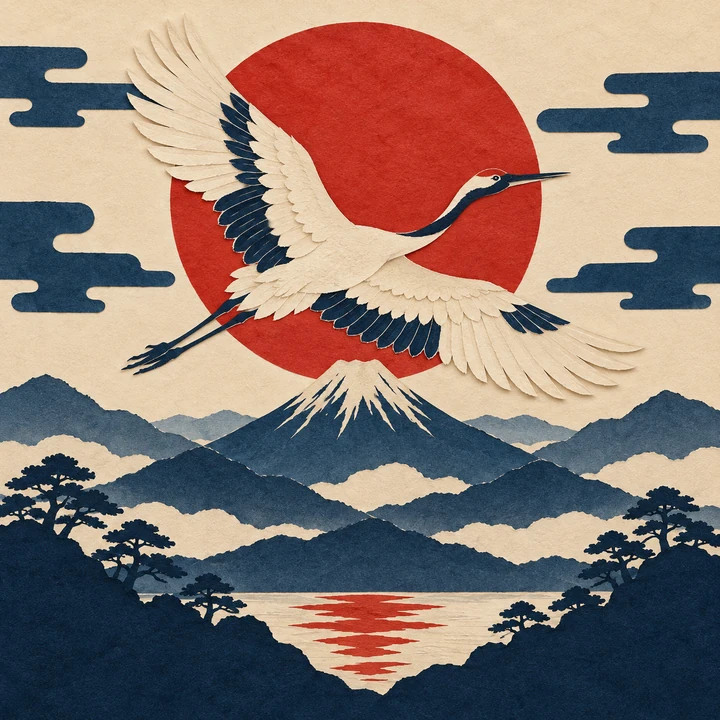
Painted clouds, ink lines and an original cyclist, described by features rather than by any studio.
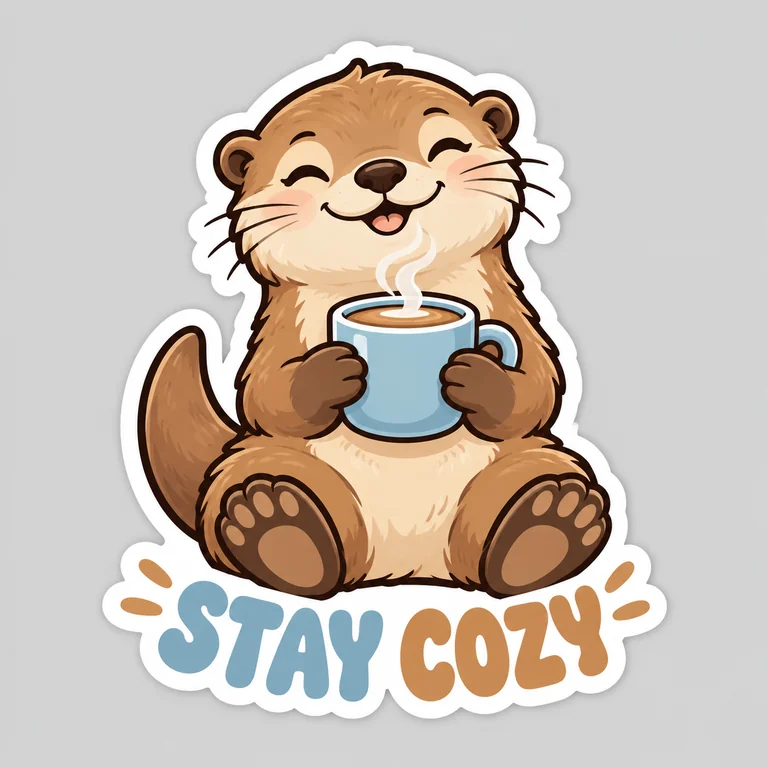
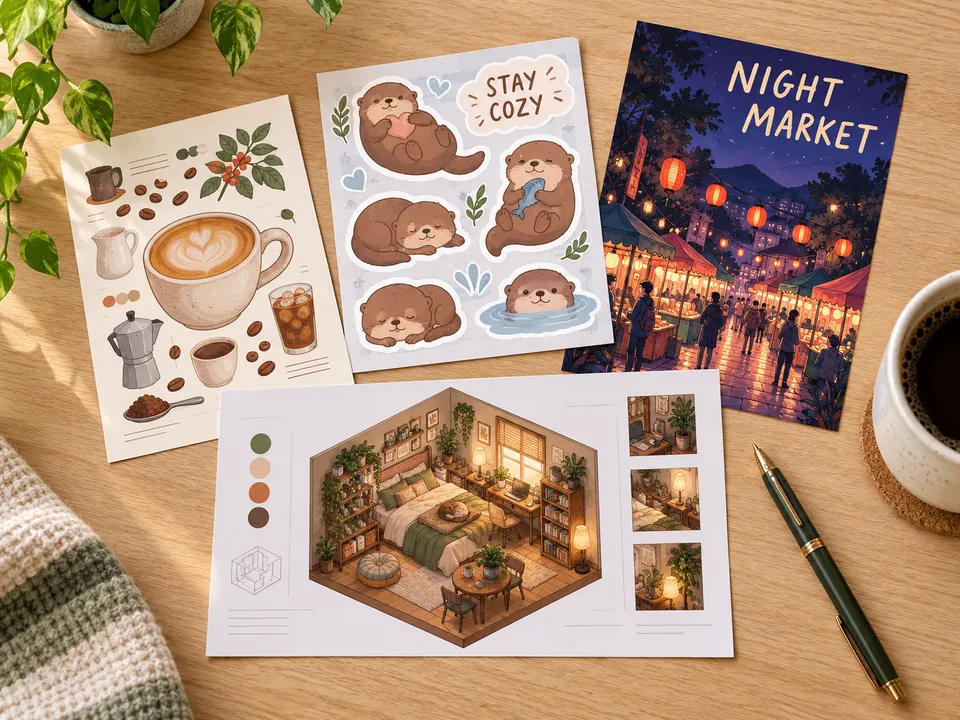
A die-cut otter with a white border and two rounded words, ready for a sticker sheet.
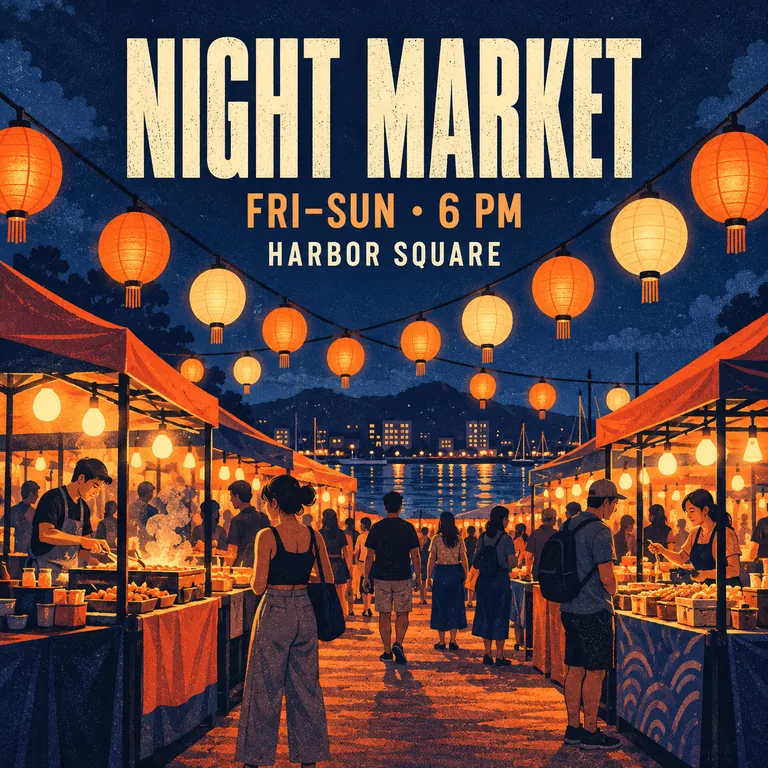
A headline, a date line and a place, each quoted in the prompt so the lettering comes out as written.
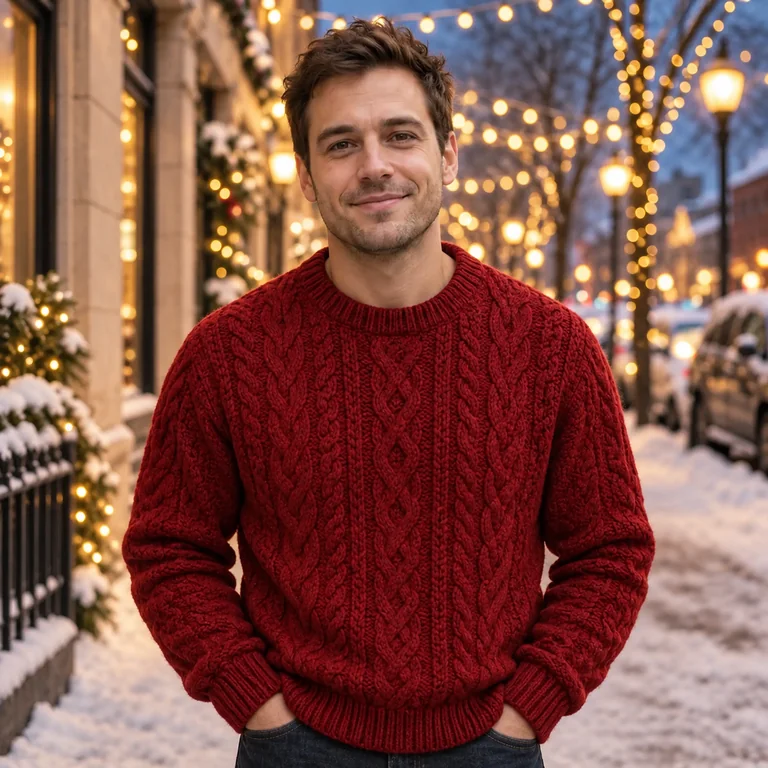
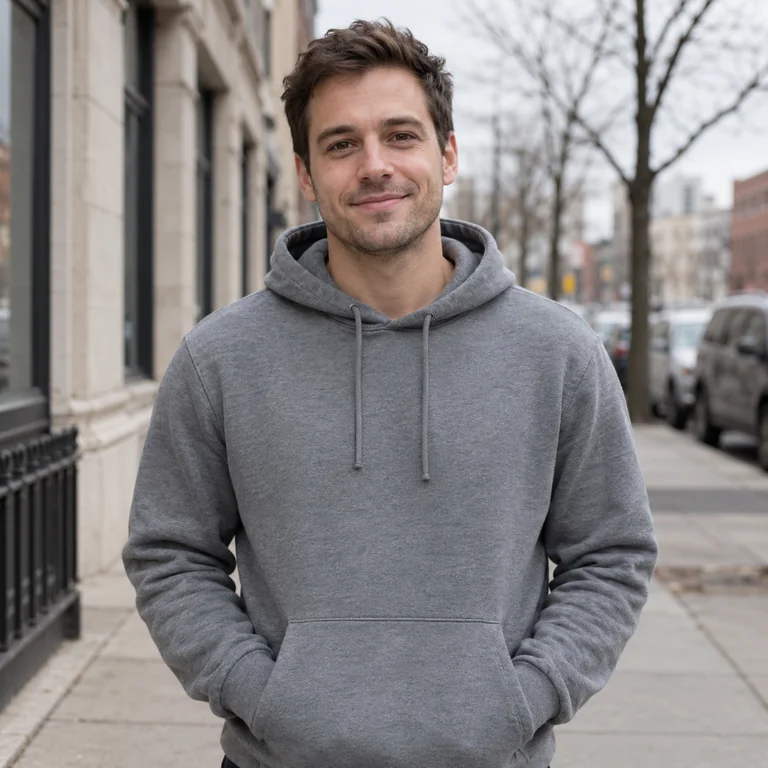
One sentence swapped the hoodie and the weather; face, pose and framing stayed where they were.
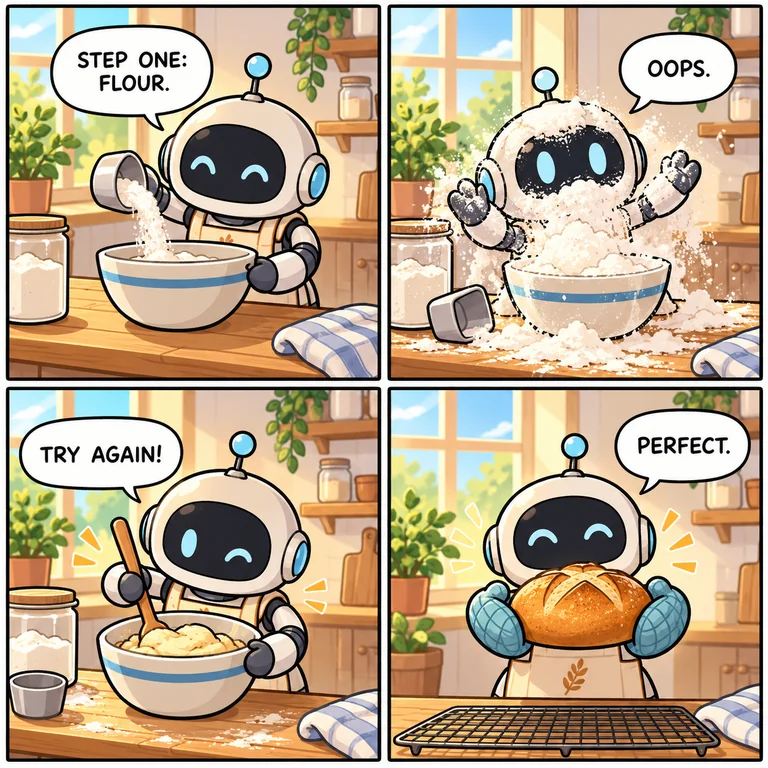
A 2×2 strip with one speech bubble per panel and an original robot as the star.
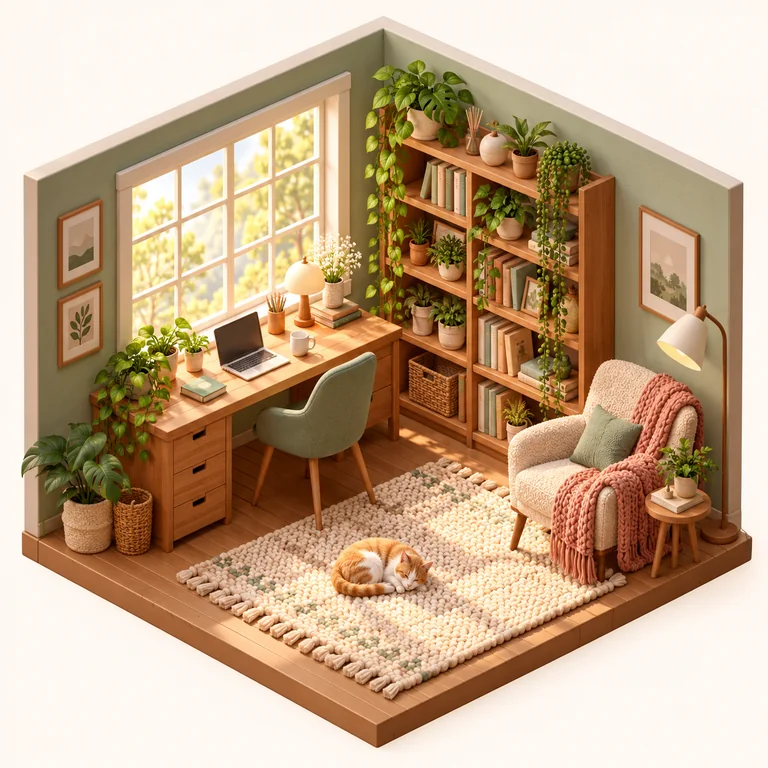
A clay-like cutaway for a blog header, a game mood board or a cozy desktop background.
Stay in Text to image to create from words alone. Switch to Edit or combine photos to upload one picture to change, or up to six to merge into a single scene.
Name the subject, the setting, the style and the light, and put every word that must appear in the picture inside quotes. Tap an idea chip if you would rather rewrite a starting prompt than begin from a blank box.
GPT Image 2 is selected first; GPT Image 2.5 Flare is the quicker 2.5 version and Sunburst the careful one for edits. Set the aspect ratio and 1K, 2K or 4K under More settings, and watch the Generate button update the cost.
Make one to four versions, keep the strongest and change one thing at a time: a color, a word, the camera angle. Small changes to a good prompt usually beat starting over.
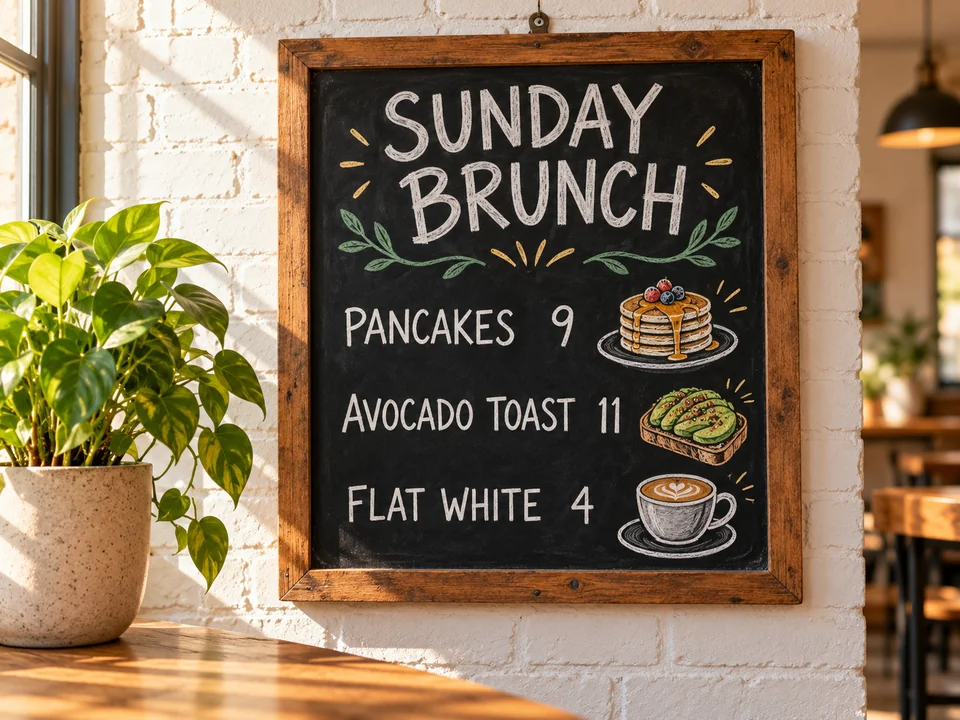
GPT Image 2 was built to handle dense text, so a café chalkboard, a product label or a classroom handout comes out with words people can read. Quote every line you need, keep each one short, and proofread prices and names before anything goes to print.
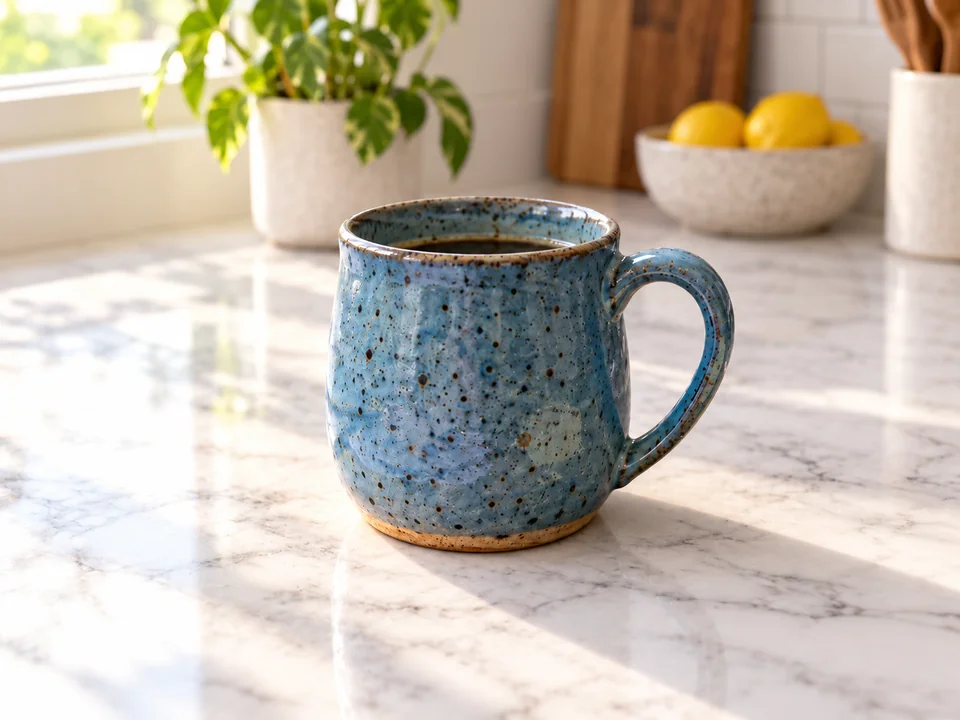
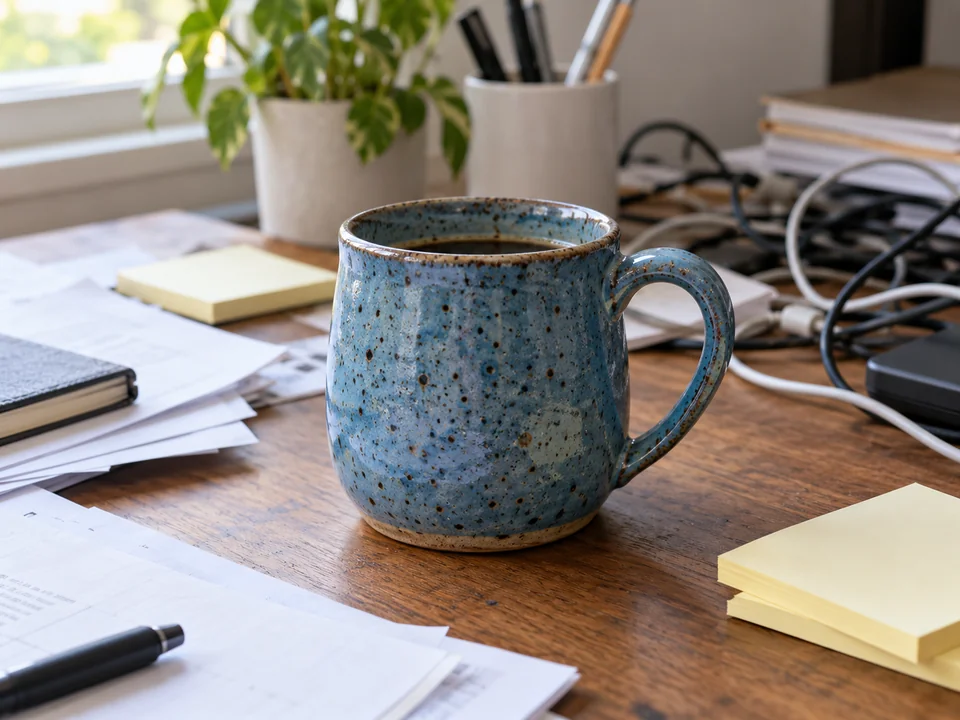
Upload a picture and say what should change: a new surface, a different color, softer light. The model keeps what you did not mention, so the mug, its glaze and its shadow stay put while a cluttered desk becomes a marble counter.
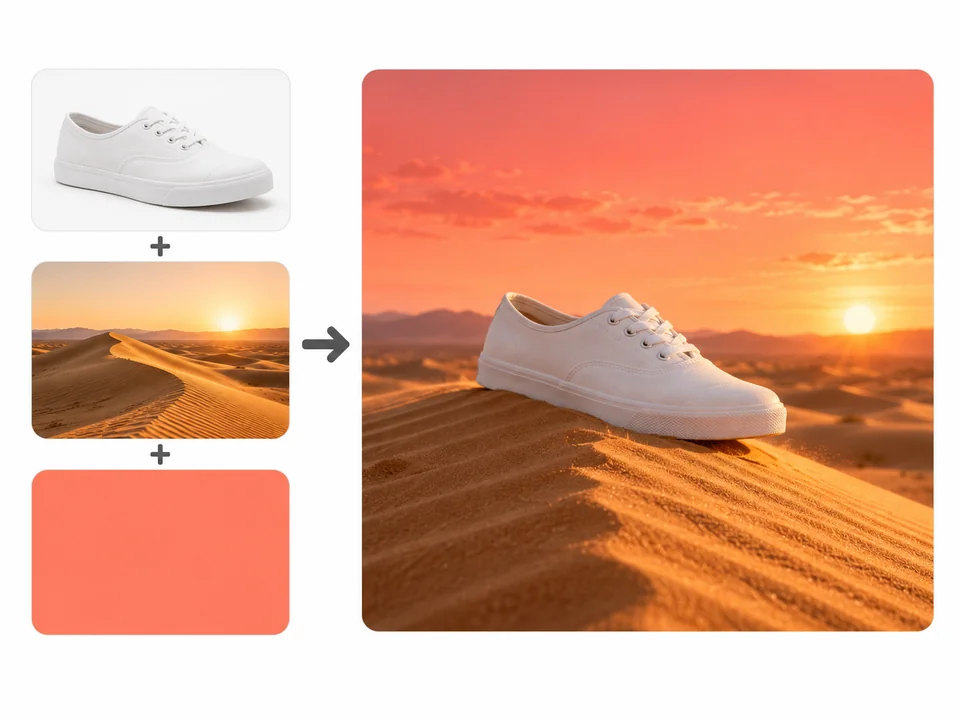
Add a product, a location and a color reference, then explain how they fit together. Refer to them as Image 1, Image 2 and Image 3 in the prompt so each picture has one clear job, such as the shoe, the dune and the coral palette.
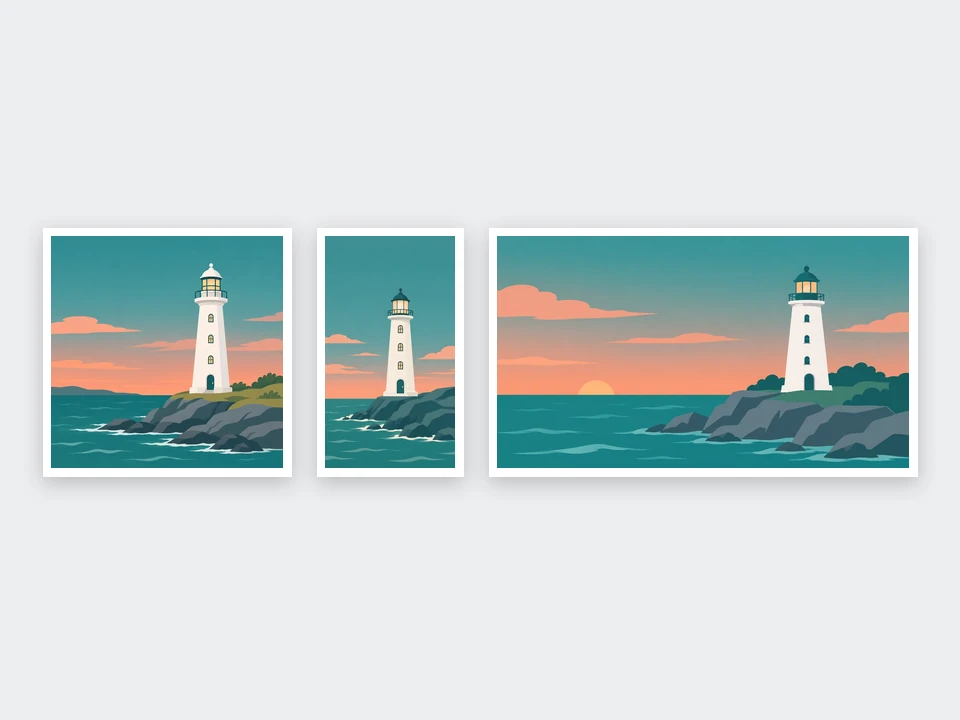
Choose GPT Image 2, GPT Image 2.5 Flare or GPT Image 2.5 Sunburst, then square, portrait, landscape or a 21:9 banner. Draft at 1K, then rerun the keeper at 2K or 4K for a print or a large screen.
All three are OpenAI GPT Image models. Pick by the job, not the version number.
| GPT Image 2 | GPT Image 2.5 Flare | GPT Image 2.5 Sunburst | |
|---|---|---|---|
| Best for | Lettering-heavy designs and everyday prompts | Quick everyday pictures with the 2.5 upgrades | Careful edits where faces and products must hold steady |
| Text to image | Yes | Yes | Yes |
| Edit or combine photos | Up to 6 pictures on this page | Up to 6 pictures on this page | Up to 6 pictures on this page |
| Resolution | 1K, 2K, 4K (Auto renders at 1K, square tops out at 2K) | 1K, 2K, 4K | 1K, 2K, 4K |
| Aspect ratios here | Auto, 1:1, 3:2, 2:3, 4:3, 3:4, 16:9, 9:16, 21:9 | The same nine | The same nine |
| Released | April 2026 | Reported September 2026 | Reported September 2026 |
Cost depends on the model, the resolution and the number of versions; the Generate button shows it before you start.
The phrasing habits that get good results in a chat translate directly to GPT Image prompts.
Say what the picture is of, then add setting, style and light. "A red bicycle against a pale yellow wall, film photo, late sun" beats a pile of adjectives.
Put every word that must appear in quotes and say where it goes: "NIGHT MARKET" as the headline, "6 PM" underneath it.
In edit mode, write "Image 1 is the product, Image 2 is the background" so the model never has to guess which picture plays which role.
Close an edit request with "keep the face, pose and framing the same" to protect the parts of the photo you already like.
When a result is close, ask for a single change, such as warmer light or a shorter headline, instead of rewriting the whole prompt.
Ask for "thick ink lines, flat pastel color, halftone dots" rather than naming an artist, a studio or a franchise.
Studio shots, lifestyle scenes and seasonal backdrops for a shop page, made from a description or from your own product photo.
Step-by-step infographics, labeled diagrams and simple visual guides for a lesson or a team wiki, with short labels you can proofread.
Square posts, 9:16 stories and 21:9 headers from one prompt, so a campaign keeps the same look in every size.
A cover image or a section illustration in your deck’s colors instead of a stock photo the audience has already seen.
Die-cut stickers, four-panel strips and original characters with speech bubbles you write yourself.
Isometric rooms, package ideas and mood boards to agree on a direction before anyone builds or prints anything.
Specs, every ratio and resolution limit, and the transparent-background option for GPT Image 2 in one place.
Open the model pageFlare and Sunburst side by side, with posters, portraits and edits that keep faces steady.
Open the model pageOne upload and a one-sentence instruction, with ready-made ideas for backgrounds, light and outfits.
Open the editorOver 100 copy-ready prompts for scenes, posters, logos and product shots to paste into the box above.
Read the guideNo. EzImgMaker is an independent site that runs OpenAI’s GPT Image models; it is not ChatGPT and is not affiliated with or endorsed by OpenAI. You don’t need a ChatGPT account or subscription, only a EzImgMaker account to keep your pictures.
GPT Image 2 is selected by default. You can switch to GPT Image 2.5 Flare, the quicker version of the newer model, or GPT Image 2.5 Sunburst, which takes longer but holds faces and products steadier during edits. No other model families are offered here.
Not exactly. GPT-4o image generation was the picture feature ChatGPT launched in early 2025; OpenAI has since released GPT Image 1, GPT Image 1.5 and GPT Image 2, and this page runs GPT Image 2 and 2.5. People who search for GPT4o image generation or 4o image gen usually want pictures from a plain-language prompt, which the newer models deliver with cleaner text.
Yes: choose Edit or combine photos. Upload one picture and describe the change, or add up to six and explain how they fit together, for example a product, a scene and a color sample. Anything your prompt doesn’t ask to change is kept.
It is Free to try. Each picture is priced by model, resolution and number of versions, and the Generate button shows the total before anything runs, so you can draft at 1K and save 4K for the result worth printing.
The ChatGPT Photo Editor is built around one photo, a one-line instruction and quick edit ideas. This page starts from text, can also edit or merge up to six pictures, and always runs a GPT Image model, so choose it for new images, layouts with lettering and multi-picture scenes.
Usually, yes; dense, legible lettering is a strength of GPT Image 2. Put each word in quotes, keep lines short and say where they go. Image models still draw letters rather than type them, so zoom in and check names, dates and prices before you publish.
Auto, 1:1, 3:2, 2:3, 4:3, 3:4, 16:9, 9:16 and 21:9, at 1K, 2K or 4K. On GPT Image 2 the Auto ratio renders at 1K and a square picture tops out at 2K; GPT Image 2.5 offers all three resolutions on every ratio listed here.
Only upload photos you took or have permission to use, and ask before editing someone else’s face. Don’t use the generator to impersonate real people, fake documents or screenshots, or copy logos and artwork you don’t own.
They are everyday names for related things. ChatGPT 2 image and ChatGPT Image Gen 2 usually mean GPT Image 2; GPT Images 1.5 or ChatGPT 1.5 image point to the previous model, GPT Image 1.5; ImageGPT is how some people type the whole idea. This page gives you GPT Image 2 and 2.5 directly.
Write a prompt or upload up to six photos, pick GPT Image 2 or 2.5 and a size, and compare up to four results. Free to try.
ChatGPT, GPT Image and OpenAI are trademarks of OpenAI. EzImgMaker is an independent site and is not affiliated with, endorsed by, or sponsored by OpenAI; the names only describe which models create your pictures on this page.