
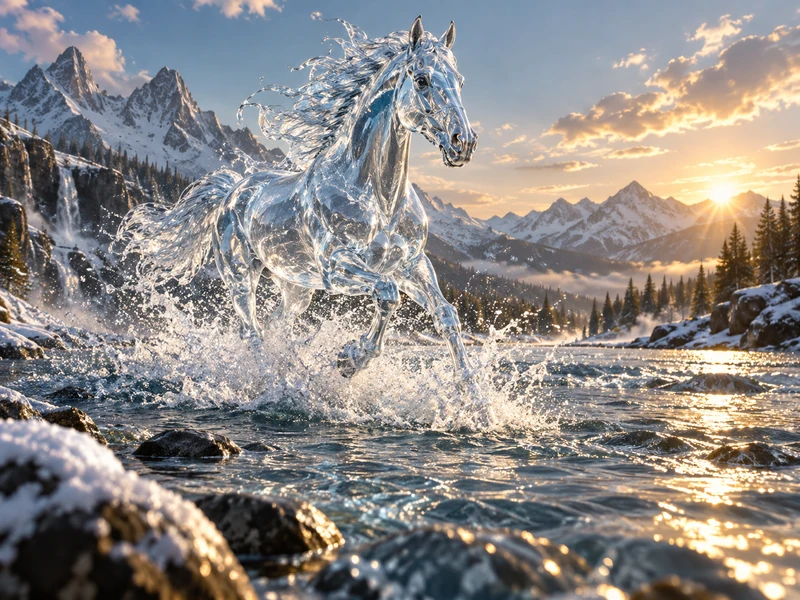
Glass Horse Concept Art
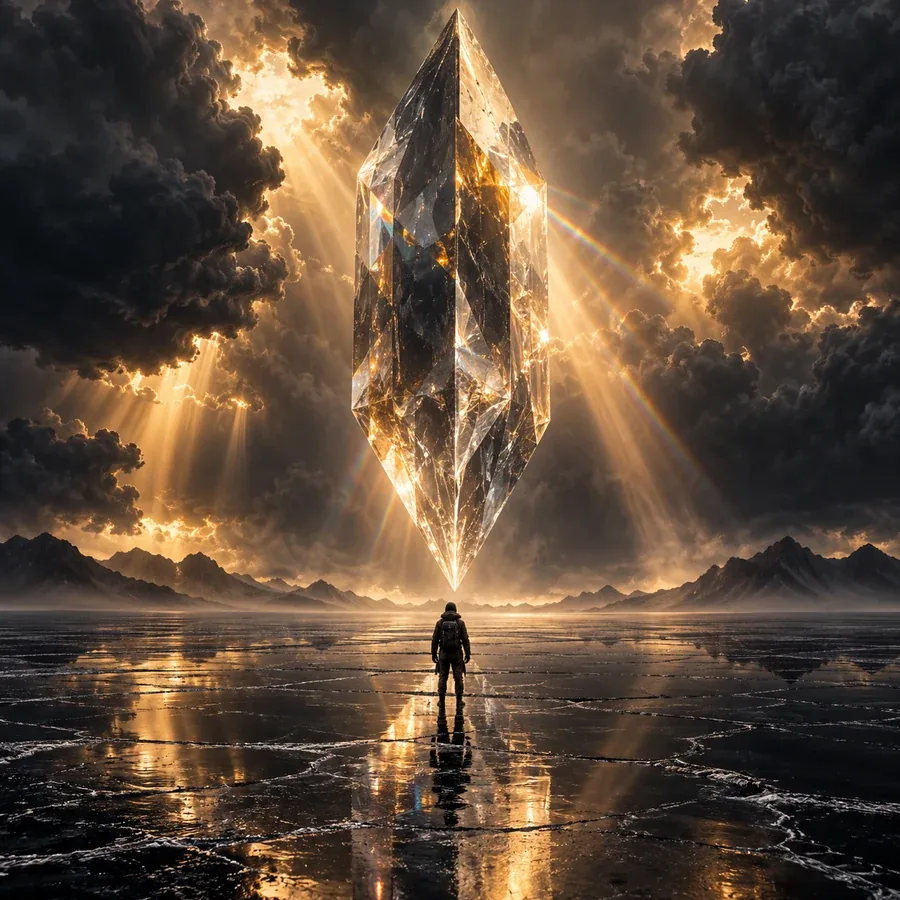
“A concept art digital painting of a horse made of glass galloping through a river. Golden hour sunlight, wide-angle shot, 24mm lens. Color palette: icy blue, silver and snow white. Majestic mood.”
Stuck on what to make? Roll a subject, setting, art style, medium, lighting, camera angle, color palette, mood, and aspect ratio from 260+ hand-picked words. Lock the parts you love, reroll the rest, then copy the prompt or send it straight to the AI Image Generator. Free, no sign-up, and it runs in your browser.
Theme
Prompt parts 269 words in the banks
Free · runs in your browser · nothing is uploaded or saved on a server.
Your art prompt
An of . , . Color palette: . mood. Aspect ratio .
Also paste it into Text to Image or Nano Banana Pro.
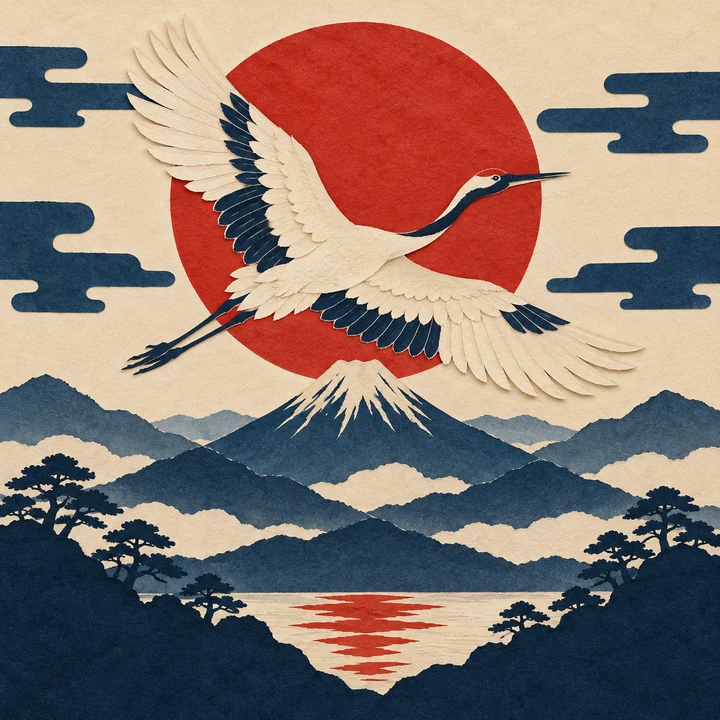 1:1Made with this recipe
Indigo & vermilion
Example results · tap one to load its recipe
Recent prompts 0
Every prompt you roll lands here, so you can go back to a favorite or copy a whole list of art topics.
A random art prompt generator gives you a starting idea when the page is blank. Press one button and it combines a subject, a setting, an art style, a medium, lighting, a camera angle, a color palette, a mood, and an aspect ratio into a single prompt: “An Ukiyo-e paper-cut collage of a crane flying over layered mountains. Flat even light, symmetrical centered composition…” It is a random prompt generator art students, illustrators, designers, and AI artists can use every day, whether the result goes into a sketchbook or into an AI image generator.
This art prompts generator is built from nine word banks with 269 hand-picked terms, so the ideas stay specific and usable instead of random nonsense. Lock any part you like and reroll the rest, click a single colored phrase to swap just that part, switch between a detailed AI prompt, comma-separated tags, and a plain drawing idea, then copy it or open it in the AI Image Generator. It is free, needs no sign-up, and runs entirely in your browser.
Each picture was made from a prompt the generator can build. Tap a card to load the same recipe into the generator, then lock what you like and reroll the rest.
“A concept art digital painting of a horse made of glass galloping through a river. Golden hour sunlight, wide-angle shot, 24mm lens. Color palette: icy blue, silver and snow white. Majestic mood.”
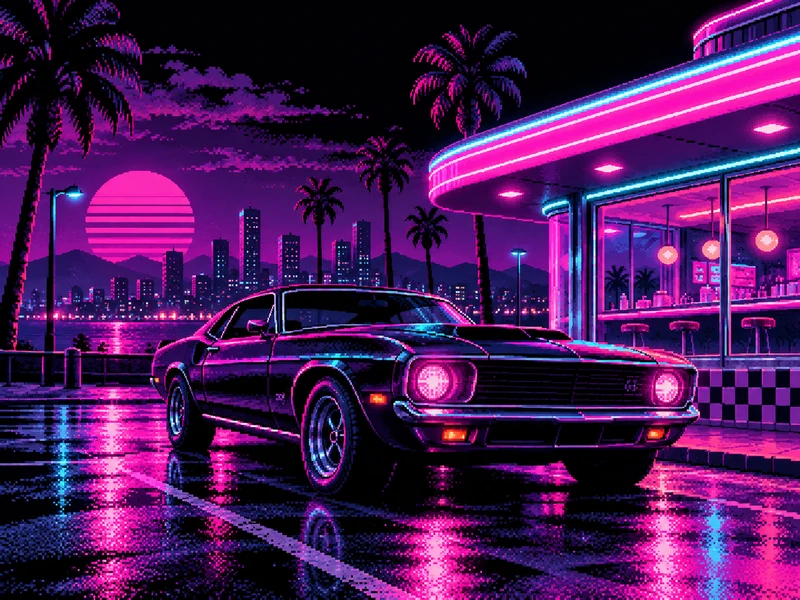
“A synthwave 16-bit pixel art of a vintage muscle car outside a neon diner. Neon glow, wide-angle shot. Color palette: electric magenta, cyan and violet on black. Nostalgic mood.”
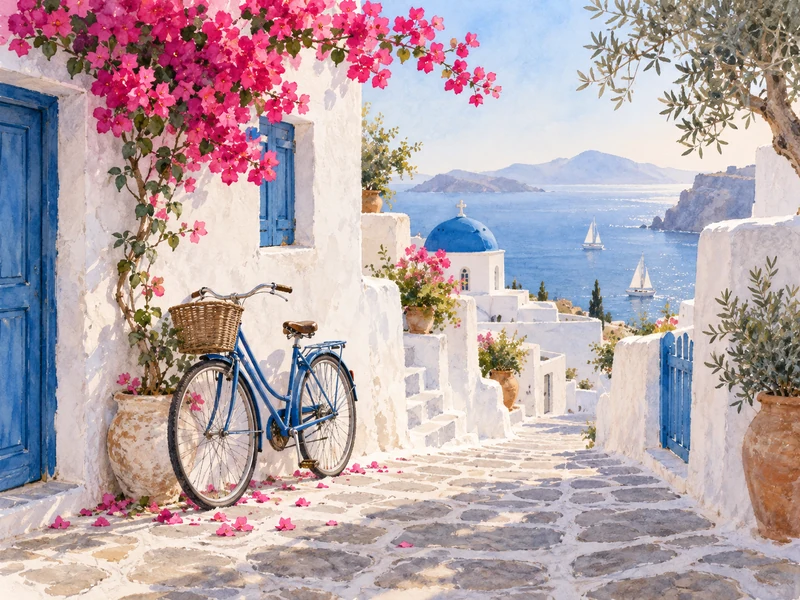
“A storybook watercolor painting of a whitewashed lane with a blue bicycle in a Mediterranean seaside village. Soft morning light. Color palette: whitewash, Aegean blue and bougainvillea pink.”
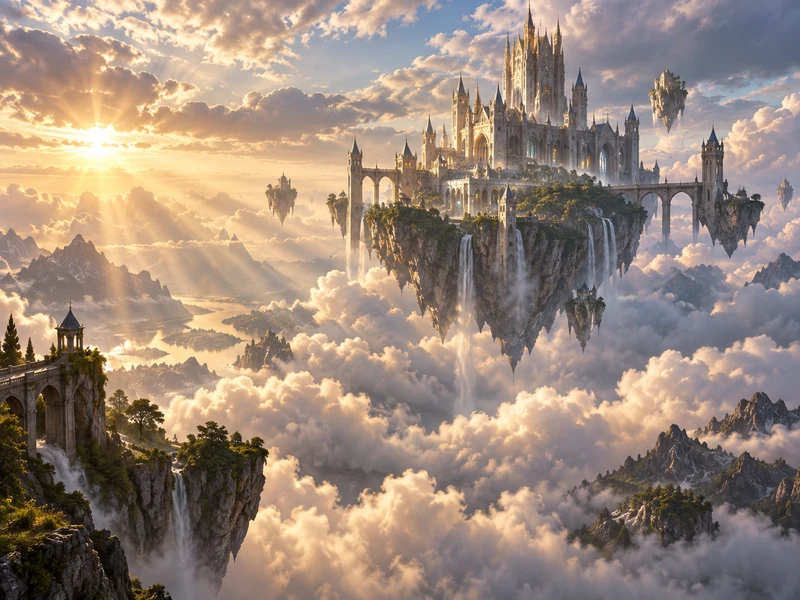
“A concept art digital painting of a floating castle above the clouds. Volumetric god rays, panoramic establishing shot. Epic mood.” The palette is switched off, so the model picks the colors.
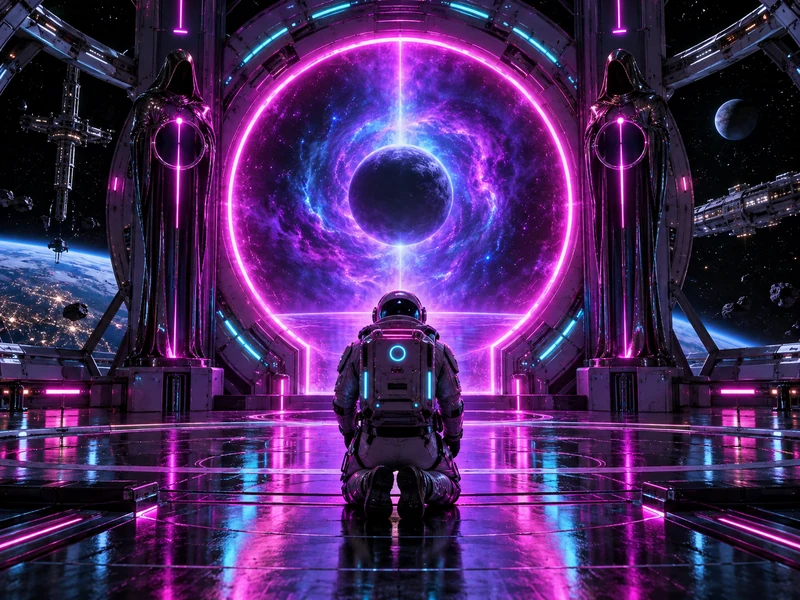
“A cyberpunk 3D render of an astronaut kneeling before a neon portal inside an orbital space station. Neon glow, symmetrical centered composition. Mysterious mood.”
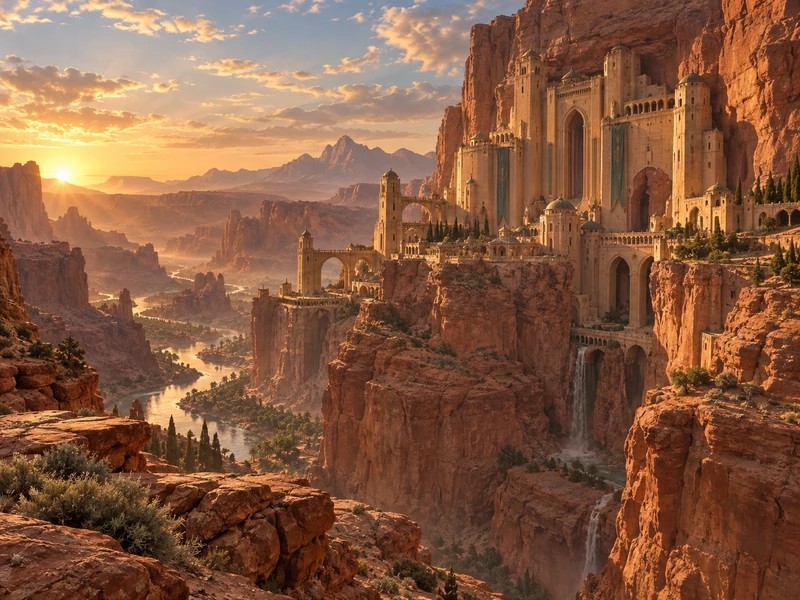
“A concept art digital painting of a sandstone citadel carved into a cliff in a red desert canyon. Golden hour sunlight, panoramic establishing shot. Color palette: sand, clay, sage and sky blue.”
Four steps from a blank page to an art prompt you can draw or generate.
Choose a theme such as Fantasy, Cute, Spooky, or Food to steer the random subjects, or type your own subject, like “my grandmother’s garden”, and let the generator build everything around it.
Press Generate Random Prompt. Every part gets a new word from its bank: setting, style, medium, lighting, camera and framing, color palette, mood, and aspect ratio. Turn a part off if you do not need it.
Lock the parts you love, then randomize again to change only the rest. Click any colored phrase in the prompt to swap just that one, or pick an exact word from its menu. Add extra details if you like.
Choose AI prompt, Tags, or Drawing idea, then copy the text or press Open in AI Image Generator: the prompt is copied and the generator opens in a new tab, ready for you to paste and create.
Every good AI art generator prompt answers the same questions. These are the nine parts this generator combines, what each one controls, and a few of the words in its bank.
| Prompt part | What it controls | Words in the bank | Examples |
|---|---|---|---|
| Subject | Who or what the picture is about | 76 in 9 themes | a corgi astronaut · a ghost carrying a lantern · a bowl of ripe peaches |
| Setting | Where the scene takes place | 40 | in a misty pine forest · inside a snow globe · in a bustling night market |
| Art style | Movement, era, or genre | 36 | Art Nouveau · Ukiyo-e · cyberpunk · cottagecore · film noir |
| Medium | The material or technique | 27 | watercolor painting · linocut print · 3D render · 35mm film photo |
| Lighting | Time of day and quality of light | 22 | golden hour sunlight · neon glow · volumetric god rays |
| Camera & framing | Angle, lens, and composition | 20 | low-angle hero shot · bird’s-eye view · tilt-shift miniature effect |
| Color palette | The main colors (with swatches) | 20 | Sunset · Pastel dream · Neon night · Indigo & vermilion |
| Mood | The feeling of the image | 20 | dreamy · eerie · cozy · majestic · melancholic |
| Aspect ratio | The shape of the canvas | 8 | 1:1 · 4:5 · 2:3 · 9:16 · 16:9 · 21:9 |
You never need all nine. A subject, a style, and one lighting word already make a strong prompt; switch the rest off or let the generator surprise you.
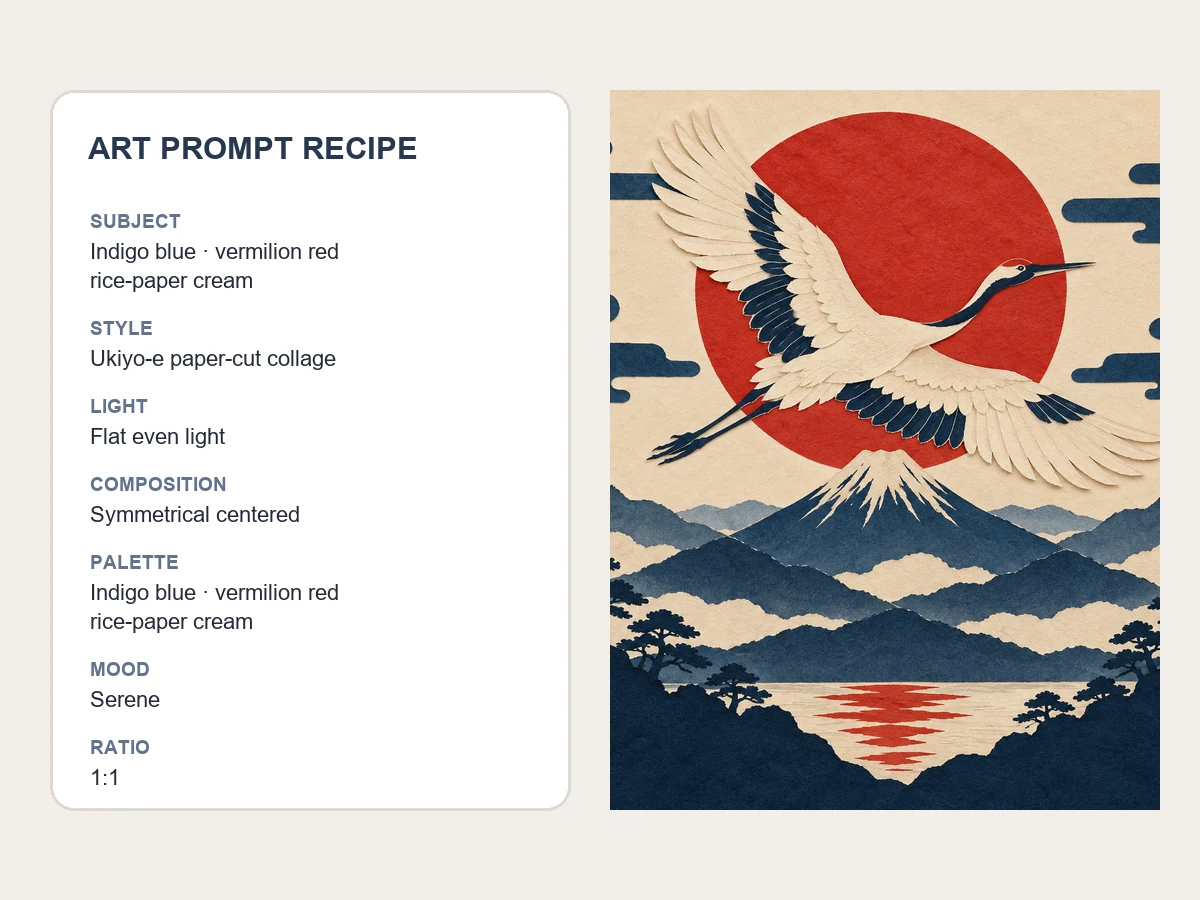
Most random generators throw away the whole idea on every click. Here each part has its own lock and its own dice: keep the subject and the palette, reroll the style and the lighting, and watch only those words change. Click any colored phrase to swap it, or choose an exact word from its menu.
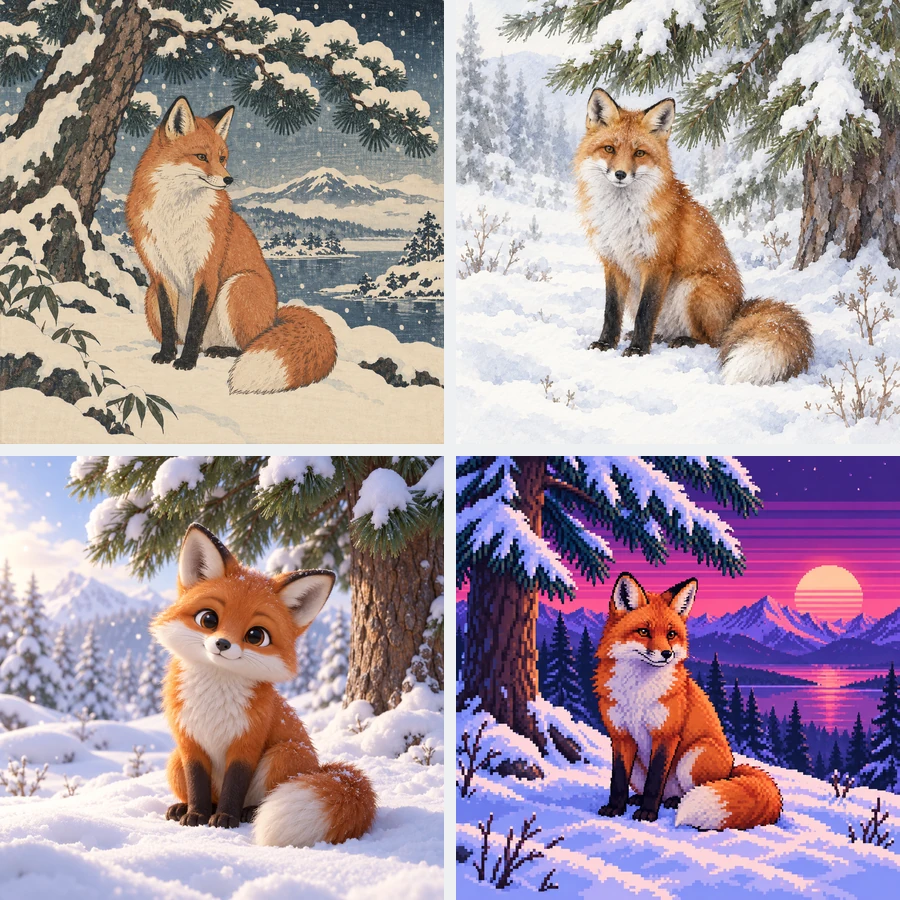
Nine word banks cover 76 subjects in nine themes, 40 settings, 36 art styles, 27 mediums, 22 lighting setups, 20 camera and framing terms, 20 color palettes, 20 moods, and 8 aspect ratios. Every word was chosen because image models and artists understand it, so the art inspiration generator gives you ideas you can actually make.
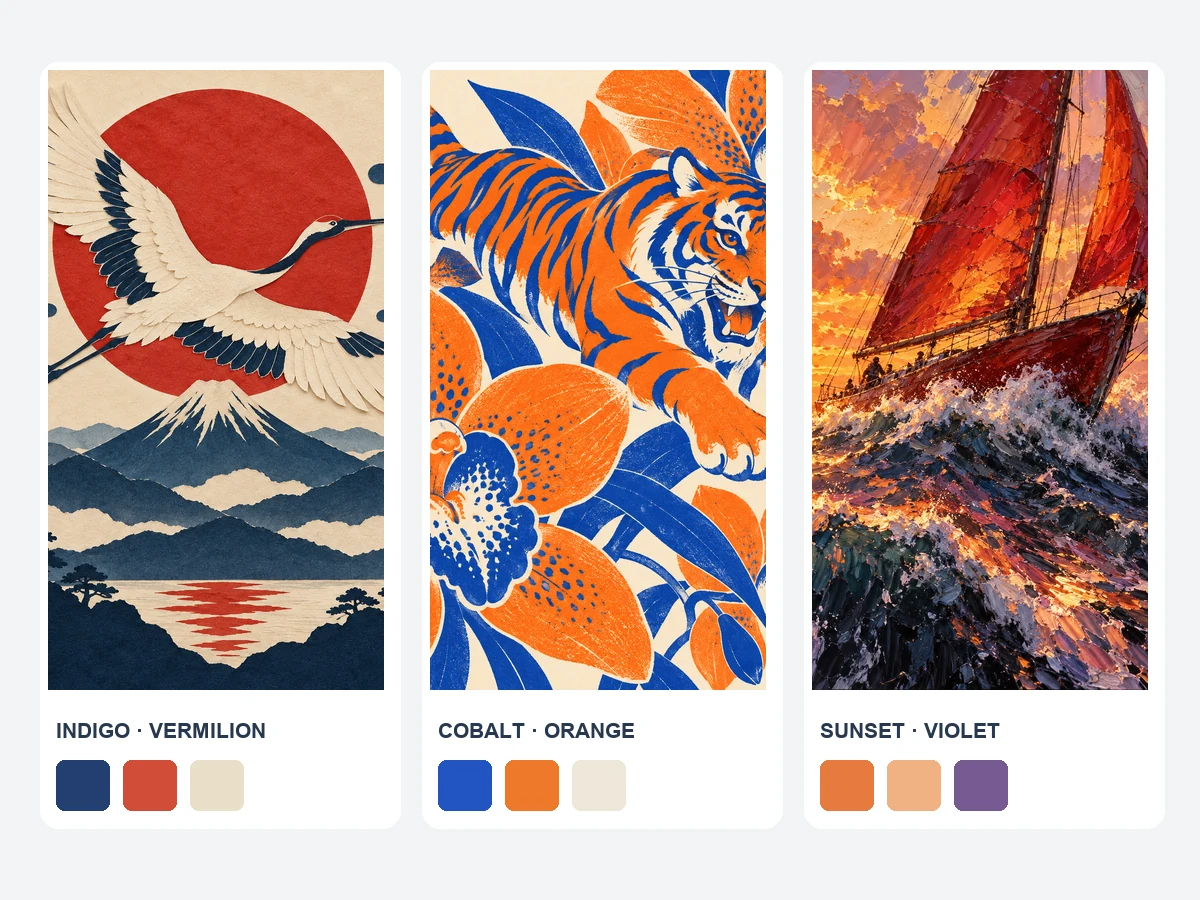
The same subject feels completely different under golden hour sunlight or neon glow, in a Sunset palette or Pastel dream. Every palette shows its real color swatches (tap one to copy the hex code), and a live frame previews the aspect ratio, so you can see the direction before you generate.
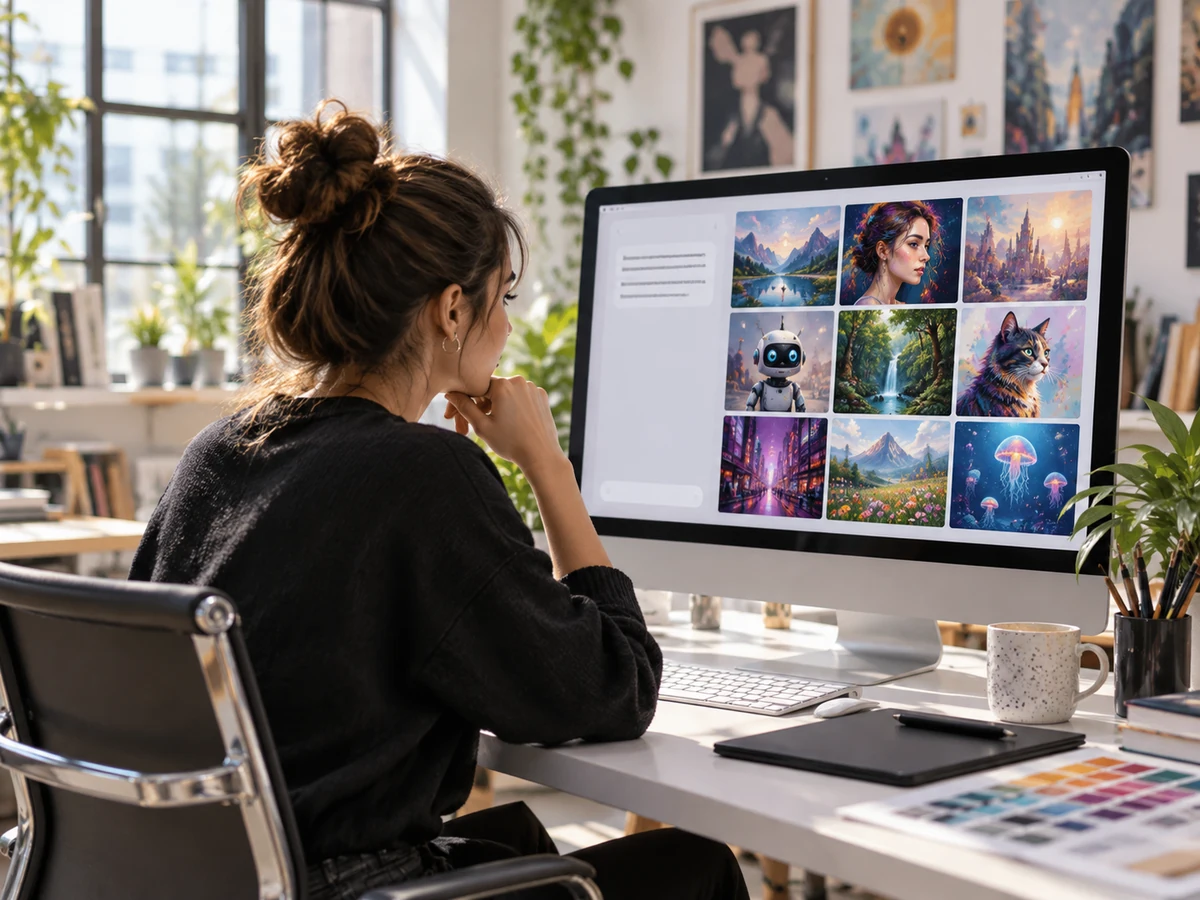
Press Open in AI Image Generator and the prompt is copied while the generator opens in a new tab. Paste it, pick a model such as Nano Banana Pro or GPT Image 2, and make AI art by prompt. Prefer tags for other tools? The Tags format gives comma-separated keywords with an optional --ar ratio flag.
The same nine word banks power sketchbook challenges, AI art, design mood boards, and classroom projects.
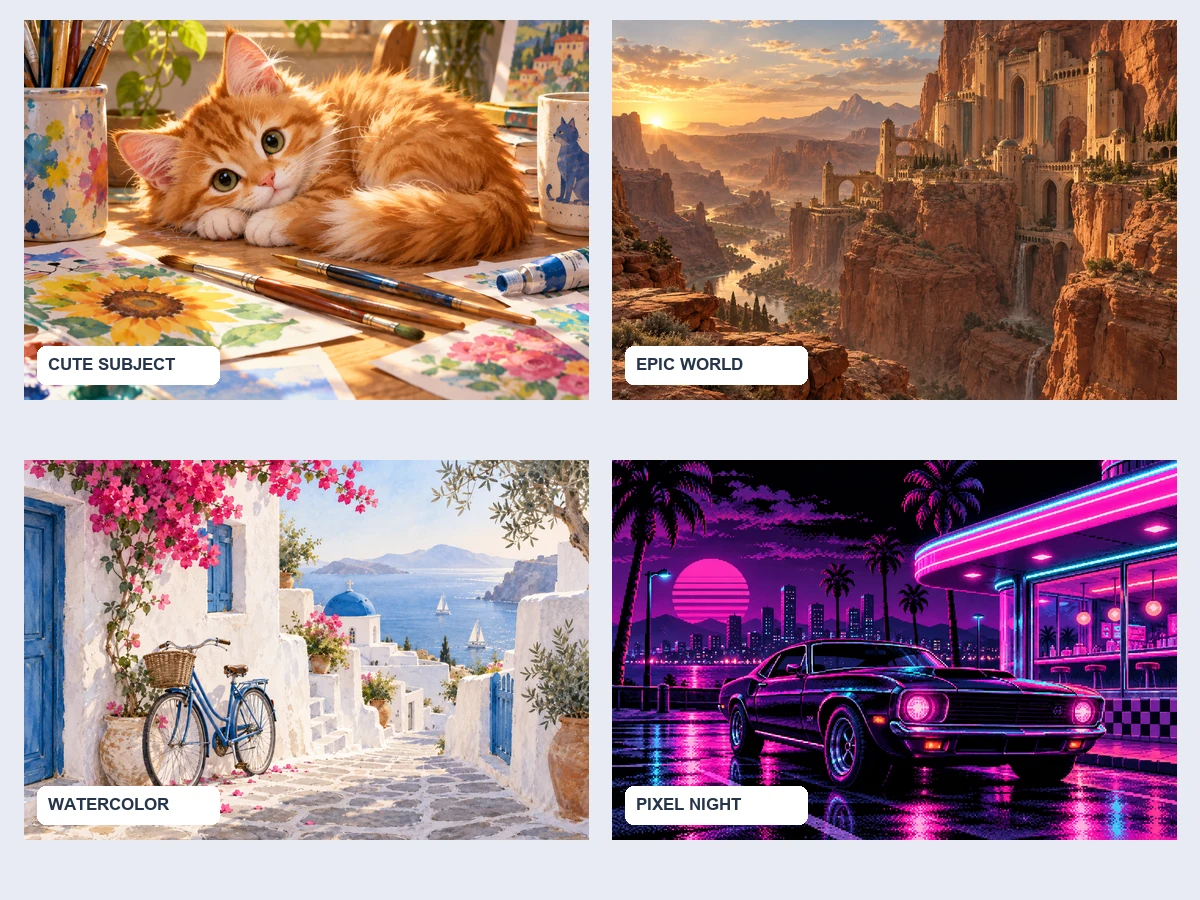
Switch to Drawing idea for a plain random art topic, such as “Draw a hedgehog with a strawberry backpack in a sunlit attic”, perfect for sketchbooks and 30-day challenges.
Build a detailed AI art prompt with style, medium, lighting, and camera words, then generate it with your favorite model.
Use it as a design prompt generator for mood boards and pitch visuals: lock a palette and a mood, reroll subjects for a consistent series.
Project a random prompt on the board, or copy a list of five ideas so every student gets a different subject and medium.
Roll settings, moods, and camera angles for concept art, book covers, and worldbuilding references.
Let your audience pick a theme, roll live, and draw or generate the result on stream.
Small habits that turn a random idea into a picture you are proud of.
Found a subject you like? Lock it and reroll styles and palettes to explore it from many angles.
A strong palette ties a series together. Lock one palette and generate a whole set of matching images.
Golden hour feels warm, moonlight feels quiet, neon feels electric. Reroll only the lighting to compare.
Switch off camera or setting when a simple idea is enough; models follow short prompts more closely.
9:16 for phone wallpapers and stories, 4:5 for feed posts, 16:9 for desktop and thumbnails, 2:3 for posters.
Use Extra details for the one thing only you would add, like “wearing my yellow raincoat”.
Paste your prompt into a generator, or pick a ready-made tool for a specific kind of art.
 AI Image GeneratorFree to try AI image generator: type a prompt or add a photo, pick Nano Banana 2, GPT Image 2, Seedream, or FLUX, choose a style, and create AI images online.
 Text to Image AIText to image AI that turns words into pictures: type a prompt, pick a model and a style, and the AI image generator from text creates images you can download.
 Nano Banana ProCreate 2K and 4K images with Nano Banana Pro, the Gemini 3 Pro Image model: legible text in many languages, infographics, multi-image blends, and studio control.
 Nano Banana 2Try Nano Banana 2, the Gemini 3.1 Flash Image model: Pro-level images at Flash speed, 1K to 4K output, ultra-wide ratios, readable text, and up to 14 references.
 GPT Image 2Use GPT Image 2, OpenAI’s gpt-image-2 model, to create images with dense, readable text, UI mockups, and edits from up to 16 reference images, at 1K, 2K, or 4K.
 Seedream 4.5Use Seedream 4.5 online: write a prompt or add reference images, pick an aspect ratio and 2K or 4K quality, and create posters, product shots, and photo edits.
 FLUX.2Try FLUX.2, the Flux 2.0 image model from Black Forest Labs. Use FLUX.2 Pro or Flex for text to image and multi-reference edits, with 1K or 2K output.
 Coat of Arms GeneratorCreate a coat of arms online with the AI coat of arms generator. Describe your family name, symbols, colors, and motto, pick a heraldic style, and generate.
 AI Wallpaper MakerFree to try AI wallpaper maker: describe a scene or a quote, pick a phone, desktop, ultrawide, or tablet size, and generate a custom wallpaper or lock screen.
 AI Dragon GeneratorCreate your own dragon with the AI dragon generator: describe it, then pick an element, a pose, and a style like Eastern, Western, cute, or pixel. Free to try.
 Animal Hybrid GeneratorMix animals together with the AI animal hybrid generator: name two animals, pick a style, and get an animal fusion, mashup, or random hybrid. Free to try.
 AI Sprite GeneratorAI sprite generator and sprite creator for games: describe a character, pick 8-bit, 16-bit, or RPG style, and get a pixel sprite or an AI sprite sheet. Free to try.
 Monogram MakerFree to try monogram maker: type 2, 3, or 4 initials, pick interlocking, cursive, circle, or wedding styles, and the AI monogram generator designs your logo.
 Band Logo GeneratorFree to try band logo generator: type your band name, pick metal, punk, indie, hip-hop, or K-pop, and the AI band logo maker designs a logo you can print.
 AI Birthday Card GeneratorFree to try AI birthday card generator: add a name and an AI birthday wish, pick a style, and get happy birthday AI images and printable cards with your words.
 AI Sticker MakerHow to make a picture a sticker: upload a photo or screenshot, pick a style like die-cut, cartoon, chibi, or kawaii, and the AI sticker maker turns it into a PNG.
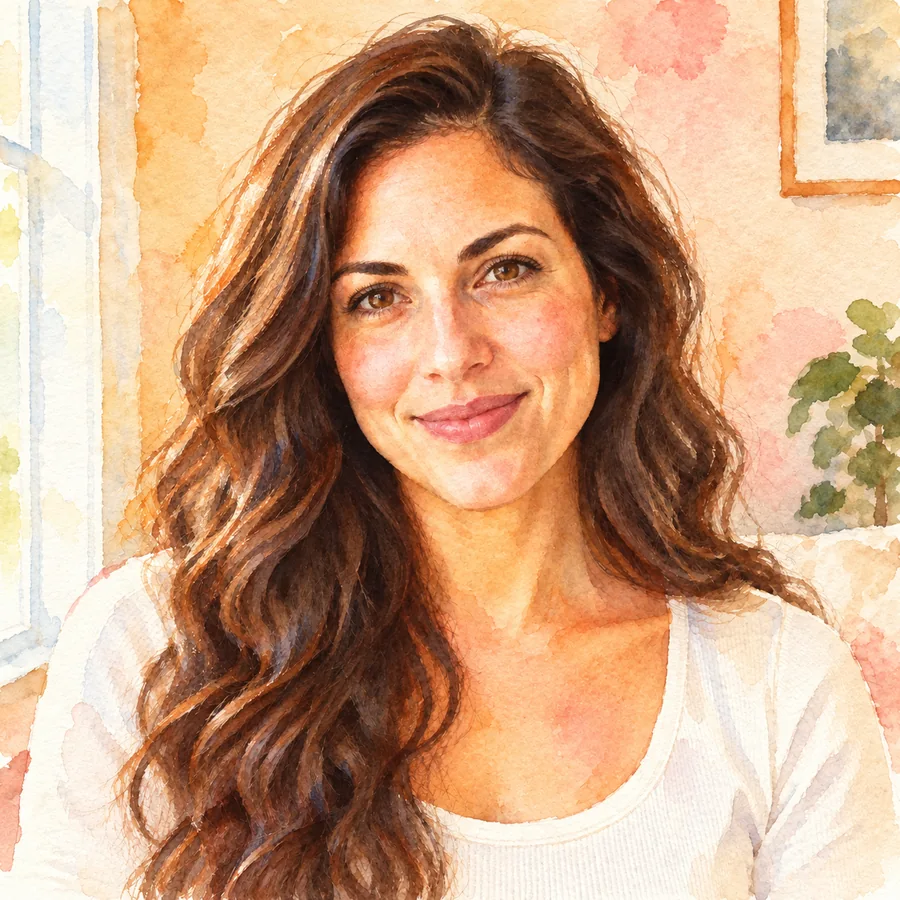 Photo to WatercolorTurn photo into watercolor art online. Upload a portrait, pet, or travel shot, pick a style, and turn it into a watercolor painting with soft, natural washes.
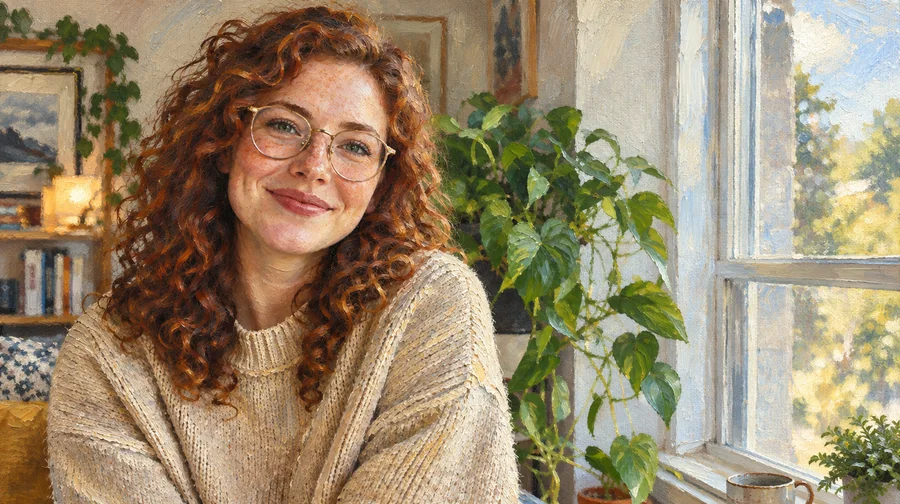 Photo to Oil Painting ConverterTurn photo into oil painting online. Upload a picture, pick a Classic, Renaissance, or Impressionist style, and get an oil painting photo with canvas texture.
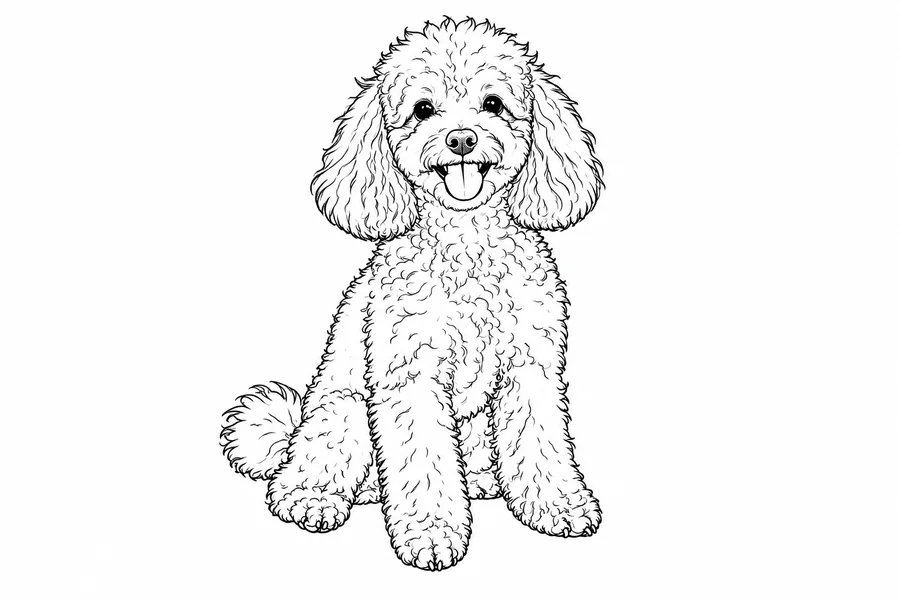 Photo to Line Art GeneratorConvert photo to line drawing online. Upload any picture to the line art generator, pick a style, and turn it into clean line art, outlines, or coloring pages.
 Photo to Pixel ArtTurn any image to pixel art with AI. Upload a photo, pick 8-bit, 16-bit, handheld green, or game sprite style, and get grid-aligned retro pixel art, not a blur.
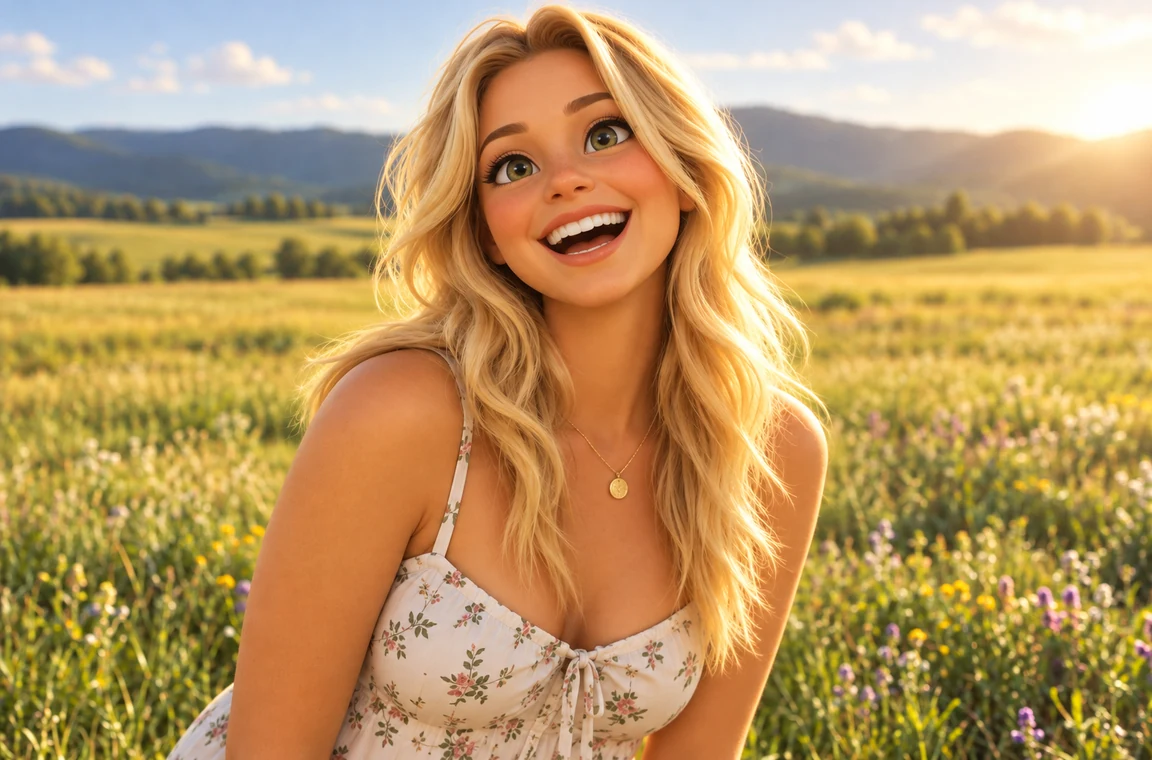 Photo to CartoonPhoto to cartoon AI cartoonizer: pick 3D animated, anime, comic, caricature or line art and turn a photo into a cartoon of you, your pet or car. Free to try.
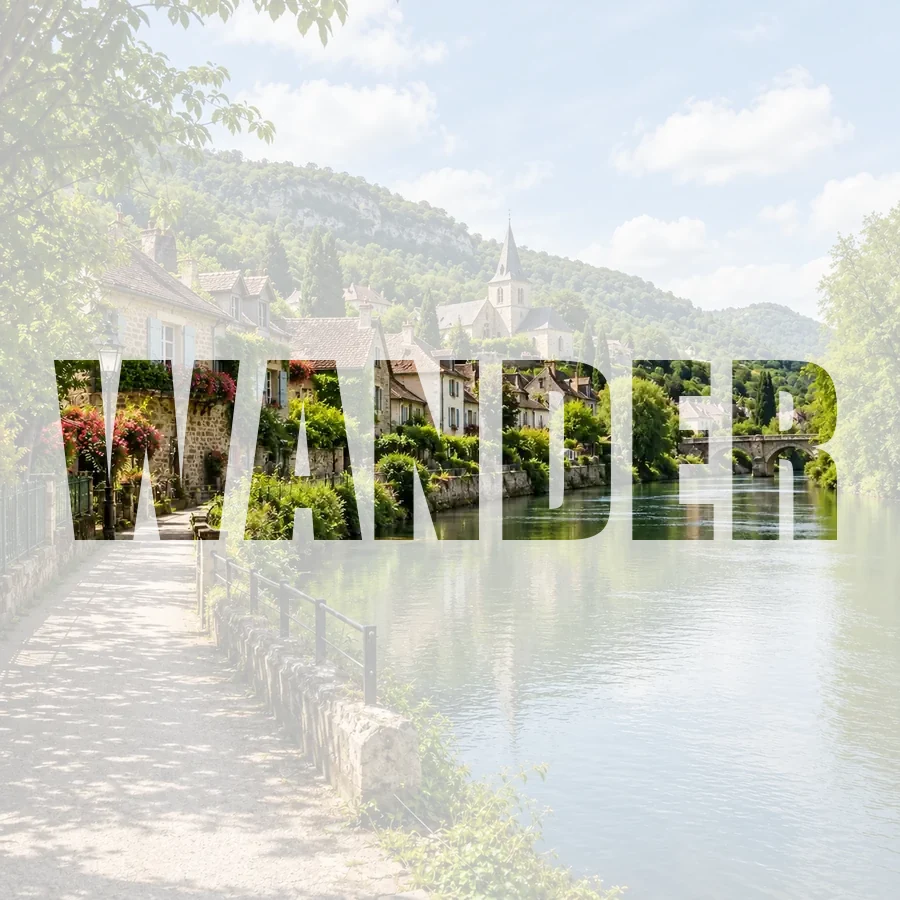 Picture Inside TextPut a picture inside text online for free: fill any word with your photo, pick a font, add a color, faded, or transparent background, and download a PNG.
Copy-ready prompts and drawing ideas to use with the generator.
Copy-ready prompts with example pictures for holiday portraits, cards, and cozy scenes.
Get the promptsSimple, cute, and advanced things to draw for the holidays, from beginner doodles to full scenes.
Read the guideOil, watercolor, acrylic, and window painting ideas you can try with any medium from the generator.
Read the guideA simple step-by-step way to sketch a logo, with shapes, lettering, and color tips.
Read the guideIt is a tool that combines words from several categories, such as subject, style, medium, lighting, and mood, into a ready-to-use idea for a drawing, a painting, or an AI image. This one has nine categories and 269 hand-picked words, and lets you lock and reroll each part.
Yes. The generator is completely free, needs no sign-up, and runs in your browser, so nothing is uploaded and you can roll as many prompts as you like. Turning a prompt into a picture with the AI Image Generator uses credits, and new accounts get free credits when they sign up.
It is built for AI art: the AI prompt format writes a full sentence with style, medium, lighting, camera, palette, mood, and aspect ratio, which text-to-image models follow well. The word banks are curated rather than written by a chatbot, so every prompt is instant and works offline in your browser.
Specific words, control, and a quick way to use the result. Look for a generator that lets you keep the parts you like, change one part at a time, and copy the prompt in the format your tool expects. That is what the locks, the per-part dice, and the three formats here are for.
Yes. Switch the format to Drawing idea and you get a plain instruction such as “Draw a frog under a mushroom umbrella in a bamboo grove. Make it feel cozy. Try it as a gouache illustration in sage green, cream and dusty rose.” Great for sketchbooks, warm-ups, and art challenges.
Press Open in AI Image Generator. The prompt is copied to your clipboard and the generator opens in a new tab; paste it into the prompt box, choose a model and a size, and generate. You can also copy it and paste it into Text to Image or any other prompt art generator that accepts text.
AI prompt is a natural sentence, which most modern image models prefer. Tags is a comma-separated keyword list, with an optional --ar flag for tools that read aspect ratios that way. Drawing idea is a short, human-friendly brief for drawing by hand.
A locked part keeps its word when you press Generate Random Prompt or Randomize, so you can explore one subject in many styles, or one palette across many subjects. Clicking that part’s own dice or its colored phrase still changes it, because that is an explicit choice.
Yes. Type your own subject to replace the random one, and use Extra details for anything else, such as clothing, a prop, or “no text”. Every menu also lets you pick an exact word or turn a part off.
Your recent prompts are kept in a list on the page, and in this browser only, so you can go back to a favorite or copy the whole list. Nothing is sent to a server; clearing the list or your browser data removes them.
Pick a theme, lock what you like, and turn the prompt into a drawing or an AI picture.
Nano Banana and Gemini are trademarks of Google LLC; GPT Image is a trademark of OpenAI. EzImgMaker is an independent service and is not affiliated with or endorsed by these companies. Model names are used only to describe compatibility.