Hero Party
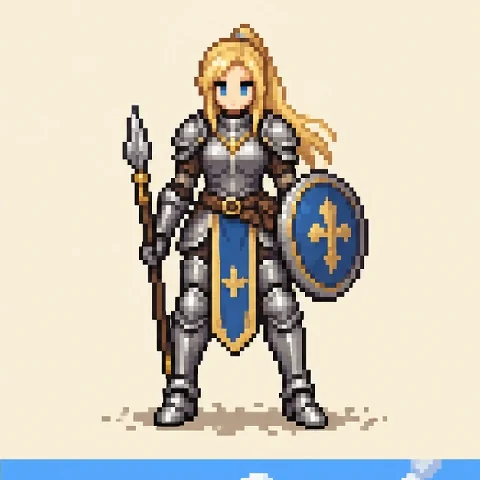
Knights, archers, and mages for a fantasy RPG.
Describe a hero, monster, or item, choose a game style and pixel detail, and the AI draws it as a single sprite, a 4-direction turnaround, a walk cycle, or a full sprite sheet on a clean background. Import your own art or a photo to turn it into a sprite. Free credits when you sign up.
Game style
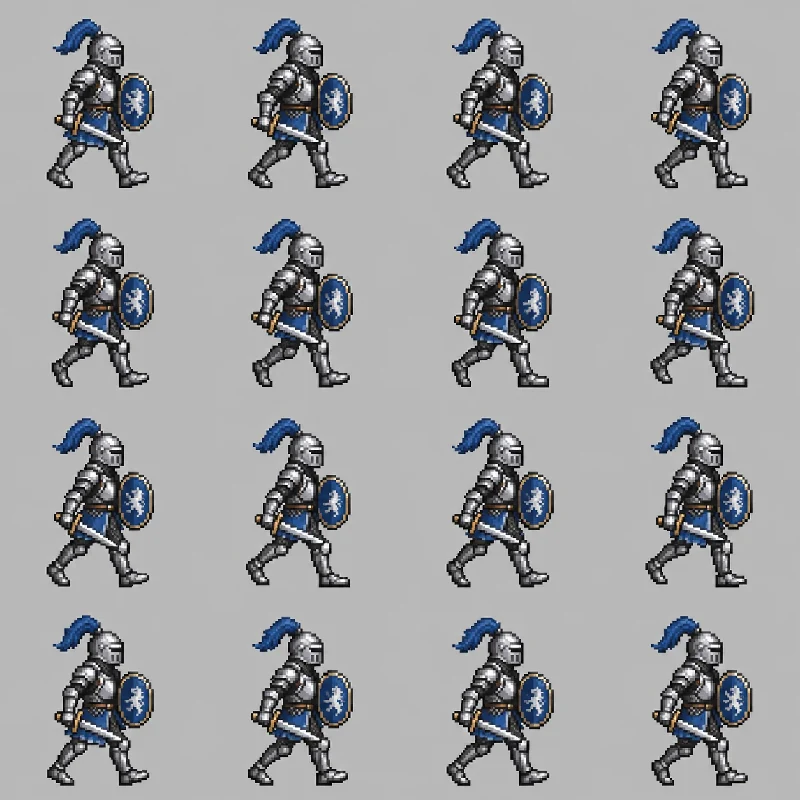
An armored knight with a round shield and a short sword, walking to the right: a 16-frame pixel art walk cycle on a 4 by 4 grid.
Reference example. It is not a result generated from your upload.
An AI sprite generator is a sprite creator that draws game art from a description. Sprites are the small 2D images games use for characters, monsters, items, and effects; a sprite sheet puts many of them (or many animation frames) on one image. Classic sprite makers and sprite drawer apps ask you to place every pixel by hand. Here you describe the character, pick a game style and pixel detail, and the AI draws it as a single sprite, a 4-direction turnaround, a walk cycle, or a sprite sheet.
Use this sprite maker online as a pixel sprite maker for an RPG party, a character sprite maker for visual-novel portraits, or an image to sprite converter for your own drawings and photos. Choose 8-bit, 16-bit, 32-bit HD, or smooth 2D, and put the result on plain white, a magenta or green color key, or a game scene. It is free to try: new accounts get free credits when they sign up, and you get game sprites AI-generated from a sentence or a picture.
Heroes, villains, NPCs, monsters, and props, each made from a short description. Tap a card to load a similar idea or style.
Knights, archers, and mages for a fantasy RPG.
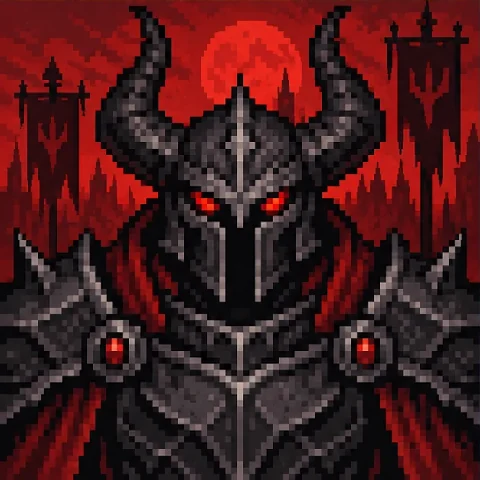
Dark sorcerers and hooded bosses with glowing magic.
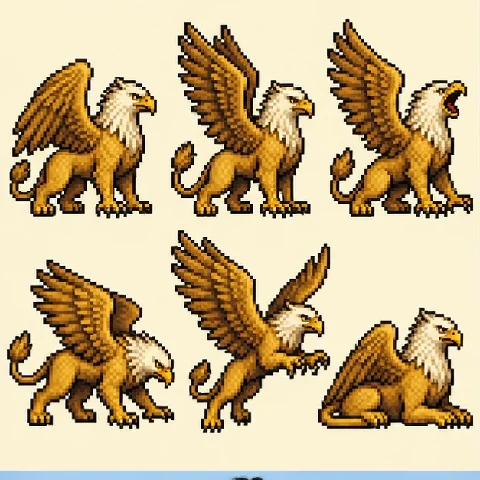
Dragons, griffins, and monsters for enemies and pets.
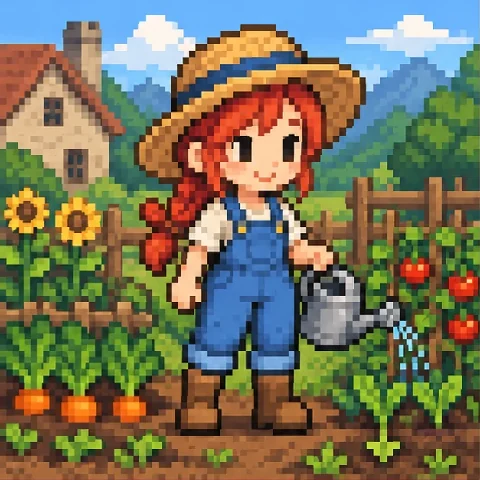
Farmers, shopkeepers, and townsfolk for a cozy game.
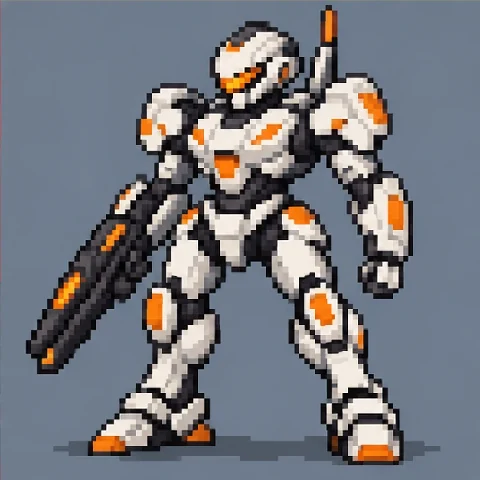
Armored robots and space marines for sci-fi games.
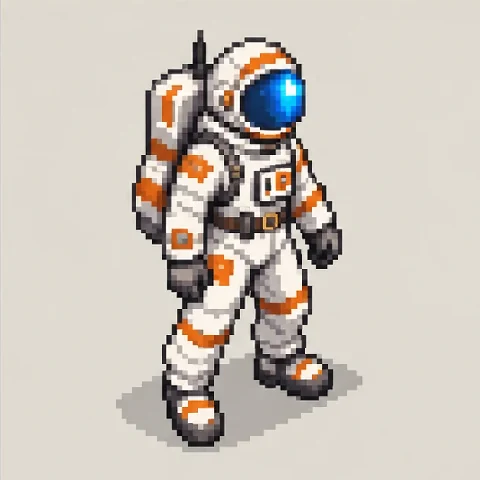
Characters drawn at an isometric angle for strategy maps.
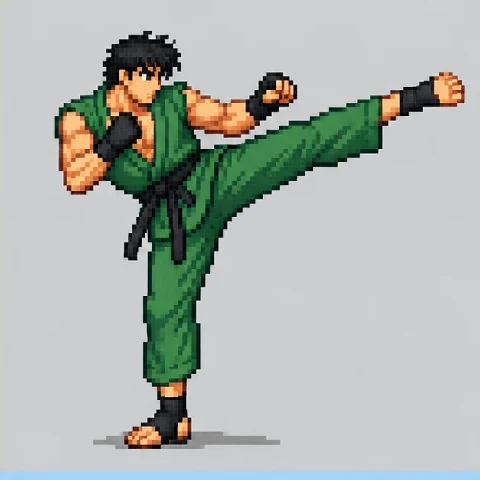
Big, detailed martial artists with attack frames.
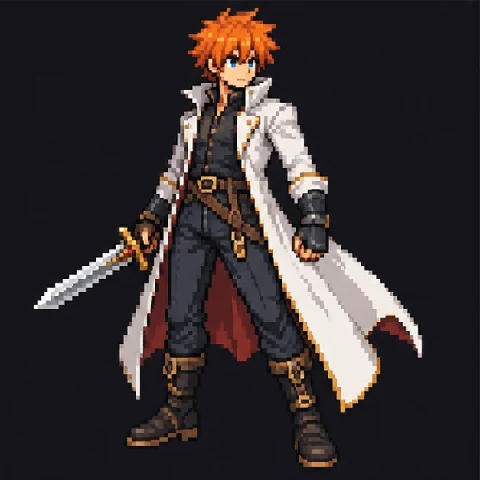
Stylish anime swordsmen and heroines for action games.
Create sprites from an idea in four steps, then drop them into your game.
Write who or what it is: body type, outfit, colors, weapon, and pose. Or tap an idea like Knight, 4 directions or Slime monster set. Have art already? Import it as the reference image.
Choose a game style such as Classic RPG, Side-Scroller, or Chibi, then 8-bit, 16-bit, 32-bit HD, or Smooth 2D for the level of detail.
Pick a single sprite, 4 directions, a walk cycle, a sprite sheet, a character set, or items, and a plain white, magenta, or green background that is easy to remove.
Press Generate Sprite, compare the results, and download. Remove the background, scale it to your sprite size, and slice the frames in your game engine.
This sprite pixel art generator draws at high resolution in a pixel style. Scale the result down to one of these sizes with nearest-neighbor resizing to get a sprite for your game.
| Size or layout | Typical use | Tip |
|---|---|---|
| 16 × 16 px | Tiny characters, items, and tiles in retro games | Choose 8-bit and keep the design very simple |
| 32 × 32 px | Top-down RPG characters and most items | The most common size for 16-bit style sprites |
| 48 × 48 or 64 × 64 px | Detailed heroes, enemies, and side-scroller characters | Room for faces, weapons, and capes |
| 128 px and up | Bosses, fighting-game characters, and portraits | Use 32-bit HD for shading and detail |
| 4 directions | Top-down movement (front, back, left, right) | Pick the 4 directions output |
| Walk cycle (4–8 frames) | Walking and running in one direction | Pick Walk cycle and a wide 16:9 canvas |
| Action sheet grid | Idle, walk, attack, and jump rows | Pick Sprite sheet and a square canvas |
Image models draw a pixel look, not an exact pixel grid, so frames may need small clean-up before they go into an engine.
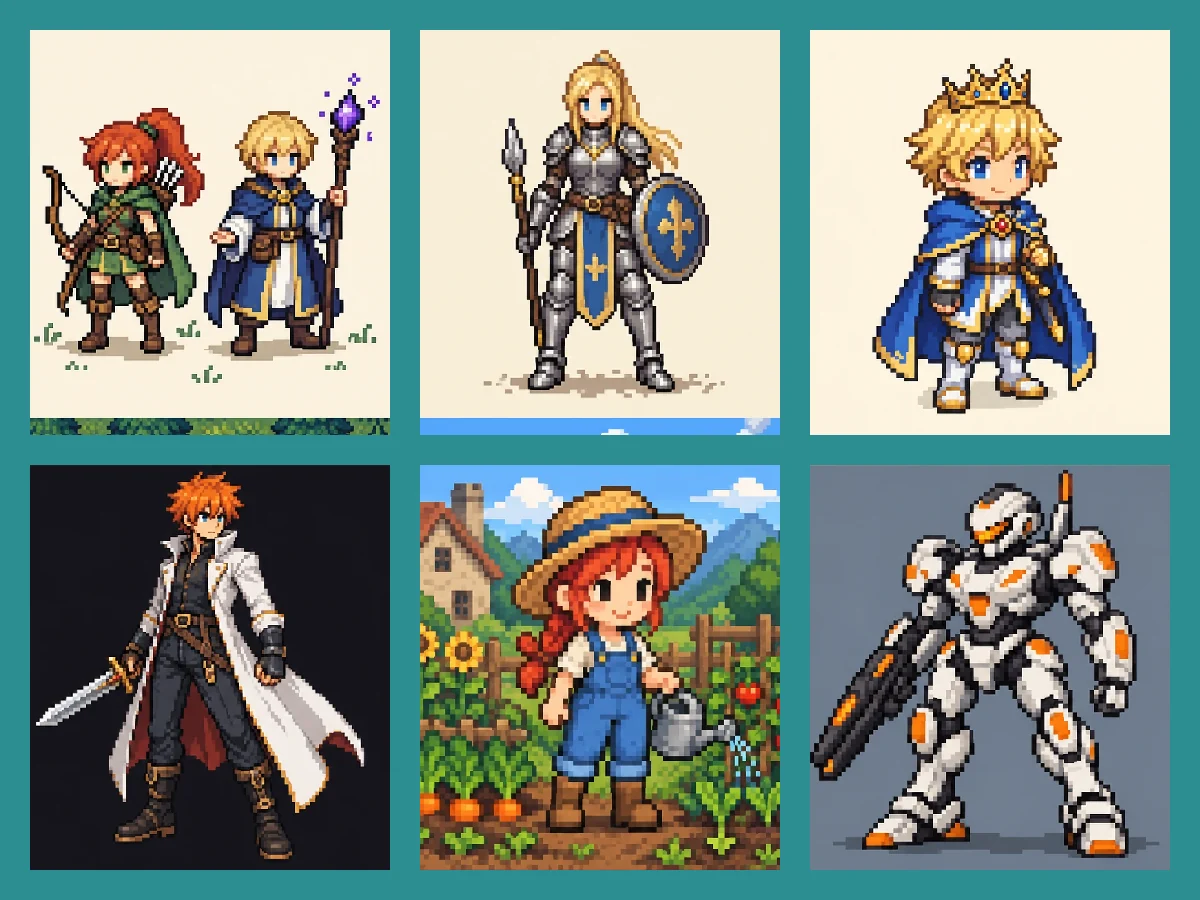
Heroes, villains, NPCs, monsters, pets, and vehicles: describe them and this 2D character sprite generator draws them in a matching style. Build a whole cast with the sprite generator character by character, or ask for a Character set to get a party, a monster family, or a village of NPCs on one sheet. It doubles as a character sprite creator for visual-novel portraits and a pixel sprite creator for retro games.
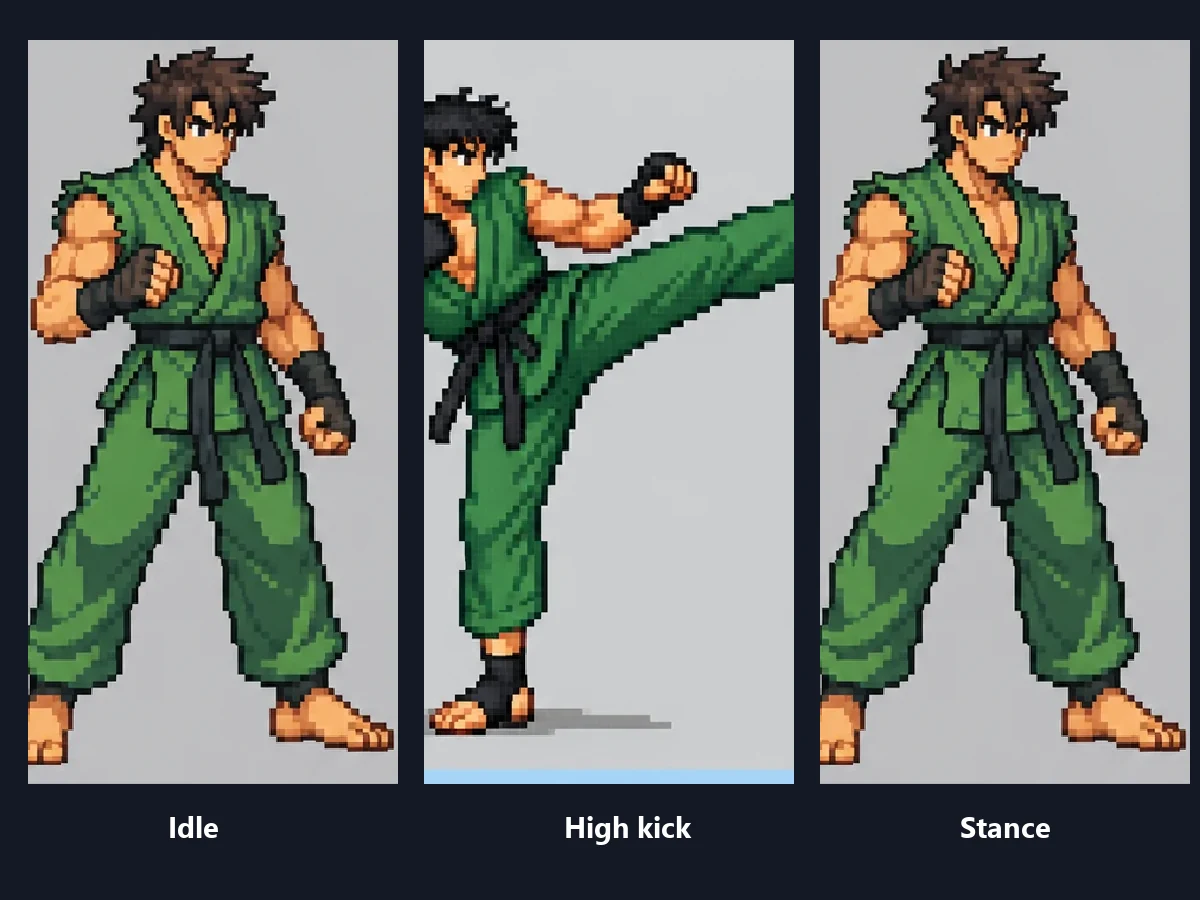
Choose 4 directions for a top-down turnaround, Walk cycle for frames in a row, or Sprite sheet for idle, walk, attack, and jump rows. It works as an RPG sprite sheet generator for party members and monsters, and as a 2D sprite maker for platformer and fighting-game frames.
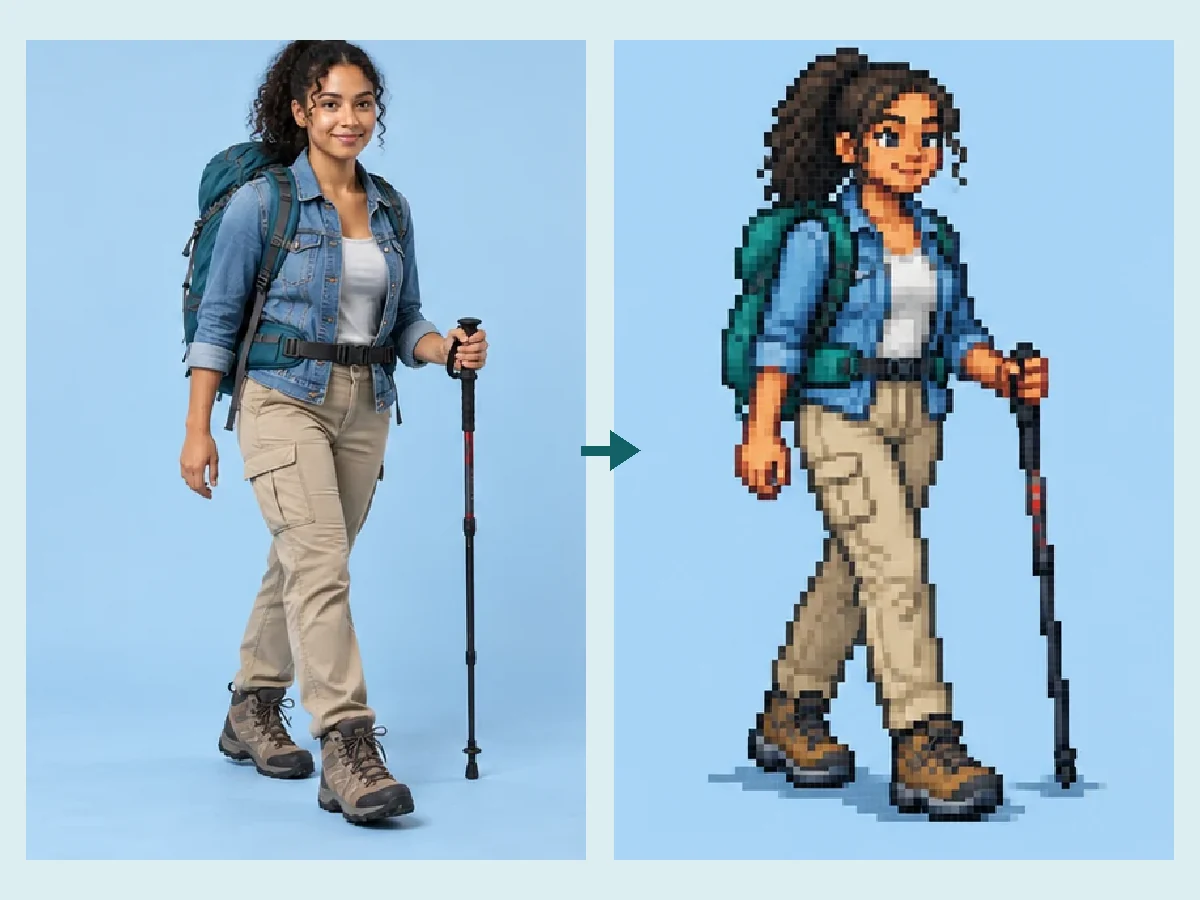
Import a PNG, JPG, or WebP of your character design, a sketch, a 3D render, or even a photo of yourself or your pet, and the AI redraws it as a sprite while keeping the outfit, colors, and hairstyle. It is the quickest way to turn concept art into game-ready pixel art.
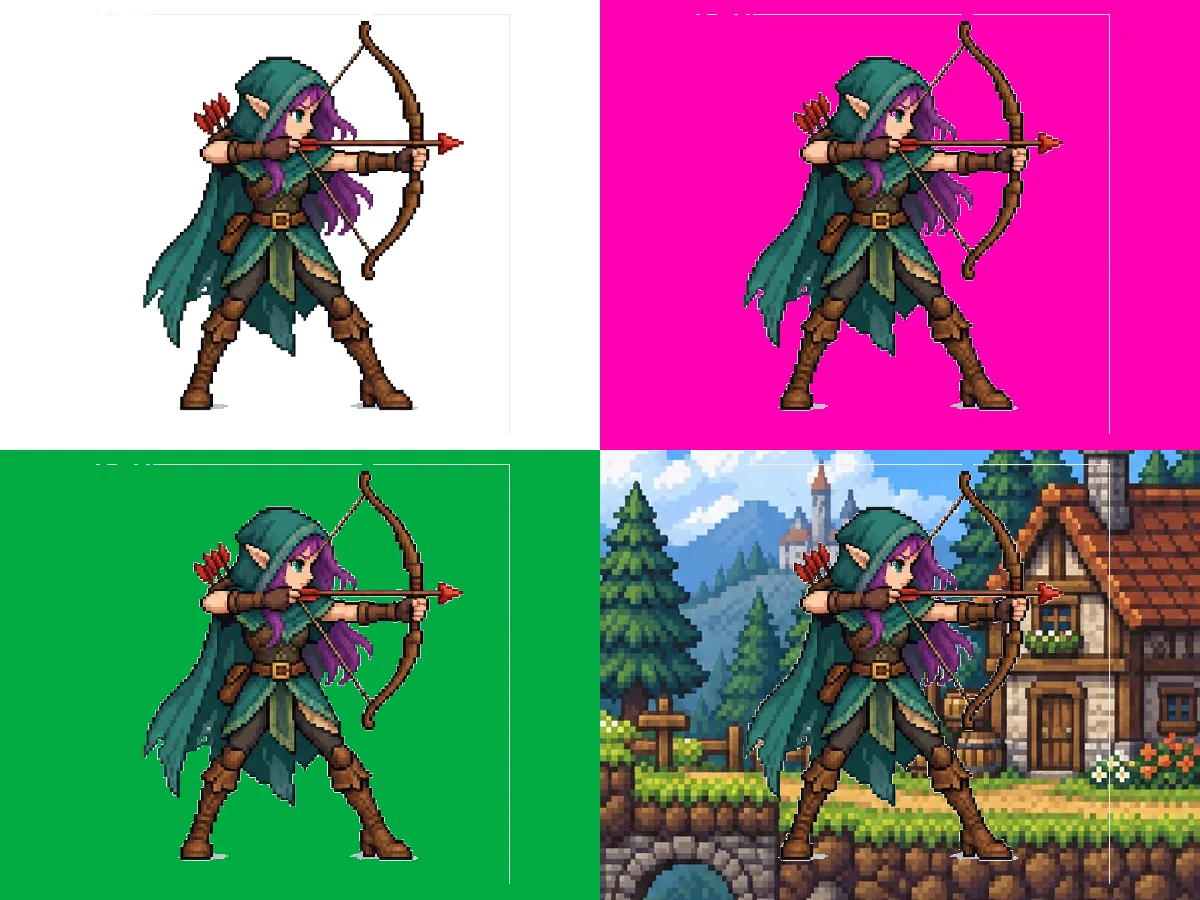
Pick Plain white, Magenta key, or Green key and the sprites come on a flat color that a background remover or a color-key tool cuts out cleanly, ready for a transparent PNG. Choose Game scene instead for a mock screenshot or a store page image.
From a weekend game jam to a classroom project, these are the people who use this game sprite maker.
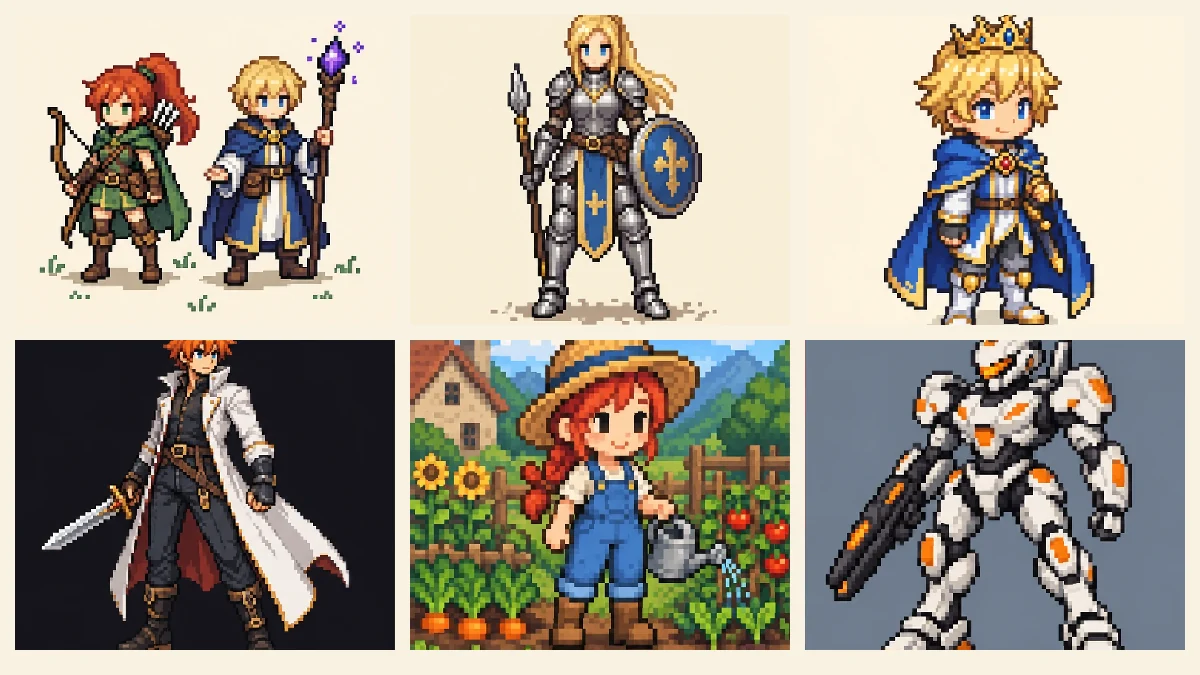
Prototype art, final sprites, concept frames, and store page images without hiring an artist for every asset.
A full cast of characters and items in the first hour, so the weekend goes into gameplay.
A sprite generator RPG makers use for party members, NPCs, monsters, and token art.
Starting points and pose references to refine by hand in your pixel editor.
Pixel avatars, emote ideas, and retro overlays for channels and profiles.
Learn to make sprites for games in coding classes, game-design lessons, and school projects.
How to get sprites that drop into a game with little clean-up, whichever sprite generator AI model you pick.
Describe one design clearly. For several, use Character set and list them.
Name three or four main colors so frames stay consistent and pixel art reads well.
Write “6 frames in one row” or “4 rows of 4” for walk cycles and sheets.
Choose Magenta key or Green key when you plan to remove the background.
Shrink to 32 or 64 px with nearest-neighbor so pixels stay crisp, not blurry.
Describe your own character instead of naming a famous one; original sprites are yours to build a game around.
Turn photos into pixel art or create creatures to use as sprites.
Turn any photo into pixel art, a pixel avatar, or a game-sprite look in your browser.
Pixelate a PhotoDesign a dragon boss or mount, then turn it into a sprite here.
Make a DragonMix two animals into a new creature for your game’s bestiary.
Mix AnimalsPixel effects, character makers, and the clean-up tools that get sprites ready for an engine.
 Pixelate an ImagePixelate an image for free in your browser: turn any picture into pixel blocks, a mosaic effect, or 8-bit art with one slider, then download. No upload needed.
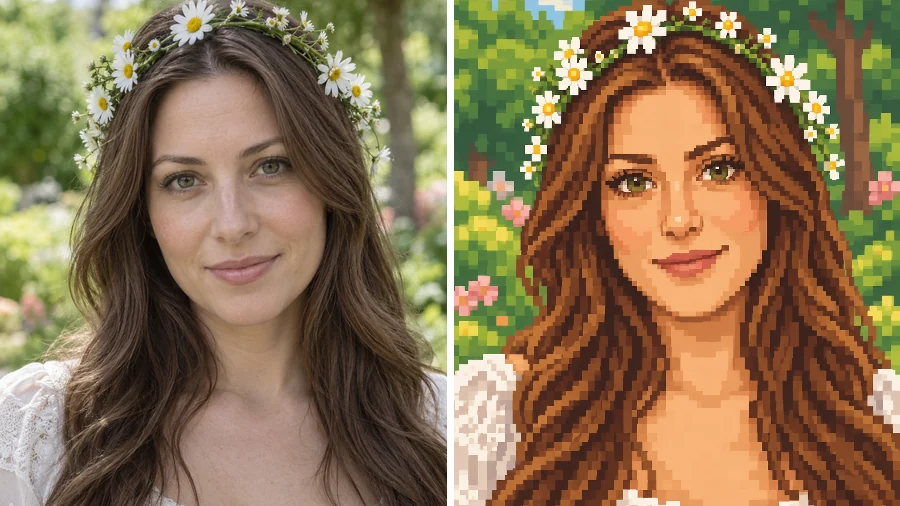 Stardew Valley Character CreatorUse this Stardew Valley character creator to turn a selfie into a cozy 16-bit pixel portrait. Pick a scene and outfit, then make your own Stardew Valley OC.
 Gorilla Tag PFP MakerMake a Gorilla Tag PFP from your photo. Pick a fur color, hats, glasses, and other cosmetics, then a 3D, pixel, or cartoon style for your custom GTAG PFP.
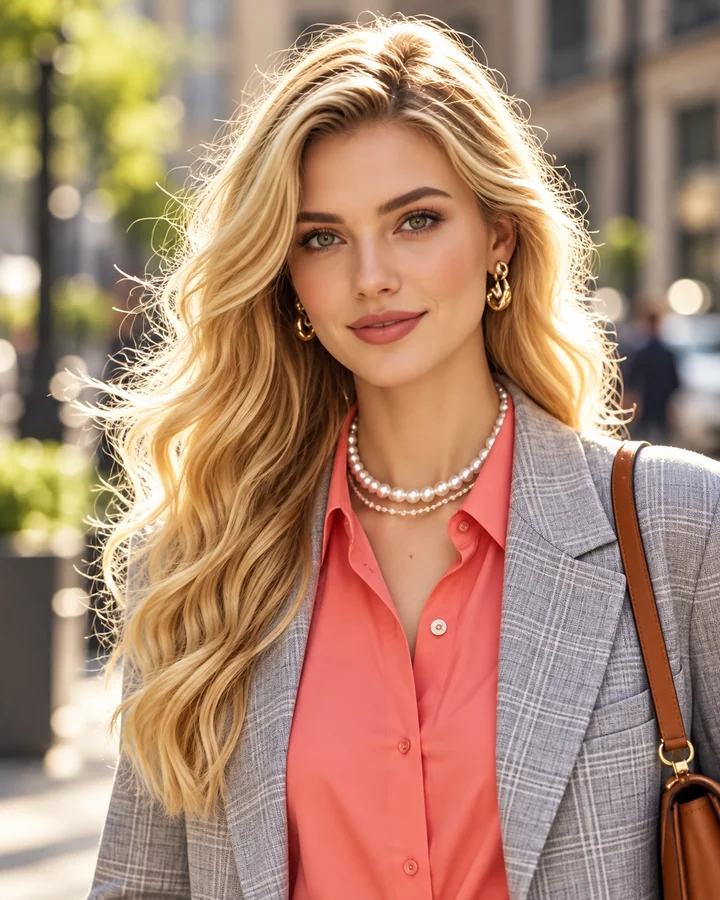 Unpixelate ImageUnpixelate image files in a few clicks. The AI depixelizer removes pixelation from photos, rebuilds faces and edges, and turns blocky pictures into clear ones.
 Low Quality Image MakerFree low quality image maker in your browser: lower image quality with pixelation, blur, grain, and JPEG crunch for memes and deep-fried pics, then download.
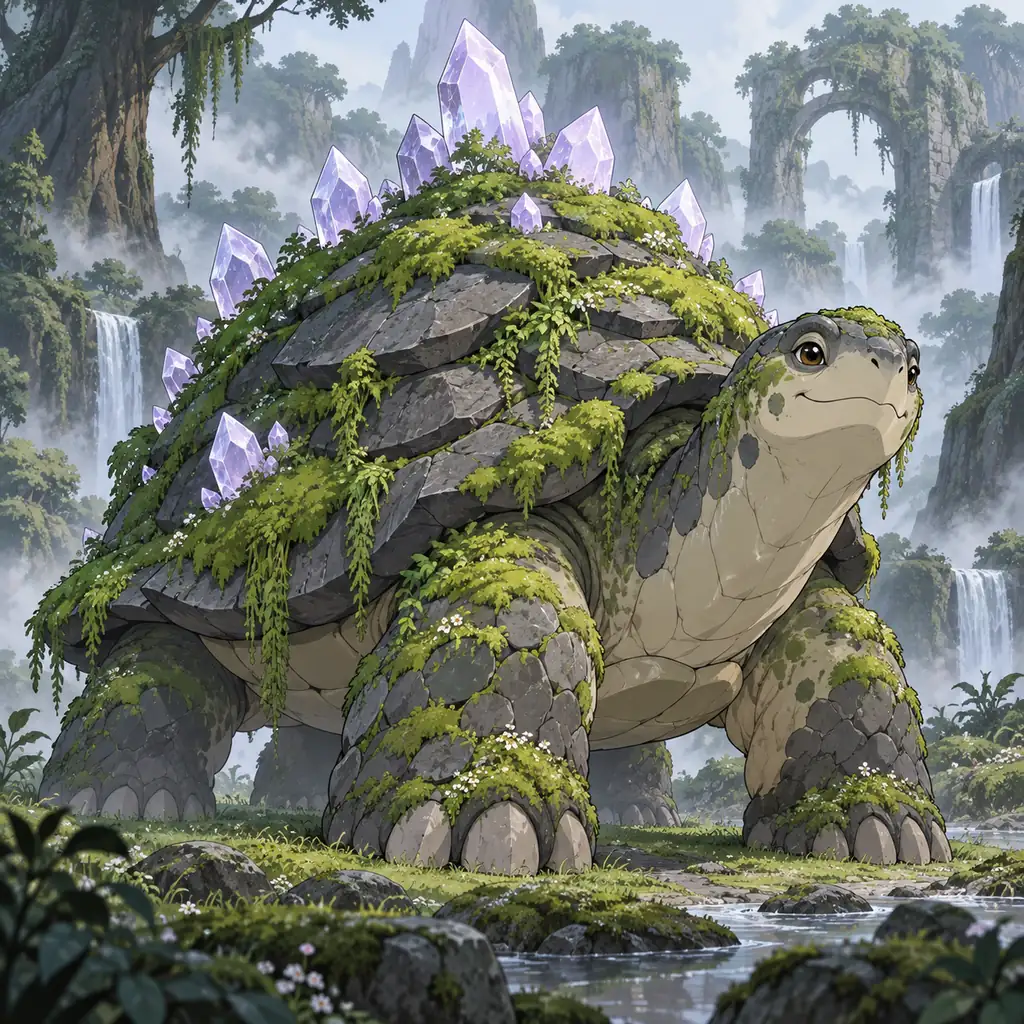 AI Pokemon GeneratorAI Pokemon generator for original fakemon: describe a creature, pick a type, stage, and style, and get Pokemon-style art, team pictures, and pixel sprites.
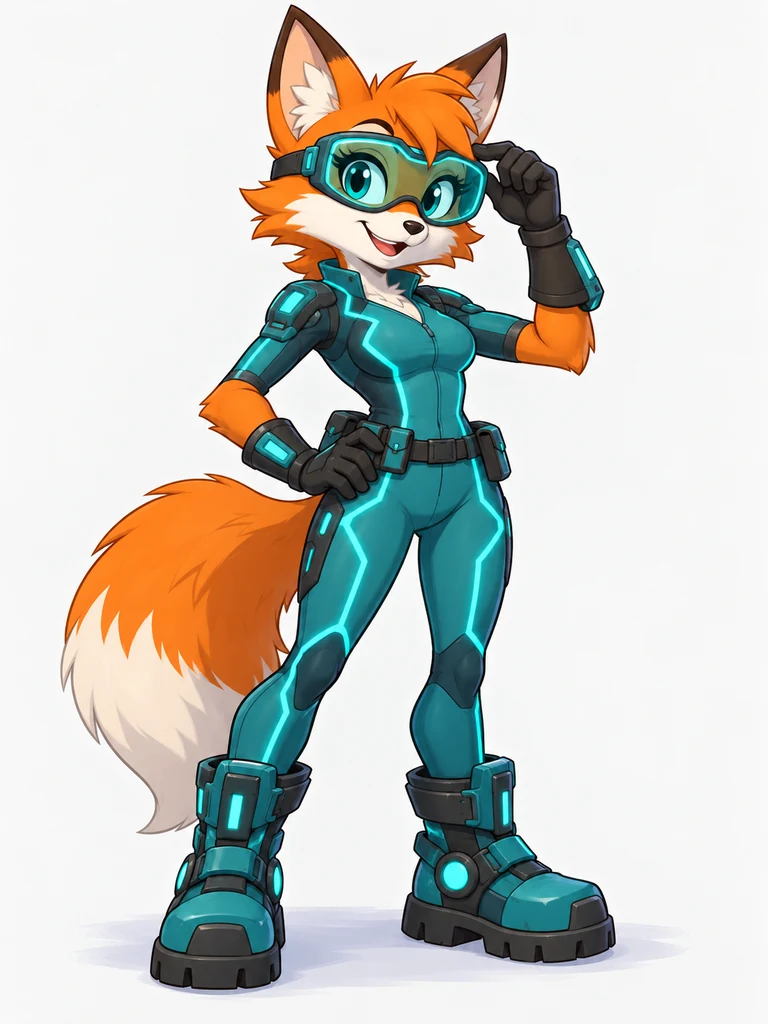 Sonic OC GeneratorFree-to-try Sonic OC generator: describe a hedgehog, fox, cat or bat, pick a species and style, and make your own Sonic character, reference sheet or avatar.
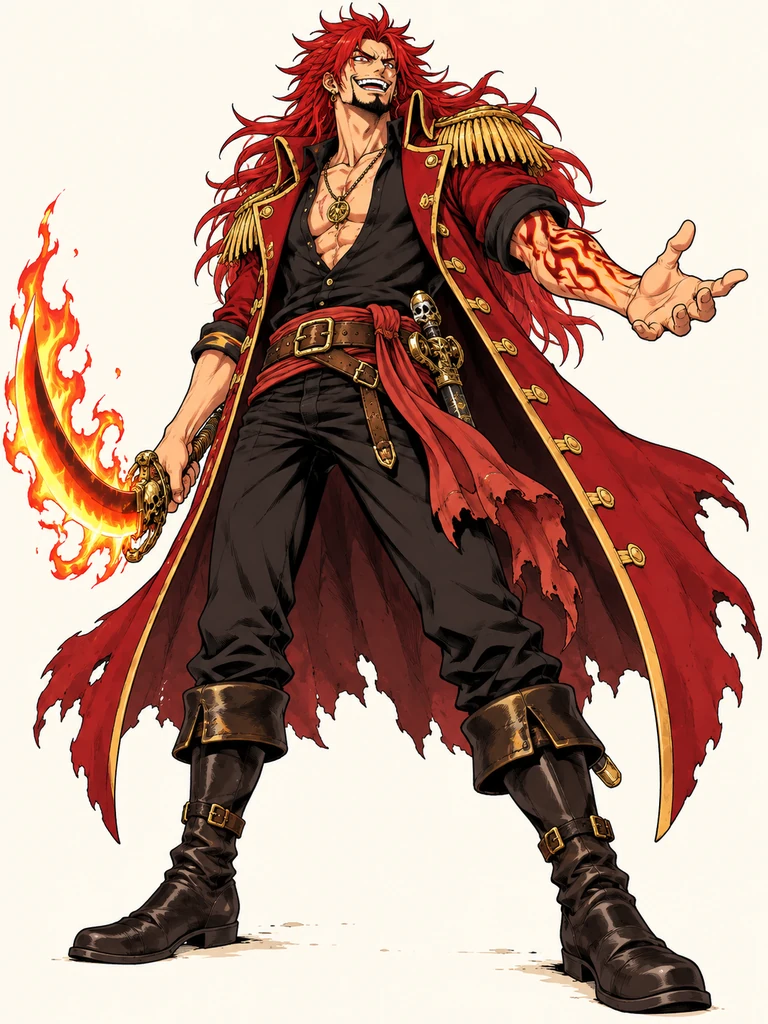 One Piece OC MakerFree-to-try One Piece OC maker: describe a pirate, pick a crew role and style, and create your own One Piece character, wanted poster, or character sheet.
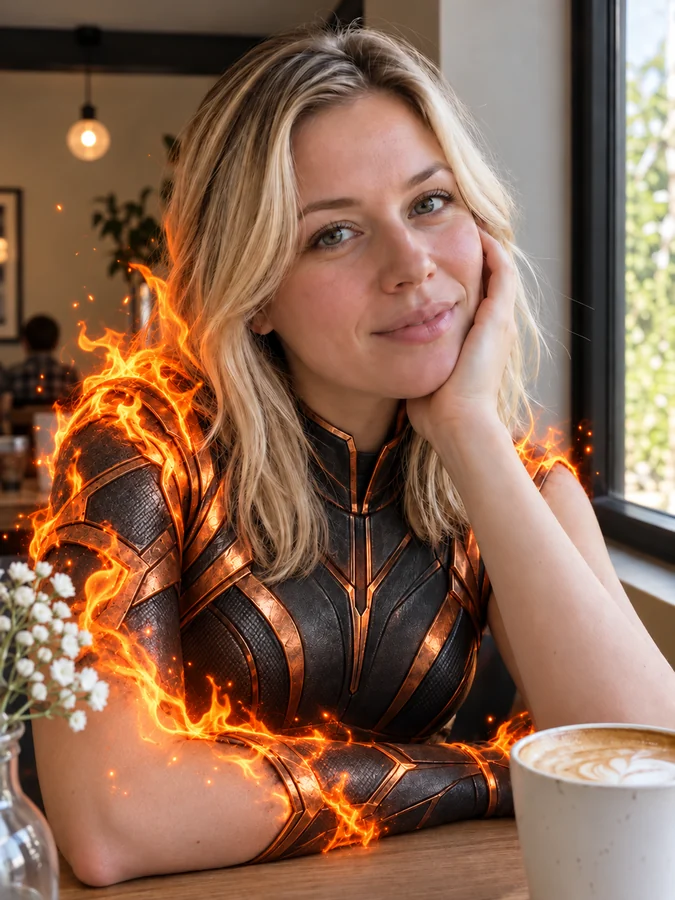 AI Superhero GeneratorUse this AI superhero generator to turn yourself into a superhero. Upload a selfie, pick a superpower and art style, and get an original hero portrait of you.
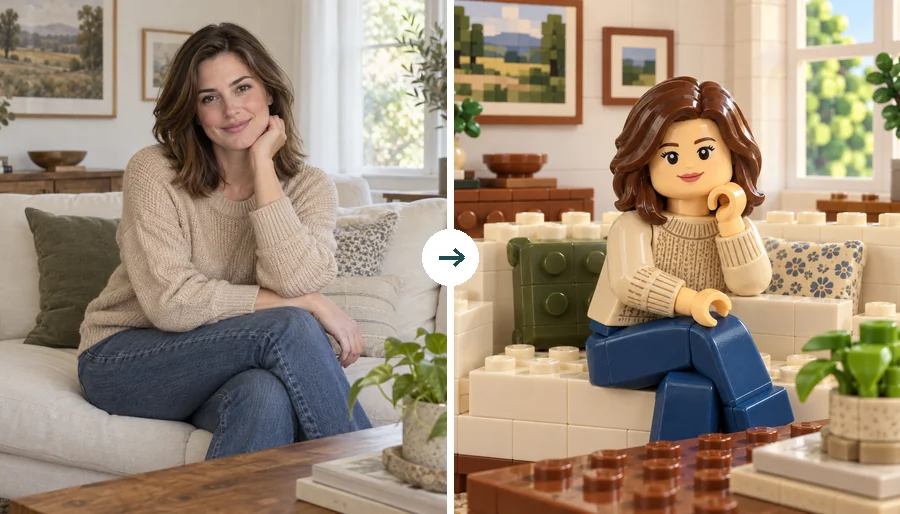 LEGO Minifigure GeneratorUse this LEGO minifigure generator to turn a selfie into a LEGO-style figure or rebuild the whole photo in bricks. Make custom LEGO minifigures from photos.
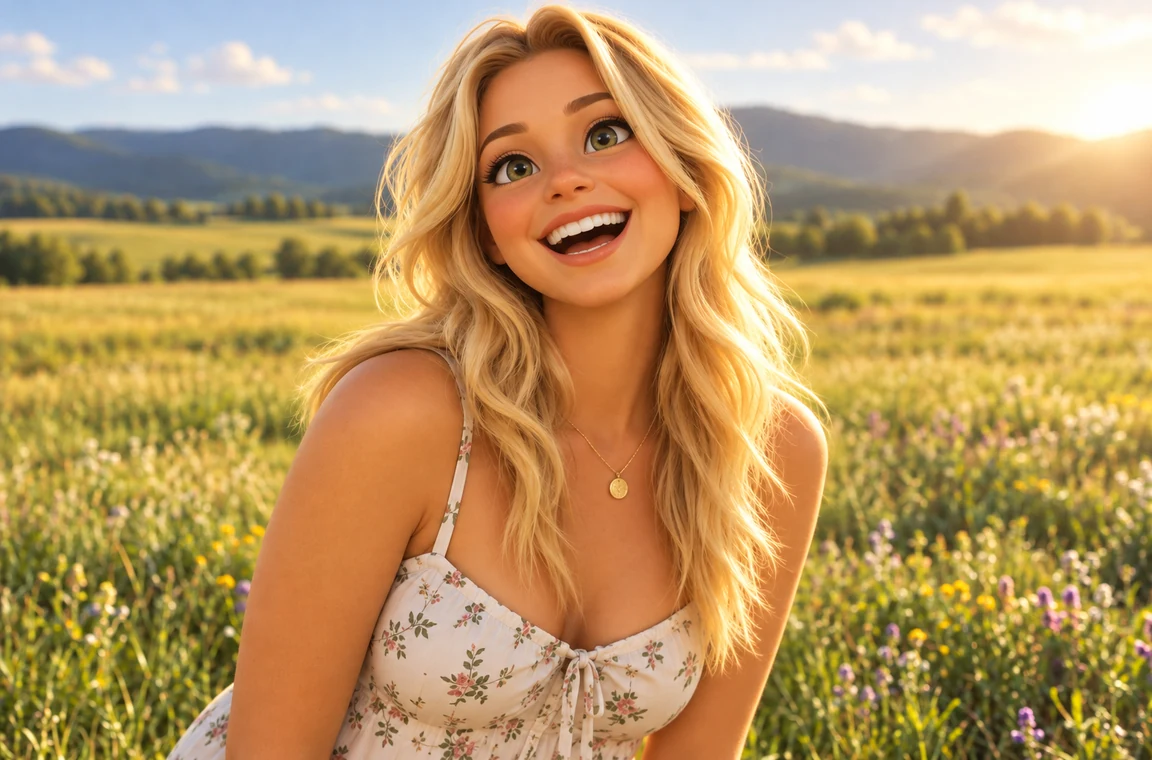 Photo to CartoonPhoto to cartoon AI cartoonizer: pick 3D animated, anime, comic, caricature or line art and turn a photo into a cartoon of you, your pet or car. Free to try.
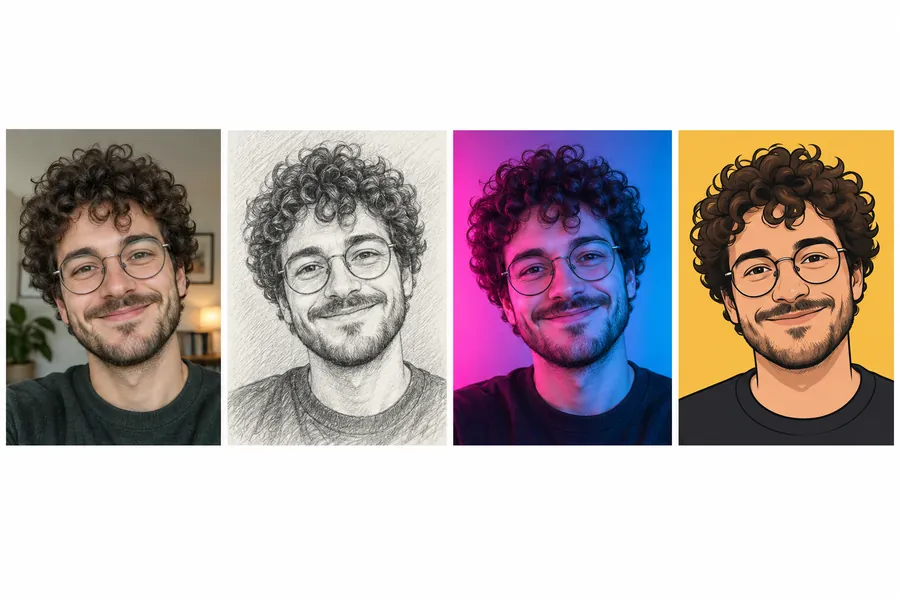 AI PFP MakerPFP maker for any app: upload a selfie, pick anime, 3D, pixel art, aesthetic, or letter styles, and the AI profile picture maker creates a square pfp to download.
 AI Flag GeneratorFree to try AI flag generator: describe colors, symbols, and text, pick a style, and create a custom, pride, team, or fictional country flag to download.
 Background RemoverRemove background free to try: the AI background remover online cuts out people, products and pets, then gives you a transparent PNG, white, color or new scene.
 Make Image TransparentMake image transparent online: the AI erases the background and saves a transparent PNG of people, products or logos. Make background transparent, free to try.
 Remove a Color from an ImageRemove a color from an image for free in your browser: make one color transparent, replace it with white, or keep only that color for a color splash photo.
 Green Screen RemoverFree green screen remover in your browser: chroma key green or blue backdrops out of photos, clean up green edges, and download a transparent PNG.
 Anime UpscalerAI anime upscaler for fan art, screenshots, manga, and waifu wallpapers. Upscale anime images 2×, 4×, or to 4K with crisp line art and clean color blocks.
 AI Image UpscalerAI image upscaler for photos, logos, PNGs and art. Upscale images and pictures 2×, 4× or to 4K with faithful AI upscaling that keeps faces and text intact.
A sprite is a 2D image of a character, item, or effect used in a game. A sprite sheet is one image holding many sprites or animation frames on a grid, which the game engine slices into separate frames. This sprite AI can make either: pick Single sprite or one of the sheet layouts.
It is free to try. New accounts get free credits when they sign up, enough to create a sprite in several styles. After that, each image uses credits, and the cost is shown on the button before you generate.
Yes. Add your character art, a drawing, a 3D render, or a photo as the reference image and the AI redraws it as a sprite. The AI sprite generator PNG import also takes JPG and WebP files up to 10 MB, and transparent PNGs work fine.
The AI draws a high-resolution image in a pixel style. To make pixel sprites at an exact size, download the result and scale it down with nearest-neighbor resizing in your pixel editor or engine. Choosing 8-bit or 16-bit and a simple design makes the downscale much cleaner.
The AI is told to keep the same design, size, and palette in every frame, and short cycles of 4 to 6 frames come out best. Image models can still drift a little between frames, so expect to tidy a frame or two, or generate a few versions and keep the most consistent one.
The image models return a flat background. Choose Plain white, Magenta key, or Green key, then remove it with a background remover or a color-key tool to get a transparent PNG.
For your own original characters, yes: describe the look in your own words. Fans use it as a JUS sprite maker or an AI JUS sprite generator for compact fighter sprites, as an FNF sprites maker for rhythm-game poses, and as a Danganronpa pixel sprites maker for visual-novel portraits. It draws new characters and does not copy official sprites, characters, or logos.
Nano Banana 2 is a fast, balanced default for sprites. Nano Banana Pro and GPT Image 2 follow layout instructions such as rows and frame counts most closely, which helps with sheets. Try two models on the same prompt and keep the cleaner result.
“Sprite creater” is a common misspelling of sprite creator. Both mean a tool that makes game sprites, and so do AI sprite creator, sprite creator AI, and sprite character maker: this page is all of them.
Download them for your game projects, prototypes, and portfolios. Create original characters rather than copying existing ones, only import art you made or have permission to use, and check our terms before any commercial release.
Describe a character, pick a style and a layout, and let the AI sprite generator draw it.
Nano Banana and Gemini are trademarks of Google LLC; GPT Image is a trademark of OpenAI; Seedream is a trademark of ByteDance; FLUX is a trademark of Black Forest Labs. Jump Ultimate Stars, Friday Night Funkin’, and Danganronpa are trademarks of their respective owners and are mentioned only to describe art styles. EzImgMaker is an independent service and is not affiliated with or endorsed by any of these companies.