Fictional Country Flag
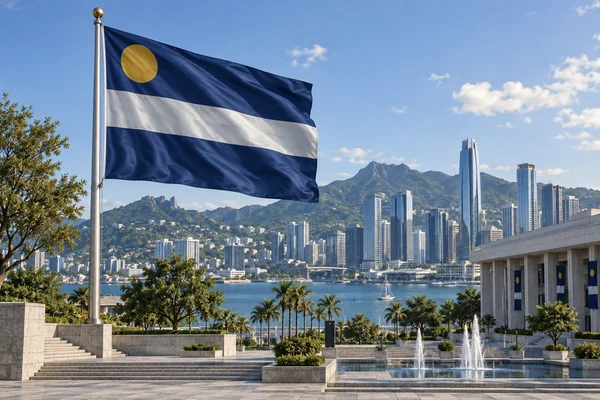
National flags for invented countries, empires, and city-states, with a layout that looks like the real thing.
Describe the colors, symbols, and meaning you want, pick a style, and the flag generator draws a finished flag: flat artwork for printing, a flag waving on a pole, or a hanging banner. Add a logo or motto if you like. Free credits when you sign up.
Flag style
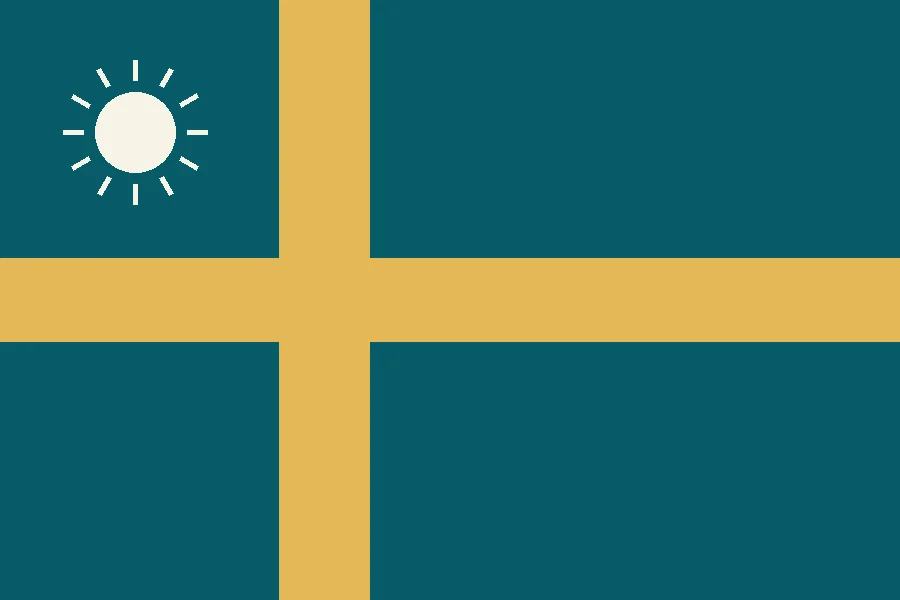
A national flag for the fictional island nation of Solenne: a deep teal field with an off-center golden Nordic cross and a small white sun in the upper hoist, standing for the sea, the harvest, and hope.
Reference example. It is not a result generated from your upload.
An AI flag generator turns a written description into a finished flag design. You say what the flag stands for, which colors and symbols you want, and how it should be laid out, and the AI draws the whole thing: field, stripes, emblem, and any lettering you ask for. Instead of dragging shapes around a template, you describe it in a sentence and create a flag AI has drawn from scratch, in your colors and with your symbols.
Use this flag generator for a fictional country in your novel or game, a pride flag for your identity or community, a sports team or school club flag, a family flag, or a banner for a party or a cause. Pick from 12 styles and five AI models, choose flat artwork, a flag waving on a pole, or a hanging banner, and add a logo if you have one. It is free to try: new accounts get free credits when they sign up.
Every flag below started as a short description. Tap a card to load the same idea or style, then change the colors and symbols to make it yours.
National flags for invented countries, empires, and city-states, with a layout that looks like the real thing.
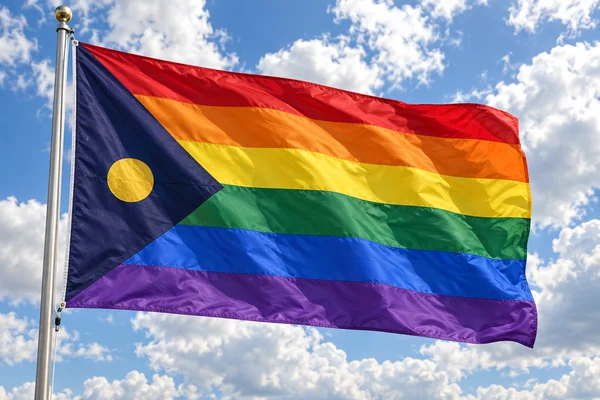
Stripes and symbols in your own colors for an identity, a community, a club, or a Pride event.
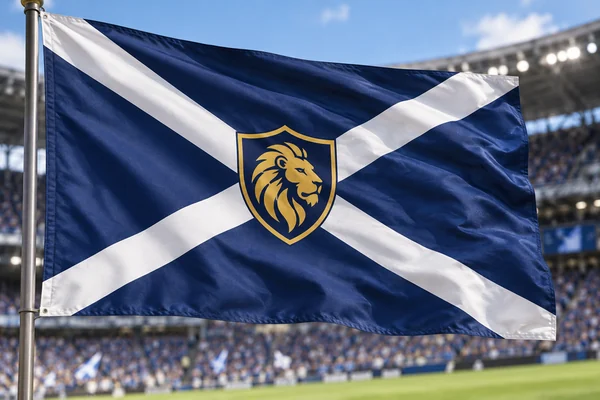
Club colors and a mascot crest that read clearly from the stands.
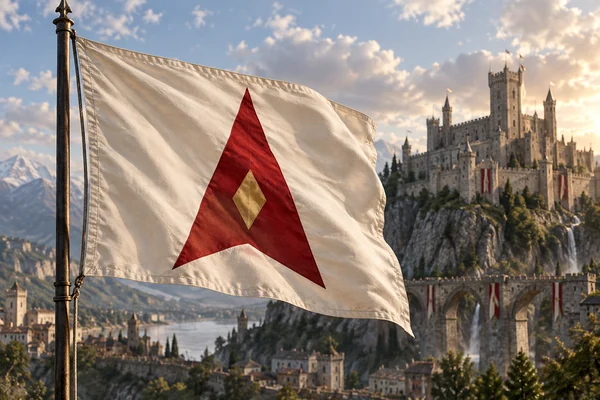
Sigils and war banners for houses, guilds, and kingdoms in your world.
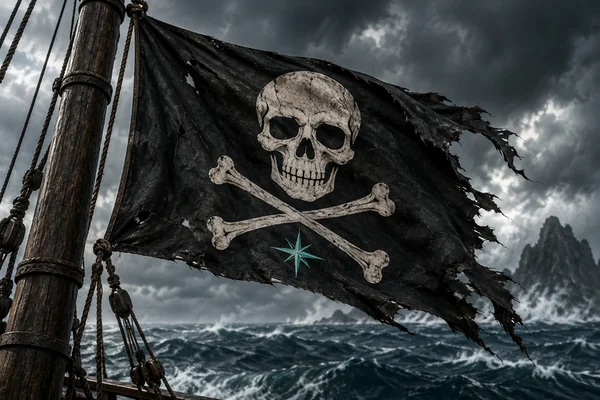
A Jolly Roger for a crew, a costume party, or a tabletop campaign.

Flags for causes, charities, and campaigns, built around one clear symbol.

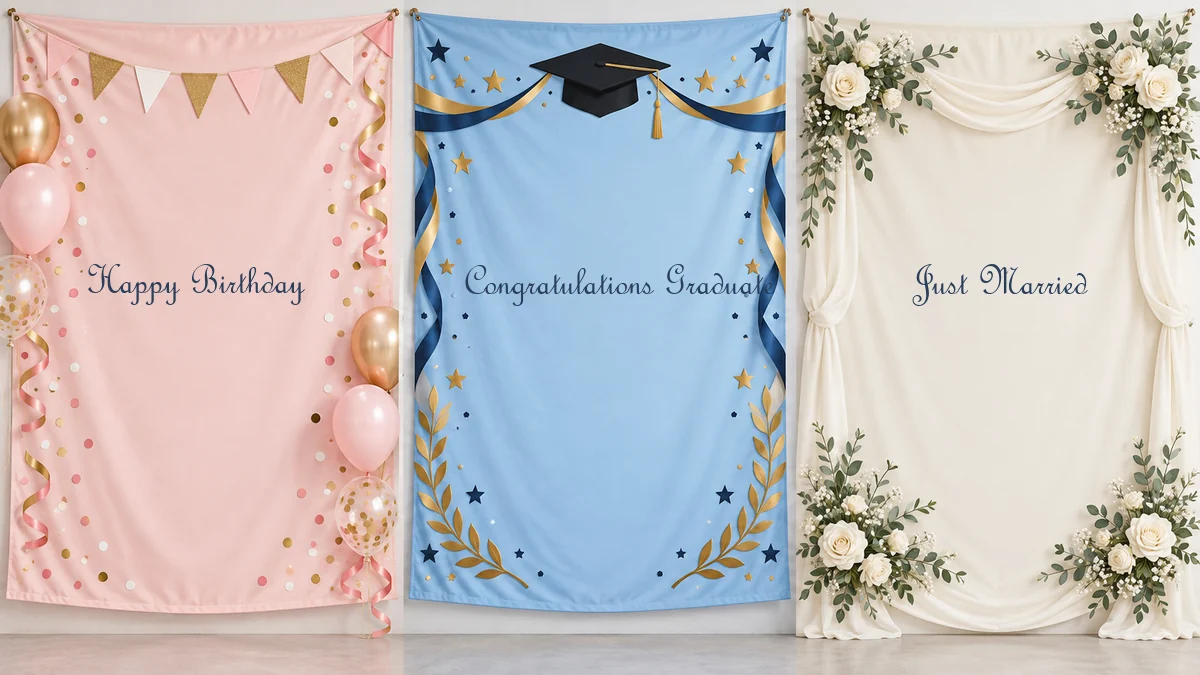
Banners for birthdays, graduations, weddings, and New Year with your own words on them.
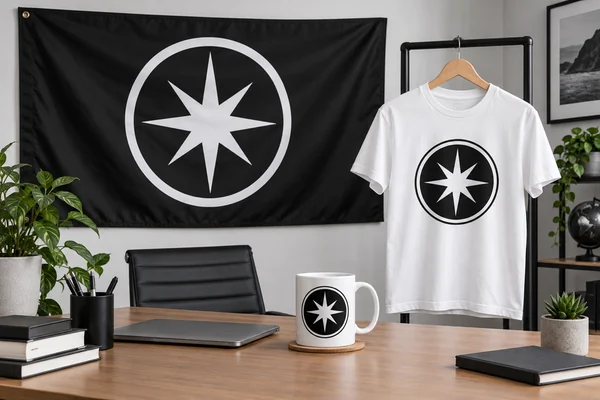
Your logo and brand colors on a flag for events, a storefront, or merch.
Three steps from an idea to a flag you can print, post, or drop into your game.
Write what the flag is for and what it should show: the colors, the layout (stripes, a cross, a canton), and one emblem. Put any words in quotes or in the text field. Stuck? Tap an idea such as Fictional nation or Custom pride flag, or upload a logo or sketch.
Pick a style like Classic National, Heraldic Banner, or Pride Stripes, then choose flat artwork, a flag waving on a pole, or a hanging banner. Keep 3:2 for a classic flag, or switch to 16:9, square, a 2:3 garden flag, or 9:16 for a phone.
Press Generate Flag, compare the results, and change a color or symbol in your description to try again. Download the flag you like for printing, posting, or your project.
Most flags in the world use one of a handful of layouts. Name one in your description and the flag AI will build the design around it.
| Layout | What it looks like | Words to use in your prompt |
|---|---|---|
| Triband | Three equal stripes, side by side or stacked | “three vertical stripes in green, white, and red” |
| Bicolor | Two halves, split across or down the middle | “green upper half, black lower half” |
| Nordic cross | A cross shifted toward the pole side | “an off-center golden Nordic cross on teal” |
| Canton | A rectangle in the upper corner by the pole | “a navy canton with five white stars” |
| Hoist triangle or chevron | A triangle pointing in from the pole side | “a white chevron at the hoist with a red star” |
| Saltire | A diagonal X across the whole field | “a white diagonal cross on royal blue” |
| Central emblem | A plain field with one symbol in the middle | “a crimson field with a golden phoenix in the center” |
| Swallowtail | A fly end cut into two points, like a medieval banner | “a swallow-tailed banner in midnight blue” |
The side next to the pole is the hoist, and the far side is the fly. A canton always sits in the upper hoist corner.
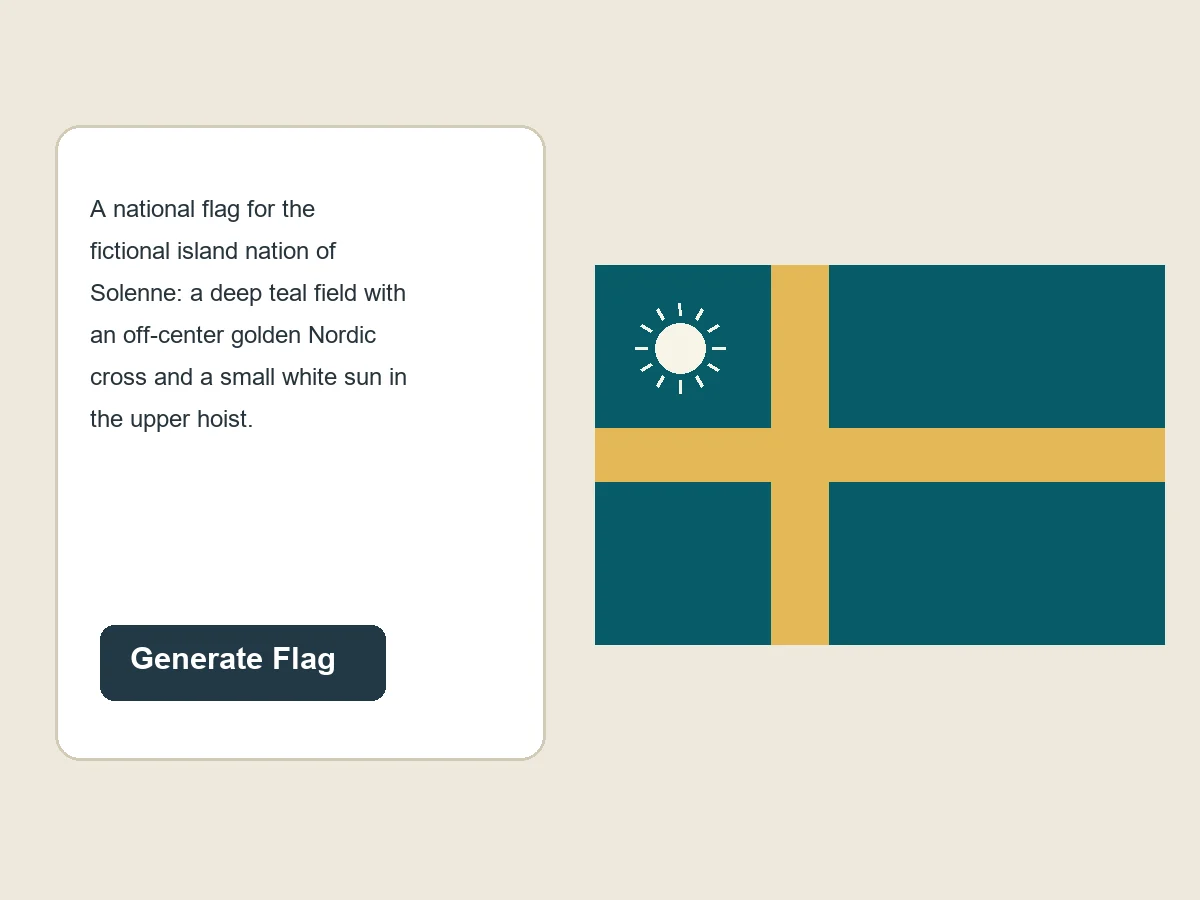
No design software and no blank templates: tell the flag generator AI what the flag means and it handles the layout, proportions, and colors. Want a Nordic cross in your school colors, a canton with three stars, or a phoenix on crimson? Say so, and the AI flag comes back as clean, flat artwork you can print or keep refining.
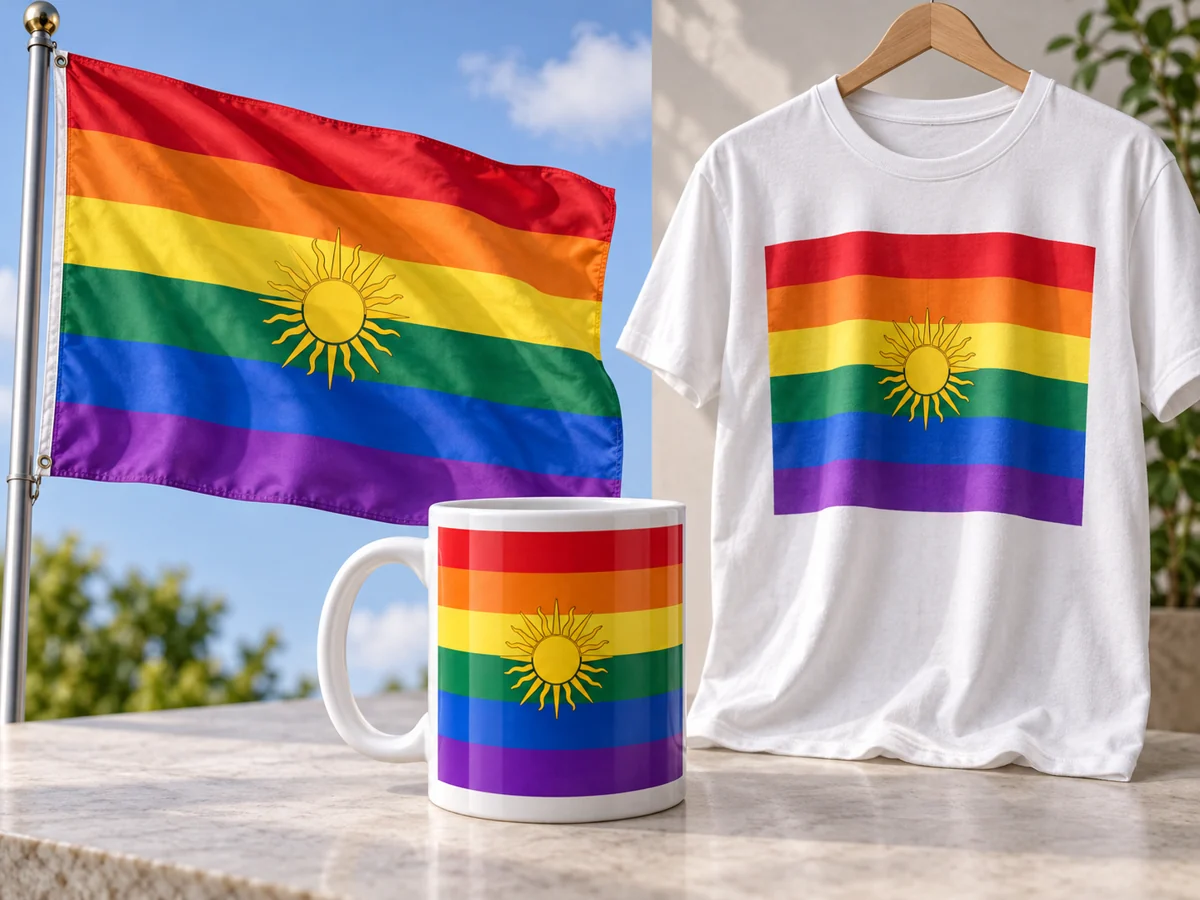
Design a pride flag that fits your identity, your community, or your event: choose the stripes, add a chevron or a symbol, and put your group’s name on it if you like. Make one for a Pride march, a campus alliance, a book club, or your profile picture, then print it on a flag, a shirt, or a sticker.
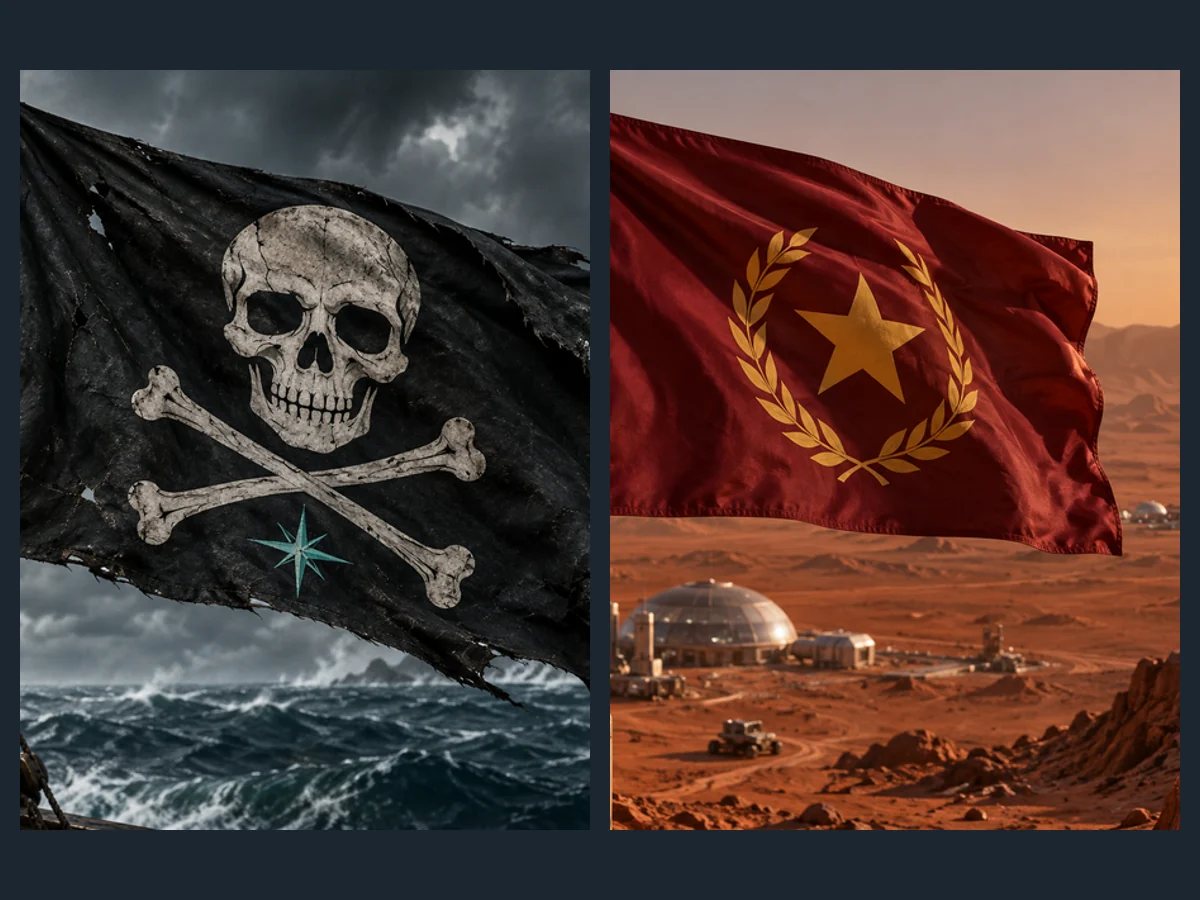
Writers, game designers, and tabletop players can fill a whole map with AI flags: nations, rebel factions, pirate crews, guilds, and space colonies. Use Random fictional flag or Surprise me when you need a new country fast, or describe its history and values and let the design follow.
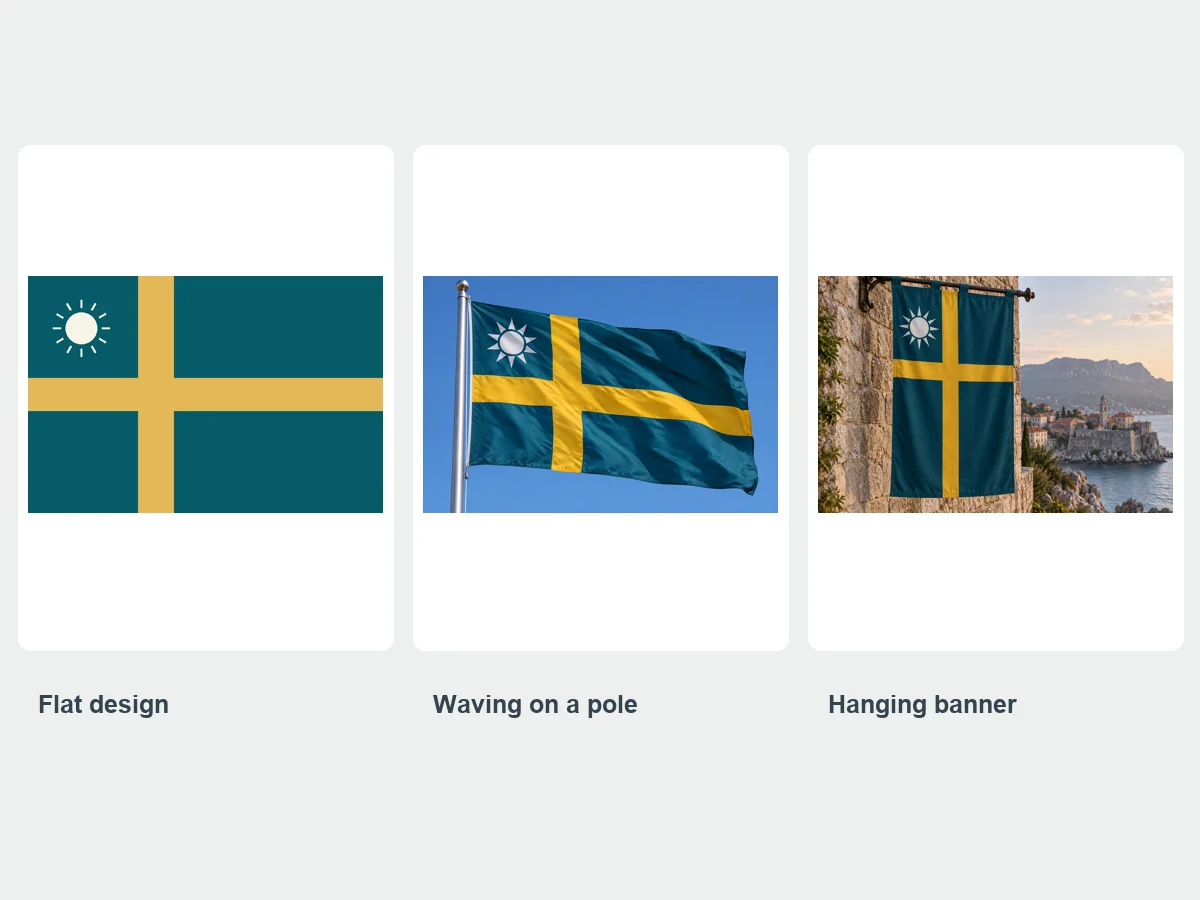
Choose Flat design for clean, edge-to-edge artwork to print or use in a game, Waving on a pole for a realistic photo of the flag in the wind, or Hanging banner for a medieval or festival look. Upload a logo or crest and it becomes the flag’s emblem; add a motto in the text field and it is spelled as you typed it.
From a novel’s map to a stadium crowd, these are the flags people make most with this flag generator.
National flags, house sigils, and faction banners that make an invented world feel real.
Flags for strategy maps, tabletop campaigns, roleplay servers, and in-game clans.
Custom pride flags for marches, campus groups, clubs, and personal identity.
Club flags, supporter banners, and tailgate flags in your team colors.
Flags for robotics teams, scout troops, reunions, weddings, and graduations.
Flags with your logo for trade shows, storefronts, pop-ups, and merch.
The rules flag designers use, adapted for writing an AI flag generator prompt.
A good flag can be drawn from memory by a child. One layout and one emblem beat a busy collage.
Pick a few strong colors that contrast well, and say what each one stands for.
A sun, a tree, a wave, or an animal tells the story better than a detailed scene.
Say “triband”, “Nordic cross”, or “canton” so the design starts from a structure that works.
Real flags rarely have words. If you need them, keep it to a name or motto and put it in quotes.
Check that your design does not look like an existing country’s flag, and change a color or symbol if it does.
Build a full identity for your country, team, or family.
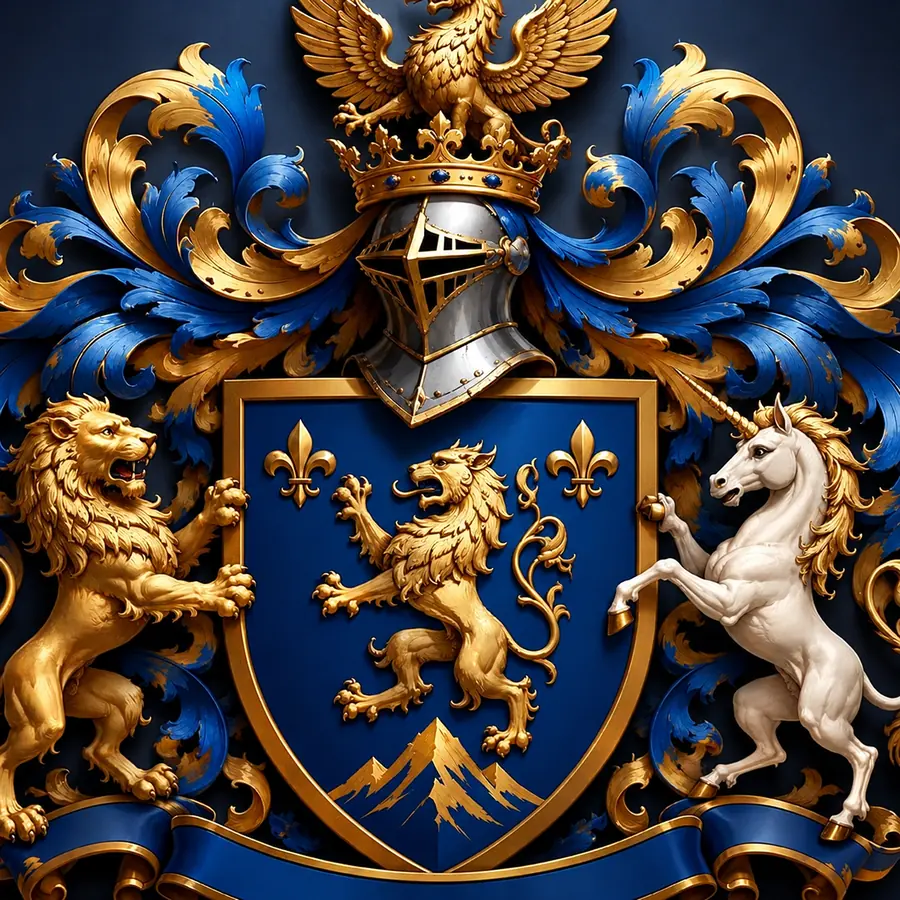
Design the matching family crest or national coat of arms, with a shield, crest, and motto ribbon.
Make a Coat of ArmsTurn your initials into a monogram to put on a family, wedding, or club flag.
Make a MonogramCreate a logo for a band or crew, then use it as the emblem on a stage banner.
Make a Band LogoCreate from text, then clean up, cut out, or upscale your flag for print.
 AI Image GeneratorFree to try AI image generator: type a prompt or add a photo, pick Nano Banana 2, GPT Image 2, Seedream, or FLUX, choose a style, and create AI images online.
 Text to Image AIText to image AI that turns words into pictures: type a prompt, pick a model and a style, and the AI image generator from text creates images you can download.
 AI Dragon GeneratorCreate your own dragon with the AI dragon generator: describe it, then pick an element, a pose, and a style like Eastern, Western, cute, or pixel. Free to try.
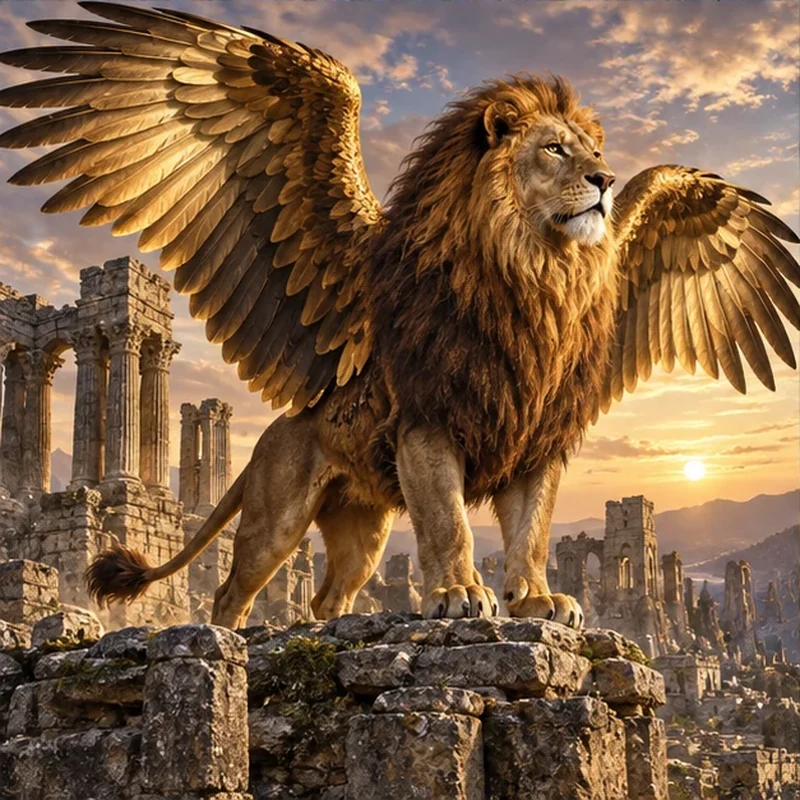 Animal Hybrid GeneratorMix animals together with the AI animal hybrid generator: name two animals, pick a style, and get an animal fusion, mashup, or random hybrid. Free to try.
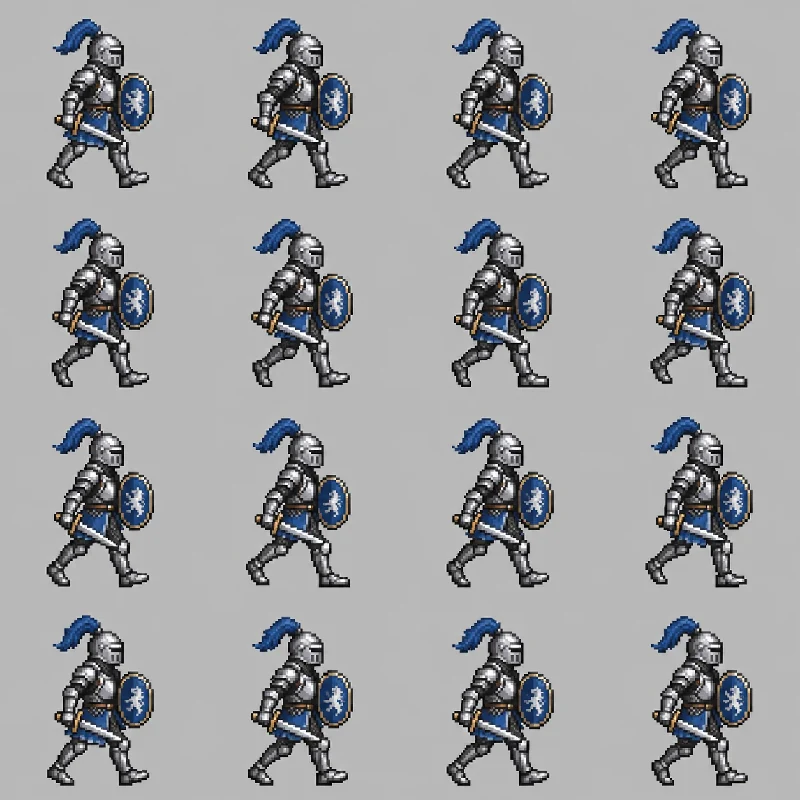 AI Sprite GeneratorAI sprite generator and sprite creator for games: describe a character, pick 8-bit, 16-bit, or RPG style, and get a pixel sprite or an AI sprite sheet. Free to try.
 AI Wallpaper MakerFree to try AI wallpaper maker: describe a scene or a quote, pick a phone, desktop, ultrawide, or tablet size, and generate a custom wallpaper or lock screen.
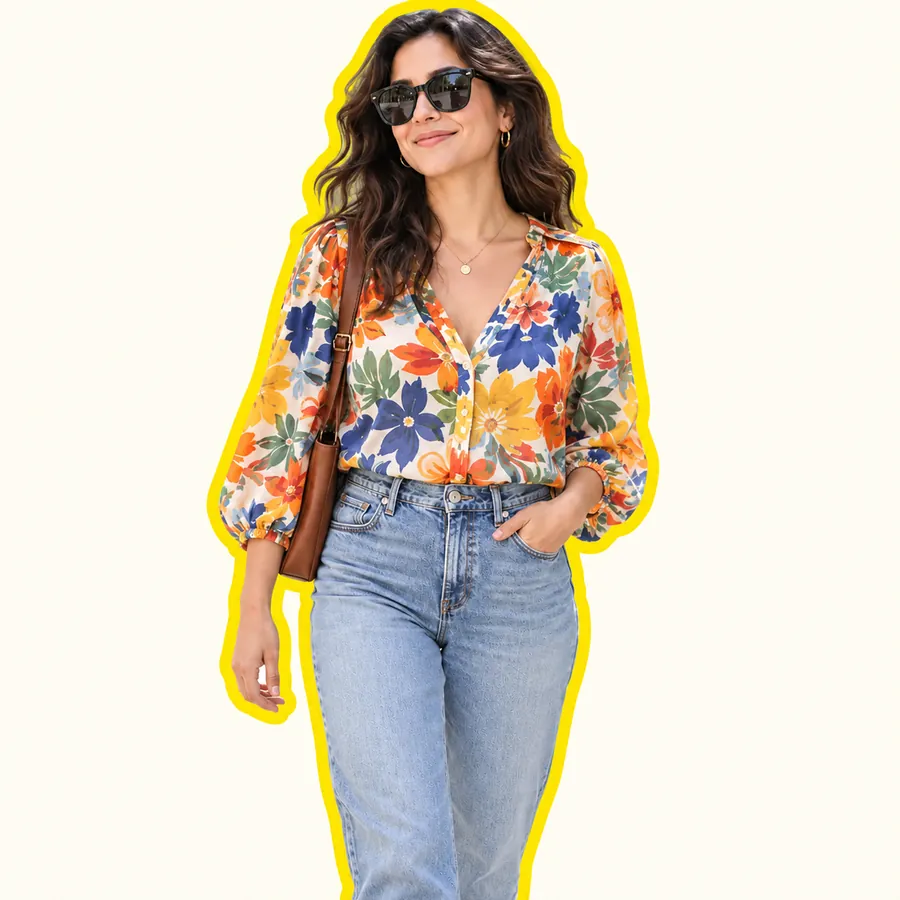 AI Sticker MakerHow to make a picture a sticker: upload a photo or screenshot, pick a style like die-cut, cartoon, chibi, or kawaii, and the AI sticker maker turns it into a PNG.
 AI PFP MakerPFP maker for any app: upload a selfie, pick anime, 3D, pixel art, aesthetic, or letter styles, and the AI profile picture maker creates a square pfp to download.
 Background RemoverRemove background free to try: the AI background remover online cuts out people, products and pets, then gives you a transparent PNG, white, color or new scene.
 Make Image TransparentMake image transparent online: the AI erases the background and saves a transparent PNG of people, products or logos. Make background transparent, free to try.
 AI Image UpscalerAI image upscaler for photos, logos, PNGs and art. Upscale images and pictures 2×, 4× or to 4K with faithful AI upscaling that keeps faces and text intact.
 4K Image Upscaler4K image upscaler and converter: make an image 4K quality for wallpapers, TVs and prints. Upscale photos to 3840 px or more with faithful AI. Free to try.
 AI Photo EditorAI image editor free to try: upload a photo, type the change and pick Nano Banana, Seedream, GPT Image or FLUX to swap backgrounds, outfits, light and more.
 AI Image ExpanderAI image expander and image extender: expand image borders to 16:9, 9:16, 1:1 or 21:9, uncrop photos and zoom out pictures with matching scenery. Free to try.
 Nano Banana ProCreate 2K and 4K images with Nano Banana Pro, the Gemini 3 Pro Image model: legible text in many languages, infographics, multi-image blends, and studio control.
 Nano Banana 2Try Nano Banana 2, the Gemini 3.1 Flash Image model: Pro-level images at Flash speed, 1K to 4K output, ultra-wide ratios, readable text, and up to 14 references.
 GPT Image 2Use GPT Image 2, OpenAI’s gpt-image-2 model, to create images with dense, readable text, UI mockups, and edits from up to 16 reference images, at 1K, 2K, or 4K.
 Seedream 4.5Use Seedream 4.5 online: write a prompt or add reference images, pick an aspect ratio and 2K or 4K quality, and create posters, product shots, and photo edits.
 FLUX.2Try FLUX.2, the Flux 2.0 image model from Black Forest Labs. Use FLUX.2 Pro or Flex for text to image and multi-reference edits, with 1K or 2K output.
Name the purpose, the layout, the colors, and one emblem, for example “a flag for a mountain town: three horizontal stripes in green, white, and blue with a silver eagle in the center”. Say what the colors mean if you like; the AI uses that to keep the design coherent. The layout table above lists words that work well.
It is free to try. New accounts get free credits when they sign up, enough to test the flag generator with a few styles and models. After that, each flag uses credits, and the exact cost is shown on the Generate button before you start.
Yes. Use it as a pride flag generator: describe the stripes and colors you want, add a chevron, a circle, or a symbol, and say who the flag is for. You can also put a group or event name on it with the text field. The Custom pride flag idea is a ready example to start from.
Yes, that is one of the most popular uses. Describe the country’s geography, history, and values, or tap Random fictional flag and let the AI invent one. It works as a random fictional flag generator for maps, novels, strategy games, and roleplay.
Yes. Type the words in the text field or in quotes in your description and they are printed as written. Keep it to a short name or motto, and choose Nano Banana Pro or GPT Image 2 for the cleanest lettering. Without text, the AI flags come out word-free, like most real flags.
Yes. Upload your logo or crest as the reference image and the AI places it on the flag as the main emblem, keeping its shape and colors. Only upload logos you own or have permission to use.
Many national flags use 3:2, which is the default here, and a common printed house flag is 3 × 5 feet. Some flags are 2:1 or square. Choose 16:9 for a wide banner, 2:3 for a vertical garden flag (often 12 × 18 inches), and 9:16 for a phone wallpaper.
Choose Flat design so the artwork fills the frame with no pole or background, download it, and send it to a flag or banner printer. For large prints, run it through an image upscaler first so the edges stay sharp.
The generator makes original designs by default. You can ask for a real flag in a creative scene, such as a flag in watercolor or pixel art, but do not use generated flags to impersonate a government, company, or organization.
Do not create flags that promote hate, violence, or extremist groups, or flags meant to deceive people about who is behind them. Prompts that break these rules are blocked.
Describe the colors and symbols, pick a style, and let the AI flag generator design it.
Nano Banana and Gemini are trademarks of Google LLC; GPT Image is a trademark of OpenAI; Seedream is a trademark of ByteDance; FLUX is a trademark of Black Forest Labs. EzImgMaker is an independent service and is not affiliated with or endorsed by these companies. Model names are used only to describe compatibility.