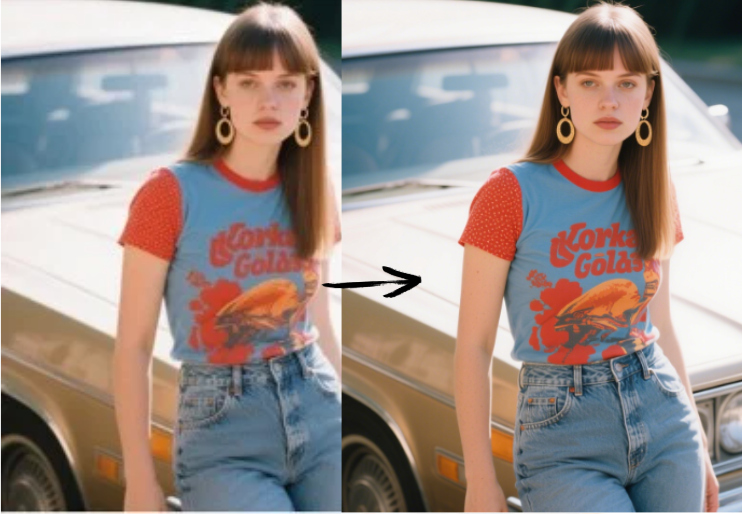
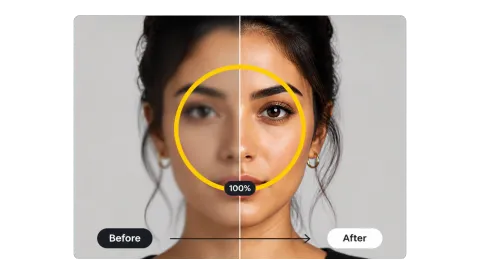
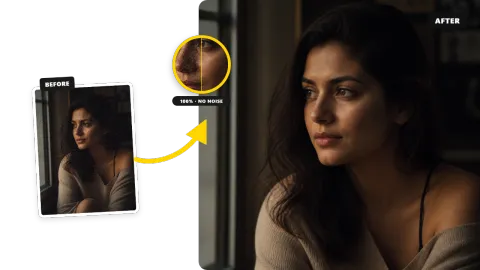
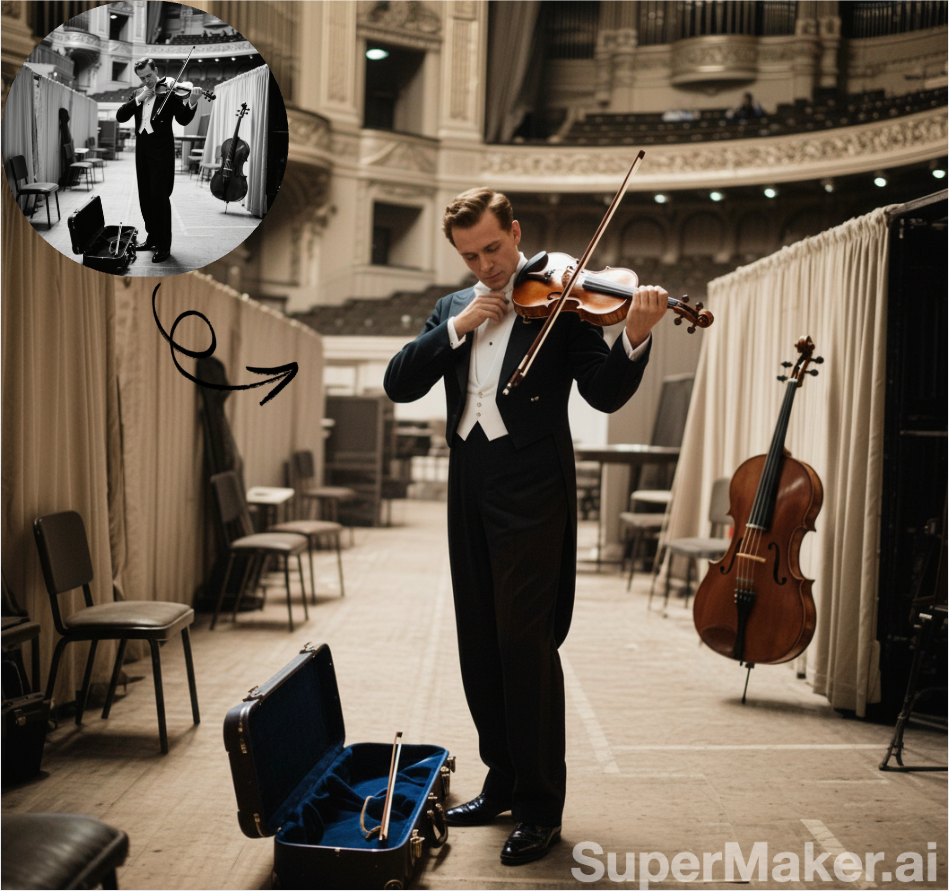
Upload Your Video
Add an MP4, MOV, or MKV file up to 50 MB and 60 seconds: phone footage, a screen recording, an old home video, or an AI-generated clip.
Upload a low-quality video and the AI video enhancer cleans noise and compression, sharpens soft detail, and can raise the resolution 2× or 4× in the same pass.
Fine-tune
Your video stays in this browser during this UI preview.
Reference example. It is not a result generated from your upload.
A video quality enhancer improves how footage looks overall, not just how many pixels it has. Low quality video usually suffers from several problems at once: grain from low light, blocky compression from uploads and chat apps, soft focus, and a resolution too small for today’s screens. An AI video enhancer tackles them together, frame by frame, instead of making you stack filters in an editor.
Unlike a sharpen or denoise filter, a video enhancer AI model has learned from real footage what clean edges, skin, hair, and textures look like, so it rebuilds them instead of only raising contrast. Choose Enhance only to keep the original size, or add 2× or 4× when you also need to increase video quality for larger screens.
From a terrible clip to a clean one, without editing software or manual video enhancing.
Add an MP4, MOV, or MKV file up to 50 MB and 60 seconds: phone footage, a screen recording, an old home video, or an AI-generated clip.
Pick a preset or set the enhancement level yourself: Enhance only for HD footage that looks noisy, 2× for social clips, 4× for old or very small videos.
AI enhances the video frame by frame. Compare it with the original, then download the improved MP4.
One AI video enhancement step instead of a stack of filters.
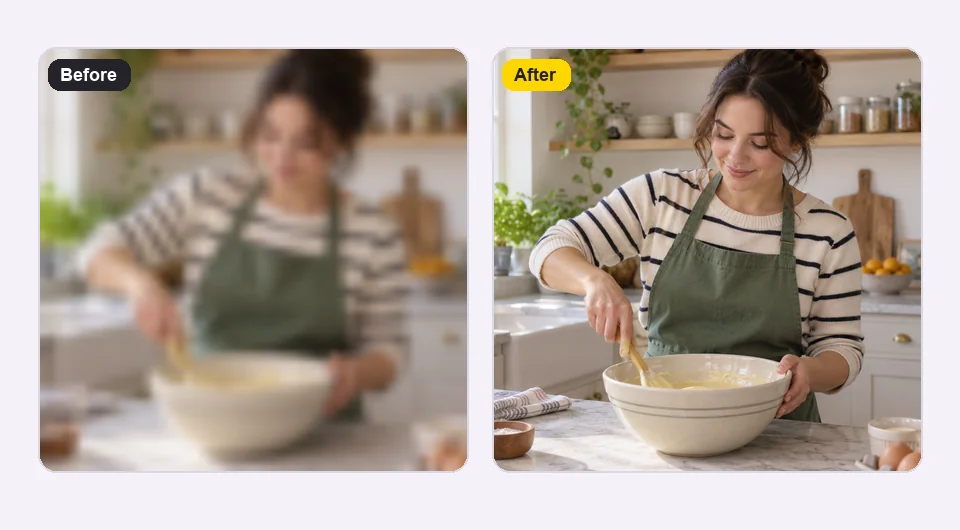
Soft footage loses the details viewers look for: faces, hands, labels, and text. The model rebuilds them as clean edges instead of over-sharpened outlines, so the video quality improver result still looks natural on a big screen.
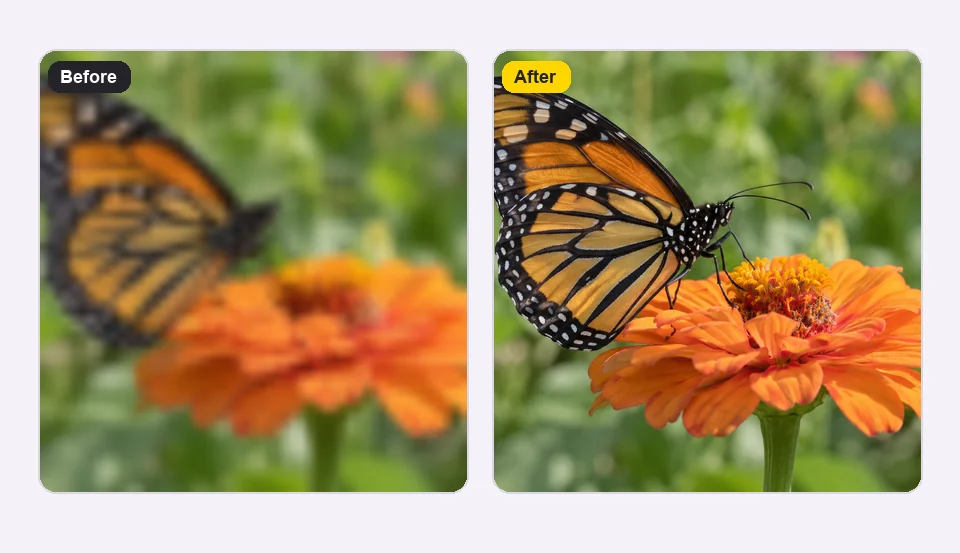
Grain, blocking, and banding make colors look muddy and flat. Let AI enhance video texture and remove that noise, and color areas become smooth and clean again while fine detail such as wings, petals, and fabric stays intact.
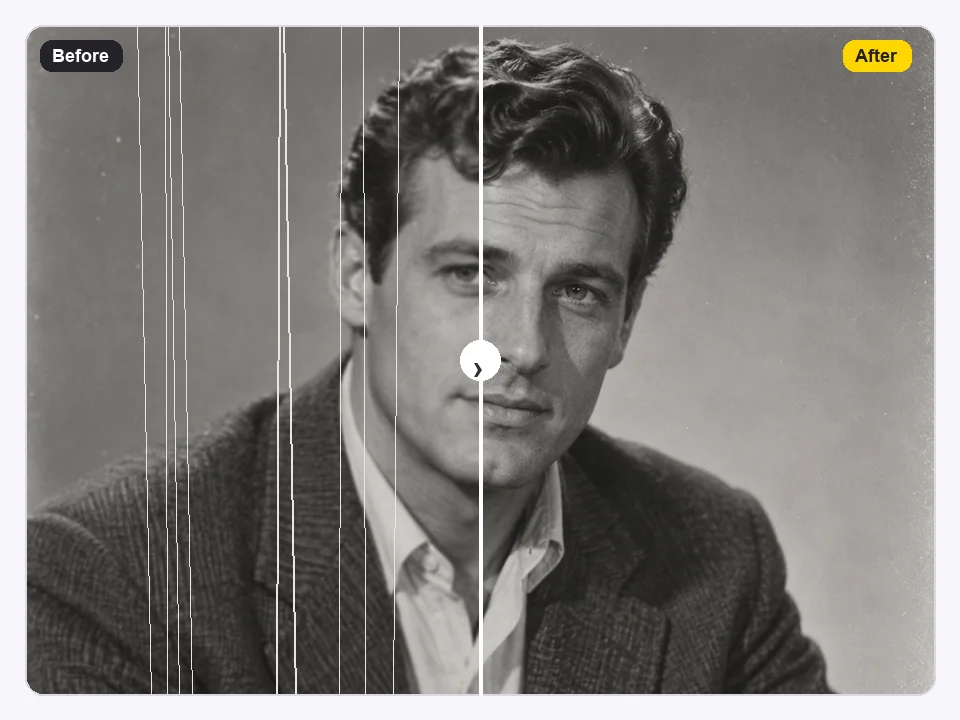
Camcorder tapes, DVD rips, and early phone clips were recorded at low resolution. Choose Old Home Video to enhance quality of video from the past and enlarge it 4×, so weddings, birthdays, and trips look clear on a modern TV.

Generated videos and night footage often come out soft or noisy. Enhance a video before you publish it: the AI cleans grain in dark scenes and sharpens generated detail, giving short clips a video quality boost for social posts and ads.
They share the same AI model; pick the page that matches your goal.
| Tool | Main job | Output size | Pick it when |
|---|---|---|---|
| Video quality enhancer (this page) | Overall clean-up: noise, compression, softness | 1×, 2×, or 4× | The clip looks bad in several ways at once |
| Video upscaler | More pixels for bigger screens | 2× or 4× | The clip is clean but too small |
| Unblur video | Sharpen out-of-focus or motion-blurred footage | 1×, 2×, or 4× | Blur is the main problem |
| HD video converter | Turn SD footage into 1080p-class HD | 2× or 4× | You need a 720p / 1080p / HD deliverable |
Anyone with footage that looks worse than the moment it captured.

Enhance video quality of phone clips, livestream highlights, and reposted shorts before they go on your channel.
Bring old tapes and early phone videos up to a quality that holds up on a TV or projector.
Reuse older product demos, testimonials, and ad drafts without reshooting, with readable text and clean edges.
Run generated clips through one enhancement pass so they look crisper next to camera footage in your edits.
A better source gives the AI more to work with.
Upload the camera file, not a copy saved from a chat app or social site. Every re-upload strips detail.
Enhance first, then add text, color grading, and transitions, so overlays stay crisp.
Enhance only for noisy HD, 2× for typical phone clips, 4× for old or tiny videos.
When you can reshoot, add light. Dark footage hides detail that no model can fully recover.
Typical ways people enhance a video before sharing it.
Illustrative examples adapted from reference material, not verified reviews of EzImgMaker.
Our wedding DVD looked fine in 2008 and terrible on a 4K TV. Old Home Video at 4× made it watchable for the whole family.
I reuse clips my followers send me, and they arrive crushed by chat apps. One enhancement pass cleans the blocks out.
Generated clips looked soft next to my camera footage. Enhancing them at 2× made the edit feel consistent.
We had product demos from years ago with unreadable labels. After enhancing, the text is clear enough to keep using them.
How to improve video quality, what the enhancer does, and what to expect.
Upload the clip, choose a footage type or enhancement level, and start. The AI video enhancer removes noise and compression, sharpens detail, and optionally upscales 2× or 4×. Download the result as MP4 when it is done.
Choose Enhance only (1×) when the resolution is already fine. The model cleans grain and compression and sharpens soft areas while keeping colors, framing, and timing the same.
Pick Enhance + 2× or Enhance + 4×. The video gets cleaner and larger at the same time, for example a 540p clip becomes 1080p at 2×, and a 480p clip becomes about 1920 pixels tall at 4×.
It can make a big difference on noisy, compressed, soft, and low-resolution clips. It cannot recover a subject that is completely out of frame, crushed to black, or blurred beyond recognition, because that detail was never recorded.
The tool runs in your browser, so you can upload straight from your phone’s camera roll. Use the original file rather than one forwarded through a messaging app for the cleanest result.
A video quality booster improves overall quality (noise, compression, sharpness) and may also upscale. A video upscaler focuses on increasing resolution. This page does both; use Enhance only when you do not need a larger file.
No. There is no browser extension or app to install; the AI video enhancement runs on our servers and you use it from any modern browser.
MP4, MOV, and MKV videos up to 50 MB and 60 seconds. The enhanced video downloads as MP4.
New users get free credits to try it. After that, each enhanced video uses credits from a credit pack, depending on the clip.
Only upload videos you recorded or have the right to edit. Improving video quality does not change who owns the footage or allow you to republish someone else’s work.
Upload a low-quality clip and get a cleaner, sharper video for posting, editing, or keeping.