Short answer: Media.io is Wondershare's all-in-one online AI creative platform. It generates AI video, images and music, and its best-known utilities are the Media.io watermark remover (MP4 or MOV up to 15 minutes, with brush, prompt or blur modes) and the Media.io AI video enhancer (clips up to 5 minutes, enhanced or upscaled up to 4K). The free plan gives you daily check-in credits but exports at 720p with a watermark; paid plans start at US$15.99 a month (or US$95.88 a year) as of October 2026. If you mainly need to clean or improve short clips you own, the best Media.io alternatives are EzImgMaker's Video Watermark Remover, Video Enhancer and AI Video Generator, free to try with sign-up credits.
You may also see it typed as media io or mediaio, so searches such as media io video watermark remover, media io sora watermark remover or media io ai video enhancer all lead to the same tools. This review explains what Media.io does, how its watermark remover, video enhancer and other popular tools work, what is free and what costs money, whether Media.io is safe, and which alternatives fit each job.


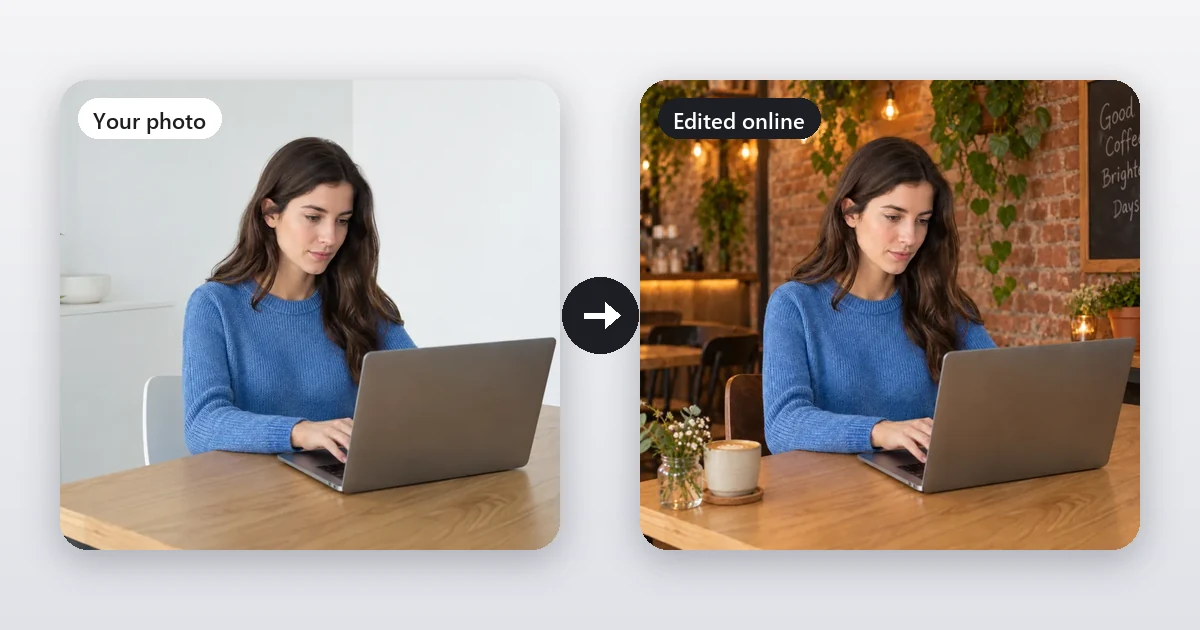
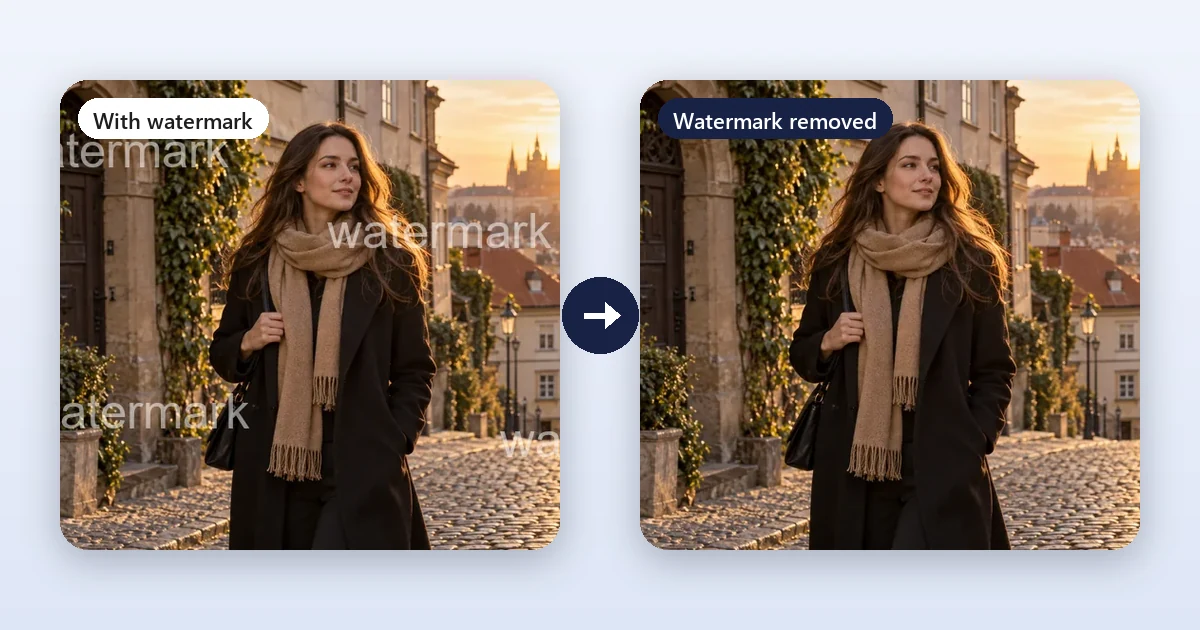
What people want from a video watermark remover. This frame comes from the EzImgMaker Video Watermark Remover page; it is not a Media.io output.
Media.io at a Glance
| Media.io | |
|---|---|
| What it is | Online AI creative platform: AI video, image and audio generation plus editing tools |
| Made by | Wondershare |
| Popular tools | Video watermark remover, video eraser (object remover), AI video enhancer and upscaler, background remover, AI effects |
| Video limits | Watermark remover and video eraser: MP4 or MOV up to 15 minutes; video enhancer: up to 5 minutes |
| Free plan | 3 daily check-in credits, 720p exports with a watermark, creations stored 7 days (as of October 2026) |
| Paid plans | Standard from US$95.88/year, Premium from US$167.88/year, or pay-as-you-go credits |
| Best for | Creators who want many AI video tools, including long-clip editing, in one subscription |
What Is Media.io?
Media.io started as a set of online video and audio utilities (converters, compressors, editors) and has grown into what it now calls "the all-in-one AI creative platform". Today you can generate videos from text or images with several AI models, create AI stories and ads, recreate viral effects, edit images, and use dozens of AI tools from one account. Its channel and checkout carry the Wondershare name.
For this review we focus on the tools people search for most: the watermark remover, the video eraser, the AI video enhancer and upscaler, and a few popular AI effects.
The Media.io Watermark Remover
The Media.io video watermark remover cleans visible watermarks, logos, text overlays and timestamps from a video. According to its page in October 2026:
- Upload an MP4 or MOV video up to 15 minutes long.
- Choose a removal mode:
- Basic Model: brush over the watermark you want removed.
- AI Model: describe the watermark in a text prompt.
- Gaussian Blur: draw a box to blur the mark instead of removing it.
- Preview and download.
Media.io is upfront about limits: small corner logos and static text over simple backgrounds work best, while large marks over faces, fine textures or fast motion are harder, and AI removal "does not recover the exact original pixels hidden beneath a watermark". It also says the tool is for videos you own or have permission to edit. To media.io remove watermark marks from photos, it has a separate image watermark remover, and a separate page covers how to media io remove text from video.
Media.io Sora watermark remover. Its Sora page uses the same Video Eraser: brush over the moving Sora logo, generate, preview and download. It says new users get bonus credits, and after that removing a Sora watermark costs one credit per video. The Media.io TikTok watermark remover page, by contrast, is mainly a downloader for TikTok links.
If the mark is a logo your own editor added, removing it at the source is cleaner than erasing it afterwards: our guide on how to remove the CapCut watermark shows how to delete it before you export.
Media.io Video Eraser (Video Object Remover)
The Media.io video object remover, called Video Eraser (people also search for the media.io AI video eraser, media.io object remover or media io video object remover), removes people, photobombers, objects, captions, usernames, stickers and logos from a clip. You upload an MP4 or MOV up to 15 minutes, brush over what should disappear, set the part of the timeline where it appears, and preview the reconstruction. A Gaussian Blur option hides faces, plates or private details instead of removing them. Media.io notes that fast motion, motion blur and large foreground objects are the hardest cases.
The Media.io AI Video Enhancer
The Media.io AI video enhancer (often searched as the media io video enhancer) promises to "upscale and restore videos to 4K online". Its uploader accepts MP4 or MOV clips up to 5 minutes and offers six modes:
- Video Enhancer: general cleanup and sharpening
- Video Denoise: grain and low-light noise
- Portrait Enhancer: faces and skin
- Anime Enhancer: animation and line art
- Smart Color Correction: white balance, exposure and faded colors
- Video Upscale: the media io video upscaler, which Media.io says can upscale up to 8× and output up to 4K
Is the Media.io AI video enhancer free? Media.io says new users get complimentary credits (plus referral credits), and that higher-resolution enhancement uses more credits, so a free 4K export may not be possible. People searching for "media.io video enhancer free" or "media.io ai video enhancer free" should expect a free test rather than free exports for every project.
Other Popular Media.io AI Tools
- AI eye color detector: upload a clear photo of your eyes and get the shade, iris pattern, a rarity estimate and a confidence level. Media.io calls it a fun visual analysis, not a medical test.
- AI grow up video generator: turns a photo into an age-progression clip from childhood to adulthood, or morphs between two photos you upload (JPG, PNG, WebP, GIF or HEIC up to 10 MB).
- Video cartoonizer and AI cartoon effects: the media.io video cartoonizer (also called the media io cartoonizer) and video-to-anime effects restyle a clip as a cartoon.
- Media.io background remover: removes the background from images; video background tools are also offered.
Media.io Pricing (as of October 2026)
| Plan | Price | Credits | Exports |
|---|---|---|---|
| Free Trial | Free | 3 daily check-in credits | 720p with watermark; creations stored 7 days |
| Standard | US$15.99/month, or US$95.88/year (about US$7.99/month) | 200 credits per month | 1080p without watermark |
| Premium | US$27.99/month, or US$167.88/year (about US$13.99/month) | 600 credits per month | 1080p without watermark, faster generation |
| Pay as you go | From US$14.99 for 100 credits (larger packs cost less per credit) | Credits valid for 2 years | Depends on the tool |
The pricing page also lists a monthly credit plan, a 3-day free trial of yearly Premium for new paying users (it renews automatically), and separate prices for text to speech, subtitles and translation. Prices shown were promotional in October 2026 and change often, so check media.io/pricing before you buy.
Is Media.io Safe?
Is media io safe to use? It is a mainstream product from Wondershare, a long-established software company, and payments run through Wondershare's store. A few practical points:
- Your files are processed online. Media.io's pages say free-plan creations are stored for 7 days (permanently for members). Read its privacy policy before uploading anything personal.
- Only remove watermarks you are allowed to remove. Media.io itself limits its watermark tools to videos you own or have permission to edit.
- Watch for typos. "medio.io watermark remover", "medi.io" and "midio io" are common misspellings; type media.io carefully so you land on the official site.
- Check renewals. Paid plans renew automatically; cancel before the renewal date if you only needed one month.
Media.io Pros and Cons
What Media.io does well
- A very wide toolbox: AI video generation, watermark and object removal, enhancement, audio and subtitles in one account.
- Long uploads: up to 15 minutes for watermark removal and video eraser, 5 minutes for the enhancer.
- Three watermark modes, including a prompt-based AI model and a simple blur.
- Clear notes on what works well and what does not.
Limits to weigh
- The free plan exports at 720p with a watermark.
- Credits run out quickly on high-resolution or long jobs.
- With so many tools and promotions, it takes time to find the one you need and understand its credit cost.
Who Should Use Media.io?
Media.io suits creators and small teams who make a lot of video content and want generation, cleanup, enhancement, subtitles and audio tools under one subscription, especially if they work with long clips. It is less ideal if you only need to fix a few short clips now and then, or you prefer to pay per use rather than subscribe.
Best Media.io Alternatives
| Tool | Best for | Free option | Pricing |
|---|---|---|---|
| EzImgMaker | Cleaning, enhancing and generating short clips; photo tools in the same account | Free credits when you sign up | Credit packs, no subscription |
| CapCut | Editing whole videos with captions and templates | Free version | Optional paid Pro plan |
| Desktop video tools (for example Topaz Video) | Long files and professional upscaling on your own computer | Varies | Paid (see each vendor) |
1. EzImgMaker (free to try, pay per use)
EzImgMaker covers Media.io's most-searched jobs for clips up to a minute, with credit packs instead of a subscription:
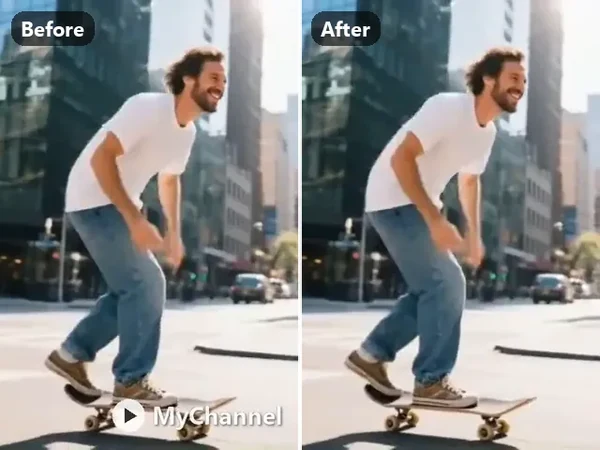
Video watermark remover
Watermarks, logos, captions or timestamps, in a corner, moving or across the frame. MP4 or MOV up to 60 s.
Remove a video watermark
Video enhancer
Enhance only, or enhance and upscale 2× or 4×. Clips up to 30 s and 50 MB.
Enhance a video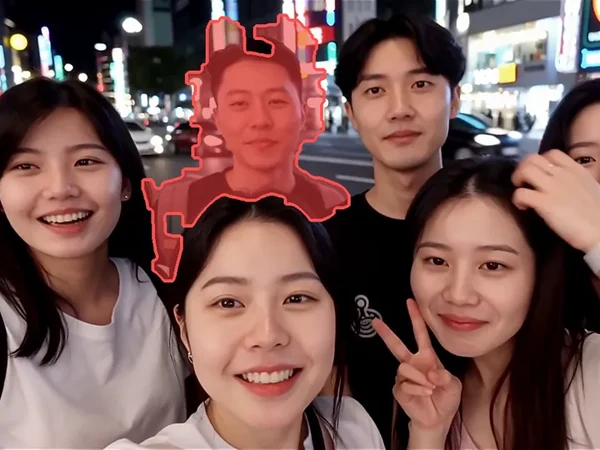
Remove object from video
Erase a person, object, logo or shadow and fill the space. 3 to 60 s clips.
Erase an object
AI video generator
Text or image to video with Veo, Kling, Seedance, Hailuo, Wan or Grok Imagine.
Generate a video
Photo watermark remover
Text, logos, date stamps and signatures on your own photos, with an optional mask.
Clean a photo
Background remover
A Media.io background remover alternative: transparent, white, color, blur or a new scene.
Remove a backgroundVideo watermark remover. The Video Watermark Remover handles watermarks, logos, text and timestamps that sit in a corner, move around or cross the frame, on MP4 or MOV clips up to 60 seconds and 100 MB, and exports 1080p or 720p with the original audio or muted. There are also dedicated pages for a Sora watermark remover (for Sora videos you created) and a TikTok watermark remover (for your own posted videos), plus Remove Text from Video for burned-in titles.
Video enhancer and upscaler. The Video Enhancer cleans up phone clips, old home videos, social clips and AI-generated video, with Enhance only (1×), Enhance + 2× or Enhance + 4×. If you only need more pixels, the Video Upscaler is the closest match to the media io ai video upscaler, with 2× or 4×, for example from 1080p to 4K.
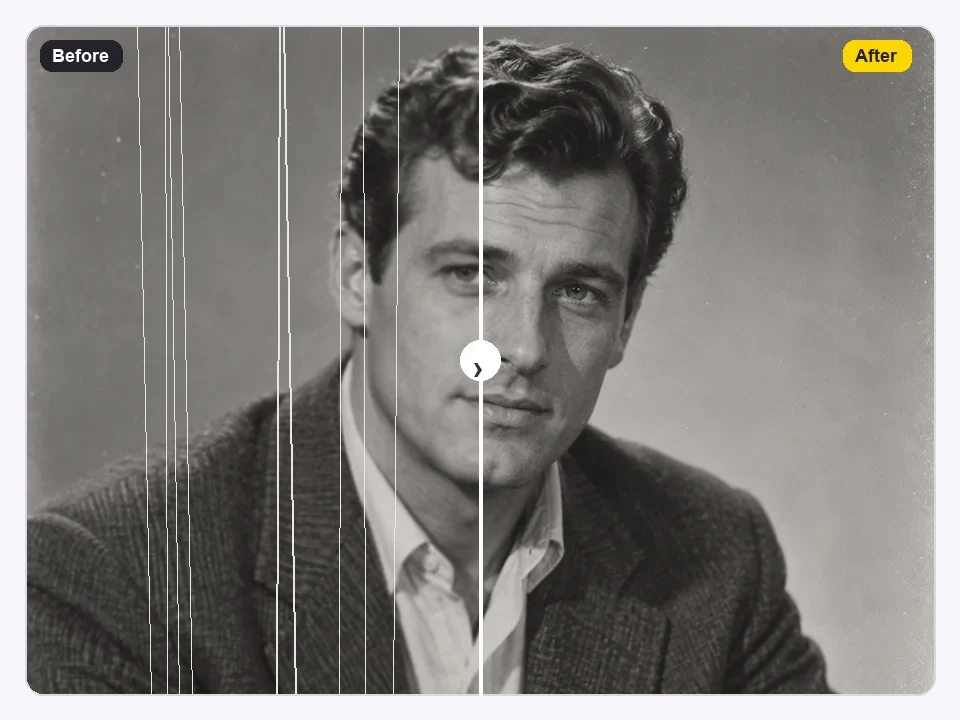
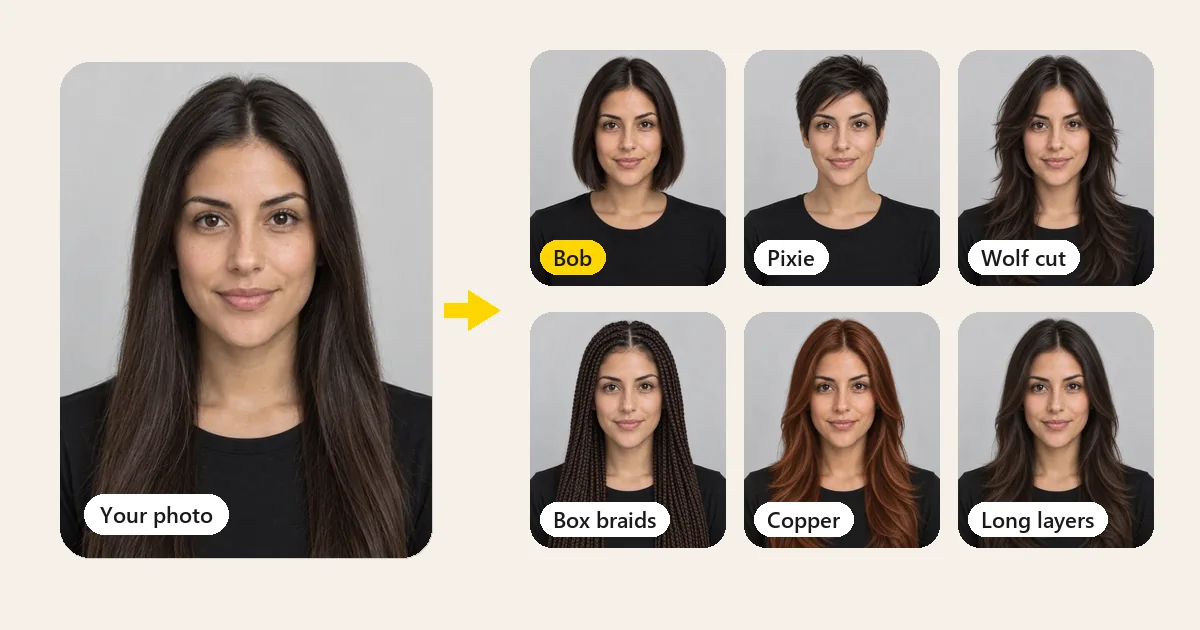
AI video and effects. The AI Video Generator makes clips from a prompt or an image, the AI Video Extender makes a clip longer, and Image to Video animates a photo. For the effects Media.io is known for, try Photo to Cartoon and then animate the cartoon (a two-step take on a media.io video cartoonizer), or the Age Filter to see yourself older or younger before animating it, similar to the media io ai grow up video generator. For eyes, the Eye Color Changer previews new colors and the AI Face Analyzer describes your features; neither is an eye color detector.
The trade-off: EzImgMaker's video tools take clips up to 30 to 60 seconds, so for a 10-minute video Media.io (or a desktop editor) is the better fit.
2. CapCut
CapCut is a full video editor with templates, captions and effects on desktop, web and mobile. It is the better choice when you are editing a whole video rather than fixing one problem. It has a free version and an optional paid Pro plan.
3. Desktop tools
If you prefer software on your own computer, desktop AI enhancers and professional upscalers such as Topaz Video handle long files without upload limits, at the cost of a paid product and a capable computer. See our Topaz Video AI settings guide if you go that route.
How to Remove a Watermark and Enhance a Clip With EzImgMaker
- Trim to the part you need. Clips up to 60 seconds work in the watermark and object tools, up to 30 seconds in the enhancer and upscaler.
- Remove the watermark: open the Video Watermark Remover, pick what the mark is (watermark, logo, text or timestamp) and where it is (corner, moving, across the frame), and add a short description if it helps.
- Enhance: run the cleaned clip through the Video Enhancer with Enhance + 2× for social clips, or 4× for old footage.
- Check and download. Compare with the original, especially around faces and fast motion.
Frequently Asked Questions
Is Media.io free?
Partly. As of October 2026 Media.io has a free plan with 3 daily check-in credits, 720p exports with a watermark, and creations stored for 7 days, and new users get bonus credits to try the AI tools. Watermark-free 1080p exports and monthly credits come with the Standard (US$15.99 a month, or US$95.88 a year) and Premium (US$27.99 a month, or US$167.88 a year) plans. Prices change, so check media.io/pricing.
Is Media io safe?
Media.io is a web platform from Wondershare, and its checkout runs through the Wondershare store. Like any online editor, it processes your files on its servers; its pages say free-plan creations are stored for 7 days, and its eye color detector page says photos are not stored permanently or used for training without consent. Read the privacy policy, upload only content you own, and type the address carefully: lookalike spellings such as medio.io, medi.io or midio io are not the official site.
How does the Media.io watermark remover work?
Upload an MP4 or MOV video up to 15 minutes, then choose Basic Model (brush over the mark), AI Model (describe the mark in a prompt) or Gaussian Blur (draw a box to blur it). Preview the result and download. Media.io says it is meant for videos you own or have permission to edit, and that AI removal does not recover the exact original pixels.
Can Media.io remove a Sora watermark?
Media.io’s Sora watermark remover page sends you to its Video Eraser: brush over the moving Sora logo and generate. It says new users can try it with bonus credits and that, after those, a Sora watermark costs one credit per video. EzImgMaker also has a Sora watermark remover for Sora videos you created.
Is the Media.io AI video enhancer free?
Media.io says new users get complimentary credits to test its AI video enhancer and can earn more through referrals, but higher-resolution enhancement uses more credits, so free credits may not cover a 4K export. The enhancer accepts MP4 or MOV clips up to 5 minutes and offers enhance, denoise, portrait, anime, color correction and upscale modes.
What is the Media.io AI eye color detector?
It is a Media.io tool that looks at a photo of your eyes and reports the shade, iris pattern and a rarity estimate with a confidence level. Media.io describes it as a fun visual analysis, not a medical test. EzImgMaker does not have an eye color detector, but its Eye Color Changer previews new eye colors on your photo and its AI Face Analyzer describes your features.
What is the Media.io AI grow up video generator?
It turns a photo into a short age-progression video, from childhood to adulthood, and can also morph between two photos you upload. A similar idea with EzImgMaker: see yourself older or younger with the Age Filter, then animate the result with Image to Video. Use photos of yourself, or of adults who agreed.
Is medio.io the same as Media.io?
No. "Medio.io watermark remover", "medi.io" and "midio io" are common misspellings of Media.io, and a misspelled address may lead to a different site. The official address is media.io.
What is the best Media.io alternative?
For short clips you own, EzImgMaker covers the same core jobs: Video Watermark Remover, Video Enhancer, Video Upscaler, Remove Object from Video and the AI Video Generator, all free to try with sign-up credits and priced per use with credit packs. Media.io handles longer uploads (up to 15 minutes for watermark removal), so it suits long videos better.
The Verdict: Is Media.io Worth It?
Media.io is worth it if you want one subscription for many AI video jobs and you work with long clips: its watermark remover and video eraser take videos up to 15 minutes, and its enhancer handles up to 5 minutes with several specialized modes. The free plan is best treated as a test, since exports are 720p with a watermark. If you only need to fix short clips you own now and then, start with the free credits on EzImgMaker's Video Watermark Remover, Video Enhancer and AI Video Generator, and pay per use only when you need more.
Media.io, Wondershare, CapCut, Topaz Video, Sora and TikTok are trademarks of their respective owners. EzImgMaker is not affiliated with them. Features, limits and prices were taken from Media.io's official pages in October 2026 and may change; check media.io for current information. Remove watermarks only from content you own or have permission to edit. Example images are from EzImgMaker's own tool pages, not screenshots or outputs of Media.io.