
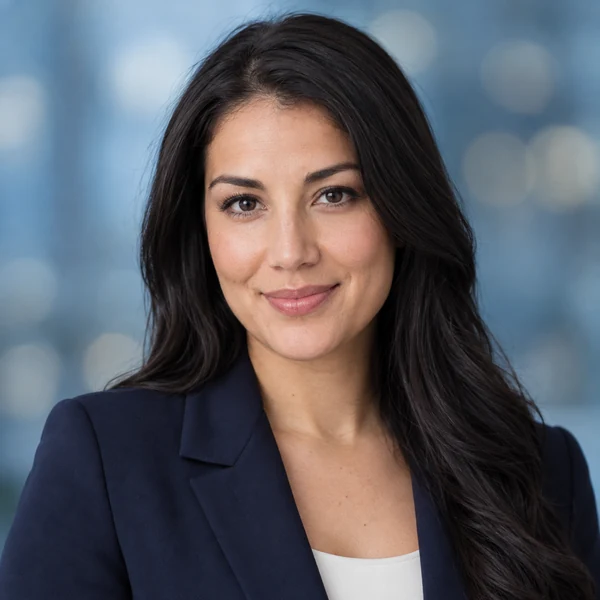
LinkedIn Headshot
Light blue bokeh, navy blazer, friendly smile: an AI business photo that reads well as a small avatar.
Upload one selfie, choose a headshot style, outfit, and background, and the AI headshot generator turns it into a polished professional headshot for LinkedIn, résumés, and team pages, while your face stays yours. Free to try with credits when you sign up.
Headshot Style: Corporate · Outfit: Match the Style · Background: Match the Style
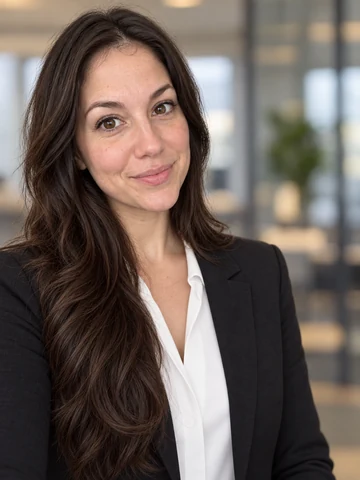
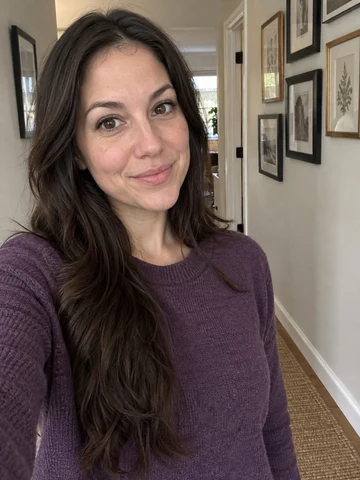
Reference example. It is not a result generated from your upload.
A free AI headshot generator turns an everyday selfie into a professional headshot. Instead of booking a photographer, you upload one clear photo, choose a headshot style, an outfit, and a background, and the AI rebuilds the portrait with studio-style lighting, a clean backdrop, and business attire while keeping your real face, hair, and skin tone.
This headshot generator is built for the places people actually need a professional pic: LinkedIn, résumés, company websites, speaker bios, email signatures, and casting profiles. It covers corporate, LinkedIn, studio, outdoor, creative, startup, actor, modeling, comedic, doctor, advocate, and realtor looks, so one upload can become several AI professional headshots for different uses. Every result is AI generated, so check it looks like you before you post it.
Professional headshot AI styles from boardroom to bookshelf. Pick one in the tool above, then mix it with any outfit and background.
Light blue bokeh, navy blazer, friendly smile: an AI business photo that reads well as a small avatar.
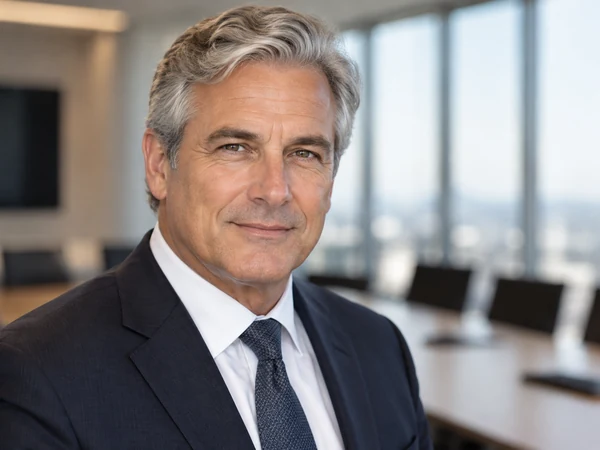
A boardroom backdrop and a dark suit for leadership pages and annual reports.
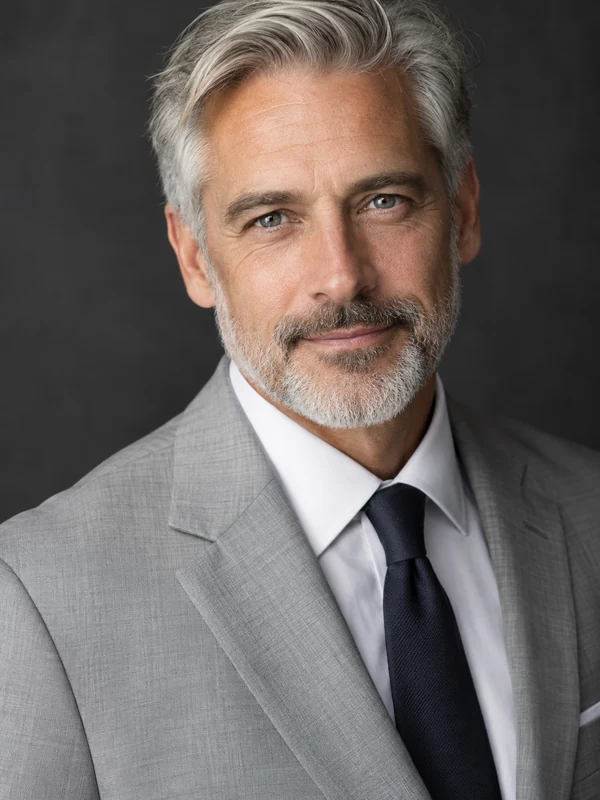
Controlled light on a charcoal backdrop, the classic studio headshot look.
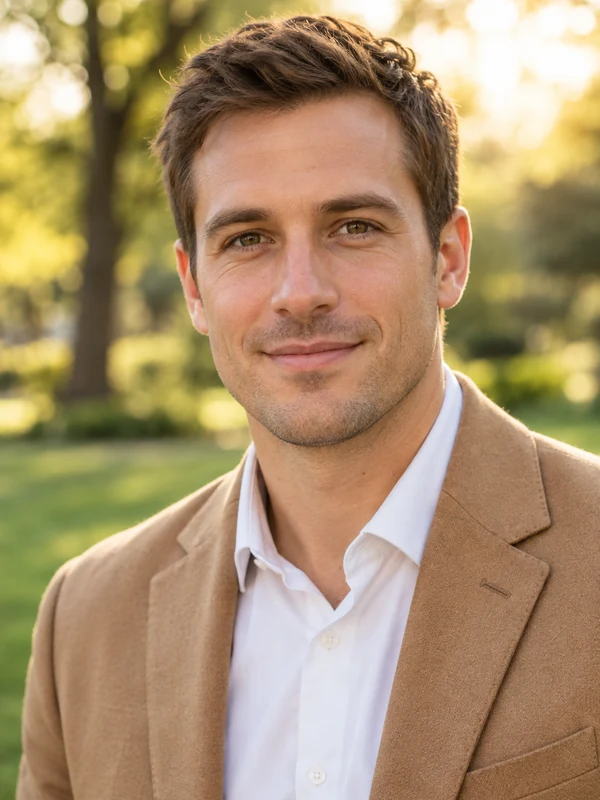
Warm park light and soft blur for a relaxed but polished professional photo.
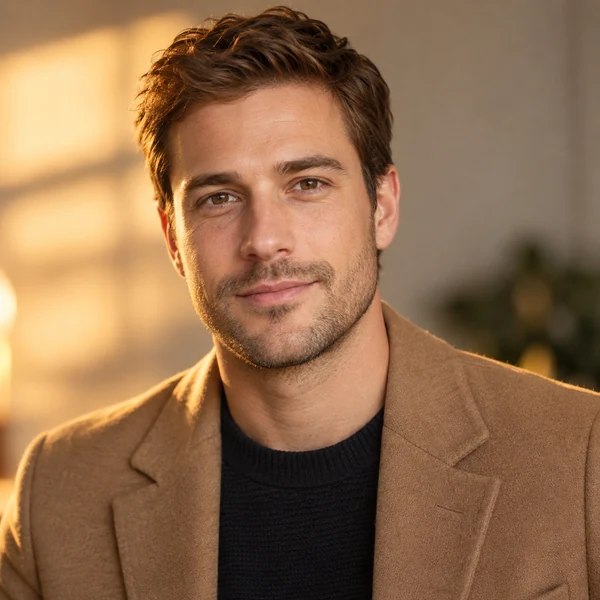
Moodier, warmer light for designers, writers, and creative studios.
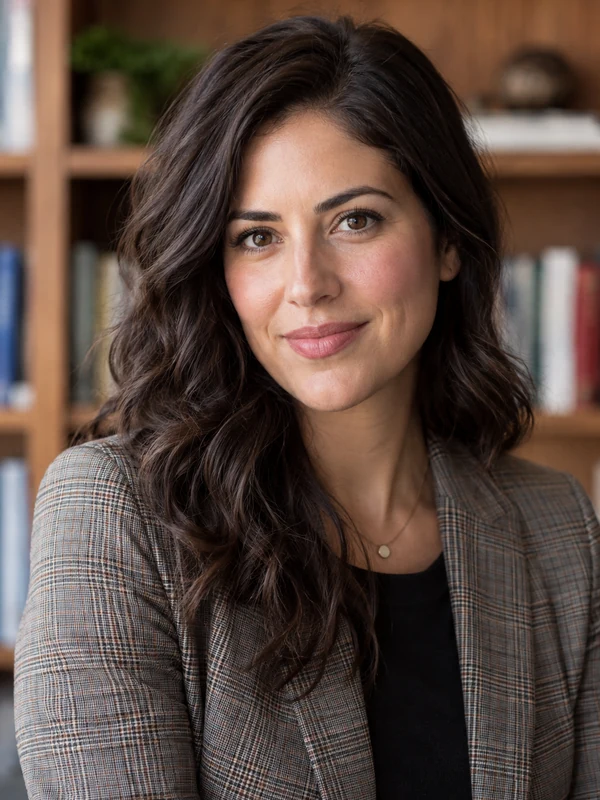
A study or law-library feel for advisors, academics, and advocates.
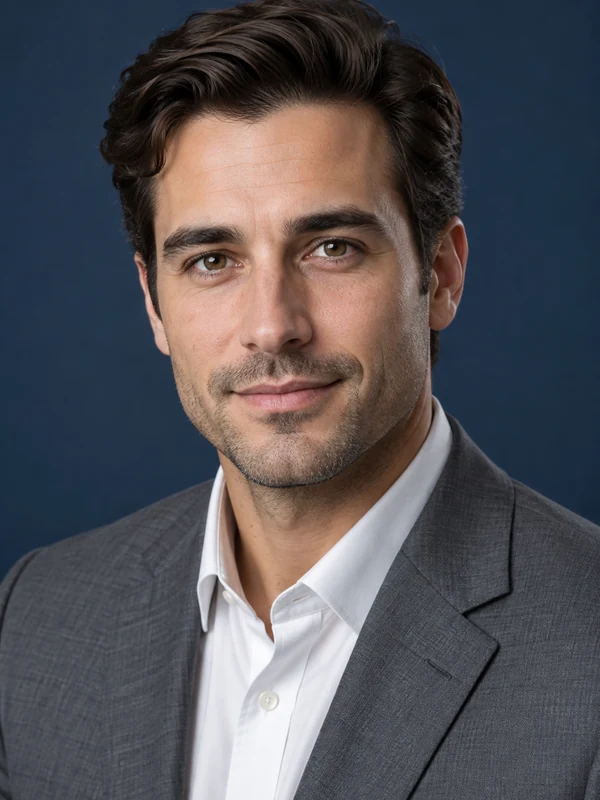
A deep navy sweep that keeps attention on the face.
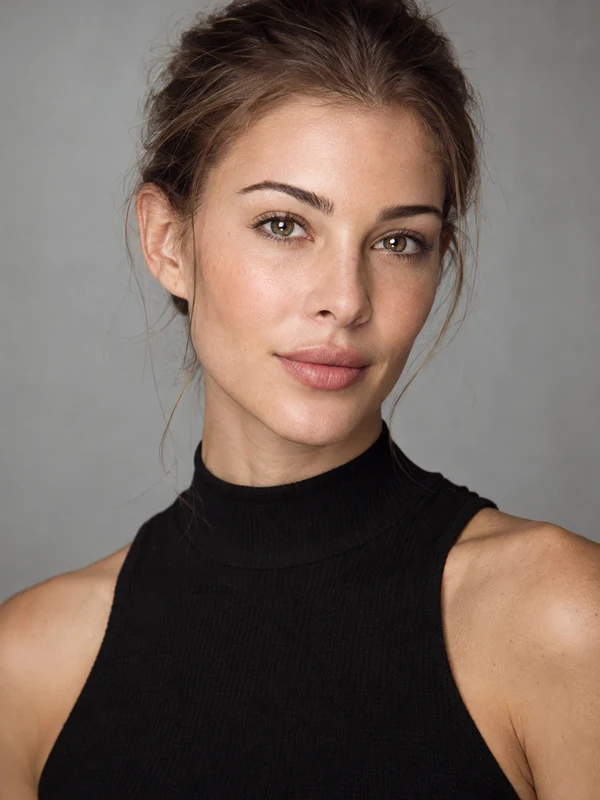
Clean styling and soft beauty light: the simple digitals agencies ask for.
Three steps with the AI headshot creator. No studio, no photographer, no editing skills.
Face a window for soft light, hold the camera at eye level, and take a sharp photo with your whole face visible and no sunglasses. JPG, PNG, or WebP up to 10 MB.
Choose a headshot style such as Corporate, LinkedIn, Actor, or Doctor, then an outfit and a backdrop, or leave both on Match the Style. Add details in Custom if you want, like keeping your glasses.
Create 1, 2, or 4 headshots at once, compare them with your selfie, and download the one that looks most like you on your best day.
An AI powered headshot generator that changes what a photographer would change and leaves you looking like you.
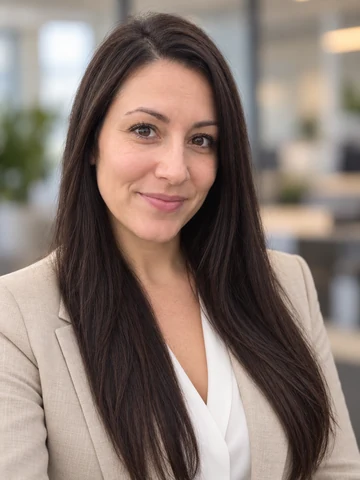
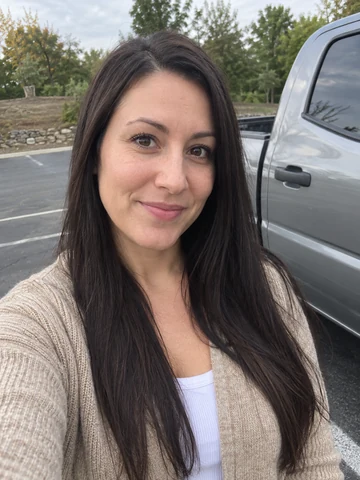
The AI keeps your facial features, skin tone, hairstyle, and glasses, then relights the portrait the way a studio would. The result is an AI generated professional headshot that still looks like the person who shows up to the interview, not a stranger with your hair color.
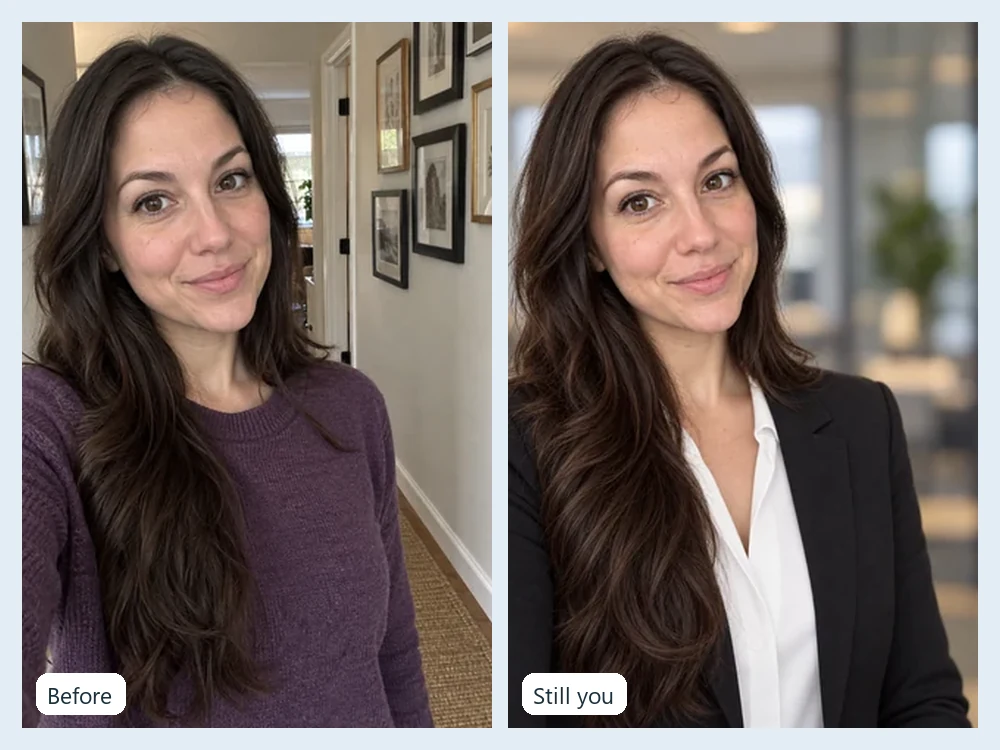
Hoodie in the photo? Pick a navy suit, a black blazer, a white coat, or keep your own clothes neatened up. Backdrops range from seamless white and light gray to office, bookshelf, and city scenes, so the ai business photo generator fits any company page.
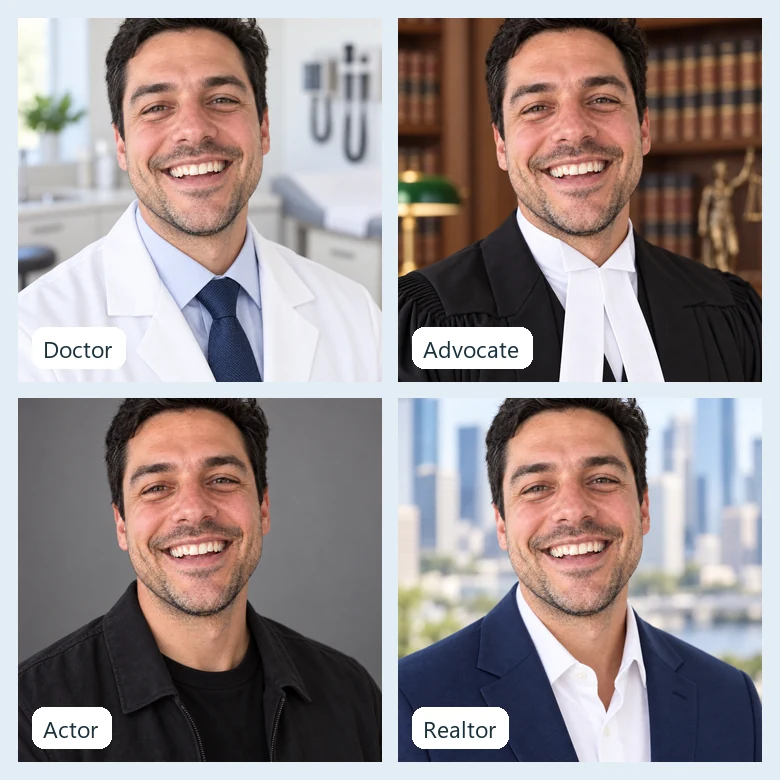
Profession styles go beyond a generic suit: a white coat and bright clinic for Dr headshots, a black coat with bands for an advocate photo, chest-up natural light for actors, and a warm smile for realtors. Pro headshots AI-made for the job you actually do.
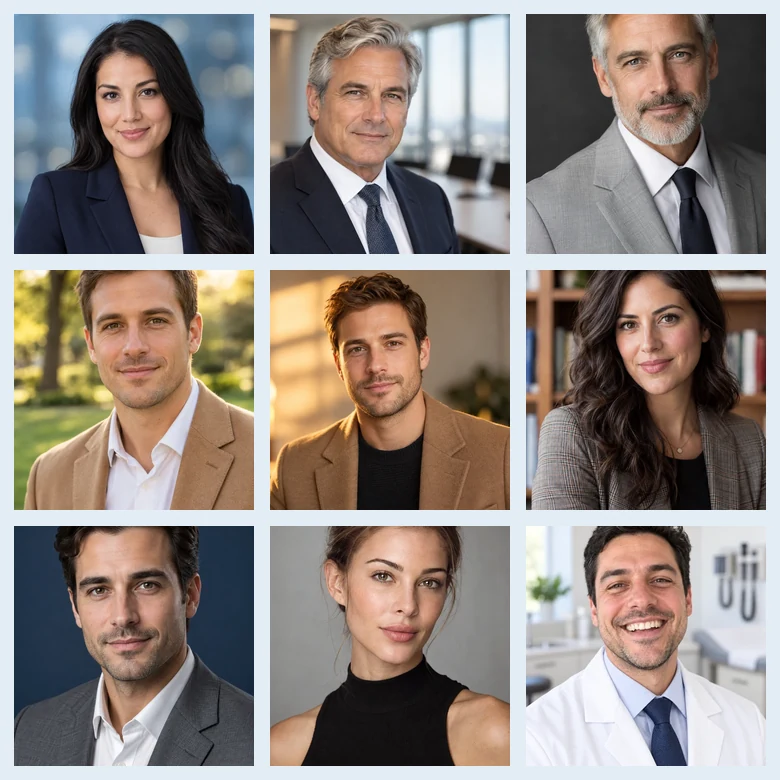
Generate 1, 2, or 4 results per run and switch styles on the same photo, so your AI head shots cover every profile. Keep a formal headshot for LinkedIn, a softer one for your team page, and a creative one for social profiles, all from the same upload.
Every style in the tool is a tested professional headshot prompt under the hood. Use these AI headshot prompts as a headshot template: paste one into Custom to fine-tune a result here, or adapt it for any other image tool.
| Headshot type | Professional headshot AI prompt | Good outfit and background |
|---|---|---|
| Turn this selfie into a professional LinkedIn headshot of the same person: head-and-shoulders, eye-level camera, soft even light, natural smile, sharp eyes, realistic skin texture. | Navy blazer, light blue bokeh | |
| Corporate | Create a corporate executive headshot from this photo: tailored dark suit, soft key light with gentle fill, confident expression, blurred modern office behind. | Charcoal suit, office |
| Studio | Make a studio headshot of the person in this photo: three-point lighting, subtle rim light, calm expression, seamless backdrop, chest-up crop. | Black blazer, light gray |
| Actor | Create a theatrical actor headshot: chest-up, natural light, minimal retouching, neutral expression with a slight smile, plain backdrop, keep every facial detail true to life. | Fitted dark top, charcoal |
| Comedic | Create a comedic headshot of this person: big genuine laugh, bright cheerful light, sharp focus, simple colorful backdrop, still clean enough for casting. | Casual shirt, warm beige |
| Doctor | Turn this photo into a doctor headshot for a clinic website: white coat over a collared shirt, warm trustworthy smile, bright clean light, softly blurred clinic. | White coat, bright clinic |
| Advocate | Create a formal advocate profile photo: black advocate coat with white neck bands, composed expression, refined soft light, blurred law-library bookshelf behind. | Advocate coat and bands, bookshelf |
| Remote team | Make a consistent team headshot from this photo: same framing, light, and light-gray backdrop as the rest of the team, smart-casual top, friendly expression. | Knit sweater, light gray |
A good prompt for creating a professional headshot names five things: framing, outfit, background, light, and expression. Always add “of the same person” and “realistic skin texture” so the AI keeps your face instead of inventing a new one.
From job hunts to clinic websites, an AI head shot covers the same jobs as a studio session.
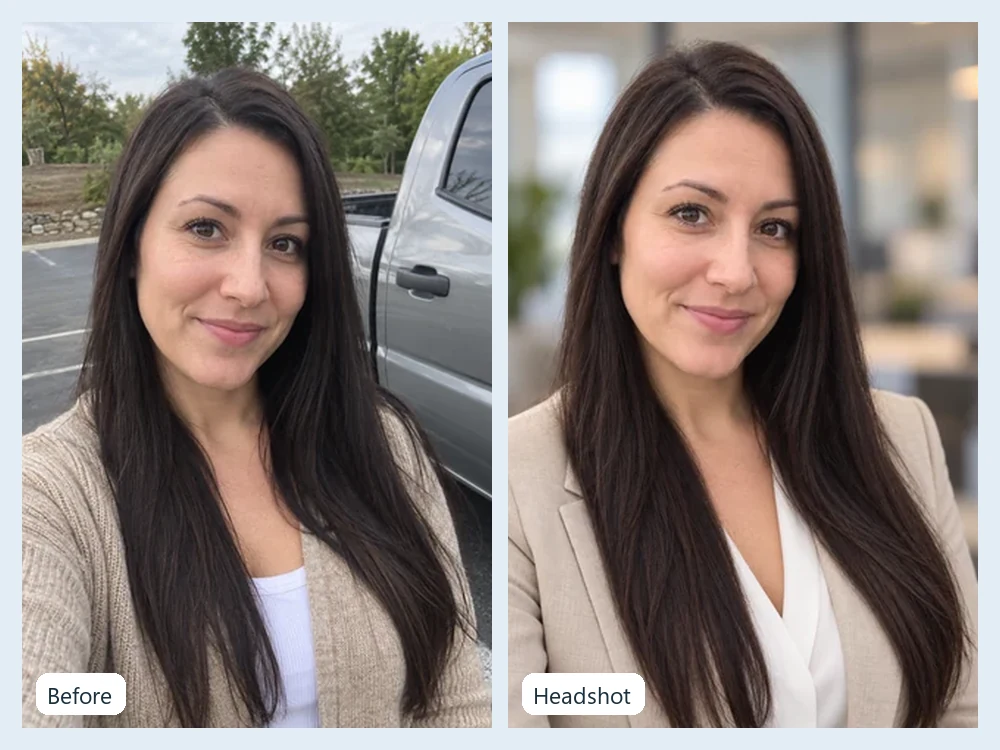
Swap a cropped party photo for a professional AI headshot on LinkedIn before recruiters look you up.
Give everyone on the team page the same backdrop, framing, and light, even when nobody shares an office. A practical answer when you need a virtual headshot service for remote employees.
A trustworthy Dr. headshot in a white coat for hospital profiles, booking sites, and clinic websites.
A formal advocate photo in coat and bands for chamber pages and directories, without a separate advocate photoshoot.
Draft actor, modeling, and comedic headshots to test a look before you pay for a full session.
A warm, consistent face for listings, signs, proposals, and business cards.
The photo you upload decides how realistic your AI professional headshots look.
Any professional photo AI works from what it can see: front-facing or slightly angled, eyes open, nothing covering the face.
Even daylight beats a ceiling bulb or harsh flash that leaves deep shadows.
Filters smooth away the skin detail the AI uses to keep you recognizable.
Crop out other people so the headshot ai knows whose face to keep.
Generate a few looks and pick the one closest to how you look in person.
Use a headshot that still looks like you today, especially for ID-like profiles.
Fix the photo first, change the look, or crop the finished headshot for every platform.
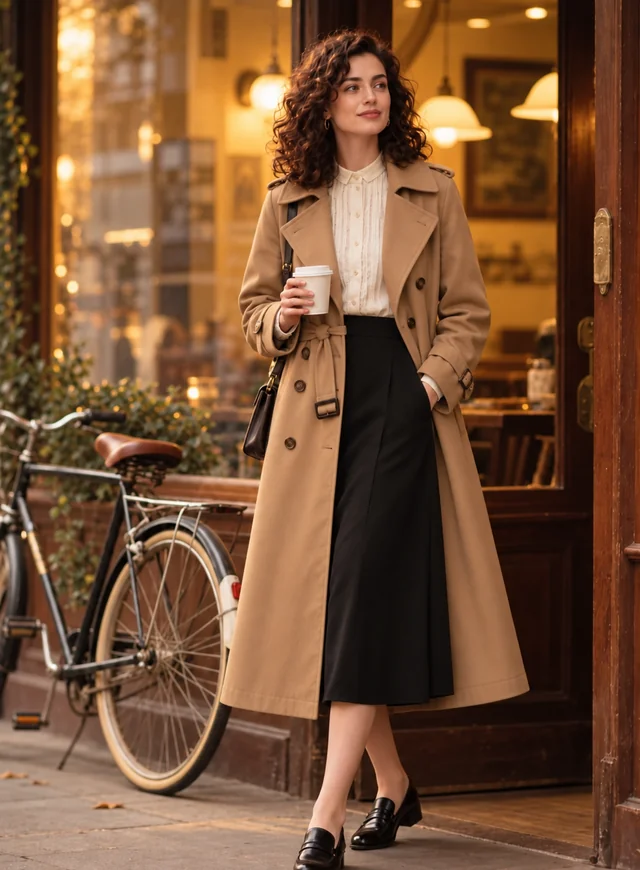 AI Clothes ChangerChange clothes in any photo with the AI clothes changer. Upload a picture, pick an outfit or describe one, and the AI clothes swap keeps your face and pose.
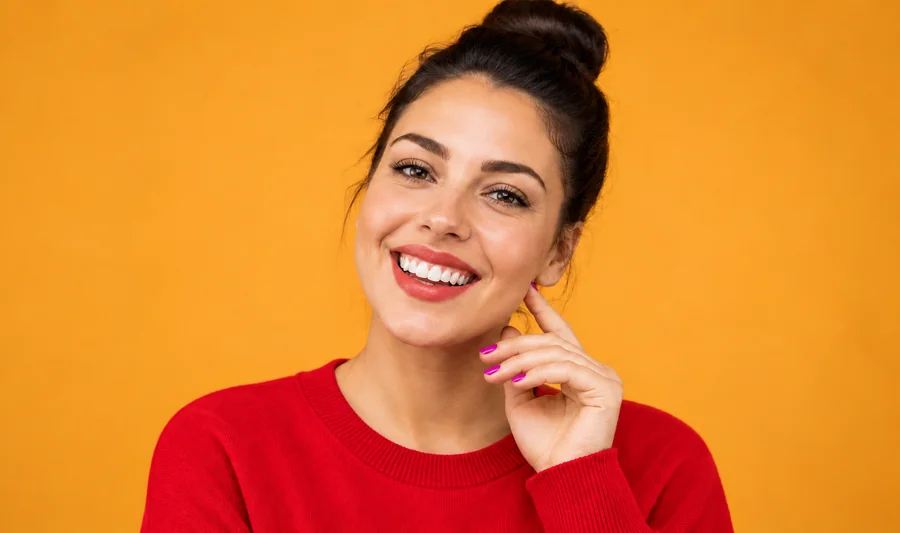 Clothes Color ChangerChange color of clothes in photo uploads with the AI clothes color changer, from dress color changing to a T-shirt color change, while fabric texture stays.
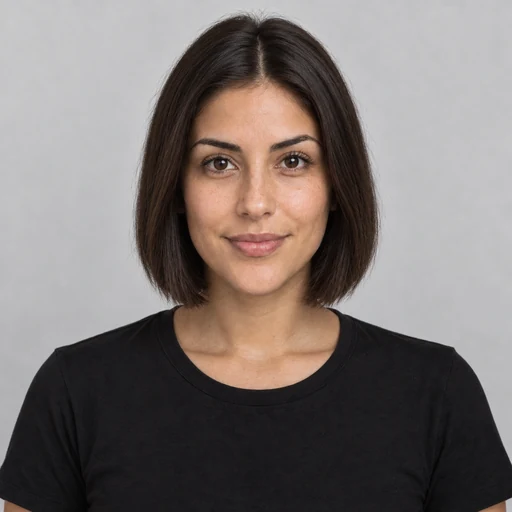 AI Hairstyle ChangerTry on hairstyles with your picture. The AI hairstyle changer previews 18 haircuts, braids, and updos plus 11 hair colors on your own face. Free to try.
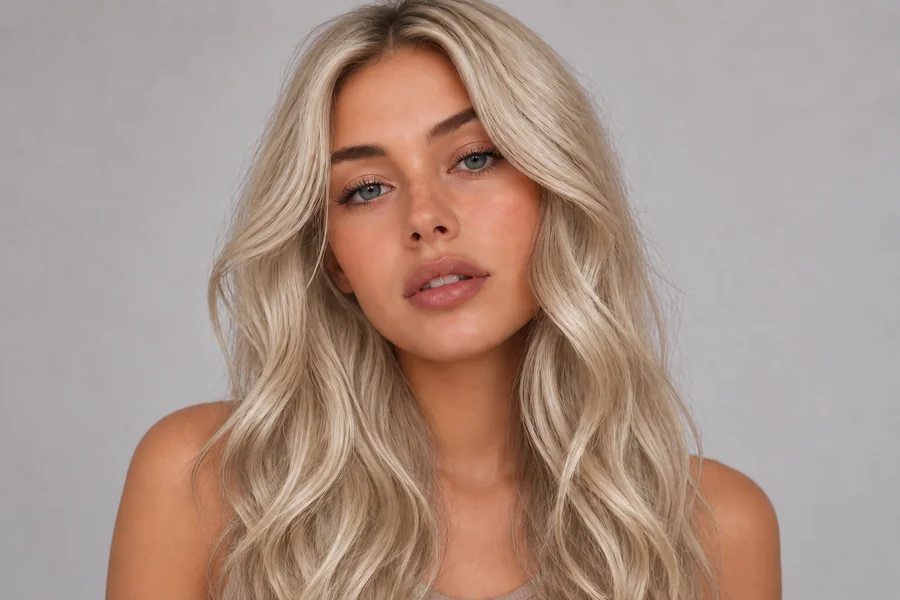 AI Hair Color ChangerChange the color of hair in a photo with the AI hair color changer. Pick a shade, highlights, or a custom color and try on hair color virtually before you dye.
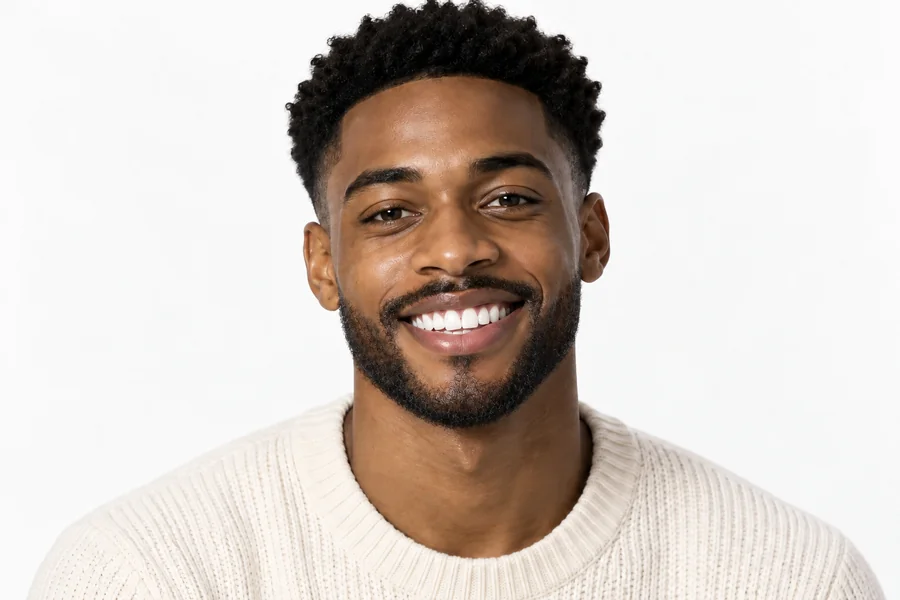 Beard FilterWhat would I look like with a beard? Add a beard to your photo with the AI beard filter and try stubble, a full beard, a long beard, or a clean-shaven look.
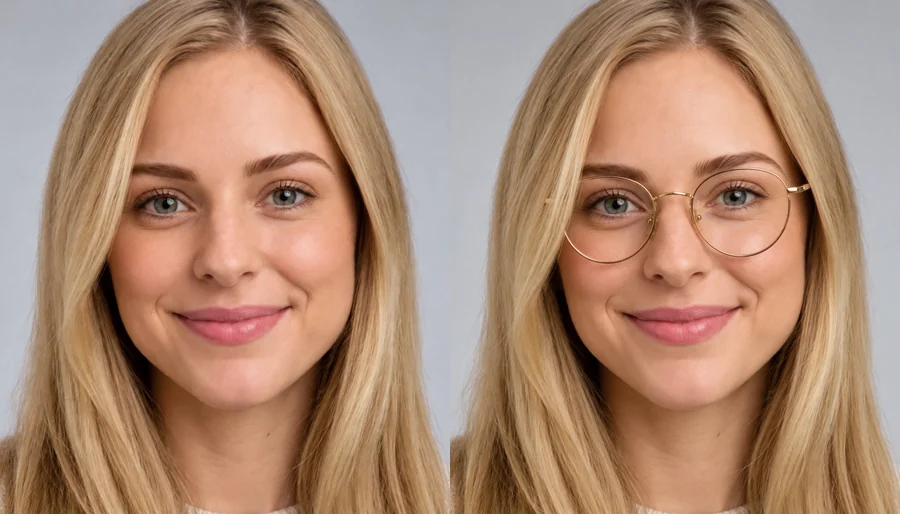 Virtual Glasses Try OnVirtual glasses try on from home: upload a photo, pick a frame shape, color, and lenses, or add a photo of any pair, and see the glasses on your own face.
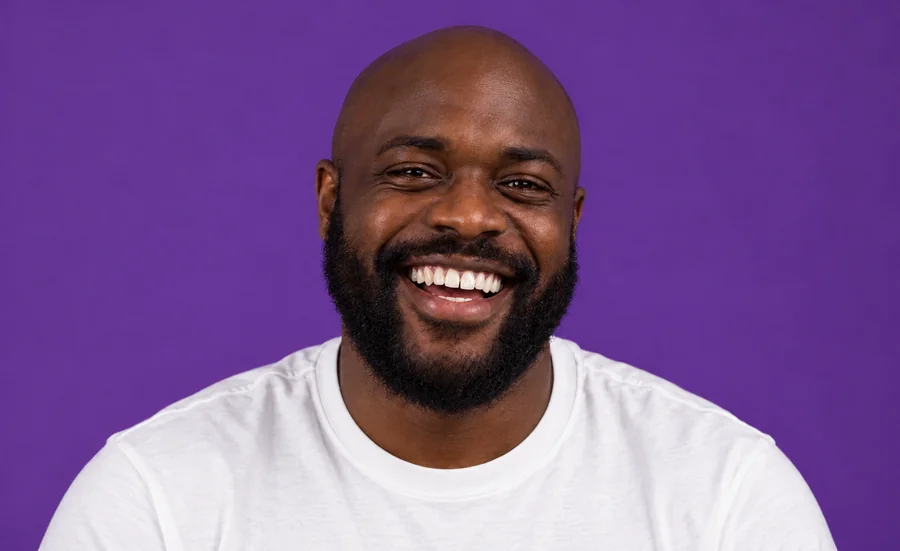 Whiten Teeth in PhotoWhiten teeth in photo uploads with an AI teeth whitening photo editor online. Lift yellow stains, pick a natural or bright shade, and keep every smile real.
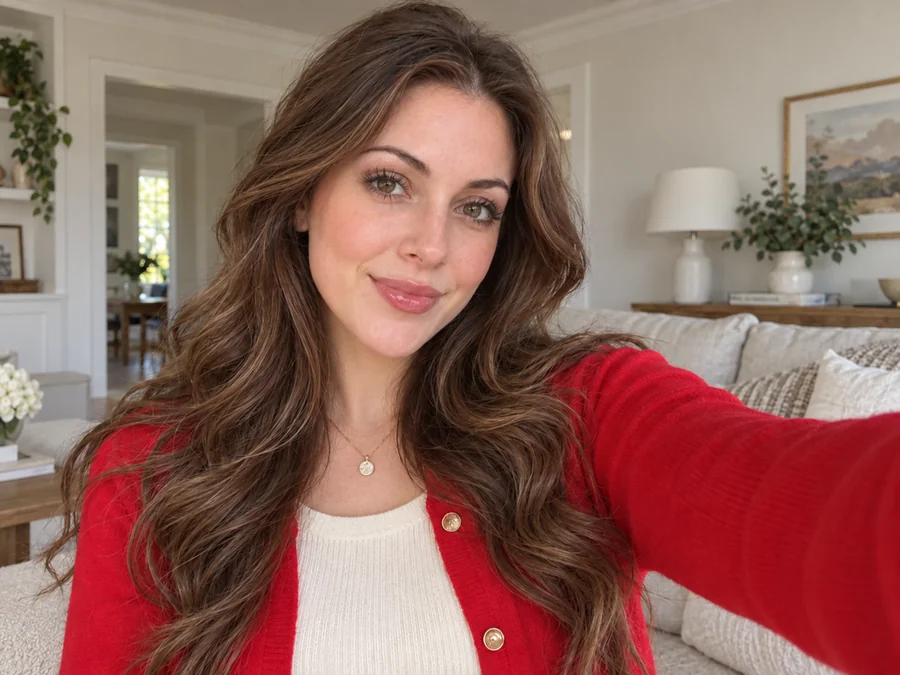 Remove Glasses from PhotoRemove glasses from photo portraits with an AI glasses remover. Take off eyeglasses or sunglasses, rebuild natural eyes, and keep the rest of the face unchanged.
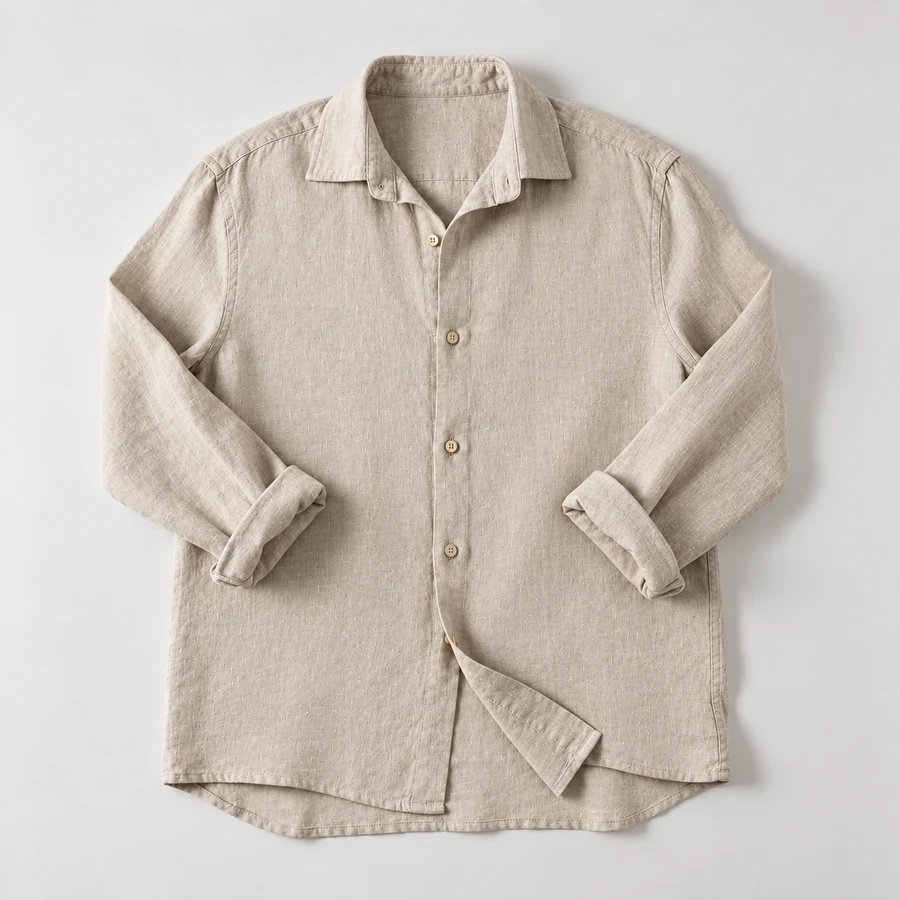 Remove Wrinkles From PhotoRemove wrinkles from photo shots of shirts, suits, and flat lays. Let the AI remove clothes wrinkles and soften fine lines; seams, prints, and texture stay.
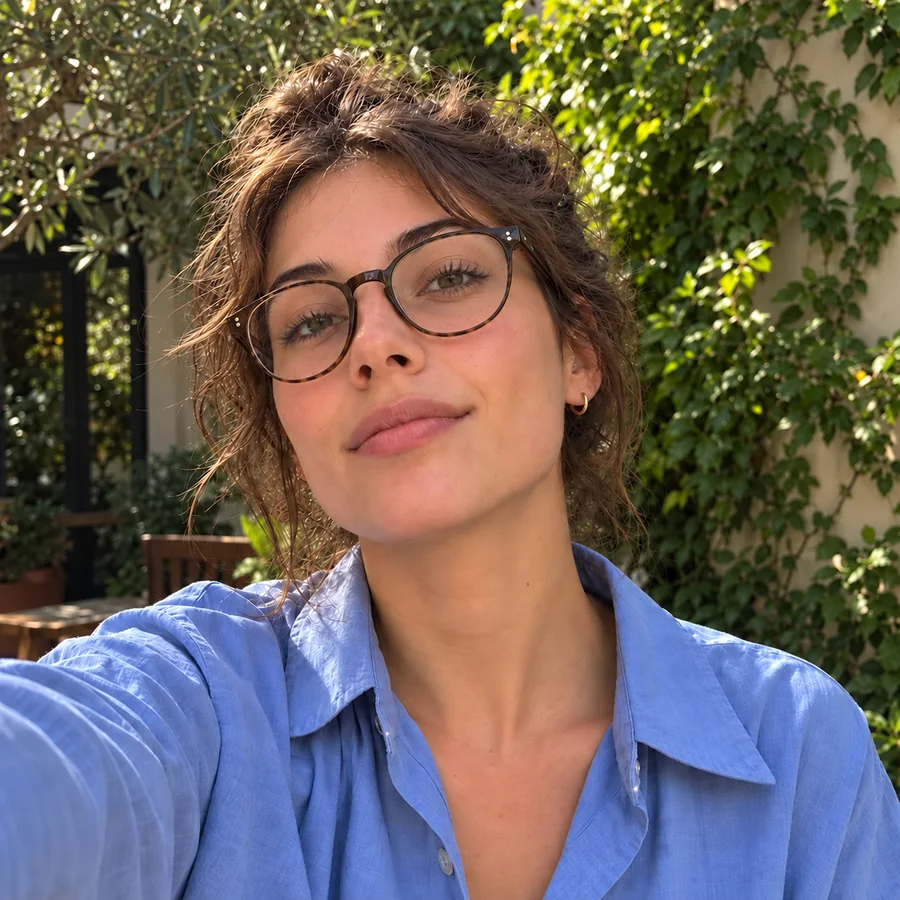 Remove Glasses Glare from PhotoRemove glasses glare from photo portraits: upload a picture and the AI clears flash, window, and screen reflections from the lenses while the eyes stay natural.
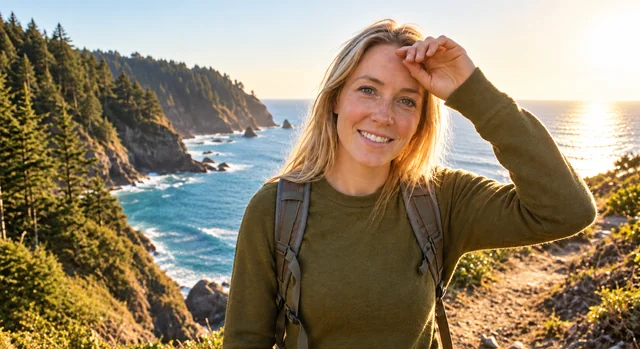 Remove Glare from PhotoHow to remove glare from photo shots? Upload one and the AI glare remover clears sun glare, flash reflection, and window reflections while keeping the detail.
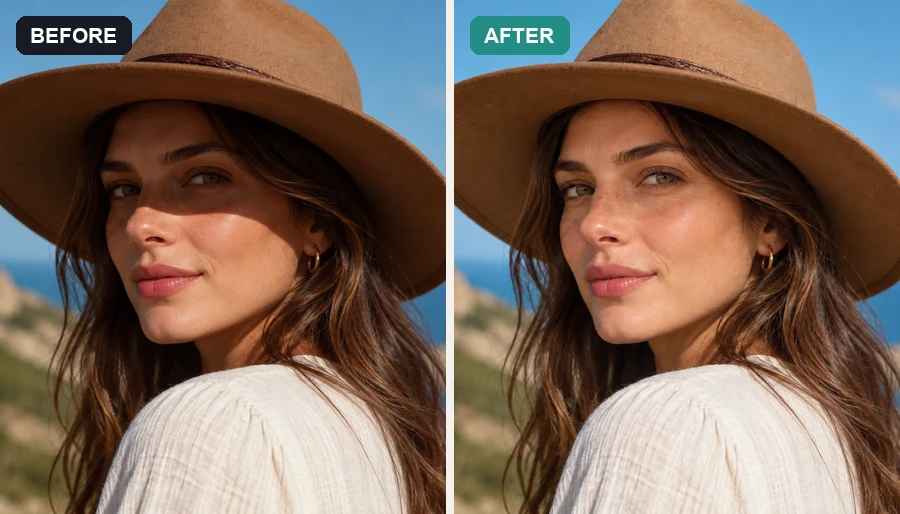 Remove Shadow from PhotoRemove shadow from photo portraits, products, and documents: the AI shadow remover lifts harsh face, hat, hand, and cast shadows and relights them naturally.
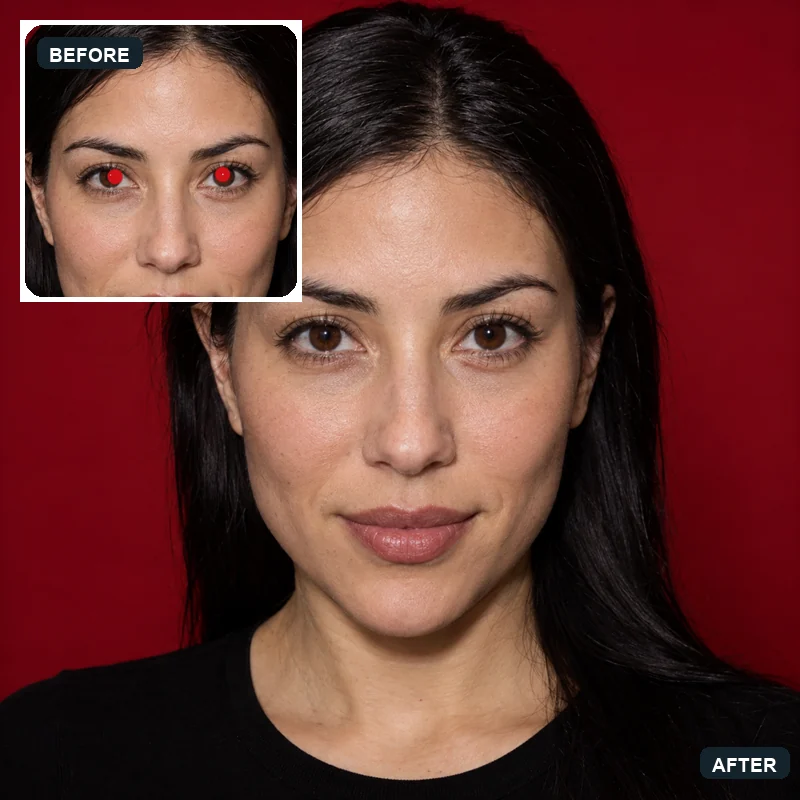 Red Eye RemoverHow to get rid of red eyes in photos? Upload a picture and the AI red eye remover fixes red pupils and pet eye glow, restoring natural eye color in every face.
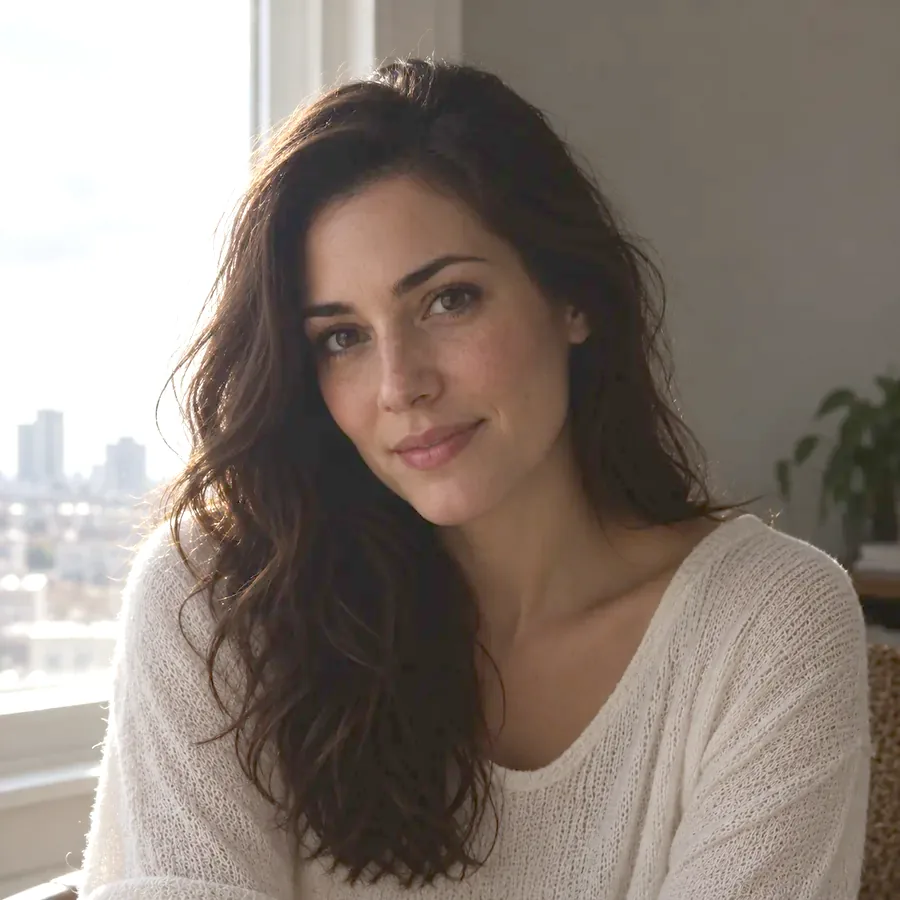 Image BrightenerFree image brightener that runs in your browser: brighten an image, lighten dark photos, and adjust picture brightness with one click or sliders, then download.
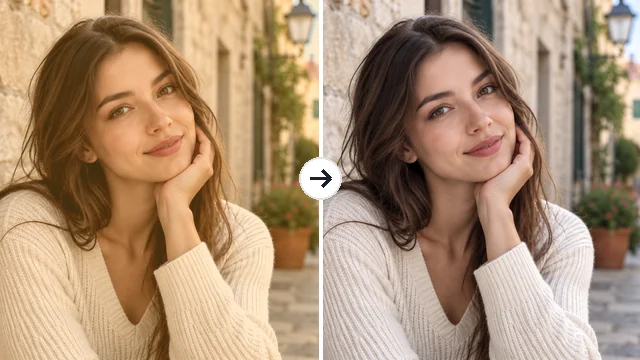 Remove Filter from PhotoRemove filter from photo edits that went too far: the AI filter remover tones down color casts, vintage looks, and beauty filters for a more natural picture.
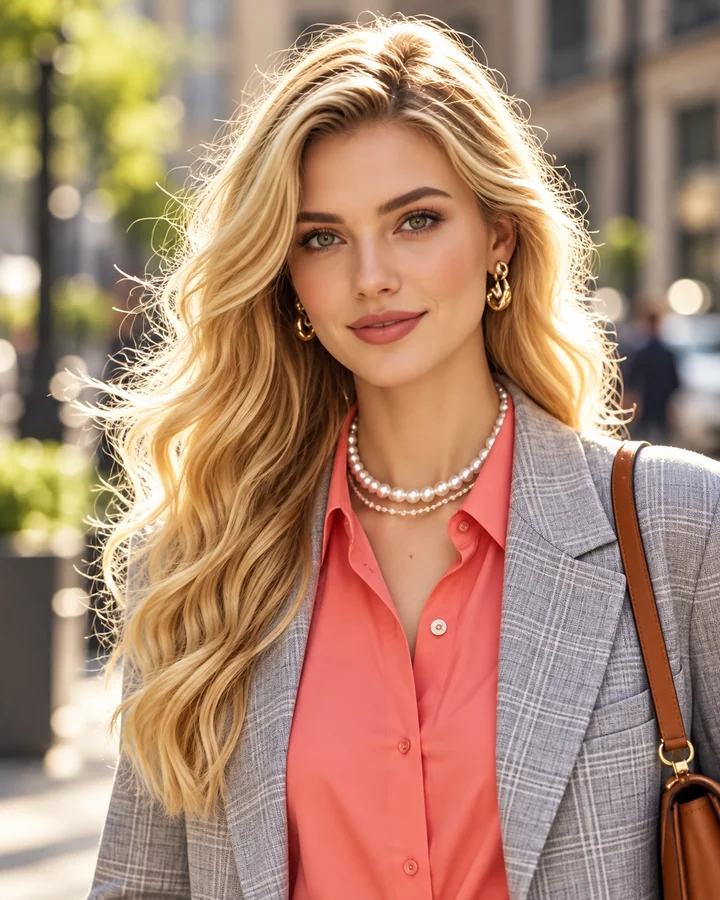 Unpixelate ImageUnpixelate image files in a few clicks. The AI depixelizer removes pixelation from photos, rebuilds faces and edges, and turns blocky pictures into clear ones.
 Background RemoverRemove background free to try: the AI background remover online cuts out people, products and pets, then gives you a transparent PNG, white, color or new scene.
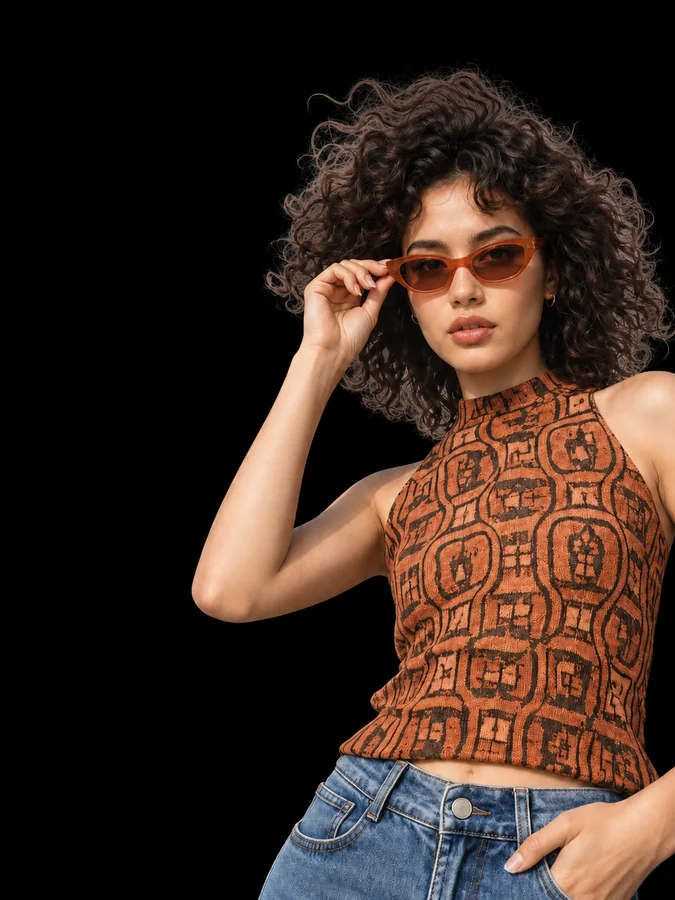 Make Background BlackMake background black in any photo with AI. Upload a portrait or product shot and get the subject on a clean black backdrop, with edge light for dark tones.
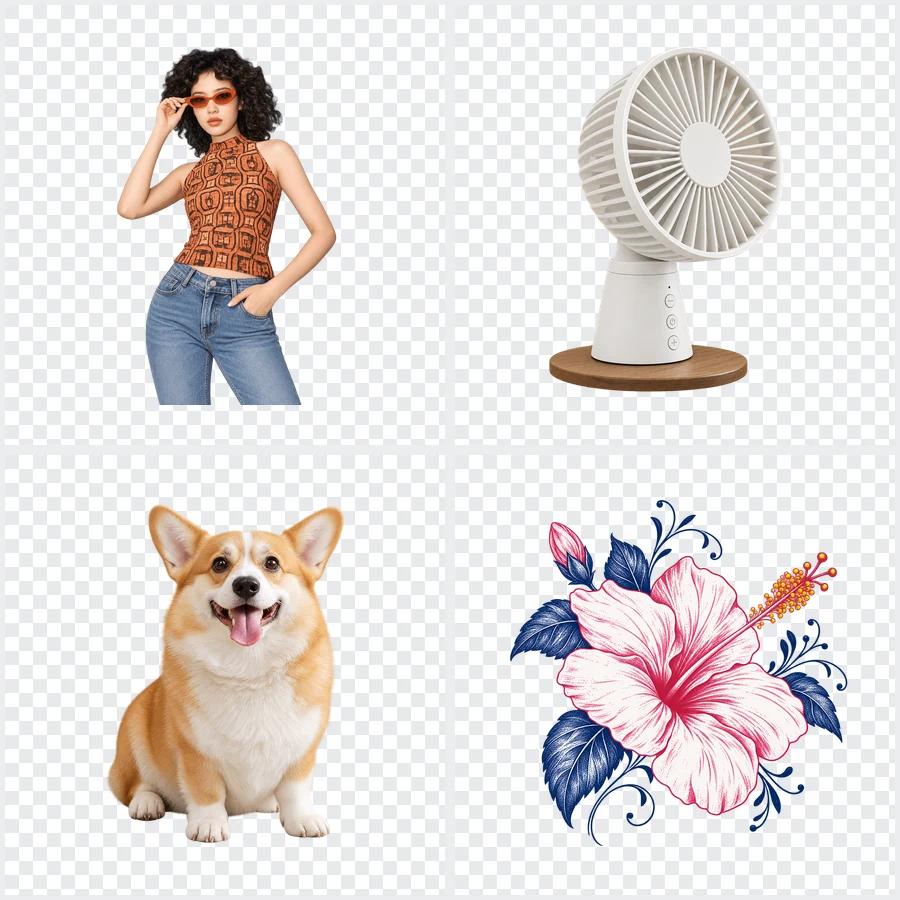 Bulk Background RemoverBulk background remover for product photos and portraits. Upload a batch, let AI cut out every subject, and get matching transparent or white backgrounds.
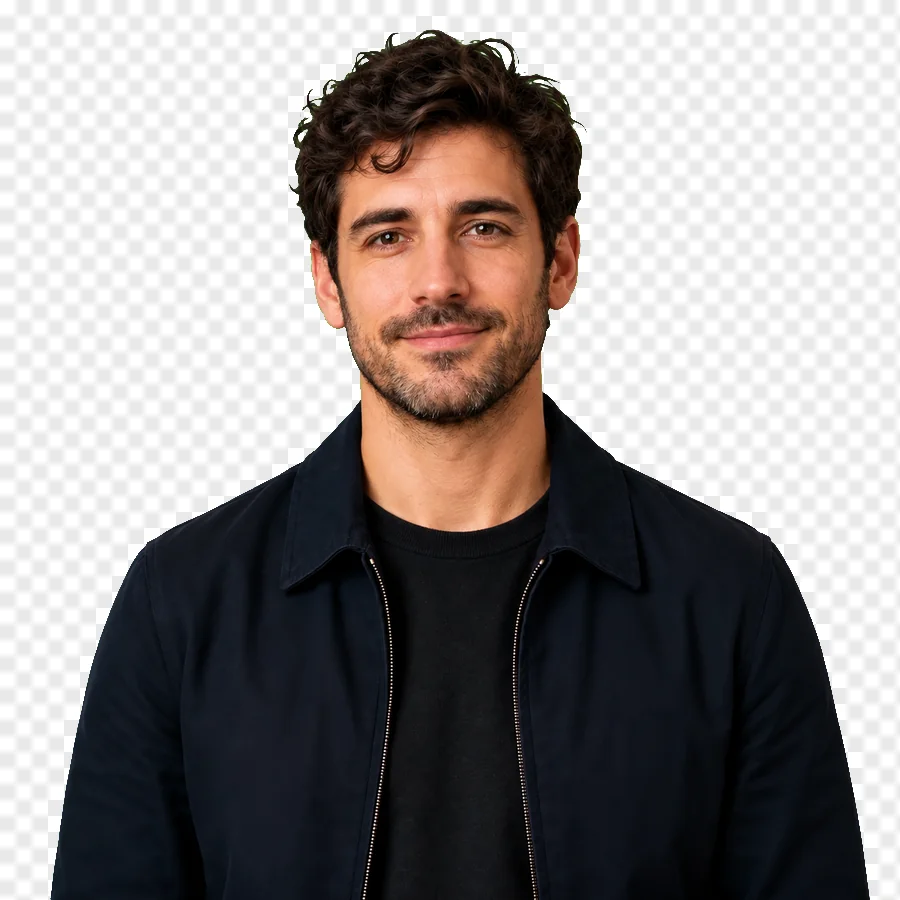 Green Screen RemoverFree green screen remover in your browser: chroma key green or blue backdrops out of photos, clean up green edges, and download a transparent PNG.
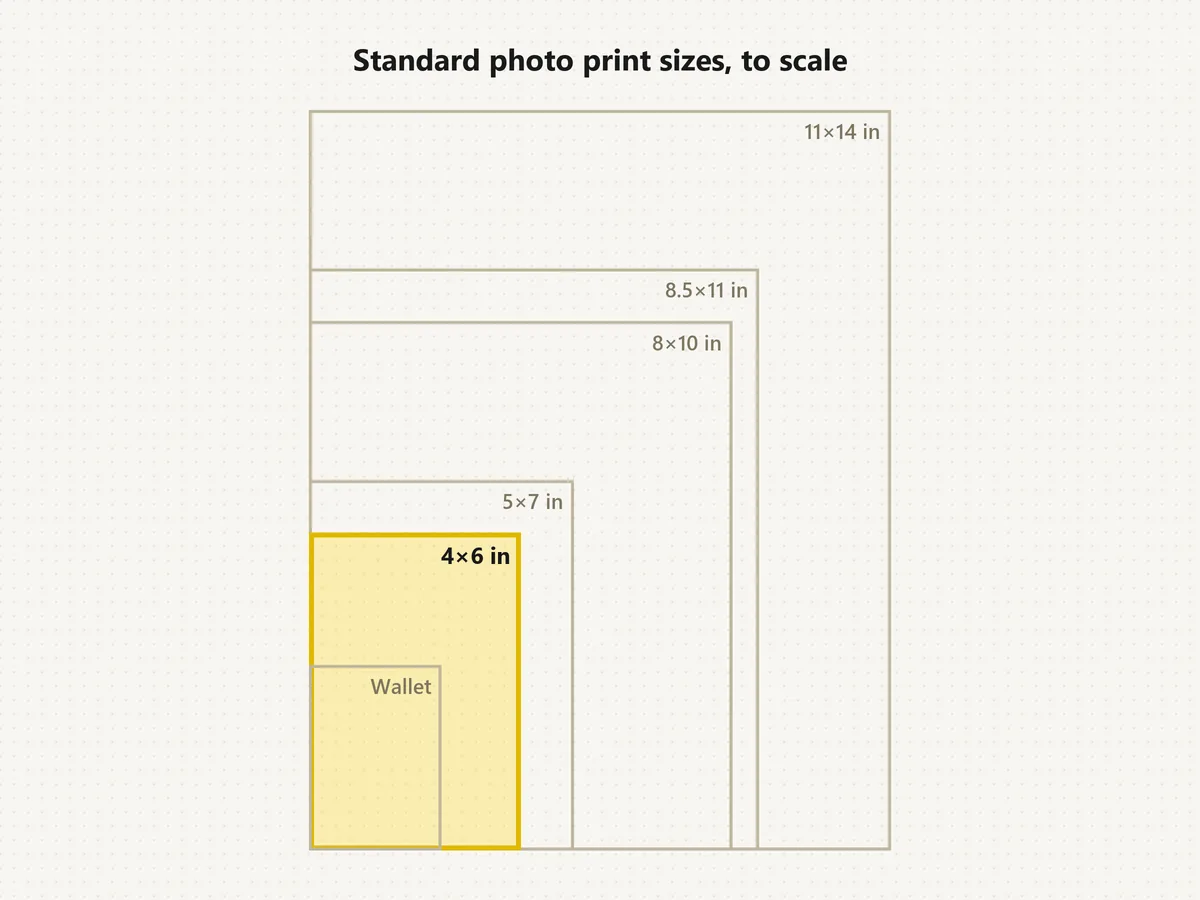 Standard Photo Print SizesWhat's the standard picture size? The normal photo size is 4×6. See each standard photo print size in inches, cm and pixels, compare to scale, and crop free.
 Avatar CropperFree avatar cropper that runs in your browser: crop photos into circles, fit the entire picture into a Discord PFP, and download PNG avatars at any size.
 WhatsApp Profile Picture SizeWhatsApp profile picture size: a square, 640x640 px recommended, shown as a circle. Fit your full photo as a WhatsApp DP with no crop, free in your browser.
 Discord PFP SizeDiscord PFP size: a square of 128x128 px or larger, shown as a circle. A free Discord image resizer for avatars, banners, and emojis that runs in your browser.
 YouTube Profile Picture MakerMake a YouTube PFP from a selfie. Pick an anime, pop art, gaming, logo, or framed style and the AI YouTube profile picture generator designs a channel icon.
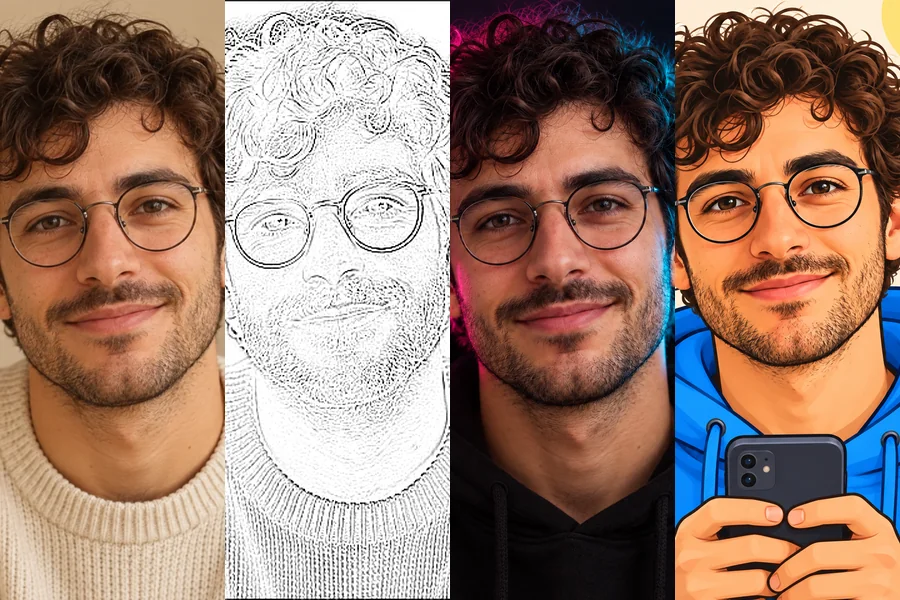 TikTok PFP MakerNeed TikTok PFP ideas? Upload a selfie and turn it into an aesthetic, anime, Y2K, neon, or cartoon profile pic Tik Tok followers will remember in the feed.
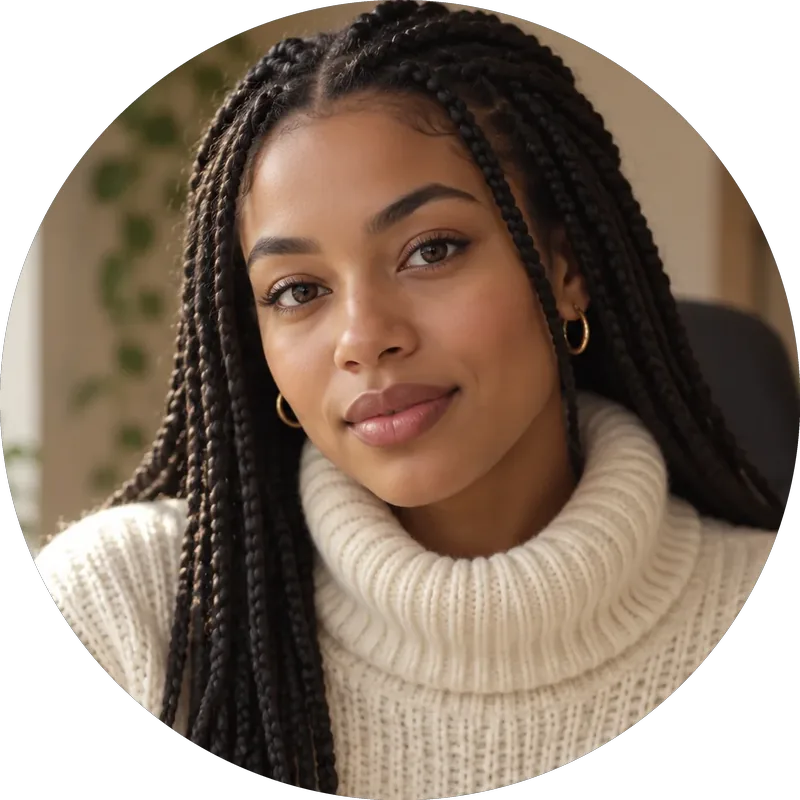 Twitch Profile Picture SizeTwitch profile picture size: 256x256 px minimum, 800x800 for sharpness. A free Twitch image resizer for emotes, sub badges, panels, banners, and channel points.
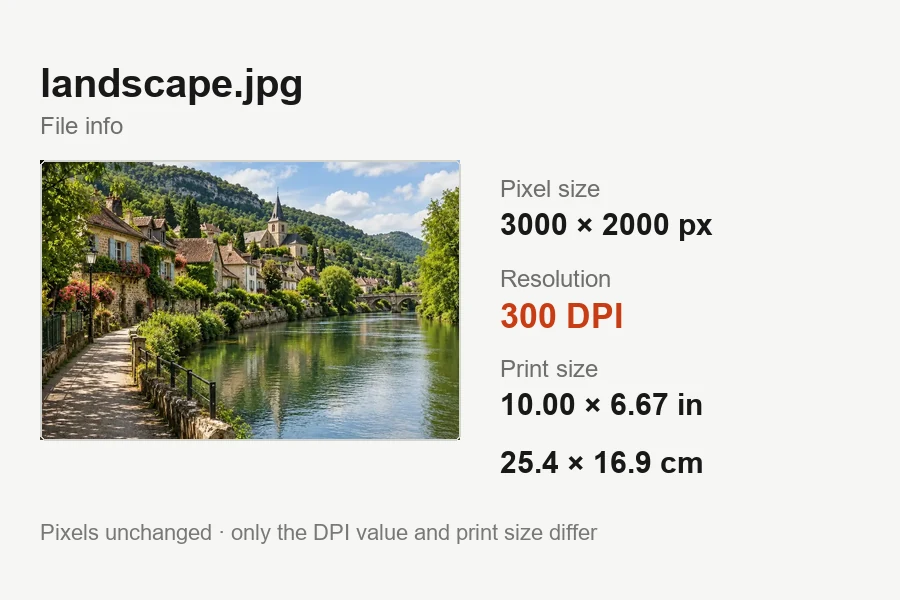 Increase DPI of ImageIncrease DPI of image files to 300 or any value in your browser: set the print resolution, see the print size live, and download JPG or PNG. Free, no upload.
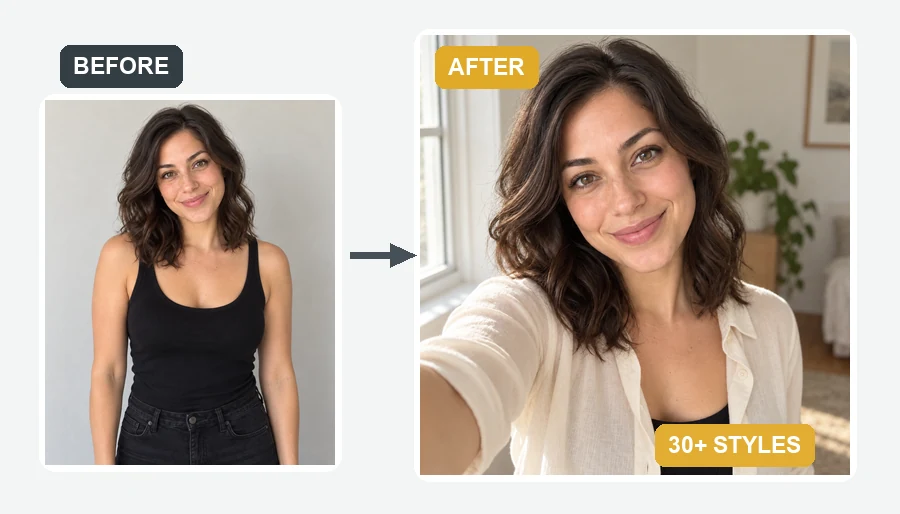 AI Selfie GeneratorUse the AI selfie generator to create AI selfies that still look like you. Upload one photo, pick a scene, cartoon style, headshot, fantasy, or occasion.
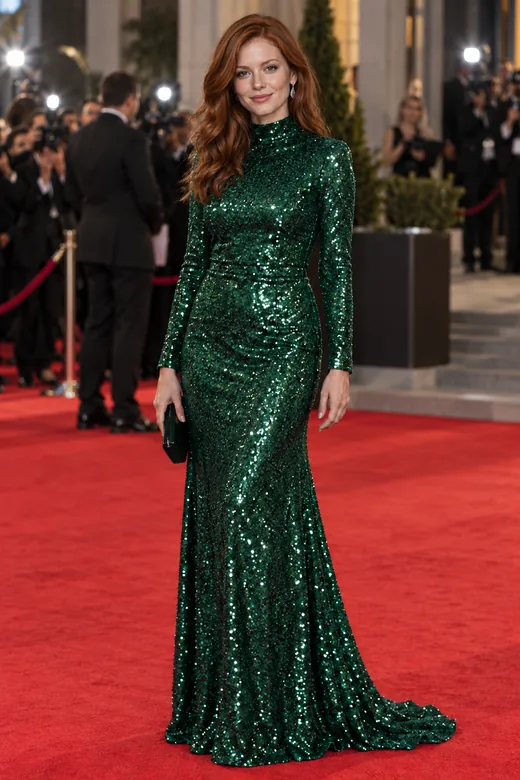 AI Face SwapFace swap photos online with AI. Upload your face and a target picture; the face swapper matches skin tone, light, and angle. Free to try with sign-up credits.
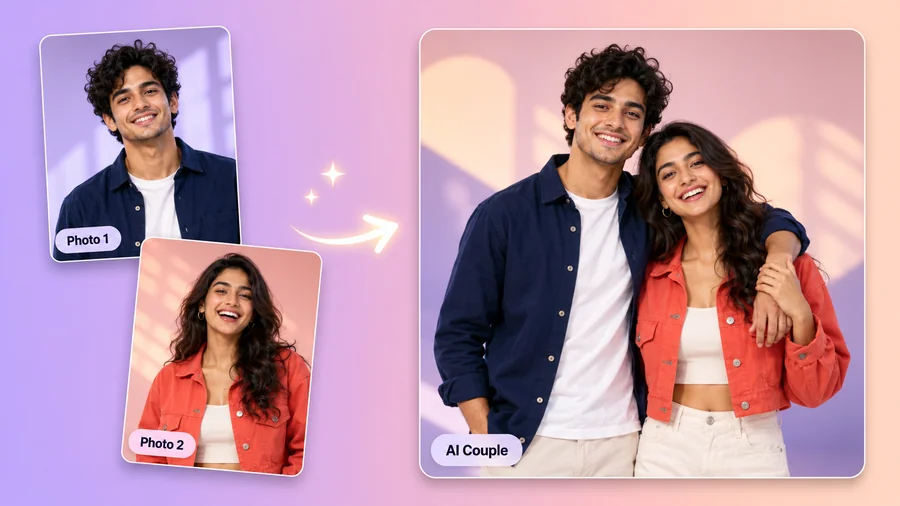 AI Couple Photo MakerTry AI photo editing for couples: upload one photo of each of you, pick a style, pose, and scene, and the AI couple photo maker creates a romantic duo picture.
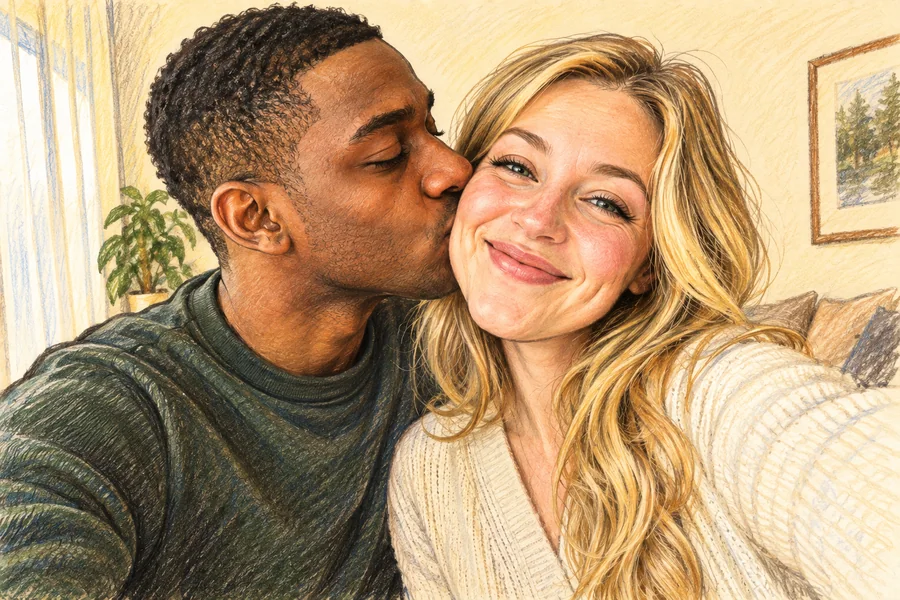 AI Caricature MakerHow do I create a caricature of me? Upload a photo to the AI caricature maker, pick a style, and turn your picture into a funny, recognizable caricature.
 AI Age FilterWhat will I look like when I'm older? Upload a selfie to the AI age filter, pick a life stage from baby to senior, and get a realistic age progression photo.
Rate your face from 1 to 10 with a breakdown of symmetry, proportions and features, plus photo tips.
Try itFind out whether your face is oval, round, square, heart or diamond, with the frames and cuts that suit it.
Try itUpload a photo and get an AI age estimate with the cues behind it, before you try an older or younger look.
Try itQuestions about free credits, prompts, likeness, and where to use your AI headshot.
Yes. New accounts get free credits when they sign up, so you can try AI generated professional headshots free before deciding whether you need more. Each headshot uses credits, and credit packs cover larger batches after that.
You upload a selfie and pick a style, outfit, and background. The AI reads your face and hair, then redraws the portrait with head-and-shoulders framing, studio-style light, the outfit, and the backdrop you chose. It keeps your facial features, skin tone, and hairstyle, which is what separates a headshot AI generator from a filter that pastes your head onto a stock suit.
It is designed to. The face, skin tone, age, hairstyle, and glasses are kept and only light retouching is applied. Results depend on your photo, so upload a sharp, front-facing selfie, generate a few versions, and choose the one that matches how you look in person.
Name the framing, outfit, background, light, and expression, and say “of the same person”. For example: “Turn this selfie into a professional headshot of the same person: head-and-shoulders, navy blazer, light gray backdrop, soft window light, natural smile, realistic skin texture.” That AI professional headshot prompt works as a starting point; the table above has a professional headshot AI prompt for eight common styles.
Stand facing a window, hold the phone at eye level about an arm’s length away, and take several photos with a relaxed smile. Upload the sharpest one, skip beauty filters, and choose a style that fits your field. Real light and a clear face are what make an AI head shot look like a studio photo.
Yes. AI powered headshots make a consistent team page easy: ask everyone to upload a selfie and pick the same style, outfit type, and background, for example Startup, Knit Sweater, and Light Gray. If you are comparing the best virtual headshot service for remote employees, consistency, likeness, and consent from each person matter most, and every teammate should upload their own photo.
People use them on LinkedIn, résumés, company team pages, email signatures, speaker bios, and casting profiles. Check the rules of any site that asks for an unedited photo; ID documents and some official forms do not accept AI generated images.
Twelve: Corporate, LinkedIn, Studio, Outdoor, Creative, Startup, Actor, Modeling, Comedic, Doctor, Advocate, and Realtor. Each combines with eleven outfit choices and ten background choices, and Custom lets you add your own details.
Choose 1, 2, or 4 results per run. You can run the same selfie again with a different style, outfit, or background as often as your credits allow.
Only your own photo, or a photo of an adult who has agreed to it. Do not upload photos of minors, celebrities, or anyone without permission, and do not use a headshot to pose as someone else.
Upload a selfie, choose a style, and see your AI headshot. Free to try with sign-up credits.
