Natural White for Everyday Portraits
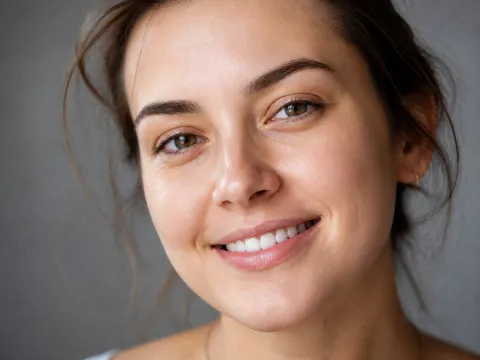
Lift a yellow tint so the smile looks fresh and clean, not painted. Natural White is the safest starting point for selfies and casual photos.
Upload a smiling photo and the AI teeth whitening photo editor finds every tooth, lifts yellow stains, and brightens the smile to the shade you choose, while lips, gums, and skin stay untouched.
Whitening looks
Fine-tune
Your photo stays in this browser during this UI preview.
Reference example. It is not a result generated from your upload.
A teeth whitening photo editor is a retouching tool built to make teeth whiter in photo files without touching anything else. Instead of painting over the mouth with a brush, the AI detects each tooth, removes yellow, coffee, and shadow casts, and lifts brightness while keeping enamel texture, edges, and natural shading, so the smile still looks like yours.
It is the quick answer to "how to whiten teeth in pictures" for selfies, weddings, dating profiles, and headshots. Think of it as a teeth whitening app that lives online: upload, choose a shade and a strength, and compare. It is a photo edit only, not a dental treatment, and it never changes how your teeth look in real life.
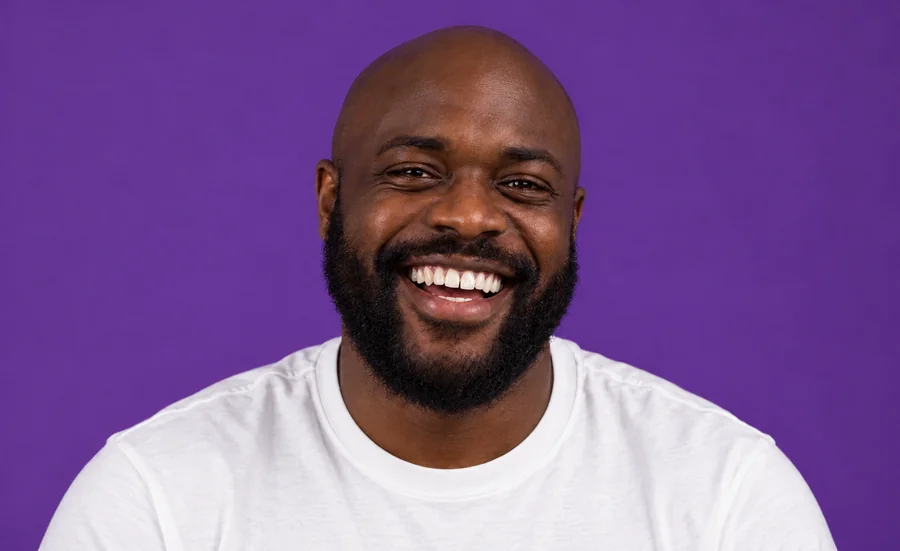
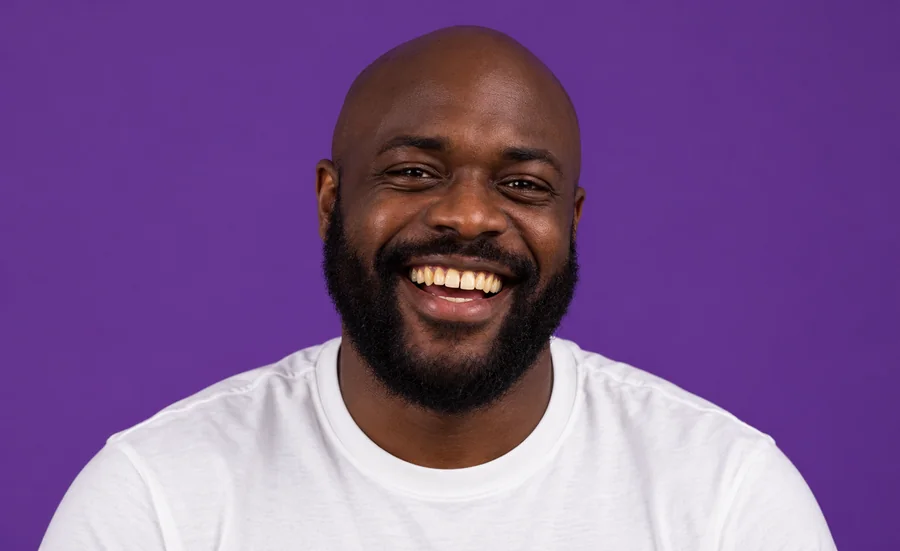
Drag each slider to compare the original picture with the whitened smile.
Lift a yellow tint so the smile looks fresh and clean, not painted. Natural White is the safest starting point for selfies and casual photos.
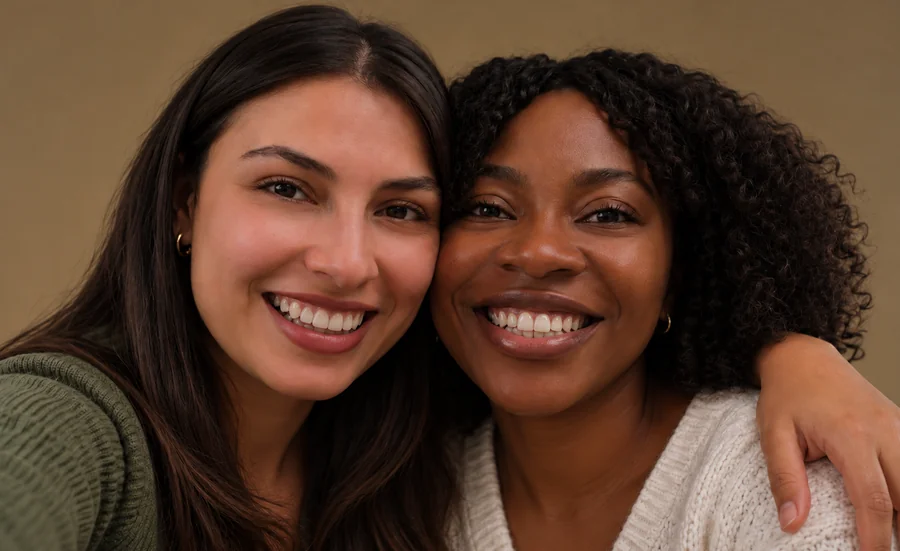
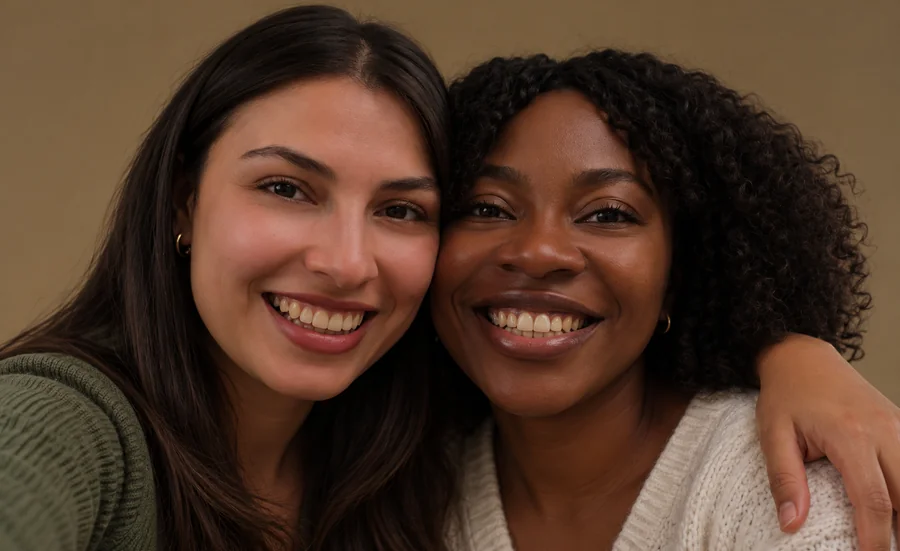
Couple shots and group photos get even, matching results on every smile, so nobody in the picture looks brighter than everyone else.
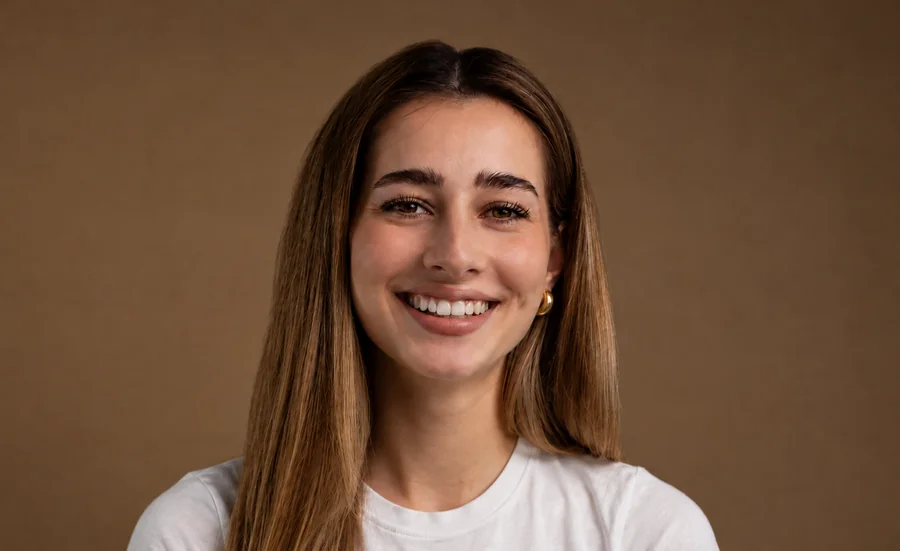

A slightly stronger shade for professional headshots and profile pictures, where a clean, confident smile carries the whole photo.
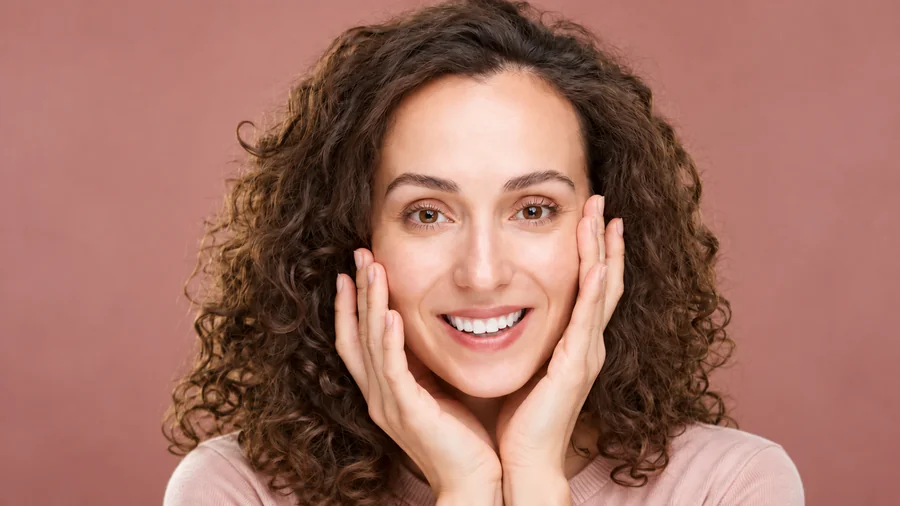
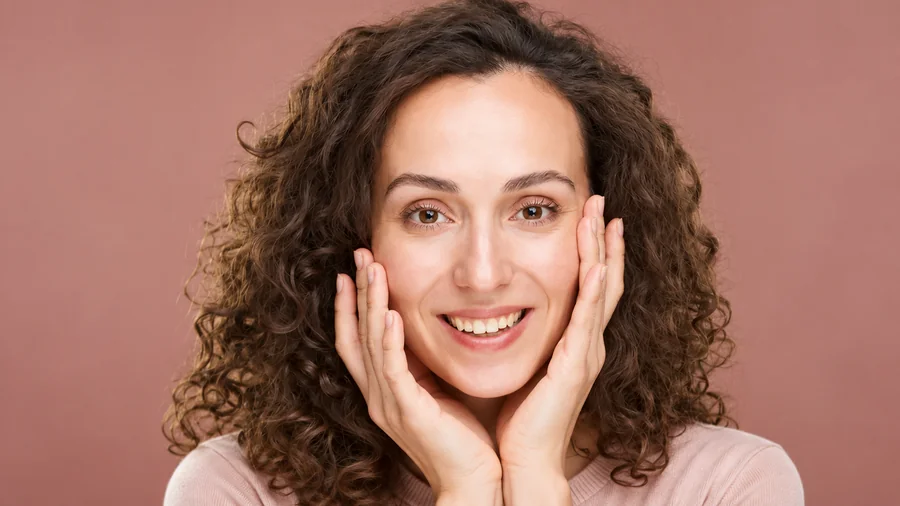
Go for a red-carpet white on styled portraits and beauty shots. Pair it with a lower strength if the teeth start to outshine the eyes.
How do you make teeth whiter in photos without brushing pixels by hand? Three steps, and no teeth whitening app to install.
Choose a JPG, PNG, or WebP up to 10 MB: a selfie, portrait, couple shot, or group photo where the smile is sharp and in focus.
Start with Natural White, Bright Smile, or Hollywood White, then fine-tune the whitening strength and choose whether to whiten every face or only the main one.
Run the teeth whitening, drag the before/after slider, and lower the strength if the smile looks too white for the lighting in the picture.
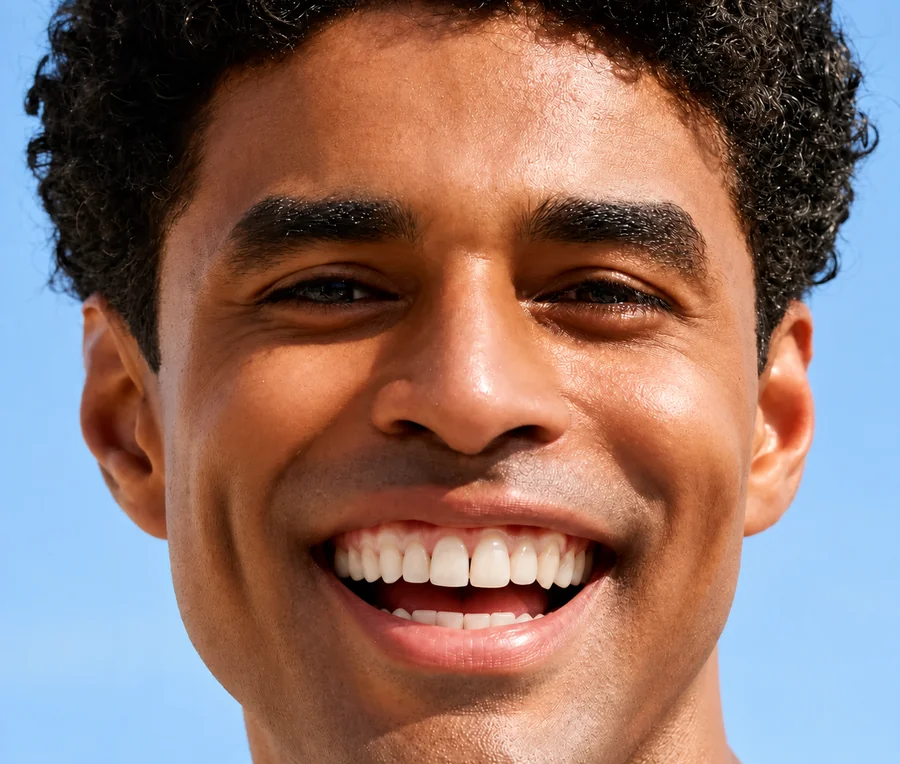
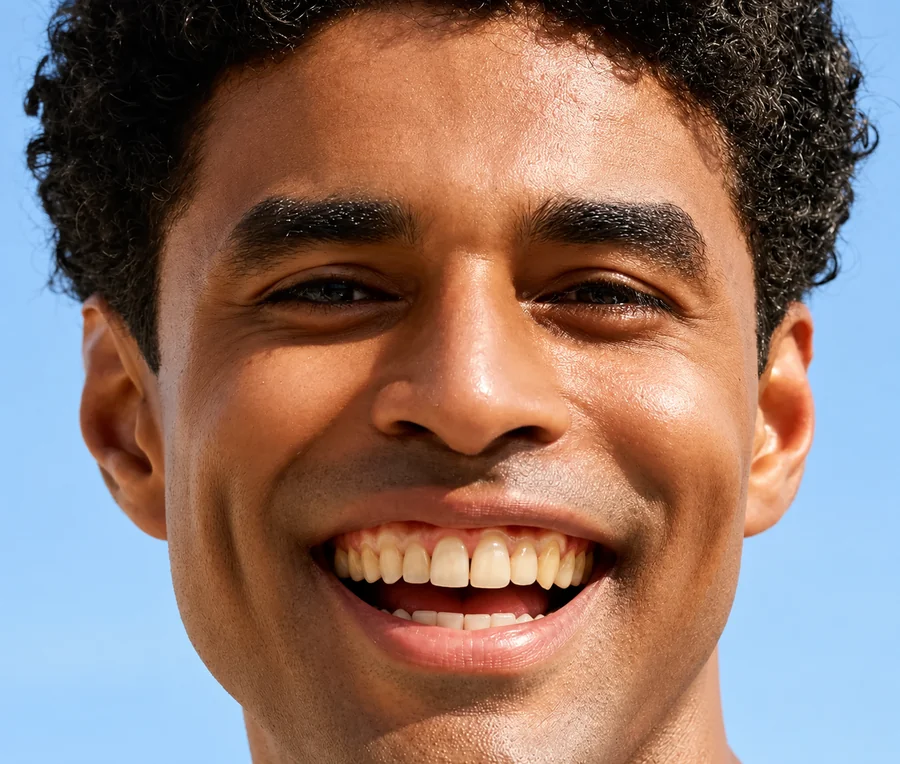
Most photo editor online teeth whitening tools paint a flat white layer over the whole mouth, so lips turn pale and gums look gray. This AI photo teeth whitening maps each tooth first, then brightens only the enamel. Lips, gums, beard, and skin tone stay exactly as they were.
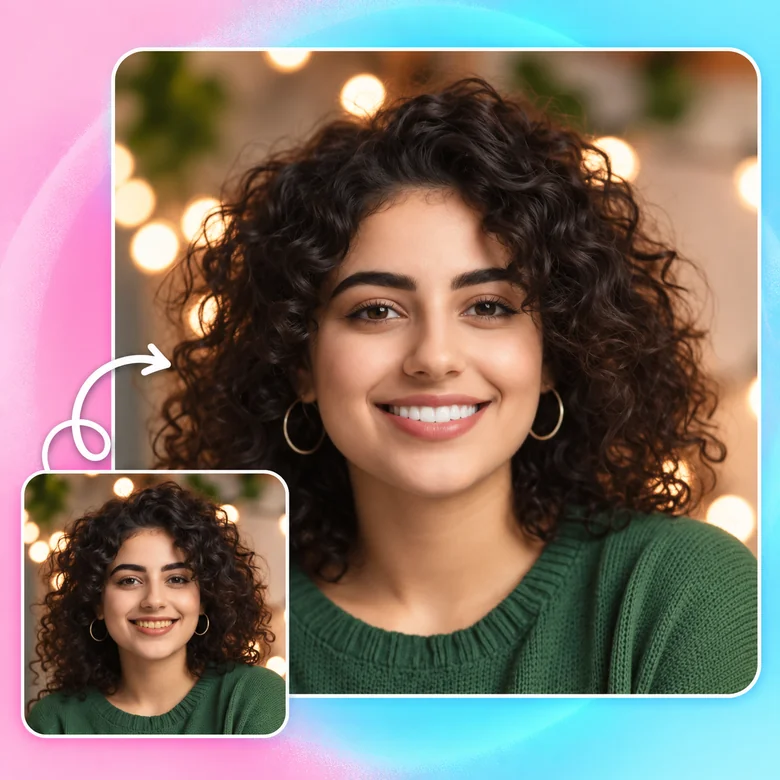
A good white teeth photo editor never pushes teeth to pure, glowing white. The filter reads the light and color in your picture, keeps enamel texture and the subtle shading between teeth, and offers three shades so the result matches the rest of the face.


Use the teeth whitener photo by photo: a quick preset for a selfie, a softer strength for a wedding album, or Main face only when just one person in the shot needs a touch-up. It works as a full teeth whitening picture editor, not a one-button filter.

Skip the download. This teeth whitening photo editor online opens in any phone or desktop browser, including iPhone and Android, so you can whiten teeth photo files straight from your camera roll and keep editing on a bigger screen when you need to.
The photos people most often retouch with a teeth whitening tool.
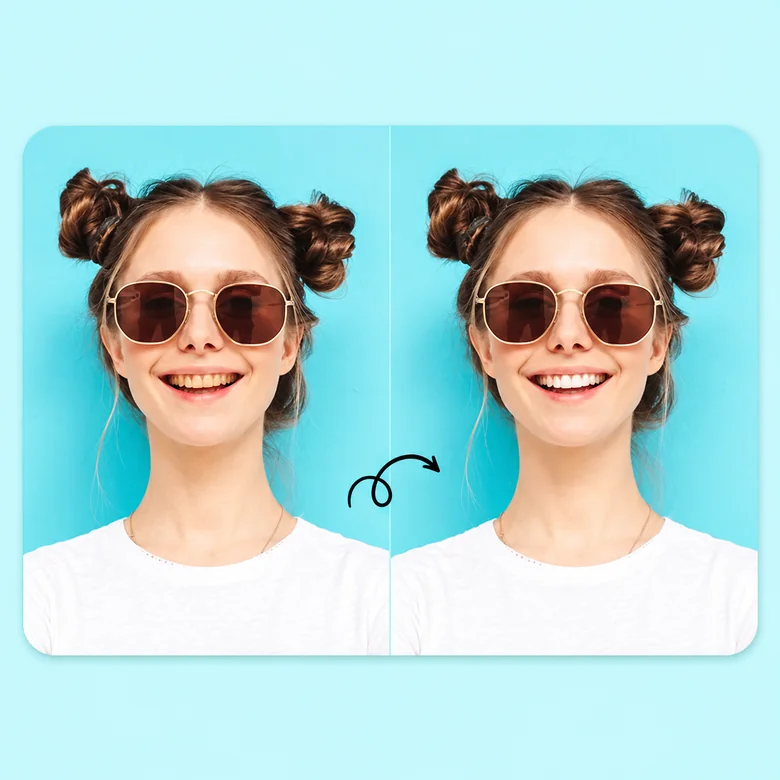
Coffee, tea, and warm indoor light all turn teeth yellow on camera. A quick whitening pass makes a selfie look as bright as the moment felt.
Whiten teeth on pictures from weddings, graduations, and parties, where flash and mixed lighting make smiles look dull or uneven.
Give LinkedIn photos, dating profiles, and team pages a clean, confident smile without booking a retouching session.
Curious how a brighter shade would suit your face? Preview it on a photo first, then talk to a dentist about real whitening options.
A few simple rules separate a believable smile from an obvious edit.
Teeth should never be brighter than the whites of the eyes. If they are, lower the strength.
Begin with the softest shade and step up only if the smile still looks yellow.
Visible, in-focus teeth give the AI clean edges to work with and keep texture intact.
Whiten every face in a group photo so one smile does not stand out from the rest.
Common ways people whiten teeth in pictures.
Illustrative examples adapted from reference material, not verified reviews of EzImgMaker.
Our reception lighting made everyone look a little yellow. Natural White fixed the whole table in one pass, and nobody looks over-edited.
I used to zoom in and paint teeth with a brush. Now I only touch the strength slider, and lips and gums stay exactly as shot.
My headshot was fine except for coffee-stained teeth. Bright Smile made it look like a fresh photo without changing my face.
I did not want another teeth whitening app on my phone. The browser version did the job on my camera-roll photos.
Answers to common questions about whitening teeth in photos.
It is a teeth whitening editor that detects the teeth in a picture and brightens only them. This one uses AI to remove yellow and shadow casts while keeping enamel texture, so you can whiten teeth photo files without manual masking or a brush tool.
Upload the picture, choose a whitening look such as Natural White or Bright Smile, adjust the strength, and start. Compare the before and after, then lower the strength if the teeth look brighter than the whites of the eyes.
Pick the Natural shade, keep the strength around 30–50%, and use a sharp photo with even light. Real teeth are slightly ivory and darker toward the sides; a white teeth filter that keeps that shading looks far more believable than pure white.
Leave Apply to set on Every face. The AI finds each visible smile and applies the same shade, which keeps teeth whitening in pictures of couples, families, and teams consistent. Choose Main face only if just one person needs the edit.
No. Most people looking for a whiten teeth app or a brighten teeth app just want a quick fix for one photo. This online teeth whitening tool runs in a phone or desktop browser, so there is nothing to download or install.
Yes. Open the page in Safari or any mobile browser, upload a photo from your camera roll, and whiten teeth on iPhone pictures the same way you would on a computer.
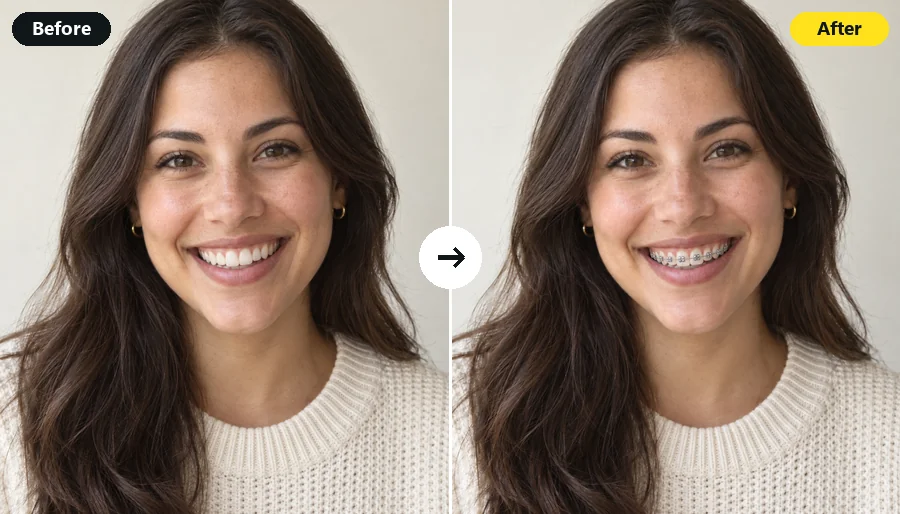
The edit targets tooth enamel only, so lips, gums, and skin keep their original color. Metal or clear braces stay in place; to preview a smile without braces, try a dedicated braces tool instead.
No. It is a photo edit, not a dental prediction. Real whitening results depend on your teeth and the treatment, so ask a dentist before choosing a procedure.
Only upload photos you own or have permission to edit, and get consent from everyone who appears in them. Do not use edited smiles to mislead people, for example in before-and-after advertising for dental products or treatments.
Upload a picture and whiten teeth in photo edits with a natural, believable shade.