Classic Big-Smile Caricature
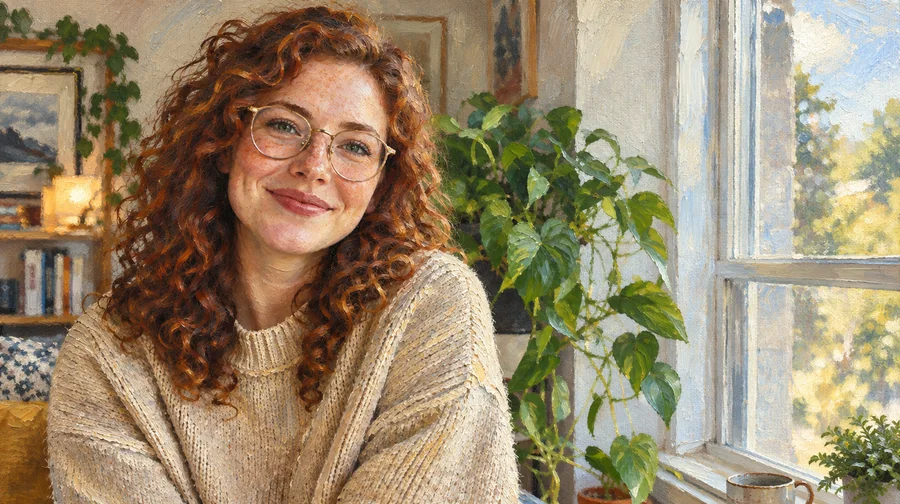
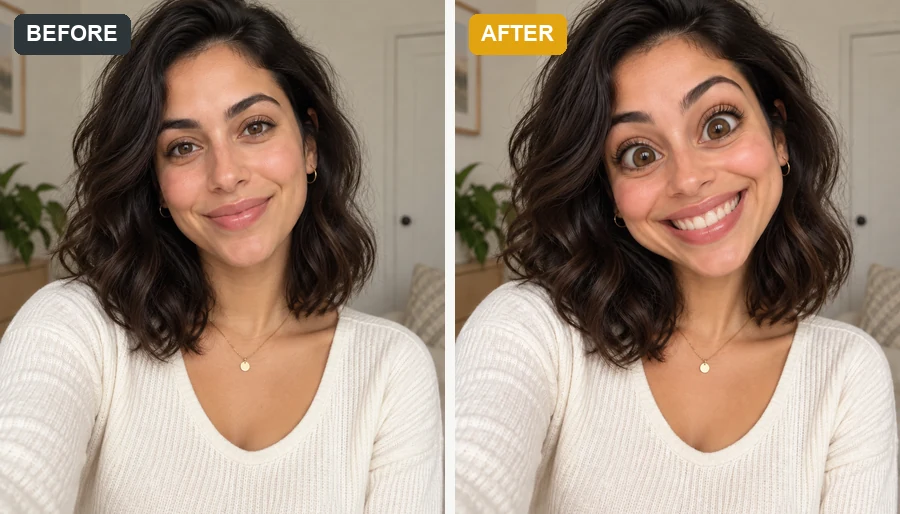
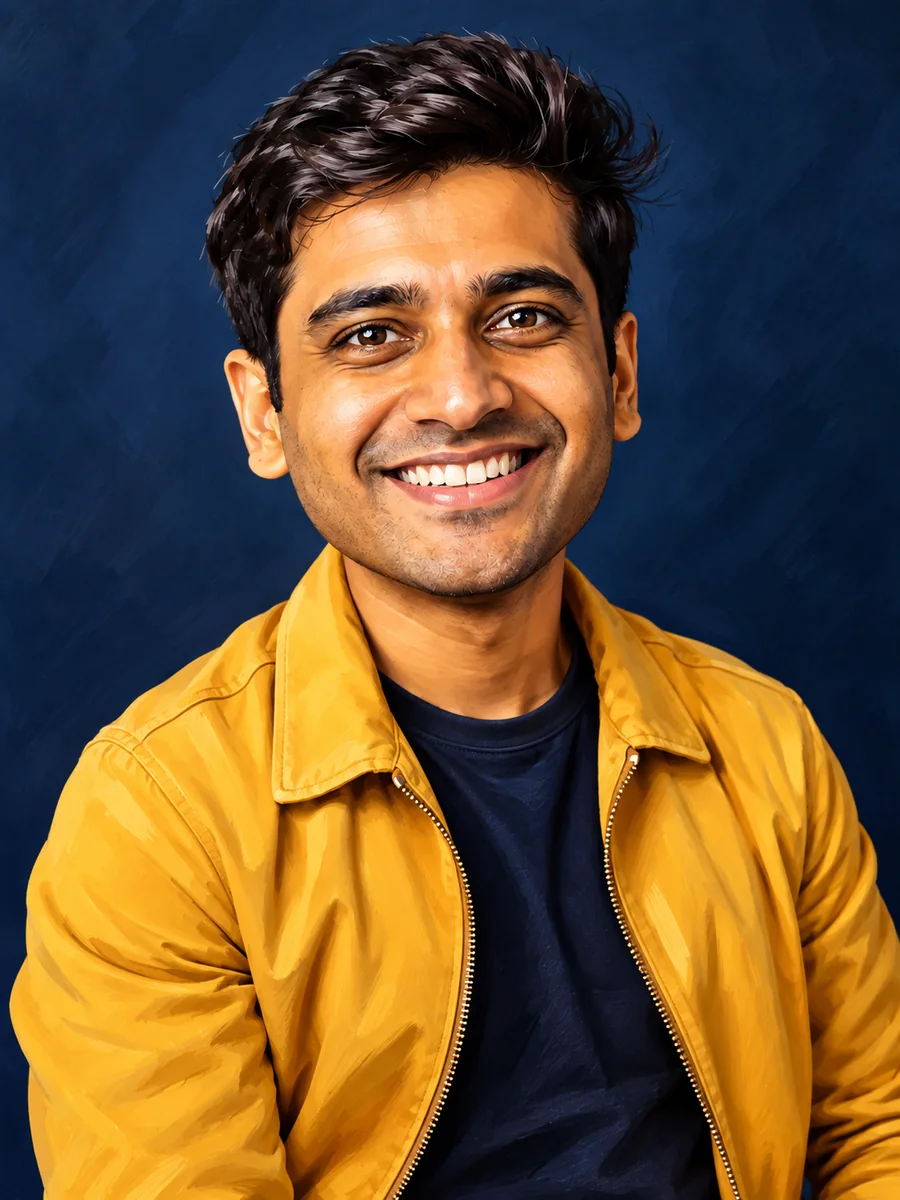
The traditional caricature look: a slightly larger head, a wide grin, and glossy painted shading. Ideal for profile photos, team pages, and friendly social posts.
Upload a portrait and make a caricature of yourself, a friend, or the whole team. Pick a classic, cartoon, or art style and the AI caricature generator exaggerates the fun features while keeping every face recognizable.
Your photo stays in this browser during this UI preview.
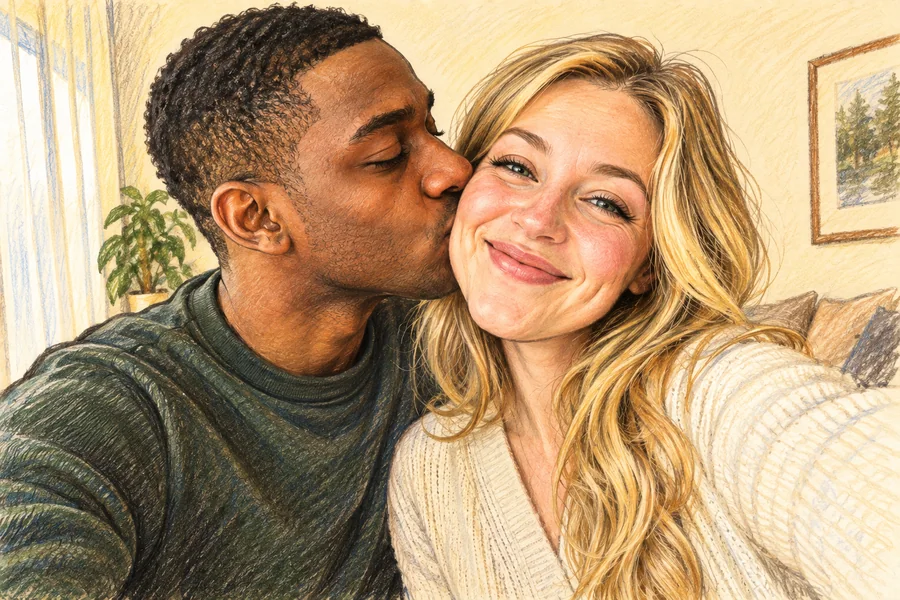
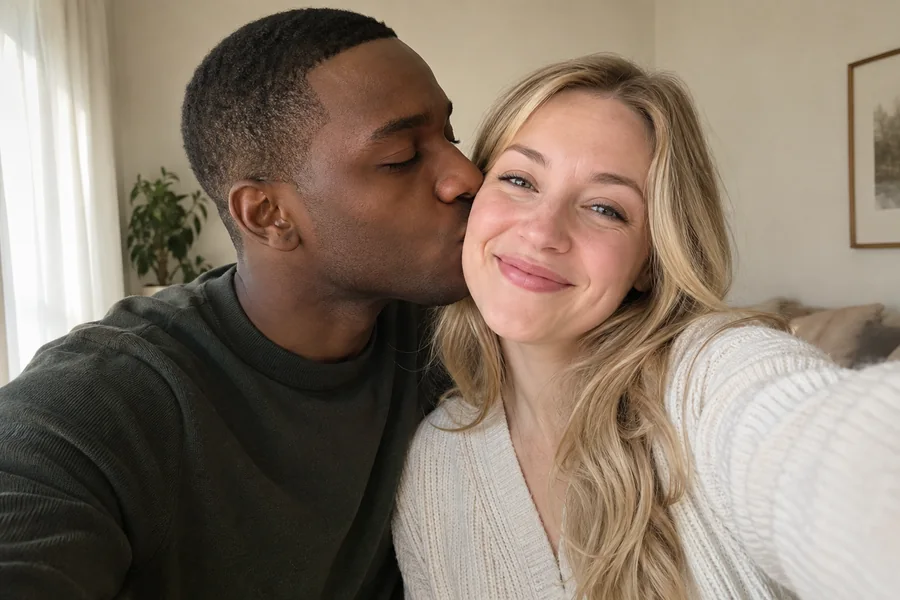
Reference example. It is not a result generated from your upload.
A caricature is a portrait that playfully exaggerates the features that make a face memorable, such as a wide smile, curly hair, or bold eyebrows, while keeping the person instantly recognizable. An AI caricature maker, also called a caricature generator or caricature creator, does the drawing for you: upload a photo and an artificial intelligence caricature is created in the style you choose.
It is the easiest way to get a caricature online without booking a street artist. Make a caricature of yourself for a profile picture, create AI caricatures of friends for a birthday card, or turn a team headshot into a playful caricature photo. Treat every result as creative art rather than an exact likeness.
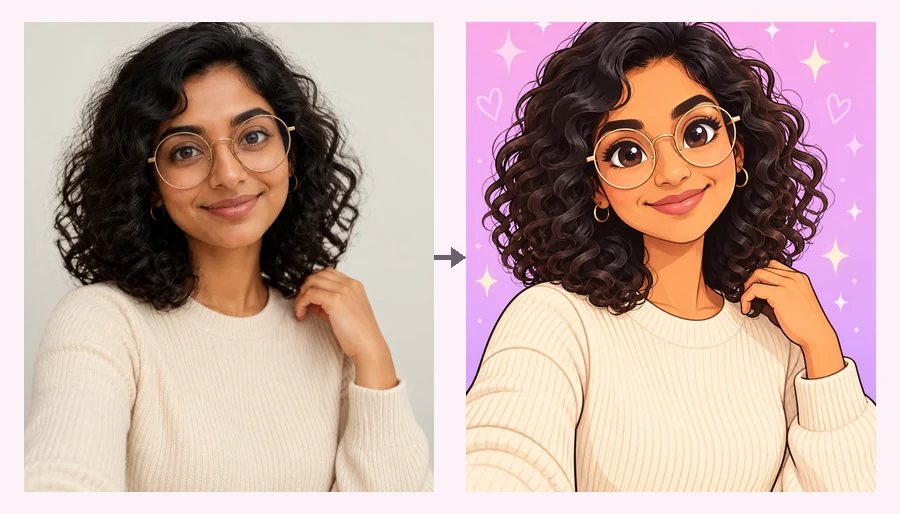
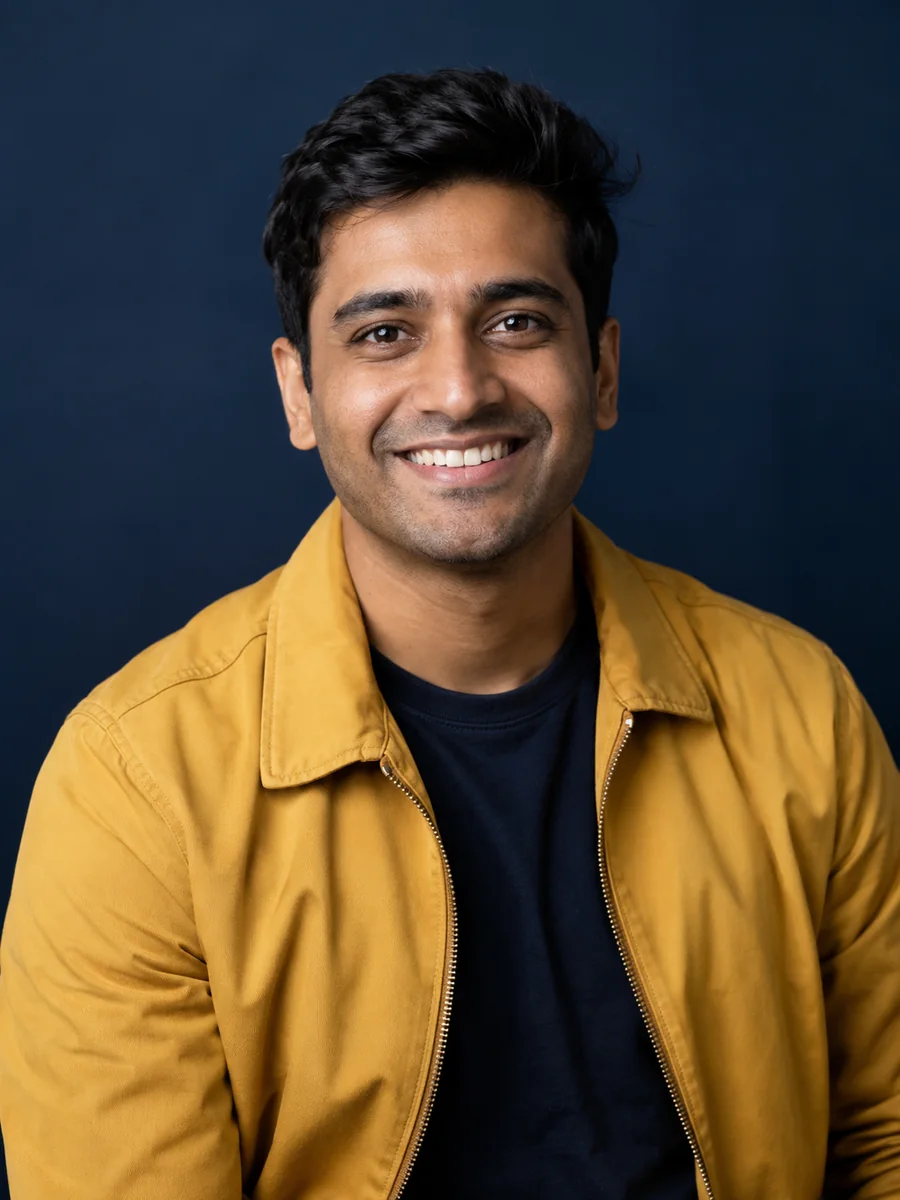
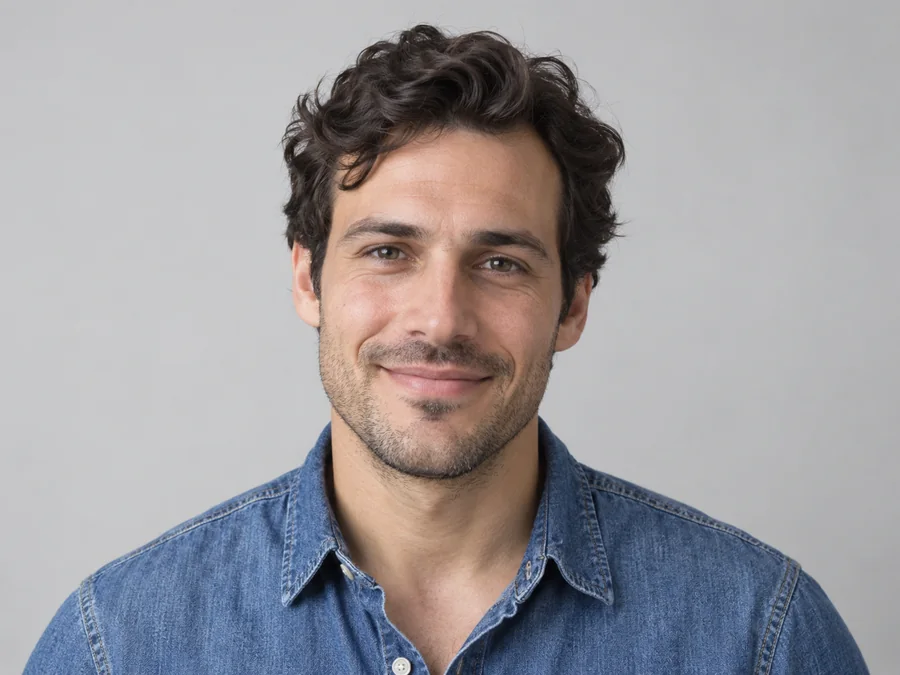
Drag each image to compare the original photo with the caricature. Every style keeps the face recognizable while changing the humor level and the drawing texture.
The traditional caricature look: a slightly larger head, a wide grin, and glossy painted shading. Ideal for profile photos, team pages, and friendly social posts.
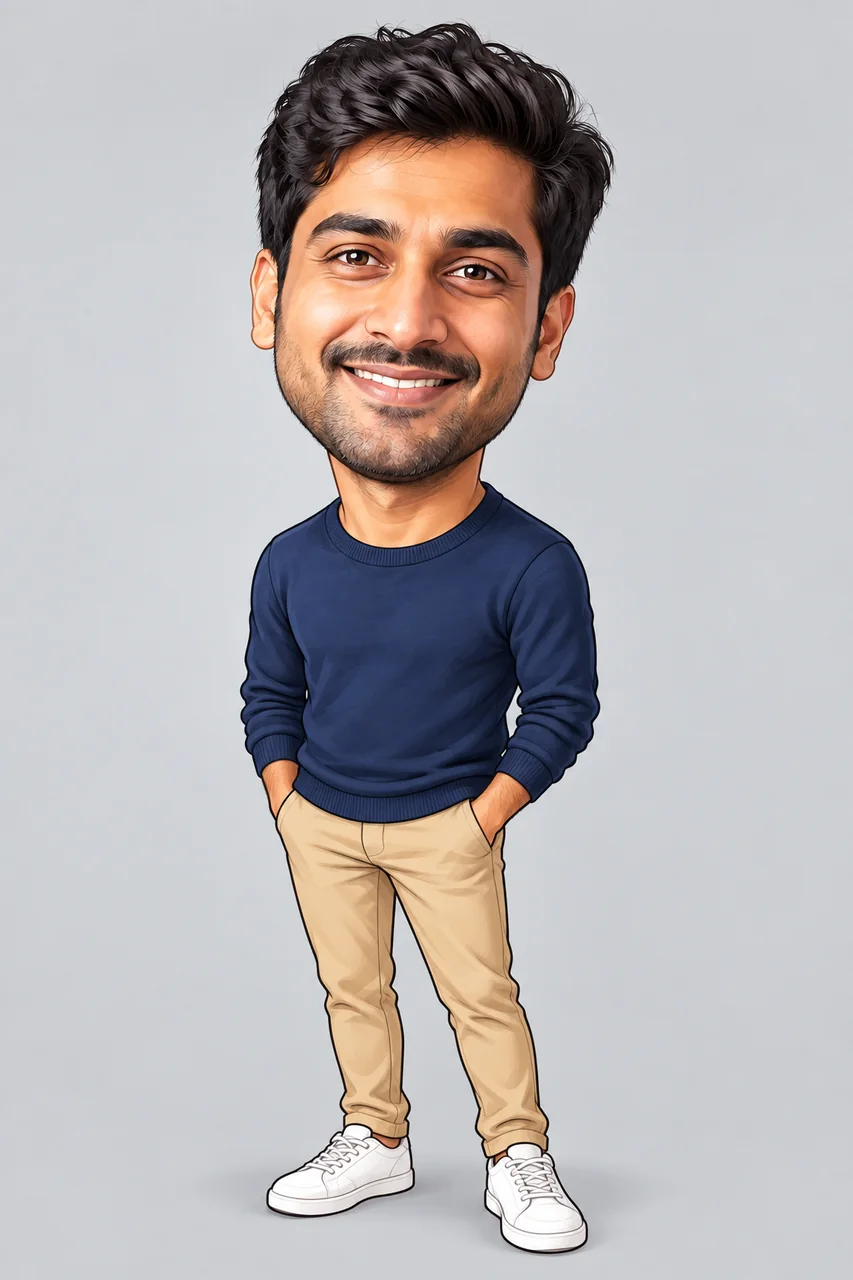
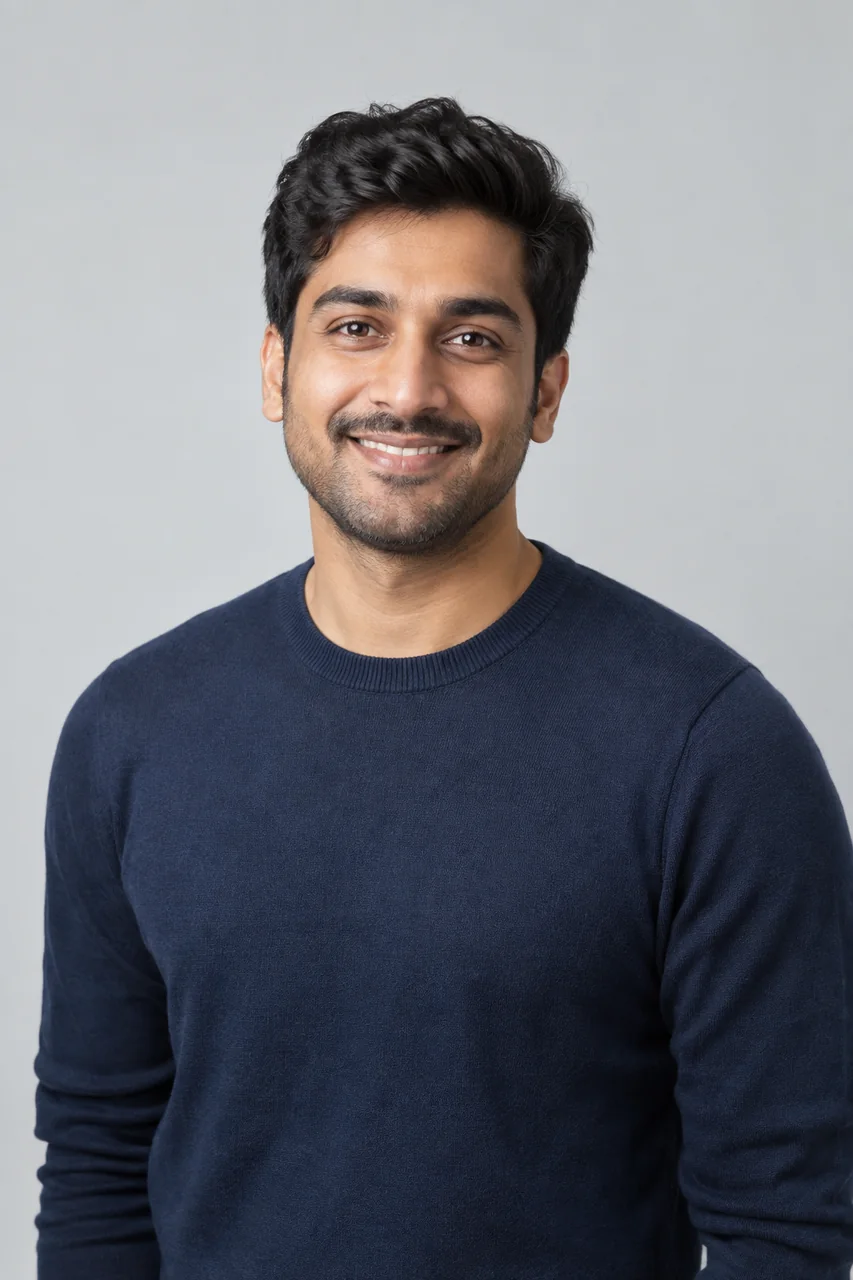
An oversized head on a small body, rounded features, and a friendly expression. This is the most obviously funny caricature, great for avatars, gaming profiles, and stickers.
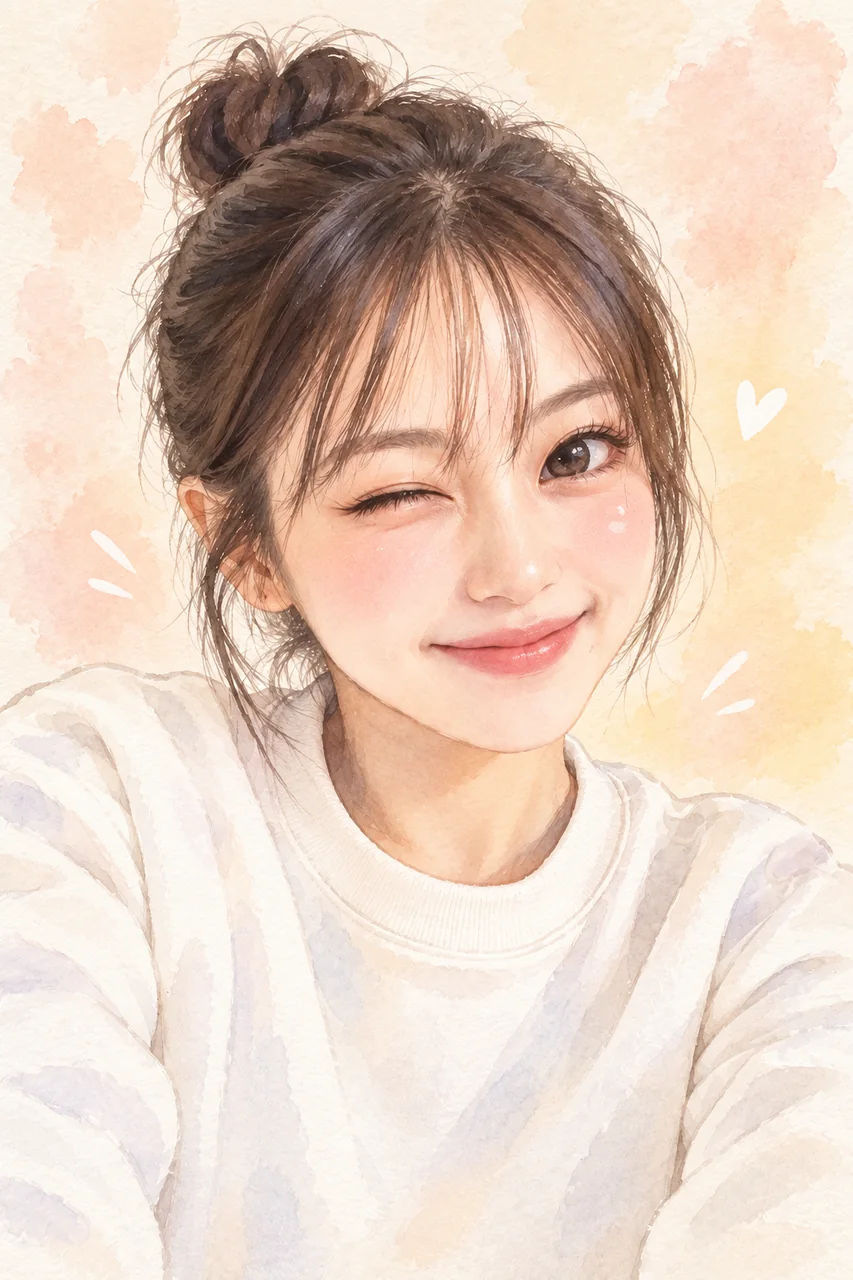
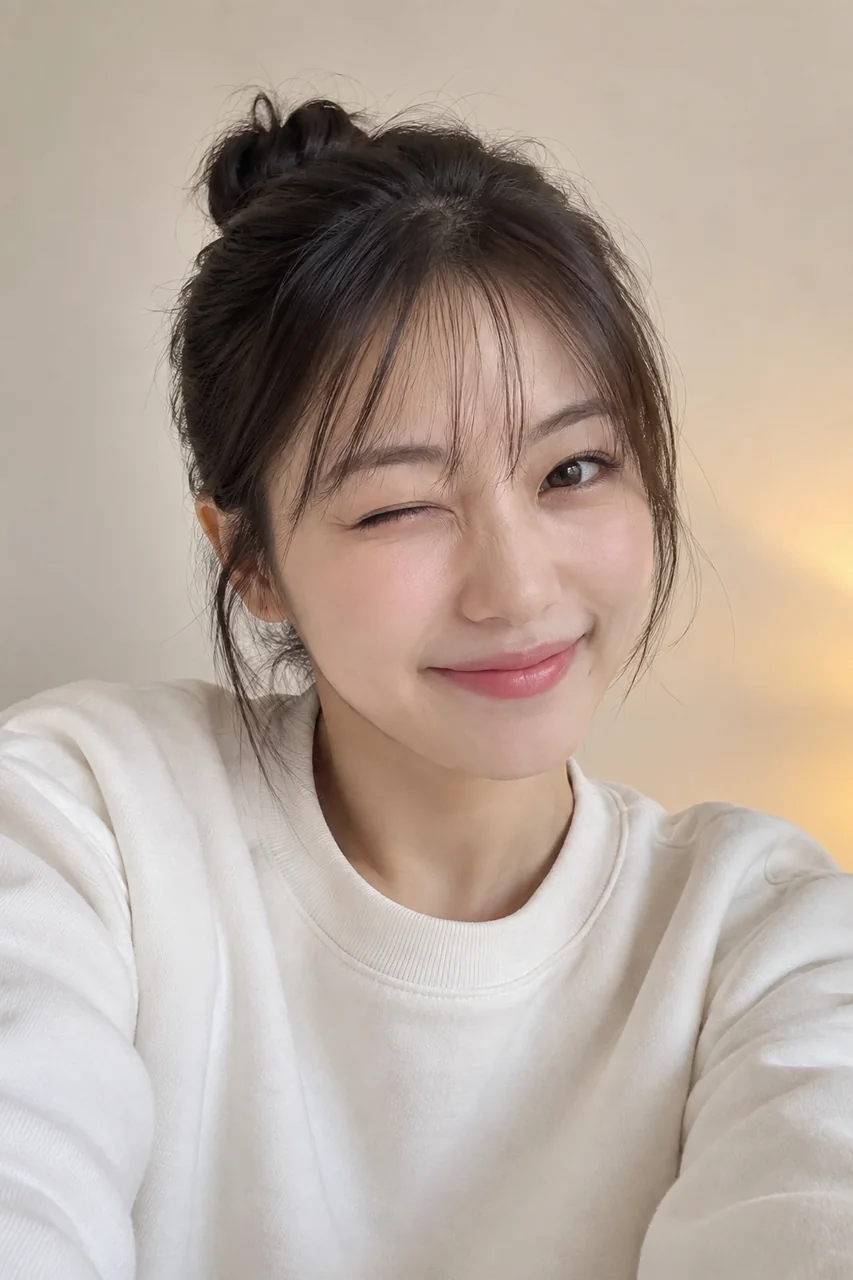
A subtle caricature with big sparkling eyes, pastel colors, and gentle exaggeration. Choose it when you want a sweet, polished portrait instead of a loud joke.
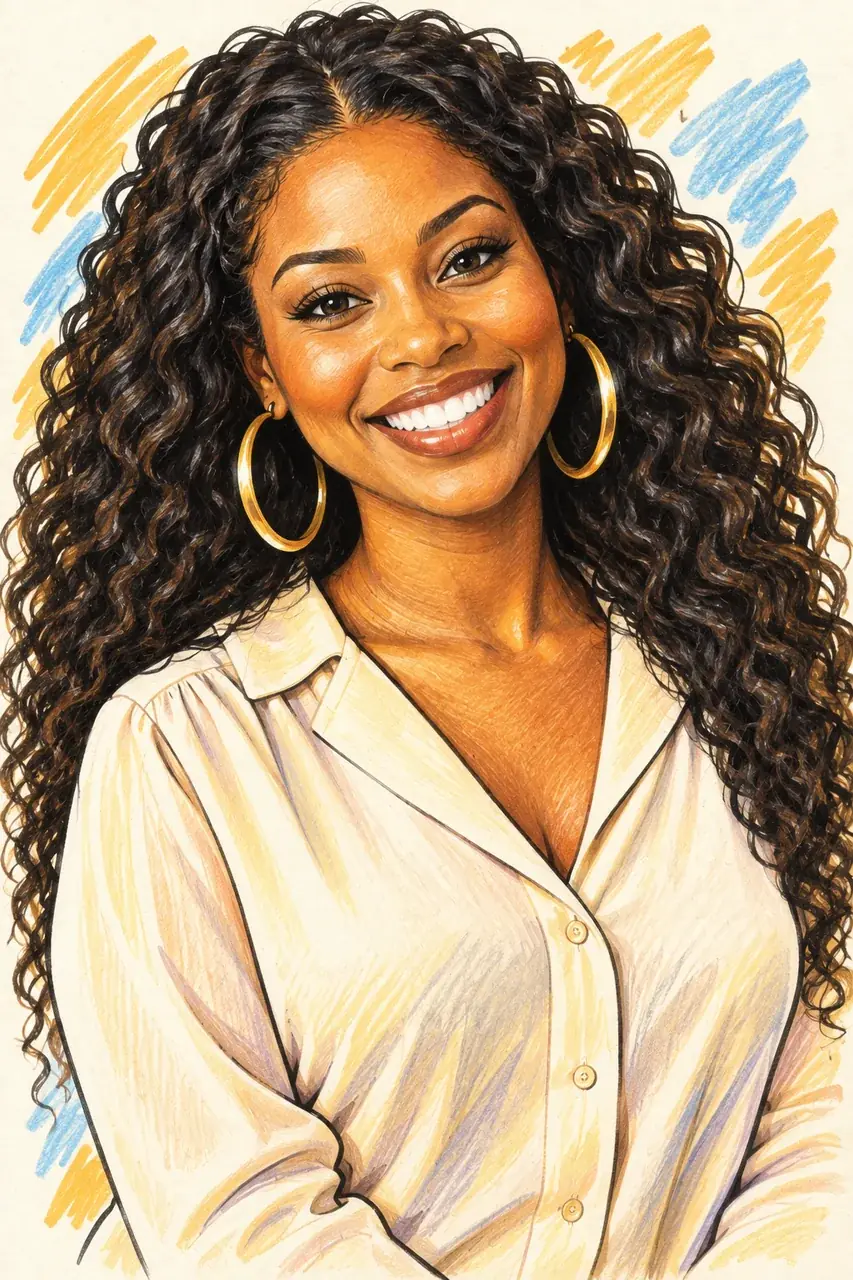
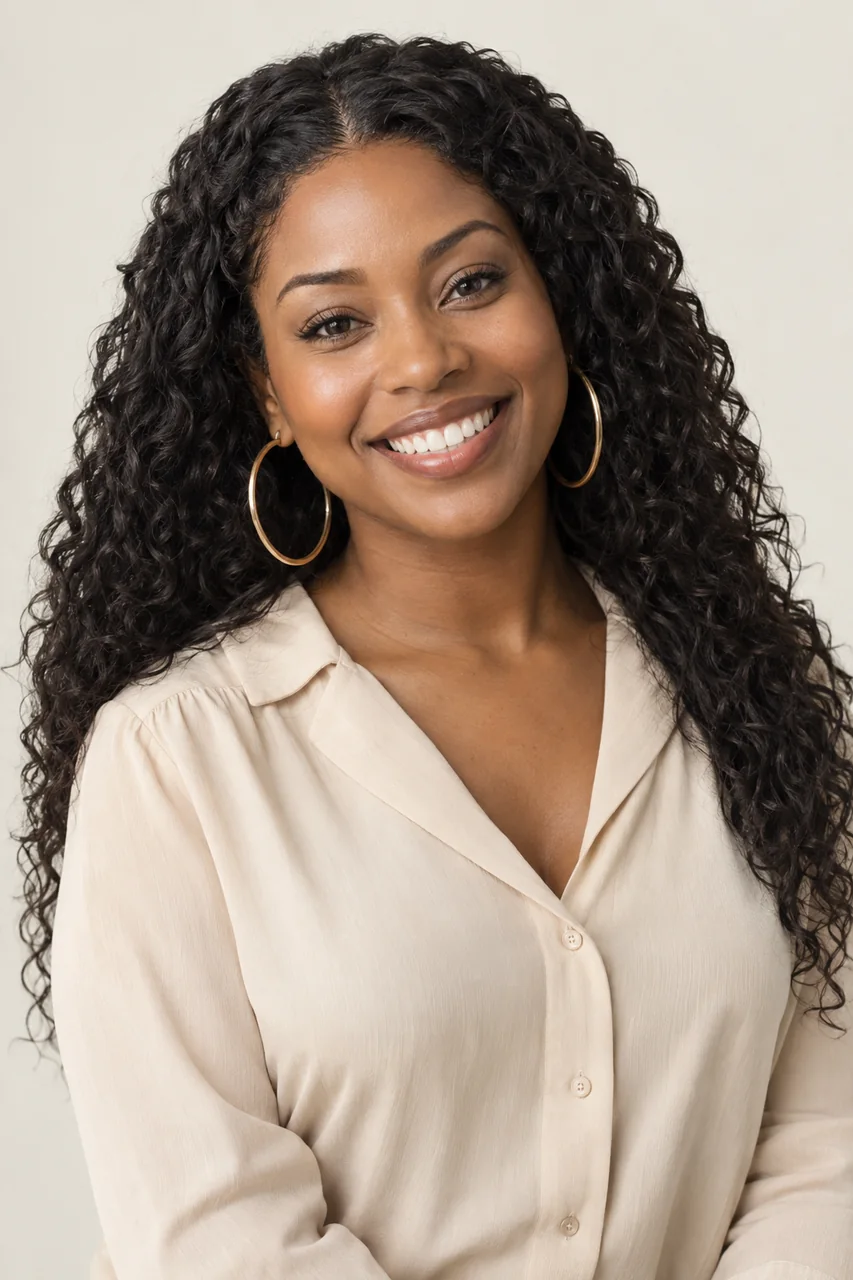
Bolder eyebrows, a bigger grin, and confident ink-and-marker shading give the portrait extra personality for creator content, reaction images, and thumbnails.
Go beyond the classic look. Each art style changes the drawing medium while the caricature keeps your most distinctive features exaggerated and recognizable.
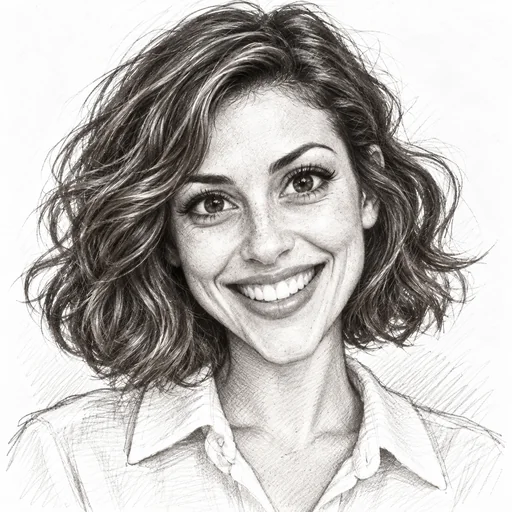
Fine graphite lines and soft shading for a timeless, hand-drawn caricature.
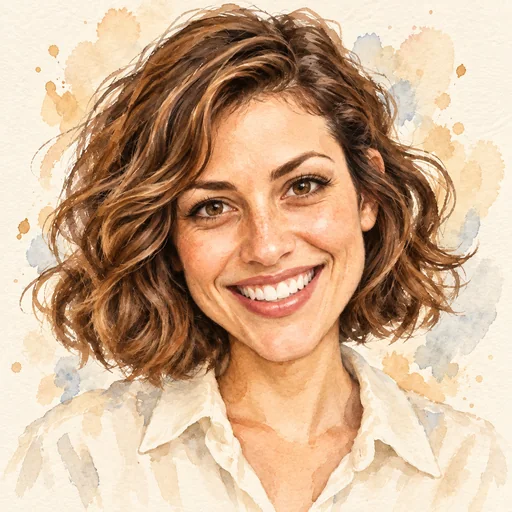
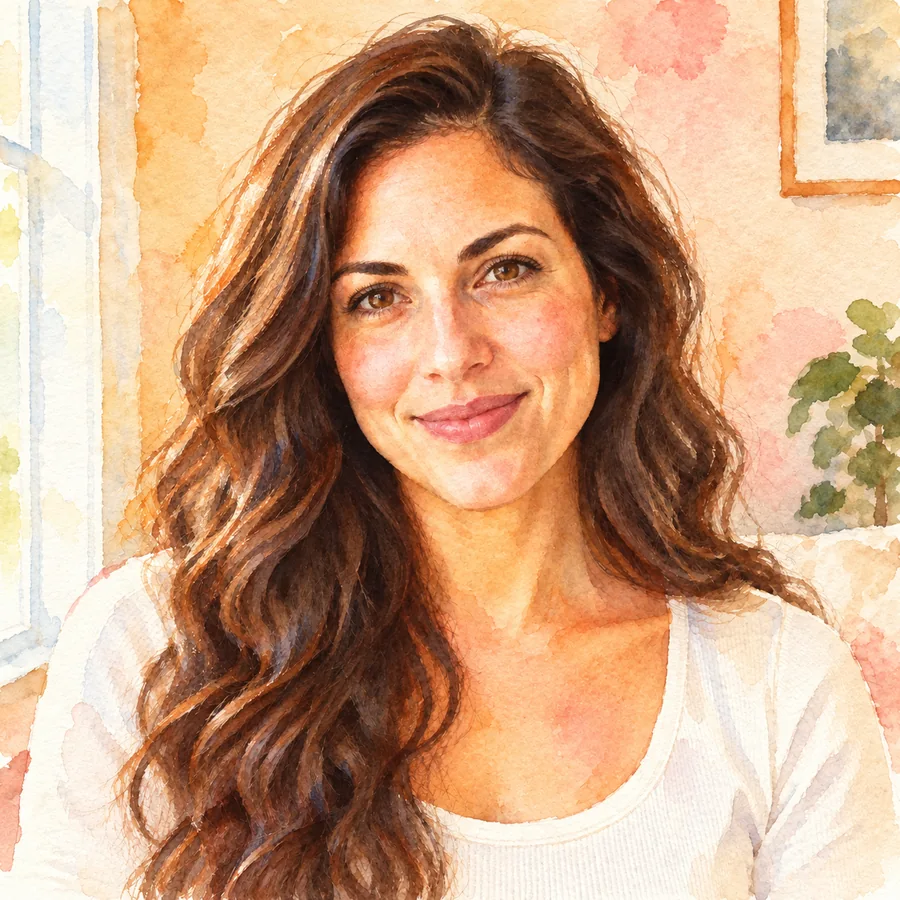
Loose brush strokes and gentle color washes for an artistic, gift-ready portrait.
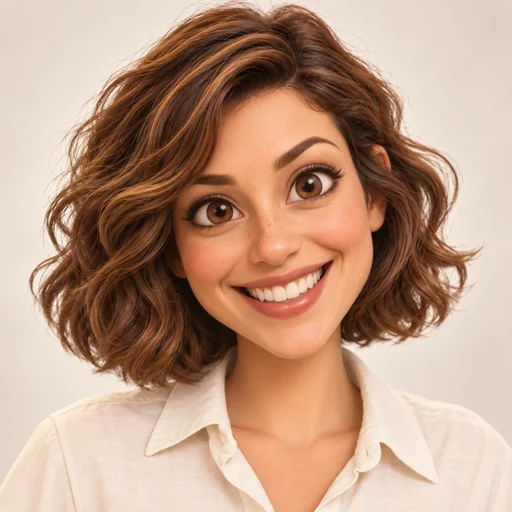
Rounded features, depth, and soft lighting, like an animated movie version of you.
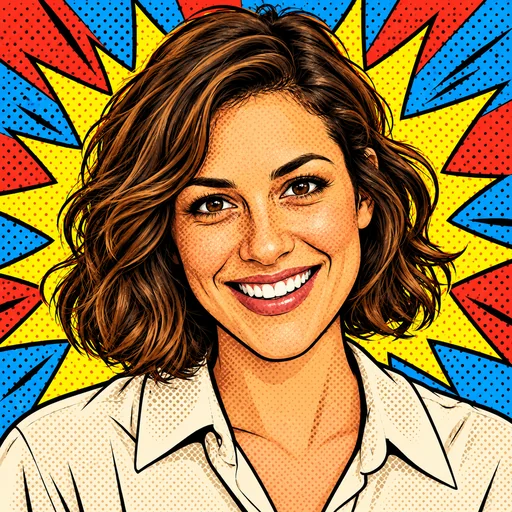
Bold outlines, halftone dots, and bright colors with retro comic-book energy.
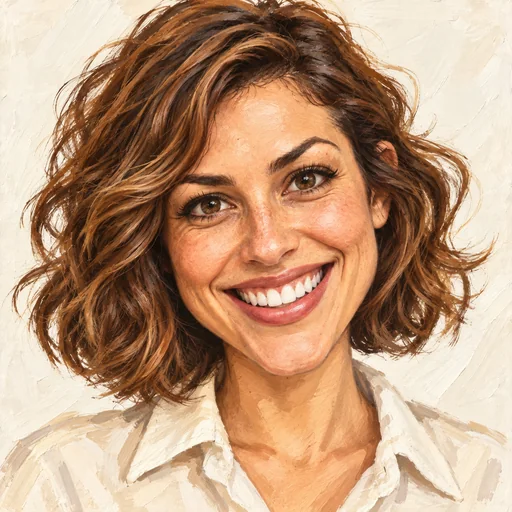
Painterly, lifelike rendering with exaggerated features, close to a classic street-artist caricature.
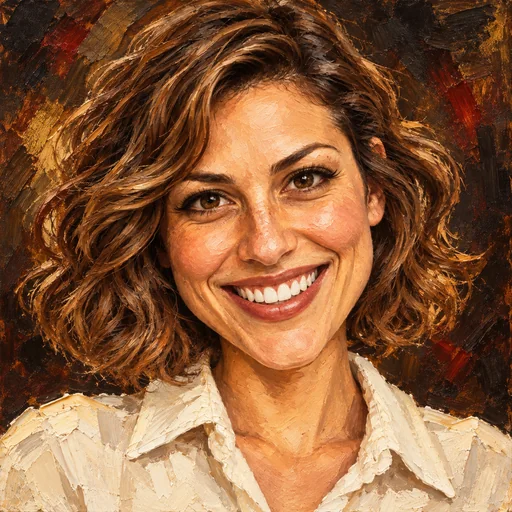
Rich brushwork and deep tones for a classical, gallery-style caricature portrait.
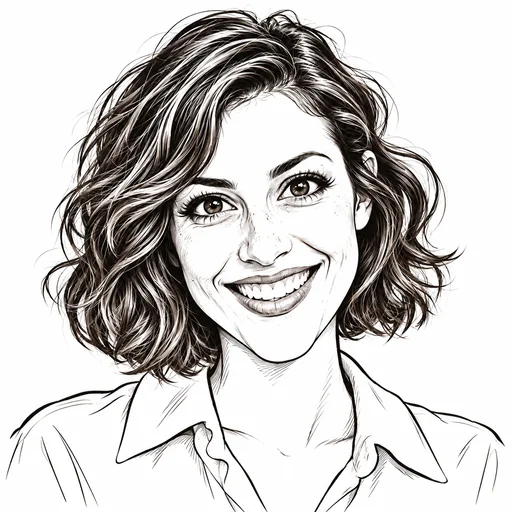
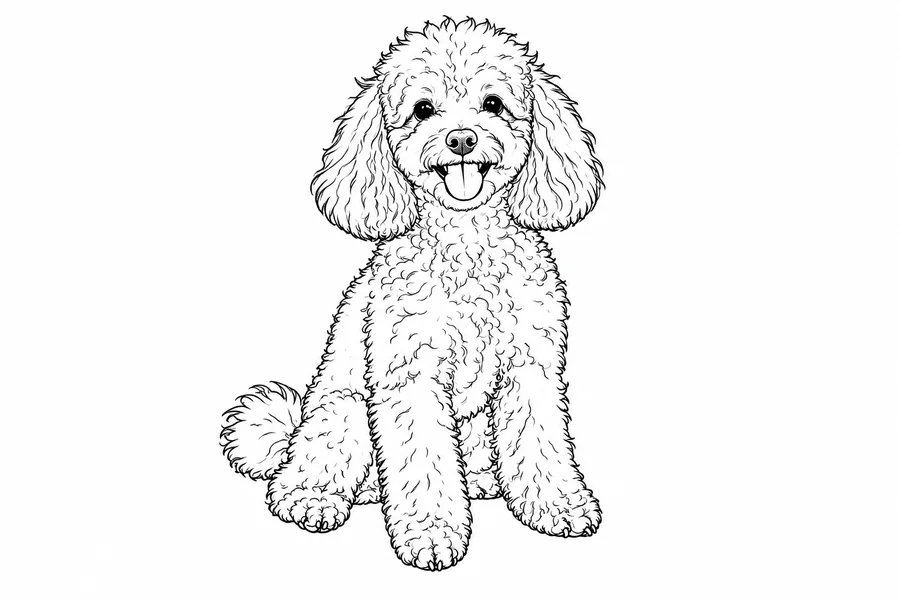
Clean black linework on white: minimal, graphic, and easy to print on stickers or mugs.
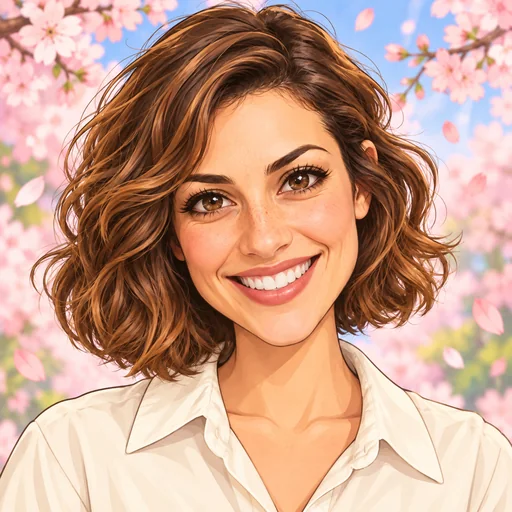
Big expressive eyes, vivid colors, and a dynamic pose in an anime-inspired look.
Make a photo into a caricature in three steps. No caricature app to install and no drawing skills needed.
Choose a front-facing selfie or headshot with good lighting and a visible face. JPG, PNG, and WebP files up to 10 MB are supported.
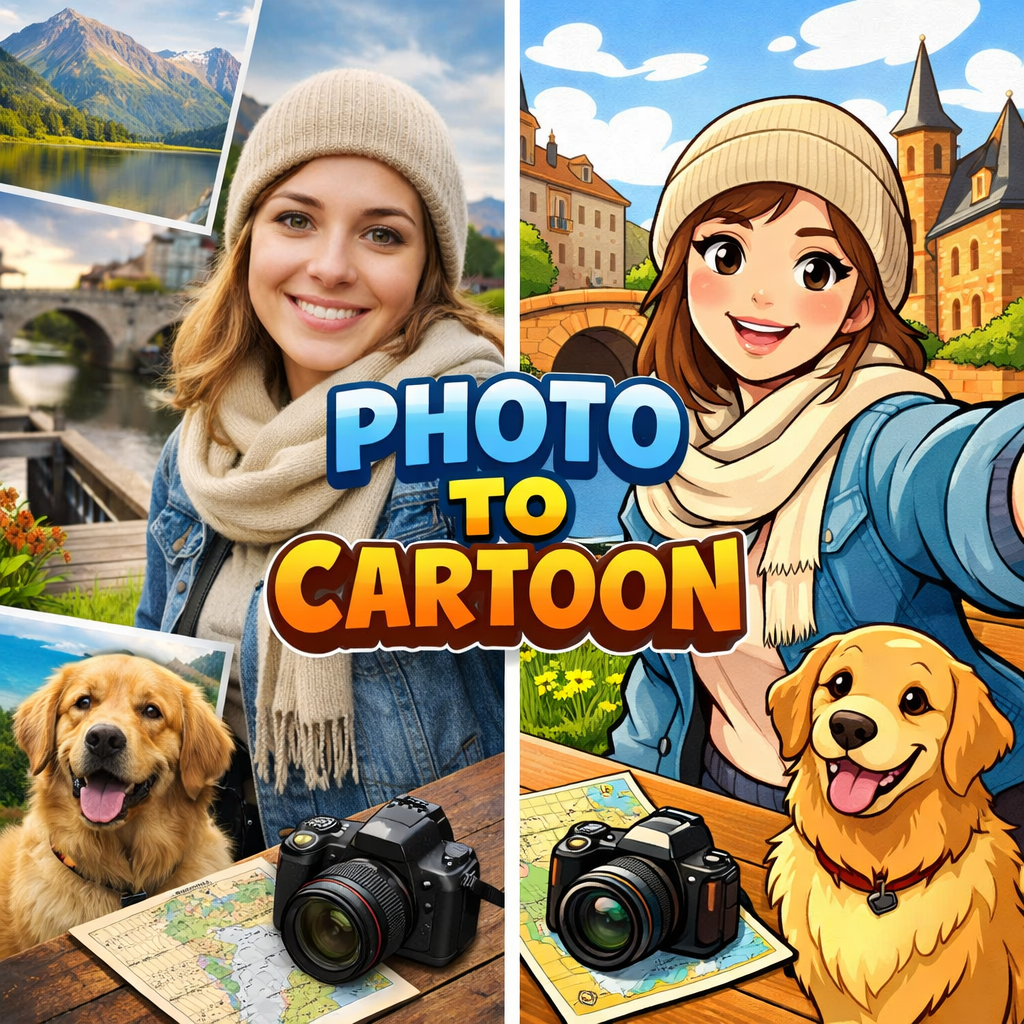
Pick Classic, Comic, Cartoon, or Kawaii, switch to an art style such as pencil sketch or watercolor, place yourself in a full-body scene, or describe your own idea in Custom.
Generate your caricature photo, compare it with the original, and try another style or a stronger exaggeration until it feels right.
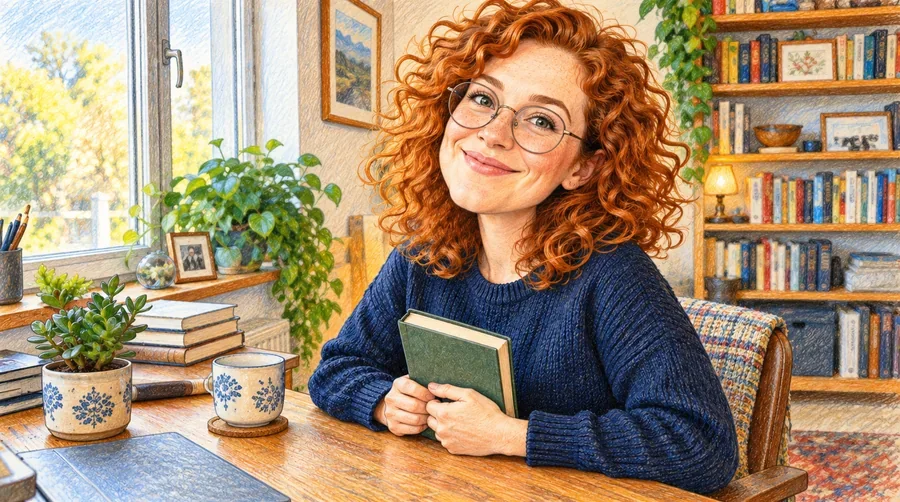
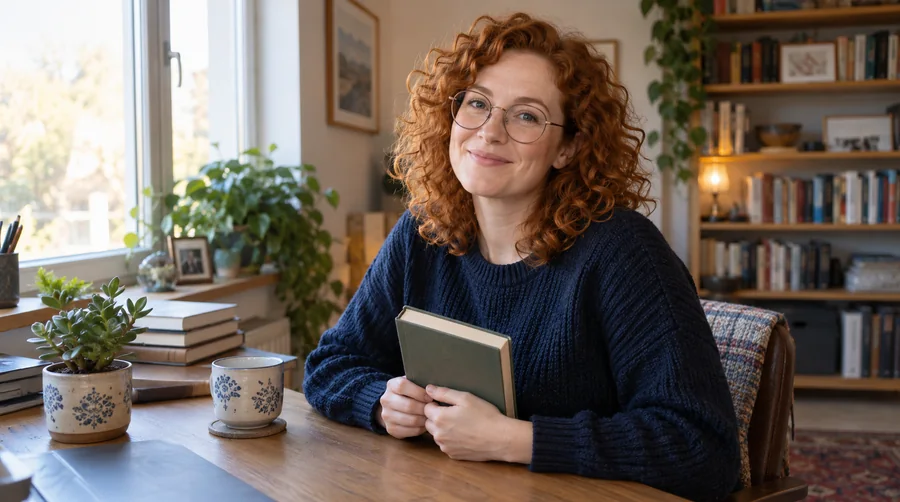
A good caricature should still look like you. The AI caricature generator reads eye shape, jawline, hairstyle, glasses, and freckles, then playfully enlarges what makes your face distinctive instead of replacing it with a generic cartoon face.
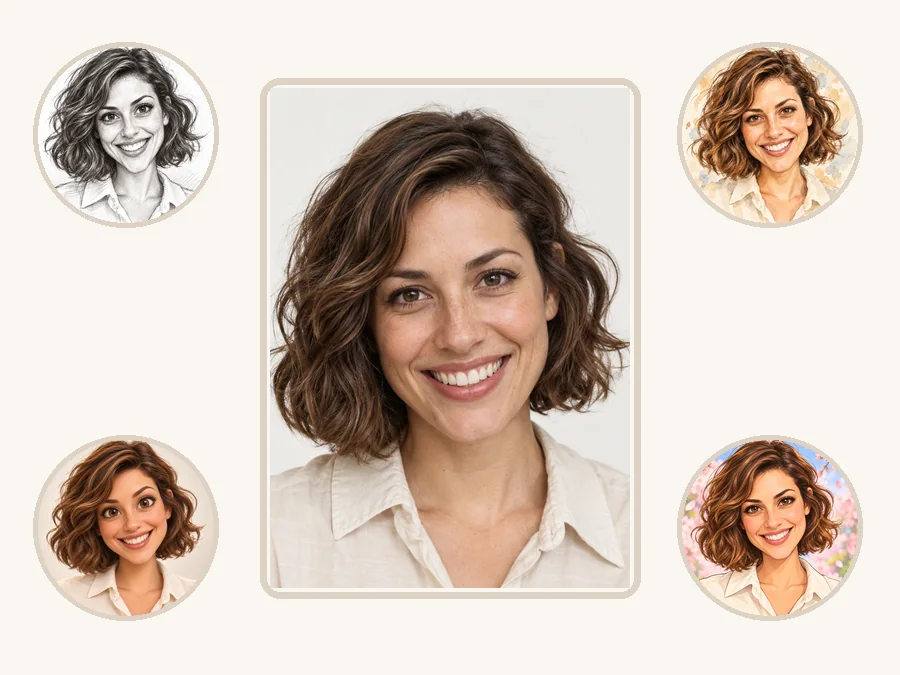
Classic, comic, cartoon, kawaii, pencil sketch, watercolor, pop art, and more. Run the same portrait through several styles and keep the version that best fits your avatar, card, or post.
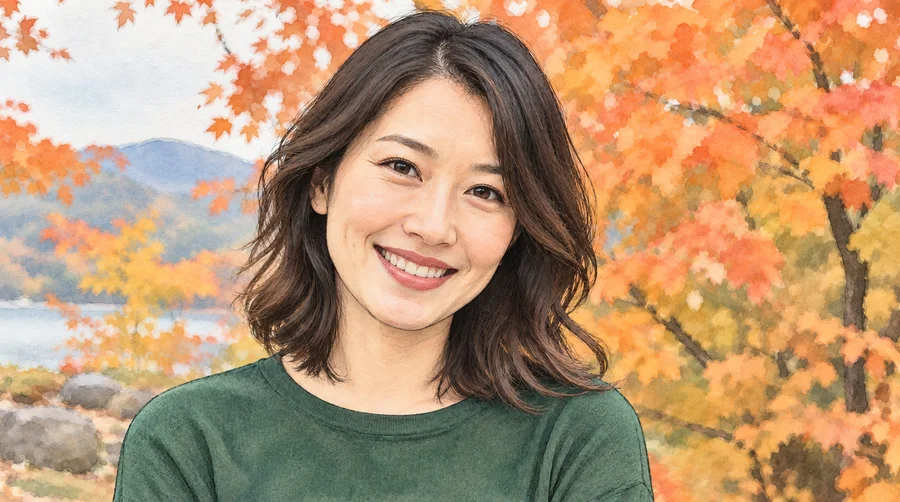
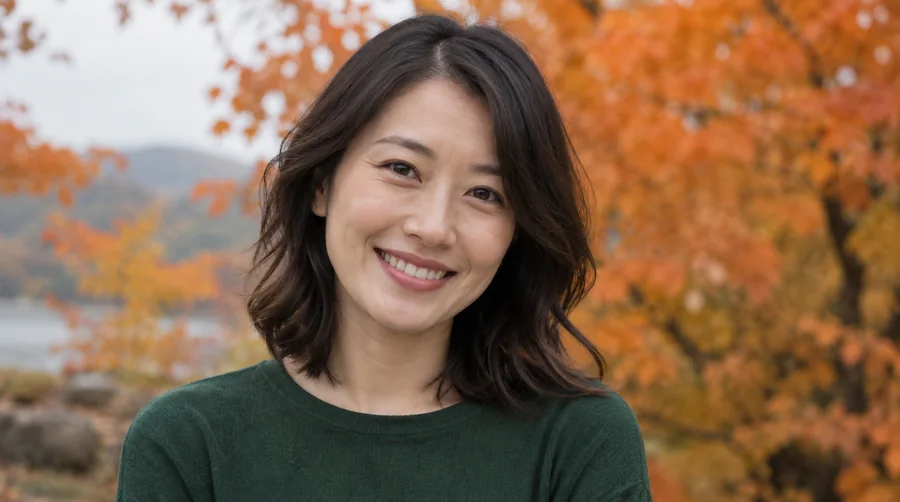
The result is redrawn with clean contours, soft shading, and distinct skin and clothing colors, so it reads like an illustration made by an artist rather than a flat filter over your photo.
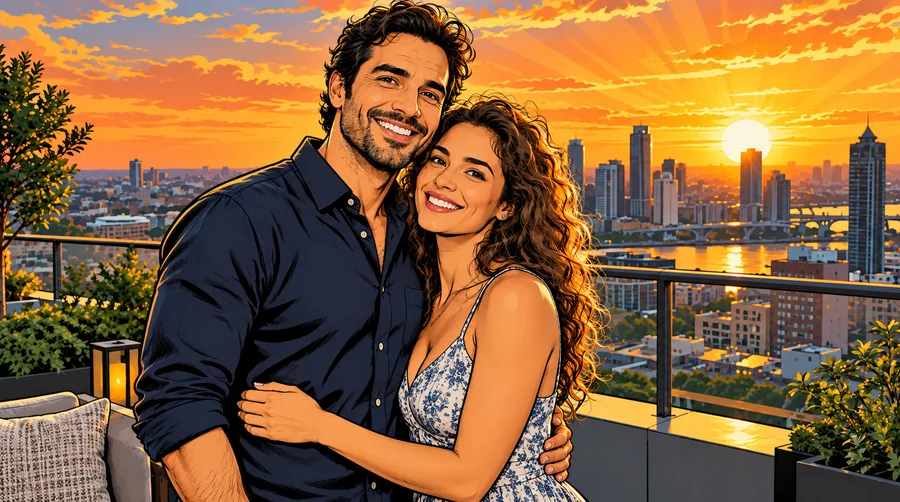
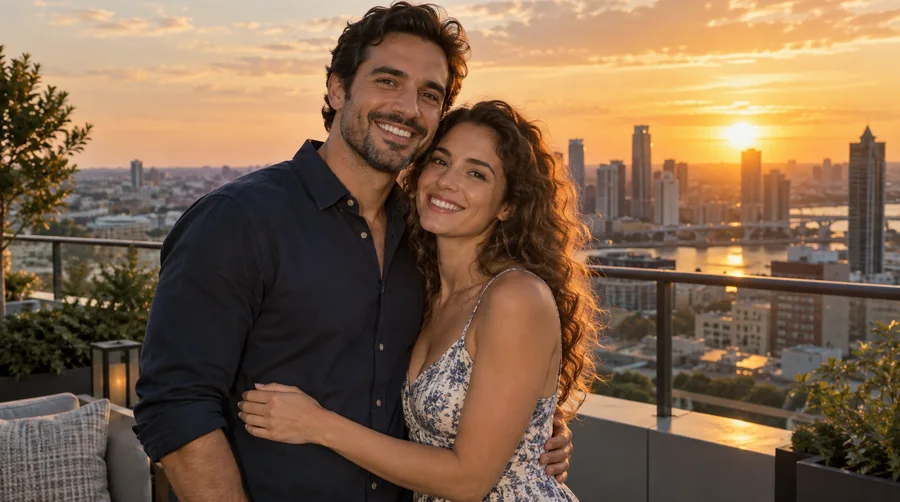
Upload a couple or group photo and the caricature creator keeps each person distinct while carrying the pose, setting, and story into the drawing. It works well for wedding, anniversary, and graduation caricatures.
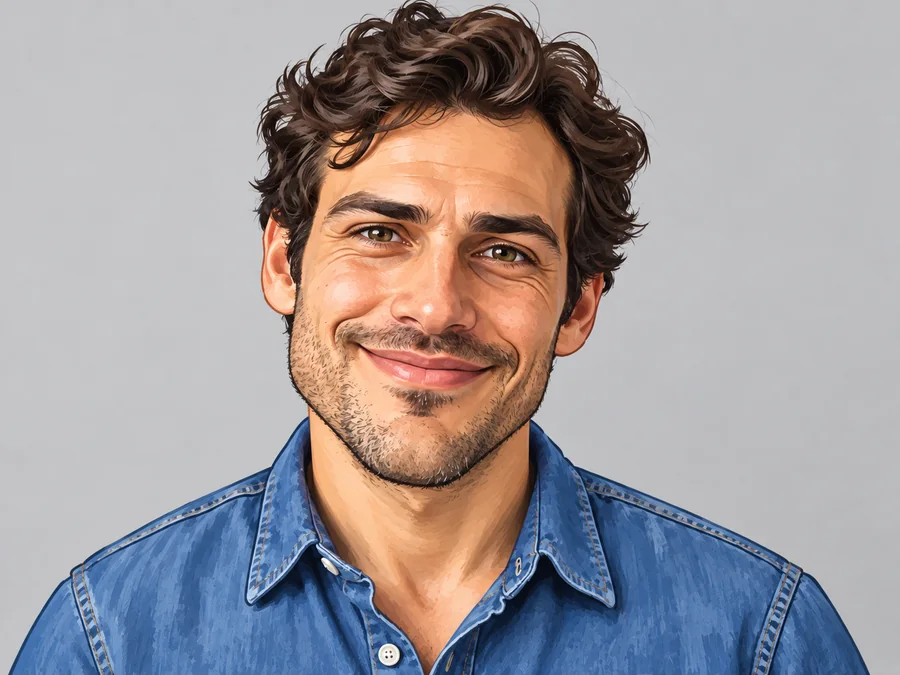
Turn a selfie into a memorable avatar for Discord, gaming profiles, or a light-hearted LinkedIn caricature that still shows exactly who you are.
Create a caricature portrait for a birthday card, a wedding guest book, a retirement party, or a holiday greeting that is sure to get a laugh.
Use an expressive face caricature in video thumbnails, reaction images, podcast covers, and memes when a standard headshot feels too plain.
Give every teammate the same style for an About page, an office party, or a graduation slideshow, so the set looks consistent while each face stays unique.
A caricature AI generator can only exaggerate what it can see, so the source photo has the biggest impact on the result.
Front-facing or slightly angled portraits show the eyes, nose, mouth, and hairline clearly.
Soft daylight without harsh shadows keeps facial details sharp enough to stylize.
A big smile or a raised eyebrow gives the caricature more personality to play with.
One clear face and an uncluttered background help the AI focus on what makes you unique.
Common ways creators use caricature maker results.
Illustrative examples adapted from reference material, not verified reviews of EzImgMaker.
I always wanted an artist to make a caricature of me for my profile picture. This kept my face recognizable but made it much more fun than a normal selfie.
I made a birthday card caricature for my dad. The classic style looked playful without feeling too distorted, and it was far easier than drawing it myself.
An exaggerated caricature thumbnail stood out much better than my usual headshot, and viewers recognized me right away.
We used the same style for every teammate and got a consistent caricature set for our team page that still felt individual.
Answers to common questions about turning photos into caricatures.
An AI caricature maker, or caricature generator, turns a real photo into an illustrated portrait that exaggerates distinctive features such as the smile, eyes, hair, or face shape. Unlike a simple cartoon filter, it keeps the person recognizable while adding humor and an art style.
Upload a clear selfie, choose a style such as Classic, Cartoon, or Pencil Sketch, and generate. For a themed result, open Custom and describe it, for example "me as a chef with a giant hat, watercolor style".
Yes. The caricature AI does all the drawing. You only choose a photo and a style, then compare the results and keep your favorite. No sketching, layers, or editing experience is required.
That is the goal. The generator exaggerates selected features for humor or style while keeping your face shape, hairstyle, and accessories recognizable. Results depend on photo quality, face visibility, and how strong a style you choose.
Yes. Kawaii and the softer art styles give a subtle caricature, while Classic and Cartoon push a bigger head and a wider grin. In Custom you can also write phrases like "subtle caricature" or "big-head caricature".
The tool does not know anything about you on its own, but you can tell it. In Custom, describe your job, hobbies, pets, or favorite things, such as "a caricature of me as a teacher surrounded by books and coffee", and your photo becomes a personalized scene.
A caricature is always based on a real person and exaggerates one or two distinctive features while staying recognizable. A cartoon simplifies the whole figure and can show fictional characters, so every caricature is a kind of cartoon, but not every cartoon is a caricature.
No. This online caricature maker runs in your browser on phone or desktop, so you get the same kind of result as caricature apps without downloading or installing anything.
A sharp, well-lit portrait with the face looking toward the camera works best. Avoid heavy blur, strong shadows, sunglasses, very small faces, and crowded group shots where faces overlap.
Only upload photos you have permission to edit, and keep caricatures good-natured. Do not use a caricature to mock, harass, or mislead anyone about a real person.
Upload a portrait and let the AI caricature maker create a funny, recognizable caricature in the style you like.