
Classic Yellow Emoji
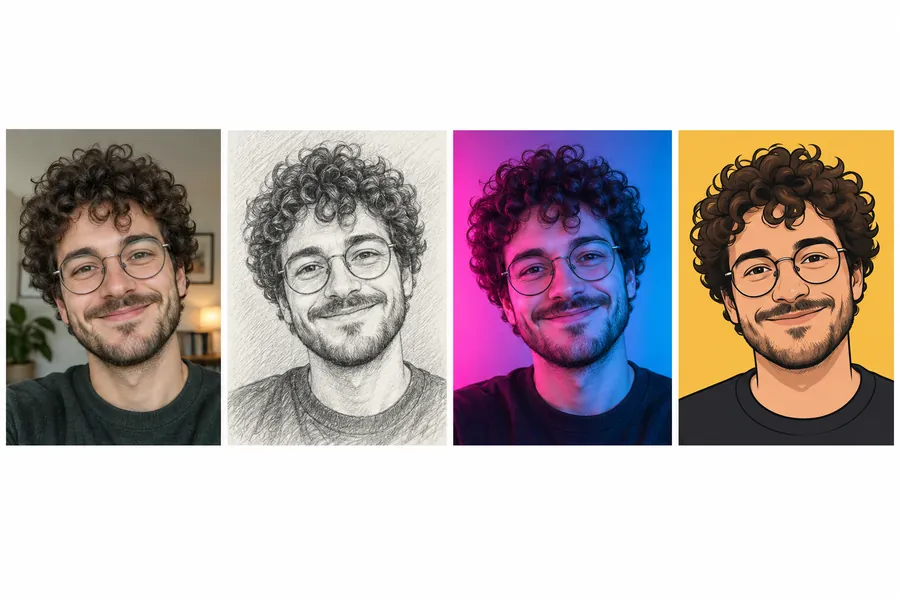
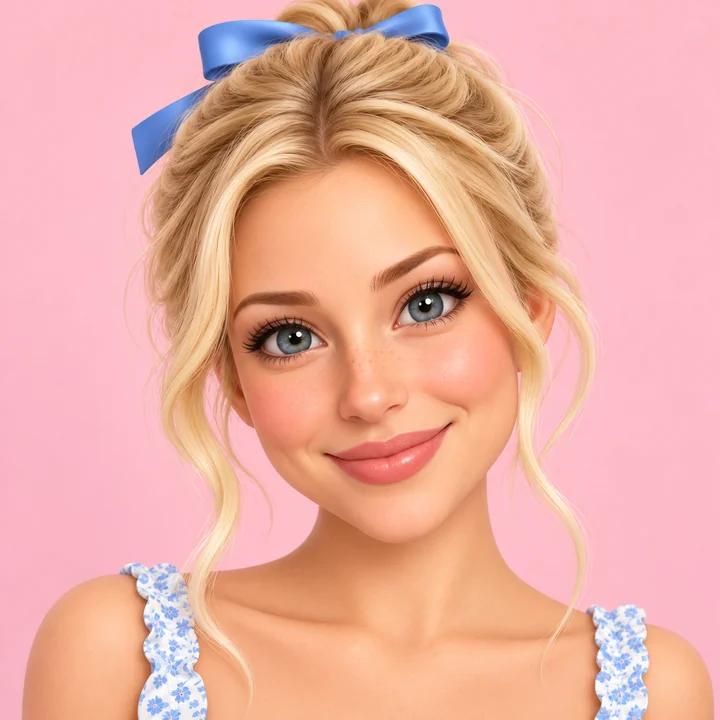
The familiar round yellow face, with your curls, grin, and thumbs up kept in the design.
Create emoji from photo uploads in one step. Upload a selfie, a friend, or your pet, and this emoji maker from photo redraws the face as a custom emoji: classic yellow, flat, 3D avatar, sticker, kawaii, pixel, or a face cam avatar. Pick an expression or make a whole sheet of 9 reactions at once.
Emoji Style: Classic Yellow · Expression: Keep My Expression · Layout: Single Emoji
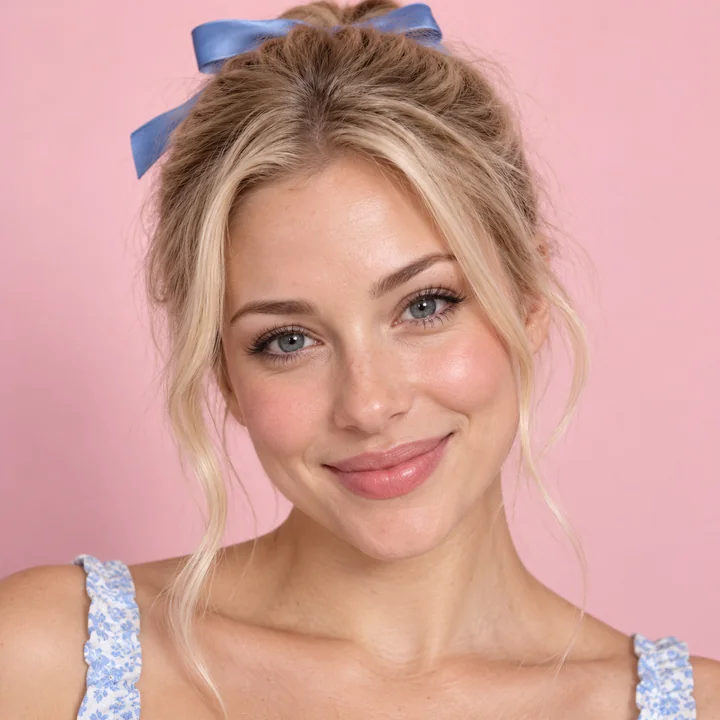
Reference example. It is not a result generated from your upload.
An emoji from photo is a custom emoji made from a real picture: your hairstyle, glasses, beard, and smile, redrawn as a tiny expressive icon you can send in chats, use as a server emoji, or set as a profile picture. Instead of building an avatar feature by feature, you make an emoji from a picture directly, so the result already looks like you. It is the quickest way to create an emoji of yourself, or to create yourself as an emoji for the group chat.
This photo to emoji converter, an image to emoji and emoji creator from photo in one, handles the drawing. Upload one clear face to turn image into emoji art, choose Classic Yellow, Flat, 3D Avatar, Die-Cut Sticker, Kawaii, Animal Ears, Pixel, or Face Cam Avatar, then pick one of 12 expressions or ask for a set of 4 or a sheet of 9 reactions. It works for selfies, friends, couples, and pets, and it runs in any browser with no app to install.
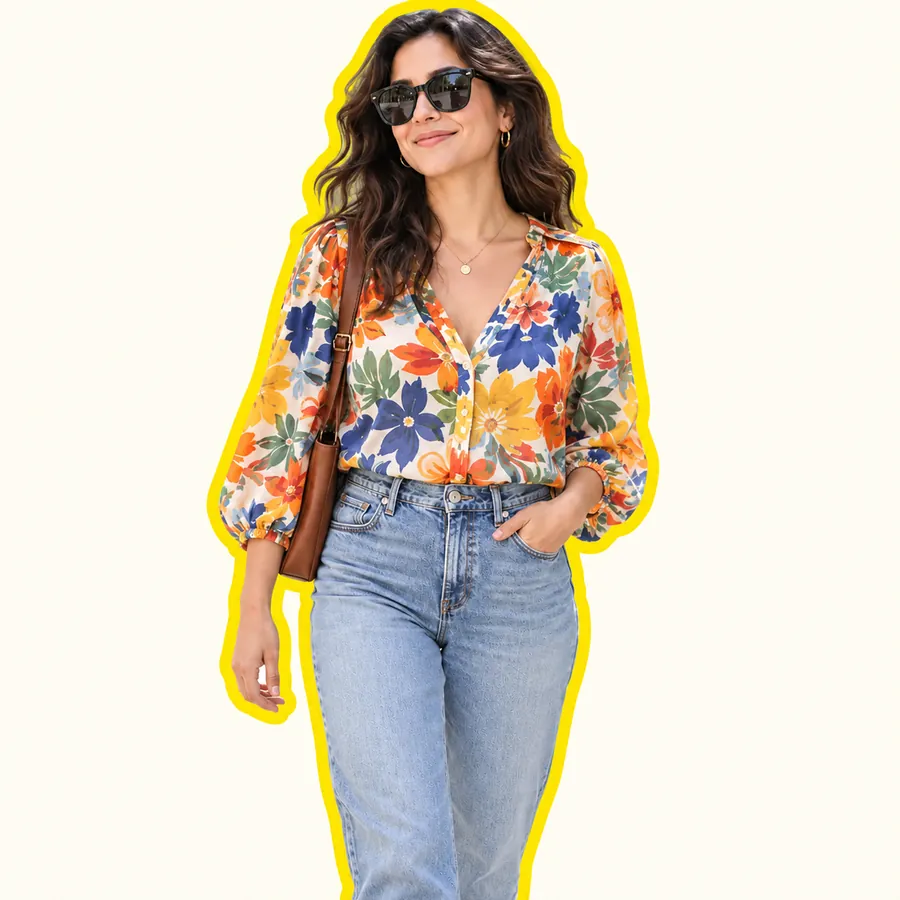
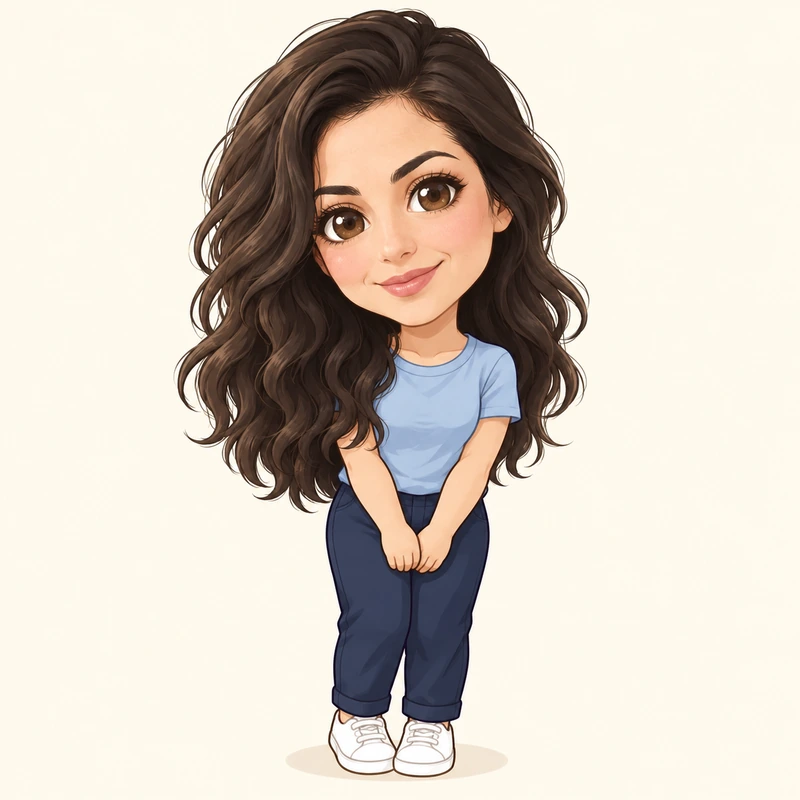
Here is what you get when you turn photo into emoji designs with each style. Drag the sliders: hair, clothing, and accessories carry over.
The familiar round yellow face, with your curls, grin, and thumbs up kept in the design.
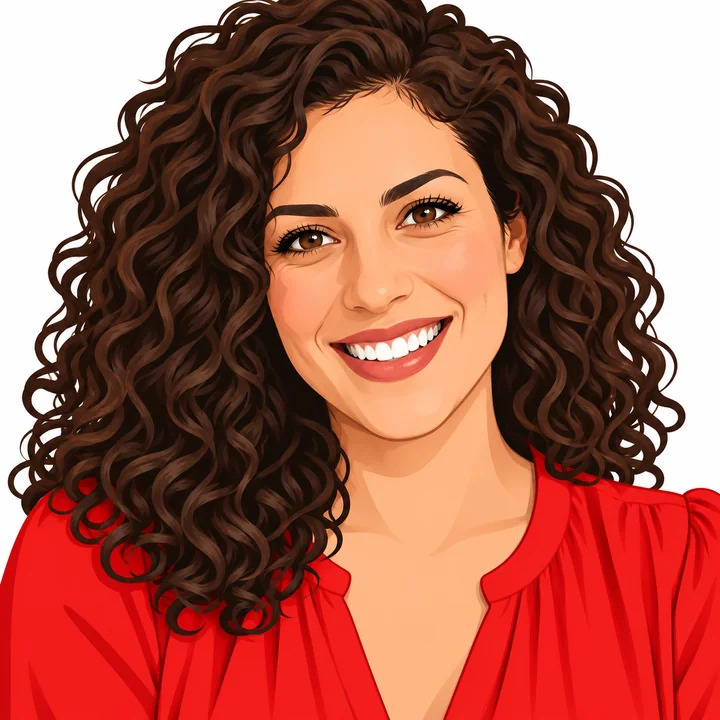

A keyboard-style emoji icon with bold outlines and simple shapes that keeps her dark curls and red blouse.
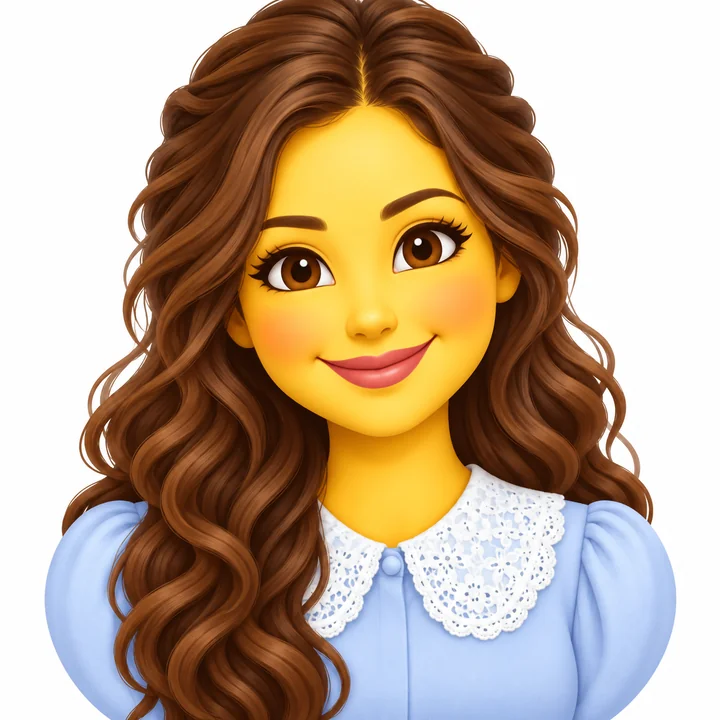
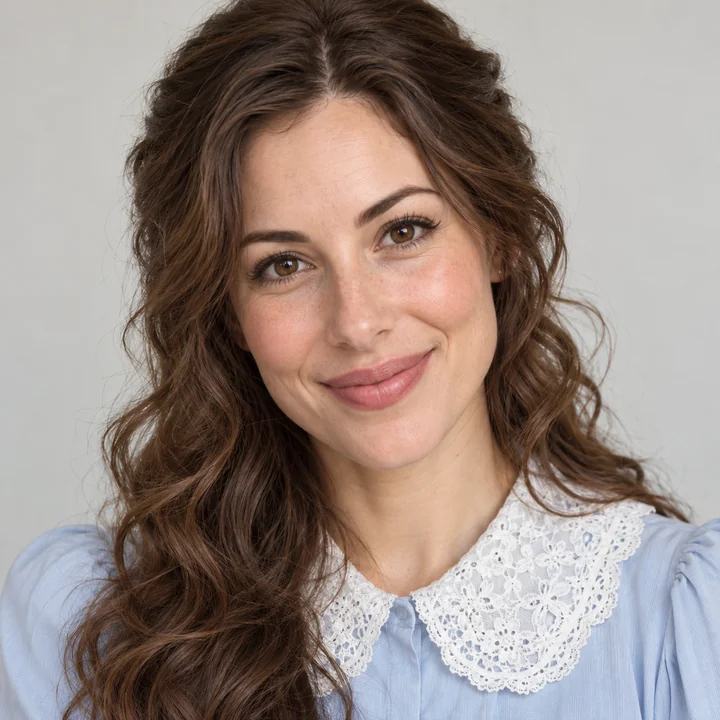
Long wavy hair, a lace collar, and a calm smile, simplified into a clean emoji.
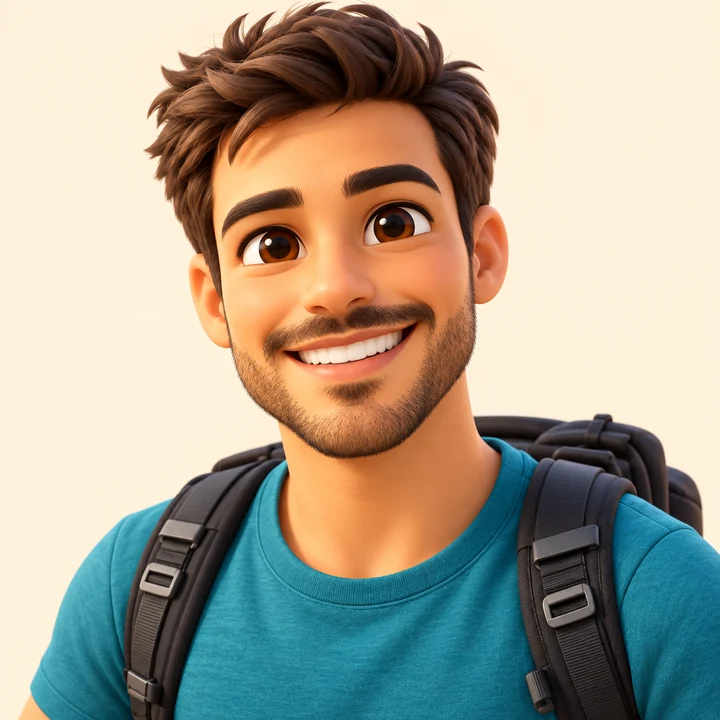

A glossy 3D character of the whole look, from the backpack straps to the sneakers.
Wondering how to make emoji from photo files, how to make picture into emoji, or how to turn a picture into an emoji? It takes three steps on a phone or a computer, with no drawing and no app.
Choose a sharp, front-facing selfie, a friend’s photo, or a pet picture. JPG, PNG, or WebP up to 10 MB.
Choose one of 8 emoji styles and 12 expressions, then a single emoji, a set of 4, a sheet of 9, or a matching pair.
Turn the picture into an emoji, compare up to four versions, and save the square image for chats, servers, or stickers.
Generic emoji makers give everyone the same face. When you create an emoji from a photo here, the AI reads it first, so your hair color and length, skin tone, glasses, freckles, beard, and earrings carry over into the emoji. Friends recognize you even at keyboard size.
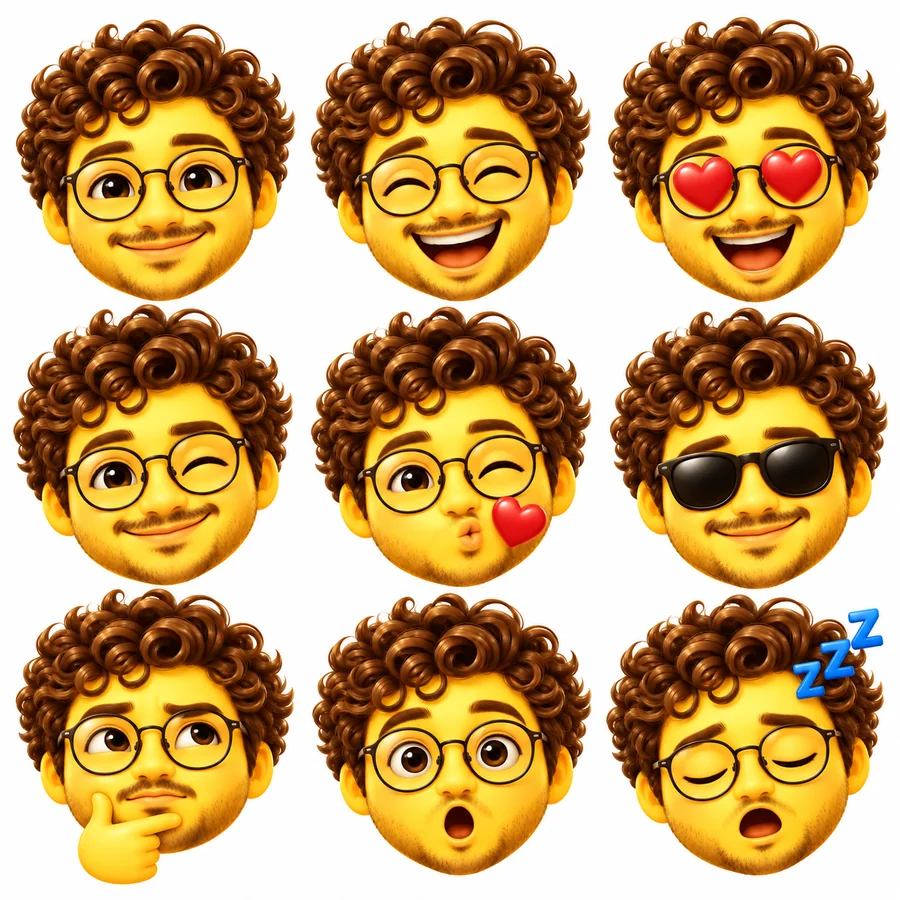
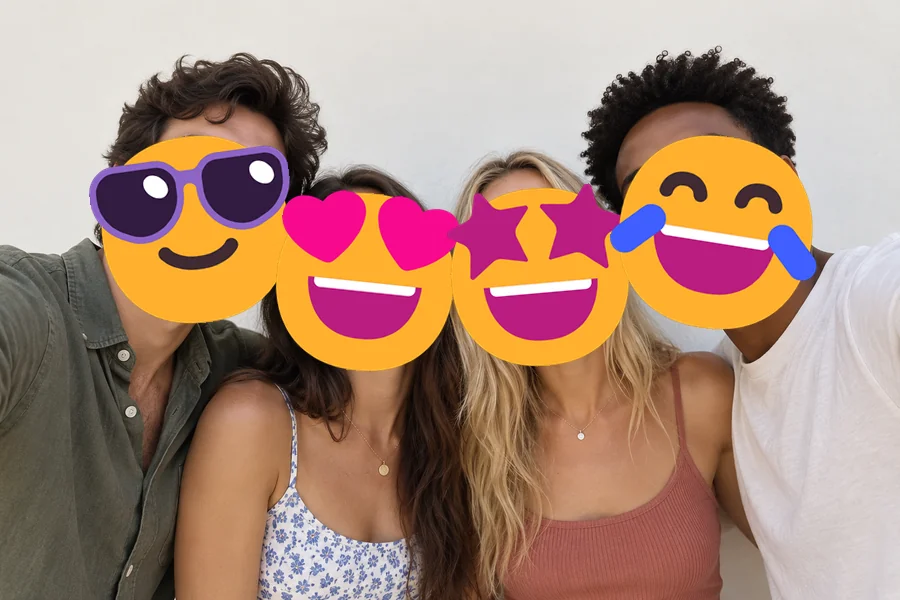
Happy, laughing, heart eyes, wink, kiss, cool, thinking, surprised, angry, crying, or sleepy. Make one emoji at a time, or choose Sheet of 9 to create emoji from image uploads as a full reaction set in a single run.
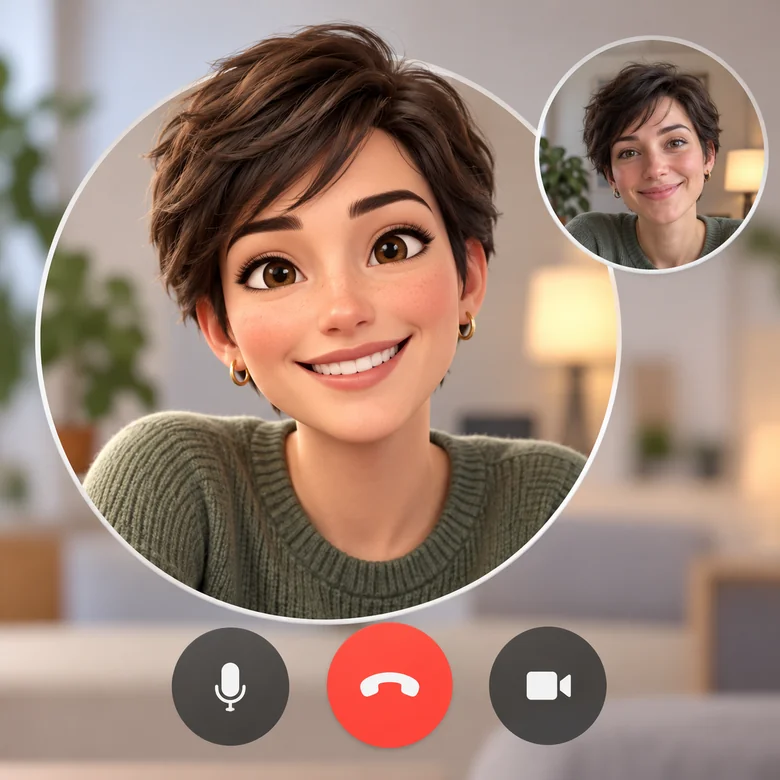
Pick Face Cam Avatar to get a face cam avatar face emoji: a round 3D head-and-shoulders avatar inside a clean ring. Use it as a face cam overlay when you stream without a camera, as a call avatar, or as a channel icon.
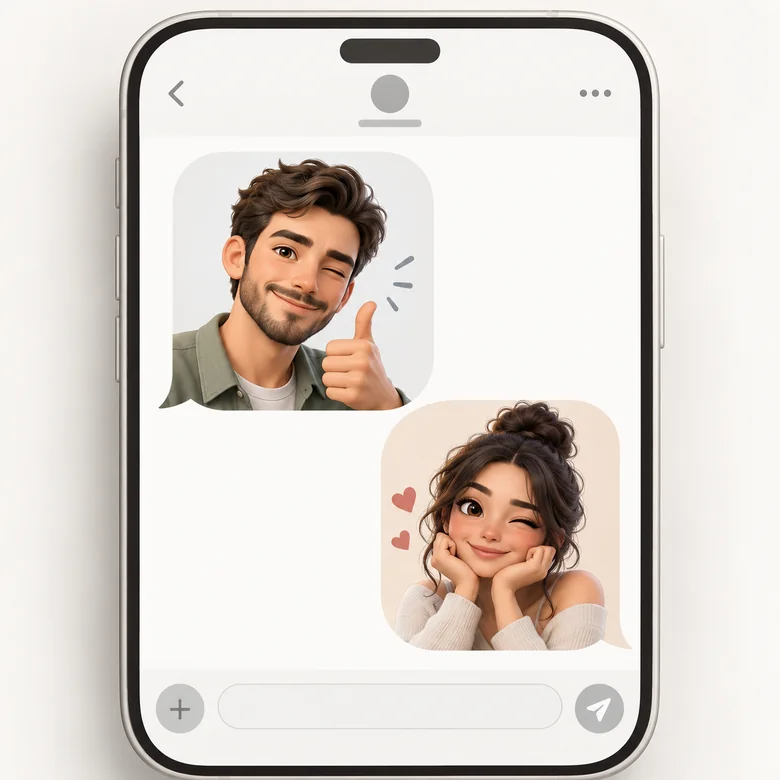
Download a square image you can add to sticker packs, Discord and Slack servers, Telegram, or your keyboard, or print on a sticker sheet. Need a transparent PNG? Run it through the background remover first.
Each app has its own rules for custom emoji and stickers. Download your square emoji, then follow the row for your app.
| App | How to add it | Size tips |
|---|---|---|
| iPhone Messages | Save it to Photos, open it, touch and hold the emoji, then tap Add Sticker (iOS 17 or later). | Use a plain background so the subject lifts cleanly. |
| Import the PNGs into a sticker maker app as a pack, then add the pack to WhatsApp. | Stickers are 512 × 512, and a pack needs at least 3. | |
| Discord | Server Settings → Emoji → Upload Emoji (needs the Manage Expressions permission). | Square, up to 256 KB; 128 × 128 px works well. |
| Slack | Click your workspace name → Tools & settings → Customize workspace → Add emoji. | Square images under 128 KB look best. |
| Telegram | Send the images to the @Stickers bot and follow its steps to create a pack. | One side must be 512 px, PNG or WebP. |
| Twitch | Creator Dashboard → Viewer Rewards → Emotes (Affiliates and Partners). | Resize to 112, 56, and 28 px with the Twitch image resizer. |
App menus change over time; if a menu name differs, look for Emoji or Stickers in the app’s settings.
Once you create an emoji from a picture, here is where people use it.
Reply with a laughing, crying, or heart-eyes version of yourself instead of a stock emoji.
Give your Discord server or Slack team emojis of the real members.
Stream or record with a face cam avatar when you would rather not show your camera.
A 3D or flat emoji of your face makes a friendly avatar that reads at any size.
Put the birthday person’s emoji on invites, place cards, or a printed sticker sheet.
Upload a photo of the two of you and pick Matching Pair for a cute set.
The emoji can only keep what the photo shows clearly.
Front-facing photos show the eyes, nose, and mouth the emoji is built from.
Soft daylight keeps hair color and skin tone accurate in the emoji.
Glasses, a hat, or earrings make your emoji unmistakably yours, so leave them on.
For a single emoji, crop group photos so one face fills most of the picture.
Turn any photo into a die-cut, cartoon, or kawaii sticker with a white border.
Open toolMake a big-head chibi version of yourself, a couple, or a pet.
Open toolStyle and crop your emoji into a clean profile picture for any platform.
Open toolCut your emoji out to a transparent PNG for sticker apps.
Open toolAnswers about turning photos into emojis.
Upload a clear photo, choose an emoji style, an expression, and a layout, then generate. The picture to emoji converter redraws the face as an emoji and you download the square image. It works the same way to make emoji from picture files on your phone or create emoji from picture downloads on a computer.
Yes. The AI keeps your hairstyle, hair color, skin tone, eye color, glasses, facial hair, and accessories, then simplifies the rest. Clear, well-lit, front-facing photos give the most recognizable emoji.
Classic Yellow looks like a standard emoji with your hair and glasses; Flat matches keyboard emoji icons; 3D Avatar is a glossy cartoon of you; Die-Cut Sticker adds a white border; Kawaii and Animal Ears are extra cute; Pixel is retro; Face Cam Avatar is a round head for streams and calls.
It is a round avatar of your head and shoulders used in place of a live face cam on streams, recordings, and calls. Choose Face Cam Avatar, then use the image as an overlay in your streaming software or as your call picture.
Yes. Choose Set of 4 or Sheet of 9 and the generator draws the same face with different expressions, starting with the one you picked. Crop each emoji out of the sheet with any image editor.
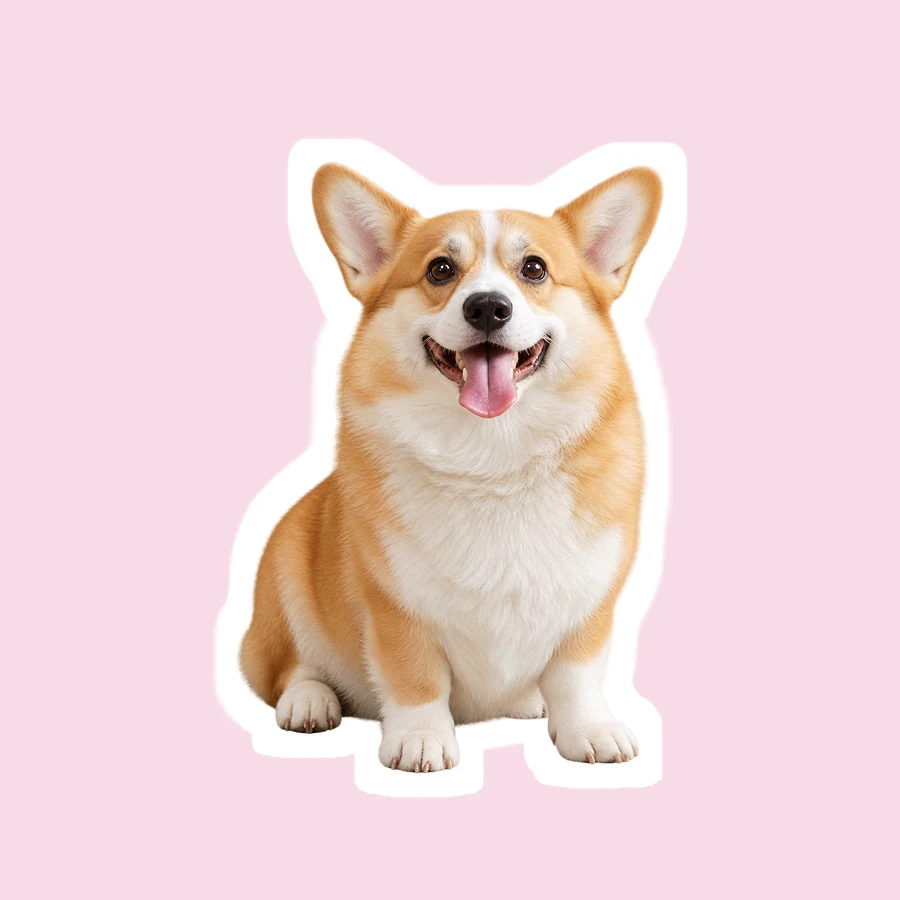
Yes. Upload a clear photo of your dog, cat, or other pet and it becomes the emoji, with its fur color and markings. Matching Pair can put you and your pet side by side.
Emojis are made on a plain white background so the edges stay clean. For a transparent PNG, run the result through the background remover, then add it to your sticker or emoji app.
It works like a photo emoji maker app but runs in your browser on phone and desktop, so there is nothing to install. It is free to try with the free credits you get when you sign up.
Only with their permission. Use photos you own or that the person agreed to, and do not use emojis of real people to mock, harass, or impersonate anyone.
Upload a photo and make an emoji of yourself, your friends, or your pet in the style you like.