Classic Family Crest
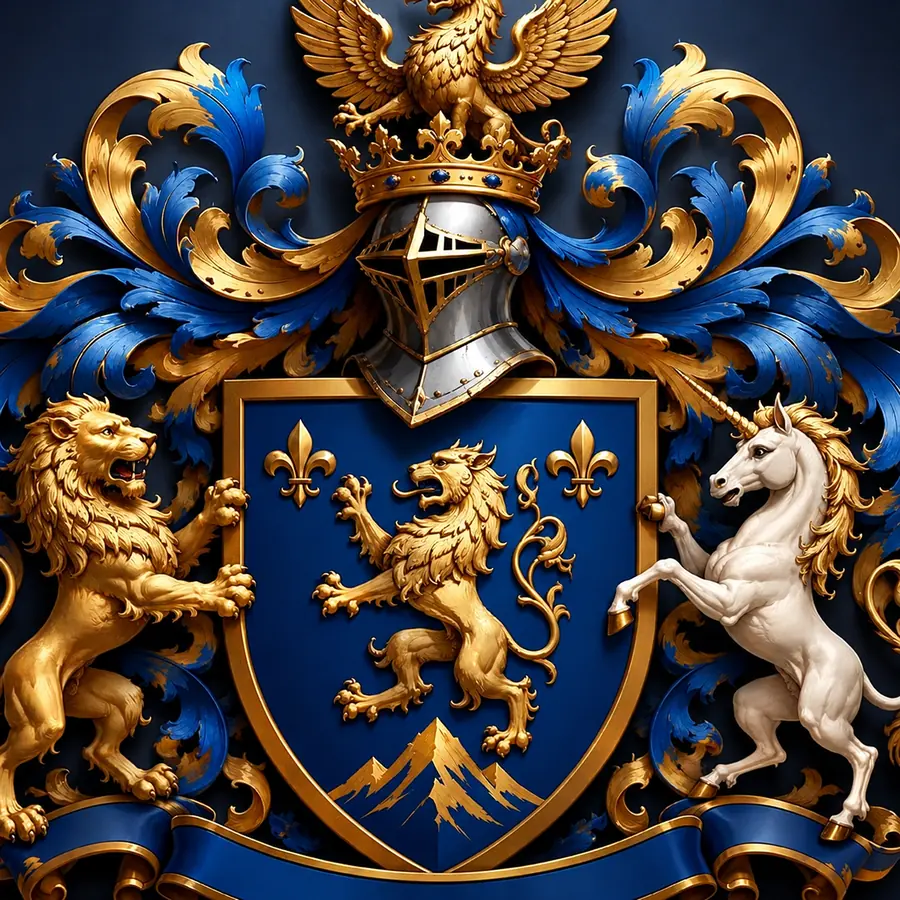
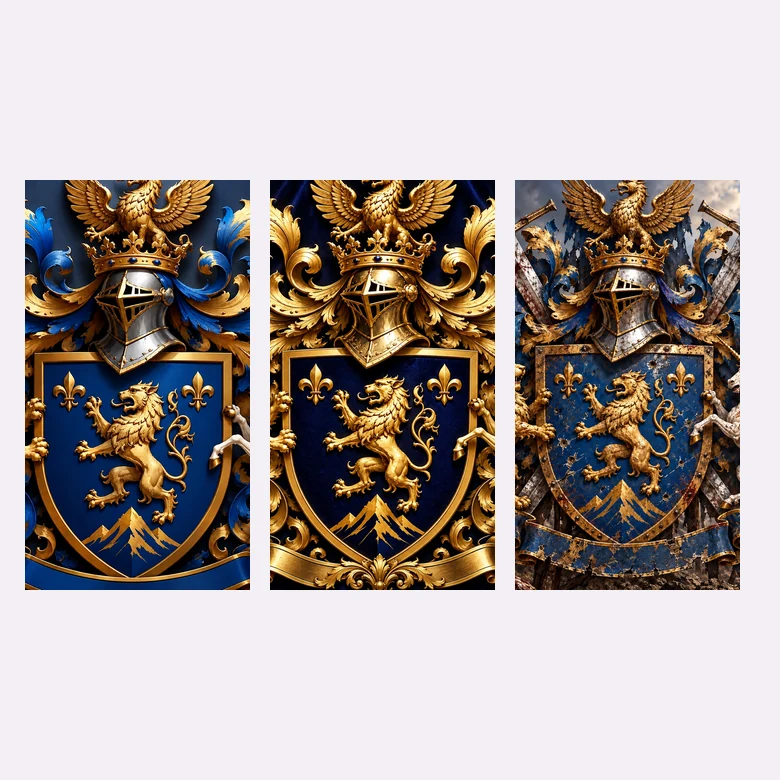
A shield, knight’s helmet, mantling, and a pair of supporters, the way a traditional family coat of arms is drawn.
Describe your family name, values, symbols, colors, and motto, then pick a heraldic style. The AI coat of arms creator turns your words into a shield, crest, and motto scroll you can save and print.
Heraldic style
A family coat of arms for the Harrington family: a navy shield with a gold lion rampant, a knight’s helmet crest, a lion and a unicorn as supporters, and blue and gold mantling.
Reference example. It is not a result generated from your upload.
A coat of arms generator is an AI family crest maker: you describe the symbols, colors, family name, and motto you want, and it draws a complete heraldic design with a shield, crest, supporters, and motto scroll. Instead of learning heraldry software, you create a coat of arms in plain words, then refine it by changing the style, shield shape, or colors.
Use it as a coat of arms creator for family gifts, an online family crest generator for genealogy projects, or a crest creator for fantasy worlds and games. Every design is new artwork made from your description, so you can make your own coat of arms that looks traditional without copying an existing one.
From a classic family crest to a fantasy house sigil — pick a look and the online coat of arms maker adapts every element to it, like a coat of arms designer would.
A shield, knight’s helmet, mantling, and a pair of supporters, the way a traditional family coat of arms is drawn.
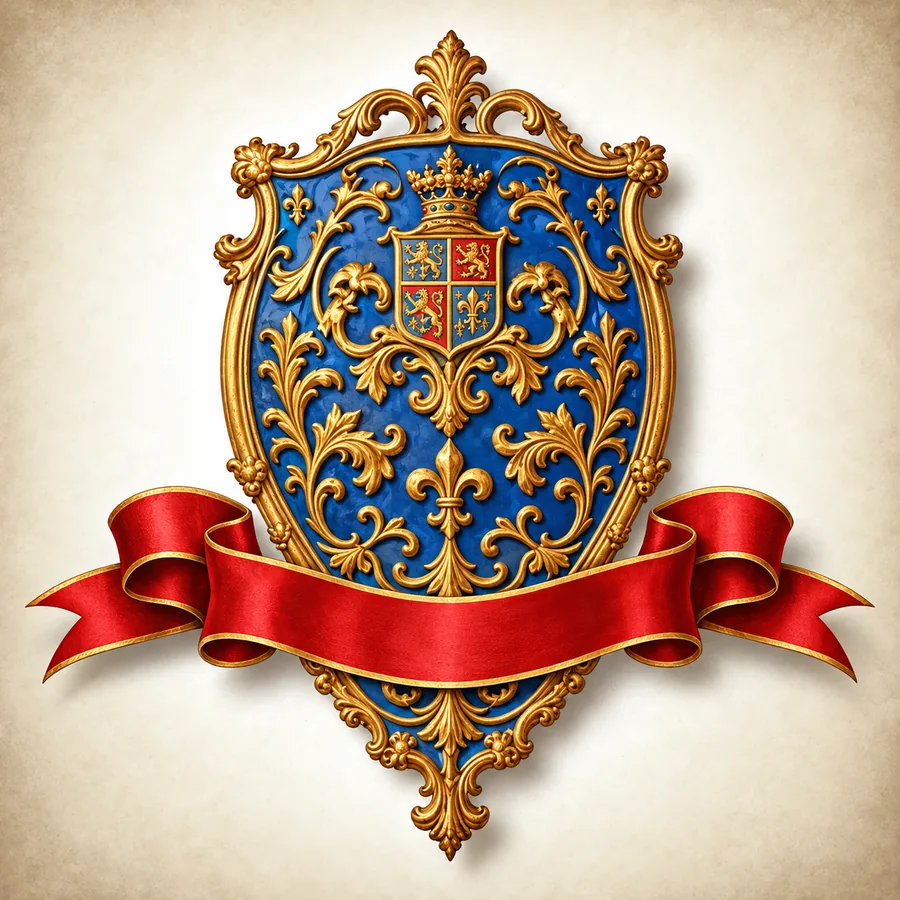
Add your family motto on a ribbon beneath the shield, lettered like an old manuscript.
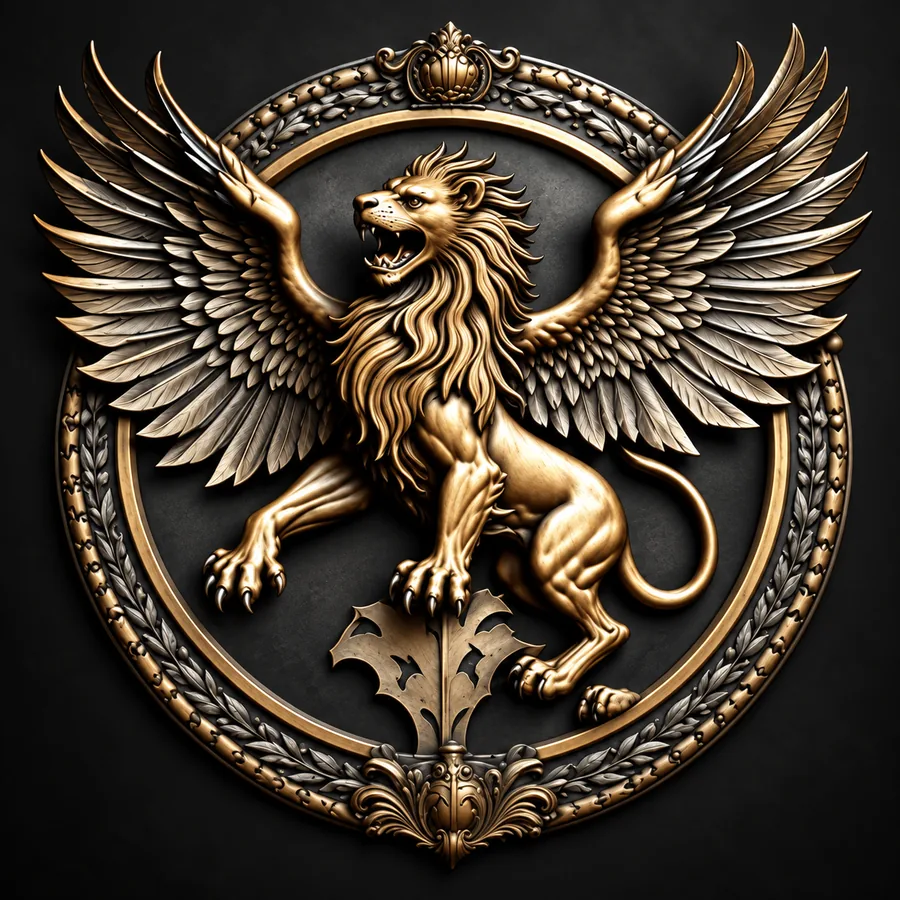
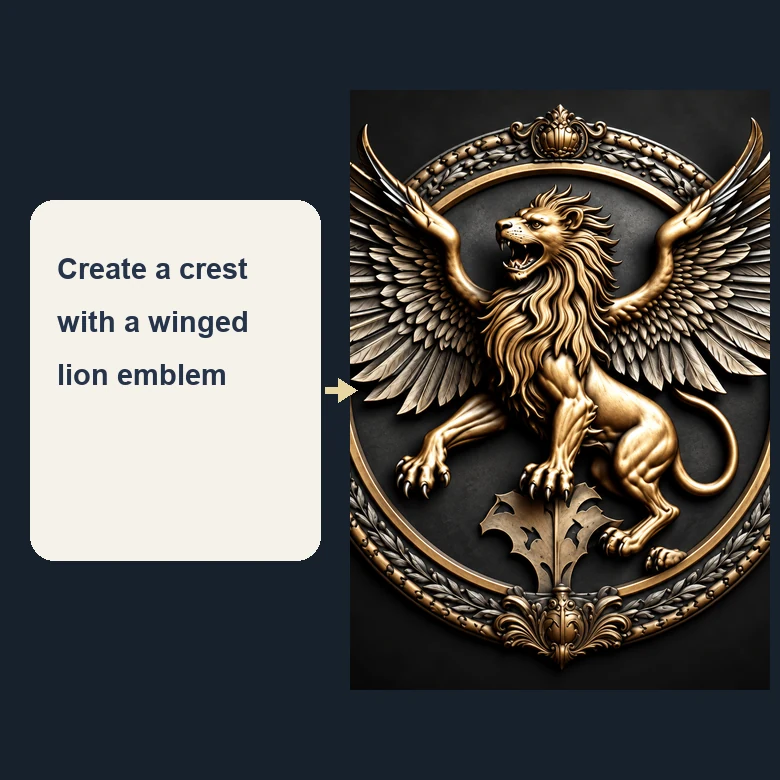
A polished bronze or silver emblem with deep relief, great for logos, badges, and profile pictures.
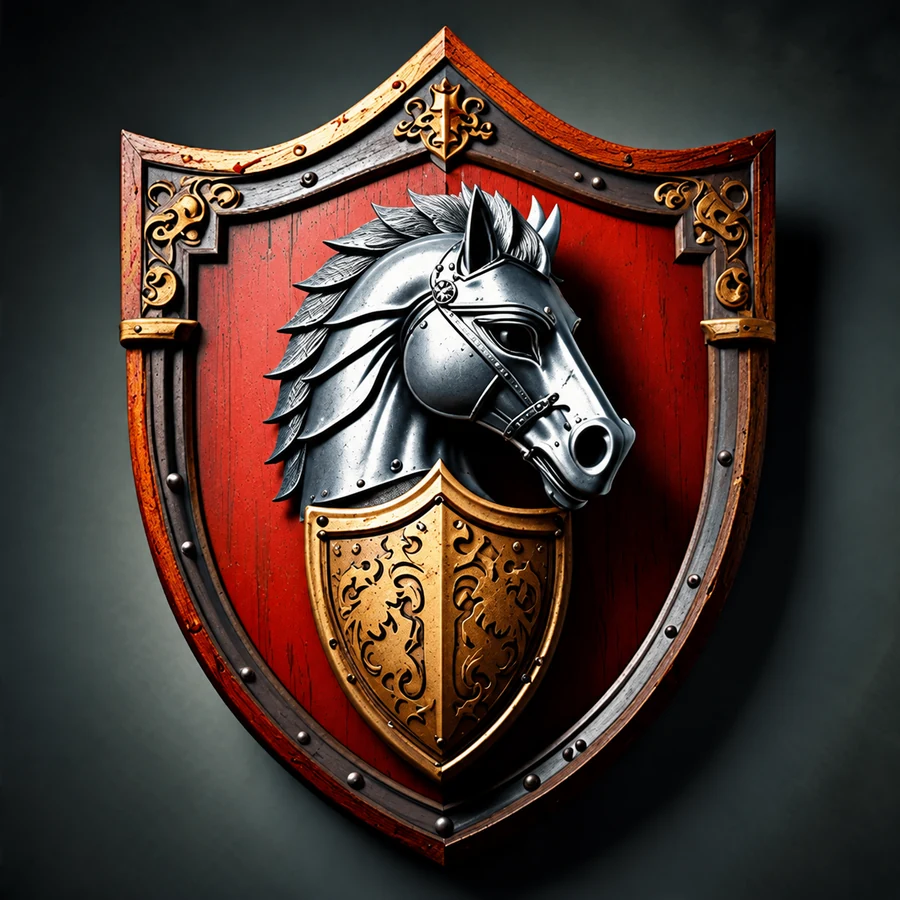
A rustic, hand-carved family shield that looks ready to hang above the fireplace.
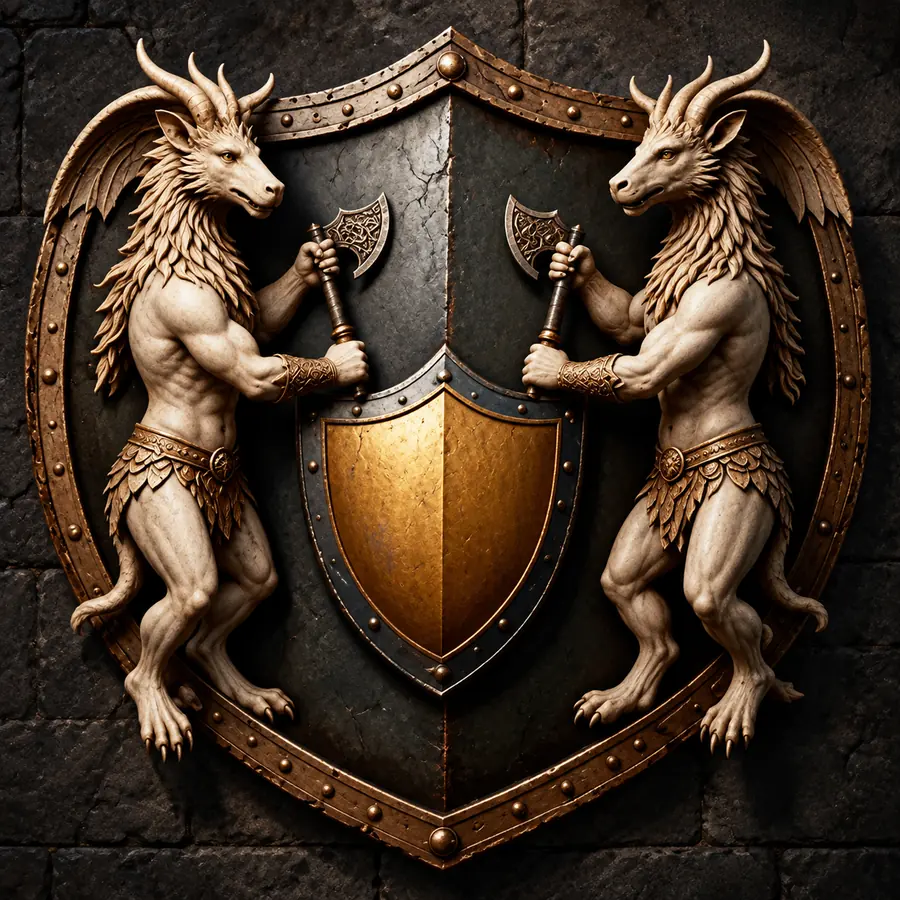
Dragons, mythical beasts, and dark metals for novels, tabletop campaigns, and game factions.
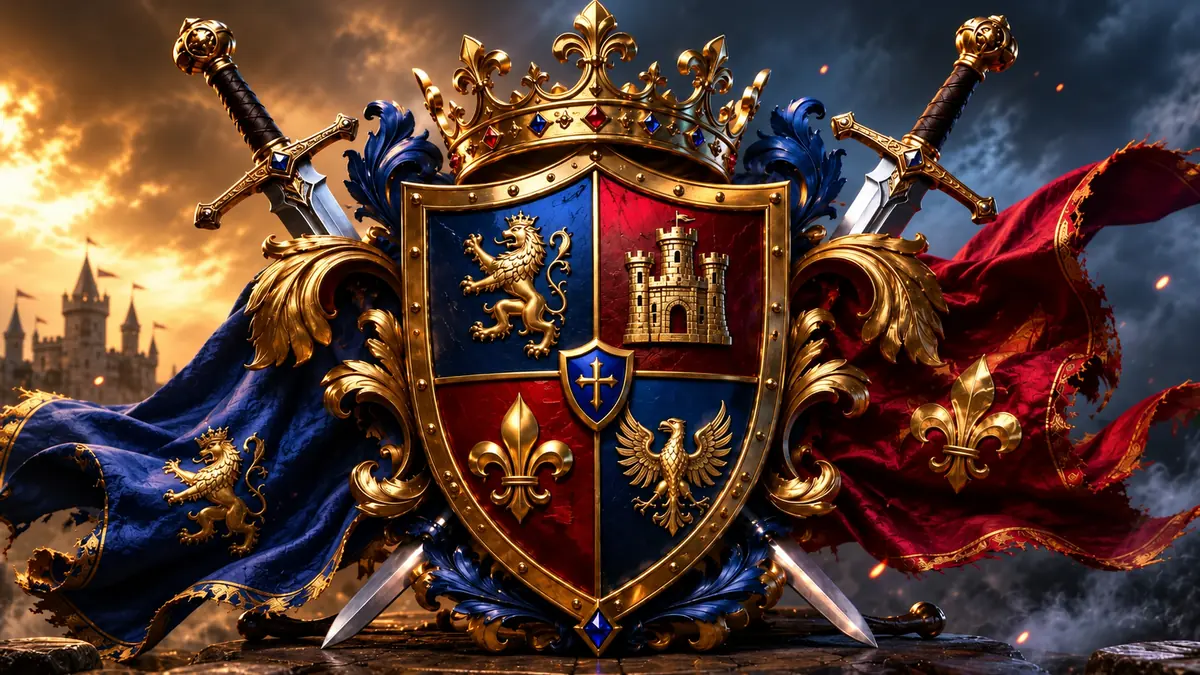
Crossed swords, banners, and a crown for a bold medieval coat of arms with a sense of history.
Three steps to create your own family crest — no drawing or heraldry skills needed.
Write what the design should say about you: your family name, symbols such as a lion, oak tree, or anchor, the colors you like, and a motto. Not sure where to start? Tap an idea chip to fill the box, or upload an old family emblem as a style reference.
Pick a heraldic style — classic, royal, medieval, vintage, 3D metal, carved wood, fantasy, gaming, or minimalist — then choose the shield shape and main colors. Add your family name and motto in their own fields so the lettering is correct.
Generate up to four versions of your coat of arms, compare them, and save the one you like in high resolution for printing, framing, or sharing online.
Type your family story the way you would tell it — where your family comes from, what you value, the animals and symbols that matter — and the family crest generator turns it into a finished design. It is the fastest way to create coat of arms designs, create a family crest, or build a coat of arms online without design software.
Lions, eagles, stags, crowns, keys, swords, quartered shields, and laurel wreaths: the heraldry maker knows the traditional elements and how they fit together, so a crown sits above the helmet and supporters stand on either side of the shield.
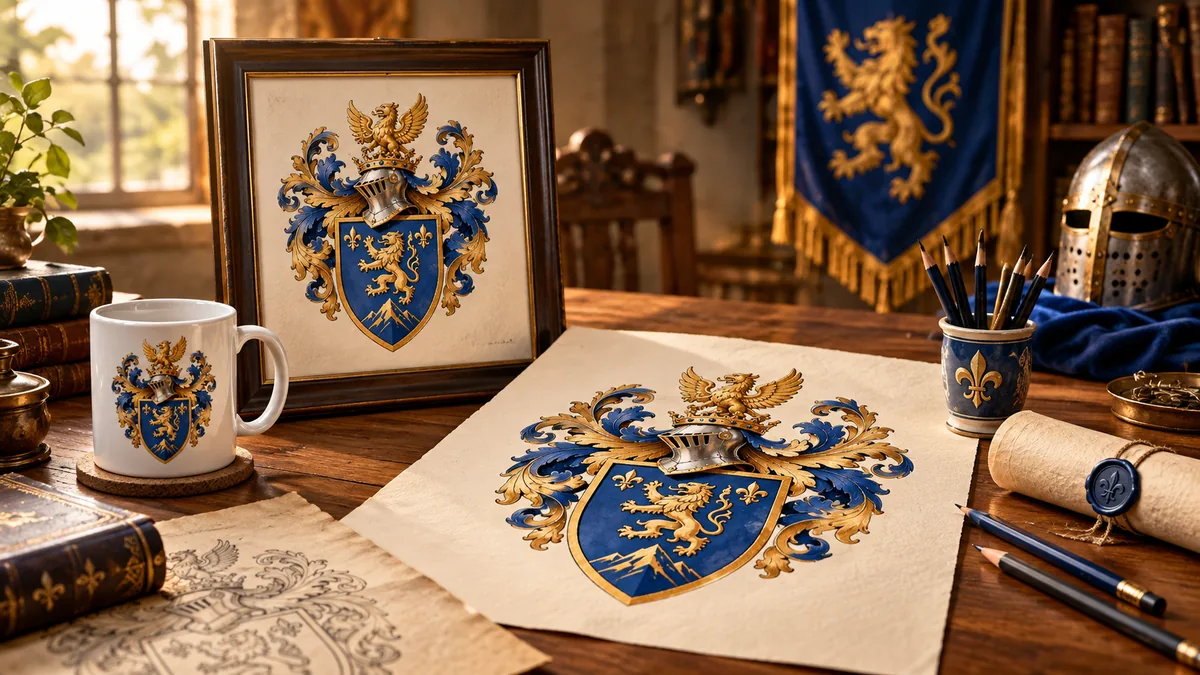
Make a custom coat of arms for a family reunion, a wedding, a new home, or a parent’s birthday. Print it on canvas, a mug, a signet ring design, or the cover of a family history book — a family coat of arms maker that turns your surname into a keepsake.
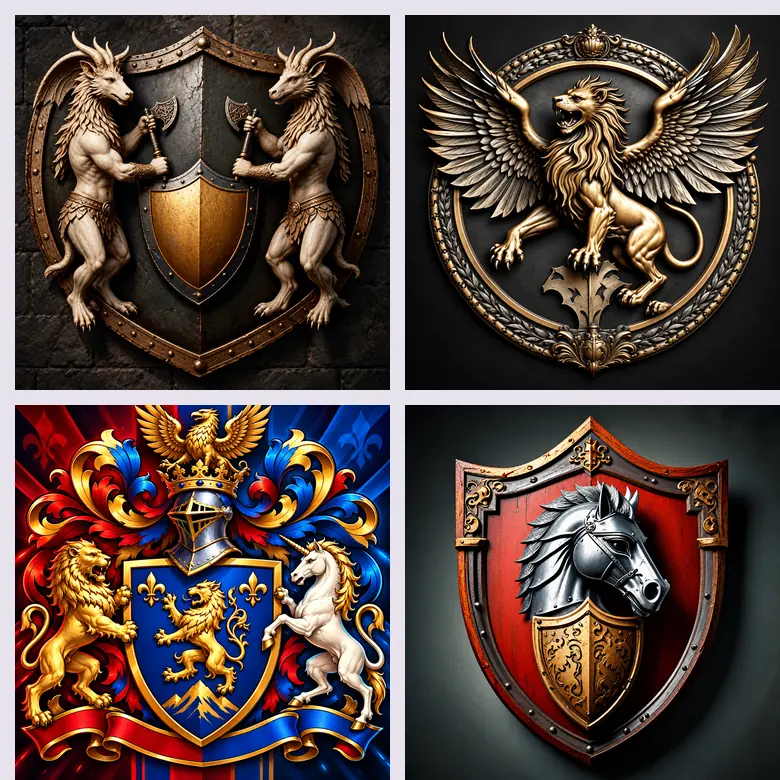
Use the crest generator to design your own coat of arms for a fantasy kingdom, a guild, a clan in your favorite game, or the noble houses of your novel. Generate a whole set in one style so every faction looks like it belongs to the same world.
Families, writers, gamers, and teams all use an online family crest maker for different reasons.
Create a family coat of arms for family trees, reunion banners, and genealogy books.
Combine symbols from both families into one crest for invitations, signage, and monograms.
Design a family shield for framed prints, plaques, mugs, and embroidery.
Make a crest for a sports club, a fraternity, a reading group, or a school house.
Build a coat of arms for each kingdom, guild, or player character in your campaign.
Turn a crest into a bold emblem for a brand, a channel, or a gaming profile.
Classic heraldry never puts a color on a color or a metal on a metal: a gold lion on red reads well, a red lion on blue does not. Pick contrasting colors and metals for a crest that stays clear even when small.
A single large charge — a lion, eagle, tree, or anchor — is easier to recognize than many small ones. Add details around it, not inside it.
Lions stand for courage, oak for strength, keys for trust, ships for a seafaring past. Mention the meaning in your prompt and the design follows it.
Two to five words fit neatly on a scroll. Type it in the Motto field so the spelling is exact, in English or Latin.
For couples or merged families, split the shield in two or four parts and give each part one family’s symbol and colors.
Use Square for prints and profile pictures, Portrait for posters and book covers, and Landscape for banners and headers.
Illustrative examples of how people use the tool, not verified customer reviews.
I made a coat of arms for our family reunion with our surname and my grandfather’s motto. We printed it on the banner and the T-shirts.
Every noble house in my campaign now has its own sigil, all in the same style. My players actually remember who is who.
We combined the symbols of both our families into one crest for the wedding invitations. The split shield idea was perfect.
I needed a crest for our rowing club. Describing it in a sentence and picking the metal emblem style was far easier than hiring a designer.
In heraldry the coat of arms is the full design — the shield, helmet, crest, mantling, supporters, and motto — while the crest is only the figure on top of the helmet. In everyday use people say “family crest” for the whole thing, so this family crest maker creates the complete coat of arms.
Usually not. Historically, arms were granted to a person, not to a surname, and in places such as England and Scotland official arms are still granted by heraldic authorities. The designs you create here are new artwork for personal and creative use, not official grants.
Type your family name in the Family name field and mention it in your description, for example “a coat of arms for the Walker family”. The name can appear on the motto scroll or beneath the shield.
Choose symbols that tell your story: an animal for a trait (lion for courage, eagle for vision), a plant or landmark from your family’s home region, a tool for a family trade, or the initials of the founding couple.
Yes, add it in the Motto field. Latin is traditional, but English or any other language works; short mottos of two to five words look best on a scroll.
Describe the symbols, colors, and motto you want, choose a heraldic style and shield shape, and press Generate. Try a few styles side by side — classic, metal, carved wood — and keep the version you like best.
No. It is a family crest creator online that works in your browser on a computer, tablet, or phone, so there is nothing to download before you design.
Absolutely. Try the “Funny family crest” idea: pets, hobbies, coffee cups, or inside jokes drawn in a serious heraldic style make great gifts.
Yes. Add a sketch, an old family emblem, or a crest you like as a style reference, and the generator follows its layout and look while creating a new design.
The heater shield is the classic shape most people picture. French shields have a flat top and pointed base, kite shields feel early medieval, round shields suit emblems and badges, and the lozenge is a traditional diamond shape.
Designs made from your own description are original artwork you can use for prints, gifts, clubs, and logos. Avoid copying registered emblems, national arms, or existing trademarks in your prompt.
Describe your family, pick a heraldic style, and let the online coat of arms generator do the drawing.