
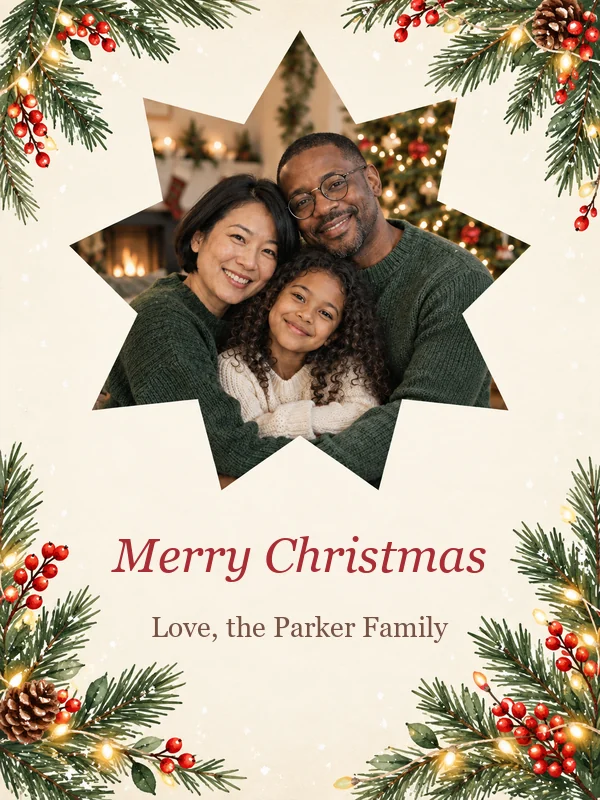
Family Photo Card
Your family photo in a festive frame with a script greeting and your names.
Describe your card, pick a look like Watercolor Winter or Vintage Postcard, and add a family or pet photo for a photo card. The AI puts your greeting on the design, ready to print or send by text and email. Free credits when you sign up.
Card style
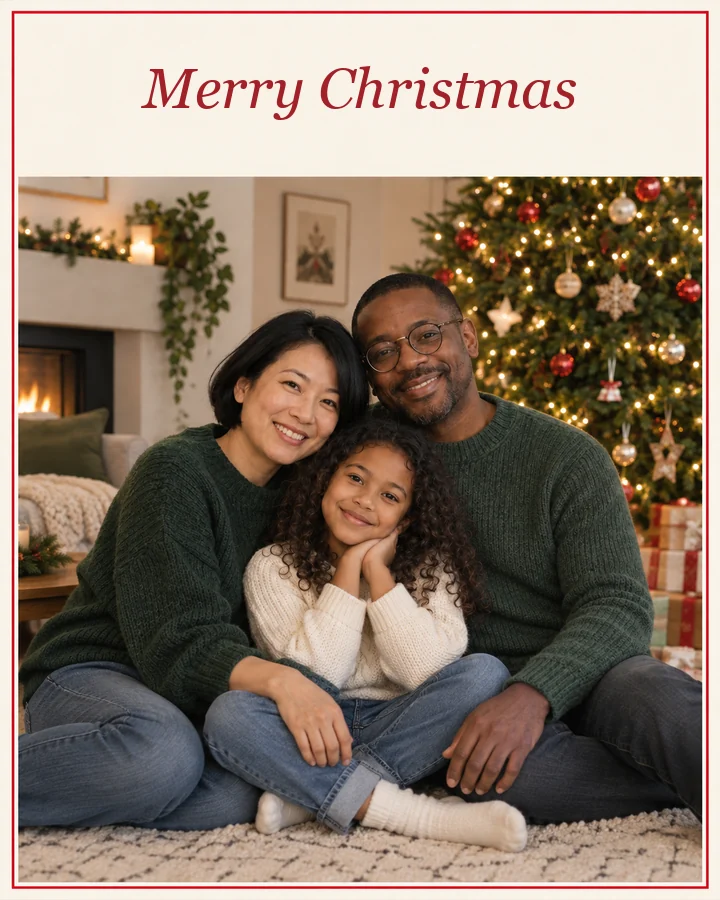
A photo Christmas card with the family from my photo in a warm living room by the tree, set inside a thin red border on cream paper. Text: "Merry Christmas" in red serif letters at the top.
Reference example. It is not a result generated from your upload.
An AI Christmas card generator, often searched as an xmas card generator, designs a Christmas card from a short description. Say what you want to see, a snowy cabin, a cartoon Santa, a gold-foil tree, or your own family photo, add the greeting in quotes, and the AI draws the whole card front with your words on it. No template hunting and no layers to line up: it is the simplest way to make AI Christmas cards that look like nobody else’s.
This Christmas card generator online gives you 11 card styles plus Auto, five AI models, and six sizes for printed cards, phone screens, and email. Upload a family, couple, baby, or pet picture to make photo Christmas cards, or keep the whole card illustrated. It is an AI Christmas card generator free to try: new accounts get free credits when they sign up, and the greetings on this page are free to copy.
Classic, cute, funny, or photo-first: tap a card to load its style or idea, then write your own greeting.
Your family photo in a festive frame with a script greeting and your names.
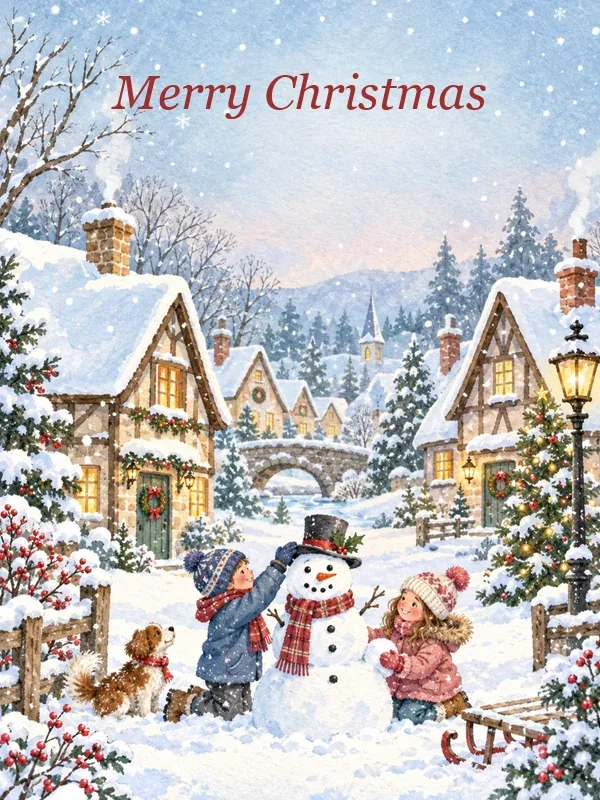
Snowy cottages, kids building a snowman, and soft painted light.
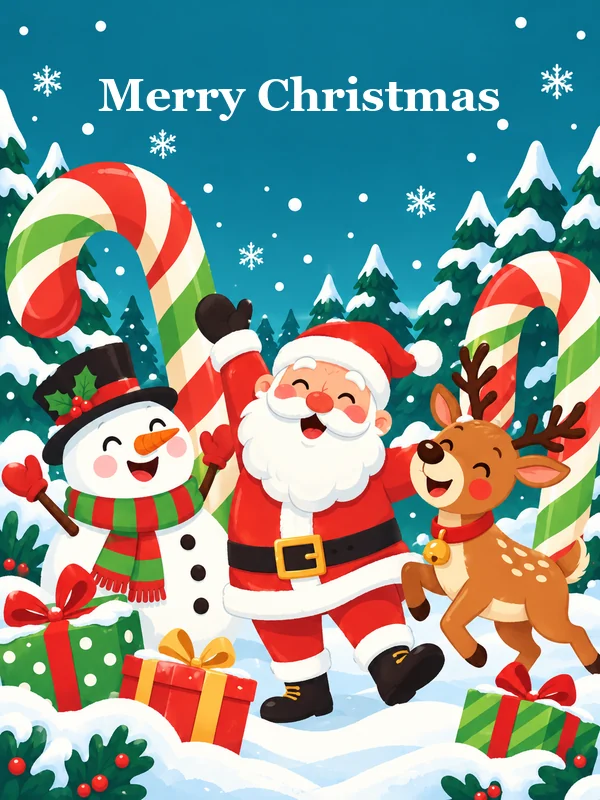
Santa, reindeer, and giant candy canes in bright, bubbly cartoon colors.
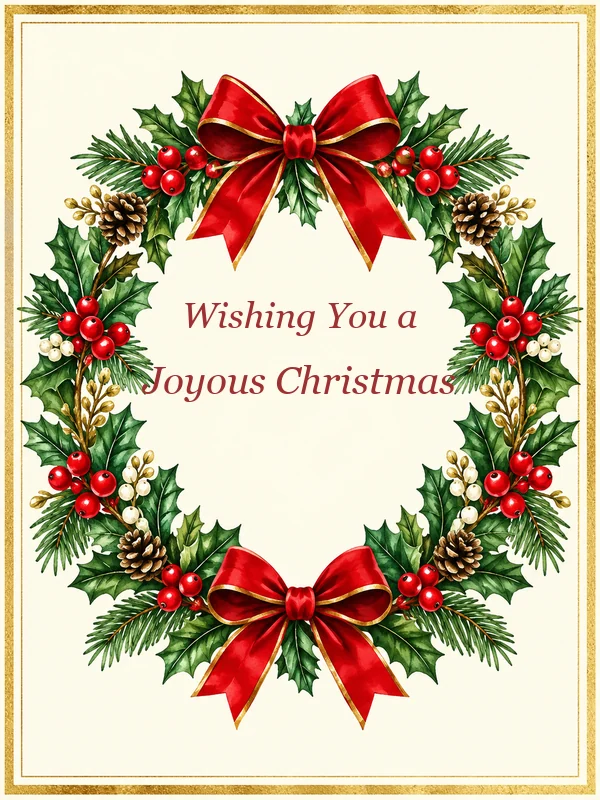
A red-bow wreath with gold edges and a “Wishing You a Joyous Christmas” script.
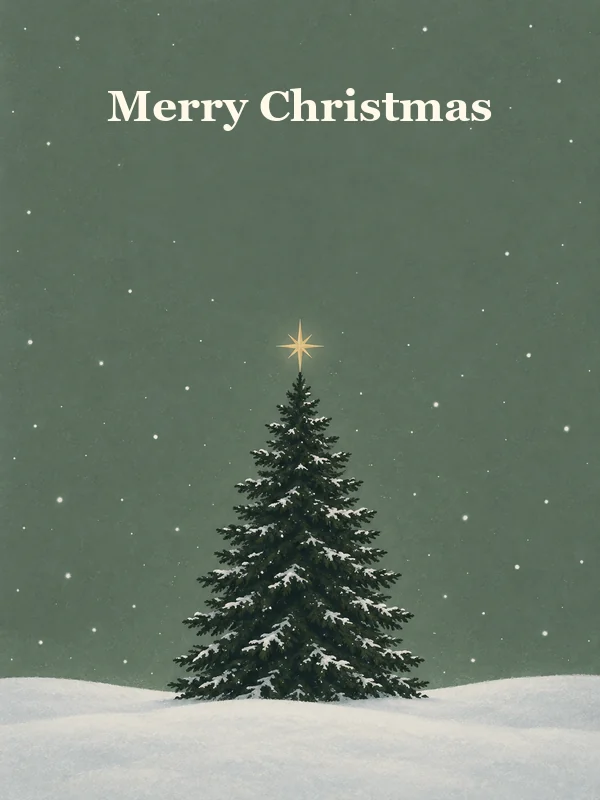
One pine under a gold star and falling snow, with lots of quiet space.
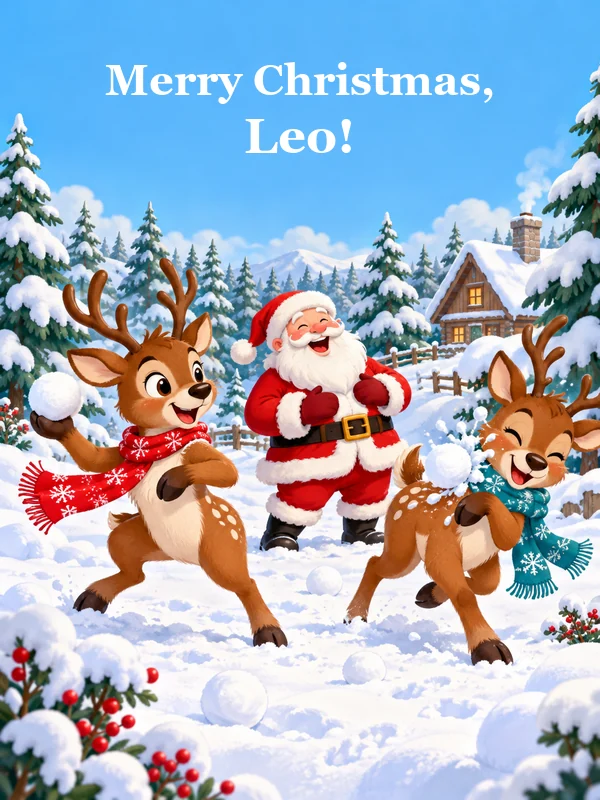
Two reindeer play in the snow while Santa laughs under a greeting for Leo.
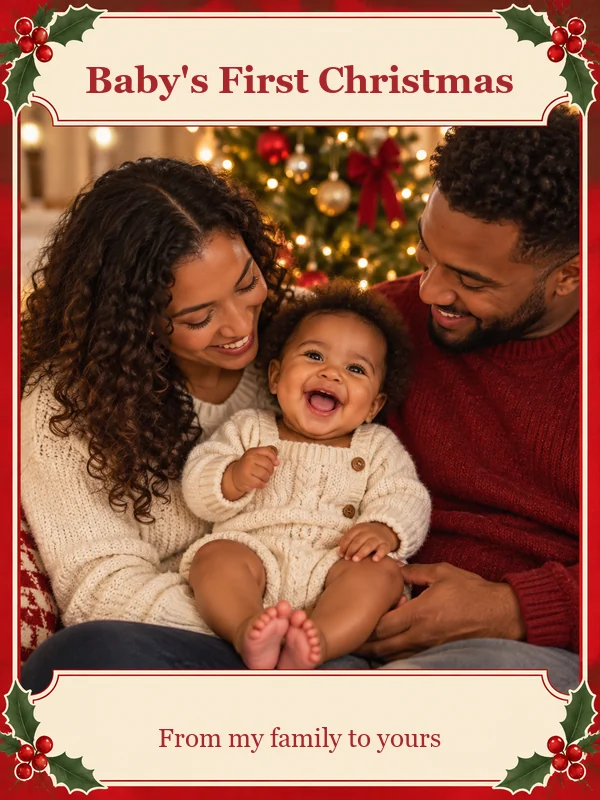
A warm photo card for a new arrival, signed “From my family to yours”.
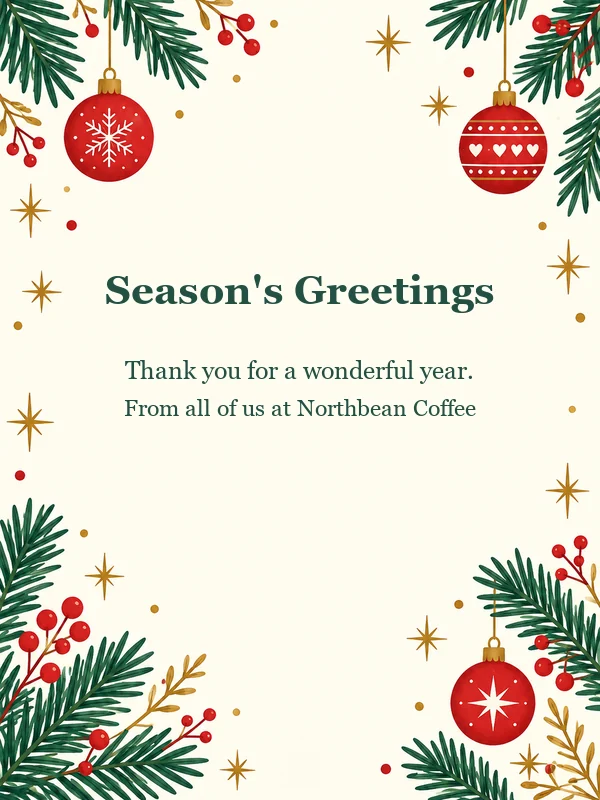
Pine branches, red ornaments, and snowflakes for clients, coworkers, and neighbors.
From an idea to a card you can print or send, in three steps.
Write what the front should show and put the greeting in quotes, for example “Merry Christmas from the Parkers”. Or tap an idea like Family photo card or Funny card for a full prompt you can edit. The optional Greeting, Message, and Signed fields work too.
Choose a style such as Watercolor Winter or Vintage Postcard, a size (4:5 card, 2:3 print, 3:2 landscape, 9:16 phone), and a model. Add a family, couple, baby, or pet photo for a photo Christmas card.
Press Create My Card, read the names and the greeting, and generate again or change the model if anything needs a fix. Download it to print at home or at a photo lab, or send it by text and email.
Short greetings that fit on a card front. Copy one into the prompt in quotes, or into the Message field.
| Card for | Greeting you can copy |
|---|---|
| Family | “Merry Christmas from our home to yours. Love, the Parker Family” |
| Friends | “Cheers to cocoa, cookies, and friends like you. Merry Christmas!” |
| Coworkers | “Wishing you a restful holiday and a bright new year. Happy Holidays from the whole team” |
| Clients | “Season’s Greetings, and thank you for a wonderful year together” |
| Religious | “O come, let us adore Him. Wishing you the peace and joy of Christmas” |
| Funny | “Have yourself a furry little Christmas” |
| Kids | “Santa says you were extra nice this year. Merry Christmas, Leo!” |
| Teachers | “Merry Christmas, Ms. Rivera! Thank you for a wonderful year of learning” |
| Couples | “Our first Christmas together. Love, Emma & Noah” |
Want longer notes for the inside of the card? The Christmas card messages guide below has lines for every list.
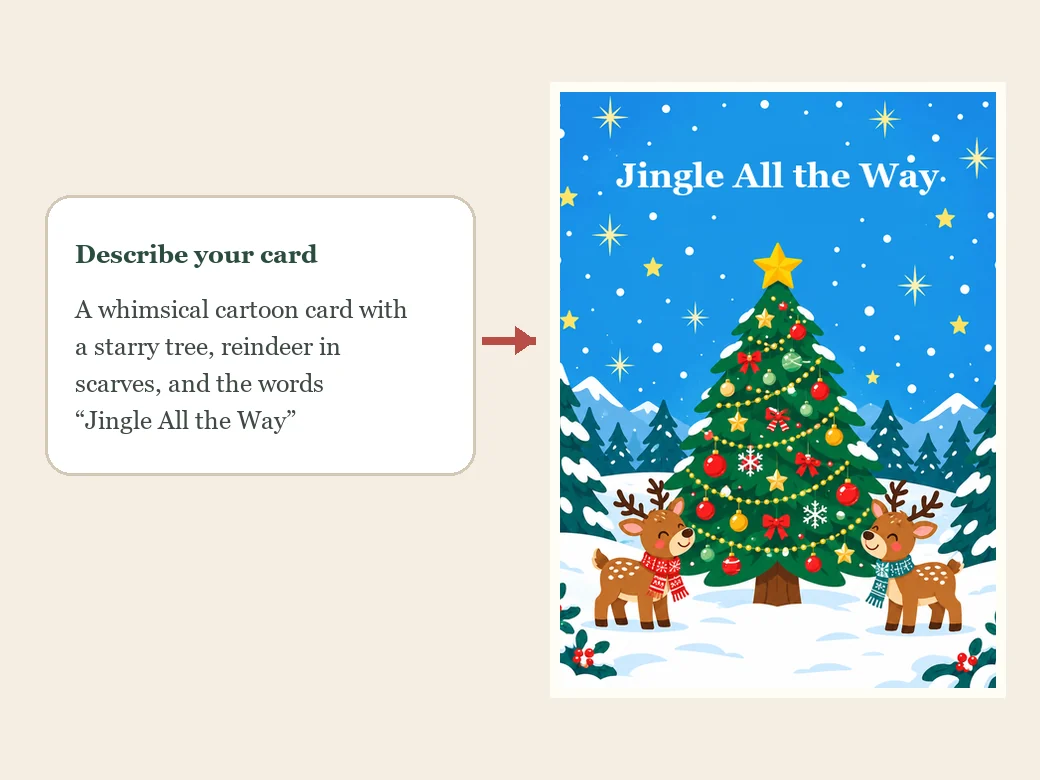
Type the idea the way you would say it, “a whimsical cartoon card with a starry tree, reindeer in scarves, and the words Jingle All the Way”, and the xmas card generator turns it into a finished card front. Change a word and generate Christmas card versions until one feels right: no template library, no layers, no design skills.
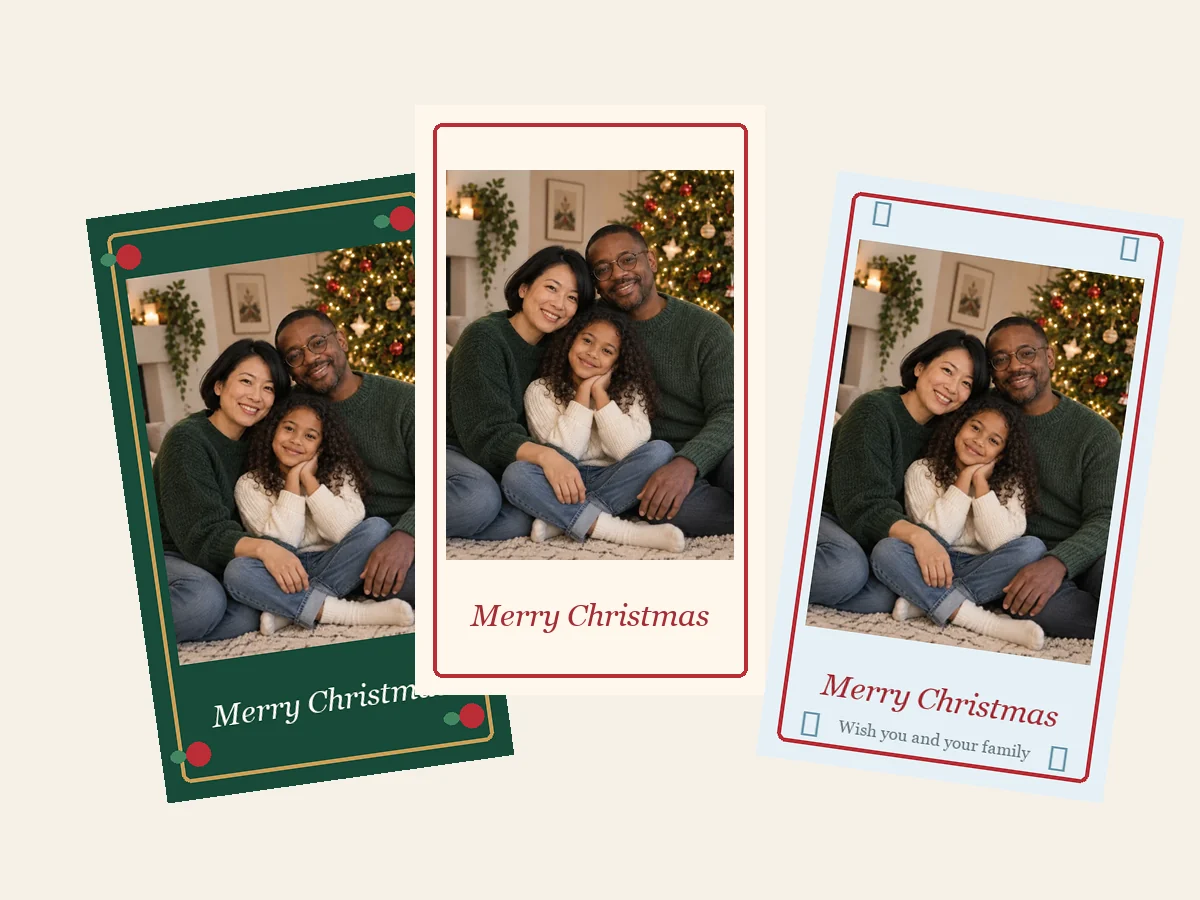
Upload a family, couple, baby, or pet photo and choose the Photo Card style. As an AI Christmas card photo generator, it keeps every face recognizable and builds the frame, the decorations, and the greeting around your picture, so a phone snapshot becomes a card worth printing.
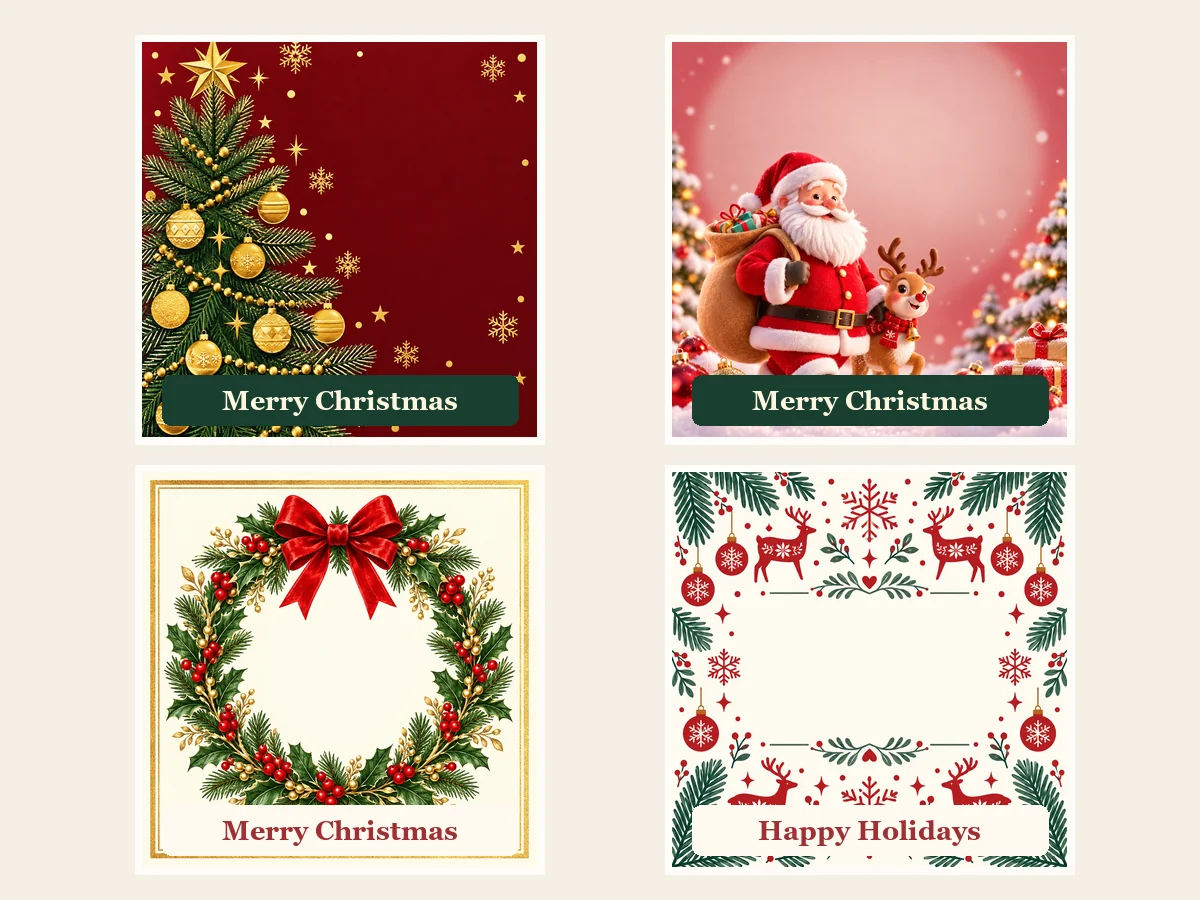
Put your greeting in quotes or fill in the Greeting, Message, and Signed fields, and the AI lays out the lettering with the art: big script for “Merry Christmas”, smaller type for the message and your names. For the cleanest text, pick Nano Banana Pro or GPT Image 2.
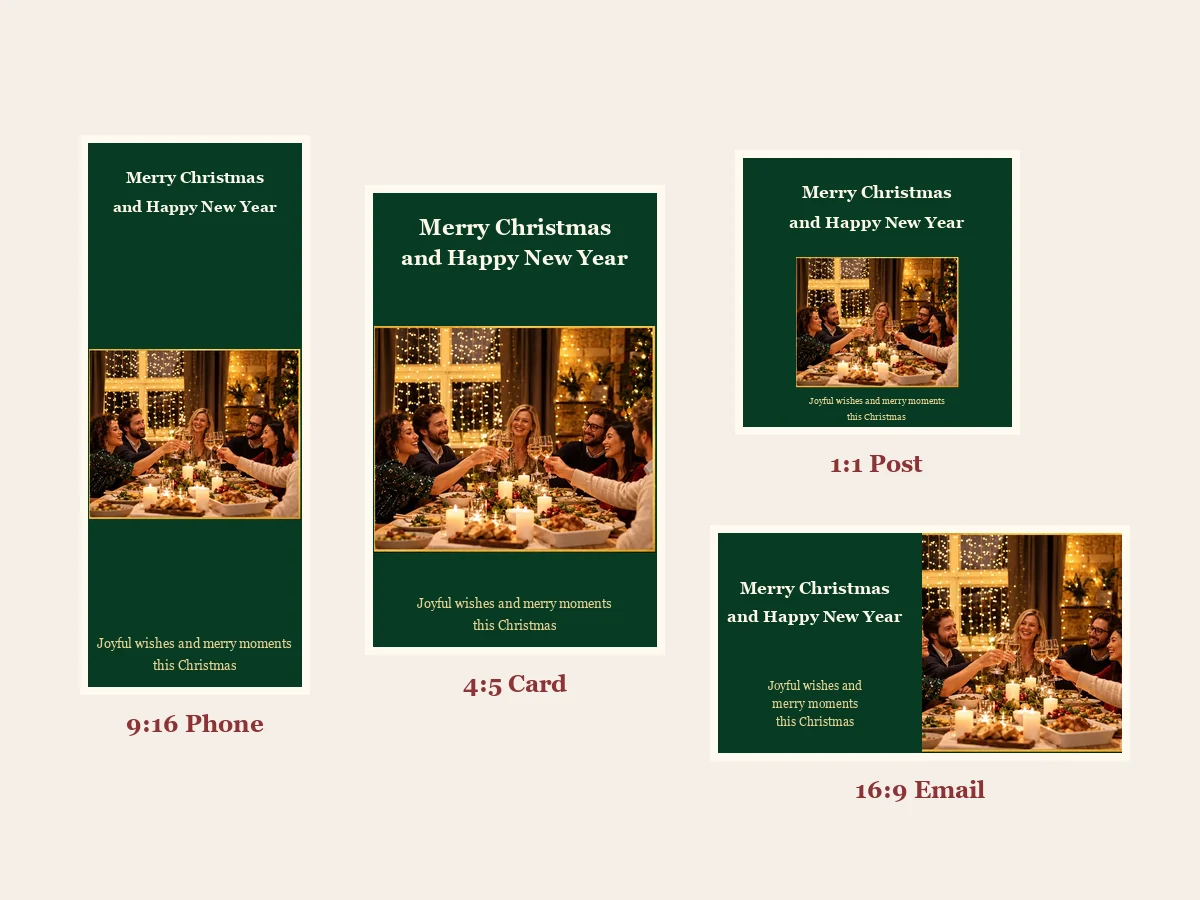
4:5 for a classic card or a 4×5 and 8×10 print, 2:3 for a 4×6 photo print, 3:2 for a landscape card, 1:1 for a post, 9:16 for a phone screen, and 16:9 for an email card. This online Christmas card maker sets the layout for the size before it draws, so nothing important lands on the edge.
One xmas card maker online for every list on the fridge, from grandparents to the office.
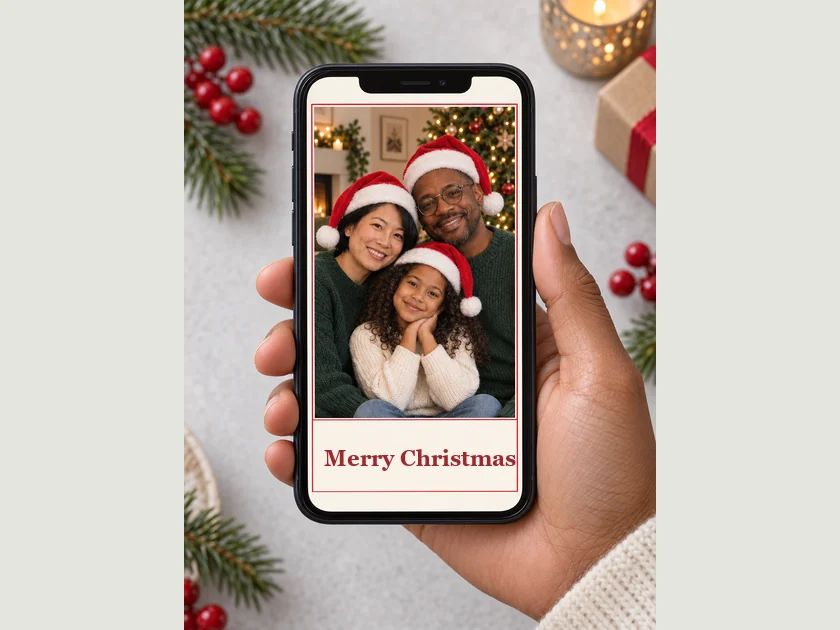
Photo cards for relatives near and far, with everyone’s names on the front.
First Christmas together, engagement, and baby’s first Christmas cards.
Cards starring the dog or cat in a scarf, signed with a paw print.
Season’s Greetings cards for clients and staff, with your logo.
Cartoon cards for classmates and thank-you cards for teachers.
Christmas party and cookie swap invitations in the same style as your card.
A few habits that make every card cleaner, warmer, and easier to read.
Put the words in quotes and keep them short: a greeting plus one line reads best on a card front.
For photo cards, pick a sharp, well-lit picture where every face is visible and nobody is cut off.
Classic Red & Gold feels traditional, Watercolor Winter feels soft, Funny and Kids Cartoon feel playful. Pick one and keep the prompt about what is on the card.
Pick 4:5 or 2:3 for printing and 9:16 for texting before you generate, so the layout is built for that frame.
Read every name before you print. If a letter slips, generate again or switch to Nano Banana Pro or GPT Image 2.
Keep the style and change the greeting to get cards for family, friends, and coworkers that still look like a set.
Christmas photos, frames, collages, and videos to go with your card.
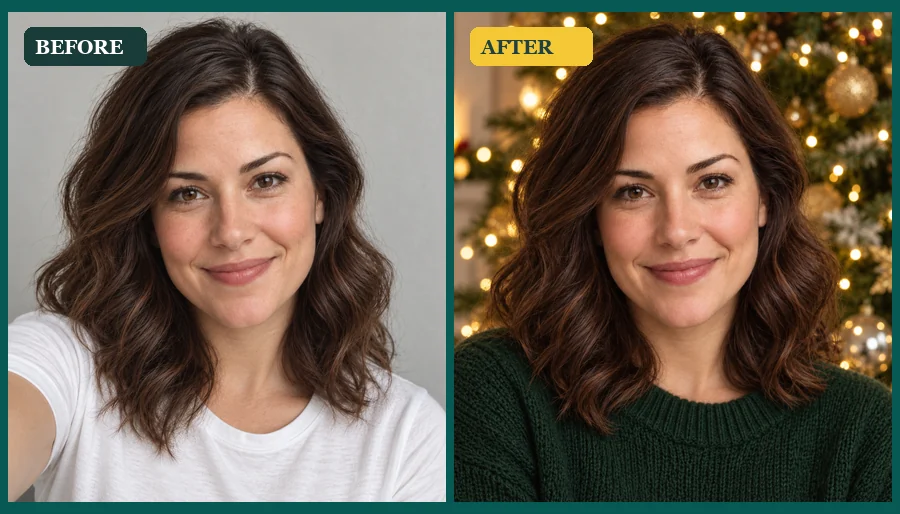 AI Christmas Photo GeneratorMake an AI Christmas photo from any selfie, couple, family, or pet picture. Pick a festive scene, outfit, style, or card and download your Christmas AI photos.
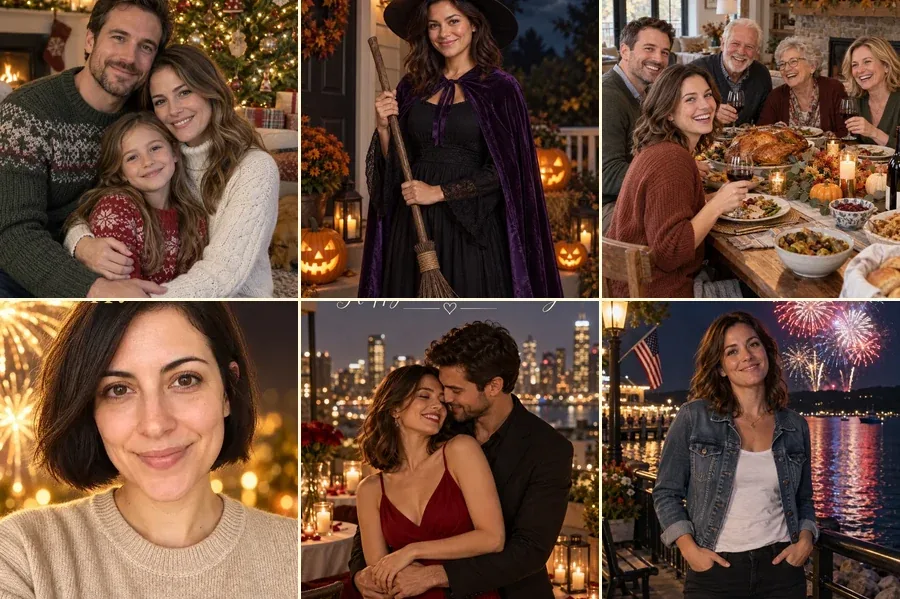 AI Holiday Photo GeneratorMake AI holiday photos from one picture: Christmas, Halloween, Thanksgiving, New Year, Valentine’s, Easter, Lunar New Year and 4th of July looks. Free to try.
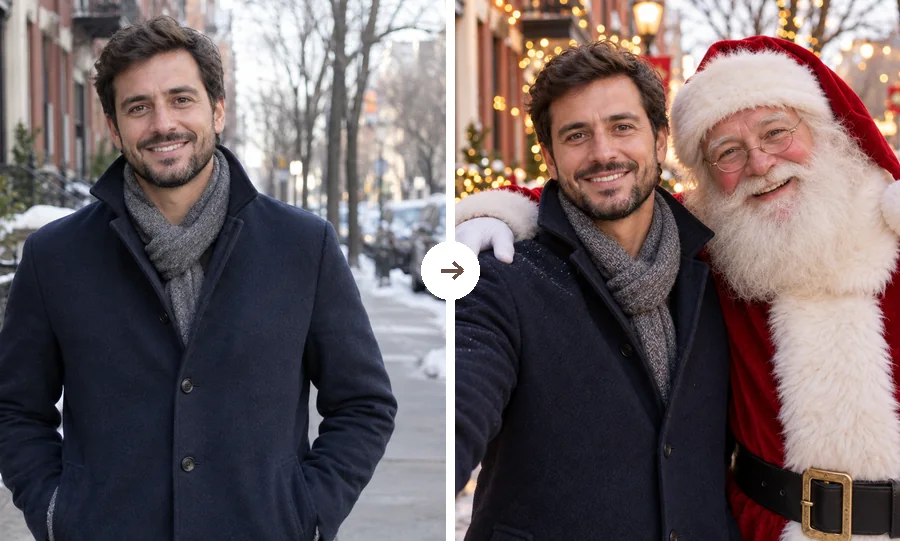 AI Christmas FilterPut a Christmas filter on any photo: reindeer antlers, a Santa makeover, elf ears, falling snow, or a festive frame. Christmasify an image you already took.
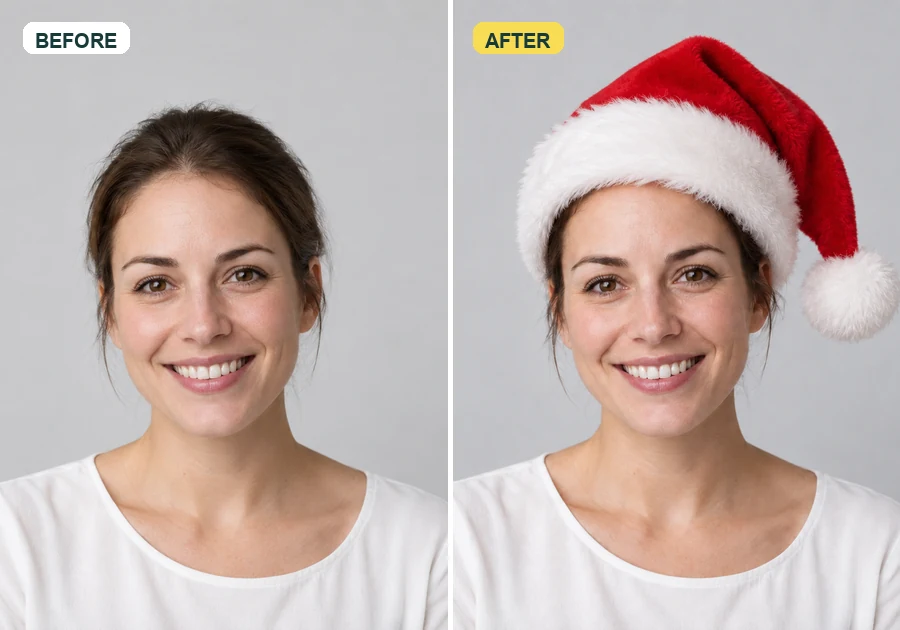 Add Santa Hat to Your PictureAdd santa hat to your picture with AI: upload a photo, pick a classic, elf, blue, or antler Christmas hat, and it fits every head in the shot, pets included.
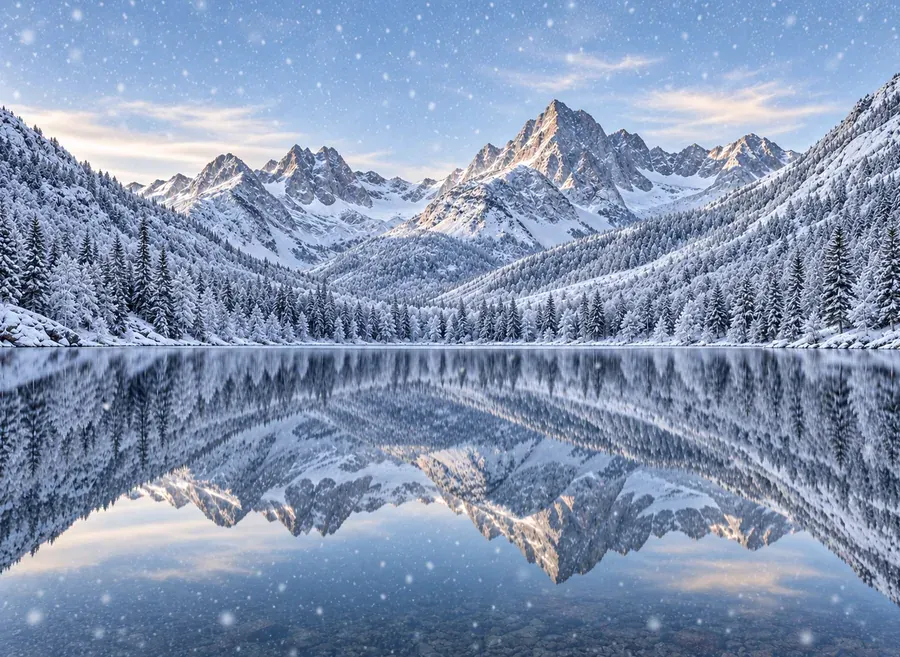 Add Snow to PhotoPut realistic snow on image scenes with AI. Add snow to photo landscapes, homes, products, or portraits, pick light flurries or a blizzard, and compare.
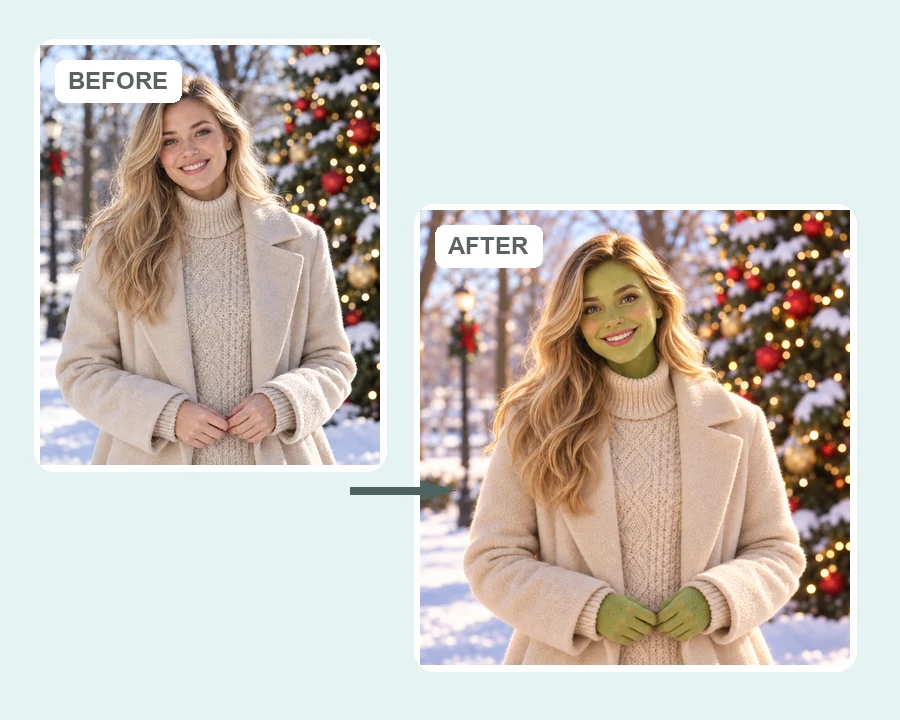 AI Grinch FilterGrinch yourself with the AI Grinch filter: upload a selfie, family, or pet photo and get a Grinch-style green holiday look with fuzzy fur and a sly grin.
 AI Christmas Photo TrendJoin the AI Christmas photo trend: turn selfies, couples, or pets into a viral portrait Christmas tree, a tree made of things you love, or a cozy tree scene.
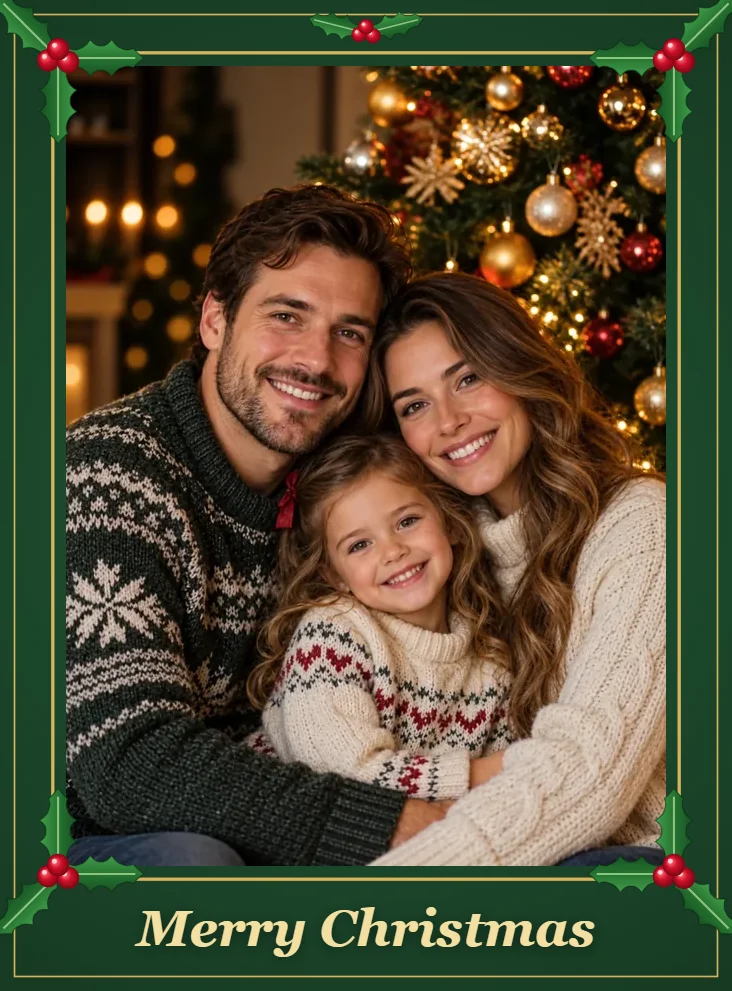 Christmas Free Frames and BordersChristmas free frames and borders for photos: add a Merry Christmas frame, holly, lights, or snow border in your browser and download a printable frame image.
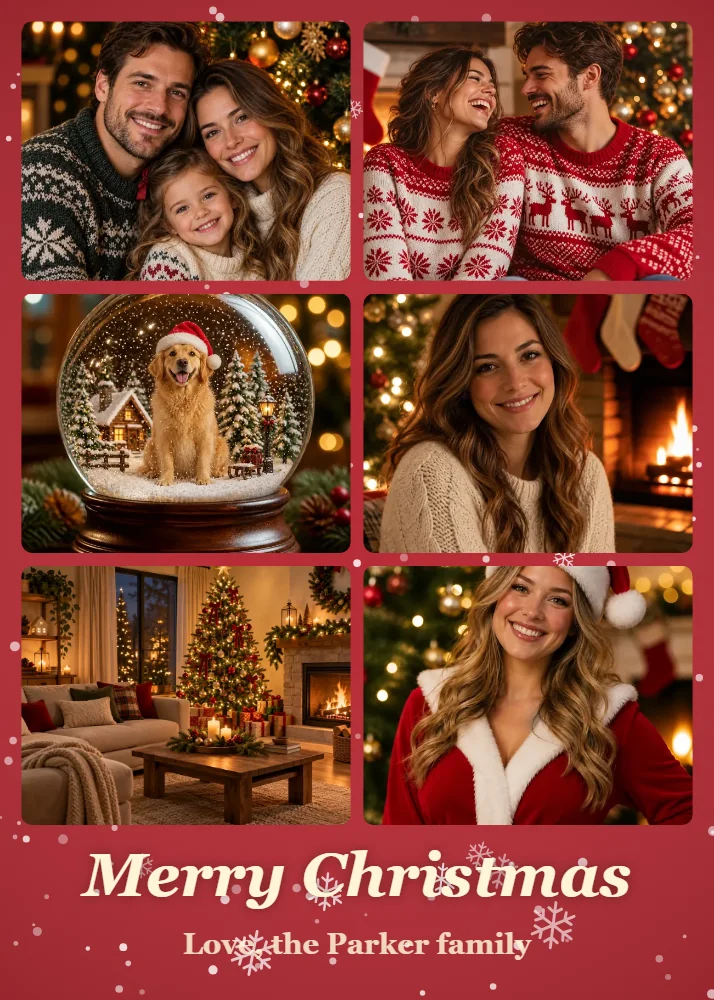 Christmas Collage MakerMake a Christmas collage from 2–9 photos in your browser: choose a grid, tree, or ornament layout, add a greeting, and download a Christmas card photo collage.
 AI Happy New Year PicturesTurn a selfie into happy New Year pictures: fireworks portraits, a New Year backdrop, photoshoot ideas, and happy New Year photo frames and cards to share.
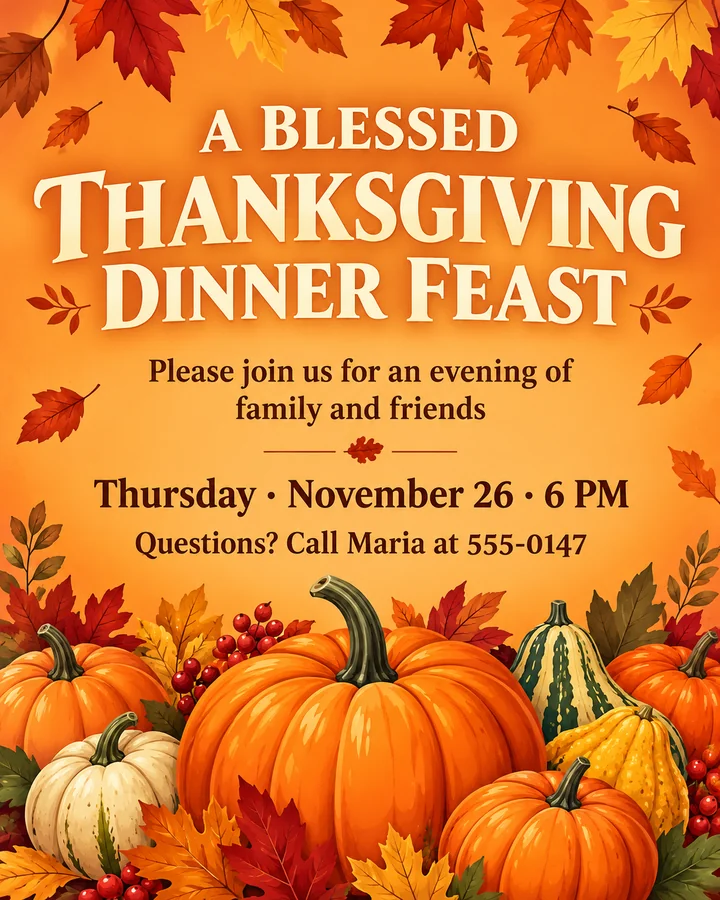 AI Thanksgiving Invitation MakerFree to try AI Thanksgiving invitation maker: add your wording, pick a style, and get a custom Thanksgiving invitation template, flyer, or Friendsgiving invite.
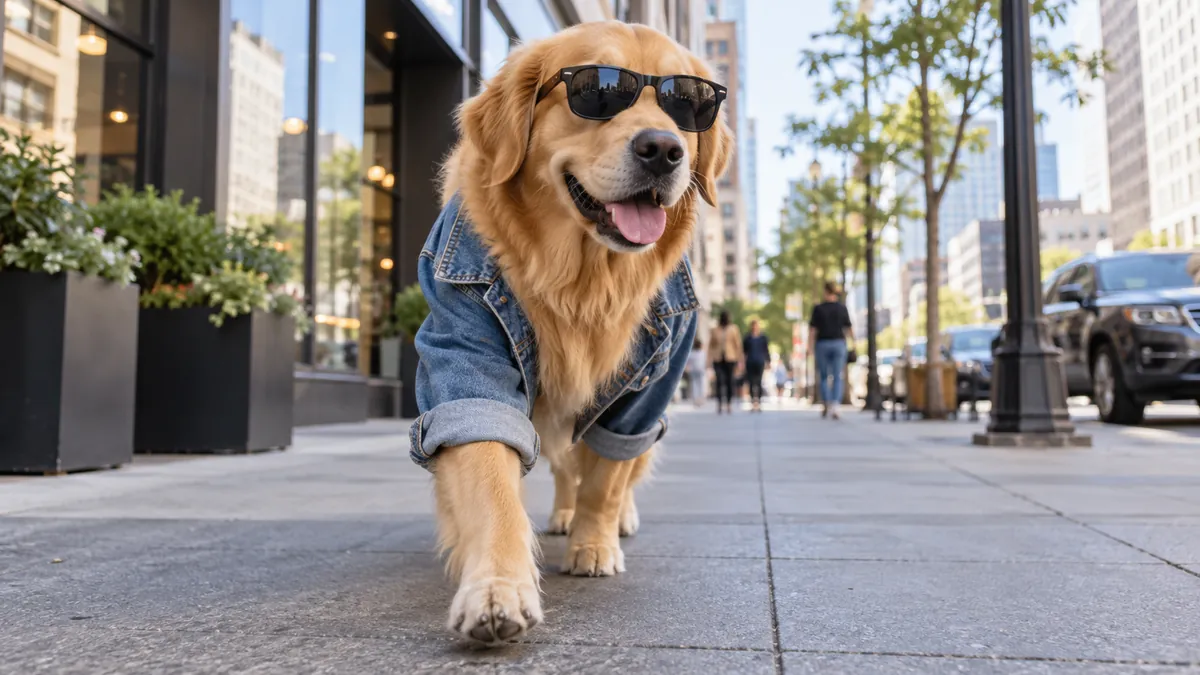 Text to Image AIText to image AI that turns words into pictures: type a prompt, pick a model and a style, and the AI image generator from text creates images you can download.
 AI Image GeneratorFree to try AI image generator: type a prompt or add a photo, pick Nano Banana 2, GPT Image 2, Seedream, or FLUX, choose a style, and create AI images online.
 Nano Banana ProCreate 2K and 4K images with Nano Banana Pro, the Gemini 3 Pro Image model: legible text in many languages, infographics, multi-image blends, and studio control.
 GPT Image 2Use GPT Image 2, OpenAI’s gpt-image-2 model, to create images with dense, readable text, UI mockups, and edits from up to 16 reference images, at 1K, 2K, or 4K.
 Photo to WatercolorTurn photo into watercolor art online. Upload a portrait, pet, or travel shot, pick a style, and turn it into a watercolor painting with soft, natural washes.
 Photo to CartoonPhoto to cartoon AI cartoonizer: pick 3D animated, anime, comic, caricature or line art and turn a photo into a cartoon of you, your pet or car. Free to try.
 Background RemoverRemove background free to try: the AI background remover online cuts out people, products and pets, then gives you a transparent PNG, white, color or new scene.
Ideas for what to write, what to draw, and what to prompt this season.
What to write in Christmas cards for family, friends, coworkers, and clients, with short lines you can copy.
Read the guideCopy-ready prompts for Christmas portraits, family photos, and holiday scenes.
Read the guideEasy, cute, and kid-friendly things to draw for Christmas, from trees to reindeer.
Read the guideWatercolor, acrylic, and window painting ideas for cards and decorations.
Read the guideAn xmas card generator is an AI tool that designs a Christmas card from your description. You describe the picture and the greeting, choose a style and a size, and it creates the card front as an image you can print or send. This one also takes a photo for photo cards.
It is free to try. New accounts get free credits when they sign up, so you can test it like a free Christmas card generator, or any free online Christmas card maker, before deciding to buy more. Each card after that uses credits, and the cost shows on the button before you generate.
Yes. Upload a family, couple, baby, or pet photo and pick the Photo Card style or the Family photo card idea. The AI keeps everyone recognizable and designs the frame, decorations, and greeting around them. Only upload photos you have permission to use.
The AI is told to print the words in quotes and in the text fields as written and to add no other text. Short greetings come out cleanest; for long messages or tricky names, use Nano Banana Pro or GPT Image 2 and check the card before you print.
Nano Banana 2 is a fast, balanced default. Nano Banana Pro and GPT Image 2 handle lettering best, Seedream 4.5 gives rich, glowing scenes, and FLUX.2 is strong for photo-real looks. Run the same prompt on two models and keep your favorite.
4:5 suits a classic card and 4×5 or 8×10 prints. 2:3 matches a 4×6 photo print, 3:2 is the same shape turned sideways for landscape cards, 1:1 fits square posts, 9:16 fills a phone screen, and 16:9 works as an email card. For a 5×7 card, pick 2:3 and trim a little off the long side.
Both. Download the card and print it at home or at a photo lab, or send it by text, email, or social media. Many people use this Christmas card generator online to send a digital card first and then print a few for the grandparents.
Yes. It works as an AI holiday card generator and holiday card creator too: ask for “Happy Holidays”, “Season’s Greetings”, or a winter or New Year card, and pick Scandinavian or Minimalist for a neutral look.
Yes. Tap the Party invite idea, put the date, time, and place in quotes, and the AI designs an invitation in the same styles as your cards. For Thanksgiving dinners and Friendsgiving, use the AI Thanksgiving Invitation Maker.
Only upload photos you own or have permission to use, and do not make cards that impersonate real people or brands. Copyrighted characters and logos are not allowed; describe the look you want instead, like “a cheerful cartoon Santa”.
Describe it, pick a style, add a photo if you like, and let the AI Christmas card generator design a card to print or send.
Nano Banana and Gemini are trademarks of Google LLC; GPT Image is a trademark of OpenAI; Seedream is a trademark of ByteDance; FLUX is a trademark of Black Forest Labs. EzImgMaker is an independent service and is not affiliated with or endorsed by these companies. Model names are used only to describe compatibility.