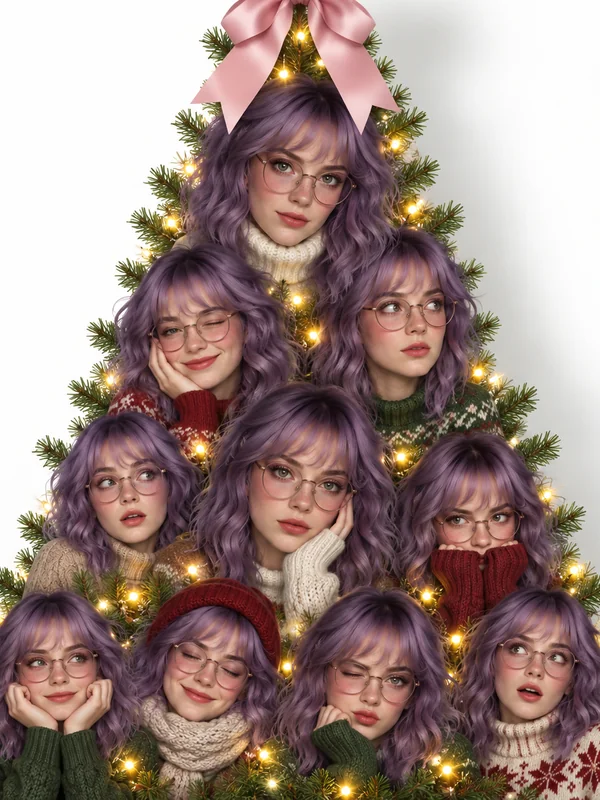
Selfie Tree
One person, many expressions, stacked into a tree with a pink bow on top.
Upload up to three photos and the AI stacks your face, your partner, or your pet into a glowing portrait Christmas tree, builds a tree out of tiny versions of things you love, or poses you beside a lit tree.
Your photo stays in this browser during this UI preview.

Reference example. It is not a result generated from your upload.
The AI Christmas photo trend, also called the AI holiday photo trend, is the wave of festive images where a Christmas tree is built from faces. Dozens of headshots of the same person, a couple, a family, or a pet are stacked into a tree silhouette, wrapped in fairy lights, and finished with a ribbon bow or star. Spin-offs followed: a tree made of tiny toys, mini mugs, or snacks, and cozy Christmas-morning portraits beside a glowing tree.
This generator does all three from your own photos. It works as an AI Christmas tree maker for portrait trees, a Christmas tree creator for "tree made of" ideas, and a virtual Christmas tree you can design for a room before you decorate the real one. It is a playful way to make a Christmas tree photo collage without cutting out a single face by hand.
Portrait trees, tree photo scenes, and virtual tree styles. Pick one to load it in the workspace.
One person, many expressions, stacked into a tree with a pink bow on top.

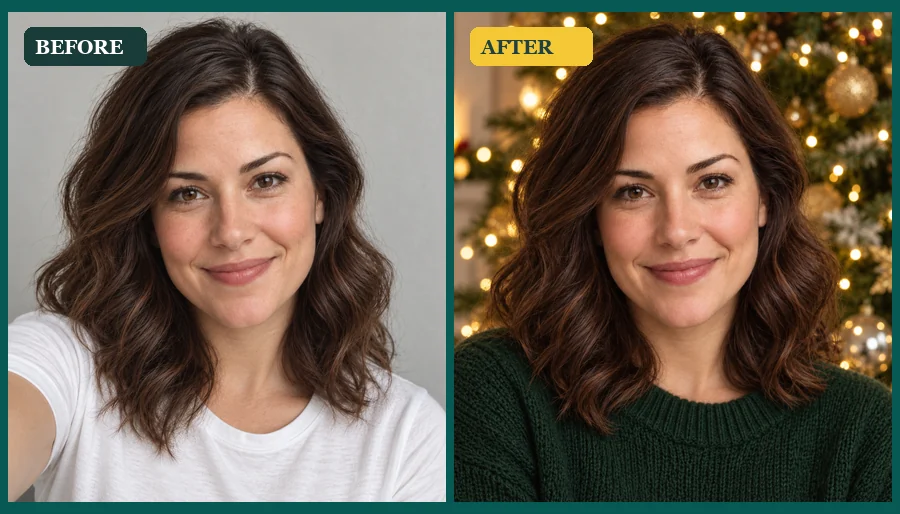
Smiles, side glances, and sweaters: every row shows a different take of the same face.
Two faces alternate down the tree with hearts and warm lights in between.
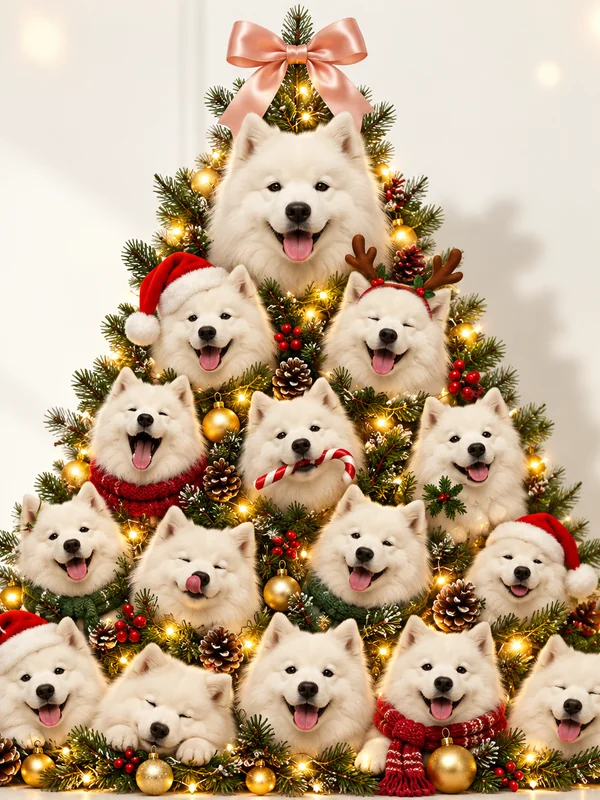
Your dog or cat in scarves, antlers, and Santa hats, from a big portrait on top to small ones below.

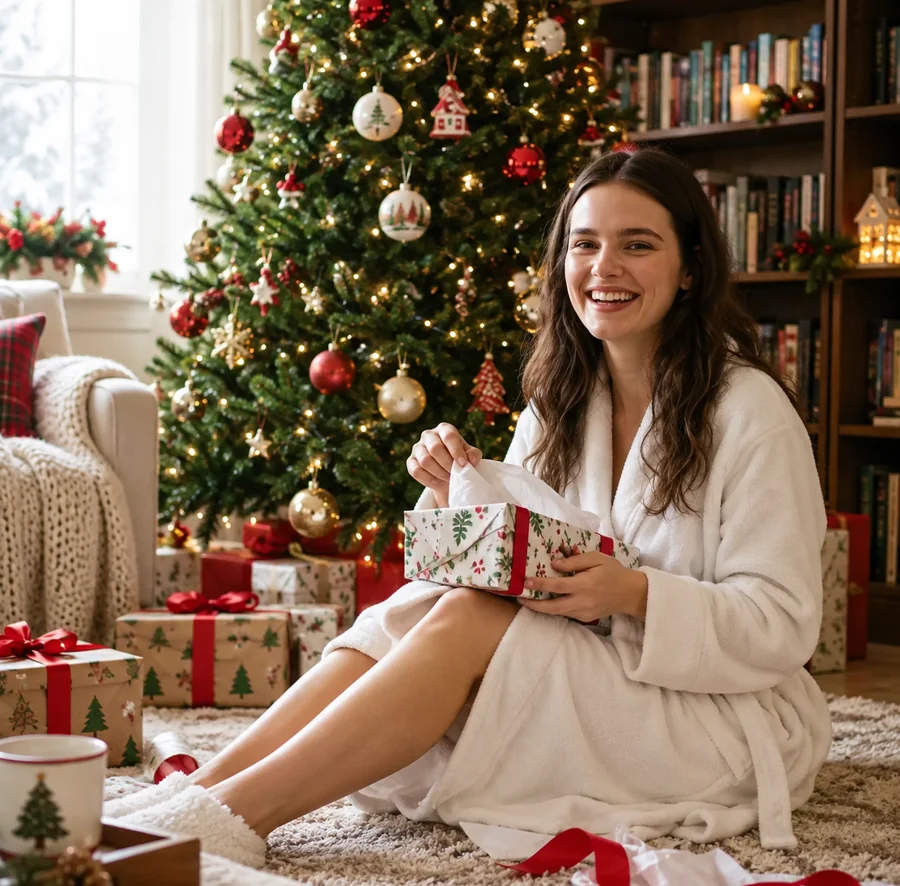
A cozy robe, wrapped gifts, and a decorated tree for the classic holiday-morning look.
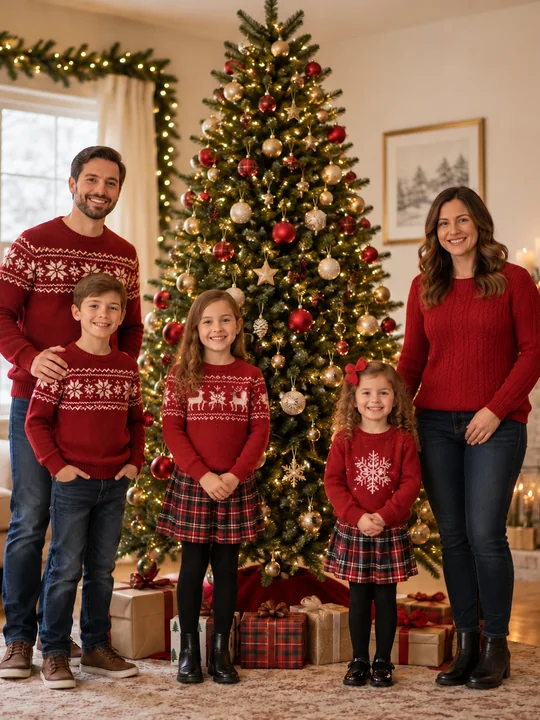
Matching sweaters and plaid skirts around a tall tree in a bright living room.

A pastel, glowing tree rising from a tiny winter village.
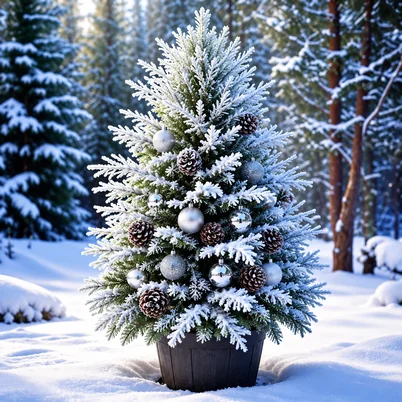
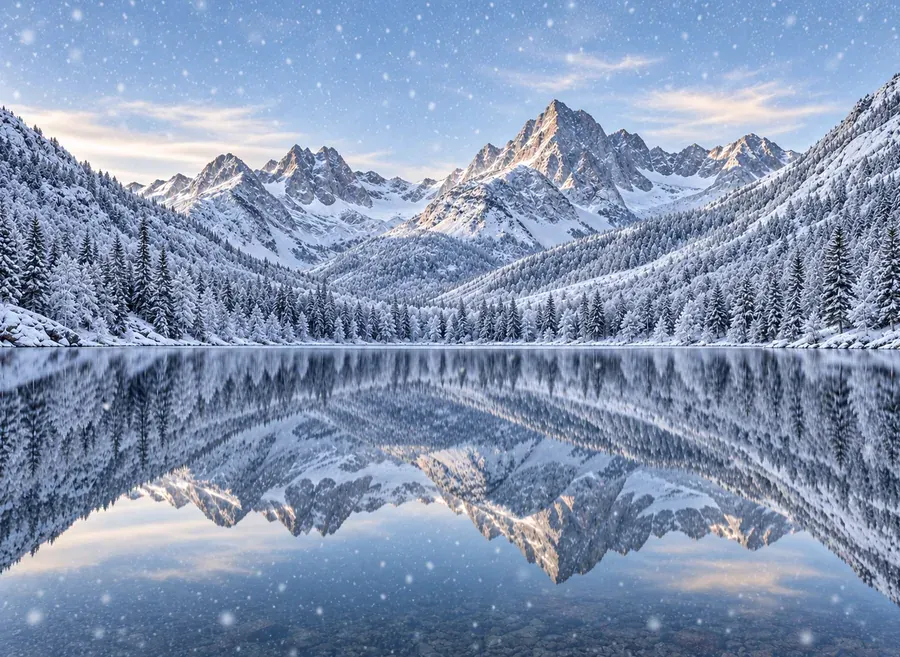
Snow-dusted branches, pinecones, and silver ornaments in a winter forest.
Three steps from a few photos to your own viral Christmas tree.
Add a clear selfie or headshot as the main photo. For a couple, family, or friends tree, add up to two more photos of other people or a pet. JPG, PNG, and WebP up to 10 MB.
Choose a Portrait Tree, a Tree Made Of… idea, a Tree Photo Scene, or a Virtual Tree Style. Add details such as colors, a bow, or a star in the optional note.
Generate your Christmas tree photo, check that every face looks right, and download it for stories, cards, or the family group chat.
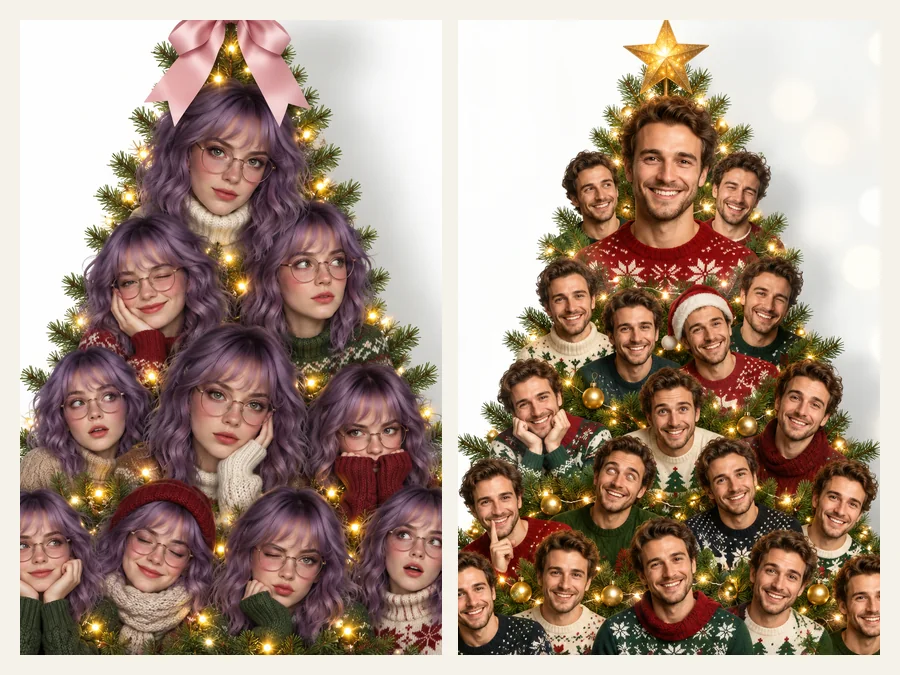
The headline look of the AI Christmas photo trend: your face repeated in rows with different expressions, angles, and festive outfits, layered into a clean tree shape with pine branches and golden fairy lights peeking through. No manual cutouts, no collage app.
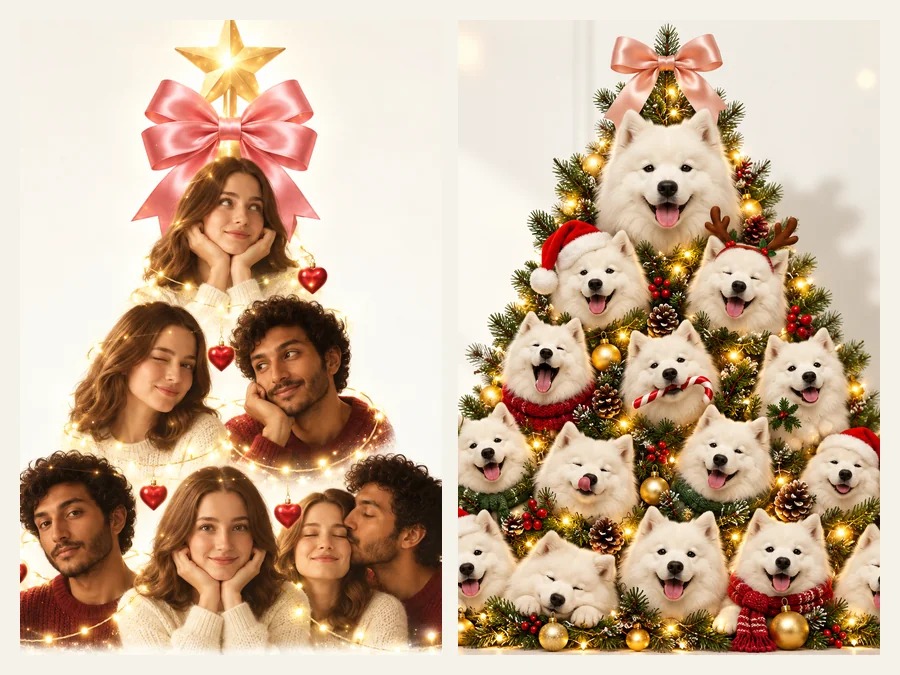
Upload a second and third photo to mix faces: alternate you and your partner with hearts in between, line up the whole family, or give the dog the top spot. Each face keeps its own features, so everyone is easy to spot on the tree.
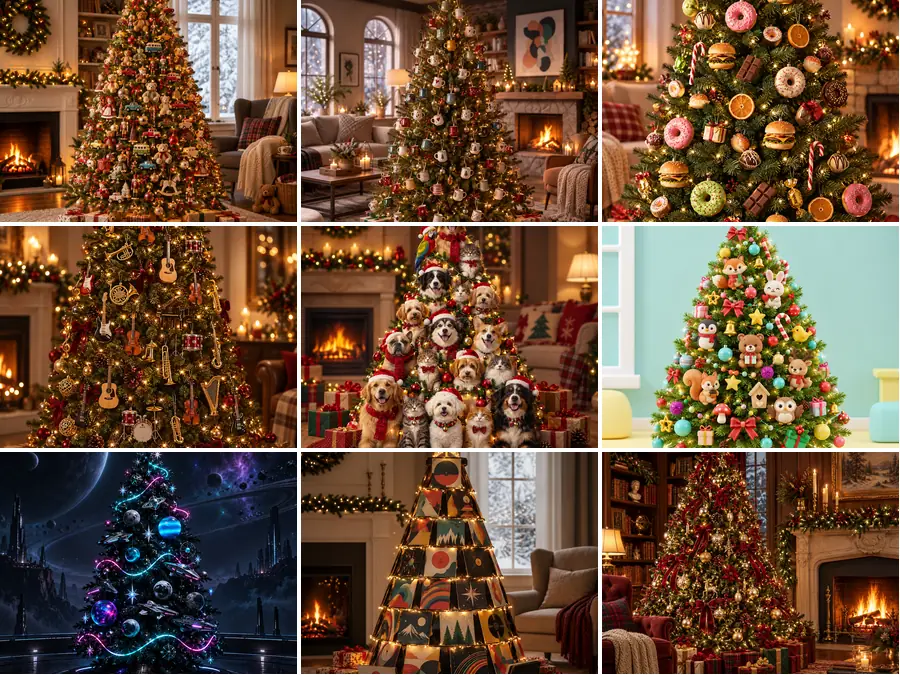
The other side of the trend: a tree hung with tiny versions of your favorite things. Pick small toys, mini mugs, instruments, snacks, record sleeves, or tiny spaceships, or upload a photo of your own collection and describe it in the note.
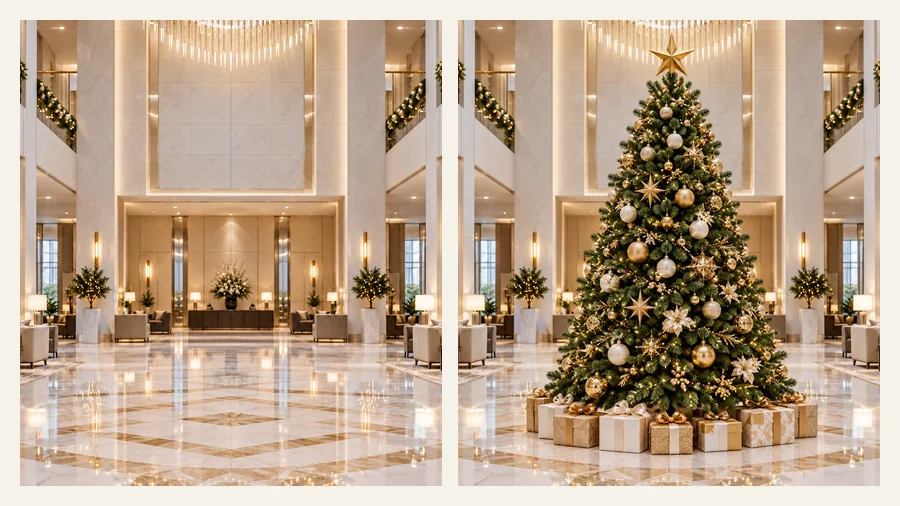
Planning the real tree? Upload a photo of your living room, office, or lobby and try red and gold, frosted pine, warm gold lights, or a fairy village style in place. It is a quick virtual Christmas tree preview, and the image doubles as Christmas tree digital art for cards and posts.
A couple tree full of your shared selfies makes a sweet message, phone wallpaper, or printed card.
Turn a camera roll of dog or cat photos into a tree made of your pet for the holiday feed.
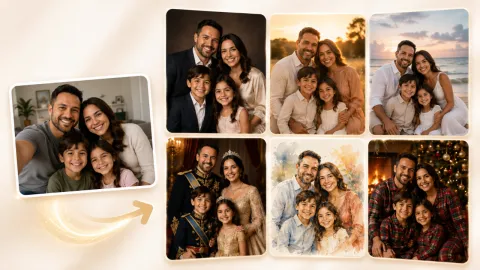
Put grandparents, parents, and kids on one tree, or pose everyone together in a Christmas-morning scene.
Preview a tree style in your own room before buying ornaments, or share options with roommates.
Portrait trees repeat your face many times, so the source photo really matters.
Front-facing, sharp photos with the whole face visible give the cleanest portraits on the tree.
For couple and family trees, upload separate photos of each person instead of one group shot.
Soft light and a simple background help each face blend into the branches and lights.
Add "pink bow, gold lights" or "blue and silver" in the note to match your feed or decor.
Common ways people make their own trend photo.
Illustrative examples adapted from reference material, not verified reviews of EzImgMaker.
I uploaded three selfies of me and my boyfriend and got a couple tree with little hearts between our faces. It became my lock screen for the whole month.
Our dog’s account posted a tree made entirely of his face in tiny Santa hats. Easily the most shared thing we made all year.
I tested frosted pine and red and gold in a photo of our lobby before ordering decorations. The team voted in five minutes.
I put my parents, my sister, and me on one portrait tree for the family chat. Everyone still looked like themselves, which was the whole point.
Answers to common questions about the viral AI Christmas tree.
It is a holiday trend where AI turns your photos into a Christmas tree made of faces: many headshots of you, a couple, a family, or a pet stacked into a tree shape with lights and a bow. Related looks include trees made of small objects and cozy Christmas-morning portraits beside a tree.
Upload a clear headshot as the main photo, choose Selfie Tree or Expressions Tree under Portrait Trees, and generate. The AI repeats your face with different expressions and festive outfits and arranges the portraits into a tree silhouette.
Add your partner’s or pet’s photo in the Second Photo slot, then choose Couple Tree or Pet Tree. For a family tree, use the Third Photo slot too, and describe who should be on top in the note.
A portrait tree already works like a Christmas tree photo collage with the cutting and layering done for you. If you want your original photos placed unchanged in a fixed Christmas tree collage template, use the Christmas Collage Maker instead.
No. Christmas tree augmented reality apps place a 3D tree in your live camera view. This tool creates a still image: upload a room photo, pick a Virtual Tree Style, and get a picture of the decorated tree in your space that you can save and share.
Yes. Upload a well-lit photo of the room, choose a style such as Red & Gold, Frosted Pine, or Warm Gold Lights, and mention the spot in the note, for example "in the corner by the window". It is a handy virtual Christmas tree decorating preview before you buy ornaments.
That is the goal. Faces keep their features while expressions, outfits, and small accessories vary. Sharp, front-facing photos with one face each give the most recognizable results.
Up to three: one main photo plus two optional extra photos. Each photo should show one person or pet clearly. JPG, PNG, and WebP files up to 10 MB are supported.
No. The Christmas tree AI runs in your phone or desktop browser, so there is nothing to install before you start.
Only upload photos you own or have permission to use, and ask friends and family before putting their faces on a shared tree. Do not use photos of celebrities, strangers, or someone you do not know personally, and ask a parent or guardian before using a child’s photo.
Upload your photos, pick a tree, and join the AI Christmas photo trend with a tree that is all yours.