Anime Avatar
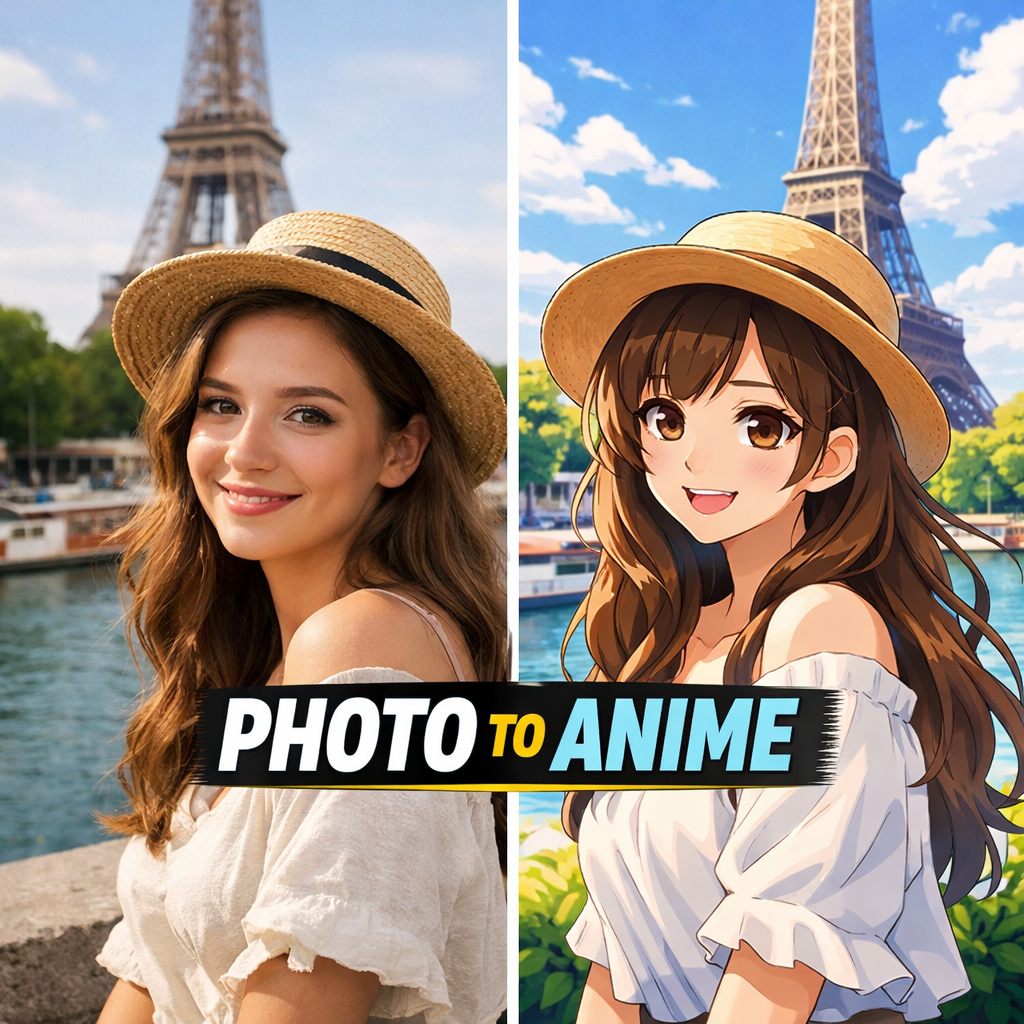
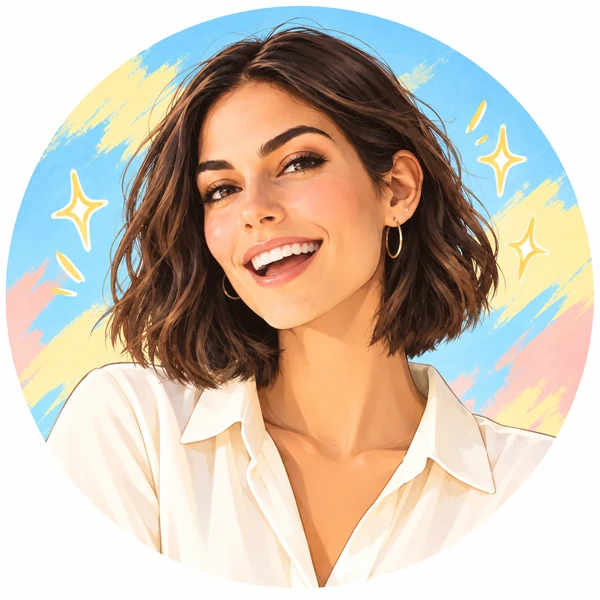
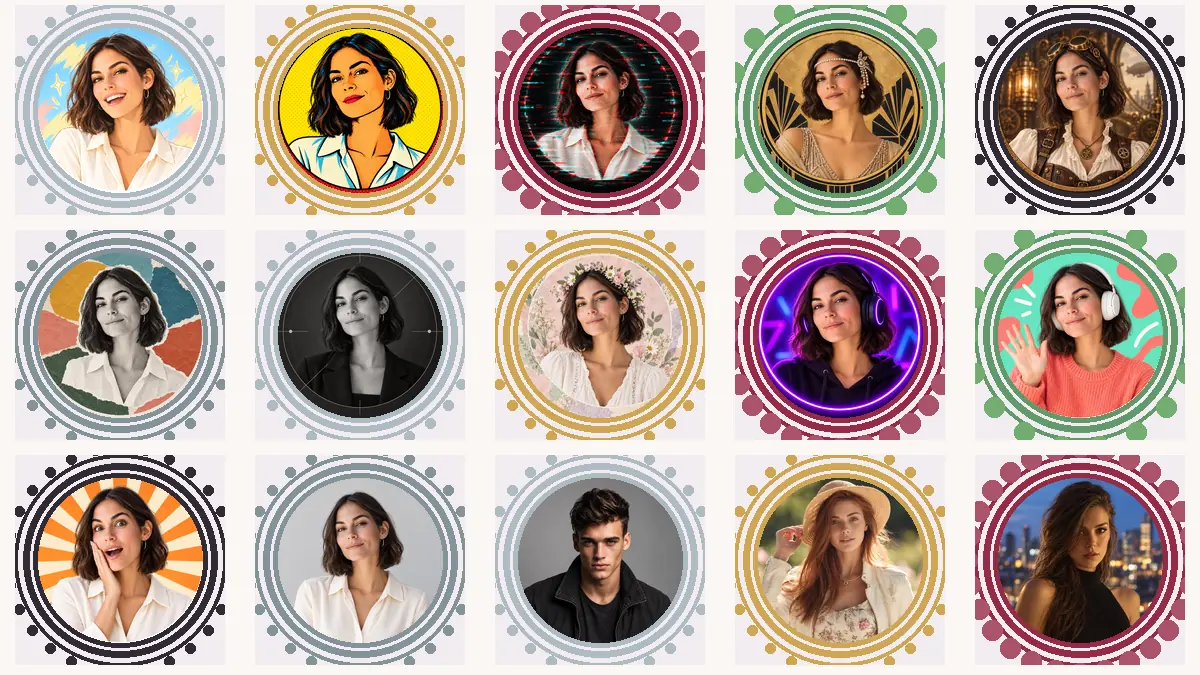
A cheerful anime version of you with bright colors and emoji accents, great for gaming and reaction channels.
Upload a selfie or channel photo, pick a style, and this YouTube profile pic creator turns it into a round channel icon that stays clear next to every video and comment: anime, pop art, gaming, logo, or framed portrait.
Your photo stays in this browser during this UI preview.
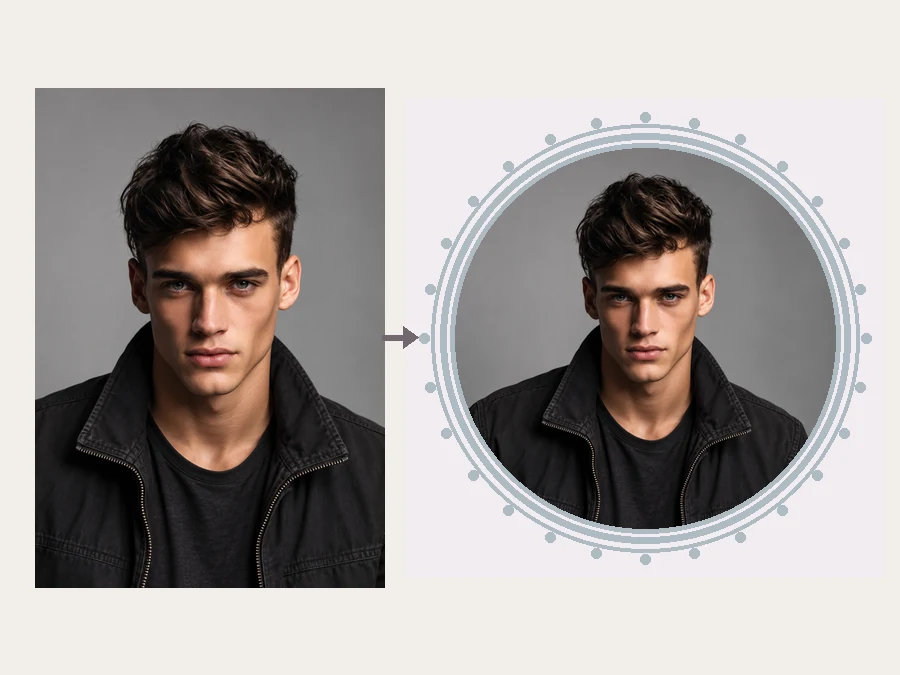
Reference example. It is not a result generated from your upload.
A YouTube PFP, short for profile picture, is the round channel icon viewers see beside your videos, comments, Shorts, and search results. It is often shown only a few dozen pixels wide, so the best YouTube profile pics use one clear subject, strong contrast, and no tiny text. Most creators choose their face, a stylized avatar, or a simple channel logo.
This AI YouTube profile picture generator starts from a photo you upload and redraws it in the style you pick, from anime and pop art to gaming looks, mascot logos, and ornate frames. It generates a brand-new image, which makes it different from the browser-based resize tools on EzImgMaker: if you already have the perfect photo and only need it cropped or sized, use the Avatar Cropper or YouTube Banner Size tools linked below.
Stuck on YouTube profile picture ideas? Browse styles creators use for faces, avatars, and faceless channel logos, then try one on your own photo.
A cheerful anime version of you with bright colors and emoji accents, great for gaming and reaction channels.
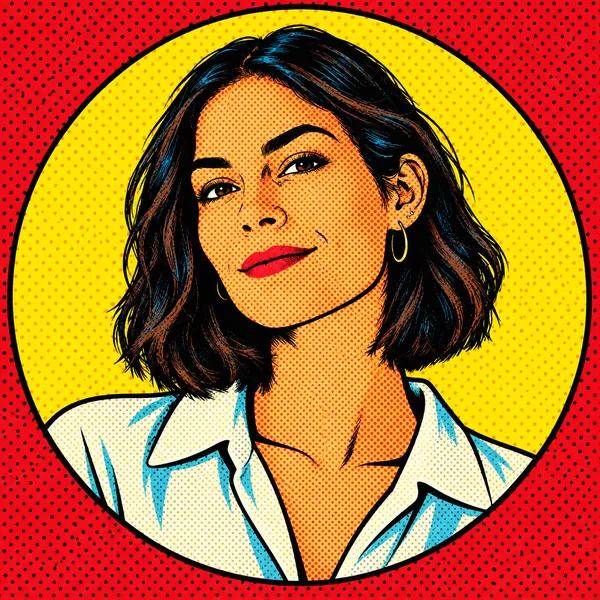
Comic-book color, halftone dots, and a clean white ring that pops in a busy feed.
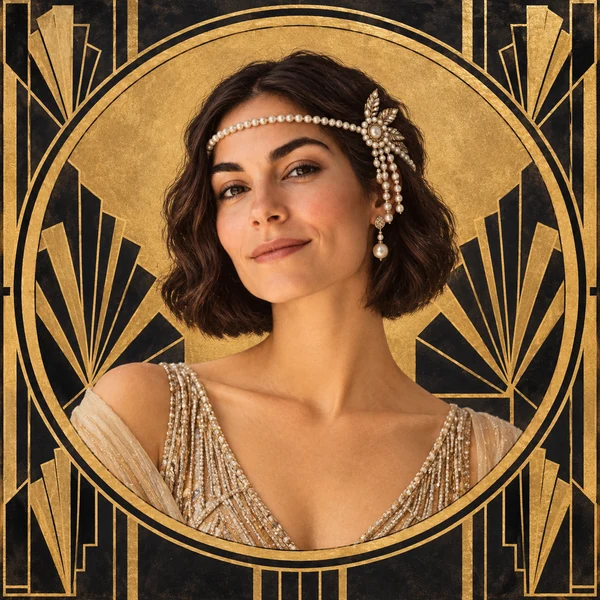
Vintage 1920s styling with pearls and a gold ring, made for beauty and fashion creators.
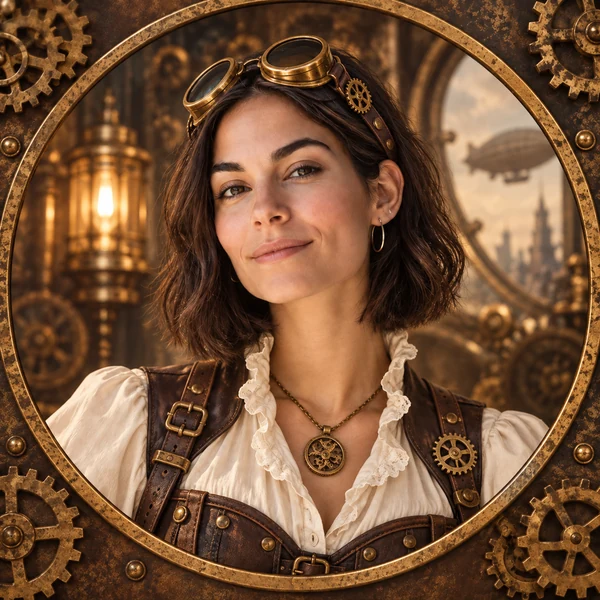
Brass goggles and gears for storytelling, history, and fantasy channels.
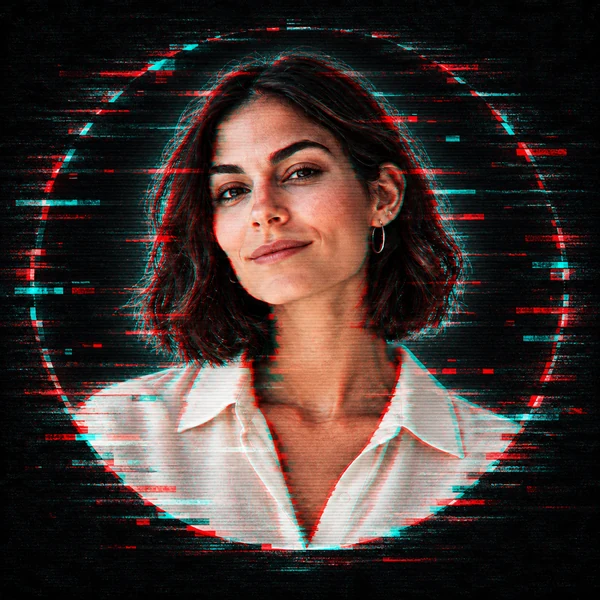
RGB-split glitch lines for tech, music, and late-night gaming channels.
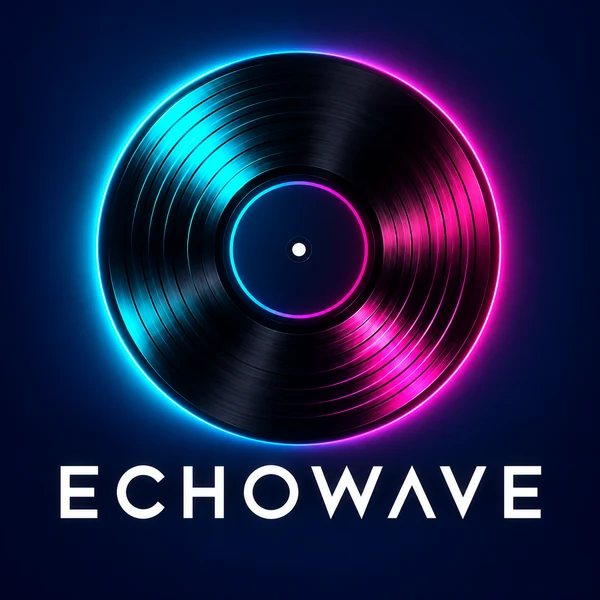
No face needed: a bold vinyl logo with a channel name for faceless music channels.

A friendly mascot that tells viewers what your channel is about at a glance.
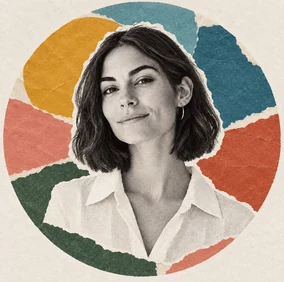
Layered shapes and textures for art, design, and lifestyle creators.
This YouTube PFP maker works in three steps, with no design software or editing skills needed.
Choose a clear, well-lit selfie or channel photo with your face or logo near the center. JPG, PNG, and WebP files up to 10 MB are supported.
Browse Avatar Styles, Channel Looks, or Frames and pick one. Add your niche, colors, or props in the channel details box.
Generate up to four versions, compare them at small size, download your favorite, and set it as your YouTube profile picture.
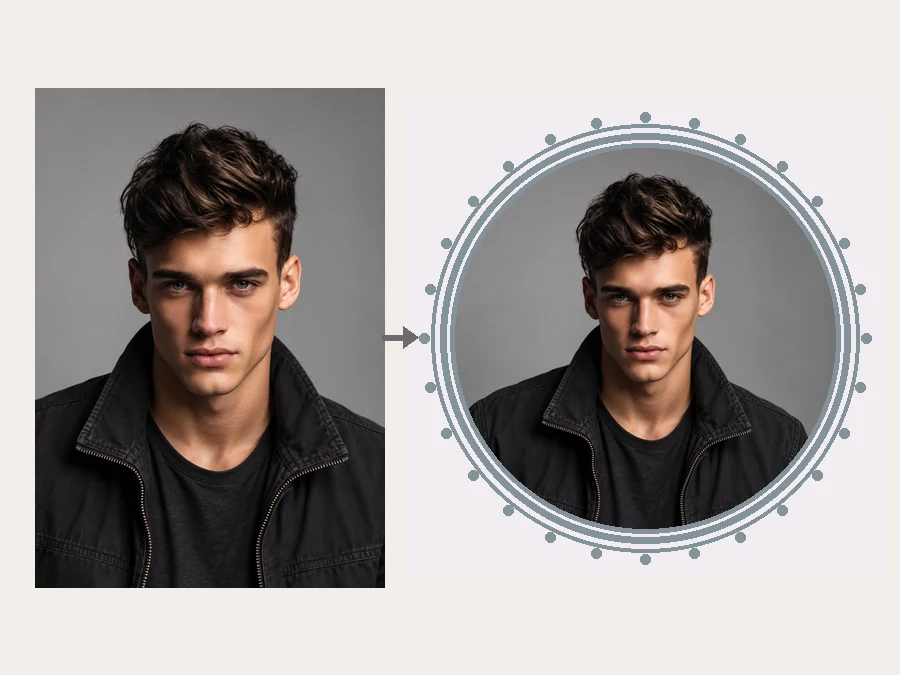
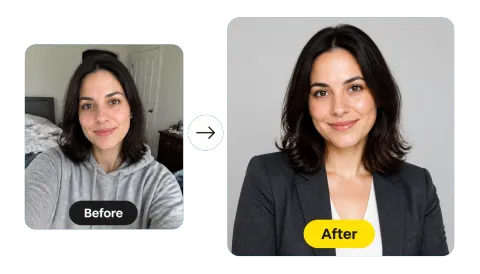
Upload an everyday photo and the YouTube profile photo creator rebuilds it as a polished channel icon with clean lighting, a matching background, and your face kept recognizable. No retouching, cutting out, or layer work on your side.
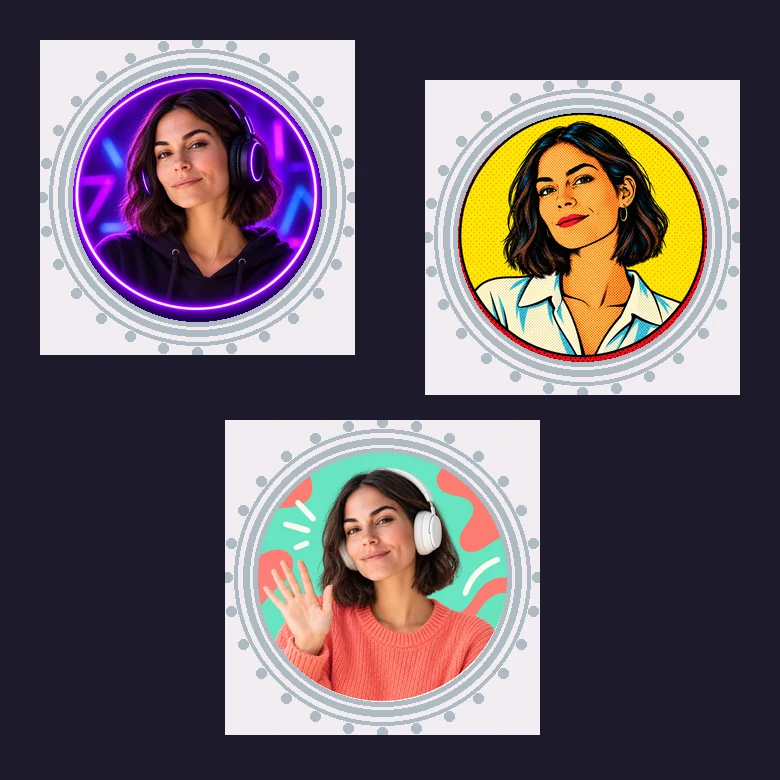
Gaming, music, vlogs, reactions, tutorials, or business: pick a Channel Look and the YouTube channel picture maker adds the props, colors, and mood viewers expect, like a VR headset for gaming or a sound-wave ring for music. Running a faceless channel? It also works as a YouTube profile image maker for logos and mascots.
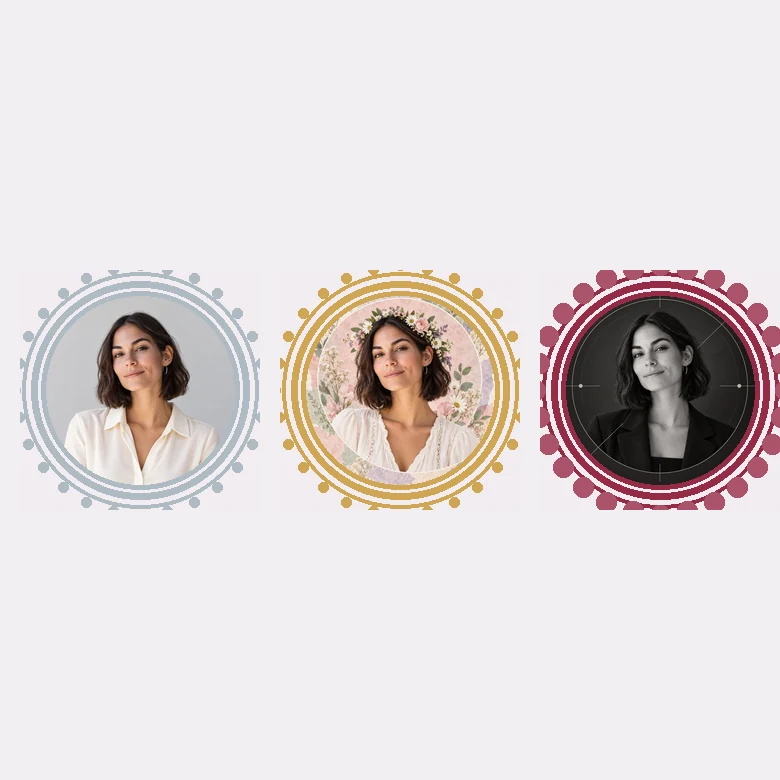
A typical YouTube profile pic template pastes your cutout onto the same backgrounds everyone else uses. Here each style is generated around your photo, so your YouTube PFP template result is one of a kind, whether you go social, classic, aesthetic, or describe something of your own.
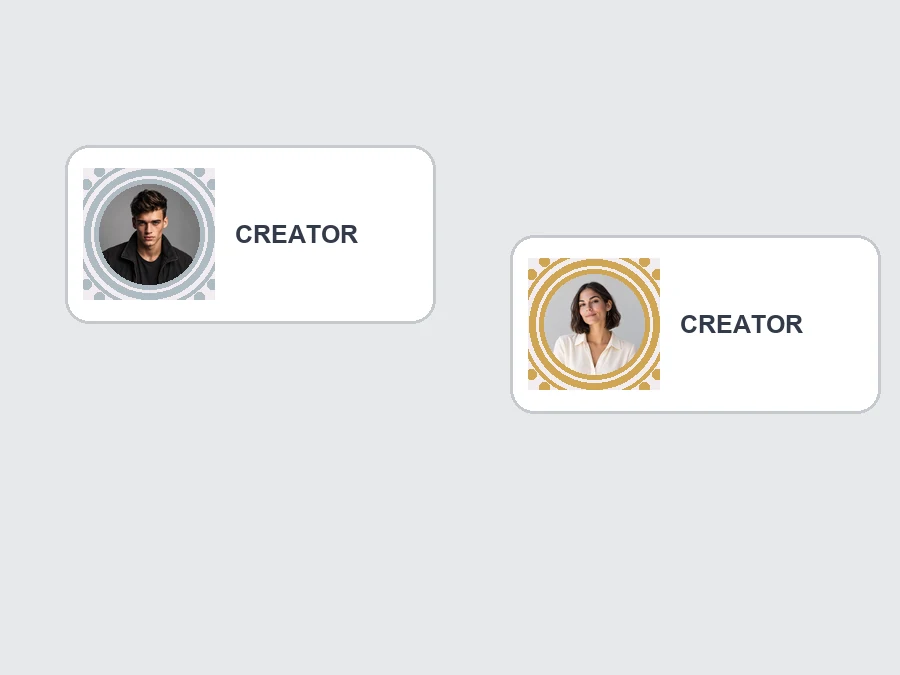
YouTube shows your profile picture as a circle, often a tiny one. Every style keeps the subject centered with strong contrast and delivers a square image that survives the circle crop. Download it and check how it reads at small size before you upload.
Launch with a professional YouTube channel PFP instead of the default letter icon. This YouTube profile creator makes one from a single photo.
Get a logo or mascot that represents your channel without ever showing your face.
Refresh your YT profile pic for a rebrand, a subscriber milestone, or a seasonal theme.
Use it as a YouTube profile photo maker and reuse the same square image on your other social and community profiles.
Whatever YouTube profile pic maker you use, these basics decide how your icon looks at small sizes.
The circle crop trims the corners, so keep the important part in the middle of the photo.
A sharp, evenly lit photo gives the AI more detail to keep in your face and hair.
A bright subject on a simple background stays readable in both light and dark mode.
Words blur at small sizes. Keep your channel name for the banner and let the picture do the work.
Common ways channel owners use AI profile pictures.
Illustrative examples adapted from reference material, not verified reviews of EzImgMaker.
I had tried a few YouTube profile image creator templates before, but they all looked generic. The framed portrait style finally made my channel look established.
I run a faceless lo-fi channel, so the logo look was perfect. It still reads clearly at tiny sizes in the comments.
I tried anime and pop art on the same selfie and let my community vote. More fun than a regular YT PFP maker.
Centering my face and using a plain background gave the cleanest result, and I used the same picture on my other socials.
Answers to common questions about YouTube profile pictures.
A YouTube PFP is your channel profile picture: the round icon shown next to your videos, comments, and channel name. A YouTube PFP generator like this one turns a photo into a simple, high-contrast icon of your face, an avatar, or a logo.
Upload a clear photo, pick a style from Avatar Styles, Channel Looks, or Frames, add optional channel details, and generate. Download the version you like best and upload it to your channel.
YouTube recommends a square image of 800 × 800 pixels that is 4 MB or smaller, in JPG, PNG, BMP, or non-animated GIF format. It is displayed as a circle, so keep the subject centered.
On desktop, open YouTube Studio, go to Customization, then Branding, and choose Change next to Picture. In the mobile app, open your channel, tap the pencil Edit icon, and tap your profile picture. The new image can take a little while to appear everywhere.
Before uploading, shrink your result into a small circle (the Avatar Cropper is handy for this) and make sure your face or logo is still clear. If details disappear, choose a style with bolder shapes or a plainer background.
Yes. Generate a few versions, switch styles, or add colors, props, or a background in the channel details box until the picture looks right.
No. Brand Logo and Mascot Logo create faceless channel icons. You can upload a sketch, a product photo, or an existing logo as the starting point.
Yes. Those tools resize and crop an existing image in your browser. This YouTube PFP maker uses AI to generate a new, stylized profile picture from the photo you upload.
Only upload photos you own or have permission to edit, and avoid copyrighted characters or logos you have no rights to. They can lead to copyright claims against your channel.
No. EzImgMaker is an independent tool and is not affiliated with YouTube or Google. The YouTube name only describes where the picture will be used.
Upload a photo and turn it into a channel icon that stays clear at any size.
YouTube is a trademark of Google LLC. EzImgMaker is an independent tool and is not affiliated with, endorsed by, or sponsored by YouTube or Google.