Gaming Channel Logo
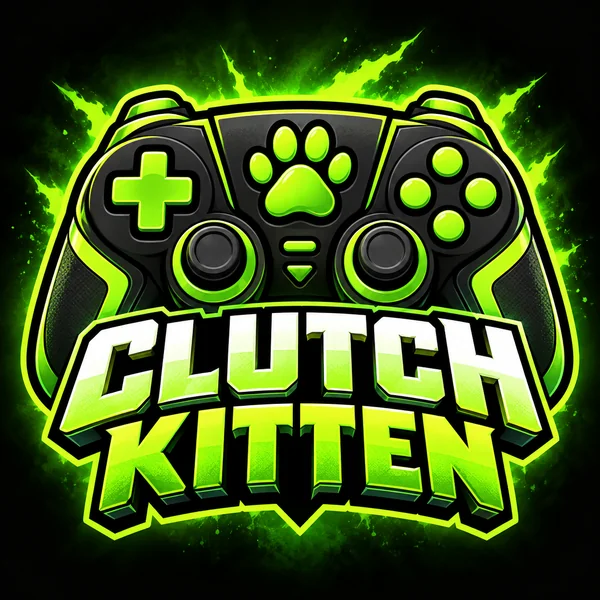
A chunky controller-and-paw icon for Clutch Kitten that still reads at comment size.
Type your channel name, choose a niche from Gaming to Fitness, and pick a style such as Bold Icon, Play Badge, Mascot, or Neon. Each logo is centered for the round profile picture viewers see, with an initials option for long names and a 16:9 canvas for banner drafts. Free to try.
Logo style
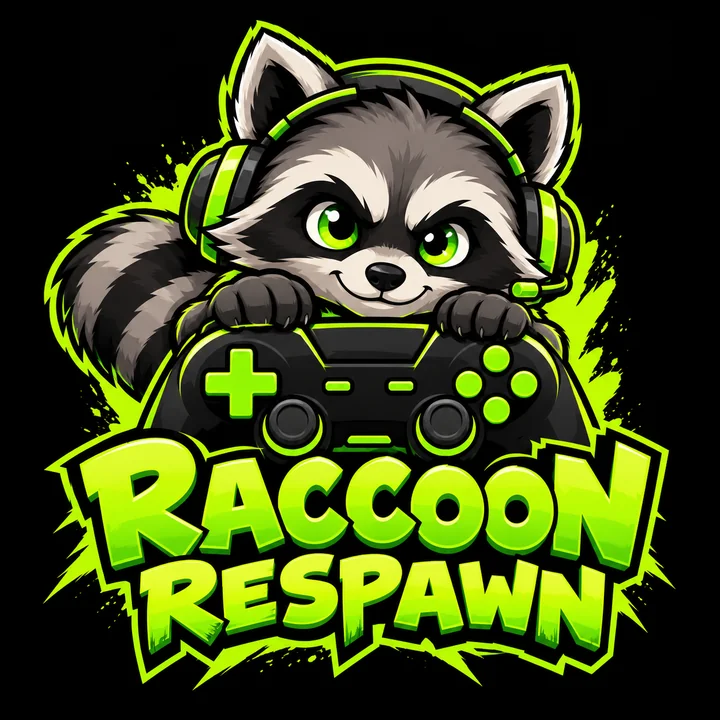
A gaming channel logo for "Raccoon Respawn": an original cartoon raccoon wearing a headset and peeking over a game controller, lime green and black, chunky letters below, centered for a circle.
Reference example. It is not a result generated from your upload.
Your logo is the one piece of branding viewers see on every video, comment, and Short, usually as a circle smaller than a fingernail. This AI YouTube logo generator designs for exactly that: type your channel name, choose a niche, and pick one of eight styles, and it draws a bold, centered mark with your name or initials lettered as you typed them.
Use it for a brand-new channel, a rebrand, or a second channel with its own identity. Choose a color pair or let the AI pick one that suits the niche, upload your current logo to refresh it, and switch to the 16:9 canvas for a banner draft in the same look. Your sign-up credits cover the first few tries.
Six fictional channels in six niches. Pick one and its style lands in the workspace, ready for your channel name.
A chunky controller-and-paw icon for Clutch Kitten that still reads at comment size.
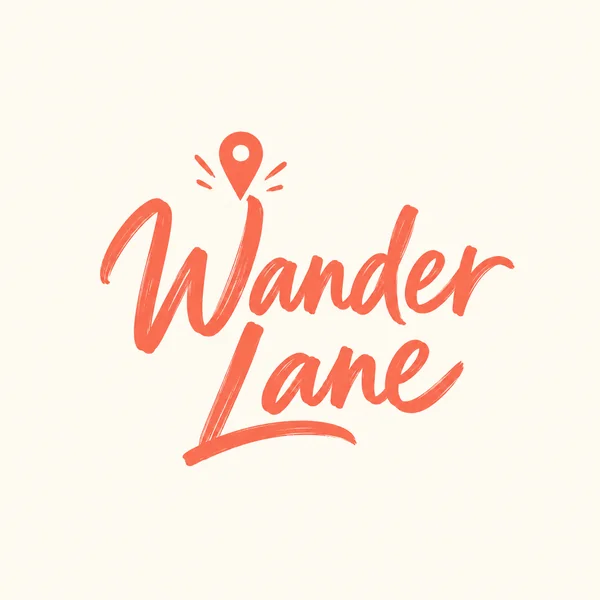
Wander Lane in loose brush script with a tiny map pin, a signature mark that fits on every thumbnail.
A light bulb drawn as an open book for Brainy Bits, simple enough for a corner watermark.
A blush-to-gold gradient brush stroke that shapes the B of Blush Lab.
Iron Morning in retro stripes with a kettlebell flame, built to sit on workout thumbnails.
Glowing headphones around a crescent moon for Night Shift Beats, made by the YouTube logo maker AI in the Neon style.
Type it exactly as it appears on your channel. If it runs longer than about 12 letters, add two or three initials so the circle version stays bold.
Gaming, Vlog, Tech, Cooking, Music, Education, Beauty, or Fitness guides the symbol. Pick a color pair, or let the AI choose one that suits the niche.
Eight styles cover mascots, neon, gradients, retro stripes, and signature scripts. Tap an idea chip for a full description to start from.
Generate up to four versions and judge them at the size viewers see beside your videos. Avatar Cropper shows the round crop before you upload anything.
A circle-safe layout, initials for long names, niche-aware symbols, and a wide banner draft.
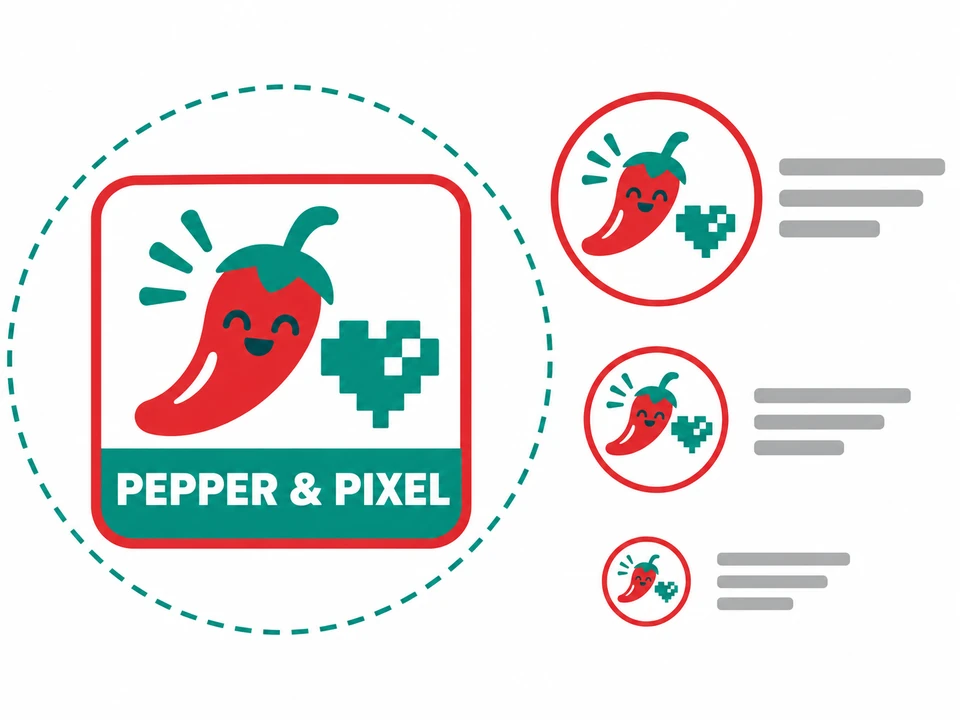
Your logo appears as a circle, as small as 98 pixels beside comments and videos. Every style here keeps the important parts in the middle and uses thick shapes, which is what makes this a logo creator YouTube channels can rely on rather than a generic image tool.
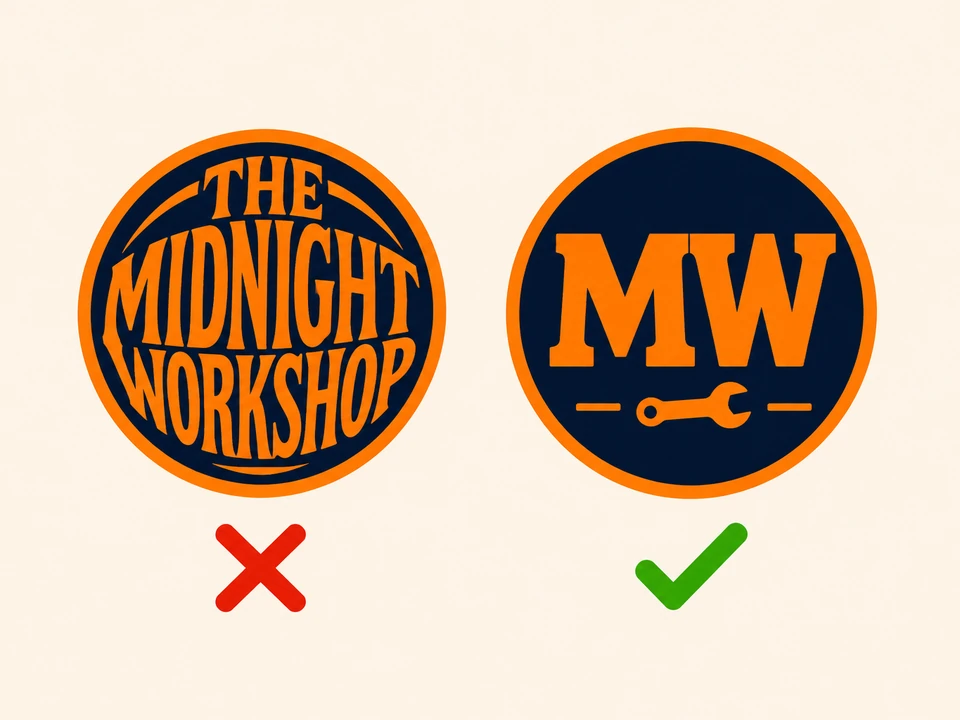
Long channel names turn into specks at avatar size. Add initials and the YouTuber logo maker builds the mark around them, keeping the full name only where it stays legible, so one logo works on the channel page and on a phone.
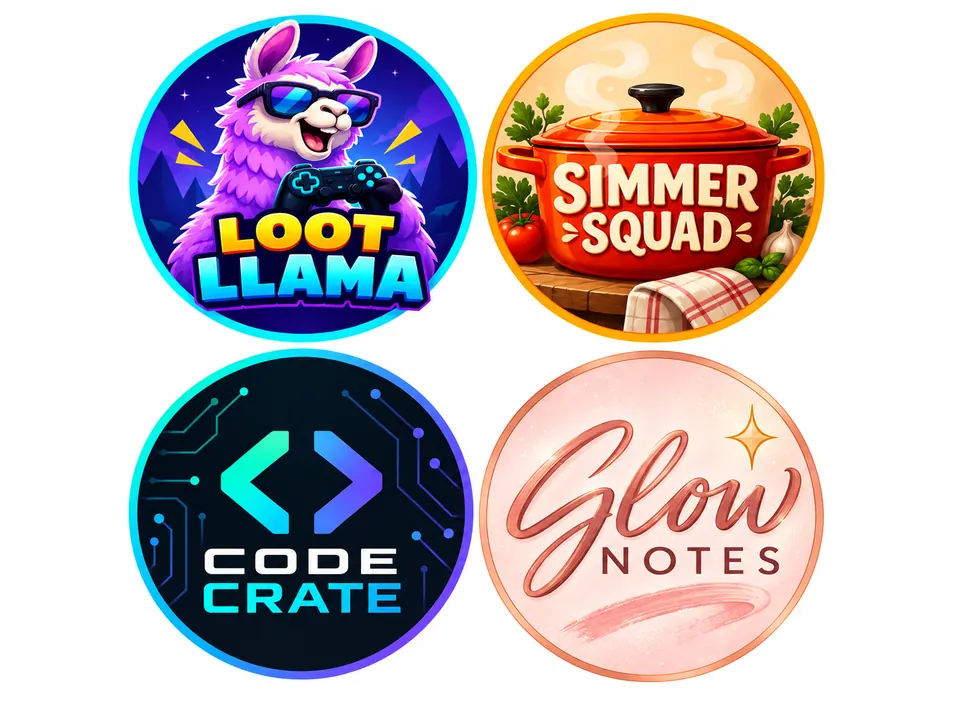
Gaming channels lean on mascots and neon, cooking shows on warm badges, tech reviewers on minimal marks, and lifestyle creators on scripts. The YouTube logo generator AI reads the niche you pick and suggests symbols that fit; your description always overrides it.
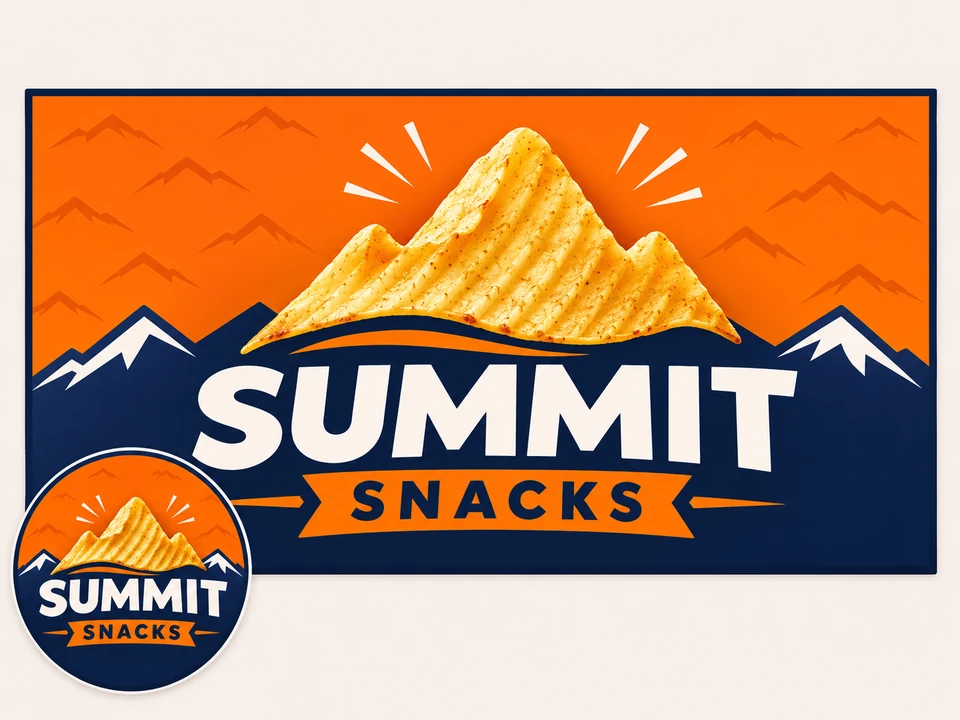
Switch the canvas to 16:9 and generate a wide version with the same name and colors, then fit it to channel art with the YouTube Banner Size tool so nothing important lands outside the safe area.
Symbols and colors that stay recognizable when the logo shrinks to a dot in the feed.
| Channel niche | Symbols that read small | Styles to try | Colors that pop |
|---|---|---|---|
| Gaming | Controllers, mascots, lightning, pixel hearts | Mascot, Neon, Bold Icon | Lime, purple, black |
| Vlog | Cameras, map pins, suns, hearts | Handwritten, Minimal | Coral, cream, teal |
| Tech | Circuits, cursor arrows, brackets, chips | Minimal, Gradient | Cobalt, white, graphite |
| Cooking | Spoons, steam, pots, chili peppers | Play Badge, Retro | Tomato red, olive, mustard |
| Music | Headphones, sound waves, vinyl records | Neon, Gradient | Violet, hot pink, black |
| Education | Light bulbs, books, pencils, atoms | Bold Icon, Minimal | Sunny yellow, navy |
| Beauty | Brush strokes, lips, sparkles, flowers | Handwritten, Gradient | Blush, gold, plum |
| Fitness | Kettlebells, flames, lightning, peaks | Bold Icon, Retro | Orange, charcoal, red |
A profile picture is on screen for a split second in feeds; one symbol and two colors are usually plenty.
One square file, six jobs across your channel and beyond.
The round icon beside every video, comment, and Short. Upload a square file of at least 800 × 800 pixels.
The small branding image in the corner of your videos, where a simple mark reads best.
Place the wide draft in your channel art, with the logo inside the central safe area.
A small corner logo makes your thumbnails recognizable in a crowded feed.
Fans buy what they recognize; the same mark works on shirts, mugs, and laptop stickers.
Reuse the square file on Twitch, Discord, and social accounts so viewers find you everywhere.
Shrink the logo to comment-avatar size. If you squint and still know it, it works.
Play buttons and app icons belong to their owners and make channels look alike. Use your own symbol.
A full name plus a slogan cannot fit in a circle. Use initials or a single short word.
Pick colors you already use in thumbnails so the whole channel feels like one brand.
Check the circle crop, size your banner, choose thumbnail fonts, and explore sister logo makers.
Preview your new logo as a circle and export a square file sized for the profile picture.
Open the toolFit the 16:9 draft into 2560 × 1440 channel art with the safe area for every device marked.
Open the toolBold typefaces that match a new channel logo, sorted by niche, with size and outline tips.
Read guideEvery logo style and twelve industries in one place, with a slogan field and your own two brand colors.
Open the toolSquare cover art for the audio version of your show, with the show name and topic built in.
Open the toolA matching server icon for your community, cropped for Discord’s round icons.
Open the toolIt is. Your new account receives free credits at sign-up, which covers a few channel logo drafts. Each generation after that uses credits, and the Generate Channel Logo button lists the cost for your model and version count first.
Yes. You upload a square image and it is displayed as a circle, so the corners disappear. The styles here keep the symbol in the center; check the crop with Avatar Cropper and upload a file of at least 800 × 800 pixels.
No. The red play button is YouTube’s trademark, and channels that copy it look unofficial. The Play Badge style draws a forward-arrow badge in your own colors instead, which hints at video without borrowing anyone’s mark.
Pick the topic most of your recent videos share, or the closest one, and describe the mix in the prompt, for example “gaming and cooking, a controller made of noodles”. The niche only nudges the symbols; your words take priority.
Yes. Choose Gaming and the Mascot style, then describe the character, such as an animal, a robot, or a creature that matches your name. Mascots are drawn as original characters, never as heroes from existing games.
Switch the canvas to Banner draft 16:9 and generate again with the same name and colors. Then open YouTube Banner Size to fit it into 2560 × 1440 channel art with the safe area marked.
Yes. Export the square version and add it in the branding settings of YouTube Studio, which asks for a small square image. Bold Icon and Minimal results stay readable in that tiny corner spot.
Yes, under Old channel logo or sketch. The AI keeps the recognizable idea and redraws it in the style you choose. Upload only artwork you made or hold the rights to; another creator’s logo is not yours to remix.
No. EzImgMaker is an independent tool and is not endorsed by YouTube or Google. The logos you make are your own channel artwork, and they never include YouTube’s logo or icons.
Image models occasionally swap or repeat letters, especially in names over 15 characters or names with numbers. Generate again, switch to Nano Banana Pro, or add initials and let the full name sit smaller.
Type the channel name, pick a niche and a style, and check the result as a tiny circle before you upload it.
YouTube and its play-button logo are trademarks of Google LLC. GPT Image (OpenAI) and Nano Banana (Google LLC) are named only to identify the models. EzImgMaker is independent and endorsed by none of these companies; every channel shown is fictional.