Comedy Podcast Cover
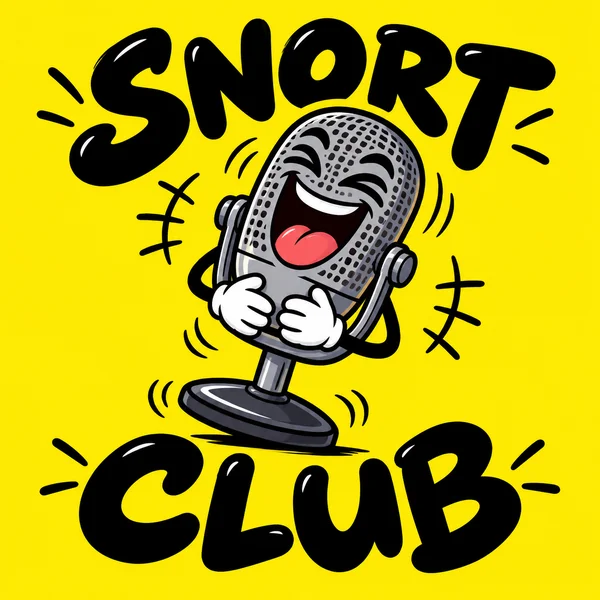
A laughing cartoon mic on yellow for Snort Club, readable from across a phone screen.
Type your show name, pick a topic from True Crime to Business, and add a host line if you like. Choose Microphone Icon, Bold Type, Illustrated, Retro Radio, Minimal, Badge, Photo-style Cover, or Gradient, and get square artwork that stays readable as a thumbnail in podcast apps. Free to try.
Cover style
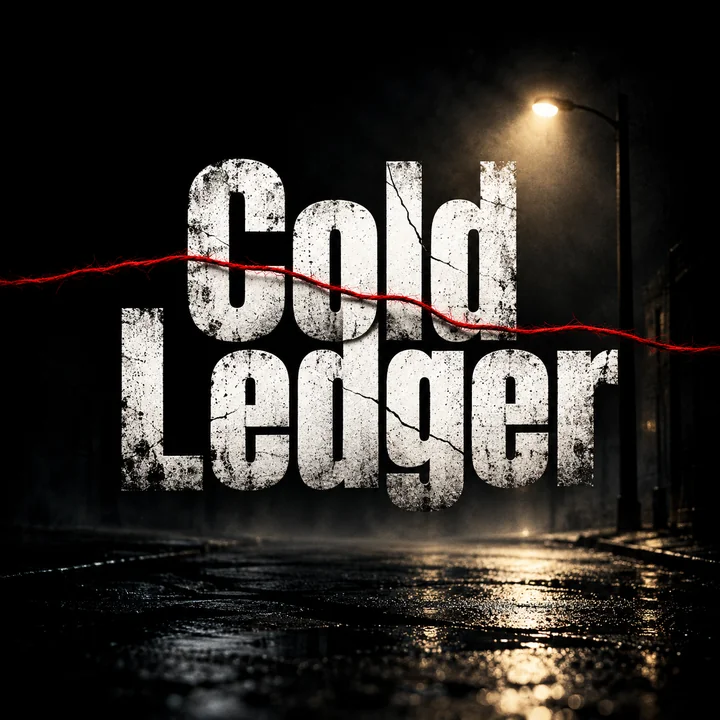
A true crime podcast cover for "Cold Ledger": huge distressed white letters on black, a single red thread running across the title, a faint streetlight glow.
Reference example. It is not a result generated from your upload.
For most shows, the podcast logo and the cover art are the same square, and listeners judge it at the size of a fingertip. This podcast logo maker builds that square around your show name and topic, keeping the title big, the imagery simple, and the colors bold enough to stand out in a grid of covers.
Pick one of eight styles, add a host line, upload a host photo for a photo-style cover, and switch to 16:9 for matching episode thumbnails. When you have a favorite, upscale it to directory size. The first few covers run on the free credits included with a new account.
Six fictional shows. Use a card as a starting point and the workspace picks up its idea or style.
A laughing cartoon mic on yellow for Snort Club, readable from across a phone screen.
A sound wave that turns into circuitry for Byte Size Talk, on a deep blue gradient.
Crossed microphones under a stadium flare for Fourth Quarter Radio, in red and navy.
A fictional host at a studio mic for The Long Table, with the title set clean across the top.
A circular seal with a compass rose for Wander Report, simple enough for a mic flag.
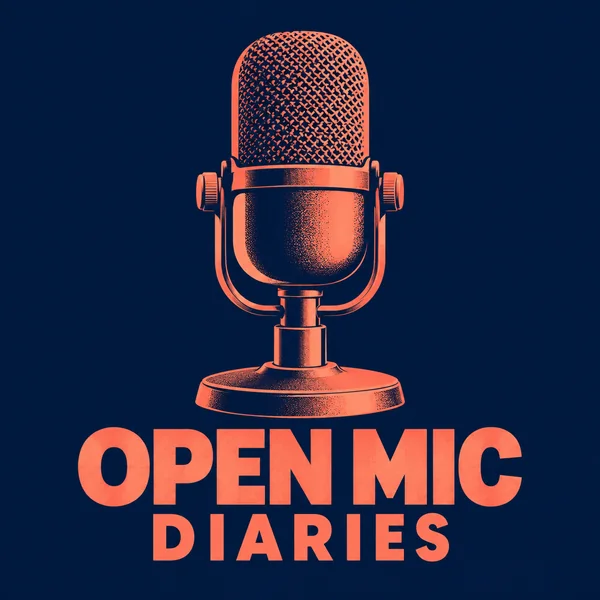
One bold, unbranded studio microphone for Open Mic Diaries, coral on midnight blue.
Enter it exactly as it is listed. Short titles leave room for big letters, which matter most at thumbnail size.
Interviews, True Crime, Comedy, Business, Tech, Wellness, Sports, or History guides the imagery; add “with” and the host’s name if you want it on the cover.
Microphone Icon, Bold Type, Illustrated, Retro Radio, Minimal, Badge, Photo-style Cover, or Gradient. For a host photo cover, upload the photo as well.
Generate up to four covers, pick one, and enlarge it with the Image Upscaler to the 3000 × 3000 pixels most directories ask for.
Big titles, host photos with consent, topic-true imagery, and matching episode thumbnails.
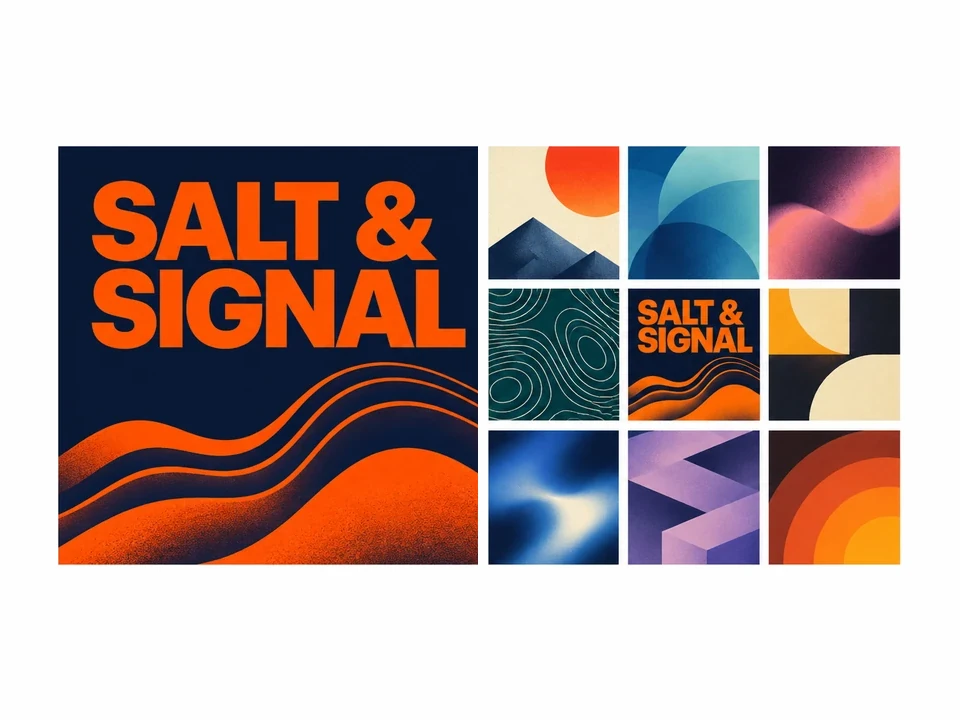
Listeners first meet your show as a small square in a grid of hundreds. Every style keeps the title large, the imagery simple, and the contrast high, so the cover still reads when it shrinks to the size of a fingertip.
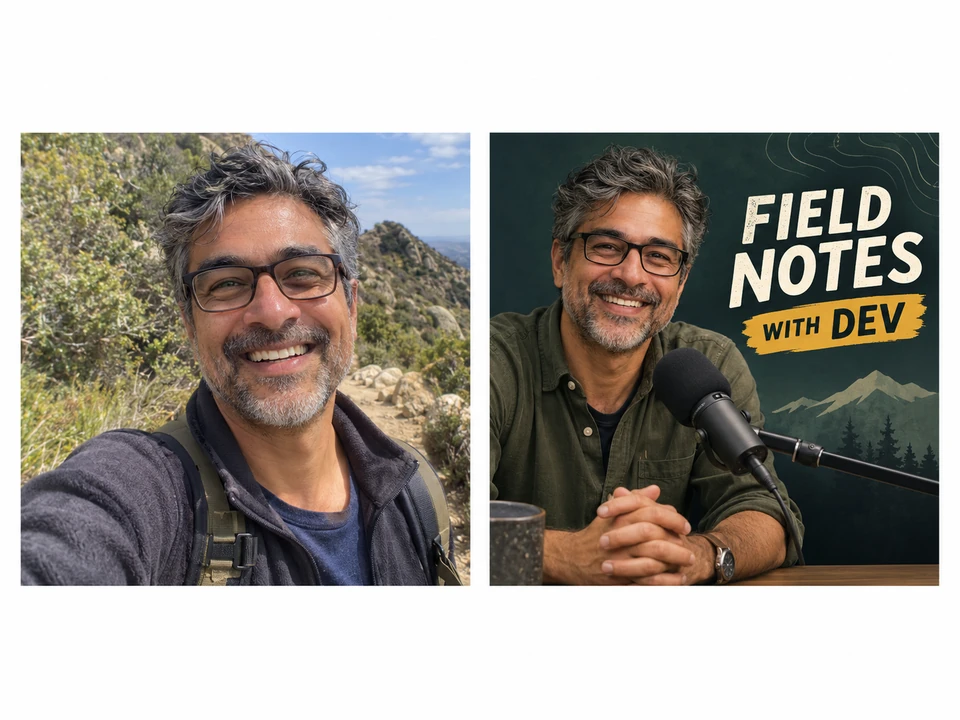
Choose Photo-style Cover and upload a photo of the host, with their consent, and the podcast logo creator places them at a studio mic under your title. Without a photo, it builds a fictional scene instead.
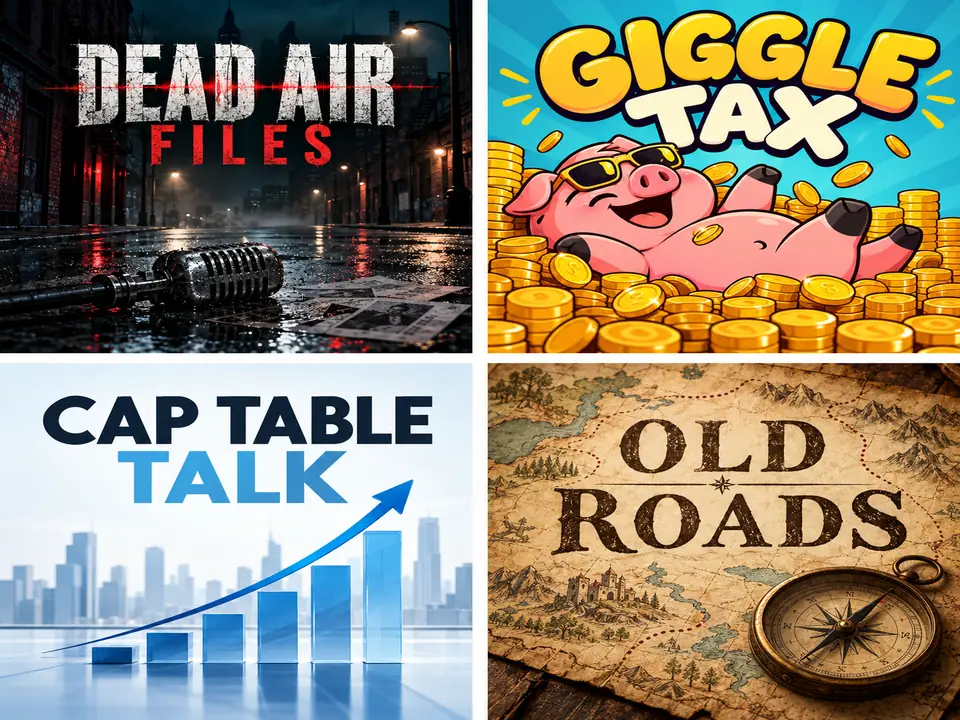
True crime gets noir shadows, comedy gets bright cartoons, business gets clean charts, history gets maps and parchment. The topic sets the imagery, so the cover tells browsers what the show is about before they read a word.
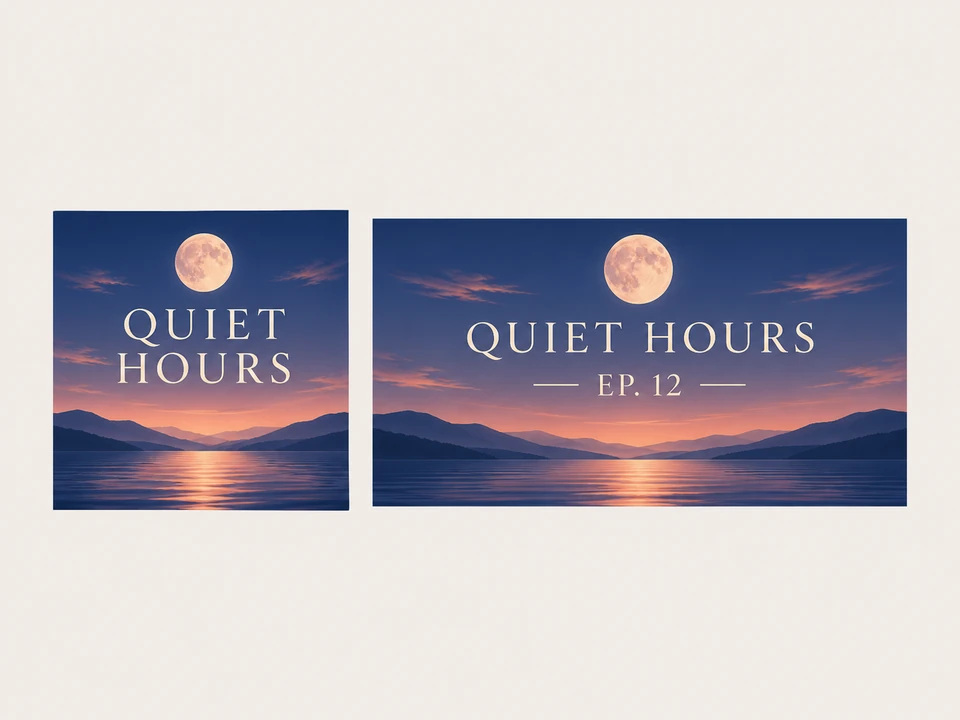
Video podcasts need wide thumbnails too. Switch the canvas to 16:9 and generate a matching version with the same title and colors for every upload.
Common directory requirements, and how to meet each one with this tool.
| Item | What directories usually ask for | How to get there here |
|---|---|---|
| Shape | Square, 1:1 | Use the Cover art 1:1 canvas |
| Size | Up to 3000 × 3000 pixels, often at least 1400 × 1400 | Enlarge the result with the Image Upscaler |
| Format | JPG or PNG in RGB color | Download the result and convert to JPG if asked |
| Text | Readable when small, no misleading claims | Keep the title short; add only a host line |
| Content | No borrowed logos or artwork | Original imagery only, with no brand marks |
Each directory sets and reviews its own rules; check the current requirements before you publish. No cover made here is guaranteed to pass any platform’s review.
The same artwork carries your show across apps, video, social, and live tapings.
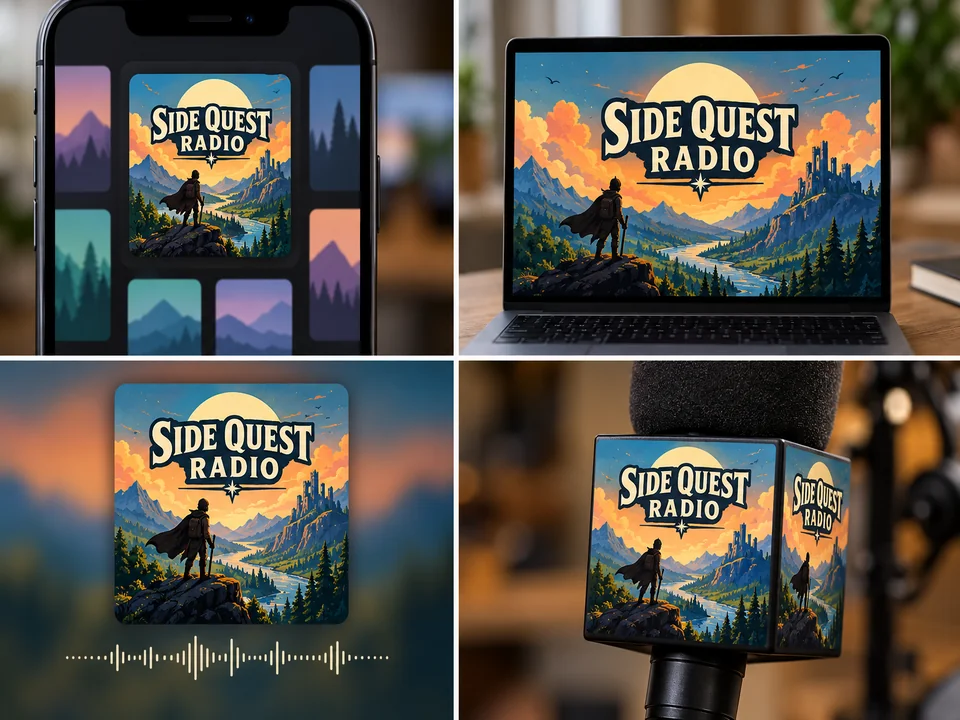
The square cover in search results, charts, and subscription lists.
Keep the base design and swap a small season line for each run.
The 16:9 version for video platforms and clip posts.
Your cover as the backdrop for short clips and pull quotes.
A clean logo for show notes, guest invitations, and email headers.
Stickers, mugs, and mic flags for live tapings and events.
Shrink the cover to about 60 pixels. If the title still reads, it is ready.
Long titles shrink into lines. If yours is long, let one word dominate.
A bold background color makes your show easy to spot in a wall of covers.
Only put a person on the cover if they agreed, using photos you have rights to.
Enlarge the file to directory size first; low-resolution covers can be rejected.
Leave app icons, listen-on badges, and other brands’ logos out of the artwork.
Upscale to directory size, size your video thumbnails, and explore sister logo makers.
Enlarge the finished cover toward 3000 × 3000 pixels without blurring the title.
Open the toolFit the 16:9 episode art to 1280 × 720 thumbnails with the text kept in view.
Open the toolSquare artwork for a theme song release or a companion playlist.
Open the toolA simpler brand mark for the production company behind the show.
Open the toolA round channel logo for the video side of your podcast.
Open the toolNeon and waveform logos for music and mix-show podcasts.
Open the toolYes. The free credits you receive when you create an account are enough to try several covers. Later designs use credits, with the cost shown on the Generate Podcast Cover button for your model and number of versions.
Square, and most directories ask for up to 3000 × 3000 pixels, with 1400 × 1400 as a common minimum. Results here come out at about 1024 pixels square, so run your final cover through the Image Upscaler before you submit it.
For most shows, yes: the square cover is the logo. Some shows also keep a simpler mark, such as a microphone icon or a monogram, for websites, merch, and social avatars. Generate both from the same show name.
No tool can promise that. Directories review covers themselves and change their rules over time. Keep the text readable, leave out other brands’ logos and misleading claims, and check the current guidelines to avoid the most common problems.
Yes. Choose Photo-style Cover and upload a clear photo of yourself under Host photo or old cover. For a co-host or a guest, upload their photo only with their permission.
As little as possible: the show name and, if you like, a short host line. Episode titles, taglines, and web addresses become unreadable at thumbnail size and belong in the show description.
Yes. Switch the canvas to Episode thumbnail 16:9, keep the same style and topic, then check the size with the YouTube Thumbnail Size tool.
No. Microphones are drawn as generic, unbranded designs, and platform logos or listen-on badges belong to their owners, not in your artwork.
Bold Type and Microphone Icon are the safest: a big title, one symbol, strong color. Illustrated and Photo-style Cover stand out more but need a short title to stay readable.
Yes. Upload the cover you use now and the AI keeps its core idea while redrawing it in the style you pick. Upload only artwork you own; the title always comes from the Show name field.
Type the show name, choose a topic and a style, and compare up to four square covers.
Shows and hosts pictured are fictional. GPT Image (OpenAI) and Nano Banana (Google LLC) are trademarks of their owners, mentioned only to identify the models; EzImgMaker is not connected to them or to any podcast directory.