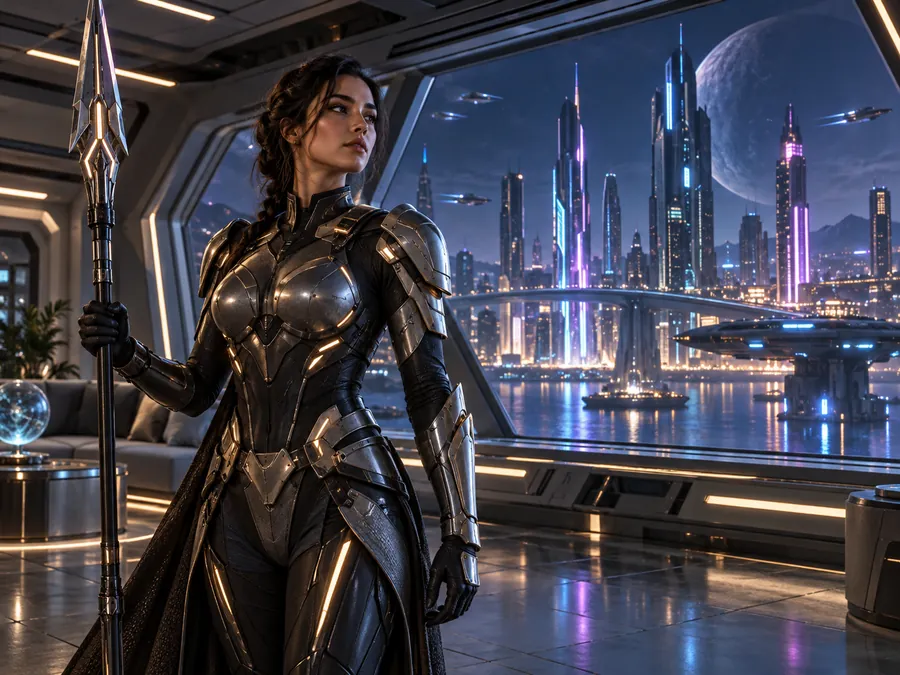
Sci-Fi Heroine
A futuristic warrior at a starship window, from a prompt that names the setting, outfit, and city lights.
Type a sentence, get a picture. Describe what you want to see, pick a style and one of five leading models, and the text to image generator creates images from text you can download, share, or refine. Free credits when you sign up.
Style
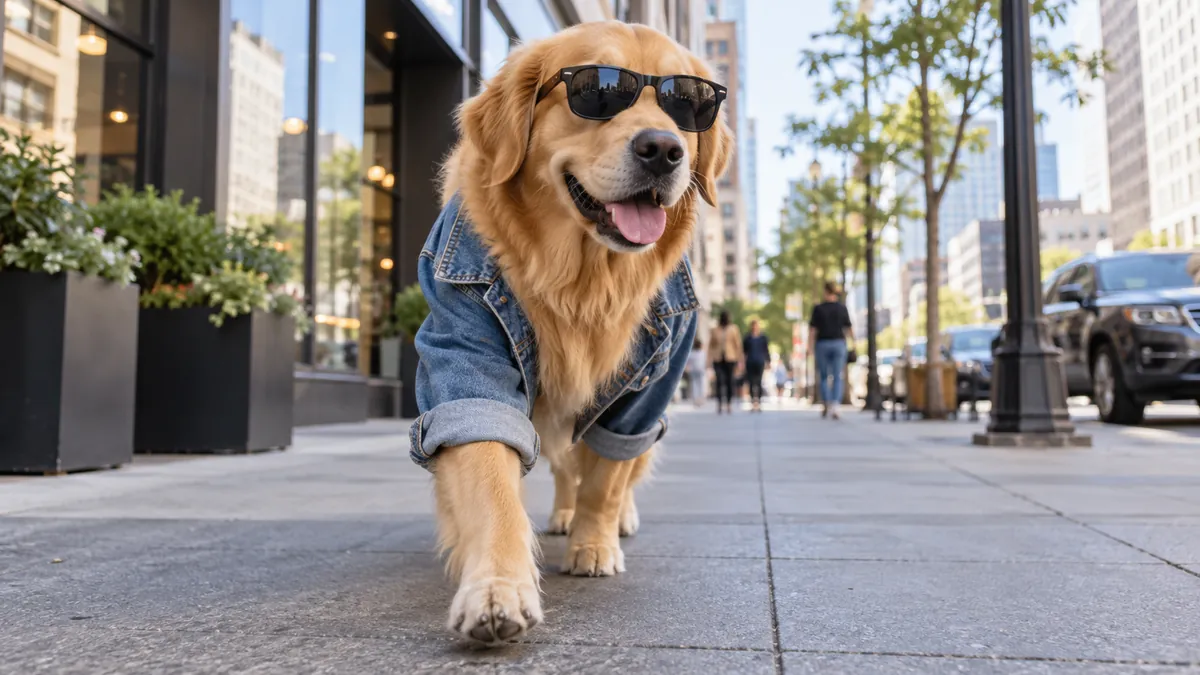
A golden retriever wearing a denim jacket and sunglasses walking down a busy city street lined with cafés and graffiti walls, photorealistic street photography, shallow depth of field.
Reference example. It is not a result generated from your upload.
Text to image AI is artificial intelligence that turns a written description into a picture. You type a prompt, such as “a red fox reading under a mushroom umbrella in the rain”, and an AI text to image generator draws it from scratch. Nothing is pasted together from stock photos: the model creates new pixels that match your words, so you can create AI images from text for any idea you can describe, or turn simple words to image ideas you could never draw yourself.
This text-to-image AI tool gives you five text to image models in one place, Nano Banana 2, Nano Banana Pro, Seedream 4.5, GPT Image 2, and FLUX.2, plus 11 style presets (or Auto) and five aspect ratios. Write the prompt once, compare models, and keep the picture you like best. It works as a free text to image AI to try: new accounts get free credits when they sign up, and every image shows its credit cost before you generate.
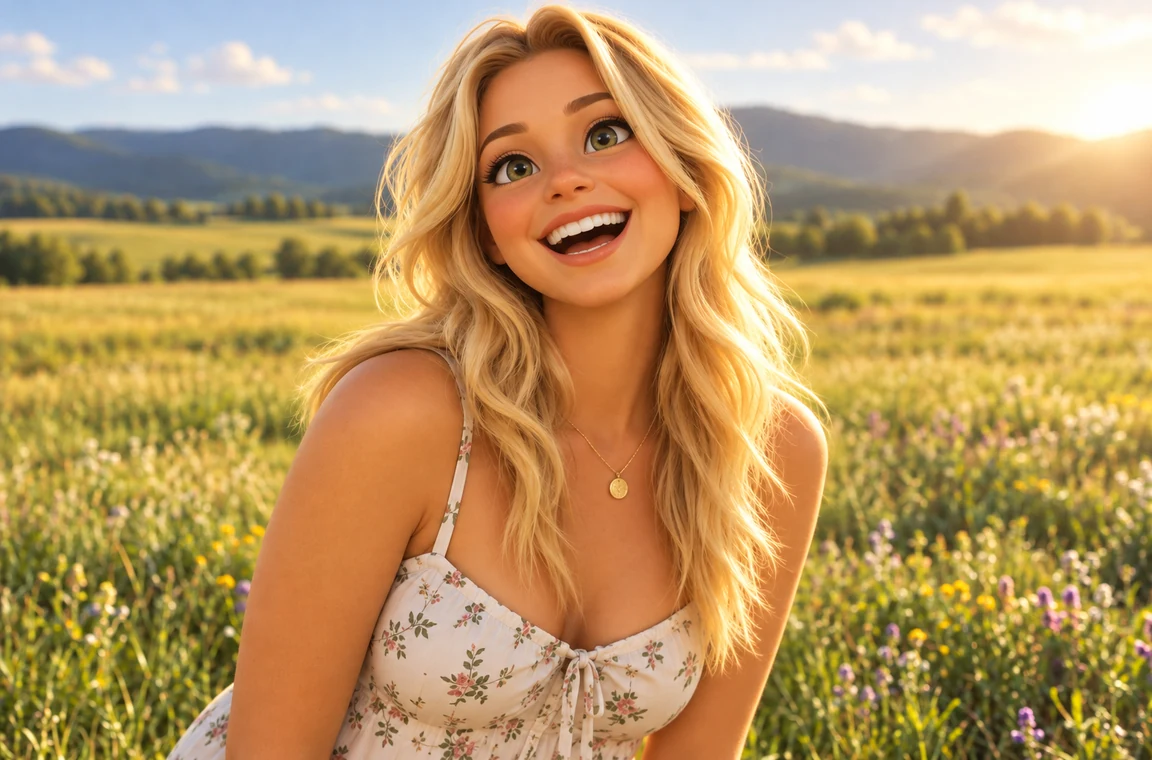
Every picture below started as one or two sentences in the text box. Tap a card to try the same style.
A futuristic warrior at a starship window, from a prompt that names the setting, outfit, and city lights.
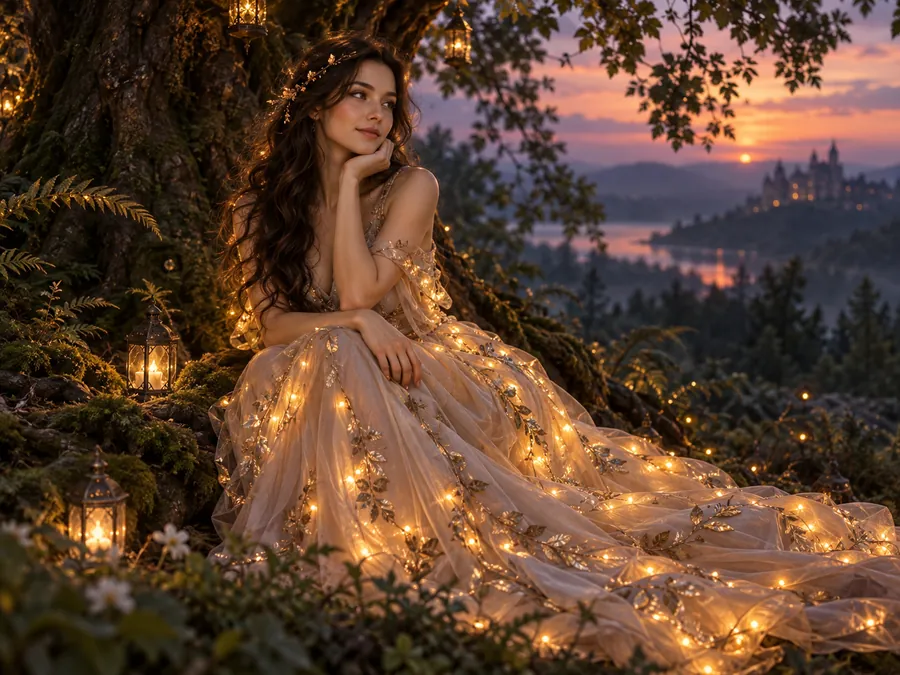
A woman in a glowing gown under a tree strung with lights, described like a photo shoot.
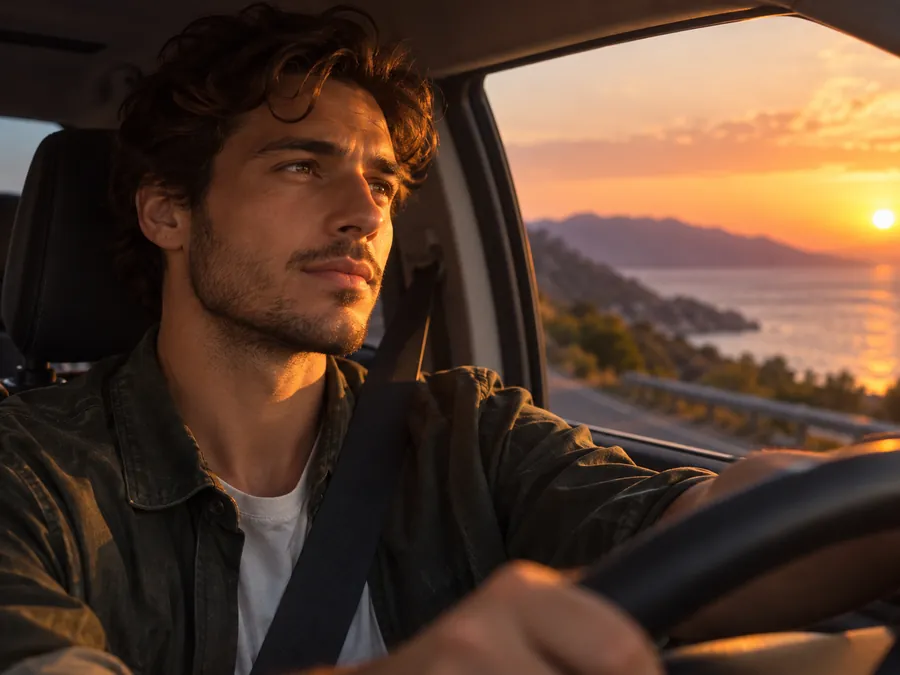
A quiet moment at the wheel at dusk, with film-style light and soft bokeh.
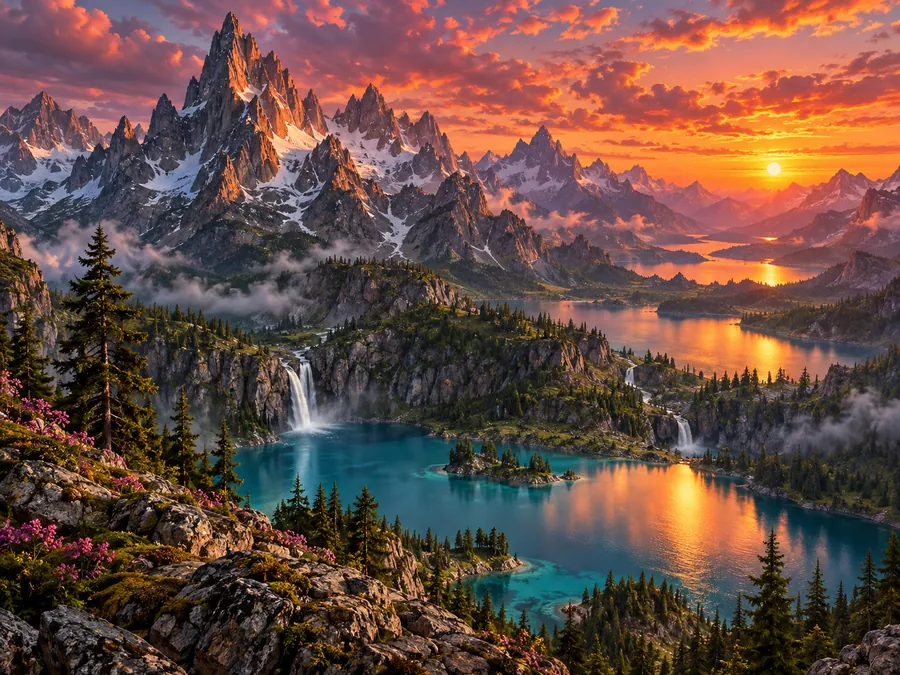
Jagged peaks and glowing lakes under a sunset sky, painted with saturated color.
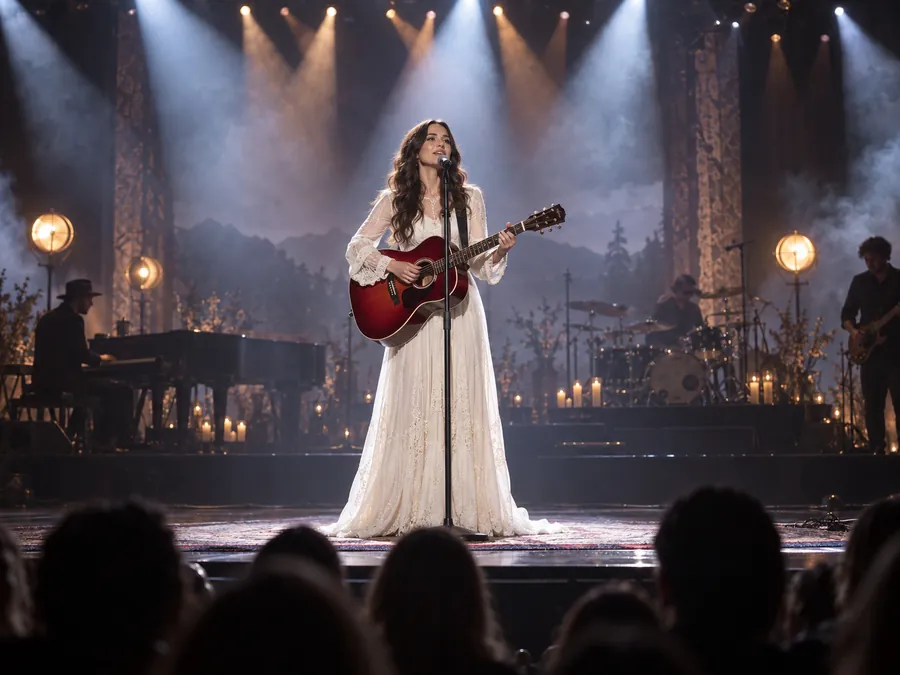
A singer with a red guitar on a spotlit stage, written as a single descriptive sentence.
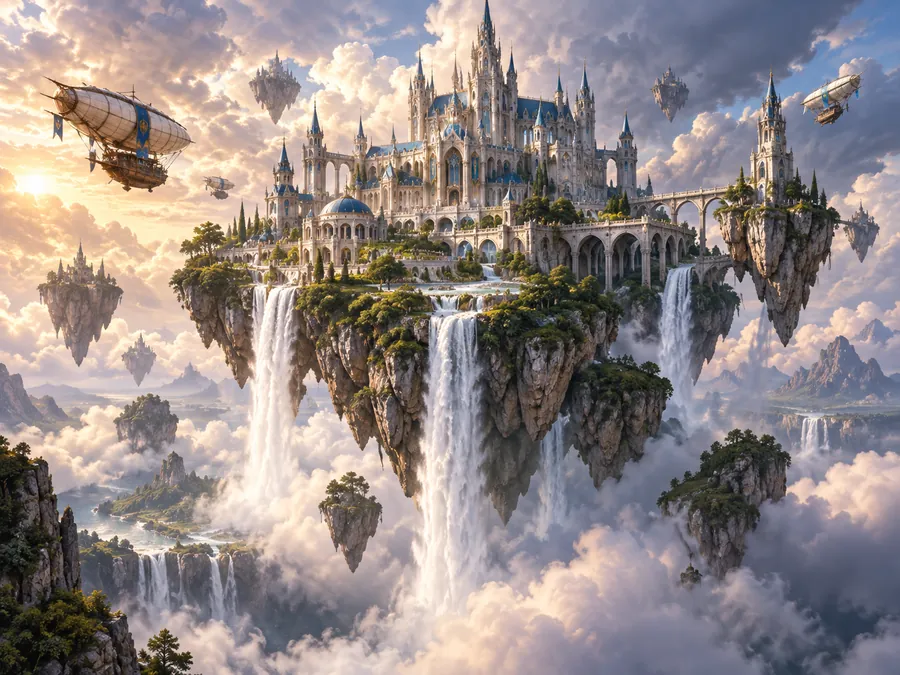
A castle on a floating island with waterfalls and airships, straight from the Fantasy landscape idea.
Three steps to create an image from text, no design skills needed.
Type what you want to see in the image generator text box: the subject, what it is doing, where it is, and the mood. Not sure where to start? Tap an idea chip or Surprise me.
Pick a style such as Photorealistic, Anime, or Typography, choose one of five text to image models, and set the aspect ratio: 16:9 for thumbnails, 9:16 for stories, 1:1 for posts.
Press Generate to turn text to images. Change a few words, switch the model, and generate again until the picture matches your idea, then download it in full resolution.
A good prompt to image request covers the same few parts. Mix and match them, in this order.
| Prompt part | What to describe | Example |
|---|---|---|
| Subject | Who or what the picture is about | A golden retriever in a denim jacket |
| Action and setting | What is happening and where | walking down a busy city street |
| Style | The medium or look | photorealistic street photography |
| Light and color | Time of day, light source, palette | warm late-afternoon sun, teal and orange |
| Camera and framing | Angle, distance, depth of field | low angle, shallow depth of field |
| Text in the image | Exact words in quotes | a sign that reads "Open Late" |
You do not need every part: a short sentence works, and each detail you add gives you more control.
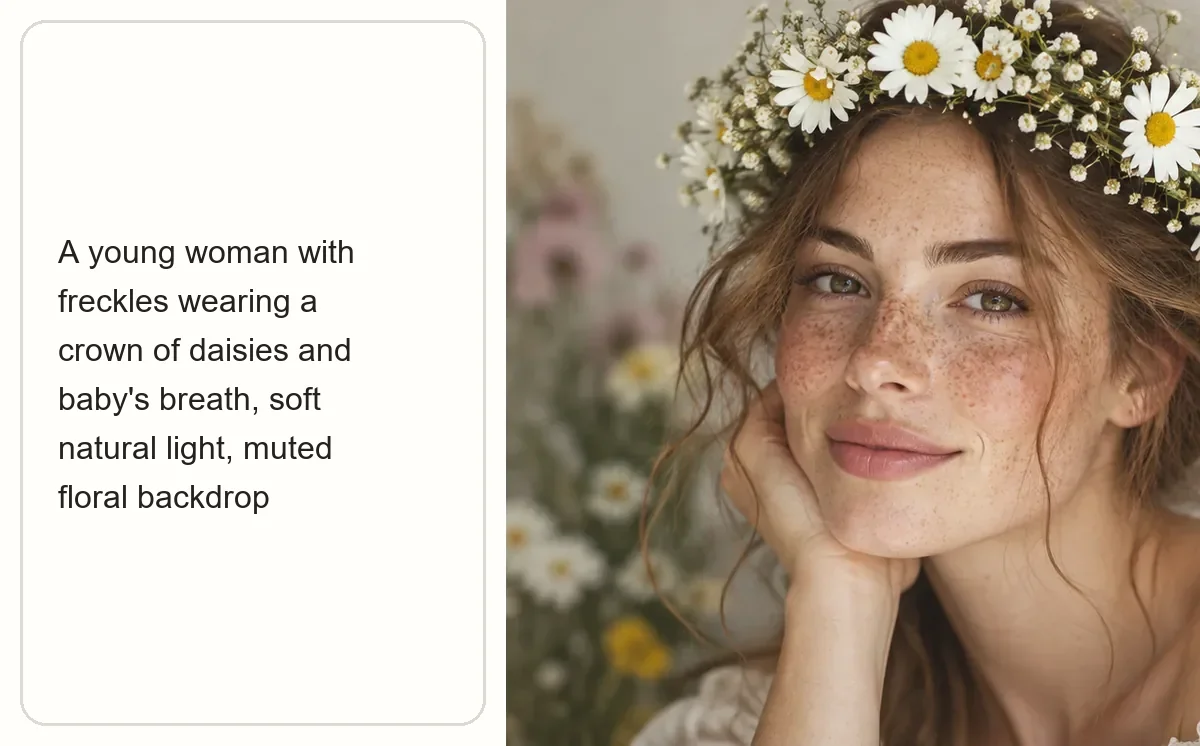
There is no special syntax to learn. Describe the scene the way you would explain it to a friend and this image creator from text does the drawing. Whether you want to create image from text for a blog, create image by text for a slide, or generate pic from text for a chat, this AI prompt image generator and AI picture generator from text follows your words.
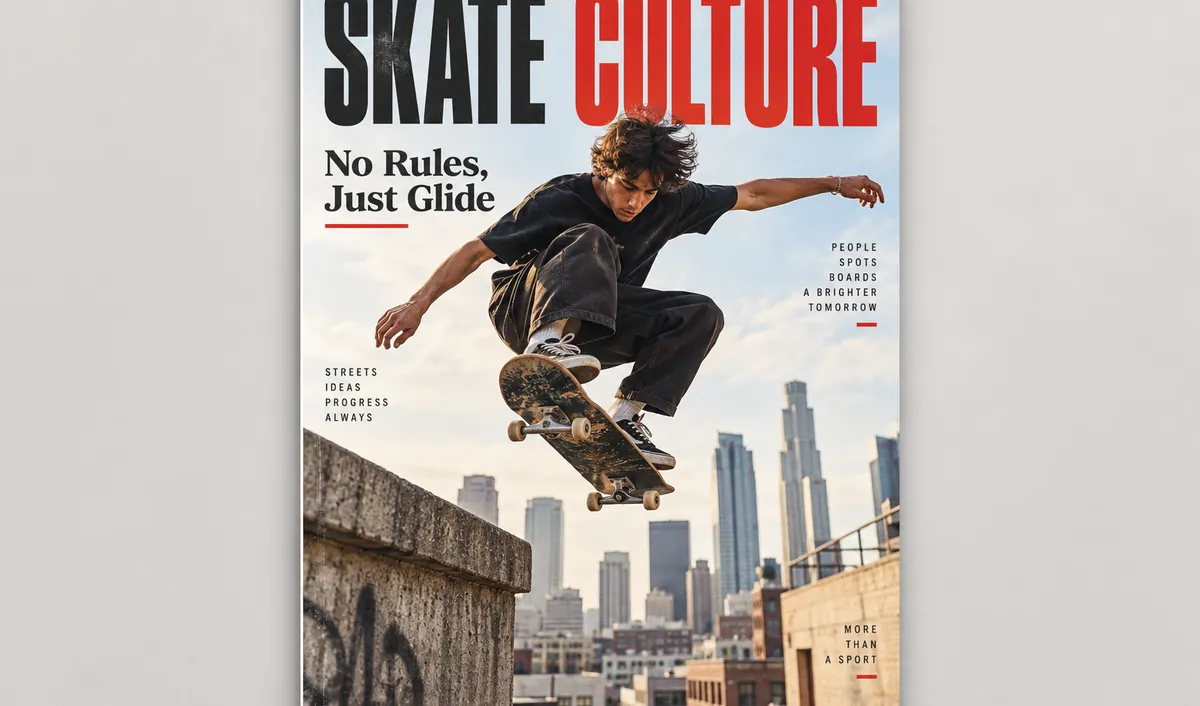
Posters, covers, ads, and quote cards need words that are spelled correctly. Put the text in quotes and choose Nano Banana Pro or GPT Image 2 to generate text images with clean, legible lettering, from a single headline to a magazine cover.
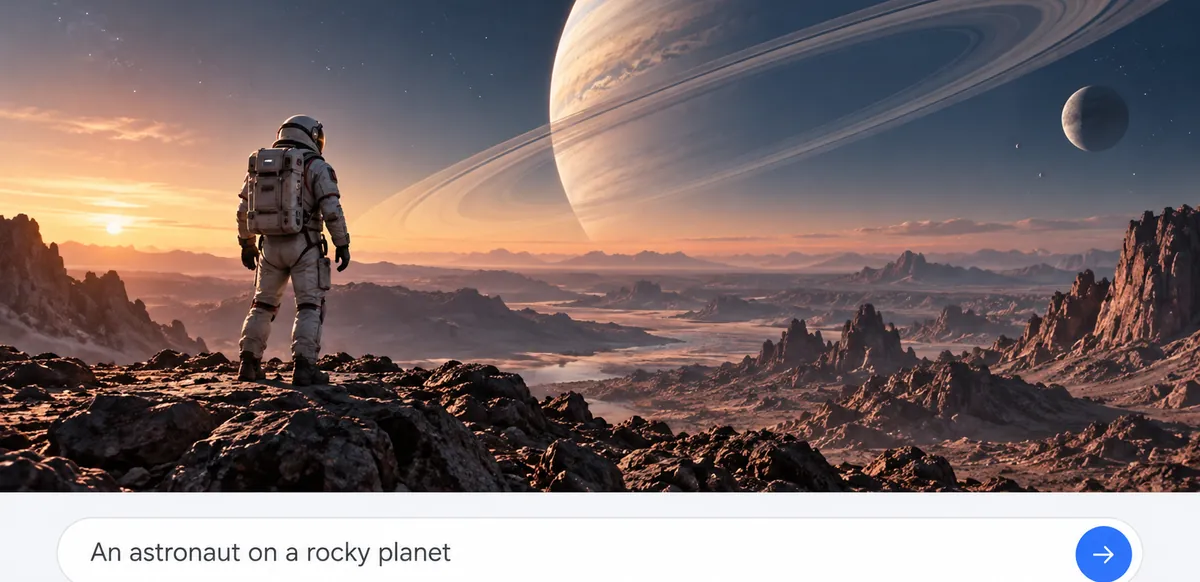
Instead of testing text to image generators and every text to image generator tool one site at a time, run the same prompt on Nano Banana 2, Nano Banana Pro, Seedream 4.5, GPT Image 2, or FLUX.2. Your text stays in the box, so comparing models is a single click.
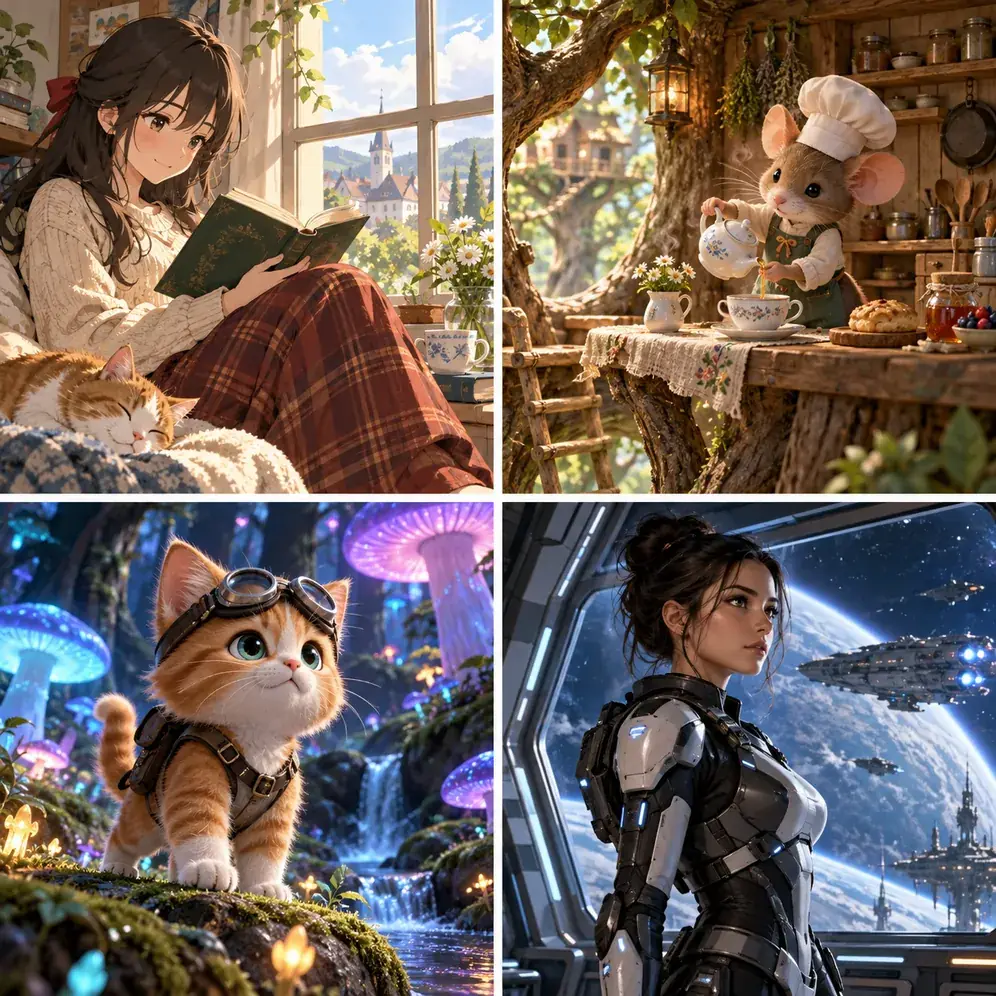
Style cards set the look without long prompt keywords: Photorealistic, Cinematic, Anime, Storybook, Digital Painting, Concept Art, 3D Cartoon, Sci-Fi, Typography, Painted Portrait, and Product Ad, or Auto to let the text decide.
Anyone who can describe an image can make one. These are the jobs people use this text to image AI generator for most.
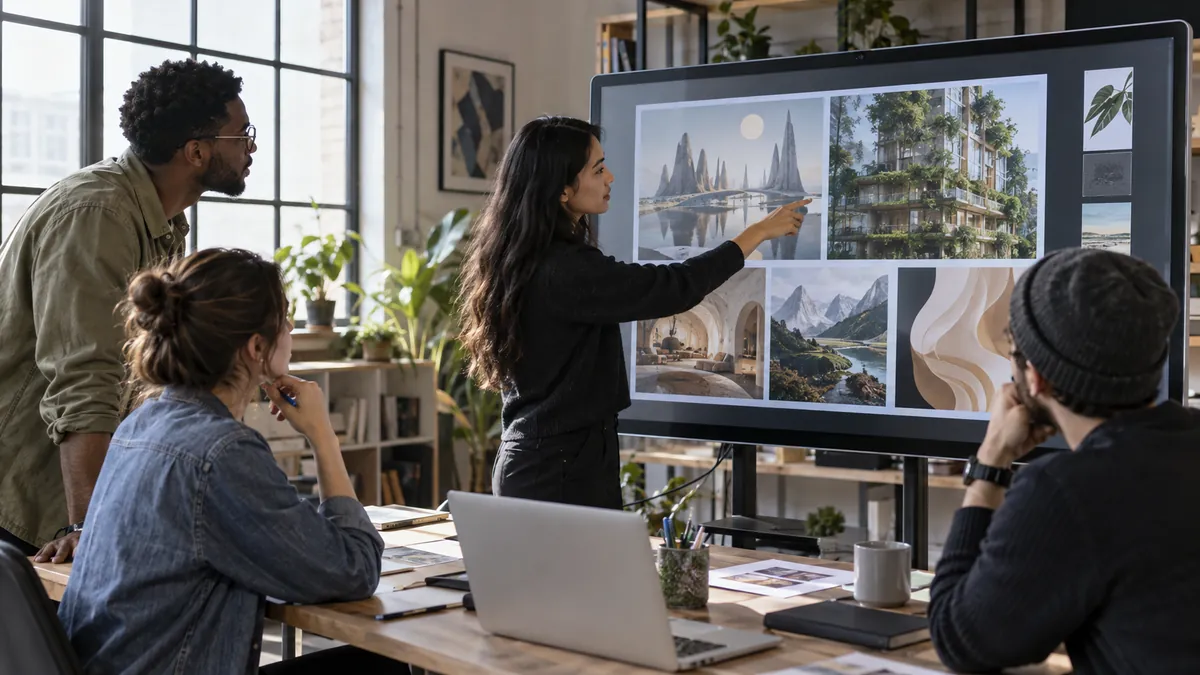
Ad concepts, product scenes, and banners with headlines, made before a photo shoot is even booked.
Thumbnails, story backgrounds, and post images in the exact ratio each platform needs.
Book covers, character portraits, maps, and storyboard frames for worlds that only exist on paper.
Illustrations and simple infographics that make a lesson or a presentation easier to follow.
Fast mood boards, visual directions, and a way to generate a logo from text before the real design work starts.
Menu images, event flyers, and seasonal social posts without paying for stock photos.
How to write an AI image generator prompt, or any prompt to image AI request, that gets the picture in your head.
One clear sentence with a subject, setting, and style beats a paragraph of loose adjectives.
Pick a style card and keep the prompt about content; mixing many styles in words confuses the model.
Keep words in images to a few at a time and put them in quotes, for example a title or a sign.
“Golden hour”, “soft window light”, or “neon at night” changes the mood more than any other detail.
Choose 9:16, 16:9, or 1:1 before generating so the composition is built for that frame.
Change one thing per try, such as the angle or the color, and compare results to see what helped.
Each text to image model has its own page, plus generators and text to video tools that start from a prompt.
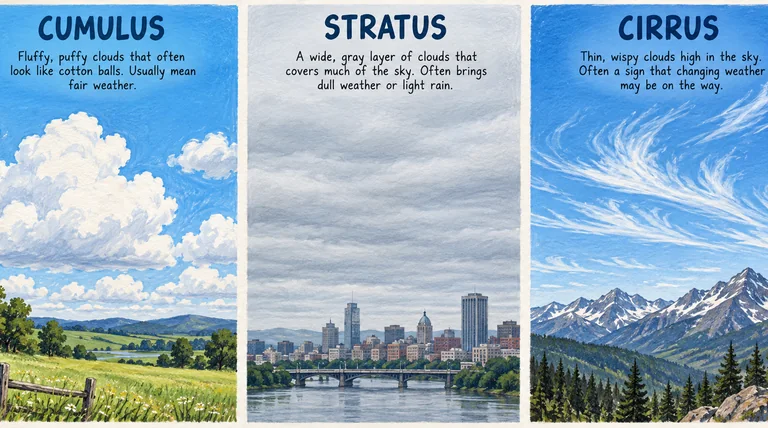 Nano Banana 2Try Nano Banana 2, the Gemini 3.1 Flash Image model: Pro-level images at Flash speed, 1K to 4K output, ultra-wide ratios, readable text, and up to 14 references.
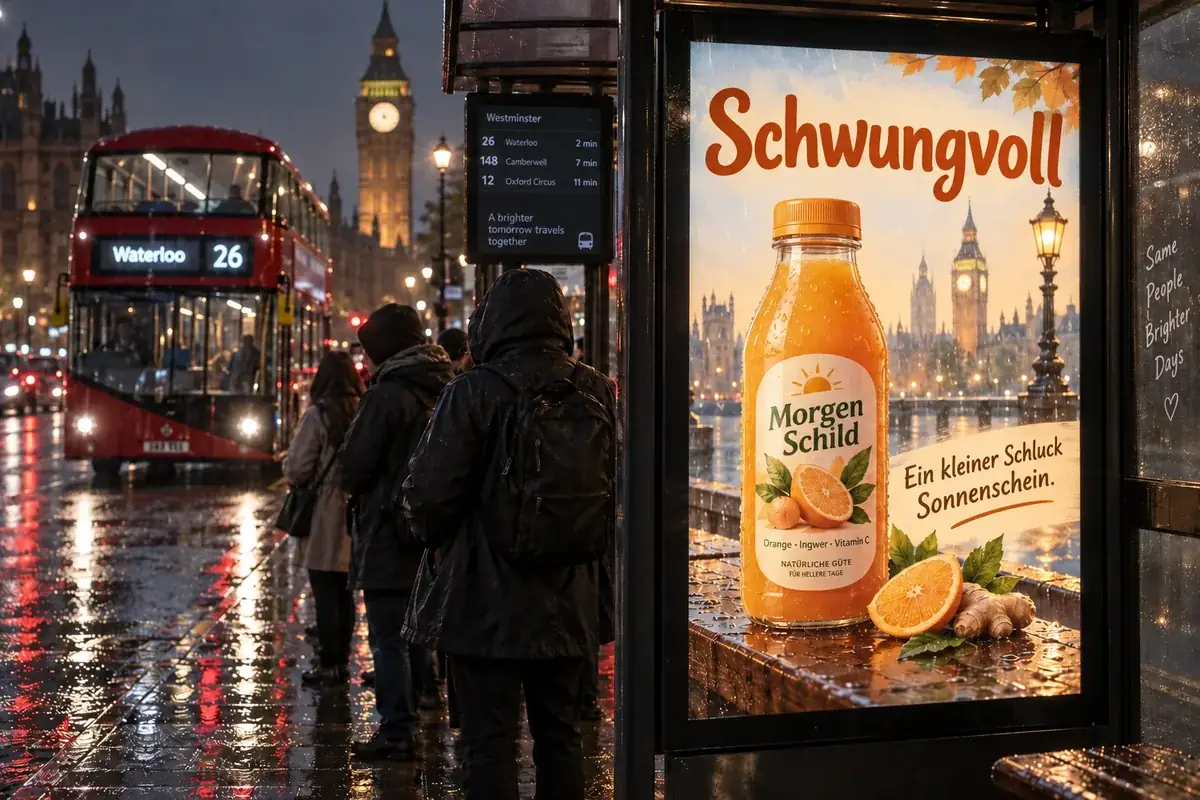 Nano Banana ProCreate 2K and 4K images with Nano Banana Pro, the Gemini 3 Pro Image model: legible text in many languages, infographics, multi-image blends, and studio control.
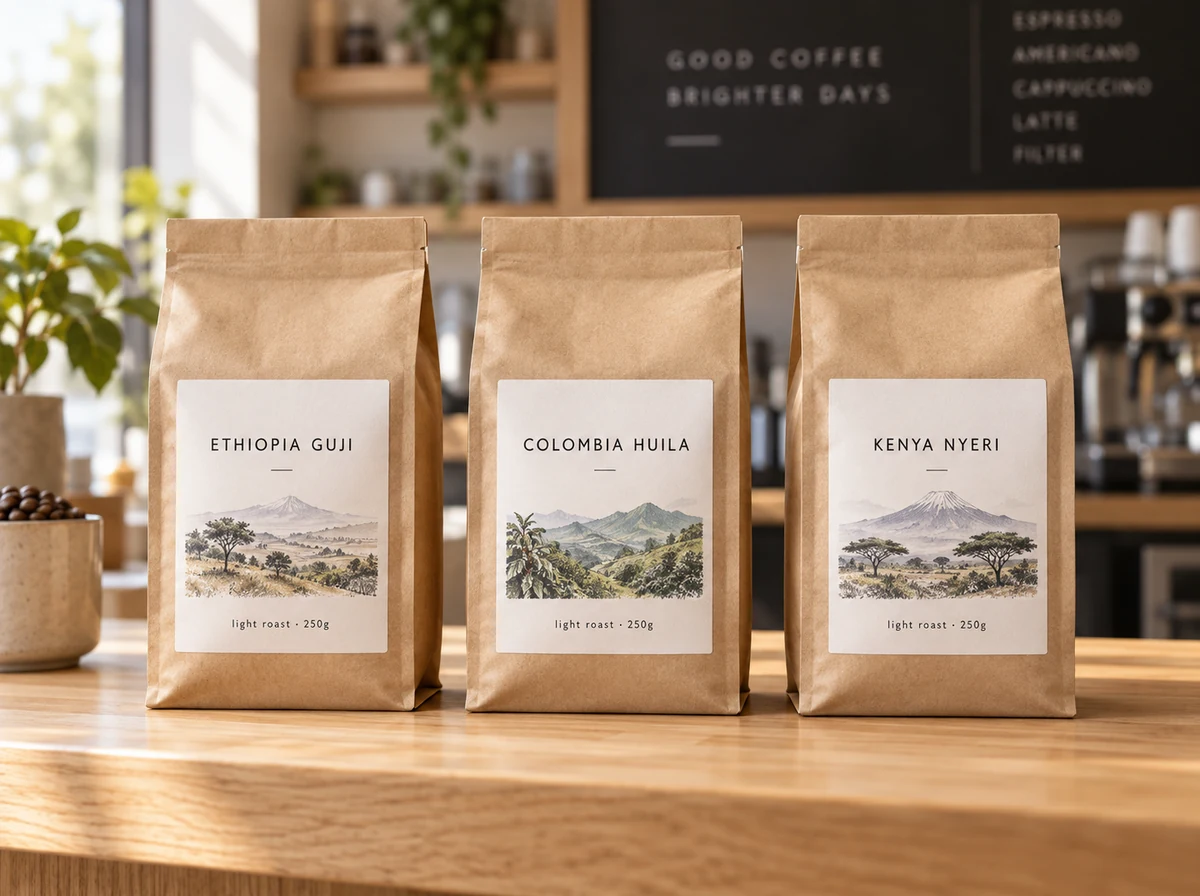 Nano Banana 2.1Try Nano Banana 2.1, Google’s newest Nano Banana model: sharper text, steadier characters, 1K to 4K output, 15 ratio options, and edits from reference images.
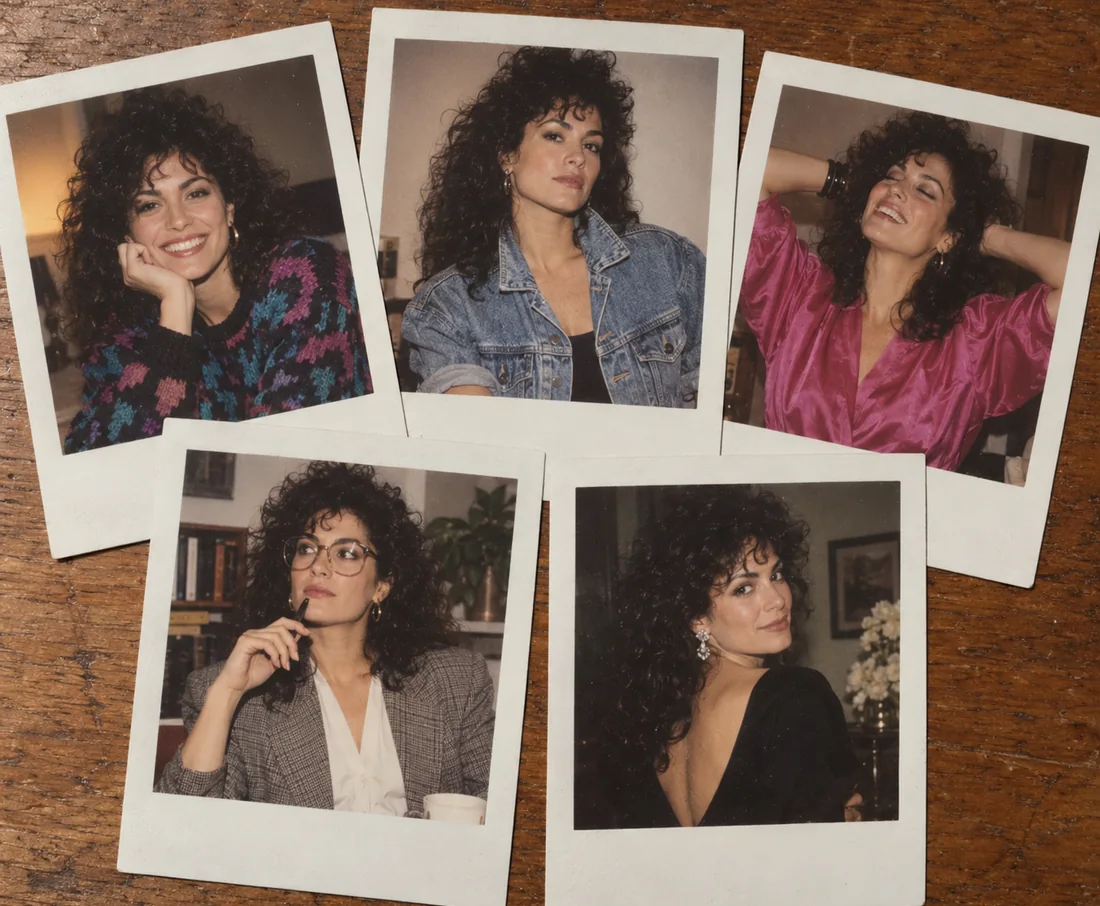 Nano BananaUse Nano Banana, the Gemini 2.5 Flash Image model, to generate pictures from text or edit photos with plain words. Blend images and keep characters consistent.
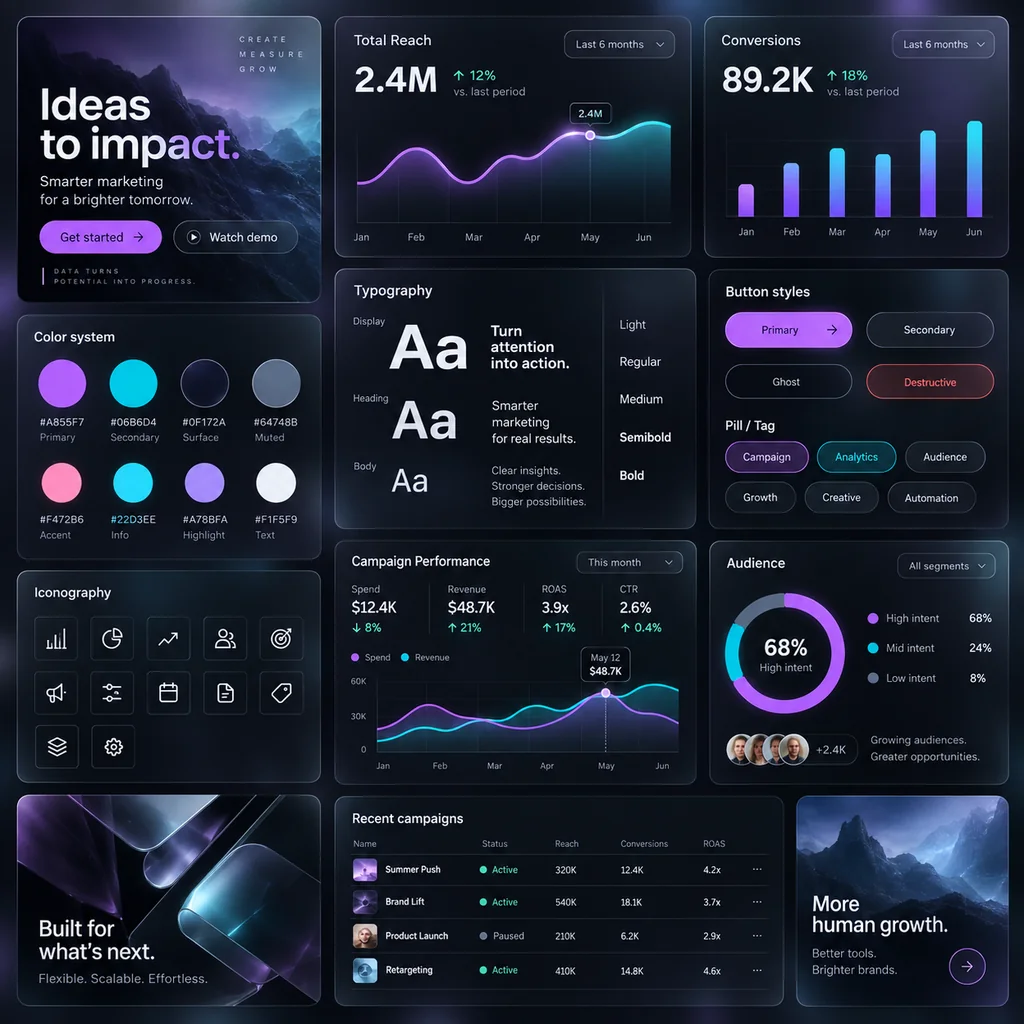 GPT Image 2Use GPT Image 2, OpenAI’s gpt-image-2 model, to create images with dense, readable text, UI mockups, and edits from up to 16 reference images, at 1K, 2K, or 4K.
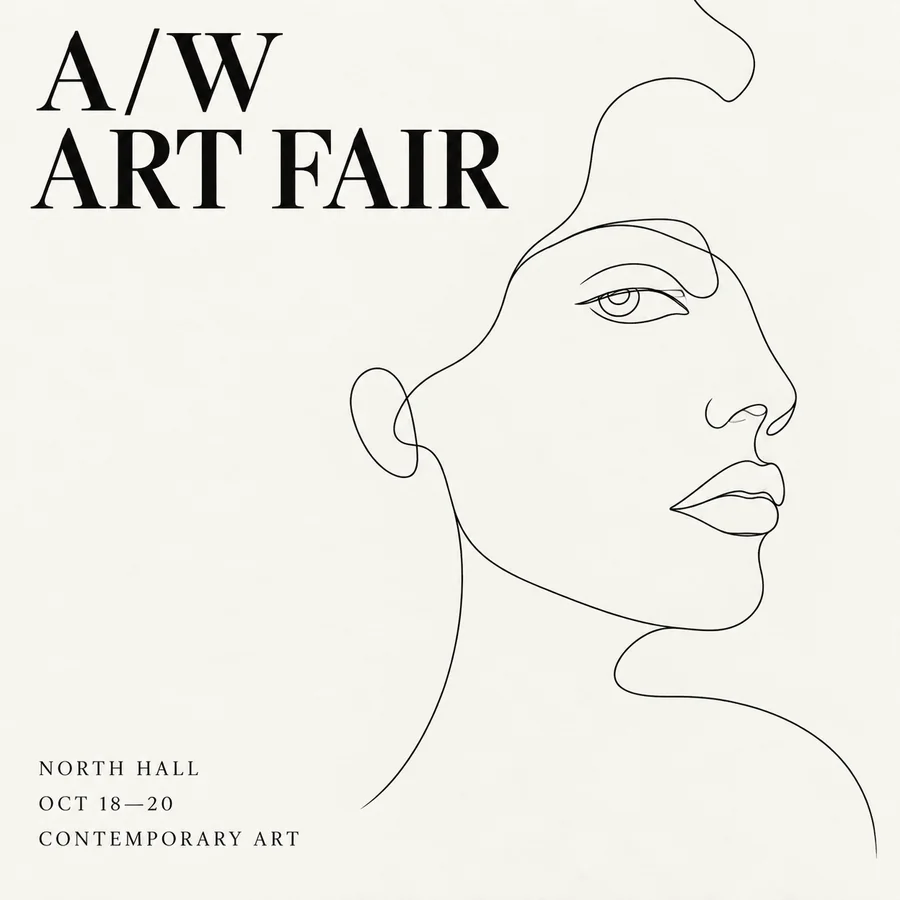 Seedream 4.5Use Seedream 4.5 online: write a prompt or add reference images, pick an aspect ratio and 2K or 4K quality, and create posters, product shots, and photo edits.
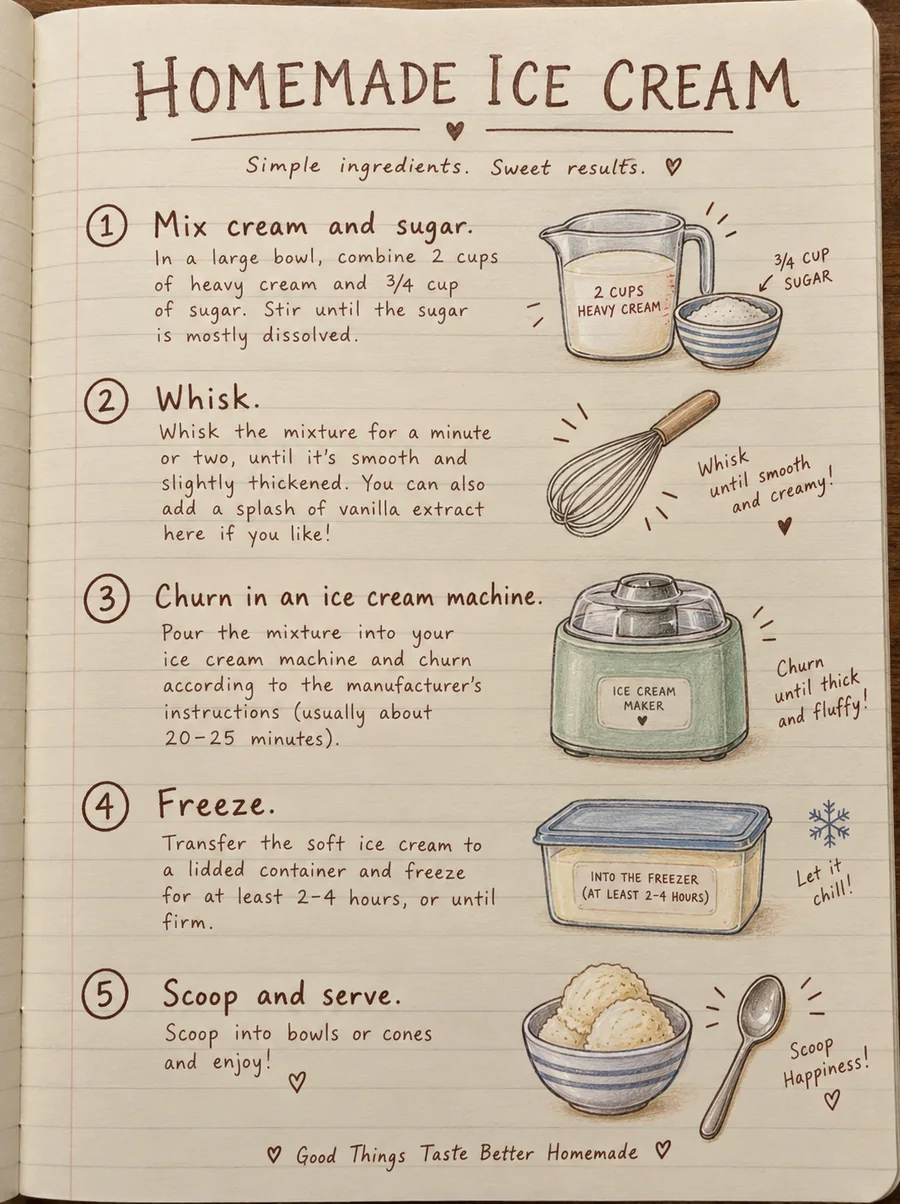 Seedream 4.0Use Seedream 4.0, ByteDance’s text to image and editing model, online. Generate up to 4K images, edit with reference photos, or switch to Seedream 4.5 or 5.0.
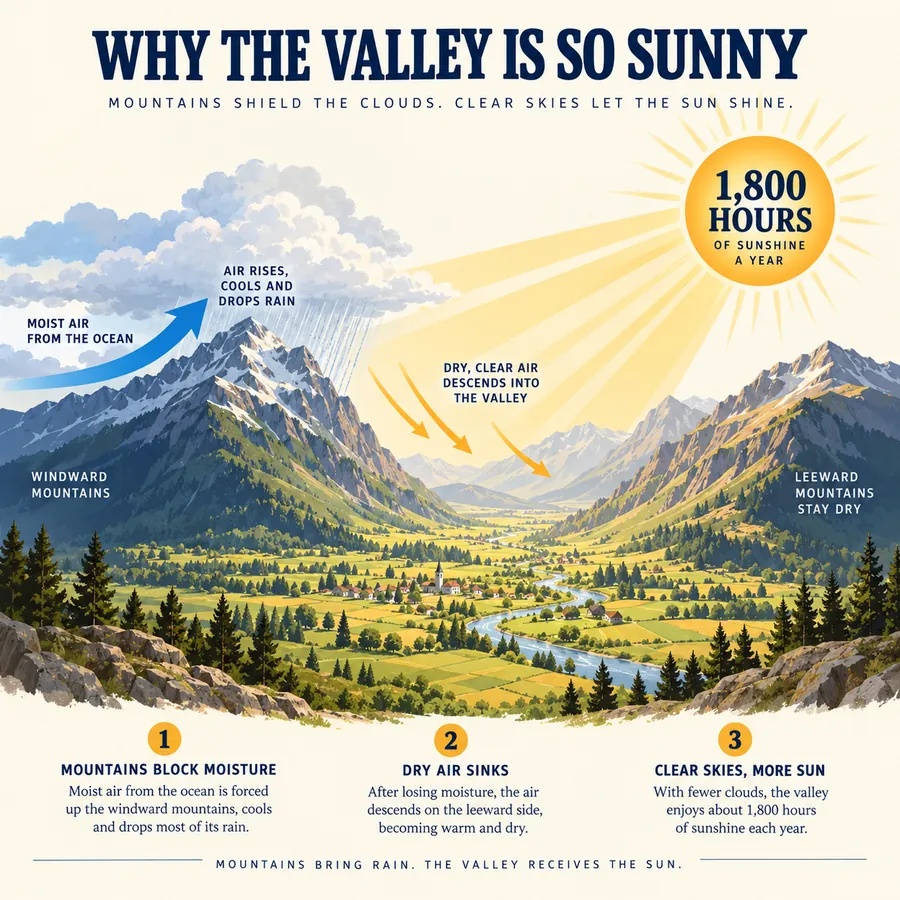 FLUX.2Try FLUX.2, the Flux 2.0 image model from Black Forest Labs. Use FLUX.2 Pro or Flex for text to image and multi-reference edits, with 1K or 2K output.
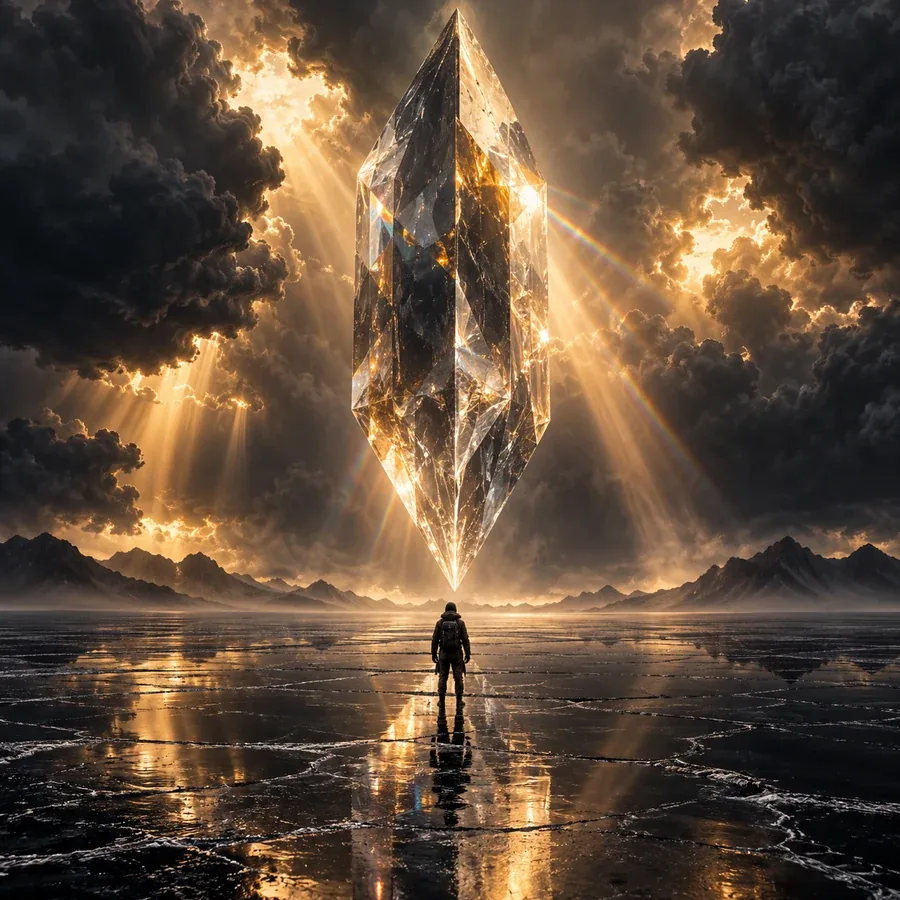 AI Image GeneratorFree to try AI image generator: type a prompt or add a photo, pick Nano Banana 2, GPT Image 2, Seedream, or FLUX, choose a style, and create AI images online.
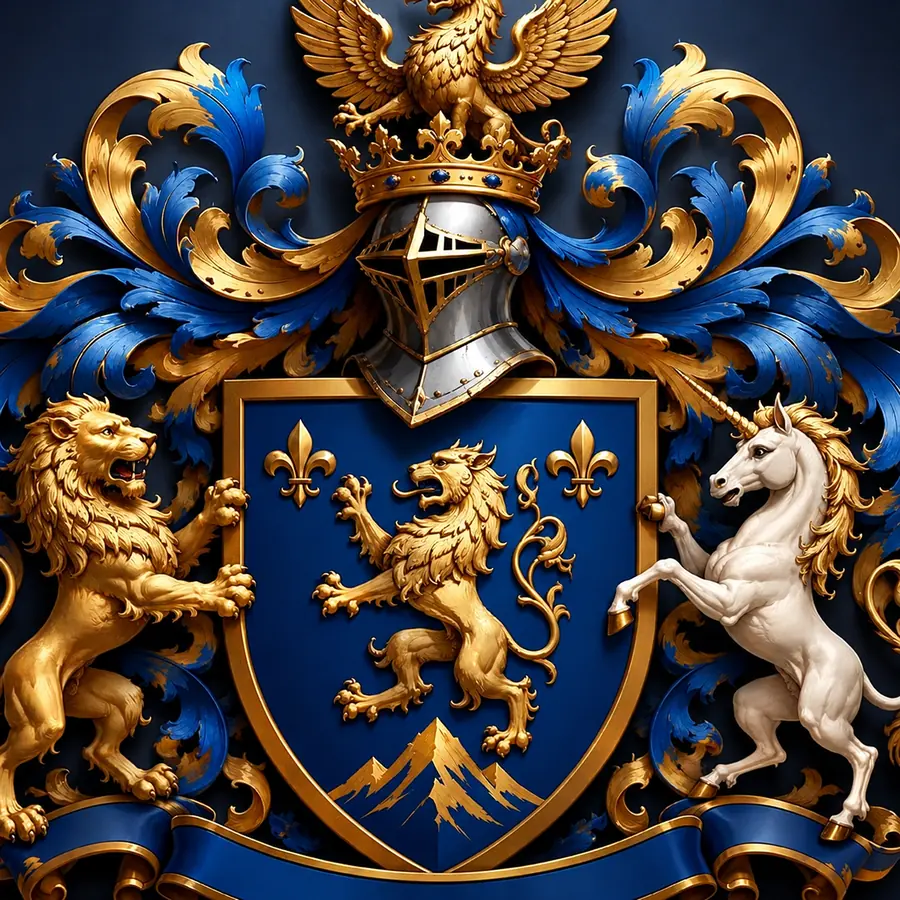 Coat of Arms GeneratorCreate a coat of arms online with the AI coat of arms generator. Describe your family name, symbols, colors, and motto, pick a heraldic style, and generate.
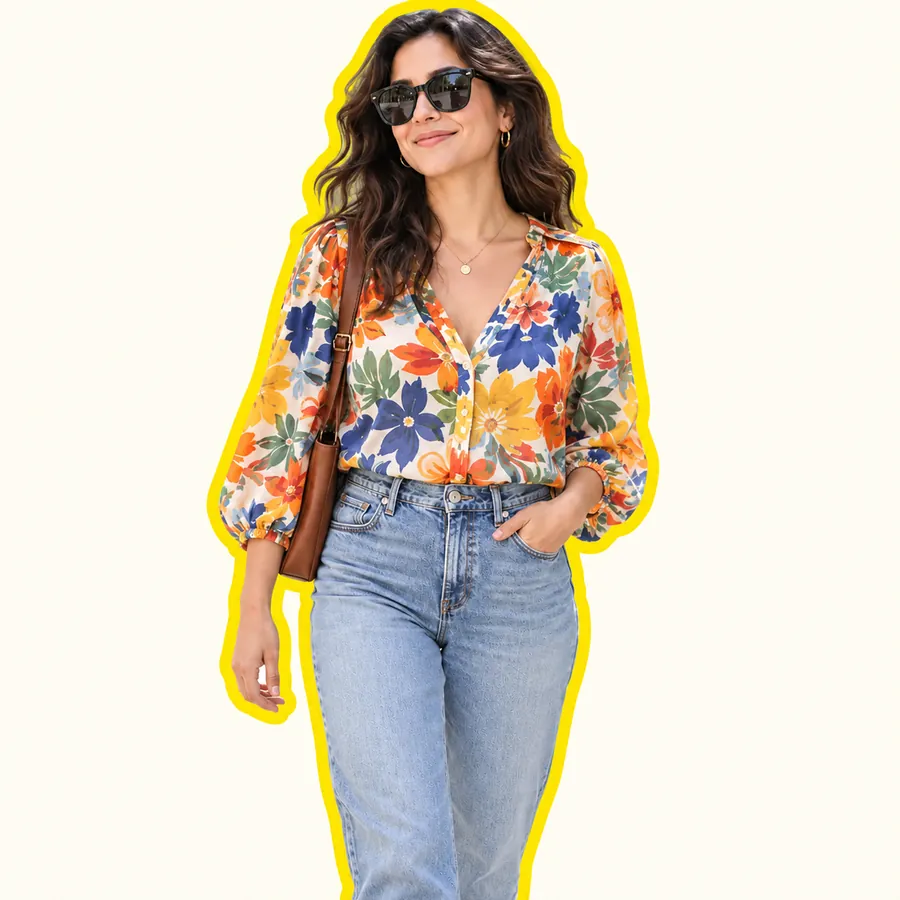 AI Sticker MakerHow to make a picture a sticker: upload a photo or screenshot, pick a style like die-cut, cartoon, chibi, or kawaii, and the AI sticker maker turns it into a PNG.
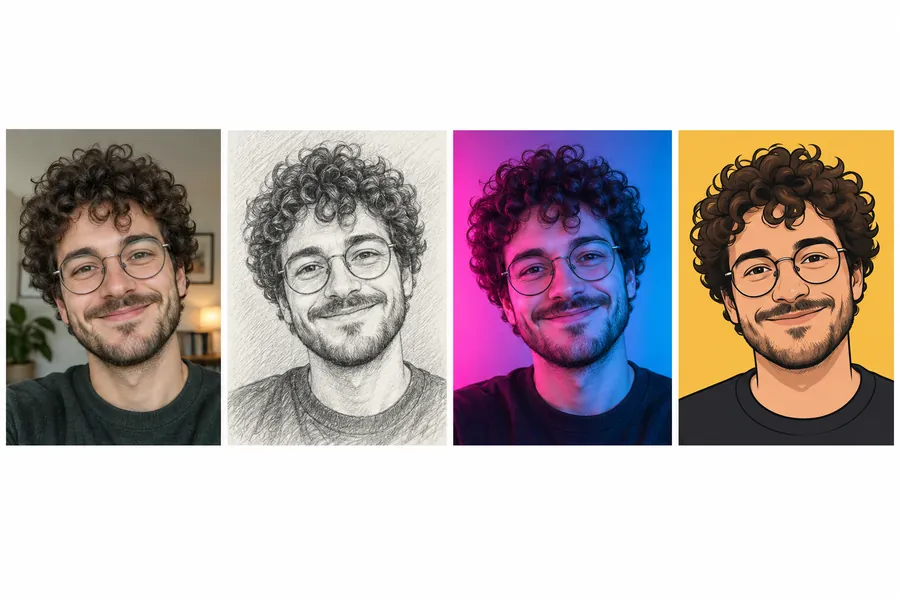 AI PFP MakerPFP maker for any app: upload a selfie, pick anime, 3D, pixel art, aesthetic, or letter styles, and the AI profile picture maker creates a square pfp to download.
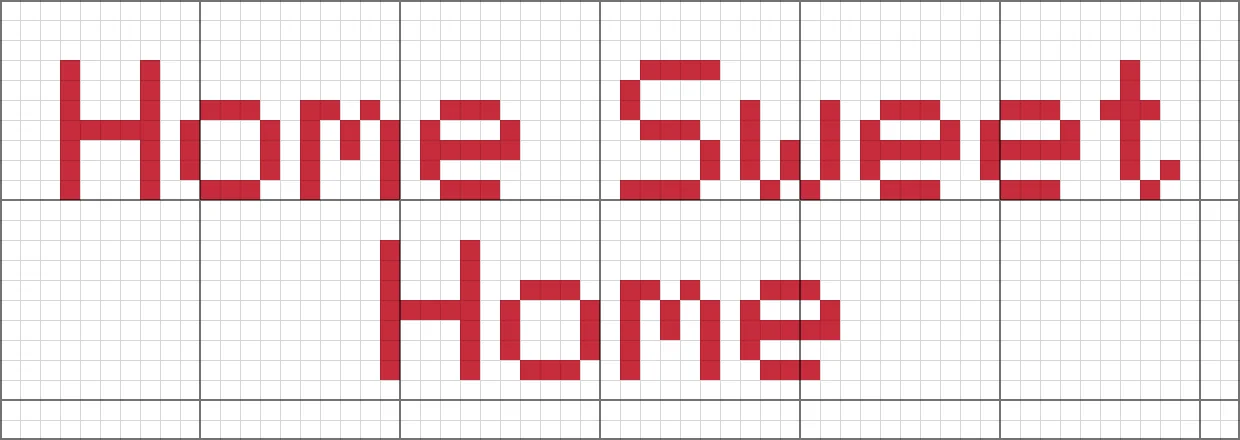 Cross Stitch Letter GeneratorFree cross stitch letter generator: type a name or phrase, pick a built-in cross stitch font, thread and fabric colors, then download a ready-to-stitch PNG chart.
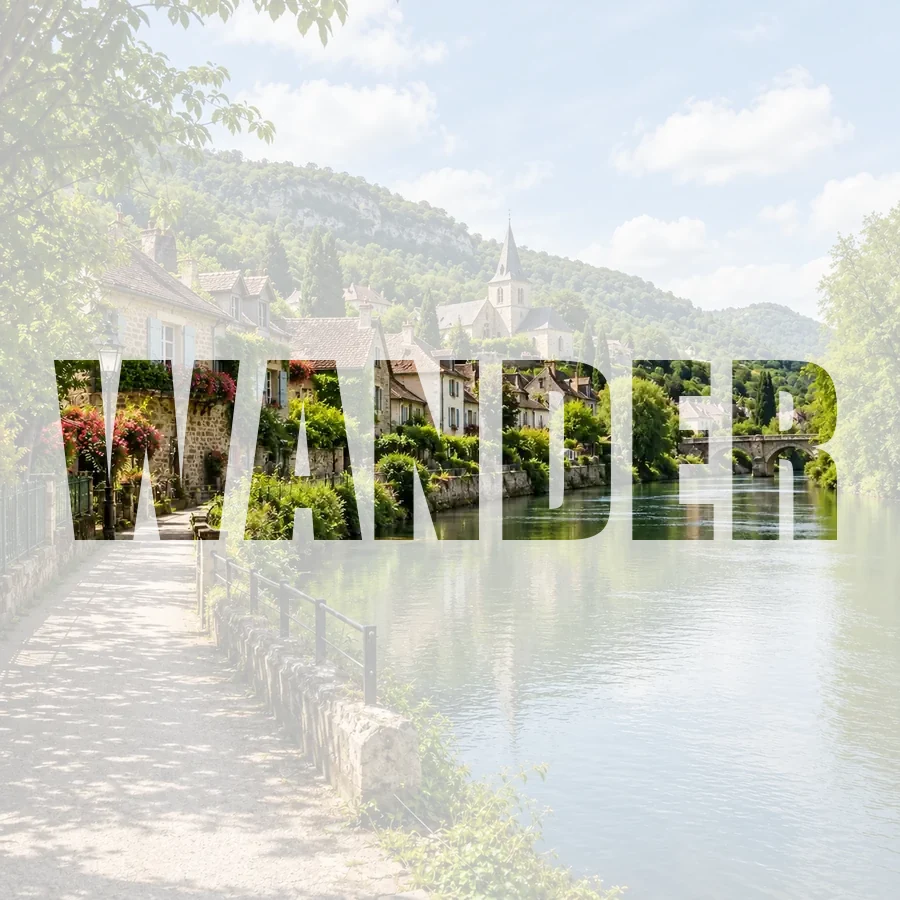 Picture Inside TextPut a picture inside text online for free: fill any word with your photo, pick a font, add a color, faded, or transparent background, and download a PNG.
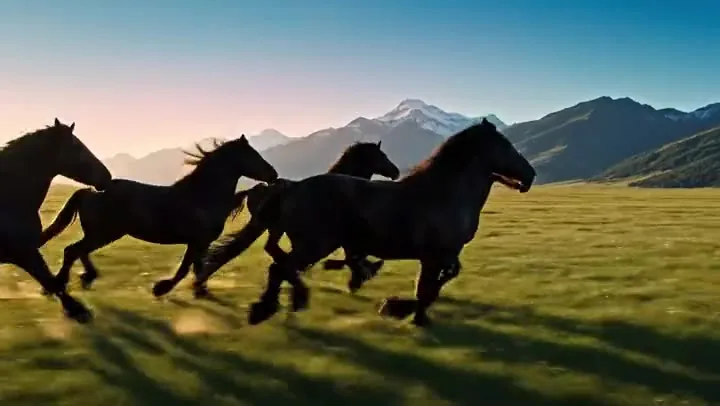 Text to Video AITurn text into video with text to video AI: write a prompt, pick Seedance 2.0, Veo 3.1, Kling 3.0 or Grok Imagine, get clips with sound. Free credits to start.
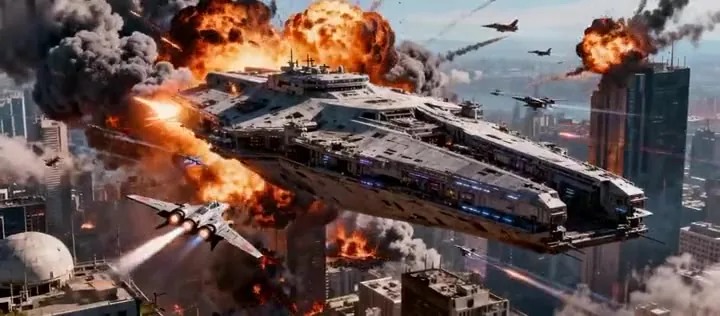 AI Video GeneratorMake AI videos from a prompt or a photo with Seedance 2.0, Veo 3.1, Kling 3.0, Grok Imagine and more in one AI video generator. New users get free credits.
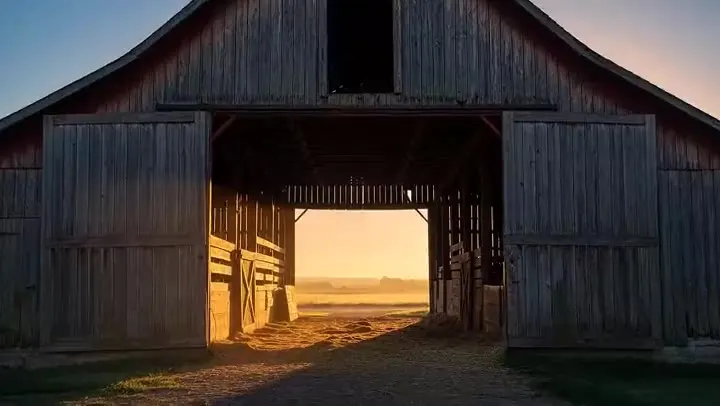 Veo 3.1 AI Video GeneratorUse the Veo 3.1 AI video generator online: turn text or images into 4–8 second videos with native audio, start and end frames, reference images, and 1080p or 4K.
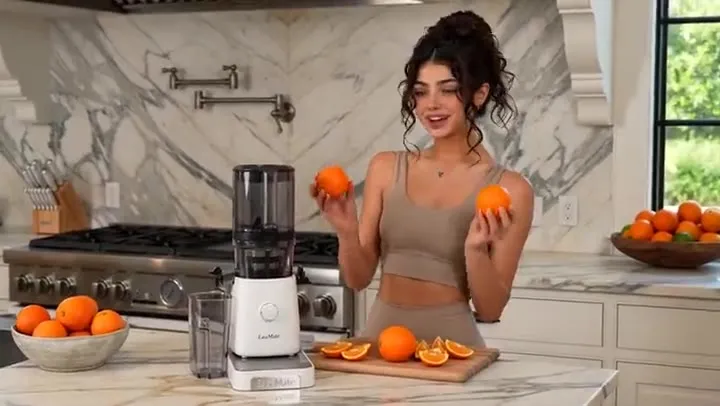 Seedance 2.0Try Seedance 2.0 free with sign-up credits: turn text, images, video, and audio references into cinematic AI video with native sound, up to 15 s and 4K.
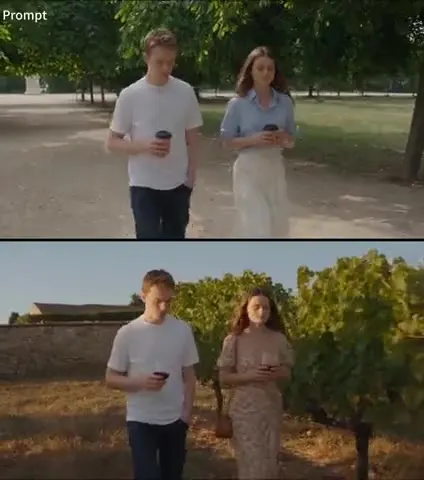 Seedance 2.5Try Seedance 2.5 online: make 4–30 second 1080p videos with native audio, guide them with up to 30 images, 10 videos, and 10 audio clips, or edit existing footage.
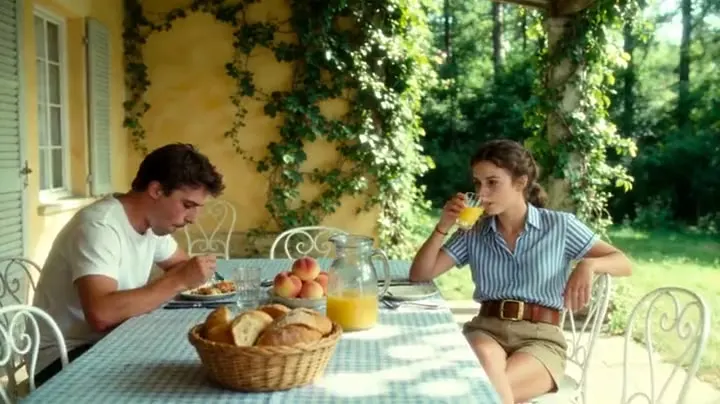 Kling AI 3.0Use Kling AI 3.0 online: create 3–15 second videos with native audio, multi-shot storyboards, start and end frames, and element references in 720p, 1080p, or 4K.
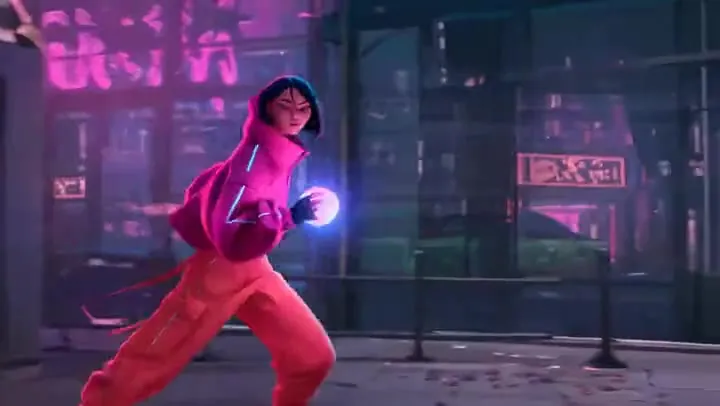 Wan 3.0Try Alibaba Wan 3.0 online: create 2–30 second videos with native audio in up to 1080p from text, first and last frames, or image, video, and audio references.
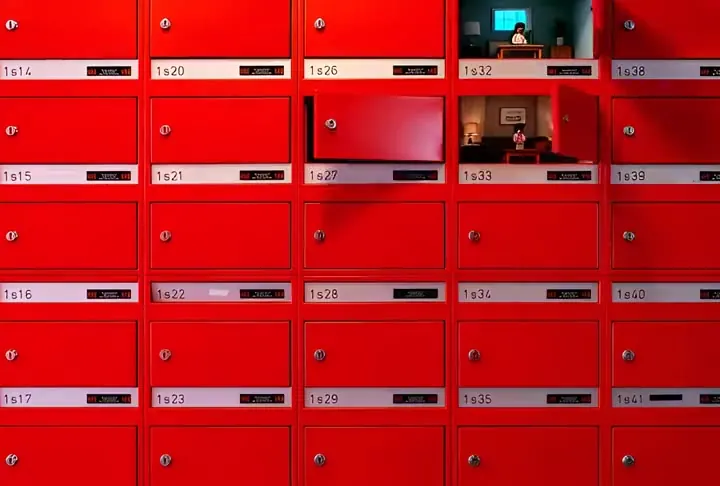 Grok Video GeneratorUse the Grok video generator online: turn a text prompt or a photo into Grok Imagine video with native audio, from 6 to 30 seconds and up to 1080p resolution.
Text to image AI, also called artificial intelligence text to image or text to picture AI, is a model that reads a written prompt and generates a matching picture from words. This text to image AI tool lets you pick the model and style, so the same words can become a photo, a painting, or a poster.
Type a description in the prompt box, choose a style and a model, set the aspect ratio, and press Generate. Creating images from text gets closer to what you imagine when you add the setting, the light, and the camera angle, then generate again. The table above shows a simple prompt to image generator formula.
It is free to try. New accounts get free credits when they sign up, which is enough to test this text-to-image generator with several models, much like a free text to image generator. After that, each image uses credits, and the exact cost appears on the Generate button.
Nano Banana 2 is a fast, balanced default. Nano Banana Pro and GPT Image 2 are best when the picture must contain exact text, Seedream 4.5 gives vivid photo-like scenes, and FLUX.2 is strong at photorealistic people and products. Try two on the same prompt and compare.
Yes. Ask for a typographic design, for example “a poster that is only text: the words STAY CURIOUS in huge stacked letters”, and choose the Typography style. Keep the wording short for the cleanest result.
Modern models handle short text well. Put the words in quotes, limit them to a headline or a few labels, and use Nano Banana Pro or GPT Image 2 for the most reliable lettering.
Text to image starts from words only: you get an AI image from text alone. Image to image starts from a photo you upload and changes it. This page is for pure text prompts; to restyle or merge your own photos, use the AI Image Generator or the AI Photo Editor.
Up to 2,000 characters. Most good prompts are one to three sentences; longer prompts are useful for detailed scenes, infographics, or exact layouts.
Download them in full resolution for posts, slides, mood boards, cards, and personal projects. Avoid prompting for real people, logos, or copyrighted characters, and check our terms before any commercial use.
Do not request images of real people without their consent, explicit content, or anything meant to deceive. Prompts that break these rules are blocked.
Type a prompt, pick a style and a model, and let the AI image generator from text do the rest.
Nano Banana and Gemini are trademarks of Google LLC; GPT Image is a trademark of OpenAI; Seedream is a trademark of ByteDance; FLUX is a trademark of Black Forest Labs. EzImgMaker is an independent service and is not affiliated with or endorsed by these companies. Model names are used only to describe compatibility.