Name Sampler
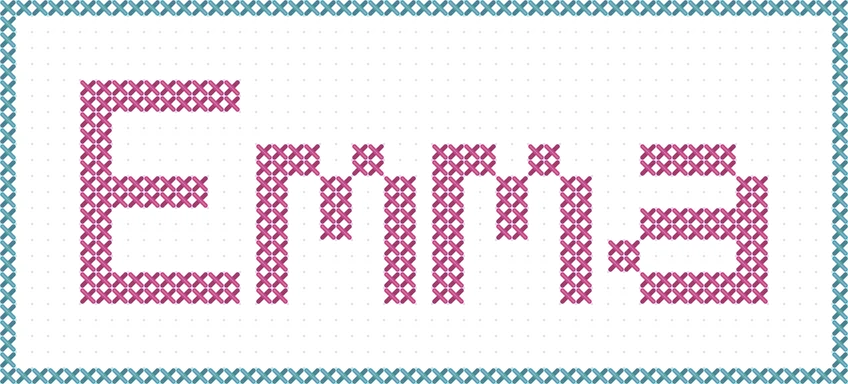
Large 10×14 font, solid turquoise border, plum thread on white Aida.
Type any word, name, or phrase and turn it into a counted cross stitch pattern. Choose one of four built-in pixel fonts, set thread and fabric colors, add a border, and download the chart as a PNG.
Font
Layout
Colors
Chart
62 × 22 stitches · 14-count: 4.4 × 1.6 in (11.2 × 4.0 cm) · 177 stitches
Runs in your browser. Nothing is uploaded. DMC numbers are approximate color matches.
A cross stitch text generator turns typed words into a counted chart. Every letter is drawn from a pixel font where one square equals one cross stitch, so the chart shows exactly where each stitch goes. This cross stitch font generator comes with four built-in alphabets, from a tiny 3×5 capital font for bookmarks to a large 10×14 font for wall samplers.
Use it as a quick cross stitch word generator for names, dates, and favorite quotes. Pick a thread color and see the closest DMC floss, choose your fabric color, add a solid or dotted border, and download the pattern. It runs entirely in your browser and is free to use.
Each design below was made with this generator; the settings are noted under each one.
Large 10×14 font, solid turquoise border, plum thread on white Aida.
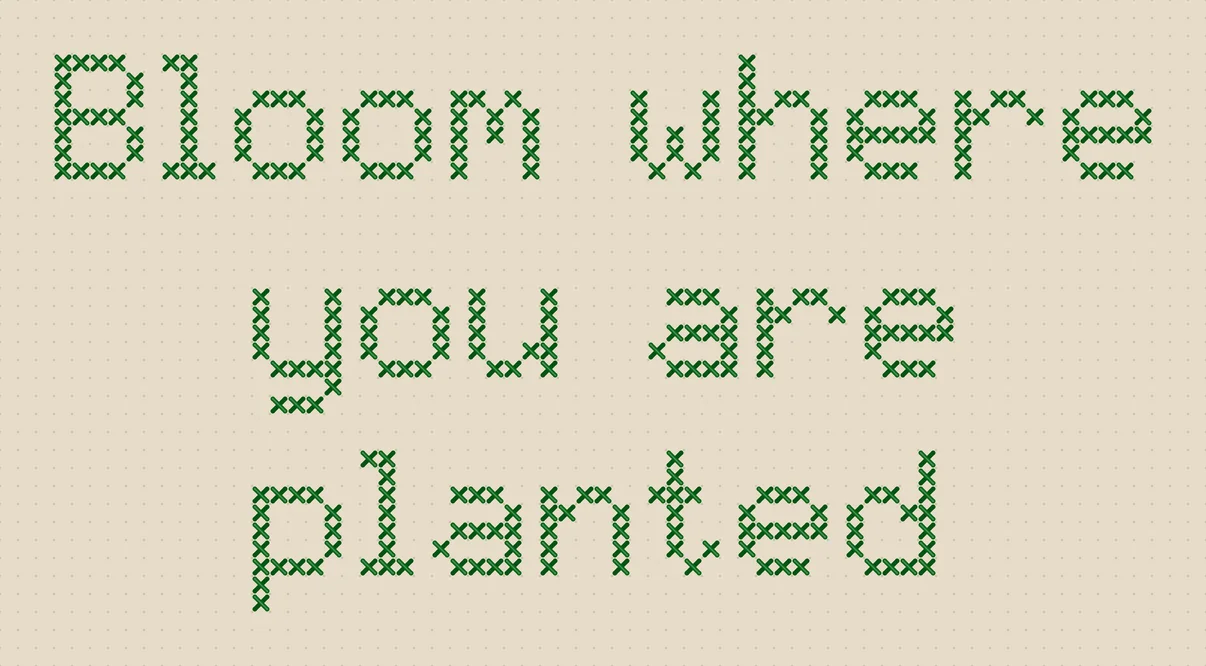
Classic 5×7 font on three centered lines, green thread on oatmeal fabric.
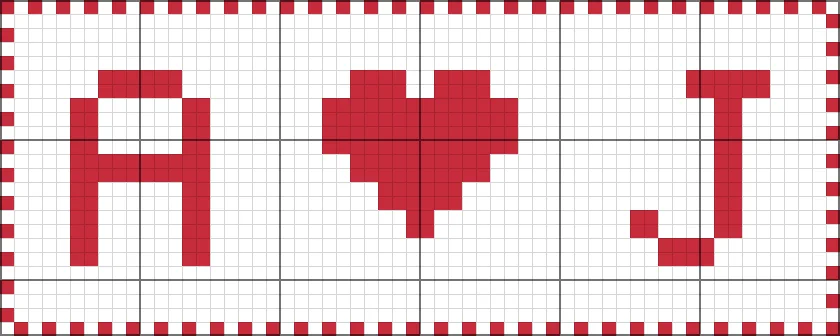
Large font with the built-in heart symbol and a dotted red border.
Three steps from typed words to a printable lettering chart.
Enter a name, word, or short phrase. Press Enter to start a new line; the preview updates as you type.
Pick Classic, Bold, Mini, or Large, then set letter and line spacing, alignment, thread and fabric colors, and an optional solid or dotted border.
Choose a pattern grid with bold 10-stitch lines or a stitched preview, set the cell size, and save the chart as a PNG to print or share.
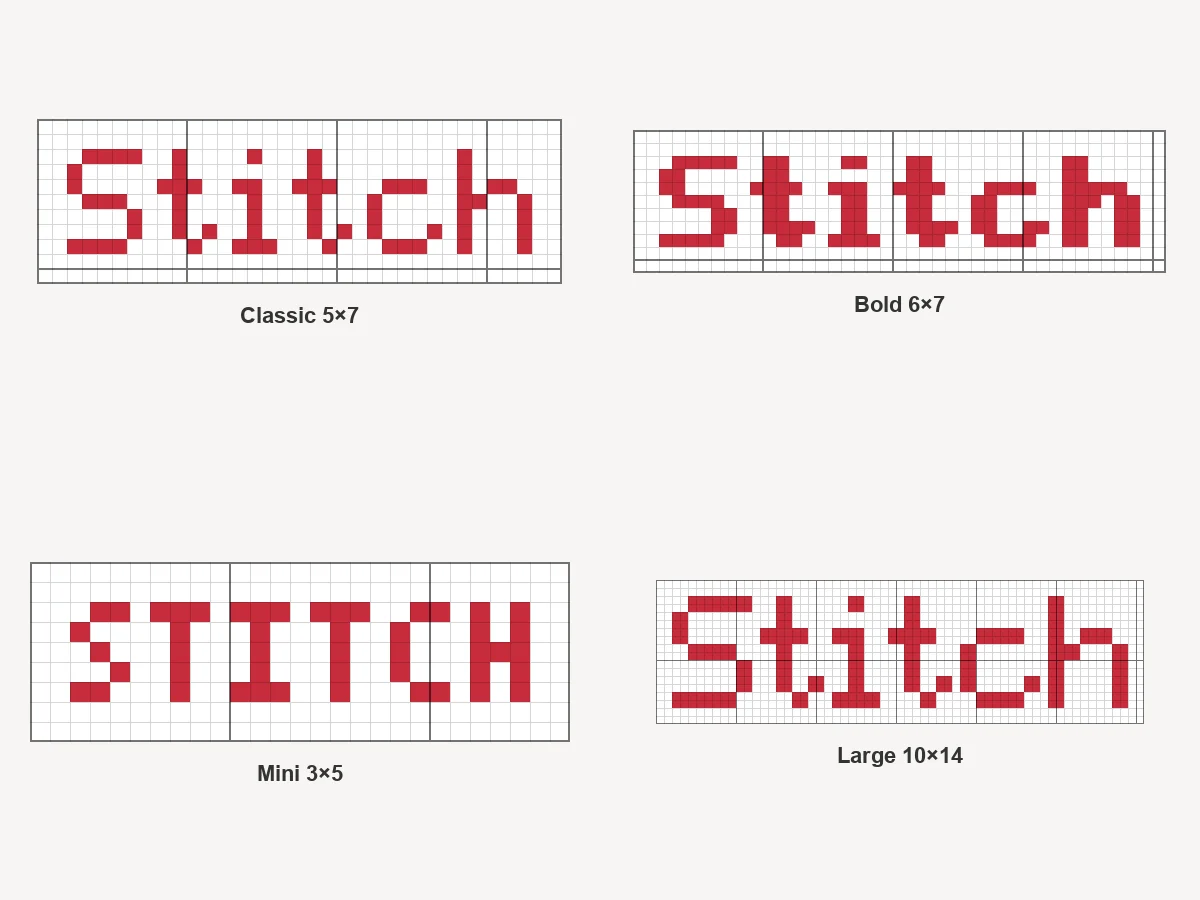
Classic 5×7 covers capitals, lowercase with real descenders, numbers, and punctuation. Bold thickens every stroke for dark fabric, Mini 3×5 squeezes words into tight spaces, and Large 10×14 makes headline lettering for samplers and signs.
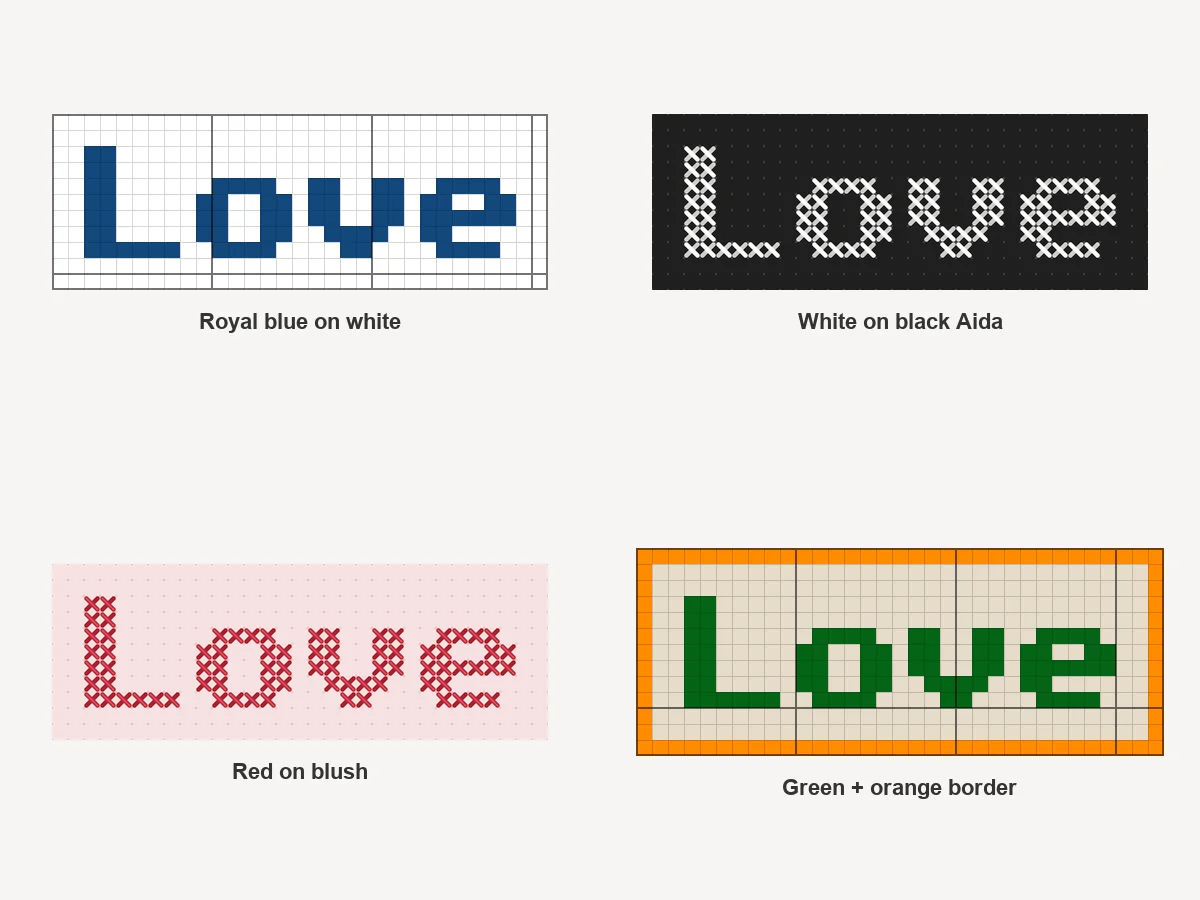
Pick a thread color from popular DMC shades or any custom color and the generator names the nearest DMC floss. Choose white, ivory, oatmeal, blue, pink, or black Aida, or any fabric color, so the preview looks like your project. DMC matches are approximate.
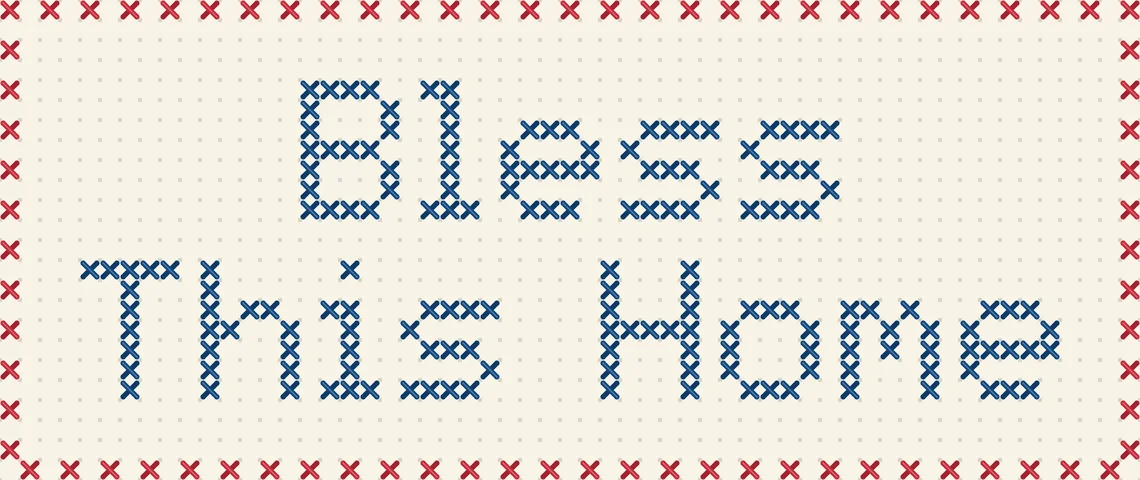
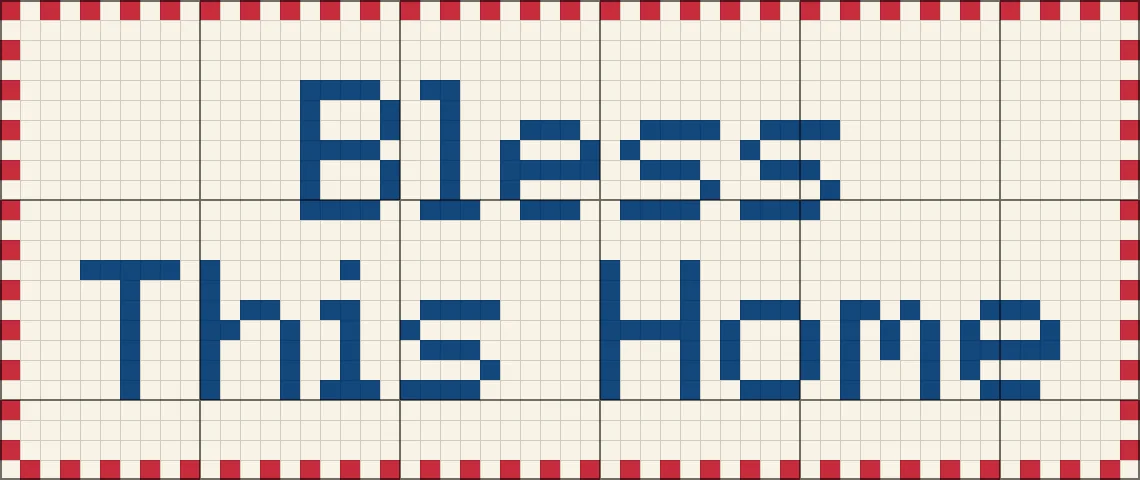
The pattern grid shows one square per stitch with bold lines every 10 stitches for easy counting. The stitched look draws real X stitches on Aida, perfect for checking the design or sharing a preview before you start.
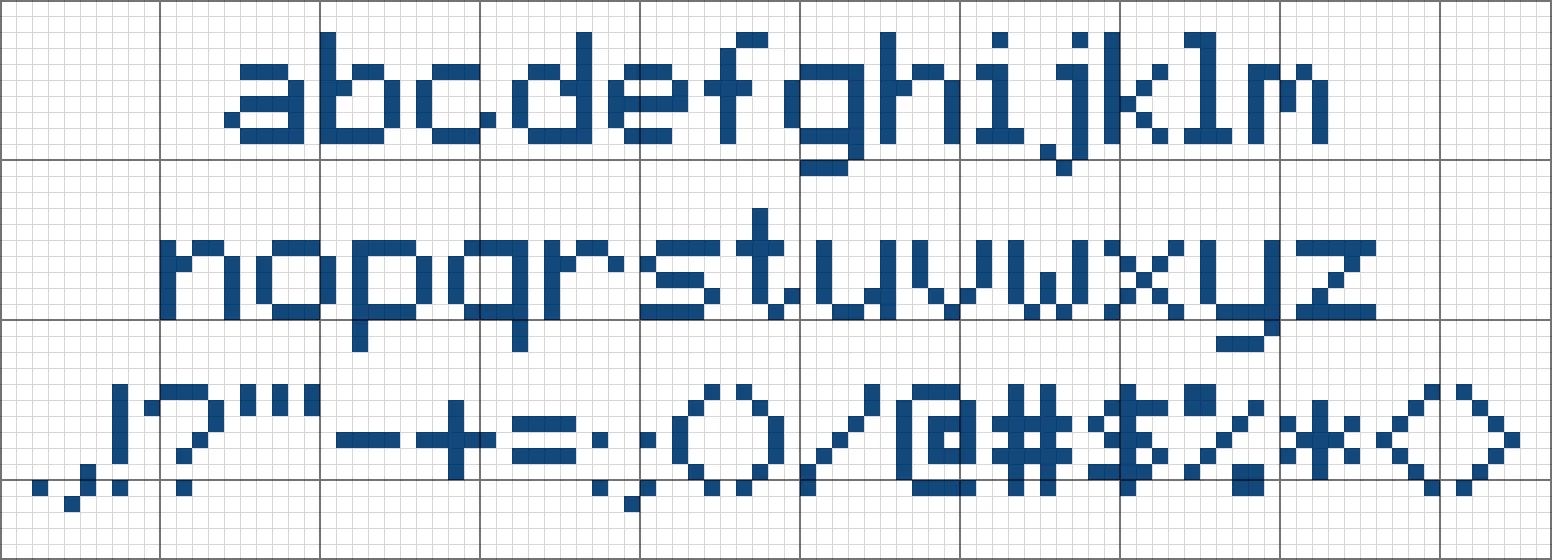
This cross stitch letters generator includes A to Z in capitals and lowercase, 0 to 9, common punctuation, and a heart symbol. Characters the font cannot draw, such as accented letters or emoji, are listed so you can rephrase.
Lettering ideas for gifts, home decor, and finishing touches.
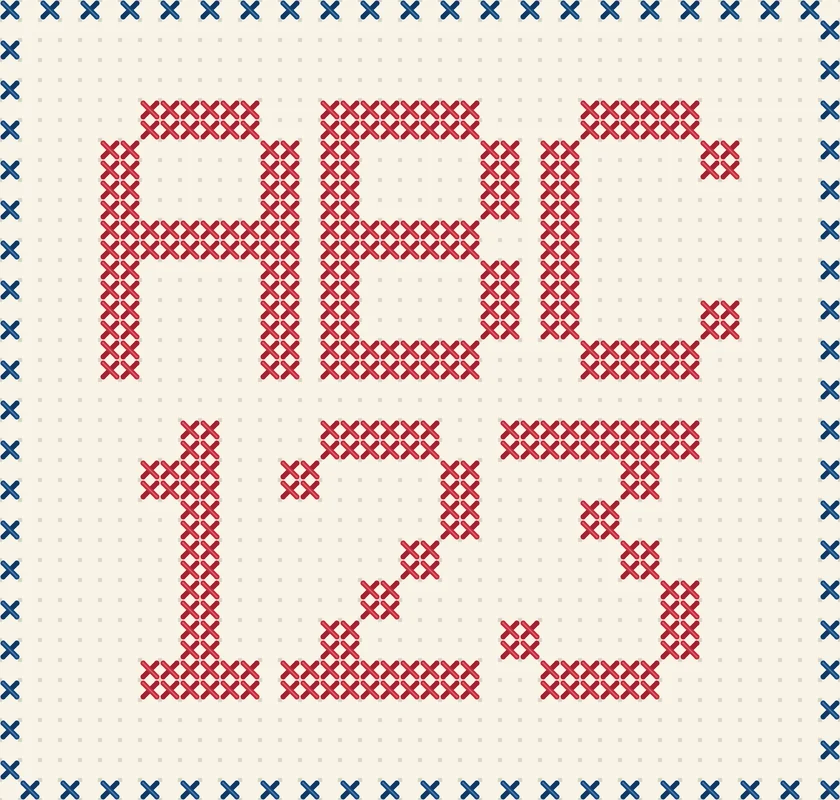
Stitch a baby name, initials, or a wedding couple’s names as the center of a sampler or nursery frame.
Short sayings like Home Sweet Home or Bless This Home make classic hoop art and wall pieces.
Use the Mini font for bookmarks, ornaments, and greeting cards where every stitch of space counts.
Add a title, date line, or signature to a larger design, matching its fabric and floss colors.
Small choices that make text easier to read and quicker to stitch.
Break long phrases into two or three centered lines. Balanced lines read better than one long row.
Dark thread on light fabric, or white on black, keeps thin letters readable from across the room.
On 14-count Aida the 7-stitch Classic font is about half an inch tall; use Large for bigger lettering.
Leave at least 3 stitches of margin inside a border and 2 empty rows between lines.
How people use a cross stitch text generator in their projects.
Illustrative examples adapted from reference material, not verified reviews of EzImgMaker.
I charted my granddaughter’s name in the Large font with a dotted border. Seeing the stitched preview first made it easy to pick the pink.
Graph paper lettering used to take me an evening. Now I type the quote, center it, and print the grid with the bold 10-lines.
The Mini font fits a whole word on a bookmark strip. I stitched six of them as teacher gifts.
I add a title line to my bigger designs with this cross stitch text maker and match the floss using the DMC hint.
Answers about fonts, sizes, colors, and printing.
It is a tool that converts typed text into a counted cross stitch chart using a pixel font, where each square is one stitch. You get a grid you can count from, so you never have to plot letters on graph paper by hand.
Yes. The generator runs in your browser, so it is free to use with no account, no credits, and no watermark. Nothing you type is sent to a server.
Capitals A to Z, lowercase a to z (Mini shows them as capitals), numbers 0 to 9, the punctuation . , ! ? ' " - + = : ; ( ) / & @ # $ % * < >, and a heart symbol (♥). Accented letters and emoji are not in the fonts; the tool lists any skipped characters.
Type the name, choose the Large or Bold font for a strong look, center it, add a border with a few stitches of margin, and download the PNG. Check the finished size line to make sure it fits your hoop or frame.
Divide the stitch count by your fabric count. For example, a 62 × 22 stitch pattern is about 4.4 × 1.6 inches on 14-count Aida and 3.4 × 1.2 inches on 18-count. The tool shows the size for 11, 14, 16, and 18-count.
Not yet. The generator uses its own hand-drawn pixel fonts because computer fonts do not map cleanly onto a stitch grid. You can still adjust letter spacing, line spacing, and alignment to change the look.
They are approximate. The tool names the closest shade in a built-in table of DMC colors, based on typical screen colors. Compare with a physical DMC color card before buying floss.
This page charts lettering only. To chart a photo, use the cross stitch pattern maker on our site, then stitch your lettering underneath or in a separate band.
Download the PNG with the pattern grid style and print it at page width. A cell size of 20 to 30 px gives a crisp printout; turn grid lines on so the bold 10-stitch lines help you count.
Type a name or phrase, choose a font and colors, and download your lettering pattern.