A Presenter Speaking to Camera
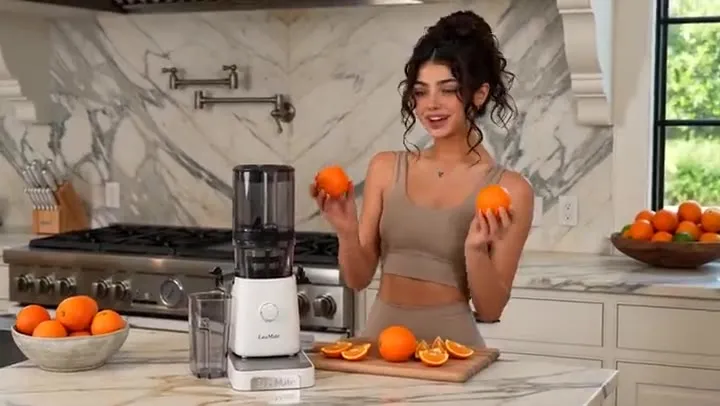
Write the line in quotes and HappyHorse says it, with the mouth moving to the words: a natural presenter delivery from one prompt.
HappyHorse by Alibaba is a film-style video model. Describe a shot, start from your own image, or add reference images, and HappyHorse 1.1 makes a 5 to 15 second clip in up to 1080p with sound, including spoken lines that match the lips.
A man in his thirties in a plain grey t-shirt speaks to camera in a home studio and says clearly: "This is the part everyone gets wrong, and it takes about ten seconds to fix." His mouth matches the words precisely. Soft key light, blurred bookshelf behind, natural presenter delivery, quiet room tone.
Reference example. It is not a result generated from your upload.
HappyHorse (also written Happy Horse AI) is a video generation model from Alibaba. It leans toward film rather than social video: camera moves, pacing, and lighting that suit trailers, short drama beats, and product reveals, with sound made in the same pass as the picture. Put a line of dialogue in quotes and the character says it with matching lip movement.
HappyHorse 1.1 is the current version and the one this page runs. Alibaba describes it as an upgrade over HappyHorse 1.0 in dynamic expression, character consistency, instruction following, visual texture, and audio. You can use the Happy Horse AI video generator online here in three ways: text to video, Happy Horse image to video from a starting frame, and Happy Horse reference to video with up to four images of the characters, products, or places you want in the shot.
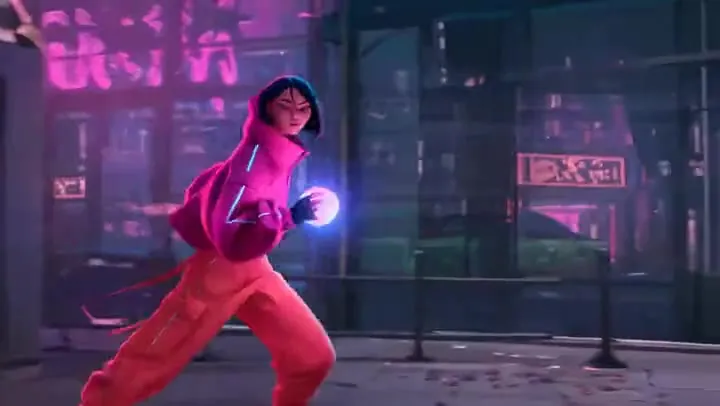
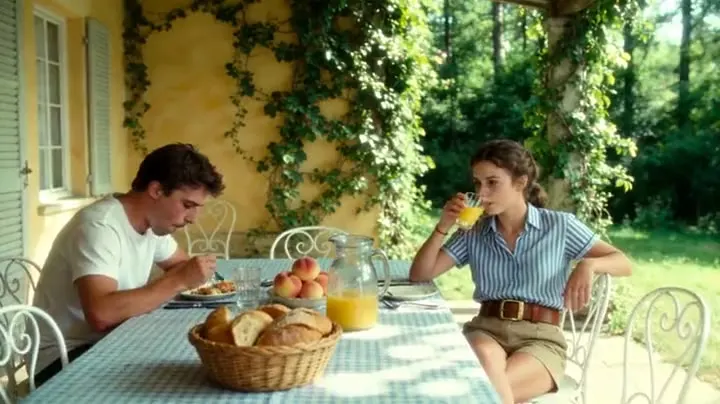
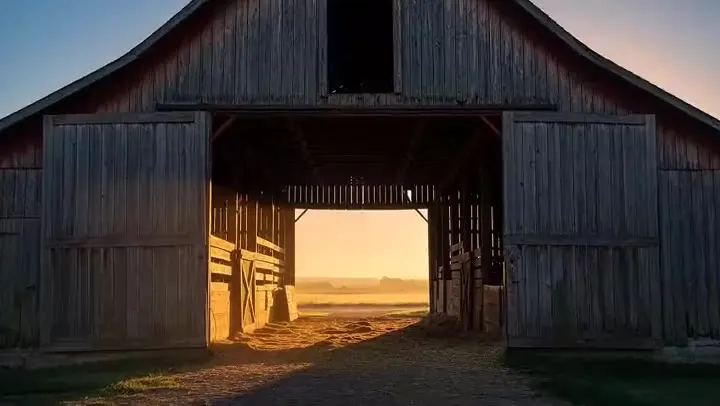
Happy Horse videos with the prompts behind them. Press a button to load a similar idea into the workspace.
Write the line in quotes and HappyHorse says it, with the mouth moving to the words: a natural presenter delivery from one prompt.
An empty fridge, a look to camera, and "So. Toast again." Framed for a phone from the first frame.
A figure walks out of a desert dust wall, cloak snapping, with bass rumble and wind on the soundtrack.
One object, one move, one sound: a ring of light sweeps around headphones as the arm clicks out.
Glowing blue waves under the Milky Way, held in one slow, steady wide shot.
A letter slid across a kitchen table and a silence that says everything, the kind of scene HappyHorse is built for.
How to use Happy Horse AI in four steps, from idea to a video with sound.
Say what happens, how the camera moves, and what we hear. Put any spoken line in quotes so it is voiced with matching lips.
Optional: switch to Image and the clip starts on your picture, keeping its look and subject. Or use Reference to add up to four images of characters or products.
Pick 5, 8, 10, or 15 seconds, 720p or 1080p, and for text or reference clips an aspect ratio from 21:9 to 9:16.
The cost shows on the Generate button before you click. Watch the clip with sound on, then download the MP4 or tweak one detail and run it again.
Every HappyHorse clip has sound made for the scene: room tone, footsteps, wind, a fridge hum. Write a line in quotes and it is spoken, with the mouth moving to the words. Keep each line short for the cleanest sync.
HappyHorse leans toward film language: low heroic angles, slow motion, controlled push-ins, and deliberate pacing. That makes it a strong pick for trailer shots, drama beats, and premium product spots rather than chaotic social clips.
Pick 5, 8, 10, or 15 seconds per clip. Choose 16:9 for YouTube, 9:16 for Shorts and Reels, 1:1 or 4:5 for feeds, 4:3 or 3:4 for a classic look, or 21:9 for a widescreen film frame, in 720p or 1080p.
Happy Horse AI image to video uses your picture as the first frame and keeps its look, subject, and shape, so a product photo becomes a reveal and a portrait starts to talk. Reference mode goes further: up to four images you call [Image 1] to [Image 4] keep a character or product consistent in a new scene.
The Happy Horse video model compared with Seedance 2.0 and Wan 2.7 on EzImgMaker.
| HappyHorse 1.1 | Seedance 2.0 | Wan 2.7 | |
|---|---|---|---|
| Made by | Alibaba | ByteDance | Alibaba (Wan team) |
| Text to video | Yes | Yes | Yes |
| Image to video | Start frame | Start + end frame | Start + end frame |
| References | Up to 4 images here | Images, a video, and audio | Up to 3 images + 1 video here |
| Edit an existing video | No | Yes | Yes |
| Clip length here | 5, 8, 10, or 15 s | 5, 10, or 15 s | 5, 10, or 15 s |
| Resolution | 720p, 1080p | 480p up to 4K | 720p, 1080p |
| Stand-out strength | Film-style pacing and spoken lines | Multi-shot consistency, 4K | Start and end frames plus video editing |
Each model has its own page on EzImgMaker; the cost of any clip is shown on the Generate button before you start.
This Happy Horse prompt guide covers six habits for better HappyHorse 1.1 prompts: picture, motion, camera, and sound in a few clear sentences.
Start with who is on screen and what they do: "A woman throws open a fridge door and stares at the empty shelves."
Write dialogue in quotes and say who speaks it. Keep each line short so the lip sync stays tight.
Slow push-in, low heroic angle, handheld, or orbit: one clear move per clip reads better than several.
List what we hear, such as bass rumble, wind, a soft click, or quiet room tone, and add "no music" if you want silence.
In Reference mode, name the object: "the man in the green jacket in [Image 1]" instead of just "him".
End with "no text, no logos" for product spots so the frame stays clean.
Talking-head explainers and vertical hooks with voices, without filming yourself.
Pitch a scene, test a trailer beat, or previsualize a drama moment with sound.
Product reveals and lifestyle clips from a product photo or a short description.
Quick variations of one idea in every shape, from 21:9 banners to 9:16 Reels.
More text-to-video and image-to-video options on EzImgMaker.
ByteDance’s multimodal model with image, video, and audio references, up to 4K.
Read the guideAlibaba’s Wan model with start and end frames, references, and video editing.
Read the guideGoogle’s multimodal model that edits and extends your own clips.
Read the guideHappy Horse vs Kling: pick Kling 3.0 for multi-shot clips and fine motion control.
Read the guideTurn a written idea into a clip with the best model for it.
Read the guideAnimate a photo, product shot, or artwork.
Read the guideCommon questions about HappyHorse 1.1 and Happy Horse AI video.
HappyHorse is a cinematic AI video model from Alibaba. HappyHorse 1.1, the version on this page, makes 5 to 15 second clips in 720p or 1080p with sound from a text prompt, a starting image, or reference images. You can access Happy Horse AI online right on this page.
HappyHorse is free to try on EzImgMaker: new accounts get free credits when you sign up. After that, Happy Horse AI pricing is per clip, based on length and resolution, and the exact cost is shown on the Generate button before you click.
Yes. Clips come with sound made for the scene, and a line you put in quotes is spoken with the lips moving to it. Describe the sounds you want, or write "no music" to keep only ambience.
Yes. Choose Image and upload a JPG, PNG, or WebP (at least 300 px per side, up to 20 MB). The clip starts on your image and keeps its aspect ratio; your prompt describes the motion and sound.
Here you can pick 5, 8, 10, or 15 seconds per clip. For a longer piece, make it scene by scene, for example by using the last frame of one clip as the starting image of the next, and join the clips in an editor.
In the Happy Horse 1.1 vs 1.0 comparison, Alibaba describes HappyHorse 1.1 as an upgrade over HappyHorse 1.0 in dynamic expression, character consistency, instruction following, visual texture, and audio. On EzImgMaker you always get 1.1.
Both make video with sound. Pick HappyHorse for film-style camera work, trailers, and spoken lines. Pick Seedance 2.0 when you need 4K, a start and end frame, video or audio references, or multi-shot stories with the same character. For Happy Horse vs Wan 2.7, see the comparison table above.
HappyHorse renders in 720p or 1080p. Text and reference clips can be 16:9, 9:16, 1:1, 4:3, 3:4, 4:5, or 21:9; image to video follows the shape of your starting image.
HappyHorse is developed by Alibaba, which is why you will also see it called HappyHorse by Alibaba. EzImgMaker is an independent site and is not affiliated with, endorsed by, or sponsored by Alibaba; we provide access to HappyHorse 1.1 through a third-party API provider, so you do not need a HappyHorse API key.
A good Happy Horse AI prompt describes the action first, then the camera move, the light, and the sound, and puts spoken lines in quotes. In Reference mode, point at each image by name, such as "the woman in the red coat in [Image 1]". See the HappyHorse prompt guide above for six quick tips.
Write a shot with a line of dialogue, or start from your own image, and let HappyHorse 1.1 add the motion and the sound.
HappyHorse and Alibaba are trademarks of Alibaba Group Holding Limited or its affiliates. EzImgMaker is an independent site and is not affiliated with, endorsed by, or sponsored by Alibaba. Model names are used only to describe compatibility.