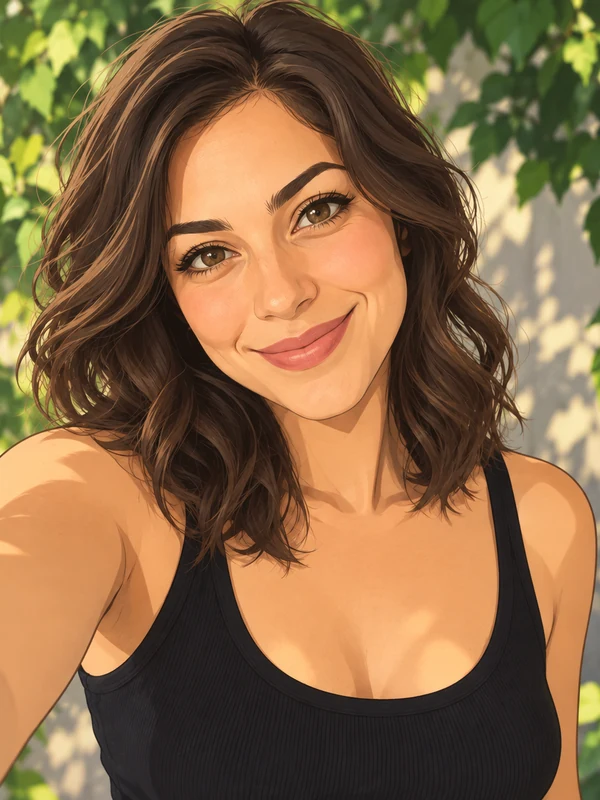
Anime Portrait
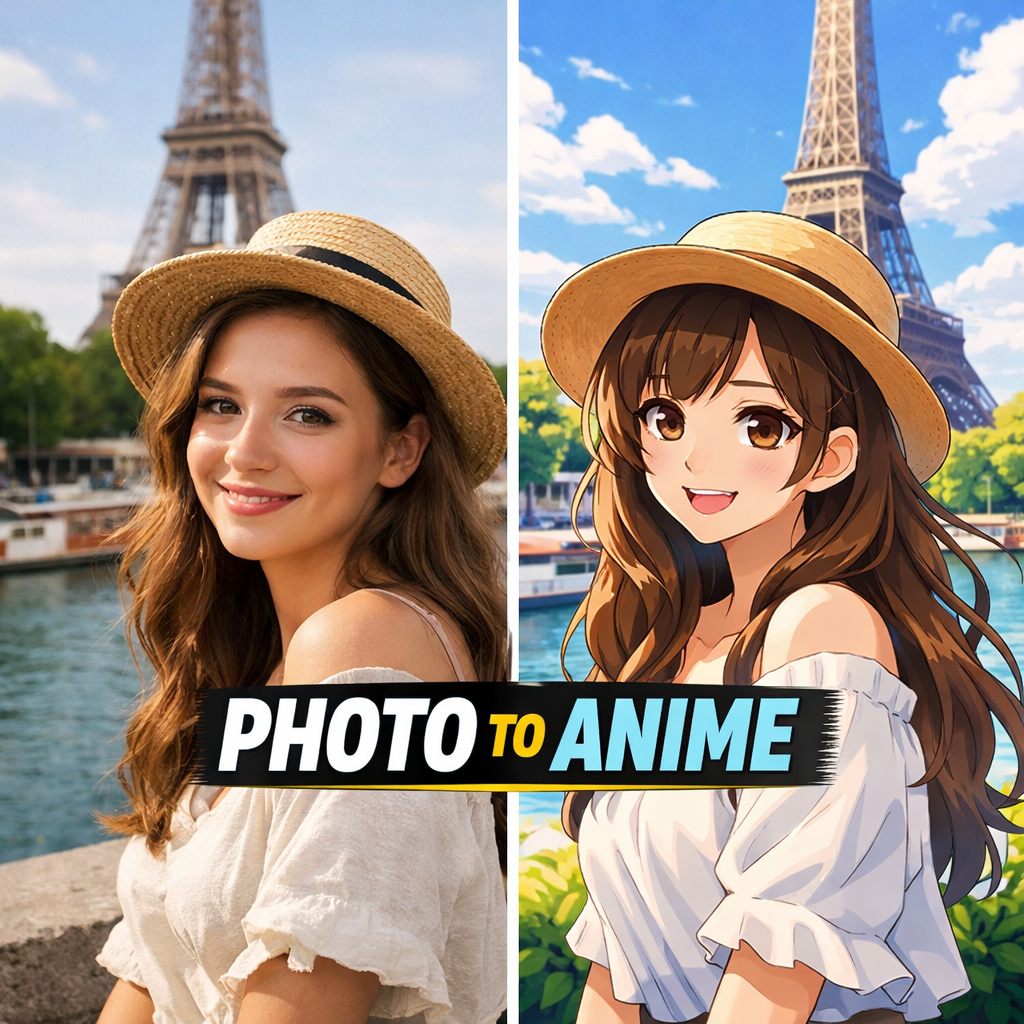
A clean anime version of you, still recognizable at a glance.
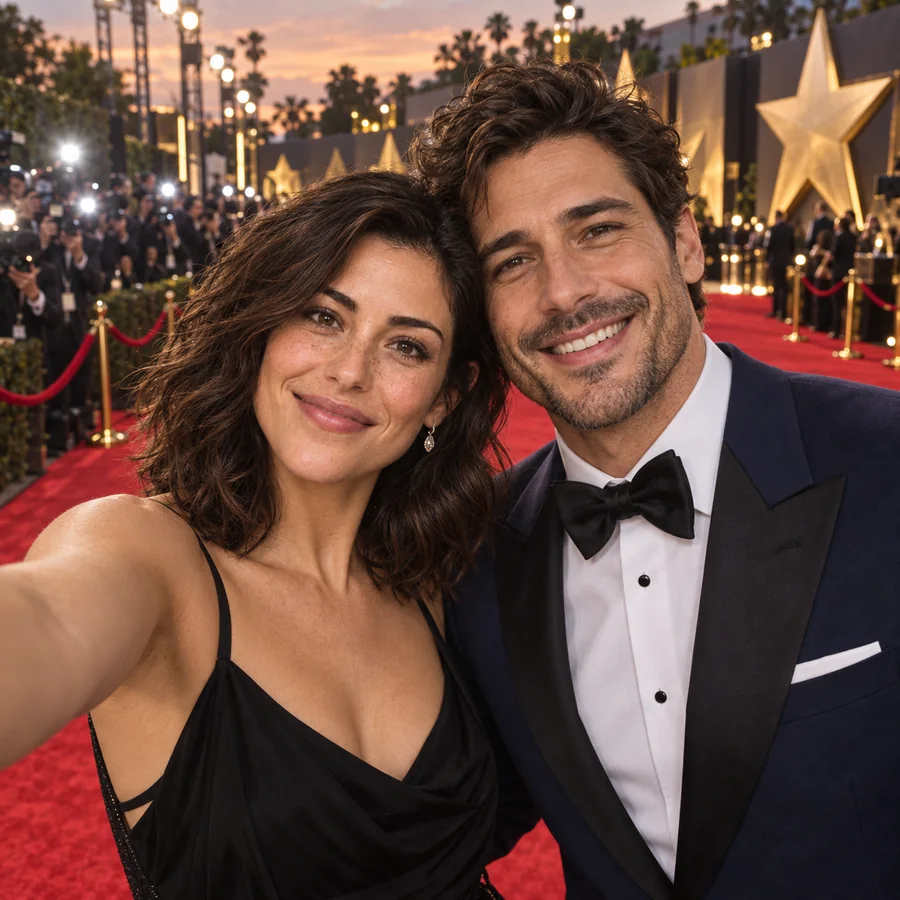
Upload one clear photo and turn it into new AI selfies: a beach at golden hour, a pro headshot, an anime portrait, an astronaut in orbit, or a party scene, with your real face in every shot.
Your photo stays in this browser during this UI preview.
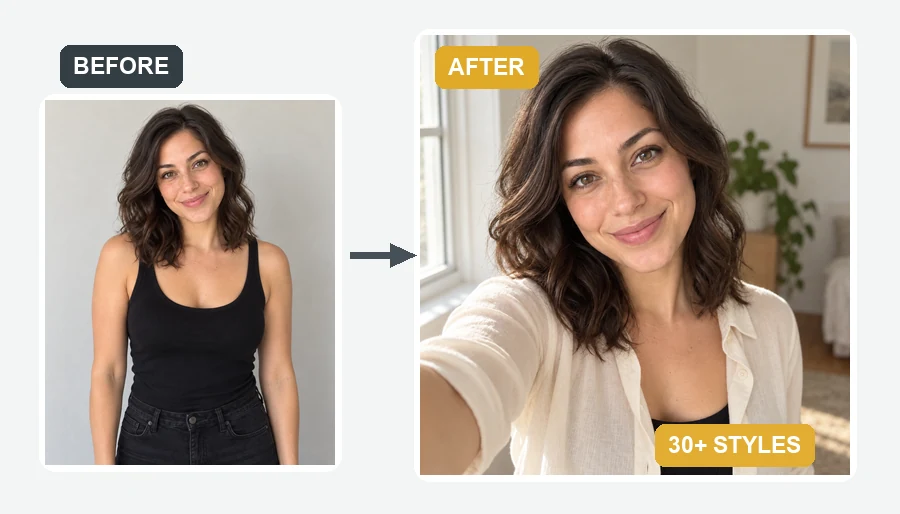
Reference example. It is not a result generated from your upload.
An AI selfie generator turns one photo of you into brand-new selfies, often called AI selfies or artificial intelligence selfies. Each one is rebuilt from a phone’s-eye view, arm’s length and slightly above, so it reads like a real snapshot, even though the beach, rooftop, concert, or spacesuit never happened.
This AI selfie maker keeps your face, skin tone, and hairstyle and changes the setting, outfit, lighting, or art style. Pick from 33 ready-made looks across realistic scenes, cartoon styles, profile photos, fantasy, and occasions, or describe your own. You do not need an AI selfie app or any prompt-writing skills to create AI selfies that look like you.
All of these started from a single uploaded photo. Pick a look to load it in the workspace.
A clean anime version of you, still recognizable at a glance.
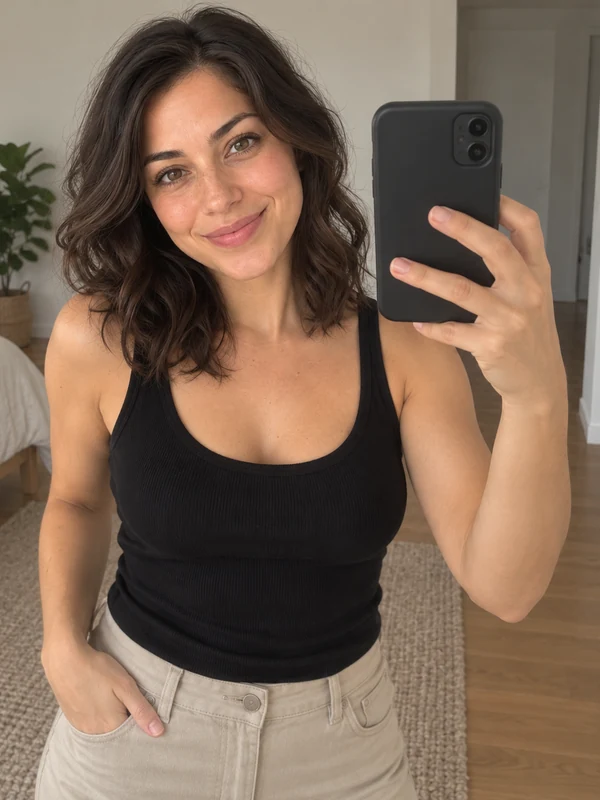
The classic phone-in-hand mirror shot in a clean, modern room.
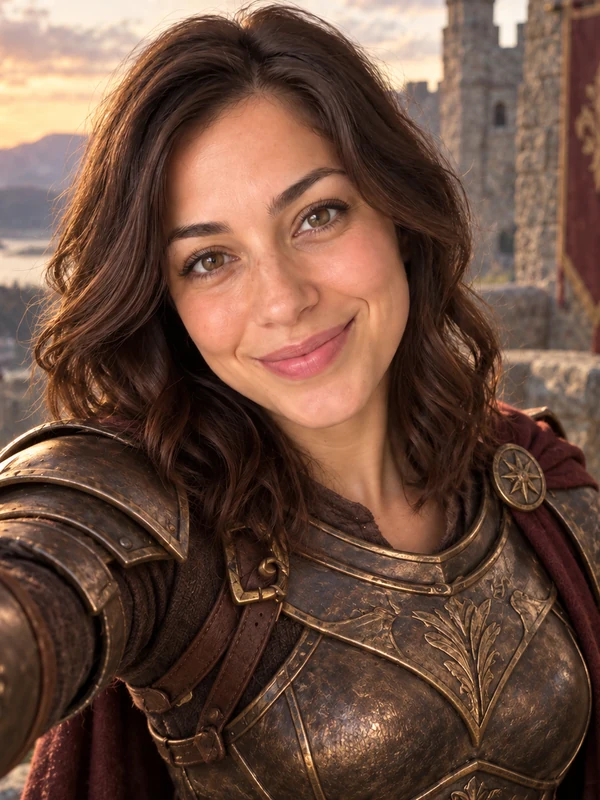
Armor, a castle on the cliffs, and dramatic light behind you.
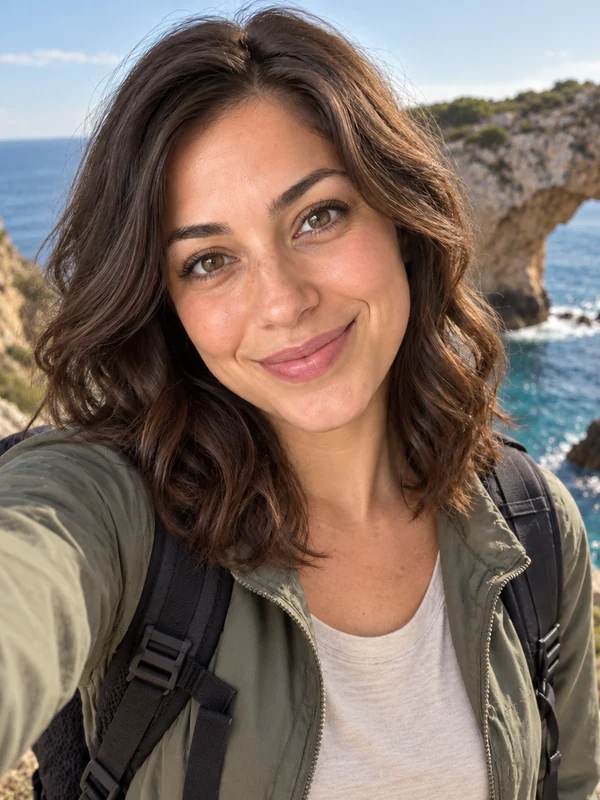
A candid, sunlit shot on a coastline you have not visited yet.
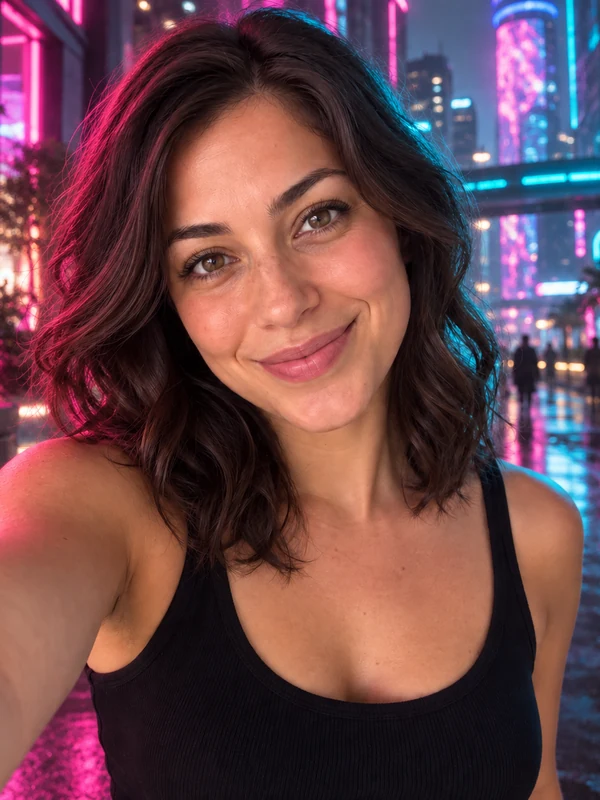
Pink and blue neon, a rainy skyline, and a leather jacket.
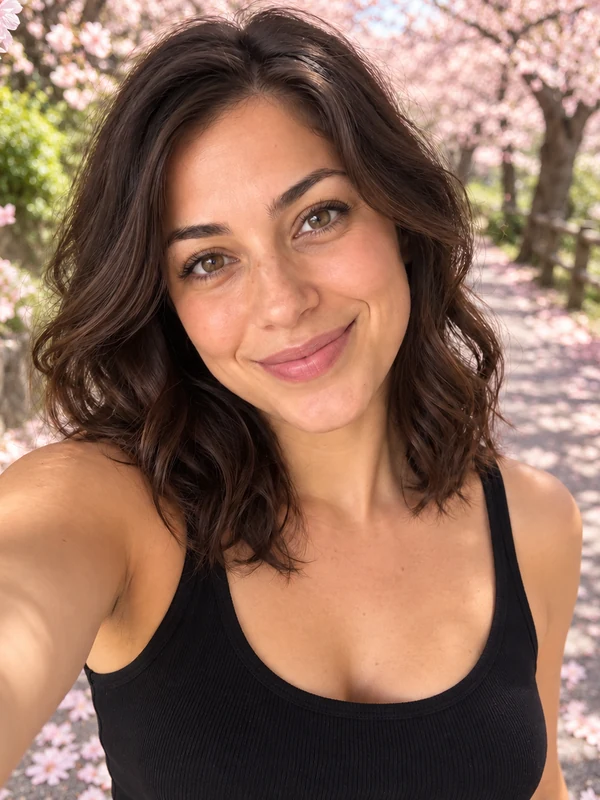
Spring petals and a blossom-lined path for a soft seasonal look.
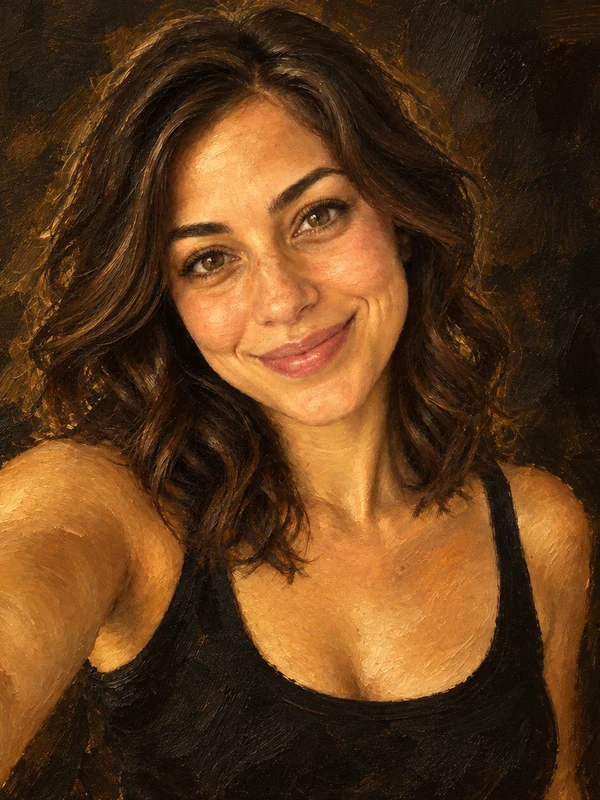
Rich brushwork and warm tones, like a portrait from a gallery wall.
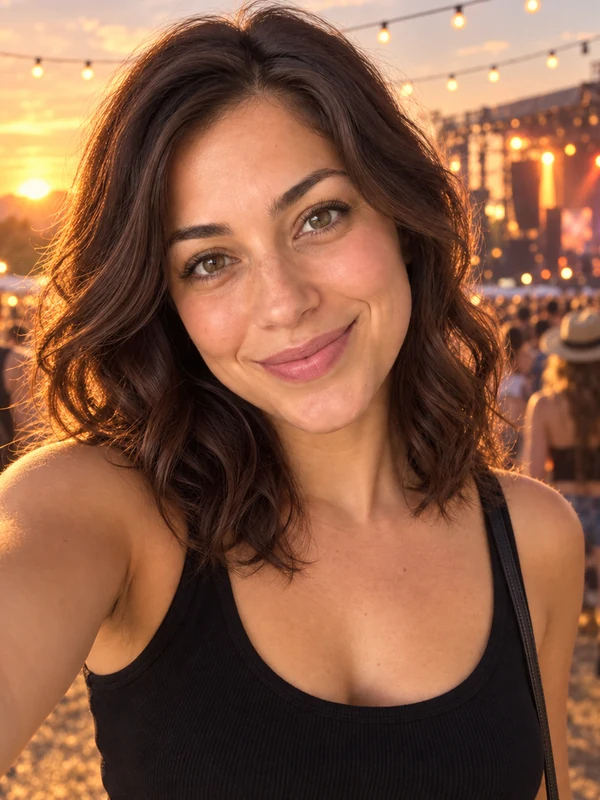
String lights, palm trees, and a festival crowd at sunset.
From one photo to a set of AI selfies, without writing a prompt.
Add a selfie, portrait, or half-body shot where your face is well lit and easy to see. JPG, PNG, and WebP files up to 10 MB are supported.
Choose from Realistic Scenes, Cartoon Styles, Profile, Fantasy, or Occasions. Want something specific? Describe your own scene in the optional box.
Create up to four AI selfies at once, compare them, and download the ones you like for your profile or feed.
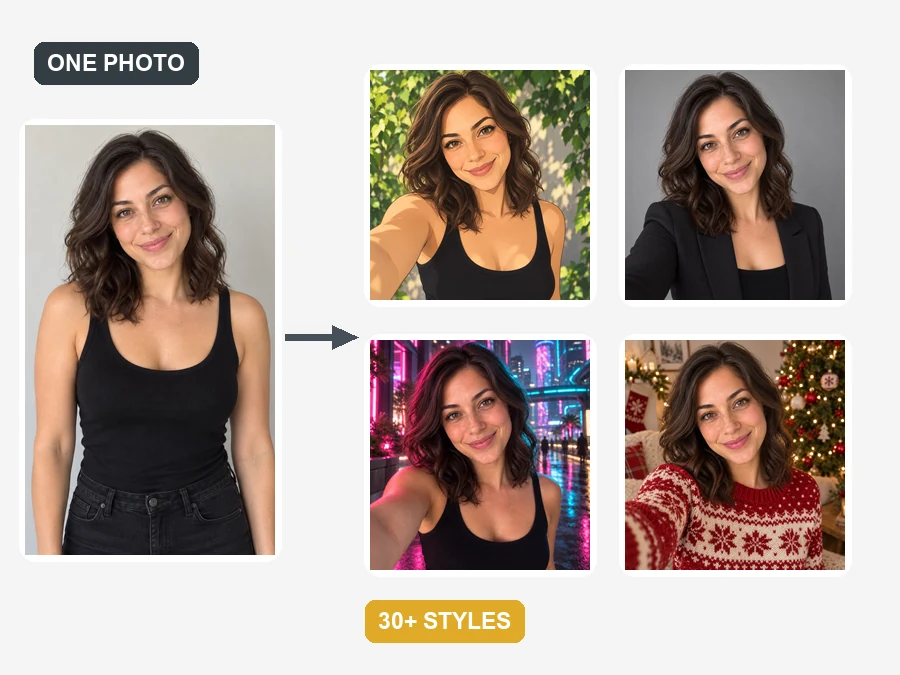
Every result is anchored to your own features, so the face in the picture is still yours while the style, outfit, and background change. One upload can become an anime avatar, a pro headshot, a cyberpunk portrait, and a festive party shot.
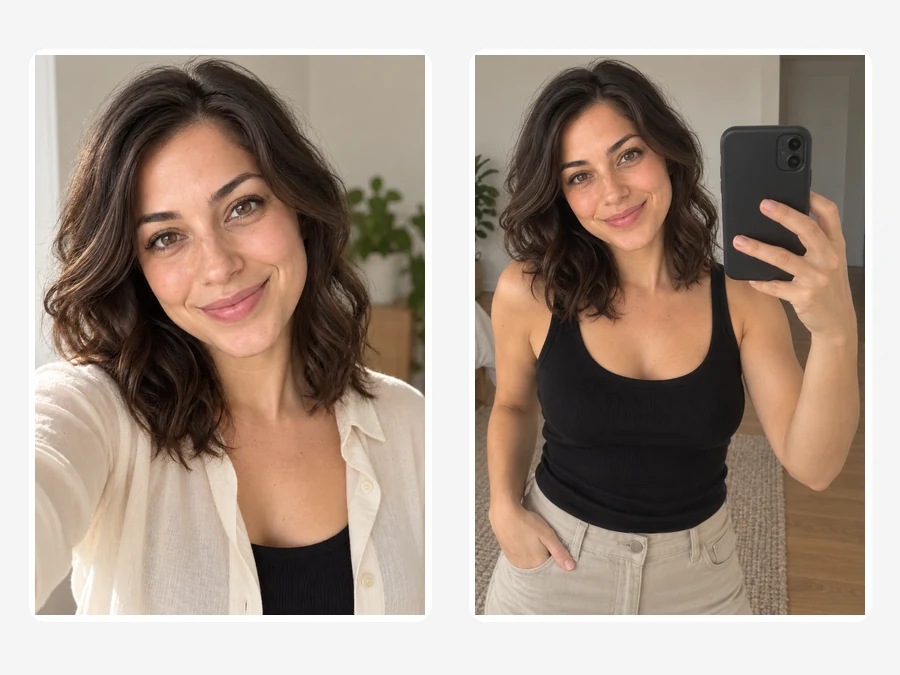
You may have seen the create an image that looks like a selfie trend: people ask AI for a casual phone-camera shot instead of a posed portrait. The Window Light, Mirror Selfie, and Travel Selfie looks do exactly that, with natural arm’s-length framing, soft daylight, and everyday backgrounds.
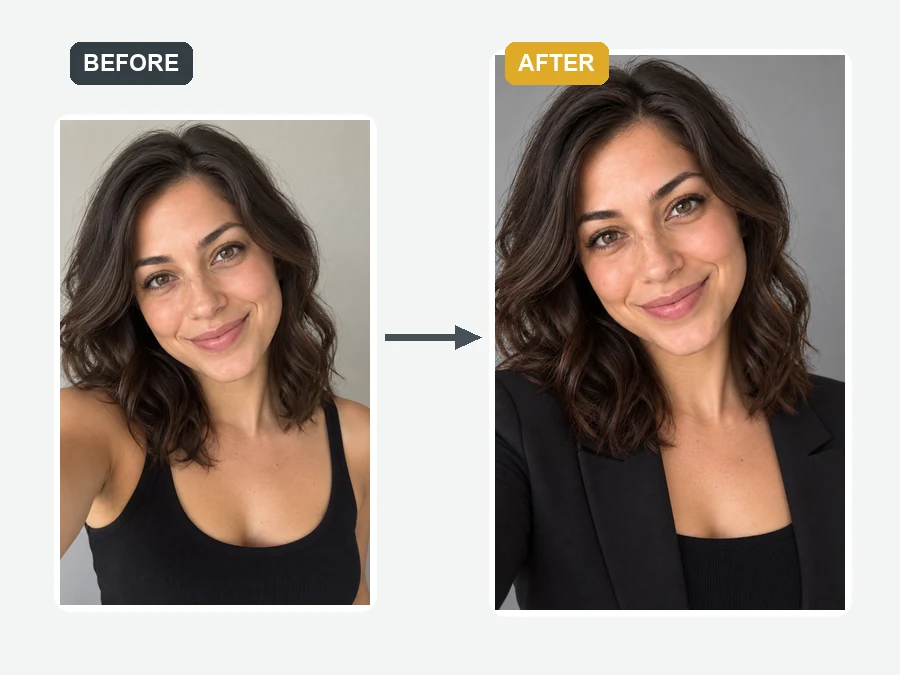
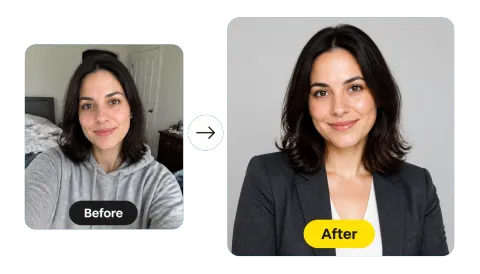
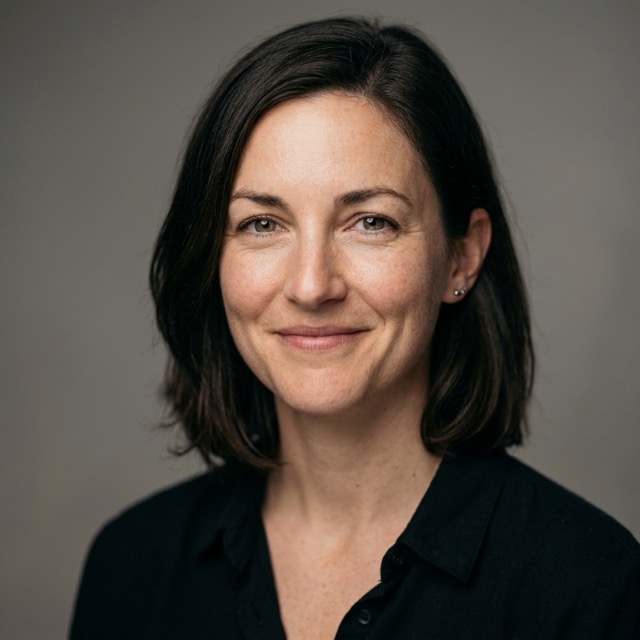
Need a new headshot, a dating profile picture, or a clean photo for your creator page? Profile styles add studio light, a neutral backdrop, and polished clothing to a quick selfie, with no photographer to book.
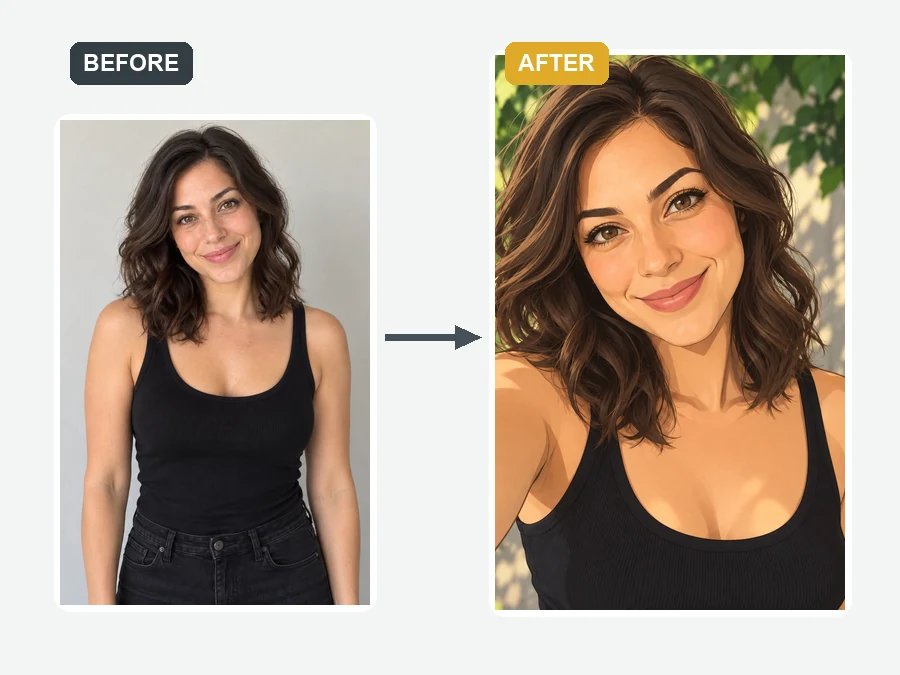
Turn an everyday photo into an anime portrait, a 3D animated character, a comic book panel, or an oil painting, or send yourself to space, a dinosaur jungle, or the bottom of the sea. The AI selfie photo generator keeps the pose and expression so it still feels like your selfie.
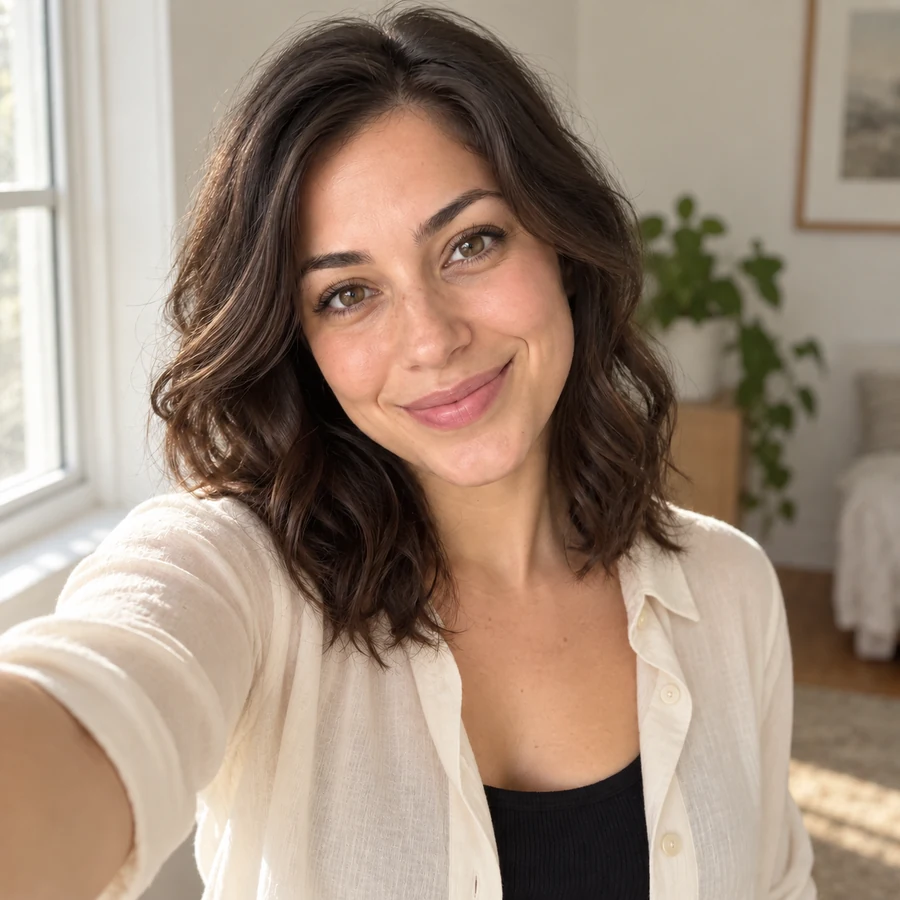
Refresh your avatar for social, work, dating, or gaming profiles with a look that matches each platform.
Share a front-row concert or golden-hour beach selfie as a fun what-if post. Label it as AI if people might take it for real.
Keep a consistent face across thumbnails and banners while switching backgrounds and outfits.
Get a Christmas, Halloween, birthday, or New Year selfie even if you missed the party photos.
The photo you upload decides how much the AI selfie looks like you.
No sunglasses, masks, or hands over the face. A slight angle is fine.
Daylight from a window keeps skin tone and features accurate.
Beauty filters and strong edits change your features before the AI even starts.
For your own idea, name the place, outfit, and light, such as "rainy Tokyo street, trench coat, night".
Selfies people actually post.
Illustrative examples adapted from reference material, not verified reviews of EzImgMaker.
I turned one beach photo into an anime selfie and a work headshot in the same session, and both still looked like me.
The astronaut selfie got more comments than anything I have posted in months. I said it was AI, and people loved it anyway.
I needed a fresh profile photo between jobs. The Business Casual style gave me something clean without booking a studio.
Window Light is my favorite. It looks like a selfie I could have taken on a good-hair day, which is the whole point.
Answers about styles, uploads, and results.
An AI selfie generator is an online tool that turns one uploaded photo into new selfie-style images. It keeps your face and changes the scene, outfit, lighting, or art style, so you get AI selfies of yourself in places and looks you never actually photographed.
Upload a clear photo of yourself, choose a style such as Golden Hour Beach, Anime Portrait, or Pro Headshot, and click Generate. You can make up to four versions at once, and describe your own scene in the optional box if none of the presets fit.
That is the goal. Each result is anchored to your uploaded face, so your features stay recognizable while the outfit, background, and style change. Sharp, front-facing photos with even light give the most faithful results.
No. The 33 presets already contain the scene and style details. A short AI selfie prompt in the optional box only helps when you want something specific, such as a particular city, outfit, or color palette.
Look for three things: results that keep your real face, enough variety to cover everyday, professional, and fun looks, and control over the scene when you need it. The best selfie AI generator for you is the one whose results you would actually post.
No download is needed. The AI selfie generator runs in your phone or desktop browser, so you can upload, generate, and save your selfies without installing anything.
For fun and creative posts, yes, but be honest about it. Label AI selfies when people could mistake them for real photos, and never use one to deceive someone, verify an identity, or pretend you were somewhere you were not for an important purpose.
A clear, well-lit photo where your face is easy to see. Selfies, portraits, and half-body shots all work. Avoid blur, heavy filters, sunglasses, and group photos where your face is small.
Yes. Download the selfie and use it as a profile picture or avatar. For professional profiles, choose a Profile style that stays close to how you actually look.
Only upload photos you own or have permission to use. Do not create selfies of other people without their consent, do not upload photos of minors, and do not use generated images to impersonate anyone.
Upload one photo and turn it into realistic AI selfies in 33 styles, with your real face in every one.