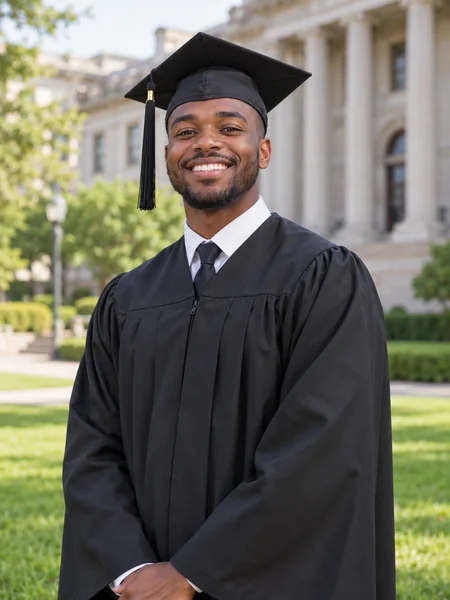
Campus Portrait
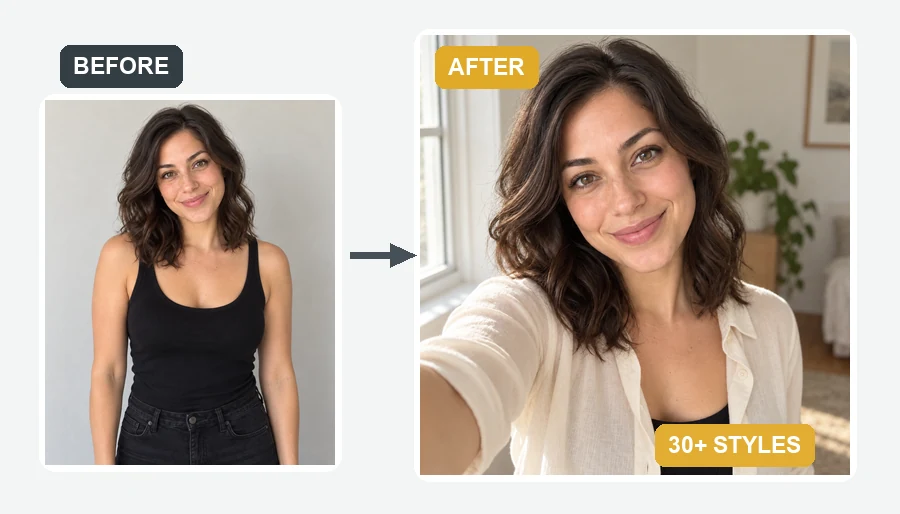
Stately buildings, green lawns and a soft blurred background.
Missed picture day, or want something better than the campus booth? Upload a selfie, pick a scene, a gown color and extras, and the AI dresses you in a fitted cap and gown and builds the shot around you, from a studio portrait to a cap toss on the quad. Add family photos to celebrate together.
Photo Style: Studio Portrait · Gown Color: Black · Extras: Cap & Gown Only
Reference example. It is not a result generated from your upload.
AI graduation photos are graduation portraits made from a photo you already have. Upload a selfie or any clear picture, and the AI dresses you in a cap and gown that fits your pose, then builds the scene: a studio backdrop, the campus lawn, a golden-hour courtyard or a cap toss against a blue sky. Your face, skin tone and hair stay yours, so the result looks like a real graduation shoot rather than a costume filter.
Choose from eight photo styles, eight gown colors and extras such as a gold stole, honor cords, a master’s hood, doctoral regalia, a diploma, flowers or a lei, or bring family members into the frame. It is made for graduates who missed picture day, studied online, or want more than one shot for announcements, and it is free to try with the credits you get when you sign up.
Each portrait started as an everyday photo. Tap a card to load the same style into the workspace.
Stately buildings, green lawns and a soft blurred background.
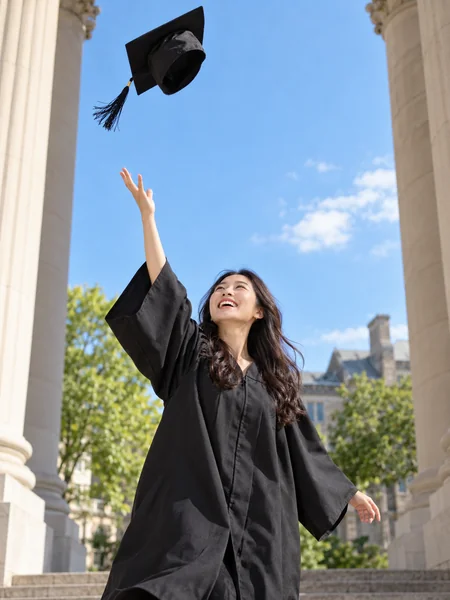
The classic celebration shot, cap mid-air against a blue sky.
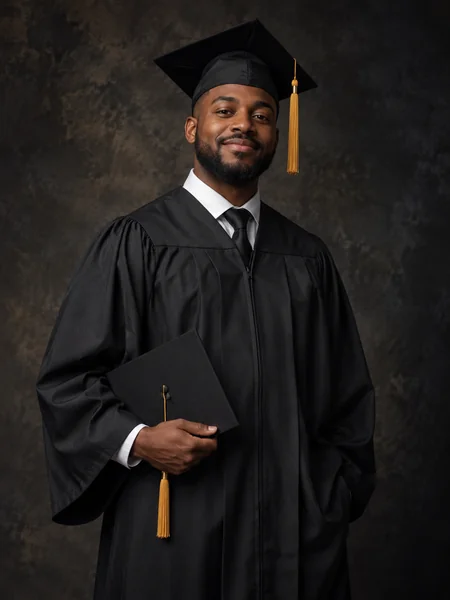
A dark textured backdrop and soft light for a timeless portrait.
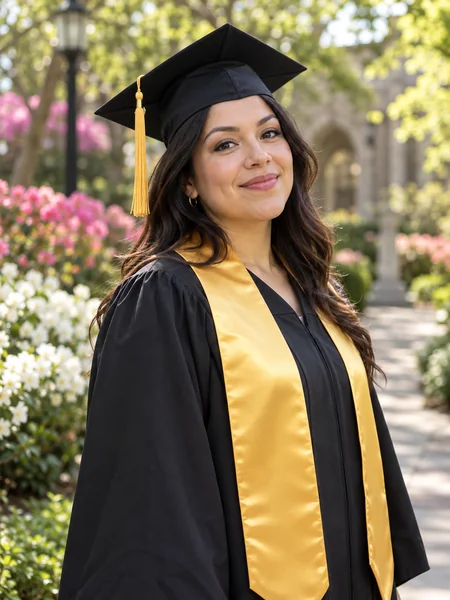
A spring garden path and a gold stole over the gown.
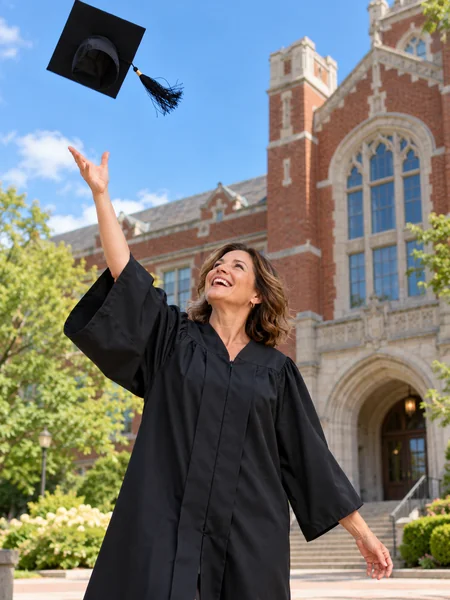
Mature students and second degrees deserve the cap toss too.
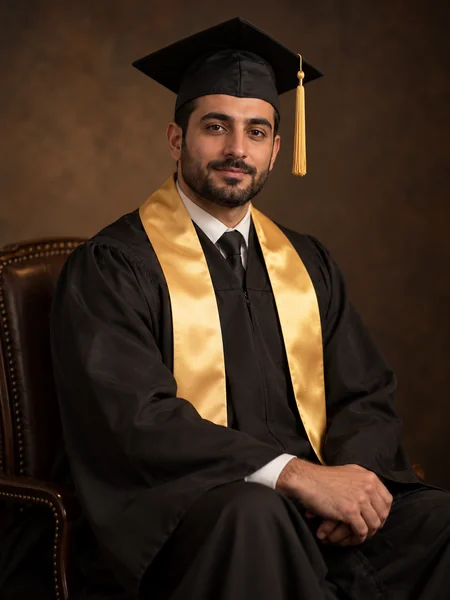
Seated, warm accent lights and a gold stole for the big news post.
No rental gown, no photographer and no prompt writing needed.
Use a clear, front-facing photo of the graduate (18+), shoulders visible. Add one or two family members or friends in the optional slots for a celebration photo. JPG, PNG or WebP up to 10 MB.
Choose a photo style such as Studio Portrait, Campus Portrait or Cap Toss, match the gown to your school colors, and add a stole, honor cords, a master’s hood, doctoral tam, diploma, bouquet or lei.
Make 1 to 4 versions, compare them, and download the AI graduation pictures you like for announcements, cards or social posts.
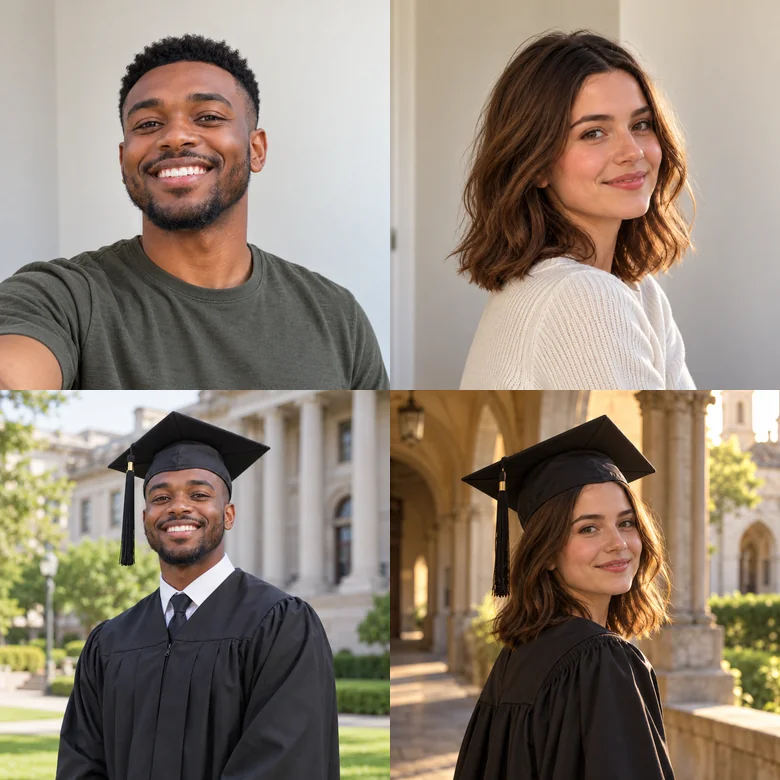
Office headshots, casual selfies and travel snaps all work. The mortarboard sits level on your head with the tassel hanging naturally, and the gown follows your shoulders and pose. Glasses, hijabs, turbans and other head coverings are kept, with the cap placed on top.
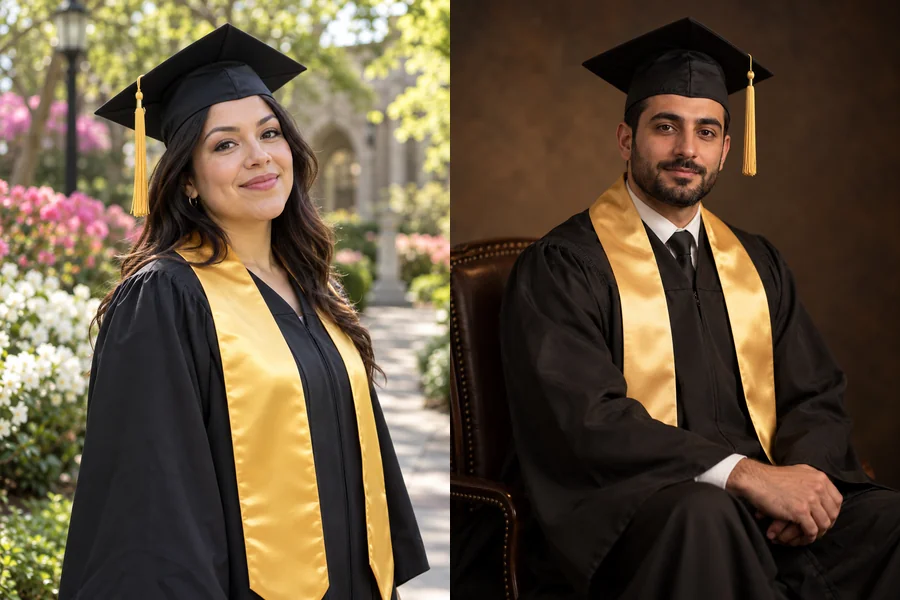
Pick a black, navy, royal blue, maroon, green, red, white or purple gown, then add a gold stole, honor cords, a master’s hood or doctoral velvet. School names and crests are never invented, so describe any details you want in Custom.
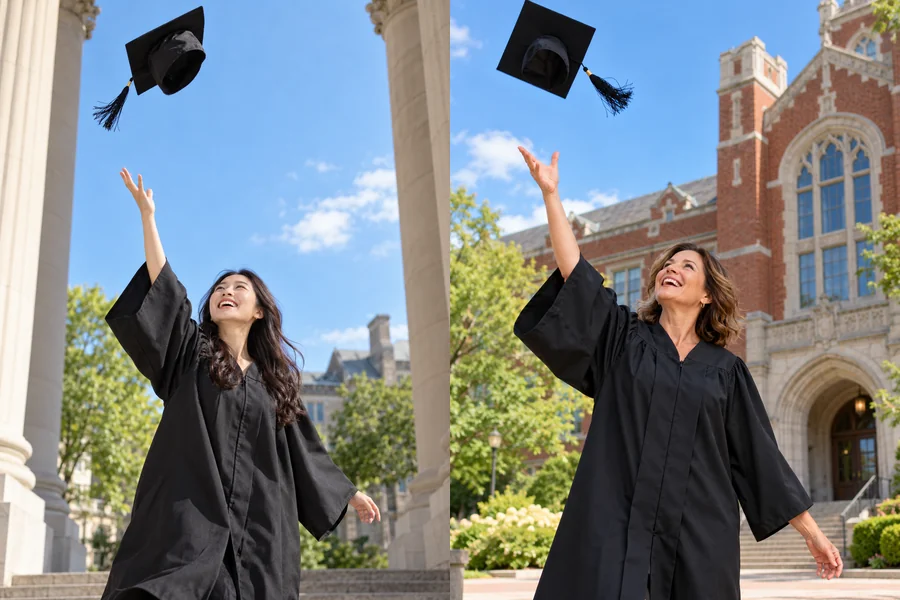
The moment everyone wants and few cameras catch: arm up, cap in the air, campus behind you. Generate a few versions and keep the one with the best expression.
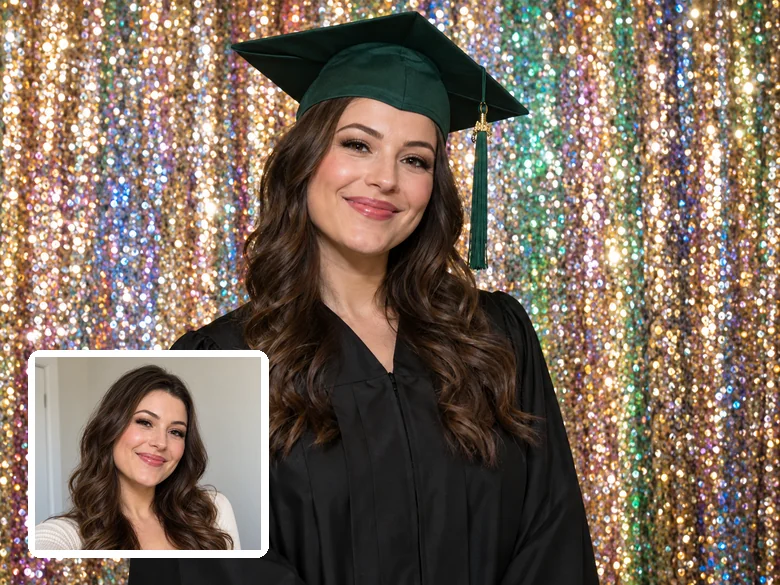
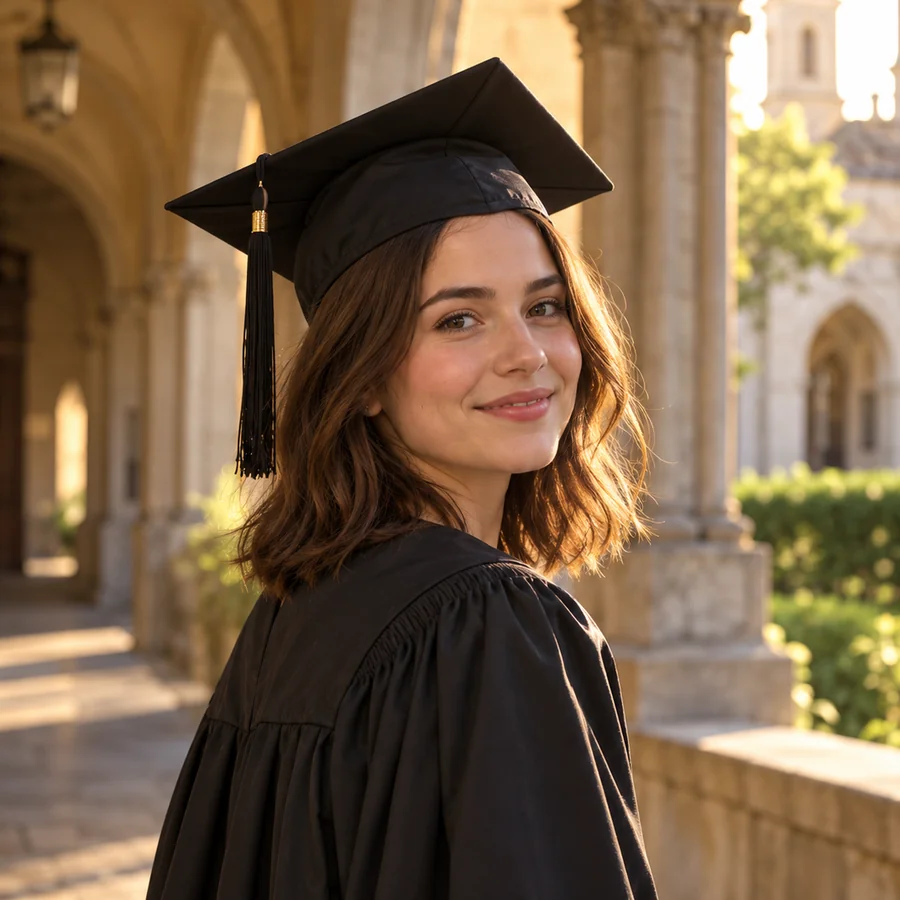
Swap the plain booth backdrop for glitter, warm bokeh lights, a stone courtyard at golden hour or a moody studio. Ideal for graduates who studied online or could not attend the ceremony.
Want a specific look? Paste an AI graduation photo prompt into Custom. Your style, gown color and extras are added automatically.
| Look | Prompt to paste in Custom | Best with |
|---|---|---|
| Library steps | Sitting on the stone steps of a grand library, holding my diploma, sunny afternoon, candid smile | Campus Portrait · Diploma in Hand |
| Class of balloons | Holding gold foil balloons that read exactly "2026", confetti in the air, school colors navy and gold | Cap Toss · Navy |
| Nursing graduate | Navy scrubs under the open gown, stethoscope around the neck, hospital entrance softly blurred behind | Campus Portrait · Royal Blue |
| Law school | Leather-bound books and a wooden bookshelf behind, formal pose, warm library light | Studio Portrait · Black |
| Fountain splash | Standing by a campus fountain, laughing, water droplets catching the sunlight | Golden Hour Hall · Flower Bouquet |
| Black and white | Timeless black-and-white graduation portrait with soft grain and strong contrast | Studio Portrait · Gold Stole |
Avoid real school names, crests and logos in prompts unless you have the right to use them.
One upload covers most of the places a graduation photo ends up.
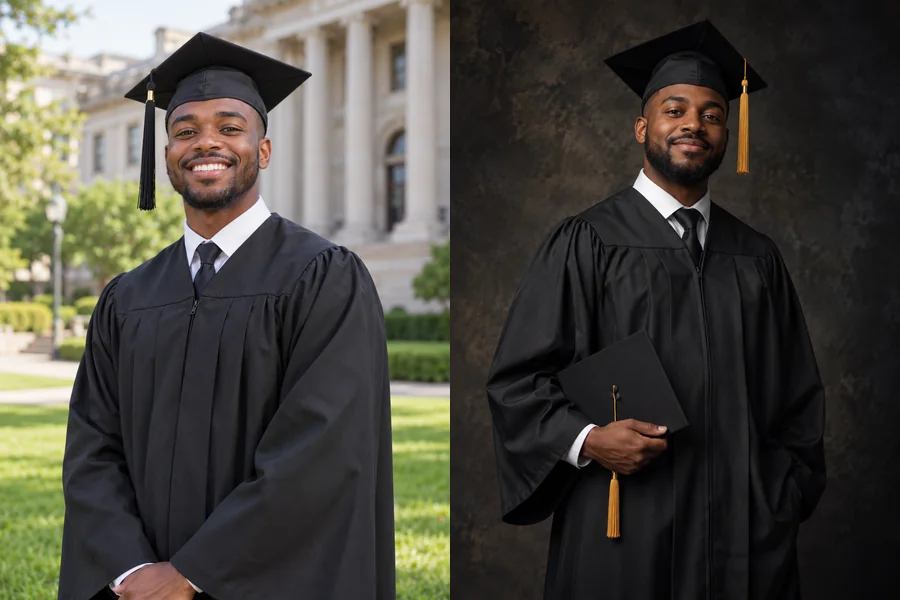
A polished portrait for the announcement card and the social post.
Sick, working or studying abroad on photo day? Make the portrait anyway.
Finished your degree online? Get the campus photo you never had the chance to take.
Put your graduation photo on invitations and thank-you notes.
Add parents or grandparents who could not travel to the ceremony.
A celebratory profile picture now, then a professional AI headshot for job hunting.
Got real ceremony photos too? These quick fixes make them look their best, with or without AI.
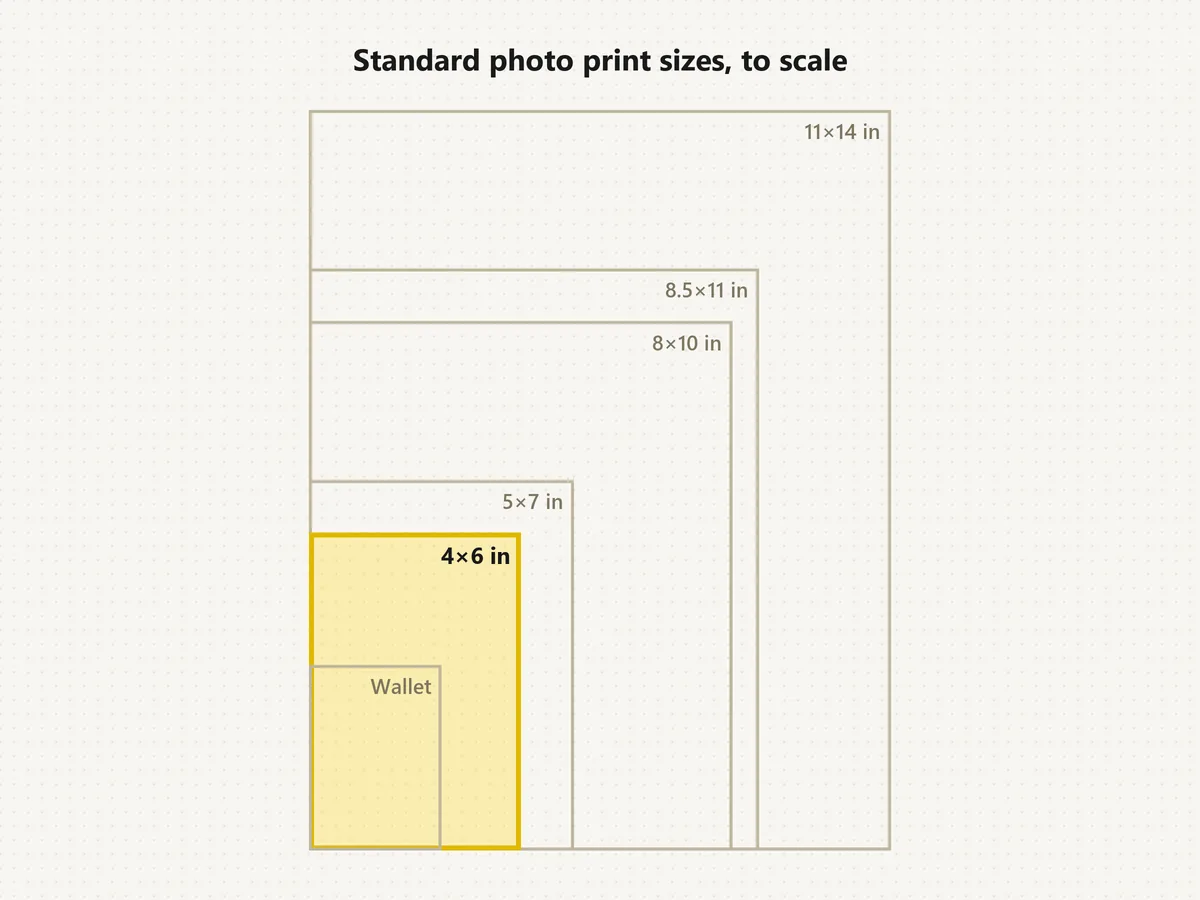
Level the horizon and crop to 4:5 for posts or 5×7 for cards before anything else.
Lift shadows on faces under caps; the image brightener does it in your browser.
Remove a blemish or a stray hair with photo retouch, and keep real skin texture.
Erase passersby and clutter, or swap the backdrop entirely with a background remover.
Small phone photos need more pixels for an 8×10 print; enlarge them first.
Avoid heavy filters that turn a navy gown black or a gold stole orange.
From the celebration photo to the job application.
Turn the same selfie into a professional headshot for LinkedIn and your résumé.
Open toolBring the whole family into one portrait from individual photos.
Open toolRemove blemishes, shine and passersby from your real ceremony photos.
Open toolBrowse every AI photoshoot: birthdays, dating photos, holidays and more.
Browse allAnswers to common questions about AI graduation pictures.
Yes, this one: new accounts get free credits when they sign up, enough for a few AI graduation photos. After that each generation uses credits, and the cost is shown on the Generate button before you start.
No. Any clear photo works: the AI adds the cap and gown and fits them to your pose. If you already wear a gown in the photo, it is restyled to the color and extras you choose.
Pick the closest of eight gown colors, then describe exact colors or stole details in Custom, such as “navy gown with a gold and white stole”. The AI does not add school names, crests or logos.
Yes. Upload the graduate first and up to two family members or friends in the optional slots, then choose With Family or any other style. Guests are shown in everyday dress clothes next to the graduate.
Yes. Glasses and religious head coverings are kept, and the cap is placed on top naturally. If anything looks off, generate again or add a note in Custom.
Yes. Choose Master’s Hood for a hooded master’s gown, or Doctoral Tam for a velvet tam and a gown with velvet sleeve bars. Add the hood lining color in Custom if you know it.
Only for graduates who are 18 or older. The tool does not edit photos of minors, so younger seniors should use their school’s official photographer.
Check your school’s rules first: many yearbooks and official records require a real, unedited photo. AI graduation photos are best for announcements, cards and social posts, and should never be used to claim a degree you have not earned.
Your face, skin tone, hairstyle and build come from your upload, so you stay recognizable while the outfit and scene change. Sharp, well-lit photos without heavy filters give the most natural results.
Upload a photo, pick a style and gown color, and get AI graduation photos ready to share.