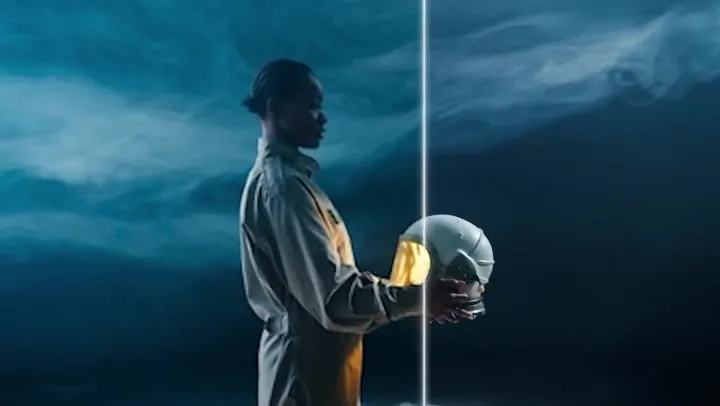
Sci-Fi Movie Scene
Use it as an AI movie generator for trailers and short films. Kling 3.0 and Veo 3.1 handle fast action and sweeping camera moves well.
Describe a scene or upload a photo, pick a model — Seedance 2.0, Seedance 2.5, Veo 3.1, Kling 3.0, Grok Imagine, Hailuo, or Wan — and create AI videos with real camera motion and native sound in 720p or 1080p. New users get free credits to try it.
A massive battle cruiser crashes through a burning city skyline as fighter jets streak past, explosions bloom between the skyscrapers, low-angle tracking shot, cinematic sci-fi blockbuster, smoke and embers in the air.
Reference example. It is not a result generated from your upload.
An AI video generator turns a written prompt or a still image into a short video clip. You describe who is in the shot, what happens, where it takes place, and how the camera moves; a video AI model then renders the motion, lighting, and — on models that support it — the sound. AI video generation used to need a render farm and a VFX team; today it takes a sentence and a click.
This AI video maker puts the leading models in one place: Seedance 2.0 and Seedance 2.5 from ByteDance, Veo 3.1 from Google, Kling 3.0 from Kuaishou, Grok Imagine from xAI, Hailuo from MiniMax, and Wan from Alibaba. Use it to make AI videos from text, create AI videos from a photo with start and end frames, and compare how each model handles the same idea before you pick a favorite — whether you need a quick video creator AI for social clips or a full AI movie generator for short films.
Every model here is a different video generation AI with its own strengths. The specs below are what you can use on EzImgMaker for each model.
| Model | Inputs | Length | Resolution | Aspect ratios | Sound | Best for |
|---|---|---|---|---|---|---|
| Seedance 2.0 (ByteDance) | Text; start + end frame; or up to 9 reference images, 3 videos, and 3 audio clips | 4–15 s | 480p, 720p, 1080p, 4K | 16:9, 9:16, 1:1, 4:3, 3:4, 21:9, adaptive | Native audio, on or off | Multi-shot stories, realistic people, reference-driven ads |
| Seedance 2.5 (ByteDance) | Text; start + end frame; or up to 30 reference images, 10 videos, and 10 audio clips | 4–30 s | 480p, 720p, 1080p | 16:9, 9:16, 1:1, 4:3, 3:4, 21:9, adaptive | Native audio, on or off | Longer scenes, consistent characters and products |
| Veo 3.1 (Google) | Text; one image or start + end frame; 1–3 reference images (Fast and Lite) | 4, 6, or 8 s | 720p, 1080p, 4K | 16:9, 9:16 | Always on: dialogue, effects, ambience | Cinematic realism and talking scenes |
| Kling 3.0 (Kuaishou) | Text; start + end frame; multi-shot with up to 3 element references | 3–15 s | 720p (Standard), 1080p (Pro), 4K | 16:9, 9:16, 1:1 | Sound effects, on or off | Action, dynamic motion, multi-shot sequences |
| Grok Imagine (xAI) | Text; one image or up to 7 reference images | 6–30 s | 480p, 720p, 1080p | 16:9, 9:16, 1:1, 3:2, 2:3 | Native audio | Fast, playful clips and long single takes |
| Hailuo 2.3 / 02 (MiniMax) | Hailuo 2.3: image to video; Hailuo 02: text or image, end frame on 02 Pro | 6 or 10 s | 768p; 1080p for 6 s clips | Follows your start frame | Silent | Expressive faces and body motion from a photo |
| Wan 3.0 (Alibaba) | Text; start + end frame; or up to 10 images, 5 videos, and 5 audio clips | 2–30 s | 480p, 720p, 1080p | 16:9, 9:16, 1:1, 4:3, 3:4, adaptive | Audio on by default | Long clips and reference-driven scenes |
The Length, Aspect ratio, and Sound settings above the generator map to the closest option each model offers: Veo 3.1 tops out at 8 s and has no square format; Hailuo clips are 6 or 10 s and silent. See each model page for prompts and full details.
A few of the shots people create with this AI video maker — from movie-style action to a photo that starts to move. Tap “Try” to load a similar prompt.
Use it as an AI movie generator for trailers and short films. Kling 3.0 and Veo 3.1 handle fast action and sweeping camera moves well.
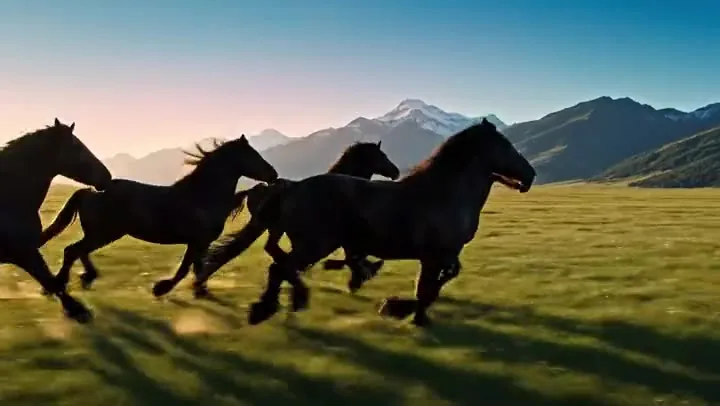
Smooth aerial flyovers for travel reels and B-roll. Seedance 2.0 and Veo 3.1 keep water, light, and horizon lines stable.
Cartoon characters with personality and timing. Grok Imagine and Seedance 2.0 are great for playful, expressive animation.
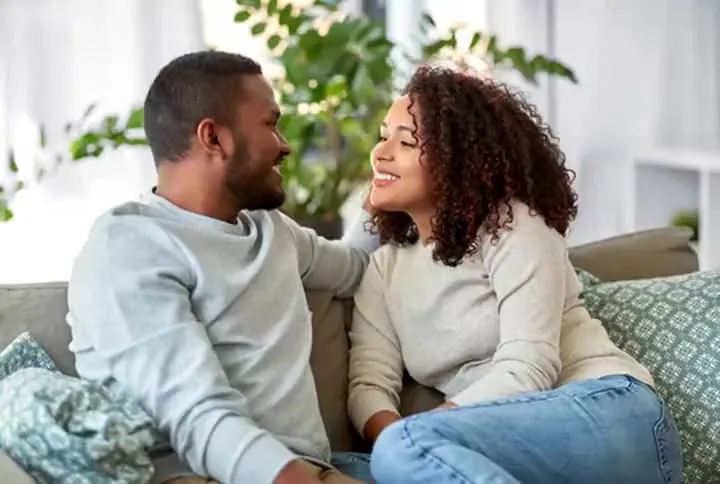
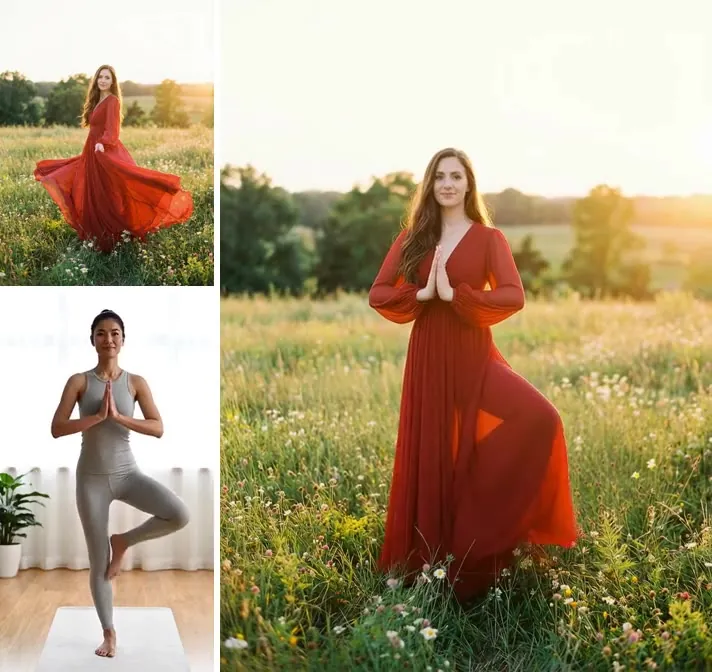
Add a start frame and the still image comes to life. Hailuo 2.3 and Kling 3.0 are strong at natural motion from a single photo.
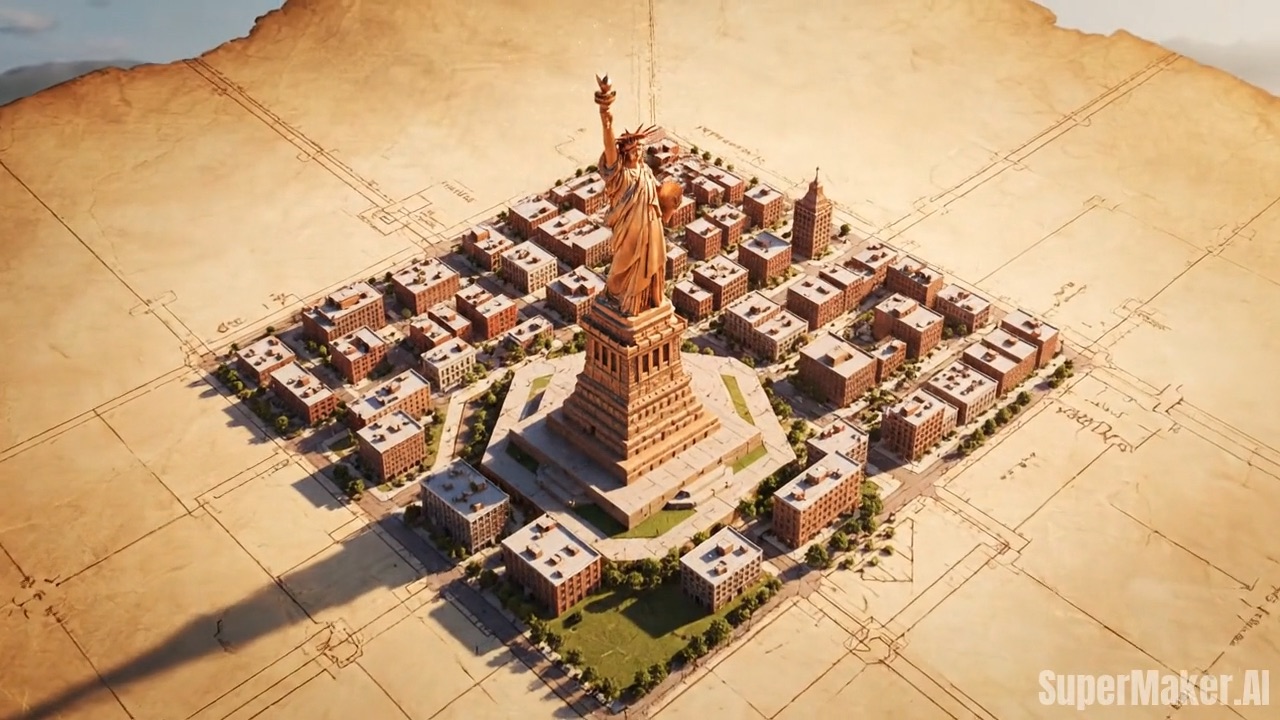
Turn artwork, illustrations, and posters into living scenes while keeping the brushwork and colors of the original.
Waves, waterfalls, storms, and wildlife in crisp slow motion. Wan 3.0 and Seedance 2.5 can run longer takes for ambient loops.
From an idea to a finished clip — no camera, editing timeline, or VFX skills needed.
Write what should happen in the shot: subject, action, setting, camera move, and mood. To make a video from a picture instead, upload a start frame, and add an end frame if you want the clip to land on a specific image.
Pick Seedance 2.0 or 2.5 for multi-shot stories and references, Veo 3.1 for cinematic realism with dialogue, Kling 3.0 for action, Grok Imagine for fast playful clips, Hailuo for expressive photo animation, or Wan for long takes.
Choose a short or longer clip, landscape for YouTube, portrait for Reels and Shorts, or square for feeds, then 720p or 1080p and whether you want generated sound.
Press Generate and preview the result. Keep the version you like, or tweak the prompt, switch models, and generate AI videos side by side until the shot is right.
Write a prompt the way a director would brief a crew and let AI generate video that follows it — subject, action, lens, lighting, and pacing. For prompt formulas, long scripts, and multi-shot ideas, open the Text to Video tool, which is built around writing for video AI.
Upload a photo as the start frame and describe the motion: a portrait smiles, a product turns, a landscape drifts by. Add an end frame on Seedance, Veo 3.1, Kling 3.0, or Wan and the model fills in the movement between the two images. The Image to Video and First & Last Frame tools go deeper on photo animation.
Instead of learning one video maker AI at a time, switch models with one tap — each video generating AI has a personality. Seedance 2.0 handles multi-shot storytelling and references, Seedance 2.5 runs up to 30 seconds, Veo 3.1 excels at photoreal scenes with dialogue, Kling 3.0 nails action, and Grok Imagine is fast and playful. Visit the model pages for Seedance 2.0, Veo 3.1, Kling 3.0, and Grok Imagine to see prompts that work best on each.
Seedance, Veo 3.1, Grok Imagine, and Wan can generate dialogue, sound effects, and ambience together with the picture, so your AI generated videos are ready to post. Need more? Continue a clip with the AI Video Extender, or raise its resolution with the Video Upscaler and Video Enhancer.
Creators, marketers, teachers, and filmmakers use AI in video production to go from idea to finished clip faster.
Vertical clips, memes, and trends for Reels, Shorts, and TikTok, made in the 9:16 format from the start.
Turn a product photo into a rotating hero shot or a lifestyle scene for ads and store pages.
Storyboard a film, pitch a concept, or cut a trailer from shots made with the AI movie generator.
Generate moody loops, dance scenes, and abstract visuals to match a track.
Illustrate a lesson, a process, or a historical moment with short, clear clips.
Try camera angles, locations, and lighting before a real shoot, at a fraction of the cost.
Start with who or what is on screen, what they do, and where. “A red fox trots through fresh snow in a birch forest” beats “a fox in winter”.
Name the move: slow dolly in, drone flyover, handheld follow, orbit, or locked-off tripod. Camera language is the fastest way to a cinematic shot.
Golden hour, neon night, soft studio light; photoreal, anime, claymation, or vintage film. Pair the words with the Visual style setting.
On models with audio, put spoken lines in quotes and list the sounds you expect — rain, crowd chatter, a door slam. Veo 3.1 and Seedance follow dialogue closely.
Short clips work best with one clear action. For a sequence, label the shots (Shot 1, Shot 2) and use Seedance 2.0 or Kling 3.0, which handle multi-shot prompts.
If a character or product must look exact, generate or upload the image first and animate it. The first frame locks the look; the prompt adds the motion.
Illustrative examples adapted from reference material, not verified reviews of EzImgMaker.
I write one prompt and run it through Seedance 2.0 and Veo 3.1 to see which take I like better. Having the models side by side saves me a lot of guessing.
We animate product photos with a start frame and a short motion prompt. The portrait format goes straight into our ad tests.
For pitch decks I storyboard a whole sequence in an afternoon, then show the director moving shots instead of sketches.
It is a tool that uses video AI models to create clips from a text prompt or an image. You describe the scene — or upload a photo — and the model renders motion, camera work, and lighting, and on some models sound, without filming anything.
New users get free credits to try it, so you can make AI videos and compare models before spending anything. After that, generations use credits from credit packs; longer clips, higher resolution, and premium models use more credits.
Type a prompt describing the subject, action, setting, and camera move, or upload a start frame. Choose a model, set the length, aspect ratio, resolution, and sound, then press Generate. Adjust the prompt or switch models and try again until the shot looks right.
Seedance 2.0 is a strong all-rounder with multi-shot storytelling and reference inputs; Seedance 2.5 adds clips up to 30 seconds. Veo 3.1 is the pick for photoreal scenes with dialogue, Kling 3.0 for action and dynamic motion, Grok Imagine for fast playful clips, Hailuo 2.3 for expressive photo animation, and Wan 3.0 for long takes.
Yes. Seedance 2.0, Seedance 2.5, Veo 3.1, Grok Imagine, and Wan 3.0 generate audio together with the picture — dialogue, sound effects, and ambience. Kling 3.0 adds optional sound effects. Hailuo clips are silent.
It depends on the model: Veo 3.1 makes 4, 6, or 8-second clips, Kling 3.0 and Seedance 2.0 go up to 15 seconds, and Seedance 2.5, Grok Imagine, and Wan 3.0 reach 30 seconds. To go longer, continue a clip with the AI Video Extender or join several shots.
Yes — every model here supports image to video. Upload a start frame and describe the motion. Seedance, Veo 3.1, Kling 3.0, and Wan also accept an end frame, so you control where the clip finishes.
All models offer 720p and 1080p (Hailuo’s standard tier is 768p), and Seedance 2.0, Veo 3.1, and Kling 3.0 can go up to 4K. Landscape 16:9 and portrait 9:16 work across the board; square 1:1 is available on every model except Veo 3.1.
Only upload images you own or have permission to use, and do not create videos that impersonate real people, show minors in any unsafe or sexual context, or mislead viewers about real events. Content that breaks these rules or the model providers’ policies is blocked.
No. EzImgMaker is an independent AI video maker that gives you access to these models in one place. Seedance, Veo, Kling, Grok Imagine, Hailuo, and Wan belong to their respective owners.
Describe a scene or upload a photo, pick Seedance, Veo, Kling, Grok Imagine, Hailuo, or Wan, and generate your first clip.
EzImgMaker is an independent service and is not affiliated with, endorsed by, or sponsored by ByteDance, Google, Kuaishou, xAI, MiniMax, or Alibaba. Seedance, Veo, Kling, Grok Imagine, Hailuo, Wan, and other model names are trademarks of their respective owners.