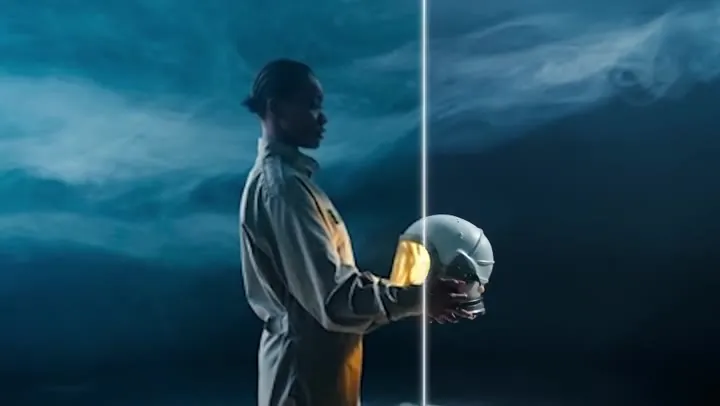
Neon courier, sci-fi chase
A hooded rider races a glowing bike through a rain-soaked city. Ask for engine roar and a pulsing synth score.
Pick a genre, add your film’s title and one-line story, and describe the moment you want. You get a cinematic shot of up to 15 seconds with music and sound effects built in, ready to cut into a trailer.
A hooded courier races a neon-lit motorbike through a rain-slick futuristic city at night, holograms flickering overhead, engine roar and a pulsing synth score.
Reference example. It is not a result generated from your upload.
An AI movie trailer generator turns a written idea into the kind of shots a trailer is built from: an establishing image, a reveal, a chase, a final title beat. You describe the scene, the light and the sound, and the AI renders a short clip with its own music and effects.
Each generation here is one shot of 4 to 15 seconds. Several examples on this page are complete trailers cut together from shots like that, and that is how you use it too: generate the beats of your story, then arrange them in any video editor. Use the AI movie trailer maker for film pitches, book trailers, game teasers or just for fun.
Sound on: every clip has generated music and effects. Use one as the starting point for your own genre.
A hooded rider races a glowing bike through a rain-soaked city. Ask for engine roar and a pulsing synth score.
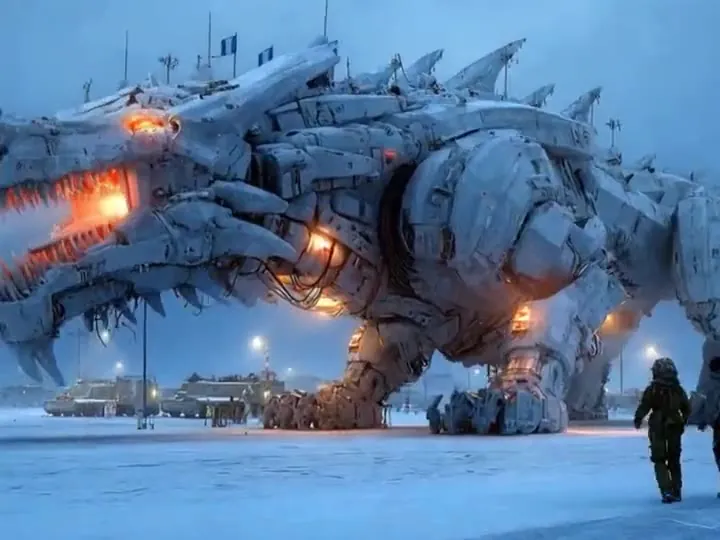
A giant white mecha towers over a neon street in the rain. Low angles and heavy, metallic footsteps sell the scale.
A rider in a golden desert, a standoff in a dusty town, a walk into the sunset: three beats cut into one trailer.
An old couple, a visitor and a withered paw in a rainy farmhouse. Dim light and long silences build the dread.
Black and white, cigarette smoke, a woman in a doorway and rain on the window: classic noir cues in a few shots.
A 3D mouse in a knitted scarf carries a candle through a bakery cellar. Warm glow and a gentle theme suit family films.
Build the trailer one shot at a time in the panel above.
Tap Sci-Fi, Horror, Action, Fantasy, Romance, Western, Thriller or Documentary to load a starting prompt, and pick the matching Style card.
Fill in the optional film title and one-line story (up to 120 characters each), then describe the shot itself: who is in it, where, what happens and what we hear.
MiniMax H3 offers 768P or 2K and is the only choice for 21:9 widescreen. Kling 3.0 Omni offers 720p or 1080p in 16:9 or 9:16. Set 4 to 15 seconds.
Make the opening, the reveal and the title shot as separate clips, download them, and cut them together with your own text cards in an editor.
What to write for each genre. Combine one shot idea with one lighting setup and one sound direction.
| Genre | Shot to ask for | Lighting | Music and sound |
|---|---|---|---|
| Sci-Fi | Slow push-in on a ship, a city or a lone figure | Neon, cold blue, haze | Synth drones and a deep bass hit at the reveal |
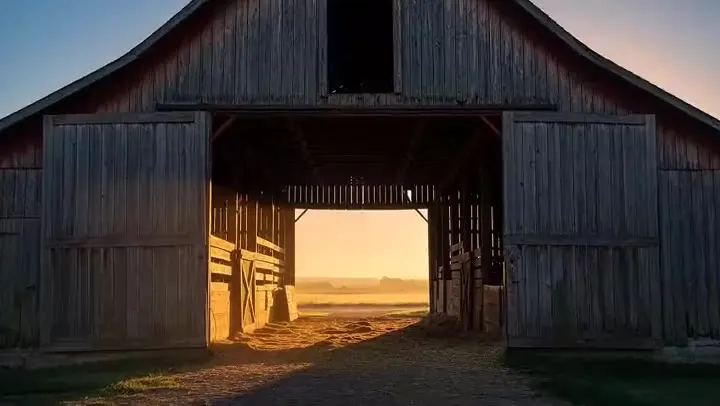
| Horror | Static wide shot of a doorway, then a slow creep forward | Low key, a single lamp | Near silence, creaks, a sudden sting |
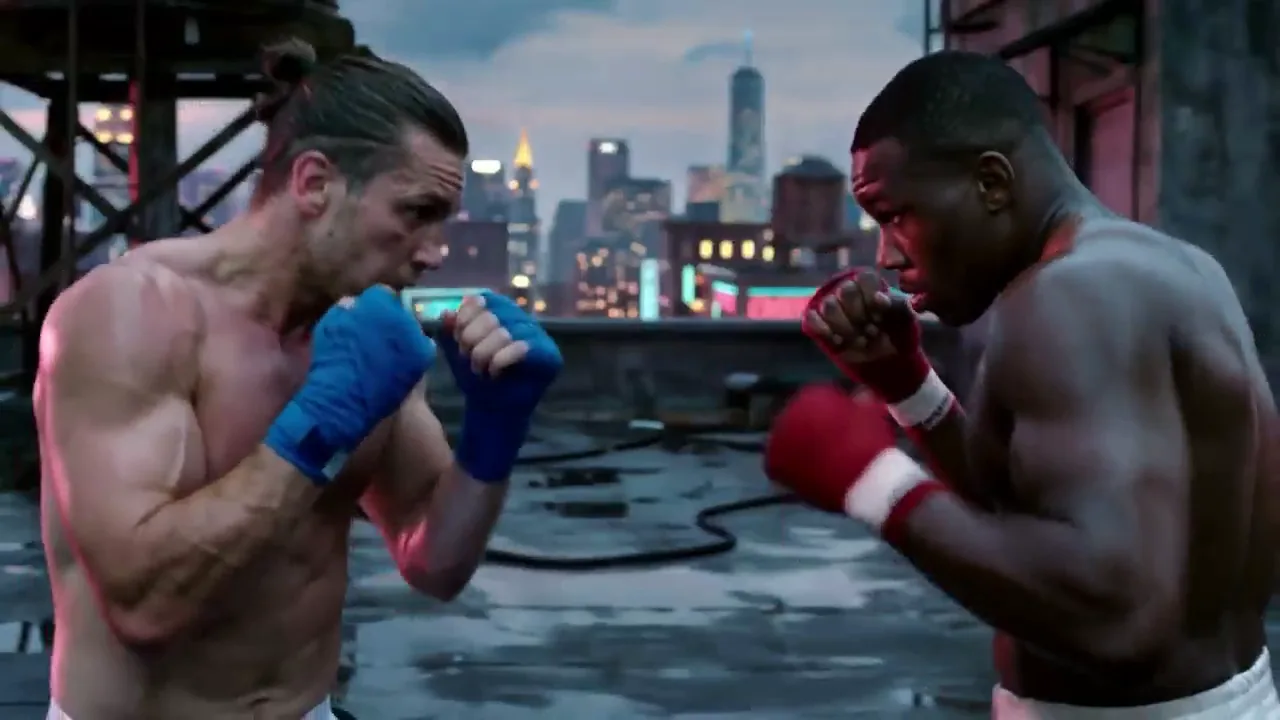
| Action | Low tracking shot alongside a chase | Hard sunlight or streetlights | Drums, engine roar, impacts |
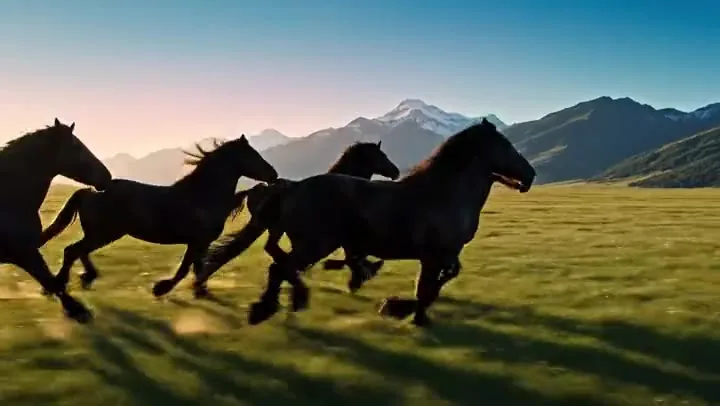
| Fantasy | Sweeping aerial over a magical landscape | Golden hour, glowing particles | Choir and strings building up |
| Romance | Two-shot close-up with shallow focus | Soft window light, warm tones | Piano or acoustic guitar, quiet ambience |
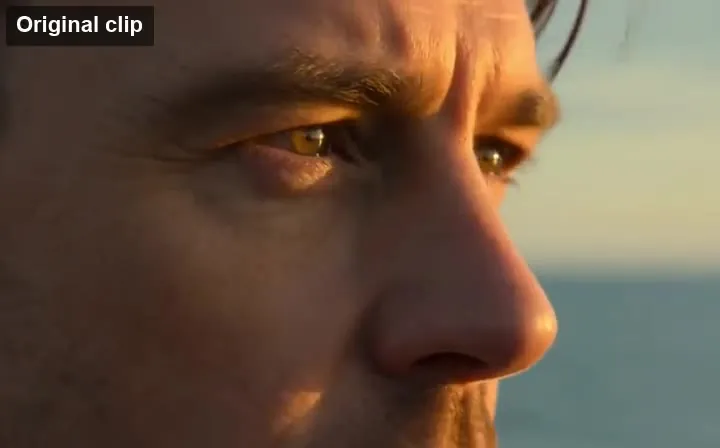
| Western | Wide desert vista, then a tight close-up on the eyes | Dusty sunset, long shadows | Lonely guitar, wind, spurs on wooden boards |
| Thriller | Handheld shot down a crowded street or corridor | Desaturated, harsh contrast | Ticking clock and pulsing strings |
| Documentary | Steady observational shot of a real-feeling place | Natural daylight | Room tone and a calm narrator line in quotes |
The one-line story keeps every shot pointed at the same film. Here a lighthouse fights a storm: one setting, one action, waves, wind and a rising orchestra. A single clear moment reads far better than a whole plot squeezed into 15 seconds.
A genre sets lighting, pacing and sound in one tap. The western example leans on golden dust, open desert and long shadows; switch to Horror or Romance and the same story idea takes on a completely different mood.
Both models generate sound with the picture. Ask for the score (“slow noir jazz”), the effects (“rain on glass”) and even a spoken line in quotes, and they arrive in the clip together. That makes this AI trailer video generator handy for testing a mood before anyone composes a note.
Anime, 3D animation and painterly looks work as well as live action. Name the style at the start of the prompt, as in this floating-island fantasy, and repeat it in every shot so the trailer feels like one film.
A finished trailer used to need a crew. A handful of generated shots now does the job for many projects.
Pitch a feature or a short with mood shots before a single shooting day.
Make a book trailer that shows your world and your hero for launch posts and newsletters.
Tease a setting, a boss or a vehicle for an announcement or a crowdfunding page.
Practice trailer editing with your own story, or make a fake trailer for a class project or a friend’s birthday.
Trailers live on mood. These habits get it into every clip.
Open the prompt with something like “gritty sci-fi thriller, live action” so the palette and pacing are right from the first frame.
Ask for one camera move and one event per clip, and save the next beat for the next generation.
Name the light source and its mood: neon reflections, candlelight, harsh noon sun, blue moonlight. Lighting does most of the genre work.
Say what the music does, like “a slow synth swell that hits on the reveal”, and add the key effects: thunder, footsteps, a door creak.
For a title card, write the name in quotes and say where it appears, e.g. “LAST LIGHT” in white letters on black. Short titles come out cleaner.
Use your own characters and worlds. Real actors, existing film franchises, logos and studio names are off limits.
Stretch a shot that ends too soon, so a reveal or the title beat has room to breathe.
Extend a ShotDesign a matching poster with the same title, characters and colors for your release post.
Make the PosterLock the opening and closing frames of a shot, such as a door shut and then open, so a reveal lands exactly where you want.
Control a ShotAnimate a storyboard frame or key art you already have into a moving trailer shot.
Animate Key ArtThe best movie trailer generator is the one that fits your format. For a cinematic 21:9 frame or 2K detail, use MiniMax H3; for 1080p in 16:9 or 9:16, try Kling 3.0 Omni. Both add music and effects, so you can compare the same prompt on each before you commit.
Not in one click. Each generation is a single shot of up to 15 seconds. Generate the opening, the turn and the title beat separately, then cut them together in an editor, the way the longer examples on this page were assembled.
Yes. New accounts get bonus credits on sign-up, and the Generate button shows the cost of each shot before you start.
Both are optional and take up to 120 characters. They are added to your prompt so every shot stays on the same story. To show the title on screen, also describe a title card in the prompt with the name in quotes.
21:9 gives the widest cinema look and needs MiniMax H3. 16:9 suits YouTube and presentation screens, and 9:16 suits vertical teasers watched on phones.
Yes. Both models generate sound with the video. Describe the score, the effects and any spoken line in your prompt; MiniMax H3 delivers a stereo track.
Yes. Describe your own characters, settings and key moments. Authors use it for book trailers, game developers for announcement teasers, and filmmakers for pitch decks and crowdfunding pages.
From 4 to 15 seconds. For a longer beat, extend the shot with the AI Video Extender or generate a follow-up shot that continues the action.
Describe the main character the same way in every prompt: age, hair, outfit and one distinctive detail. Keep the genre and style identical, and change only the action and the camera between shots.
No. Do not use celebrities, real people without their permission, existing film characters, franchise names or studio logos. Create original characters and worlds instead.
Pick a genre, write your logline and generate the first shot. Add more shots until the story is told.