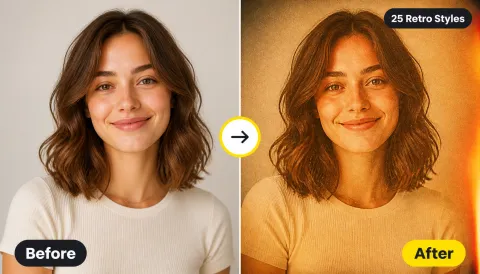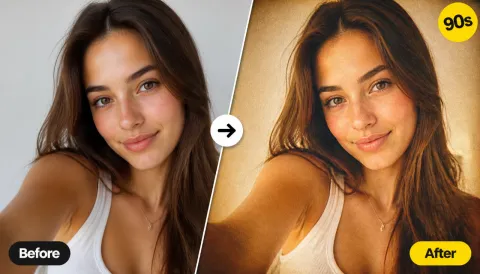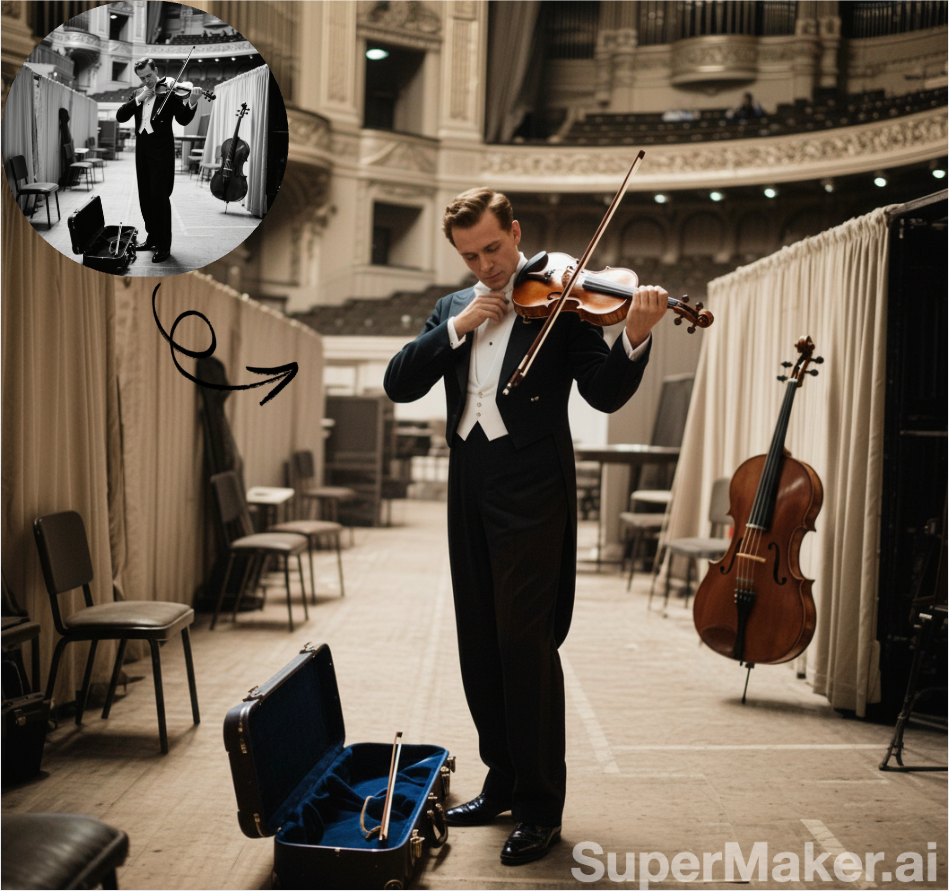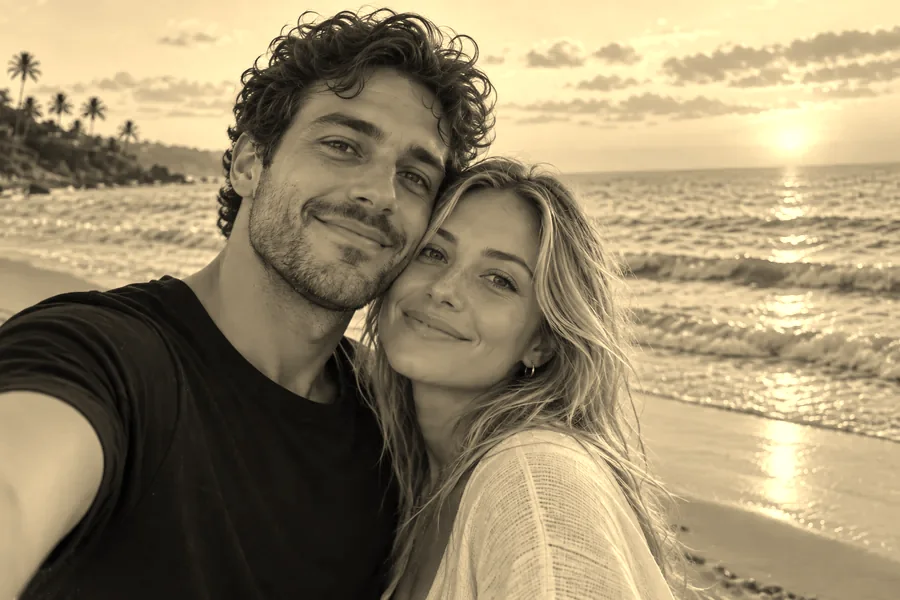
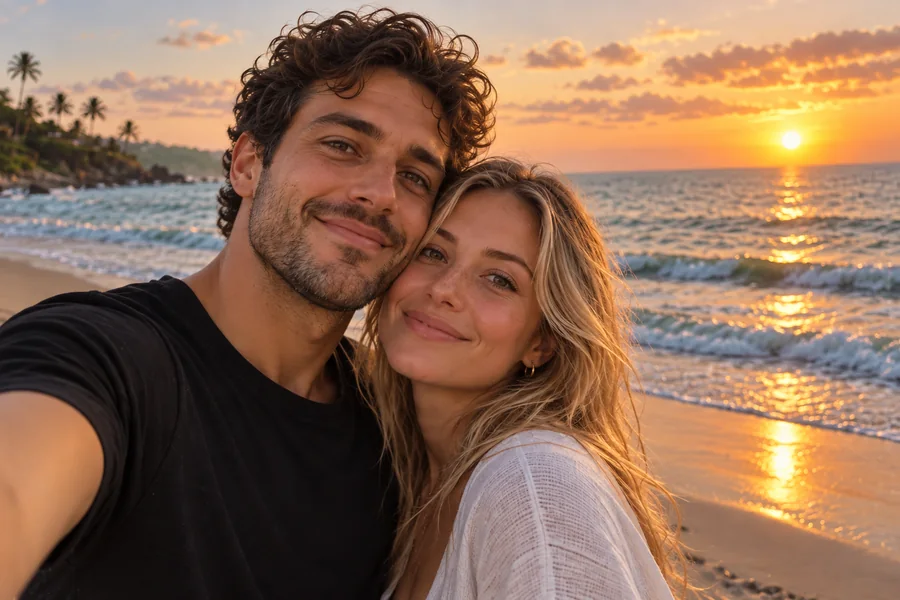
Classic Sepia
The recognizable warm-brown vintage balance: full-strength sepia toning that still keeps the colors of the original faintly visible.
Give any picture the warm brown look of an antique print. Choose a sepia style, fine-tune strength, warmth, grain, and fade, compare before and after, and download at full size.
Sepia styles
Fine-tune
Runs in your browser. Your photo is never uploaded.
Reference example. It is not a result generated from your upload.
A sepia filter gives a photo the warm, red-brown tint of early photographic prints. Darkroom photographers toned black-and-white prints with sepia to warm them up and help them last longer, so the color became the visual shorthand for "old photo". Today a sepia tone filter is a quick way to add nostalgia to portraits, weddings, travel shots, and brand images.
This sepia photo filter runs entirely in your browser. Pick one of six sepia filters, adjust how strong and how warm the toning is, and download the result at full resolution. Your picture is never uploaded, and there is no account to create.
Each example is the real output of this tool with the style named on the button.
The recognizable warm-brown vintage balance: full-strength sepia toning that still keeps the colors of the original faintly visible.
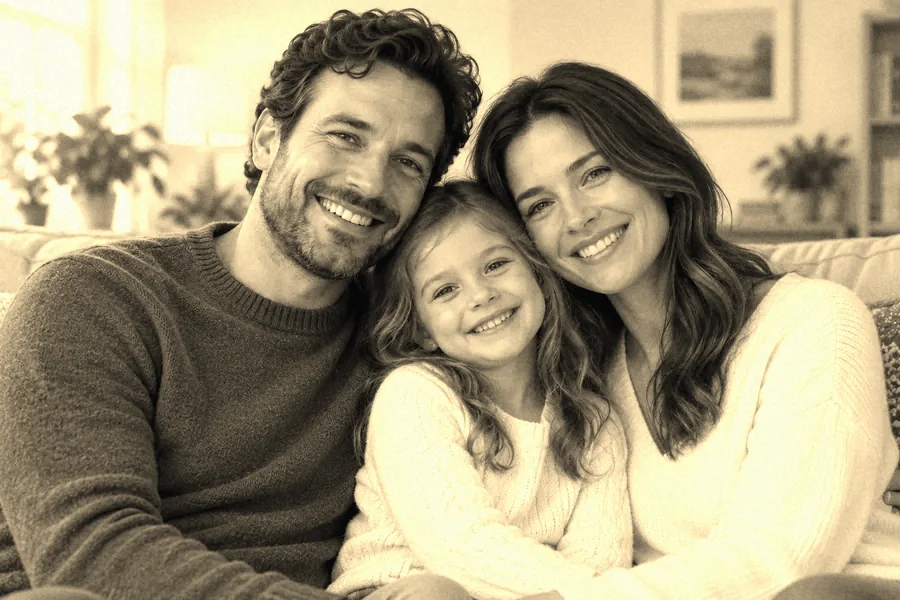
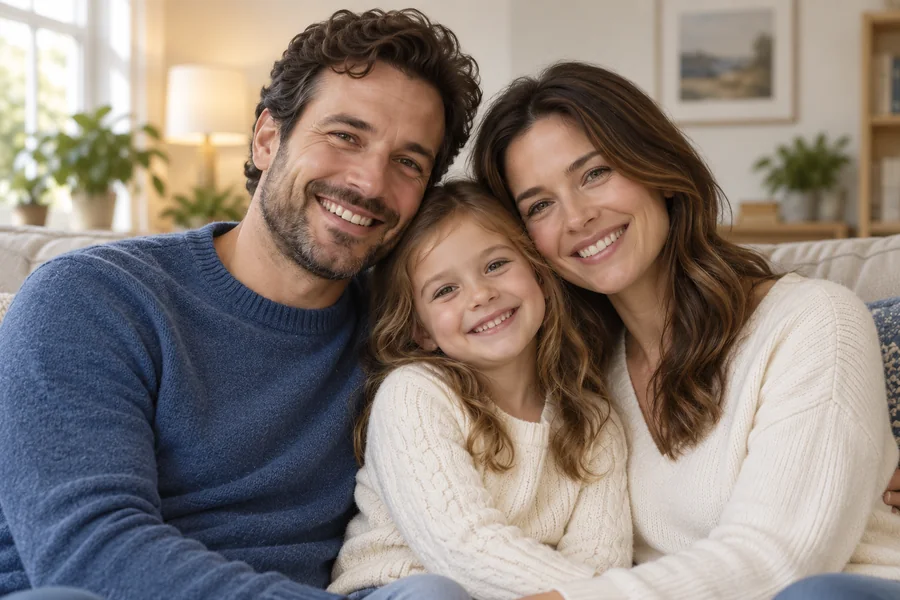
The photo is turned to monochrome first and then toned, giving the even, single-color brown of a real antique print.
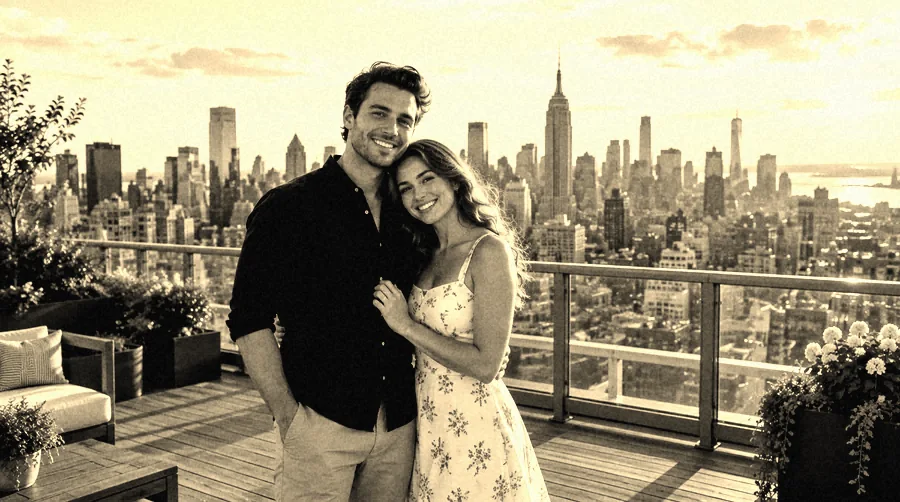
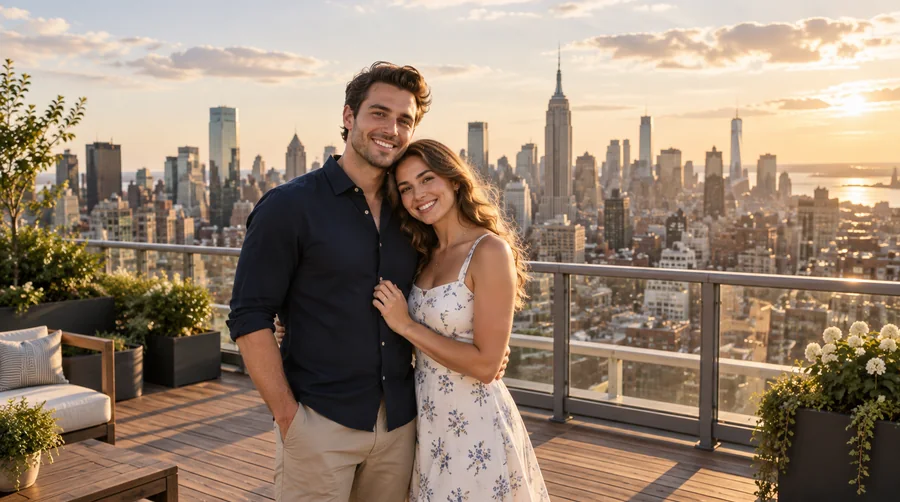
Stronger contrast, a warmer cast, darker tones, and film grain with a little fade for a dramatic, postcard-like finish on travel and city shots.
Three steps, no editing software and no upload.
Choose a JPG, PNG, or WebP image up to 20 MB, such as a portrait, a wedding photo, a landscape, or a product shot. It opens locally in your browser.
Start with Subtle, Classic, Antique Print, Deep Vintage, Faded Matte, or Amber Glow, then adjust sepia strength, warmth, grain, fade, contrast, and brightness while the before/after preview updates.
Save the result as JPG, PNG, or WebP at the original resolution, ready to share, print, or frame.
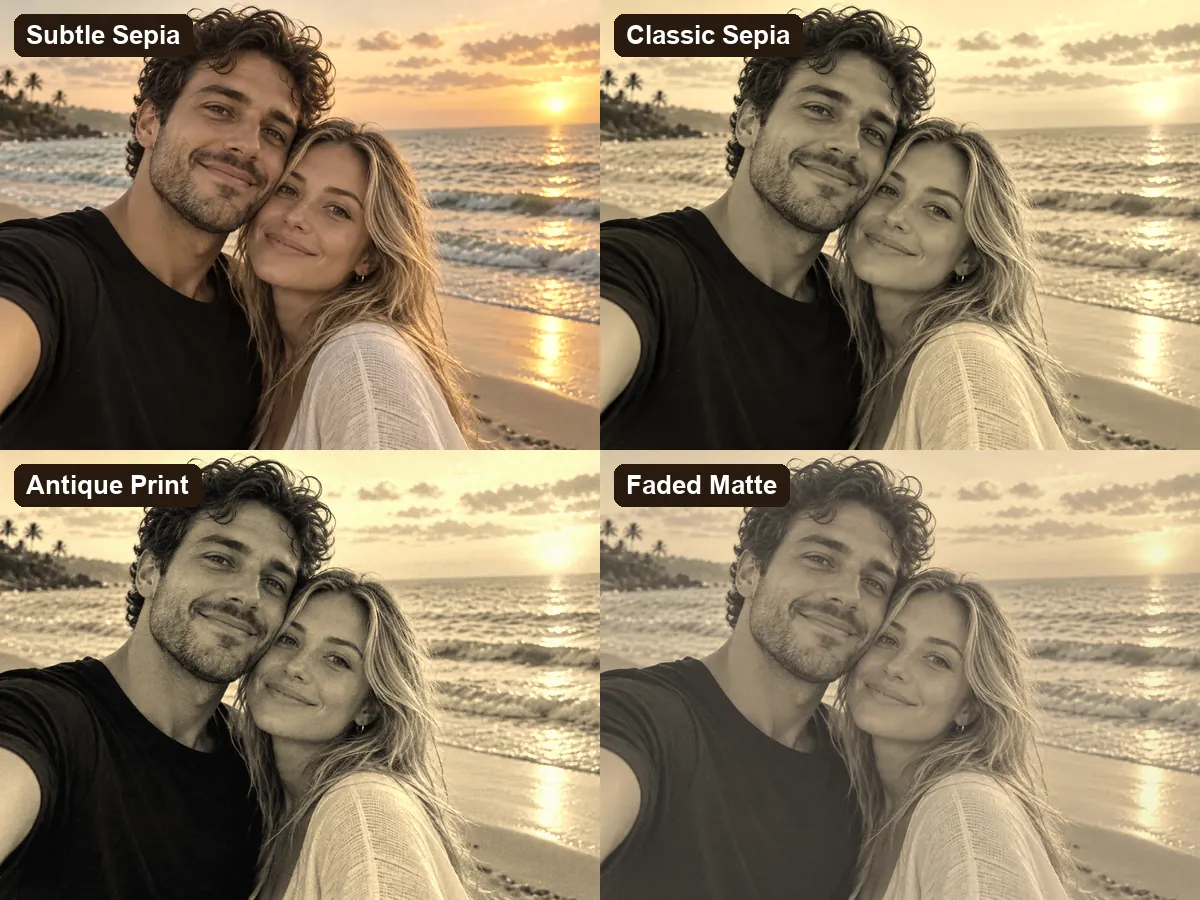
Most tools offer one flat brown overlay. Here you choose between light warmth, the classic look, an even antique monotone, deep vintage contrast, a soft faded print, and an amber glow, each tuned so faces and details stay clear.


Real vintage prints vary from pale tan to rich chocolate. Set the sepia strength anywhere from a hint to full toning, push warmth toward amber, add film grain, and raise Fade for a matte print with lifted blacks that looks decades old.
Want an old photo look rather than black and white? Antique Print turns the image into a single sepia scale, from deep brown shadows to cream highlights, instead of the neutral grays of a monochrome filter.
The photo filter sepia effect is calculated on your own device, so your picture stays private and the tool is free to use with no sign-up. The download keeps the original pixel size and framing.
Popular ways people use sepia photos.
Turn a selfie or headshot into a timeless, nostalgic portrait that stands out in a feed.
Give ceremony shots, save-the-dates, and thank-you cards an elegant, old-fashioned warmth.
Make city skylines and landmarks look like discovered postcards from another era.
Keep a consistent warm vintage style across product shots, menus, and invitations for a retro campaign.
Small adjustments that make a sepia photo feel authentic.
Old prints were single-toned. Antique Print removes the original colors before toning for the most authentic result.
Raise Fade a little to lift the blacks; aged prints rarely have pure black shadows. A touch of Grain adds film texture.
A little warmth reads as vintage; too much turns skin orange. Check faces before you download.
Portraits, architecture, and street scenes suit sepia better than neon signs or modern screens.
Everyday projects that got a vintage touch.
Illustrative examples adapted from reference material, not verified reviews of EzImgMaker.
We printed our engagement photos in Antique Print for the save-the-date cards. Guests kept asking if they were real film prints.
I run a small bakery with a 1920s theme. Classic Sepia on the menu photos ties everything together, and redoing a shot is easy.
Deep Vintage makes my city shots look like old postcards. I lower the warmth a little and the skylines look amazing.
I needed sepia versions of family photos for a reunion slideshow. No app, no upload, and every file kept its full size.
Common questions about adding a sepia tone to photos.
A sepia filter tints a photo with warm red-brown tones, recreating the look of antique prints that were toned with sepia. This sepia filter lets you choose how strong, how warm, and how faded the effect should be.
Upload the photo, pick a style such as Classic Sepia, adjust the sliders if you want, and click Download. Everything happens in your browser.
Black and white uses neutral grays. Sepia replaces those grays with a scale of browns, from dark chocolate to cream, which reads as warmer and older. For neutral monochrome, use the black and white filter in the related tools.
It is the sepia version of gray scale: every tone of the photo is mapped to a shade of brown. The Antique Print style produces a pure sepia scale; the other styles keep a hint of the original colors.
Yes. The Grain slider adds film texture that is scaled to the photo, so the full-size download looks like the preview, and Fade lifts the blacks for a matte, aged print. Antique Print and Deep Vintage include a little of both, and Faded Matte leans on fade.
Yes, it is free and needs no sign-up. The sepia effect is applied by your browser on your own device, so there are no credits and no watermark.
No. The image never leaves your device. Please only use photos you have the right to edit.
Yes. Choose Subtle Sepia or lower the Sepia strength slider. At 0 the photo is unchanged, at 100 it is fully toned.
You can upload JPG, PNG, or WebP images up to 20 MB and download the sepia photo as JPG, PNG, or WebP at the original resolution.
Yes. It works in mobile browsers on iPhone and Android, so you can add a sepia tone to photos from your camera roll without installing an app.
Upload a picture, pick a vintage style, and download a full-resolution sepia photo.