Portraits and Profile Photos
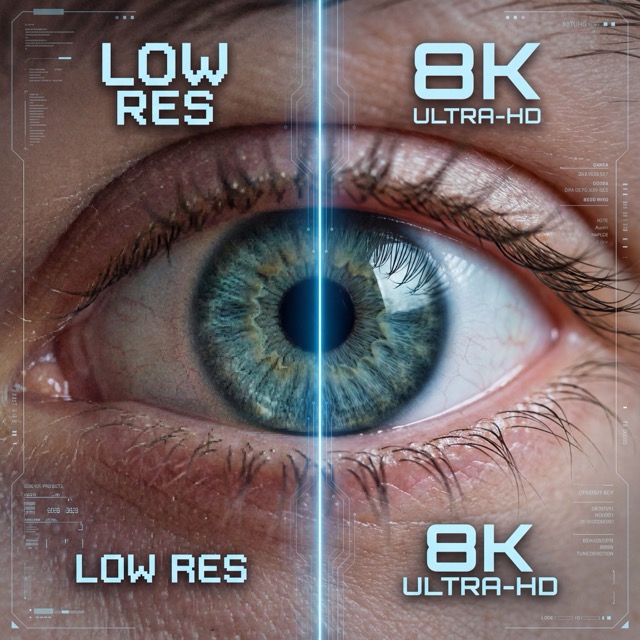
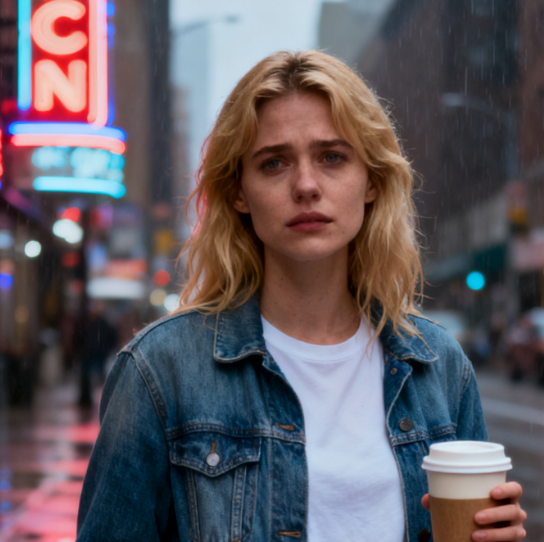
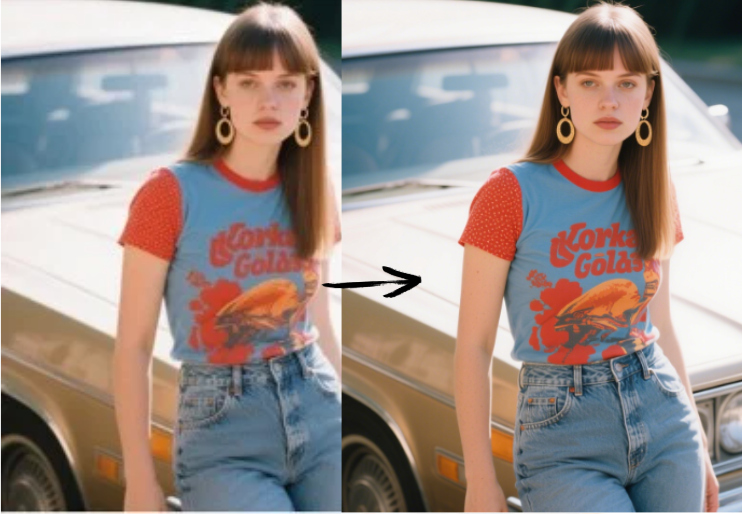
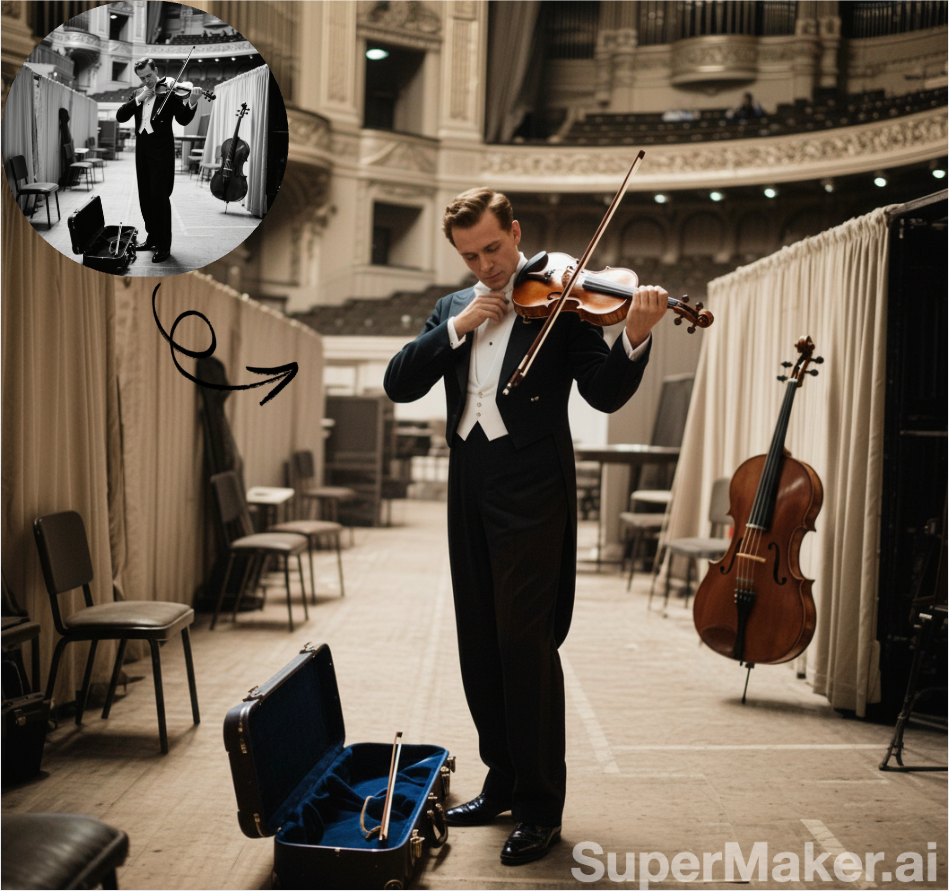
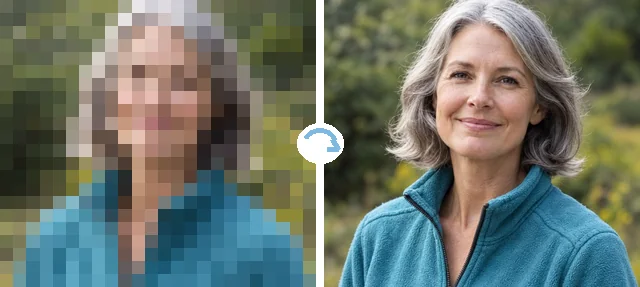
Rebuild eyes, hair, and skin from a blocky headshot or avatar.
Upload a blocky, low-resolution photo and the AI depixelizer rebuilds smooth edges, faces, and textures. Unpixelate images of people, products, and old prints, then download at 2× or 4×.
Photo type
Fine-tune
Your photo stays in this browser during this UI preview.
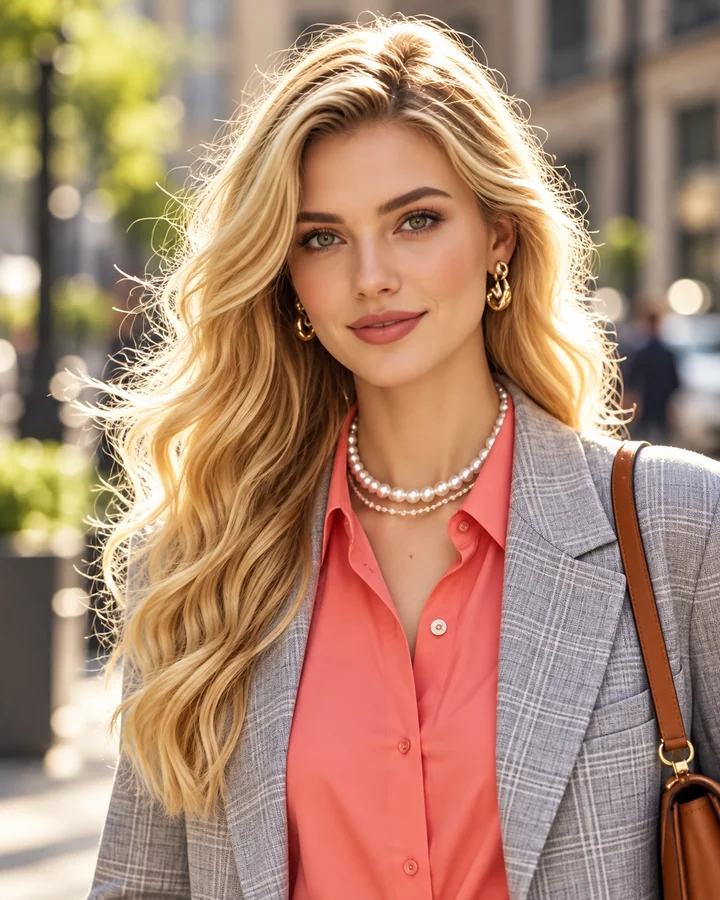
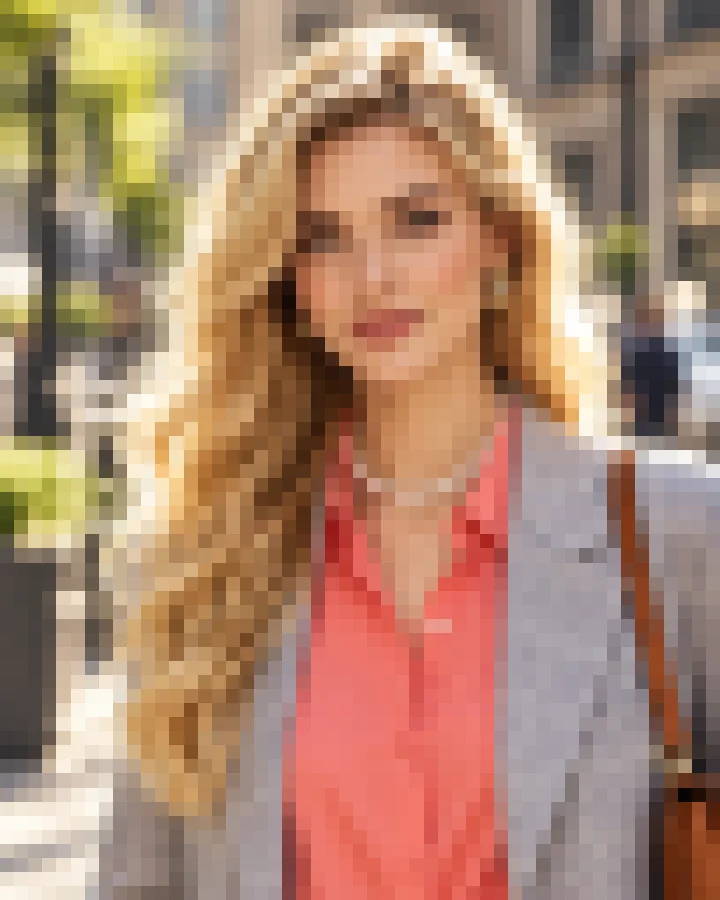
Reference example. It is not a result generated from your upload.
A photo looks pixelated when it has too few pixels for the size it is shown at: every pixel becomes a visible square, edges turn into staircases, and faces dissolve into blocks. It happens to thumbnails saved as full images, old phone photos, screenshots of screenshots, and pictures that were enlarged too far.
To unpixelate an image, this AI depixelizer predicts the detail that should sit between those squares. It redraws smooth outlines, skin, hair, fabric, and lettering, then outputs a larger, cleaner file. The result is a believable reconstruction, not a recovered original, which is why it works best on photos that are low-resolution rather than deliberately censored.
Portraits, family prints, products, pets, and event photos: one image unpixelator for all of them.
Rebuild eyes, hair, and skin from a blocky headshot or avatar.
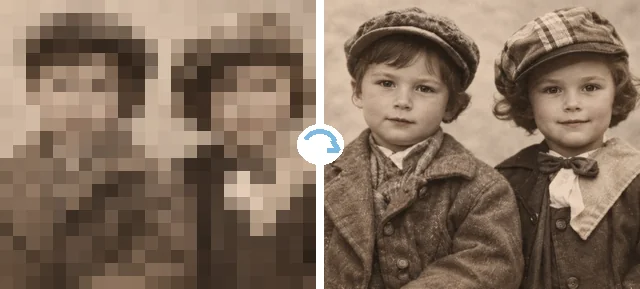
Scans of tiny prints and early digital photos come back clear enough to frame.
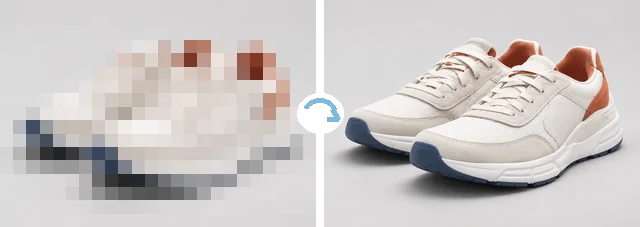
Supplier thumbnails become listing-ready photos with clean edges and textures.
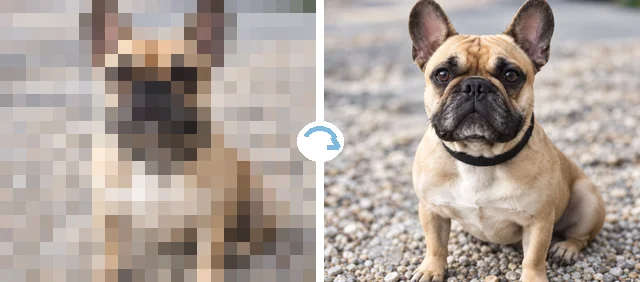
Fur, whiskers, and eyes are redrawn from a blurry, blocky snapshot.
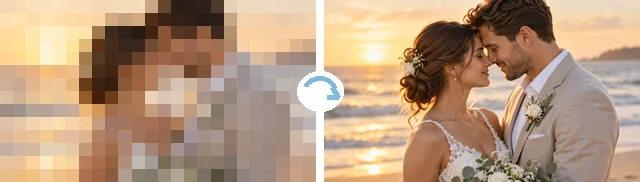
Rescue the only copy of a moment that was shared as a tiny, compressed image.
No sharpening filters, no manual retouching.
Add a JPG, PNG, or WebP up to 10 MB: a thumbnail, an old phone photo, a screenshot, or an enlarged picture full of blocks.
Pick Face & portrait, Product, Old photo, or Graphic & text (or Auto detect), say how blocky it is, and choose a 2× or 4× output size.
Run the depixelation, drag the slider to compare, and download the clearer, larger image.
Staircase edges and square skin are the giveaways of a pixelated photo. Instead of blurring the blocks together, the AI redraws contours, eyes, and hair strands, so the unpixelated portrait looks like a real photo rather than a smeared one.
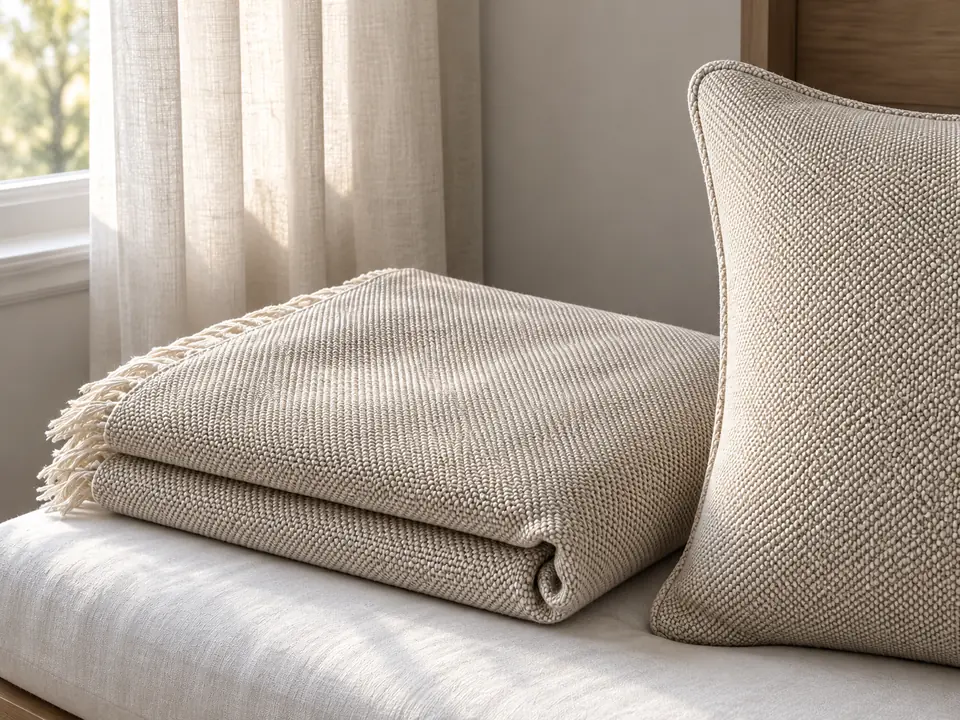
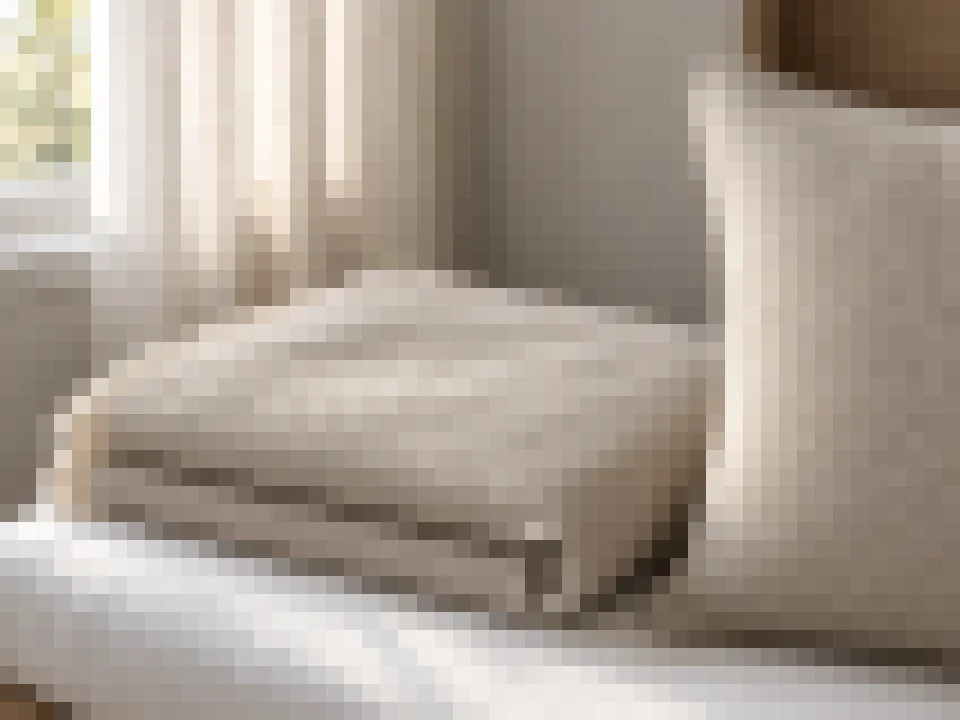
Fabric weaves, knits, wood, and packaging are rebuilt as texture, not flat color. That is what turns a blocky supplier thumbnail into a product image you can actually list, and it is why this pixelated photo enhancer works for shops as well as family albums.
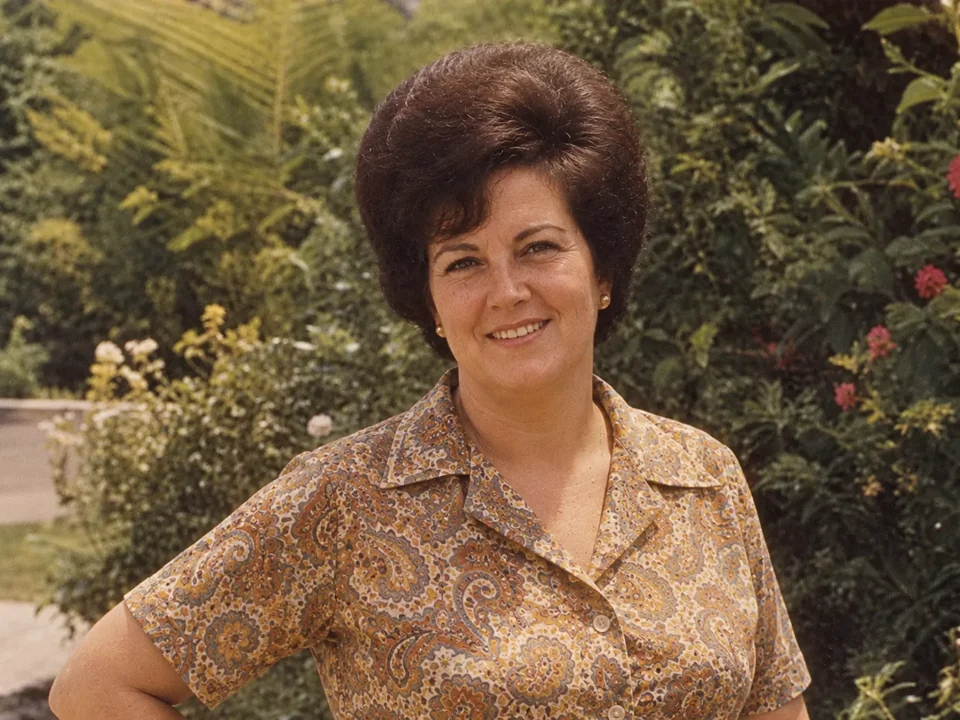
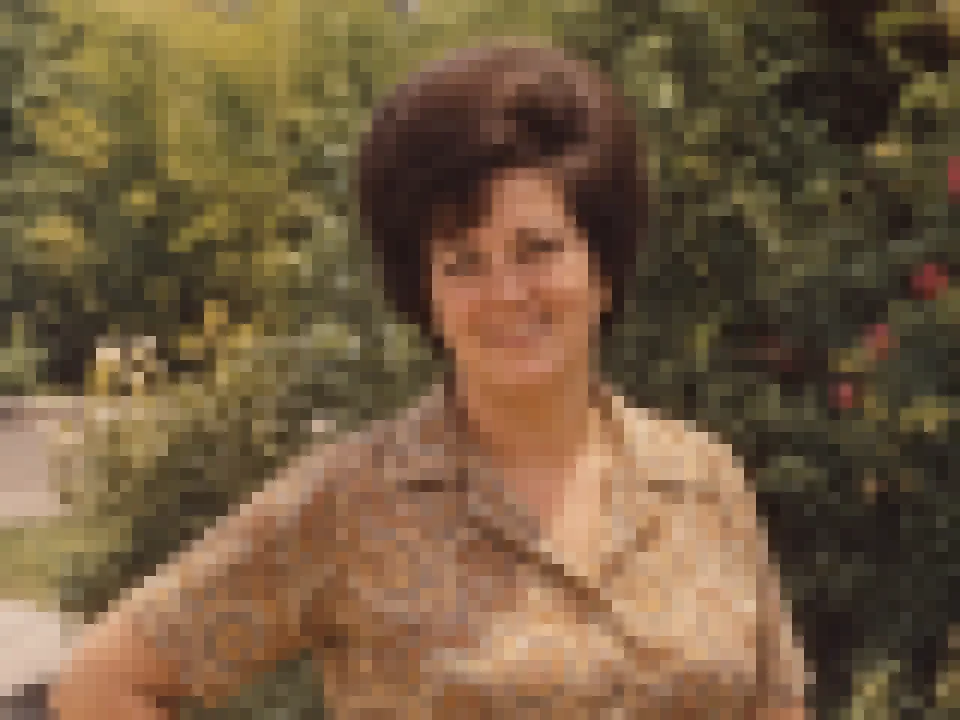
Early digital cameras and tiny prints left many family photos at a few hundred pixels wide. Choose Old photo to rebuild faces and clothing while keeping the original colors and film character.
Depixelating and upscaling happen together. Choose 2× for screens and social posts or 4× for prints, so the image depixelator removes the blocks and gives you the extra resolution at the same time.
Common reasons people unpixelate a photo online with an image unpixelate tool.
Turn a small profile picture or thumbnail into a usable, full-size image.
Bring early-2000s photos and tiny prints up to modern screen and print sizes.
Fix pixelated product shots, logos, and banners before they go on a store or slide.
Choose Graphic & text to clean blocky UI captures, charts, and illustrations.
The more real detail is left, the better the reconstruction.
Search your drive or chat history for the biggest version; even a little more resolution helps.
Upload the image at its native size. Resizing it first only adds blur for the AI to undo.
Face & portrait mode protects identity details; Graphic & text keeps edges and letters crisp.
Very heavy pixelation leaves little to work from, so fine details are an educated guess.
Everyday photos that were too small to use.
Illustrative examples adapted from reference material, not verified reviews of EzImgMaker.
The only photo of my grandparents’ anniversary was a 300-pixel thumbnail. After unpixelating it, we printed it for their 60th.
Suppliers send me tiny product images. Product mode turns them into listings with real fabric texture instead of mush.
I rebuild old forum avatars and banners for a community archive. The edges come back clean without that plastic look.
Portrait mode keeps faces recognizable. I use it on low-res event photos before they go in the newsletter.
How depixelation works, what it can and cannot do.
Upload the photo, choose the subject and pixelation level (or Auto detect), pick 2× or 4× output, and run Unpixelate Image. Compare with the slider, then download. It runs in the browser on desktop and phone, so you can unpixelate a picture online without installing an app.
Yes. When you depixelate image files with AI, it predicts plausible detail from the shapes and colors that remain. On low-resolution photos the result usually looks natural. It is a reconstruction, so tiny details such as text in the background or a distant face may not match the original exactly.
No, and it should not be used that way. Deliberate mosaics and censor blocks destroy the information underneath; any “revealed” detail would be invented by the AI, not recovered. Do not use the tool to identify people, plates, or documents that someone intentionally obscured.
All the same job. Searches like un pixelate an image, un pixelate image, un pixelate a picture, unpixel a picture, or un pixel a picture mean what this tool does, and an un pixelator, unpixelator, image depixelizer, or depixelator are just different names for it.
Upscaling makes an image bigger. Unpixelating also removes the visible square pixels and rebuilds edges, so the enlarged image looks clean instead of blocky. This tool does both in one pass with the 2× and 4× output options.
Choose Face & portrait to prioritize identity details such as face shape, eyes, and hairline. Results are best with a front-facing face that is at least a few dozen pixels wide; extremely tiny faces leave more to guesswork.
Yes. Choose Graphic & text for screenshots, charts, icons, and illustrations; it keeps hard edges and letters crisp instead of turning them into photo-like texture.
JPG, PNG, and WebP images up to 10 MB. Upload the image at its original size rather than an enlarged copy.
Only upload photos you own or have permission to edit, and never use unpixelated images to mislead others about what a real photo showed.
Upload a pixelated picture and get a clearer, larger image with smooth edges and real texture.