Selfie to Avatar
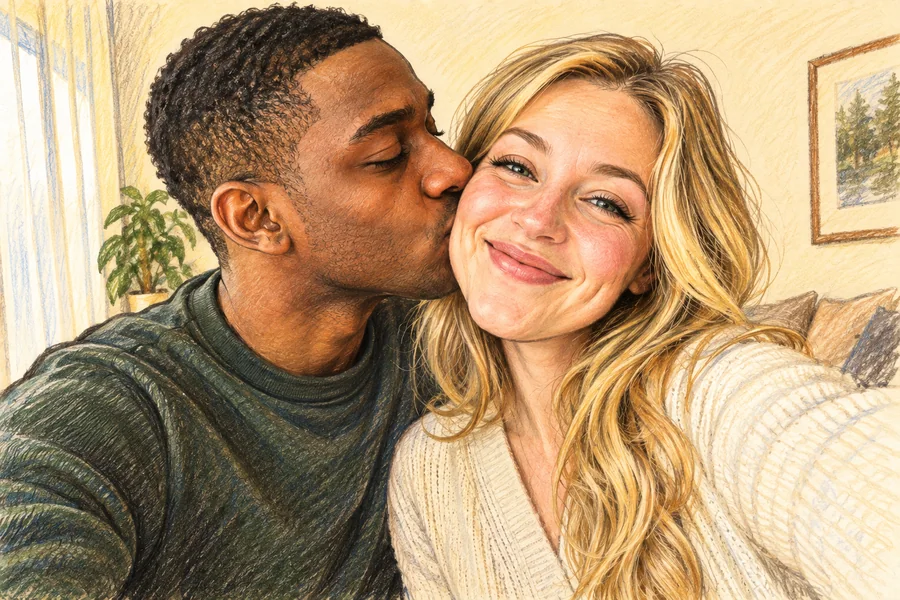
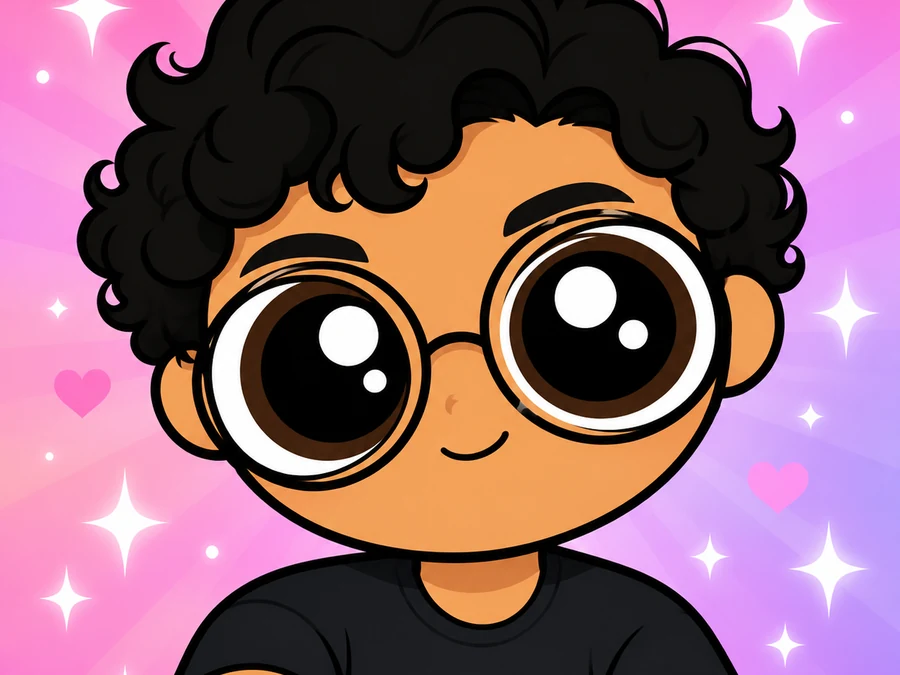
A front-facing selfie becomes a glossy-eyed avatar that keeps your face shape, hair, and smile.
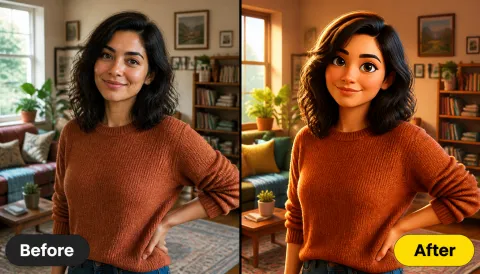
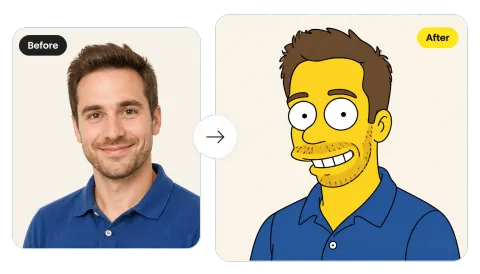
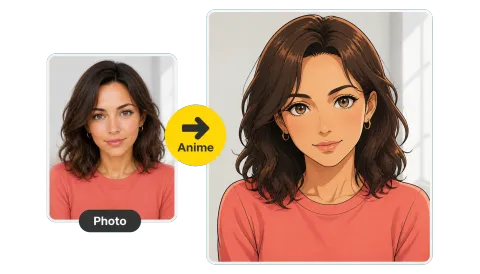
Upload a selfie, couple, or group photo and turn it into a big-eyed, candy-colored Powerpuff-style cartoon that still looks like you, with the same face, hair, and pose.
Your photo stays in this browser during this UI preview.
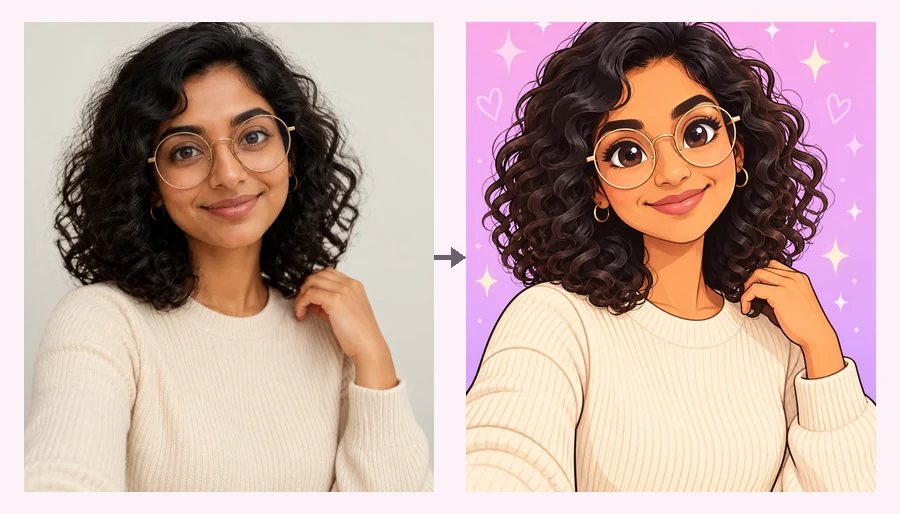
Reference example. It is not a result generated from your upload.
To Powerpuff yourself is to redraw a real photo as a 2D cartoon inspired by the classic superhero-girl show look: oversized glossy eyes, bold black outlines, flat colors, and a bright candy-colored background. This AI Powerpuff generator keeps your face shape, hairstyle, glasses, and expression, so your Powerpuff self is still recognizably you.
Think of it as a Powerpuff character creator that starts from your photo instead of a blank canvas. Make your own Powerpuff avatar for profile pictures, group chats, and fan art in one step, with no drawing skills. EzImgMaker is an independent tool and is not affiliated with the show or its owners.
Selfies, friend groups, families, and team photos all keep the same pose and framing while every person becomes a matching cartoon character.
A front-facing selfie becomes a glossy-eyed avatar that keeps your face shape, hair, and smile.
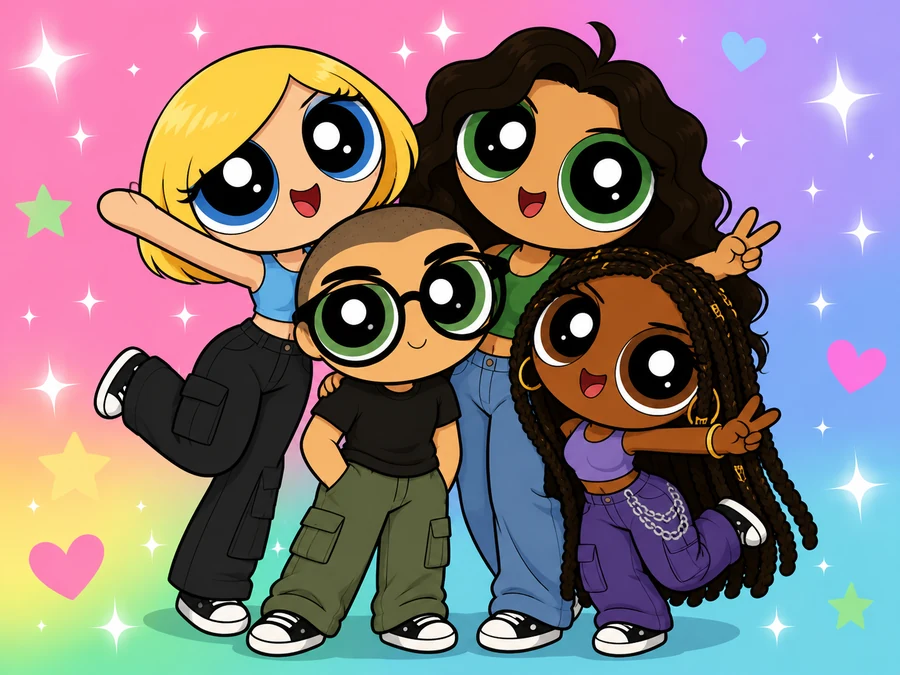
Everyone stays in the same spot and becomes part of one matching cartoon lineup.
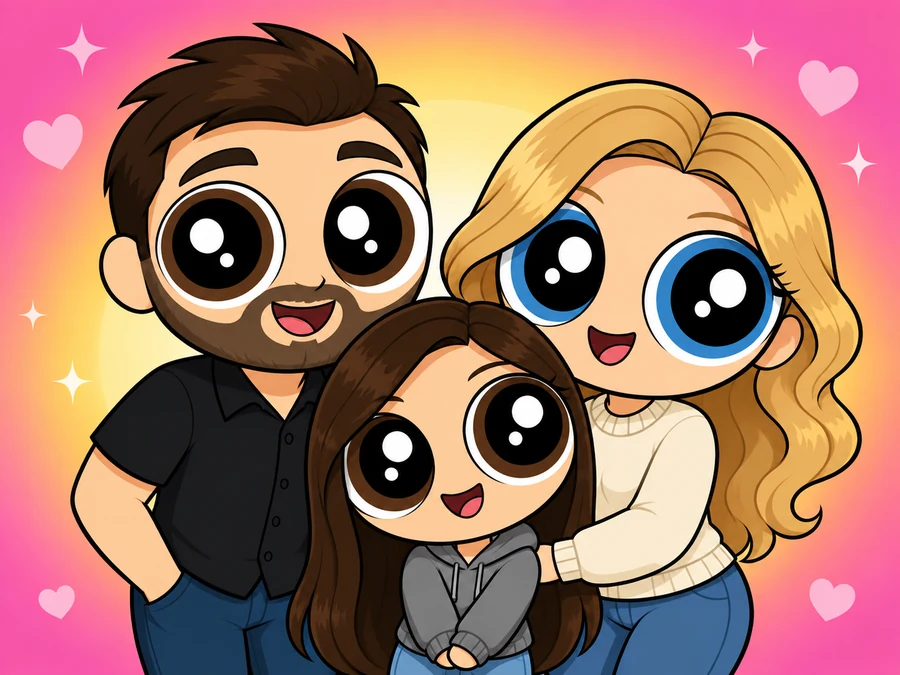
Parents and kids keep their places while the background turns into a bright candy gradient.
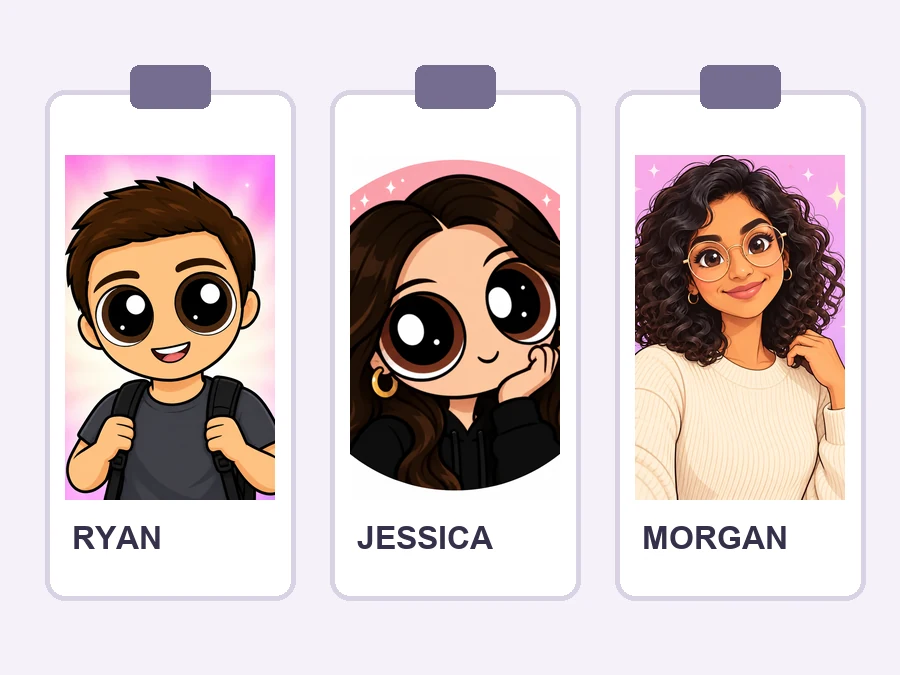
Turn team photos into cheerful cartoon portraits for badges, recaps, and community posts.
No drawing or design skills needed. Upload a photo and generate your cartoon.
Add a selfie, portrait, couple photo, or group shot with clearly visible faces. JPG, PNG, and WebP files up to 10 MB are supported.
Choose a pink, blue, green, or other hero color, or tell the AI what kind of photo it is. Have a specific idea? Describe it in Custom.
Preview your Powerpuff-style avatar, then save it for profile pictures, chats, and social posts.
The art style changes, you do not. Face shape, hair color, glasses, earrings, and expression carry over into the cartoon, so friends recognize you at a glance instead of seeing a random character.
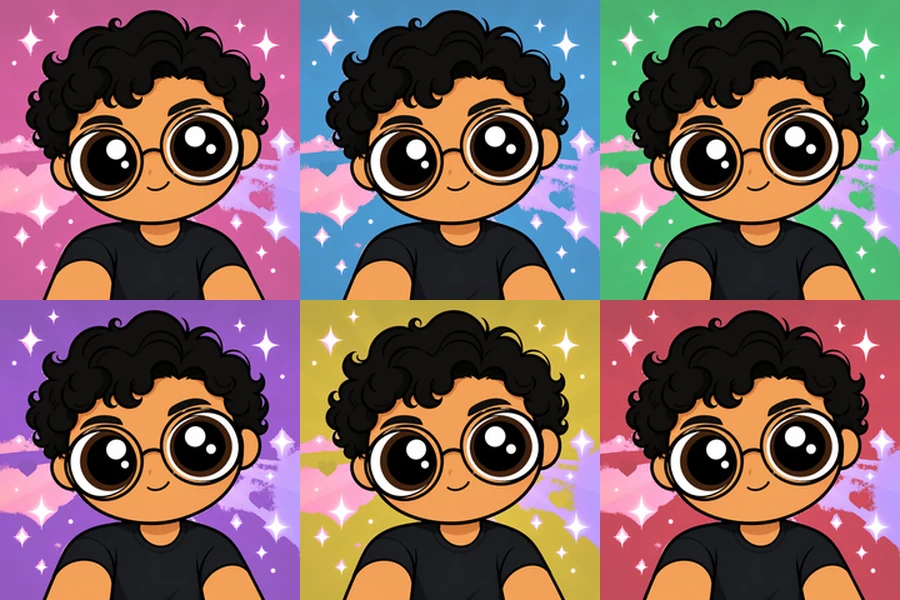
Be the pink leader, the sweet blue one, or the tough green hero, or go purple, yellow, or red. Each custom Powerpuff color changes the outfit accents and background while your features stay the same.
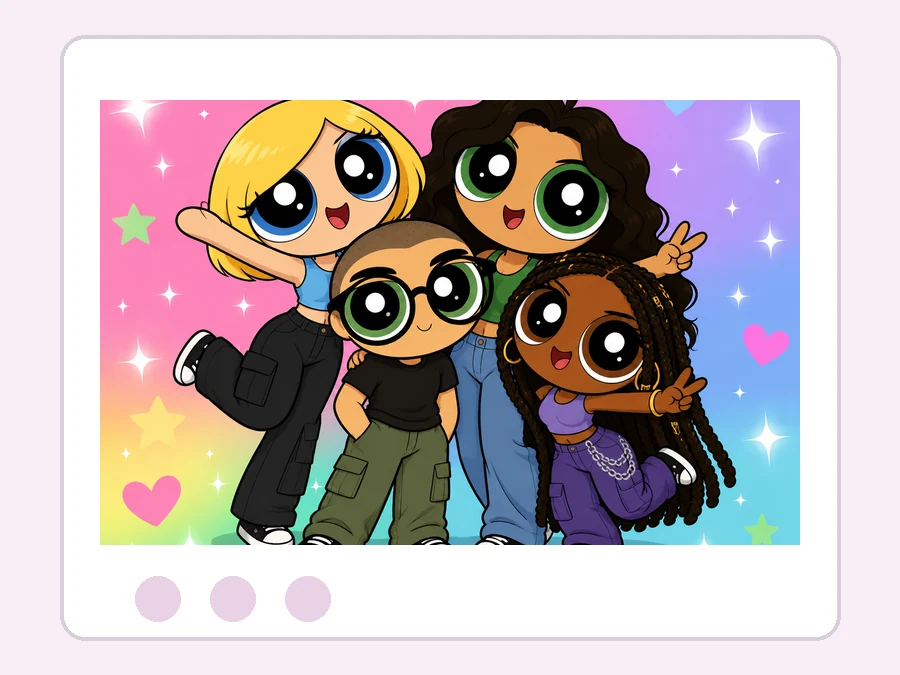
Upload a photo with friends and the AI keeps who stands where, then redraws everyone in the same big-eyed style. It is the easiest way to make Powerpuff art for a whole group chat.
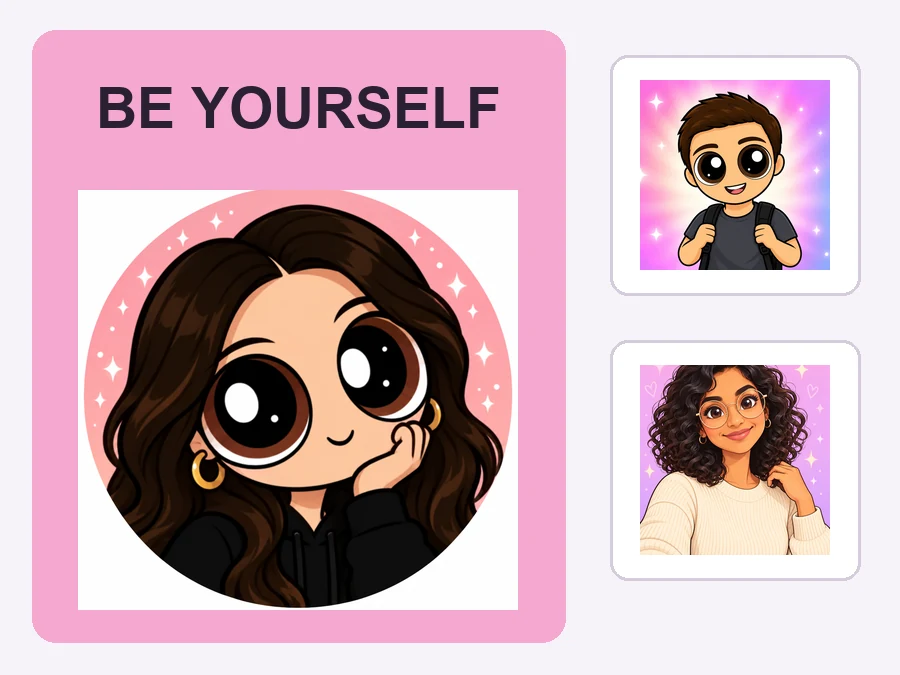
Want a hero pose, a superpower glow, or a city skyline behind you? Describe it in Custom and the Powerpuff girl maker style adapts to your idea, from campaign posters to fan art.
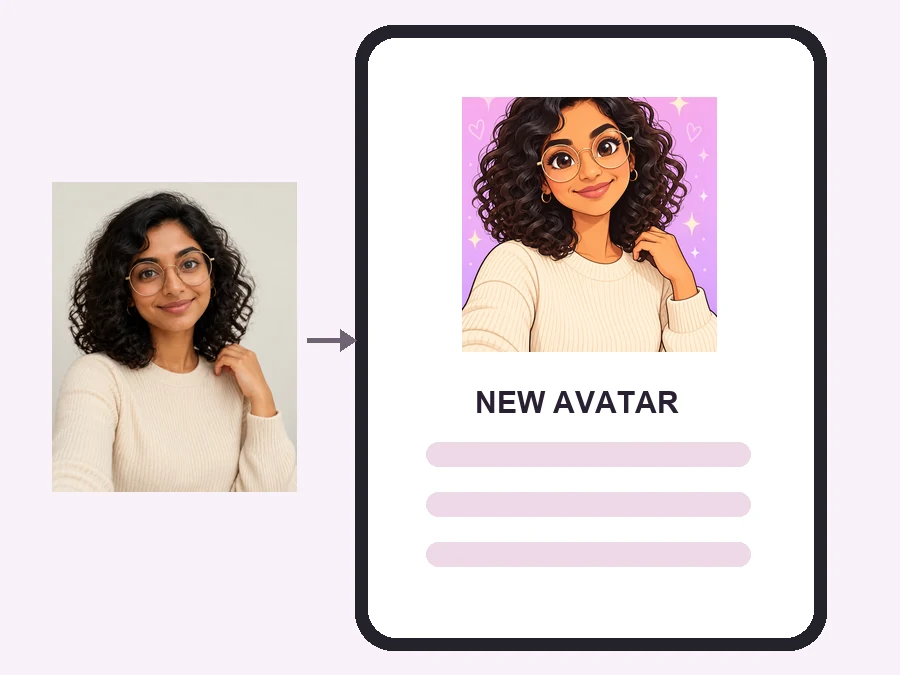
Swap your usual photo for a playful cartoon avatar on social apps, Discord, and gaming profiles.
Give every friend a matching character and share the lineup as your group icon.
Turn club, team, or event photos into cheerful art for badges, recaps, and community posts.
Make a custom Powerpuff-style portrait for a themed birthday, a costume idea, or nostalgic fan art.
A clear photo helps the AI keep the details people recognize.
Front-facing or slightly angled photos with no hands or hair covering the eyes work best.
Even light helps your hair color, skin tone, and eye color carry over into the cartoon.
Glasses, earrings, headphones, and bold hair colors carry over and make the avatar feel personal.
Photos with one to six visible people give the cleanest, most balanced cartoon lineup.
Common ways creators, teams, and fans use Powerpuff-style avatars.
Illustrative examples adapted from reference material, not verified reviews of EzImgMaker.
I uploaded a quick mirror selfie and the cartoon kept my short curls, glasses, and smirk. It looked like a profile picture I would actually use.
Our team photo became a matching set without changing who stood where. The candy-colored background was perfect for our launch-day post.
It kept my purple hair and oversized headphones, which mattered more than just getting big eyes. Playful, but still clearly me.
I used a cosplay portrait and the pose and accessories stayed intact, while the whole image felt like a bright Saturday-morning cartoon.
Everything to know before you make your cartoon avatar.
Powerpuff Yourself is a photo-to-cartoon effect that redraws you with big glossy eyes, bold outlines, flat colors, and a candy-colored background. This Powerpuff yourself website does it from a real photo, so the result keeps your face, hair, and pose.
Upload a clear selfie or portrait, choose a hero color or photo type (or describe your idea in Custom), and generate. Download the result once you are happy with it.
A bit of both. Like a Powerpuff girl maker, it gives you the classic big-eyed superhero look, but it works as a character creator for anyone, of any gender or age, and starts from your own photo instead of picking parts from a menu.
That is the goal. Face shape, hairstyle, hair color, eye color, glasses, and distinctive accessories are kept while the art style changes. Clear, well-lit photos give the most recognizable results.
Yes. Upload a couple, friend, or family photo and choose Friend Group or Family. The AI keeps everyone in their original position and turns the whole group into matching cartoon characters.
Yes. Pick Pink, Blue, Green, Purple, Yellow, or Red under Hero Colors to set the outfit accents and background, or describe any other color scheme in Custom.
No. This Powerpuff yourself site runs online in your browser on phone or desktop, so there is nothing to install.
No. EzImgMaker is an independent AI art tool and is not affiliated with, endorsed by, or sponsored by Cartoon Network, Warner Bros. Discovery, or The Powerpuff Girls. "Powerpuff" is only used to describe the art style, and we don't use official logos or characters.
Only upload photos you own or have permission to edit. For photos of children, get a parent's or guardian's permission first, and never use the cartoon to mislead or embarrass anyone.
Yes, for personal use such as profile pictures, group chats, and social posts. Because the style is inspired by an existing show, avoid selling the images or using them in a way that suggests an official connection.
Upload a photo and turn it into a candy-colored Powerpuff-style cartoon that still looks like you.
Powerpuff-style results are fan-inspired creative edits. EzImgMaker is not affiliated with, endorsed by, or sponsored by Cartoon Network, Warner Bros. Discovery, or The Powerpuff Girls.