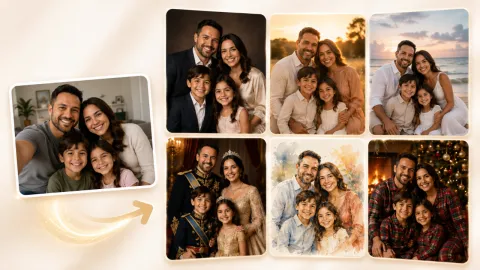
Family and Group Photos
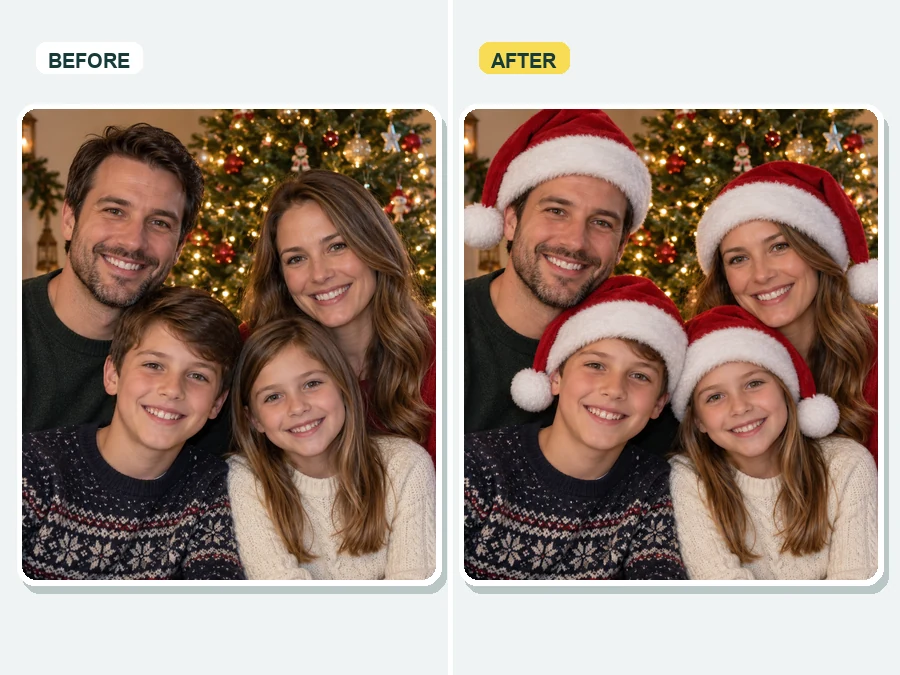
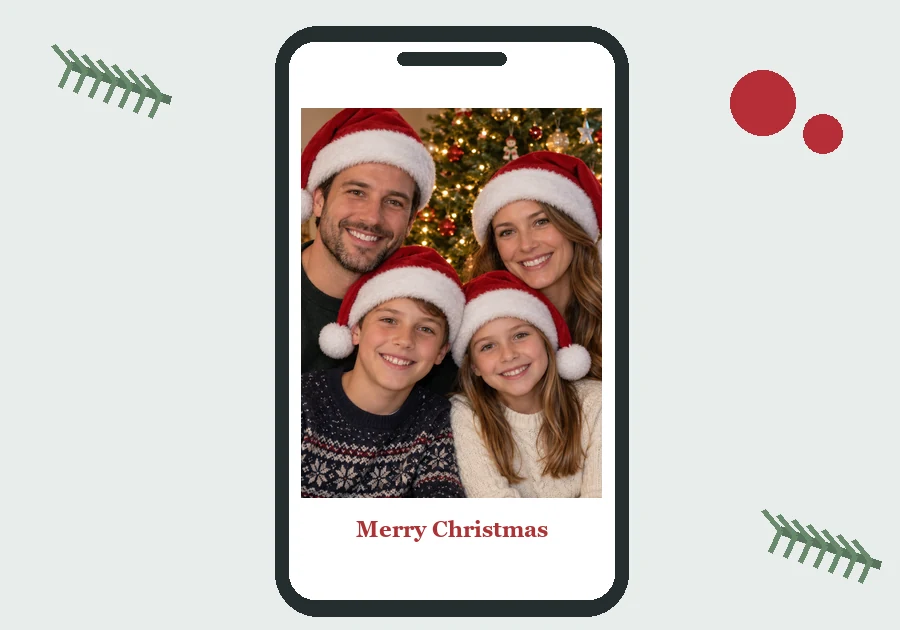
Give everyone in the family photo a matching Santa hat, from the grown-ups to the kids.
Add a Santa hat to your photo in a few clicks. Choose a classic red, fluffy white, elf, or antler hat, decide who wears it, and the AI fits it to each head with the right angle, size, and light.
Hat Style: Classic Santa · Who Wears It: Everyone in the Photo
Your photo stays in this browser during this UI preview.
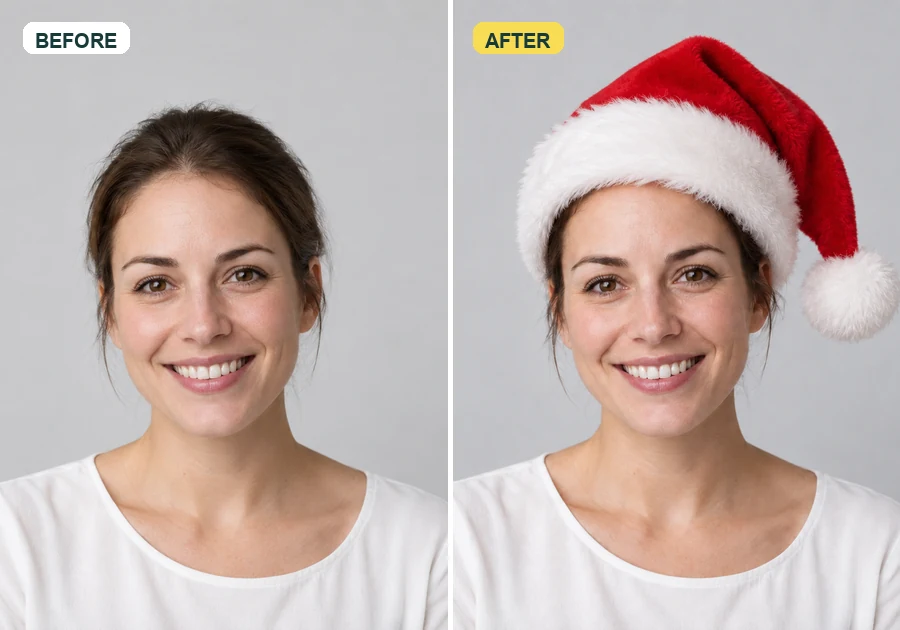
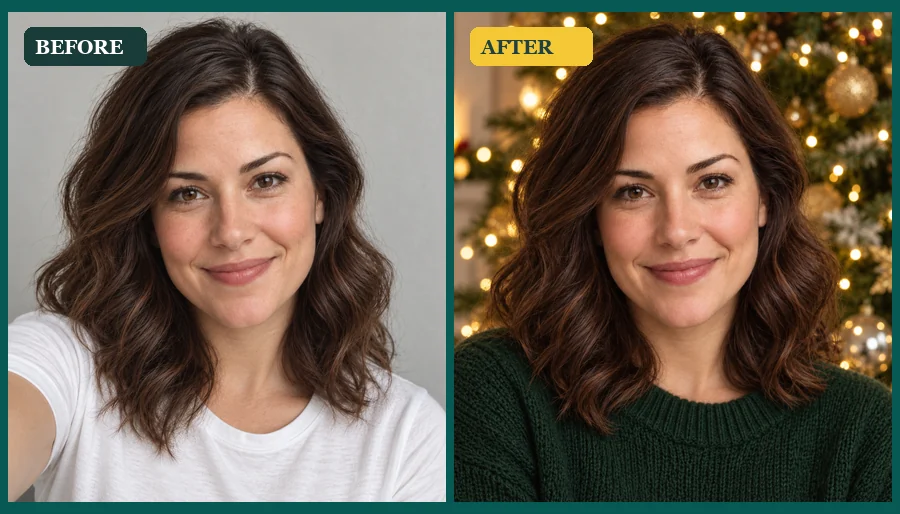
Reference example. It is not a result generated from your upload.
This Santa hat adder uses AI to put a Santa hat on your photo so it looks like you were wearing it when the picture was taken. Instead of dragging a flat sticker around and guessing the size, you upload one photo, pick a hat, and the AI places it on the head with the right angle, fit, fur shading, and lighting, even on tilted heads, curly hair, and pets.
Use it to add a Christmas hat to your photo for a profile picture, a family card, or a group chat. You can add a Santa hat to photos of one person, a whole group, or the family dog, and come back to it every holiday season.
A few ways people use festive hats. Pick a look to load the matching preset.
Give everyone in the family photo a matching Santa hat, from the grown-ups to the kids.
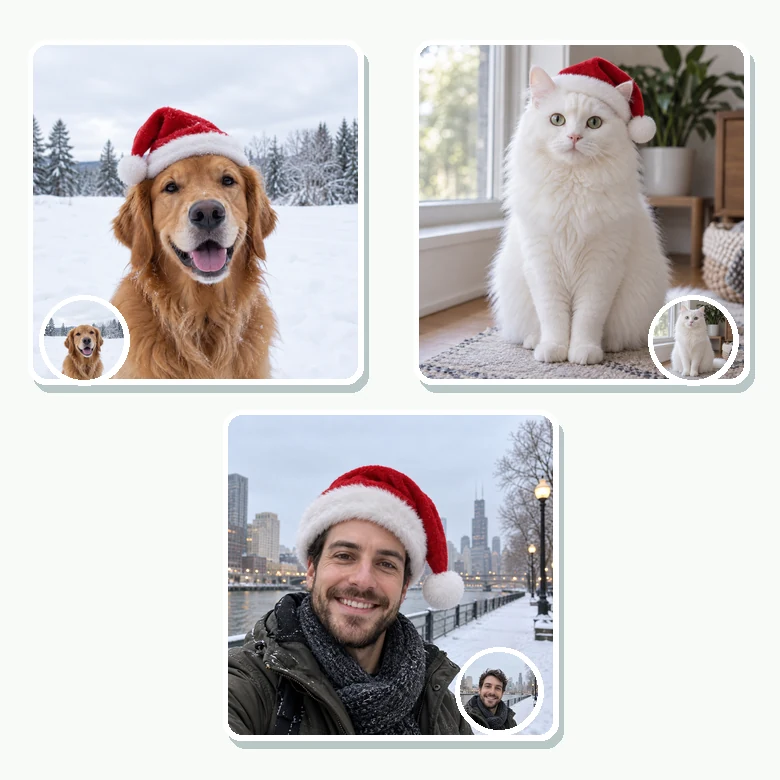
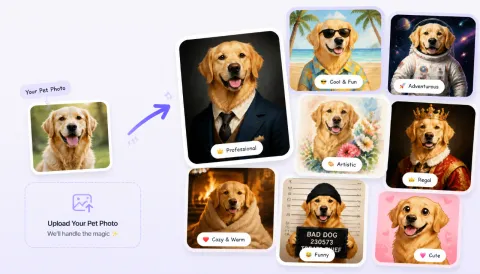
Dogs and cats get a hat sized to their ears, from a golden retriever to a fluffy cat.
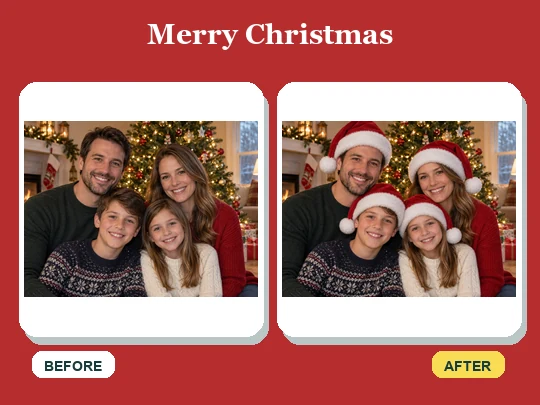
Turn a family snapshot into a card cover with hats on every head and a festive message.
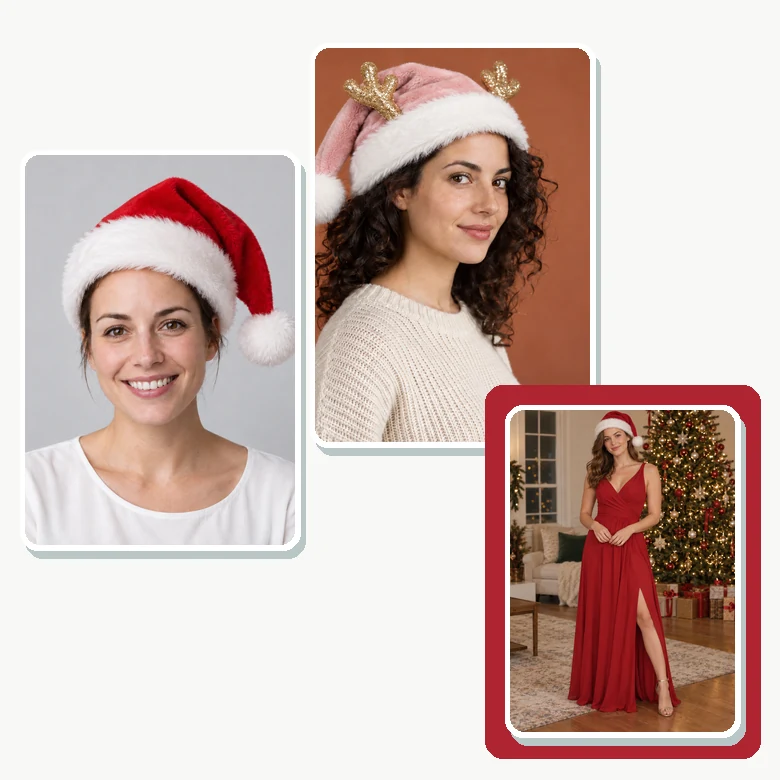
Make a festive profile picture with a Santa hat, then add a holiday frame if you like.
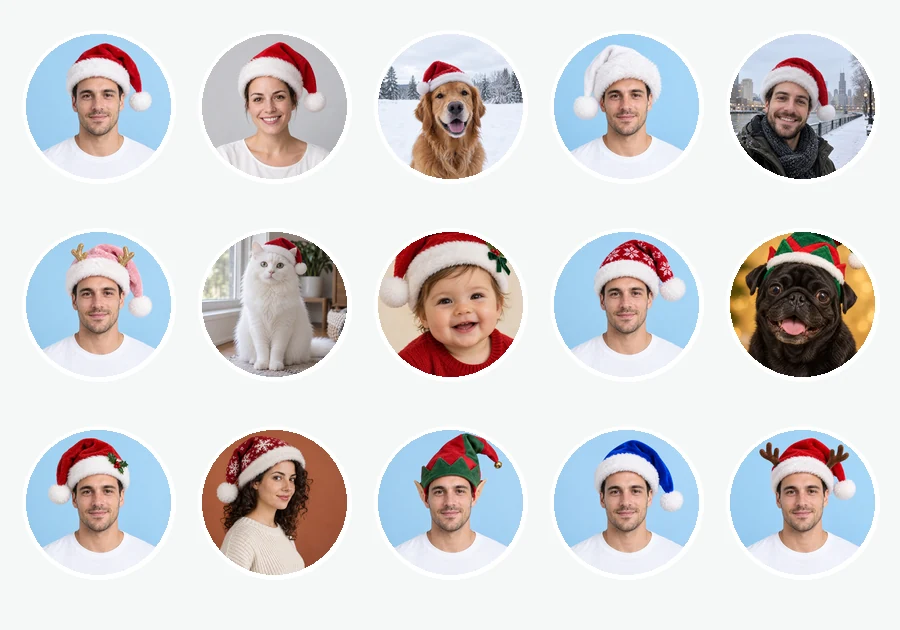
Create a matching set of hat avatars for friends, coworkers, or a team channel.
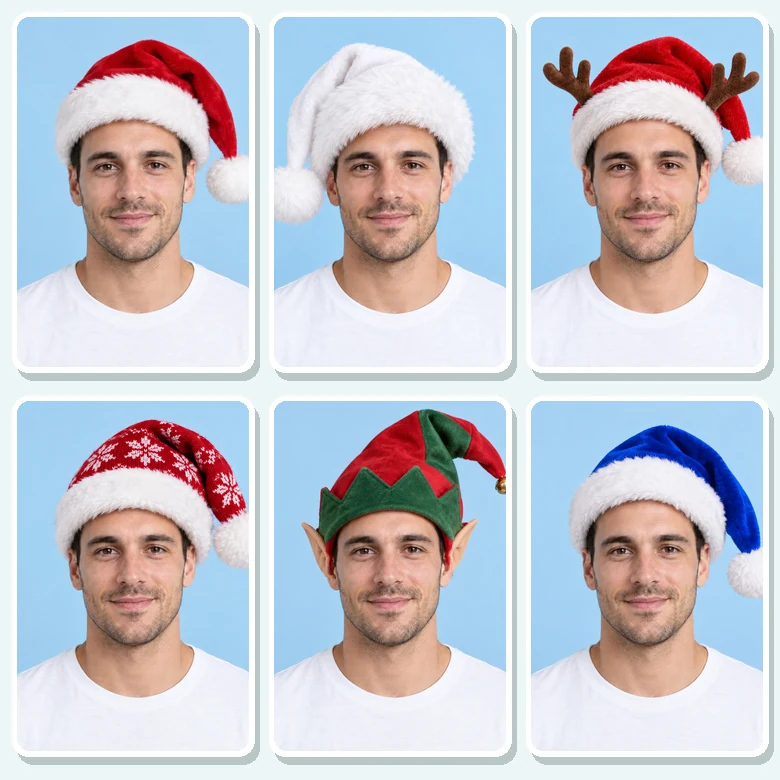
Classic red, fluffy white, elf, antlers, or blue: try several on the same photo.
How do you add a Santa hat to a photo without editing skills? Three steps.
Choose a JPG, PNG, or WebP up to 10 MB: a selfie, a group shot, a family portrait, or your pet. Make sure the heads are visible.
Select a hat style, then choose Everyone in the Photo, Main Person Only, or Pets Only. Add an optional note for anything specific.
Generate up to four versions, compare them, and save the festive photo for cards, posts, and chats.
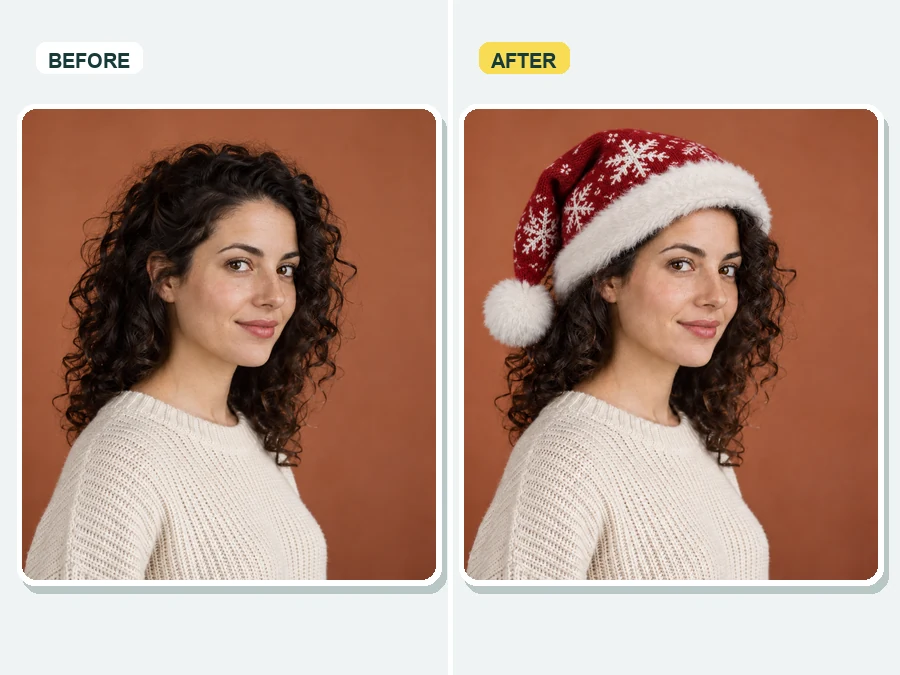
Head turned to the side? Big curly hair? The AI shapes the hat around the head, tilts it with the pose, and matches the shadows and warmth of the original light, so the result looks photographed rather than pasted on.
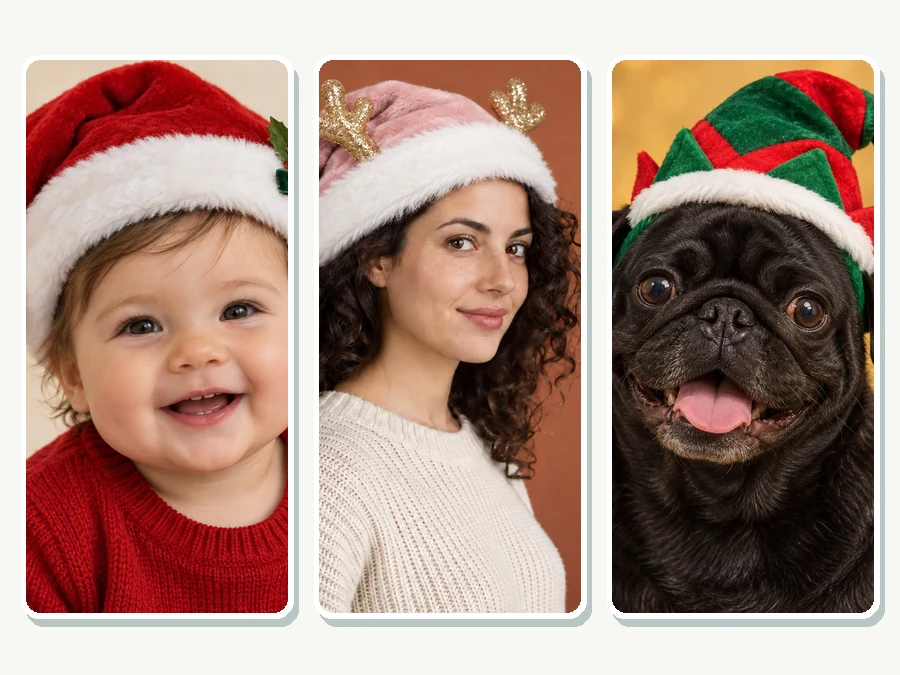
Babies, grandparents, and pets all get a hat that fits. Choose Everyone in the Photo and each person or animal gets their own correctly sized hat, or pick Pets Only to dress up just the dog.
Go traditional with a red Santa hat or have fun with a fluffy white hat, an elf cap, reindeer antlers, or a blue Christmas hat. Use the Custom note for anything else, such as a sequin hat or a hat with a name on the trim.
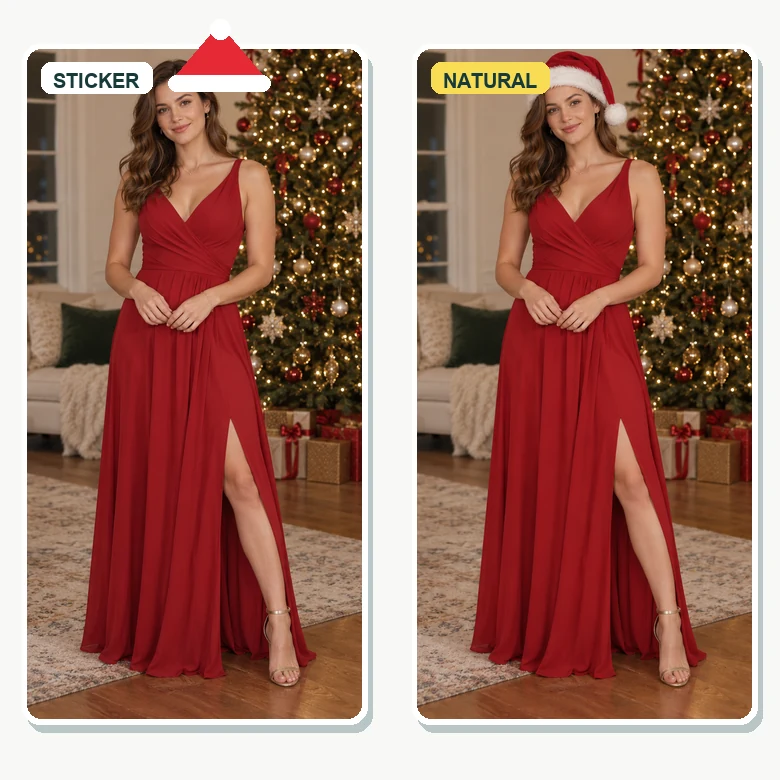
A sticker sits on top of the photo. Here the hat is generated into the picture: it sits behind loose strands of hair, casts a soft shadow on the forehead, and follows the shape of the head.
Common reasons people add Santa hat to pictures every holiday season.
Switch your avatar to a festive version for the season on social networks, work chat, and messaging apps.
Put a Christmas hat on images of the family for digital cards, party invitations, and newsletters.
Add a Christmas hat to photos of the dog or cat for a seasonal post, without the struggle of a real hat.
Make prints, mugs, calendars, or a team photo where everyone is in the holiday spirit.
How to add a Santa hat to a picture so it looks real.
Leave a little space above each head so there is room for the hat and the pompom.
Bright, even light helps the AI match the hat to the shading on faces and hair.
In busy photos, choose Main Person Only or describe the person, such as "the girl in the green sweater".
Generate several outputs or switch styles. A white fluffy hat can suit dark hair better than classic red.
Typical holiday edits made with festive hats.
Illustrative examples adapted from reference material, not verified reviews of EzImgMaker.
I put hats on all eleven of us in the reunion photo, including the dog. Everyone thought we had actually worn them.
Our whole support team changed their chat avatars to Santa hat versions for December. The fit looked natural even on side-angle selfies.
My cat would never keep a real hat on. The elf hat version is now the cover of our holiday card.
I compared the classic red and the white fluffy hat on the same photo and went with white. Being able to switch styles quickly helped.
Answers to common questions about putting a Christmas hat on a picture.
Upload the photo, pick a hat style such as Classic Santa or Elf Hat, choose who should wear it, and generate. The AI places the hat on each selected head, adjusts the size and angle, and blends it into the lighting.
Choose Everyone in the Photo and every visible person gets a hat sized for their head. To skip someone, choose Main Person Only or describe who should wear it in the Custom note, for example "only the two kids in front".
Upload the pet photo and choose Pets Only. The AI fits the hat between the ears of dogs, cats, and other animals. Clear photos where the head is not hidden by toys or hands work best.
Yes. The editor works in mobile browsers, so you can add a Santa hat to a photo from your camera roll and save the result without installing an app.
No. Only the hat area is added and blended. Your face, expression, and the rest of the photo stay the same, apart from hair that the hat naturally covers.
Classic Santa, White Fluffy, Snowflake Knit, Holly Bow, Blue Santa, Elf Hat, Santa with antlers, and Pink with antlers. Use the Custom note to describe another style, color, or pattern.
This tool focuses on hats and small festive accessories. You can ask for extras in the Custom note, such as "add a white Santa beard too". For a full Christmas scene or costume, try an AI Christmas photo tool.
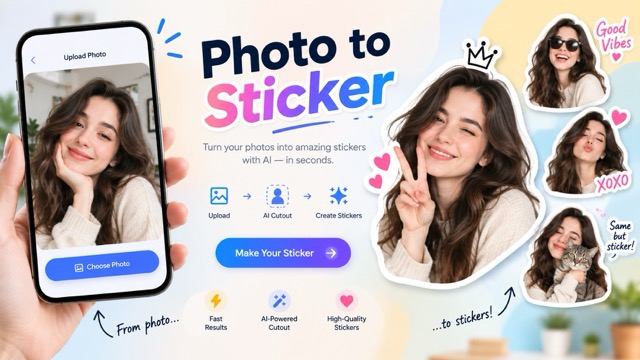
Stickers are flat and often sit at the wrong angle. The AI draws the hat into the photo with matching light and shadows, so it follows the shape of the head and looks natural up close.
JPG, PNG, and WebP images up to 10 MB. Larger, sharper photos give the hat more detail.
Only upload photos you have permission to edit, and ask before you share someone else’s festive version. Keep edits friendly and never use them to embarrass anyone.
Upload a picture, choose a hat, and add a Santa hat to everyone who needs one.