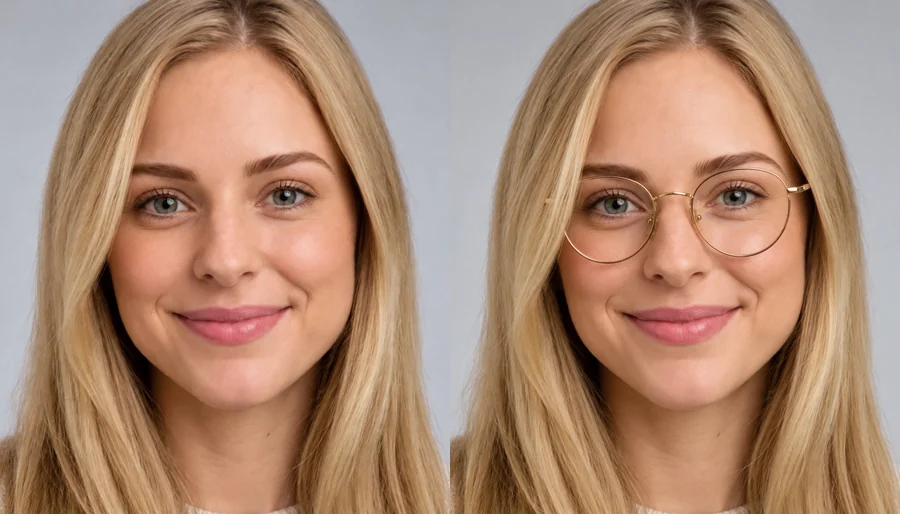
Cowboy Hat
A curled brim and woven straw for a relaxed western look.
Upload a photo and pick a hat, or add a product photo of the exact one. The AI sizes it to your head, sets it at the right angle with natural shadows on your hair, and keeps everything else the same. Try on hats before you buy, or add a Santa hat or a party hat for fun.
Hat Style: Baseball Cap · Hat Color: As Shown · Who Wears It: Main Person
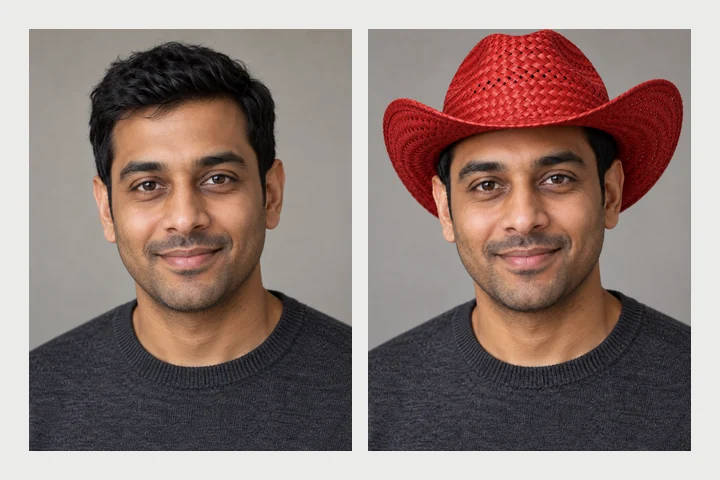
Reference example. It is not a result generated from your upload.
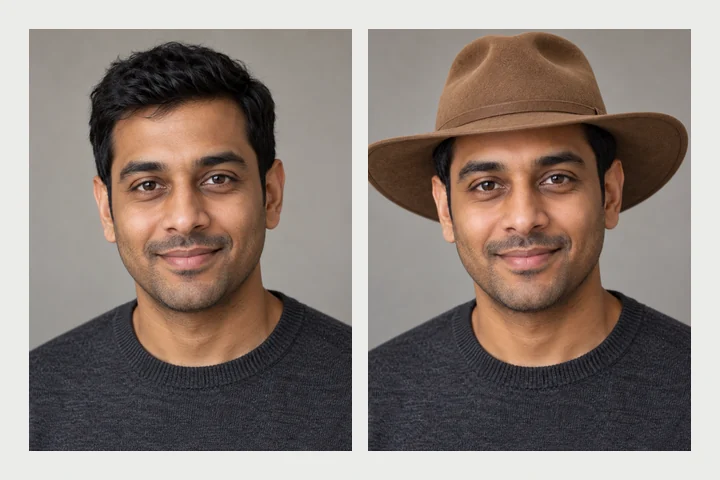
A virtual hat try on shows a hat on your own head using one photo. Instead of a flat sticker, the AI reads your head size, tilt and hairline, sets the hat at the right depth, lets your hair fall naturally around it and adds soft shadows on your forehead, so it looks like you were wearing it when the photo was taken. It is the easiest way to add a hat to a picture without any editing skills.
Choose from 12 hats, from a baseball cap, beanie, fedora, cowboy hat, bucket hat and beret to a sun hat, top hat, outback hat and derby hat, plus a Santa hat and a birthday hat, in eight colors. Or upload a product photo to try on the exact hat you are thinking of buying. One person, the whole group or even the dog can wear it. It is free to try with the credits you get when you sign up.
Each result started with a plain product photo of the hat. Tap a card to load the style, then upload your own photo.
A curled brim and woven straw for a relaxed western look.
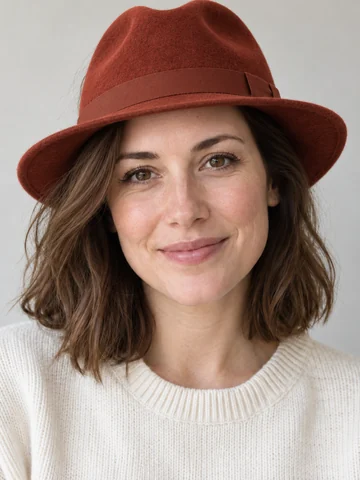
A pinched crown and a band that dress up any outfit.

A soft, short-brim bucket hat for streetwear and festivals.
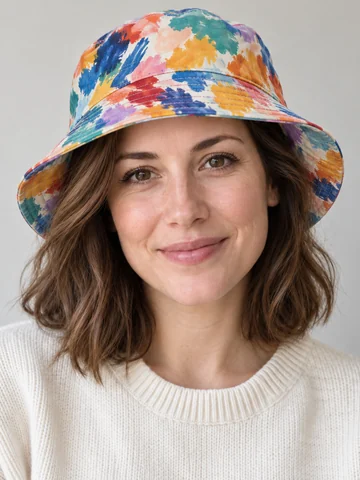
Bold prints work too: upload the exact hat you found.

A stiff wide brim and leather band for outdoor shots.
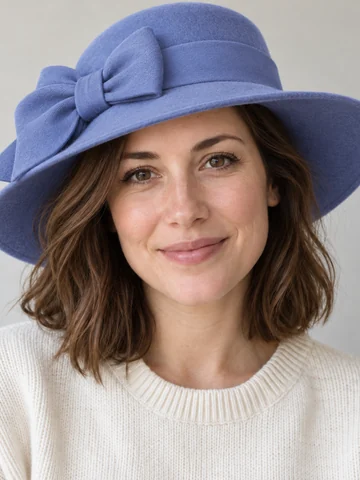
A wide brim and an oversized bow for races and garden parties.
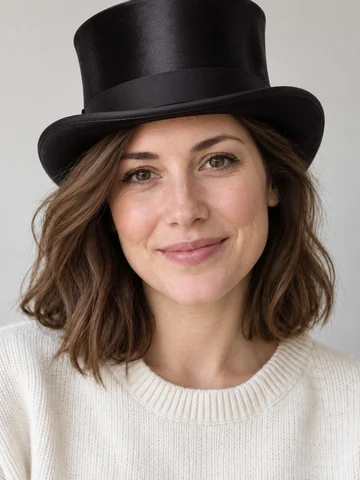
Tall black silk for costumes, weddings and themed parties.
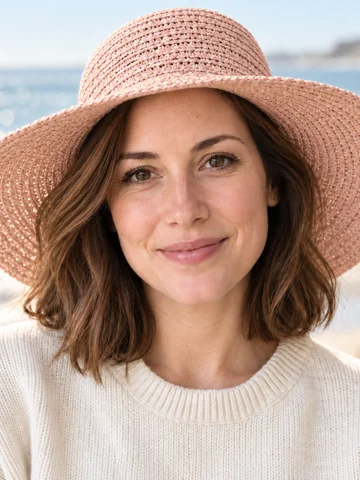
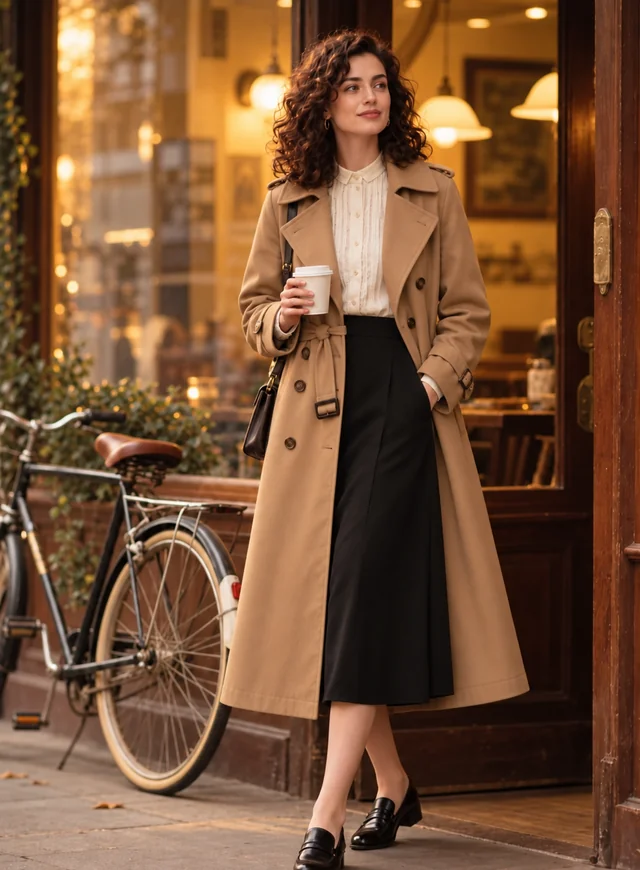
A woven brim that catches the evening light.
Three steps in your browser. No app, no cutting out and no layers.
Use a photo where the head and hairline are visible, ideally facing the camera. Group photos and pet photos work too. JPG, PNG or WebP up to 10 MB.
Choose one of 12 hats and a color, then Main Person, Everyone, People & Pets or Pets Only. Or add a product photo in the Hat Photo slot to try that exact hat.
Make 1 to 4 versions, compare them and download the one where the hat sits best.
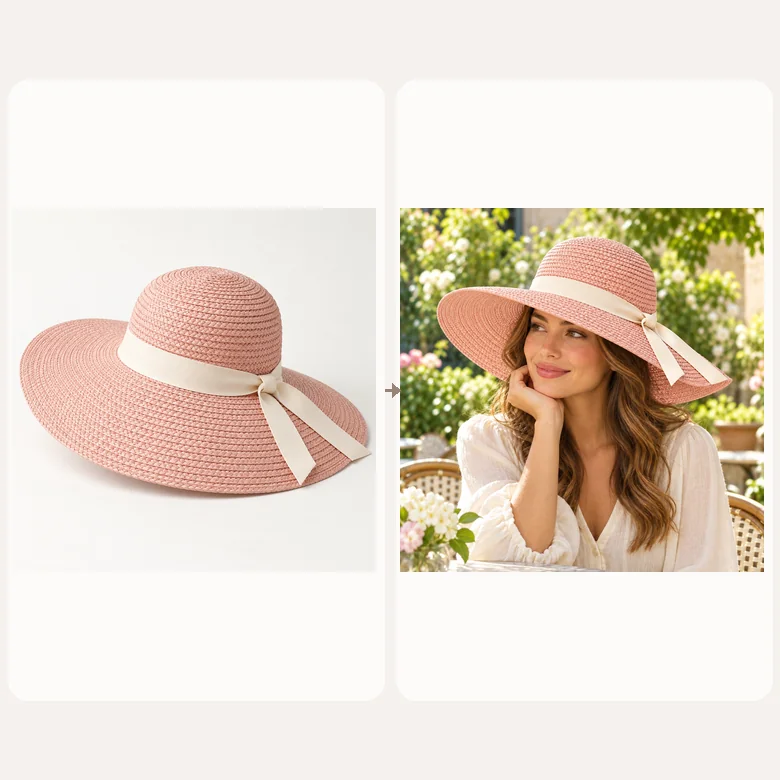
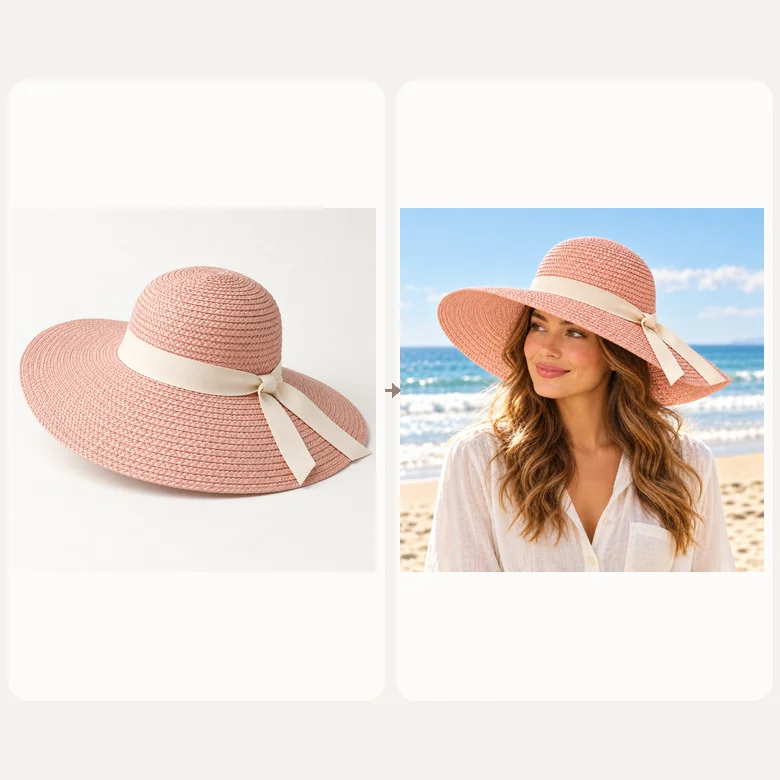
Found a hat online? Save the product photo, add it in the Hat Photo slot and switch to Use my hat photo. The AI copies its shape, color, material and band onto your head, so you can judge it with your real face and hair before you order.
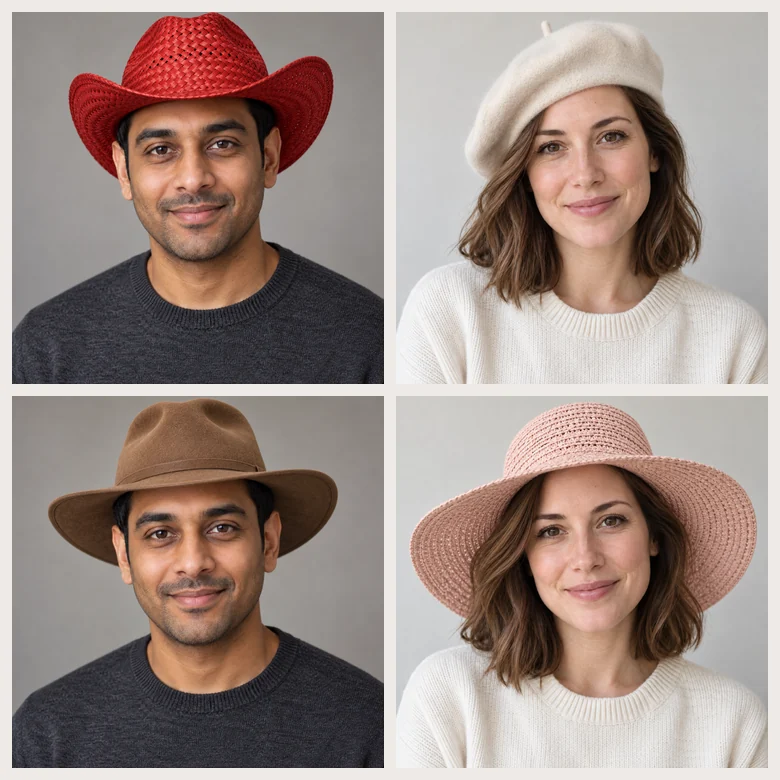
This is a virtual hat try on men and women can both use: virtual hat try-on men’s picks such as caps, fedoras, outback and cowboy hats sit as naturally as sun hats, berets and derby hats. The hat follows your head tilt and hairline instead of floating on top.
Hair is tucked under or falls around the brim the way it really would, a wide brim casts a soft shadow on the face, and the hat picks up the light of your photo. Any hat you already wear is replaced, and your glasses stay on.
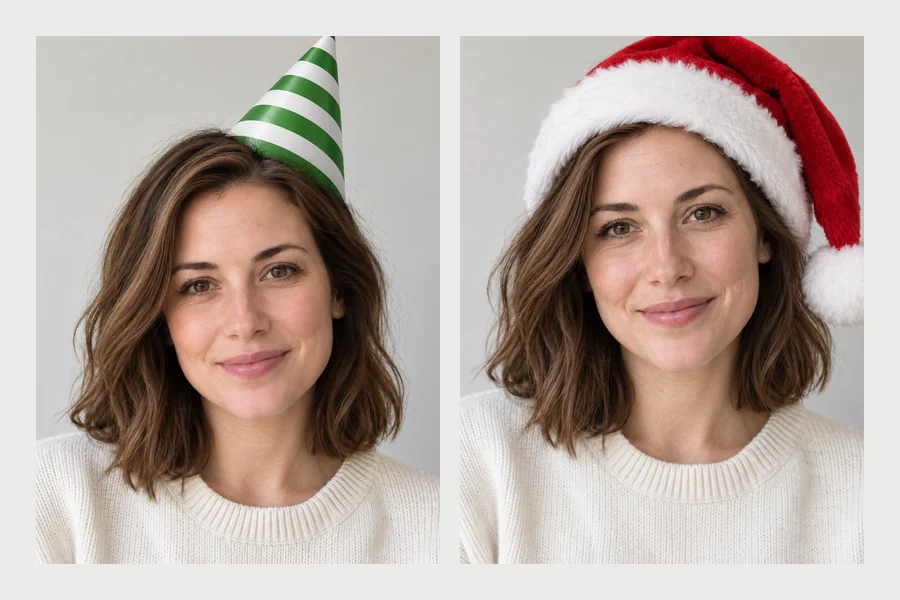
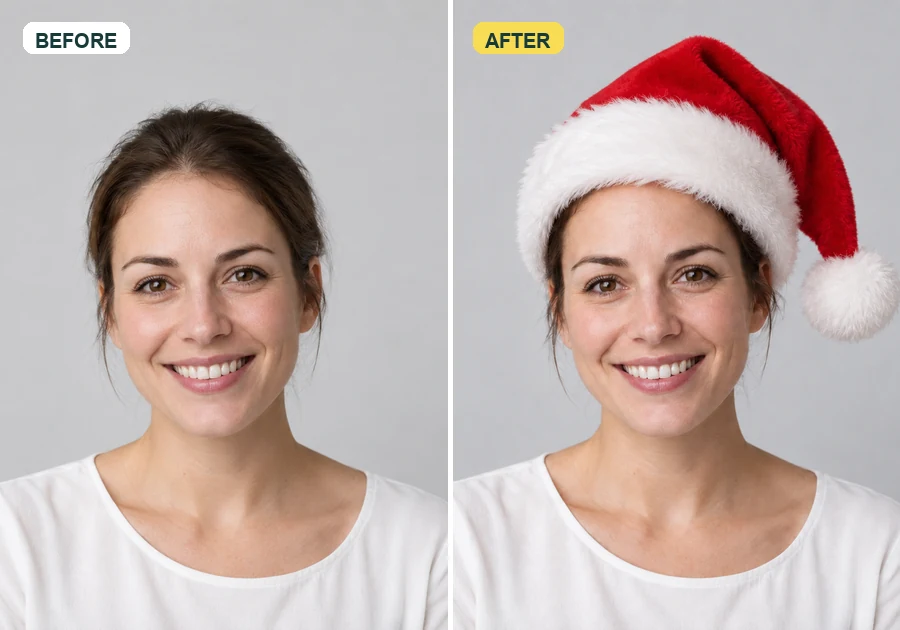
Add birthday hat to photo collections for a party invite, or put a Santa hat on photos of everyone in the group for a holiday card. Choose People & Pets to give the dog a matching hat, or Pets Only to leave the humans as they are.
From shopping decisions to holiday cards, these are the most common reasons people add a hat.
Compare shapes and colors on your own face before ordering a hat online.
Give the whole family, or just the cat, a Santa hat for a holiday card or profile picture.
Party hats for an invitation, a birthday post or a surprise group photo.
See which hat finishes a look, then change the rest with the AI clothes changer.
Hat sellers create on-head photos from a product shot and a model photo they have rights to.
Top hats, cowboy hats and derby hats for costume ideas, races and themed parties.
A quick starting point. The best test is still trying a few on your own photo.
| Face shape | Hats that usually suit it | Try first |
|---|---|---|
| Oval | Almost every style, from caps to wide brims | Fedora or Beret |
| Round | Structured crowns and angular brims that add height | Fedora or Cowboy Hat |
| Square | Soft shapes and rounded crowns that ease strong angles | Bucket Hat or Beanie |
| Heart | Medium brims and low crowns that balance a wider forehead | Sun Hat or Derby Hat |
| Long | Wide brims and hats worn low that shorten the face | Outback Hat or Sun Hat |
Not sure of your face shape? Upload a selfie to the face shape detector first.
A few photo choices make the hat look like it was really there.
Push hair back from the forehead so the AI can find where the hat should sit.
Photos cropped at the top of the head leave no space for tall crowns or wide brims.
Soft daylight gives the brim a believable shadow on your face.
A front or three-quarter product shot on a plain background copies most faithfully.
The same hat in black, cream and camel can feel completely different.
Edit photos you own or have permission to use, including photos of friends.
Keep styling from head to toe.
All try on tools: clothes, glasses, hats, shoes, wigs and more.
Browse allPair your new hat with frames or sunglasses.
Open toolThe dedicated Christmas tool: Santa, elf and antler hats on every head in the shot.
Open toolGo beyond the party hat: balloons, cake and a full birthday set.
Open toolAnswers to common questions about adding hats to photos.
Yes. Pick Santa Hat, choose Main Person, Everyone or People & Pets, and generate. The hat is fitted to each head with the tip falling naturally. For elf hats, antlers and more Christmas styles, use the dedicated Add Santa Hat to Photo tool.
Upload the photo, tap Santa Hat in Hat Style, leave the color on As Shown, pick who should wear it and press Generate. Make 2 to 4 versions and download the one where the hat sits best. It works on selfies, family photos and pictures of pets.
Save the product photo from the store, add it in the Hat Photo slot and choose Use my hat photo. The AI reproduces that exact hat on your head. Check the store’s size guide too, since the preview shows style, not fit.
Yes. Caps, beanies, fedoras, bucket, cowboy and outback hats fit naturally on short hair, long hair, beards and receding hairlines, and you can upload any men’s hat as a product photo.
Yes. Choose Birthday Hat and then Pets Only (or People & Pets for everyone). The hat is sized and angled for the pet’s head, so you can put a Santa hat on pictures of your dog the same way.
Any hat in the photo is replaced by the new one. Glasses, earrings and hair color stay as they are.
Yes. Choose Everyone, and each person gets a matching hat fitted to their own head. For very large groups, clear faces that are not too small give the best result.
It is free to try: new accounts get free credits when they sign up. After that each generation uses credits, and the cost is shown on the Generate button before you start.
Your own photos, or photos of people who are happy for you to edit them. Do not use edited photos to mislead anyone, and only use product photos you have the right to use for listings.
Upload a photo, pick a hat or add the exact one, and see it on your own head.