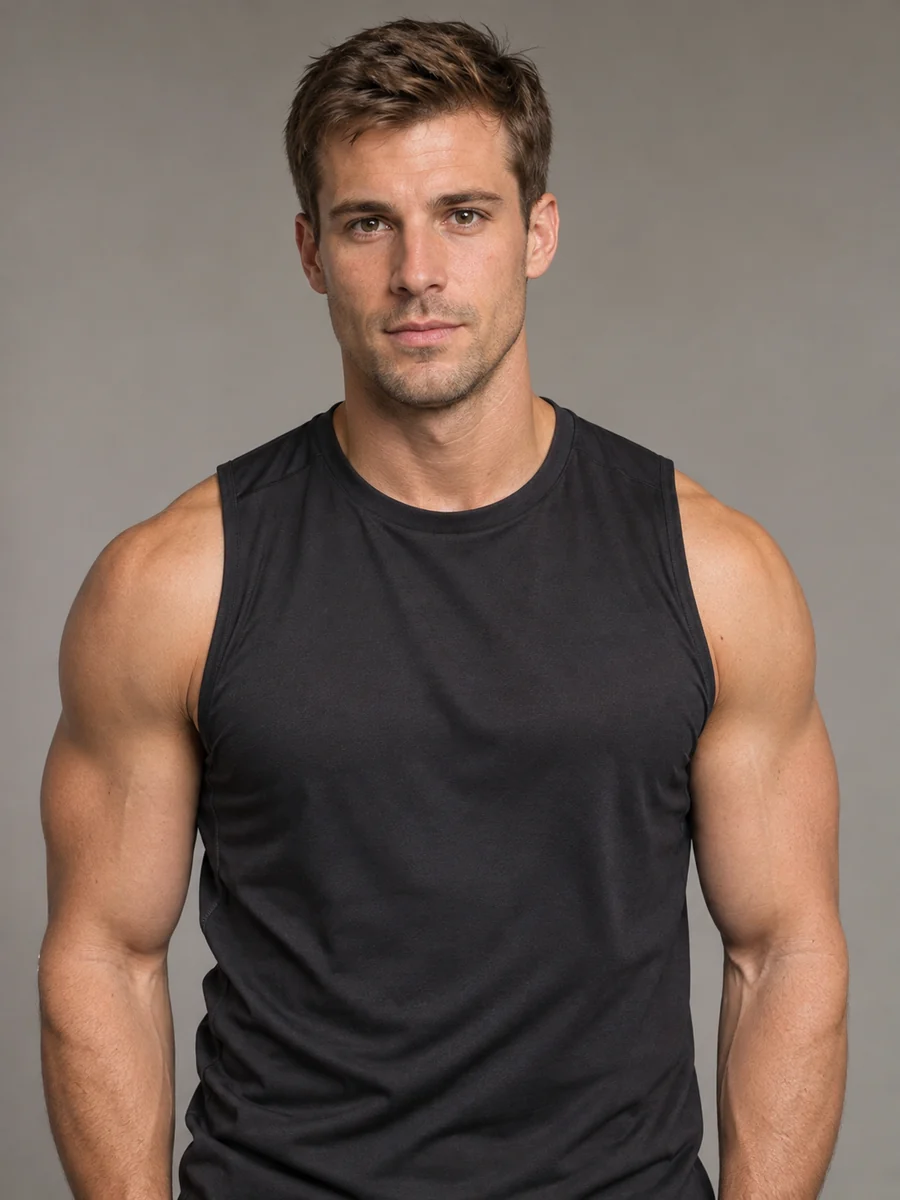
Red Cosplay Wig
A bright red wig for a convention or a character shoot, with the face, tattoos, and outfit left exactly as they were.
See a wig on your own face before you buy it. Upload a selfie, pick a wig style, a color from 1B to 613 blonde, and a parting, or upload a photo of the exact wig you want. The AI wig try on swaps only your hair and keeps everything else.
Wig Style: Long Straight · Wig Color: 1B Natural Black · Parting: As Styled


Reference example. It is not a result generated from your upload.
A virtual wig try on shows a wig on your own photo before you buy, cut, or color anything. Upload a selfie and the AI wig try on maps your face, hairline, and head shape, tucks your real hair away, and renders the wig you picked with a natural-looking hairline, real strand texture, and lighting that matches your shot. Your face, expression, and outfit stay exactly the same, so you are judging the wig, not a different person.
It is the easiest way to try on wigs online: compare a lace front with a bob, body wave with kinky curly, or 1B natural black with 613 blonde, all on one face. You can also try on a wig you found in a shop by uploading its product photo. Wig wearers, first-time buyers, people facing hair loss, cosplayers, and wig shops use it to try wigs on virtually before spending money. Every result is a visual preview, so check cap size, density, and fit with the seller too.
Same face, same pose, same light: only the hair changes. Drag each slider to see the original photo and the wig try on.
A bright red wig for a convention or a character shoot, with the face, tattoos, and outfit left exactly as they were.


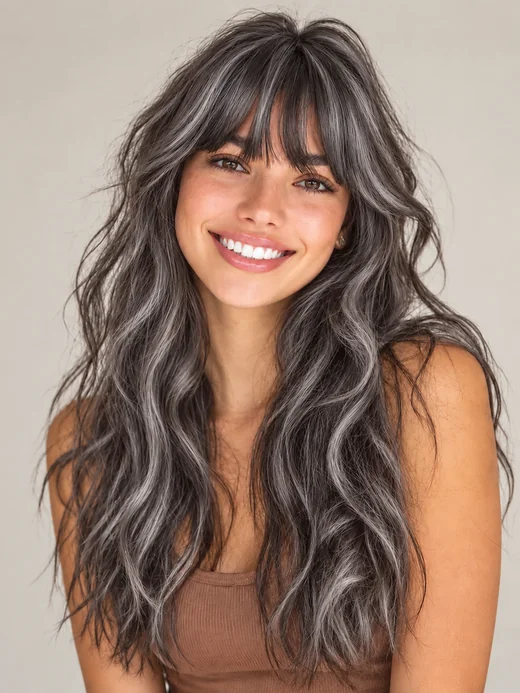
Curious about going silver? Preview a sleek gray wig against your skin tone before you commit to a color or a unit.
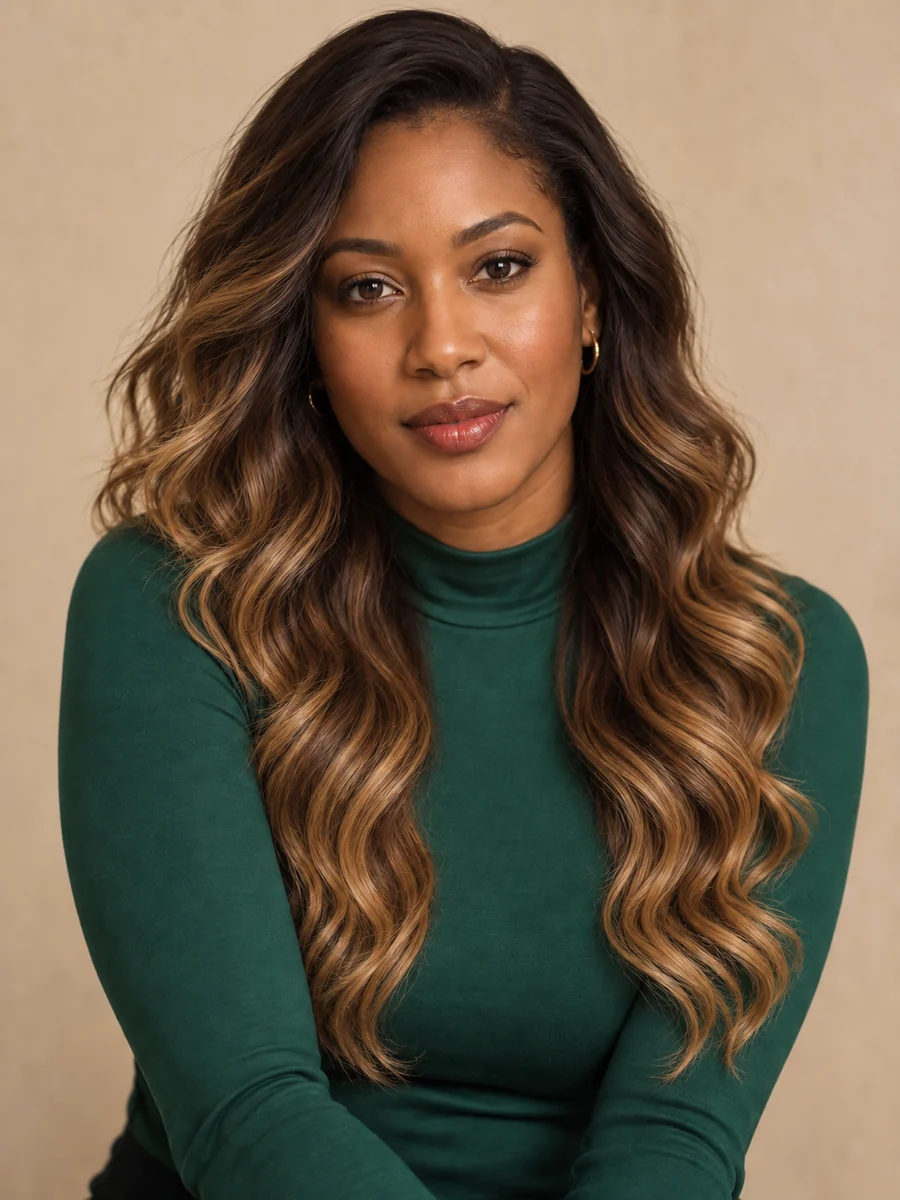
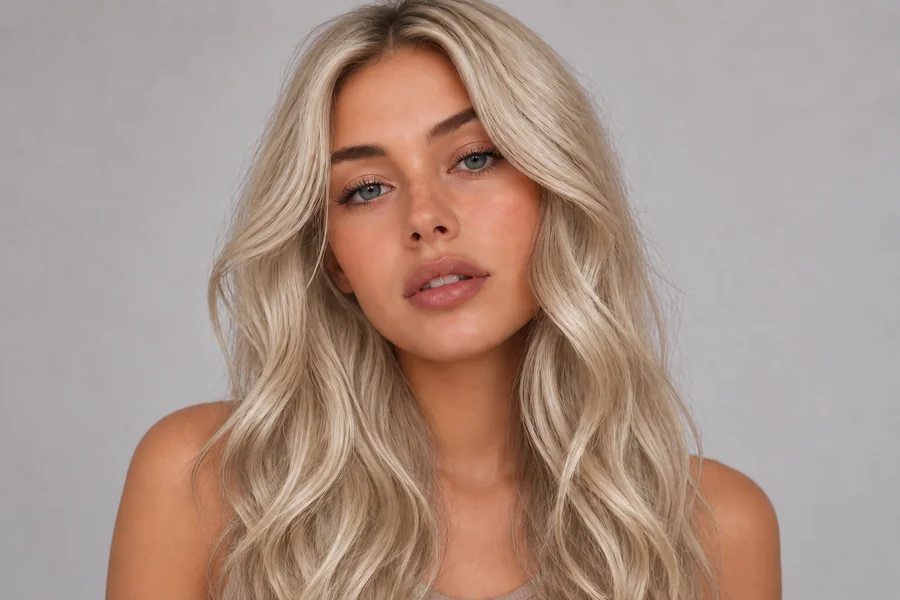
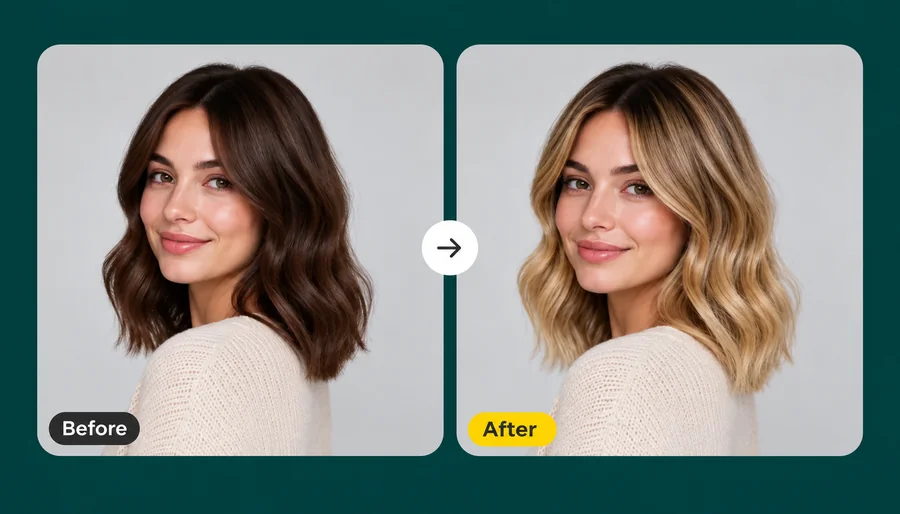
Dark roots melting into honey blonde waves: a popular wig color that is hard to judge from a product photo alone.


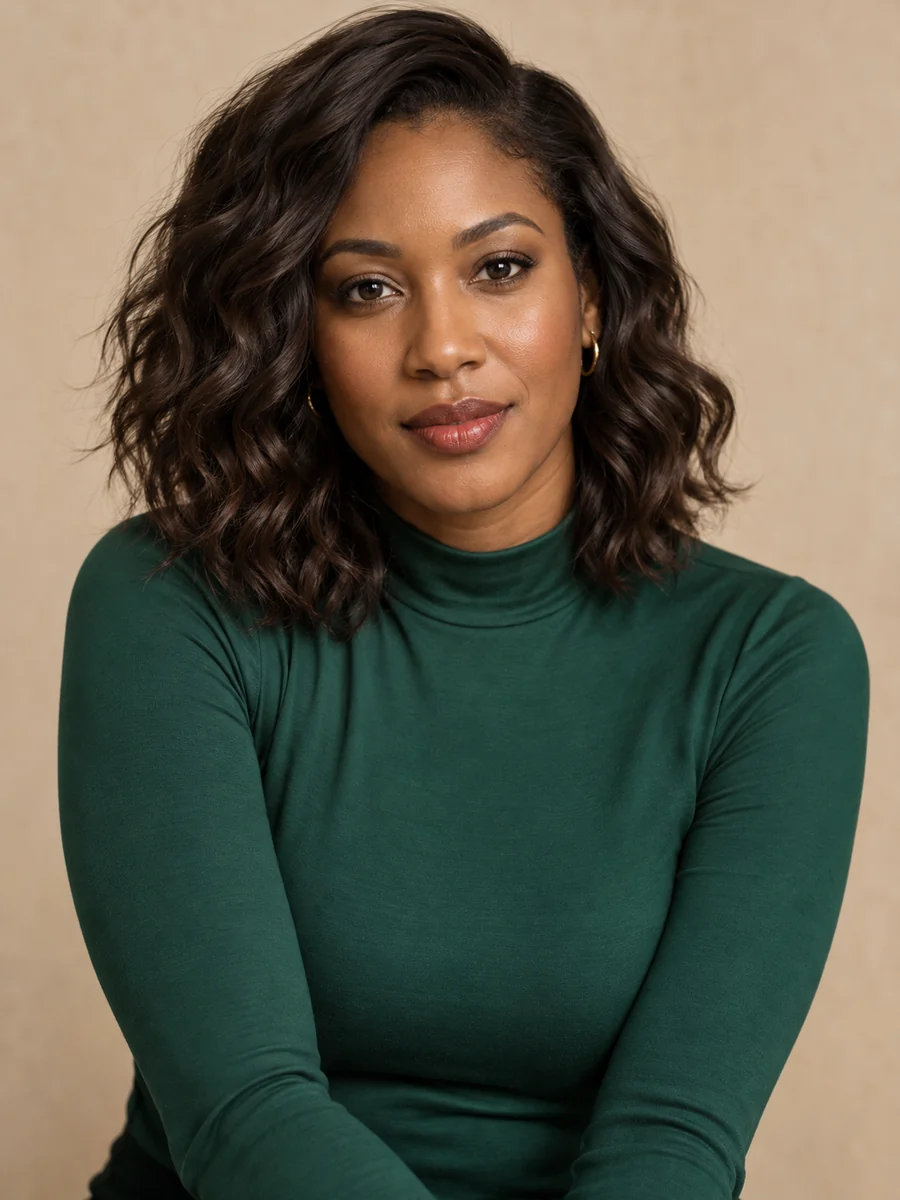
A short bob wig with face-framing highlights, previewed on the same selfie so you can see how it frames your jaw.
Lace fronts, bobs, braids, waves, and ponytails. Tap a card to load that wig in the tool above.





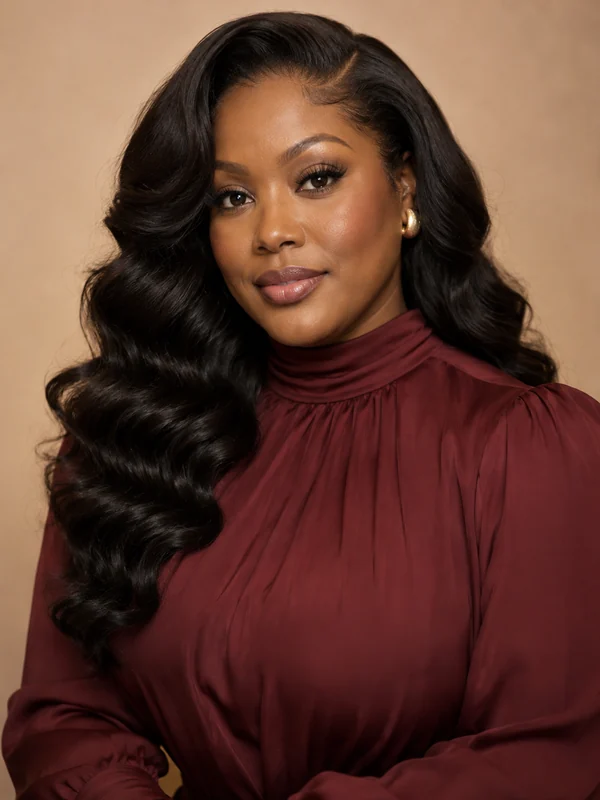


Three steps in your browser: no wig app to install and no editing skills needed.
Use a front-facing photo with your face and hairline visible and even light. Hair slicked back or in a low bun works best. Want a specific unit? Add the wig’s product photo in the second slot.
Choose a wig style such as long straight, body wave, kinky curly, bob, pixie, or braids, then a color from 1B natural black to 613 blonde and a parting. Or describe any wig in Custom.
Create up to 4 previews, compare them with your original photo, and save the wig try on you like before you order.
A wig try on that changes only your hair, so every comparison is fair.
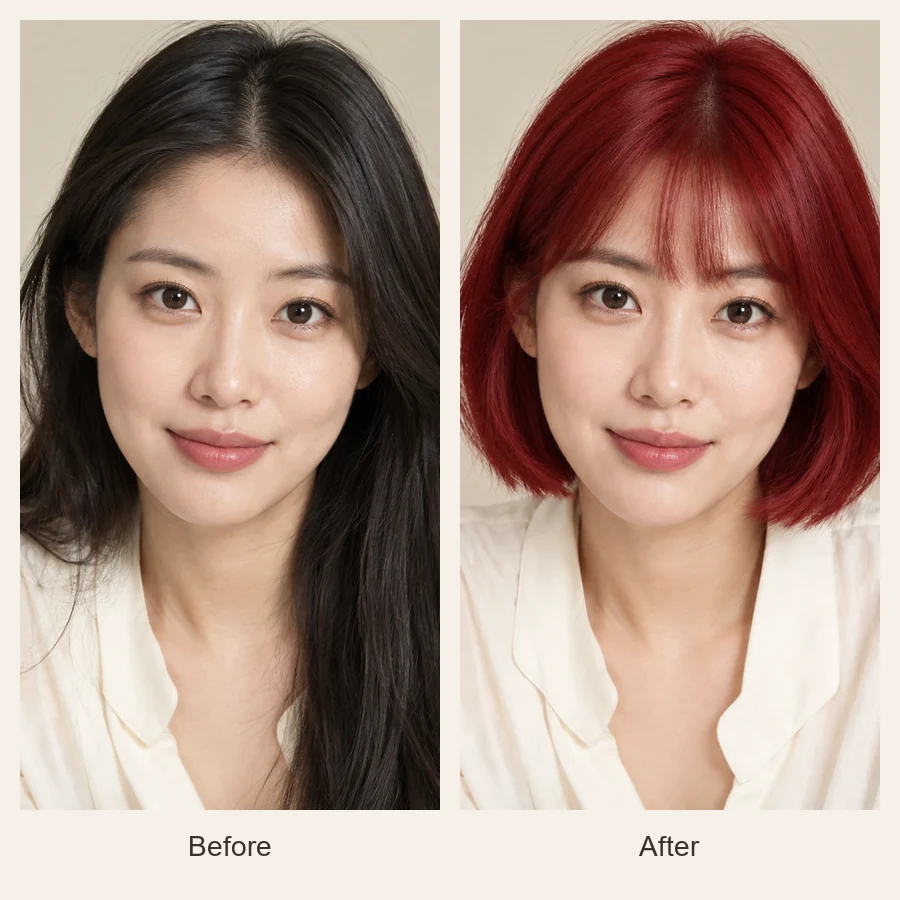
A wig that looks perfect on a mannequin can look completely different on you. The virtual wig try on puts the length, density, and color on your own face, with a natural hairline instead of a pasted-on helmet, so you can tell whether it flatters your face shape and skin tone before you pay.
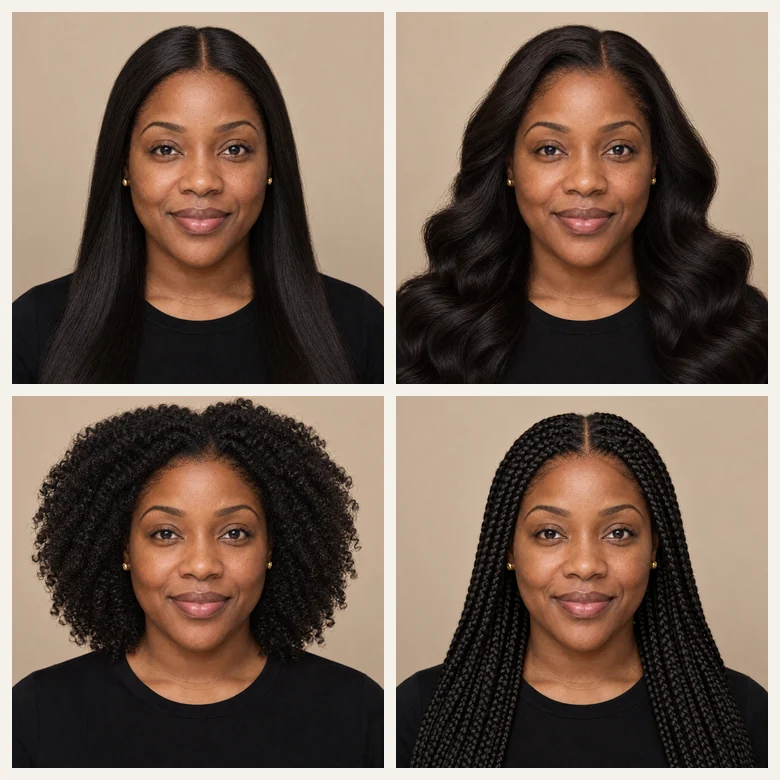
Straight, body wave, deep wave, kinky curly, braids, bobs, pixies, and ponytails, each rendered with its real texture. Compare a sleek lace front with a voluminous curly unit on the same selfie and see which one feels like you.
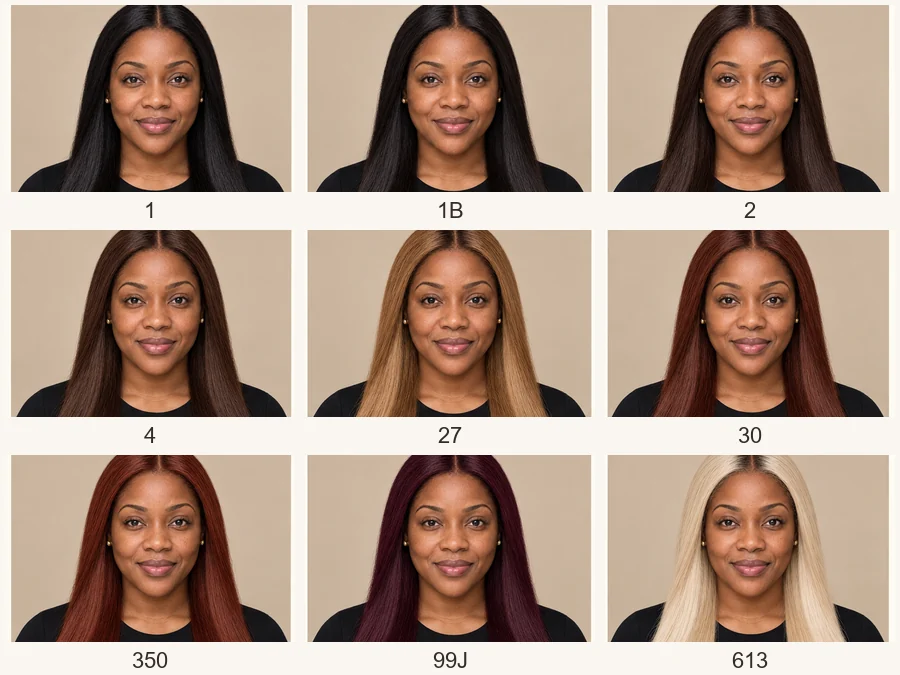
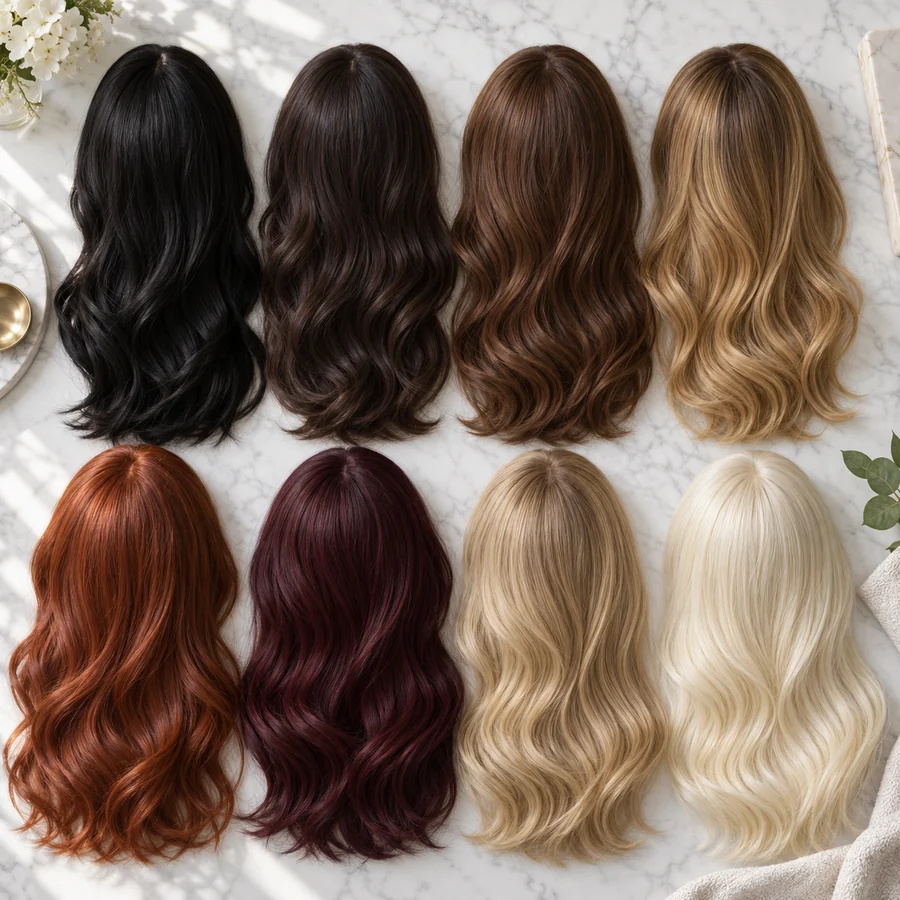
Product photos are shot under studio light, so colors rarely look the same at home. Try thirteen wig colors labeled with the codes shops use, including 1B, 2, 4, 27, 30, 350, 99J, 613, and ombre 1B/27, plus silver, pastel pink, and electric blue, on your own skin tone.
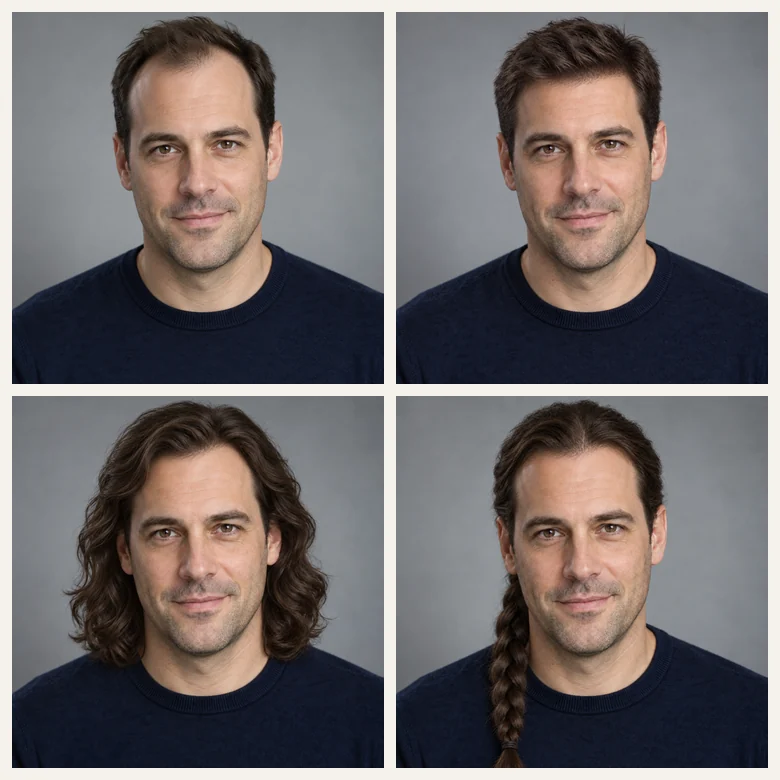
Men can preview a natural hair system or a long, braided, or curly look; people facing hair loss can find a wig that feels like their own hair; cosplayers can match a character’s color and cut before ordering. Upload a product photo and the AI tries on that exact wig.
Most wig shops label colors with numbers. Here is what the common codes look like, and the matching preset to try on.
| Code | Color | Looks like | Preset to try |
|---|---|---|---|
| 1 | Jet black | Deep, blue-black and glossy | 1 Jet Black |
| 1B | Natural black | Soft off-black, the most common wig color | 1B Natural Black |
| 2 | Darkest brown | Reads almost black indoors, brown in sunlight | 2 Dark Brown |
| 4 | Medium brown | Warm chestnut brown | 4 Chestnut Brown |
| 27 | Honey blonde | Golden, strawberry-leaning blonde | 27 Honey Blonde |
| 30 | Light auburn | Copper-brown with red warmth | 30 Auburn |
| 350 | Copper red | Bright ginger | 350 Copper Red |
| 99J | Burgundy | Deep wine and plum | 99J Burgundy |
| 613 | Light blonde | Pale platinum, easy to tone or dye | 613 Blonde |
| 1B/27 | Ombre | Dark roots fading to honey blonde | Ombre 1B/27 |
Codes are a common convention, not a standard: shades vary between brands and between synthetic and human hair. Check the seller’s swatch too.
Anyone who wants to try on a wig before paying for one.
Not sure between a bob and a long lace front? Try both on your photo before ordering your first unit.
Test a new texture, color, or length against your usual unit before adding it to your rotation.
Find a wig that looks like your own hair, or try something new, privately and at your own pace.
Match a character’s color and cut, from silver anime hair to electric blue, before buying the wig.
Offer clients a wig virtual try on before an order or install. Shops comparing AI wig design software tools can test the idea here first.
Plan a wedding, party, or shoot look and see how the wig works with your outfit already in the shot.
Your photo decides how natural the wig preview looks.
Face the camera with your forehead and temples visible so the wig hairline can blend in.
Slick hair back, braid it down, or wear a low bun. Big volume makes the wig sit higher.
Daylight from a window shows the wig color closest to how it will look in real life.
For an exact unit, use a product photo that shows the whole wig, front-facing, without heavy filters.
Keep the style and switch colors, or keep the color and switch styles, to see what really changes.
A preview shows the look, not cap size, density, or lace type. Confirm those before you buy.
Guides and tools for your next look, with or without a wig.
Apps and online tools to try on haircuts and wigs, compared, with free tiers explained.
Read the guideTry haircuts, braids, updos, and hair colors on your own photo.
Open toolTest a dye color on your real hair before you book the salon.
Open toolSee how a pixie, bob, or buzz cut would look before cutting your hair.
Open toolCommon questions about trying on wigs with your photo.
Upload a clear, front-facing selfie, pick a wig style, a color, and a parting, and generate. The virtual wig try on hides your own hair and renders the wig on your face with a natural hairline. To try on a specific wig, upload its product photo in the Wig to Try On slot and choose Try on uploaded wig.
Yes, it is free to try: new accounts get free credits when they sign up, so you can try on wigs with your picture for free for your first previews. After that, each preview uses credits.
You do not need a separate wig app. EzImgMaker works like a virtual wig try on app that runs in any phone or desktop browser: upload a selfie, choose a wig, and save the preview. You get what you would want from a try on wigs app, without the download.
Yes. Save the product photo, upload it in the Wig to Try On slot, and the AI copies that wig’s length, texture, color, and parting onto your photo while keeping your own face. A clear, front-facing product photo gives the closest result. Use images you are allowed to use.
Yes. It works as a virtual wig try-on for Black women and their favorite units too: kinky curly, deep wave, body wave, knotless braids, sleek bobs, and 1B, 27, 30, 99J, and 613 colors, rendered over your real hairline and skin tone. Describe anything else, such as a kinky straight or a 4C-textured afro wig, in Custom.
Yes. Choose Men’s Hair System for a natural short look, or try long, curly, or braided wig styles. Beards, glasses, and earrings stay in place.
The AI matches the hairline, strand texture, and lighting to your photo, so most previews look like real photos. It cannot show cap size, density, or lace quality, and real wigs look different depending on how they are installed and styled. Use it to choose a style and color, then check fit details with the seller.
It is a consumer tool, but wig shops, salons, and stylists use it the same way: upload a client’s photo (with their permission) and a product photo, and show the wig on them before an order or install.
A sharp, front-facing selfie in soft daylight, with your hairline visible and your own hair flat against your head. Avoid hats, heavy filters, and photos where hands or hair cover your face.
Your own photos, or photos of adults who agreed to it. Do not upload pictures of minors or other people without permission. Uploads are used only to create your preview.
Upload a selfie and try on wigs virtually online free with your sign-up credits, in any style, color, and parting.