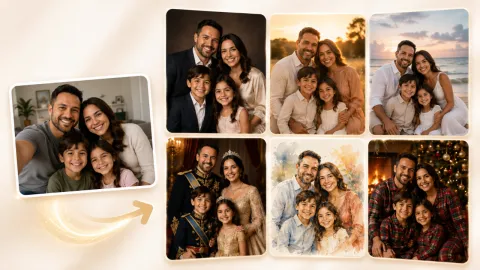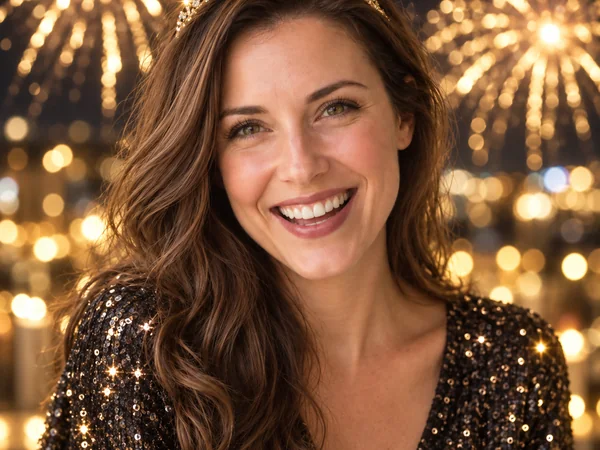
Fireworks Portrait
Golden fireworks, a sparkly party tiara, and warm bokeh behind a big laugh.
Upload a selfie, couple, family, or friends photo and turn it into a fireworks portrait, a party-ready New Year backdrop, or a greeting card, while every face stays recognizable.
Your photo stays in this browser during this UI preview.
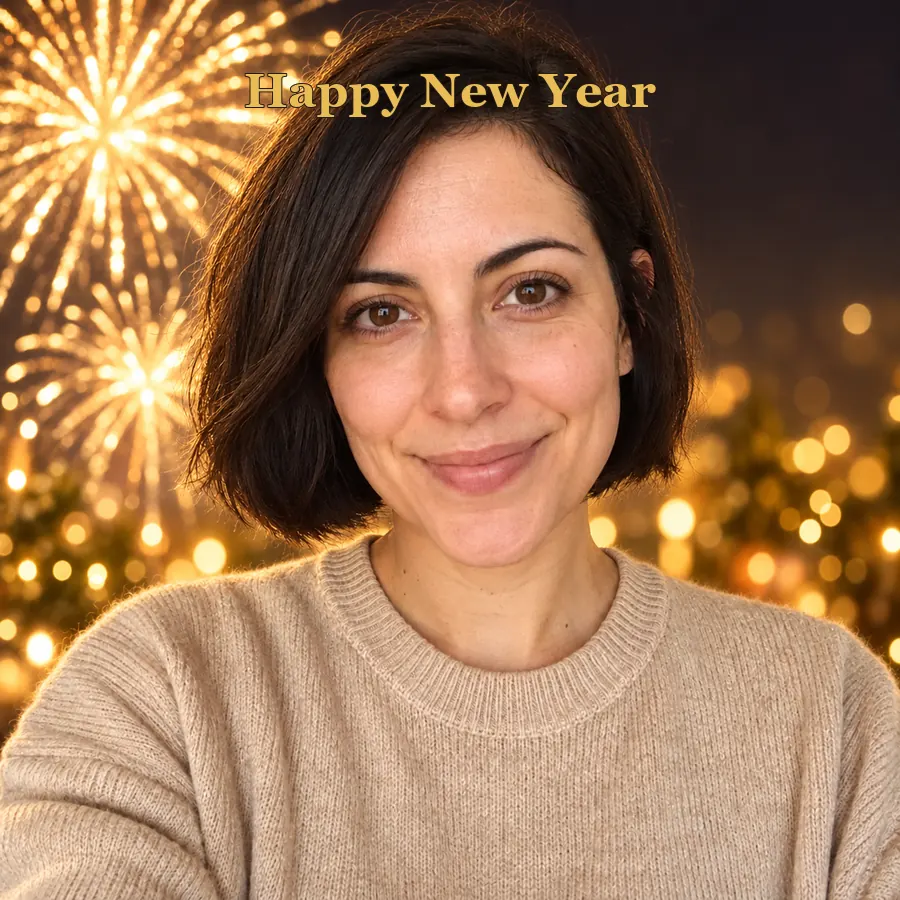
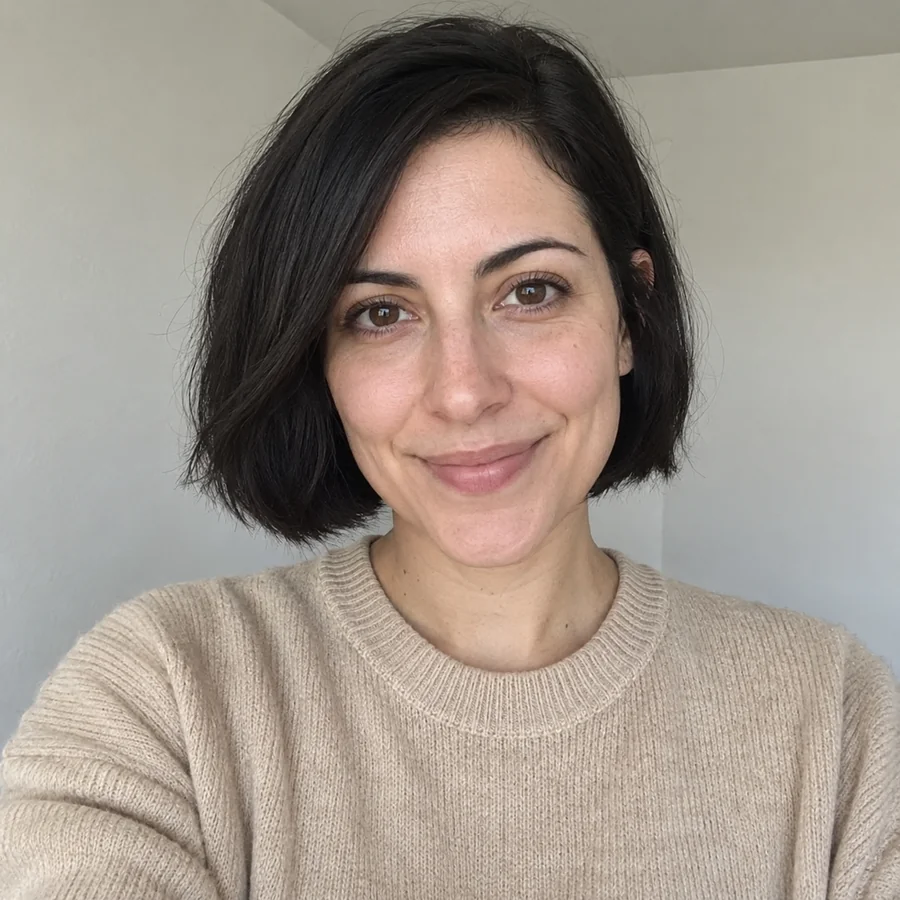
Reference example. It is not a result generated from your upload.
An AI Happy New Year photo generator turns an everyday picture into festive happy New Year pictures. It keeps your face, expression, and pose, then adds what a party photographer would set up: fireworks over a skyline, falling confetti, a glittering New Year backdrop, champagne-gold light, or a finished greeting card layout.
Instead of building New Year backdrops yourself or booking a New Years Eve photoshoot, you pick a look and the AI does the staging. Use it for profile pictures, countdown posts, family greetings, custom happy New Year cards, or business announcements. The pictures are timeless by default, and you can add your own greeting in the note.
Solo, couple, family, and friends ideas from classic New Year photography. Choose one to load a matching look in the workspace.
Golden fireworks, a sparkly party tiara, and warm bokeh behind a big laugh.
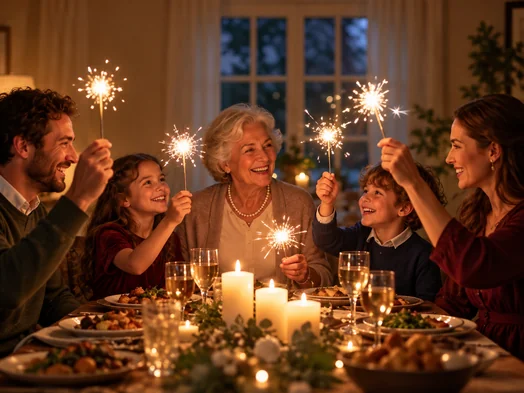
Sparklers, candles, and a handwritten Happy New Year sign around the dinner table.
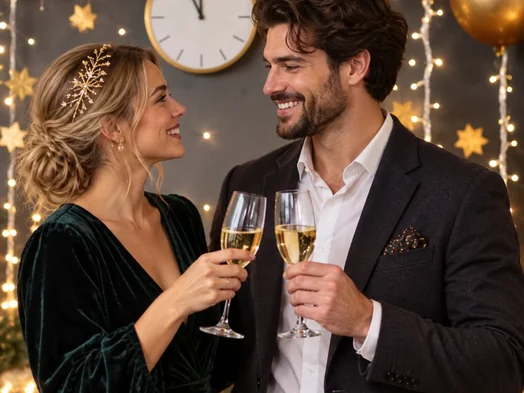
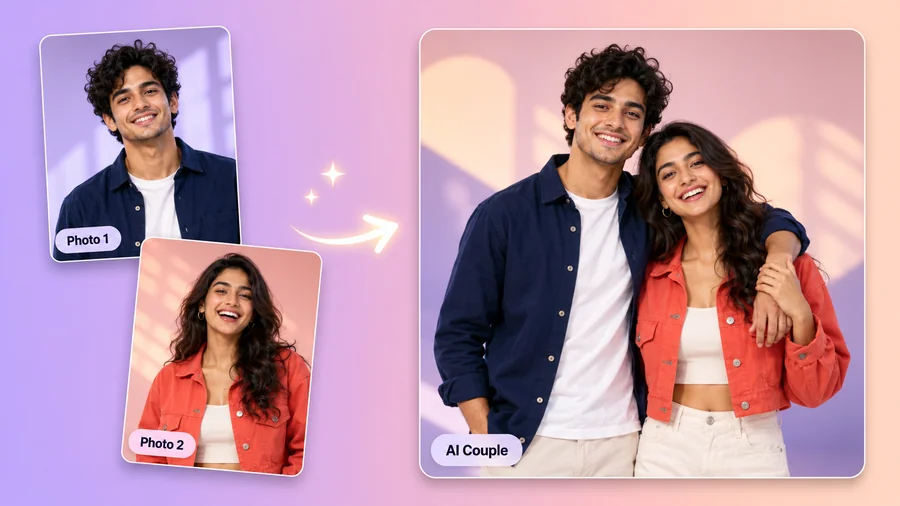
A couple raising glasses under a countdown clock, string lights, and gold ornaments.
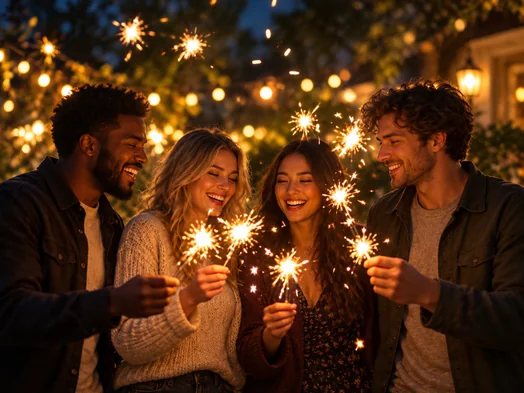
A group of friends lit by sparklers outdoors, the classic New Years photoshoot idea.
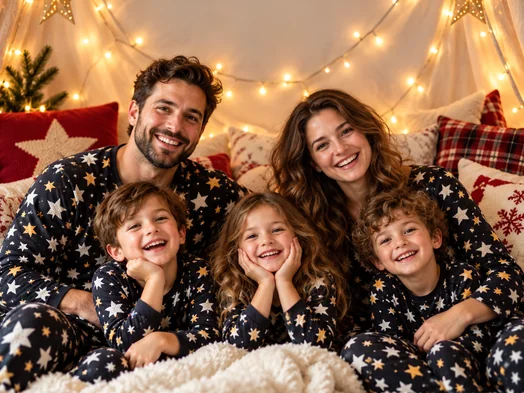
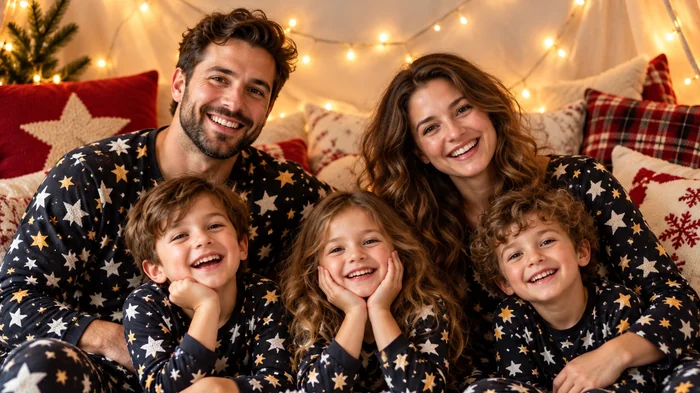
Matching pajamas, fairy lights, and a cozy blanket fort for the whole family.
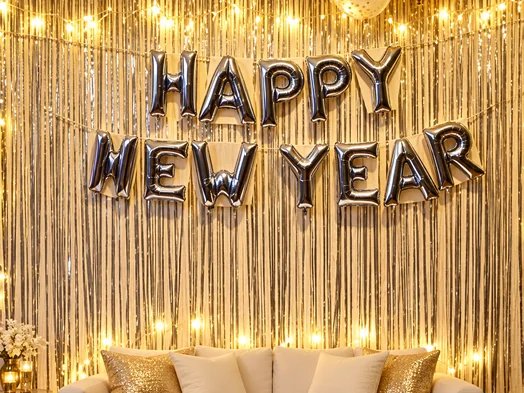
Silver letter balloons over a glitter curtain, ready for you to step in front of it.
Three steps from a regular photo to a festive one.
Add a clear selfie, couple, family, or friends photo with visible faces. JPG, PNG, and WebP files up to 10 MB are supported.
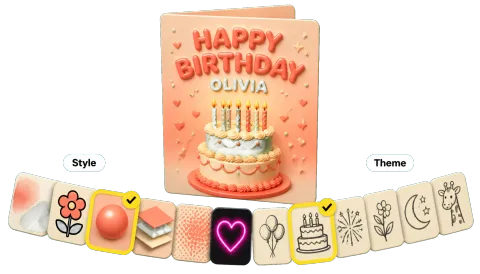
Choose a Celebration Portrait, a New Years backdrop, or a card and frame style. Add a greeting or extra props in the optional note.
Generate the image, compare it with your original, and download it for stories, group chats, printed cards, or email.
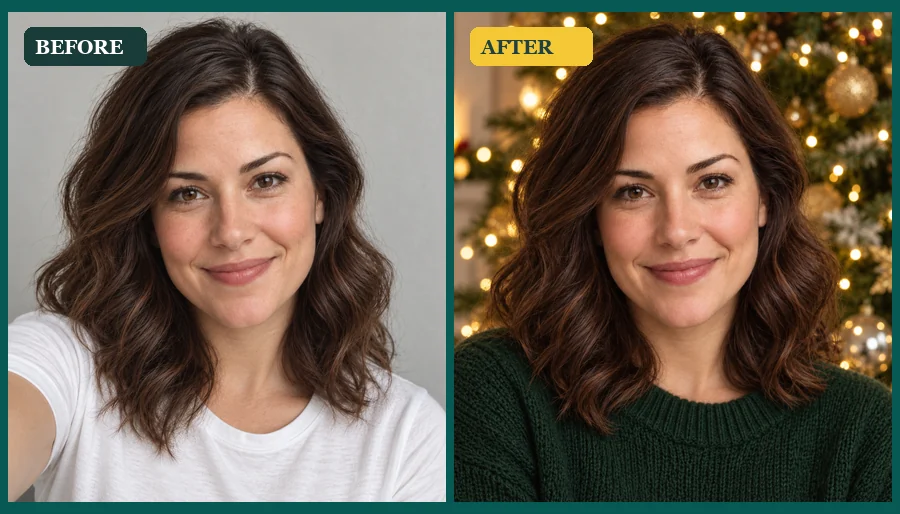
Fireworks, confetti, sparkles, and warm party light are added around you, while your face, hairstyle, expression, and the number of people in the photo stay the same. Drag the slider to see a plain portrait become one of those happy New Year pictures you actually want to post.
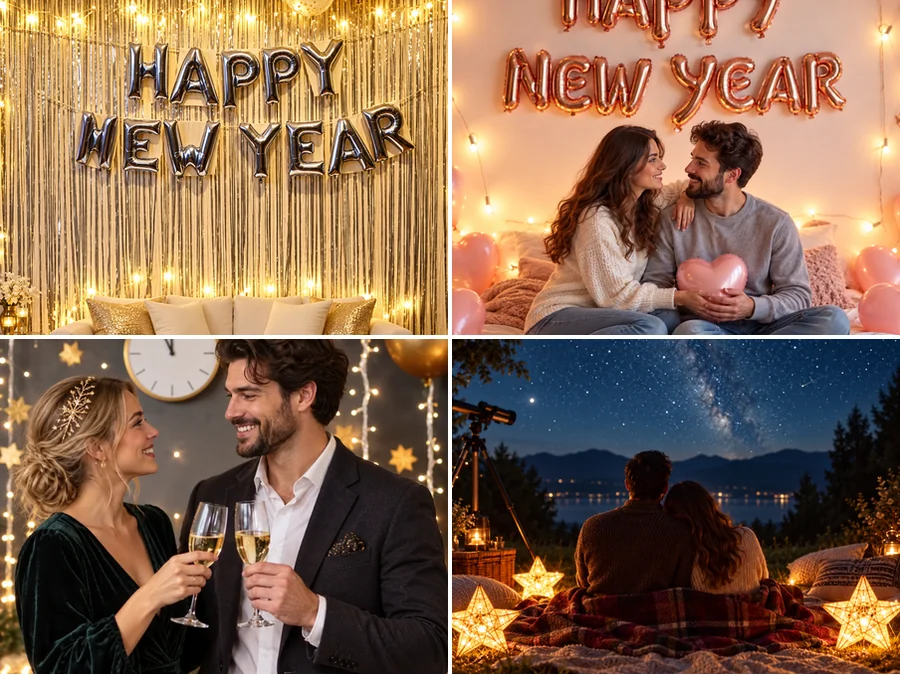
Balloon walls, rose-gold letters, a countdown clock with fairy lights, or a starry picnic: pick a happy New Year backdrop and the AI places you in front of it with matching light. It is the quickest way to get New Years Eve backdrops into photos taken anywhere, any day.
Sparkler nights with friends, midnight toasts, pajama parties, and city countdowns are the most popular new year photoshoot ideas. Recreate them from a photo you already have, then try a few versions to see which one fits your feed or family album.
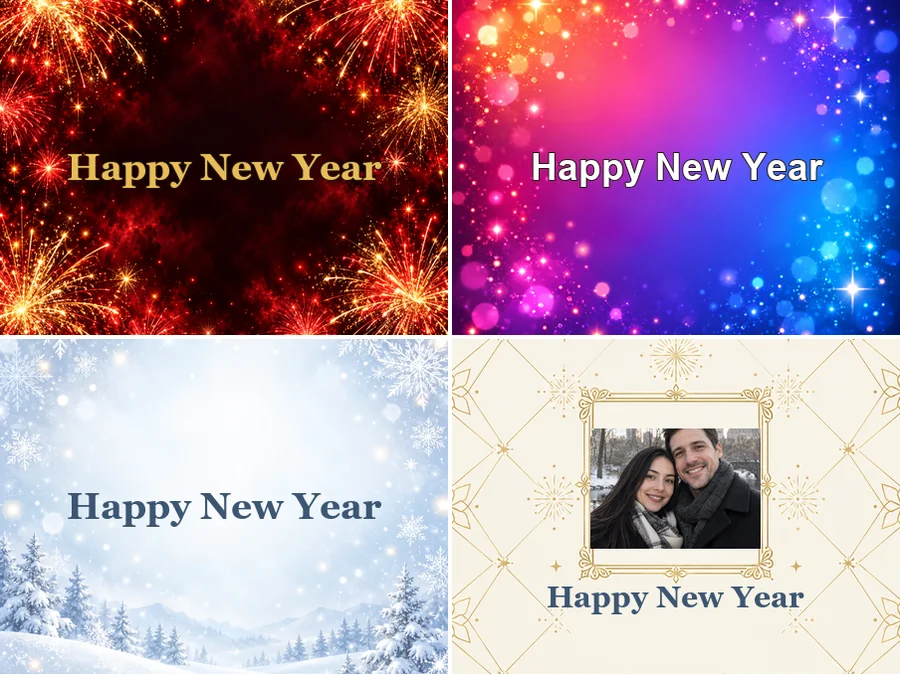
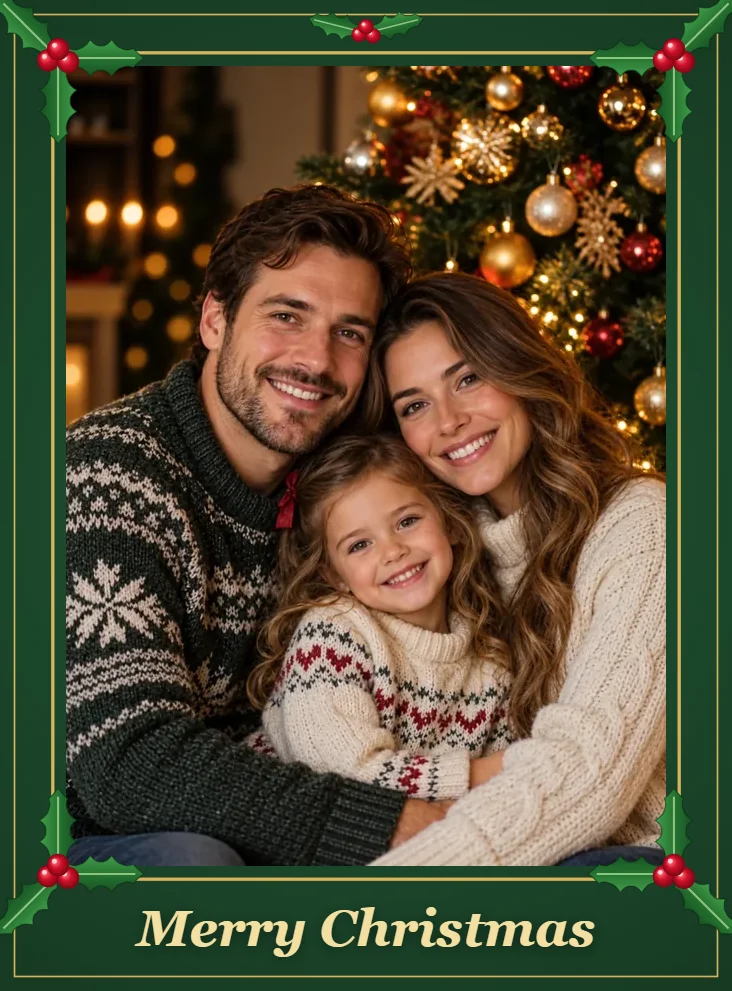
Place your photo in a happy New Year frame on a cream card, or choose a fireworks, gradient, winter, minimal business, or gold script design. Add your own wish in the note to make custom happy New Year cards for family, clients, or the office.
Swap in a fireworks or confetti portrait for the last week of the year and the first week of the next.
Turn one family photo into a pajama-party or dinner-table scene and send it to relatives who could not visit.
Make a midnight-toast or starry-picnic picture for your partner, even if you spent the night apart.
Use the Minimal Business card or a team photo with confetti for client emails and company posts.
A good source photo makes the party look real.
Front-facing, sharp photos let the AI keep everyone recognizable in group shots.
Soft indoor or daylight photos blend best with fireworks, sparklers, and gold confetti.
For couples and families, a tight frame leaves room for the backdrop around you.
Add the exact wording you want, such as "Happy New Year from the Garcias", in the note.
Common ways people make festive photos for the countdown.
Illustrative examples adapted from reference material, not verified reviews of EzImgMaker.
I had no party photos this year, so I turned a regular selfie into a fireworks portrait. It still looked like me, just way more festive.
We used the photo card style with our engagement picture and sent it to everyone instead of printed cards.
The Minimal Business card plus our team photo covered the client email and the company post in one go.
My parents live abroad, so I put the whole family into the pajama-party backdrop and sent it at midnight their time.
Answers to common questions about making New Year pictures with AI.
It is a festive version of your own photo, made by AI. The generator adds fireworks, confetti, sparkles, party lighting, a New Year backdrop, or a card layout while keeping the faces, expressions, and poses from the original picture.
Upload a clear photo, choose a Celebration Portrait, a backdrop, or a card style, and click Generate. If you want specific props or a greeting, describe them in the optional note first, then download the result.
Sparklers with friends, a midnight toast under a countdown clock, a family pajama party, a fireworks skyline, and a balloon wall are the classics. Each one is available as a preset, so you can try new year photo ideas without any setup.
Yes. Choose one of the New Years Backdrops, such as Balloon Wall, Rose Gold Balloons, or Countdown Clock. The AI replaces the background and matches the lighting so it looks like you stood in front of the real backdrop.
Yes. Pick Photo Card to put your picture in a happy New Year photo frame, or choose a fireworks, gradient, winter, minimal business, or gold script design. Add your own message in the note.
That is the goal. Faces, hairstyles, expressions, and the number of people are kept, and only the setting, lighting, and festive details change. Sharp, well-lit photos give the most faithful results.
Not by default, so the image works for any celebration and can be reused. If you want a specific year or greeting on the picture, type it in the note.
Yes. Upload a photo where every face is visible and choose a look like Pajama Party, Countdown Clock, or Photo Card. Get consent from everyone in the photo before you share it.
No. The AI New Year photo generator works in your phone or desktop browser, so there is nothing to install.
Only upload photos you own or have permission to edit. Ask a parent or guardian before editing a child’s photo, and do not present a generated image as a real photo of an event that did not happen.
Upload a picture, pick fireworks, a backdrop, or a card, and share your happy New Year pictures.