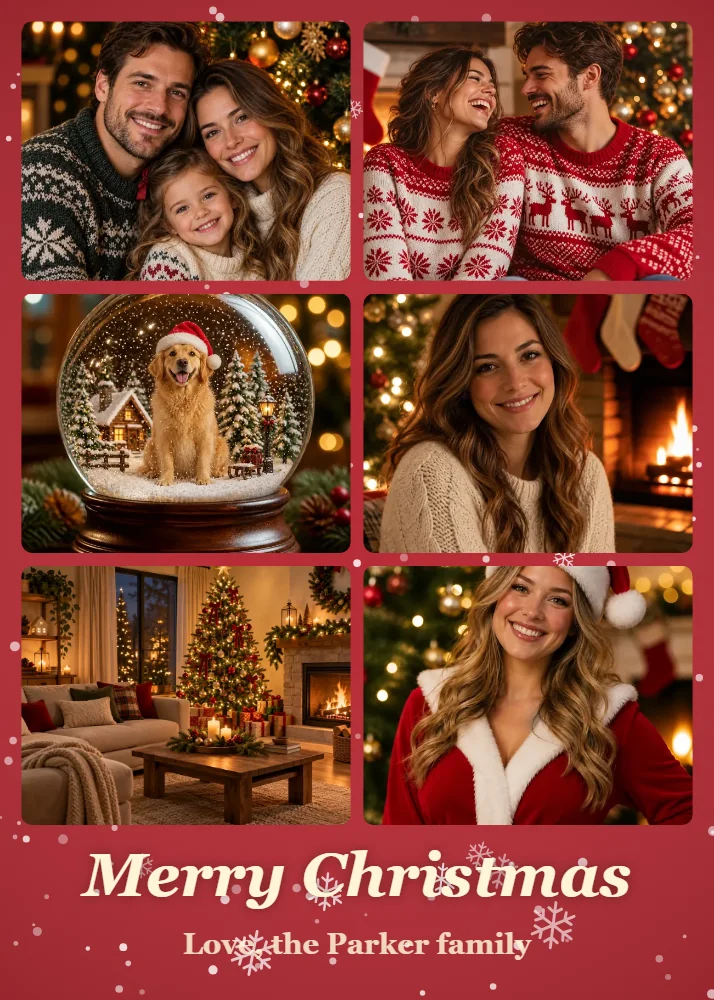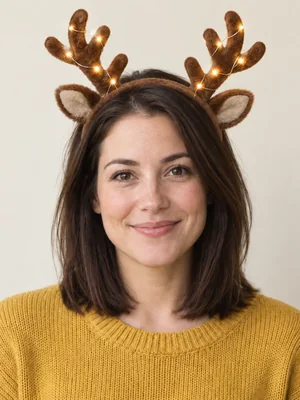
Reindeer Antlers
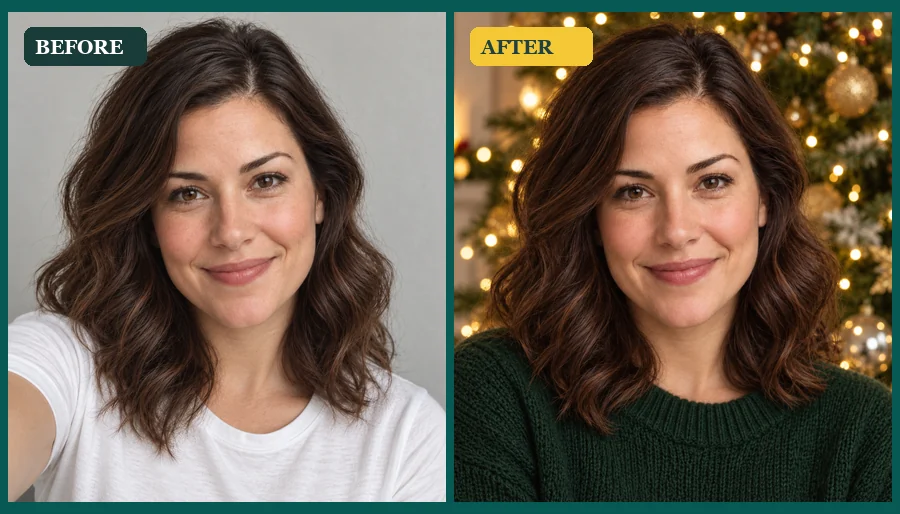
Glowing antlers and soft ears that sit on your head like a real headband.
Love a Christmas IG filter but only have a photo from last week? Upload any picture, pick a Christmas face filter, a snowy effect, or a Santa scene, and your face stays recognizably you.
Your photo stays in this browser during this UI preview.
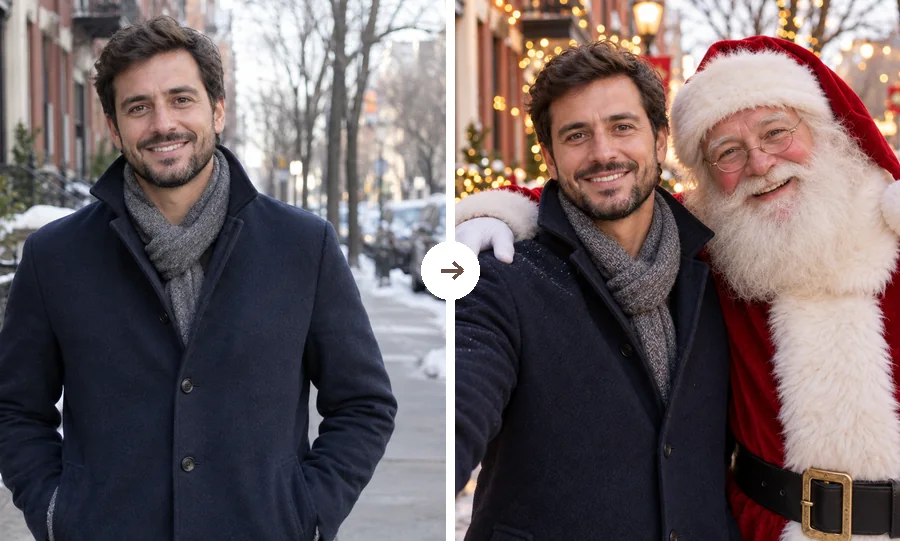
Reference example. It is not a result generated from your upload.
A Christmas filter is a festive effect that adds holiday details to a photo: reindeer antlers, a Santa beard, elf ears, rosy Christmas makeup, falling snow, or a twinkling frame. Most Christmas camera filters, such as a Christmas IG filter or a Snapchat lens, are Christmas AR filters. They track your face live and vanish as soon as you close the camera.
This AI Christmas filter works the other way around. You upload a picture you already have, and the effect is generated into the image itself, matched to its light, while your face stays recognizable. That makes these Christmas filters for photos rather than for a live camera: give a summer selfie, a group shot, or a pet portrait a holiday look, then download it and share it anywhere.
A few of the looks you can apply to your own photo. Pick one to load it in the workspace.
Glowing antlers and soft ears that sit on your head like a real headband.
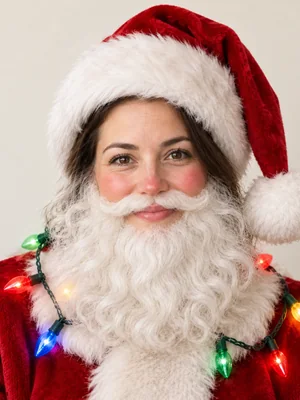
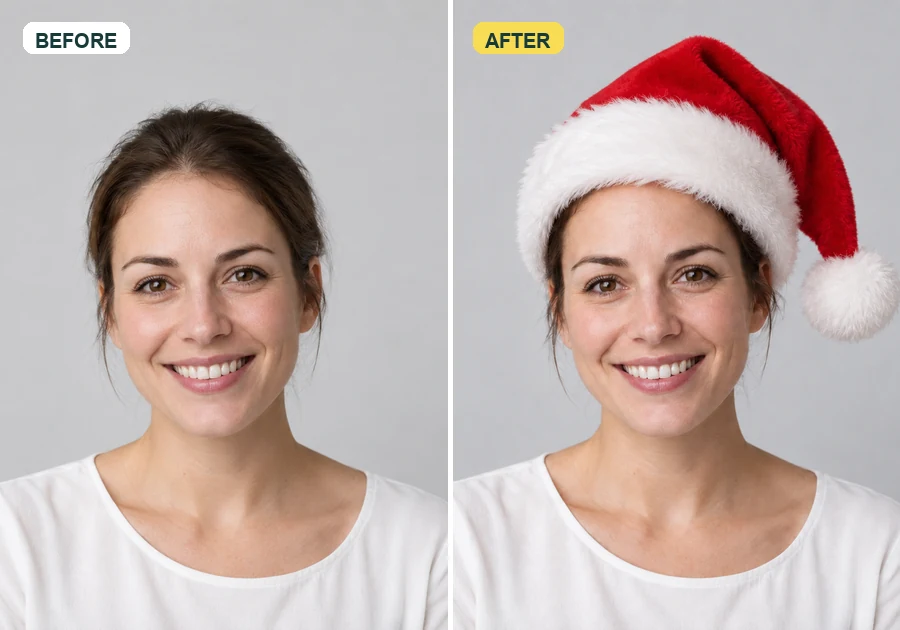
A full white beard, rosy cheeks, and a red hat, with your eyes and smile kept.
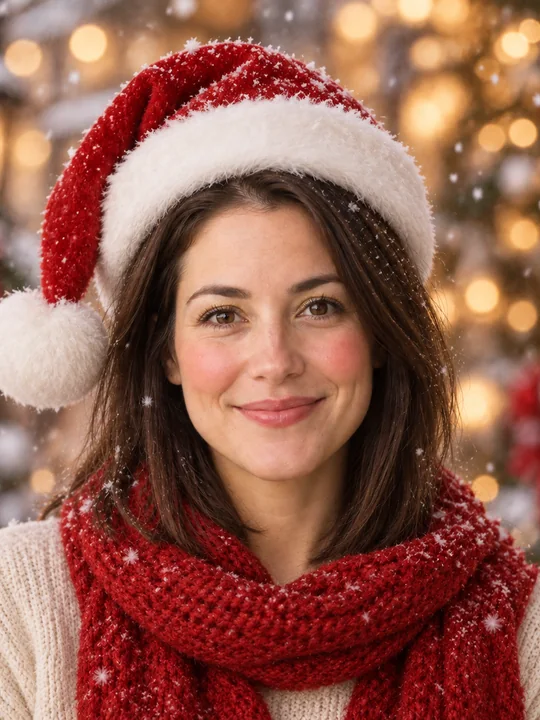
Rosy cheeks, a little shimmer, a Santa hat, and snow catching the light.
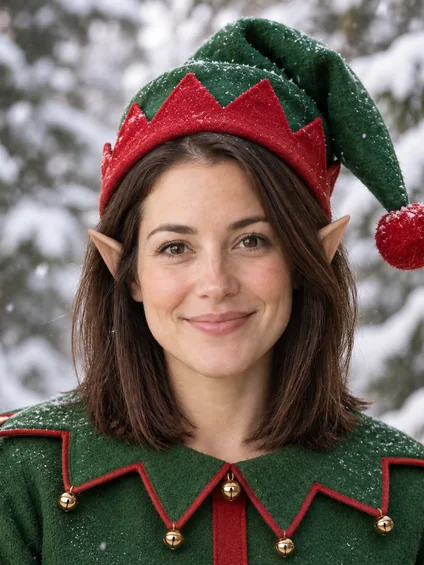
Pointed ears, a green elf hat, and a snowy forest behind you.
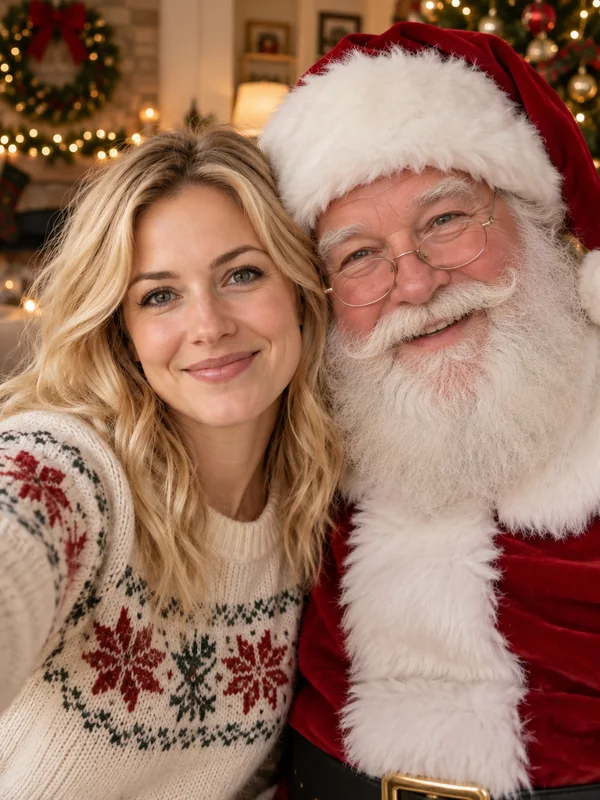
Santa joins your selfie in a living room full of lights and wreaths.
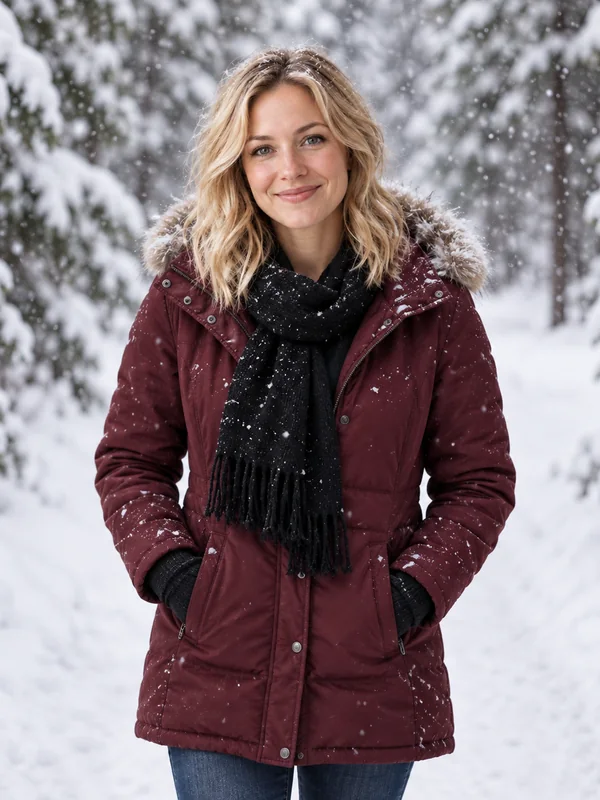
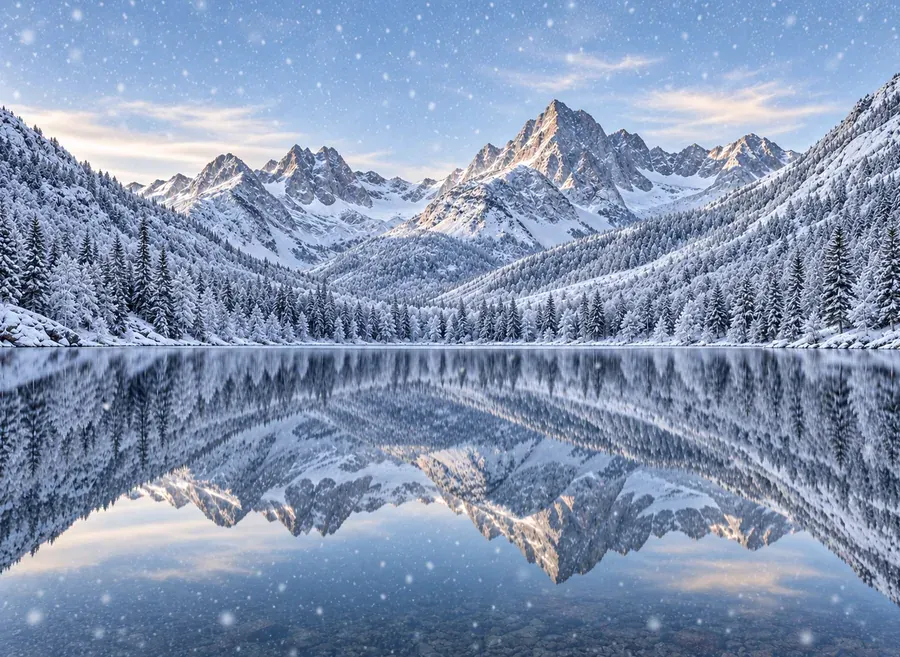
A snowy park, falling flakes, and a winter coat for an outdoor holiday look.
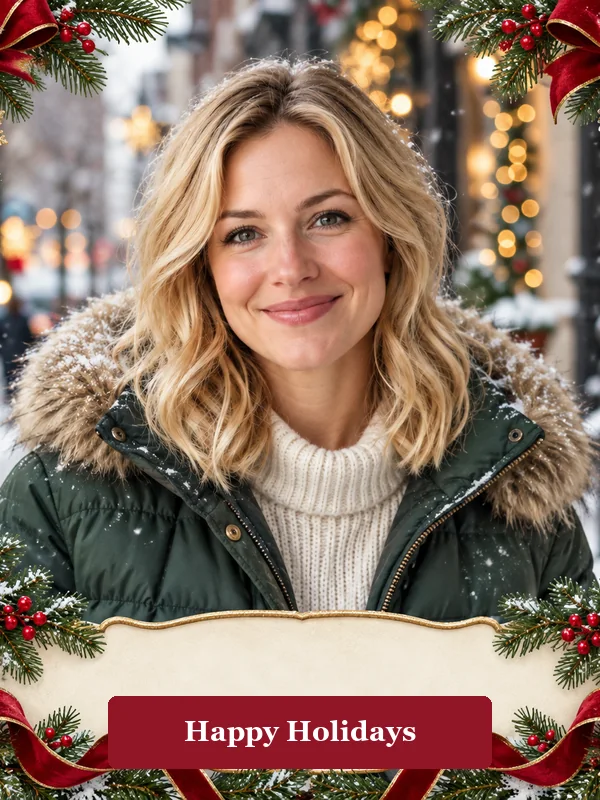
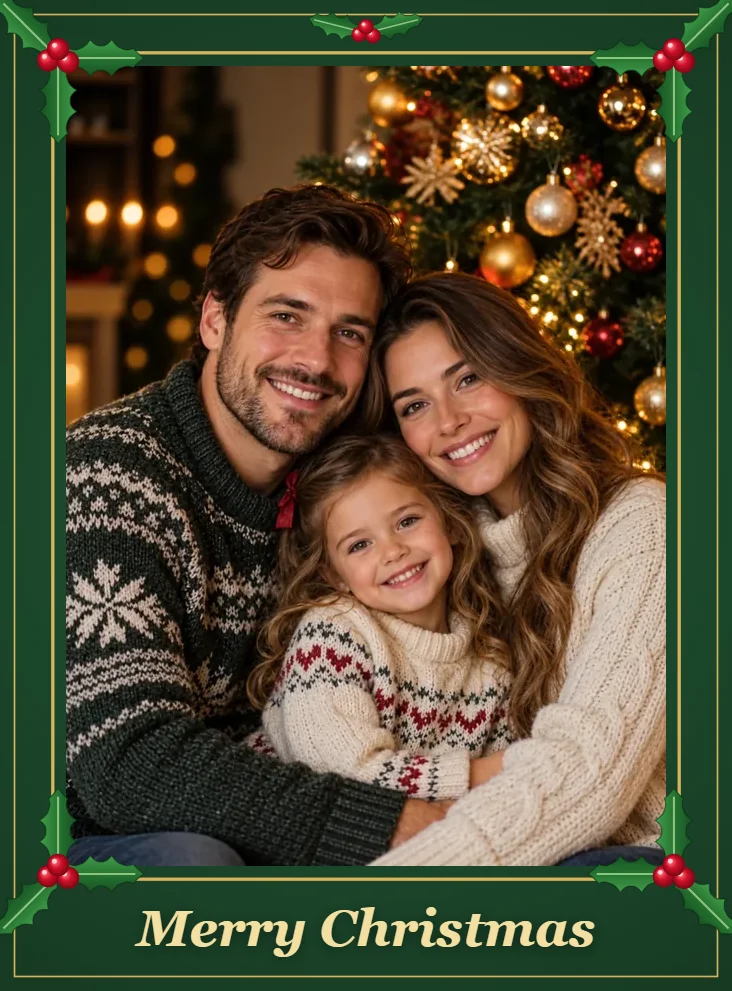
Ribbons, pine, and snowflakes around your photo with a Happy Holidays banner.
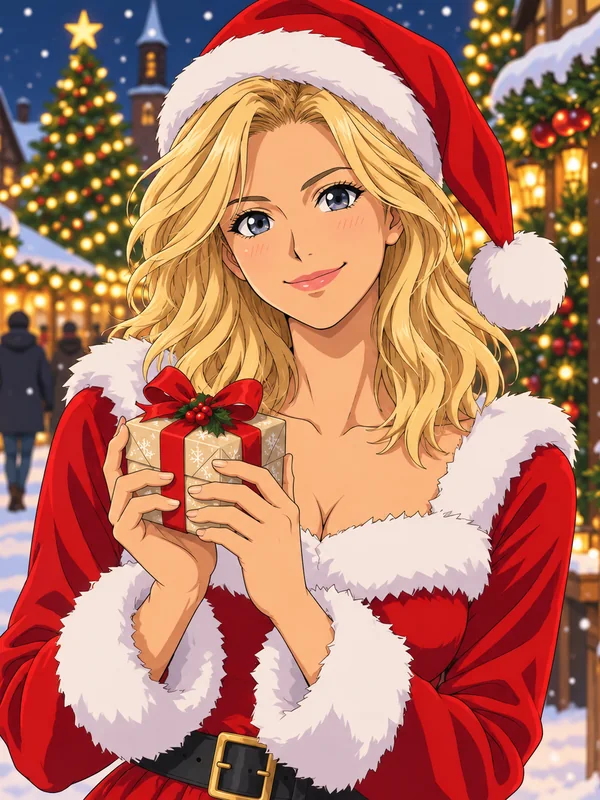
Your photo redrawn as an anime character on a snowy Christmas market street.
Three steps from an everyday picture to a festive one. No camera app or face tracking needed.
Choose a selfie, portrait, couple, family, or pet photo with a clearly visible face. JPG, PNG, and WebP files up to 20 MB are supported.
Browse Face Filters, Festive Effects, or Santa & Family and tap the look you want. Have something specific in mind? Describe your own Christmas filter in the optional note.
Generate the image, compare it with your original, and download your Christmas filter photo to post, print, or send.
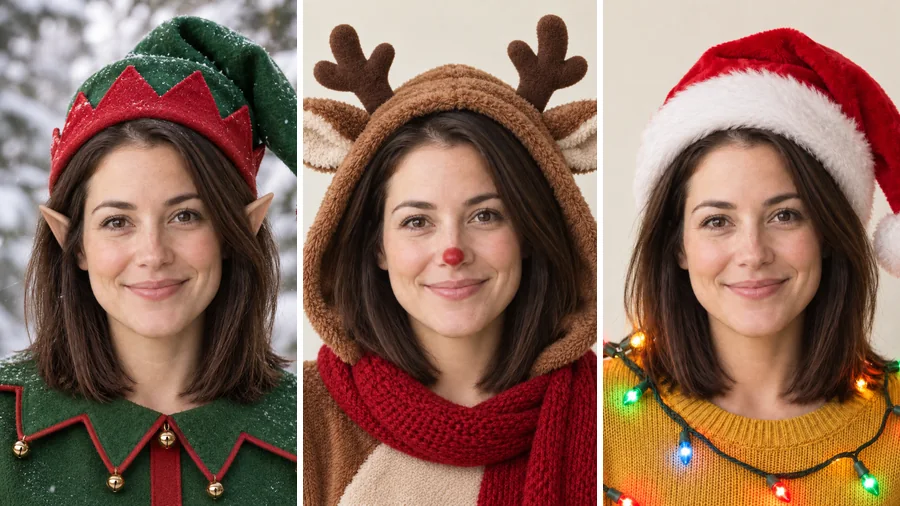
IG Christmas filters and other Christmas AR filters need your face in front of the camera at that moment. Here, reindeer antlers, elf ears, a Santa hat with string lights, or a Christmas makeup filter with rosy cheeks are generated onto a still photo and shaded to match it, so the effect stays in place when you save the picture.
Swap a plain street or office backdrop for a crackling fireplace, a snowy park, or a tree full of lights, or bring Santa in beside you. The festive effects change the scene around you, while your face, pose, and expression stay as you shot them.
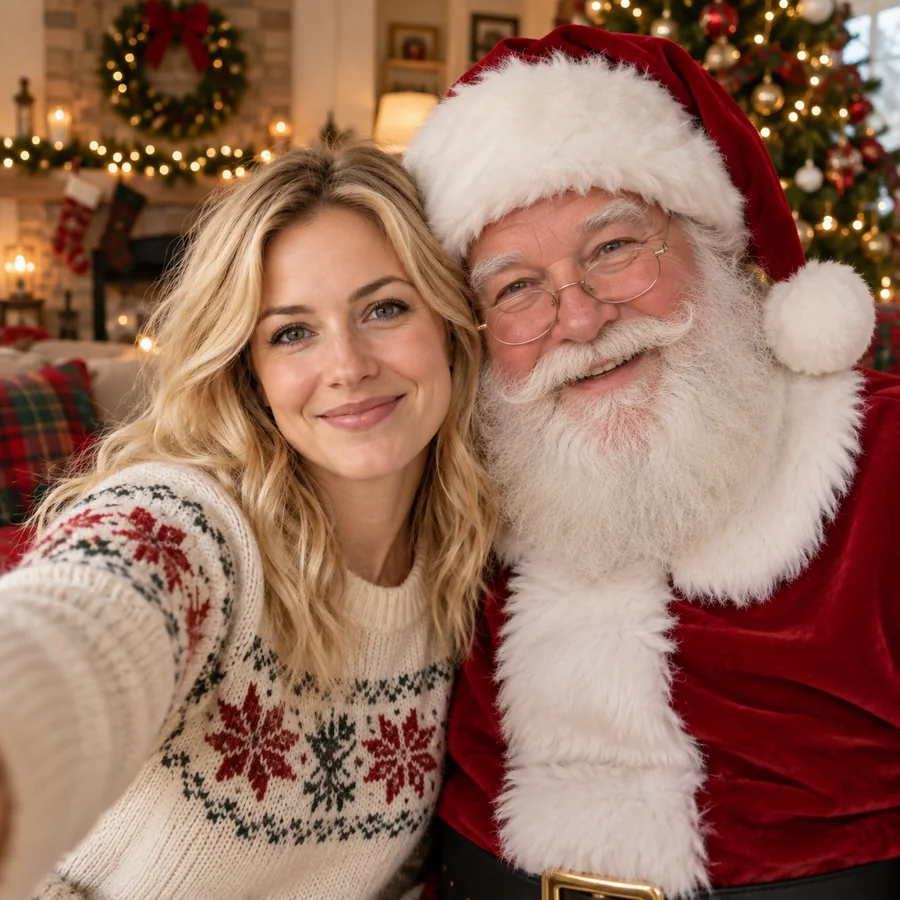
Go beyond a single sticker. Put yourself in a selfie with Santa, inside a glittering snow globe, or behind a ribbon-and-pine frame, or redraw the photo as a Christmas anime scene. Each Christmas filter is a complete look, not a layer you have to line up yourself.
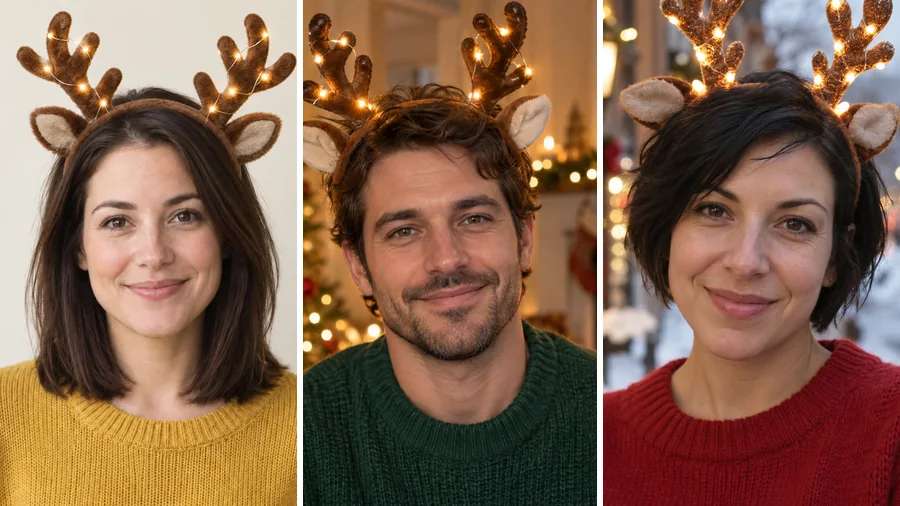
Selfies, half-body portraits, street shots, couples, and family photos: the same Christmas filter adapts to each picture’s angle and lighting. That means an old favorite or a summer snapshot can still get antlers, snow, and holiday lights.
Where a festive version of your photo comes in handy.
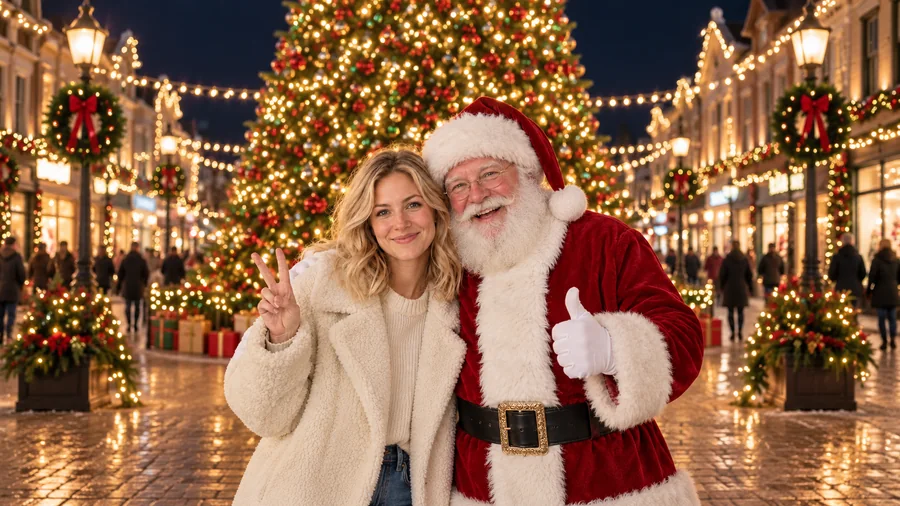
Swap your avatar for a reindeer-antler or Santa-hat version for December, then share the same Christmas filter photo in your stories.
Use a festive frame or a fireplace scene as the photo on a holiday card, an office party invite, or a family newsletter.
Give everyone in the family thread a Santa makeover or matching elf ears and watch the replies roll in.
Post one photo with three different Xmas filters side by side and let your followers vote for their favorite.
A good source photo makes the festive details look like they were really there.
Front-facing or slightly angled photos without sunglasses or hands over the face work best.
Antlers, elf hats, and Santa hats need space, so avoid photos cropped tightly at the forehead.
Daylight or warm indoor light blends best with snow, string lights, and fireplace glow.
Mention colors, props, or mood, such as "silver antlers and blue lights", to steer the result.
Common ways people turn everyday photos into festive ones.
Illustrative examples adapted from reference material, not verified reviews of EzImgMaker.
I had no festive photos this year, so I ran a summer selfie through the reindeer antlers filter. It looked like I had worn the headband on purpose.
The Santa makeover on my dad’s photo got more replies in the family chat than anything else we sent in December.
I used the festive frame on our team photo for the office party invite. Everyone was still recognizable, just more cheerful.
Live camera filters never caught my glasses right. Applying the effect to a still photo gave me a clean picture I could actually keep.
Answers to common questions about adding Christmas filters to photos.
A Christmas filter is a festive photo effect, such as reindeer antlers, a Santa beard, elf ears, Christmas makeup, falling snow, or a holiday frame. This AI Christmas filter applies the effect to a photo you upload instead of a live camera feed, and keeps your face recognizable.
Upload a clear photo, choose a look from Face Filters, Festive Effects, or Santa & Family, and click Generate. If you want something more specific, describe it in the optional note before generating, then download the result.
Not quite. IG Christmas filters and Snapchat Christmas lenses are AR effects that run live inside the camera app. This tool edits a photo you already have, so it also works on older pictures, and you can post the downloaded image on Instagram, Snapchat, or anywhere else like any other photo. EzImgMaker is not affiliated with either app.
Reindeer Antlers, Santa Makeover, Elf Ears, Reindeer Hoodie, Santa Hat & Lights, and a Christmas makeup filter with rosy cheeks and shimmer. You can also combine ideas in the note, for example "elf ears with glitter makeup".
Yes. The festive effects and Santa scenes change the background, outfit, and props while keeping your face shape, features, and expression. The Santa Makeover and Christmas Anime looks change more on purpose, but still start from your own face.
Yes. Upload a photo where every face is visible and choose a look such as Family by the Tree, Falling Snow, or Festive Frame. Pets can get antlers or a snowy scene too. Results are cleanest with up to a handful of people.
Yes. Pick the closest preset, then describe what you want in the optional note, such as "blue and silver lights with snowflakes on my cheeks". The note works with every Christmas filter on the page.
A sharp, well-lit photo with the face clearly visible and some space above the head for hats and antlers. Avoid heavy blur, strong beauty filters, and very small images. JPG, PNG, and WebP up to 20 MB are supported.
No. The Christmas photo filter runs in your browser on phone or desktop, so there is nothing to install.
Only upload photos you own or have permission to edit, and ask the people in group shots before you post them. Ask a parent or guardian before editing a child’s photo, and do not use a festive edit to mislead anyone about a real person.
Upload a picture, pick antlers, Santa, snow, or a festive frame, and download your holiday version.