Classic Comic Book
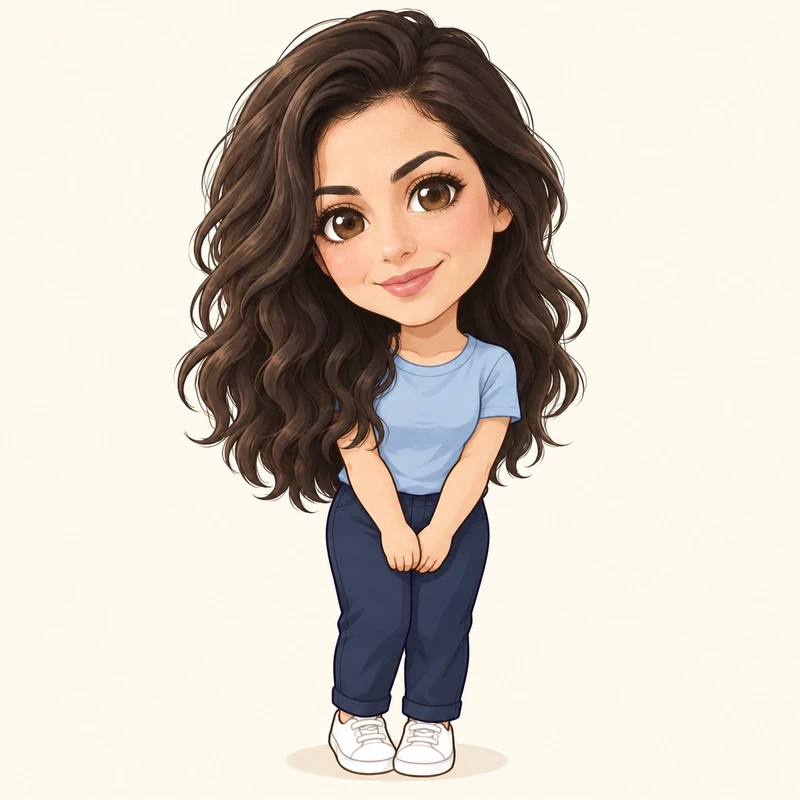
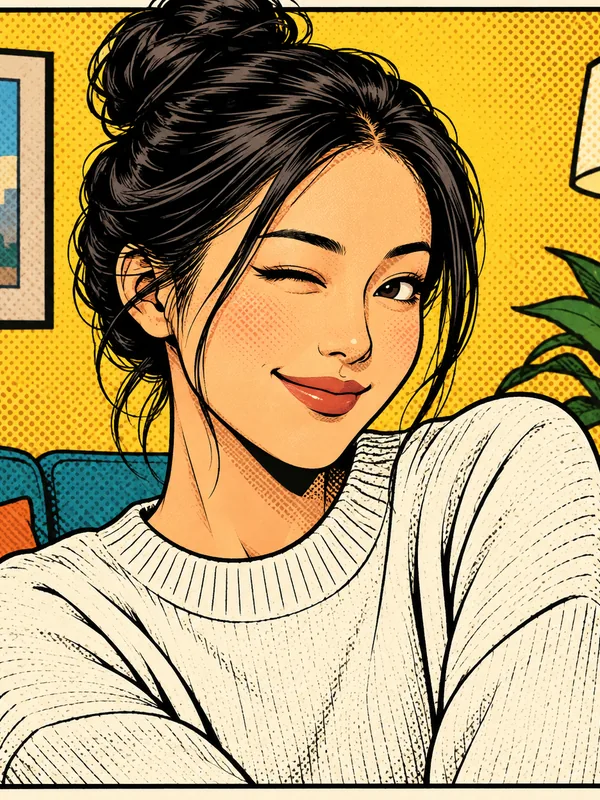
Bold inks, flat color and halftone shadows, the look of a printed comic.
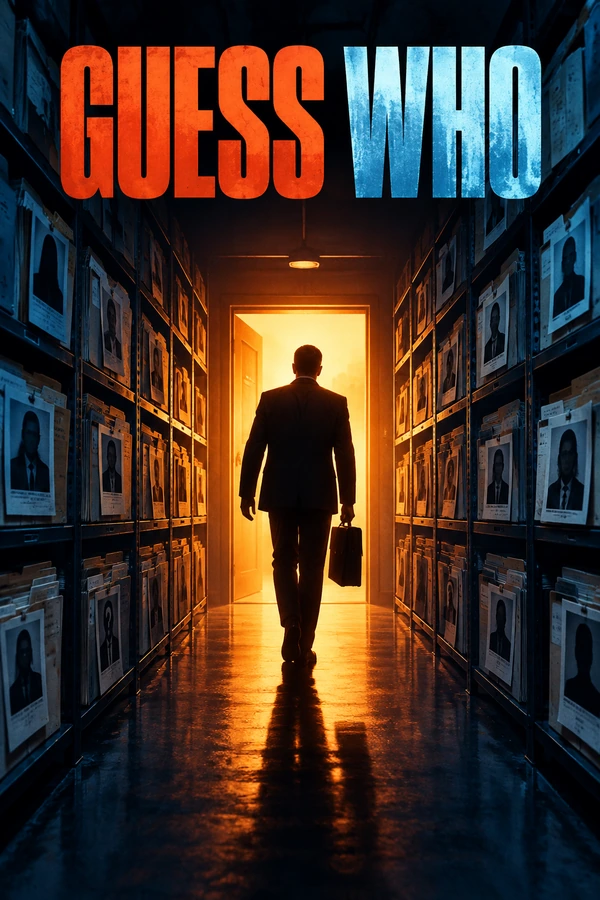
Turn photos into comic art: bold ink lines, halftone shading, manga, noir, retro 60s and webcomic styles, or a 4-panel comic strip and your own comic cover. Your face stays recognizable in every panel. Free to try with the credits you get when you sign up.
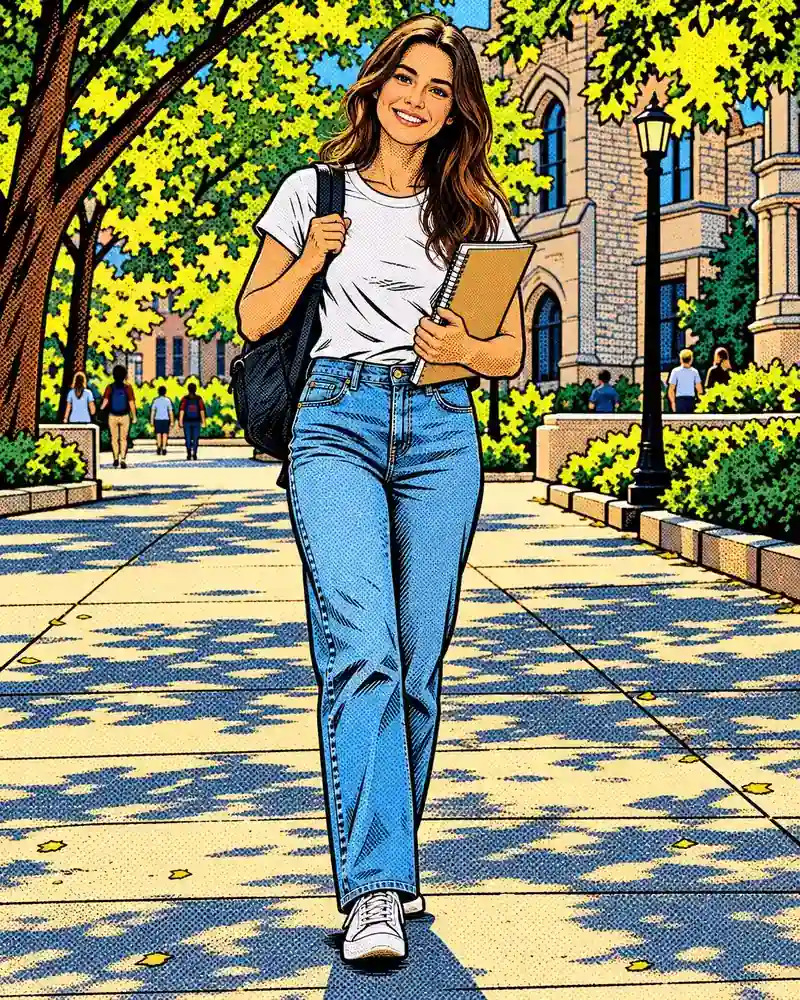

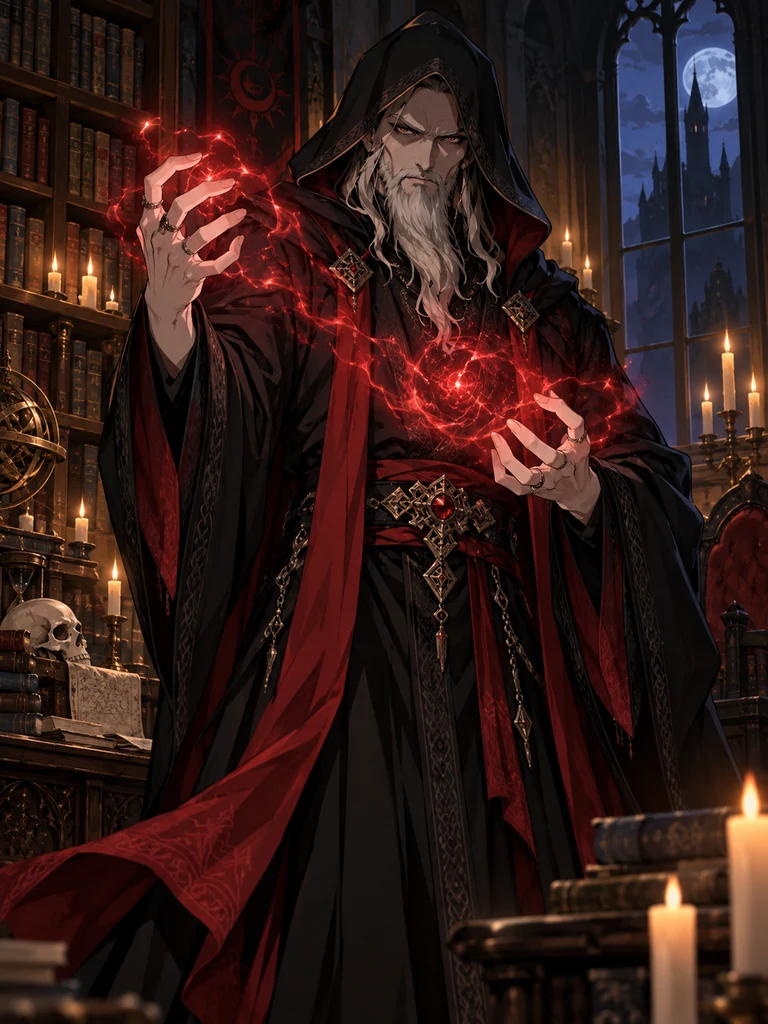
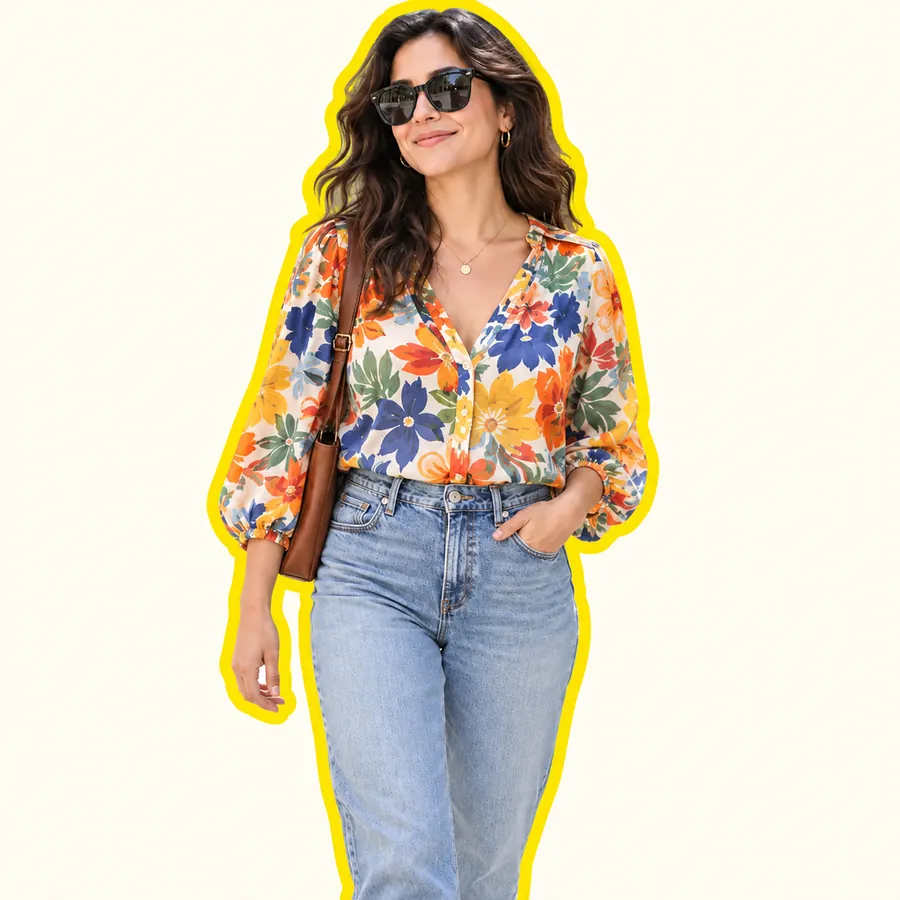
Reference example. It is not a result generated from your upload.
A comic filter turns a photo into a panel from a comic book: black ink lines, flat bold colors and halftone shading instead of photographic detail. This comic book filter for photos does more than trace an outline. It redraws the image, so the comic effect holds up on faces, hair, clothes and backgrounds alike, and you still look like you.
Pick from eight comic styles (classic comic book, manga black and white, modern graphic novel, superhero, noir, retro 60s, webcomic and watercolor comic) or four panel layouts: a panel with a caption box, two panels, a 4-panel comic strip and a comic cover. Every photo comic you make can be downloaded, animated or used as the first page of a story. It is free to try with the credits you get when you sign up.
One comics effect, eight different looks. Tap Try to load a style in the workspace, then upload your photo.
Bold inks, flat color and halftone shadows, the look of a printed comic.
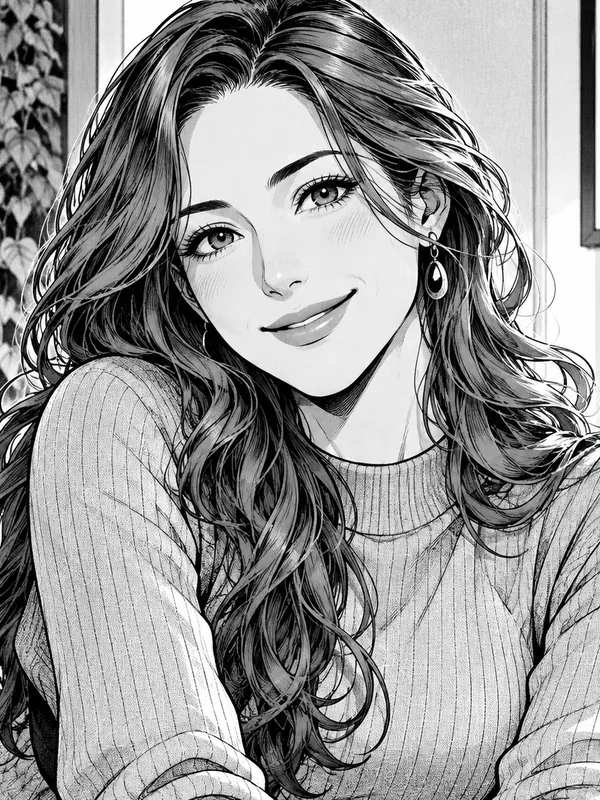
Screentone shading and crisp ink, no color at all.
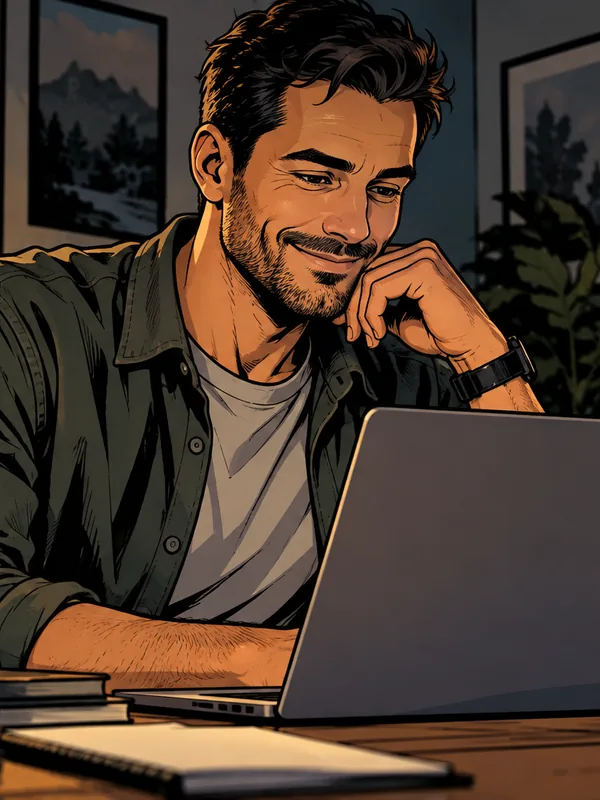
Muted colors, heavy shadows and a cinematic mood.
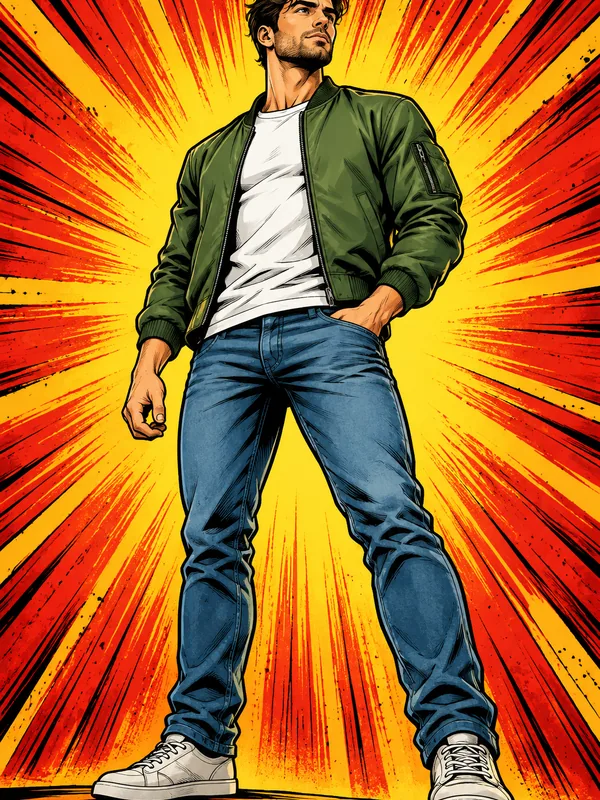
A heroic stance in front of an action burst, in your own clothes.
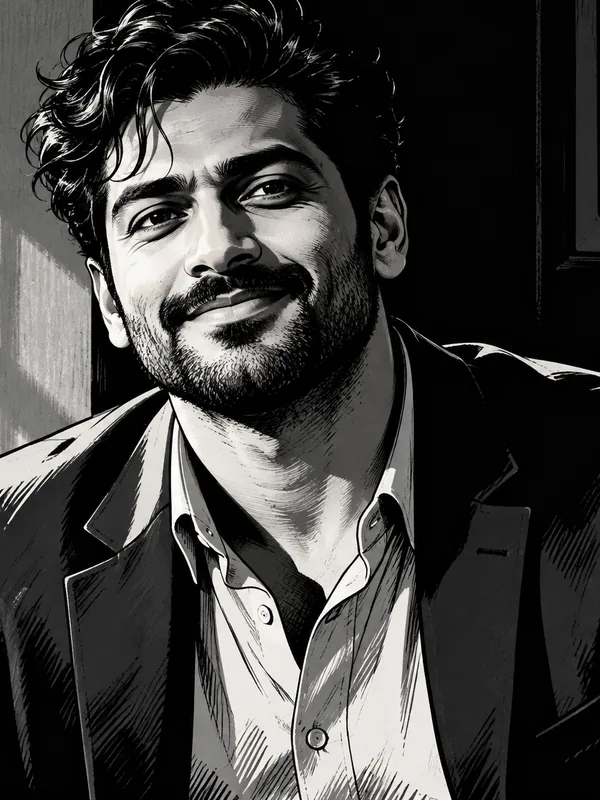
Stark black and white with hard shadows, straight from a detective story.
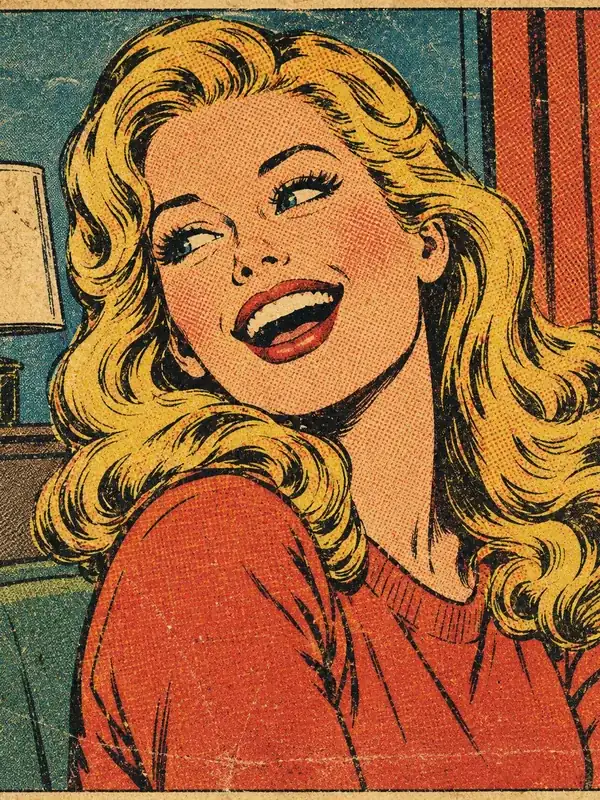
Off-register color and coarse dots on yellowed newsprint.
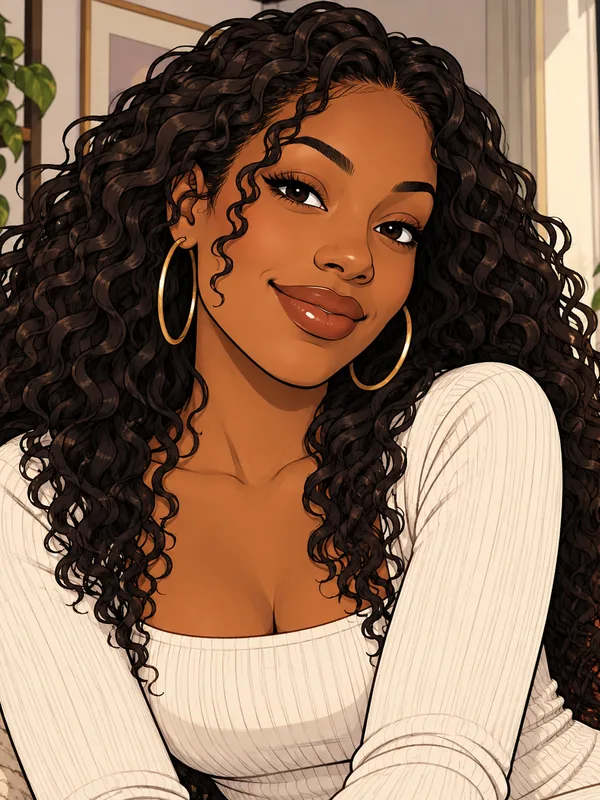
Clean thin lines and soft flat colors for a friendly online comic.
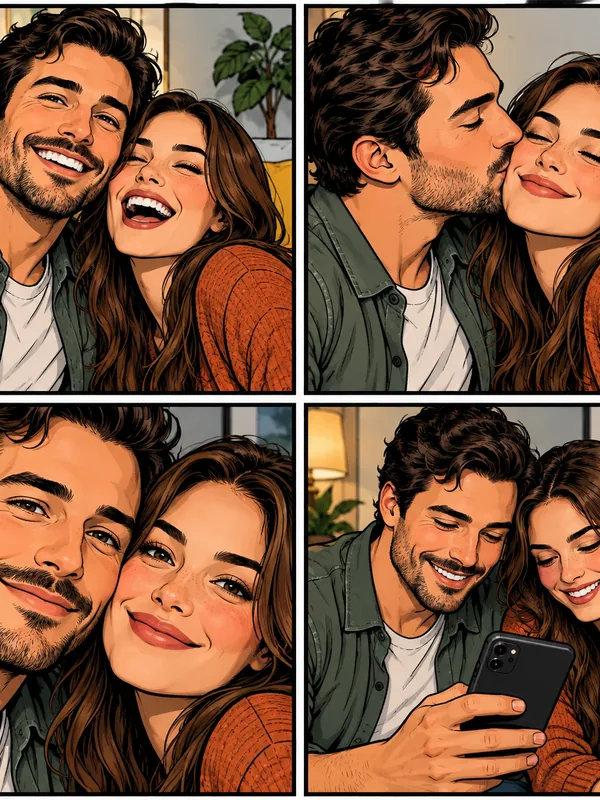
Four moments of the same people, framed like a newspaper strip.
Photo to comic in three steps, from upload to a page you can share.
A clear selfie, portrait, group or pet photo works. JPG, PNG or WebP up to 10 MB; good light gives cleaner ink lines.
Pick one of eight comic styles, or open Panels for a captioned panel, a 2-panel comic, a 4-panel comic strip or a comic cover. Want words? Type them in quotes in the note.
Create one or two versions, download your favorite, or tap Animate to turn the panel into a short moving clip.
From a single panel to a full strip, with your face kept in every frame.
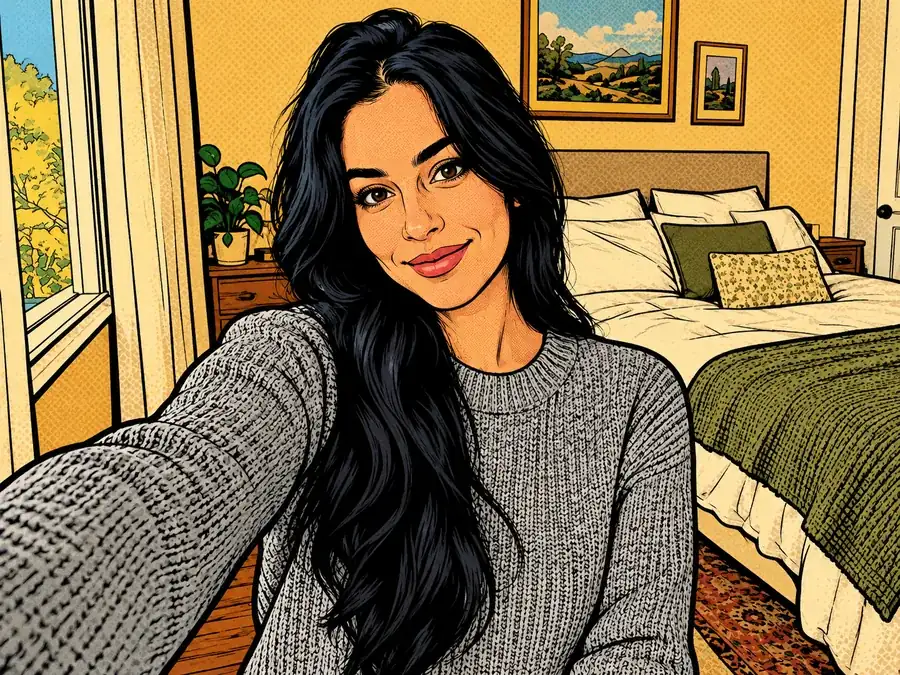
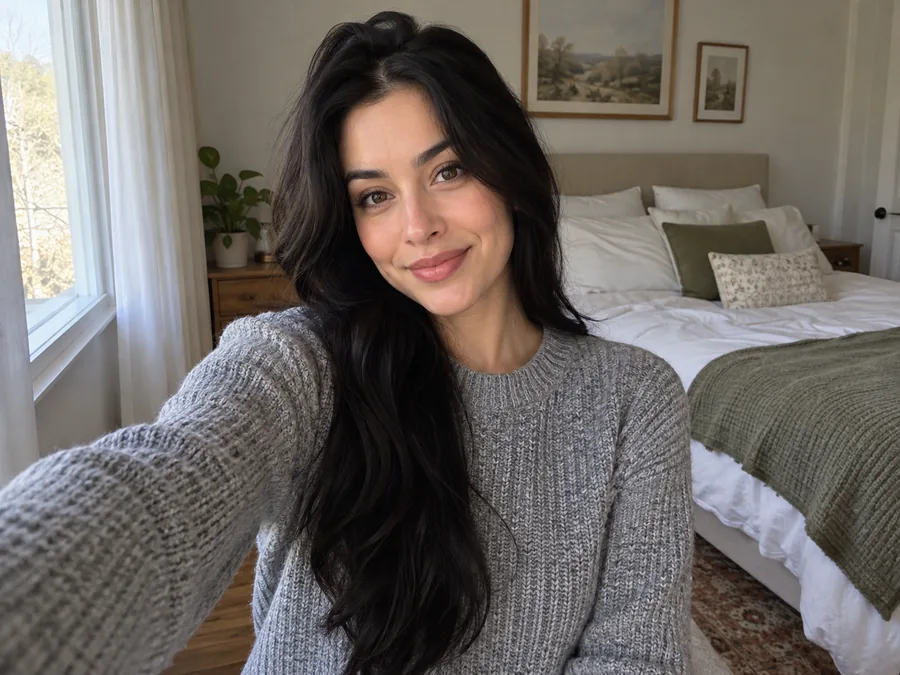
Edge filters trace a photo and stop there. Here the comics effect rebuilds the image: ink lines where a comic artist would put them, colors flattened into clean shapes and halftone dots in the shadows. The photo comic reads like a printed page, and the person in it still looks like themselves, so going from picture to comic never costs you the likeness.
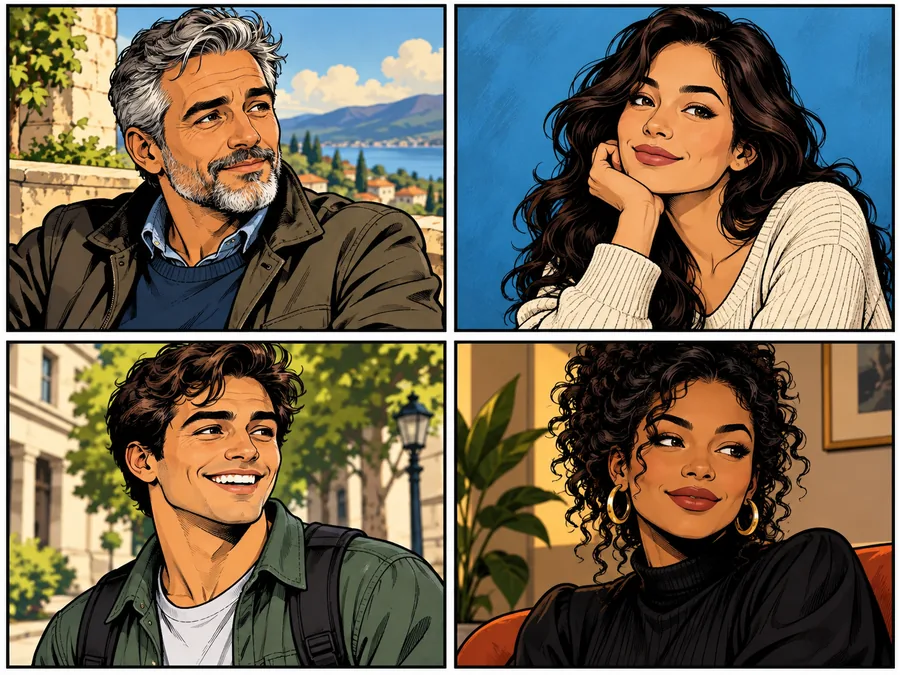
Choose 4-Panel Comic Strip and the AI draws the same person in four moments, with new angles and expressions, an easy way to get from photos to comic strip without drawing a frame. Describe the moments and the dialogue in the note, and words in quotes are lettered into speech bubbles.
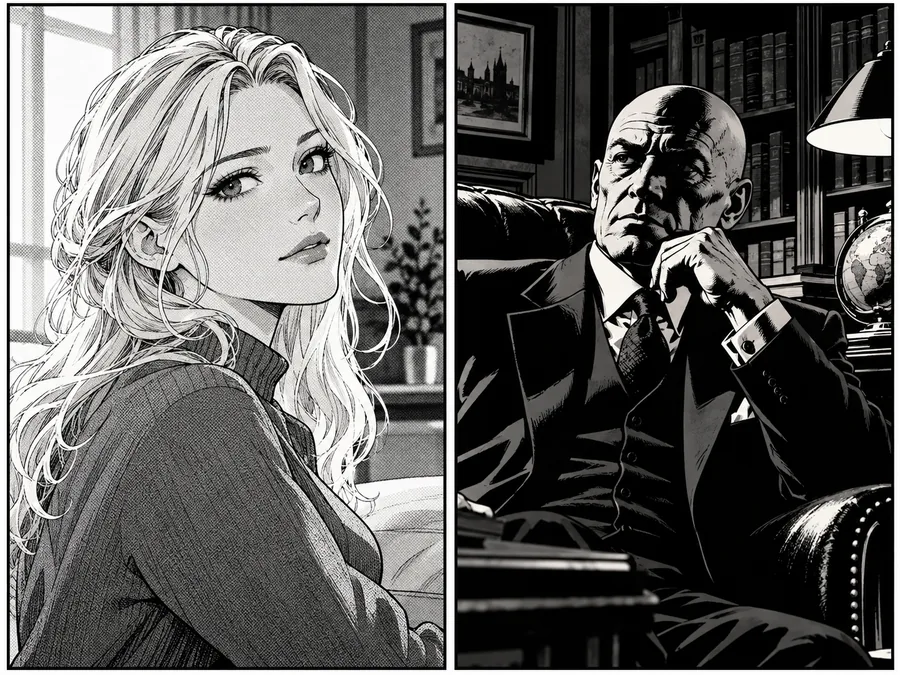
Want ink without color? Manga uses screentone shading and crisp lines; Noir goes for stark shadows and hard light. Both are a comic book effect that prints well in black and white for zines, posters and school projects.
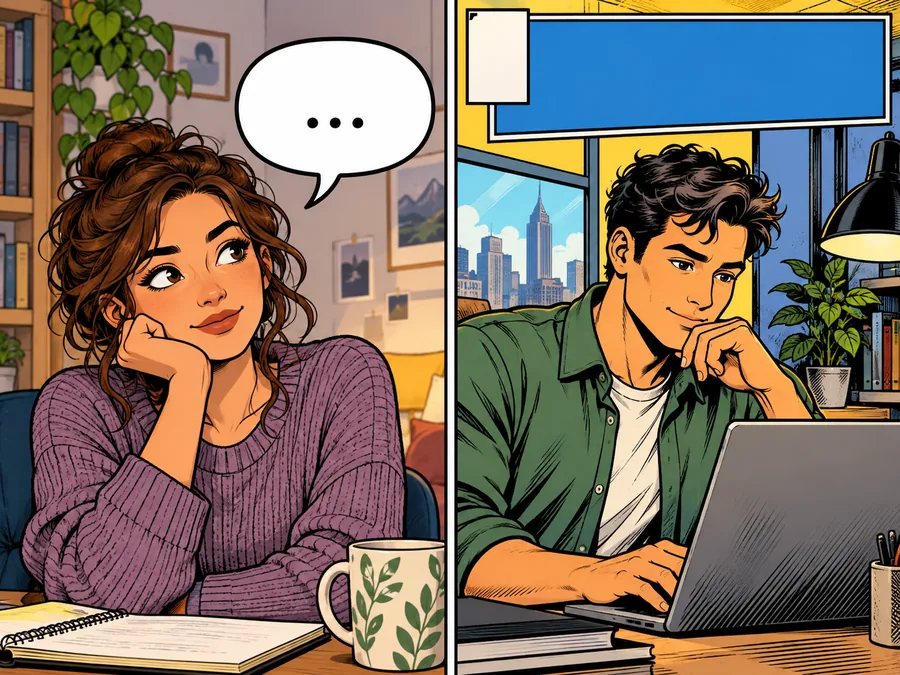
Use Panel + Caption for a narration box, or Comic Cover to star on your own cover with a blank title band. Type your words in quotes and they appear in the caption, bubble or title; leave the note empty and add text later with Add Stickers to Photos.
Which comic filter to pick for the look you want.
| Style | Look | Best for |
|---|---|---|
| Classic Comic Book | Black inks, flat saturated colors, halftone shadows | Profile pictures, gifts, any photo |
| Manga B&W | Crisp linework and screentone shading, no color | Anime fans, zines, black-and-white prints |
| Graphic Novel | Muted palette, heavy shadows, cinematic light | Moody portraits, book-style covers |
| Superhero Comic | Dynamic pose, bold color, action burst | Birthday posts, thumbnails, team photos |
| Noir Comic | Stark black and white with hard light | Dramatic portraits, mystery themes |
| Retro 60s | Off-register color and coarse dots on old paper | Vintage posters, throwback posts |
| Webcomic | Thin clean lines and soft flat color | Avatars, friendly social posts |
| Watercolor Comic | Ink over loose watercolor washes | Cards, travel journals, gentle portraits |
| Panel + Caption | One bordered panel with a caption box | Story openers, announcements |
| 2-Panel Comic | Wide shot plus a close-up reaction | Before-and-after jokes, reactions |
| 4-Panel Comic Strip | Four moments in a 2×2 grid | Mini stories, group chats, memories |
| Comic Cover | You as the cover star with a title band | Invitations, gifts, posters |
Words appear only when you type them in quotes in the note, so every panel starts clean.
A comic effect turns everyday photos into something worth sharing.
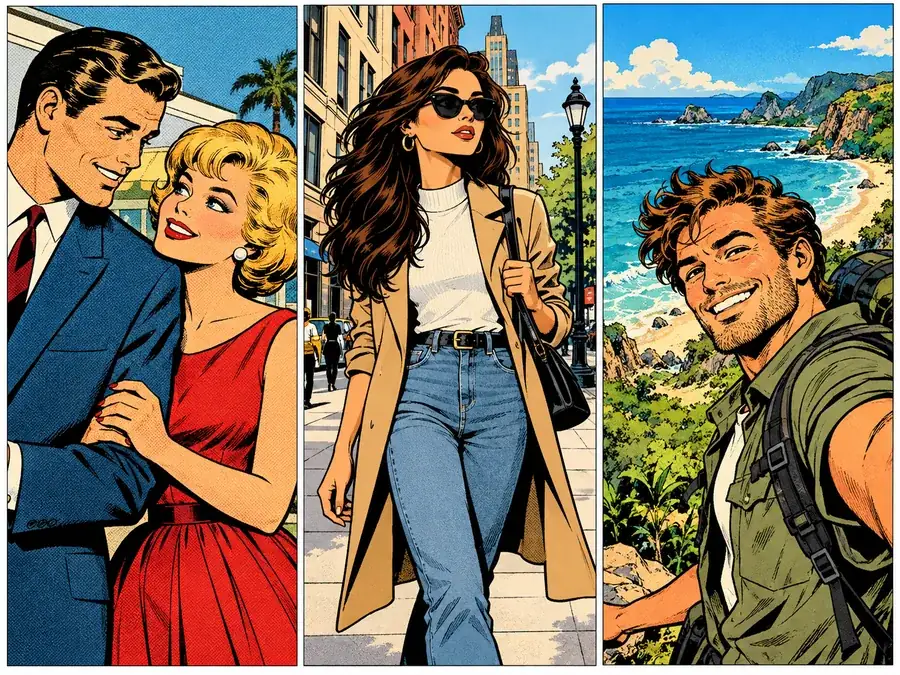
A classic comic or webcomic portrait stands out in a small circle.
Turn a trip, a date or an office moment into a 4-panel strip for the group chat.
Put the guest of honor on a comic cover and letter the date in the title band.
Manga and noir panels print cleanly in black and white.
A superhero burst behind your face makes a thumbnail that pops in a feed.
Print a comic cover of a friend, a partner or a pet as a poster or card.
Image to comic works best when the photo gives the AI clear shapes to ink.
Front-facing or three-quarter faces without sunglasses keep the likeness in every panel.
Good light gives clean ink lines; very dark photos turn into heavy shadows.
For a strip, list the four moments in the note, such as "alarm, coffee, rushing out, sunset".
Short captions in quotes letter cleanly; long sentences crowd the bubble.
Pop art, cartoons, caricatures, line art and stickers for your comic.
Turn a photo into a 4-panel pop art grid, Ben-Day dots, neon pop or a halftone print.
Try pop artRedraw a photo as a 2D, 3D or anime-style cartoon with softer, rounder shapes.
Cartoon a photoExaggerate your best features in a friendly caricature for cards and avatars.
Make a caricatureTrace a photo into clean black outlines, ready to ink or color yourself.
Make line artAdd speech bubbles, captions, emojis and stickers to your comic panel.
Add stickersCreate full-color anime characters from text or a photo.
Make an anime characterStyles, strips, speech bubbles, likeness and printing.
A comic filter restyles a photo as comic book art: ink outlines, flat colors and halftone or screentone shading. This one is AI-based, so instead of tracing edges it redraws the picture as a comic panel and keeps the people in it recognizable.
Upload a photo, choose a comic style such as Classic Comic Book or Manga B&W, and generate. For a strip, pick 4-Panel Comic Strip. To convert photo to comic art in another look, keep the same upload, switch the style and generate again.
It is free to try: new accounts get free credits when they sign up, and each run shows its credit cost before you start. Every finished image can be downloaded.
Yes. Choose 4-Panel Comic Strip or 2-Panel Comic and the AI draws the person from your photo in several moments; describe the moments and any dialogue in the note. To use different photos, make one panel from each and arrange them side by side.
Yes. Pick Manga B&W for black-and-white ink with screentone shading. For full-color anime characters, try the Anime Character Maker.
Yes. Type the words in quotes in the note, such as "Not today!", and choose Panel + Caption, 4-Panel Comic Strip or Comic Cover. Prefer to letter it yourself? Download the image and add bubbles with Add Stickers to Photos.
That is the goal. Face shape, features, hairstyle, skin tone, glasses and expression are kept while lines and colors are simplified. Clear, well-lit photos keep the likeness best; tiny faces in big group shots get simplified more.
A comic filter keeps fairly realistic proportions and adds ink, shading and panels like a comic book page. A cartoon filter simplifies and exaggerates more for an animated look; try Photo to Cartoon for that.
Yes. It runs in your mobile or desktop browser: upload from your camera roll, generate, and save the result. There is no app to install.
Results suit screens, cards and small prints as they are. For posters, upscale the image first and check Photo Print Sizes for the pixels you need at 300 DPI.
Upload a photo, pick a comic style or a strip, and download a page that still looks like you.