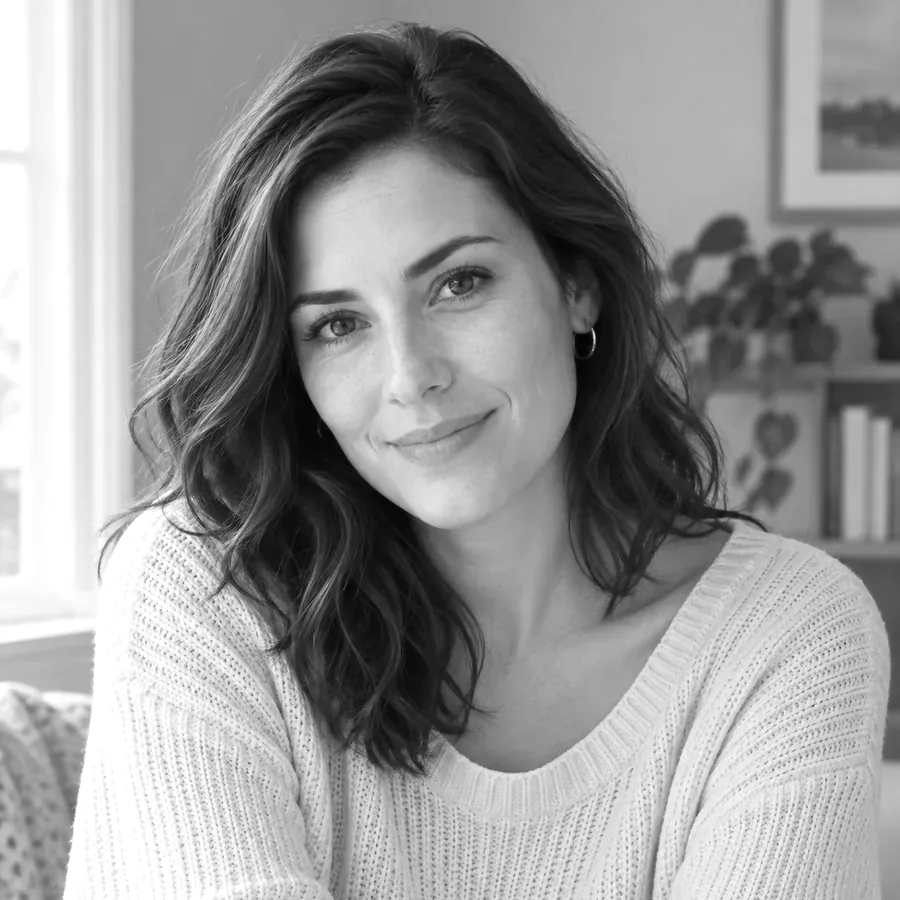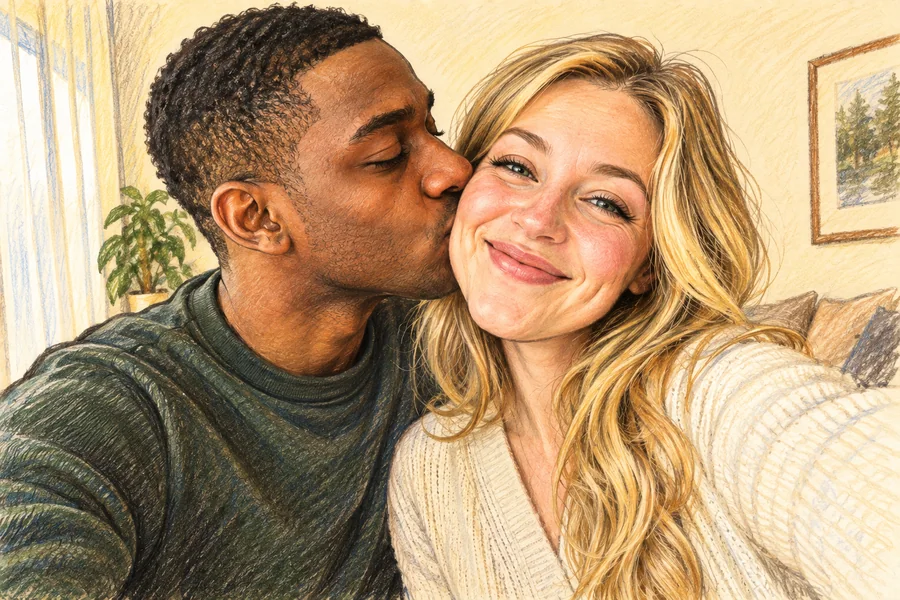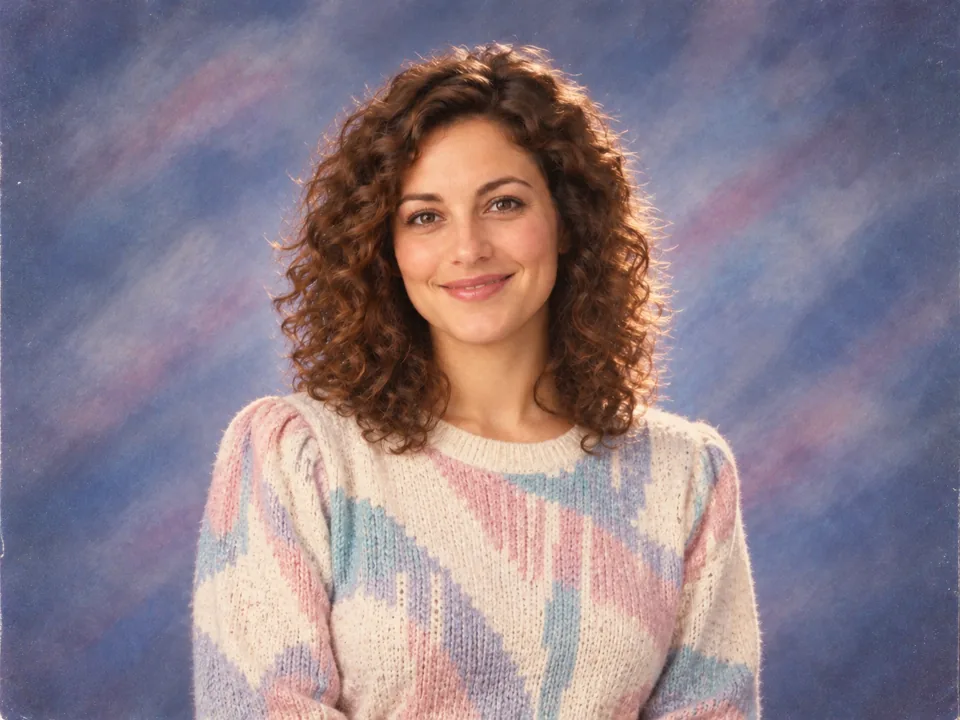
80s Yearbook
Muted studio colors and a modest patterned sweater.
An 80s picture filter for AI yearbook portraits, retro film textures, and bold vintage outfits. Keep your face recognizable while exploring twelve distinct looks.
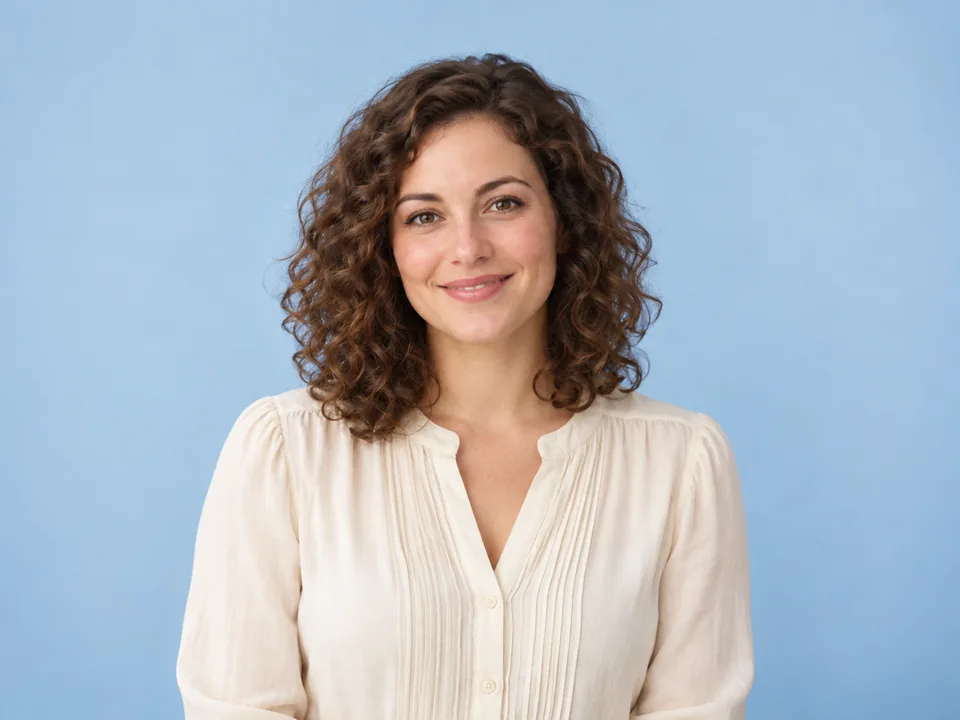
Reference example. It is not a result generated from your upload.
This 80s photo filter reimagines a portrait through decade-inspired lighting, clothing, hair, and camera texture. Choose a retro picture filter to explore an AI generated yearbook or a neon arcade portrait.
Muted studio colors and a modest patterned sweater.
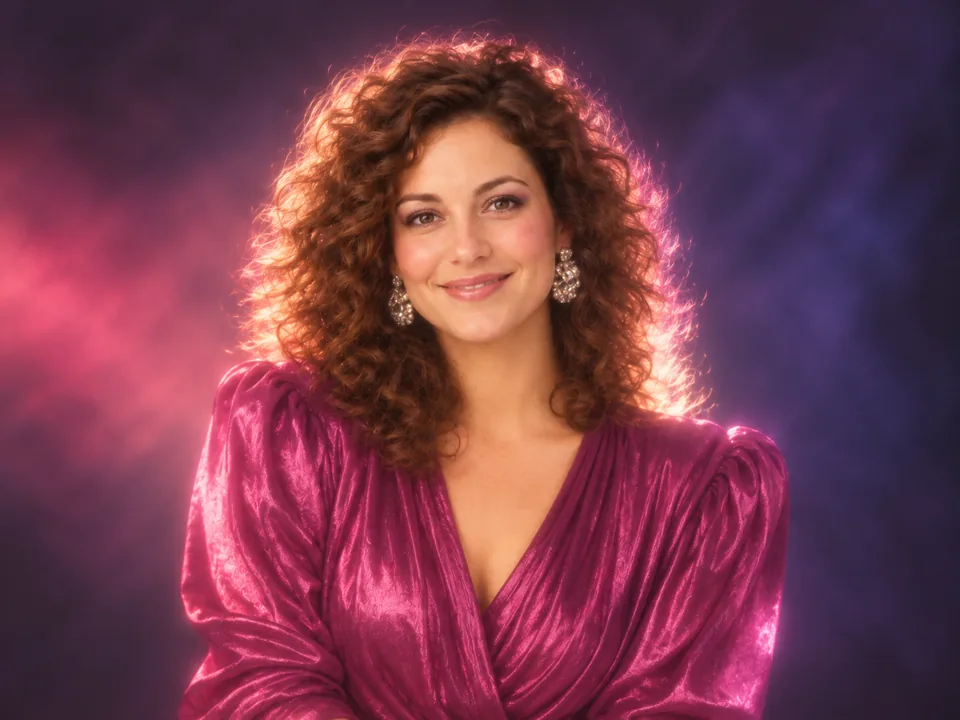
Soft light and a satin outfit with a classic glamour finish.
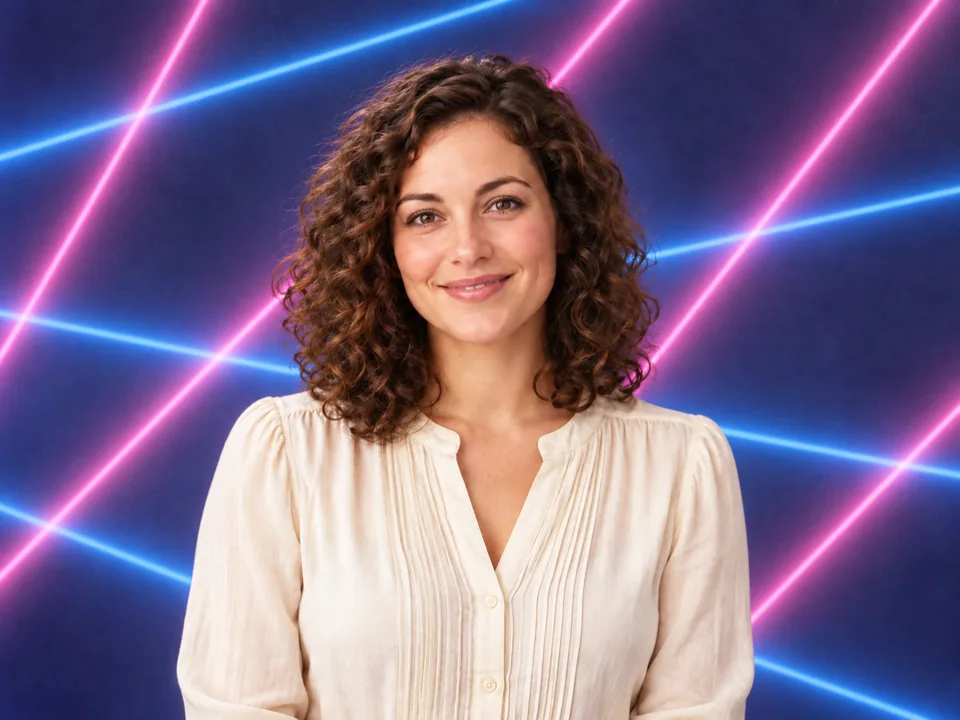
A bright geometric backdrop around a recognizable portrait.
Add a JPG, PNG, or WebP photo of yourself or a consenting adult. A front-facing portrait with the full head visible gives the 80s picture filter room for hair and lighting changes.
Studio contains 80s Yearbook, Glamour Shot, Laser Background Portrait, and Big Perm Hair. Film adds VHS Camcorder and vintage camera looks; Fashion changes the outfit and setting.
Tap one of the four styles in the selected tab. Use Custom details for a sweater color, backdrop, or modest outfit without requesting a real celebrity.
Choose the Output Number and press Start Now. Compare the AI yearbook photos or film treatments, then download the version that fits your album.
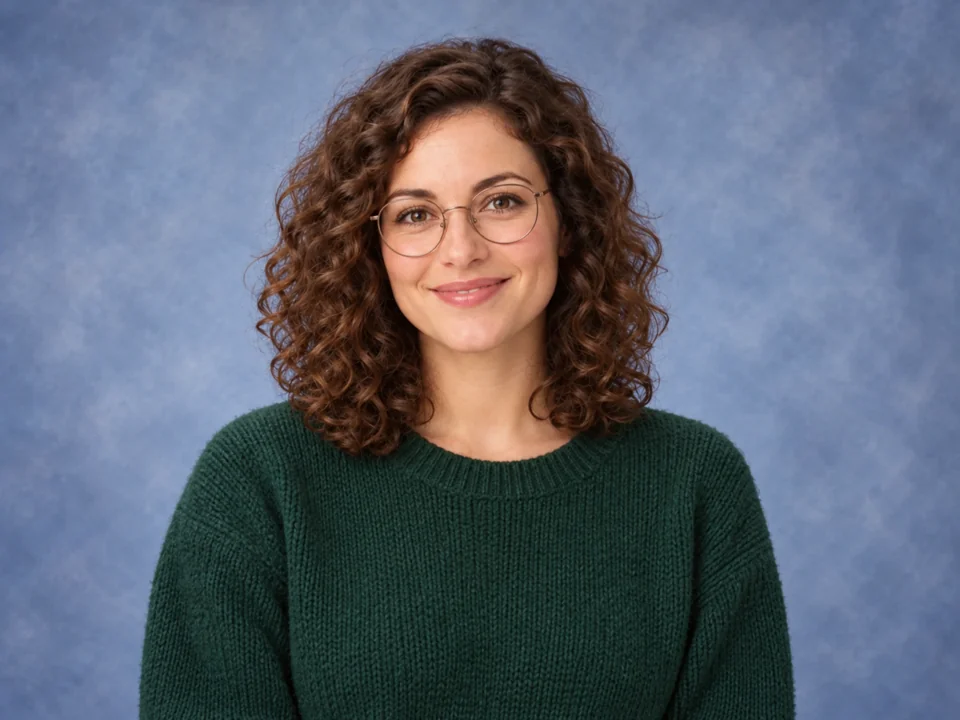
Create an AI generated yearbook portrait with an understated school-photo backdrop, soft flash, and a modest period outfit. The 80s Yearbook preset keeps the face at the center of the photograph.
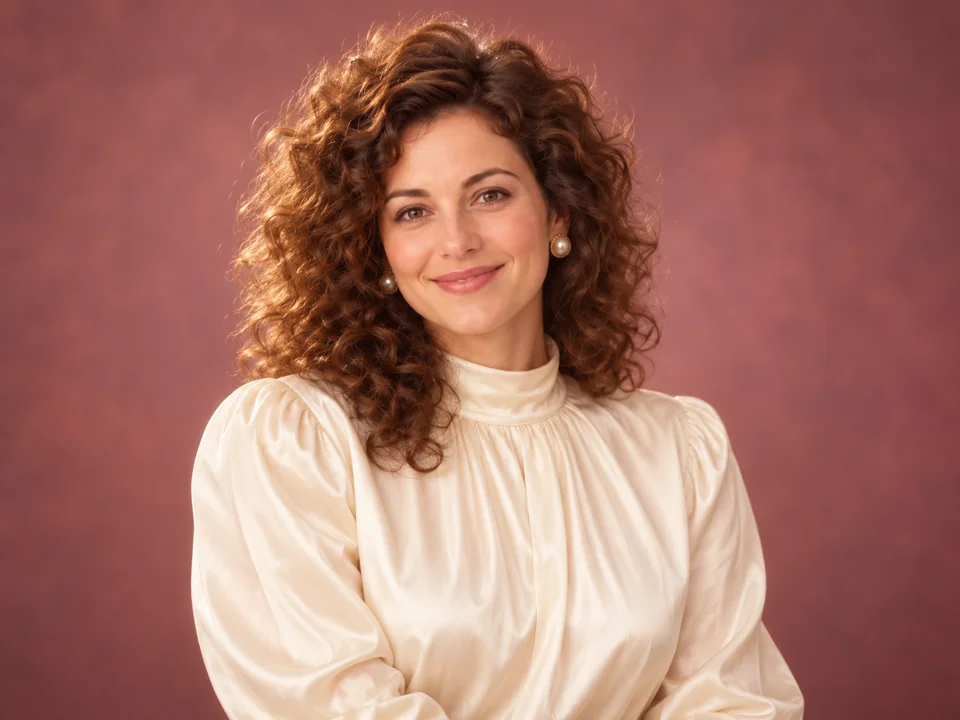
Glamour Shot softens the lighting, while Big Perm Hair emphasizes a fuller silhouette. Add a blouse color in Custom details to personalize the portrait without copying a famous person.
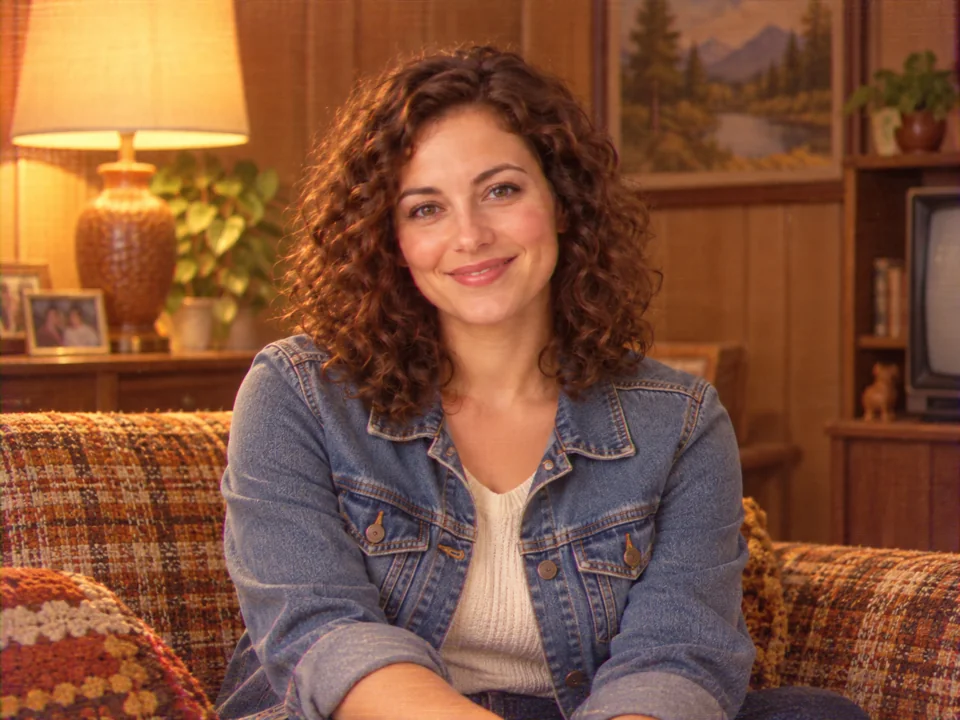
The VHS Camcorder preset adds analog grain, muted color, and home-video texture. Use this retro picture filter for an everyday portrait with the feel of an old family recording.
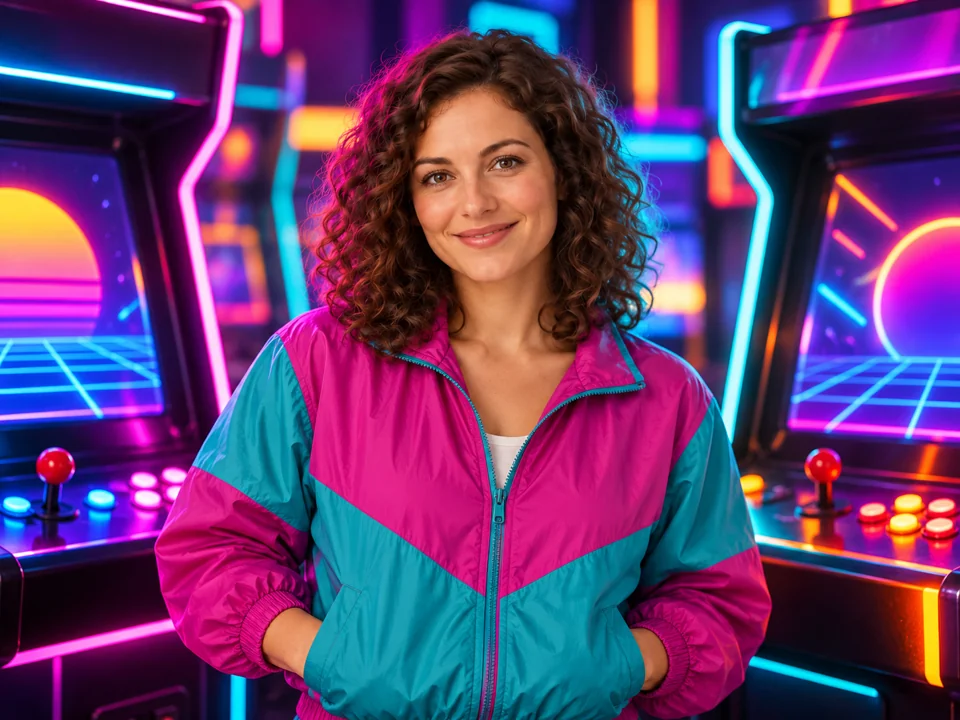
Arcade Night combines vivid blue and pink light with a period outfit. Keep the wardrobe modest and original; the retro pinup image filter idea works as a fully clothed vintage portrait.
Leave space above and beside the head so a perm or feathered hairstyle is not cramped by the original crop.
Choose the Film tab for grain and faded colors; choose Fashion when clothing and the surrounding scene should change.
Ask for one useful detail, such as a teal windbreaker or peach backdrop. Conflicting decade references can muddy the look.
Use a clear original photo instead of an already stylized avatar. Compare the eyes, face shape, and expression before saving.
Use a neon portrait as a personal invitation image, then add the date and venue with your preferred text editor.
Create one consistent studio style for a small set of consenting adult friends.
Choose a clean head-and-shoulders result so the face remains readable in a small circle.
Place a new retro portrait alongside your own old photographs and label the generated image clearly.
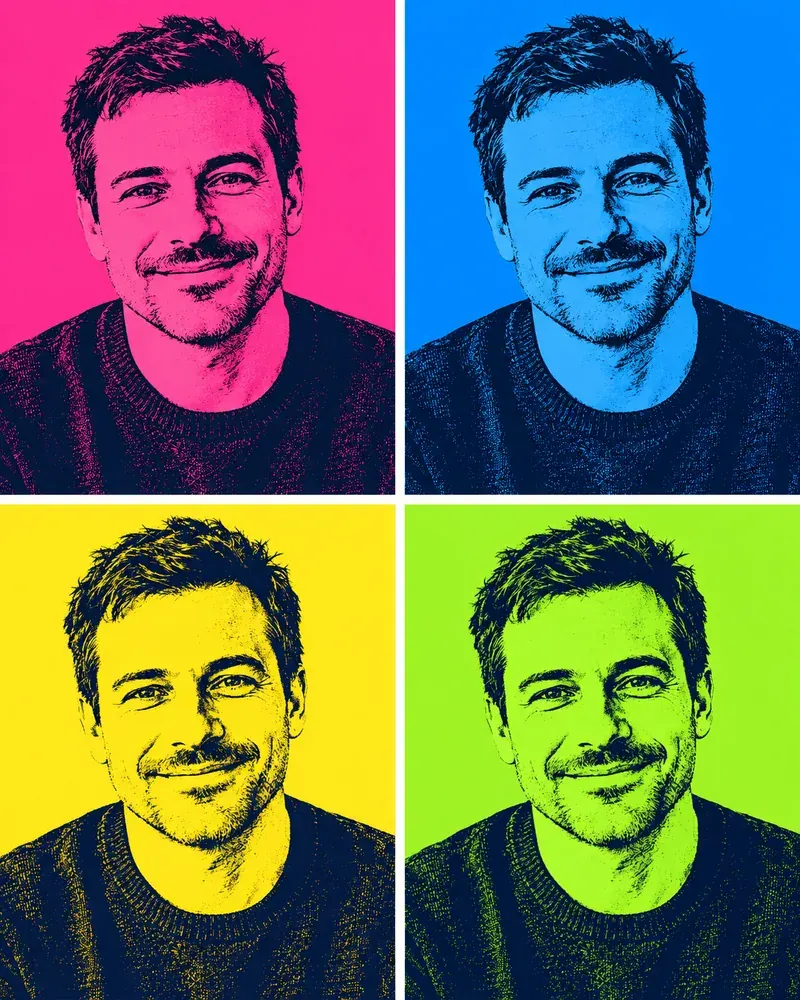
Try bold print colors and graphic portrait treatments.
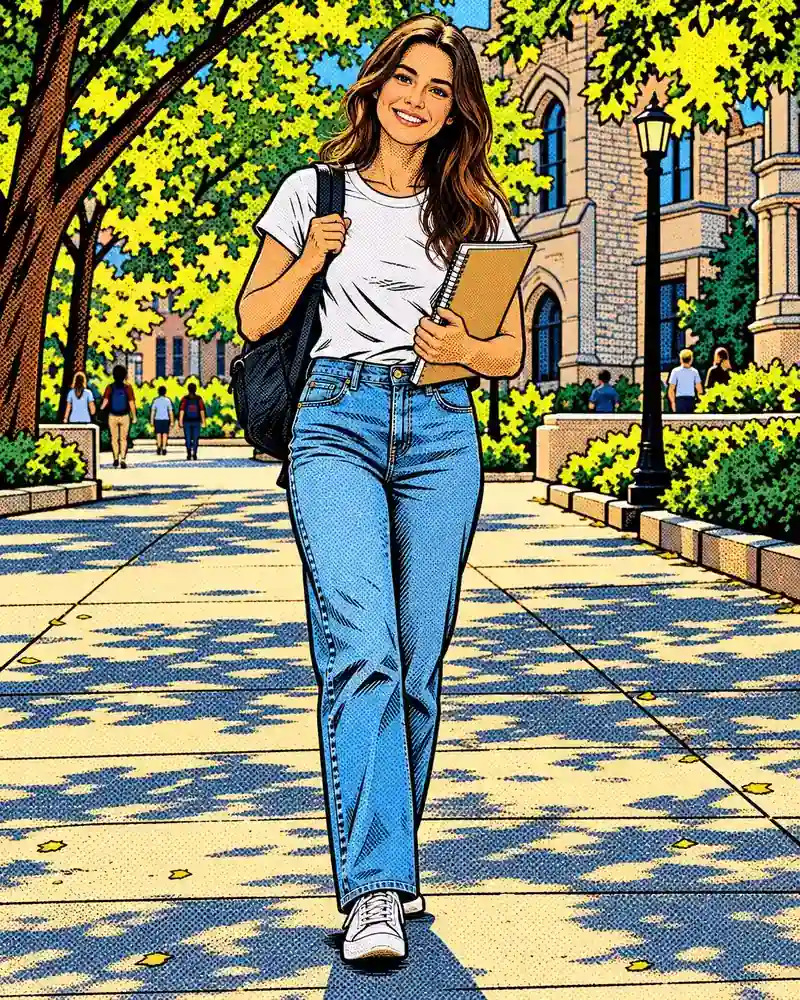
Read the guideUse comic lines and stylized shading for a different illustrated finish.
Read the guideBrowse portrait and art effects by visual style.
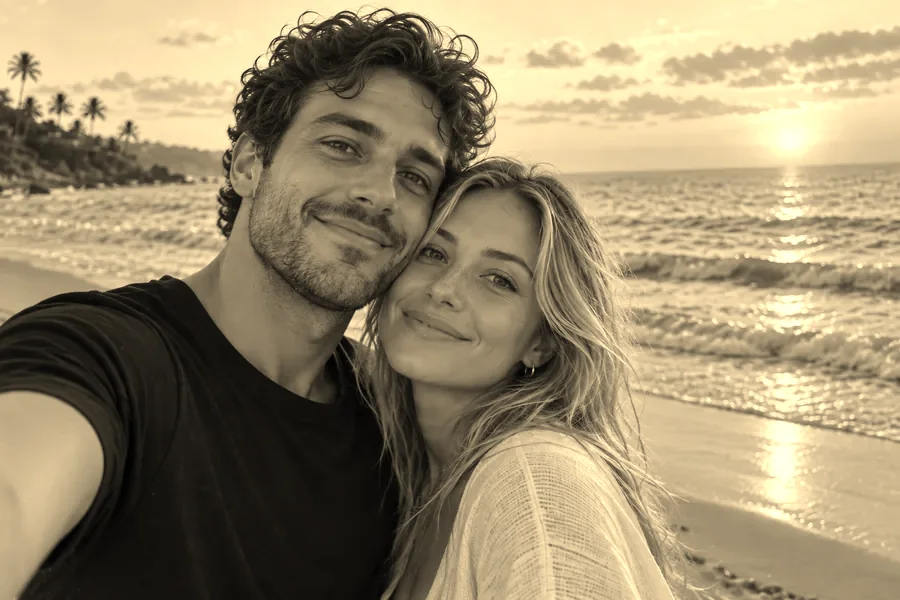
Read the guideApply a warm photographic tone with local image processing.
Read the guideDescribe warmer faded colors in the custom note. The presets focus on the 1980s, while adjacent decades can inspire your own retro portrait.
The main styles are 1980s-inspired. For a simple older photographic tone, follow the sepia filter link; custom instructions can suggest a different decade.
No. An AI generated yearbook is a new fictional image based on your uploaded adult portrait.
Upload your own adult photo or one you have permission to use. The whole face and hairline should be visible.
Studio changes portrait lighting and styling. Film focuses on grain, fading, borders, or camcorder texture.
Try Laser Background Portrait and use Custom details to ask for the original hairstyle. AI may still alter fine details.
Choose 80s Yearbook and request a simple sweater, neutral expression, and muted studio backdrop in Custom details.
It is free to try with free credits when you sign up. The current price appears on the generation button before you start.
Set the Output Number from one to four to compare variations of the selected look.
Use your own face and describe general period styling. Do not request a real celebrity’s likeness or impersonate another person.
Pick a studio, film, or fashion treatment and give your own portrait a distinctive retro finish.