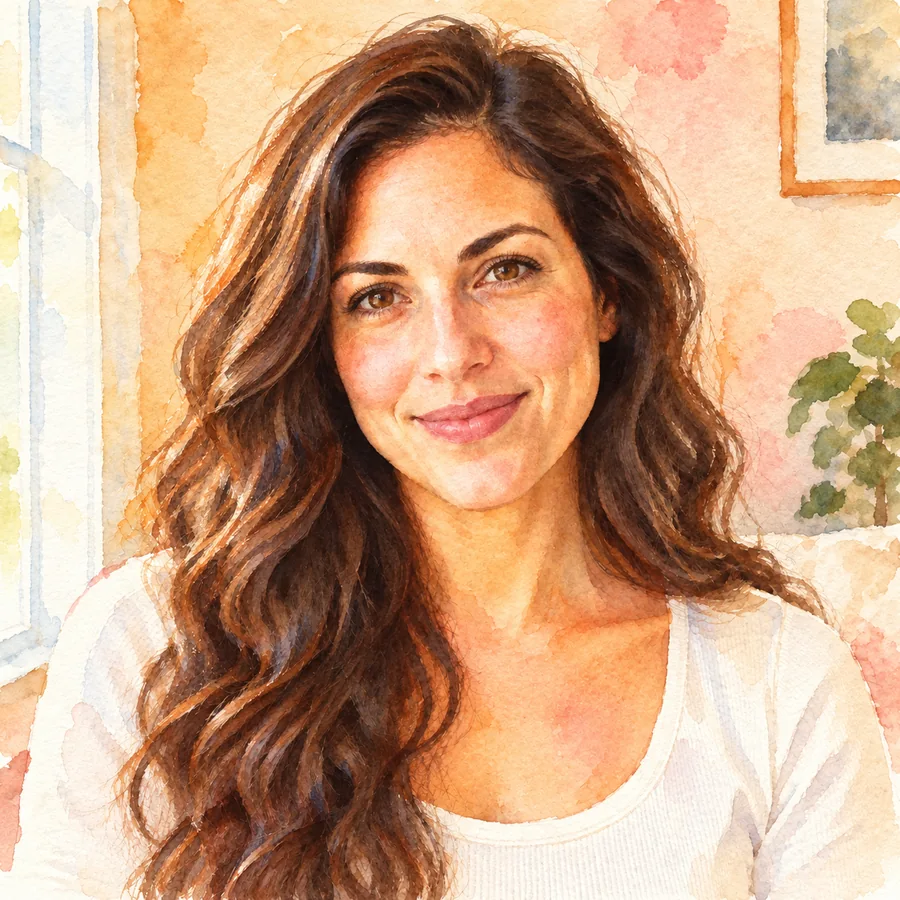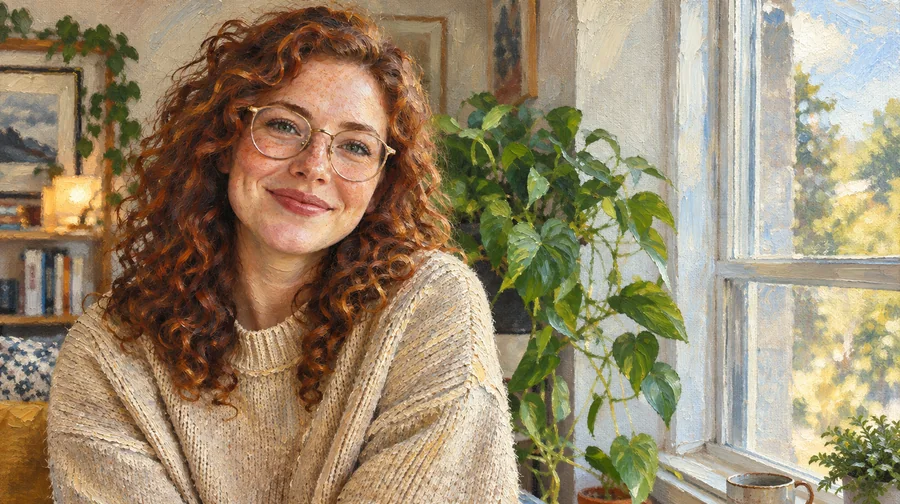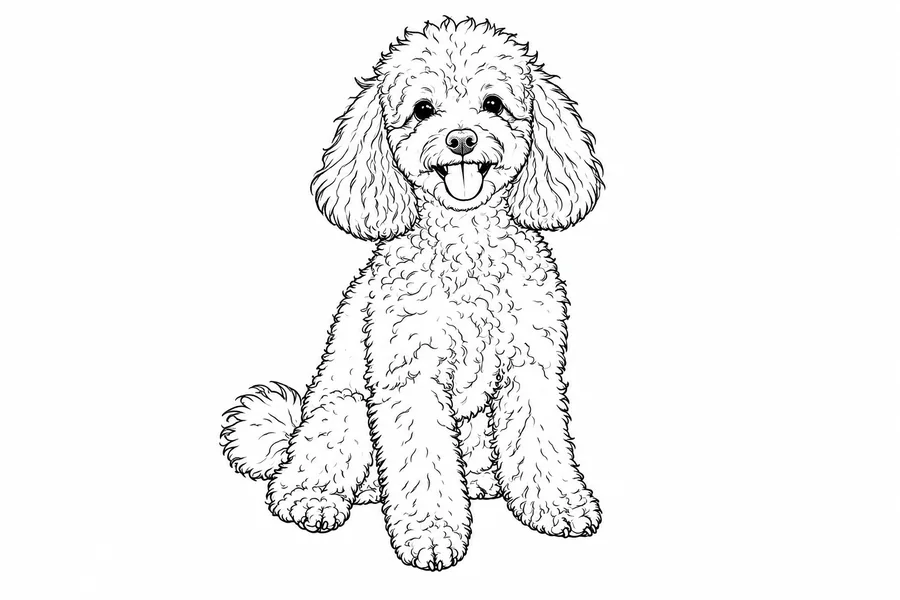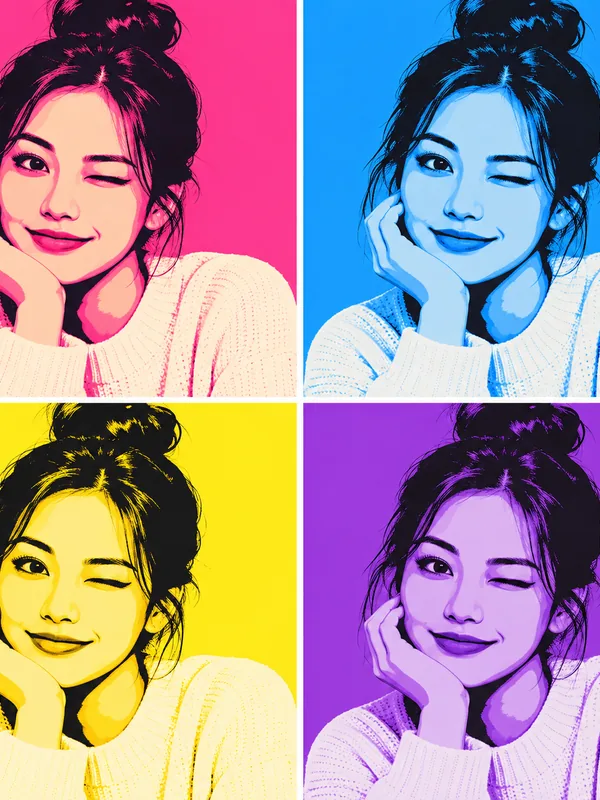
4-Panel Pop Art Grid
Four copies, four palettes: the Warhol-inspired classic for a gallery-wall look.
Upload a selfie, a pet or a couple photo and turn it into a vibrant pop art print: a 4-panel color grid, Ben-Day dots, neon pop, retro halftone or a duotone poster. Your face stays recognizable while colors, dots and outlines change. Free to try with the credits you get when you sign up.
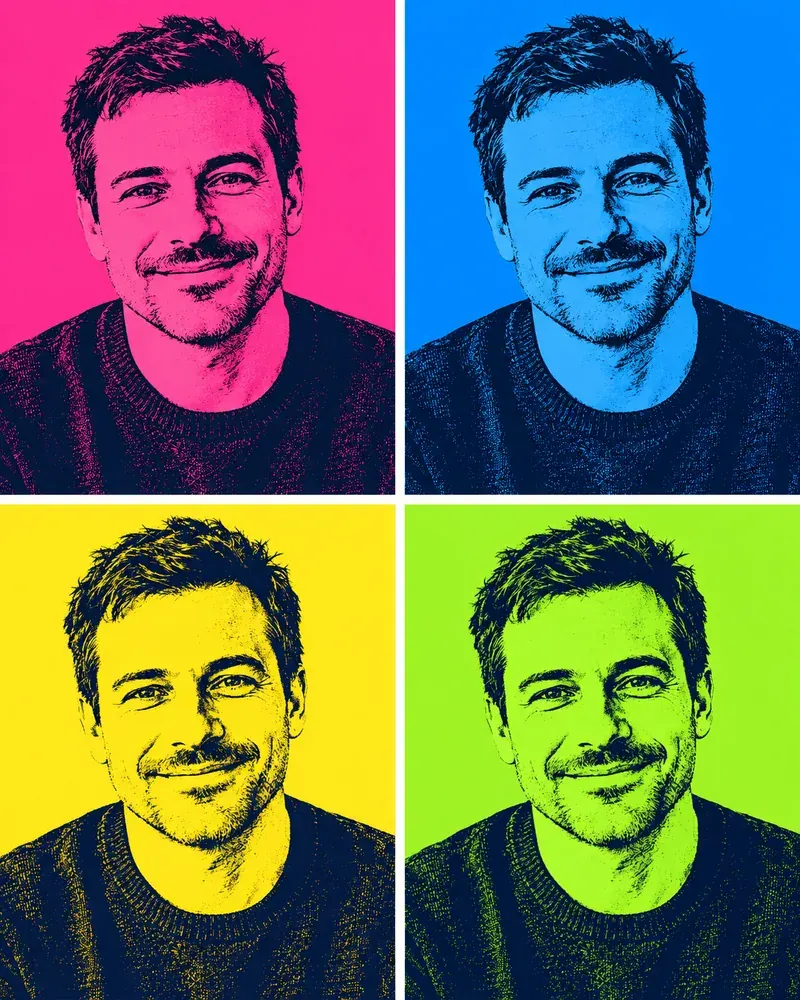
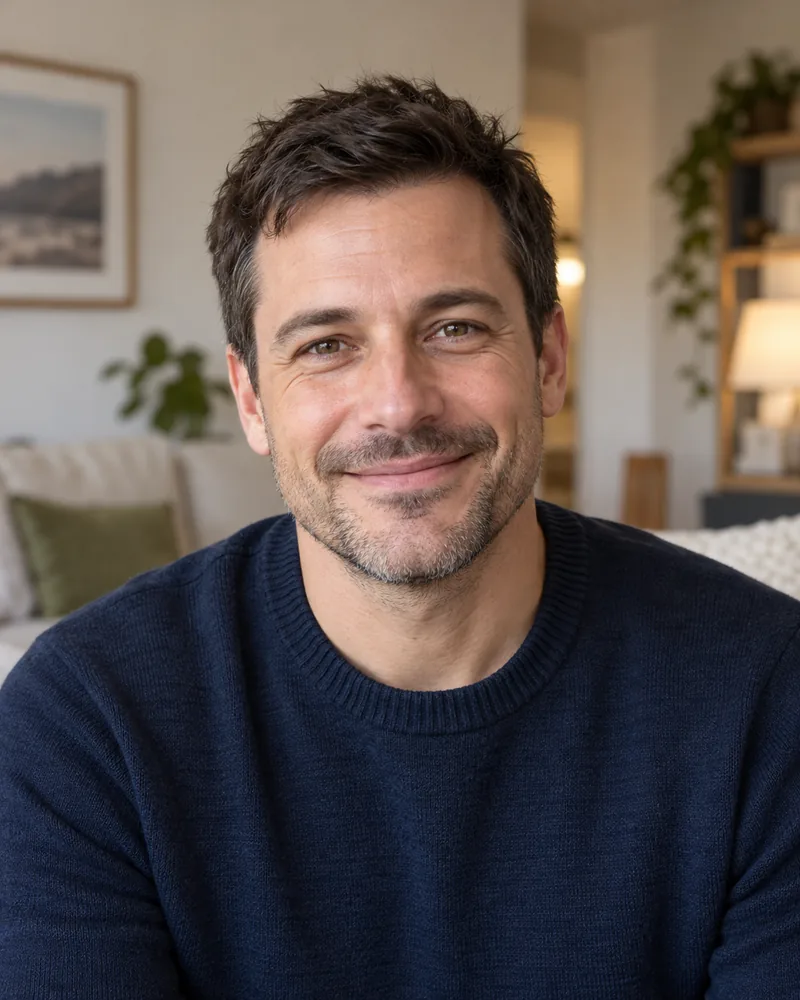
Reference example. It is not a result generated from your upload.
A pop art filter turns an ordinary photo into the bold, graphic look of 1960s pop art: flat poster colors, heavy outlines, halftone or Ben-Day dots and repeated color panels. Instead of tinting the picture, this pop art generator redraws it, so you can turn a pic into pop art that looks printed rather than filtered, while your face, hair and expression stay yours.
Pick from 12 styles: a Warhol-inspired 4-panel color grid, Lichtenstein-inspired Ben-Day dots, neon pop, retro halftone, a duotone poster, bold color blocks, a speech-bubble panel and a pop art sticker, plus pet and couple versions. Make pop art from photo files on your phone or desktop, then download it for a profile picture, a gift or a poster. It is free to try with the credits you get when you sign up.
Turn pic into pop art in any of these looks. Tap Try to load the style in the workspace, then upload your own photo.
Four copies, four palettes: the Warhol-inspired classic for a gallery-wall look.
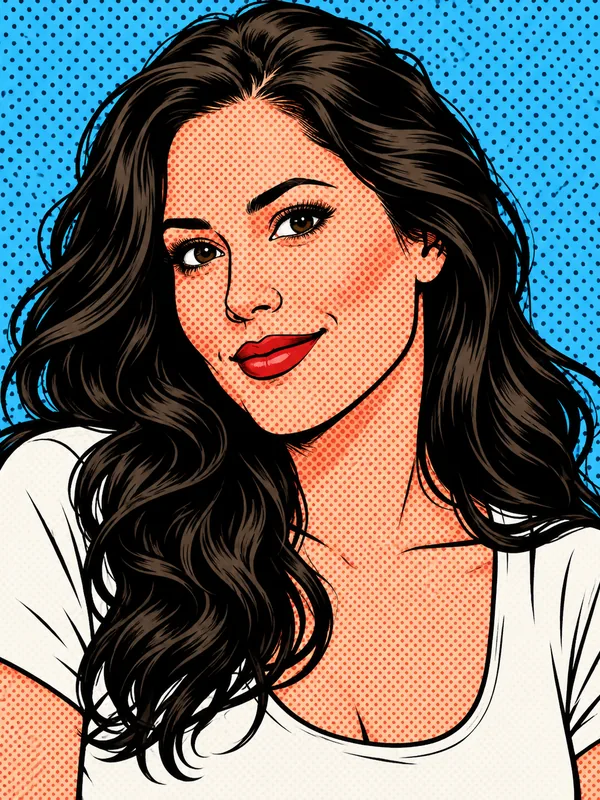
Red dots, black ink and primary colors straight out of a 1960s comic.
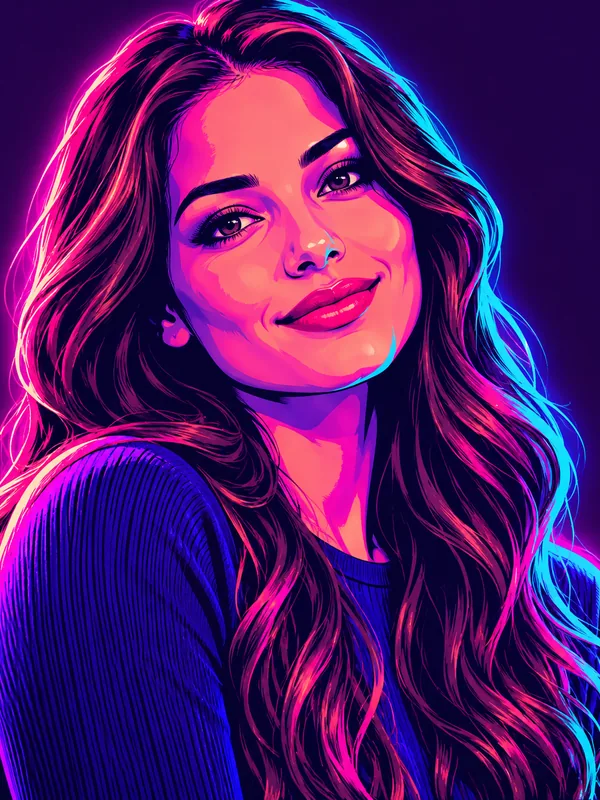
Electric pink and cyan with a glow, made for profile pictures.
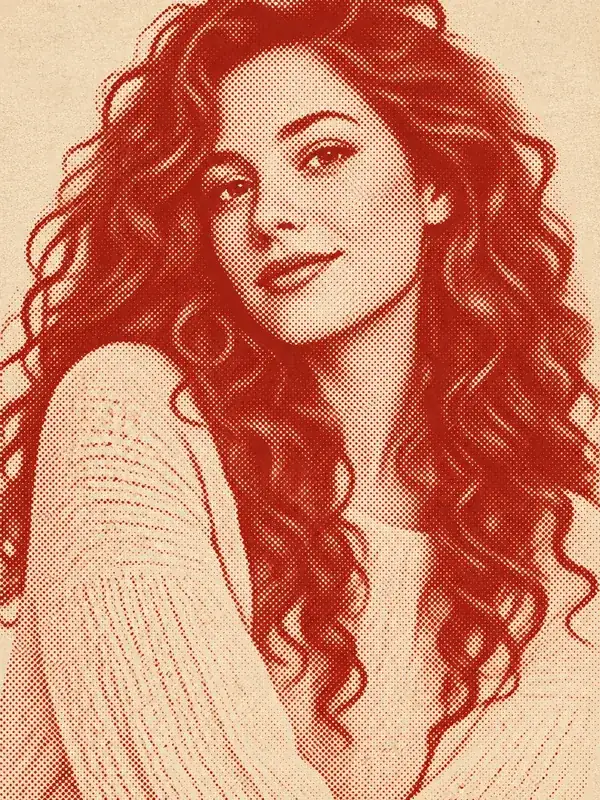
One-color dots on cream paper, like a vintage magazine page.
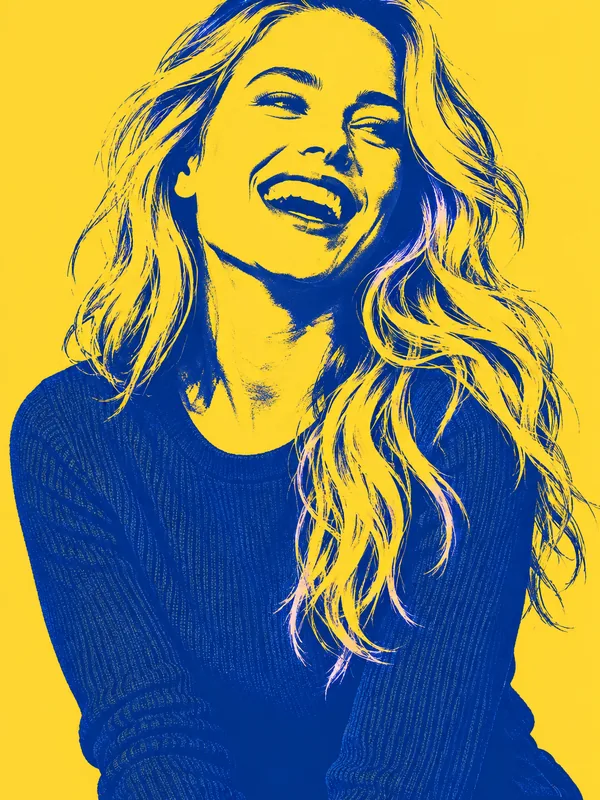
Two bold inks and high contrast, ready to print big.
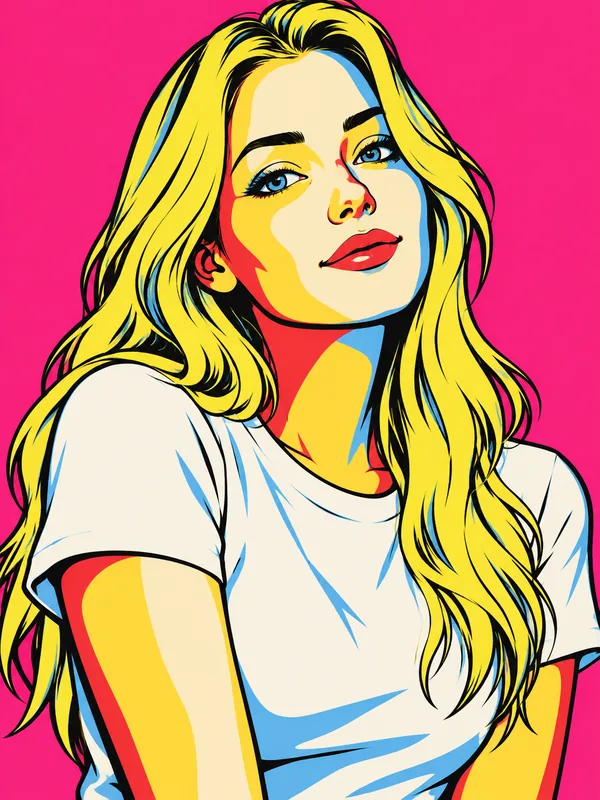
Flat color shapes with crisp outlines on a solid backdrop.
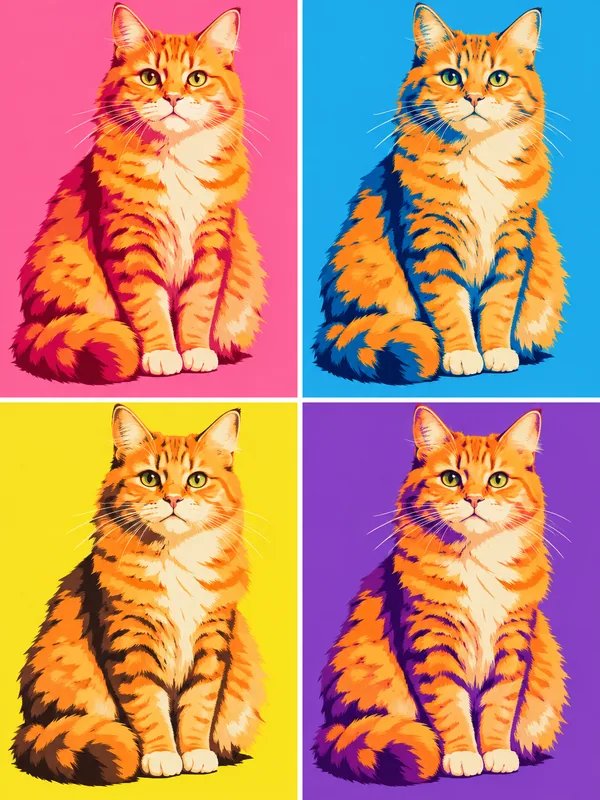
Your cat or dog in four candy-colored panels, markings kept.
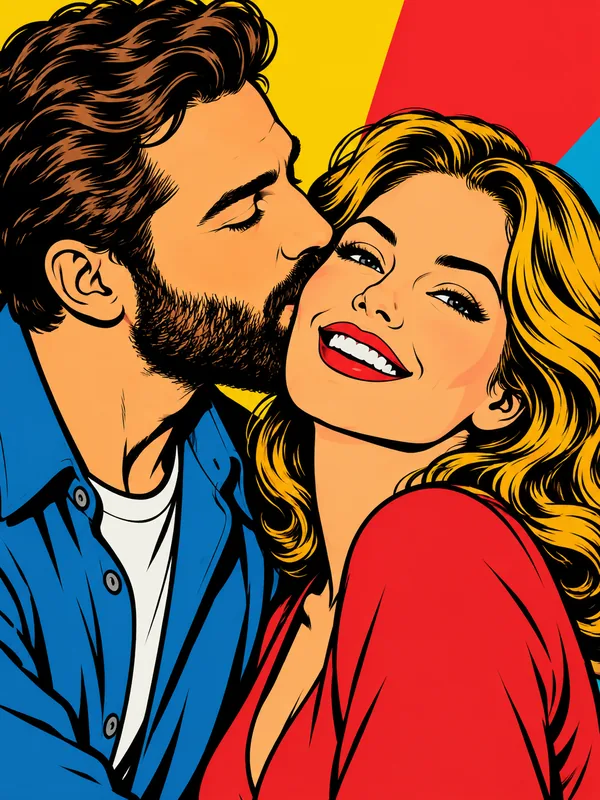
Two faces, one bold print for anniversaries and gifts.
Change photo to pop art in three steps, no design skills needed.
Use a clear selfie, a portrait, a couple shot or a pet photo. JPG, PNG or WebP up to 10 MB; even, front-facing light gives the cleanest outlines.
Choose a Pop Portraits style, or open Pets & Couples. Want your own colors, or words in the speech bubble? Add them in the note.
Create one or two versions, download your favorite, and try another style on the same picture to build a matching set. Tap Animate to bring it to life.
A pop art creator that redraws your picture, keeps your face and prints well.
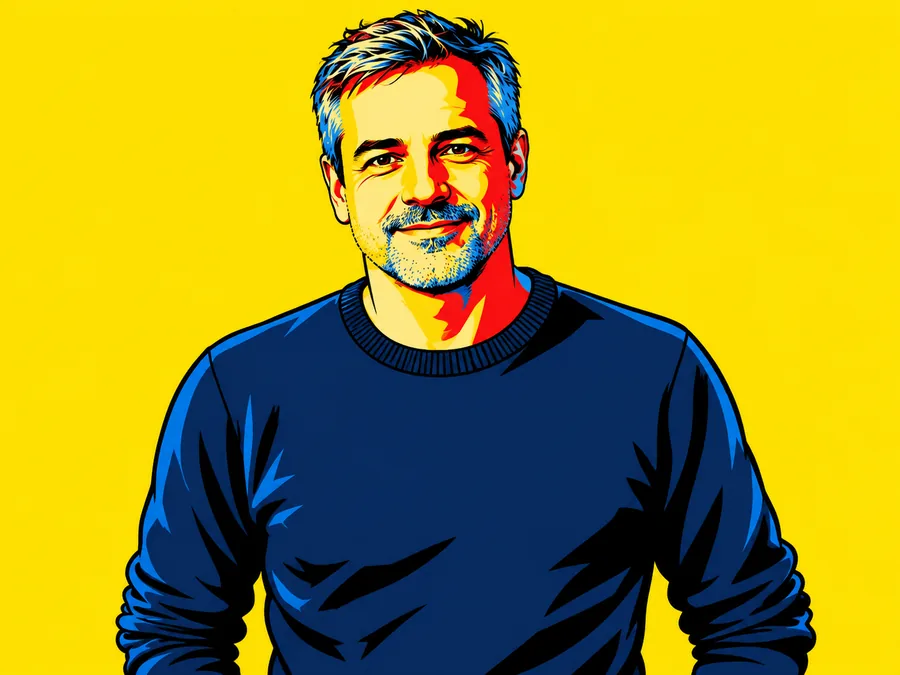
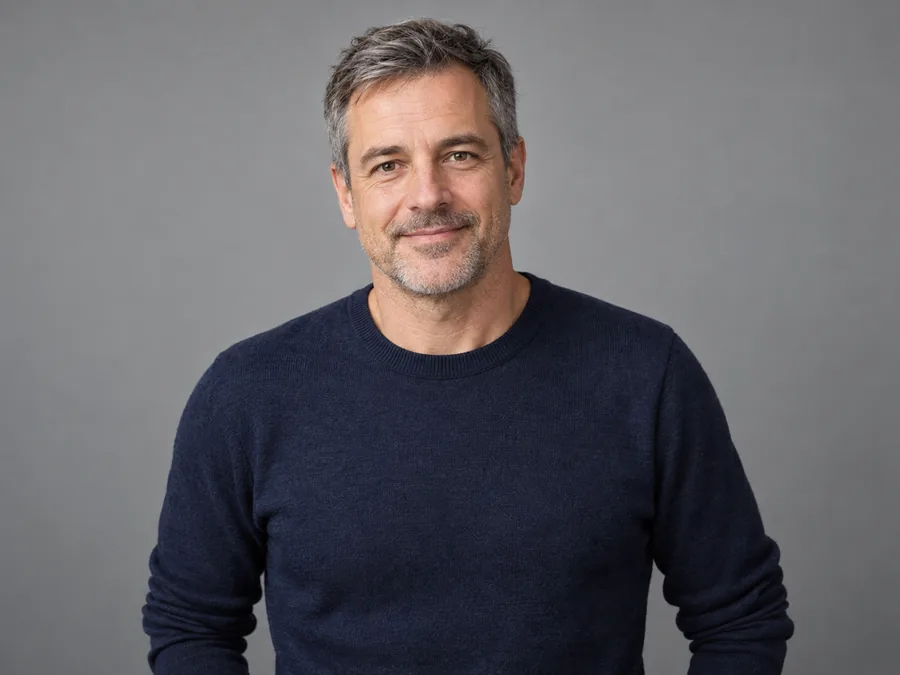
Most color effects only posterize. This pop art creator rebuilds the picture as artwork, so when you convert photo to pop art the face shape, eyes, smile, hair and glasses still read as you. From picture to pop art in one pass, it works on selfies, group shots, old photographs and product pictures alike.
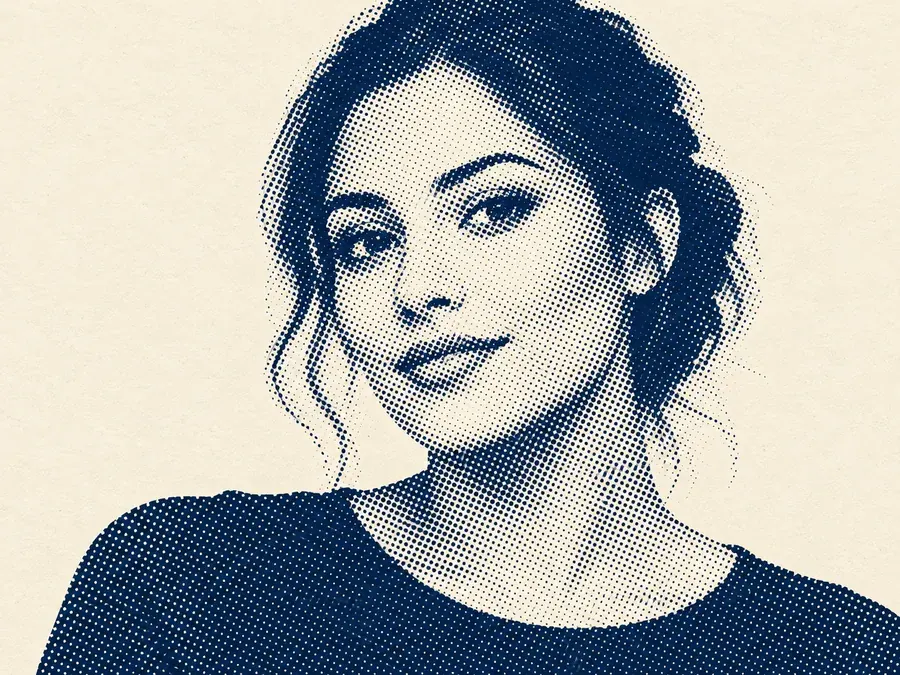
Love the printed-dot look? Retro Halftone and Pet Halftone work as an AI halftone generator: the picture is rebuilt from clean dots, big in the shadows and tiny in the highlights, in one ink on paper-colored ground. It is a halftone effect online with no brushes or plugins, and a halftone image generator that keeps the subject sharp.
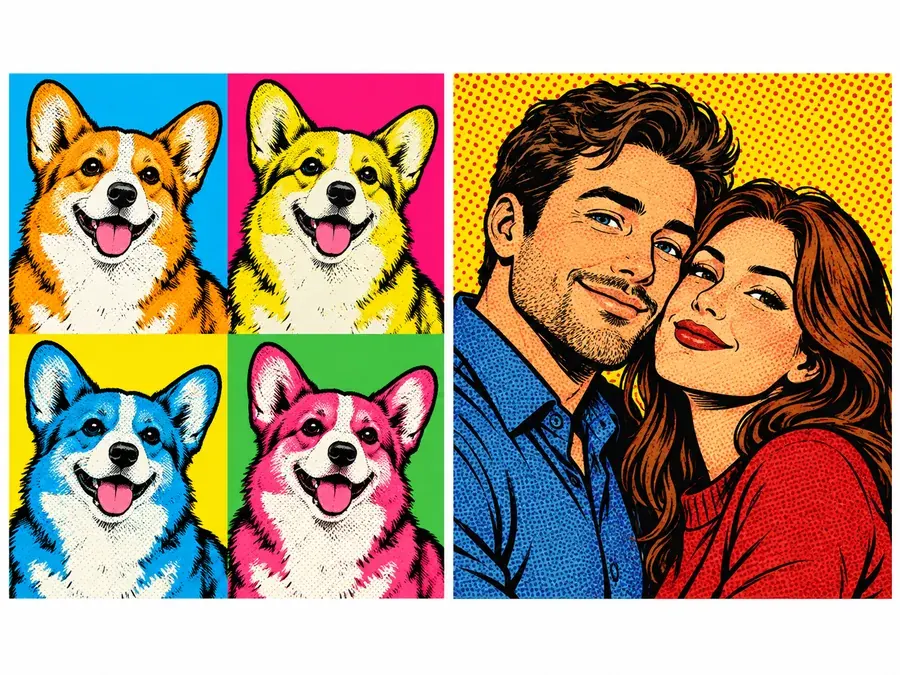
Open Pets & Couples to turn picture into pop art of your dog, your cat or the two of you. The AI keeps the breed, fur colors, markings and both faces while it adds grids, dots and bold blocks, and if a person is in the pet photo too, they get the same look. A pet photo pop art grid is an easy gift for any animal lover.
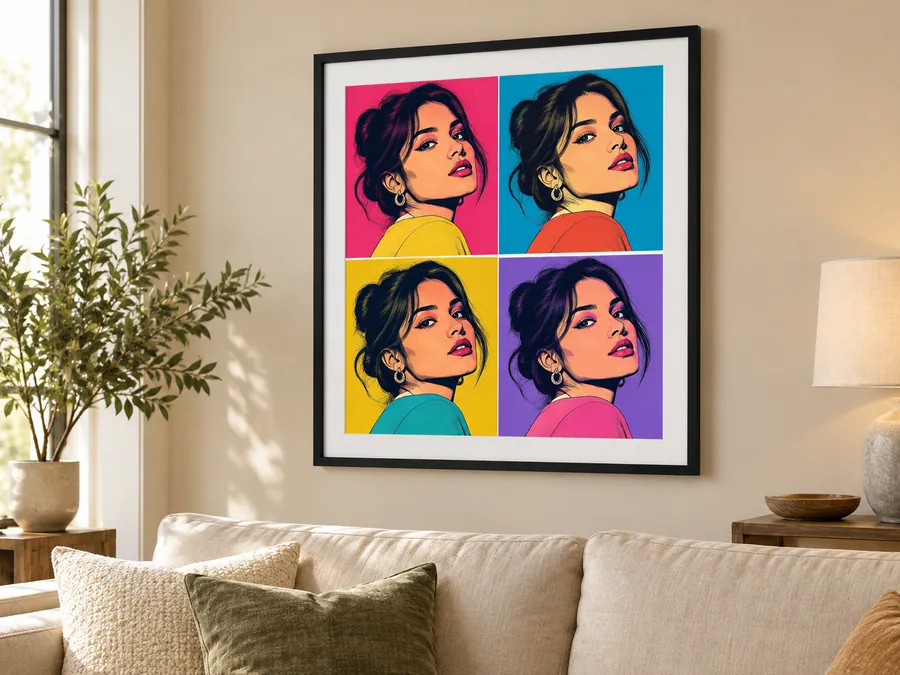
Download the result and turn it into a vibrant pop art print for your wall, a canvas or a framed gift. The Duotone Poster and the 4-Panel Color Grid read best from across the room; check Photo Print Sizes for the pixels you need before you order.
What each pop art filter does and when to pick it.
| Style | What it looks like | Best for |
|---|---|---|
| 4-Panel Color Grid | Four copies of you in four flat palettes, Warhol-inspired | Gallery walls, gifts, profile grids |
| Ben-Day Dots Comic | Red dot shading, black ink and primary colors, Lichtenstein-inspired | Comic fans, birthday cards |
| Neon Pop | Magenta and cyan glow on a dark background | Profile pictures, music and gaming channels |
| Retro Halftone | One-color dots on cream paper | Vintage posters, zines, merch |
| Duotone Poster | Two inks, high contrast | Large prints, cover art |
| Bold Color Blocks | Flat color shapes with crisp outlines | Stickers, social posts, avatars |
| Speech Bubble Pop | A comic panel with an empty or custom speech bubble | Announcements, invitations, memes |
| Pop Art Sticker | A cut-out with a white die-cut border | Stickers, laptop decals, chat |
| Pet Pop Grid / Pet Halftone | Your pet in color panels or dots, markings kept | Pet portraits, gifts for pet owners |
| Couple Pop / Couple Comic | Two faces in one pop print | Anniversaries, weddings, Valentine’s cards |
Not sure where to start? The 4-Panel Color Grid suits almost any face and any photo.
Pop art from photographs works anywhere a bold, happy image helps.
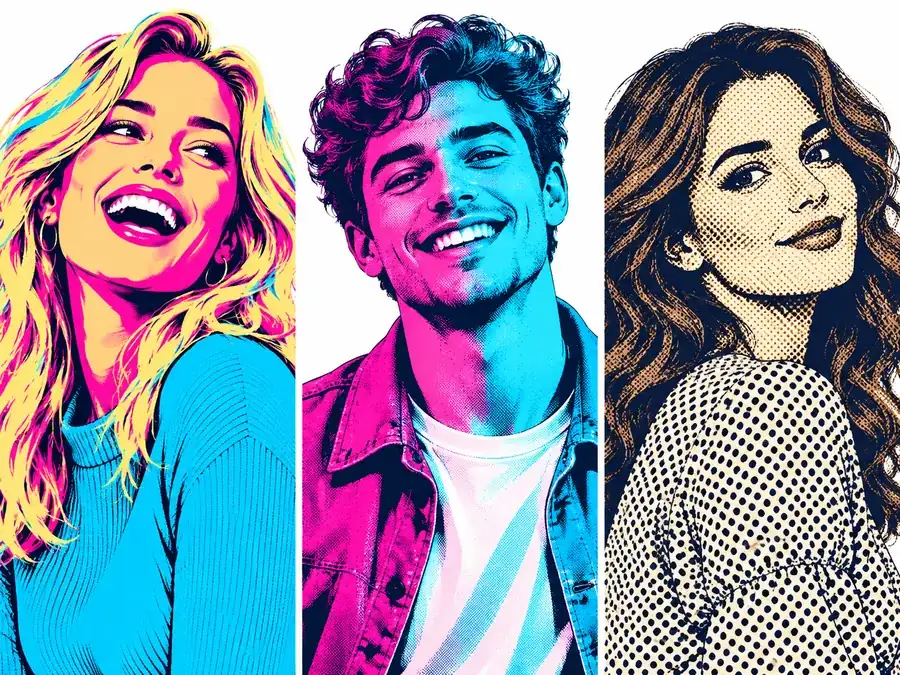
Neon pop or color blocks stand out in a small circle on any social app.
A 4-panel grid of a friend, a couple or a pet makes a memorable printed gift.
Add a speech bubble with the date and put the guest of honor on the cover.
Duotone and halftone prints look bold at poster size.
Pop art sticker cut-outs work on laptops, water bottles and tote bags.
Turn images into pop art for post covers, stories and video thumbnails that stand out in a feed.
A few choices before you upload make a big difference.
Even light and a visible face give the cleanest outlines and color shapes.
Busy rooms turn into busy shapes. A plain wall lets the pop art colors carry the picture.
Type "teal and orange" or "pastel pink" in the note to steer any style.
Run the same picture through two or three filters and keep the one that suits your face.
Comic panels, paintings, cartoons and glitch art, plus help with printing.
Turn photos into comic book art with ink lines, halftone shading, manga and comic strip panels.
Try the comic filterTurn a photo into an oil, watercolor or acrylic painting.
Paint a photoExaggerate your best features in a friendly caricature.
Make a caricatureRedraw a photo as a 2D, 3D or anime-style cartoon.
Cartoon a photoAdd RGB split, scan lines and digital glitch art to any photo.
Add a glitchCheck pixels and DPI before you print your pop art poster.
See print sizesStyles, pets, likeness, printing and downloads.
A pop art filter restyles a photo in the look of 1960s pop art: flat bold colors, strong outlines, halftone or Ben-Day dots and repeated color panels. This one is AI-based, so it redraws the picture as artwork instead of laying a color effect on top.
Upload a picture, pick a style such as 4-Panel Color Grid or Ben-Day Dots Comic, and generate. To create pop art from photo uploads with your own colors, add them in the note, for example "teal and orange". Download the result when you like it.
It is free to try: new accounts get free credits when they sign up, and each run shows its credit cost before you start. Every finished image can be downloaded.
Yes. Choose 4-Panel Color Grid, or Pet Pop Grid for animals. The AI repeats your portrait in four panels, each with its own palette. Ask for specific colors in the note, such as "pink, teal, yellow and purple panels".
Yes. Open Pets & Couples and pick Pet Pop Grid or Pet Halftone. Use a sharp photo taken at your pet’s eye level; the AI keeps its breed, fur colors and markings.
That is the goal. Face shape, features, hairstyle, skin tone and expression are kept while colors and lines are simplified. Clear, evenly lit photos keep the likeness best; very small faces in group shots get simplified more.
Yes. Download the image and print it as a poster, canvas or framed print. Bold styles such as Duotone Poster and the 4-panel grid read well from a distance; check Photo Print Sizes for the right resolution, and upscale first for large prints.
Pop art leans on bold flat color, repetition and big dots for a poster look. A comic filter draws ink lines, shading and panels like a comic book page. For storytelling panels and comic covers, try the Comic Filter.
Yes. It runs in your mobile or desktop browser: upload from your camera roll, generate, and save the result. There is no app to install.
Results download as high-quality images at the size the AI model returns, which suits profile pictures, social posts and small prints. To turn image into pop art for a big poster, run the result through an image upscaler before printing.
Upload a selfie, a pet or a couple photo, pick a pop art filter, and download a bold print to share or frame.