Upload Your Art or Photo
Add a JPG, PNG, or WebP up to 20 MB. For emotes and badges, start from a PNG with a transparent background. Your file stays on your device.
Every Twitch image size in one resizer: an 800 × 800 profile picture (256 × 256 minimum), 1200 × 480 banner, 1920 × 1080 offline screen, 320 × 160 panels, 112/56/28 emotes, and 72/36/18 sub badges. Upload, pick a size, download.
One-click Twitch sizes
Fine-tune
Runs in your browser. Your photo is never uploaded.
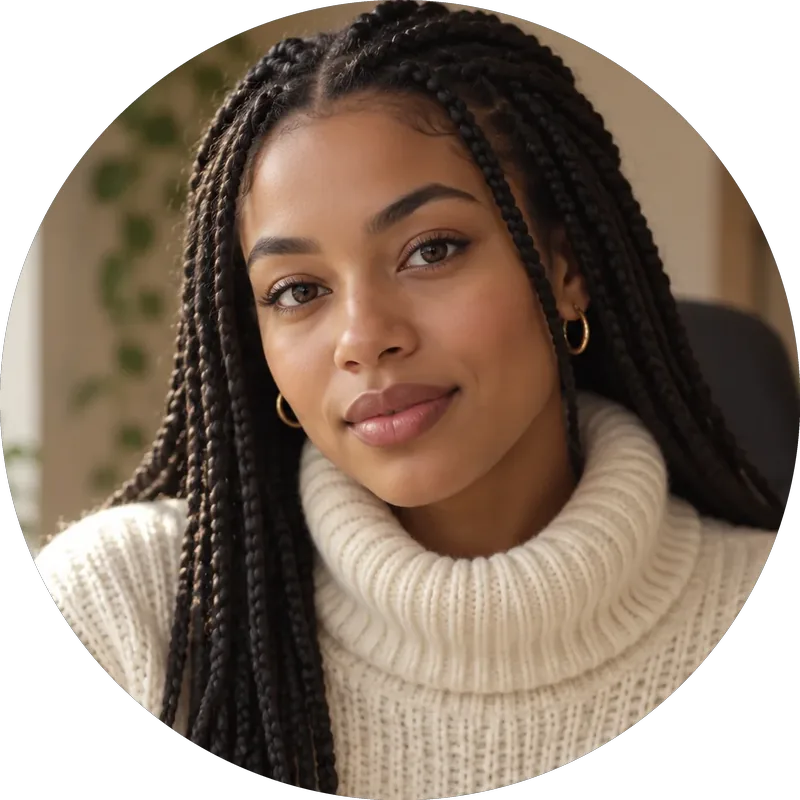
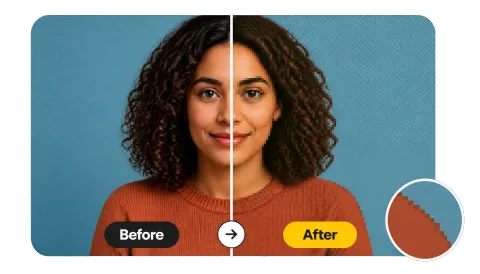
Reference example. It is not a result generated from your upload.
The Twitch profile picture size is a 1:1 square of at least 256 × 256 pixels; 800 × 800 looks sharper on large and high-DPI screens. Twitch shows it as a circle and accepts JPEG, PNG, or GIF up to 10 MB. The other Twitch image sizes: profile banner 1200 × 480 (5:2), offline video player banner 1920 × 1080 (16:9), panels 320 px wide (320 × 160 is standard), emotes 112, 56, and 28 px PNGs under 1 MB, and subscriber badges 72, 36, and 18 px PNGs under 25 KB.
This Twitch image resizer covers all of them in one place. Pick a size, crop or fit the whole image, keep transparent edges for emotes and badges, and download a PNG or JPG. Use it as a Twitch badge resizer, an image resizer for Twitch emotes, a Twitch panel resizer, or a Twitch channel point resizer for reward icons. It runs in your browser, so it is free, needs no sign-up, and never uploads your art.
Resize image for Twitch emote, badge, banner, or panel slots in three steps.
Add a JPG, PNG, or WebP up to 20 MB. For emotes and badges, start from a PNG with a transparent background. Your file stays on your device.
Choose a one-click preset or any size: Profile 800×800, Banner 1200×480, Offline 1920×1080, Panel 320×160, Emote 112/56/28, or Badge 72/36/18. Fit whole image keeps the full design on a transparent square; drag the preview to reposition it and zoom in to crop tighter.
Save PNG for emotes, badges, and anything with transparency; JPG for big photo banners. Badges need three files, so download 72, 36, and 18 one after another.
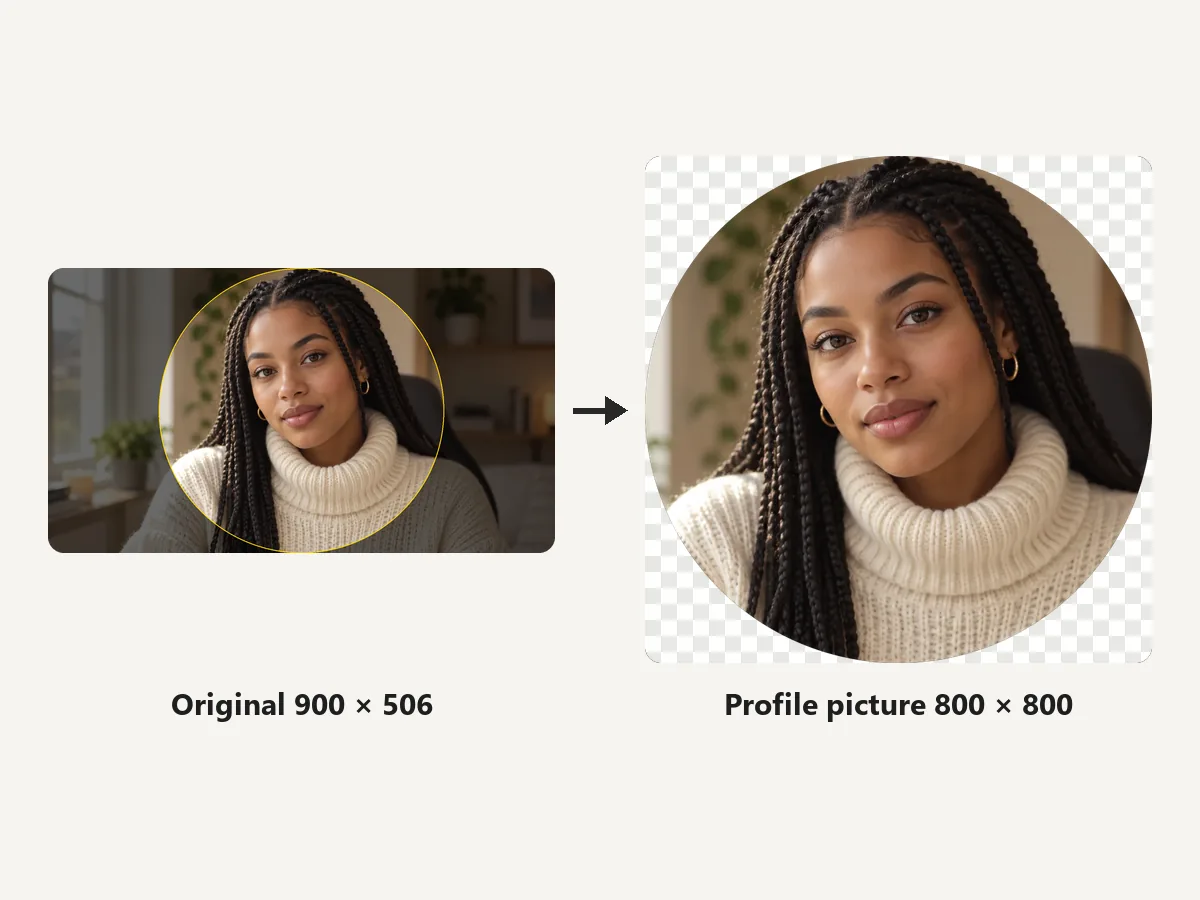
Crop any photo to an 800 × 800 square and preview the round avatar Twitch shows in chat, search, and notifications. The 256 × 256 preset gives the exact minimum if you need a smaller file.
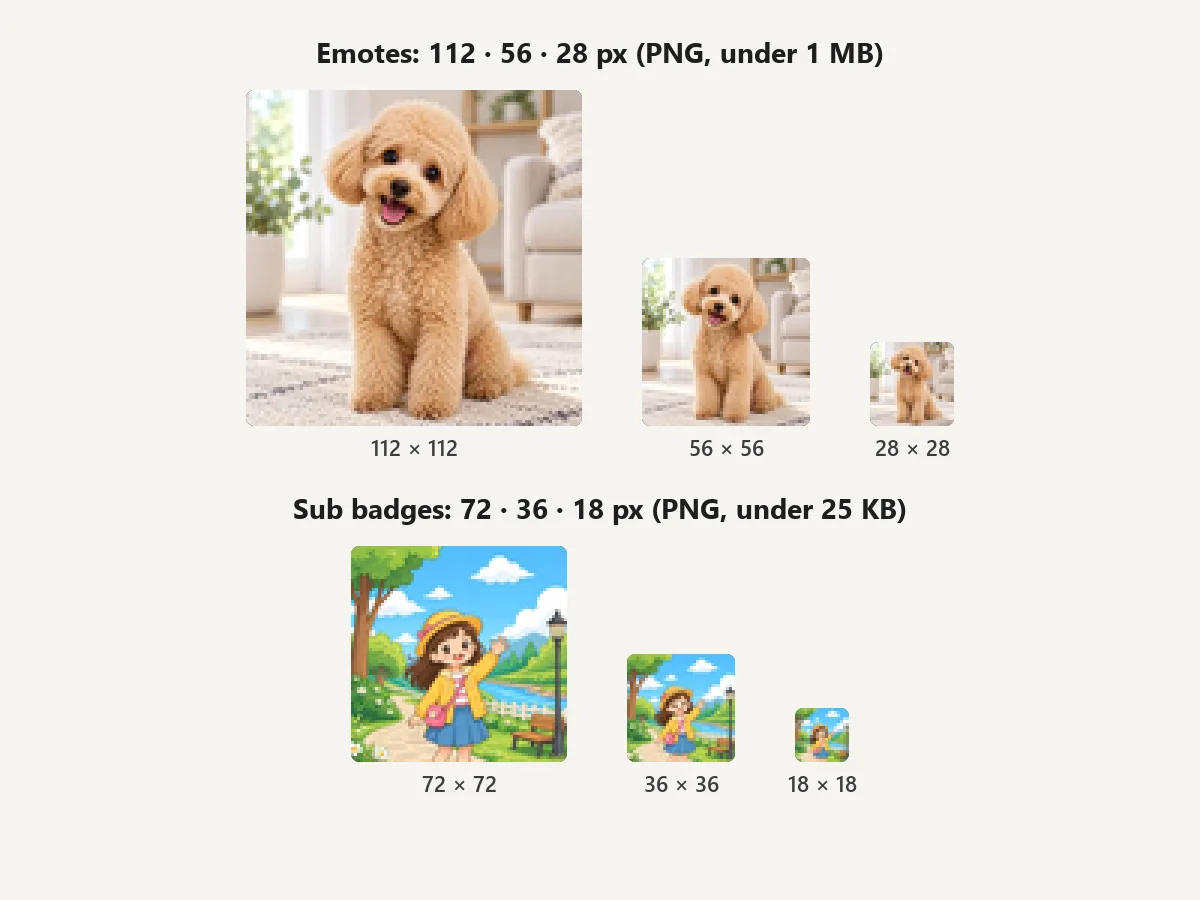
Turn one design into every chat size: emotes and channel point reward icons at 112, 56, and 28 px, and sub badges at 72, 36, and 18 px. Fit whole image keeps the full design on a transparent square, which works as a Twitch sub badge resizer and a way to resize image for Twitch emote uploads.
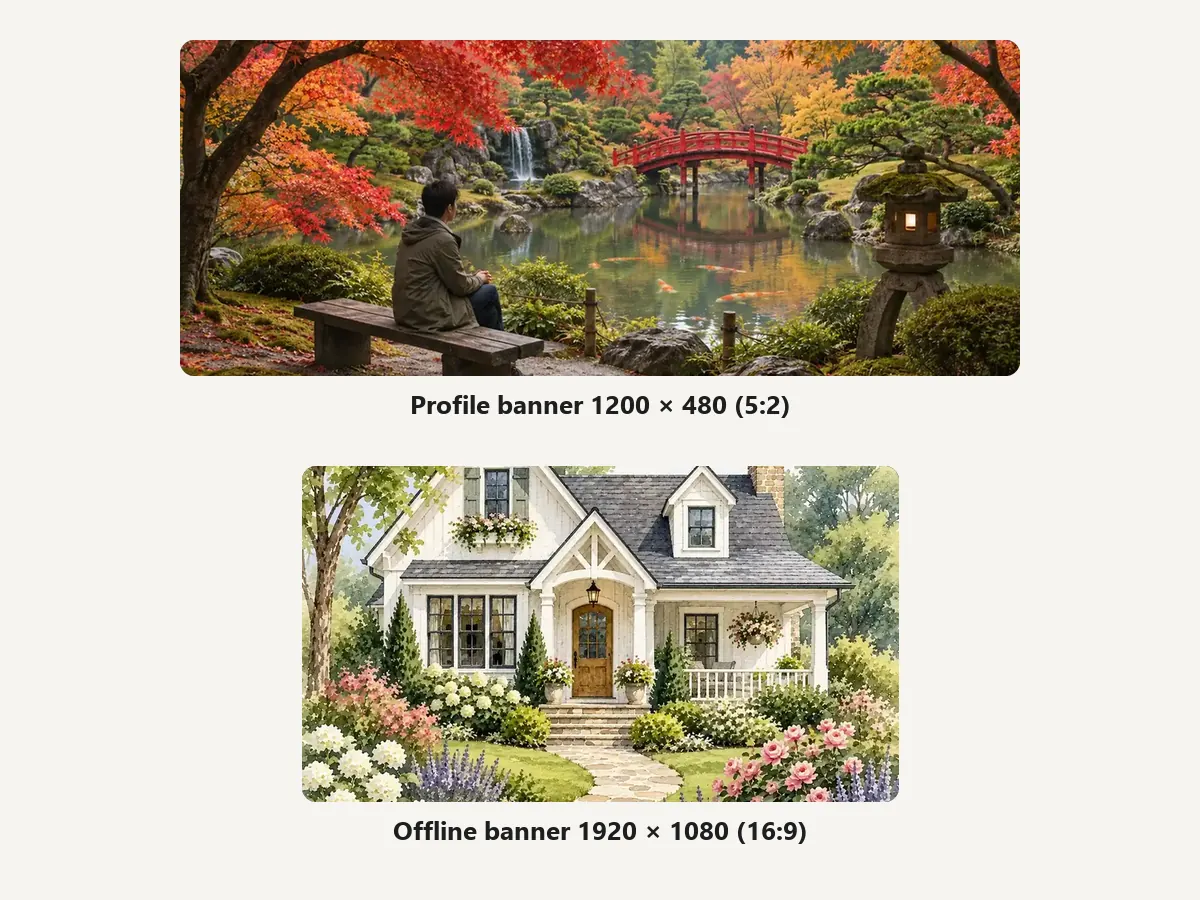
Make the 1200 × 480 profile banner that sits behind your name and the 1920 × 1080 offline screen viewers see when you are not live. Keep key art away from the left side of the banner, where your avatar and channel info overlap it.
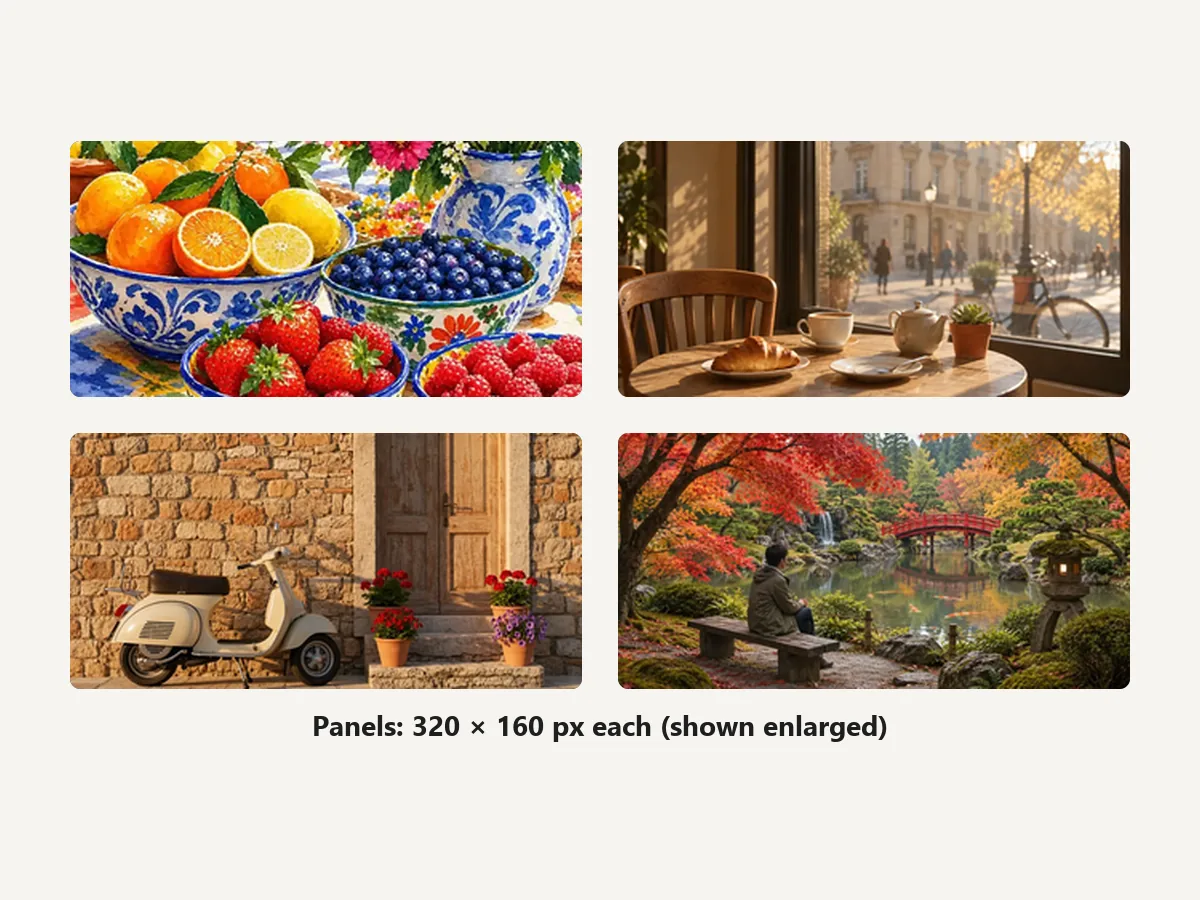
Panels are locked to 320 px wide. Crop your About, Schedule, Rules, and Socials art to 320 × 160 so every panel lines up in a neat grid under the player.
Upload rules from Twitch Help for emotes and badges, plus the widely used channel art sizes.
Minimum 256 × 256, square, shown as a circle. JPEG, PNG, or GIF up to 10 MB.
Profile banner at 5:2 and video player banner at 16:9, each up to 10 MB.
PNG, square, transparent background, under 1 MB. Auto-resize accepts one PNG from 112 to 4096 px; manual upload needs all three sizes.
PNG, three identical images, each under 25 KB. Tier 2 and Tier 3 flair use the same sizes.
Most viewers see emotes at 28 px and badges at 18 px.
Crop tight around a face or icon. Fine detail disappears at chat size.
Twitch asks for a fully transparent background. Cut out the subject, then resize with Transparent edges.
Preview the 28 px emote and 18 px badge before uploading; if it is unreadable there, simplify the art.
Use the same colors and style across panels, banner, and offline screen so the channel looks designed.
How creators use a Twitch image resizer.
Illustrative examples adapted from reference material, not verified reviews of EzImgMaker.
My artist sent one big PNG. I made the 72, 36, and 18 sub badges here in a minute, all with the transparency intact.
Finally got the panel Twitch size right: every 320 × 160 panel lines up instead of one being taller than the rest.
The circle preview showed my logo was too close to the edge. Fixed it before uploading the 800 × 800 profile picture.
Banner, offline screen, and channel point icons from the same artwork, and nothing had to leave my laptop.
Profile picture, banner, panels, emotes, and badges.
Use a square of at least 256 × 256 pixels; 800 × 800 is sharper. Twitch accepts JPEG, PNG, or GIF up to 10 MB and shows it as a circle, so the Twitch pfp size is really about the square with the subject centered.
The profile banner is 1200 × 480 pixels (5:2) and the offline video player banner is 1920 × 1080 (16:9), each up to 10 MB. Keep important content toward the center and right of the profile banner.
Panels are 320 pixels wide; 320 × 160 is the standard size and the height can be taller for longer panels. Keep panel files small so your channel page loads quickly.
Upload a square PNG with a transparent background, choose Emote / reward 112 (or 56 and 28 for manual upload), set Fit whole image with Transparent edges, and download PNG. Emotes must be under 1 MB; auto-resize accepts one PNG between 112 and 4096 px.
Upload three identical PNGs at 18 × 18, 36 × 36, and 72 × 72 pixels, each under 25 KB. Use the Badge 72, 36, and 18 sizes here and download each one.
Twitch Help does not list a size for them. Reward icons are small squares, so the common choice is a 112 × 112 PNG with a transparent background, the same as an emote; the 56 and 28 px presets cover smaller versions, so the emote presets work as a Twitch channel point resizer.
No. It exports still PNG or JPG images, so an animated GIF becomes one frame. Animated emotes need a GIF editor: a square GIF, at most 60 frames, under 1 MB in auto-resize mode.
Shrinking detailed art to 28 px loses detail. Simplify the design, use thick outlines, and start from a large, sharp PNG.
It is free with no sign-up. Images are processed in your own browser and never leave your device. Only upload art you own or have permission to use.
Upload your art, pick a Twitch size, and download a profile picture, banner, panel, emote, or badge.
Twitch is a trademark of Twitch Interactive, Inc. EzImgMaker is an independent tool and is not affiliated with or endorsed by Twitch. Sizes follow Twitch Help and common practice at the time of writing and may change.